SailPoint, Inc. · NASDAQ:SAIL
SailPoint — Technical Presentation
46 slides from SailPoint's technical presentation

Slide 1: The core of identity security
The core of identity security Roles – What? Why? and How? Steve Toole CISSP – Principal Solution Consultant
Slide 2: Agenda
Why roles? Different approaches to building roles Agenda Traditional role design project Best practices How SailPoint can help © 2023 SailPoint Technologies, Inc. All Rights Reserved. 2
Slide 3: Why Roles?
Why Roles ? © 2024 SailPoint Technologies, Inc. All rights reserved. 3
Slide 4: Why Roles? Add Up
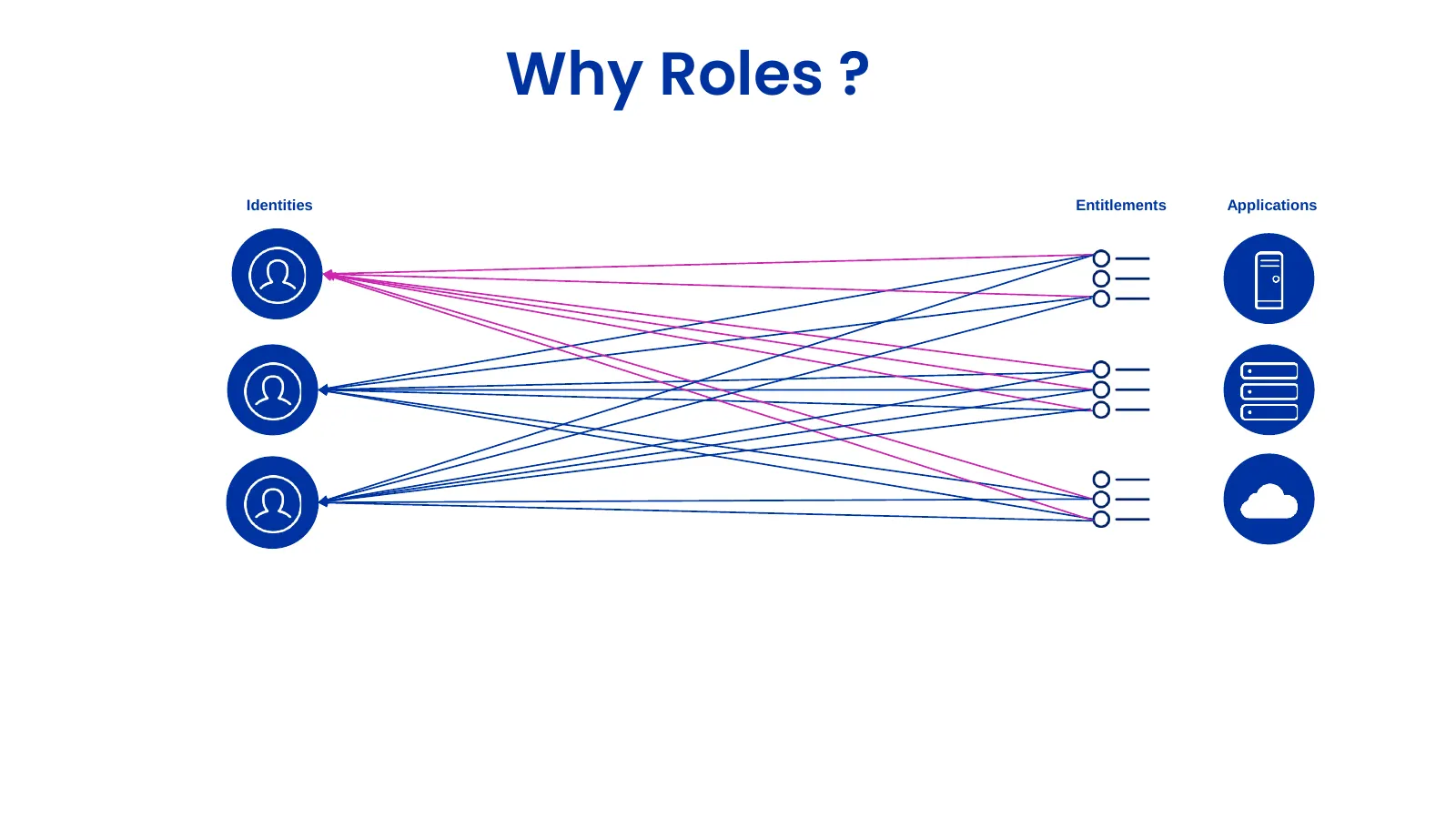
Why Roles ? Add Up Identities Entitlements Applications
Slide 5: Why Roles? Add Up
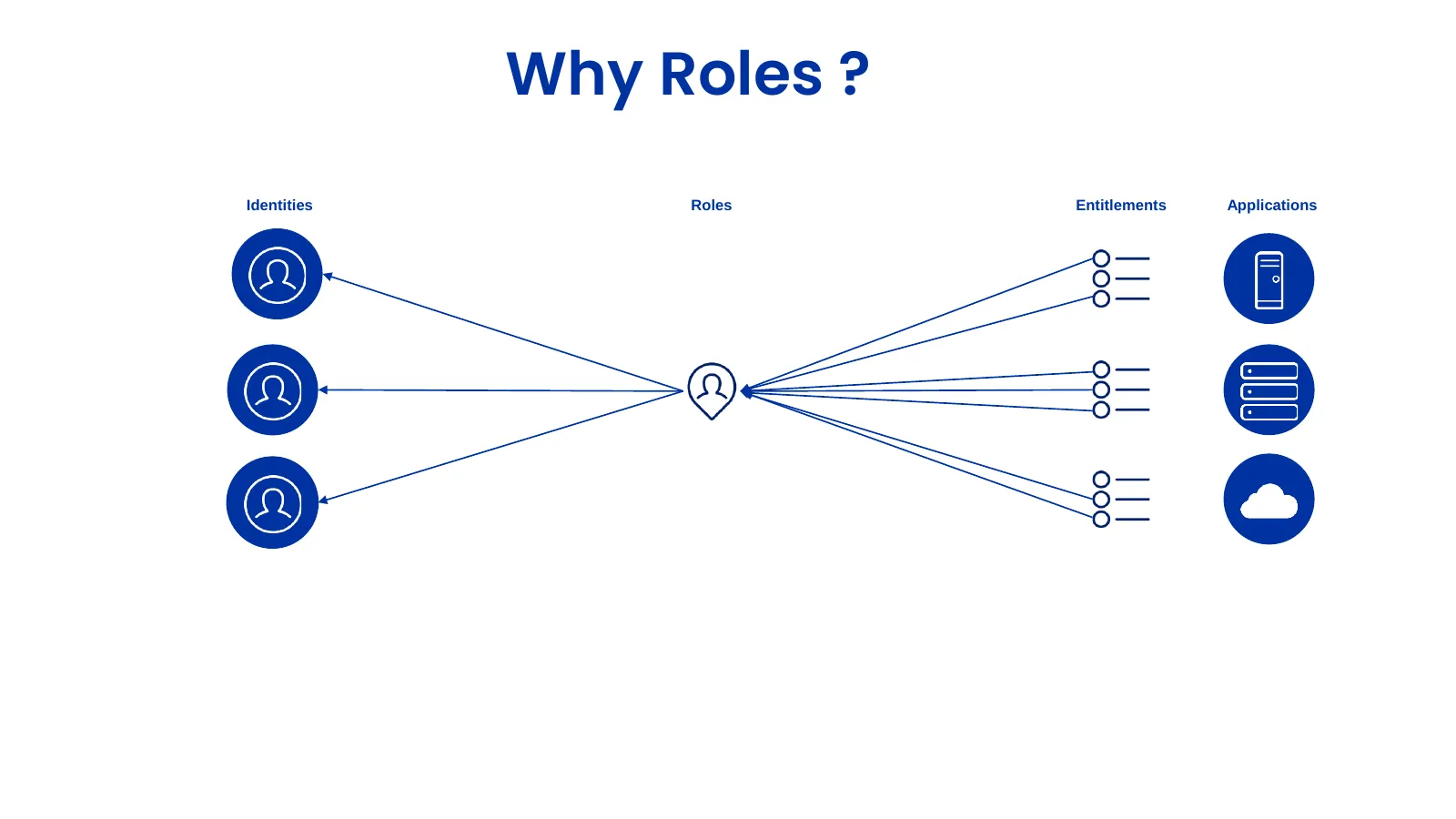
Why Roles ? Add Up Identities Roles Entitlements Applications
Slide 6: Why Roles?
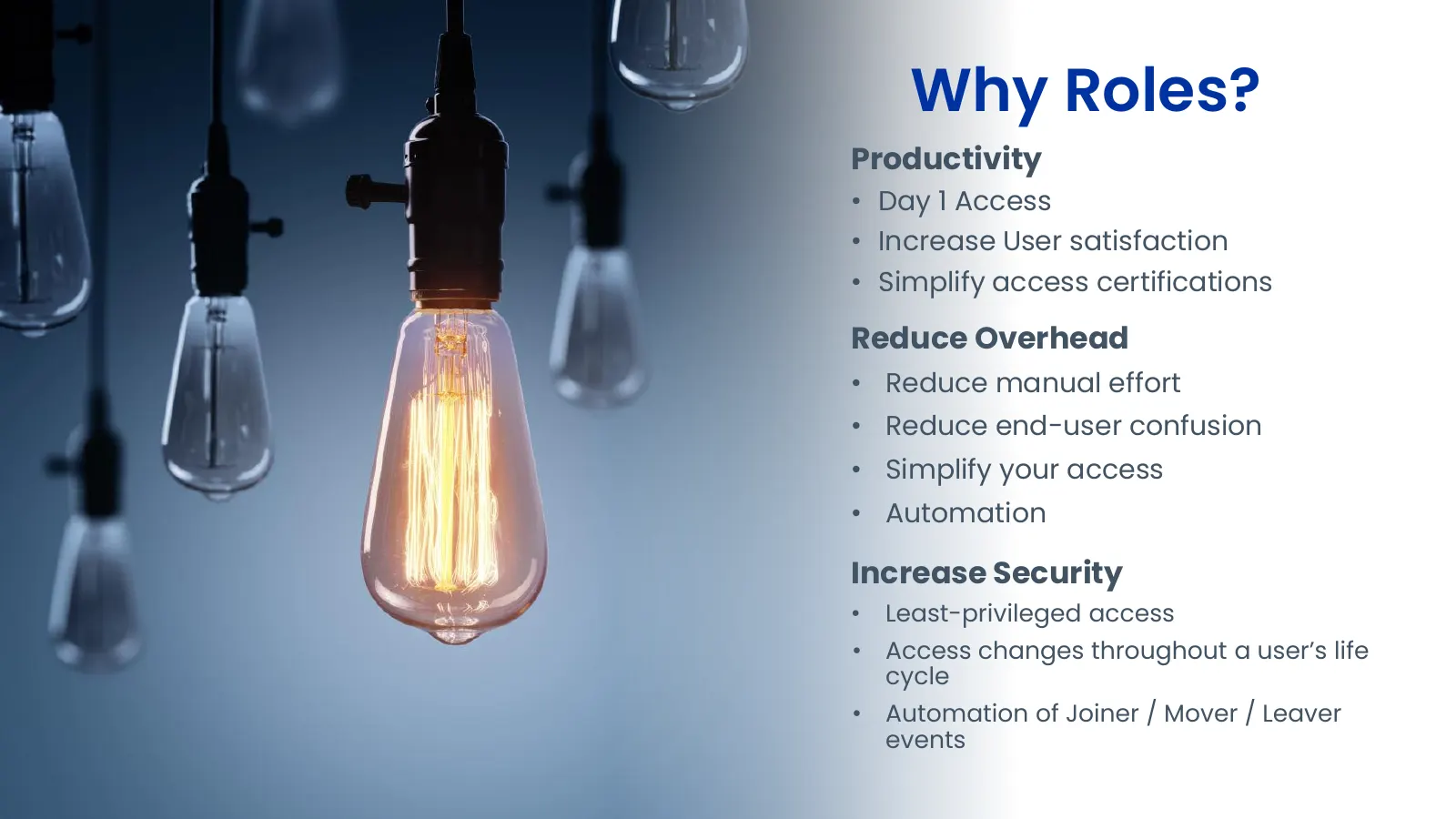
Why Roles? Productivity • Day 1 Access • Increase User satisfaction • Simplify access certifications Reduce Overhead • Reduce manual effort • Reduce end-user confusion • Simplify your access • Automation Increase Security • Least-privileged access • Access changes throughout a user’s life cycle • Au
Slide 7: The Need for Roles – Provisioning
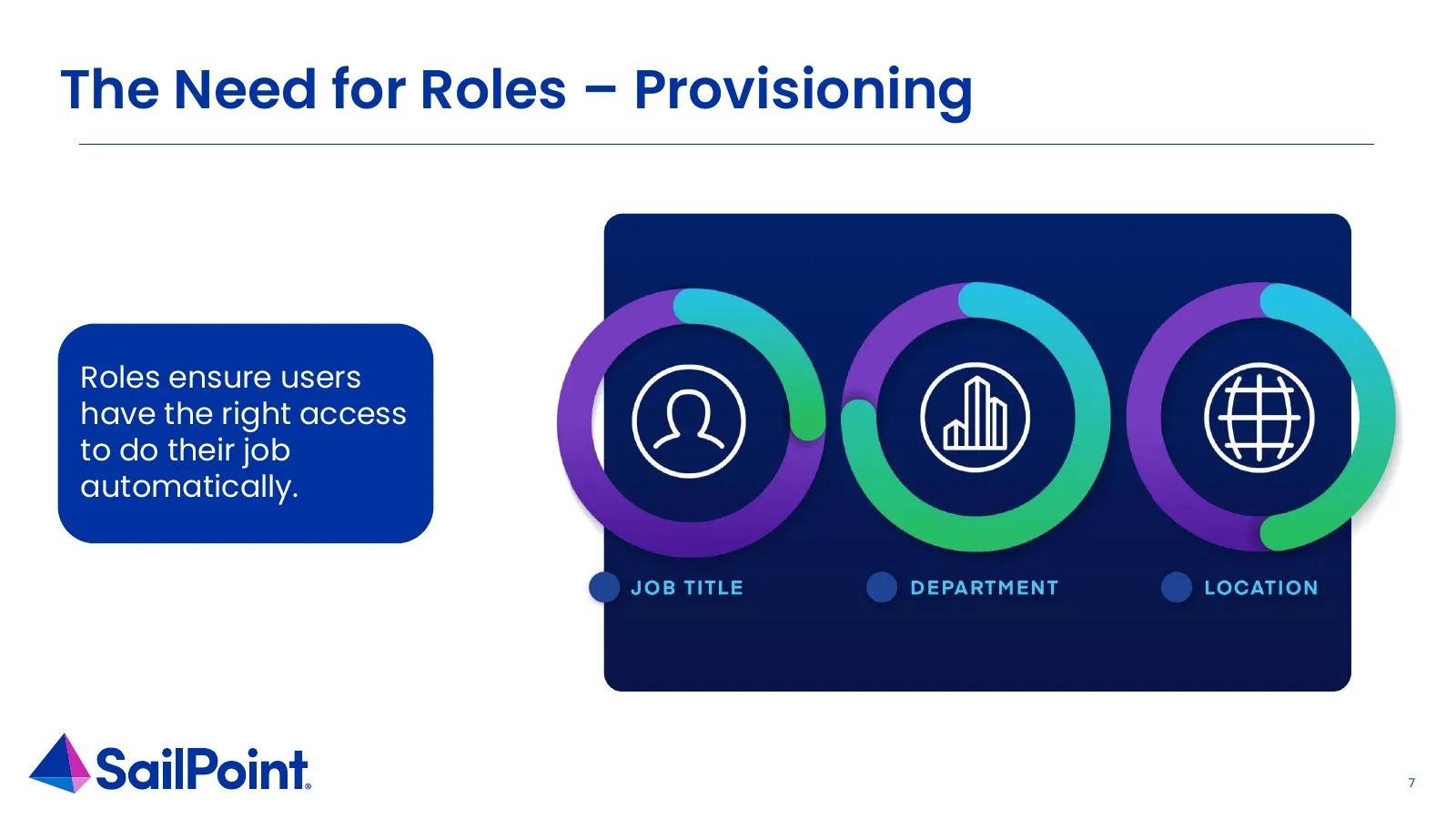
The Need for Roles – Provisioning Roles ensure users have the right access to do their job automatically. 7
Slide 8: The Need for Roles - Compliance
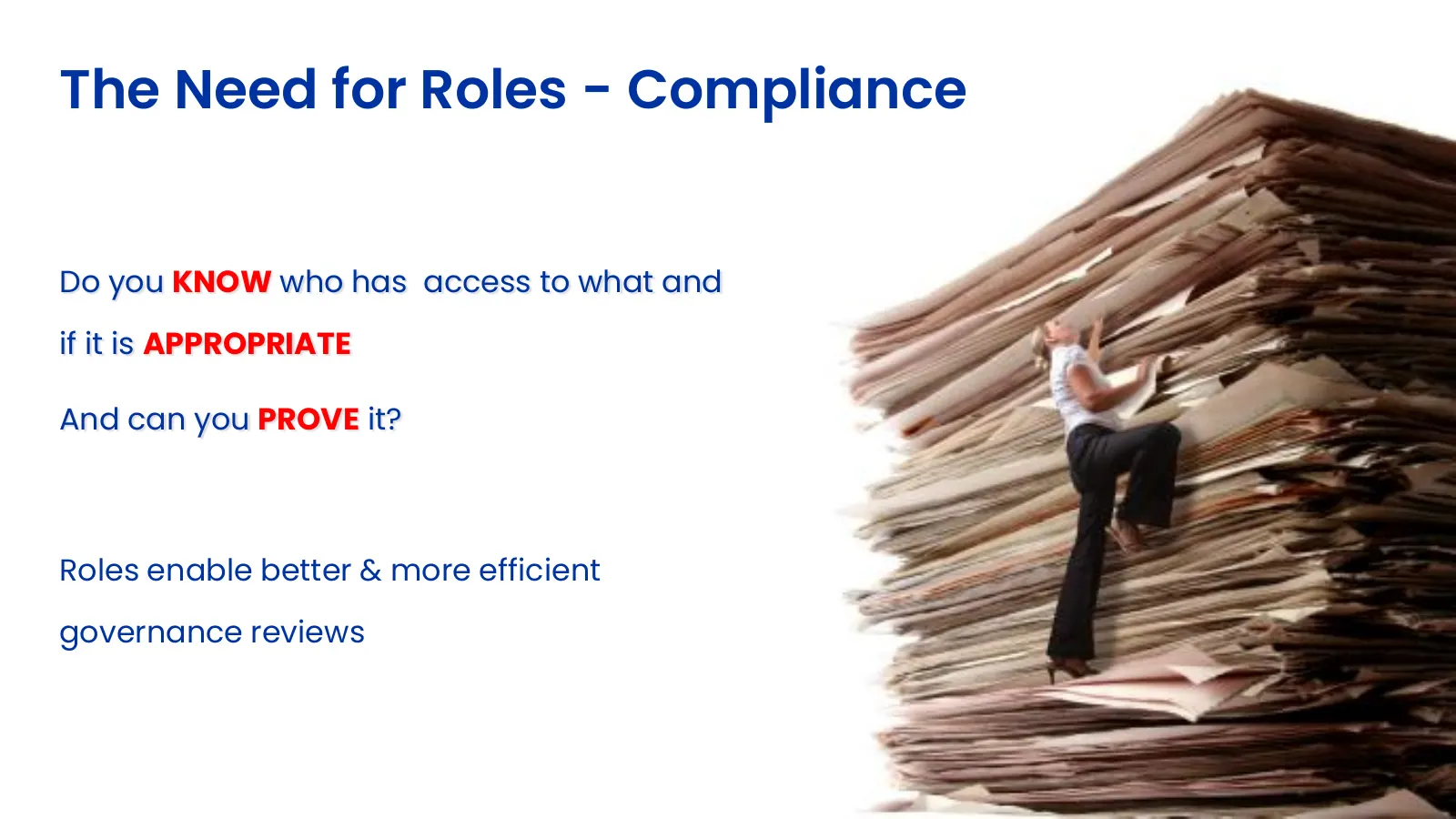
The Need for Roles - Compliance Do you KNOW who has access to what and if it is APPROPRIATE And can you PROVE it? Roles enable better & more efficient governance reviews
Slide 9: Different Approaches
Different Approaches © 2024 SailPoint Technologies, Inc. All rights reserved. 9
Slide 10: Different Approaches to Roles
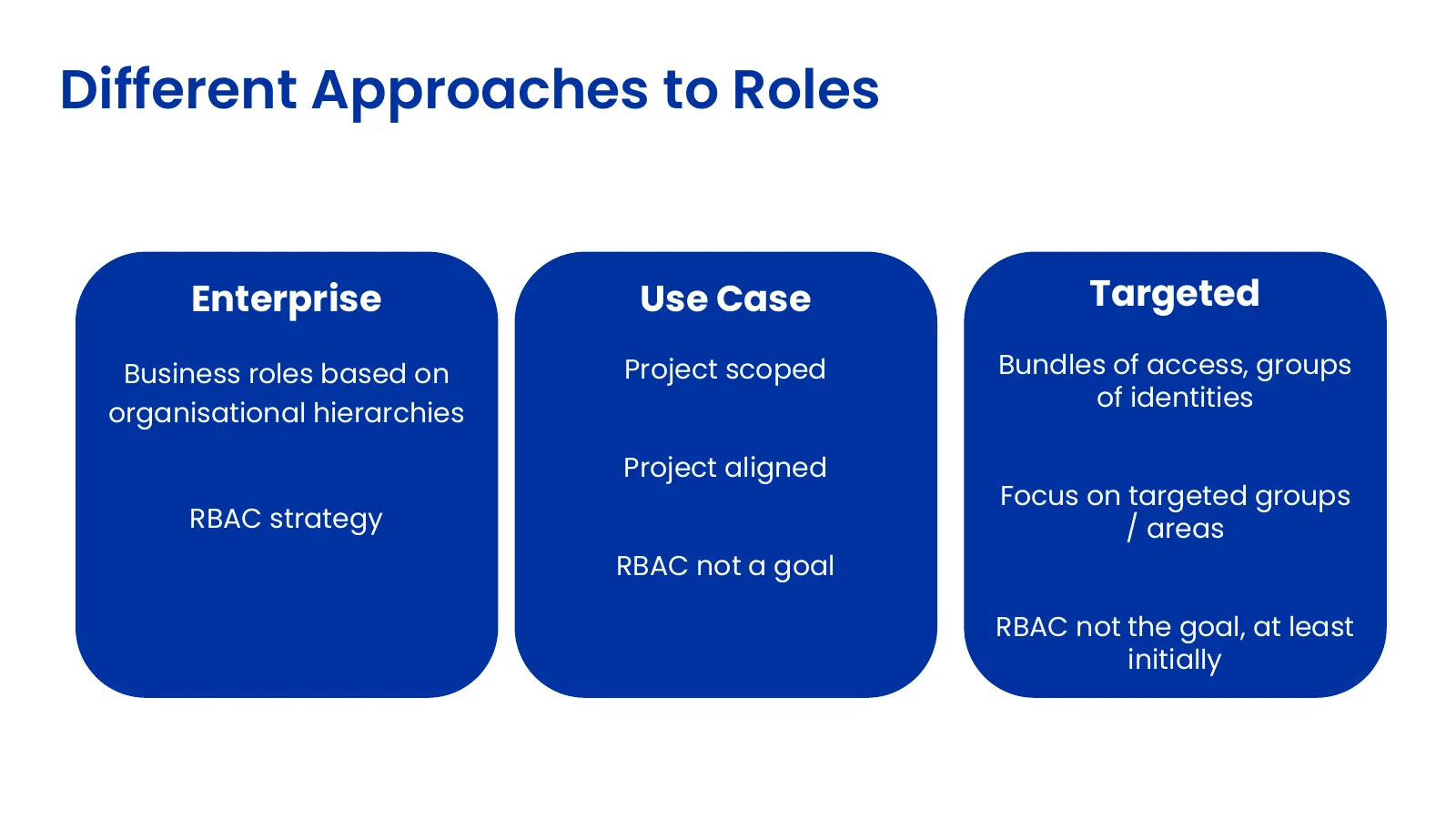
Different Approaches to Roles Enterprise Use Case Targeted Business roles based on Project scoped Bundles of access, groups of identities organisational hierarchies Project aligned Focus on targeted groups RBAC strategy / areas RBAC not a goal RBAC not the goal, at least initially
Slide 11: Enterprise Approach
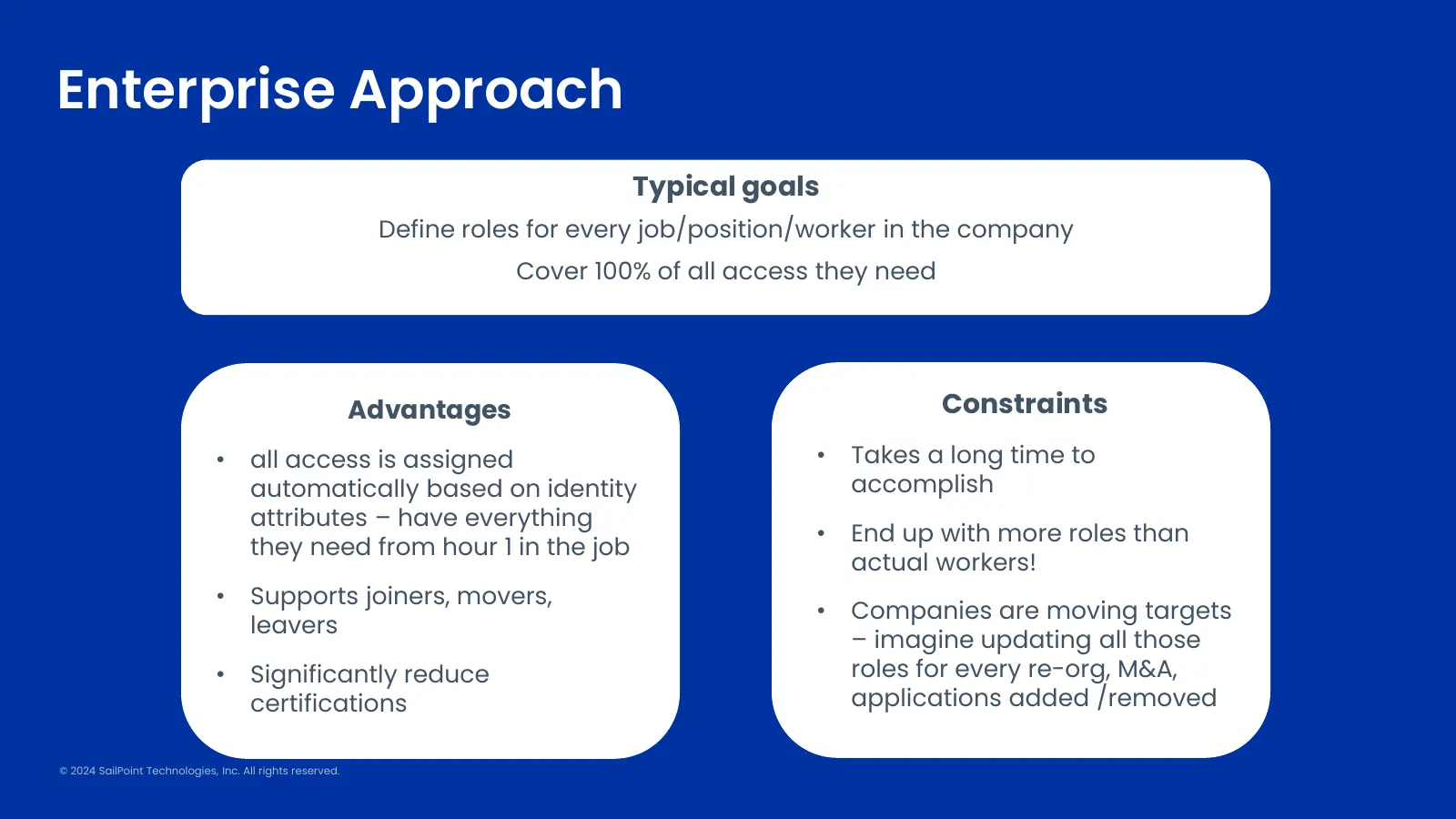
Enterprise Approach Typical goals Define roles for every job/position/worker in the company Cover 100% of all access they need Advantages Constraints • all access is assigned • Takes a long time to automatically based on identity accomplish attributes – have everything • End up with more roles than
Slide 12: Use Case Approach
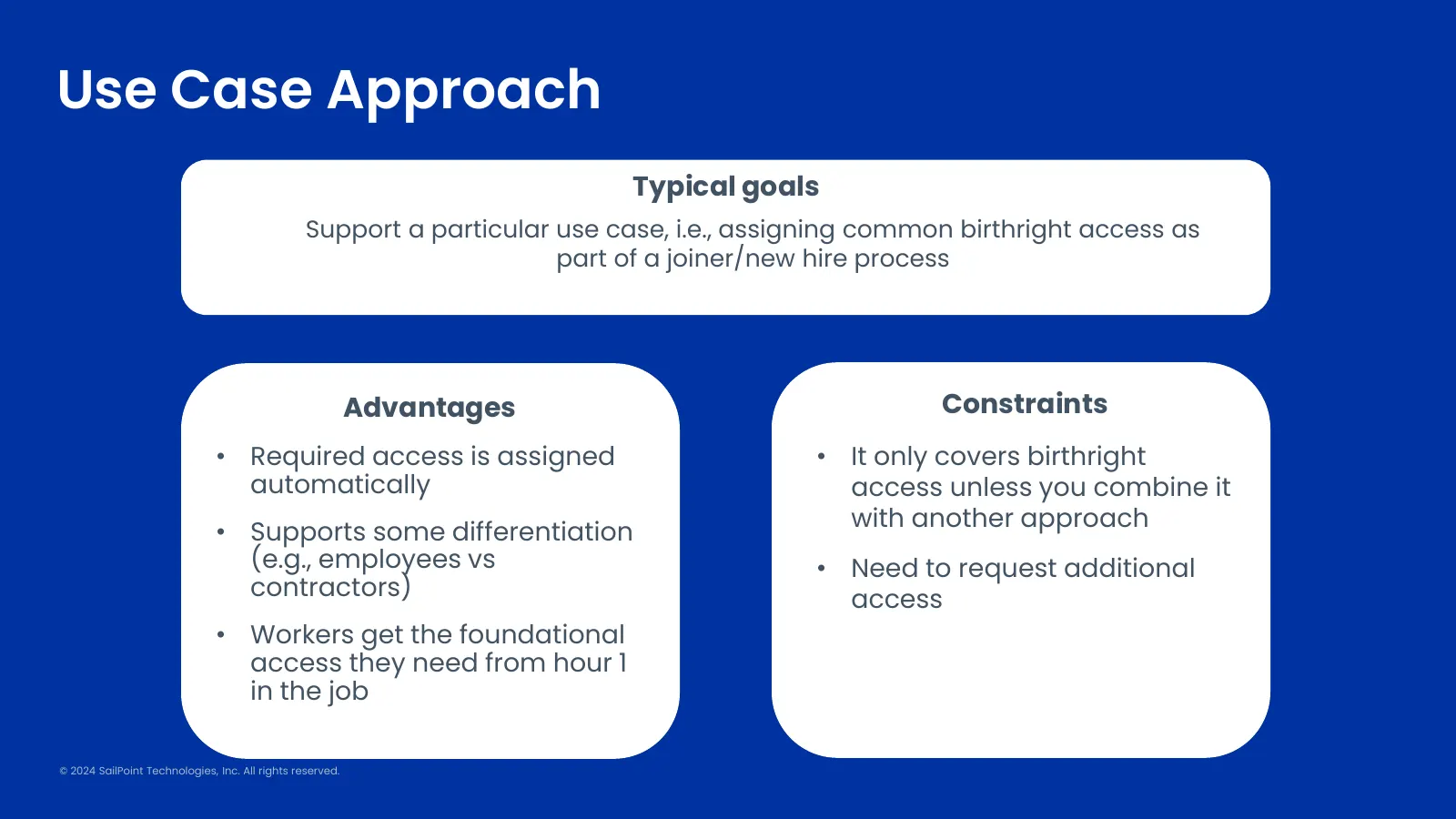
Use Case Approach Typical goals Support a particular use case, i.e., assigning common birthright access as part of a joiner/new hire process Advantages Constraints • Required access is assigned • It only covers birthright automatically access unless you combine it with another approach • Supports so
Slide 13: Targeted Approach
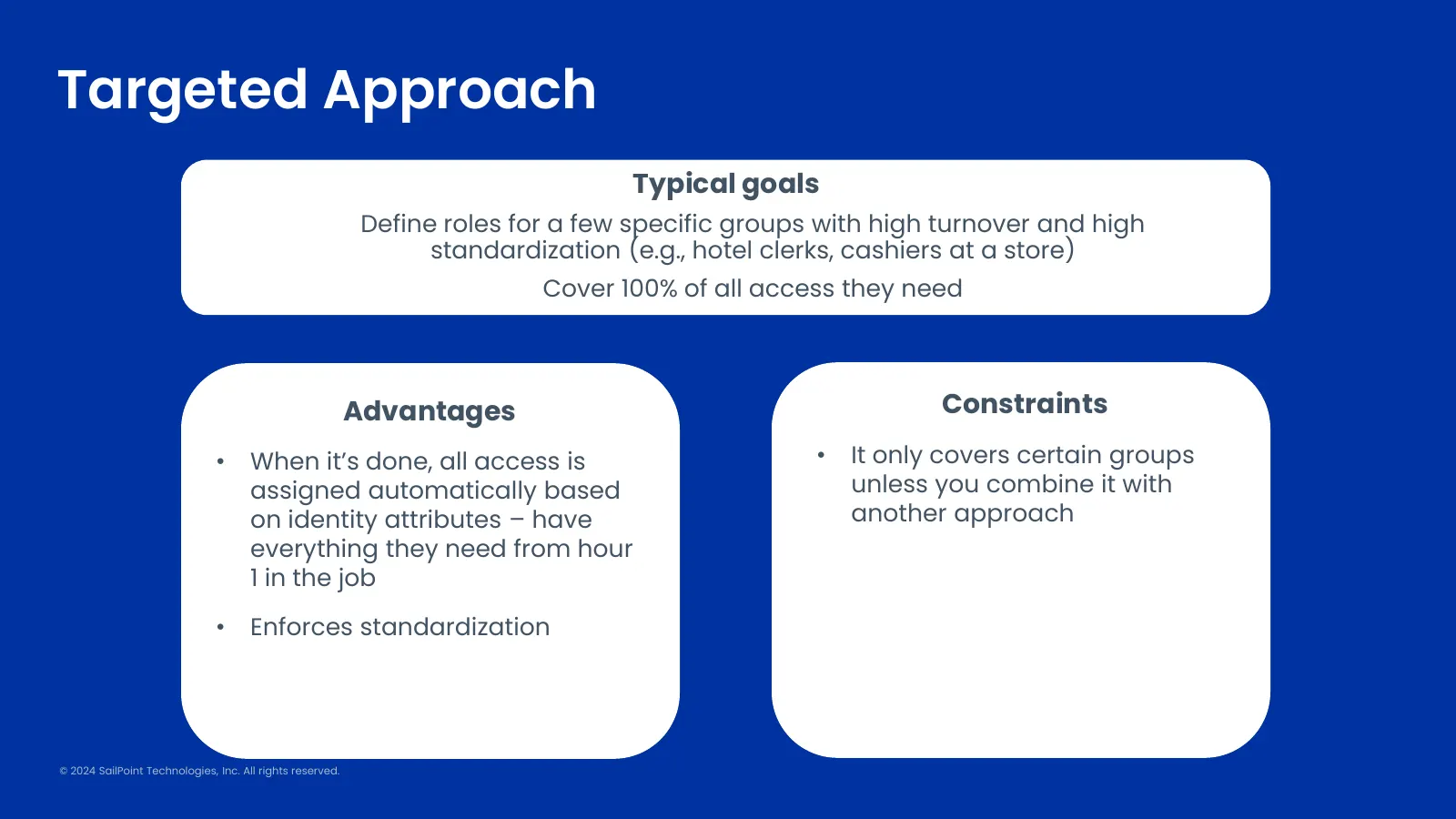
Targeted Approach Typical goals Define roles for a few specific groups with high turnover and high standardization (e.g., hotel clerks, cashiers at a store) Cover 100% of all access they need Advantages Constraints • When it’s done, all access is • It only covers certain groups assigned automaticall
Slide 14: Traditional Role Design
Traditional Role Design © 2024 SailPoint Technologies, Inc. All rights reserved. 14
Slide 15: Role Design
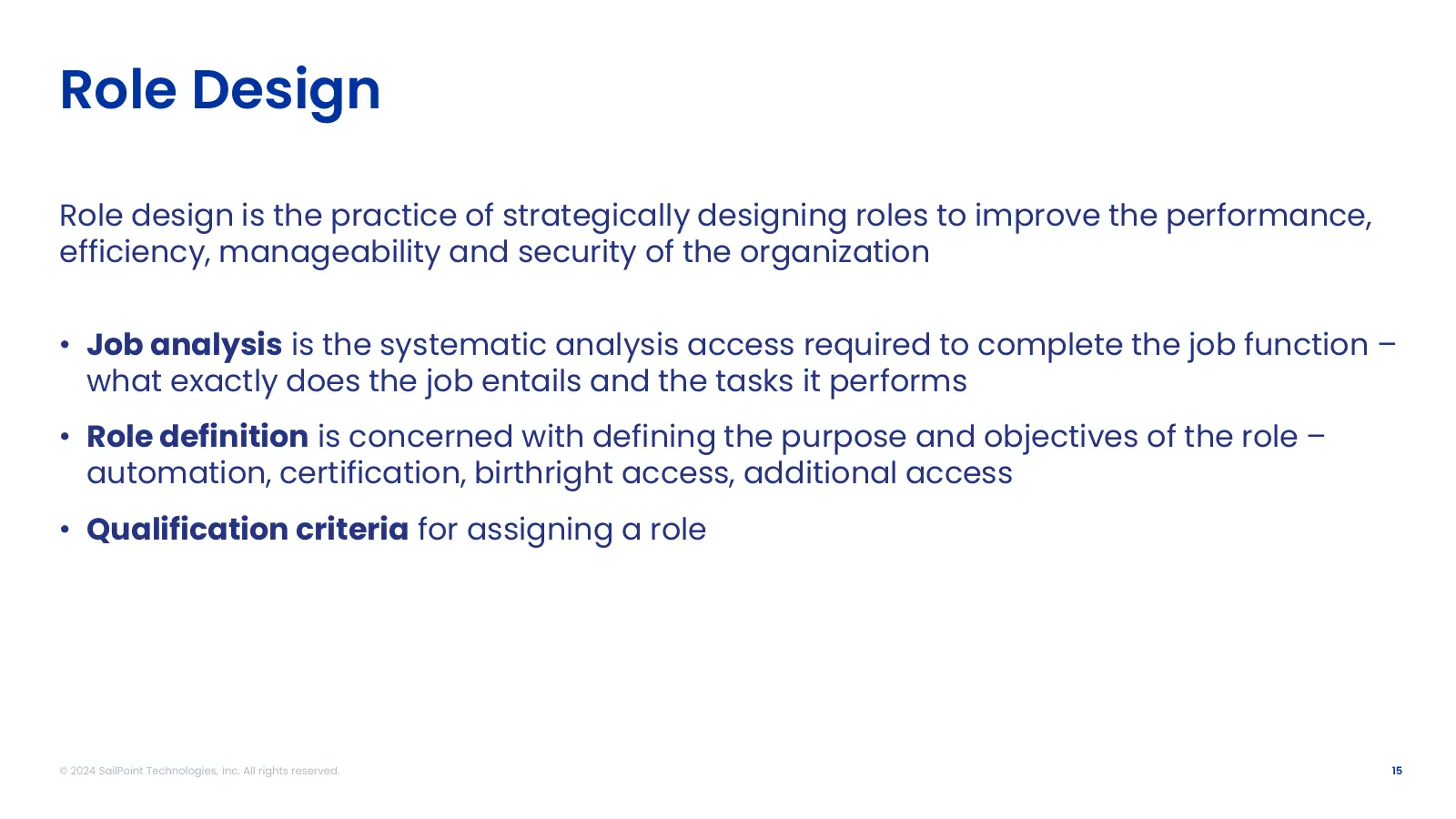
Role Design Role design is the practice of strategically designing roles to improve the performance, efficiency, manageability and security of the organization • Job analysis is the systematic analysis access required to complete the job function – what exactly does the job entails and the tasks it
Slide 16: Role Design Process
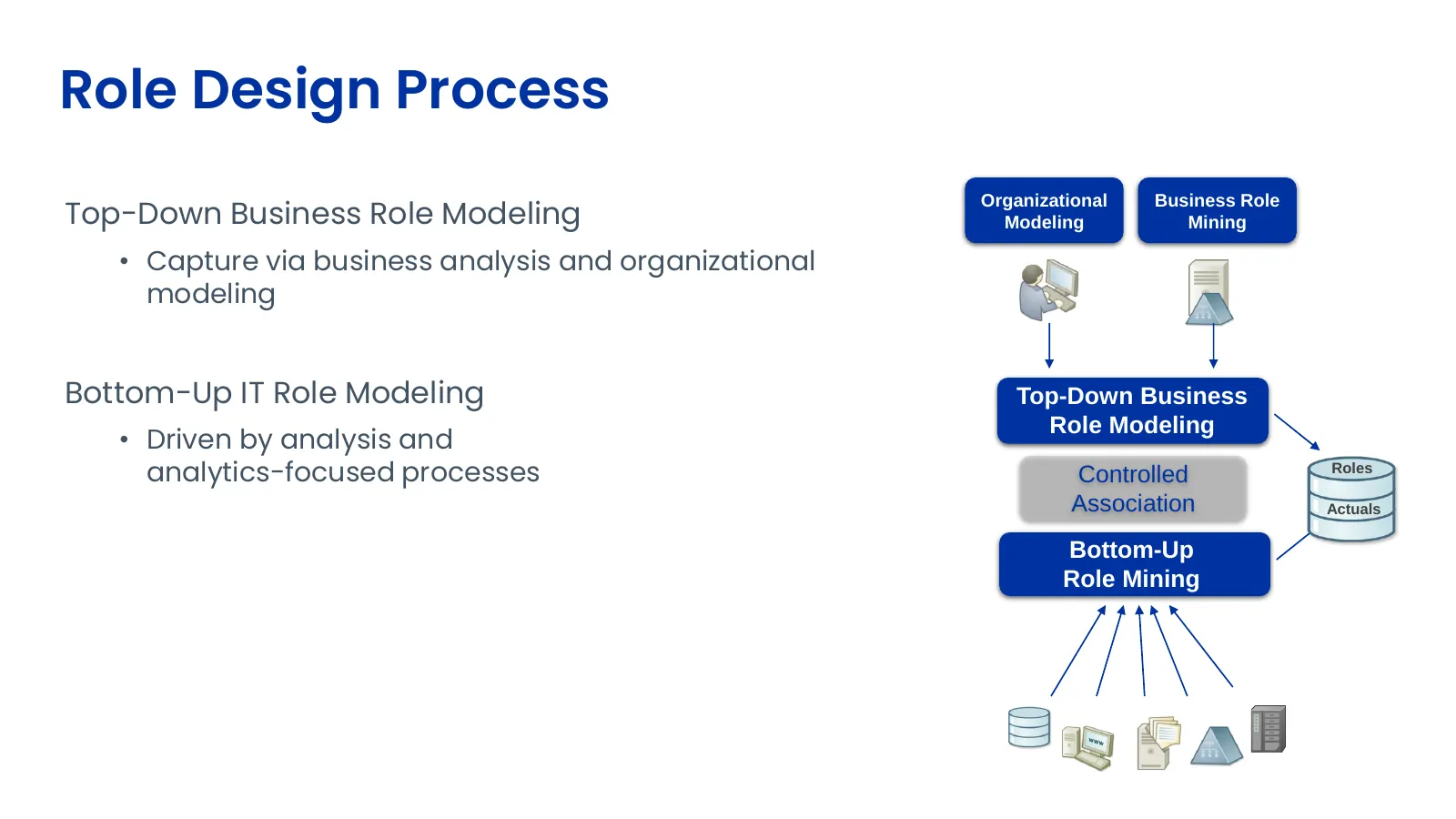
Role Design Process Top-Down Business Role Modeling Organizational Business Role Modeling Mining • Capture via business analysis and organizational modeling Bottom-Up IT Role Modeling Top-Down Business Role Modeling • Driven by analysis and analytics-focused processes Controlled Roles Association Ac
Slide 17: Top Down Analysis
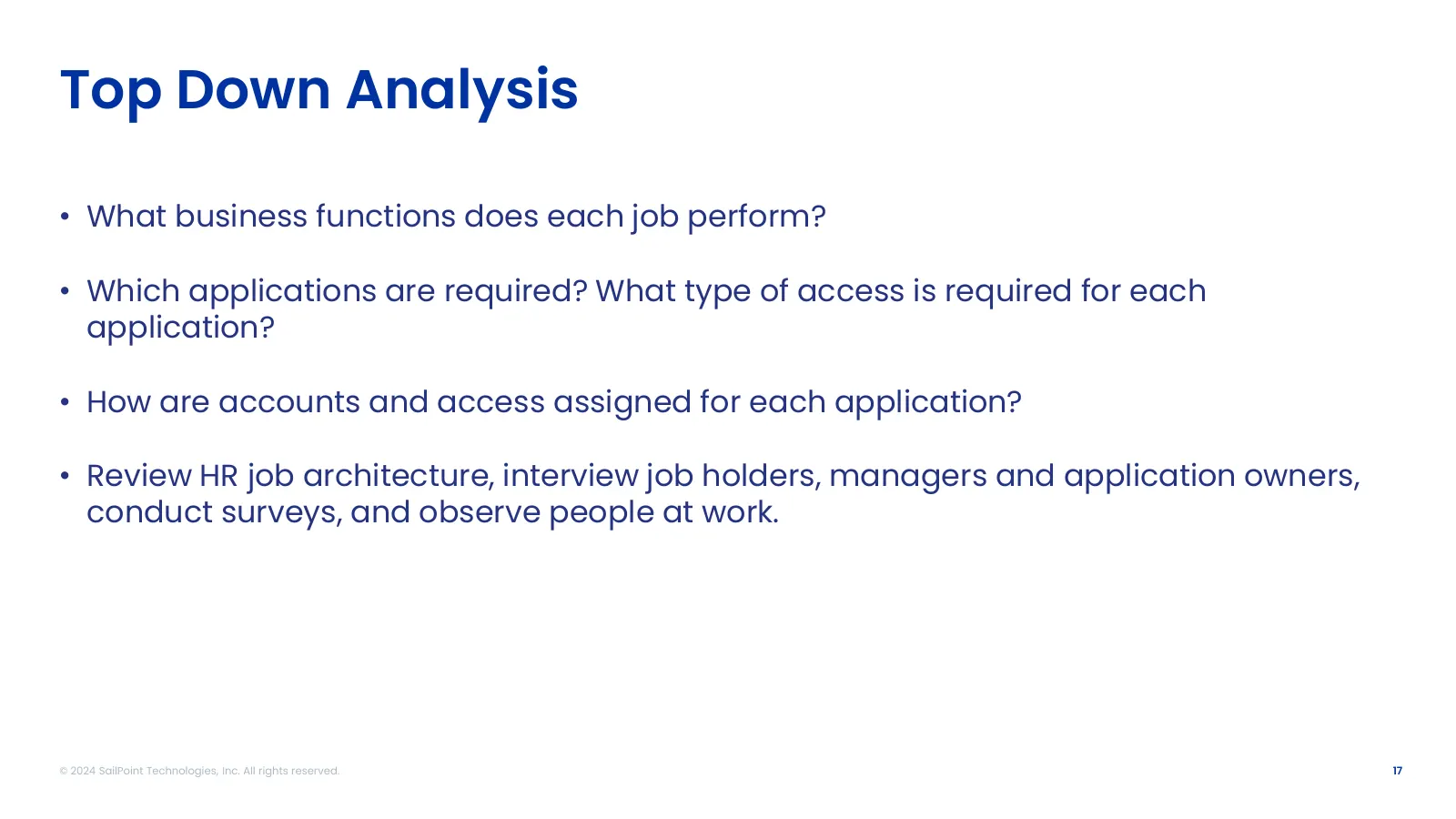
Top Down Analysis • What business functions does each job perform? • Which applications are required? What type of access is required for each application? • How are accounts and access assigned for each application? • Review HR job architecture, interview job holders, managers and application owner
Slide 18: Bottom Up Analysis
Bottom Up Analysis • Create a list of user access permissions for each application • Start with a cleanup! • Compare and group users together for each type of application access • Compare and group user access across applications • Identify common elements between users who have the same or similar
Slide 19: Role Design Process
Role Design Process Step 1: Define Geographic Organization Structure Step 2: Define Business Organization Structure Step 3: Design Roles Step 4: Implementation © 2024 SailPoint Technologies, Inc. All rights reserved. 19
Slide 20: Step 1 – Define Org Structure by Access
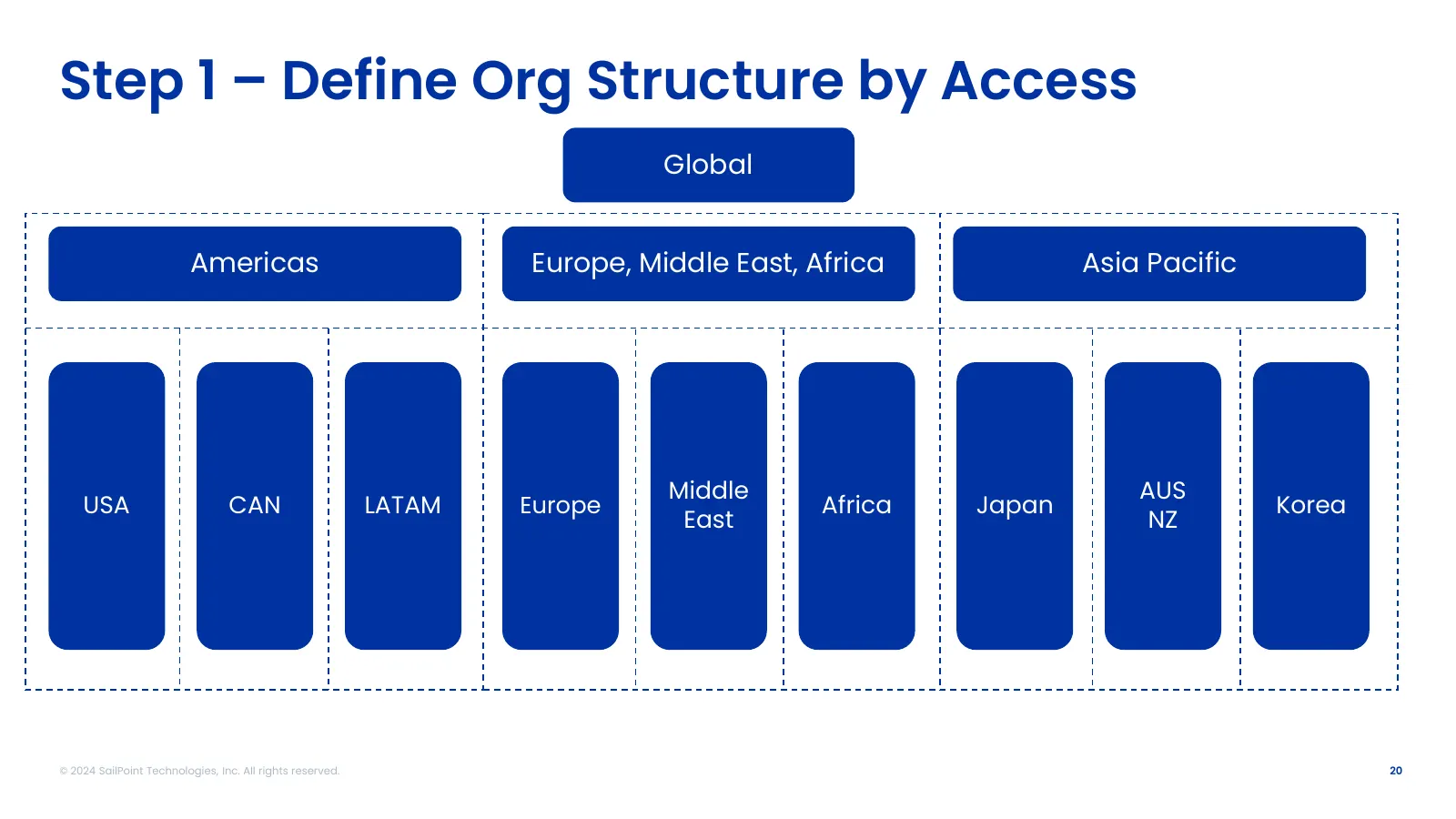
Step 1 – Define Org Structure by Access Global Americas Europe, Middle East, Africa Asia Pacific Middle AUS USA CAN LATAM Europe Africa Japan Korea East NZ © 2024 SailPoint Technologies, Inc. All rights reserved. 20
Slide 21: Step 2 – Define Organization Structure
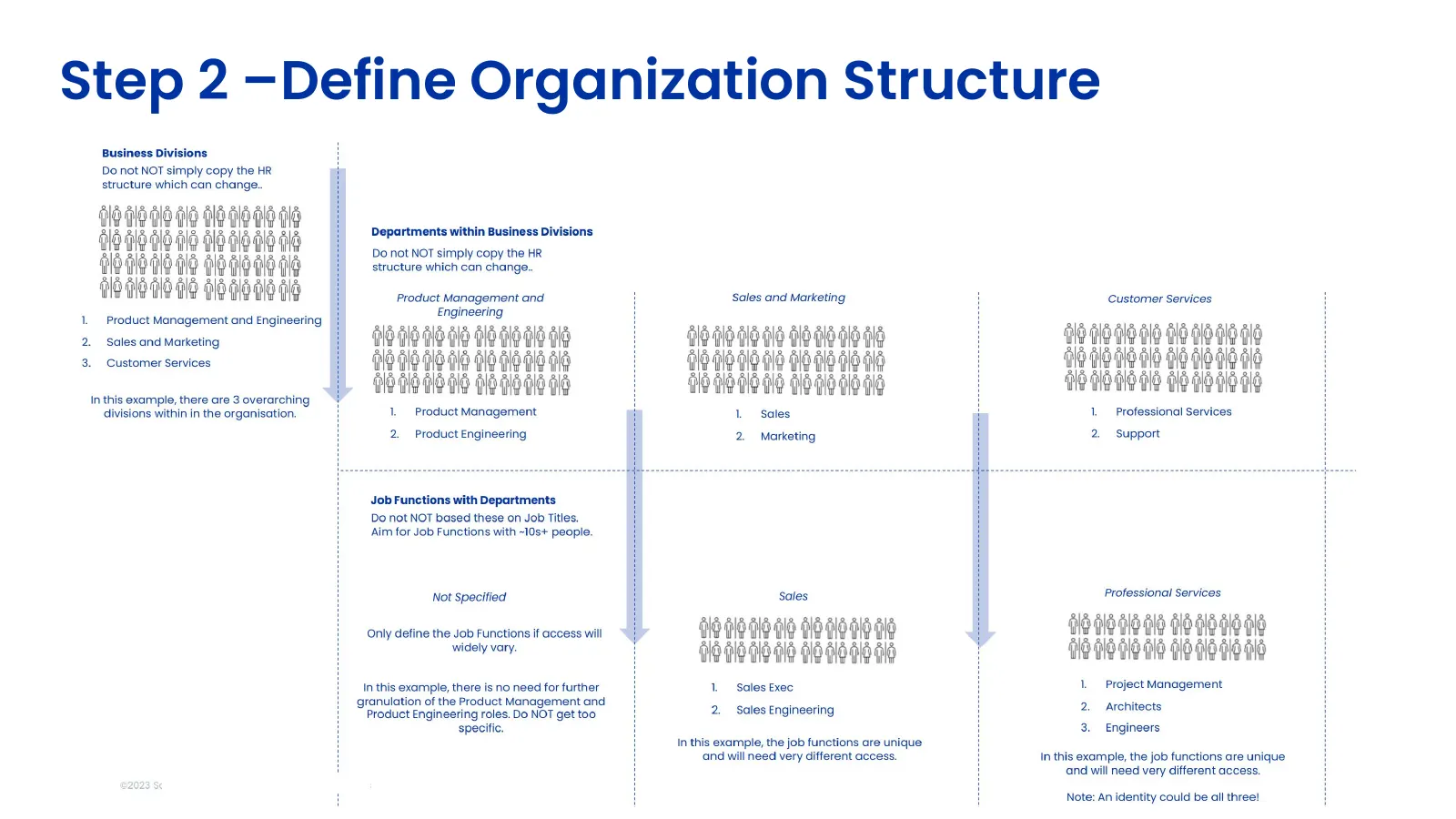
Step 2 –Define Organization Structure © 2024 SailPoint Technologies, Inc. All rights reserved. 21
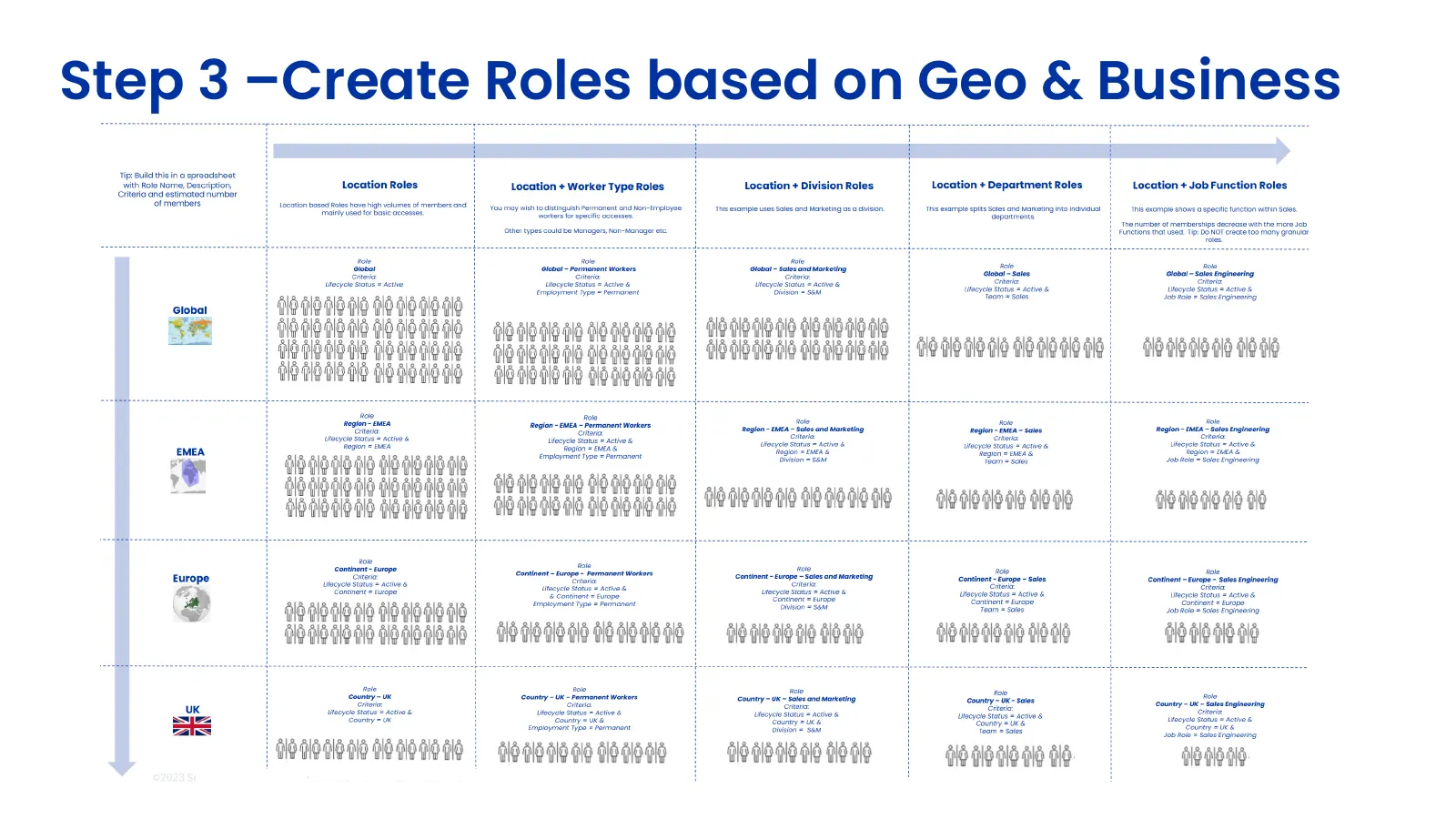
Slide 22: Step 3 – Create Roles based on Geo & Business
Step 3 –Create Roles based on Geo & Business © 2024 SailPoint Technologies, Inc. All rights reserved. 22
Slide 23: Step 4 - Implementation
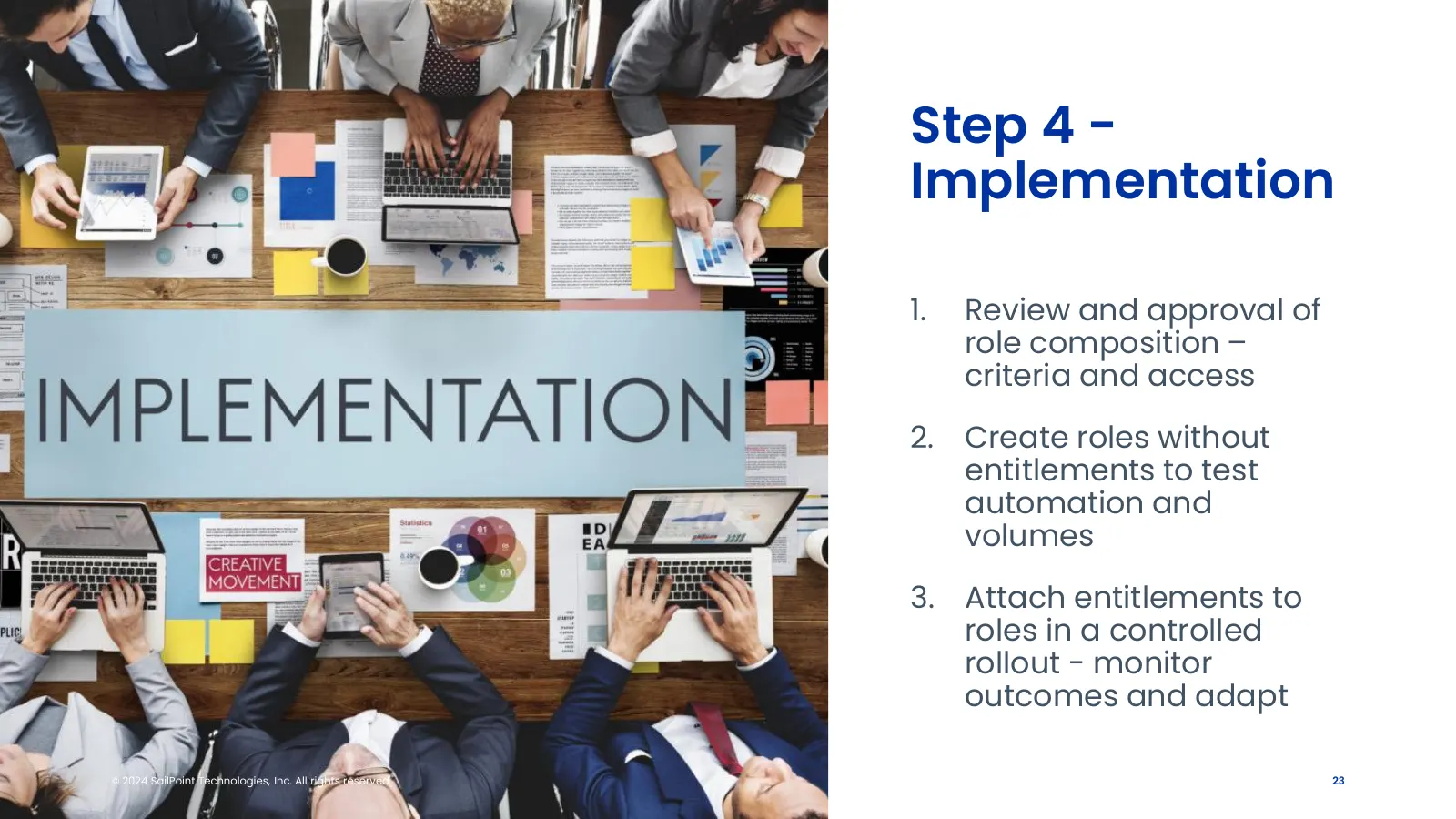
Step 4 - Implementation 1. Review and approval of role composition – criteria and access 2. Create roles without entitlements to test automation and volumes 3. Attach entitlements to roles in a controlled rollout - monitor outcomes and adapt © 2024 SailPoint Technologies, Inc. All rights reserved. 2
Slide 24: Best Practices
Best Practices © 2024 SailPoint Technologies, Inc. All rights reserved. 24
Slide 25: Role Design Best Practices
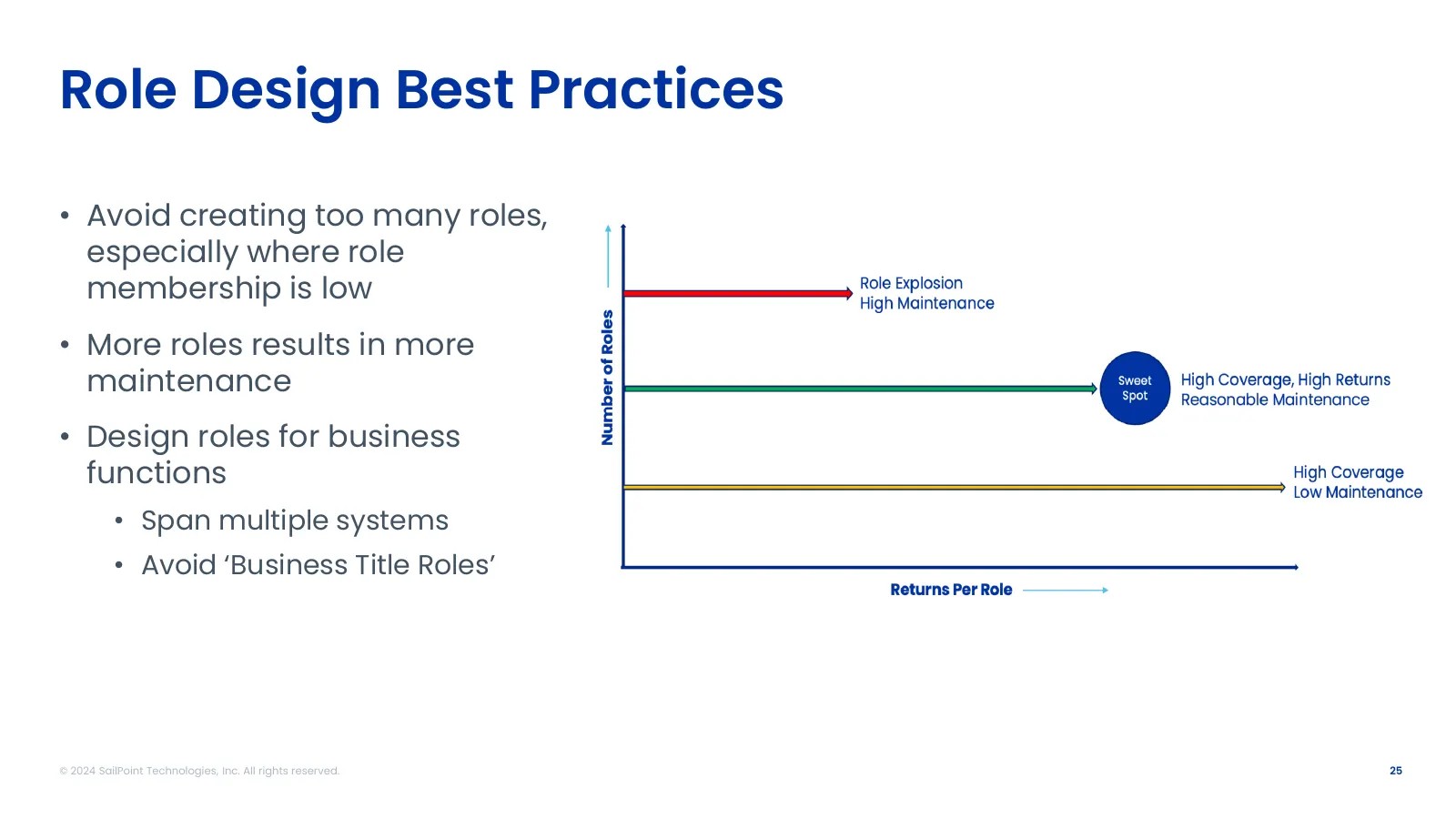
Role Design Best Practices • Avoid creating too many roles, especially where role membership is low • More roles results in more maintenance • Design roles for business functions • Span multiple systems • Avoid ‘Business Title Roles’ © 2024 SailPoint Technologies, Inc. All rights reserved. 25
Slide 26: Role Project Best Practices
Role Project Best Practices General • Look for groupings of user types • Prevent role proliferation • Enforce least privilege • Define roles that are reusable High turnover or high use roles are a good way to start • Bank tellers, seasonal employees, employee vs. contractor • Don’t attempt to “boil
Slide 27: Role Project Best Practices (cont.)
Role Project Best Practices (cont.) Build Roles Following Data Cleanup where possible • HR Cleanup • Active Directory Cleanup • ERP Cleanup Every business approaches roles differently Roles are a program, not a project • Too big, too fast is how role projects fail • Roles have a lifecycle and should

Slide 28: SailPoint Automated Role Design
SailPoint Automated Role Design © 2024 SailPoint Technologies, Inc. All rights reserved. 28
Slide 29: Barriers to Building Better Roles
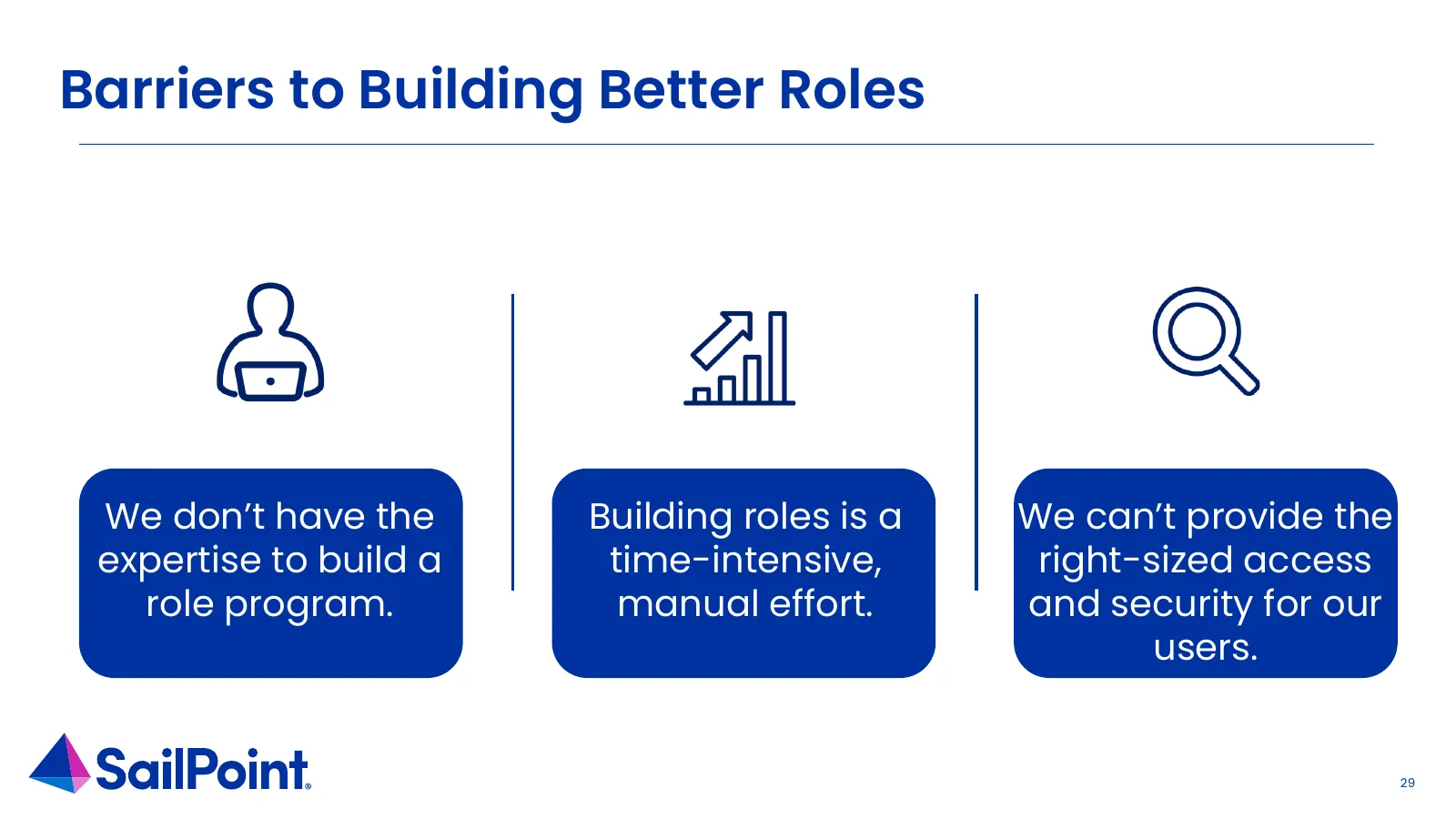
Barriers to Building Better Roles We don’t have the Building roles is a We can’t provide the expertise to build a time-intensive, right-sized access role program. manual effort. and security for our users. 29
Slide 30: Where do you start?
Where do you start ? AAA AAAAAAAAAAAAAAAAARAARB AJA AAA AA AAAAABAAARAARAAAAARAA AJA AAA AAAAAARAAAARAARAZAAAAAAR AAAAAAAAAAAAAAAAAALAA RAAB ABJAAAAAAAAAAAAAAARAZBAAAA AAR ABJAAAAAAAAAARAAAARAARABAAAARAAR AAAAAAAAAAAAAAAAAALAA RAAB ABJAAAAAAAAAAAAAAARAZBAAAA AAR AAA AAAAABAAAALAAAAAAAA RAAB AAA AAAA
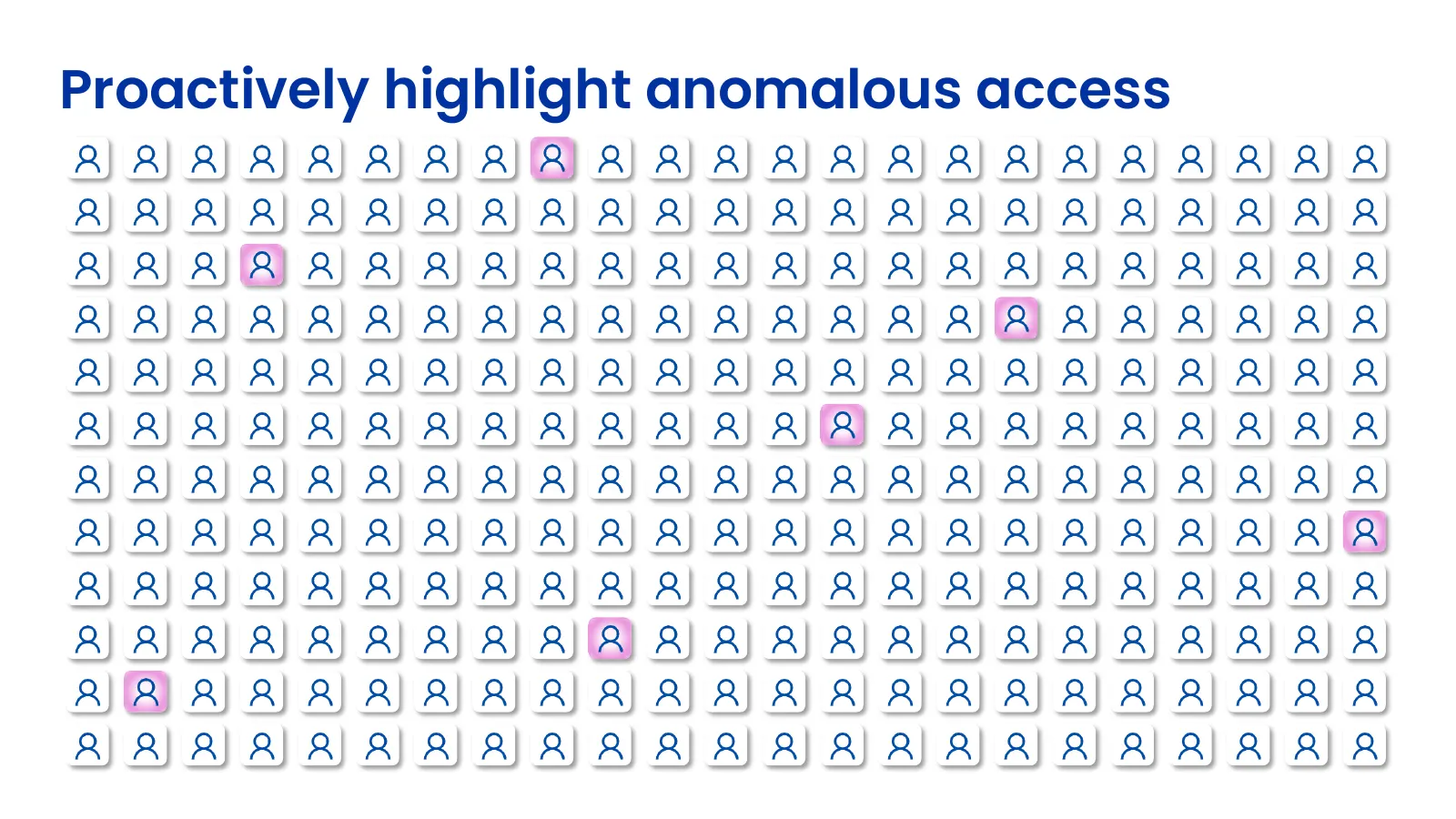
Slide 31: Proactively highlight anomalous access
Proactively highlight anomalous access
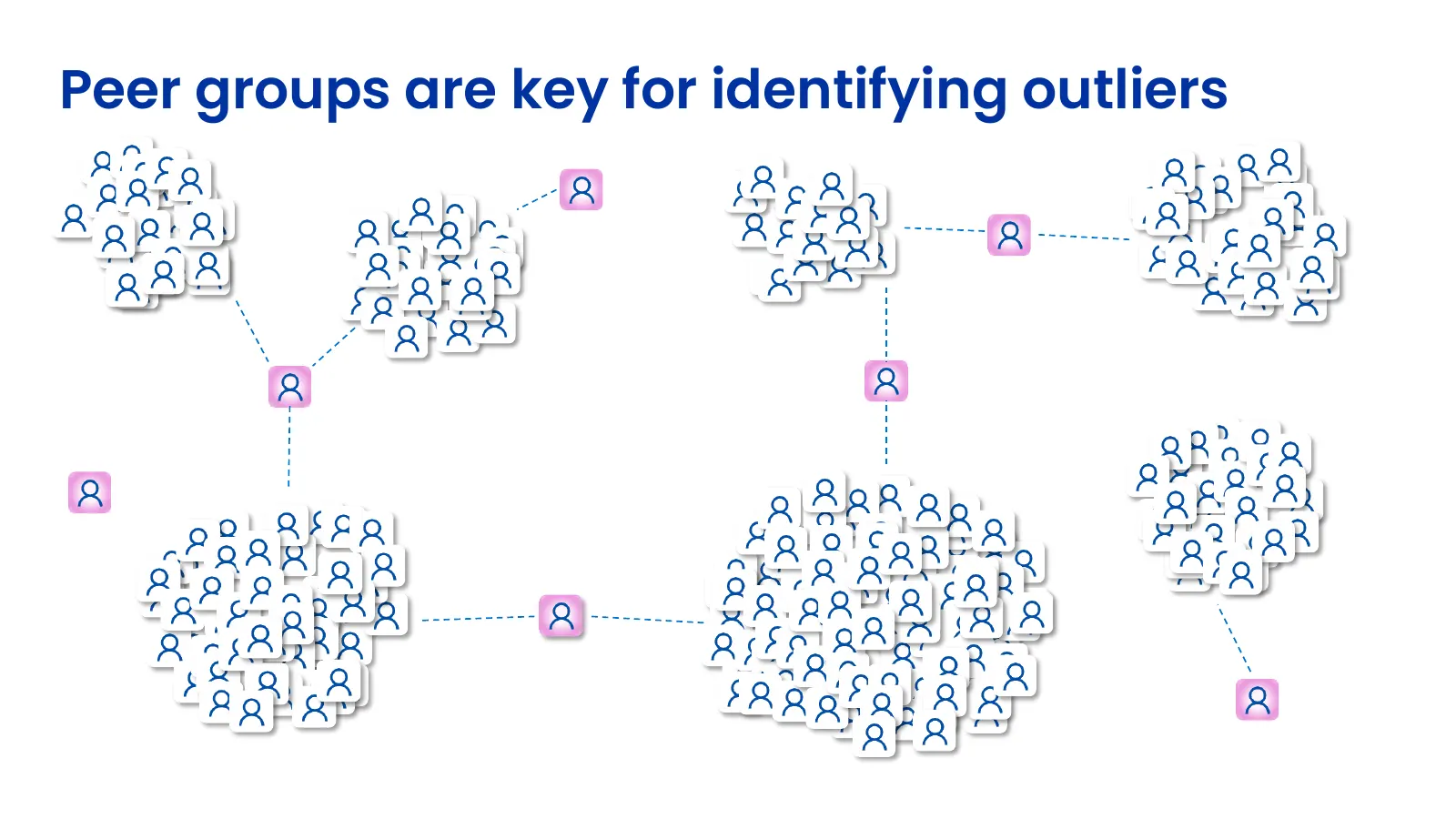
Slide 32: Peer groups are key for identifying outliers
Peer groups are key for identifying outliers
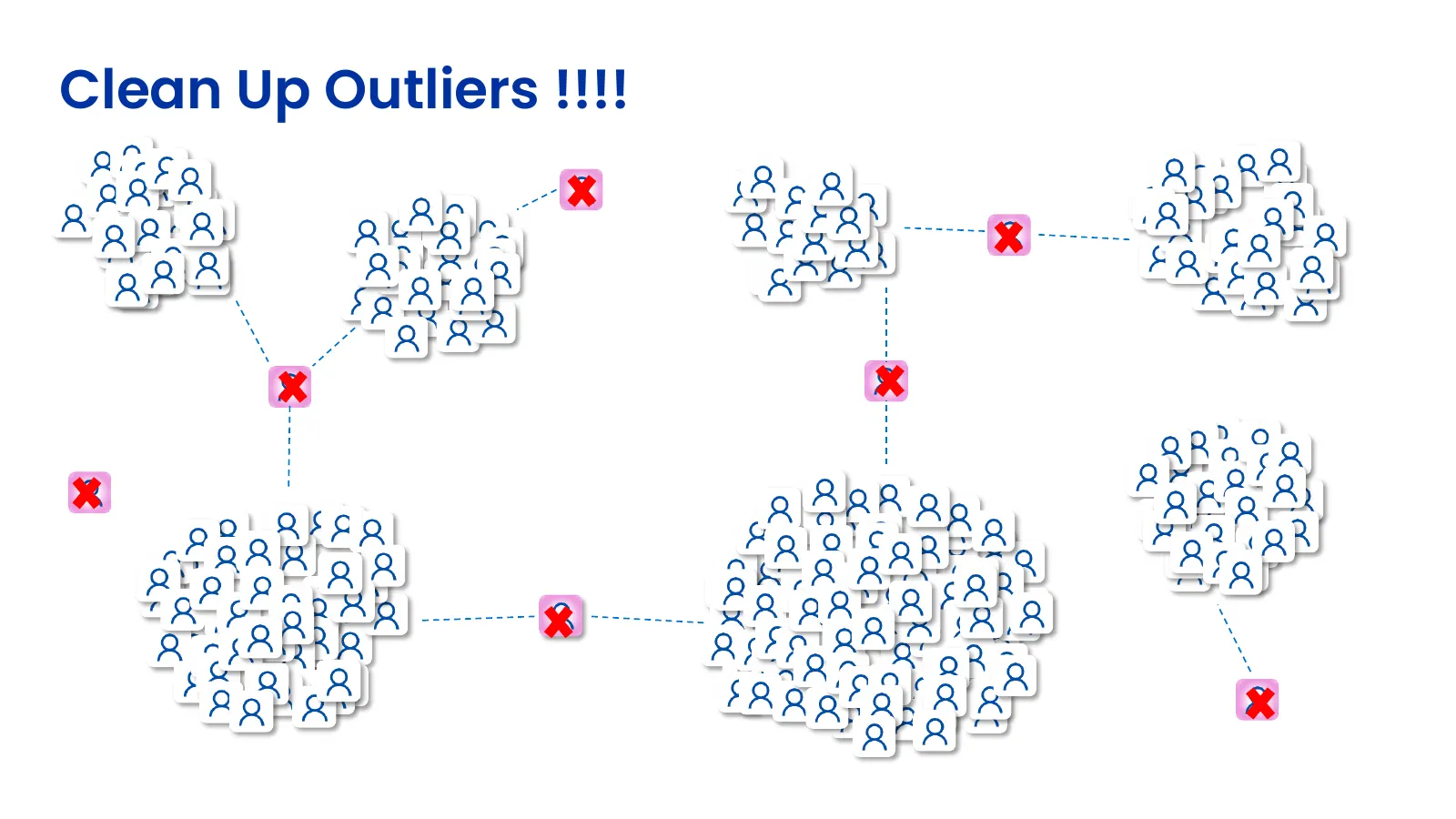
Slide 33: Clean Up Outliers
“ck eC} Moe] = ae AOS Chay og) de la) Clean Up Outliers a s
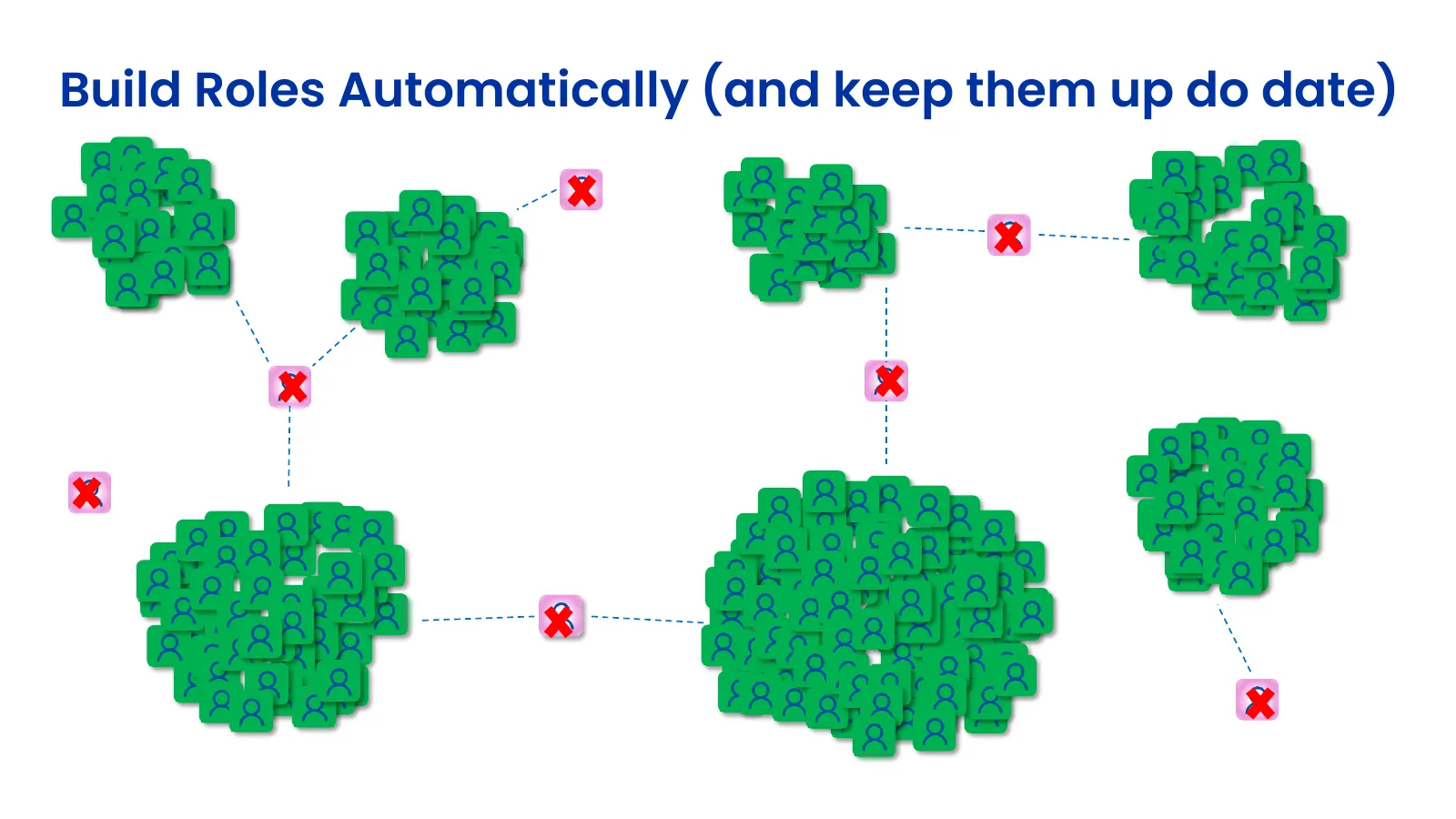
Slide 34: Build Roles Automatically (and keep them up to date)
Build Roles Automatically (and keep them up do date)
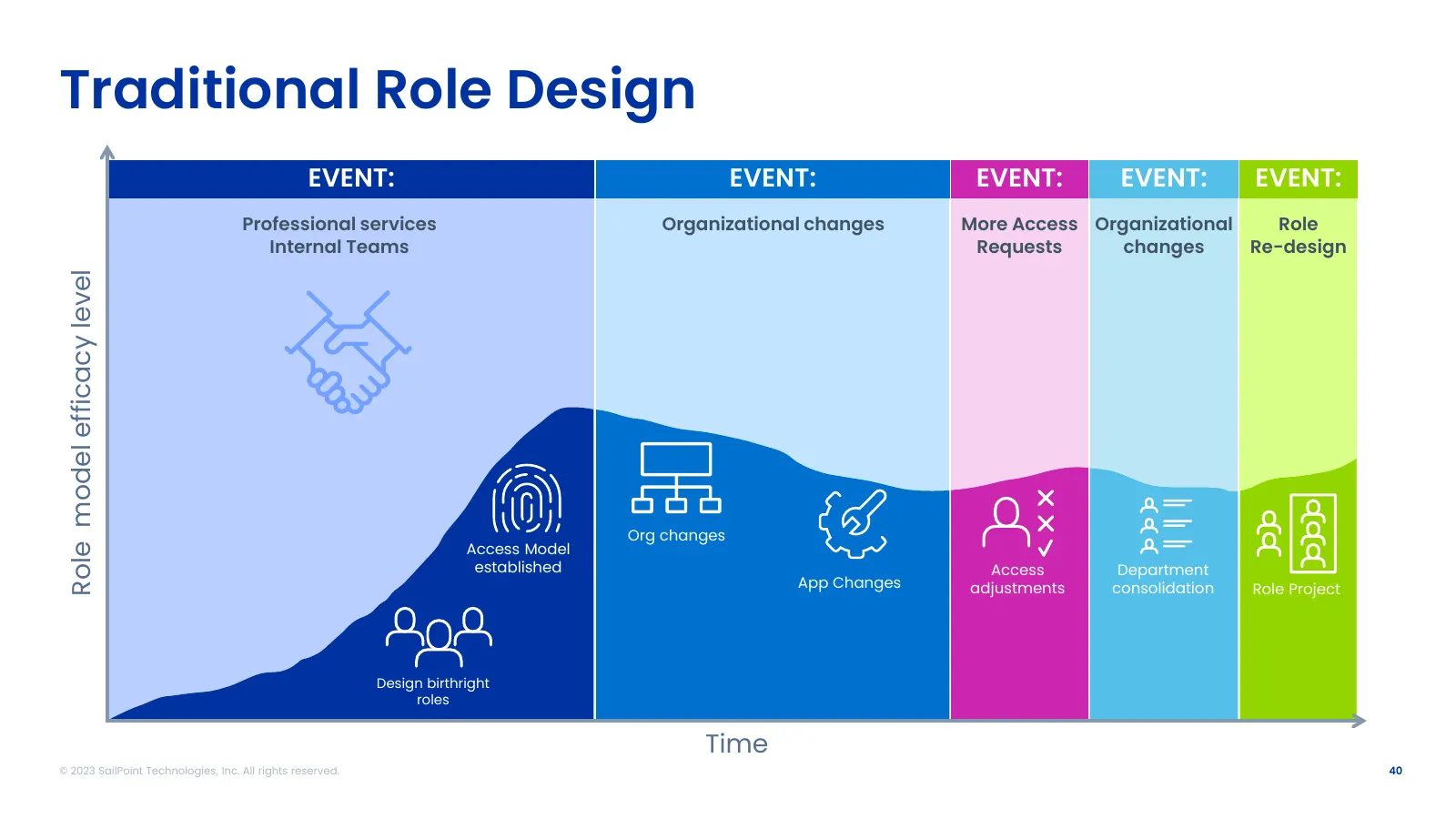
Slide 35: Role model efficacy level: Traditional Role Design
Traditional Role Design EVENT: EVENT: EVENT: EVENT: EVENT: Professional services Organizational changes More Access Organizational Role Internal Teams Requests changes Re-design Role model efficacy level Org changes Access Model established Access Department App Changes adjustments consolidation Rol
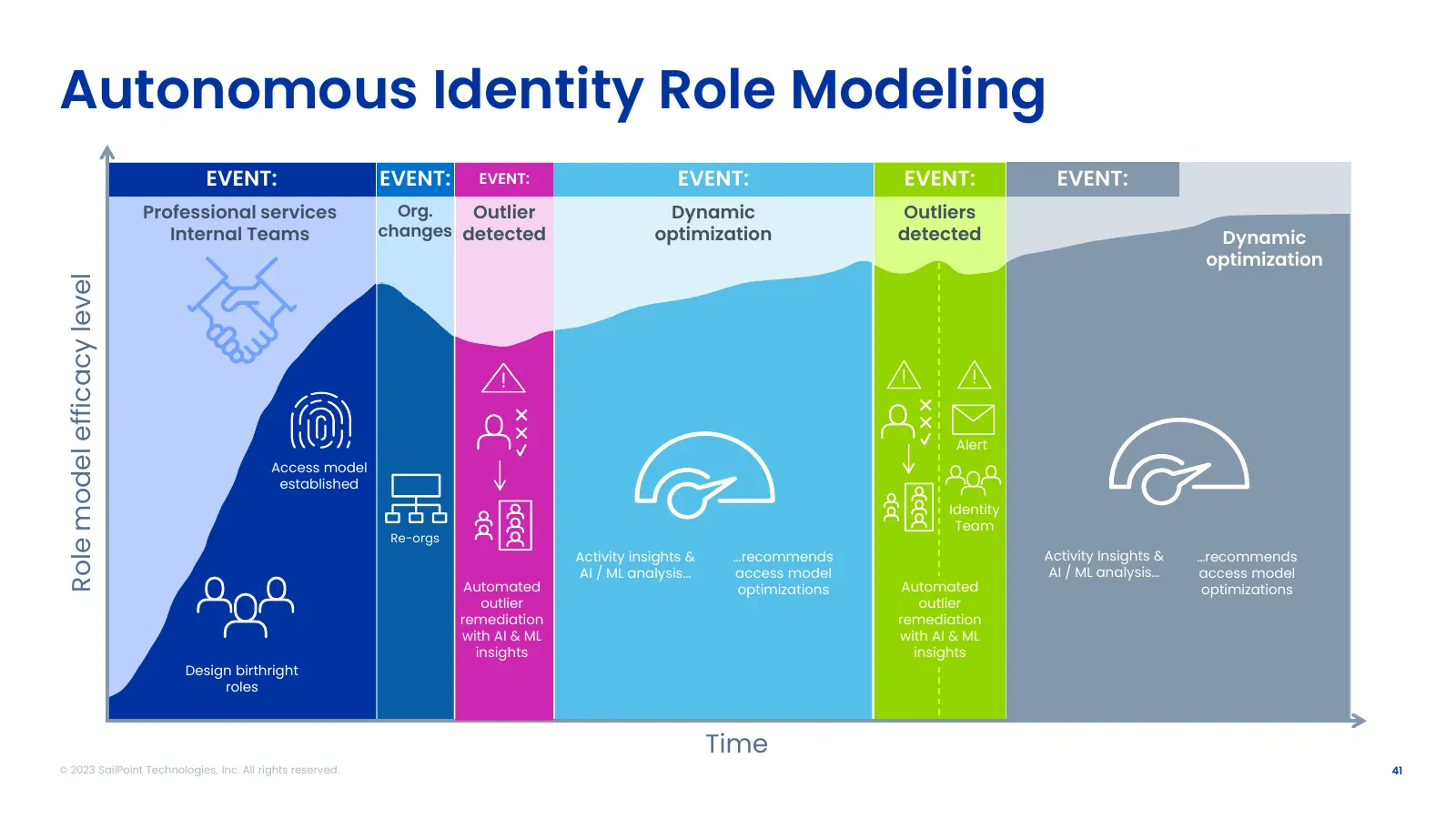
Slide 36: Role model efficacy level: Autonomous Identity Role Modeling
Autonomous Identity Role Modeling EVENT: EVENT: EVENT: EVENT: EVENT: EVENT: Professional services Org. Outlier Dynamic Outliers Internal Teams changes detected optimization detected Dynamic optimization Role model efficacy level Alert Access model established Identity Team Re-orgs Activity insights
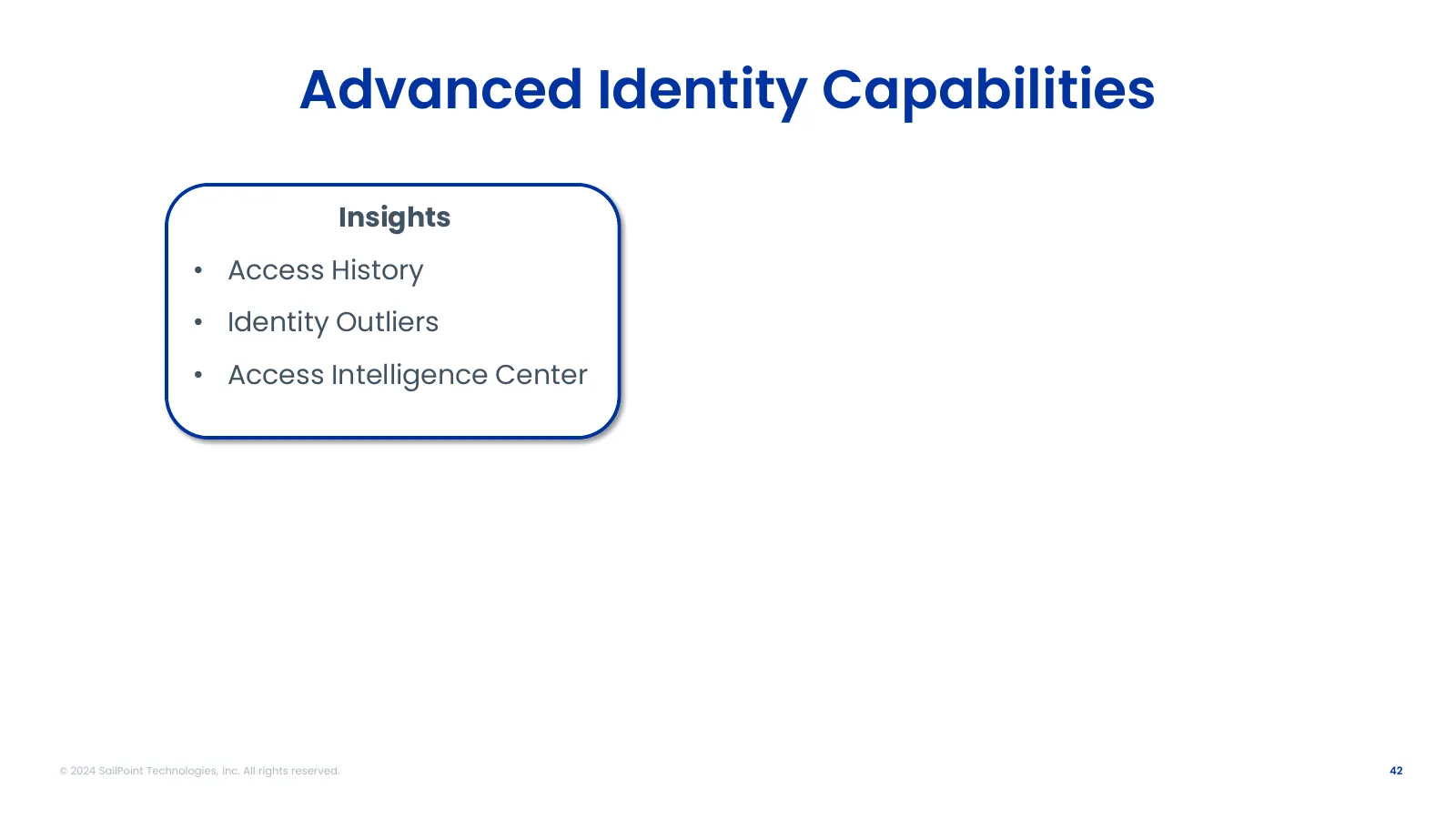
Slide 37: Advanced Identity Capabilities
Advanced Identity Capabilities Insights • Access History • Identity Outliers • Access Intelligence Center © 2024 SailPoint Technologies, Inc. All rights reserved. 42
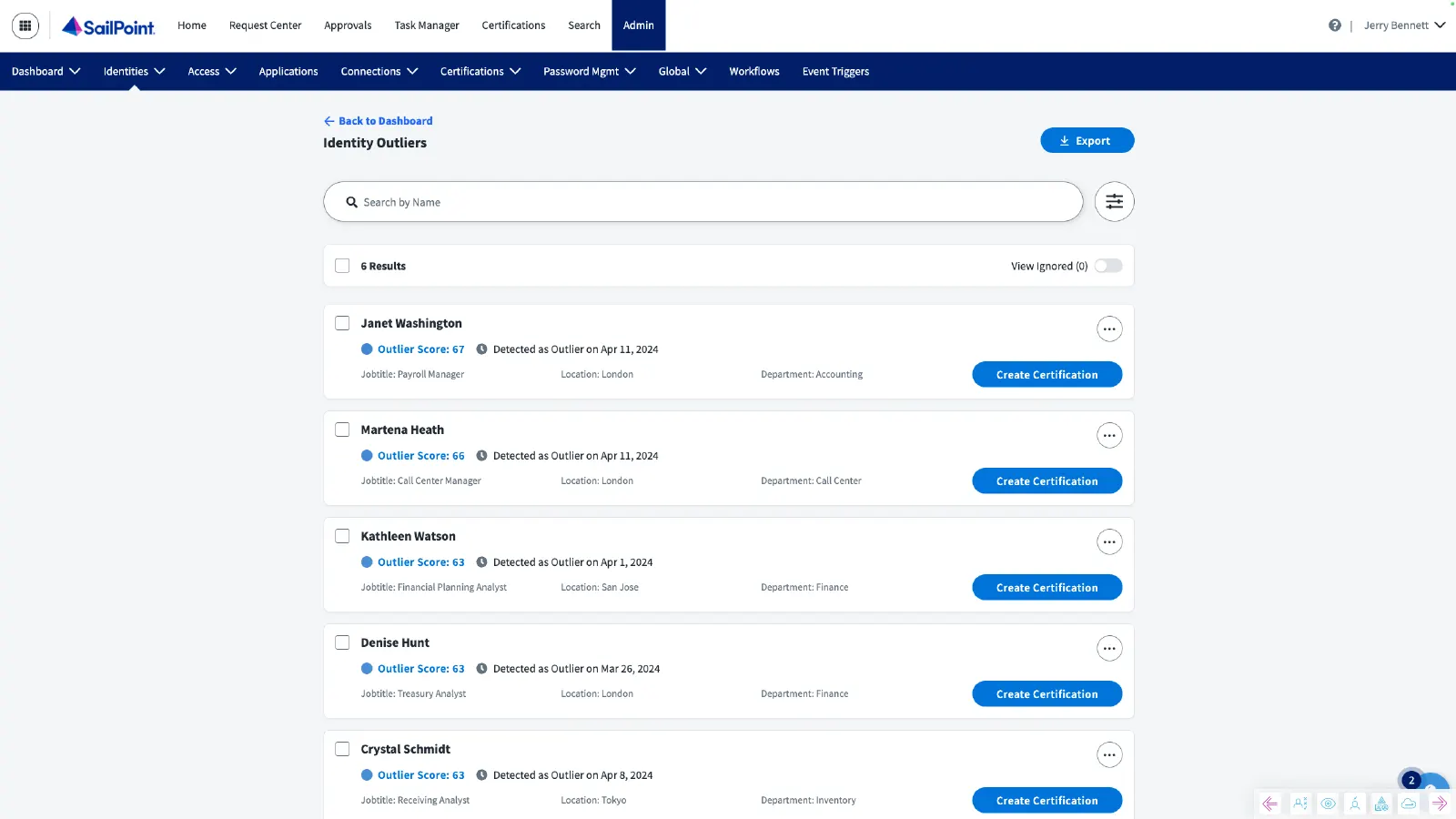
Slide 38: Identity Outliers screen
MSailPoint Home Request center Approvals TaskManager Certifications Search UU @ | Jerry Bennett v hboard Y Identities V Access Applications Connections Y Certifications V PasswordMgmt Global € Back to Dashboard Identity Outliers (. Q Search by Name ) (=) 6 Results View Ignored (0) Janet Washington ©
Slide 39: Advanced Identity Capabilities
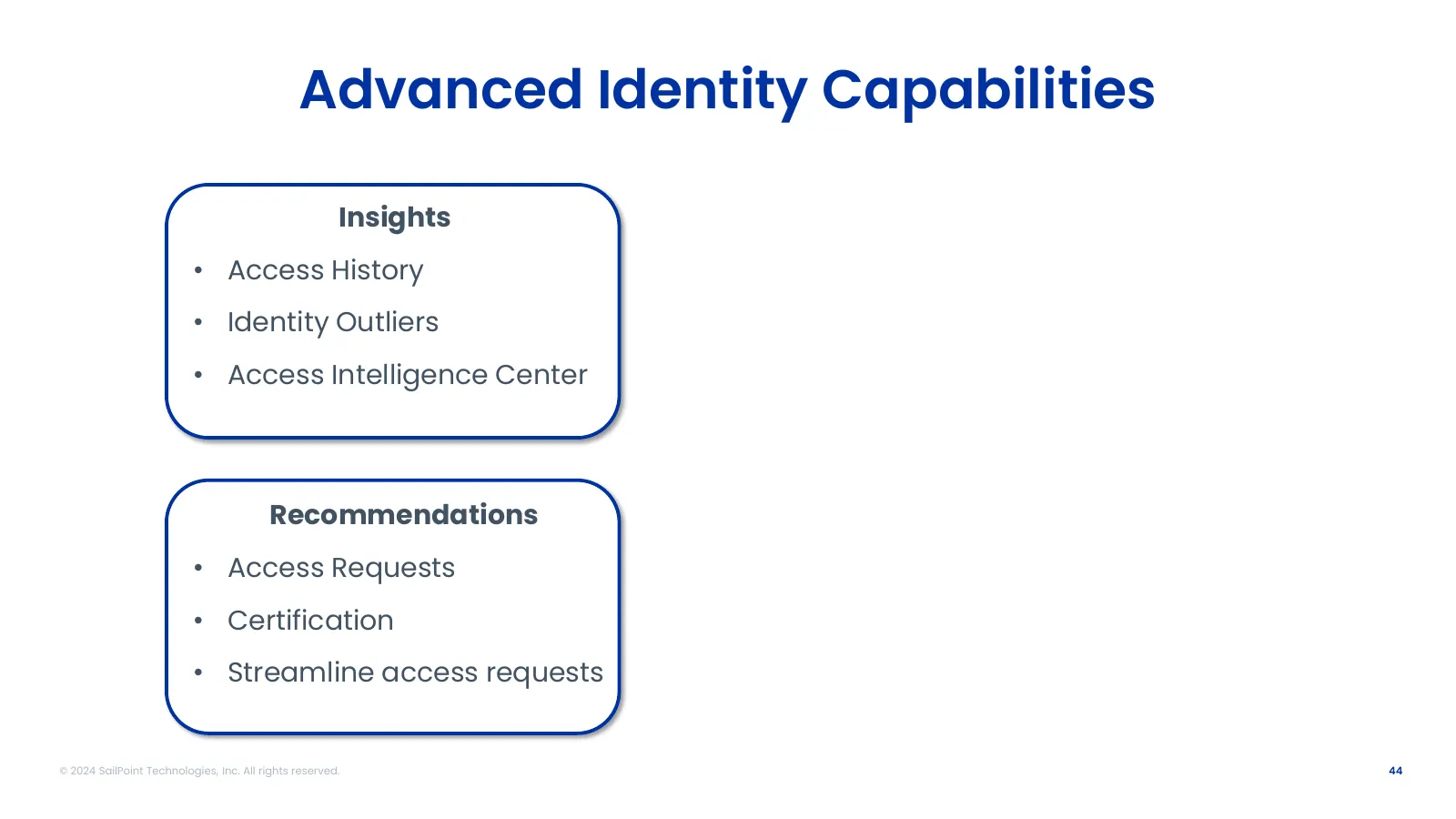
Advanced Identity Capabilities Insights • Access History • Identity Outliers • Access Intelligence Center Recommendations • Access Requests • Certification • Streamline access requests © 2024 SailPoint Technologies, Inc. All rights reserved. 44
Slide 40: Access recommendations screen
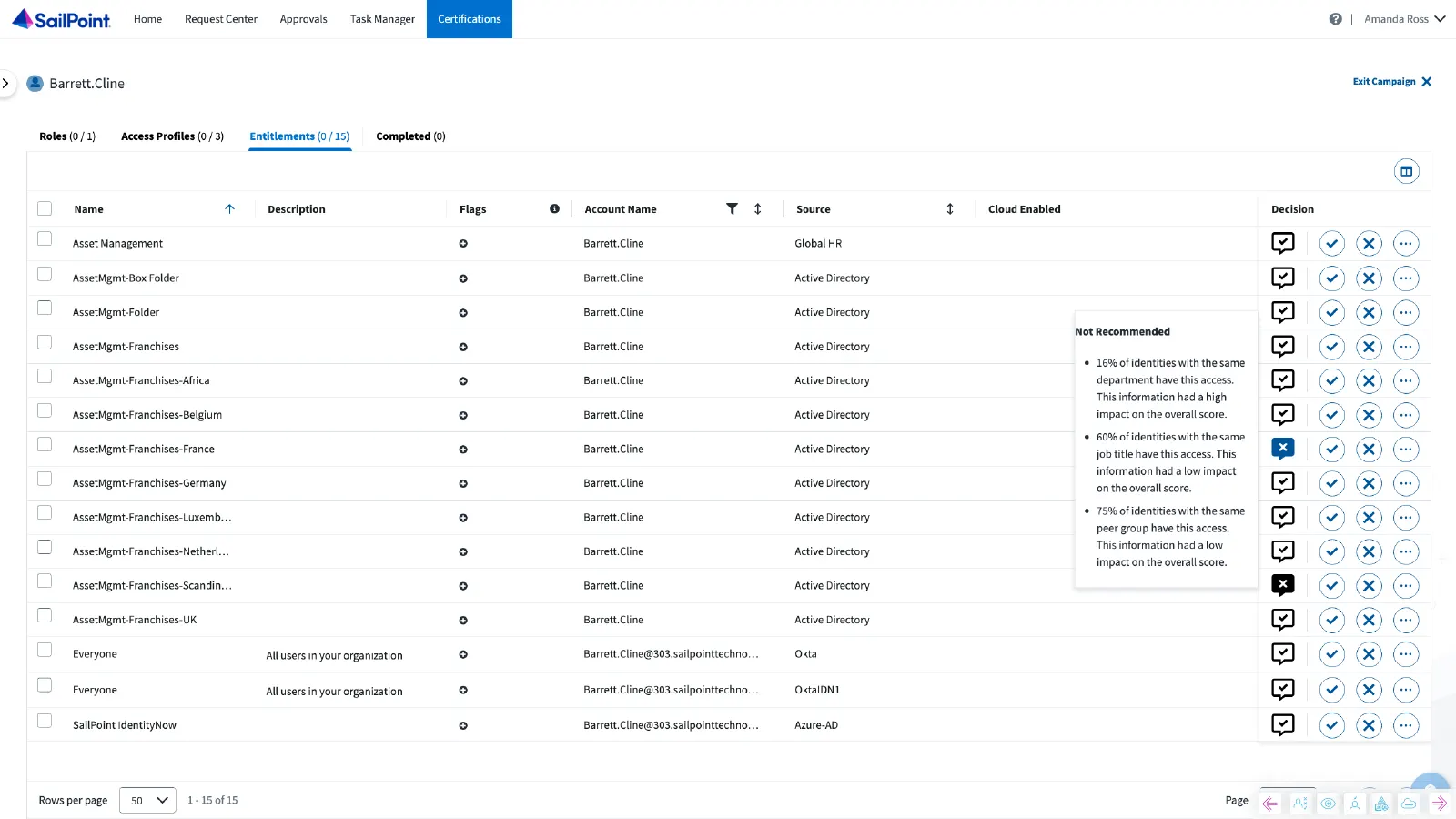
MSailPoint Home Requestcenter Approvals Task Manager @ | Amanda Ross V > @ Barrett.cline Exit Campaign X Roles(0/1) Access Profiles (0/3) Entitlements (0/15) Completed (0) Name + Description Flags © Account Name Yt source 4 Cloud Enabled Decision ‘Asset Management ° Barrett.Cline Global HR ‘Assethgm
Slide 41: Advanced Identity Capabilities
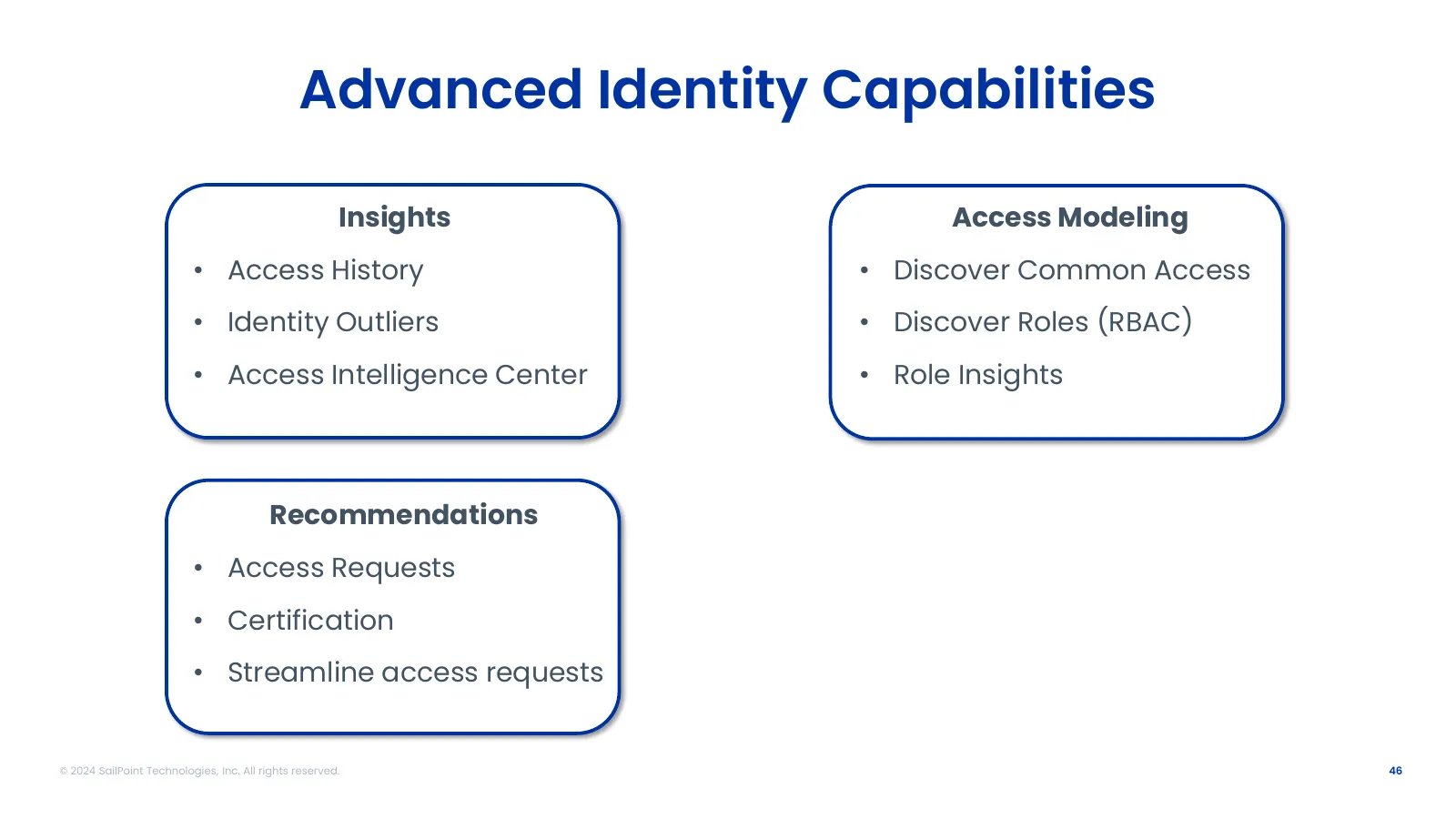
Advanced Identity Capabilities Insights Access Modeling • Access History • Discover Common Access • Identity Outliers • Discover Roles (RBAC) • Access Intelligence Center • Role Insights Recommendations • Access Requests • Certification • Streamline access requests © 2024 SailPoint Technologies, Inc
Slide 42: Potential Role Results screen
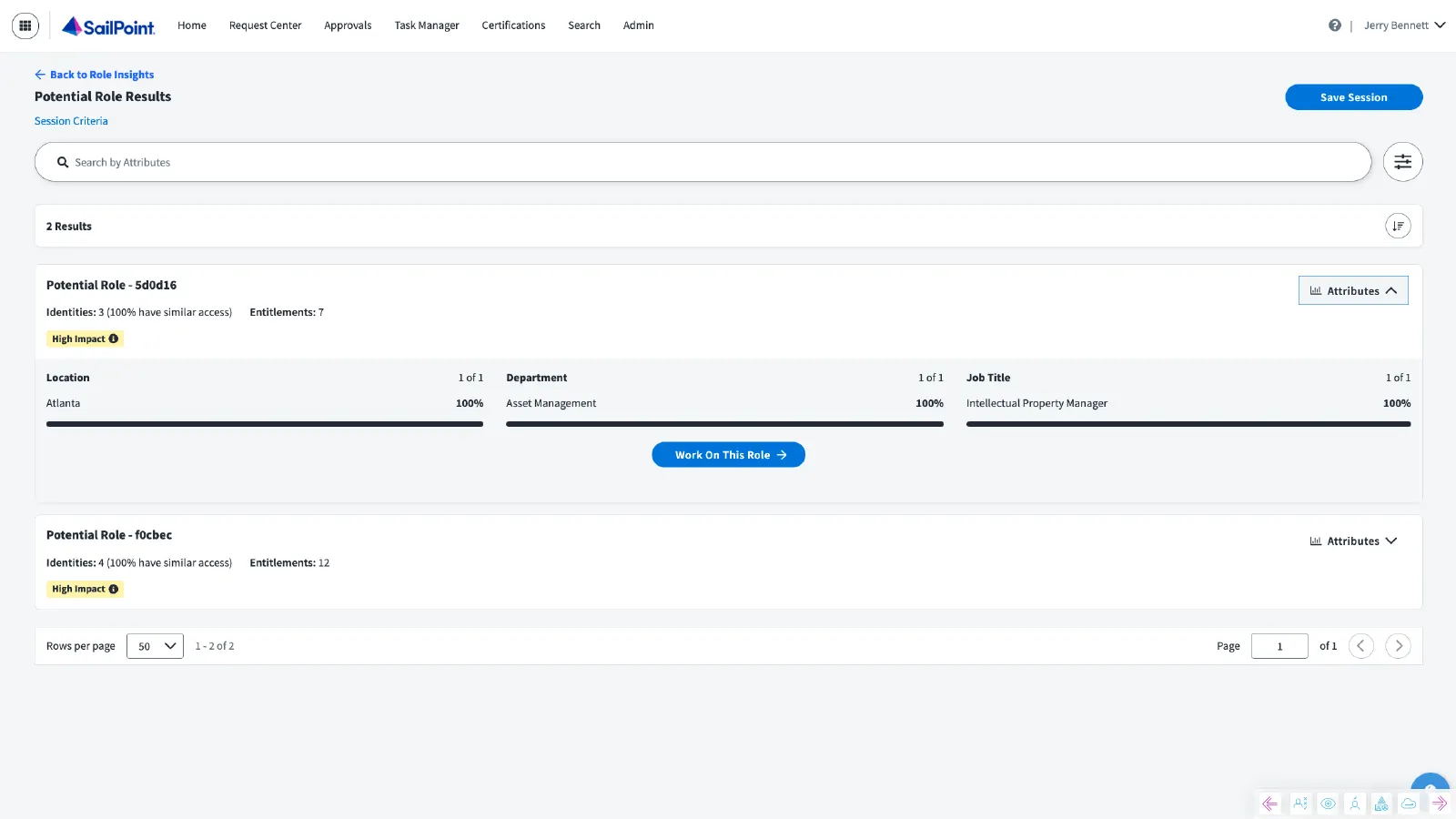
(#) MSailPoint Home Request center Approvals TaskManager Certifications Search Admin @ | Jerry Bennett v € Back to Role insights Potential Role Results {savesession J Session Criteria Q Search by Attributes x) 2 Results Potential Role - Sdodis MMi Identities: 3 (100% have similar access) Entitlement
Slide 43: Advanced Identity Capabilities
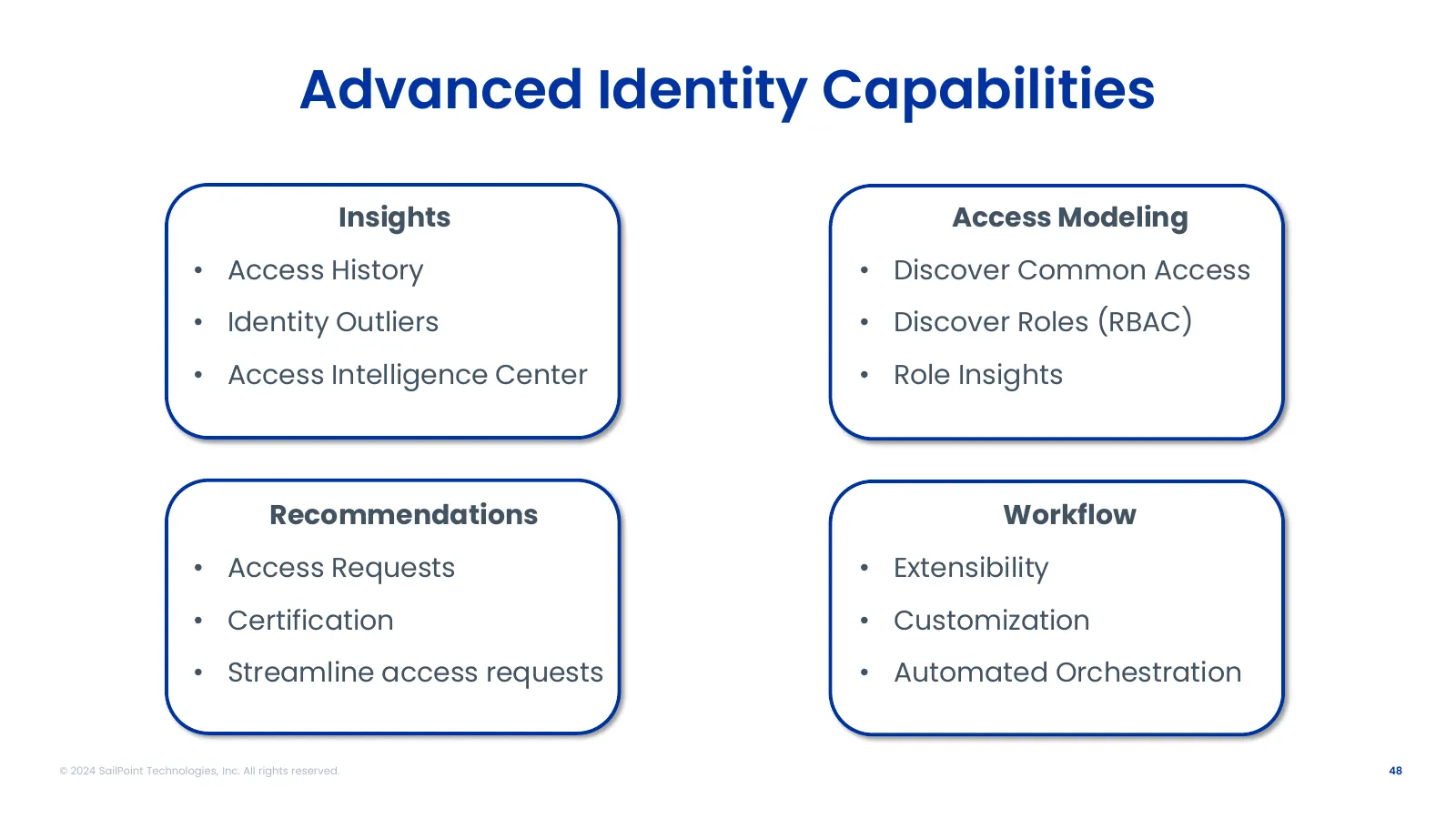
Advanced Identity Capabilities Insights Access Modeling • Access History • Discover Common Access • Identity Outliers • Discover Roles (RBAC) • Access Intelligence Center • Role Insights Recommendations Workflow • Access Requests • Extensibility • Certification • Customization • Streamline access re
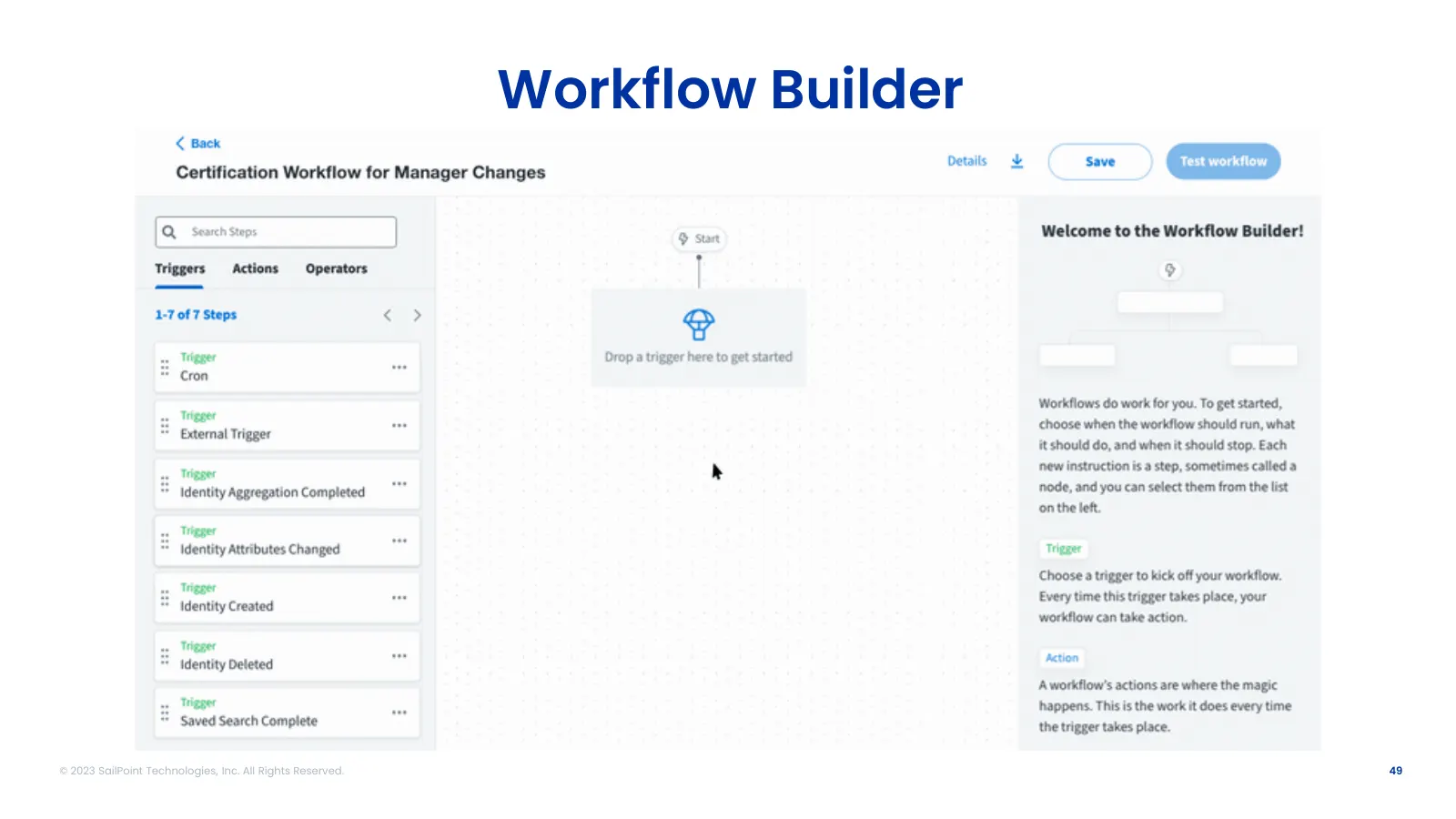
Slide 44: Workflow Builder
Workflow Builder © 2023 SailPoint Technologies, Inc. All Rights Reserved. 49
Slide 45: Advanced Identity Capabilities
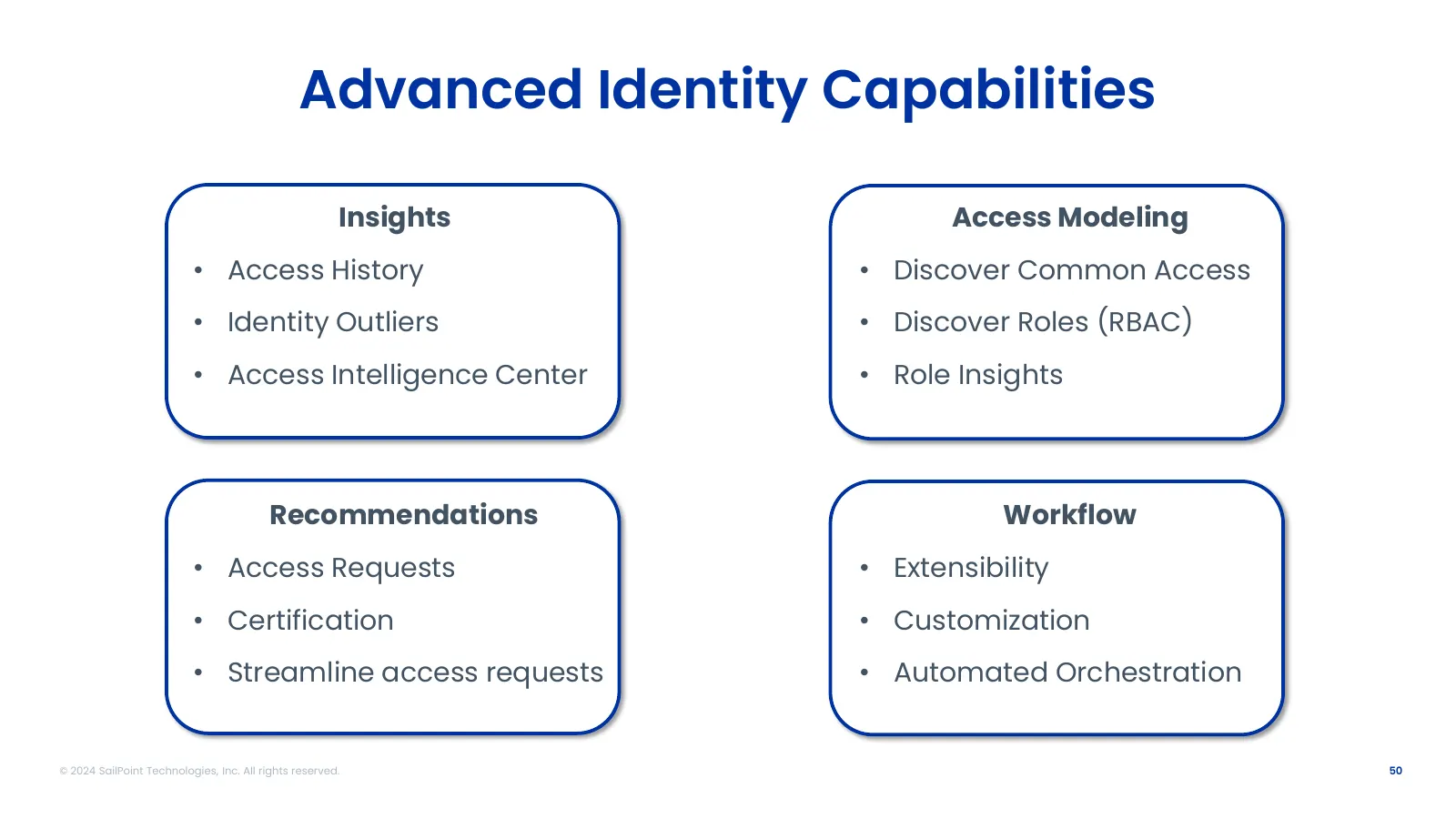
Advanced Identity Capabilities Insights Access Modeling • Access History • Discover Common Access • Identity Outliers • Discover Roles (RBAC) • Access Intelligence Center • Role Insights Recommendations Workflow • Access Requests • Extensibility • Certification • Customization • Streamline access re
Slide 46: Thank you!
Thank you! © 2024 SailPoint Technologies, Inc. All rights reserved. 51
Source: Internet Archive copy of community.sailpoint.com
More decks from SailPoint, Inc.
 Q2 2027 Earnings Presentation31 slides · Sep 9, 2026
 Investor Day (June 2026)98 slides · Jun 16, 2026
 Q1 2027 Earnings Presentation26 slides · Jun 9, 2026
 Q3 2026 Earnings Presentation42 slides · Dec 9, 2025
 Q2 2026 Earnings Presentation39 slides · Sep 9, 2025
 Q1 2026 Earnings Presentation39 slides · Jun 11, 2025