Kainos Group PLC · LSE:KNOS
Kainos — Technical Presentation (February 2023)
85 slides from Kainos's technical presentation, Feb 21, 2023
Slide 1: Workday HCM 2023R1: Amplify HCM Update Success
Workday HCM 2023R1: Amplify HCM Update Success 21 February 2023
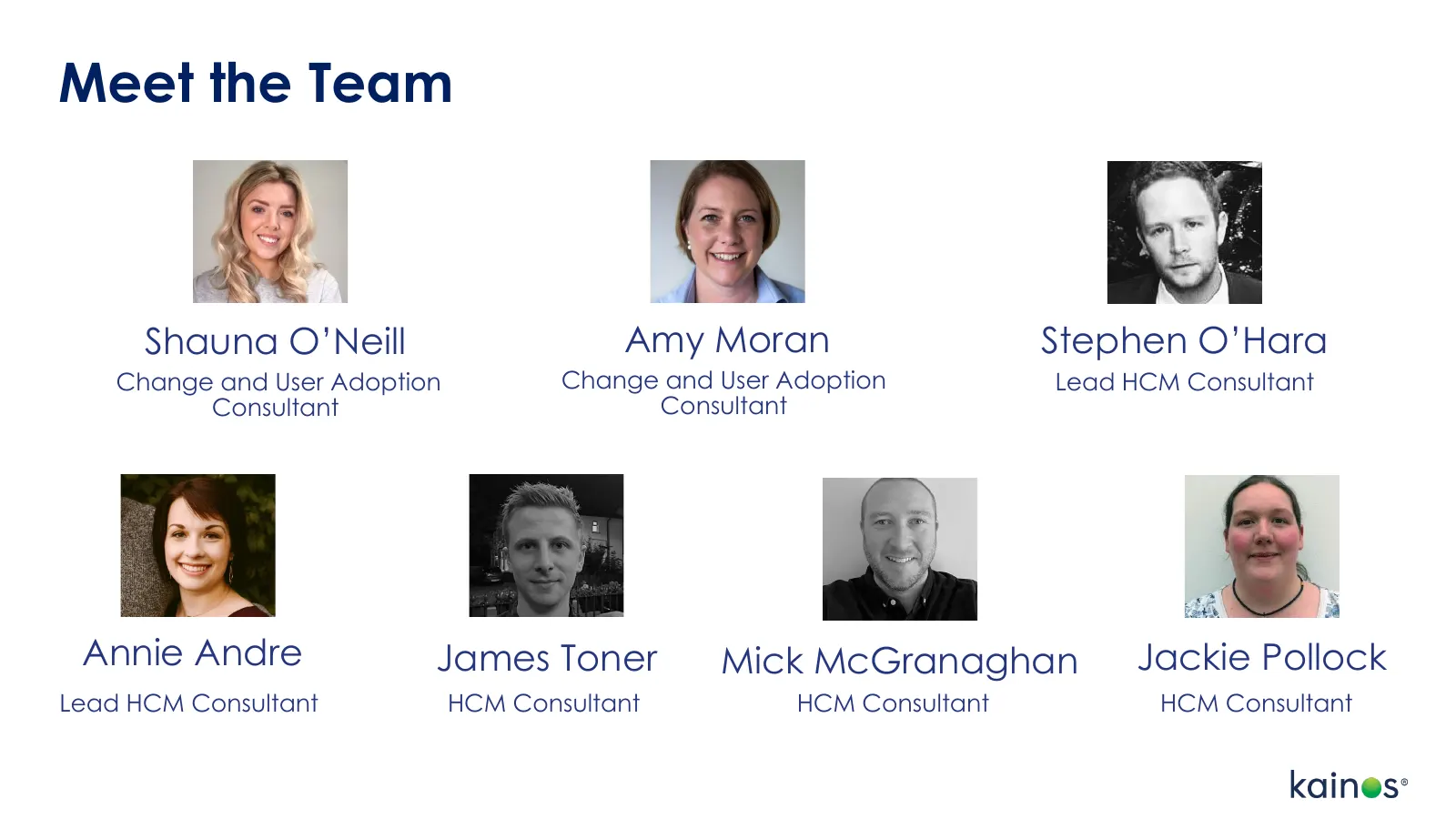
Slide 2: Meet the Team
Meet the Team Shauna O’Neill Amy Moran Stephen O’Hara Change and User Adoption Change and User Adoption Lead HCM Consultant Consultant Consultant Annie Andre James Toner Mick McGranaghan Jackie Pollock Lead HCM Consultant HCM Consultant HCM Consultant HCM Consultant
Slide 3: Agenda
Agenda Meet the team About Kainos Peakon introduction 2023R1 Workday updates Q&A
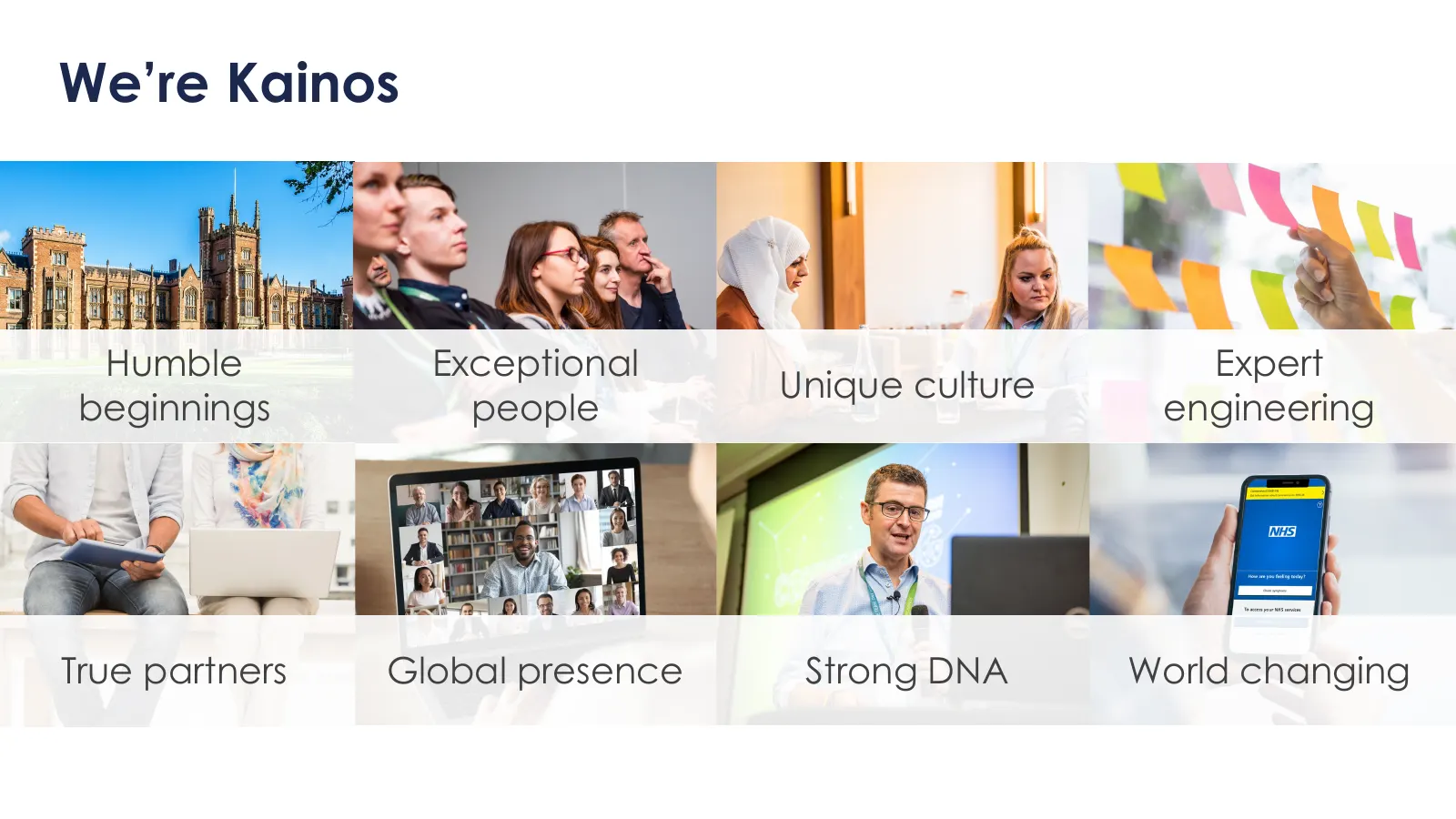
Slide 4: We're Kainos
We’re Kainos Humble Exceptional Expert Unique culture beginnings people engineering True partners Global presence Strong DNA World changing

Slide 5: At a glance
At a glance 3,000 amazing people 20 offices globally 12 consecutive years of growth $367m revenue in FY22 FTSE 250 listed 36 years of innovation
Slide 6: Peakon
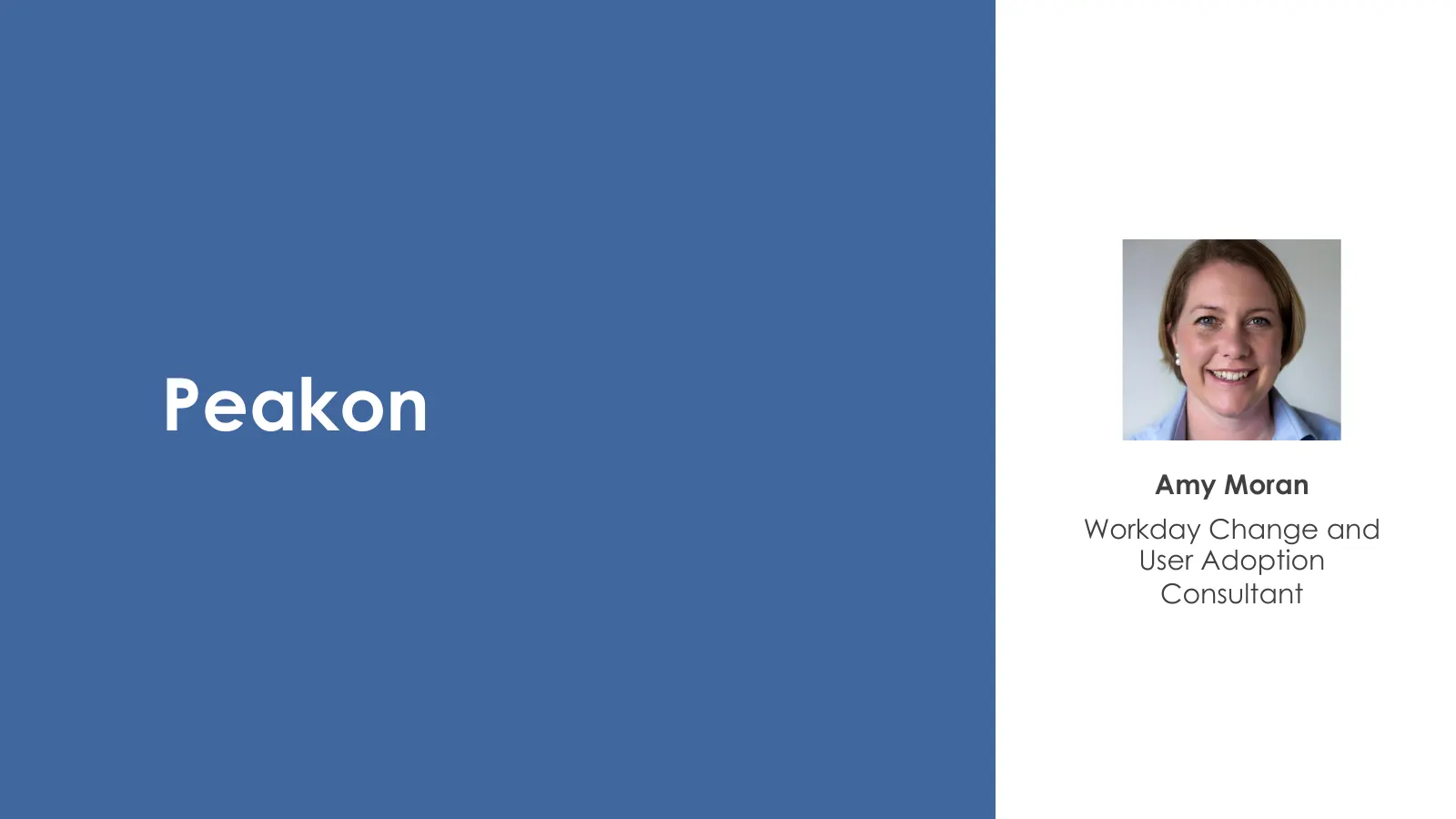
Peakon Amy Moran Workday Change and User Adoption Consultant
Slide 7: What is Workday Peakon?
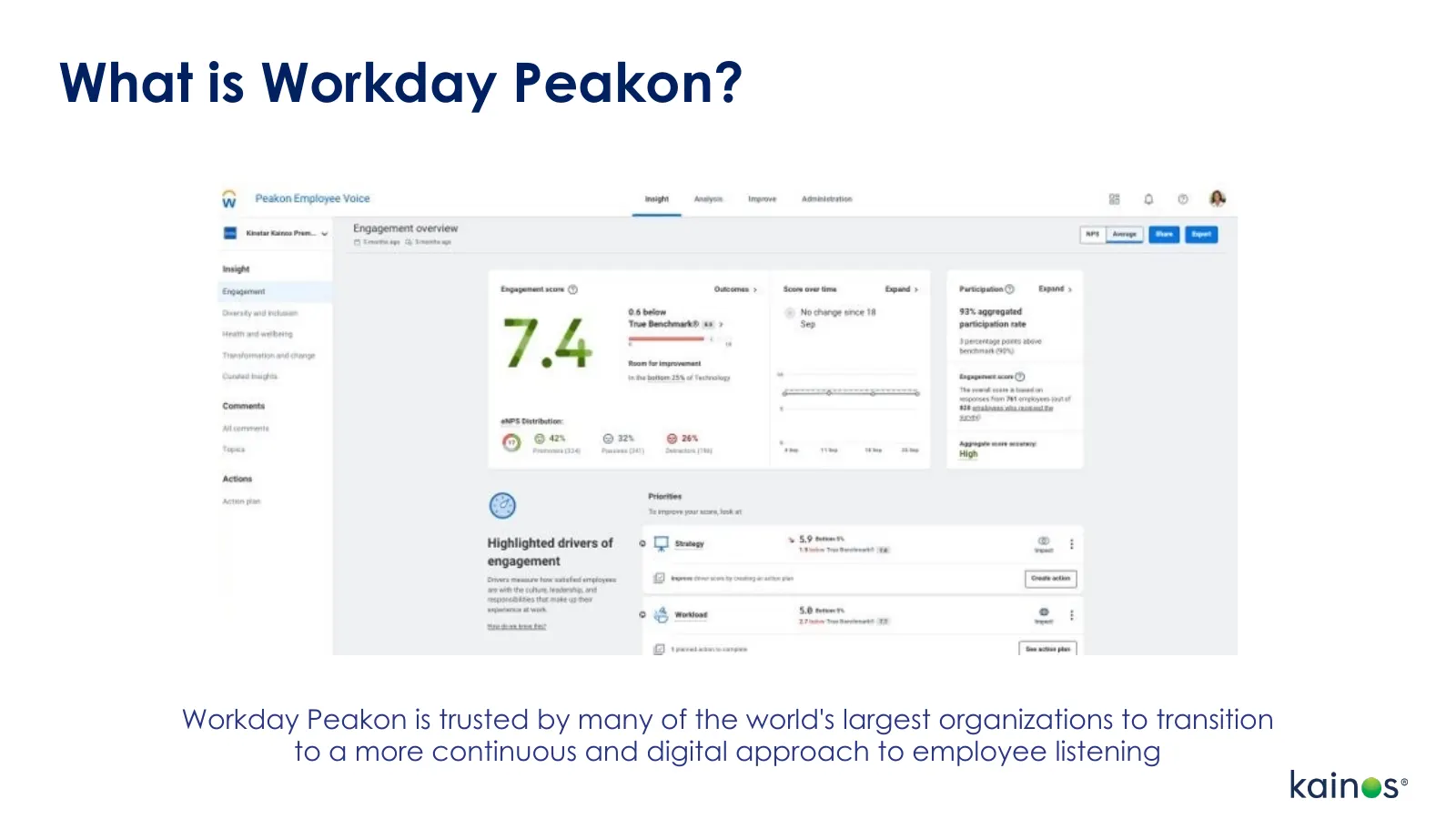
What is Workday Peakon? Workday Peakon is trusted by many of the world's largest organizations to transition to a more continuous and digital approach to employee listening
Slide 8: Scientific Library of Questions
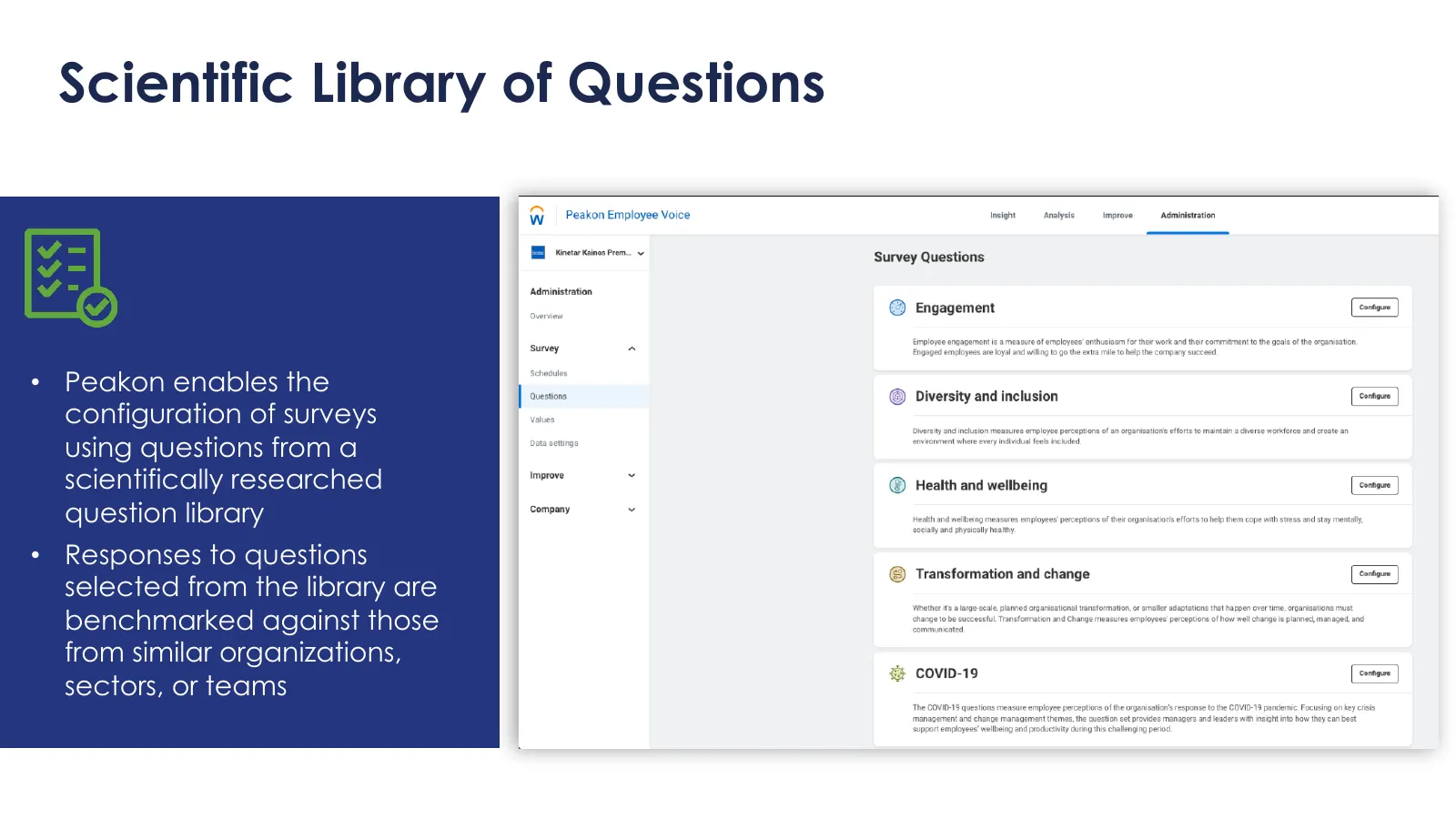
Scientific Library of Questions • Peakon enables the configuration of surveys using questions from a scientifically researched question library • Responses to questions selected from the library are benchmarked against those from similar organizations, sectors, or teams
Slide 9: Customizable Survey & Delivery
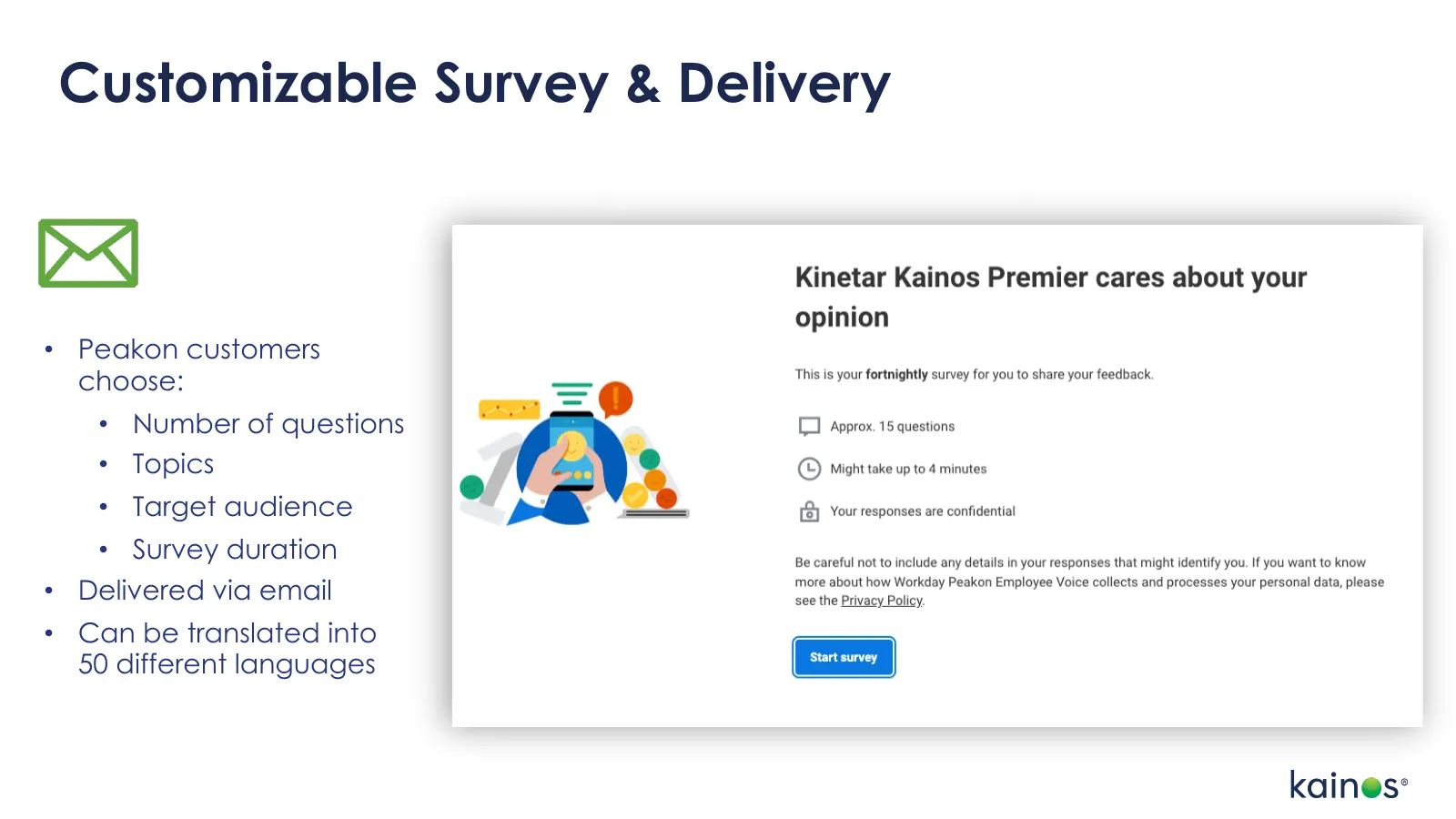
Customizable Survey & Delivery • Peakon customers choose: • Number of questions • Topics • Target audience • Survey duration • Delivered via email • Can be translated into 50 different languages
Slide 10: Scored Responses & Comments
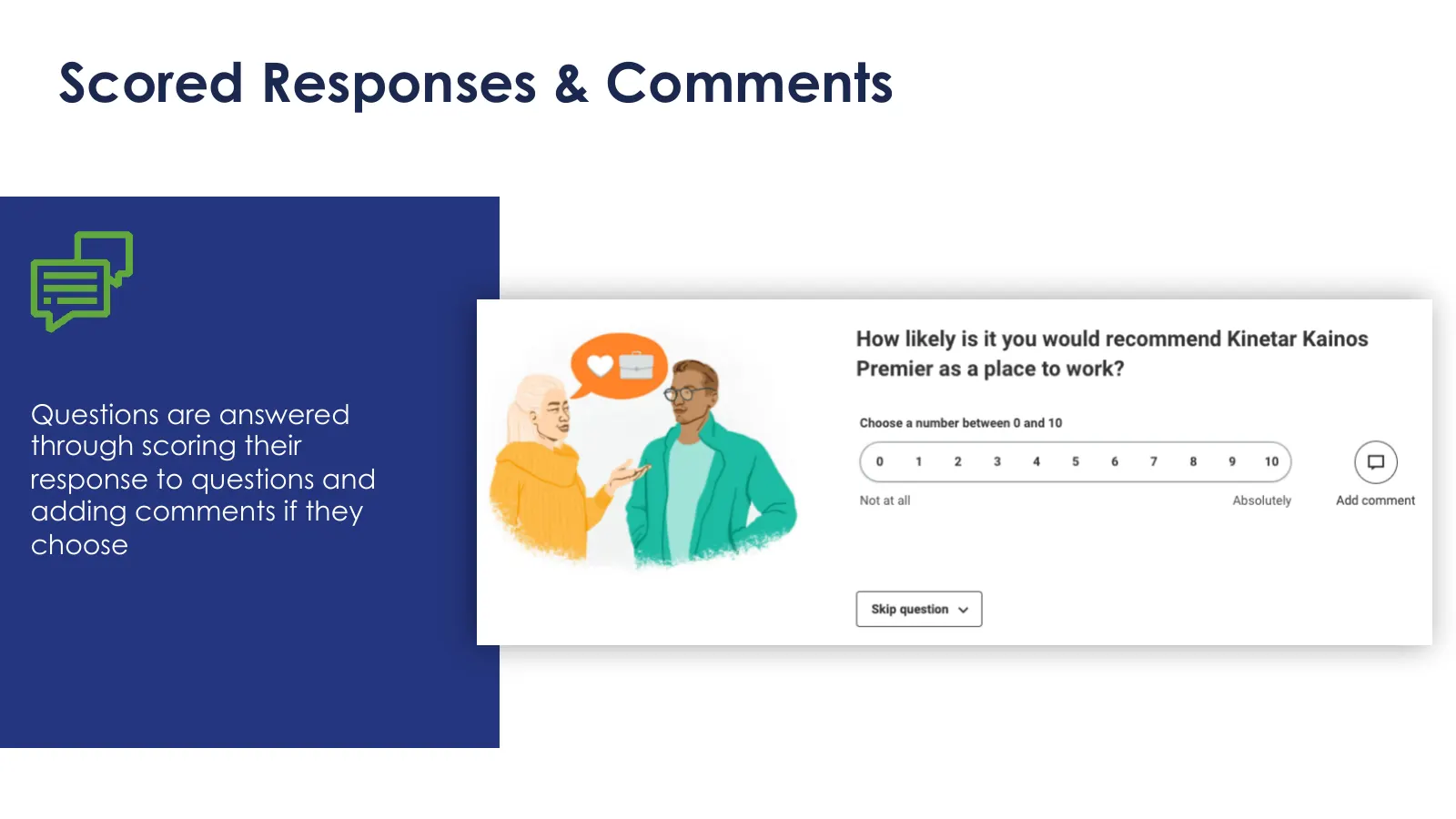
Scored Responses & Comments Questions are answered through scoring their response to questions and adding comments if they choose
Slide 11: Feedback & Engagement
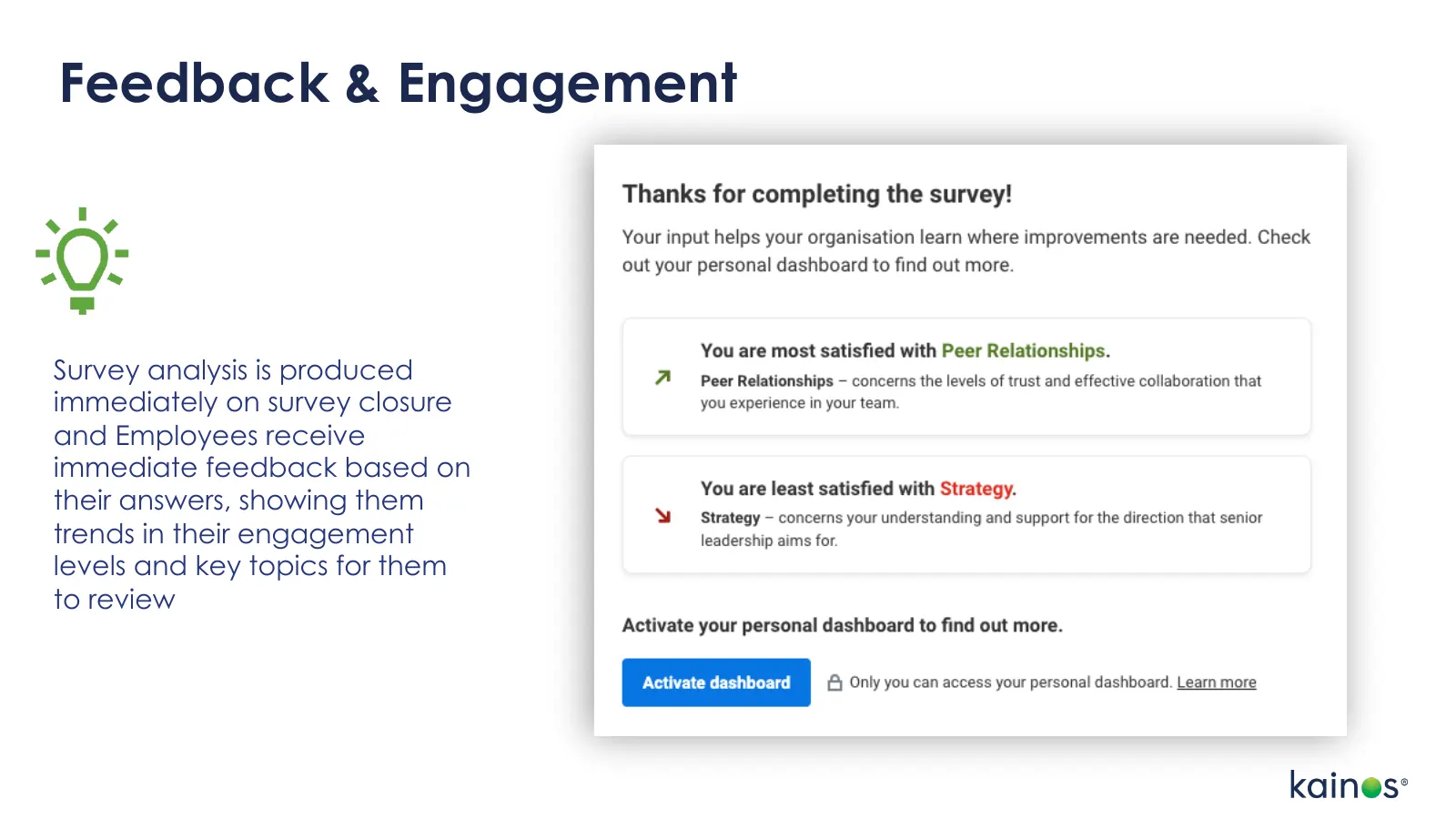
Feedback & Engagement Survey analysis is produced immediately on survey closure and Employees receive immediate feedback based on their answers, showing them trends in their engagement levels and key topics for them to review
Slide 12: Manager Dashboard
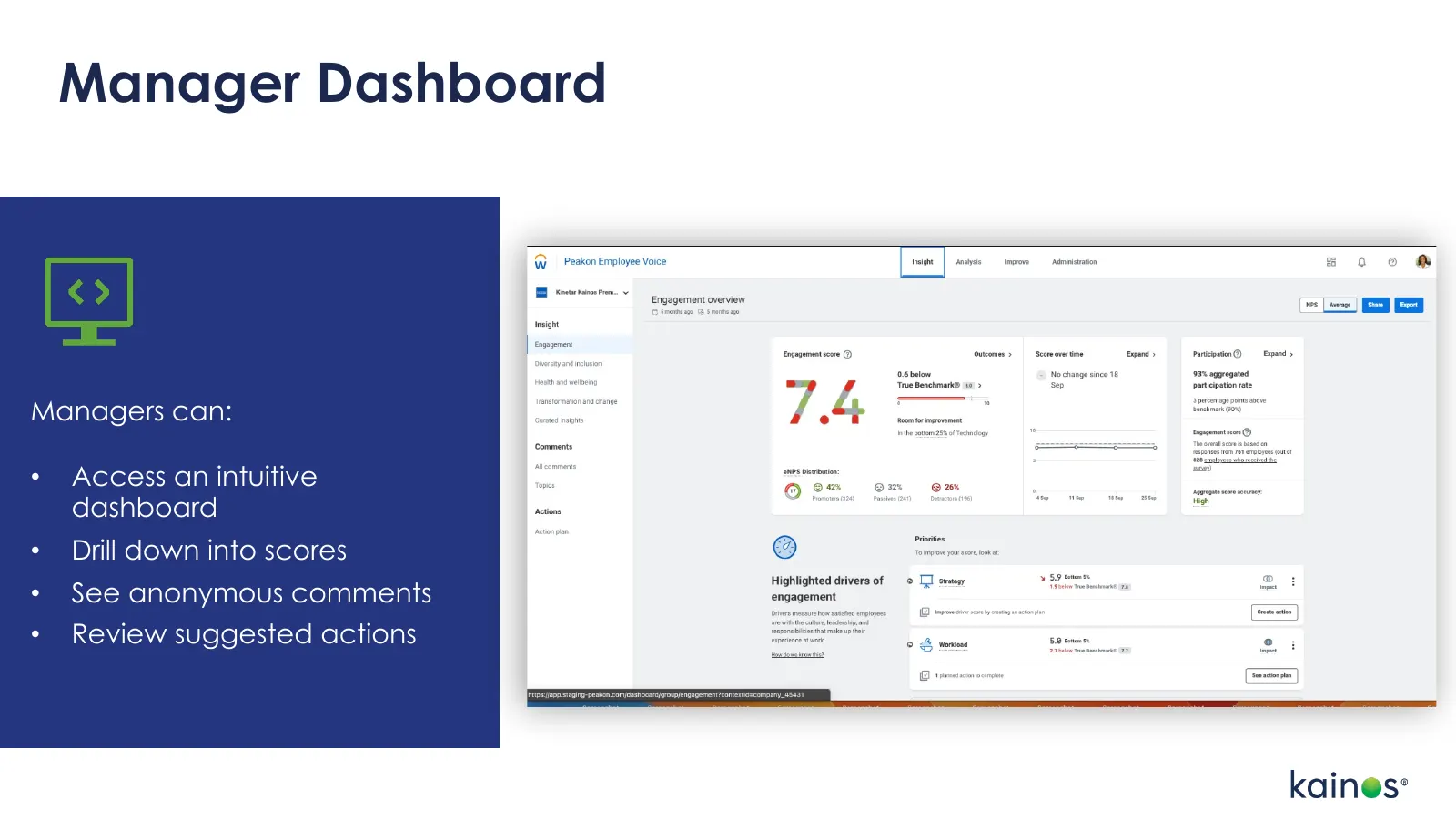
Manager Dashboard Managers can: • Access an intuitive dashboard • Drill down into scores • See anonymous comments • Review suggested actions
Slide 13: Trends & Actions
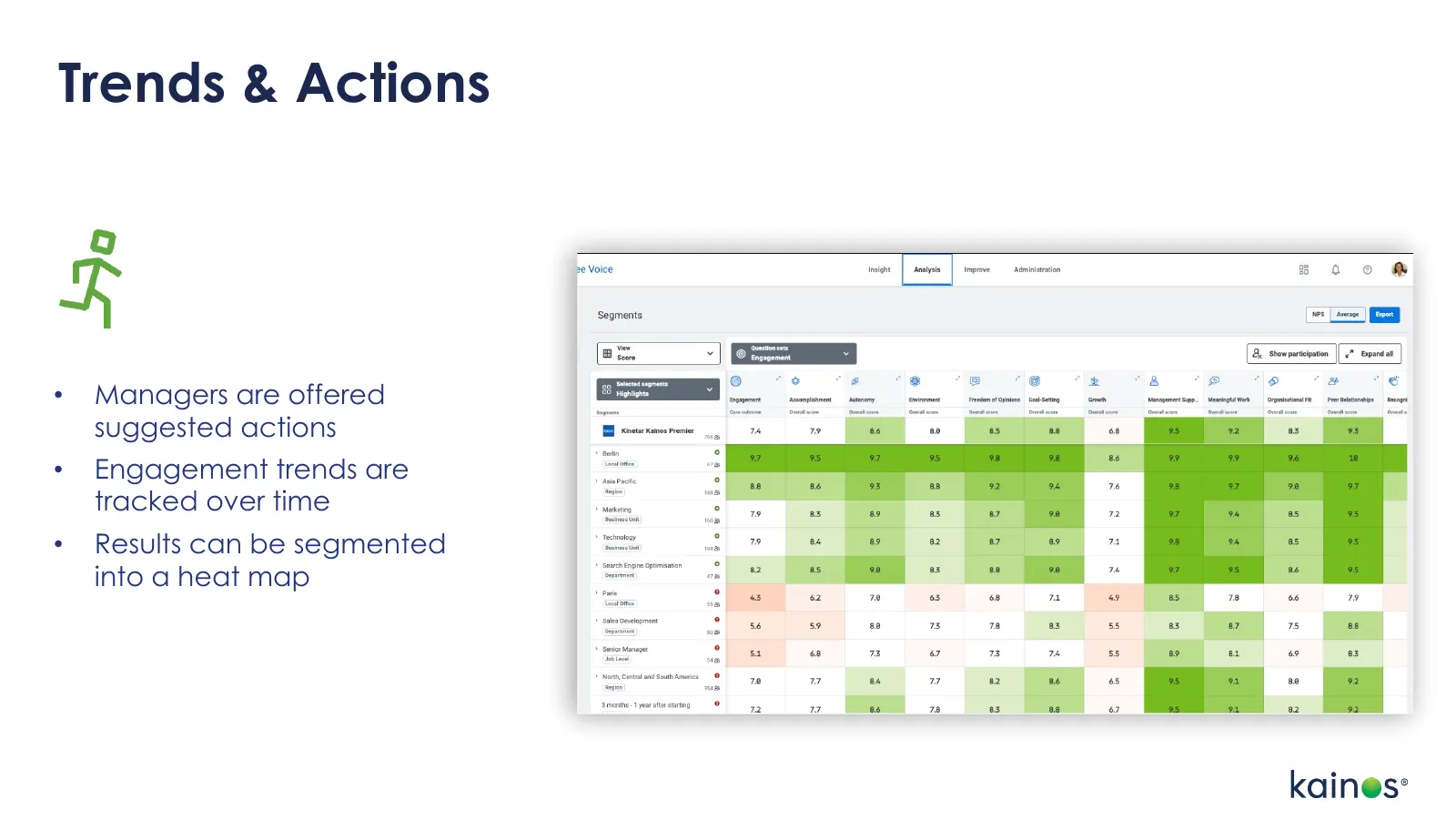
Trends & Actions • Managers are offered suggested actions • Engagement trends are tracked over time • Results can be segmented into a heat map
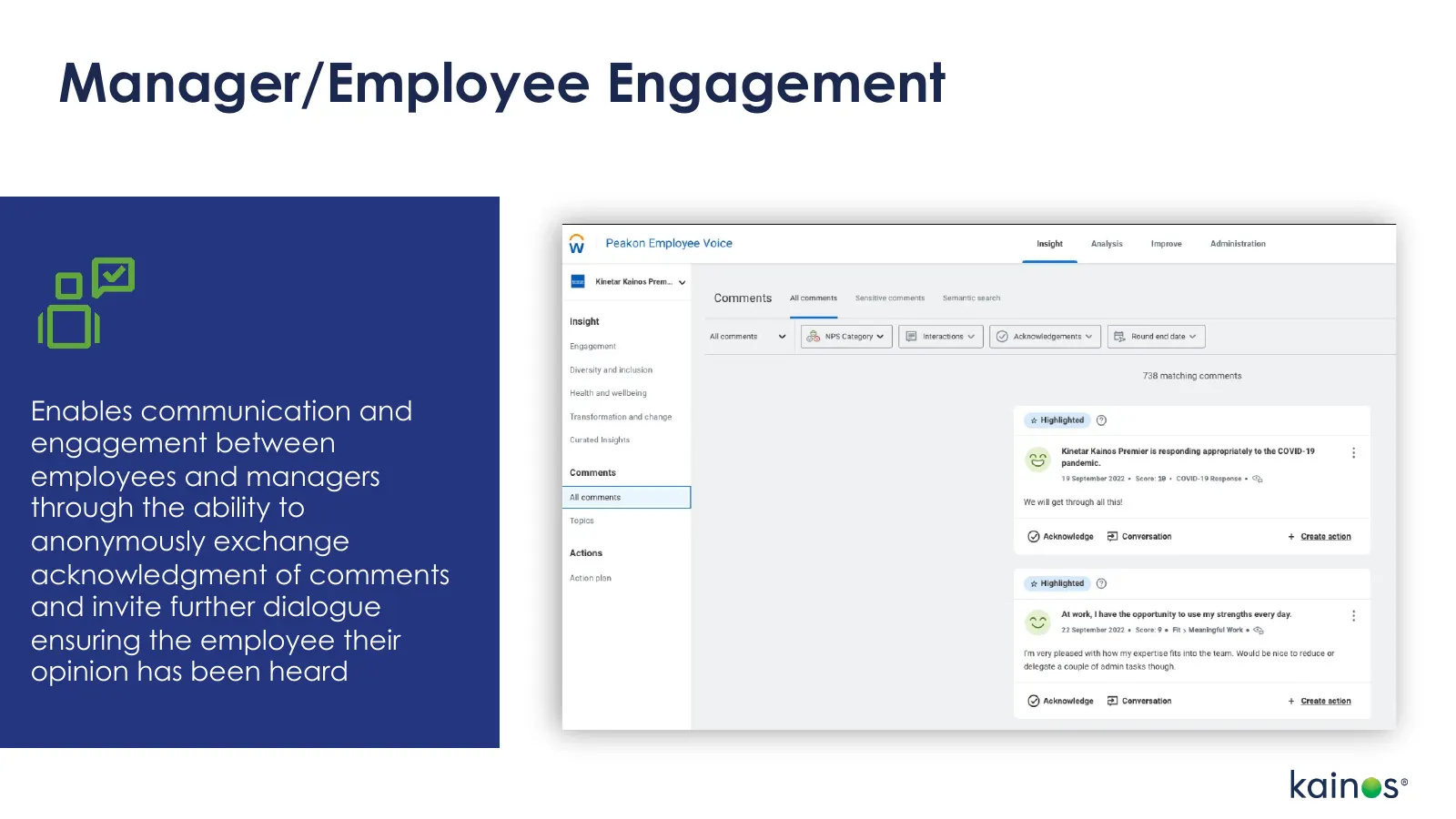
Slide 14: Manager/Employee Engagement
Manager/Employee Engagement Enables communication and engagement between employees and managers through the ability to anonymously exchange acknowledgment of comments and invite further dialogue ensuring the employee their opinion has been heard
Slide 15: Discussion Framework
Discussion Framework Shauna O’Neill Workday Change and User Adoption Consultant
Slide 16: We have proposed 3 key questions
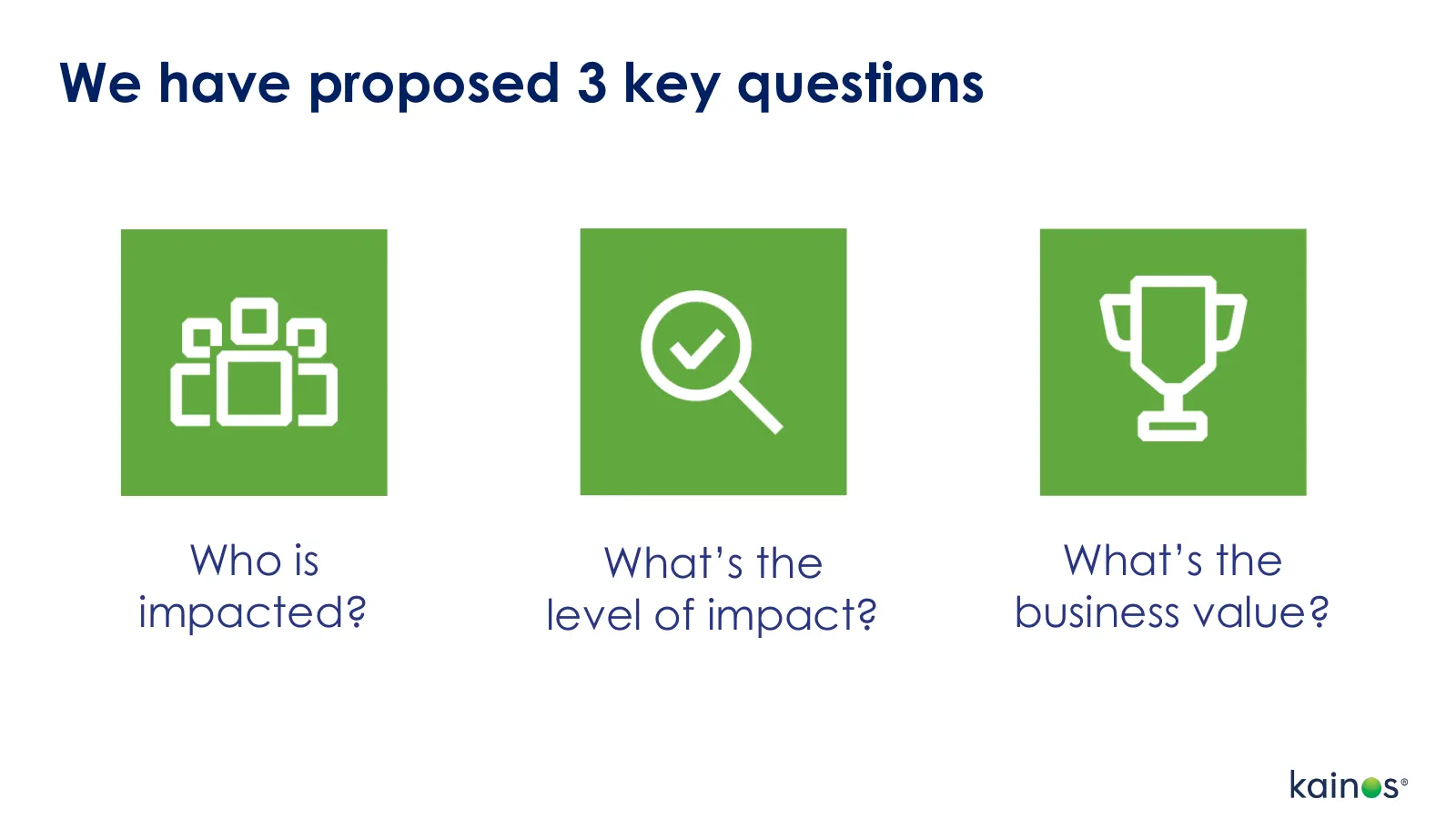
We have proposed 3 key questions Who is What’s the What’s the impacted? level of impact? business value?
Slide 17: Who is affected?
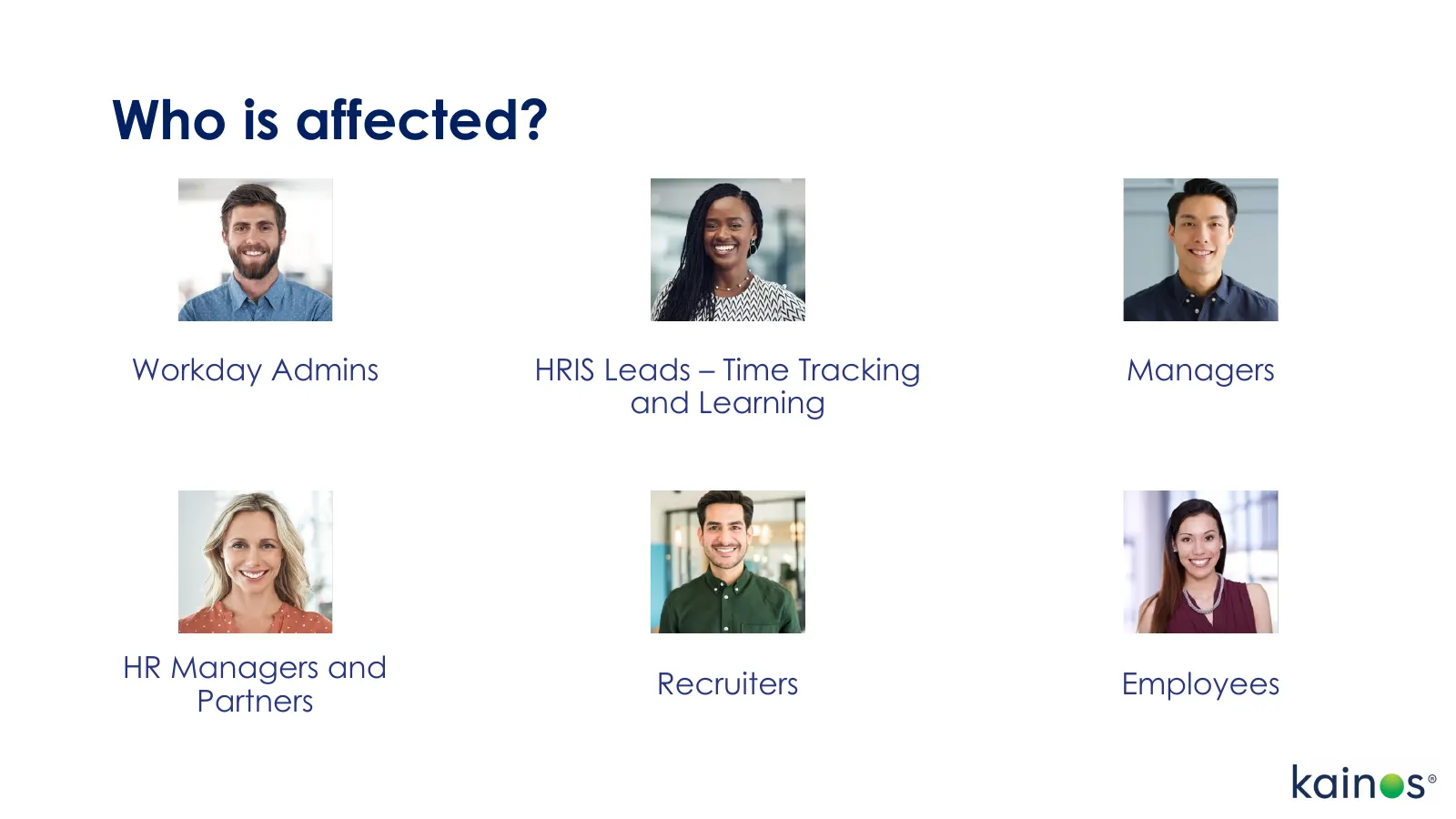
Who is affected? Workday Admins HRIS Leads – Time Tracking Managers and Learning HR Managers and Recruiters Employees Partners
Slide 18: What is the level of impact?
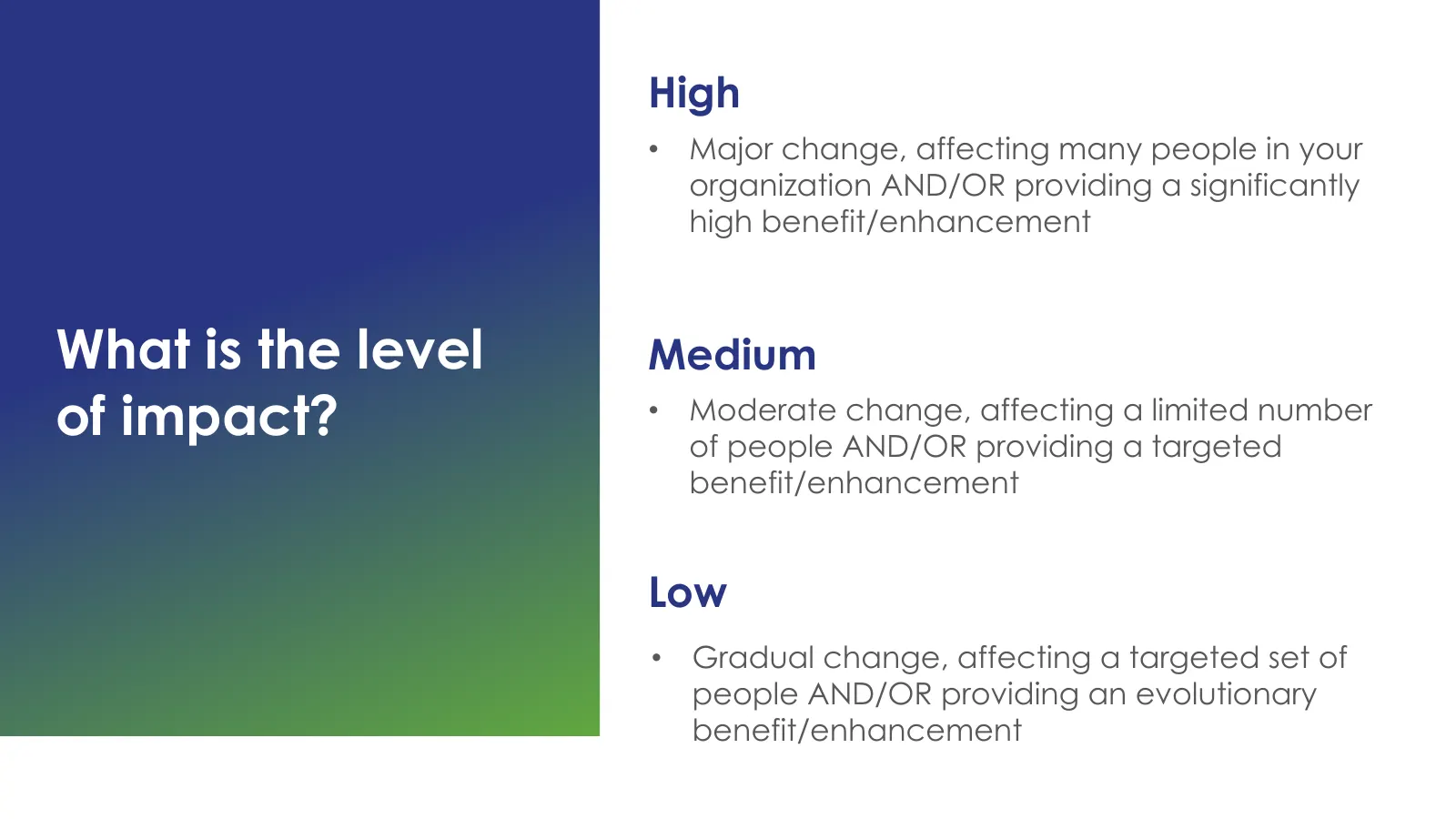
High • Major change, affecting many people in your organization AND/OR providing a significantly high benefit/enhancement What is the level Medium of impact? • Moderate change, affecting a limited number of people AND/OR providing a targeted benefit/enhancement Low • Gradual change, affecting a targ
Slide 19: Safe Harbor Statement
Safe Harbor Statement • The assessment of changes introduced by WD2023R1 was conducted early in the preview window. Whilst this should be a good indicator of what is delivered by the Release, it is possible that Workday may make further changes to what will be included in or excluded from the Releas
Slide 20: Core HCM
Core HCM Stephen O’Hara Lead Workday HCM Consultant
Slide 21: Flexible Work Arrangements Sub-Business Process of Staffing Events
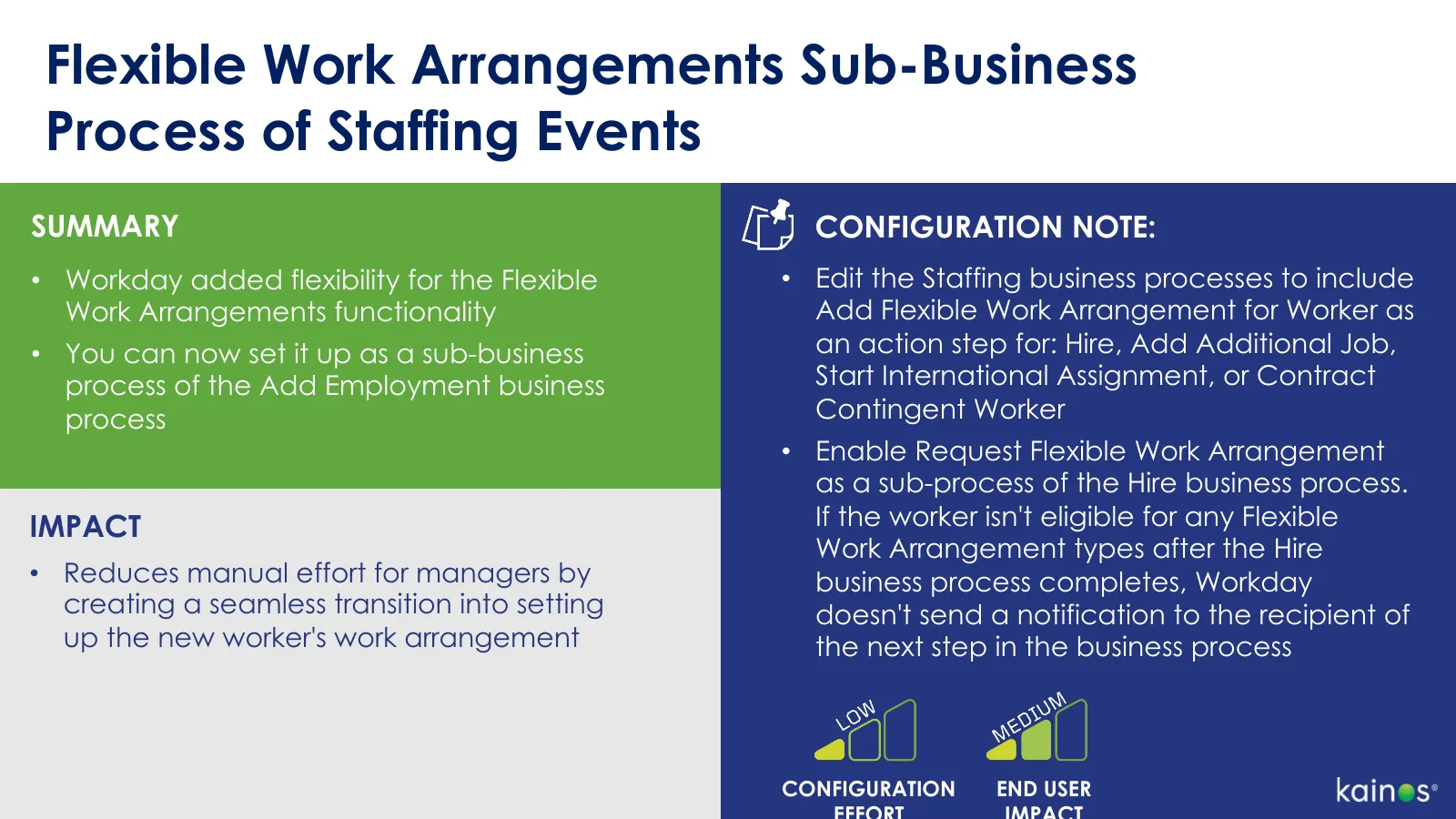
Flexible Work Arrangements Sub-Business Process of Staffing Events SUMMARY CONFIGURATION NOTE: • Workday added flexibility for the Flexible • Edit the Staffing business processes to include Work Arrangements functionality Add Flexible Work Arrangement for Worker as • You can now set it up as a sub-b
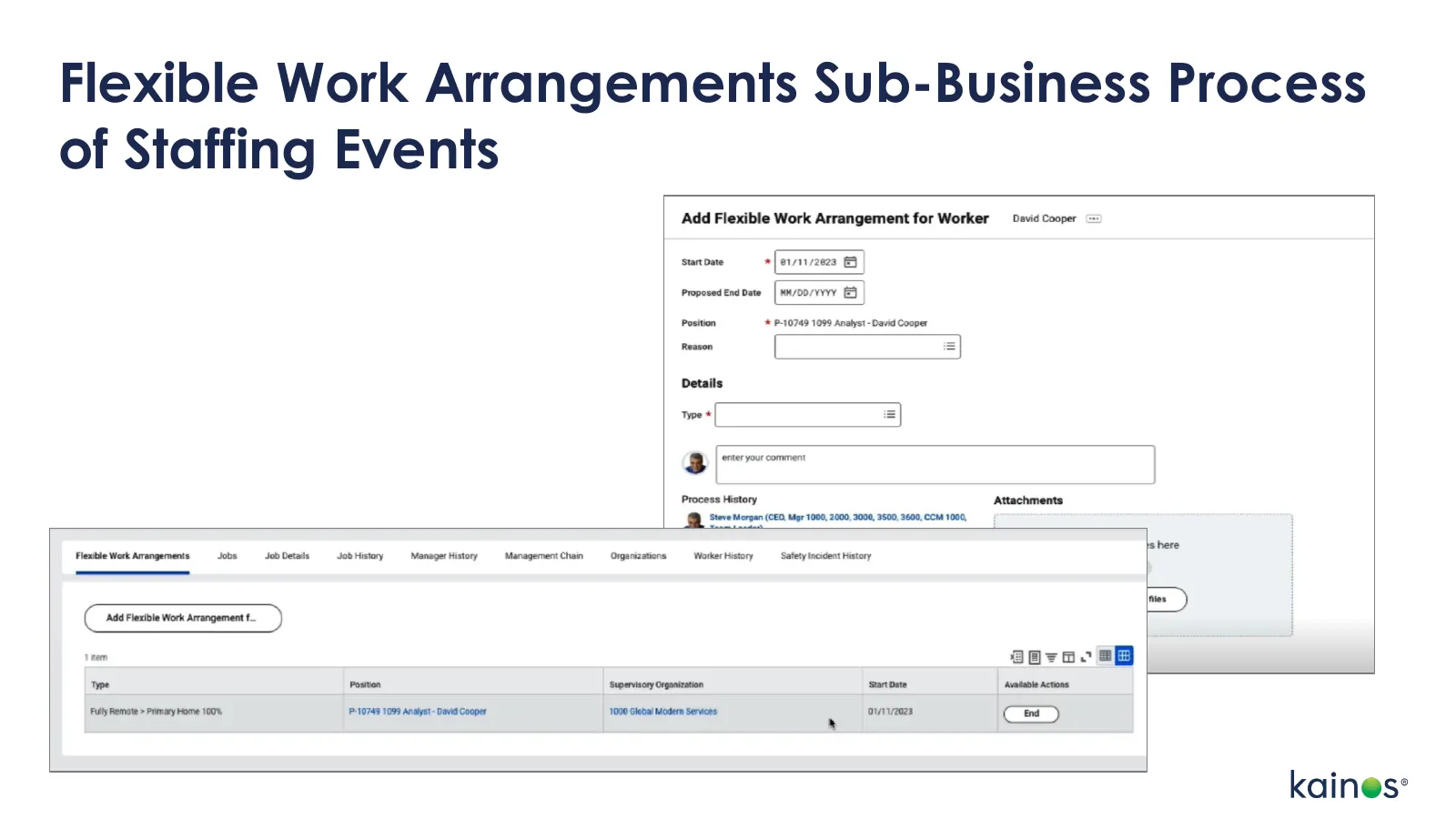
Slide 22: Flexible Work Arrangements Sub-Business Process of Staffing Events
Flexible Work Arrangements Sub-Business Process of Staffing Events
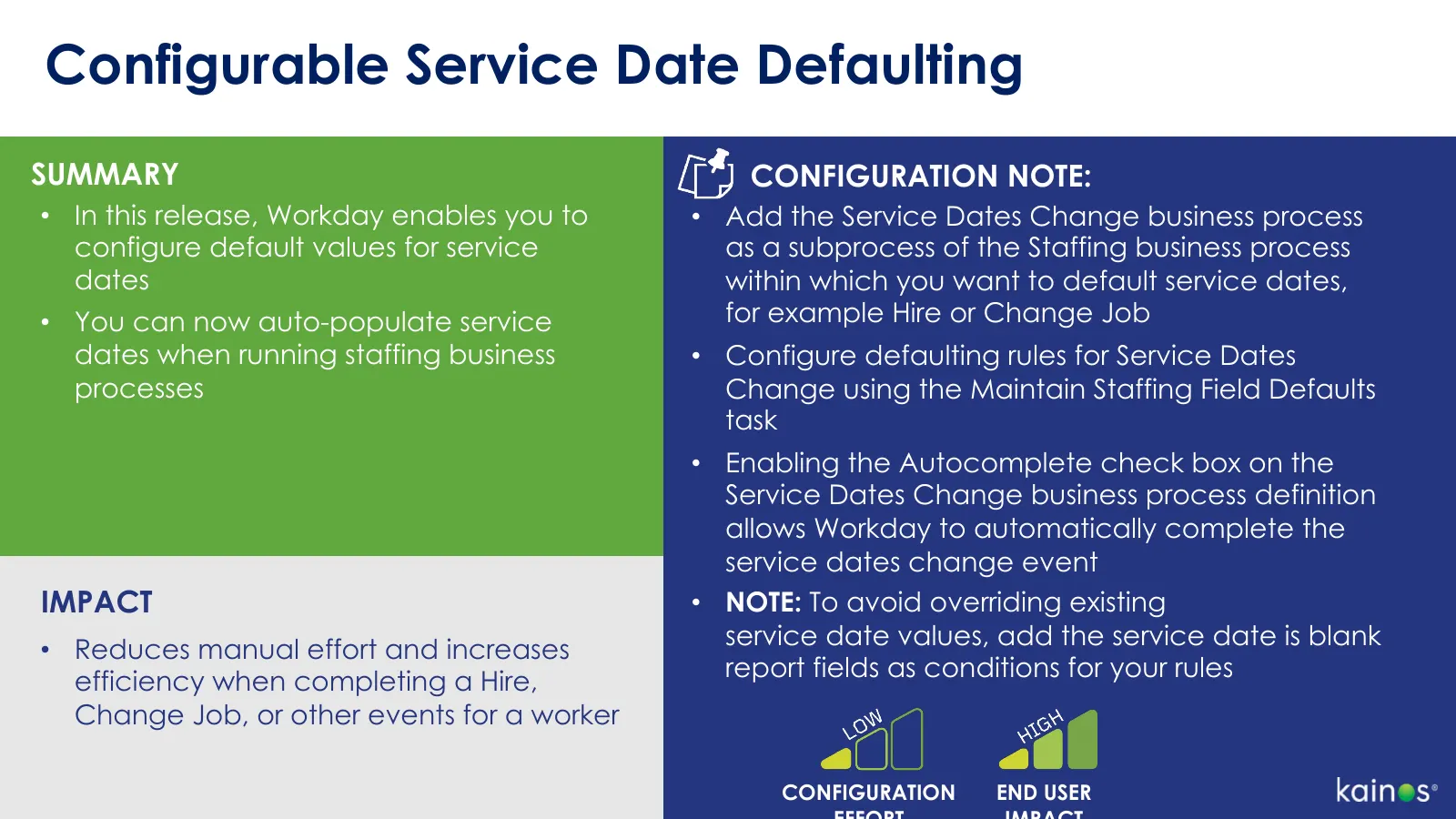
Slide 23: Configurable Service Date Defaulting
Configurable Service Date Defaulting SUMMARY CONFIGURATION NOTE: • In this release, Workday enables you to • Add the Service Dates Change business process configure default values for service as a subprocess of the Staffing business process dates within which you want to default service dates, • You
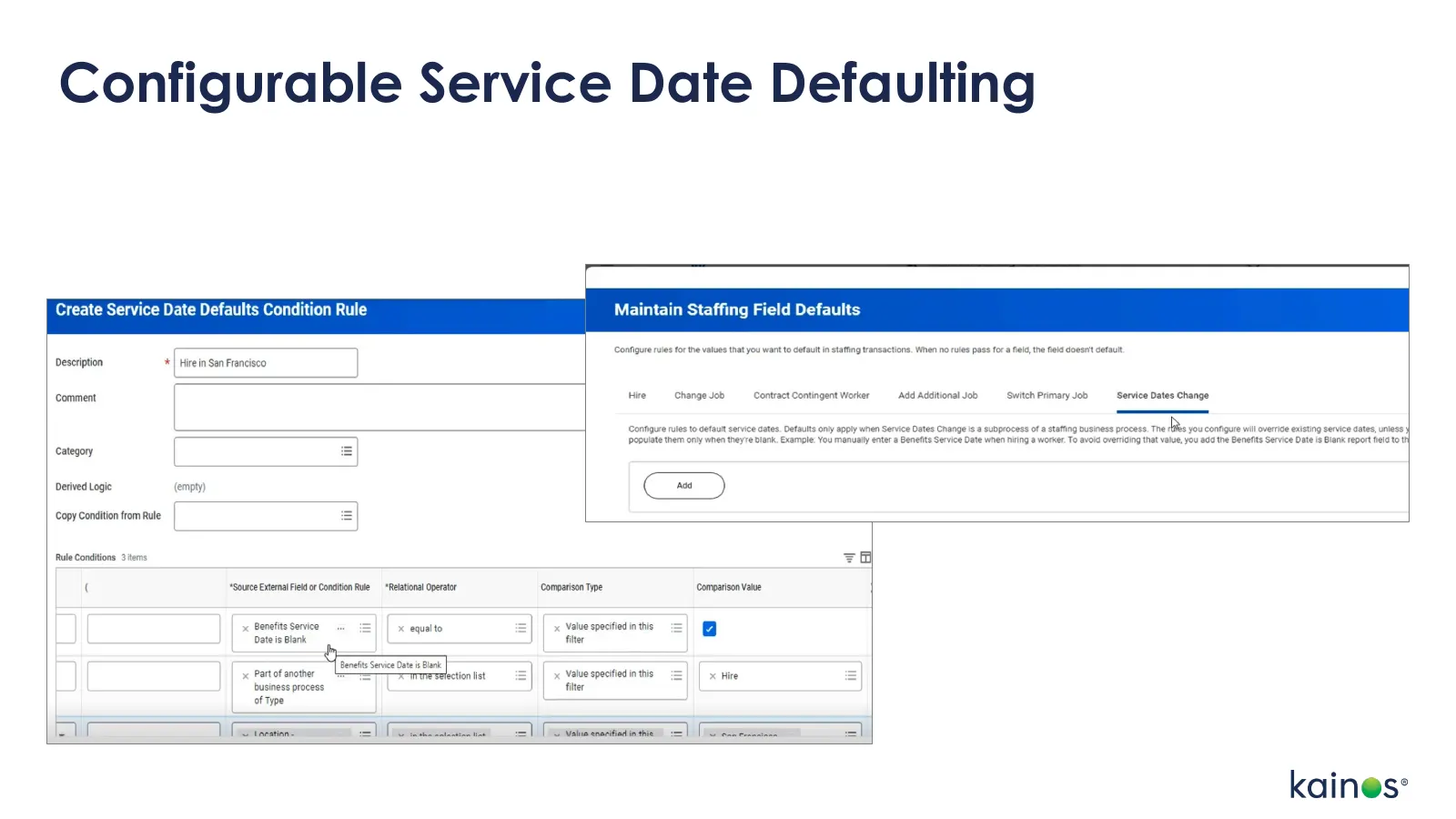
Slide 24: Configurable Service Date Defaulting
Configurable Service Date Defaulting
Slide 25: Core Compensation
Core Compensation Stephen O’Hara Lead Workday HCM Consultant
Slide 26: Compensation Review Statement Generation and Delivery
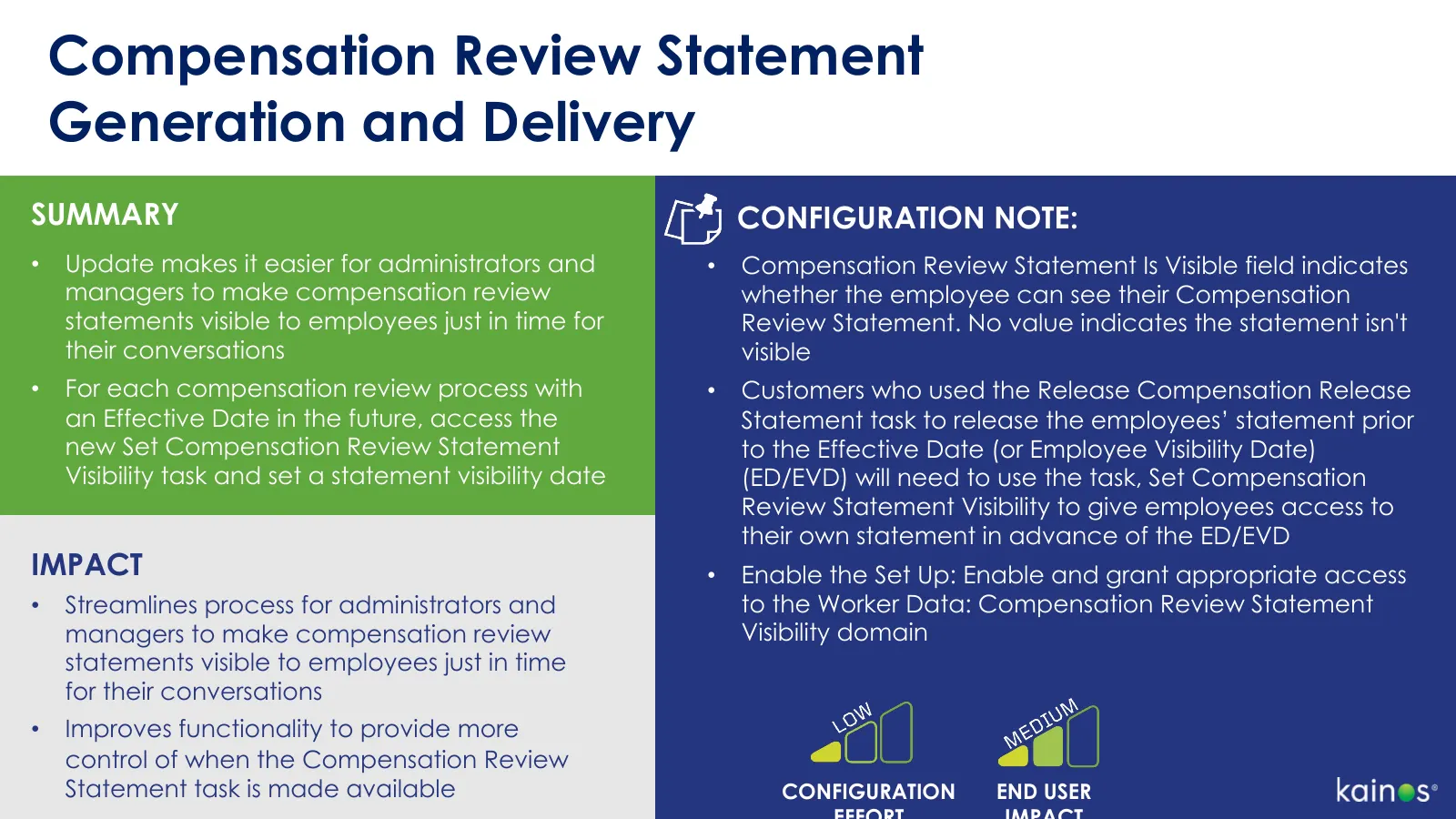
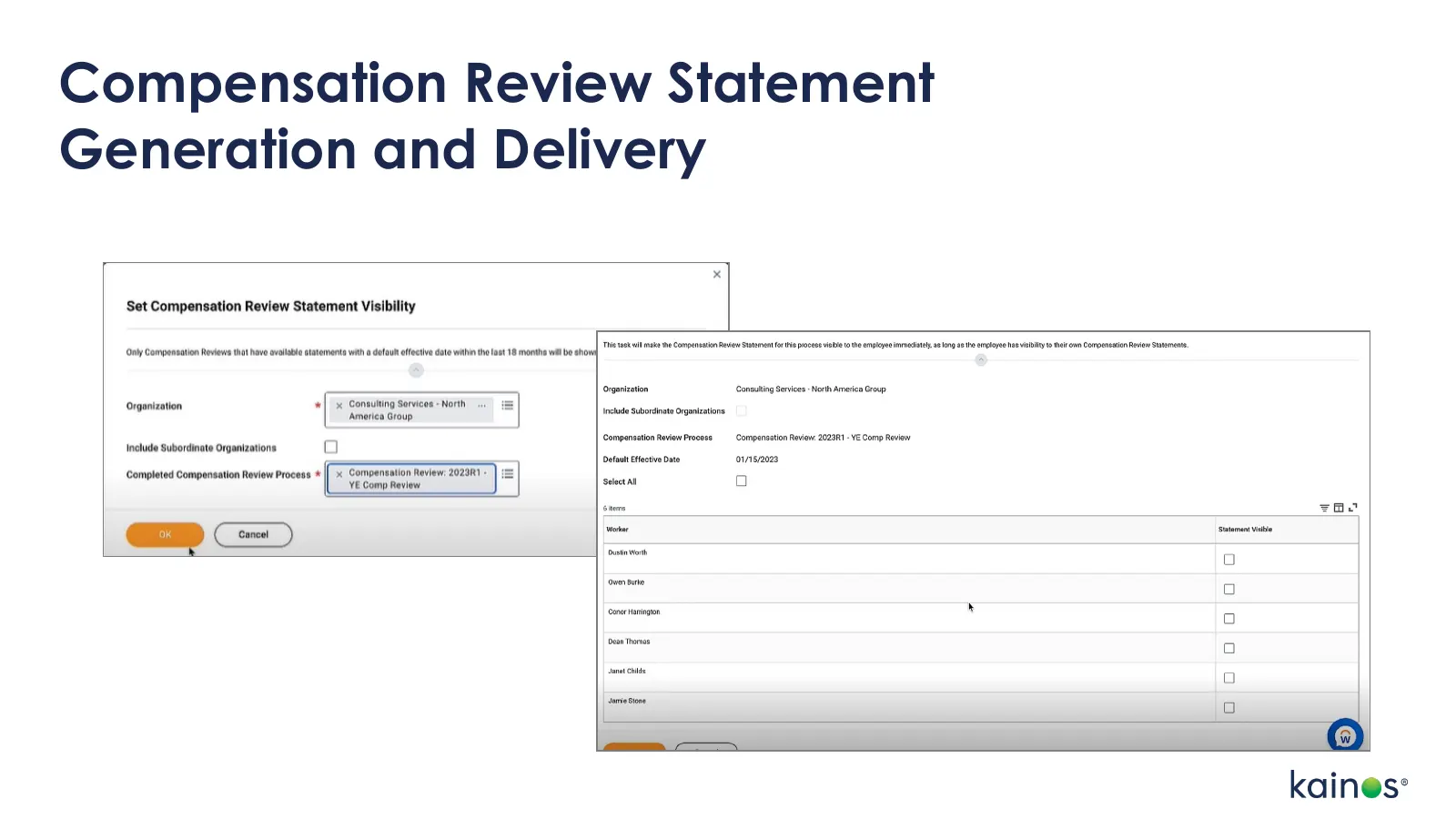
Compensation Review Statement Generation and Delivery SUMMARY CONFIGURATION NOTE: • Update makes it easier for administrators and • Compensation Review Statement Is Visible field indicates managers to make compensation review whether the employee can see their Compensation statements visible to empl
Slide 27: Compensation Review Statement Generation and Delivery
Compensation Review Statement Generation and Delivery
Slide 28: Total Rewards Card on Benefits and Pay Hub More Intuitive by Adding Visualization
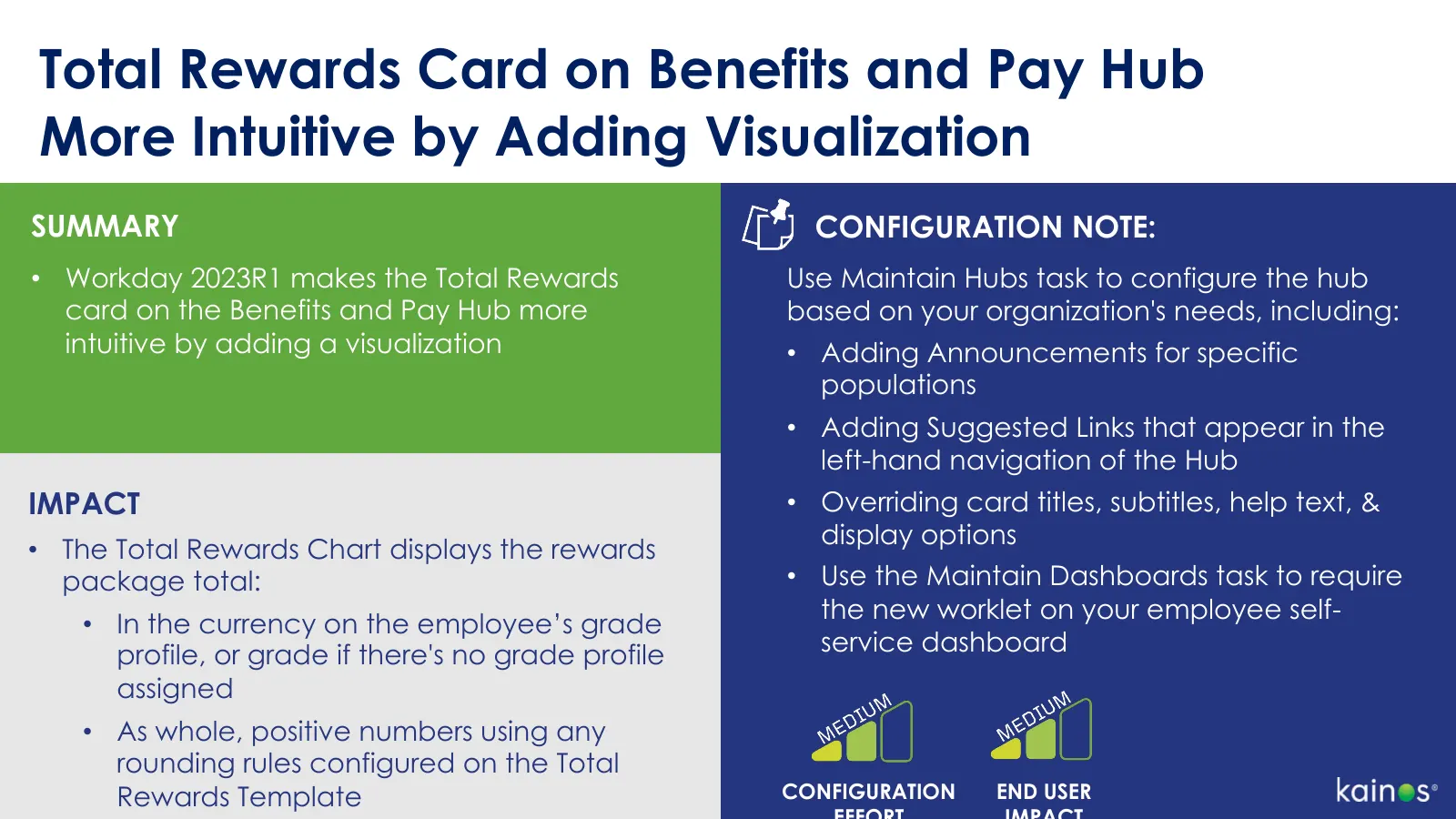
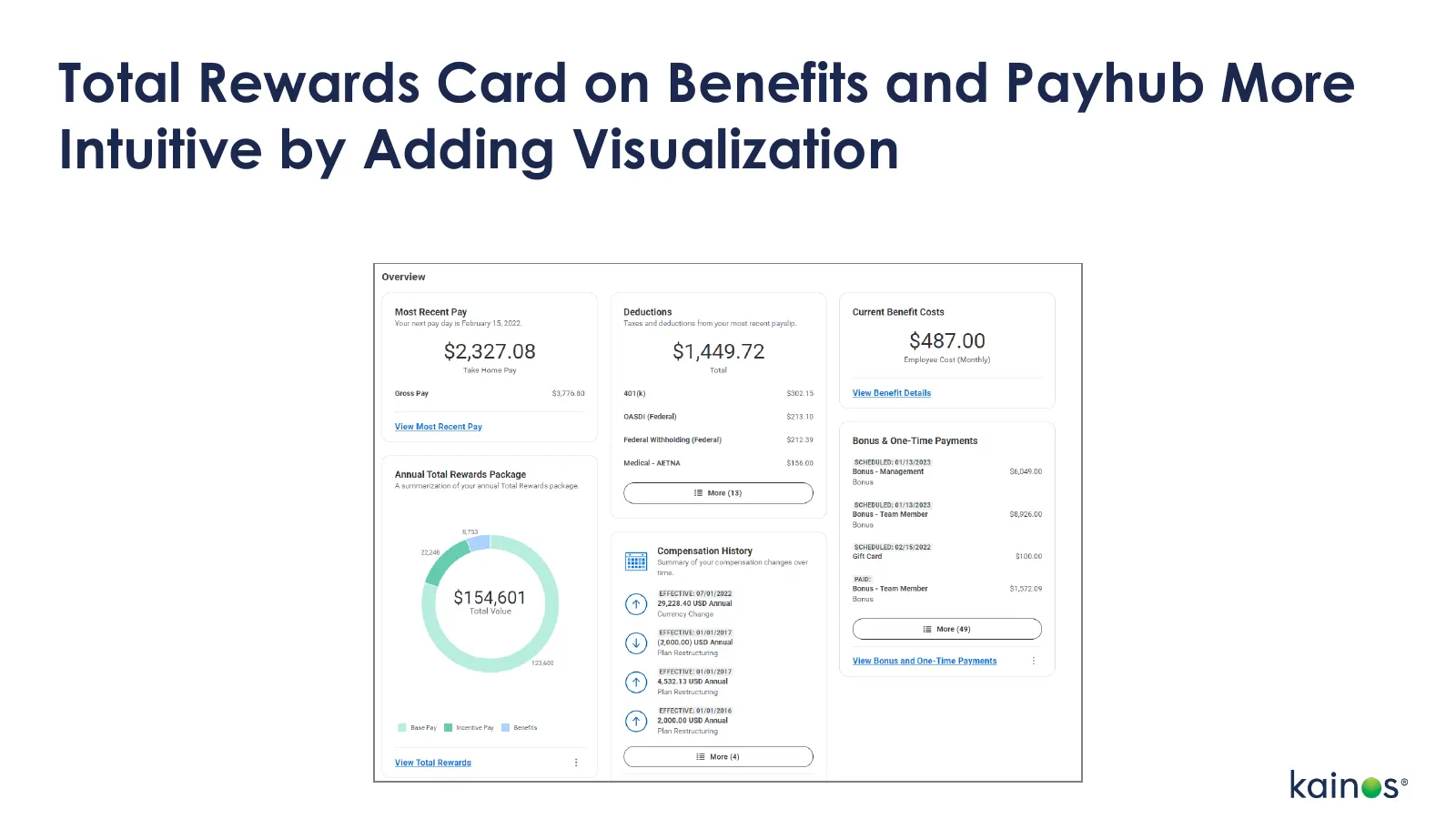
Total Rewards Card on Benefits and Pay Hub More Intuitive by Adding Visualization SUMMARY CONFIGURATION NOTE: • Workday 2023R1 makes the Total Rewards Use Maintain Hubs task to configure the hub card on the Benefits and Pay Hub more based on your organization's needs, including: intuitive by adding
Slide 29: Total Rewards Card on Benefits and Payhub More Intuitive by Adding Visualization
Total Rewards Card on Benefits and Payhub More Intuitive by Adding Visualization
Slide 30: Forfeit Bonus Payments for Terminated Workers
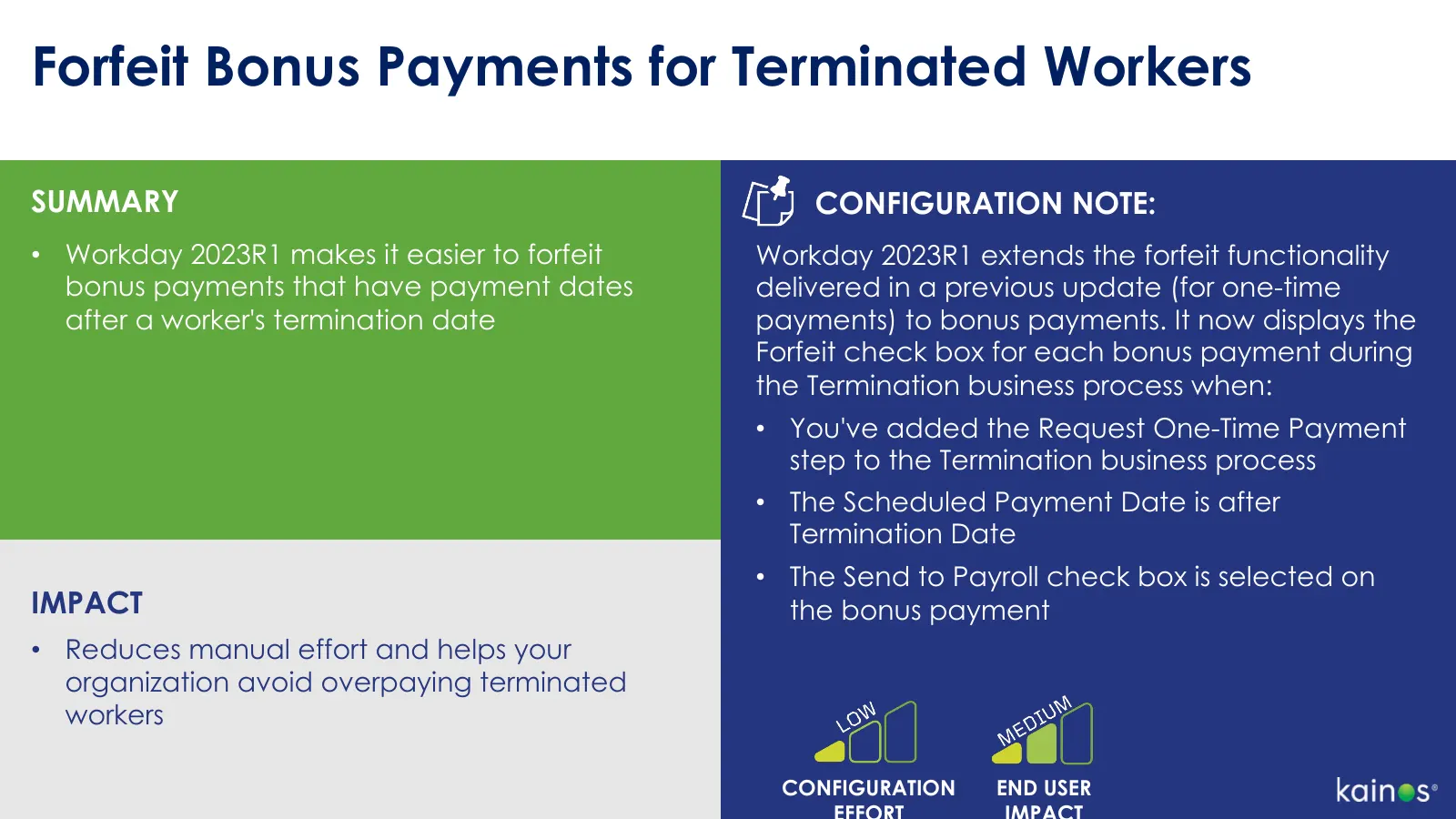
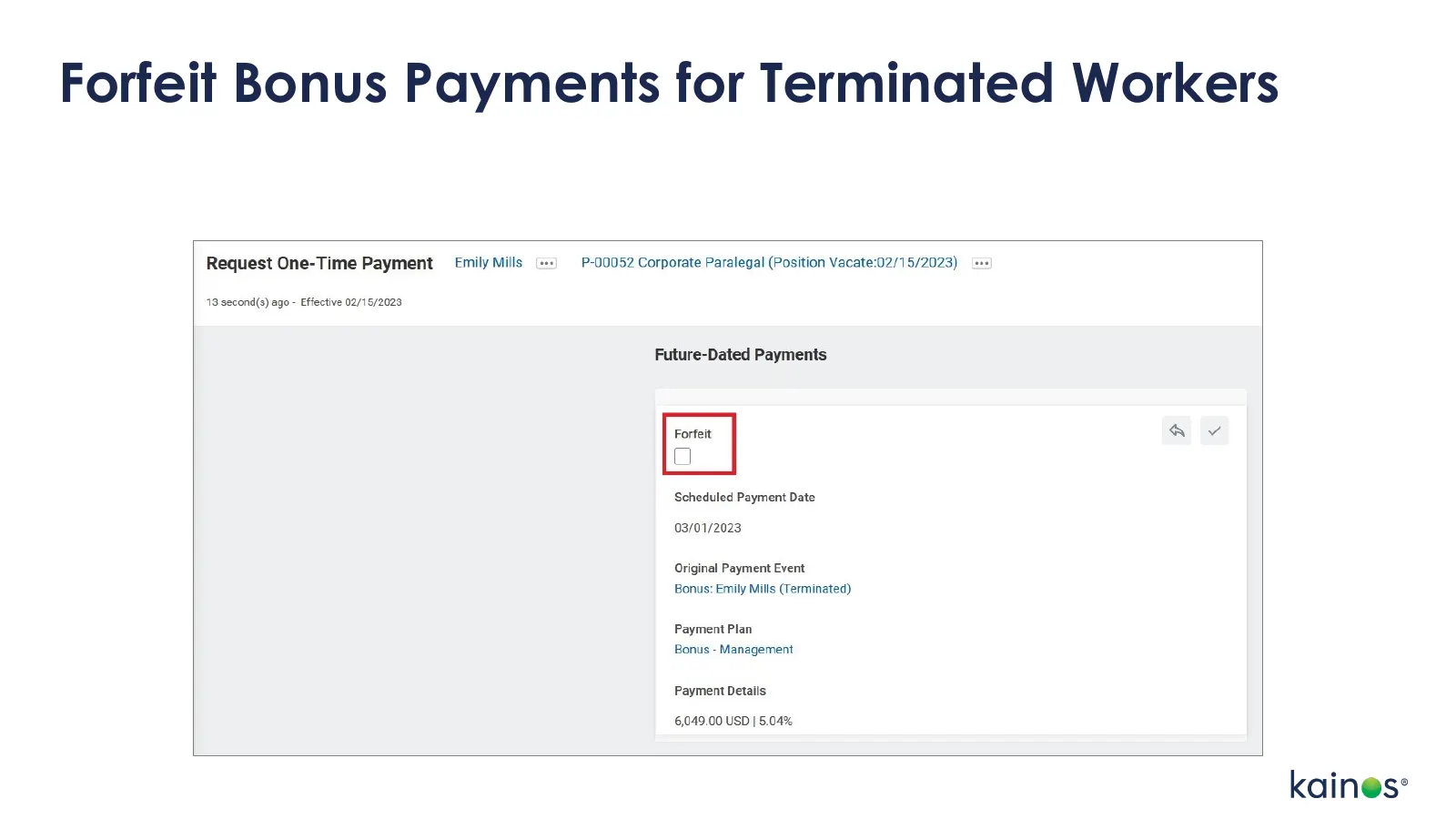
Forfeit Bonus Payments for Terminated Workers SUMMARY CONFIGURATION NOTE: • Workday 2023R1 makes it easier to forfeit Workday 2023R1 extends the forfeit functionality bonus payments that have payment dates delivered in a previous update (for one-time after a worker's termination date payments) to bo
Slide 31: Forfeit Bonus Payments for Terminated Workers
Forfeit Bonus Payments for Terminated Workers

Slide 32: Recruiting
Recruiting Annie Andre Lead Workday HCM Consultant
Slide 33: Internal Mobility Enhancements (Jobs Hub)
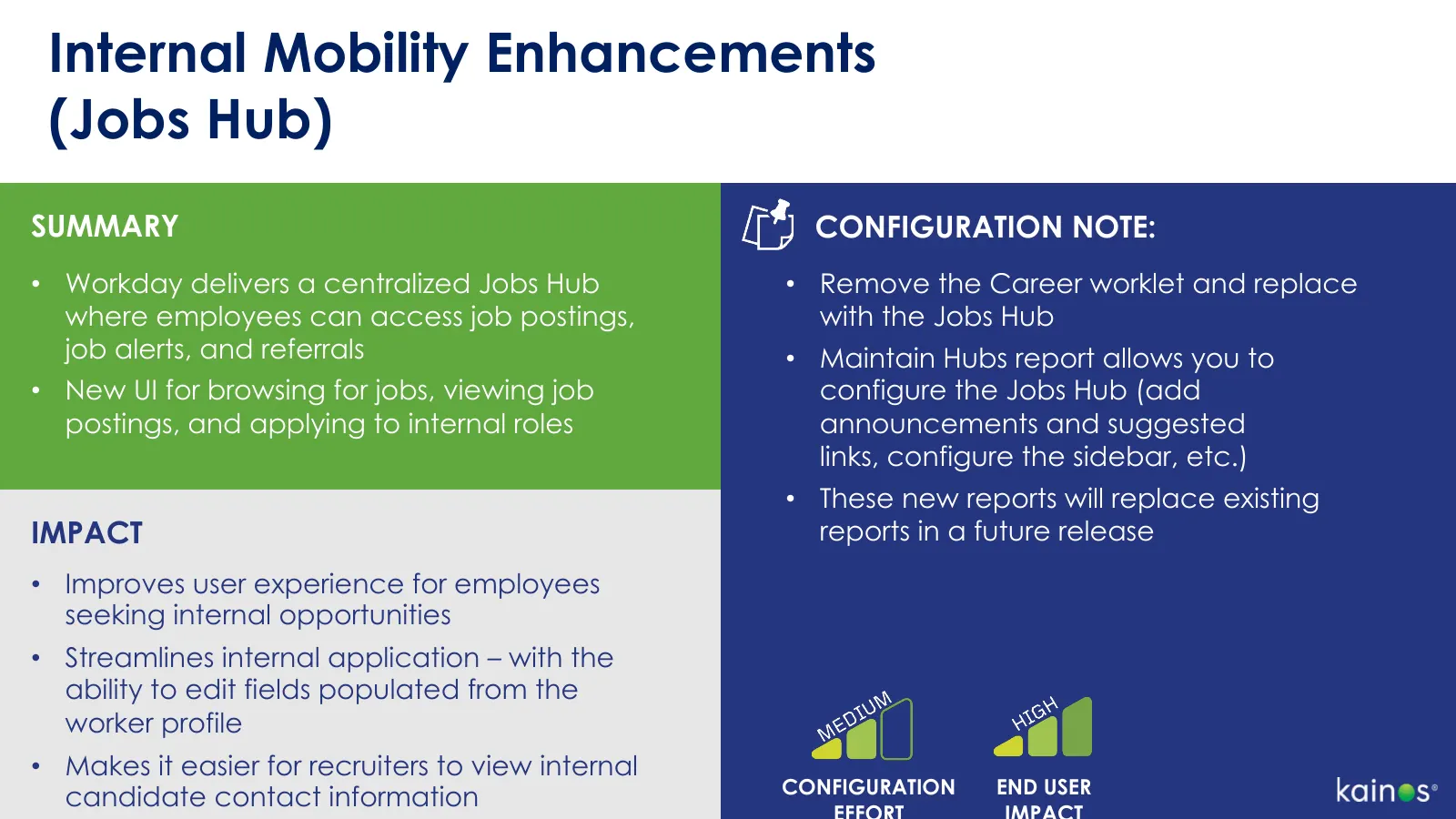
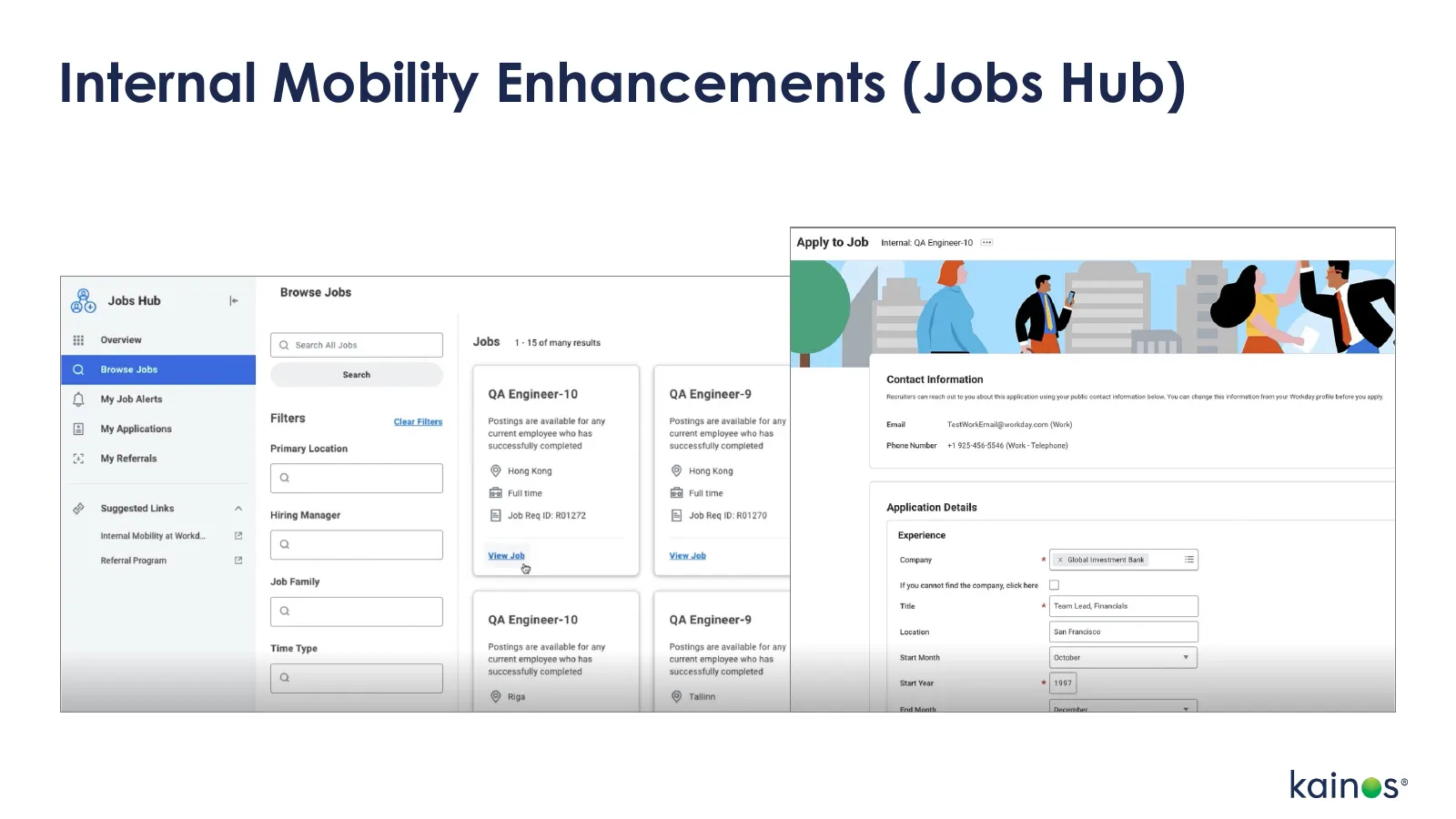
Internal Mobility Enhancements (Jobs Hub) SUMMARY CONFIGURATION NOTE: • Workday delivers a centralized Jobs Hub • Remove the Career worklet and replace where employees can access job postings, with the Jobs Hub job alerts, and referrals • Maintain Hubs report allows you to • New UI for browsing for
Slide 34: Internal Mobility Enhancements (Jobs Hub)
Internal Mobility Enhancements (Jobs Hub)
Slide 35: Add Documents to Offers & Employment Agreements
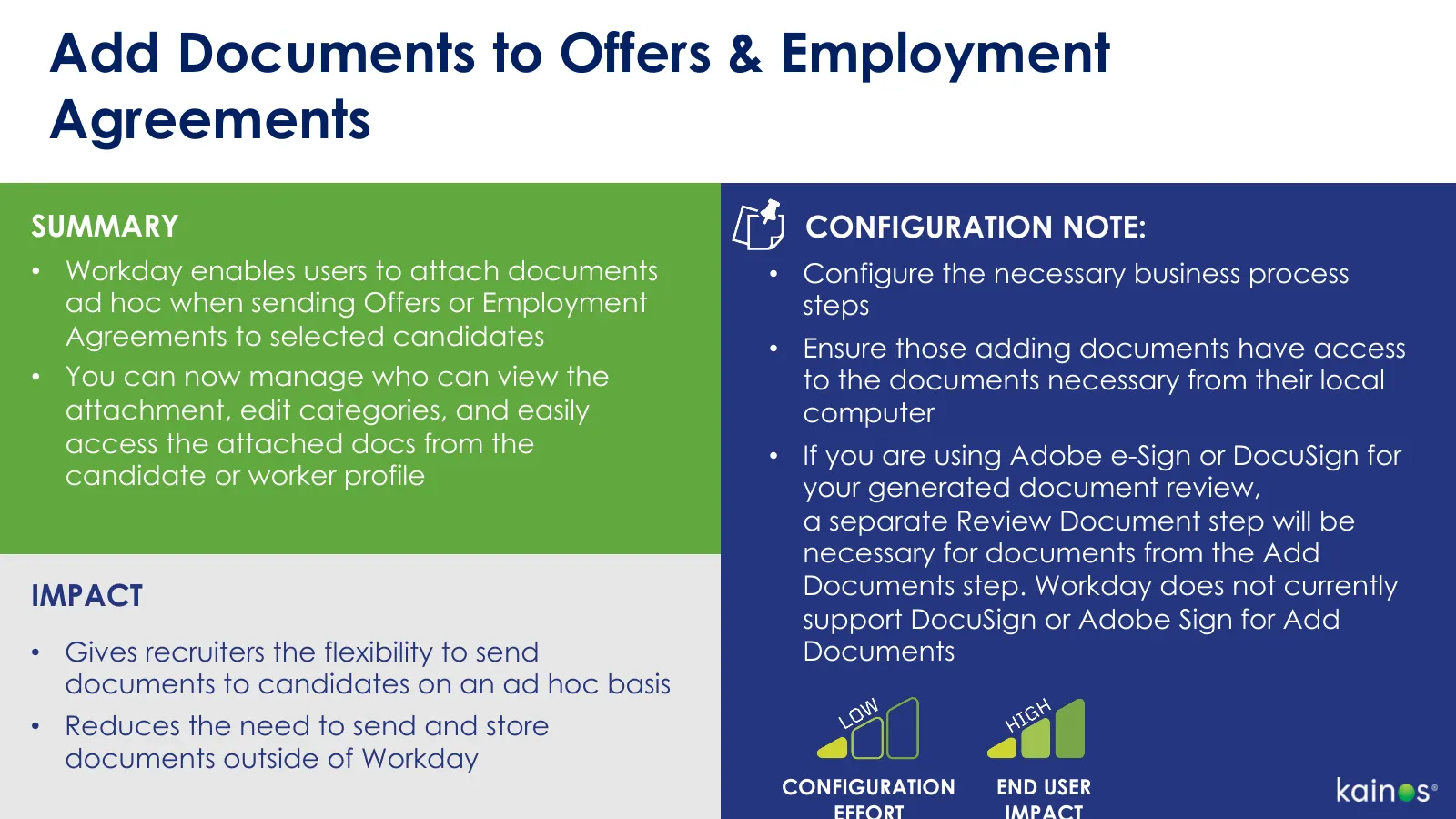
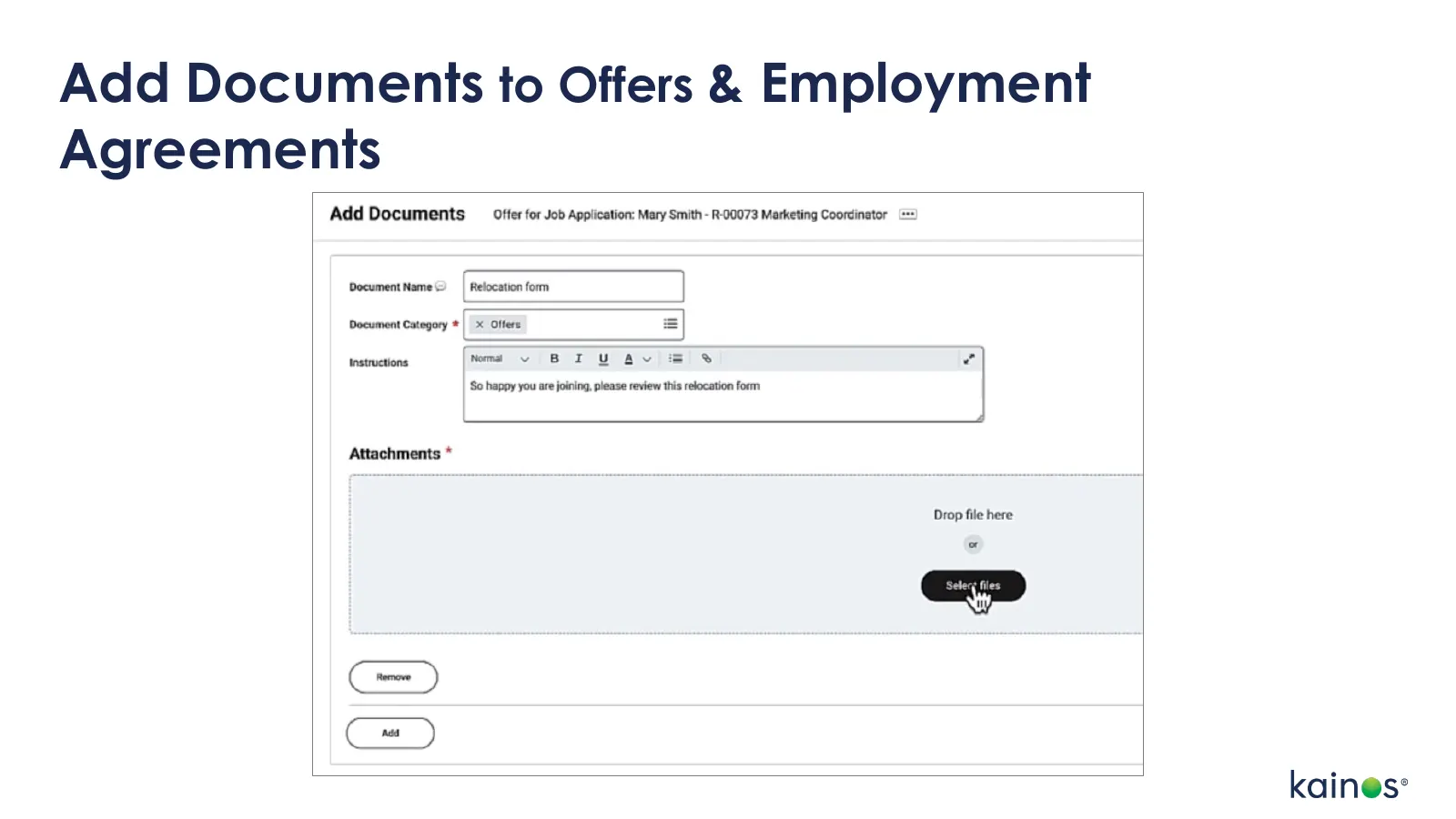
Add Documents to Offers & Employment Agreements SUMMARY CONFIGURATION NOTE: • Workday enables users to attach documents • Configure the necessary business process ad hoc when sending Offers or Employment steps Agreements to selected candidates • Ensure those adding documents have access • You can no
Slide 36: Add Documents to Offers & Employment Agreements
Add Documents to Offers & Employment Agreements
Slide 37: Create Job Requisitions for Multiple Existing Positions
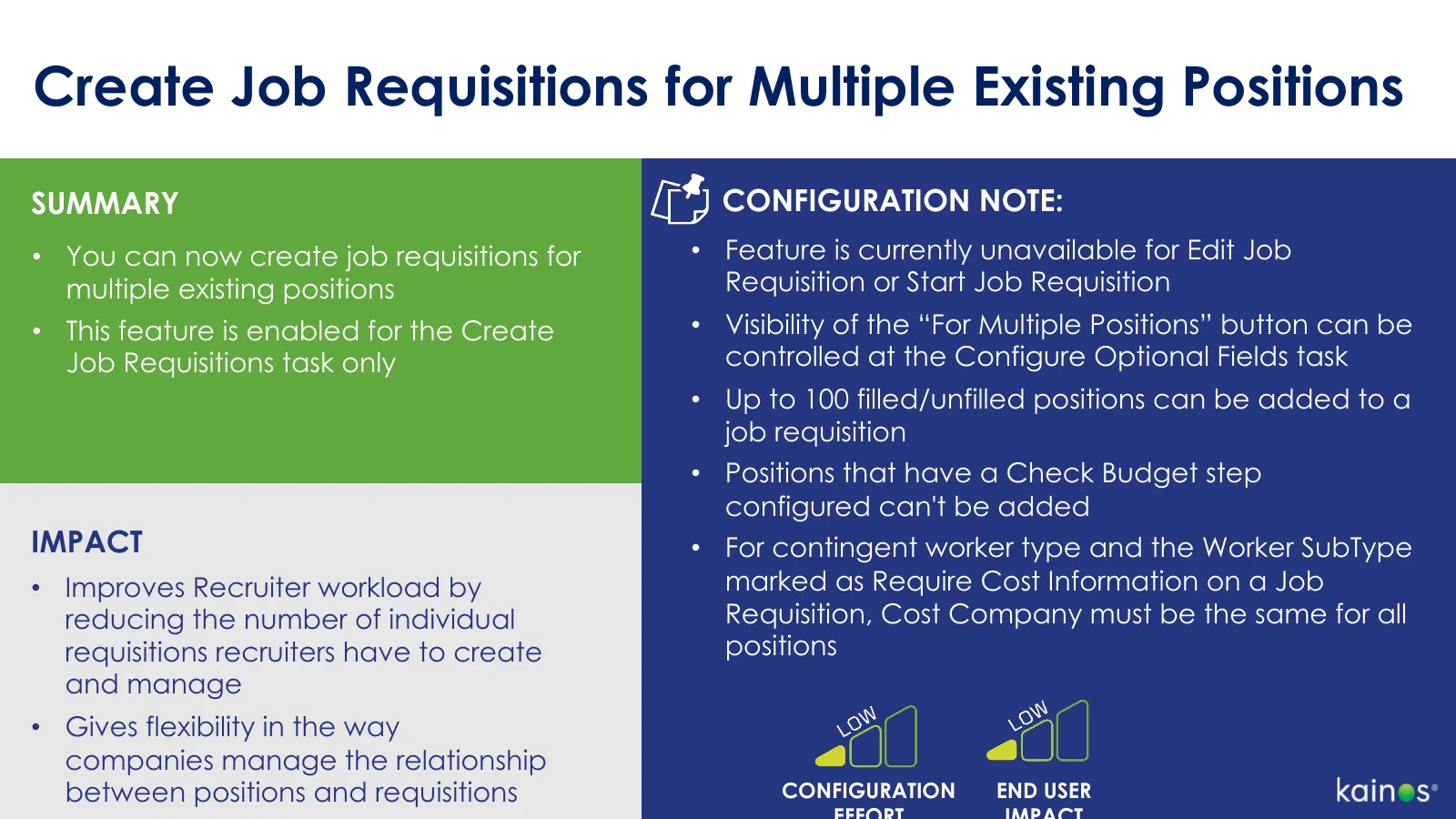
Create Job Requisitions for Multiple Existing Positions SUMMARY CONFIGURATION NOTE: • You can now create job requisitions for • Feature is currently unavailable for Edit Job multiple existing positions Requisition or Start Job Requisition • This feature is enabled for the Create • Visibility of the
Slide 38: Candidate Ranking
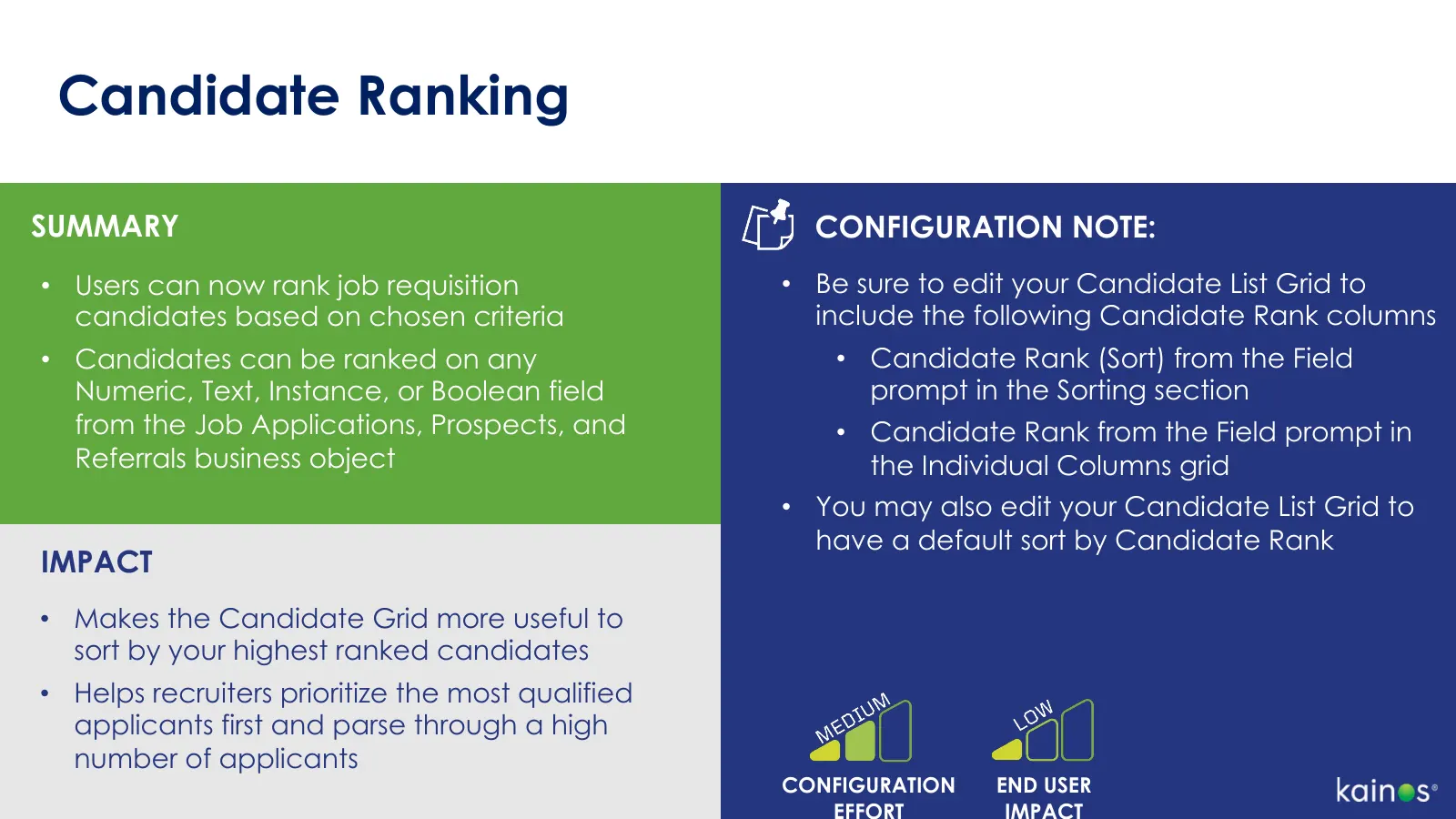
Candidate Ranking SUMMARY CONFIGURATION NOTE: • Users can now rank job requisition • Be sure to edit your Candidate List Grid to candidates based on chosen criteria include the following Candidate Rank columns • Candidates can be ranked on any • Candidate Rank (Sort) from the Field Numeric, Text, In
Slide 39: Talent & Performance
Talent & Performance James Toner Workday HCM Consultant
Slide 40: Worker Skill Level User Interface Modal
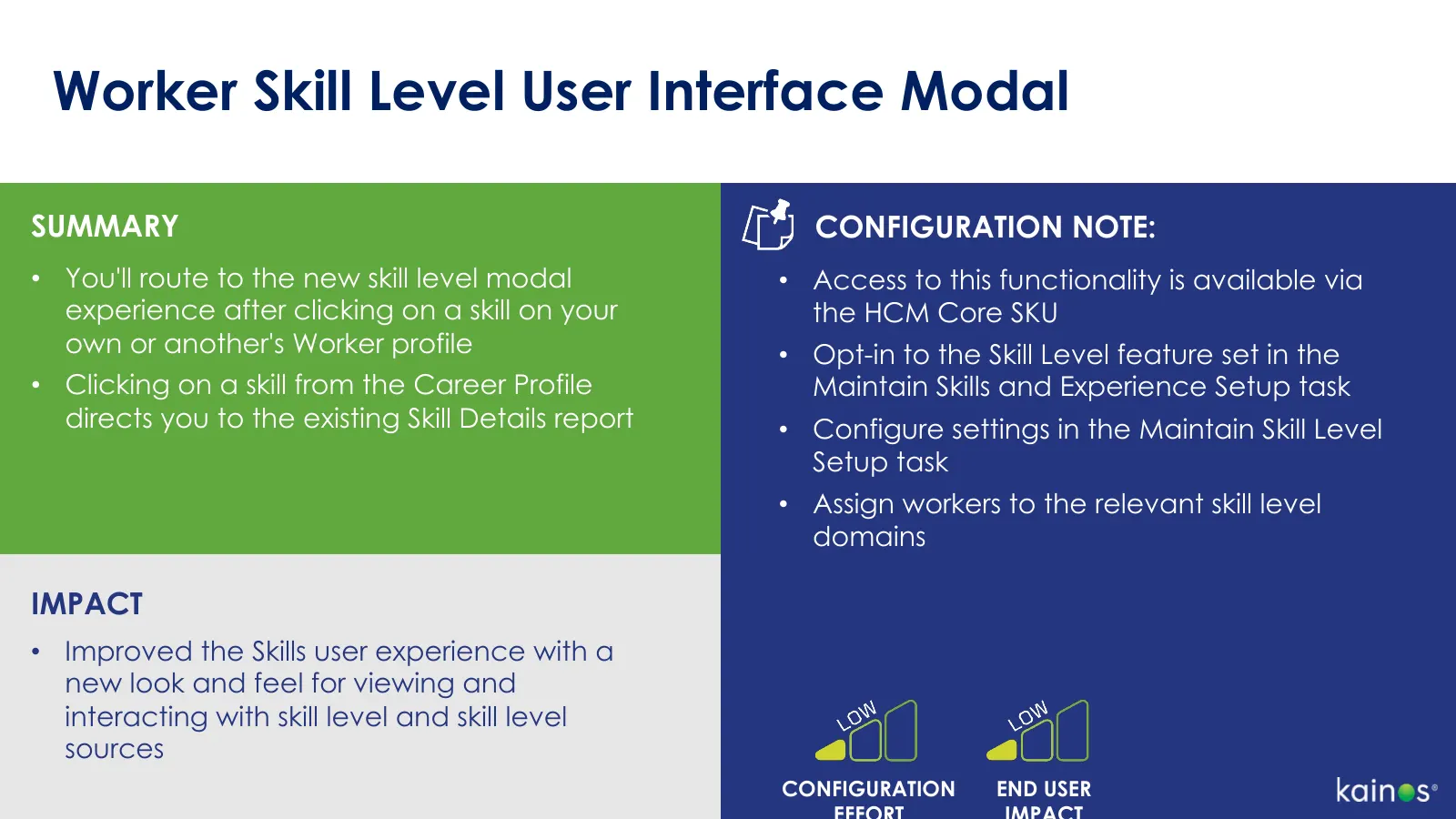
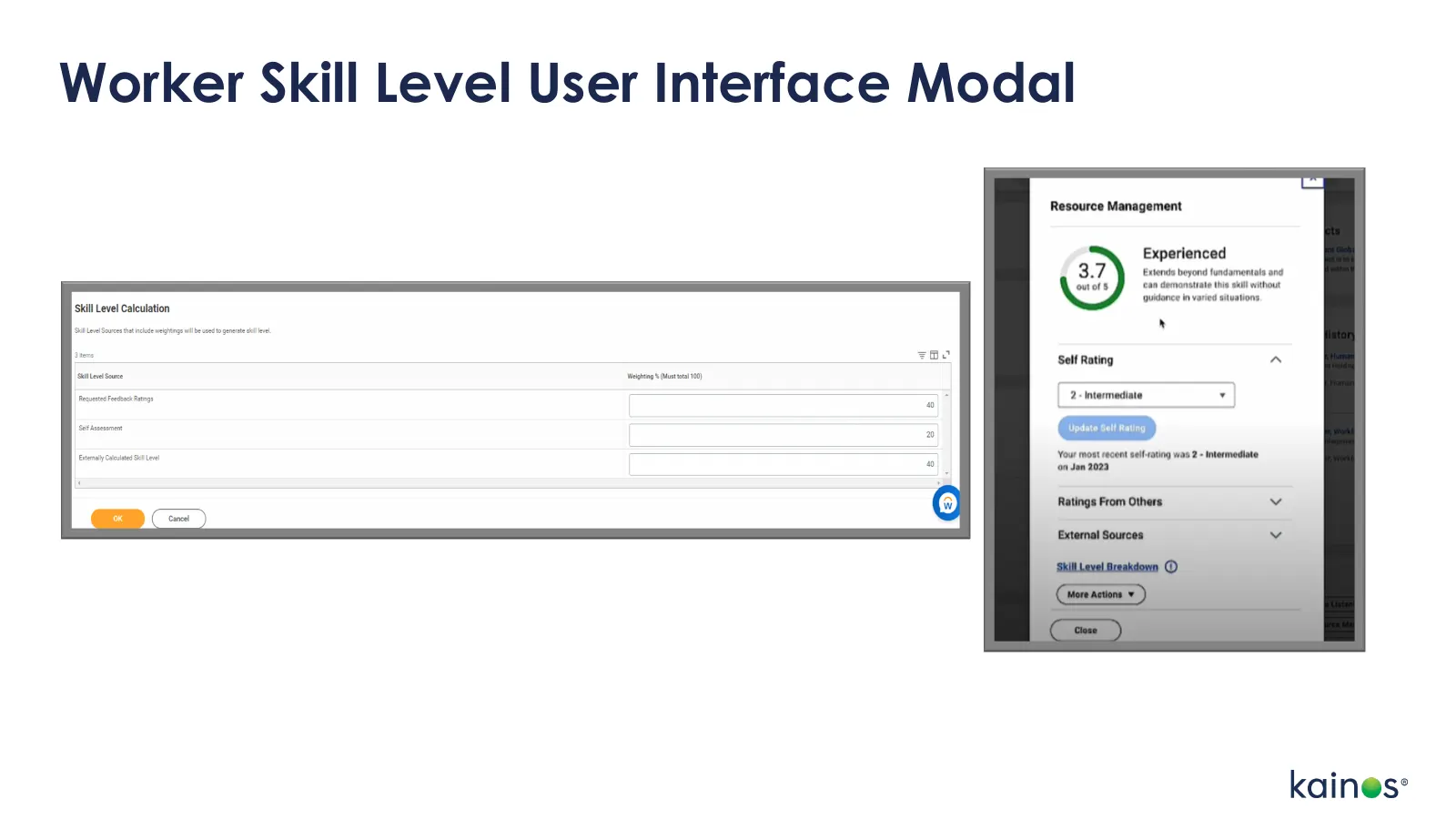
Worker Skill Level User Interface Modal SUMMARY CONFIGURATION NOTE: • You'll route to the new skill level modal • Access to this functionality is available via experience after clicking on a skill on your the HCM Core SKU own or another's Worker profile • Opt-in to the Skill Level feature set in the
Slide 41: Worker Skill Level User Interface Modal
Worker Skill Level User Interface Modal
Slide 42: Goals API & Reporting
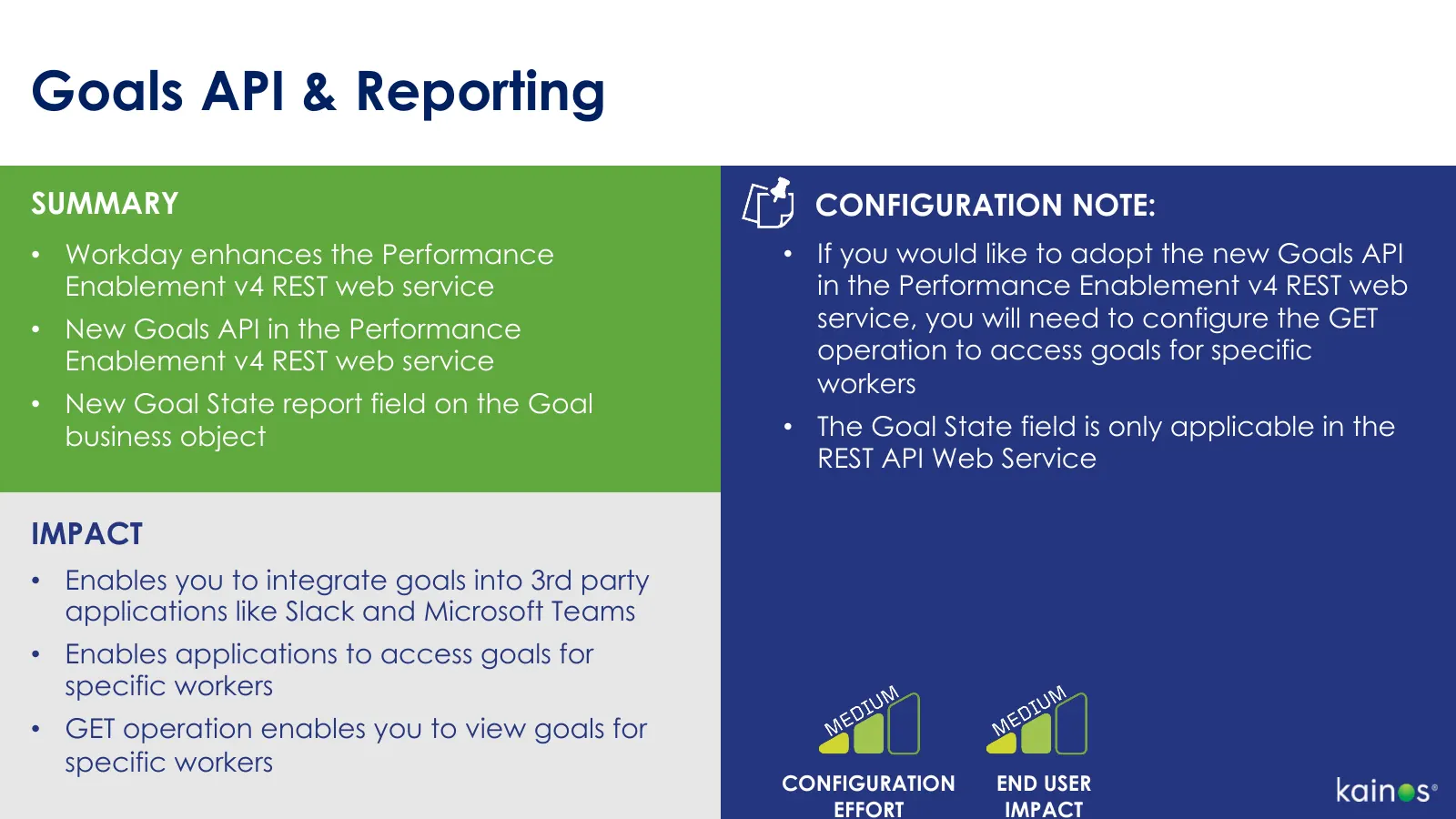
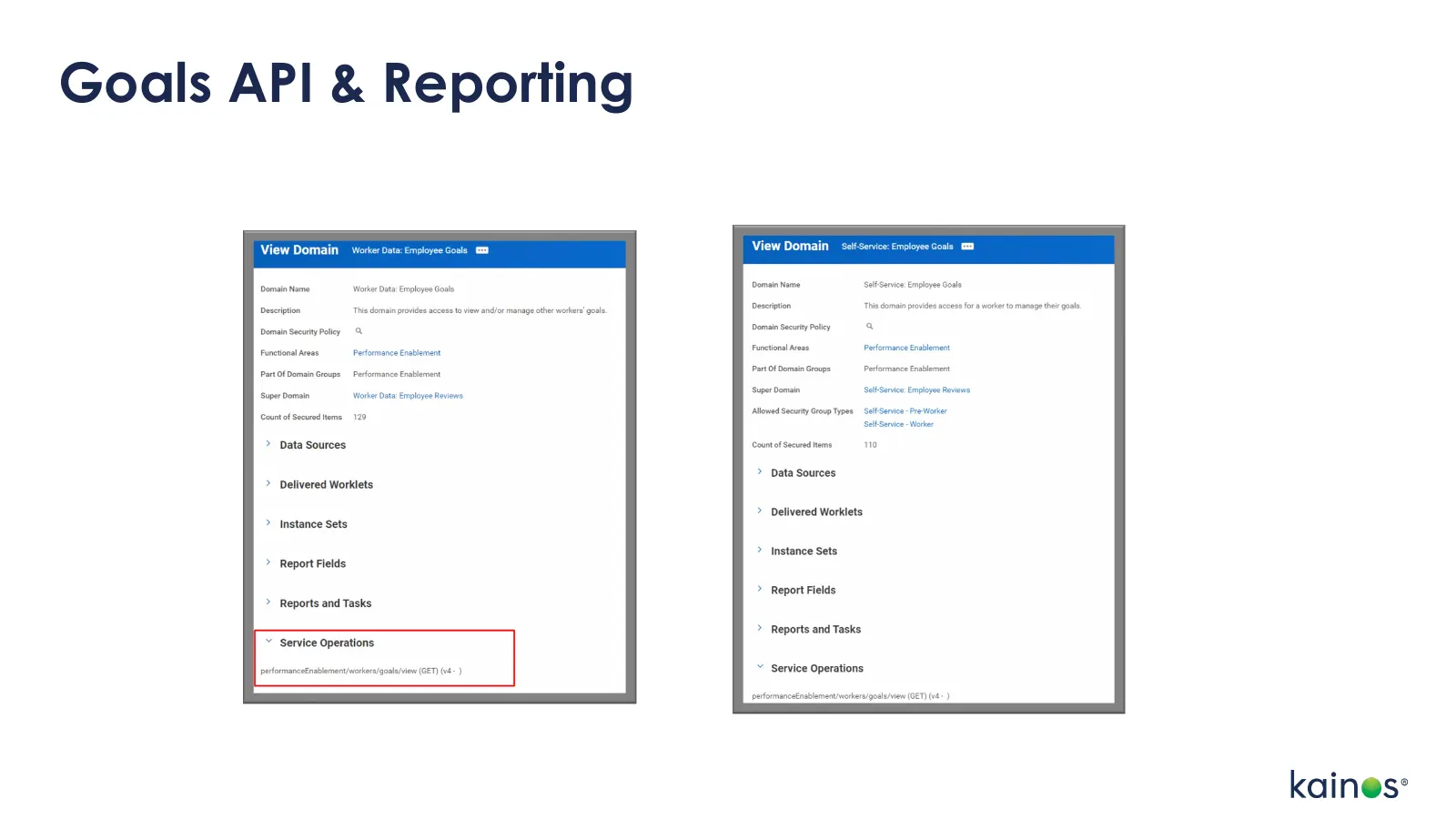
Goals API & Reporting SUMMARY CONFIGURATION NOTE: • Workday enhances the Performance • If you would like to adopt the new Goals API Enablement v4 REST web service in the Performance Enablement v4 REST web • New Goals API in the Performance service, you will need to configure the GET Enablement v4 RE
Slide 43: Goals API & Reporting
Goals API & Reporting View Domain Domain Name Description Domain Security Paley Fanetona Areas Part of Domain Groupe Supe Domain > Data Sources Worker Data: Employee Goal Tie doin provides sees to view and/or sanage cher maha gal a Peformance Enablement Worker eta Employee Reviews Delivered Worklets
Slide 44: Gigs Promotion
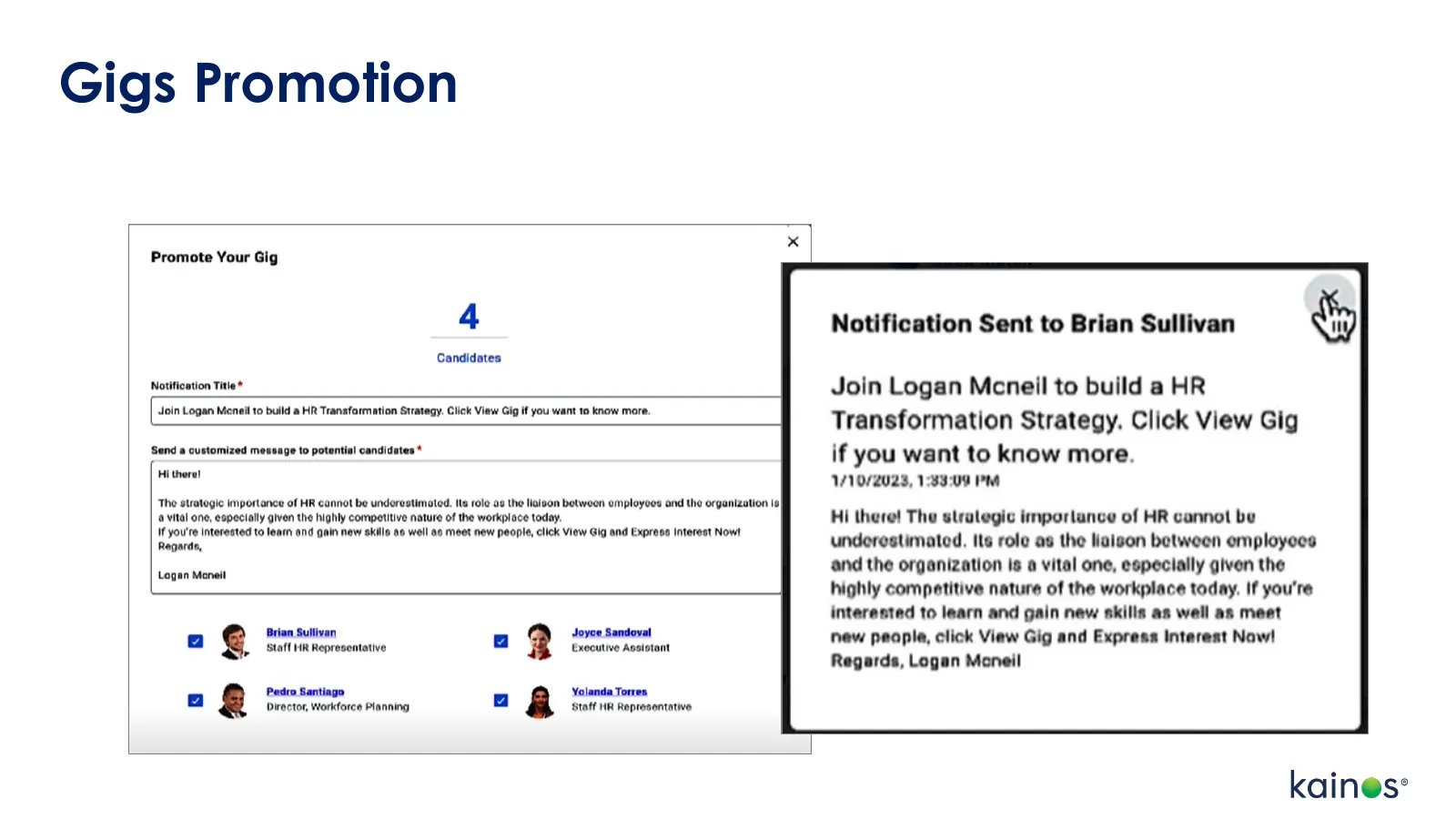
Gigs Promotion SUMMARY CONFIGURATION NOTE: • Gig hosts can create a custom promotion Gig hosts can: message • This feature is automatically available • Better visibility into potential recipients • Select or unselect the recommended • More flexibility over who receives the candidates in the Promote
Slide 45: Gigs Promotion
Gigs Promotion x Promote Your Gig 4 Notification Sent to Brian Sullivan iy Candidates Notitiction Title * Join Logan Mcneil to build a HR Join Logan Mena to build a HR Transformation Sratagy, Click View Gig f you want to know more Transformation Strategy. Click View Gig Send a customized message to
Slide 46: Career Hub for Mobile
Career Hub for Mobile SUMMARY CONFIGURATION NOTE: • Users can now access Career Hub for • This feature is automatically available on Mobile Workday on Android, iPad, and iPhone when you enable Career Hub • Workday improves upon the Career Hub • Users may need to update the Workday experience by maki

Slide 47: Learning
Learning James Toner Workday HCM Consultant
Slide 48: Learning in Career Hub Plan
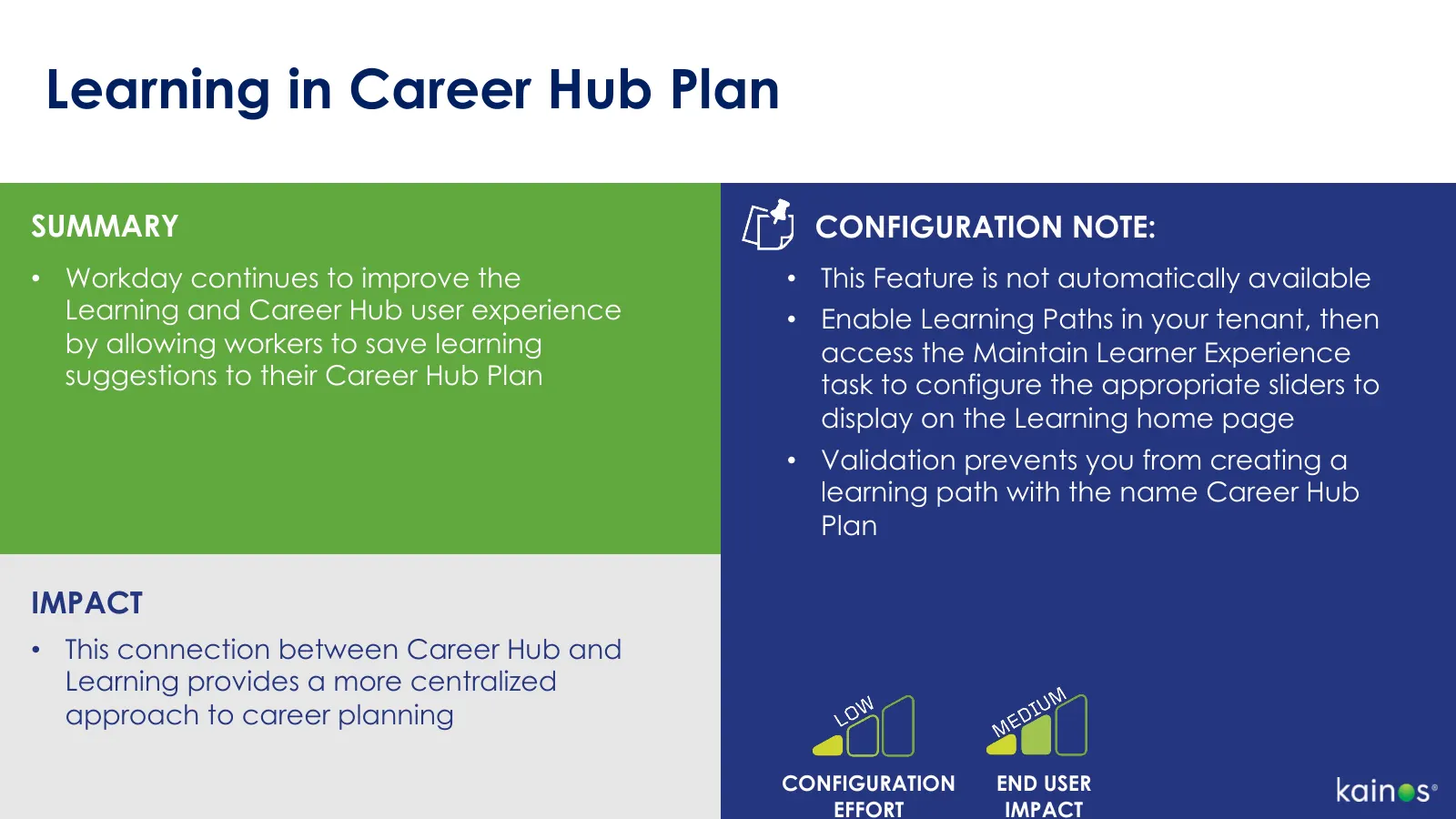
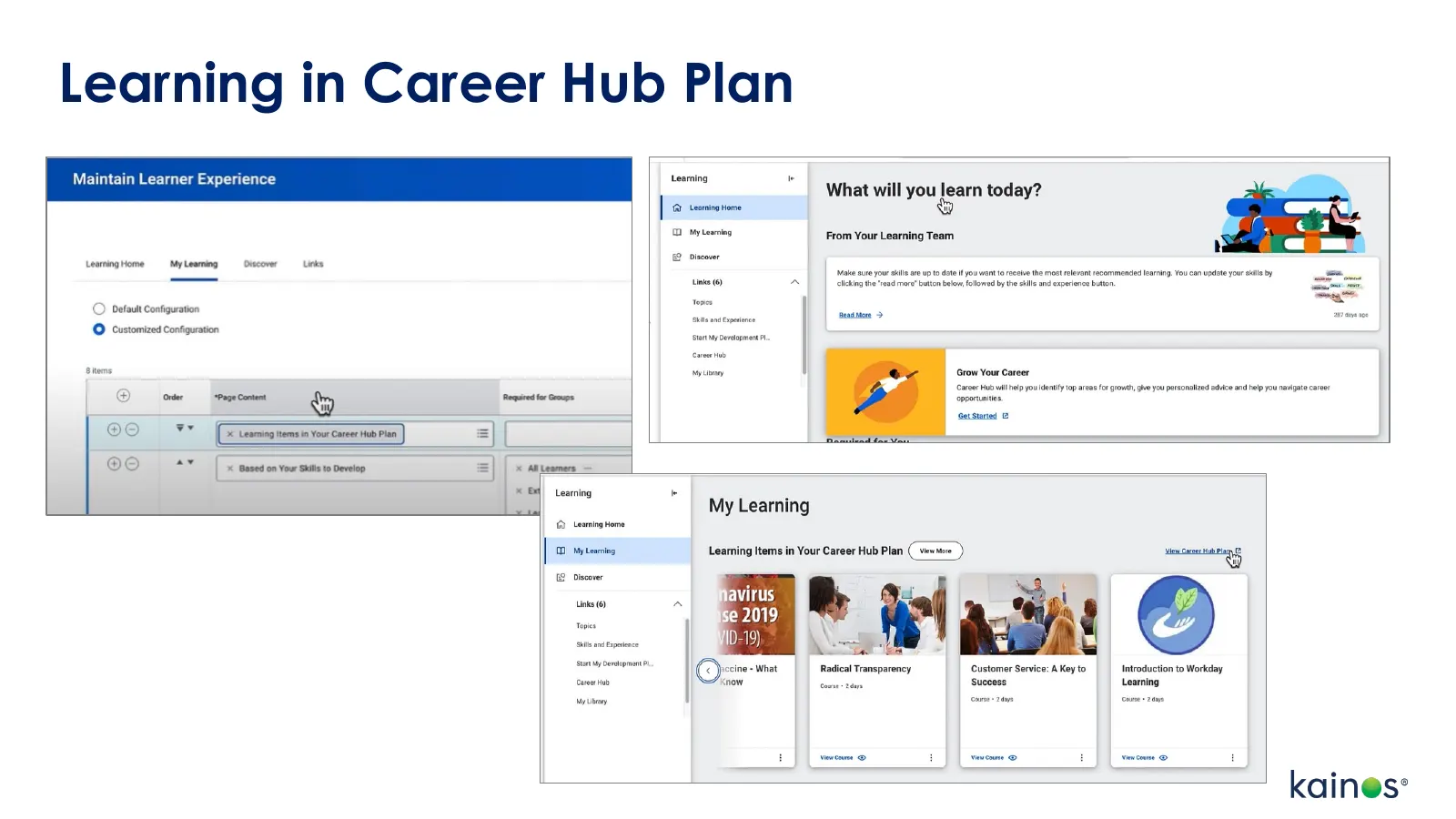
Learning in Career Hub Plan SUMMARY CONFIGURATION NOTE: • Workday continues to improve the • This Feature is not automatically available Learning and Career Hub user experience • Enable Learning Paths in your tenant, then by allowing workers to save learning access the Maintain Learner Experience su
Slide 49: Learning in Career Hub Plan
Learning in Career Hub Plan Maintain Learner Experience Learning . EE pm Lin (6) A My Dero What will you learn today? From Your Learning Team Grow Your Career seisuned & mend ering, Yu cn update your iby Cac we You ent tp areas fo grou ge you personae edce and ep you nate cares Leming yanming Oso t
Slide 50: Virtual Classroom Integration with Microsoft Teams: Attendance Synchronization
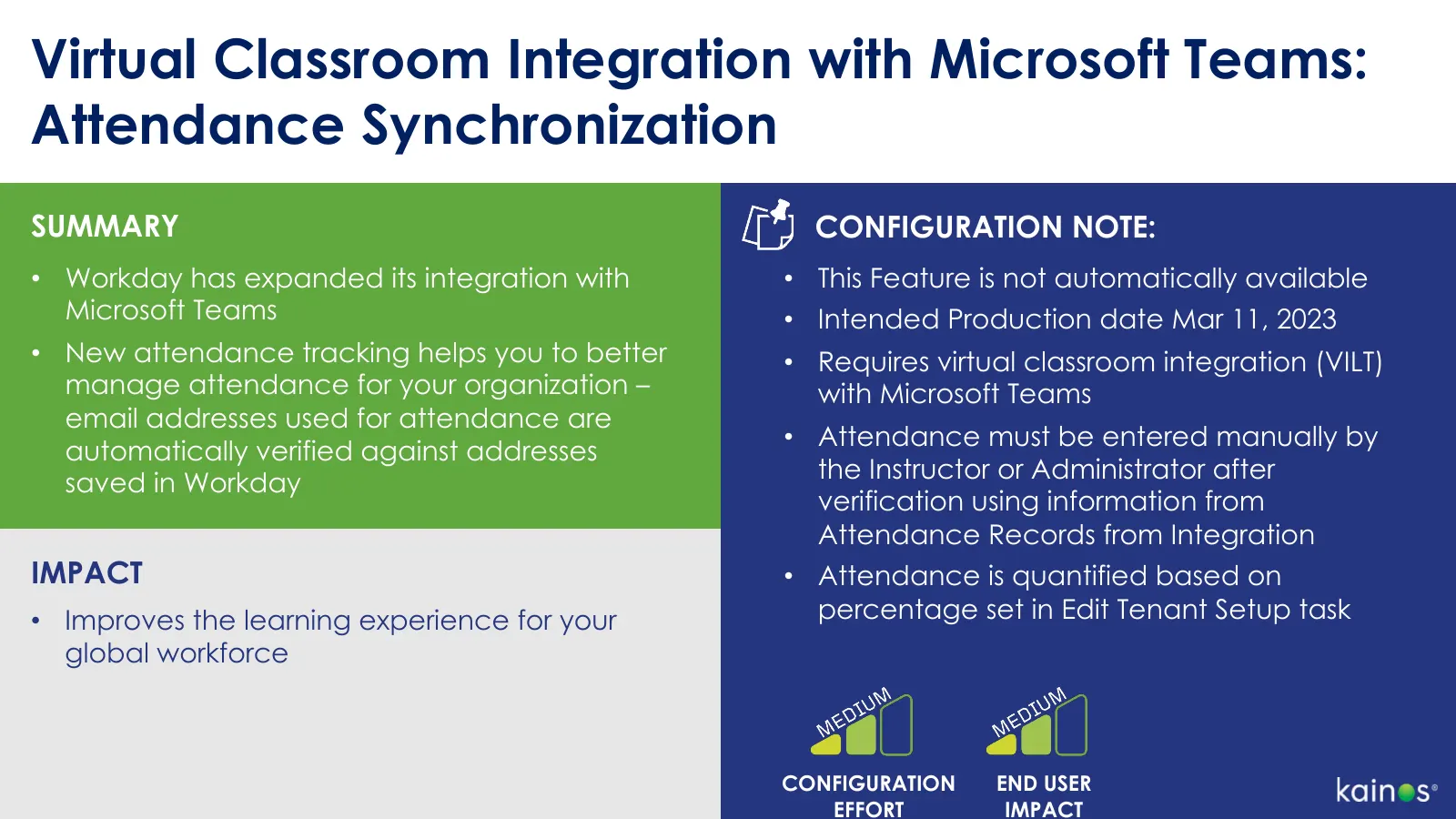
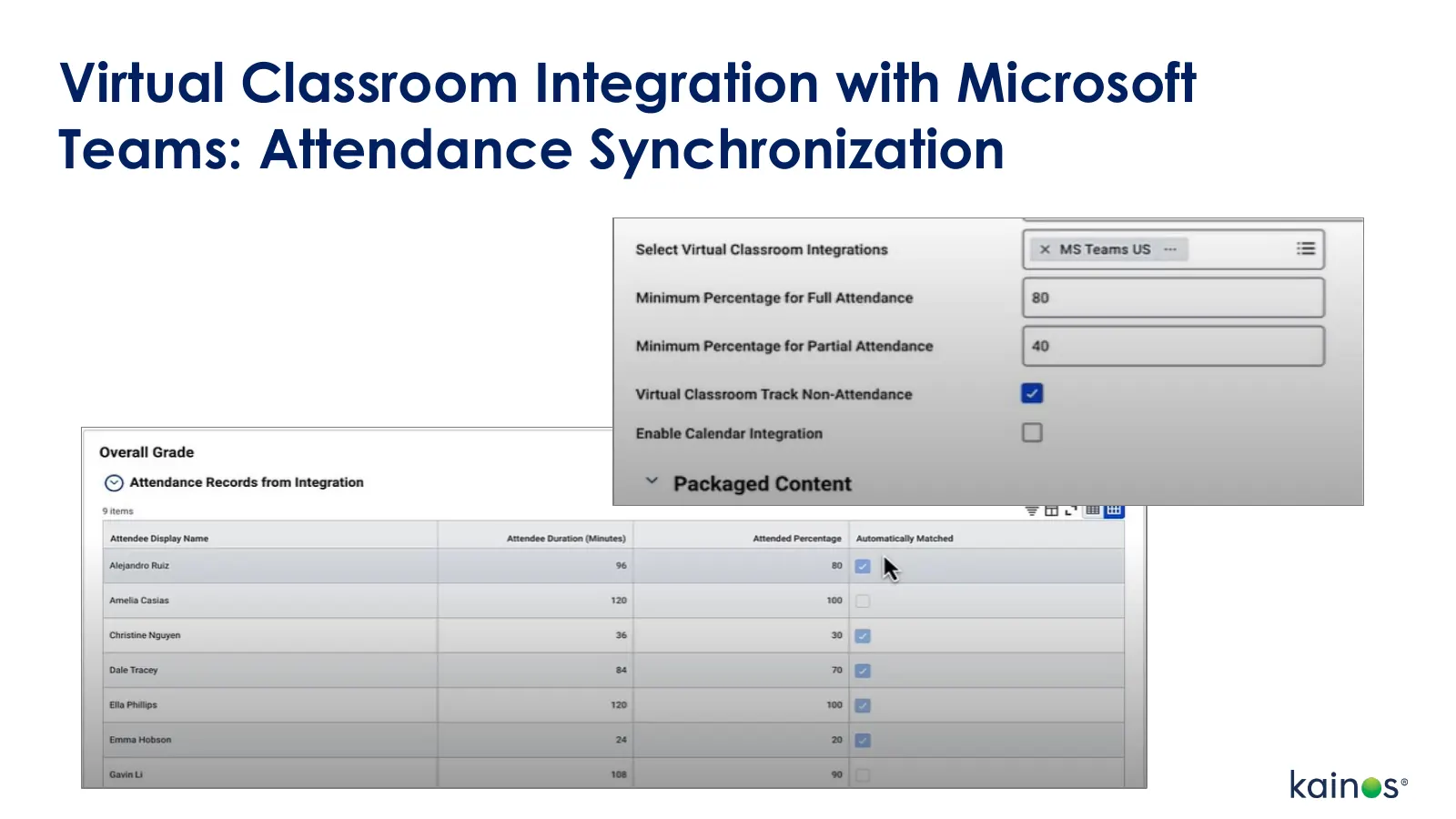
Virtual Classroom Integration with Microsoft Teams: Attendance Synchronization SUMMARY CONFIGURATION NOTE: • Workday has expanded its integration with • This Feature is not automatically available Microsoft Teams • Intended Production date Mar 11, 2023 • New attendance tracking helps you to better •
Slide 51: Virtual Classroom Integration with Microsoft Teams: Attendance Synchronization
Virtual Classroom Integration with Microsoft Teams: Attendance Synchronization
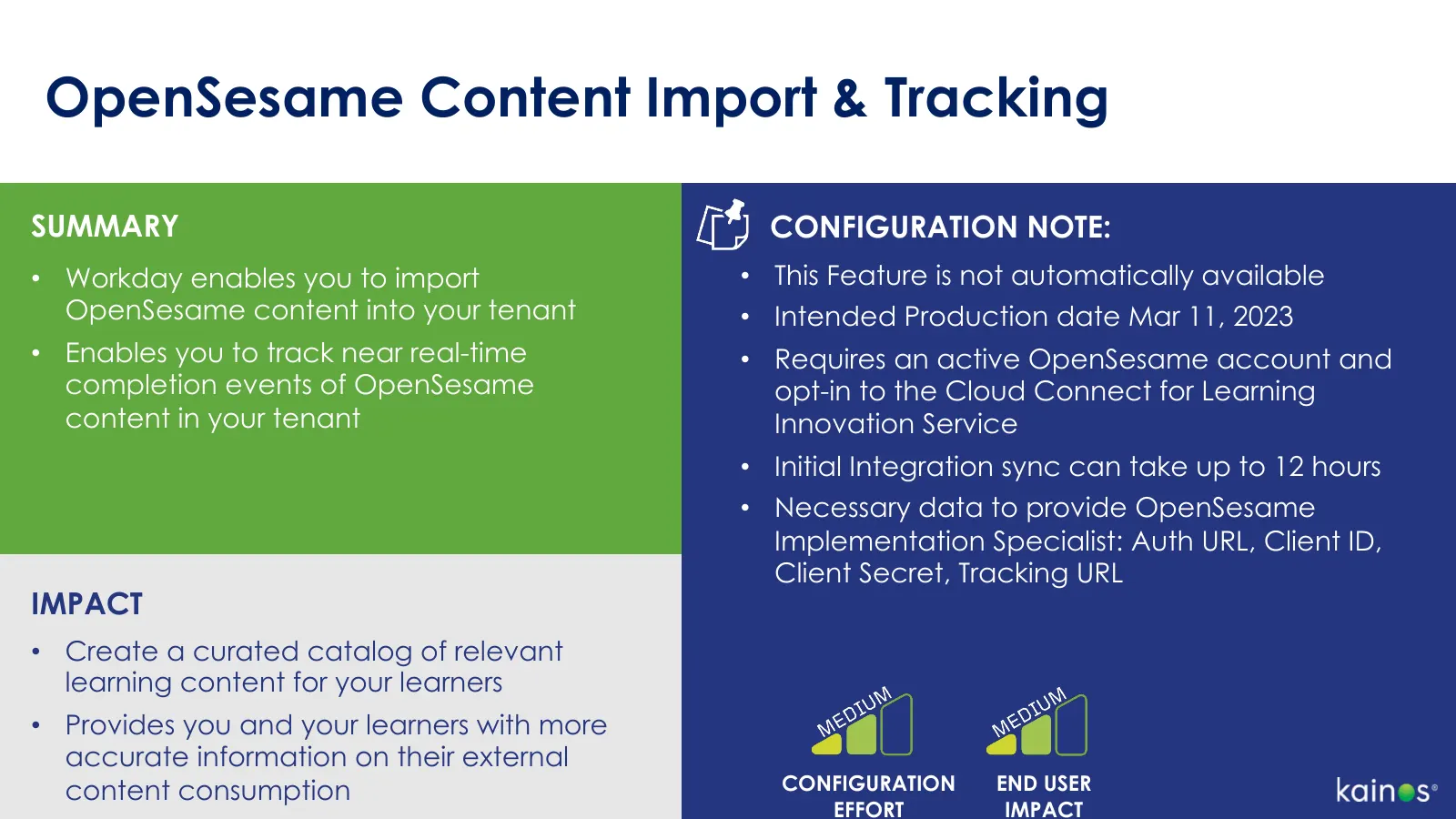
Slide 52: OpenSesame Content Import & Tracking
OpenSesame Content Import & Tracking SUMMARY CONFIGURATION NOTE: • Workday enables you to import • This Feature is not automatically available OpenSesame content into your tenant • Intended Production date Mar 11, 2023 • Enables you to track near real-time • Requires an active OpenSesame account and
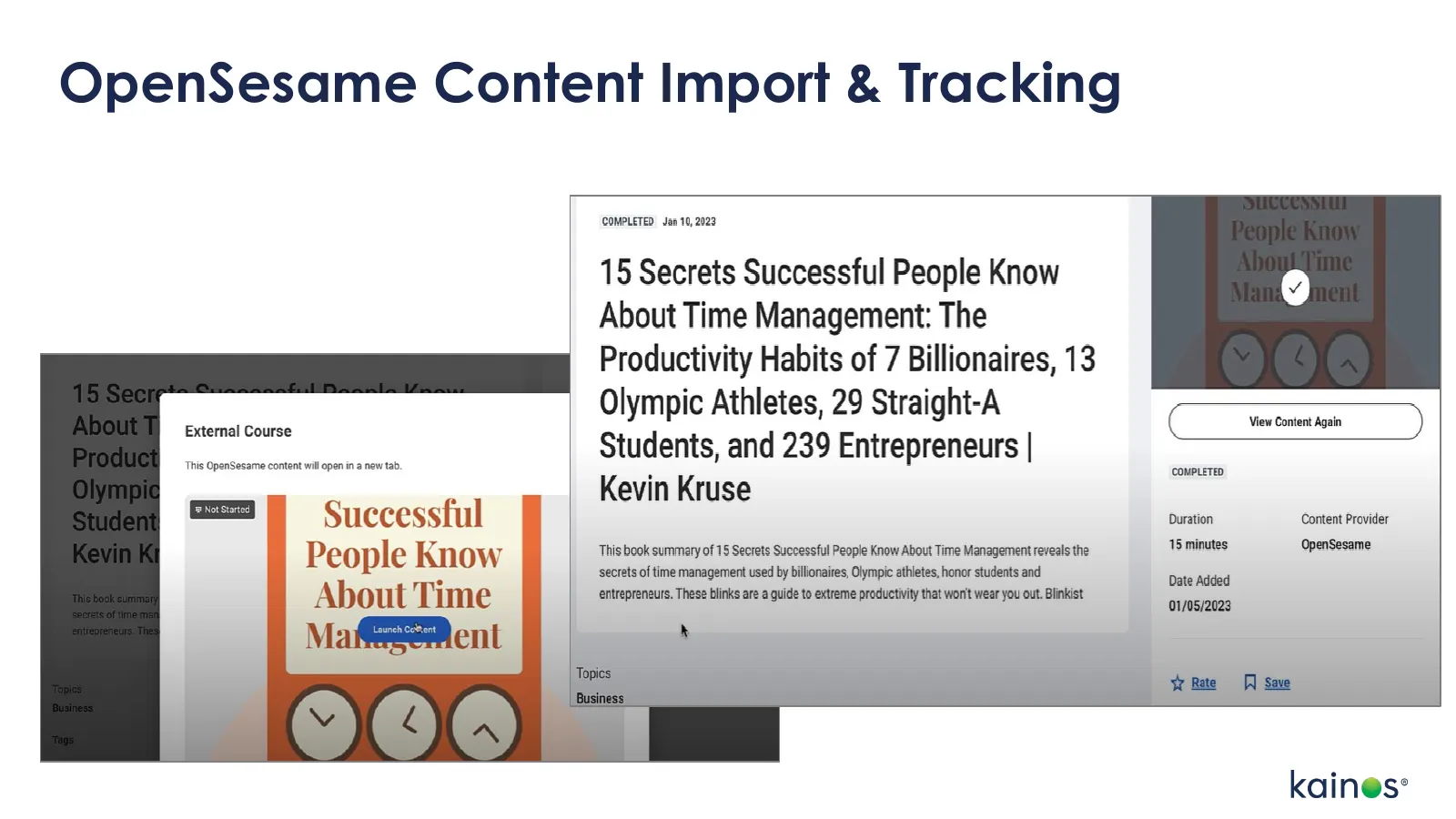
Slide 53: OpenSesame Content Import & Tracking
OpenSesame Content Import & Tracking

Slide 54: Benefits
Benefits Michael McGranaghan Workday HCM Consultant
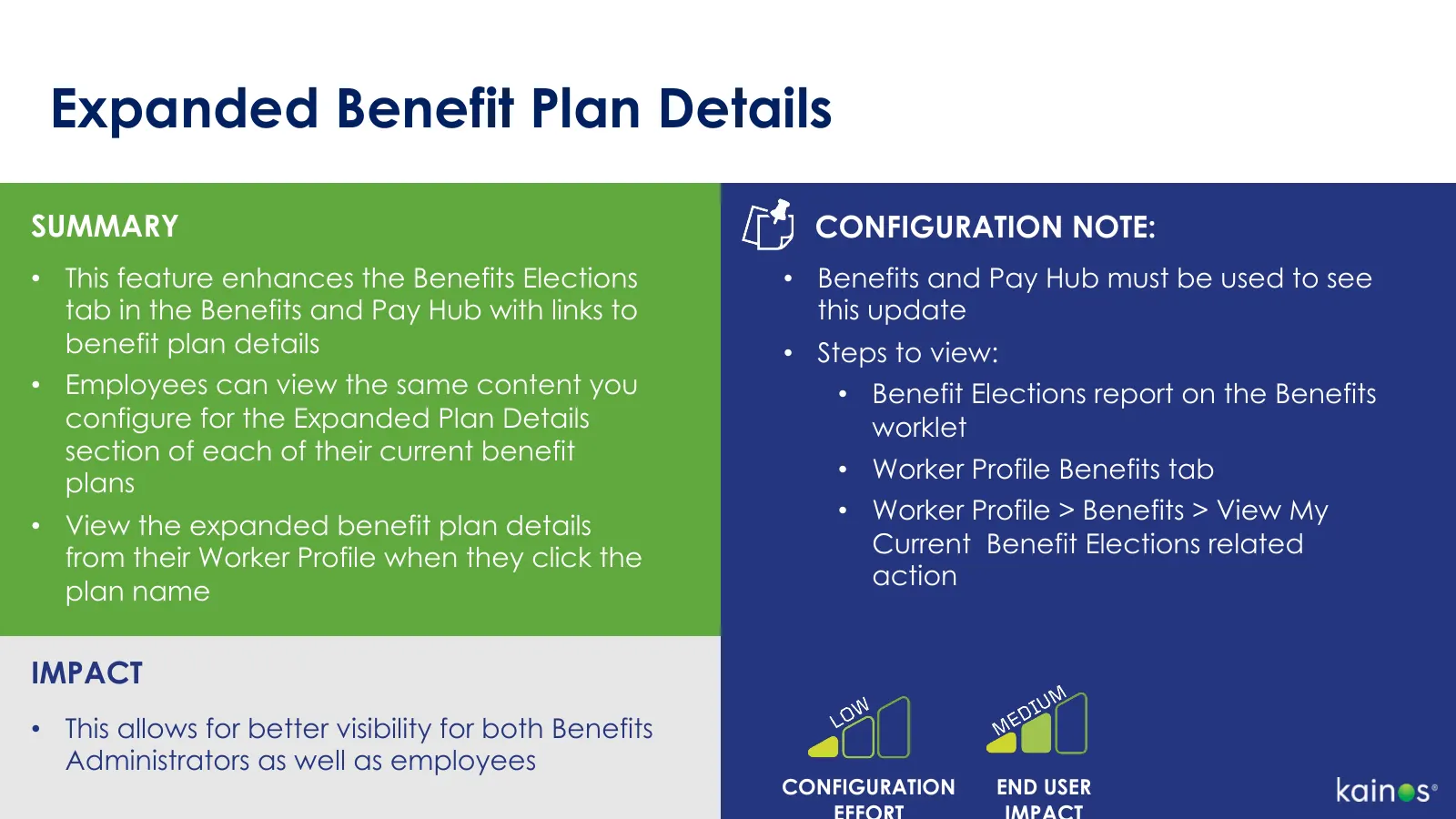
Slide 55: Expanded Benefit Plan Details
Expanded Benefit Plan Details SUMMARY CONFIGURATION NOTE: • This feature enhances the Benefits Elections • Benefits and Pay Hub must be used to see tab in the Benefits and Pay Hub with links to this update benefit plan details • Steps to view: • Employees can view the same content you • Benefit Elec
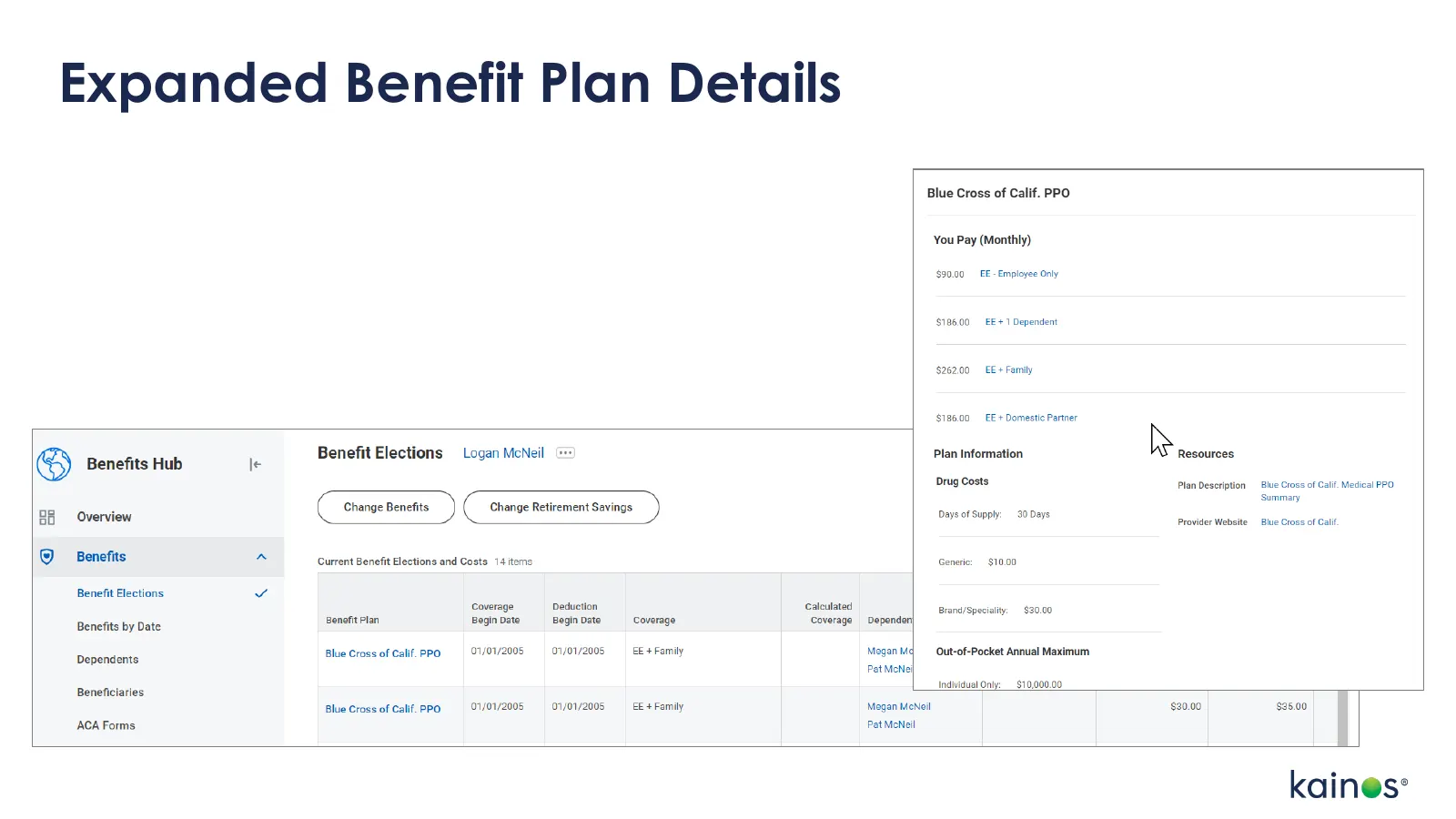
Slide 56: Expanded Benefit Plan Details
Expanded Benefit Plan Details
Slide 57: Scheduling
Scheduling Michael McGranaghan Workday HCM Consultant
Slide 58: Predictive Scheduling
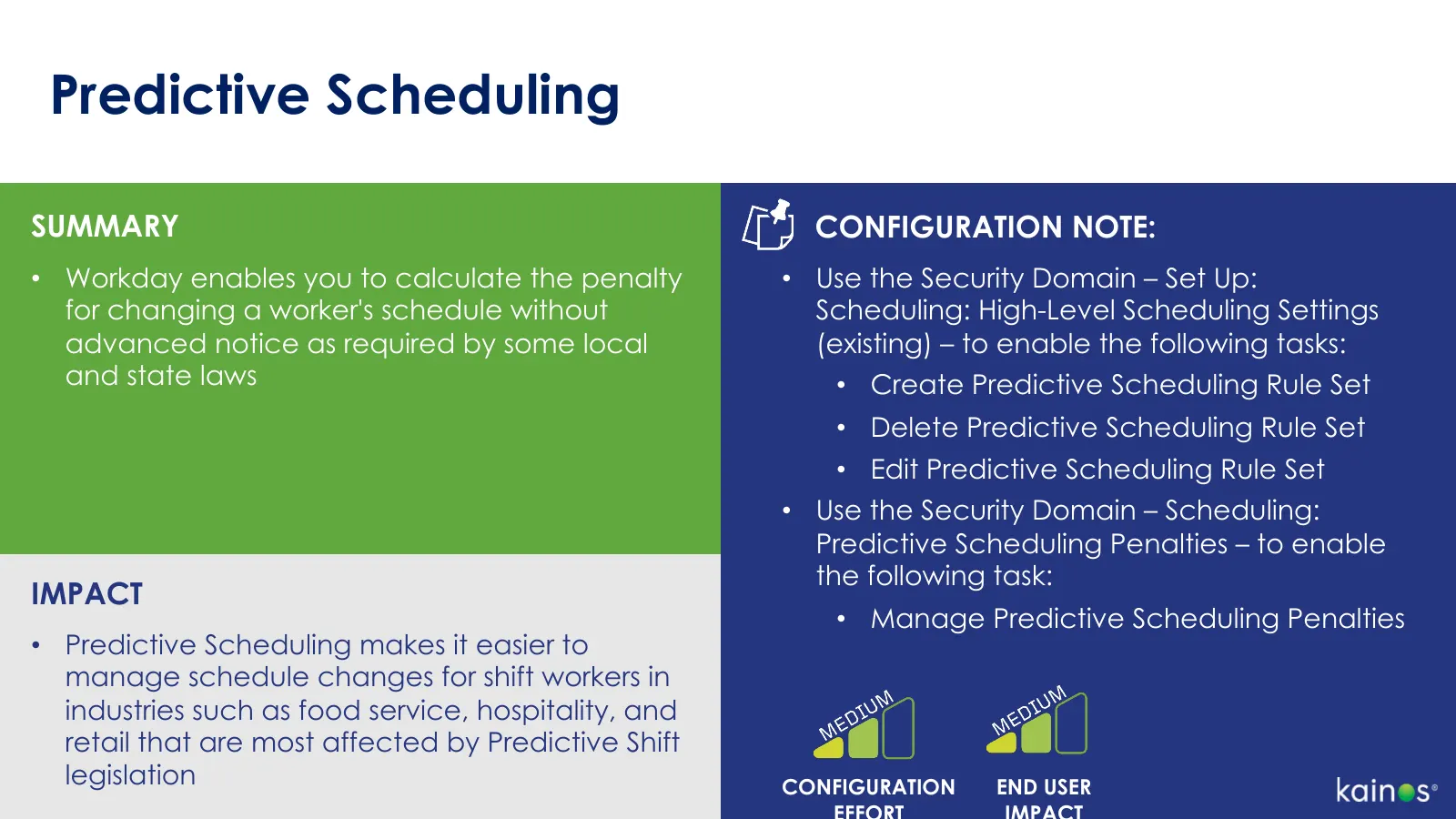
Predictive Scheduling SUMMARY CONFIGURATION NOTE: • Workday enables you to calculate the penalty • Use the Security Domain – Set Up: for changing a worker's schedule without Scheduling: High-Level Scheduling Settings advanced notice as required by some local (existing) – to enable the following task
Slide 59: Predictive Scheduling
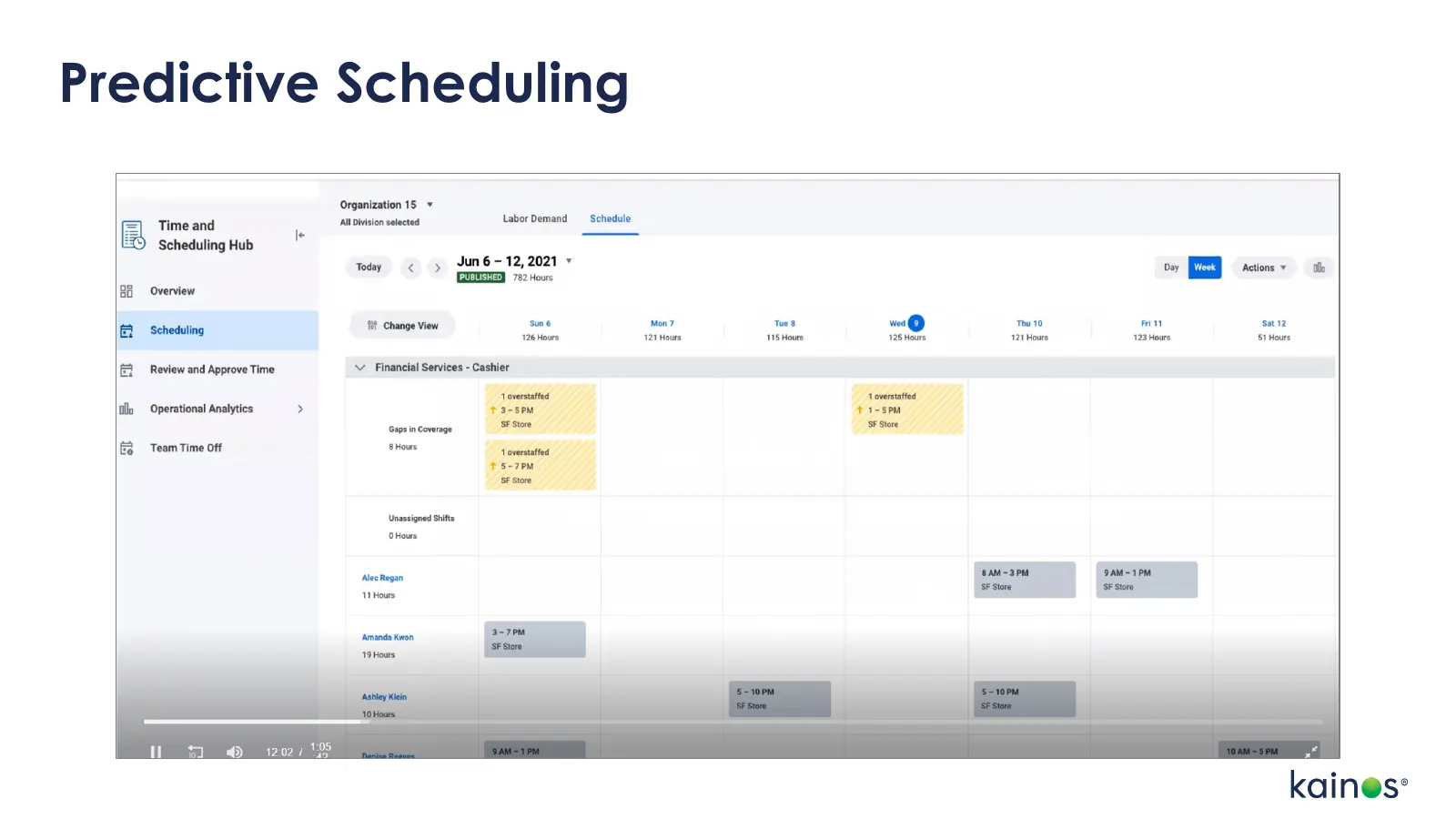
Predictive Scheduling Organization 15. El Time and All Division selected Labor Demand ‘Schedule ©) Scheduling Hub Ie Jun 6 - 12, 2021 . Tet 9 ETE roth ow EY z BB overview |] Scheduling Mon wee wee Tw 10 rin eau aime stows testes vos taiheors site Paid A 3 | Fi g
Slide 60: Time Tracking
Time Tracking Michael McGranaghan Workday HCM Consultant
Slide 61: Time Accumulator
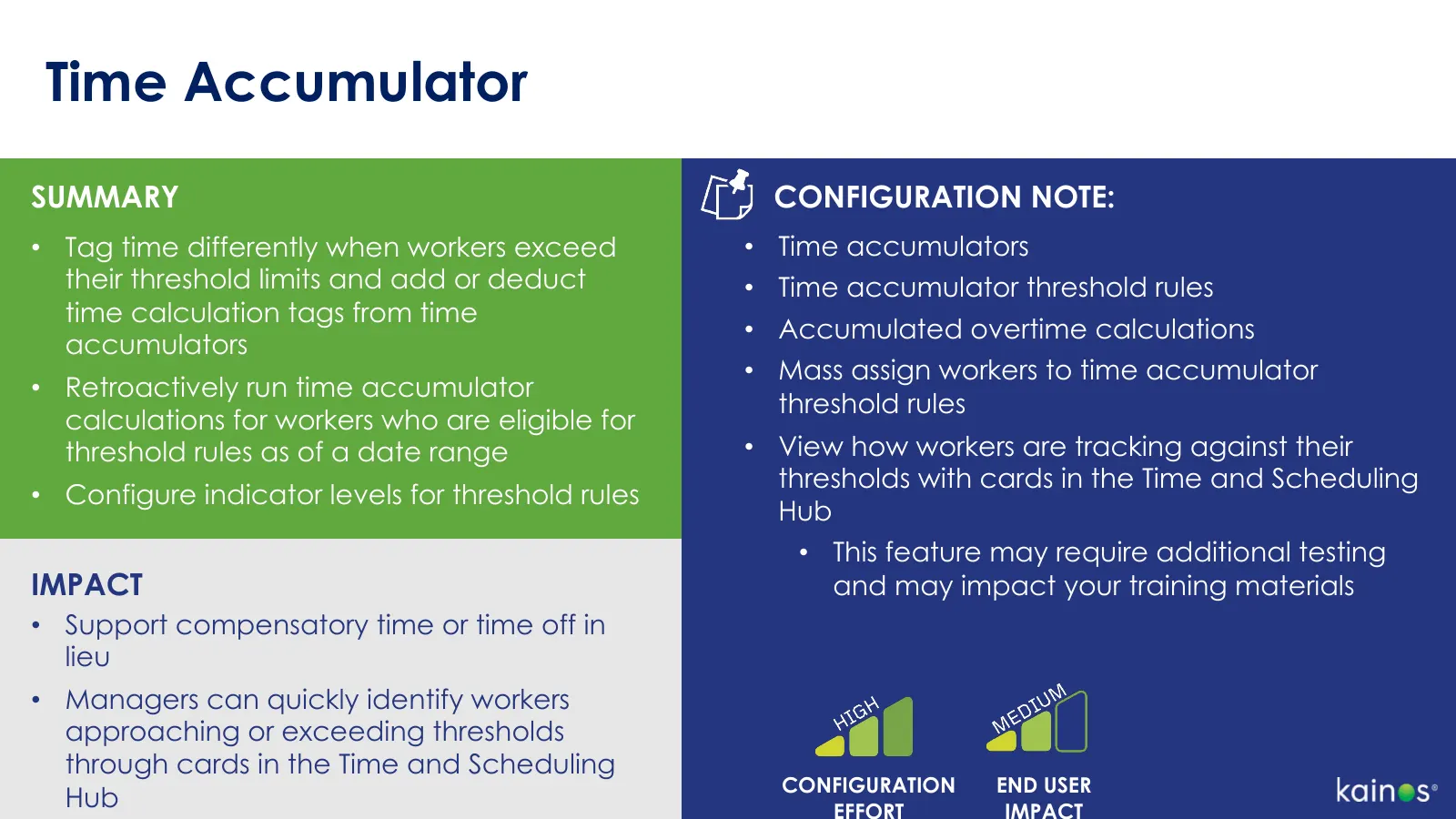
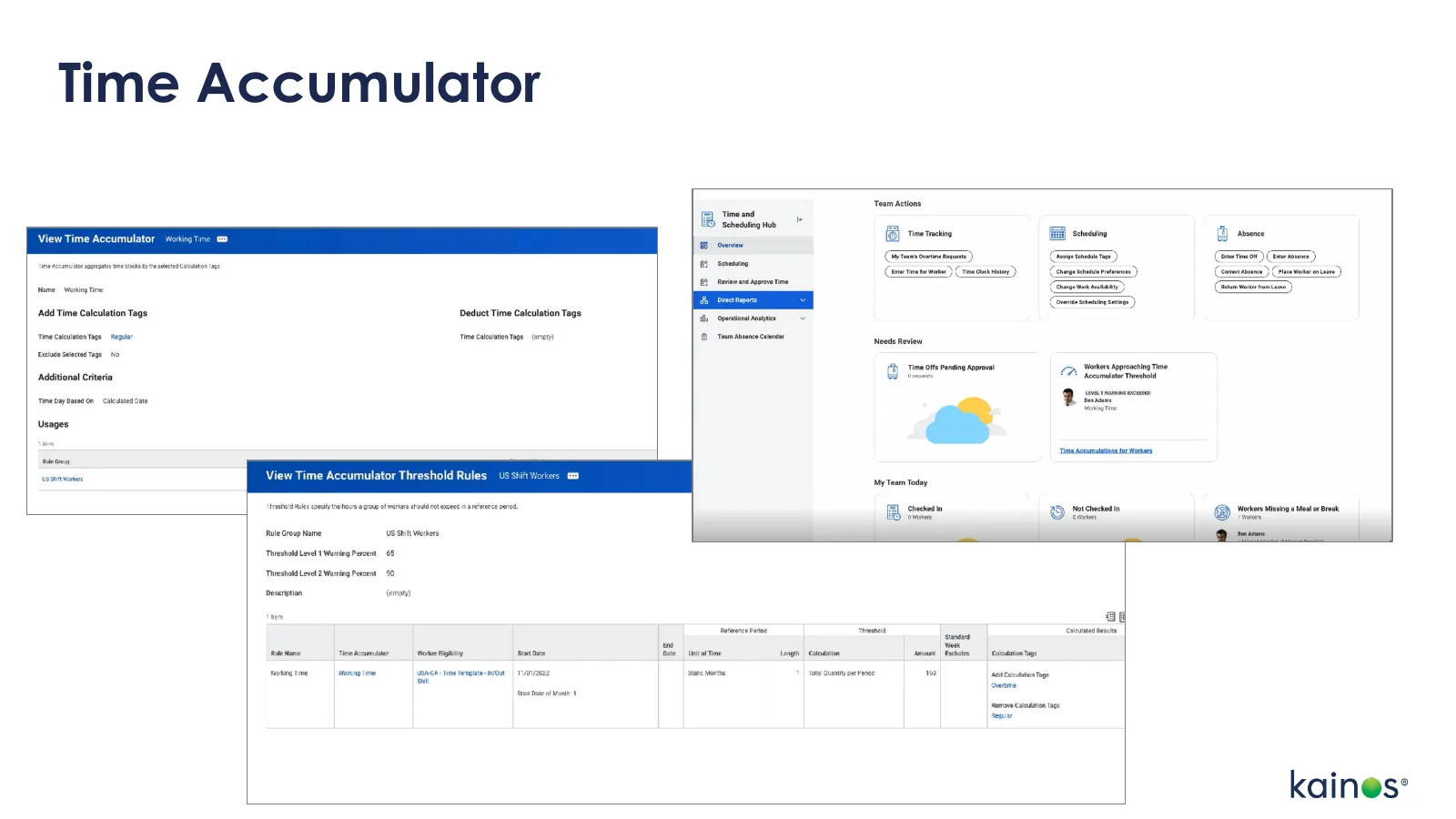
Time Accumulator SUMMARY CONFIGURATION NOTE: • Tag time differently when workers exceed • Time accumulators their threshold limits and add or deduct • Time accumulator threshold rules time calculation tags from time • Accumulated overtime calculations accumulators • Mass assign workers to time accum
Slide 62: Time Accumulator
Time Accumulator == Tis corel —— — = inherit andrea a 2 stenane manana en Come sense) Cement) Coen) ‘Add Time Calculation Tags, Deduct Time Calculation Tags mecacuaentags epee Tne cataen 9 on) — coenimne teal cate reenrmnwn om Seaaeam ee s — View Time Accumulator Threshold Rules \Ssiaes a = SSS SS p
Slide 63: Increase Additional Totals
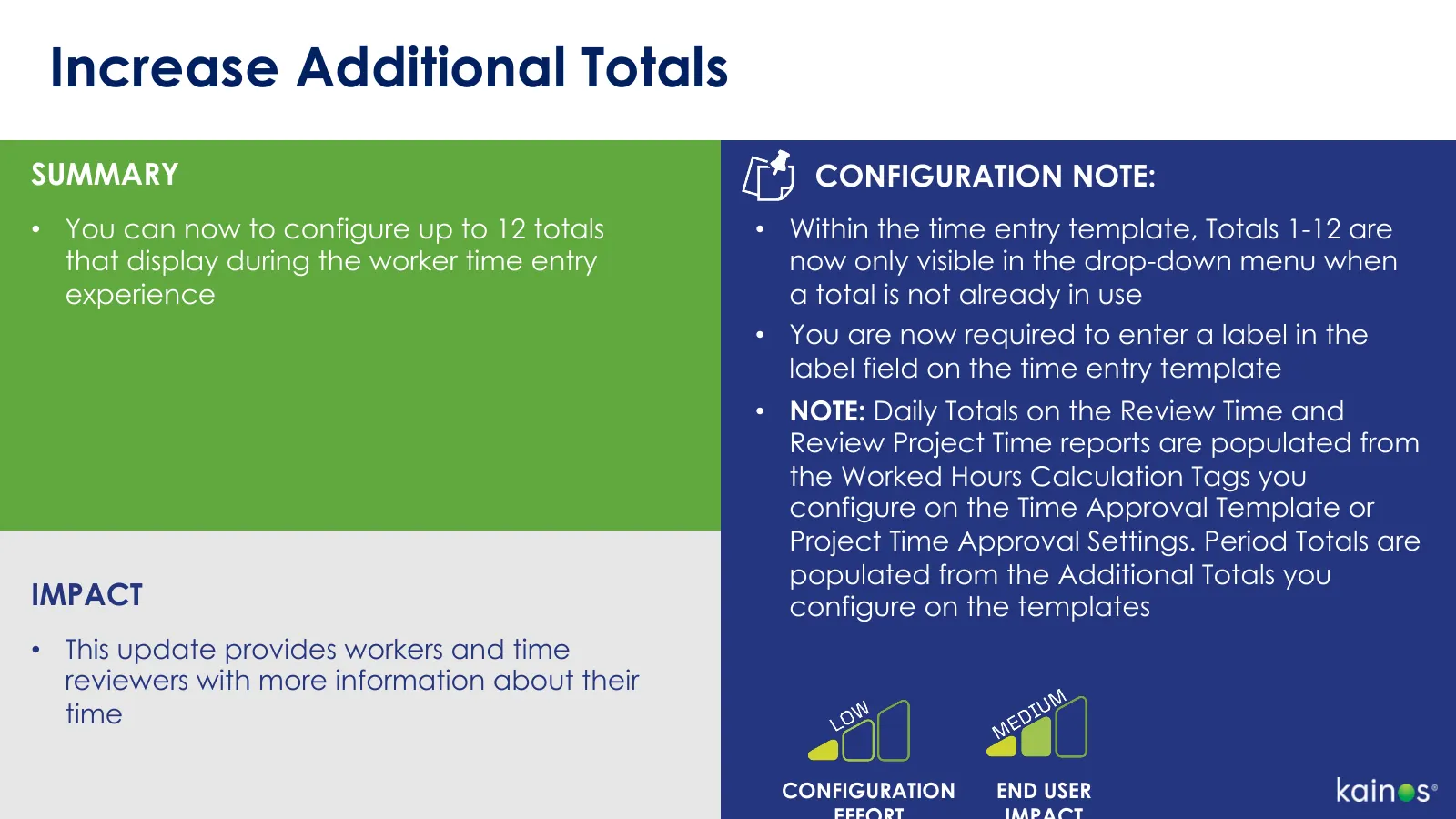
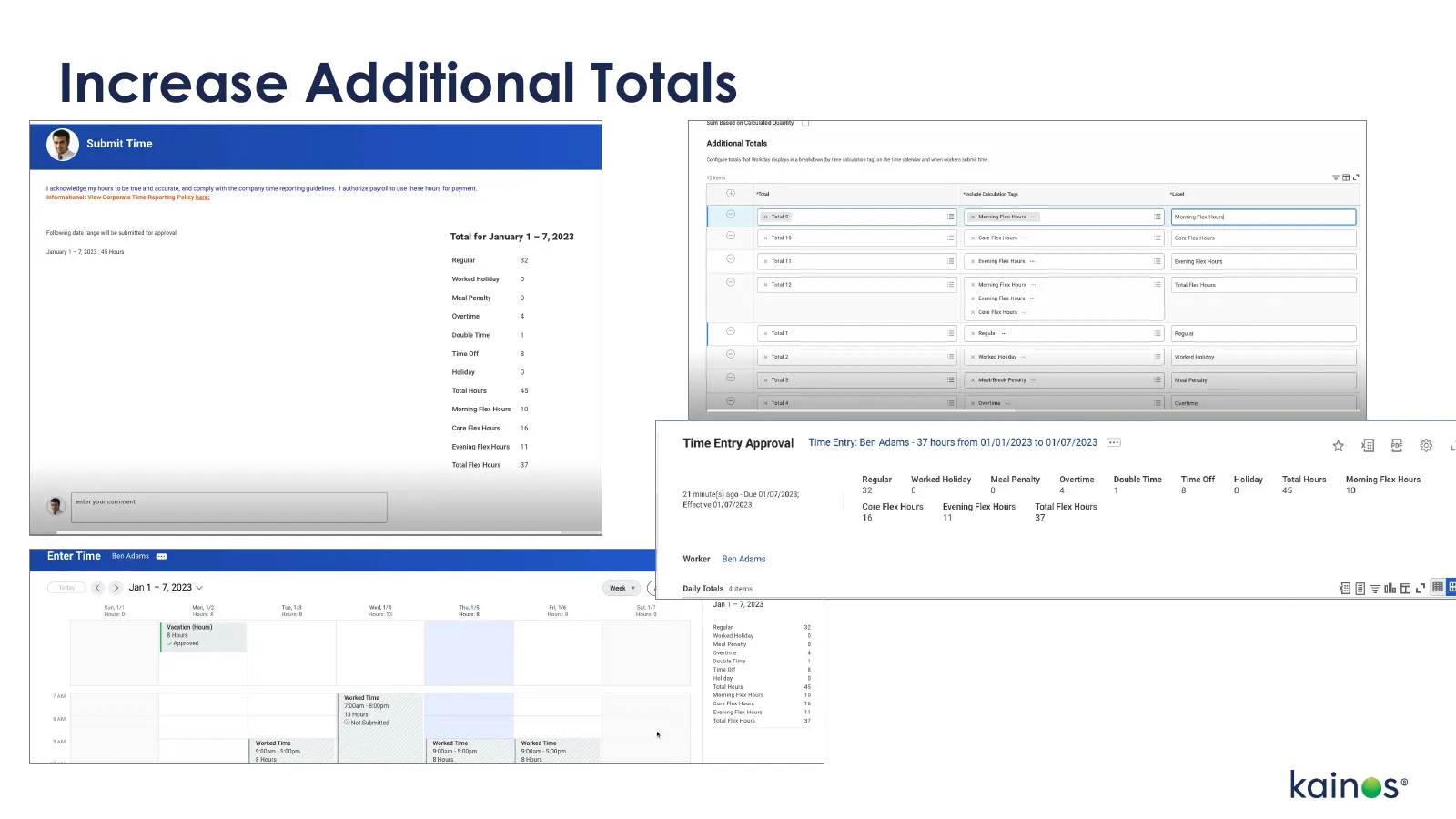
Increase Additional Totals SUMMARY CONFIGURATION NOTE: • You can now to configure up to 12 totals • Within the time entry template, Totals 1-12 are that display during the worker time entry now only visible in the drop-down menu when experience a total is not already in use • You are now required to
Slide 64: Increase Additional Totals
Increase Additional Totals Additonal Totals sane vas rgb ett emigre ep oie ear (a= ss a | = =e } nnn tae “etal for Samay 1 ~7,2028 =o =< ] 7 Regular 2 ° Tone 1B) | tempter tare = ] wesetnanty 0 © |frwe =] [rae ] sseny 0 ee Plate! © |[e= a] (== ] mot = a= ] _— it 2 a Toul 2) x Meath Paty S| [was niti
Slide 65: Edit & Approve Time
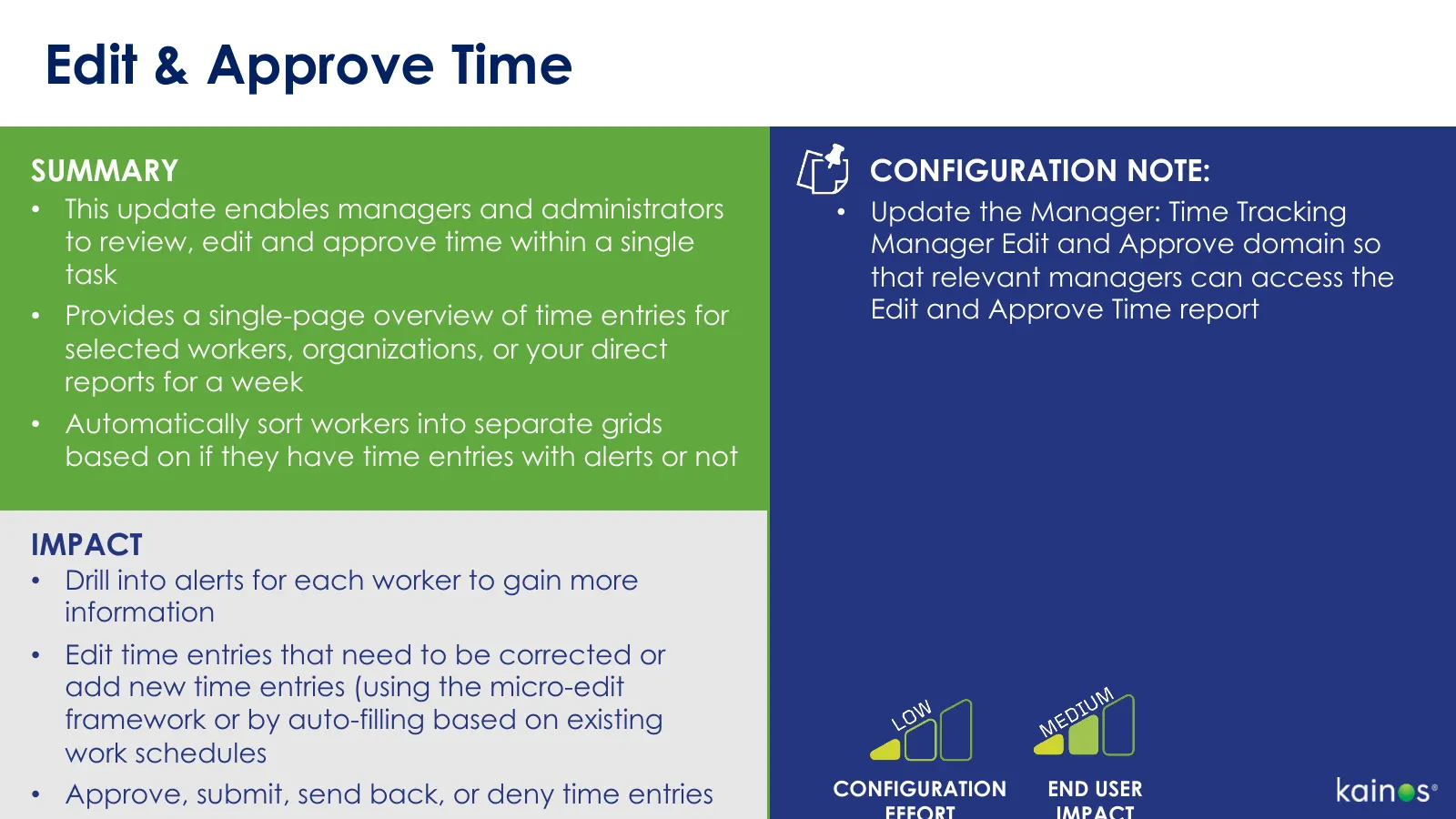
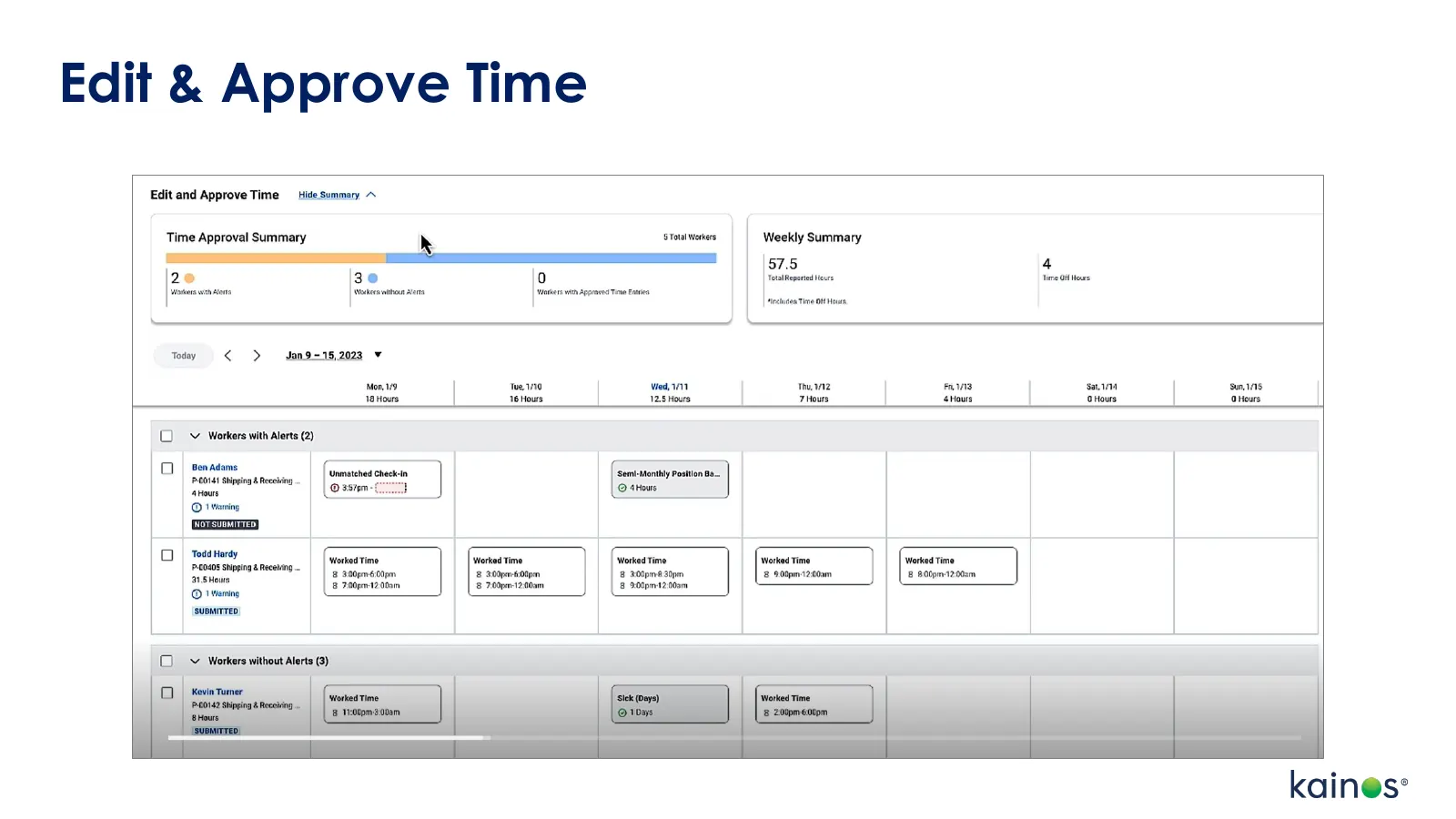
Edit & Approve Time SUMMARY CONFIGURATION NOTE: • This update enables managers and administrators • Update the Manager: Time Tracking to review, edit and approve time within a single Manager Edit and Approve domain so task that relevant managers can access the • Provides a single-page overview of ti
Slide 66: Edit & Approve Time
Edit & Approve Time Edit and Approve Time Hide Summary |3@ Time Approval Summary r stows 57.5 On Weekly Summary Tetalhepered ere Mon x9 werne wean mmaanz rains sara smias eau eros as hous Tiews hous Shou Stowe (© Workers with Alerts (2) 1) sen adams 014 ping Resin ie O toning | tte eine oe Tne ove T

Slide 67: Absence
Absence Jackie Pollock Workday HCM Consultant 67
Slide 68: Rounding on Automated Accrual Adjustments
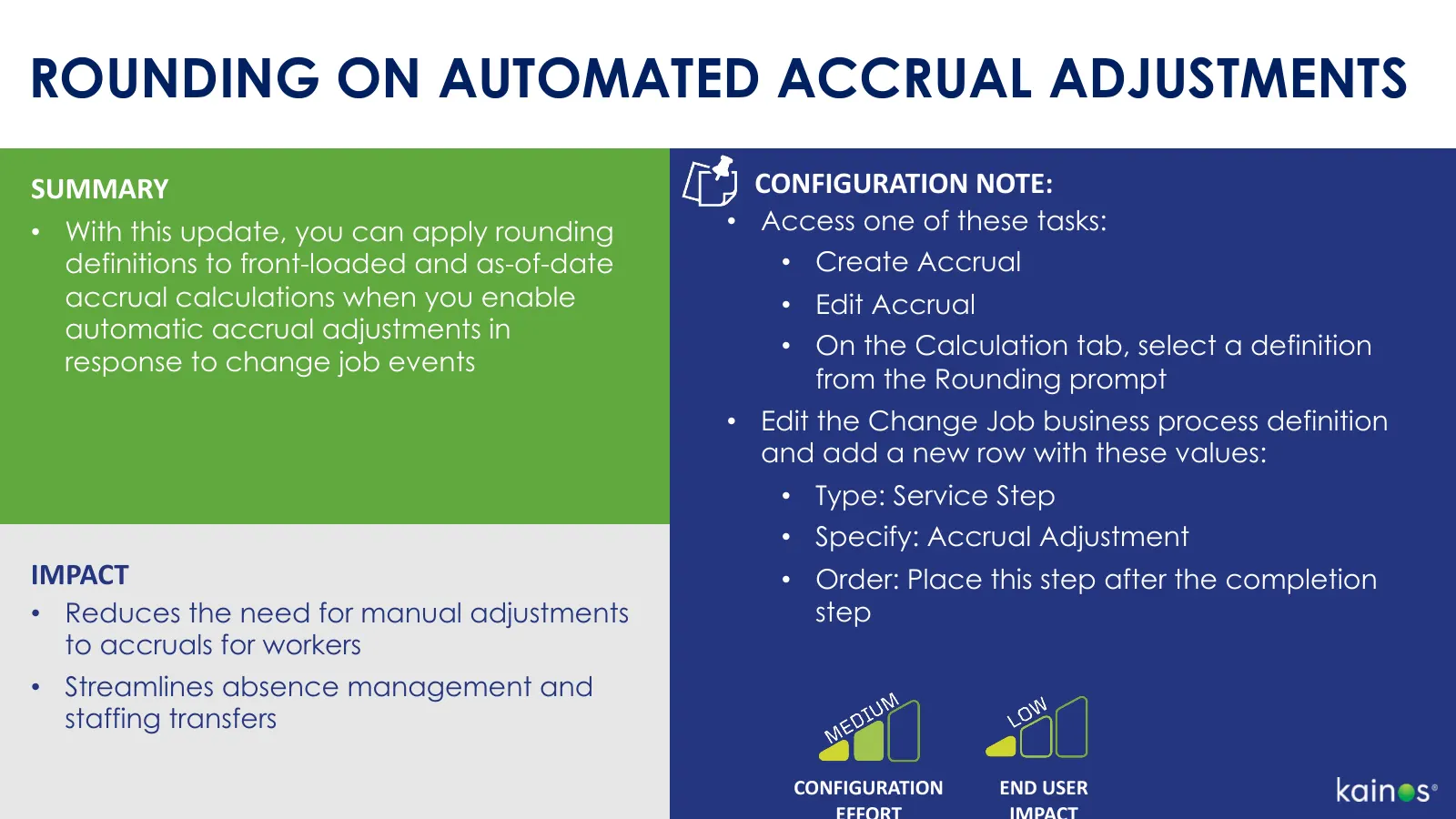
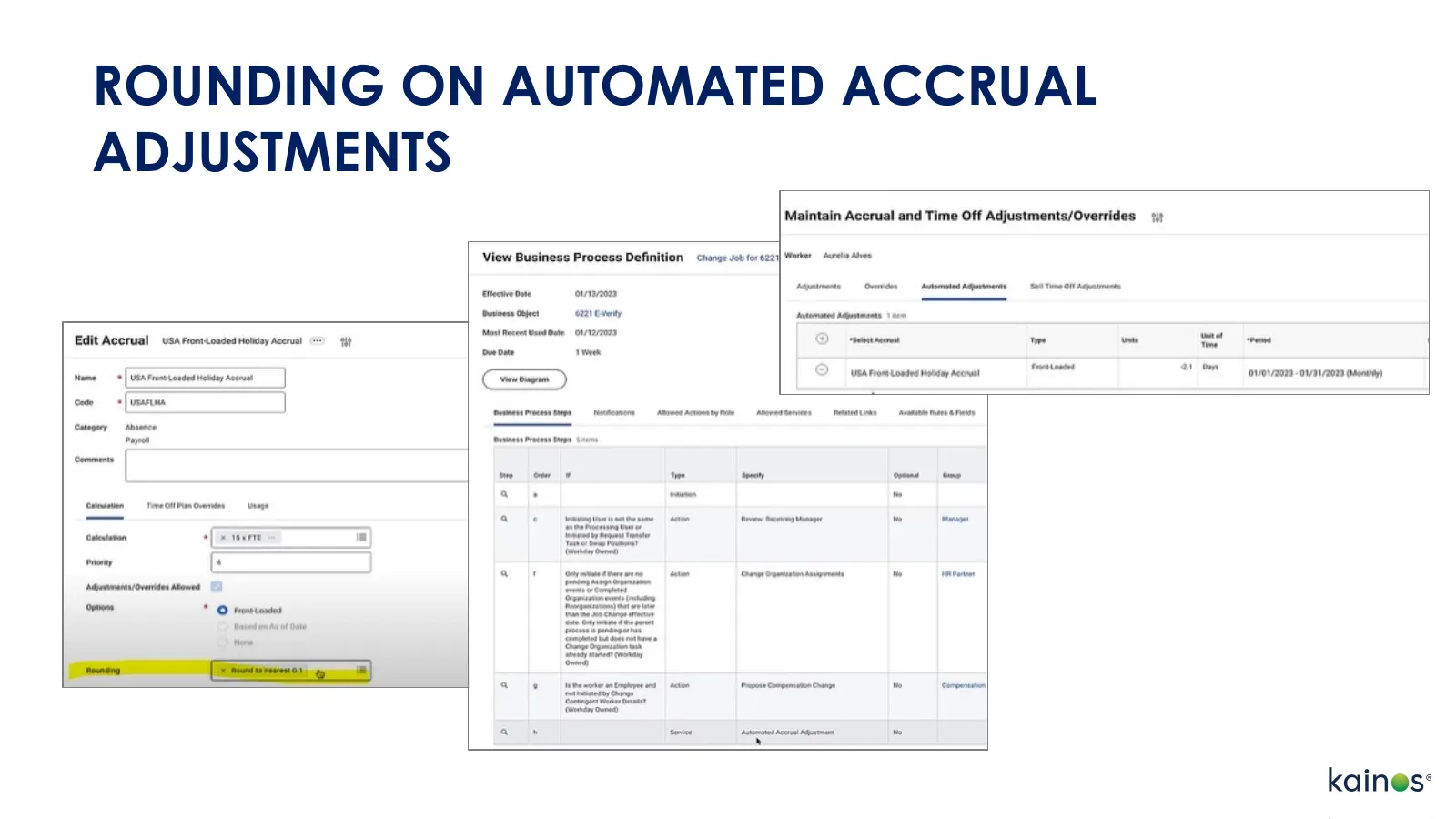
ROUNDING ON AUTOMATED ACCRUAL ADJUSTMENTS SUMMARY CONFIGURATION NOTE: • With this update, you can apply rounding • Access one of these tasks: definitions to front-loaded and as-of-date • Create Accrual accrual calculations when you enable • Edit Accrual automatic accrual adjustments in • On the Calc
Slide 69: Rounding on Automated Accrual Adjustments
ROUNDING ON AUTOMATED ACCRUAL ADJUSTMENTS

Slide 70: Reporting
Reporting Jackie Pollock Workday HCM Consultant 70
Slide 71: Discovery Board Controls
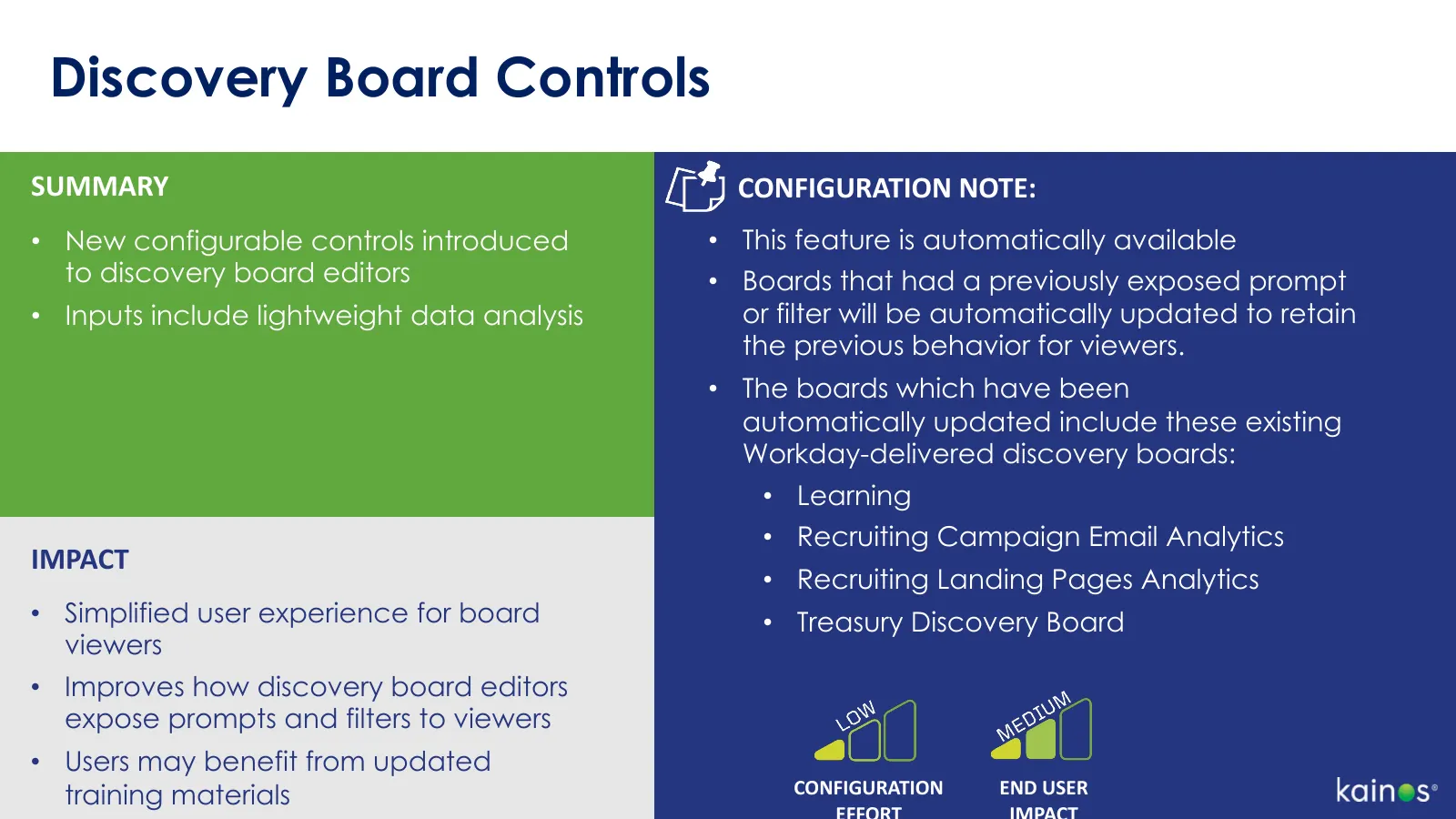
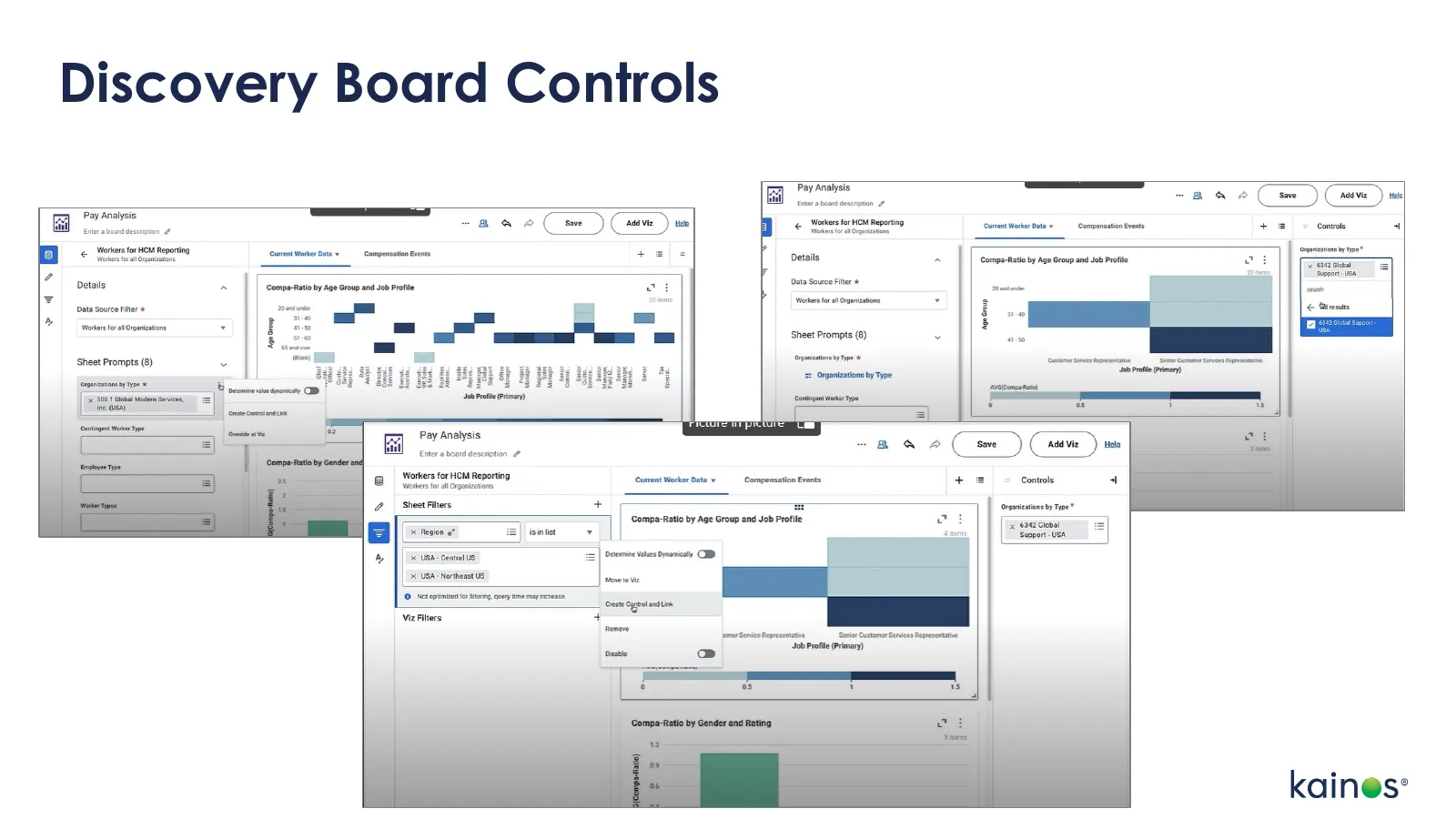
Discovery Board Controls SUMMARY CONFIGURATION NOTE: • New configurable controls introduced • This feature is automatically available to discovery board editors • Boards that had a previously exposed prompt • Inputs include lightweight data analysis or filter will be automatically updated to retain
Slide 72: Discovery Board Controls
Discovery Board Controls ‘Sheet Prompts (8) mw” Analysis Erteraboarcescaotion Workers for HOM Reporting Weer oa panes ao Sheet Prompts (6) opm = Orpantatons by Type Sheot Fess % Resion 5) sinter kaines:
Slide 73: Multi-Instance Fields on Discovery Boards
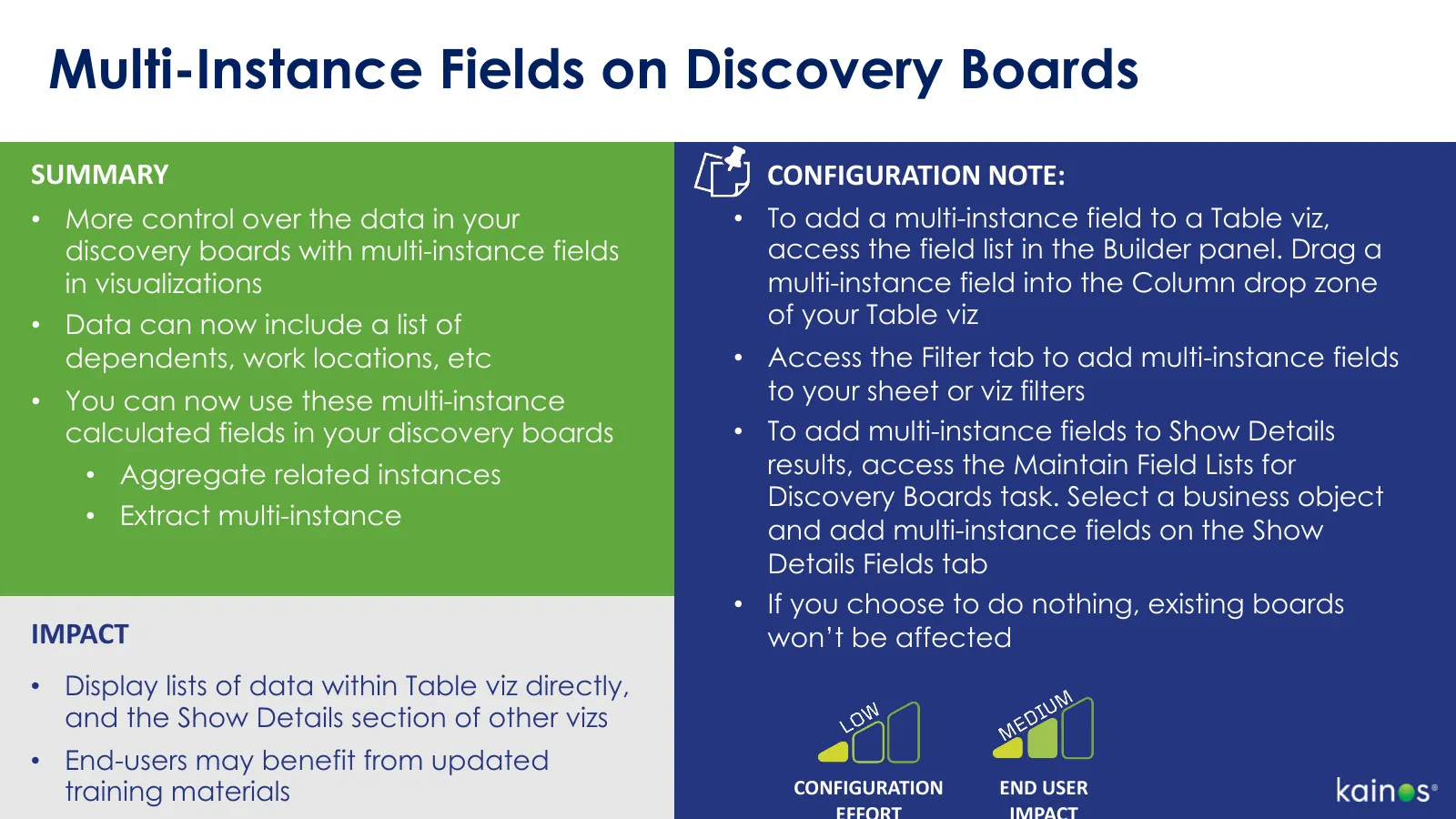
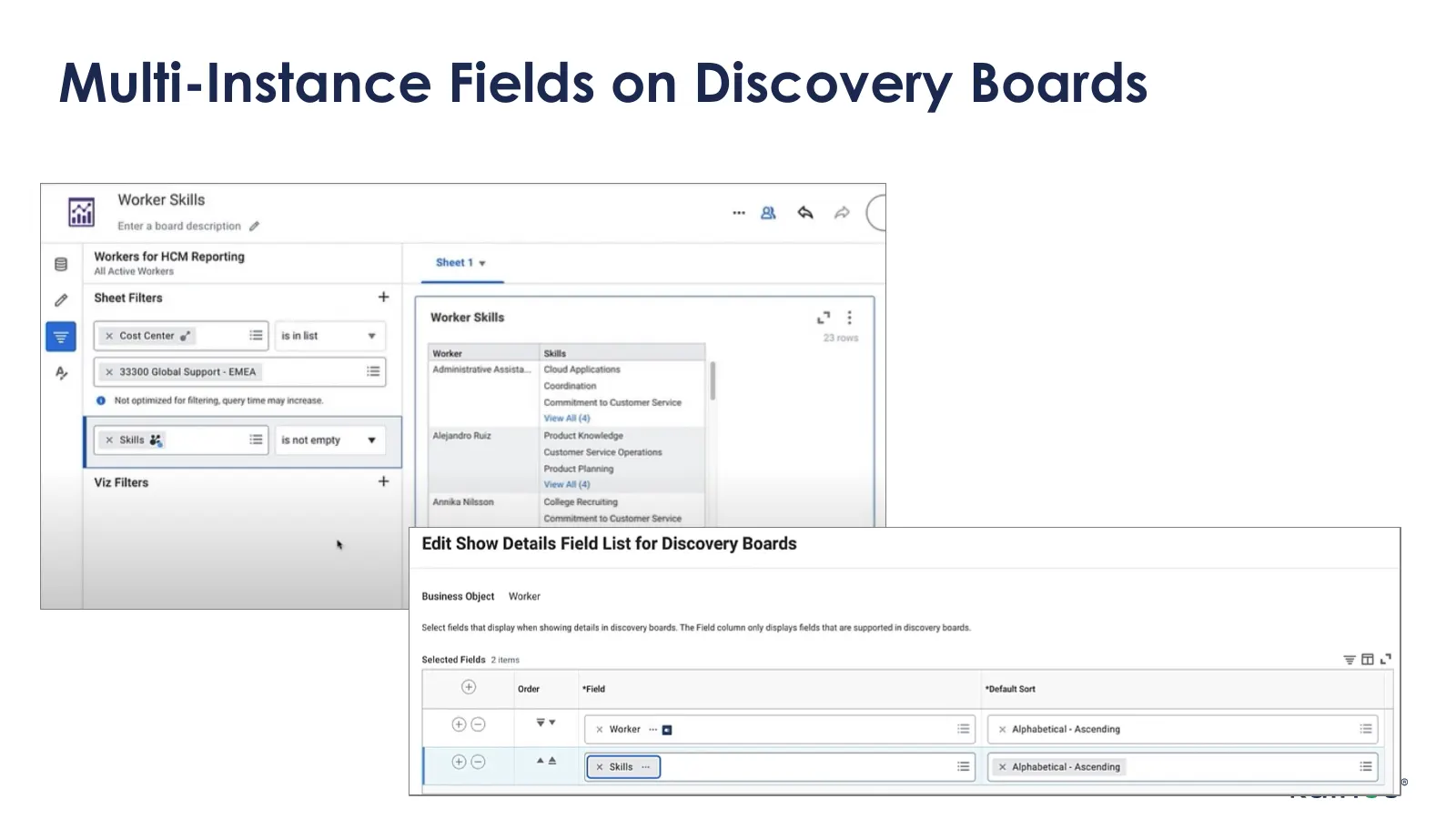
Multi-Instance Fields on Discovery Boards SUMMARY CONFIGURATION NOTE: • More control over the data in your • To add a multi-instance field to a Table viz, discovery boards with multi-instance fields access the field list in the Builder panel. Drag a in visualizations multi-instance field into the Co
Slide 74: Multi-Instance Fields on Discovery Boards
Multi-Instance Fields on Discovery Boards
Slide 75: Cross Functional
Cross Functional Jackie Pollock Workday HCM Consultant 75
Slide 76: Sends Emails From Multiple From Addresses
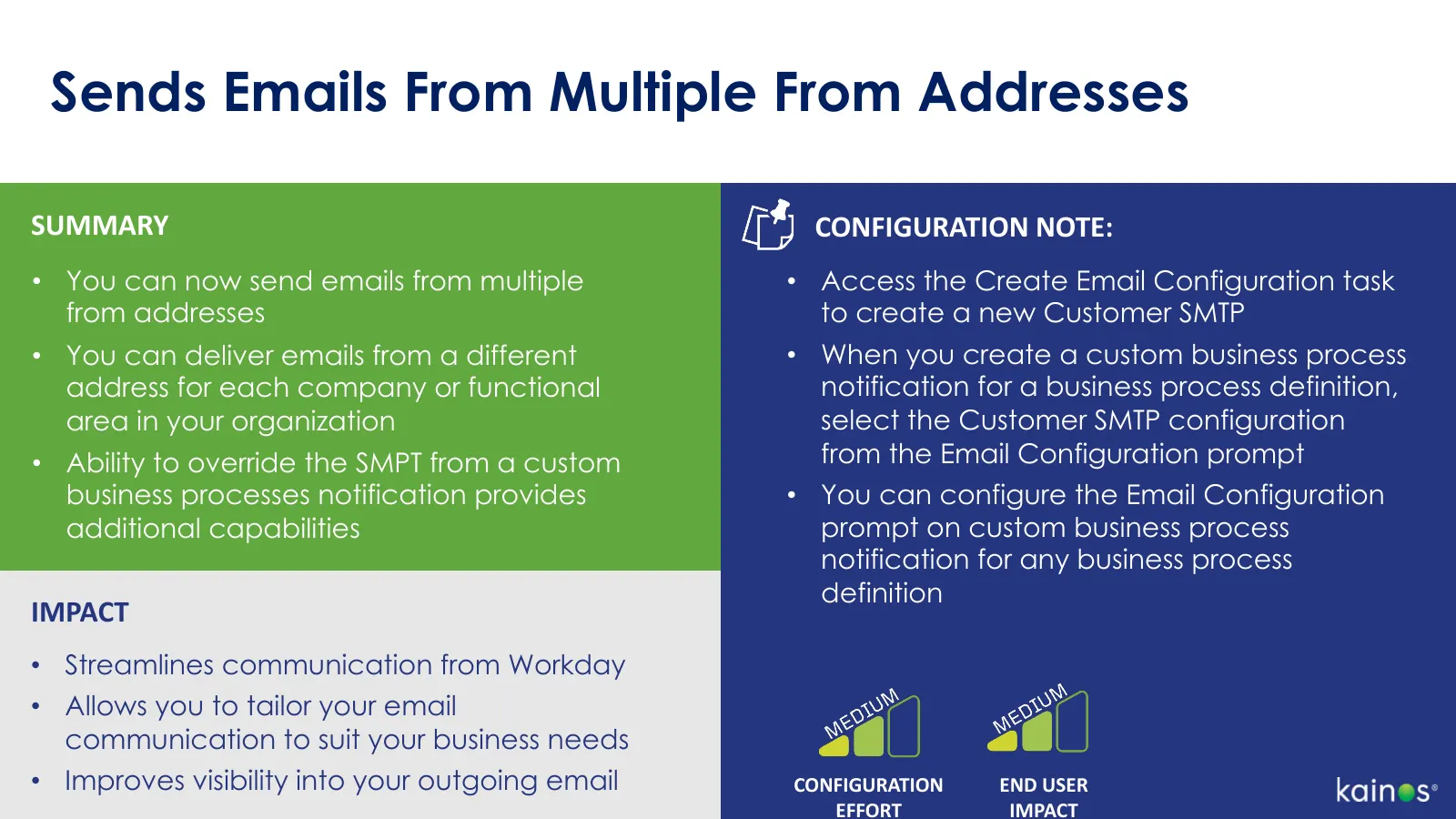
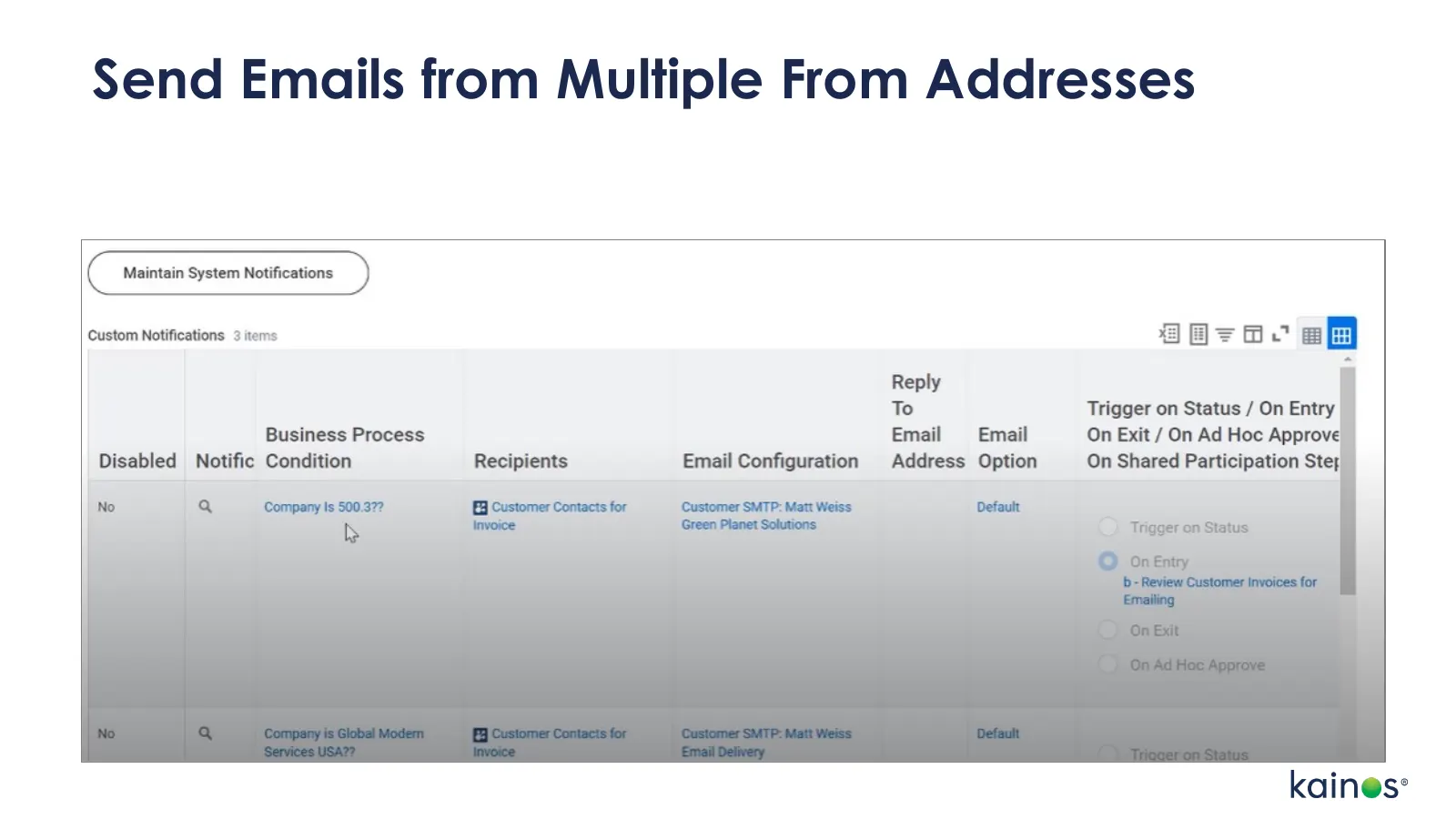
Sends Emails From Multiple From Addresses SUMMARY CONFIGURATION NOTE: • You can now send emails from multiple • Access the Create Email Configuration task from addresses to create a new Customer SMTP • You can deliver emails from a different • When you create a custom business process address for ea
Slide 77: Send Emails from Multiple From Addresses
Send Emails from Multiple From Addresses
Slide 78: People Experience
People Experience Annie Andre Lead Workday HCM Consultant
Slide 79: Case Communication by Email
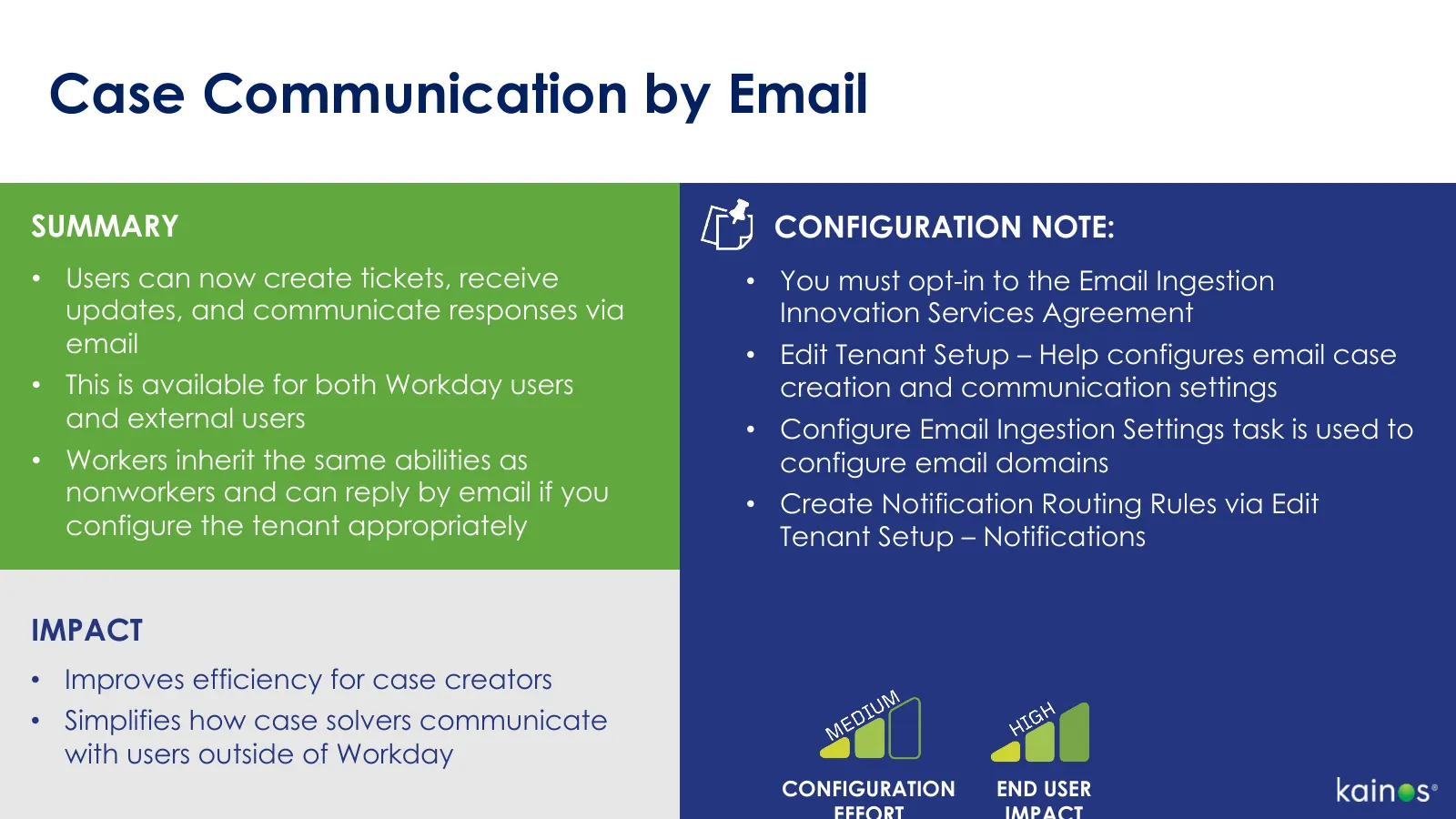
Case Communication by Email SUMMARY CONFIGURATION NOTE: • Users can now create tickets, receive • You must opt-in to the Email Ingestion updates, and communicate responses via Innovation Services Agreement email • Edit Tenant Setup – Help configures email case • This is available for both Workday us
Slide 80: Guided Journeys Experience
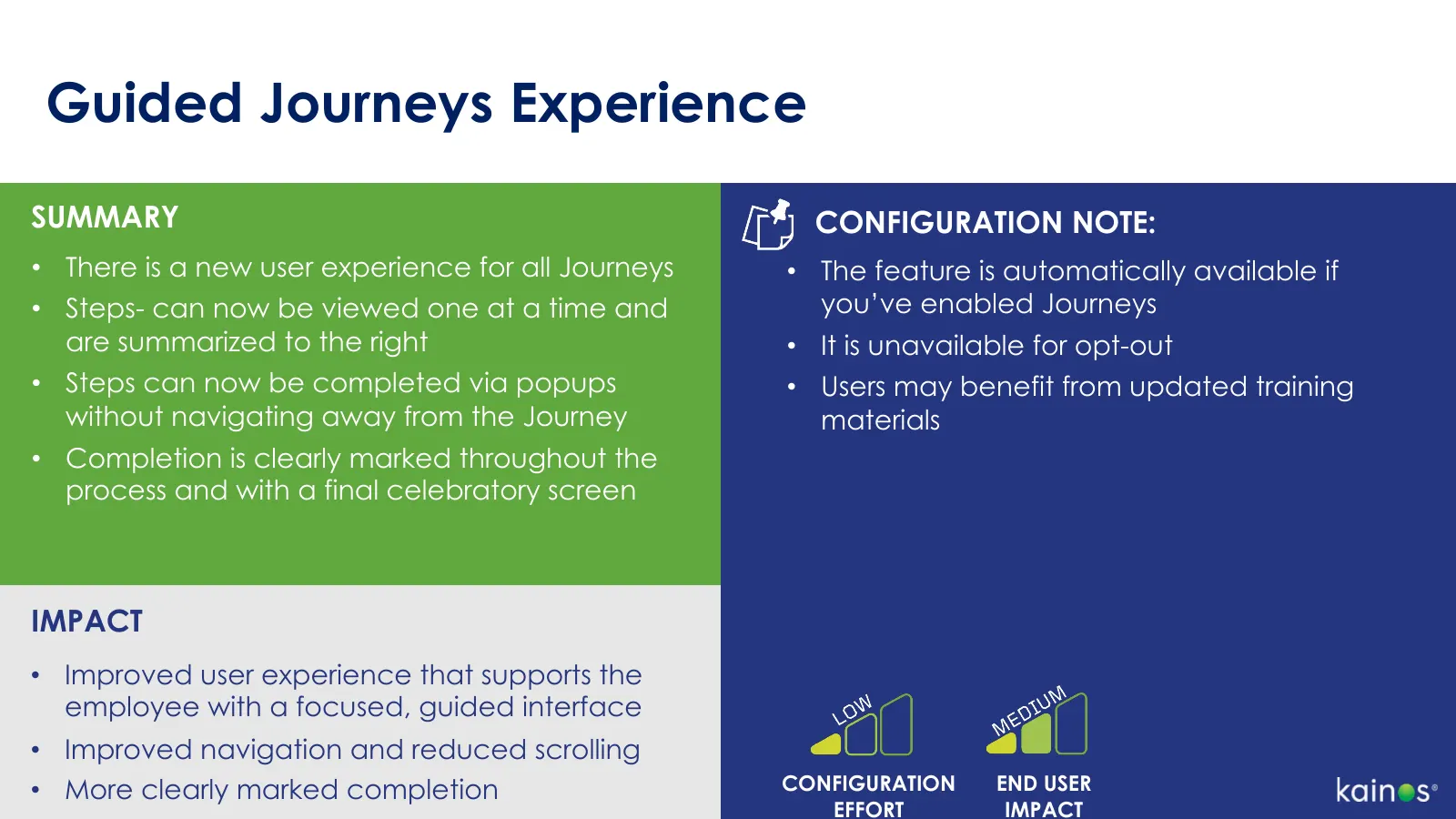
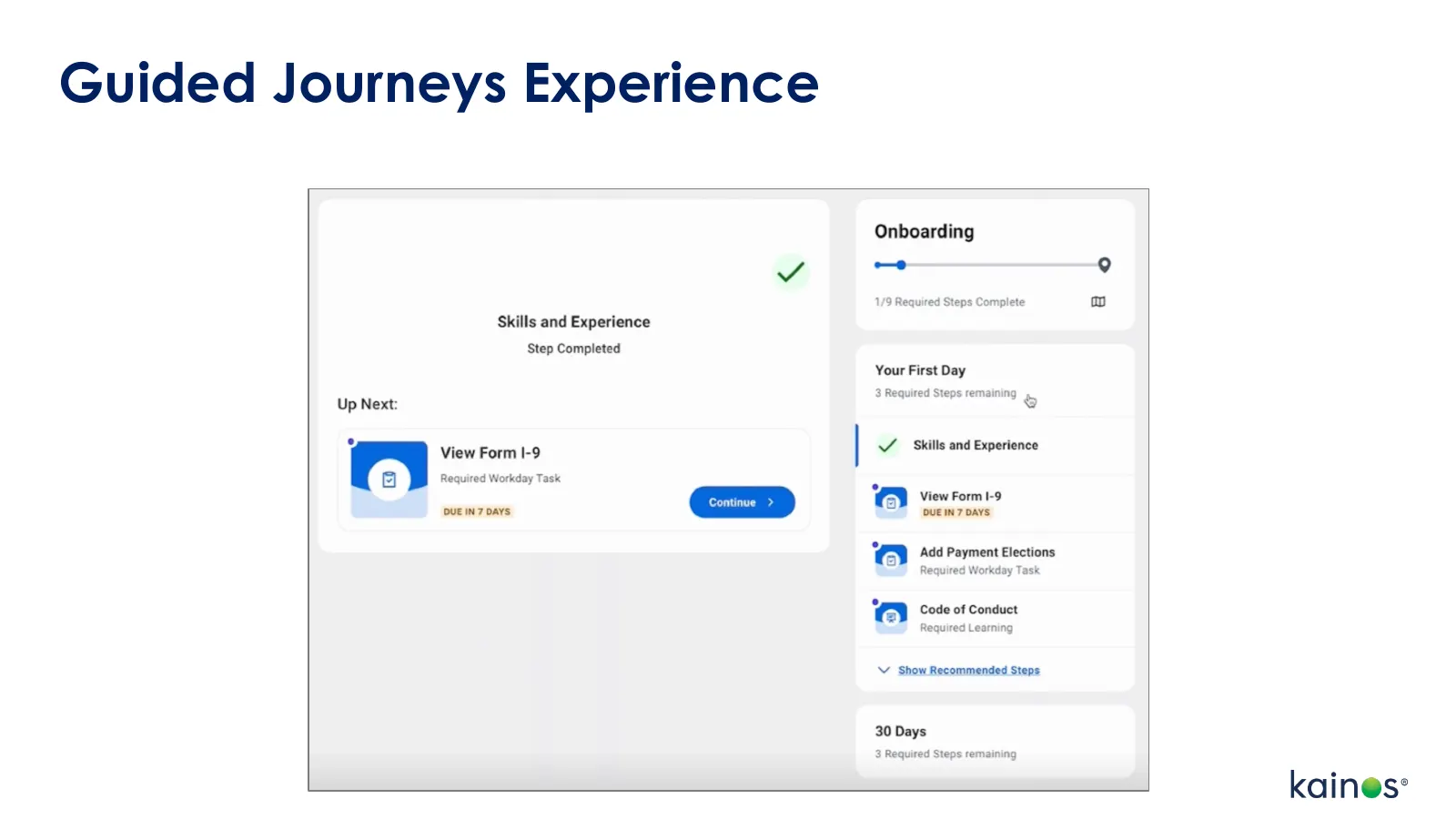
Guided Journeys Experience SUMMARY CONFIGURATION NOTE: • There is a new user experience for all Journeys • The feature is automatically available if • Steps- can now be viewed one at a time and you’ve enabled Journeys are summarized to the right • It is unavailable for opt-out • Steps can now be com
Slide 81: Guided Journeys Experience
Guided Journeys Experience Onboarding &, ee 9 plete o 1/9 Required Steps Ci Skills and Experience Step Completed Your First Day 3 Required Steps remaining Up Next: . wpe | Y Skills and Experience Required Workday Task " a G9 View Form'-9 DUE IN 7 DAYS: i st (DUE IN 7 DAYS: ‘GF9 Aca Payment Elections
Slide 82: Journeys Segmented Security on Category
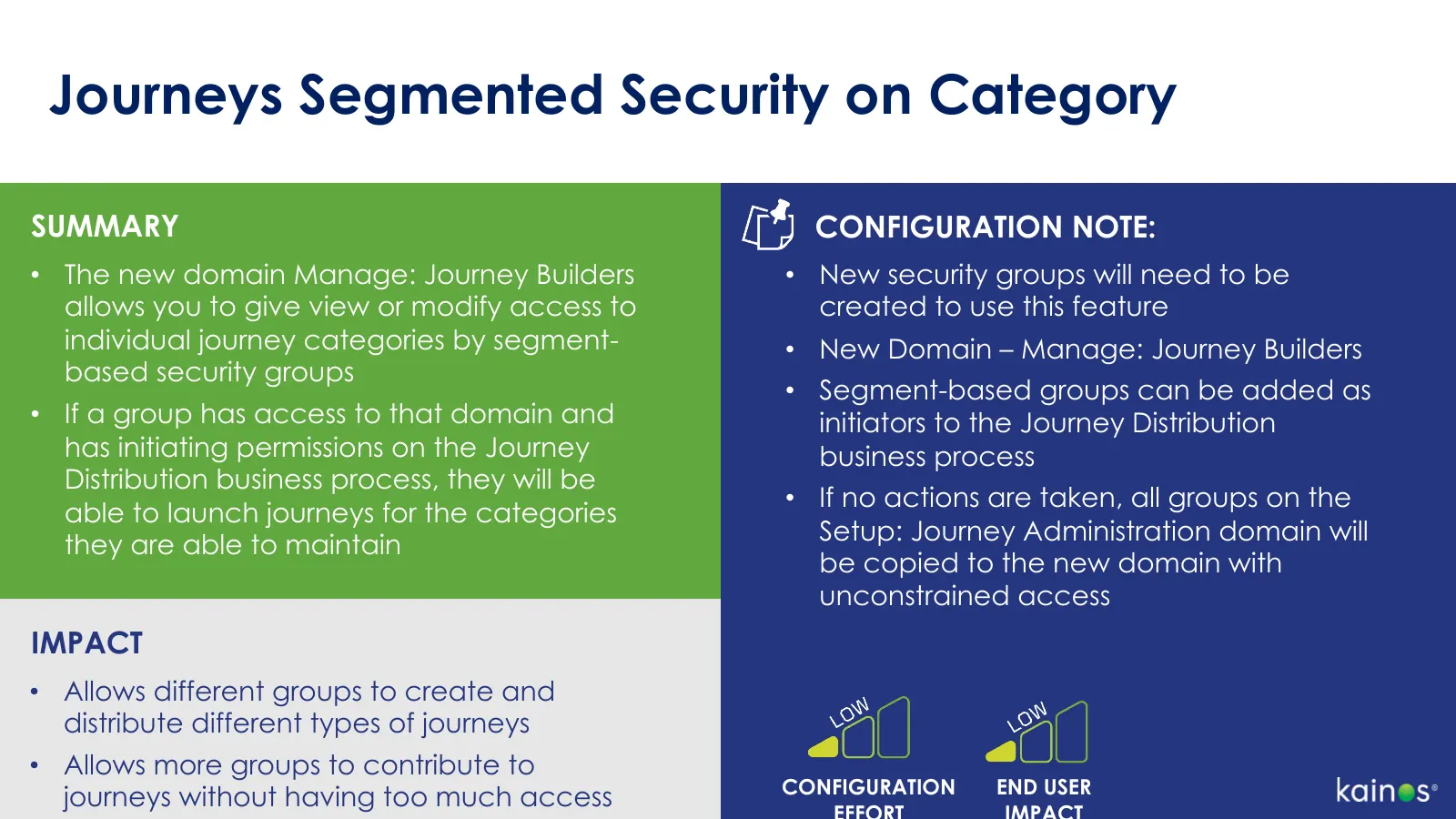
Journeys Segmented Security on Category SUMMARY CONFIGURATION NOTE: • The new domain Manage: Journey Builders • New security groups will need to be allows you to give view or modify access to created to use this feature individual journey categories by segment- • New Domain – Manage: Journey Builder
Slide 83: Q&A Our team is here to help!
Q&A Explore Peakon Our team is here to help! Talk to our AMS Team
Slide 84: Thank you!
Thank you! Did you know…automated testing can protect your Workday and free up staff? Book a session with us to find out more: W: go.kainos.com/hcm-test

Slide 85
Source: Internet Archive copy of get.kainos.com
More decks from Kainos Group PLC
 H1 FY2027 Earnings Presentation34 slides · Nov 9, 2026
 H1 2027 Earnings Presentation33 slides · Nov 9, 2026
 FY2026 Earnings Presentation34 slides · May 18, 2026
 H1 2026 Earnings Presentation28 slides · Nov 10, 2025
 Investor Day (October 2025)62 slides · Oct 22, 2025
 FY2025 Earnings Presentation28 slides · May 19, 2025