Analog Devices, Inc. · NASDAQ:ADI
Analog Devices — Technical Presentation (December 2008)
19 slides from Analog Devices's technical presentation, December 2008
Slide 1: An Introduction to the VisualDSP++ Kernel (VDK)
The World Leader in High Performance Signal Processing Solutions An Introduction to the VisualDSP++ Kernel (VDK) Presented by: Ken Atwell Product Line Manager
Slide 2: About This Module
About This Module This module discusses the VisualDSP++ kernel (VDK) concepts and capabilities. It is recommended that users have: z A working knowledge of software terminology z Previous experience with other commercial or home-grown operating systems 2
Slide 3: Module Outline
Module Outline Introduction z Operating system choices for Blackfin z Introducing the VDK Capabilities of the VDK On-line Demo: Building and Debugging VDK Projects Timings and Sizes z Footprints and benchmarks 3
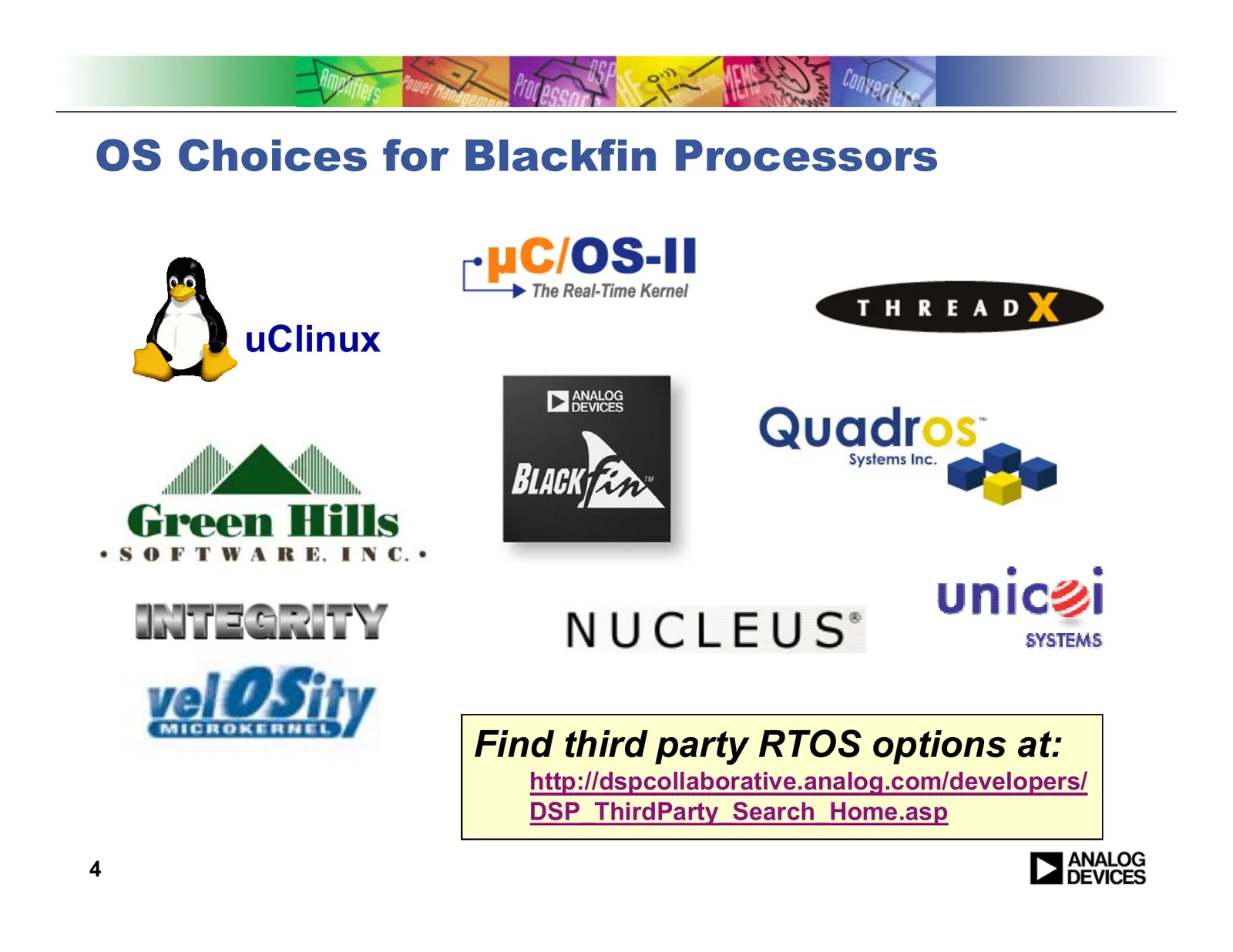
Slide 4: OS Choices for Blackfin Processors
OS Choices for Blackfin Processors uClinux Find third party RTOS options at: http://dspcollaborative.analog.com/developers/ DSP_ThirdParty_Search_Home.asp 4
Slide 5: Introducing the VisualDSP++ Kernel (VDK)
Introducing the VisualDSP++ Kernel (VDK) Small, robust kernel bundled with VisualDSP++ z Designed for application with light-weight OS requirements z No additional cost or run-time licenses/fees z Fully supported and maintained along with the rest of VisualDSP++ Supports all current and future B
Slide 6: VDK Concepts
VDK Concepts Threads Priority and scheduling z Pre-emptive, cooperative, and time-slicing Critical and unscheduled regions Semaphores, including periodic Messages Beyond discussion today, but available in VDK z Events and event bits z Multi-processor messaging z Memory pools z Device fla
Slide 7: Capabilities of the VDK
Capabilities of the VDK Caoevices
Slide 8: Threads and Priorities (1)
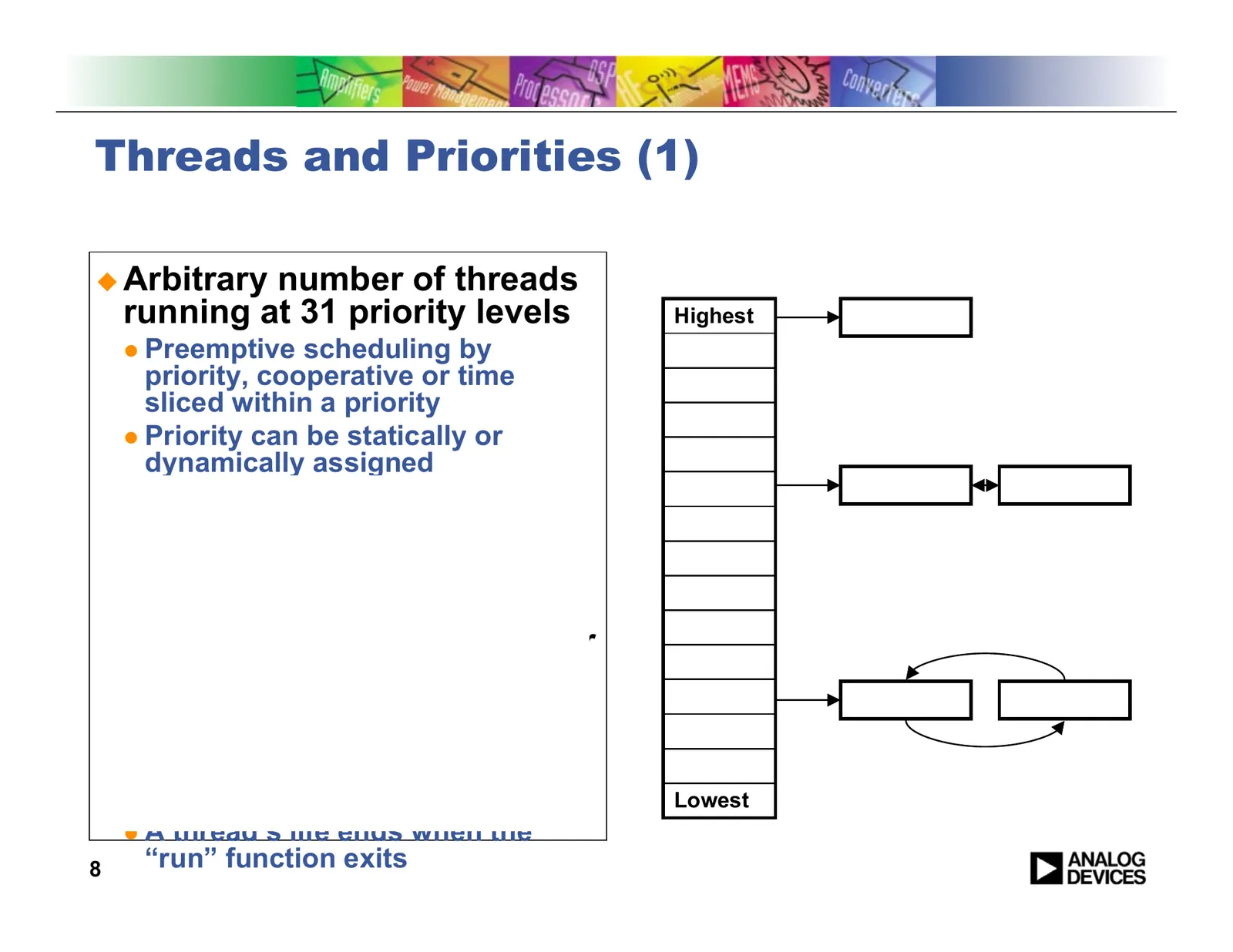
Threads and Priorities (1) Arbitrary number of threads running at 31 priority levels Highest z Preemptive scheduling by priority, cooperative or time sliced within a priority z Priority can be statically or dynamically assigned Threads may be instantiated at boot time or later at run time z Each
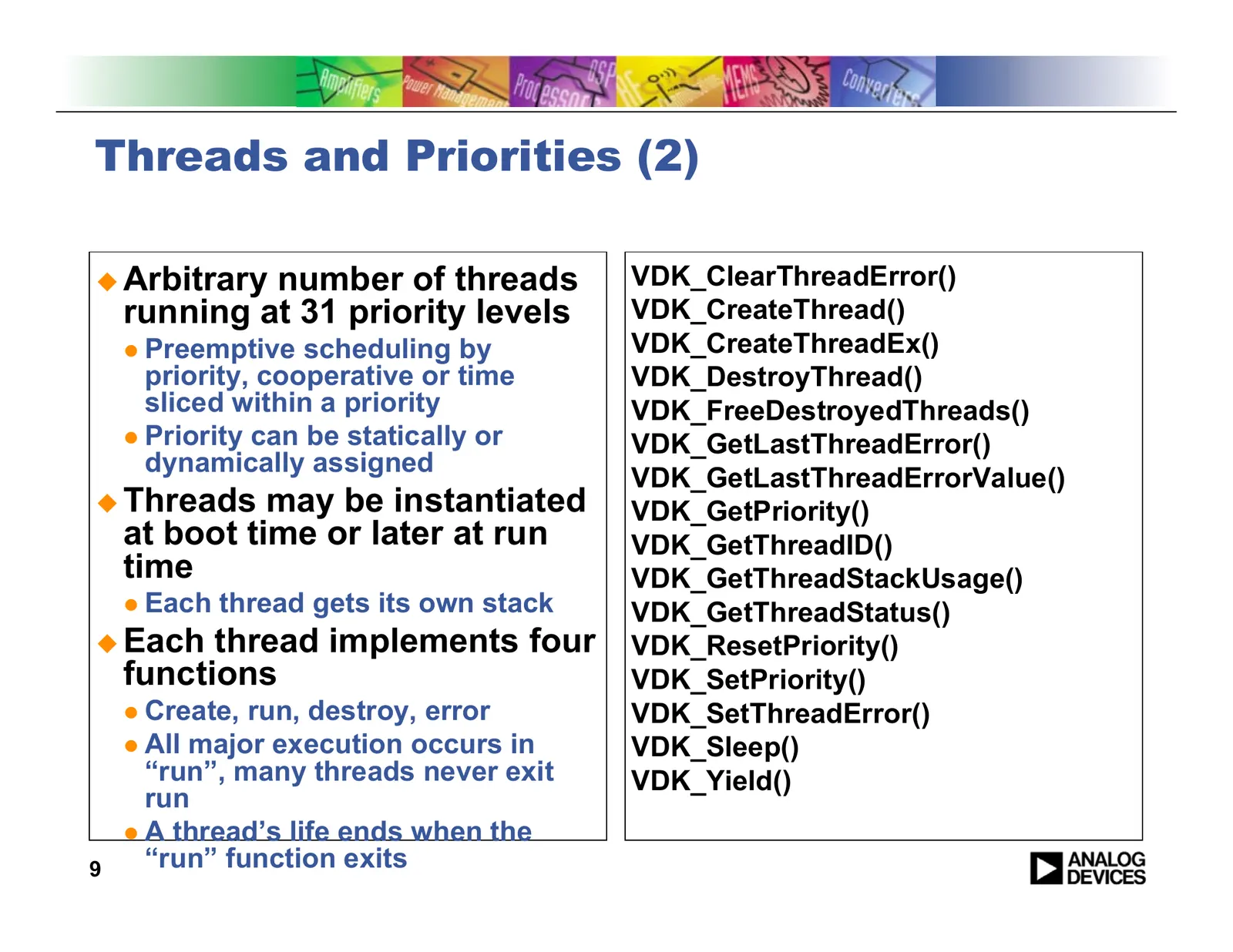
Slide 9: Threads and Priorities (2)
Threads and Priorities (2) Arbitrary number of threads VDK_ClearThreadError() running at 31 priority levels VDK_CreateThread() z Preemptive scheduling by VDK_CreateThreadEx() priority, cooperative or time VDK_DestroyThread() sliced within a priority VDK_FreeDestroyedThreads() z Priority can be sta
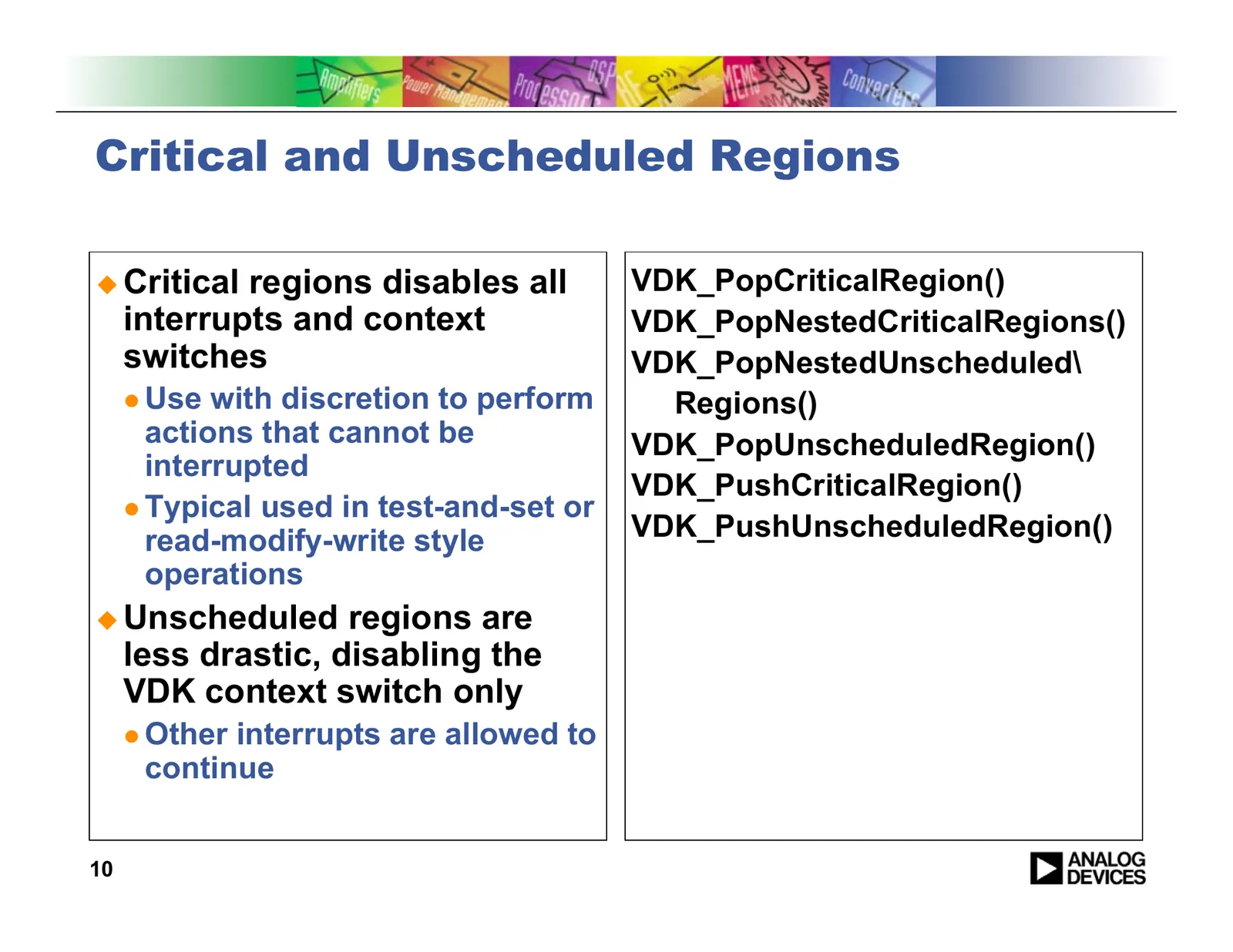
Slide 10: Critical and Unscheduled Regions
Critical and Unscheduled Regions Critical regions disables all VDK_PopCriticalRegion() interrupts and context VDK_PopNestedCriticalRegions() switches VDK_PopNestedUnscheduled\ z Use with discretion to perform Regions() actions that cannot be VDK_PopUnscheduledRegion() interrupted VDK_PushCriticalR
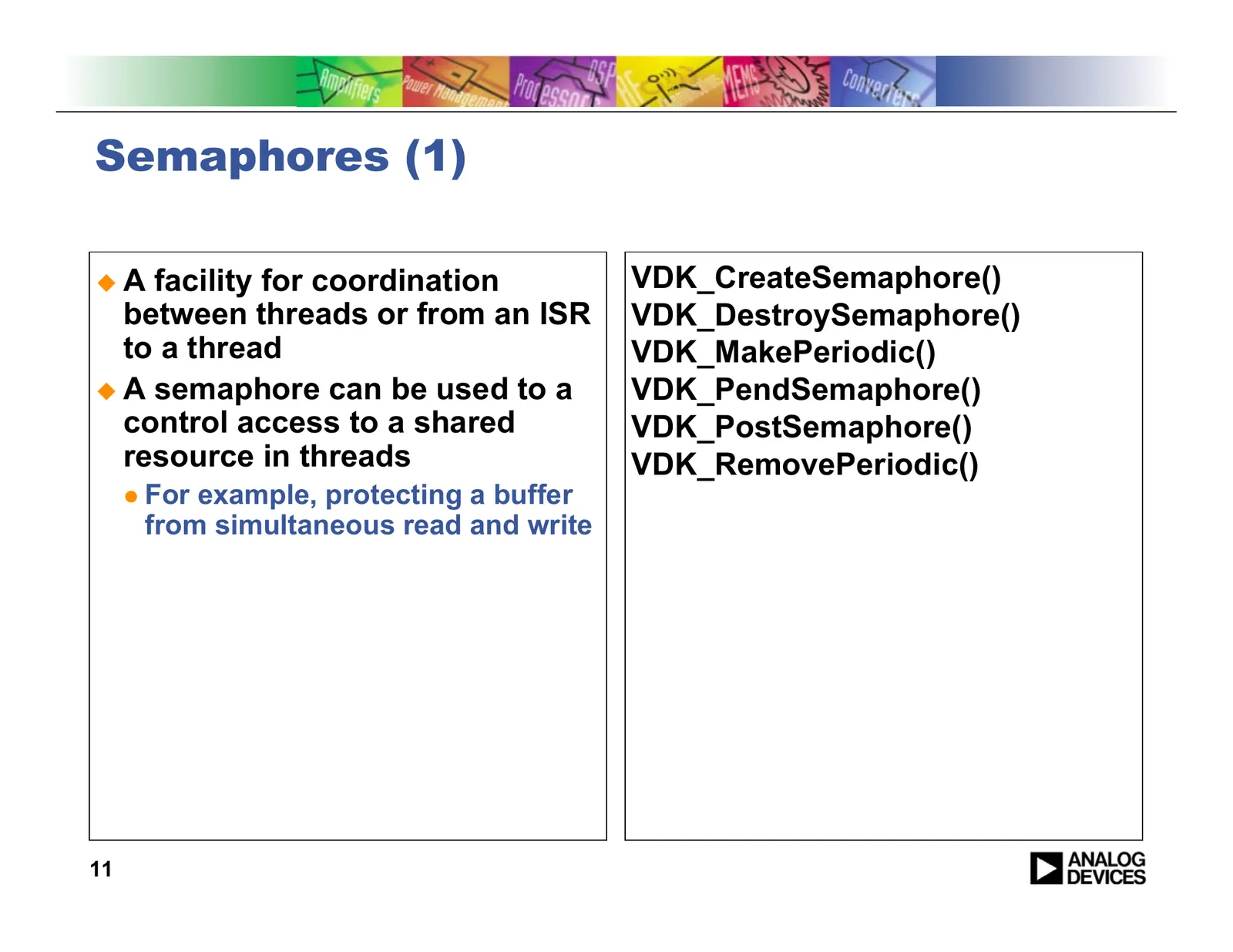
Slide 11: Semaphores (1)
Semaphores (1) A facility for coordination VDK_CreateSemaphore() between threads or from an ISR VDK_DestroySemaphore() to a thread VDK_MakePeriodic() A semaphore can be used to a VDK_PendSemaphore() control access to a shared VDK_PostSemaphore() resource in threads VDK_RemovePeriodic() z For exa
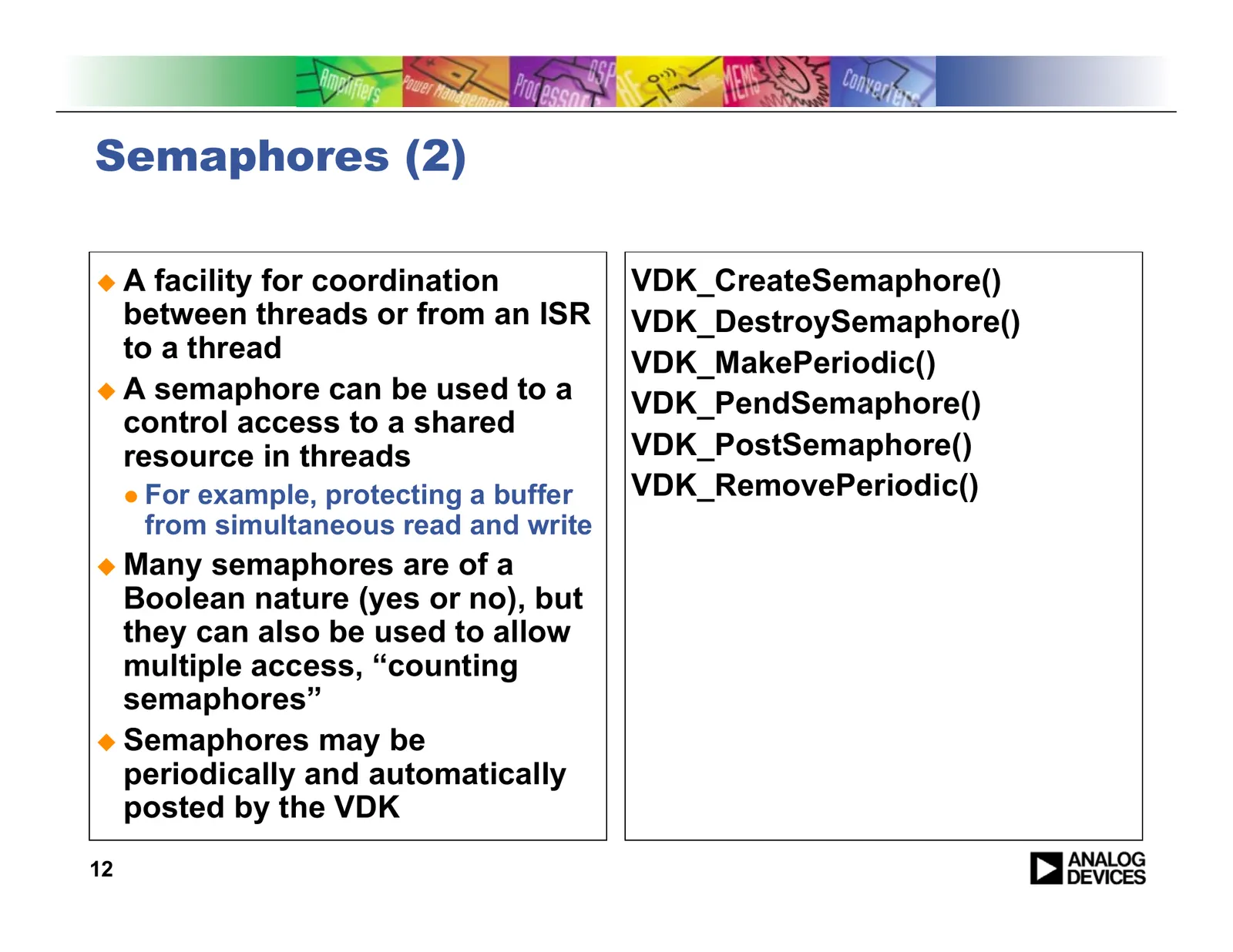
Slide 12: Semaphores (2)
Semaphores (2) A facility for coordination VDK_CreateSemaphore() between threads or from an ISR VDK_DestroySemaphore() to a thread VDK_MakePeriodic() A semaphore can be used to a VDK_PendSemaphore() control access to a shared resource in threads VDK_PostSemaphore() z For example, protecting a bu
Slide 13: Messages
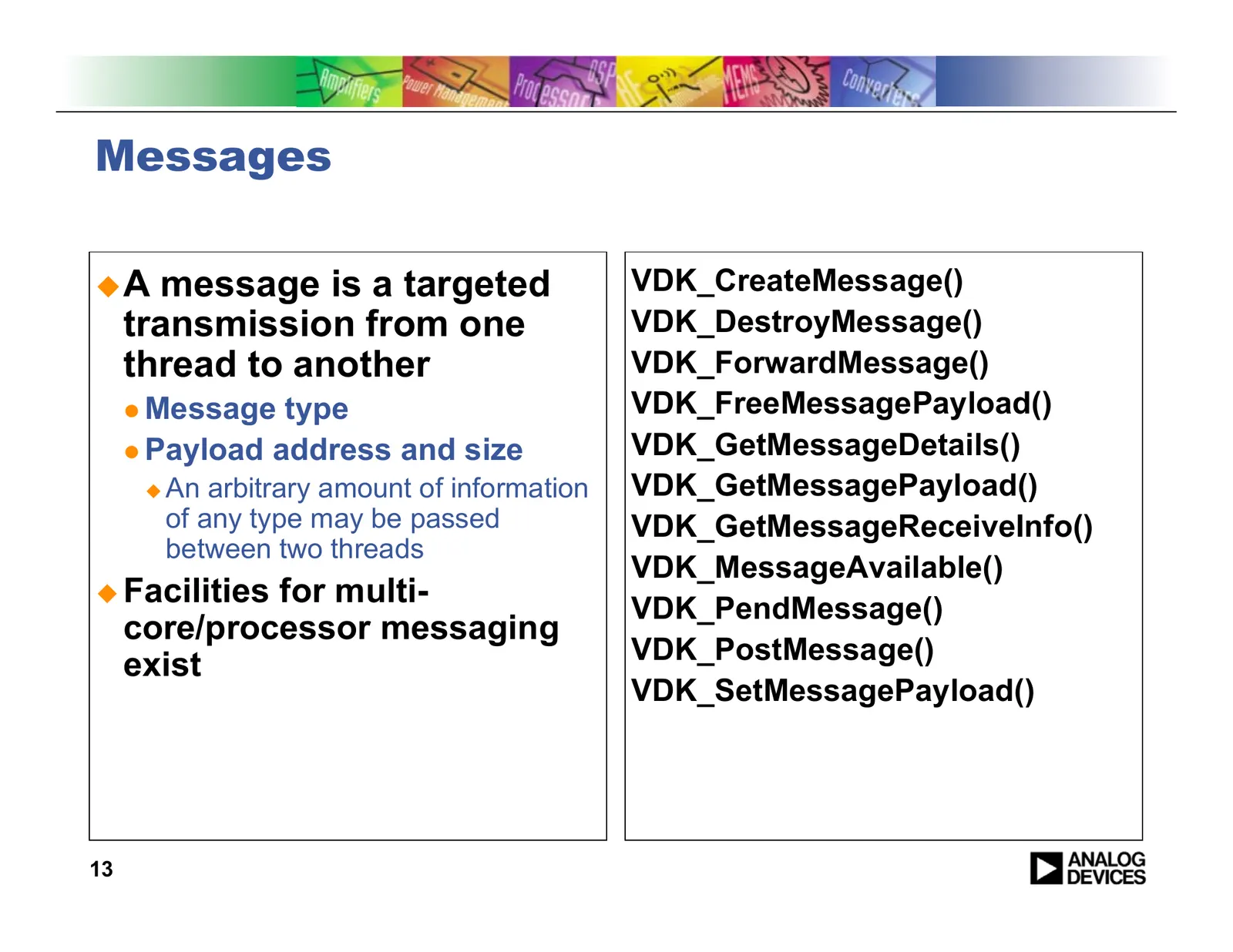
Messages A message is a targeted VDK_CreateMessage() transmission from one VDK_DestroyMessage() thread to another VDK_ForwardMessage() z Message type VDK_FreeMessagePayload() z Payload address and size VDK_GetMessageDetails() An arbitrary amount of information VDK_GetMessagePayload() of any type
Slide 14: On-line Demo: Building and Debugging VDK Projects
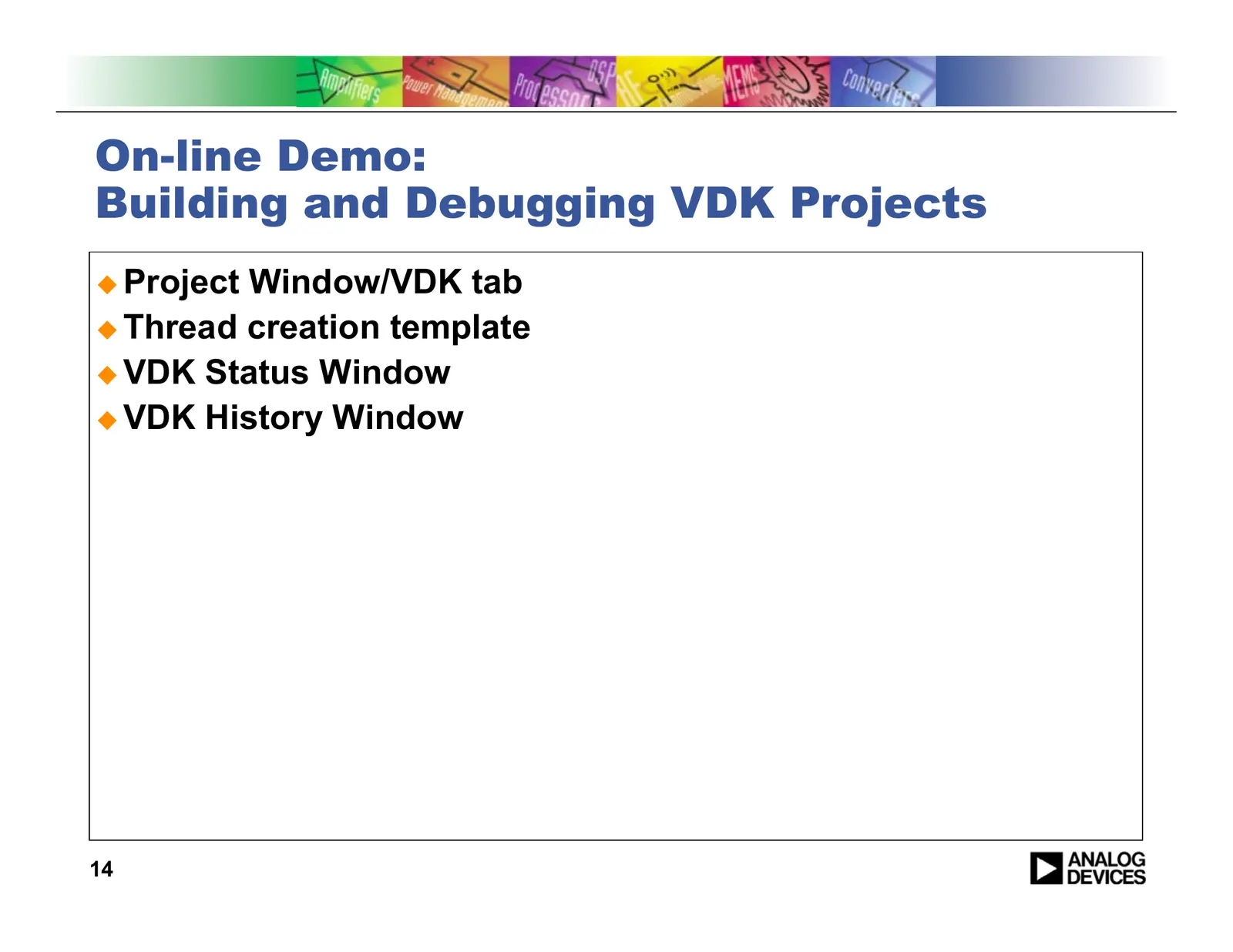
On-line Demo: Building and Debugging VDK Projects Project Window/VDK tab Thread creation template VDK Status Window VDK History Window 14
Slide 15: Sizes and Timings
15 Sizes and Timings co DEVICES
Slide 16: VDK Static Memory Footprints
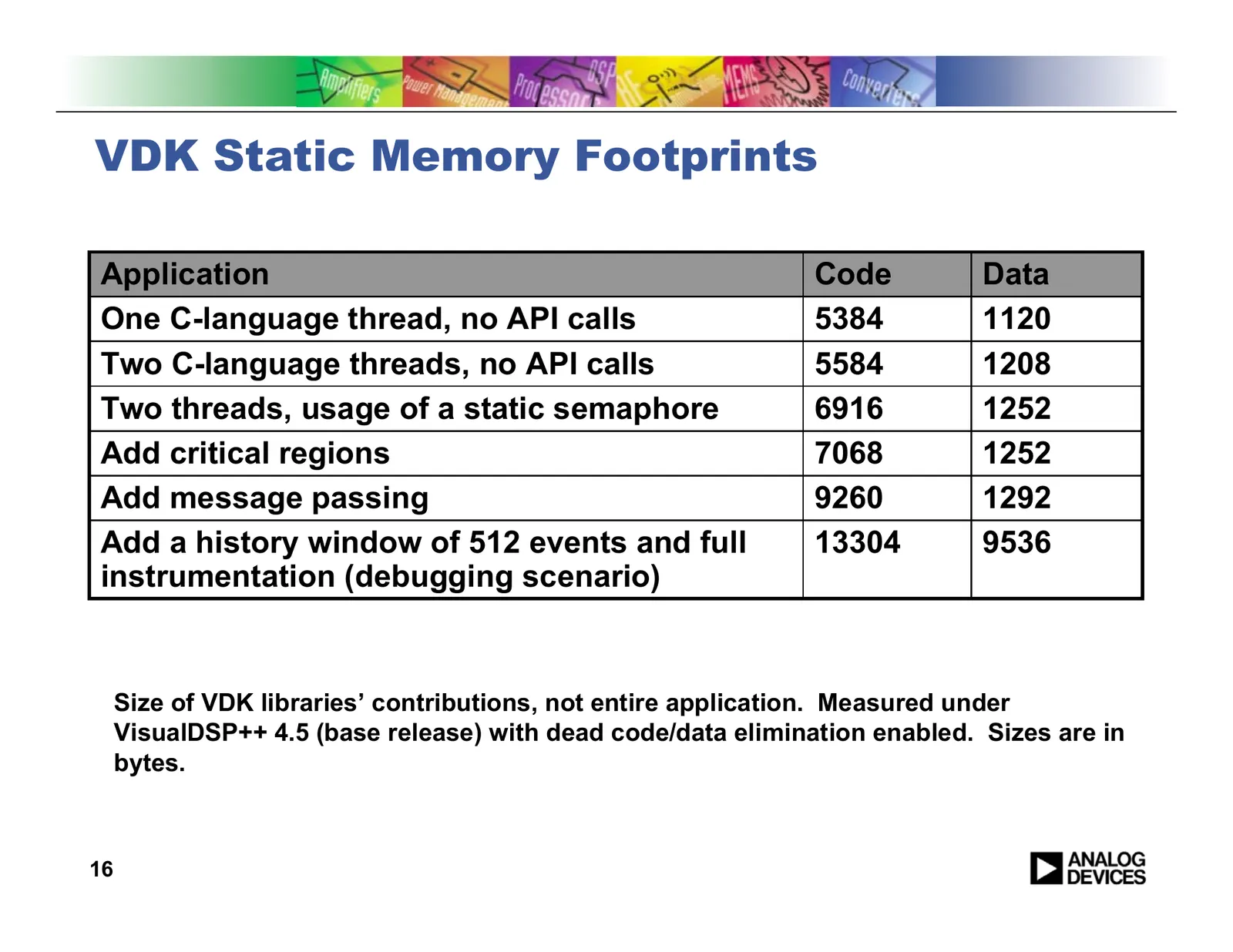
VDK Static Memory Footprints Application Code Data One C-language thread, no API calls 5384 1120 Two C-language threads, no API calls 5584 1208 Two threads, usage of a static semaphore 6916 1252 Add critical regions 7068 1252 Add message passing 9260 1292 Add a history window of 512 events and full
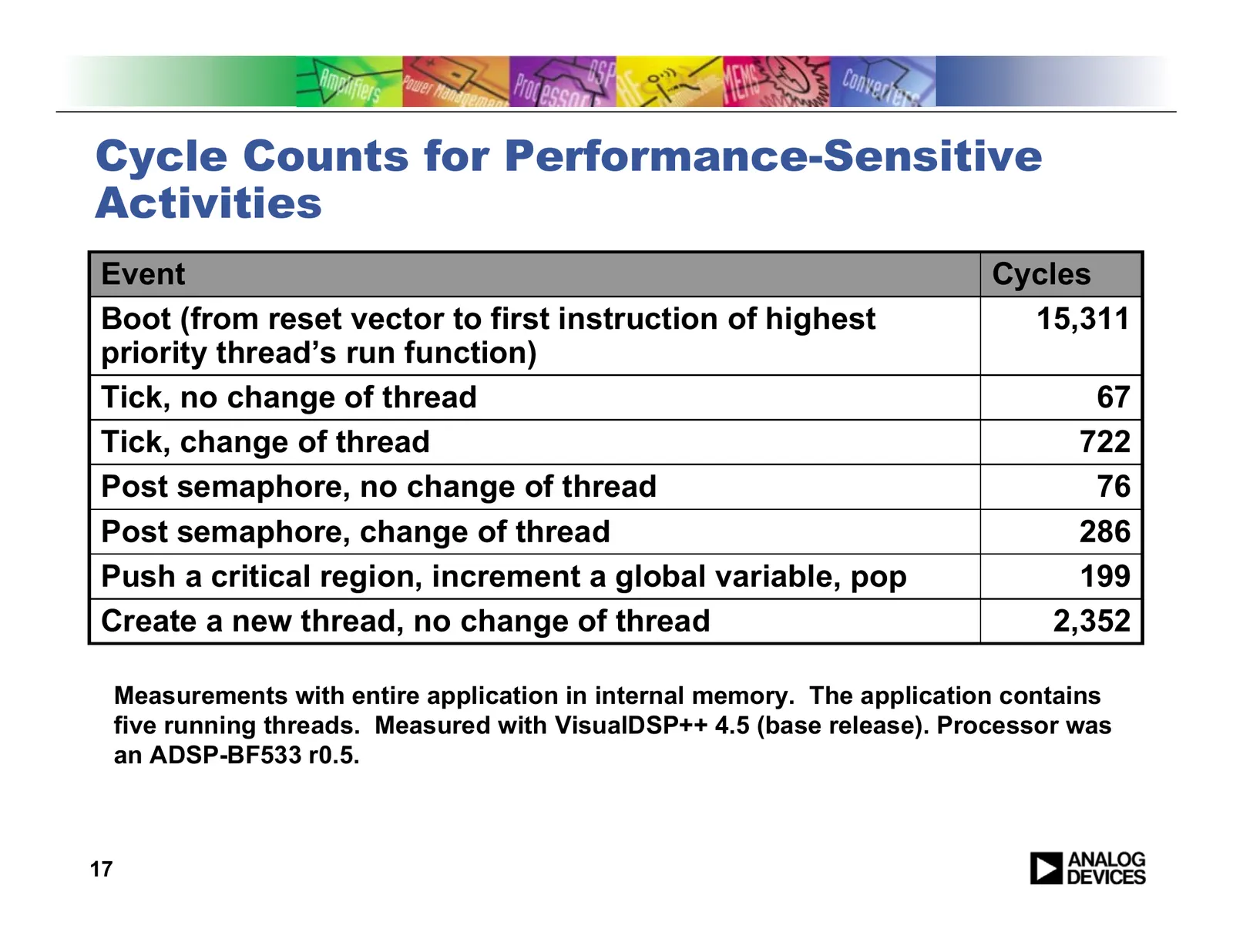
Slide 17: Cycle Counts for Performance-Sensitive Activities
Cycle Counts for Performance-Sensitive Activities Event Cycles Boot (from reset vector to first instruction of highest 15,311 priority thread’s run function) Tick, no change of thread 67 Tick, change of thread 722 Post semaphore, no change of thread 76 Post semaphore, change of thread 286 Push a cri
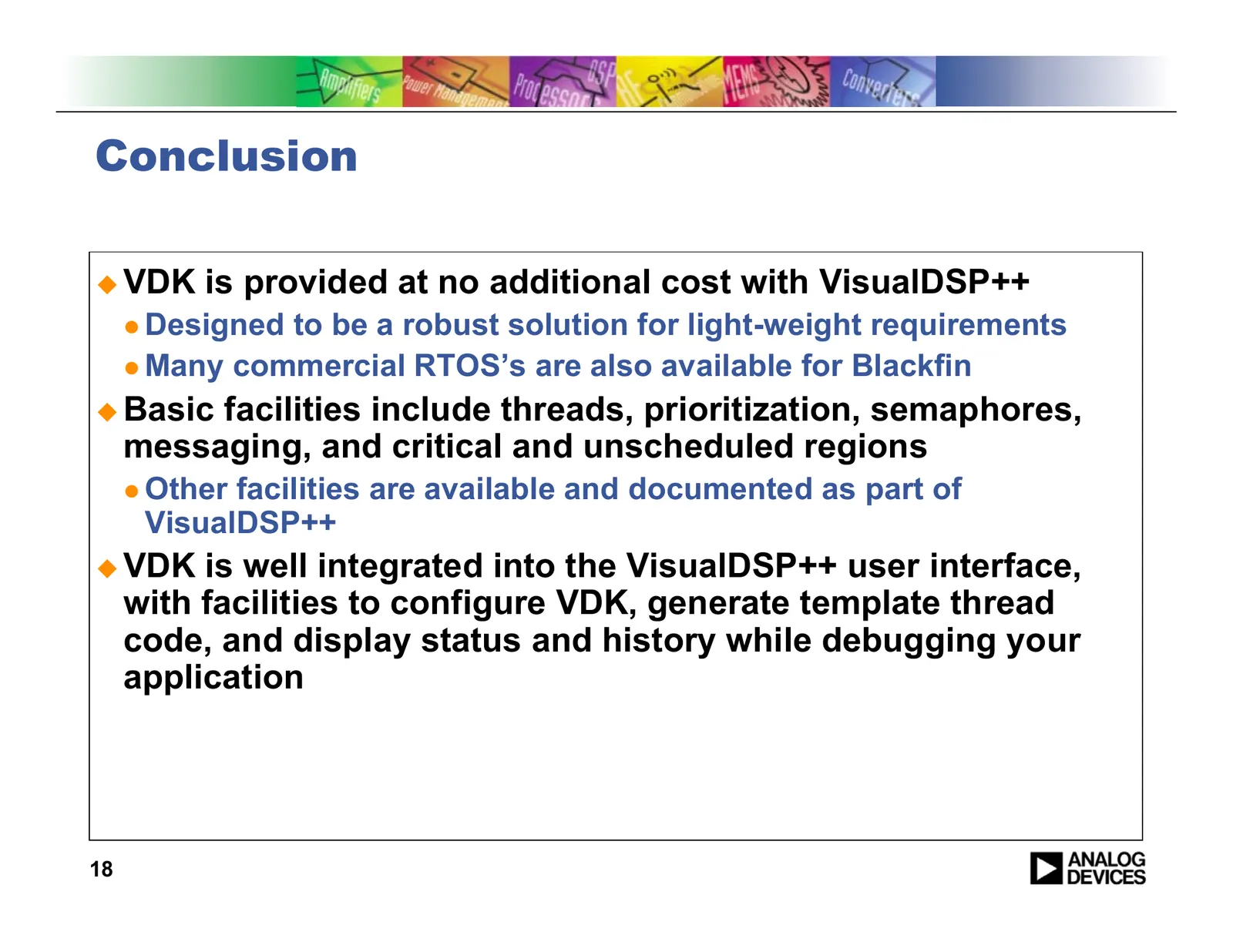
Slide 18: Conclusion
Conclusion VDK is provided at no additional cost with VisualDSP++ z Designed to be a robust solution for light-weight requirements z Many commercial RTOS’s are also available for Blackfin Basic facilities include threads, prioritization, semaphores, messaging, and critical and unscheduled region
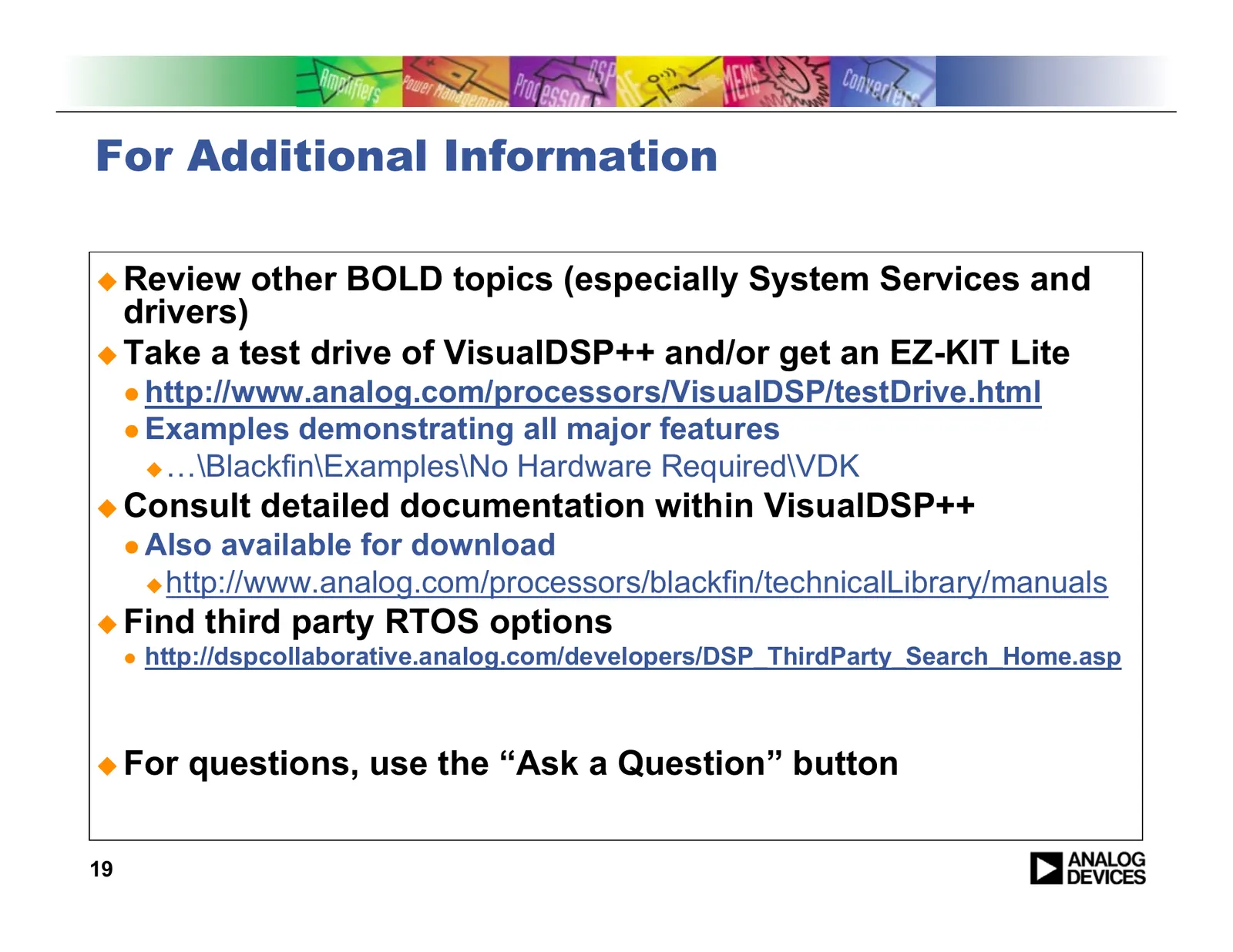
Slide 19: For Additional Information
For Additional Information Review other BOLD topics (especially System Services and drivers) Take a test drive of VisualDSP++ and/or get an EZ-KIT Lite z http://www.analog.com/processors/VisualDSP/testDrive.html z Examples demonstrating all major features …\Blackfin\Examples\No Hardware Requir
Source: Internet Archive copy of analog.com
More decks from Analog Devices, Inc.
 Proxy Contest (February 2026)6 slides · Feb 9, 2026
 Investor Presentation (September 2025)11 slides · Sep 19, 2025
 Investor Presentation (September 2024)14 slides · Sep 27, 2024
 Technical Presentation (May 2024)97 slides · May 30, 2024
 Shareholder Meeting (February 2024)18 slides · Feb 29, 2024
 Investor Presentation (October 2023)12 slides · October 2023