Kainos Group PLC · LSE:KNOS
Kainos — Investor Presentation (February 2023)
47 slides from Kainos's investor presentation, Feb 23, 2023
Slide 1: Workday FINS 2023R1: Boost Finance Update Success
Workday FINS 2023R1: Boost Finance Update Success February 23rd, 2023
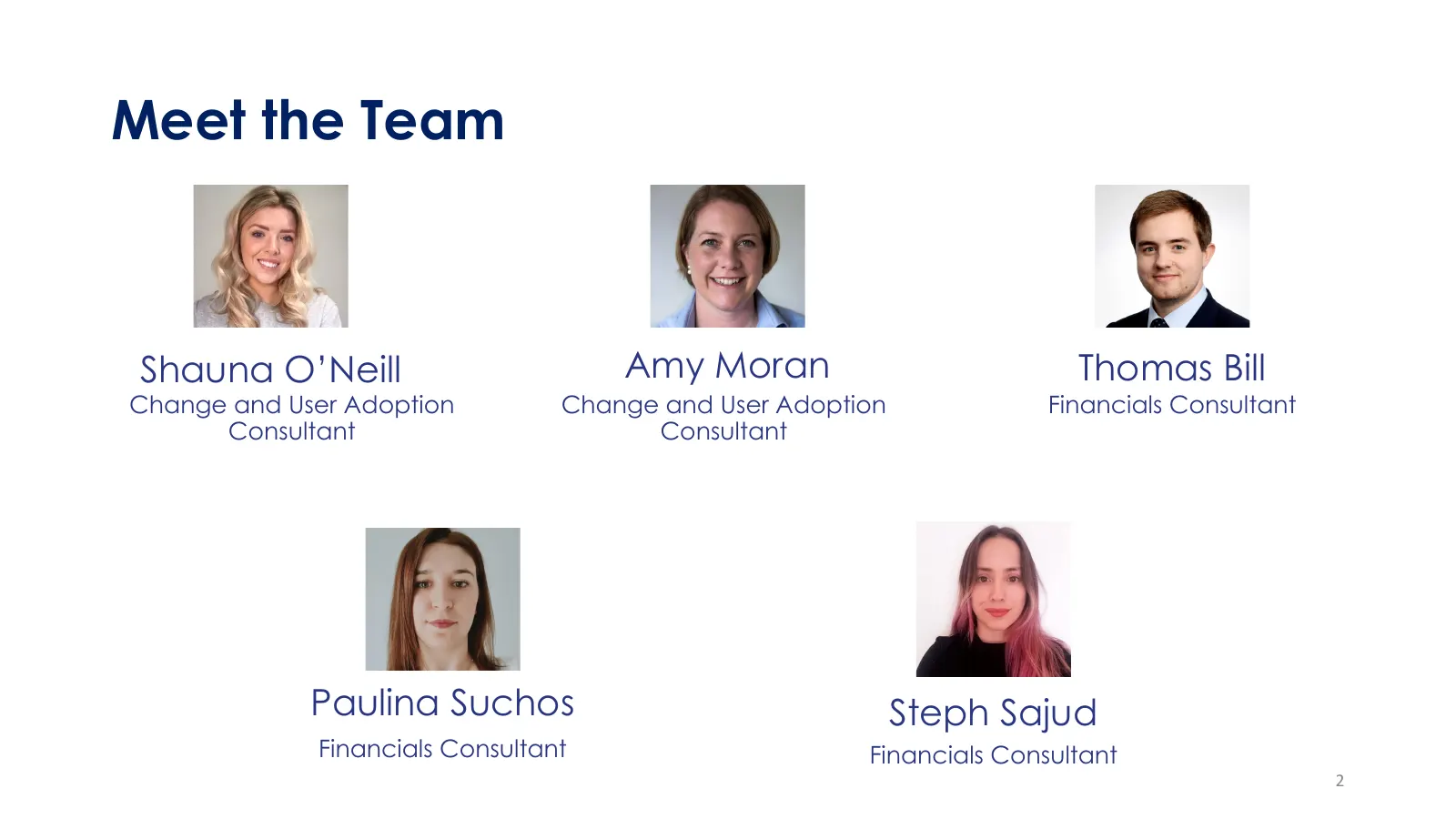
Slide 2: Meet the Team
Meet the Team Shauna O’Neill Amy Moran Thomas Bill Change and User Adoption Change and User Adoption Financials Consultant Consultant Consultant Paulina Suchos Steph Sajud Financials Consultant Financials Consultant 2

Slide 3: Agenda
Agenda Meet the team About Kainos 2023R1 updates Q&A 3
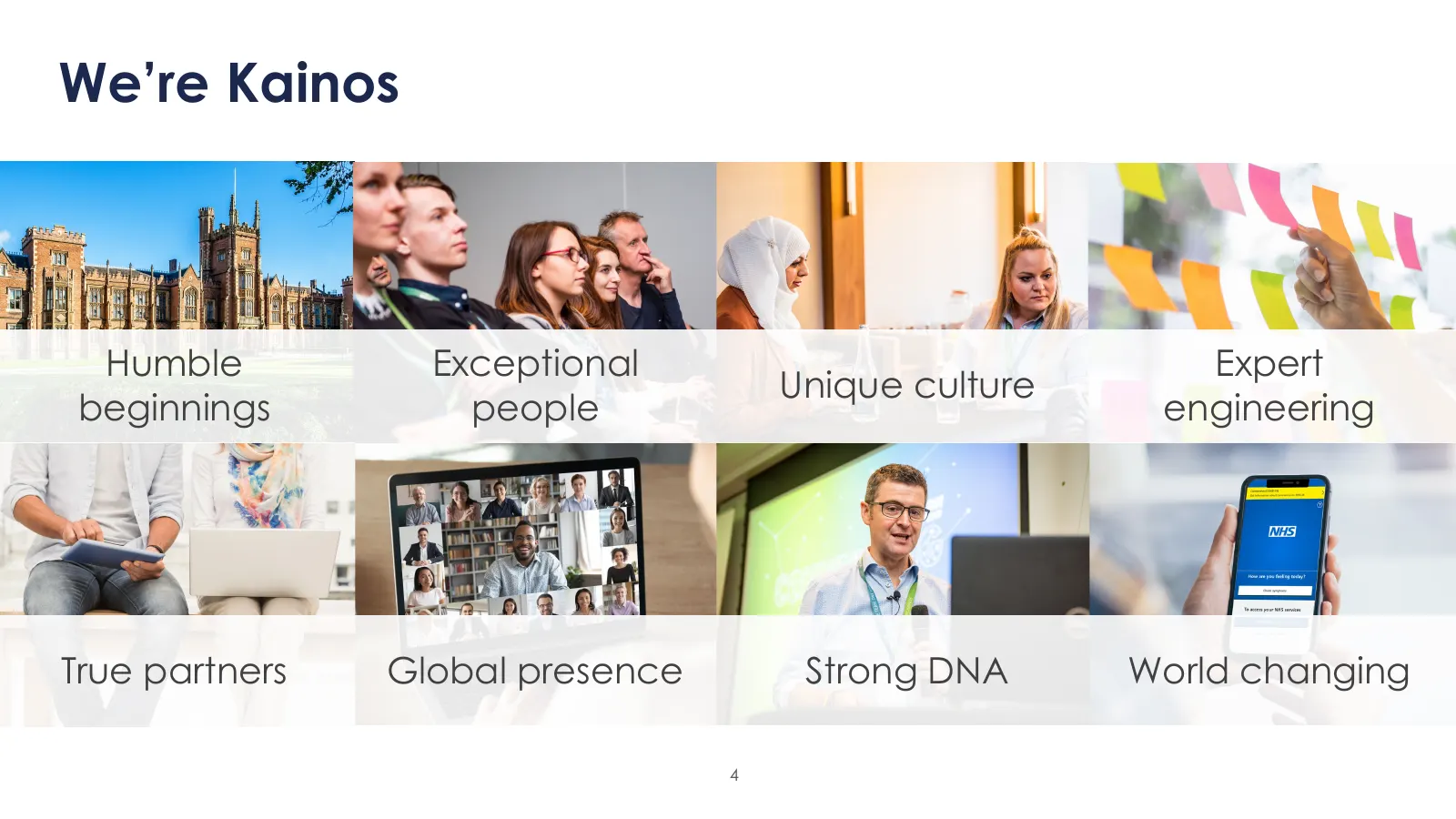
Slide 4: We’re Kainos
We’re Kainos Humble Exceptional Expert Unique culture beginnings people engineering True partners Global presence Strong DNA World changing 4

Slide 5: At a glance
At a glance 3,000 amazing people 20 offices globally 12 consecutive years of growth $367m revenue in FY22 FTSE 250 listed 36 years of innovation 5
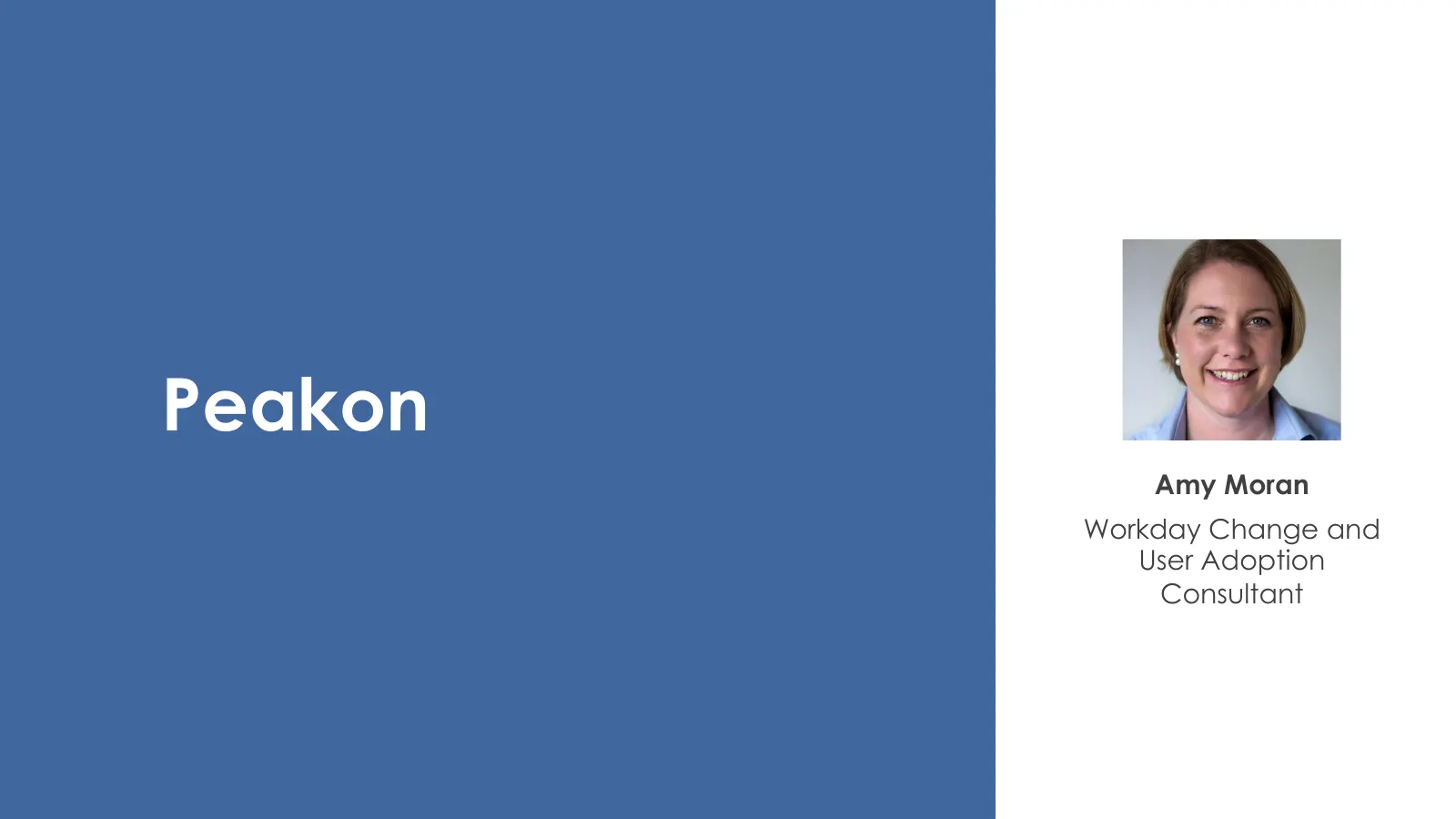
Slide 6: Peakon
Peakon Amy Moran Workday Change and User Adoption Consultant
Slide 7: What is Workday Peakon?
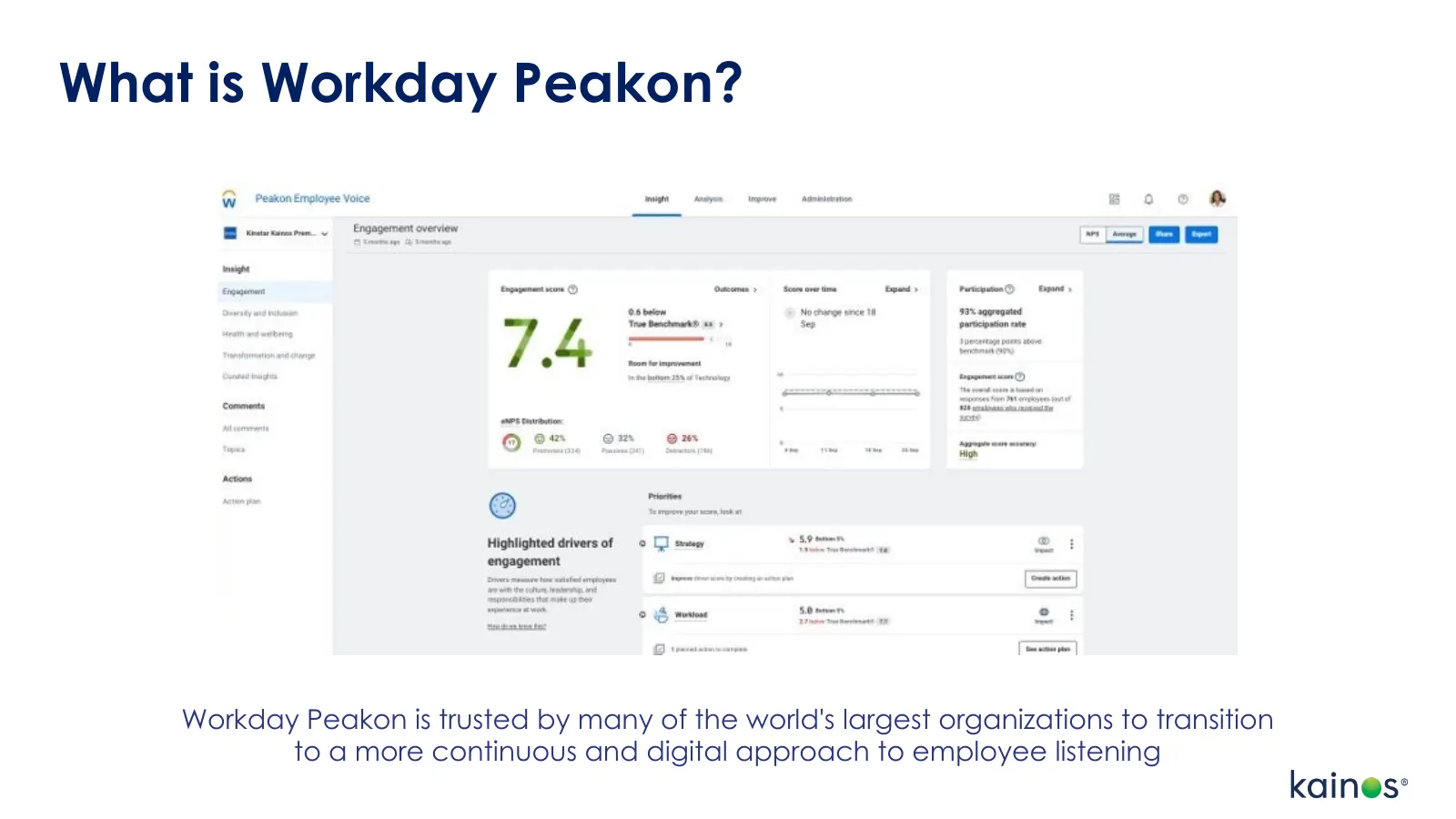
What is Workday Peakon? Workday Peakon is trusted by many of the world's largest organizations to transition to a more continuous and digital approach to employee listening
Slide 8: Scientific Library of Questions
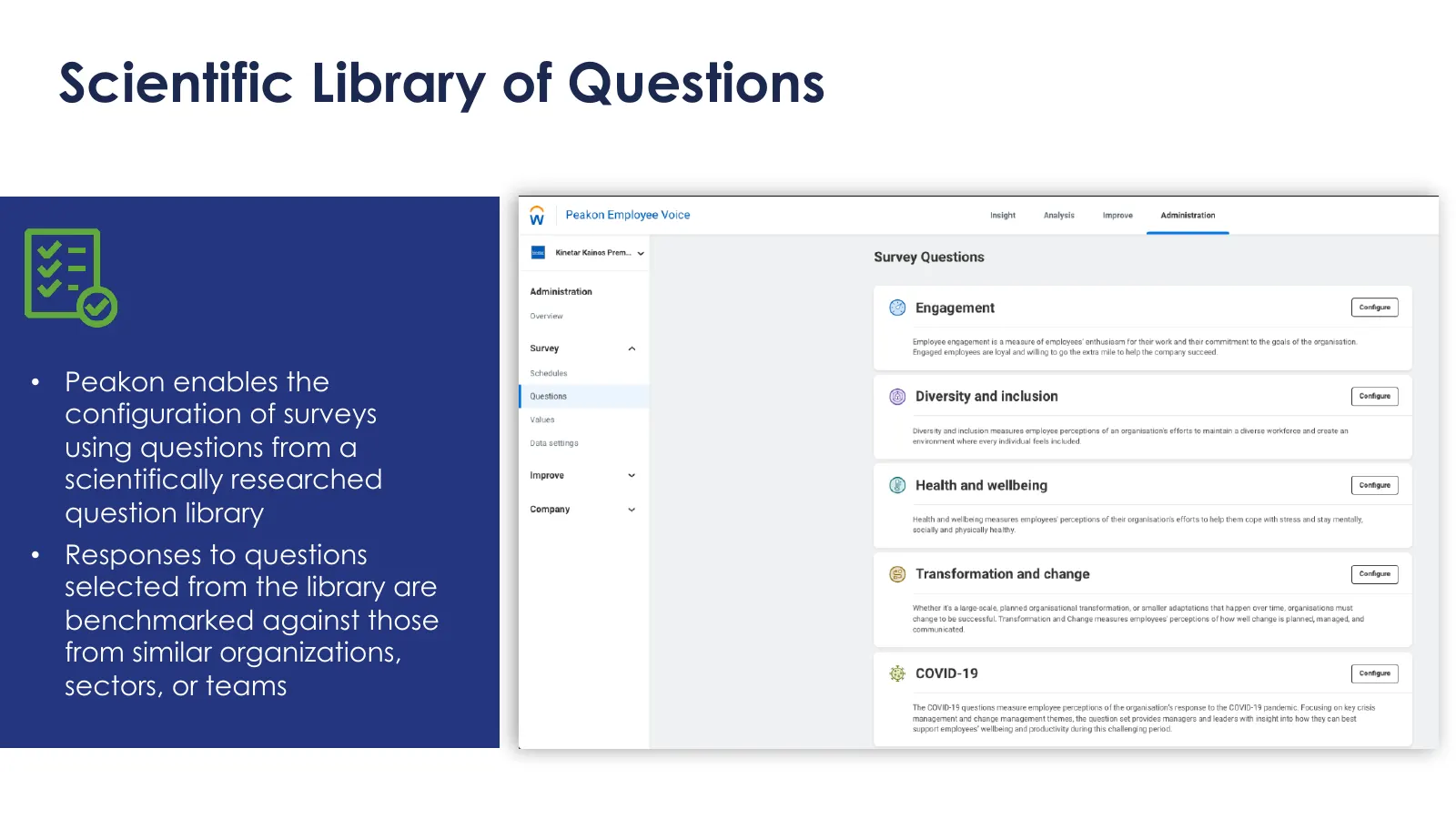
Scientific Library of Questions • Peakon enables the configuration of surveys using questions from a scientifically researched question library • Responses to questions selected from the library are benchmarked against those from similar organizations, sectors, or teams
Slide 9: Customizable Survey & Delivery
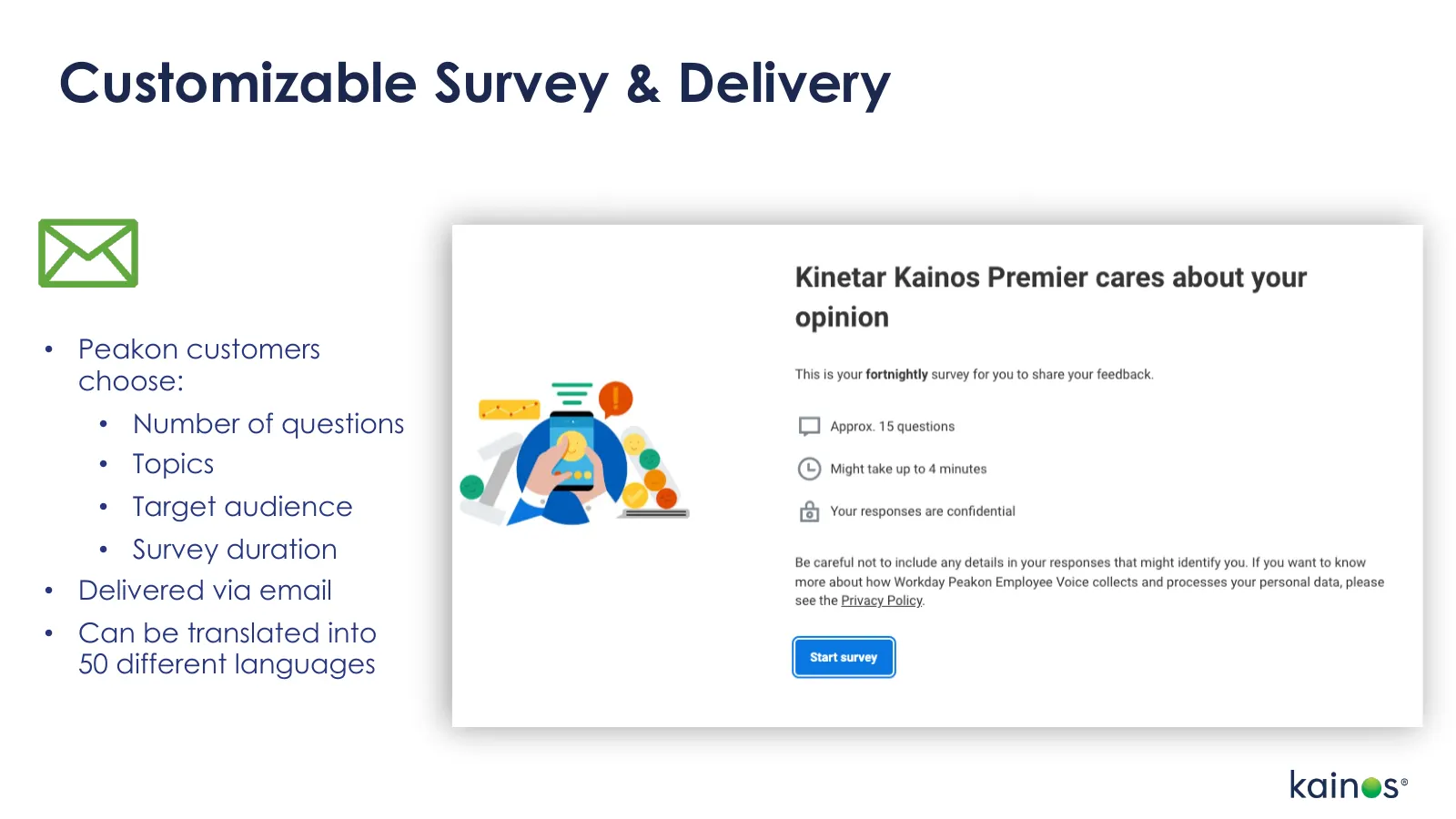
Customizable Survey & Delivery • Peakon customers choose: • Number of questions • Topics • Target audience • Survey duration • Delivered via email • Can be translated into 50 different languages
Slide 10: Scored Responses & Comments
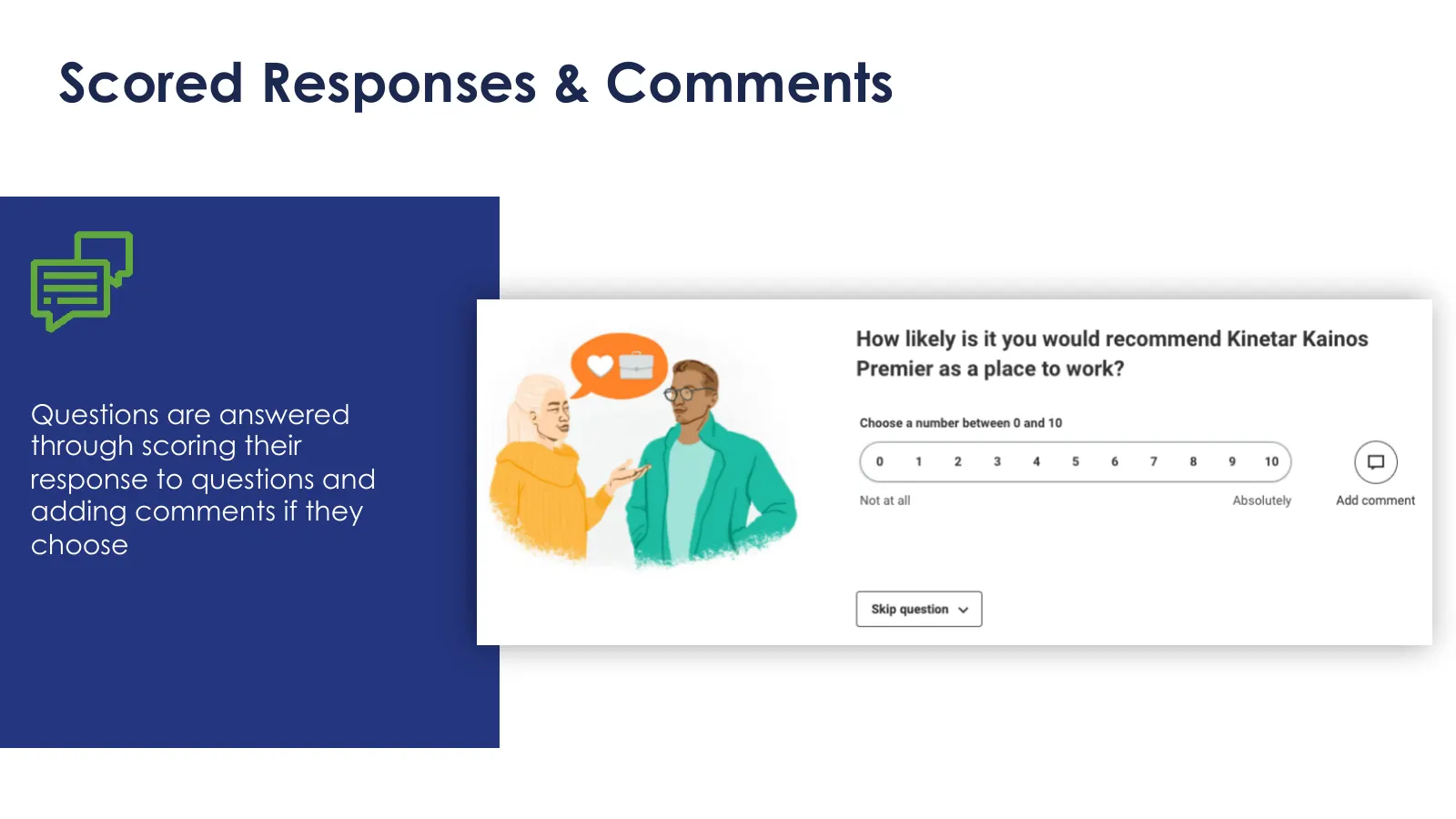
Scored Responses & Comments Questions are answered through scoring their response to questions and adding comments if they choose
Slide 11: Feedback & Engagement
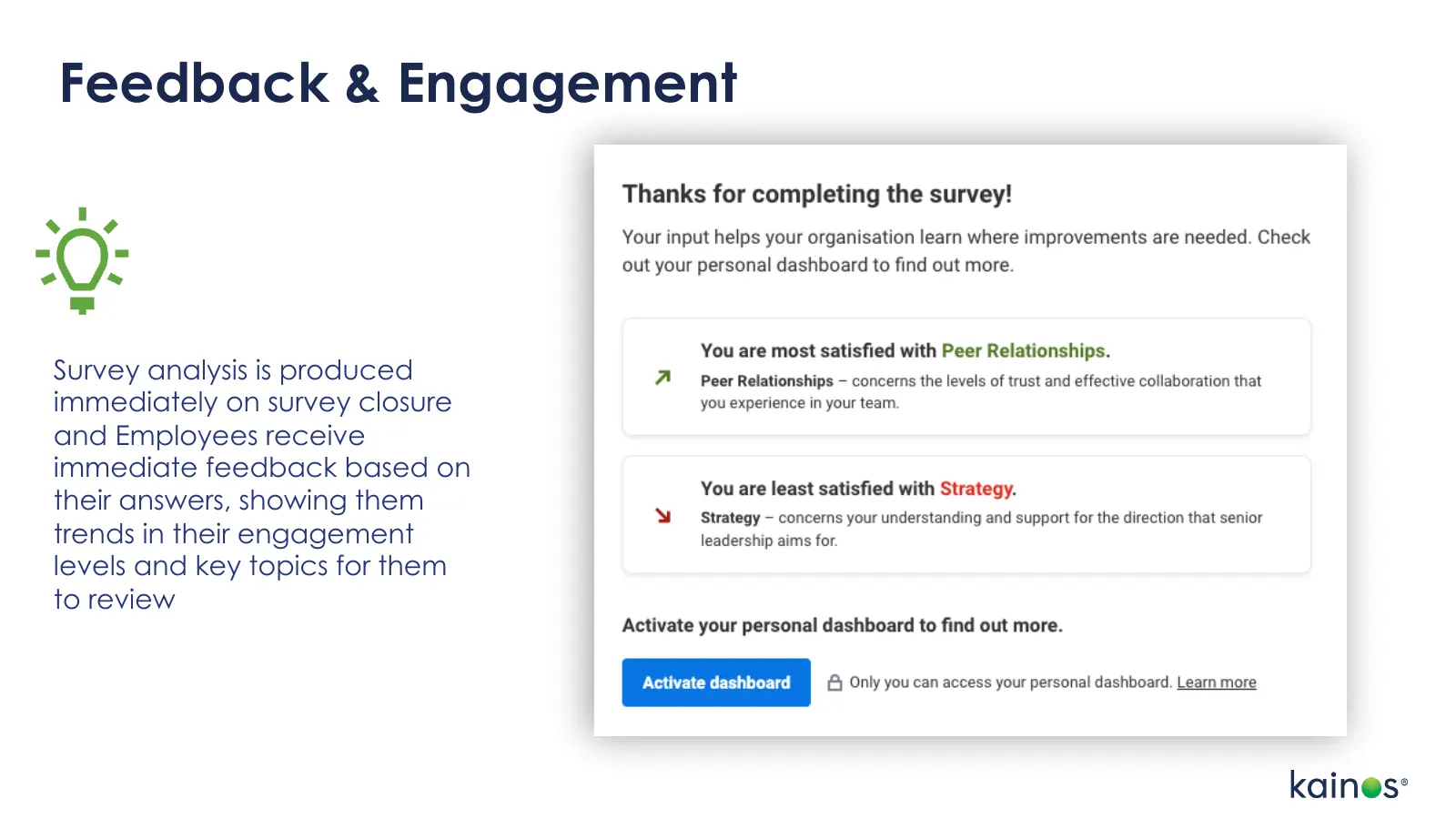
Feedback & Engagement Survey analysis is produced immediately on survey closure and Employees receive immediate feedback based on their answers, showing them trends in their engagement levels and key topics for them to review
Slide 12: Manager Dashboard
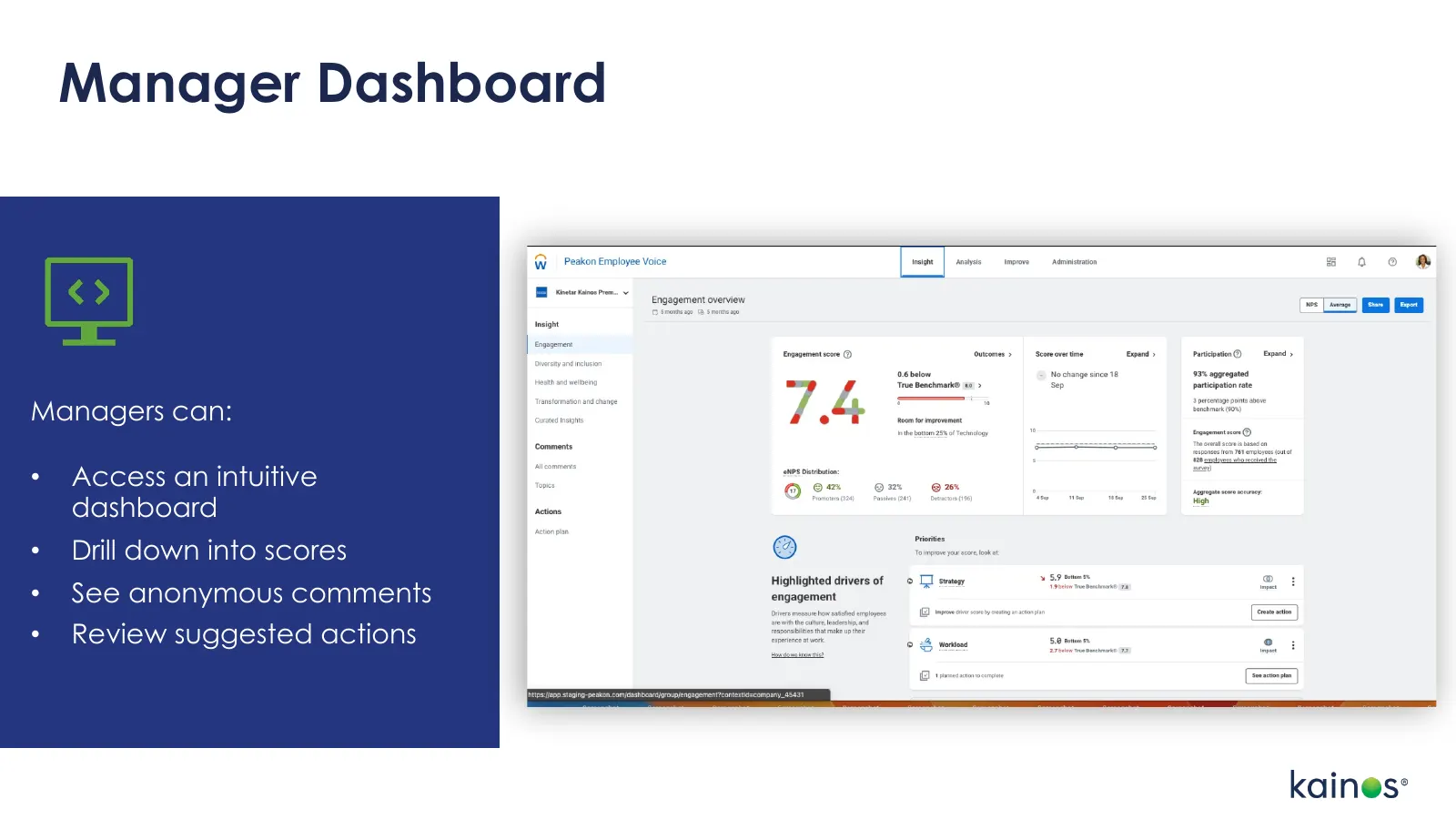
Manager Dashboard Managers can: • Access an intuitive dashboard • Drill down into scores • See anonymous comments • Review suggested actions
Slide 13: Trends & Actions
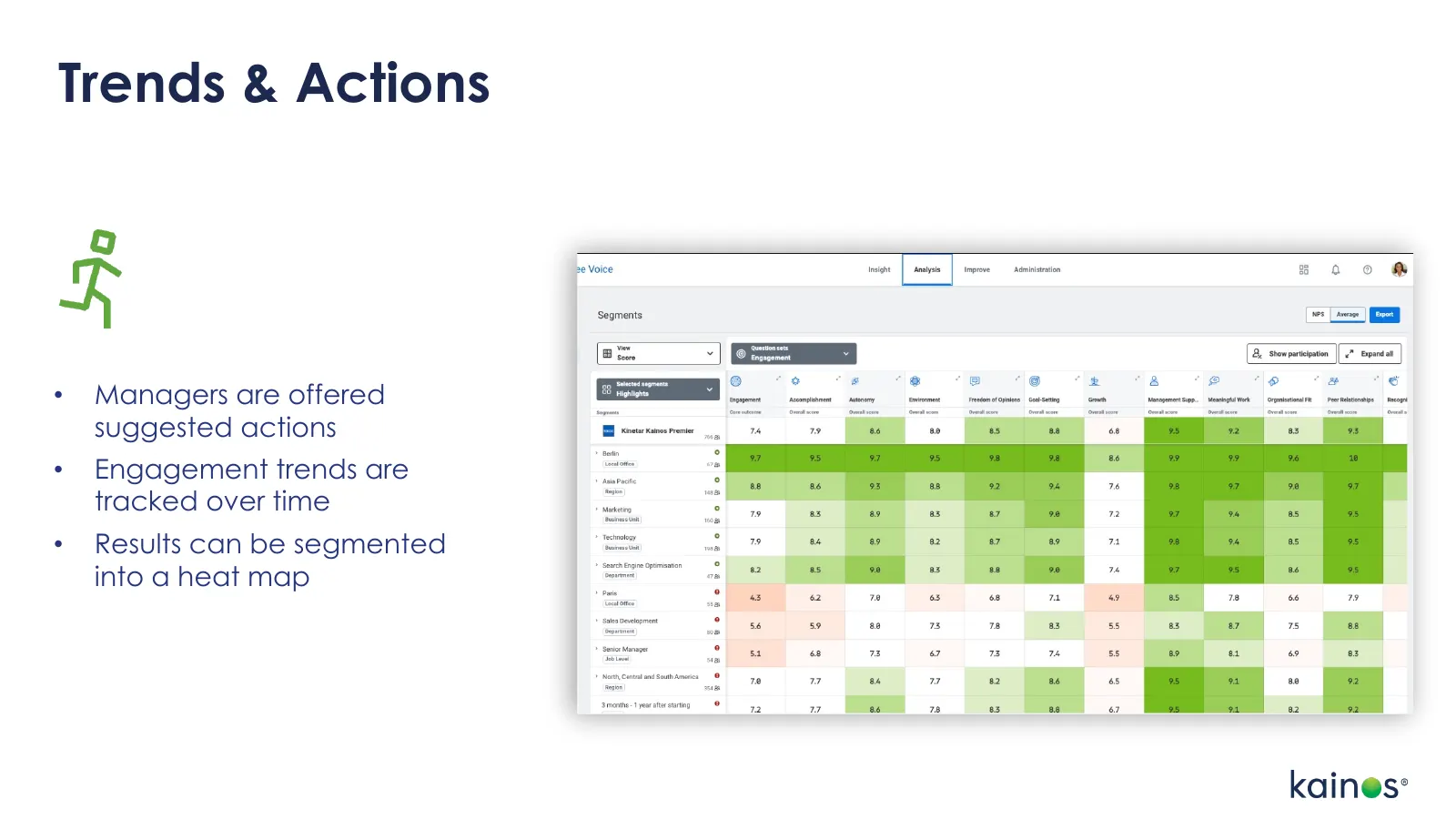
Trends & Actions • Managers are offered suggested actions • Engagement trends are tracked over time • Results can be segmented into a heat map
Slide 14: Manager/Employee Engagement
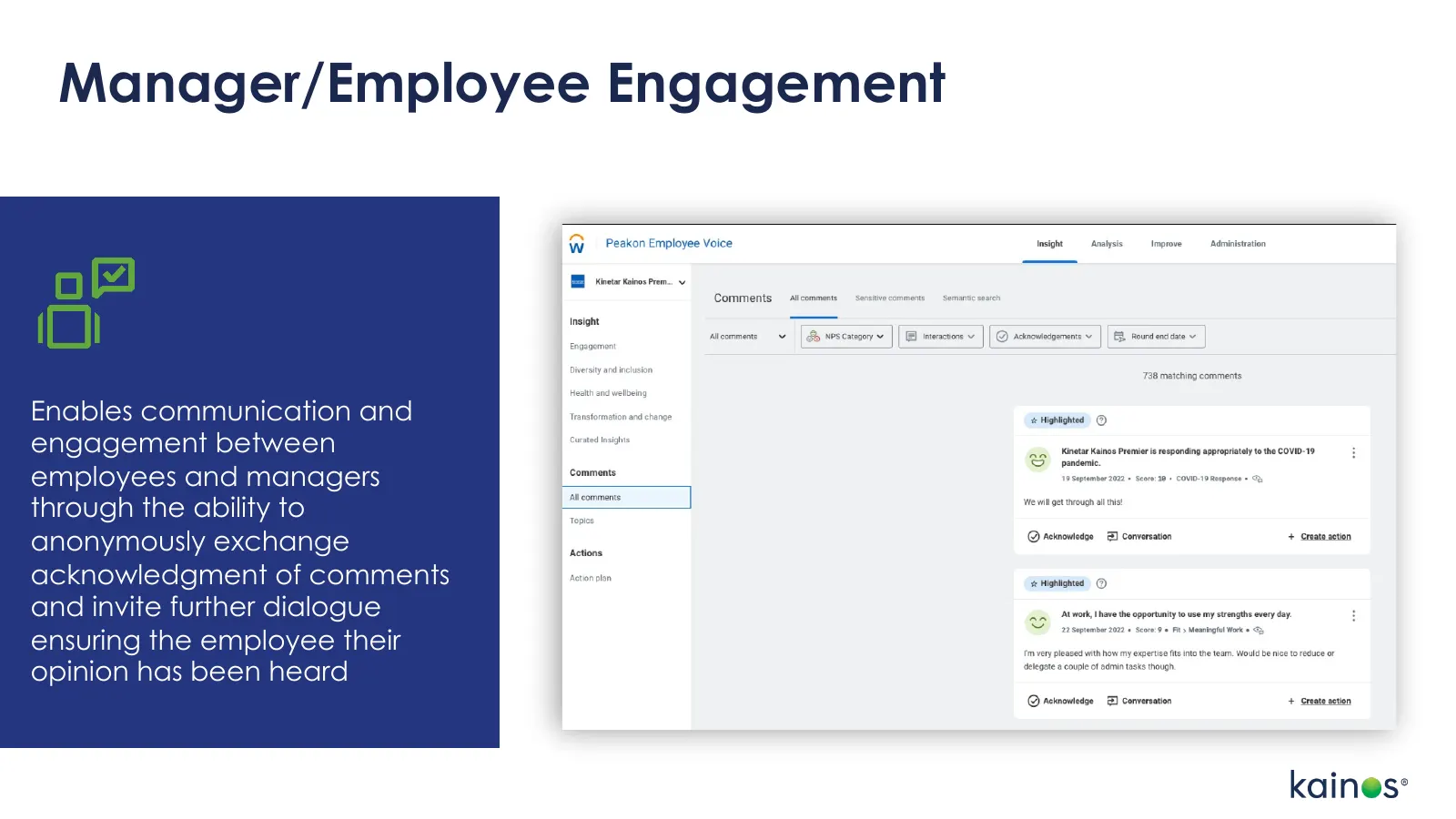
Manager/Employee Engagement Enables communication and engagement between employees and managers through the ability to anonymously exchange acknowledgment of comments and invite further dialogue ensuring the employee their opinion has been heard
Slide 15: Discussion Framework
Discussion Framework Shauna O’Neill Change and User Adoption Consultant 15
Slide 16: We have proposed 3 key questions
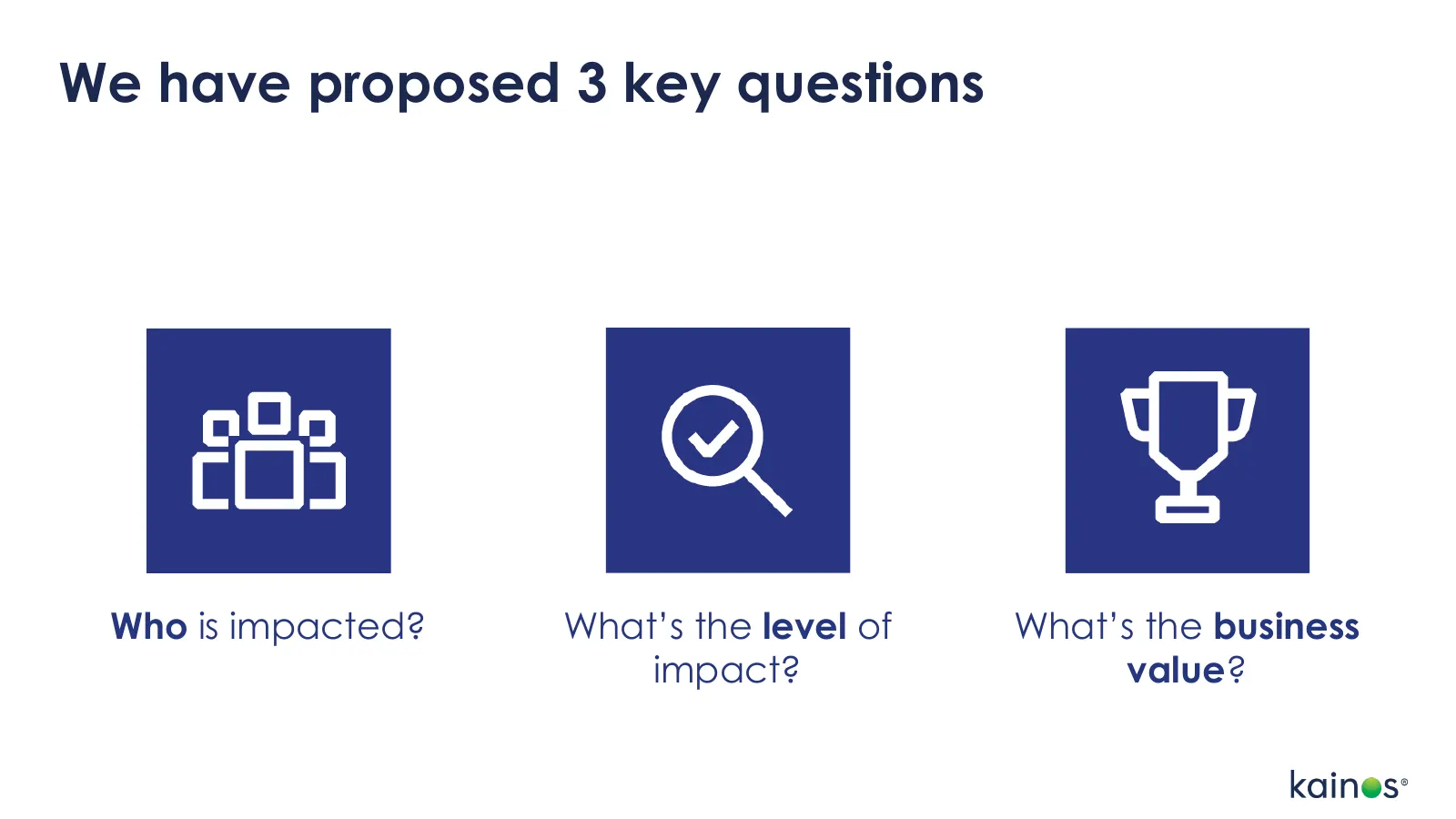
We have proposed 3 key questions Who is impacted? What’s the level of What’s the business impact? value?
Slide 17: Who is affected?
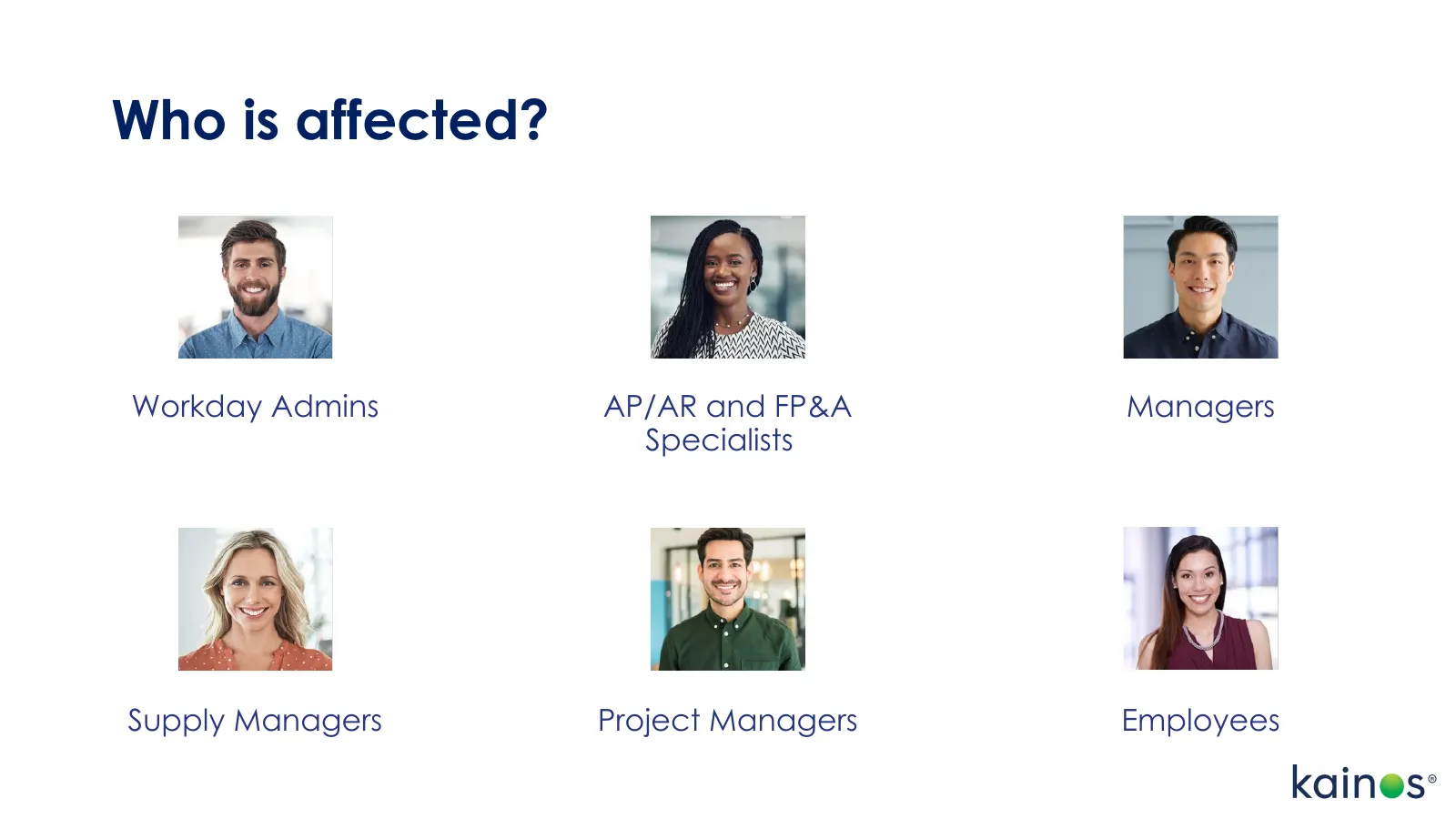
Who is affected? Workday Admins AP/AR and FP&A Managers Specialists Supply Managers Project Managers Employees
Slide 18: What is the level of impact?
High • Major change, affecting many people in your organization AND/OR providing a significantly high benefit/enhancement What is the level Medium of impact? • Moderate change, affecting a limited number of people AND/OR providing a targeted benefit/enhancement Low • Gradual change, affecting a targ
Slide 19: Safe Harbour
Safe Harbour This presentation contains statements which are based on information available at the time of broadcast. The features and functionality we refer to today could differ materially from those released during the Workday update. It’s possible that some may be delayed or withdrawn altogether
Slide 20: Supplier Accounts & Procurement
Supplier Accounts & Procurement Thomas Bill Financials Consultant 20
Slide 21: Create Supplier Contract from Requisition
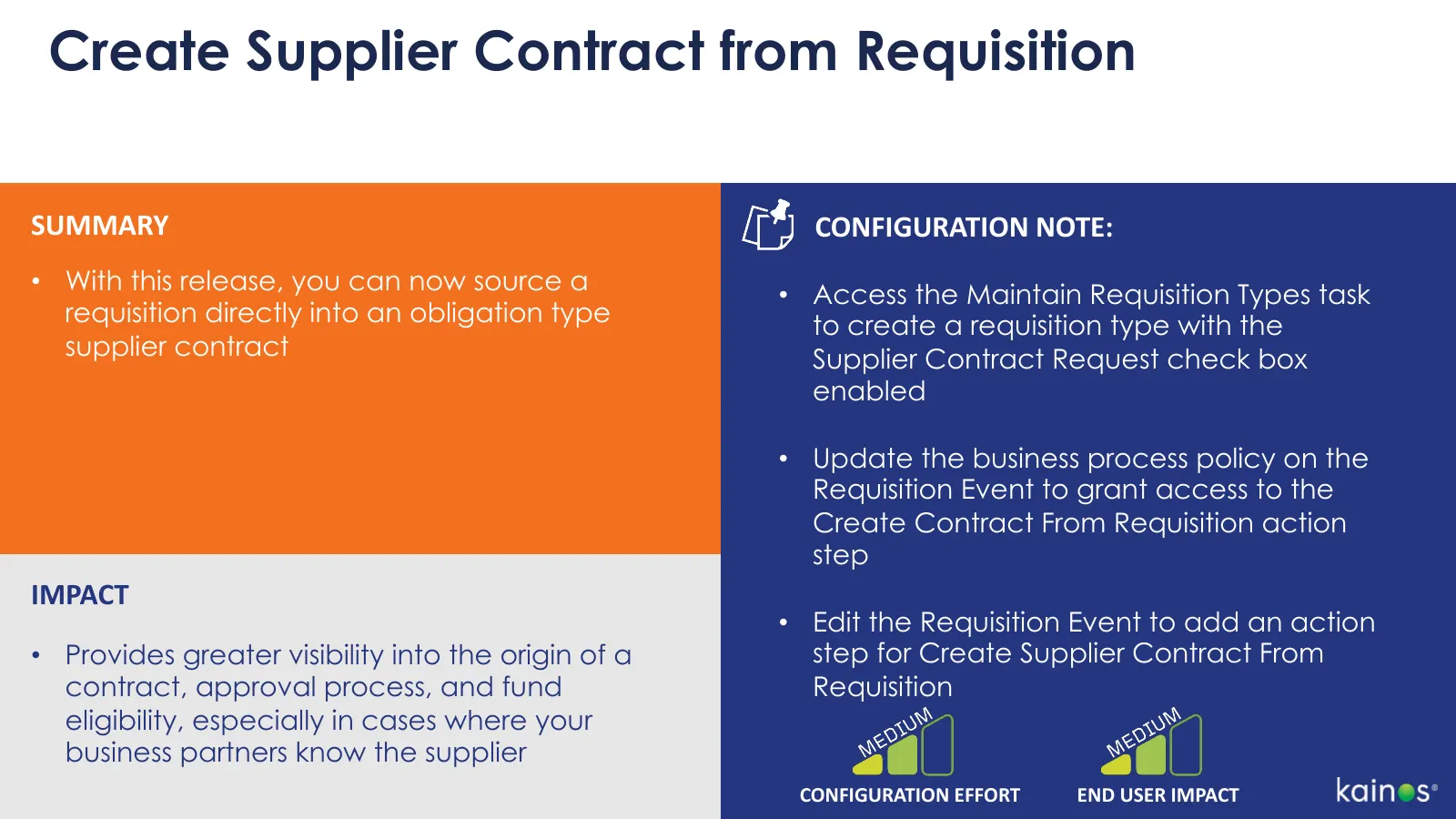
Create Supplier Contract from Requisition SUMMARY CONFIGURATION NOTE: • With this release, you can now source a • Access the Maintain Requisition Types task requisition directly into an obligation type to create a requisition type with the supplier contract Supplier Contract Request check box enable
Slide 22: Email Ingestion as an Innovation Service
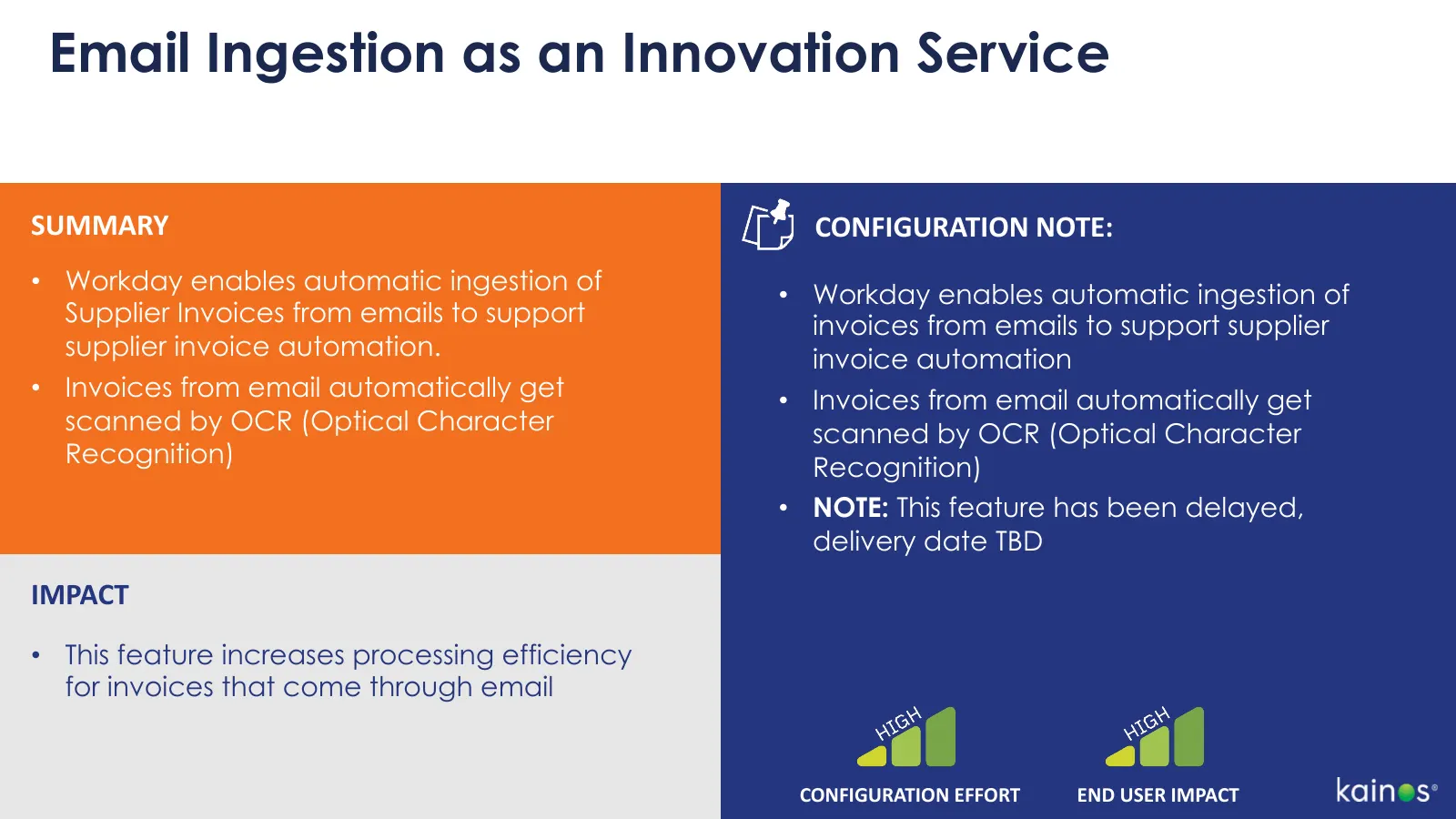
Email Ingestion as an Innovation Service SUMMARY CONFIGURATION NOTE: • Workday enables automatic ingestion of • Workday enables automatic ingestion of Supplier Invoices from emails to support invoices from emails to support supplier supplier invoice automation. invoice automation • Invoices from ema
Slide 23: Change Supplier Connection on Issued Purchase Order
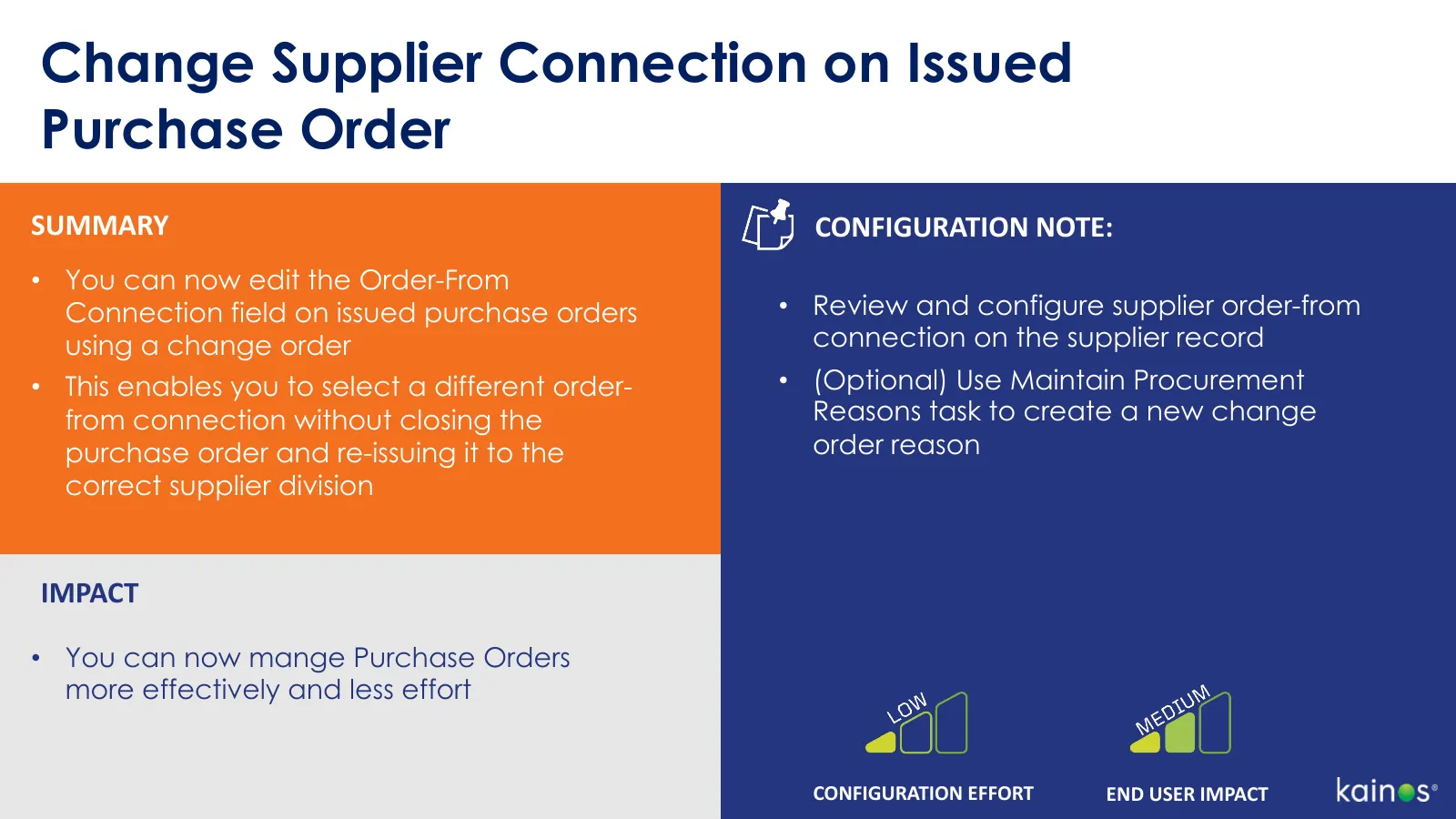
Change Supplier Connection on Issued Purchase Order SUMMARY CONFIGURATION NOTE: • You can now edit the Order-From Connection field on issued purchase orders • Review and configure supplier order-from using a change order connection on the supplier record • This enables you to select a different orde
Slide 24: Automatically Close Partially Received Lines
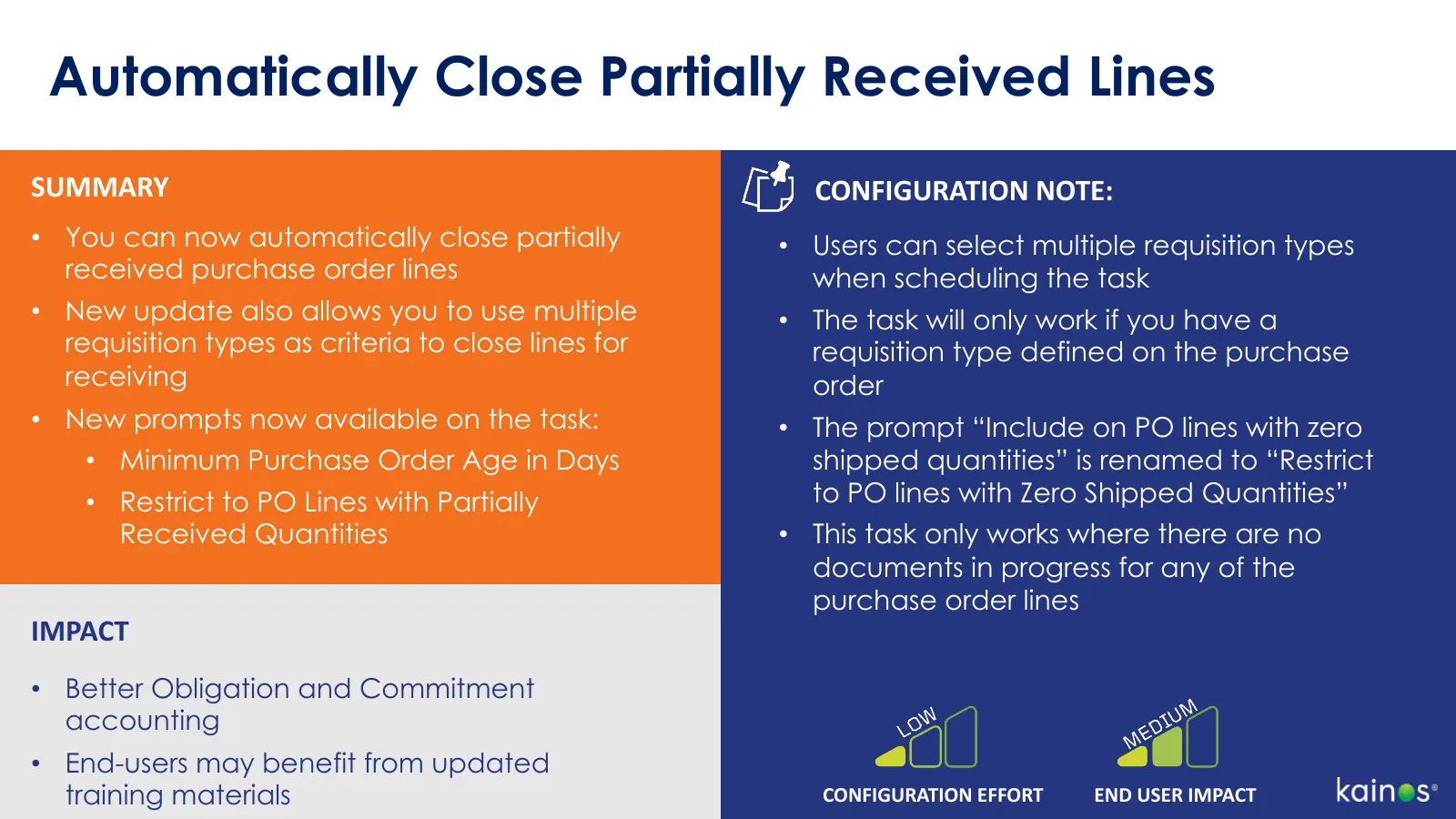
Automatically Close Partially Received Lines SUMMARY CONFIGURATION NOTE: • You can now automatically close partially • Users can select multiple requisition types received purchase order lines when scheduling the task • New update also allows you to use multiple • The task will only work if you have

Slide 25: Procurement & Accounts Payable
Procurement & Accounts Payable Paulina Suchos Workday Financials Consultant 25
Slide 26: Create & Edit Purchase Items Business Process
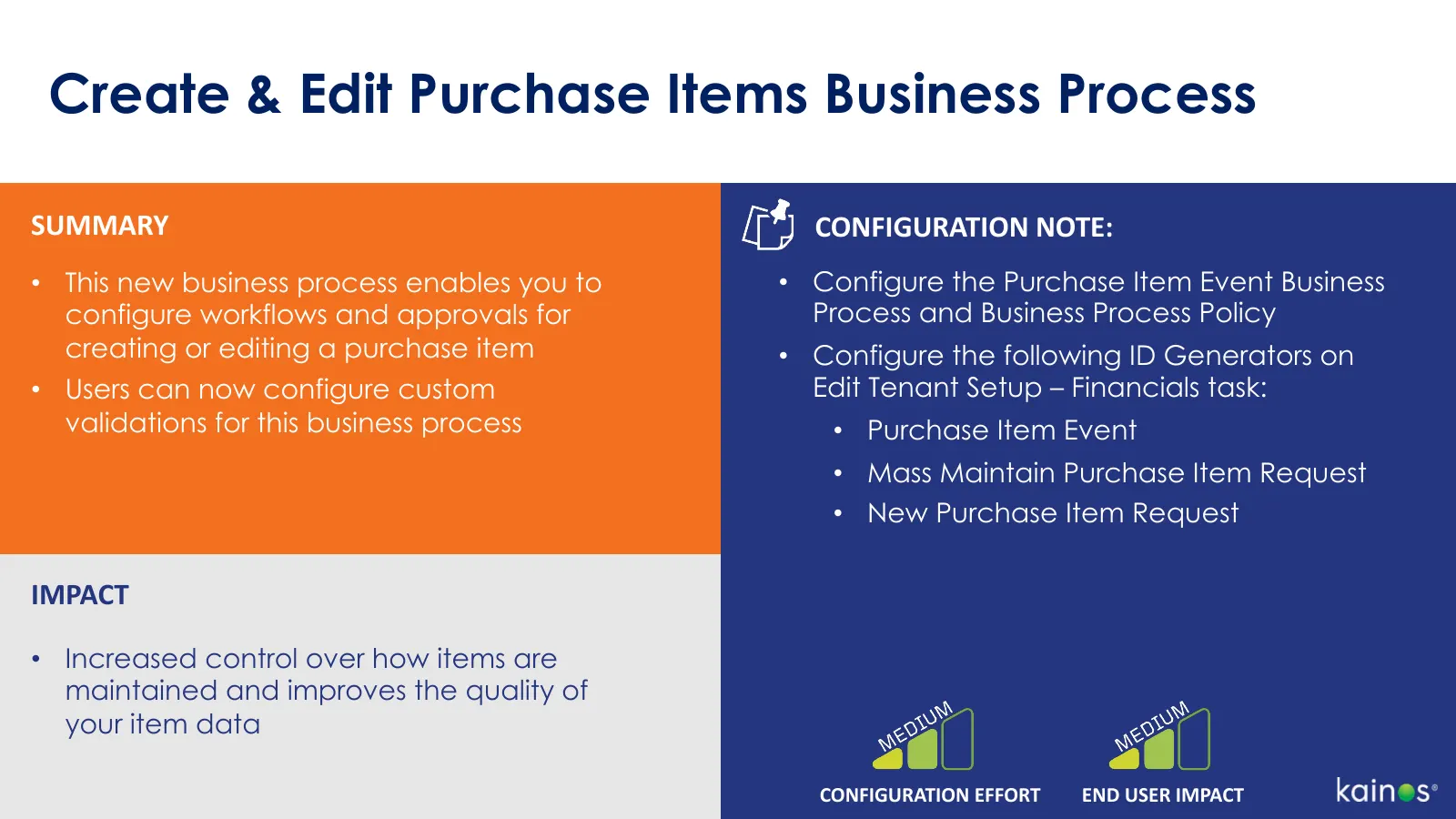
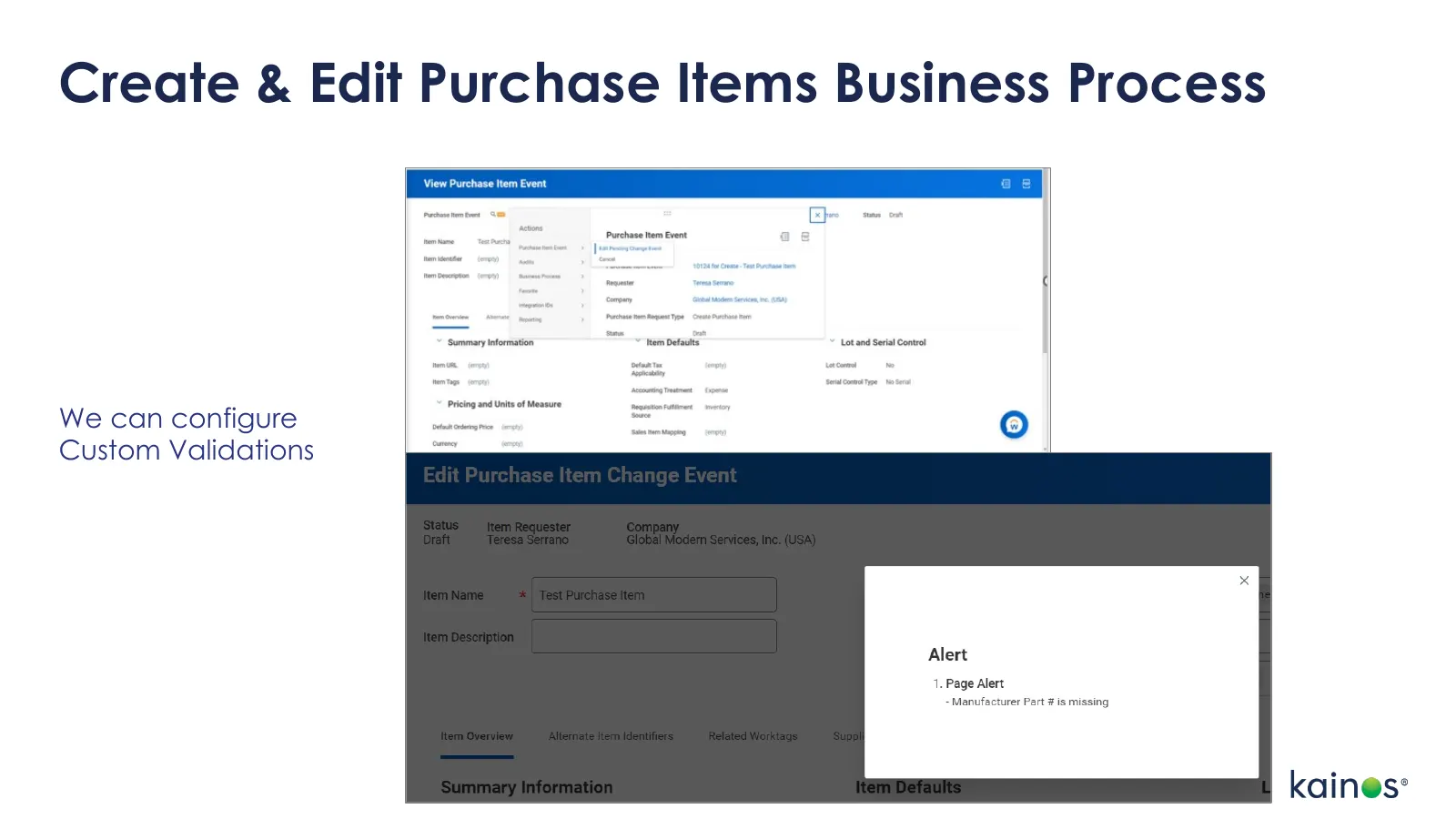
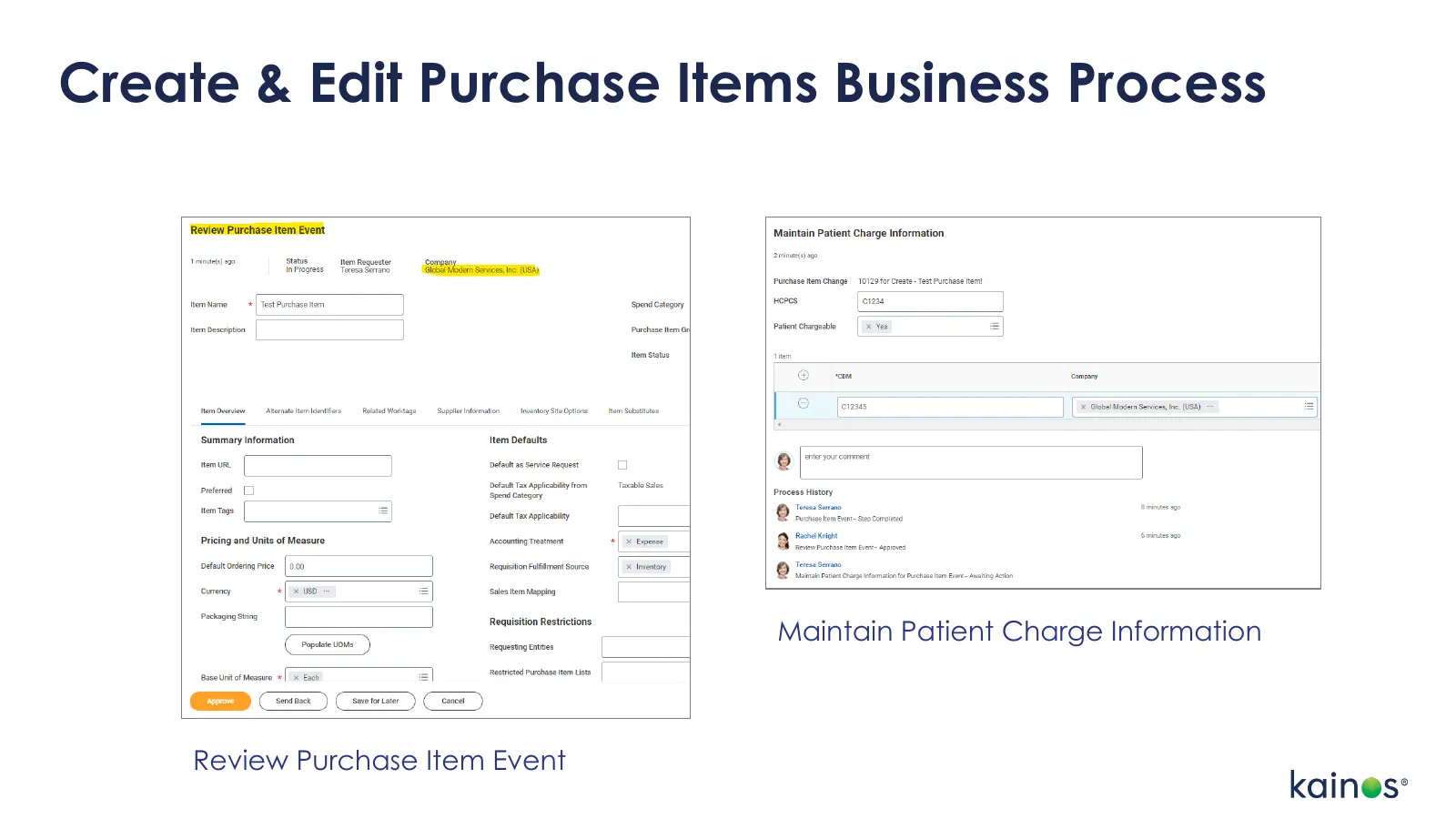
Create & Edit Purchase Items Business Process SUMMARY CONFIGURATION NOTE: • This new business process enables you to • Configure the Purchase Item Event Business configure workflows and approvals for Process and Business Process Policy creating or editing a purchase item • Configure the following ID
Slide 27: Create & Edit Purchase Items Business Process
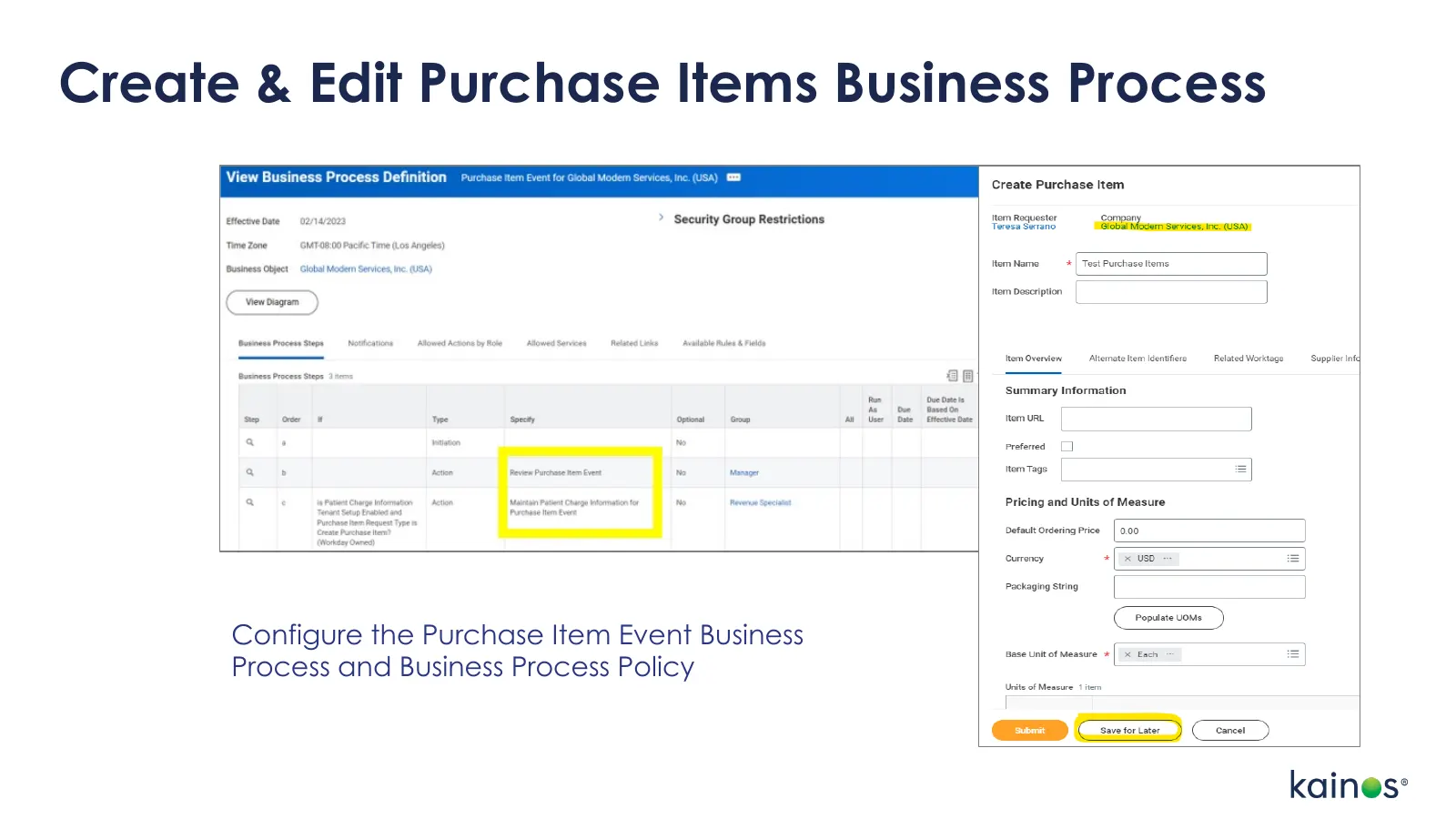
Create & Edit Purchase Items Business Process Summary Benefits Configure the Purchase Item Event Business Process and Business Process Policy
Slide 28: Create & Edit Purchase Items Business Process
Create & Edit Purchase Items Business Process Summary Benefits We can configure Custom Validations
Slide 29: Create & Edit Purchase Items Business Process
Create & Edit Purchase Items Business Process Summary Benefits Maintain Patient Charge Information Review Purchase Item Event
Slide 30: Enable Attachment Categories for Procurement Docs With Segmented Security
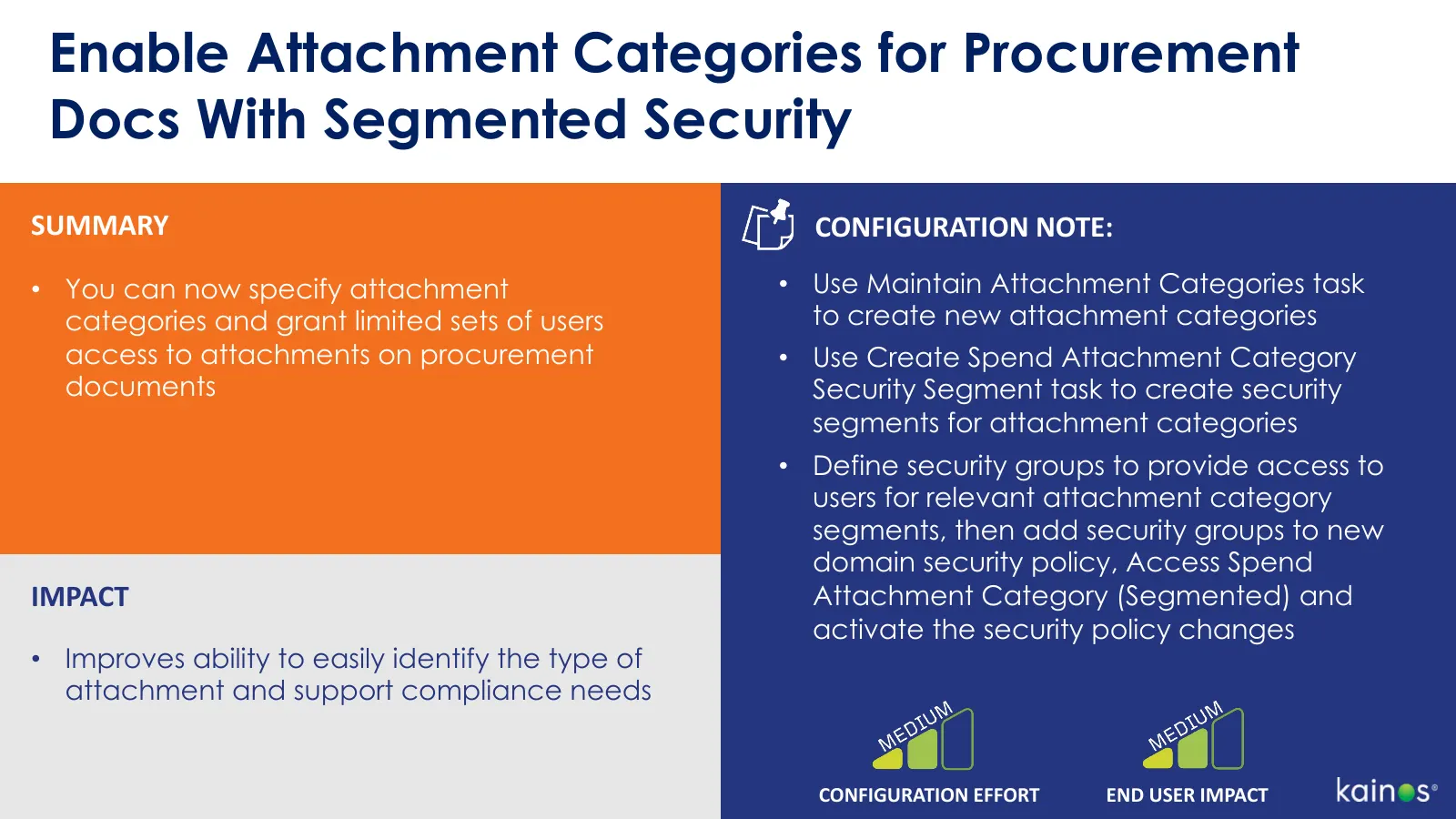
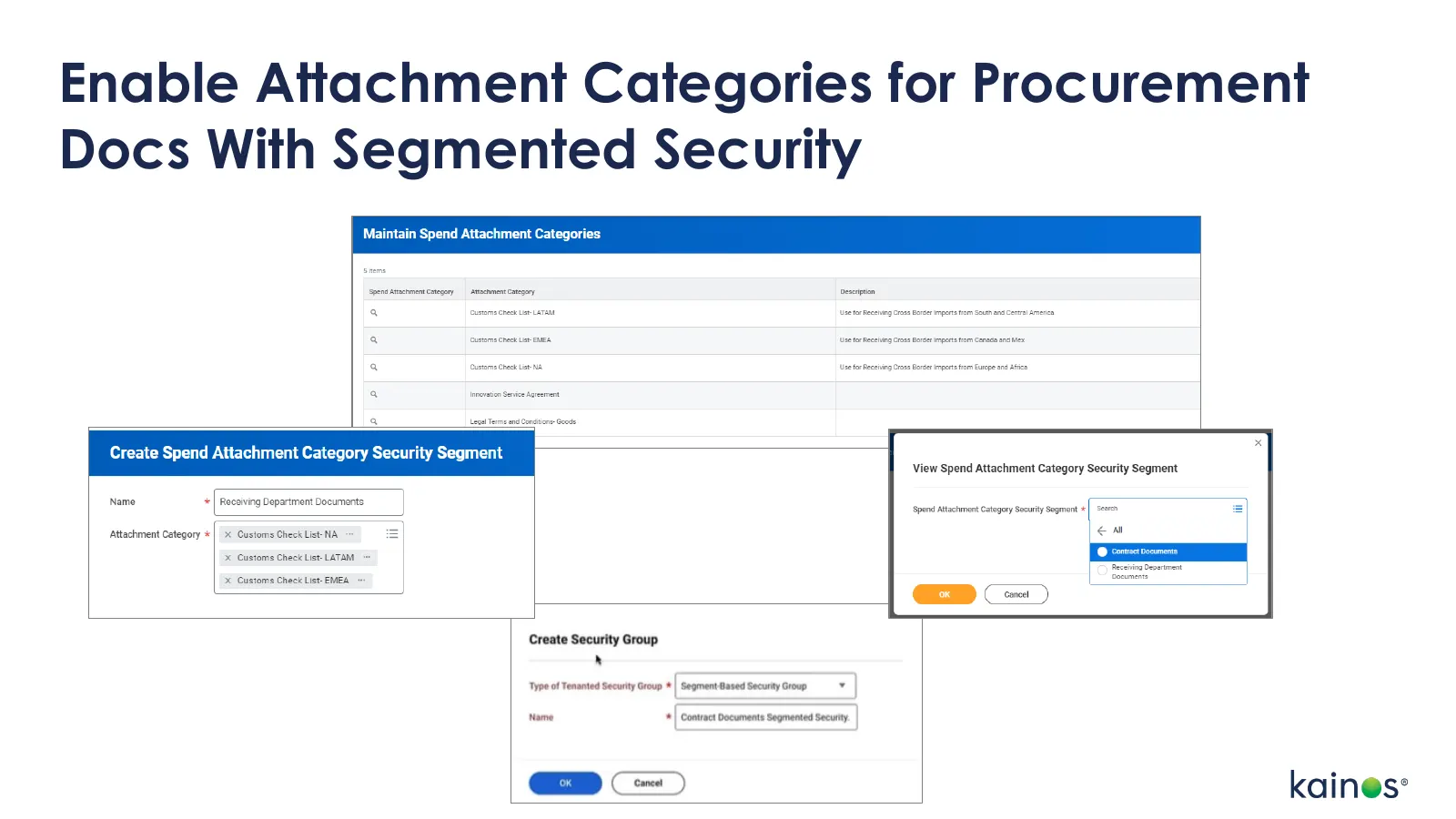
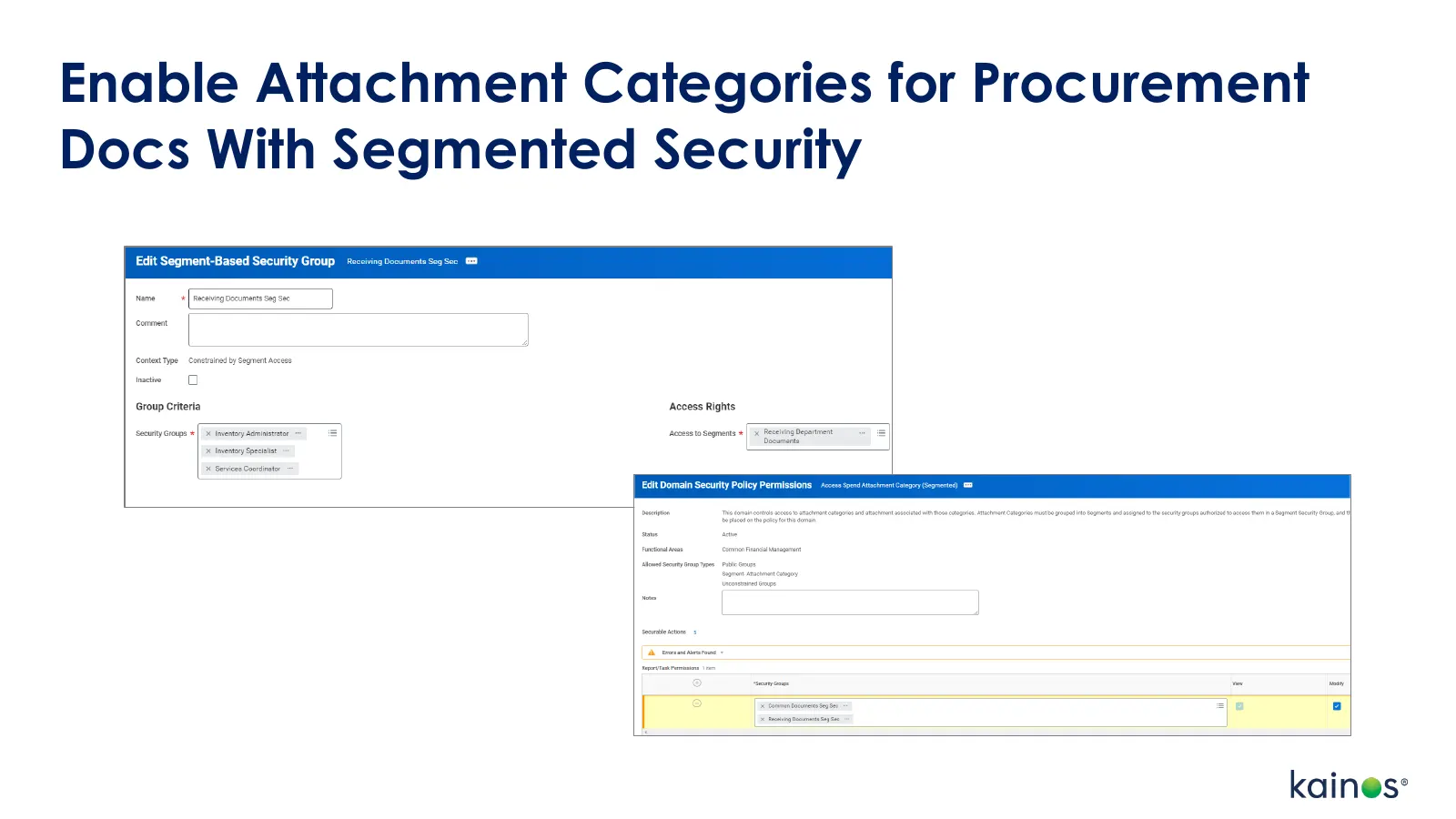
Enable Attachment Categories for Procurement Docs With Segmented Security SUMMARY CONFIGURATION NOTE: • You can now specify attachment • Use Maintain Attachment Categories task categories and grant limited sets of users to create new attachment categories access to attachments on procurement • Use C
Slide 31: Enable Attachment Categories for Procurement Docs With Segmented Security
Enable Attachment Categories for Procurement Docs With Segmented Security Summary Benefits
Slide 32: Enable Attachment Categories for Procurement Docs With Segmented Security
Enable Attachment Categories for Procurement Docs With Segmented Security Summary Benefits
Slide 33: Enable Attachment Categories for Procurement Docs With Segmented Security
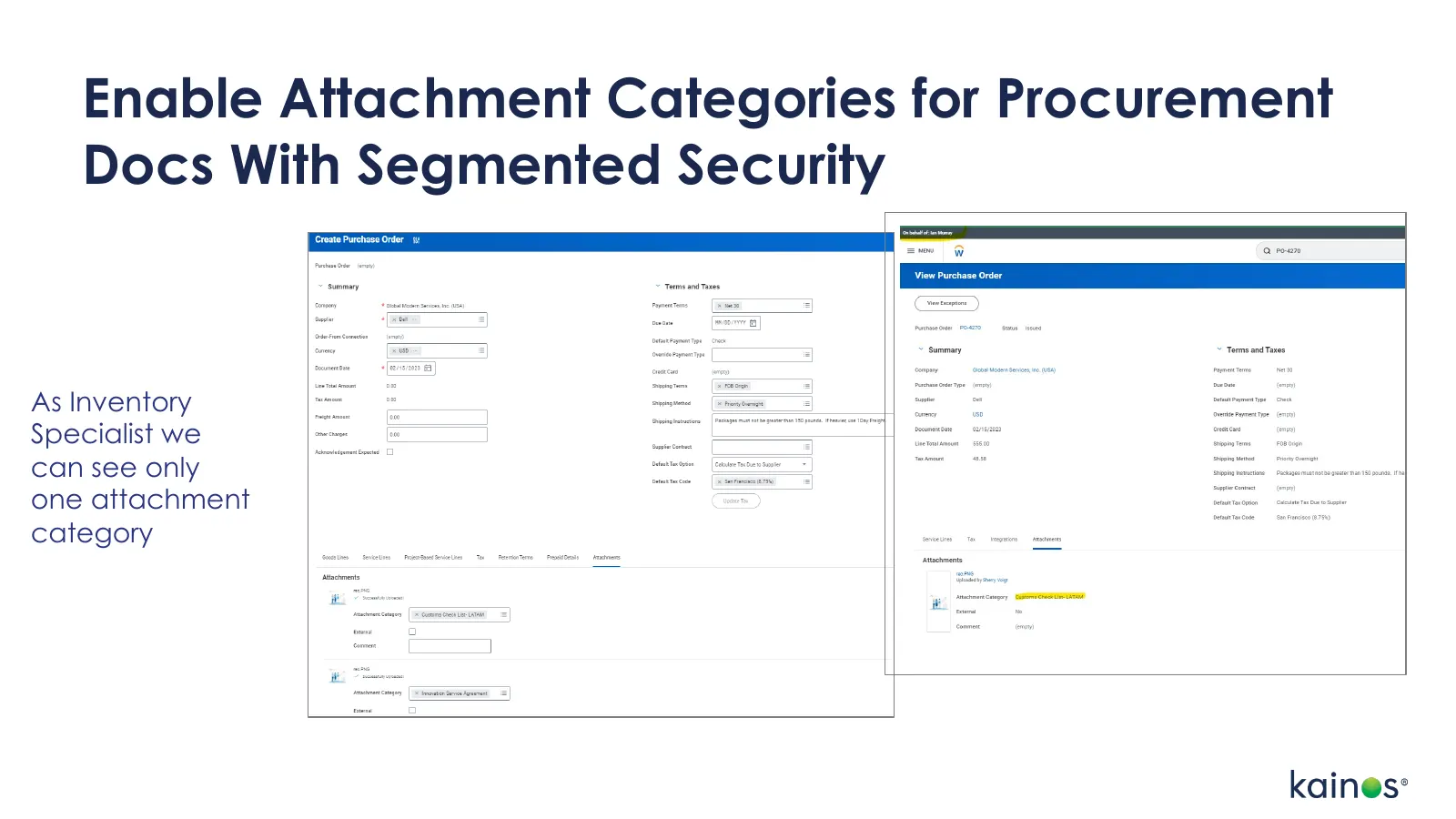
Enable Attachment Categories for Procurement Docs With Segmented Security Summary Benefits As Inventory Specialist we can see only one attachment category
Slide 34: Payment Purpose Codes for Supplier Payments
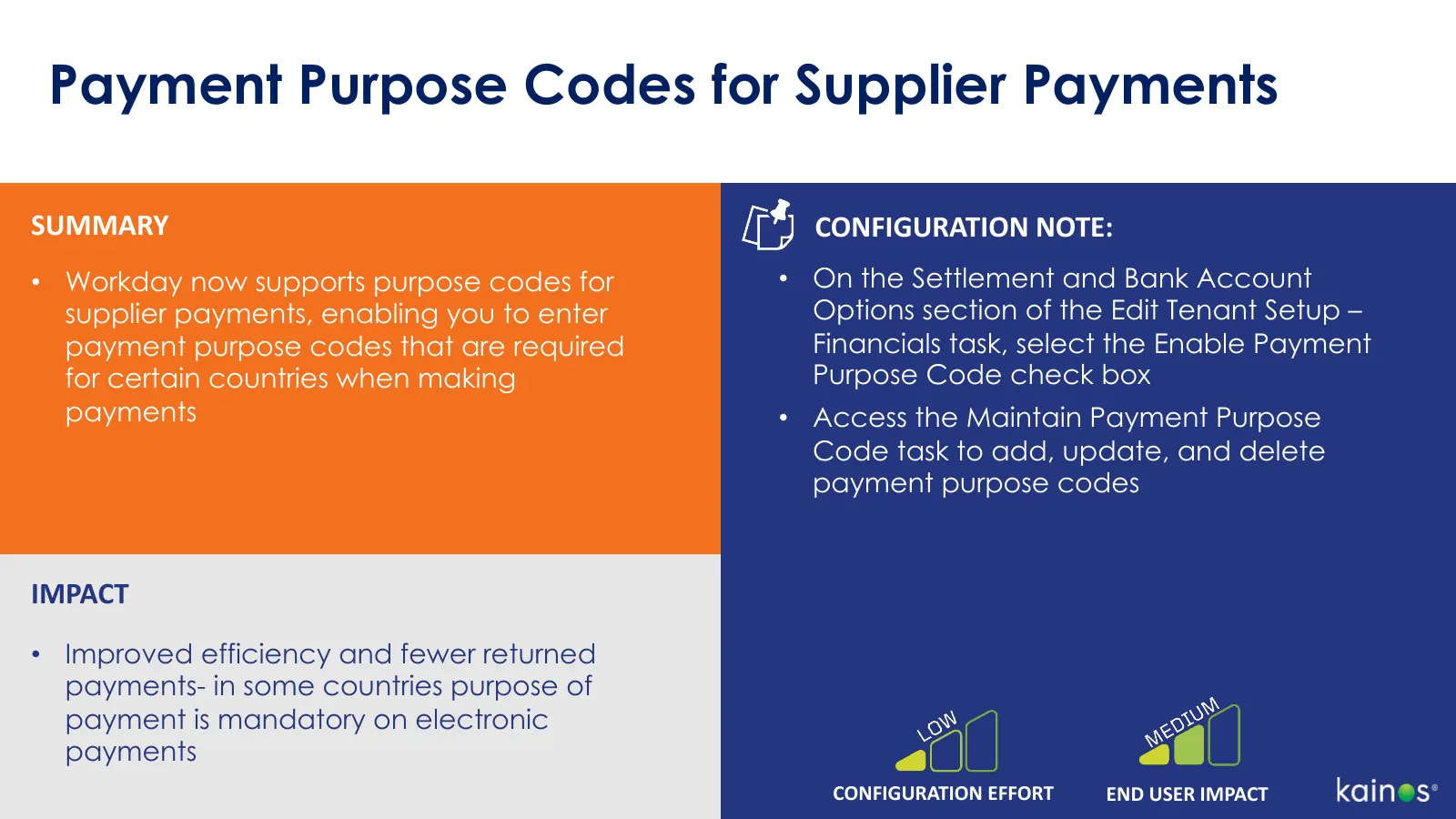
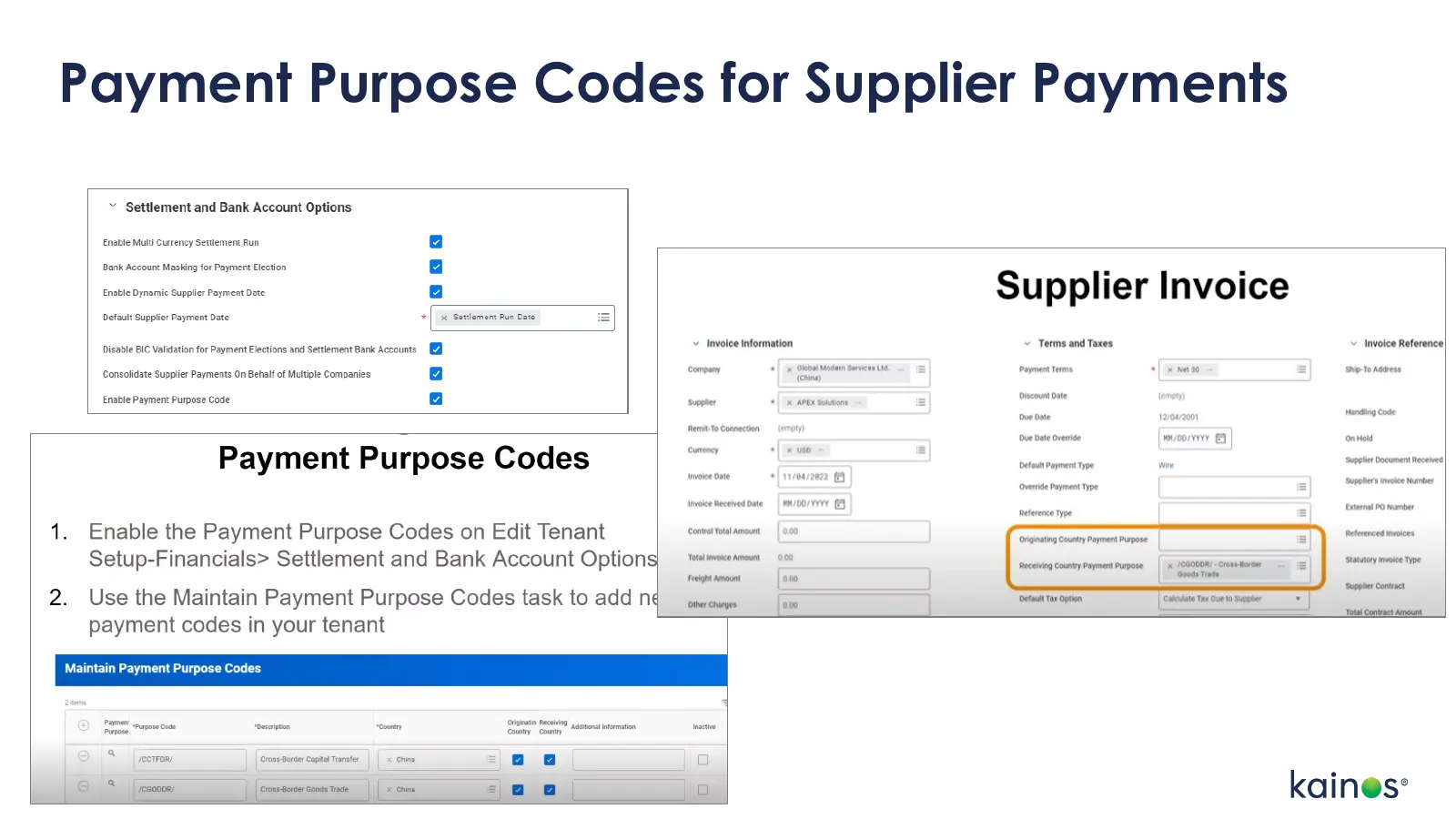
Payment Purpose Codes for Supplier Payments SUMMARY CONFIGURATION NOTE: • Workday now supports purpose codes for • On the Settlement and Bank Account supplier payments, enabling you to enter Options section of the Edit Tenant Setup – payment purpose codes that are required Financials task, select th
Slide 35: Payment Purpose Codes for Supplier Payments
Payment Purpose Codes for Supplier Payments Summary Benefits
Slide 36: Enhancements
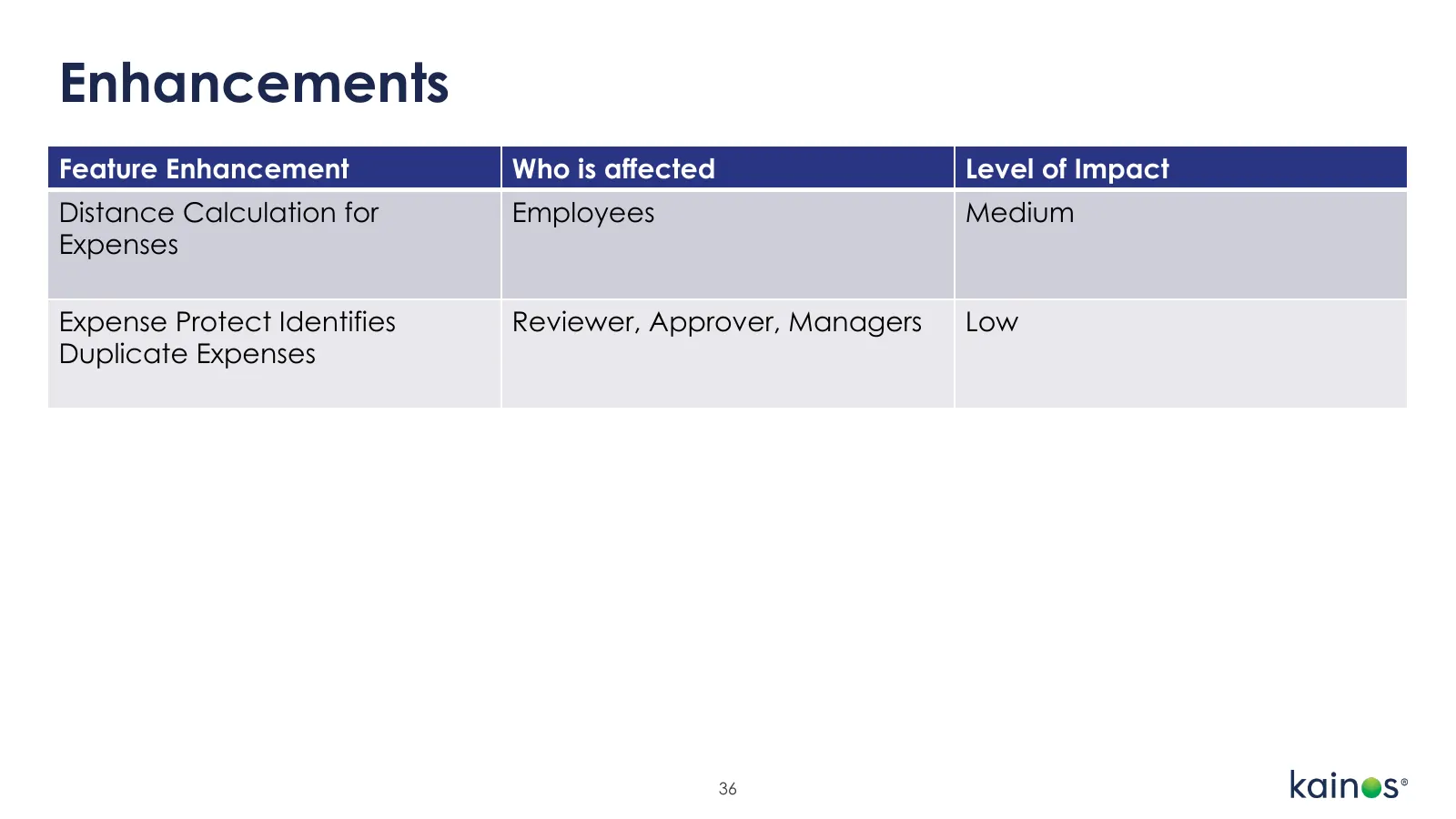
Enhancements Feature Enhancement Who is affected Level of Impact Distance Calculation for Employees Medium Expenses Expense Protect Identifies Reviewer, Approver, Managers Low Duplicate Expenses 36

Slide 37: Financial Accounting
Financial Accounting Steph Sajud Workday Financials Consultant 37
Slide 38: Consolidation Data Capture
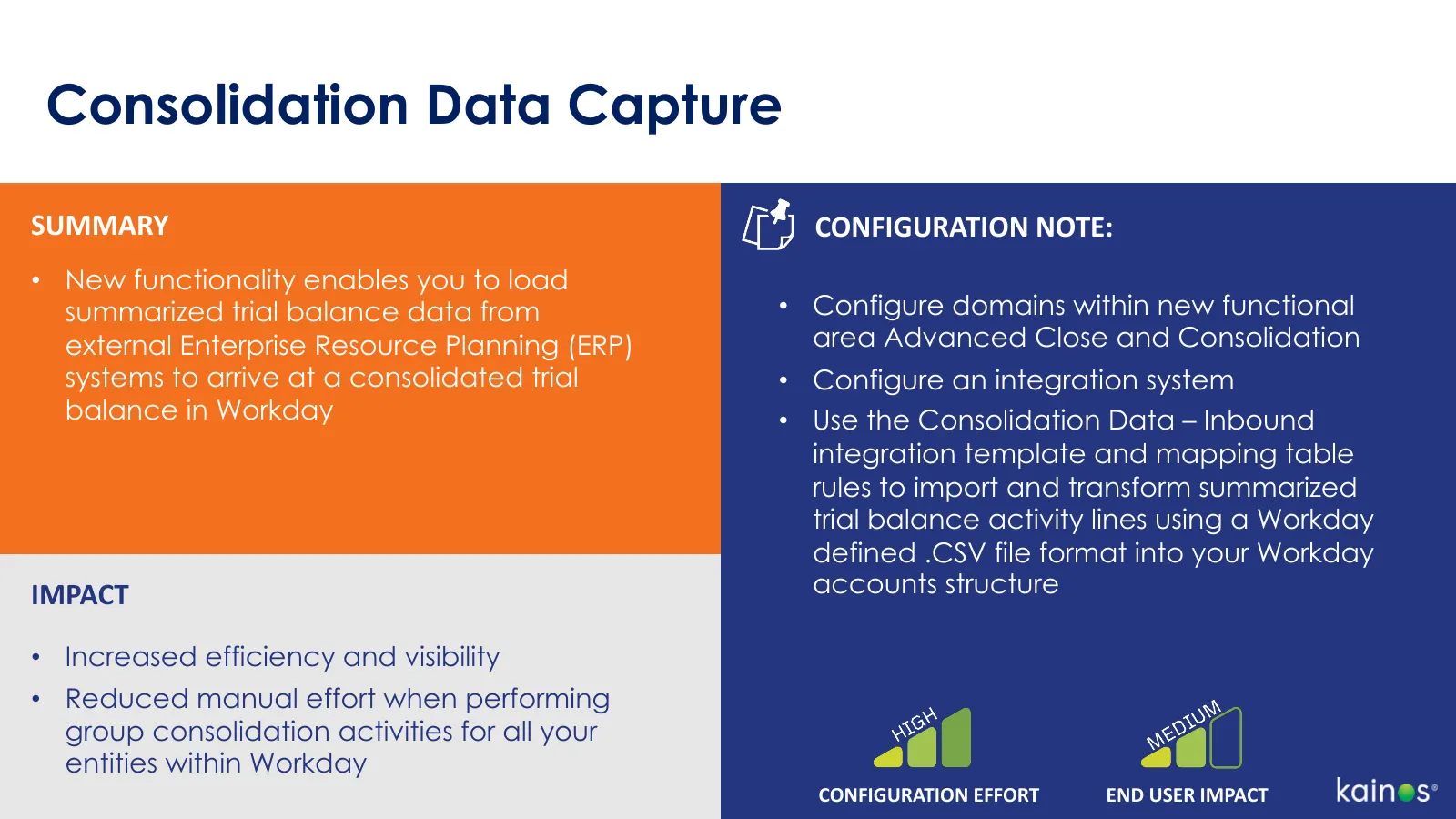
Consolidation Data Capture SUMMARY CONFIGURATION NOTE: • New functionality enables you to load summarized trial balance data from • Configure domains within new functional external Enterprise Resource Planning (ERP) area Advanced Close and Consolidation systems to arrive at a consolidated trial • Co
Slide 39: Manual Accounting Center Detailed Journal
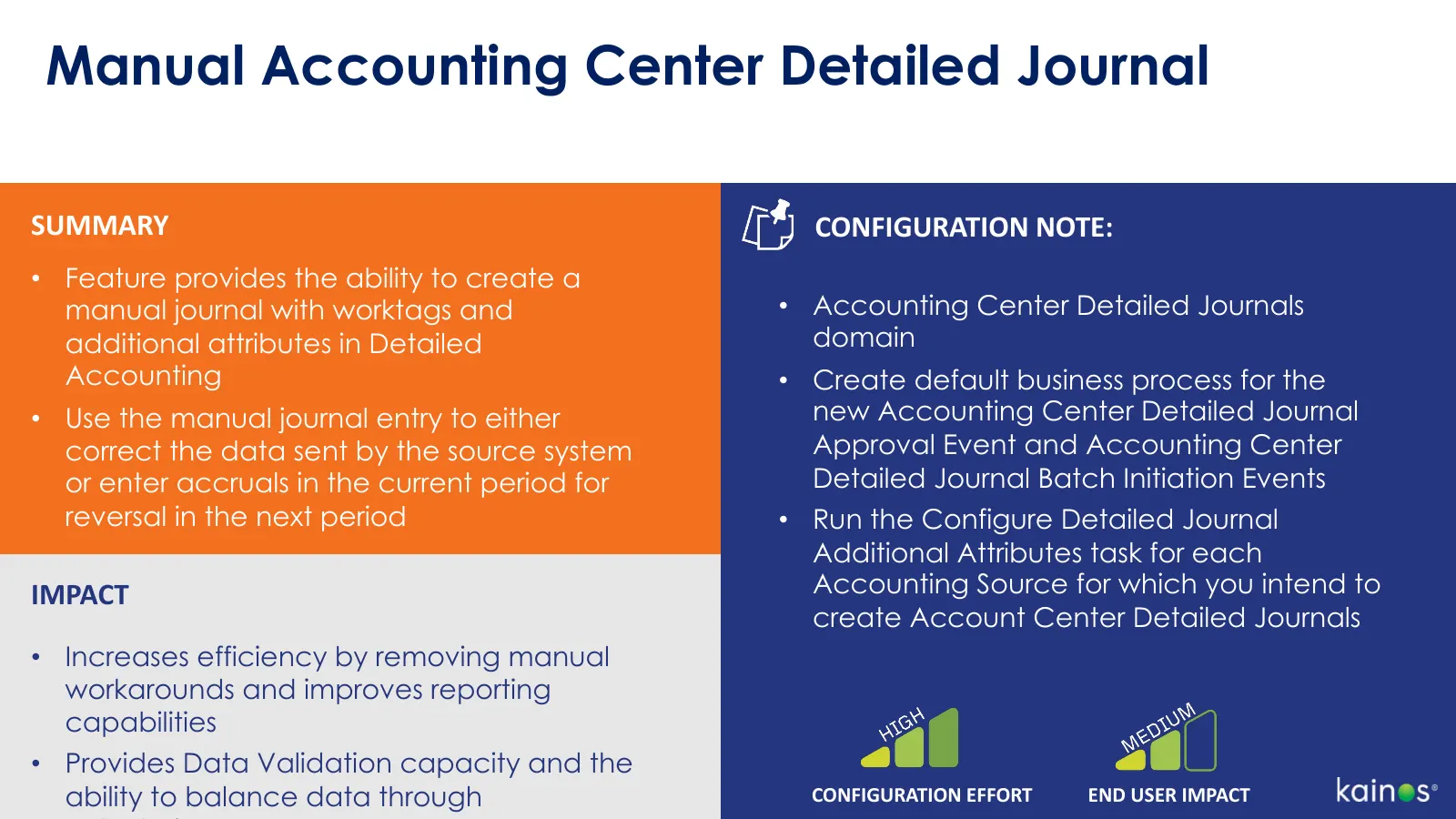
Manual Accounting Center Detailed Journal SUMMARY CONFIGURATION NOTE: • Feature provides the ability to create a manual journal with worktags and • Accounting Center Detailed Journals additional attributes in Detailed domain Accounting • Create default business process for the • Use the manual journ
Slide 40: Manual Accounting Center Detailed Journal
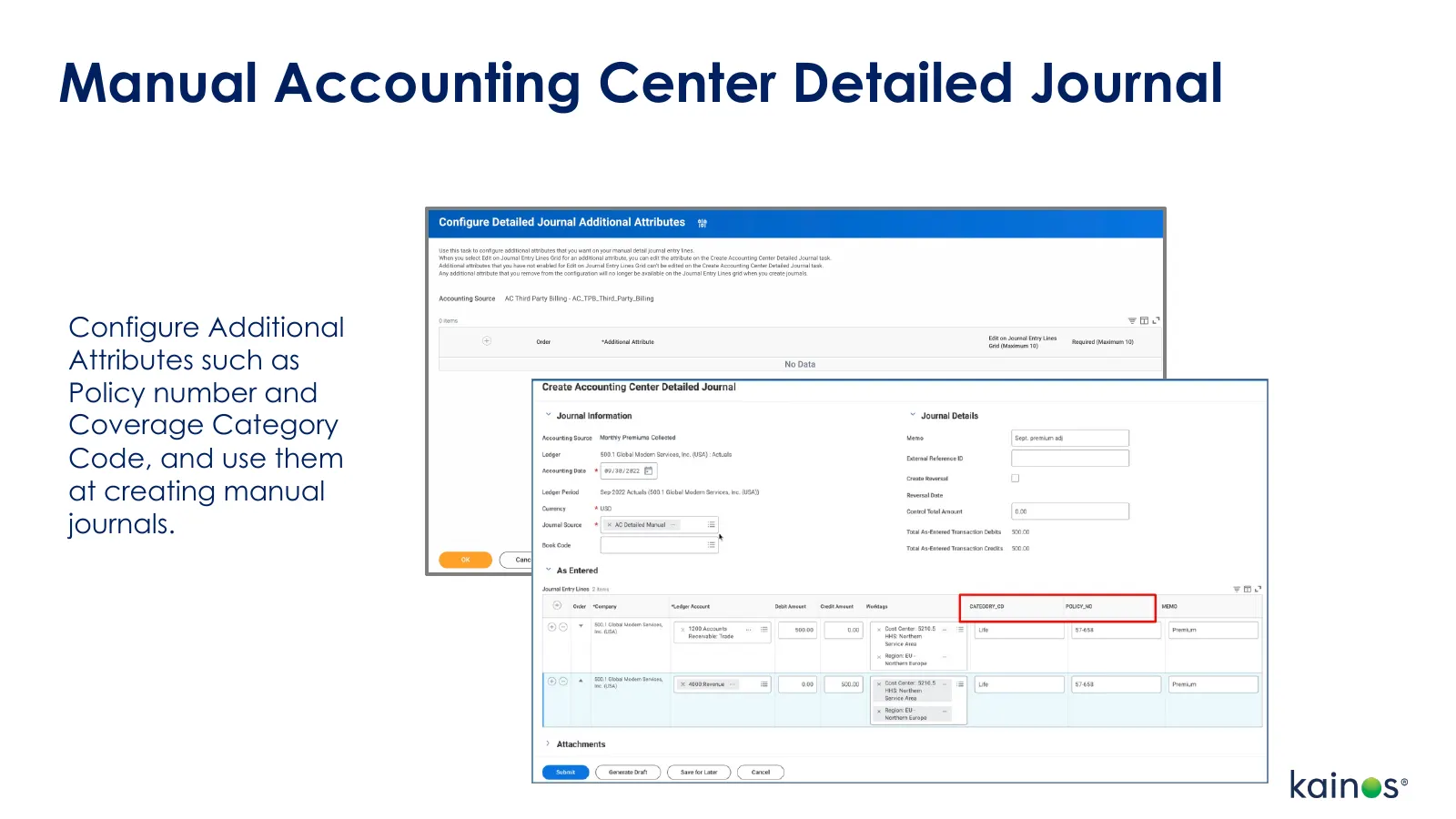
Manual Accounting Center Detailed Journal Benefits Configure Additional Attributes such as Policy number and Coverage Category Code, and use them at creating manual journals.
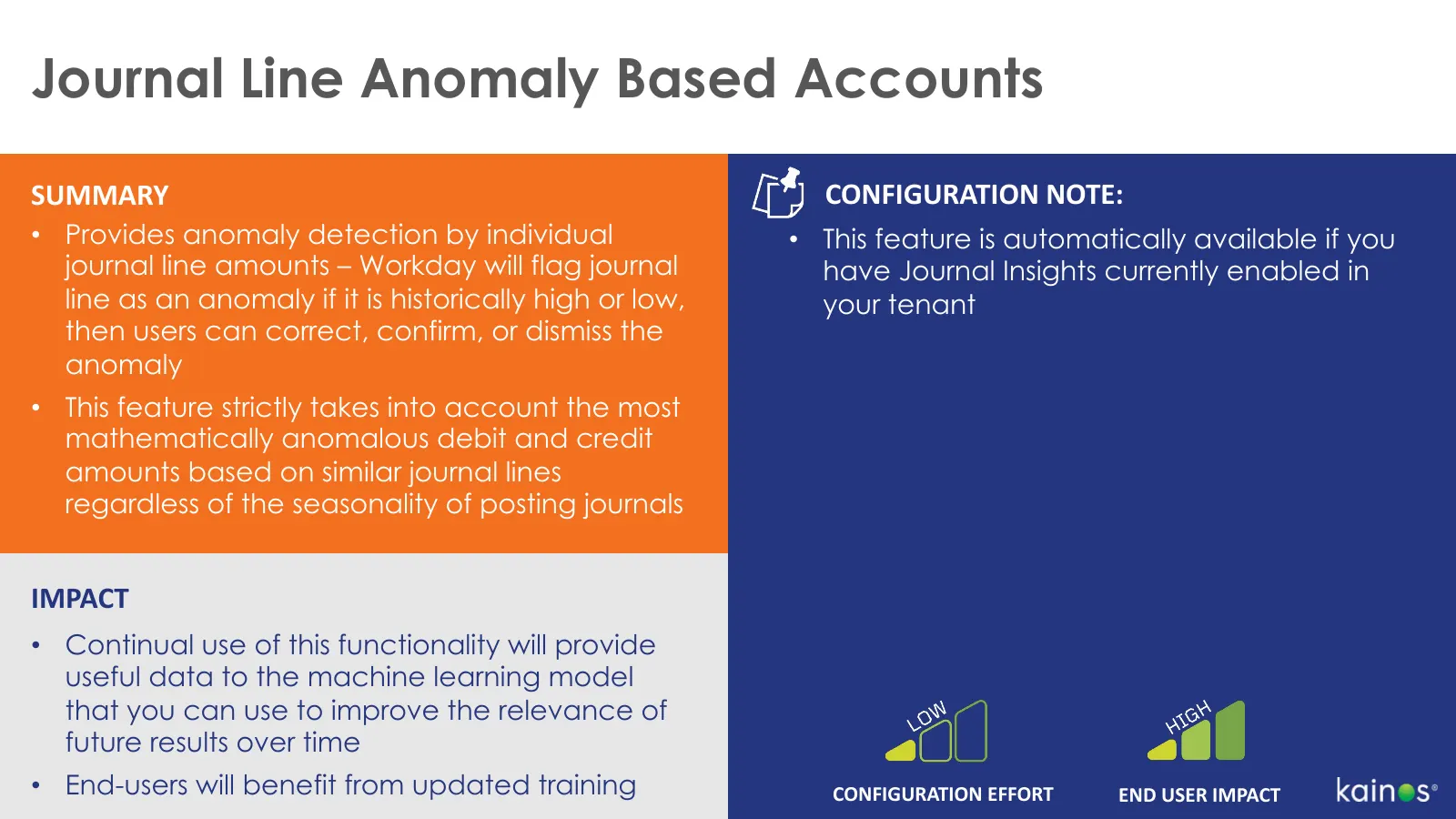
Slide 41: Journal Line Anomaly Based Accounts
Journal Line Anomaly Based Accounts SUMMARY CONFIGURATION NOTE: • Provides anomaly detection by individual • This feature is automatically available if you journal line amounts – Workday will flag journal have Journal Insights currently enabled in line as an anomaly if it is historically high or low

Slide 42: Customers & Projects
Customers & Projects Steph Sajud Workday Financials Consultant 42
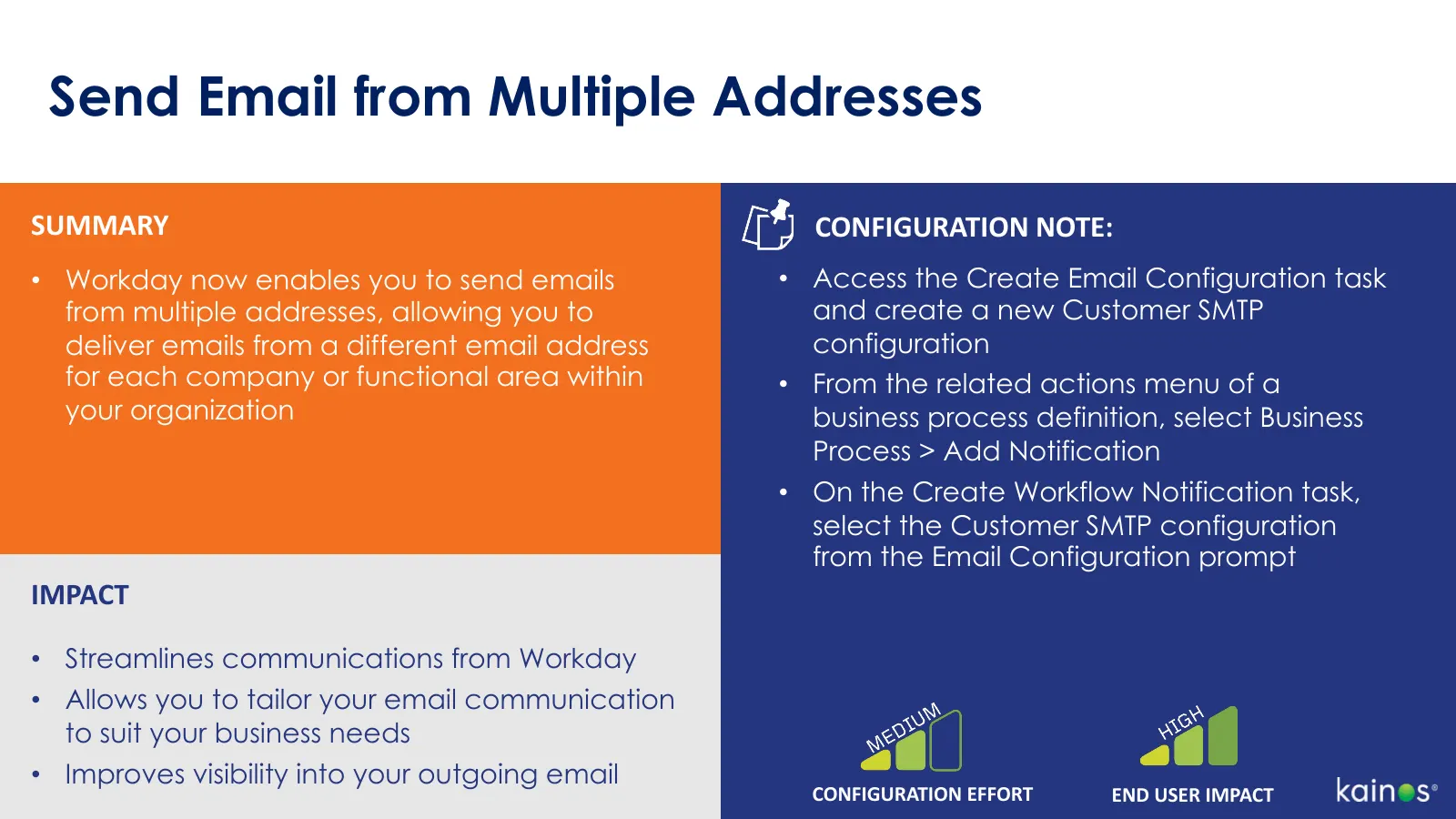
Slide 43: Send Email from Multiple Addresses
Send Email from Multiple Addresses SUMMARY CONFIGURATION NOTE: • Workday now enables you to send emails • Access the Create Email Configuration task from multiple addresses, allowing you to and create a new Customer SMTP deliver emails from a different email address configuration for each company or
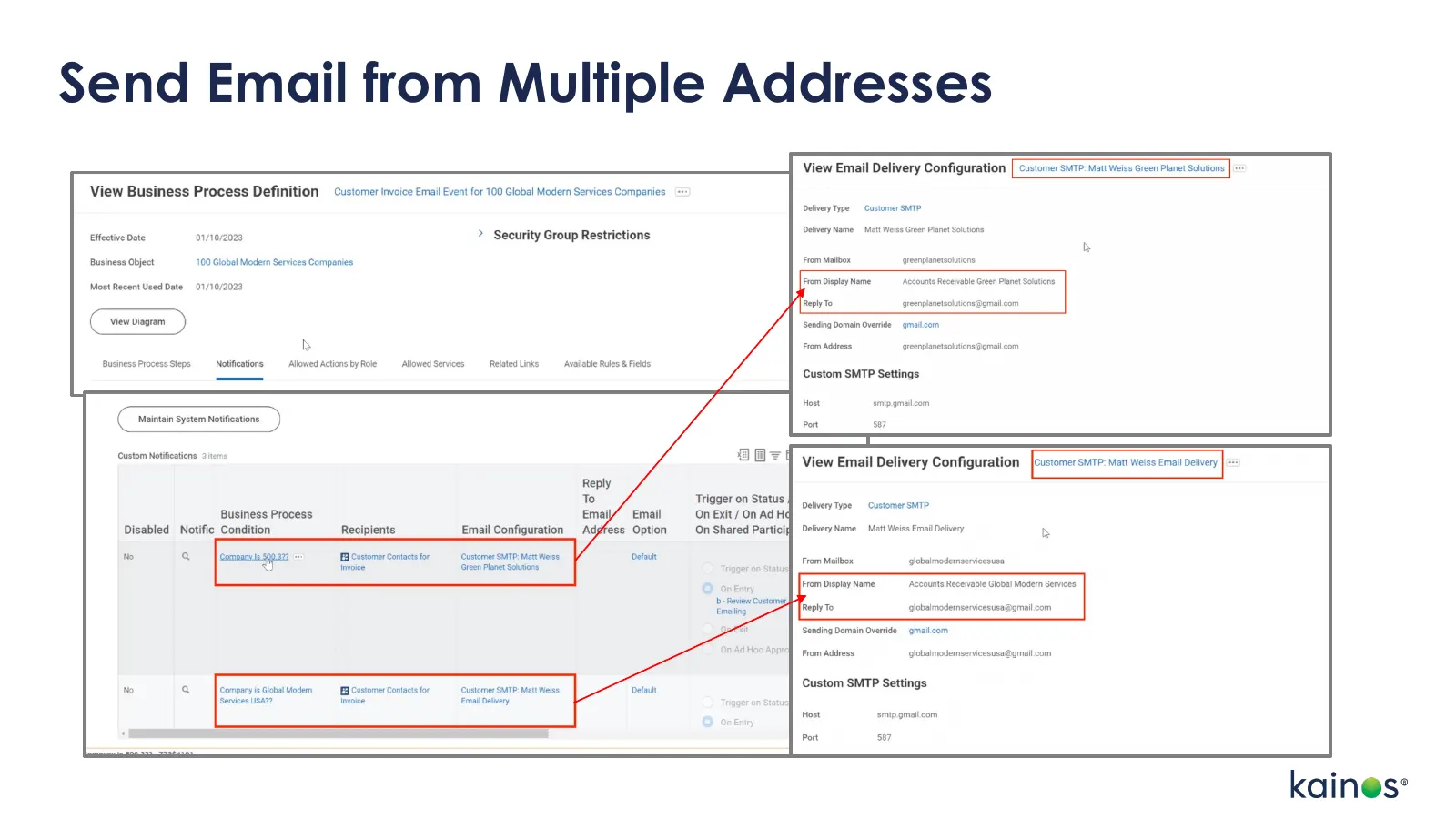
Slide 44: Send Email from Multiple Addresses
Send Email from Multiple Addresses Summary Benefits
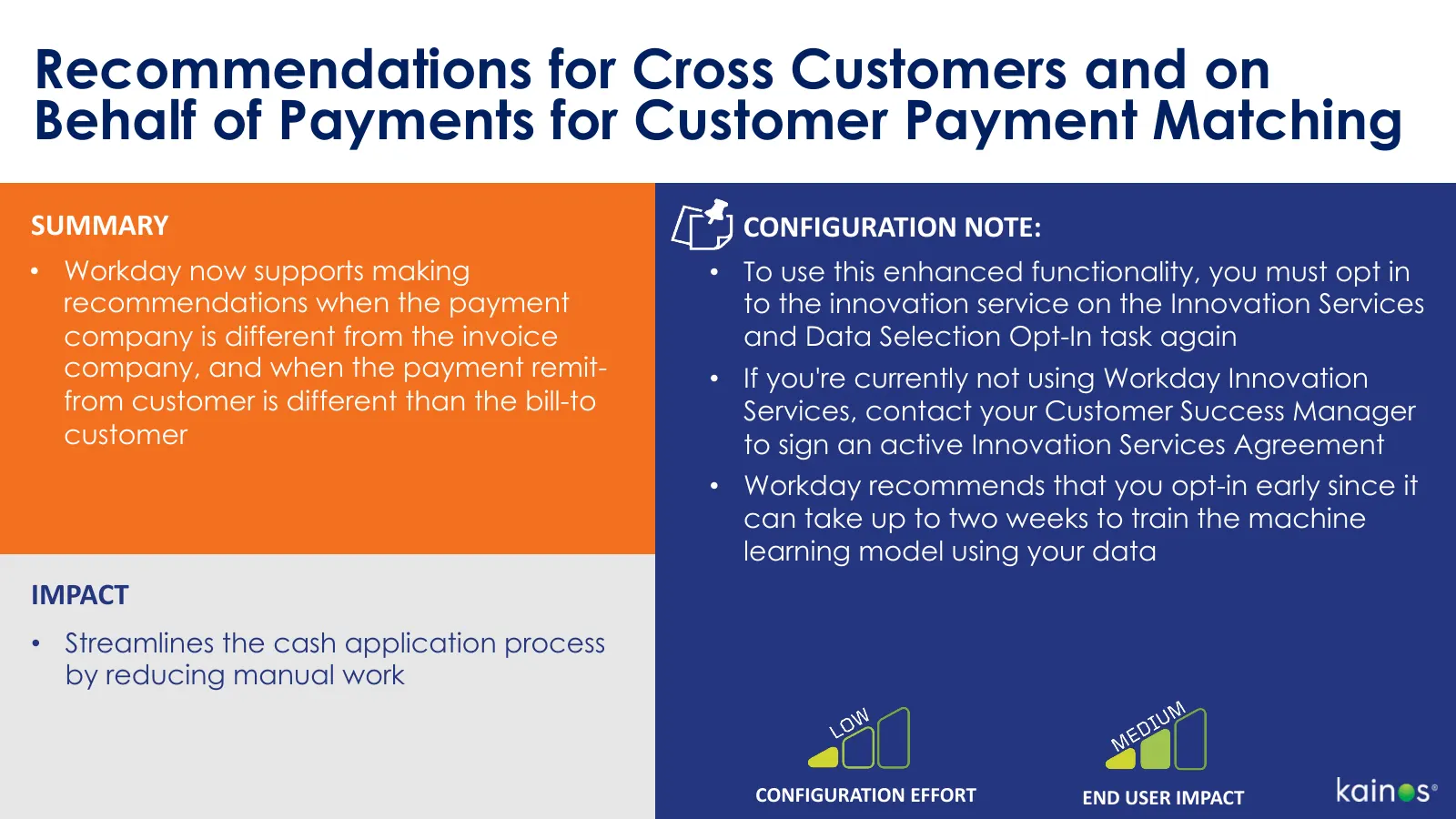
Slide 45: Recommendations for Cross Customers and on Behalf of Payments for Customer Payment Matching
Recommendations for Cross Customers and on Behalf of Payments for Customer Payment Matching SUMMARY CONFIGURATION NOTE: • Workday now supports making • To use this enhanced functionality, you must opt in recommendations when the payment to the innovation service on the Innovation Services company is
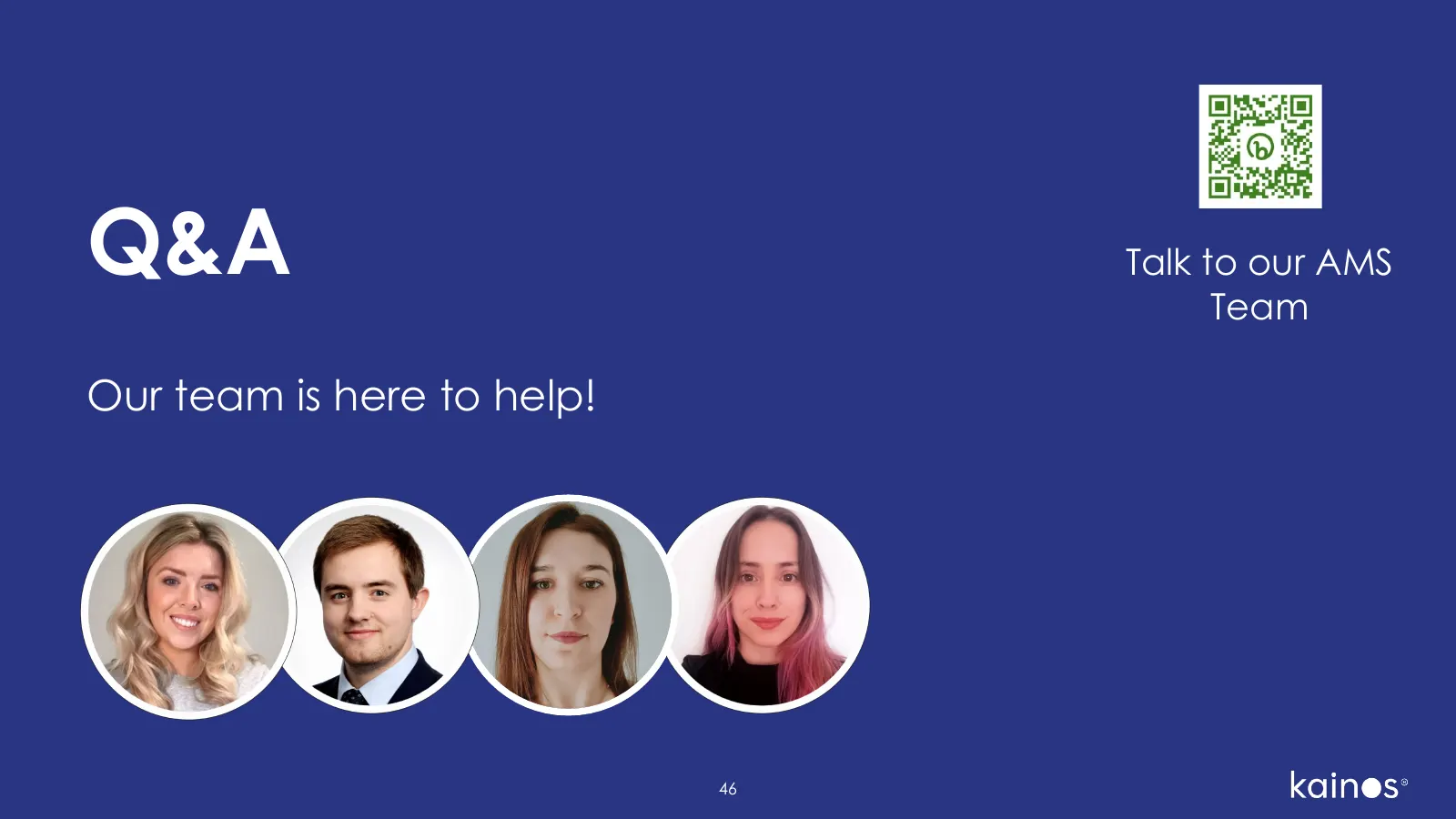
Slide 46: Q&A Our team is here to help!
Q&A Talk to our AMS Team Our team is here to help! 46

Slide 47: LE
LE
Source: Internet Archive copy of get.kainos.com
More decks from Kainos Group PLC
 H1 FY2027 Earnings Presentation34 slides · Nov 9, 2026
 H1 2027 Earnings Presentation33 slides · Nov 9, 2026
 FY2026 Earnings Presentation34 slides · May 18, 2026
 H1 2026 Earnings Presentation28 slides · Nov 10, 2025
 Investor Day (October 2025)62 slides · Oct 22, 2025
 FY2025 Earnings Presentation28 slides · May 19, 2025