Sangoma Technologies Corporation · TSX:STC
Sangoma Technologies — Technical Presentation (March 2011)
40 slides from Sangoma Technologies's technical presentation, Mar 29, 2011
Slide 1: Webinar Training Series: NetBorder Express Version 4.0
Webinar Training Series NetBorder Express Version 4.0 March 29, 2011
Slide 2: Today's Speakers
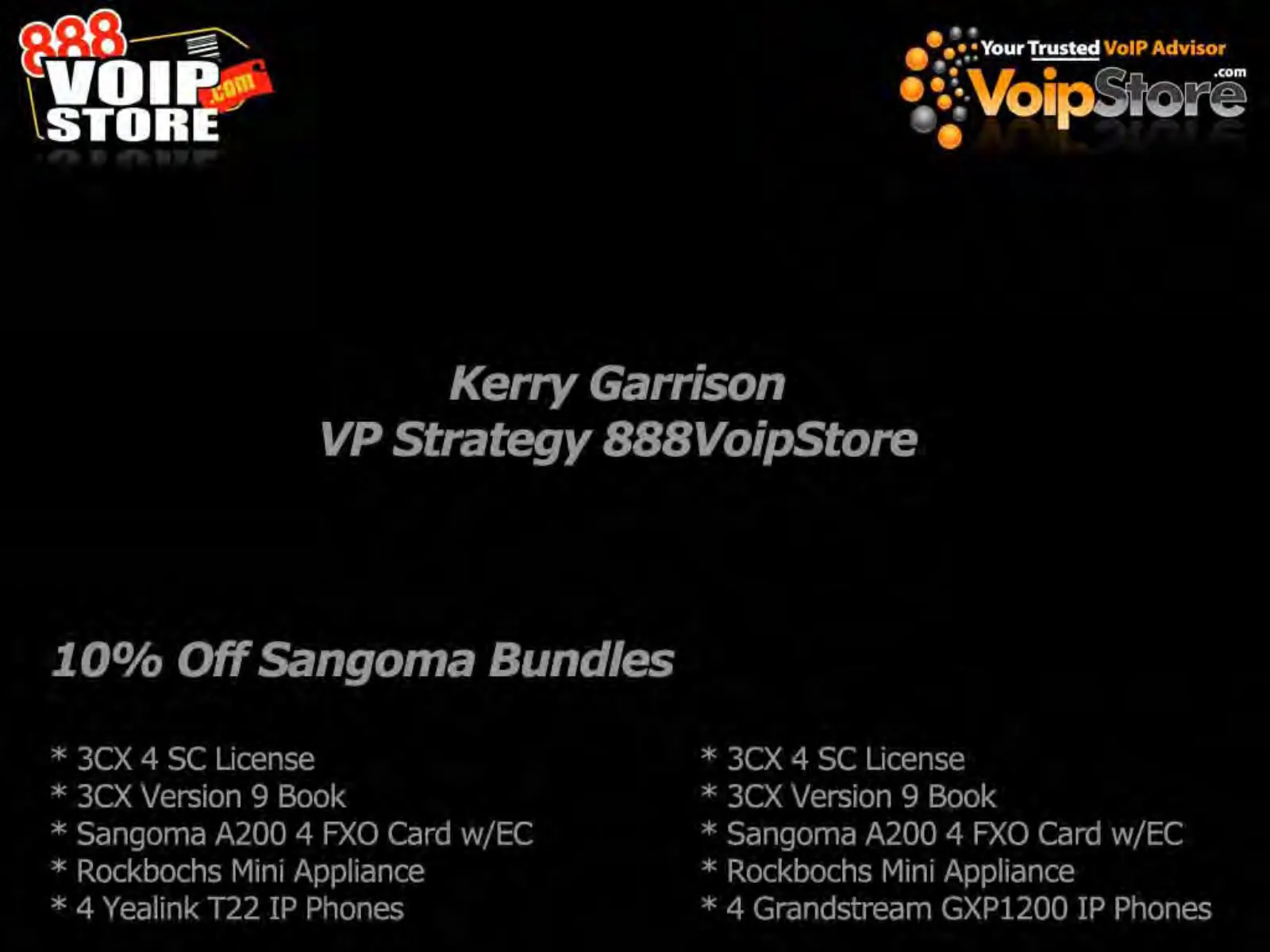
Today’s Speakers Julien Nephtali Kerry Garrison Product Manager VP Strategy Sangoma Technologies 888VoipStore Tel: +1.514.288.7111 x236 Tel: 888-VOIPSTORE @: julien.nephtali@sangoma.com @: kerry@voipstore.com 2
Slide 3: Agenda
Agenda • VoIP Gateways Explained • NetBorder Express Introduction • New Features with Version 4 • Obtaining NetBorder Express • 888VoipStore Partner Presentation • Closing • Q&A 3
Slide 4: The role of VoIP Gateways in today's networks
The role of VoIP Gateways in today’s networks • The world of telecom is moving to VoIP – IVRs, Conferencing Servers, PBX, Call Centers, etc. • Very large installed base of Legacy Networks (aka the PSTN) • As the transition to VoIP occurs, New and Legacy networks need to co-exist and communicate • Vo
Slide 5: Required functions of a VoIP Gateway
Required functions of a VoIP Gateway • Connect to PSTN and support various line interfaces and protocols: – Lines: FXO/FXS, BRI, Digital T1/E1 – Protocols: Analog (loop start, line supervision), ISDN, MFC/R2 • Connect to VoIP network and support Ethernet interface and protocols – Lines: Ethernet – P
Slide 6: Agenda
Agenda • VoIP Gateways Explained • NetBorder Express Introduction • New Features with Version 4 • Obtaining NetBorder Express • 888VoipStore Partner Presentation • Closing • Q&A 6
Slide 7: Introducing NetBorder Express
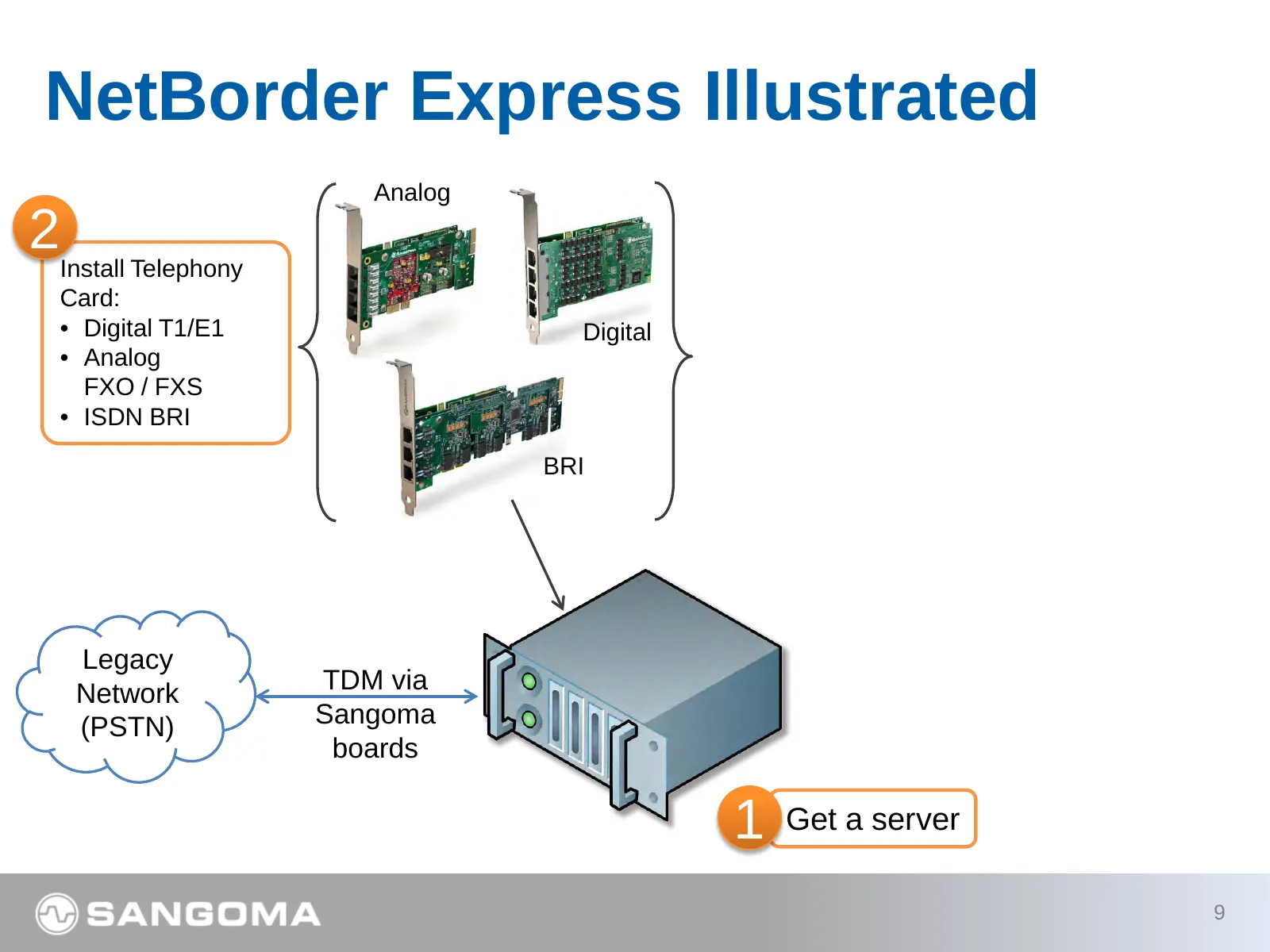
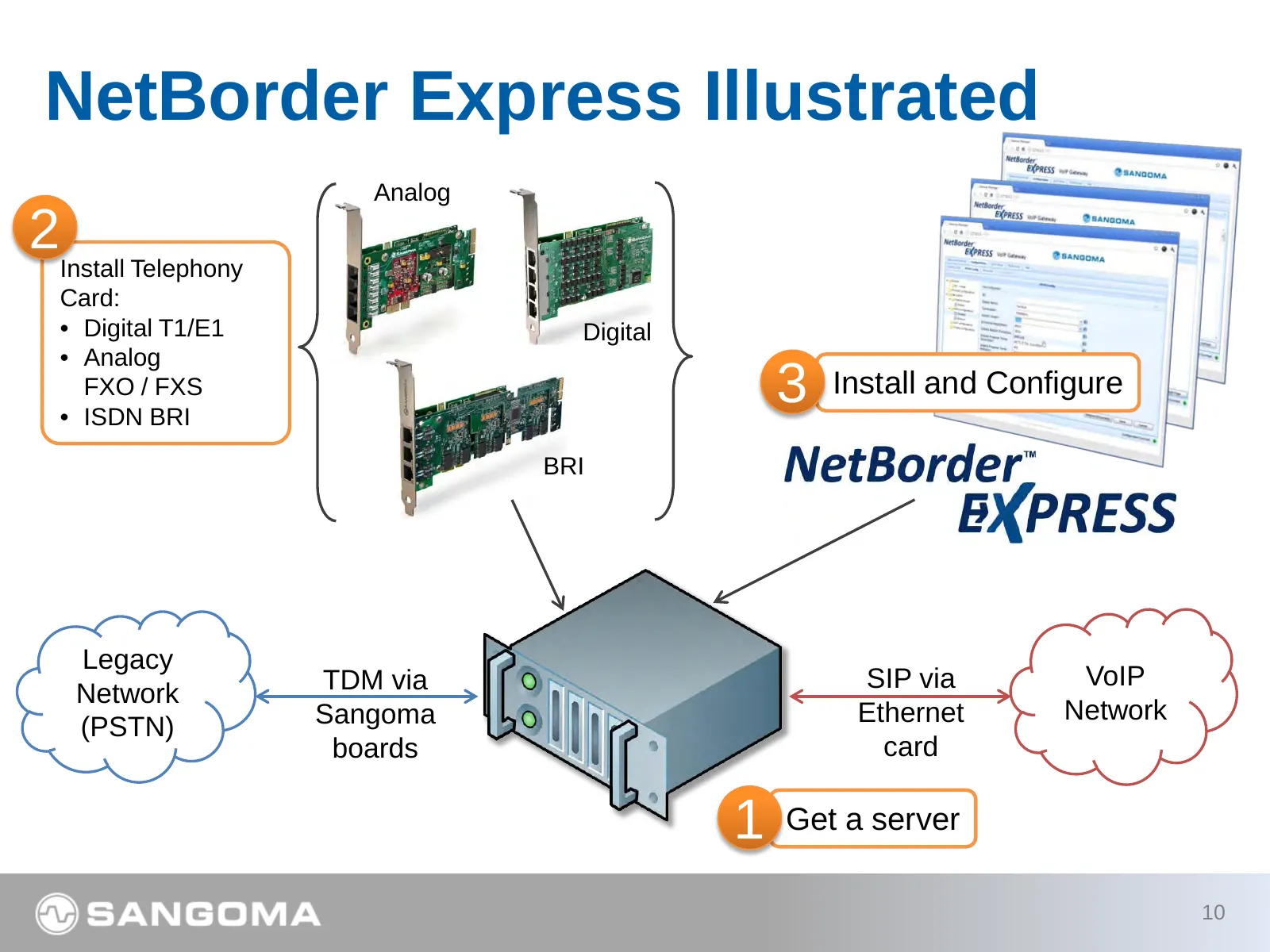
Introducing NetBorder Express • It is Sangoma’s Enterprise Class TDM to SIP VoIP Gateway product • NetBorder Express is a Software Application • It leverages off-the-shelf computer servers components to operate as a full-featured VoIP Gateway: – Computer Server and an OS – Add Sangoma Telephony Boar
Slide 8: NetBorder Express Illustrated: Get a server
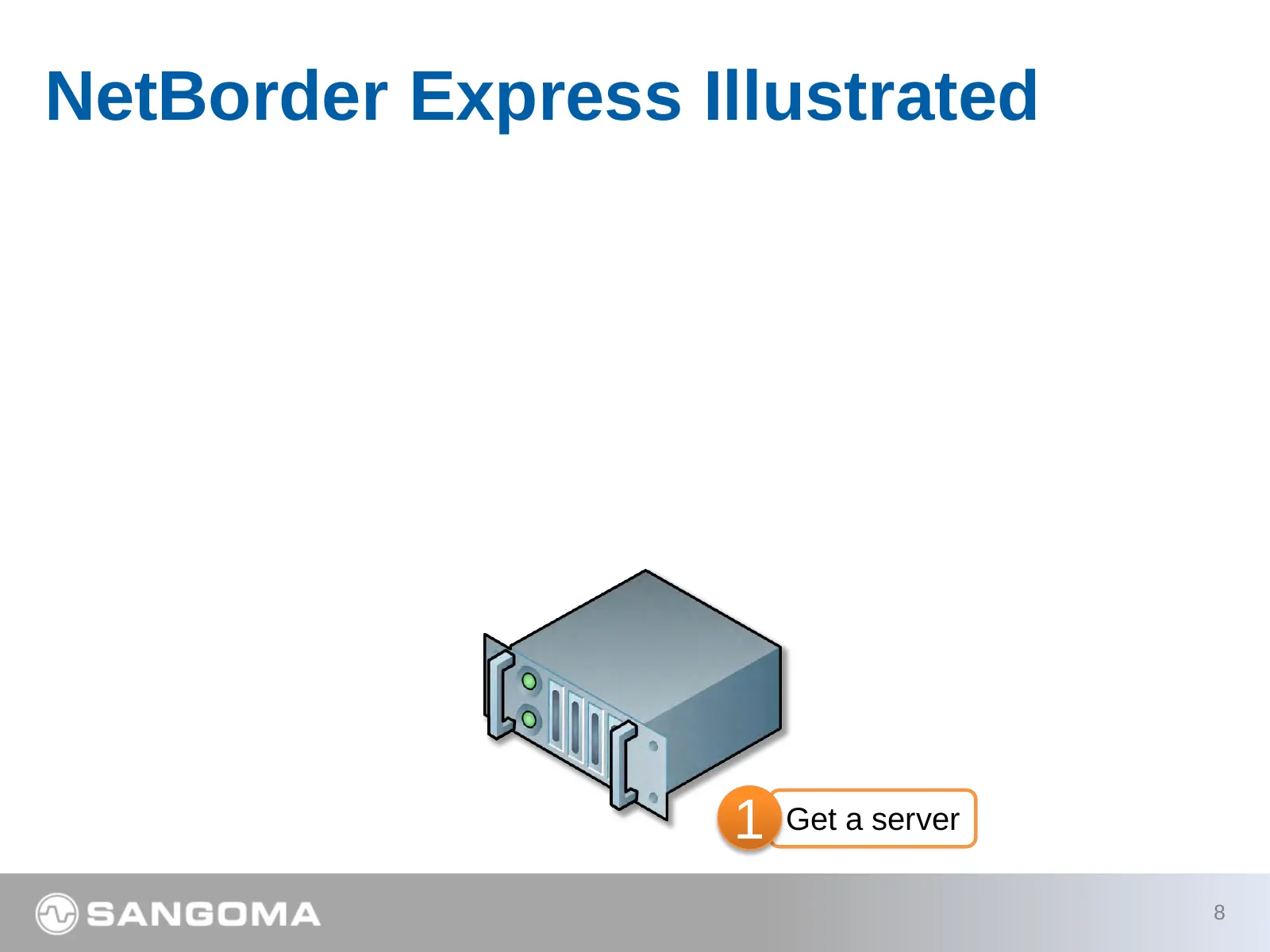
NetBorder Express Illustrated 1 Get a server 8
Slide 9: NetBorder Express Illustrated
NetBorder Express Illustrated Analog 2 Install Telephony Card: • Digital T1/E1 Digital • Analog FXO / FXS • ISDN BRI BRI Legacy Network TDM via (PSTN) Sangoma boards 1 Get a server 9
Slide 10: NetBorder Express Illustrated
NetBorder Express Illustrated Analog 2 Install Telephony Card: • Digital T1/E1 Digital • Analog FXO / FXS • ISDN BRI 3 Install and Configure BRI Legacy TDM via SIP via VoIP Network Sangoma Ethernet Network (PSTN) boards card 1 Get a server 10
Slide 11: Advantages of NetBorder Express
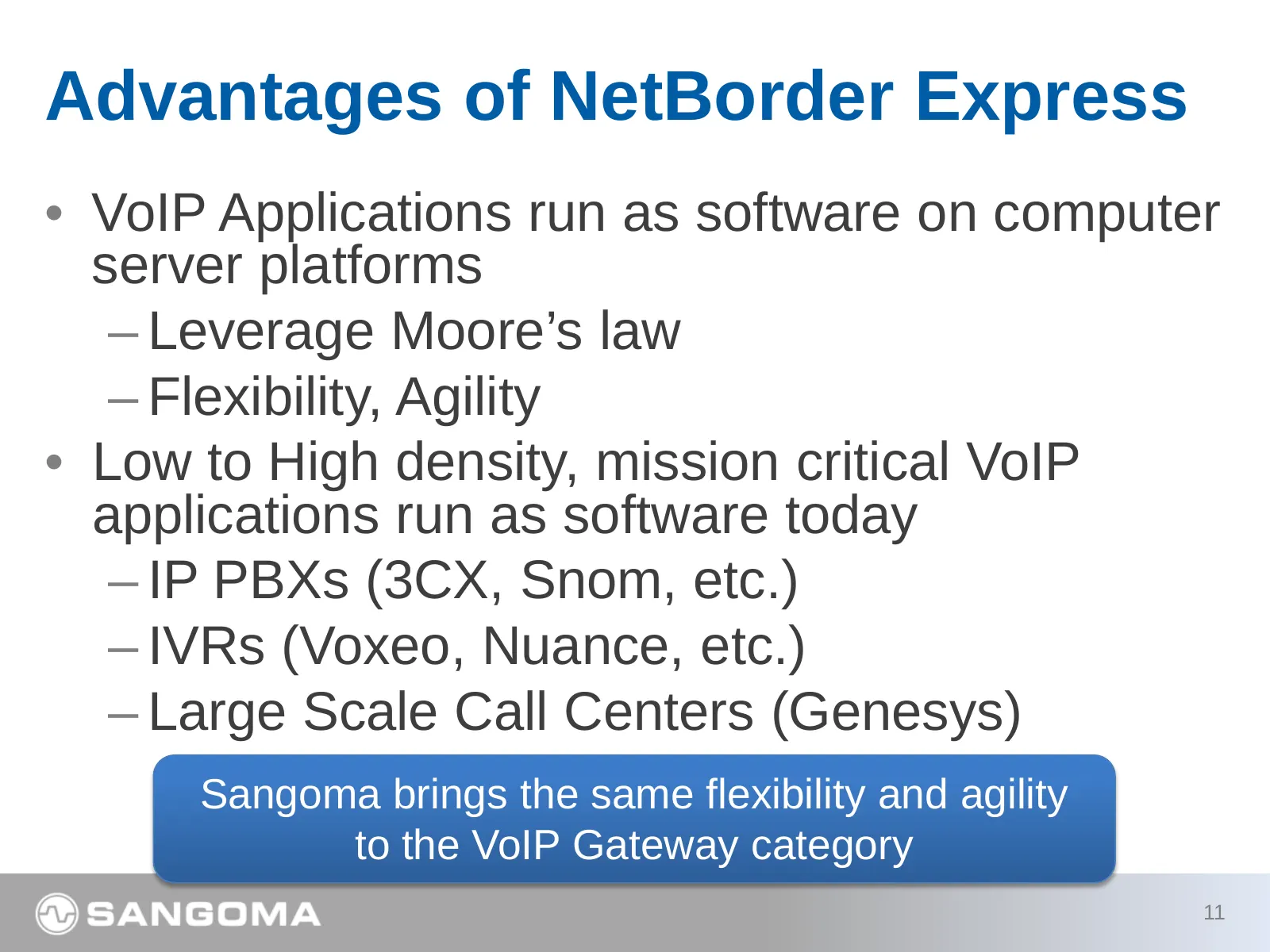
Advantages of NetBorder Express • VoIP Applications run as software on computer server platforms – Leverage Moore’s law – Flexibility, Agility • Low to High density, mission critical VoIP applications run as software today – IP PBXs (3CX, Snom, etc.) – IVRs (Voxeo, Nuance, etc.) – Large Scale Call C
Slide 12: Advantages of NetBorder Express
Advantages of NetBorder Express • Can be installed and integrated with the VoIP application on the same server – Tight level of integration • Configuration, Installation, Management, Web GUI, etc. – More efficient installation – Improved power usage – More cost effective NetBorder Express is a uniqu
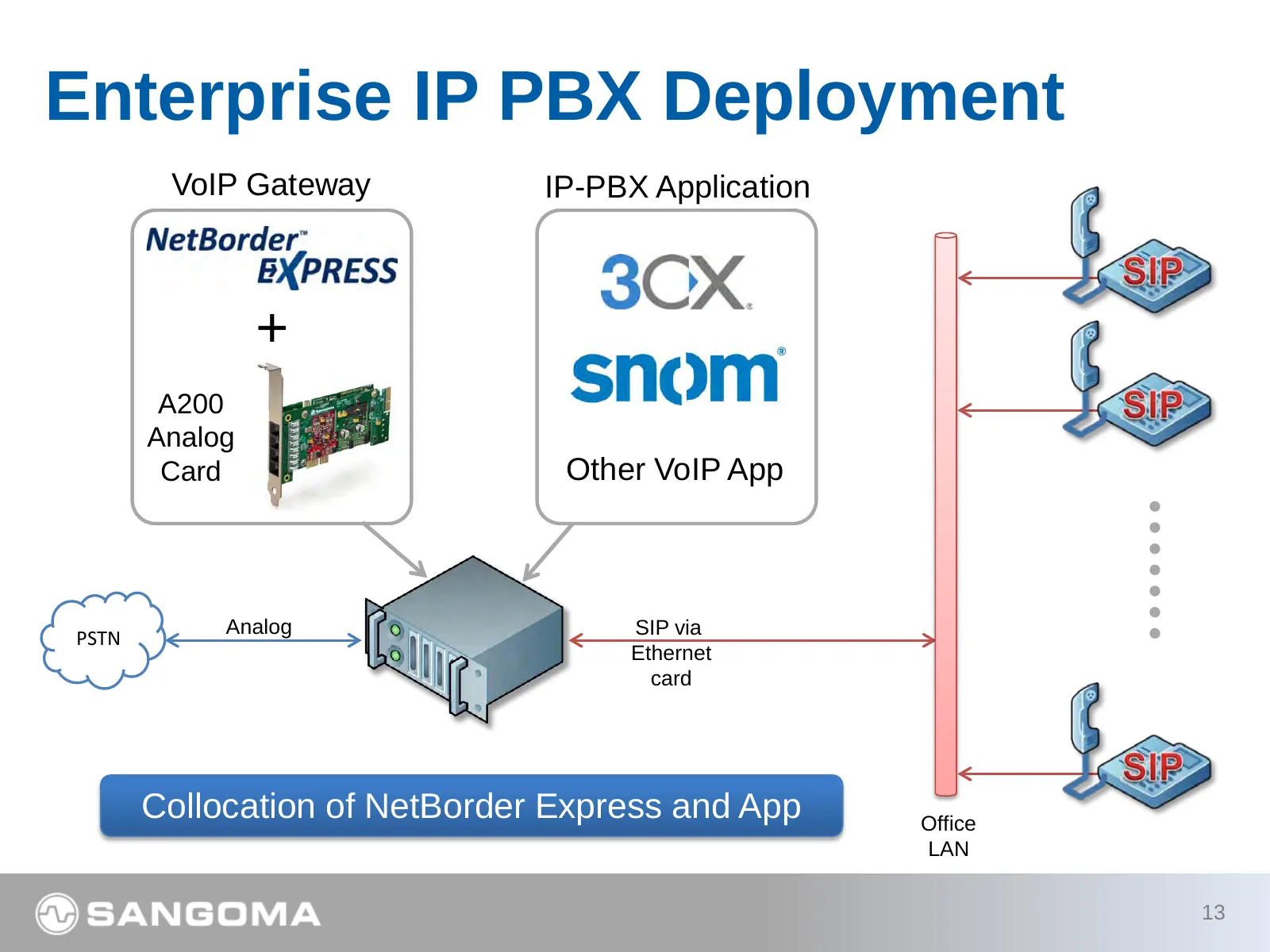
Slide 13: Enterprise IP PBX Deployment
Enterprise IP PBX Deployment VoIP Gateway IP-PBX Application + A200 Analog Card Other VoIP App Analog SIP via PSTN Ethernet card Collocation of NetBorder Express and App Office LAN 13
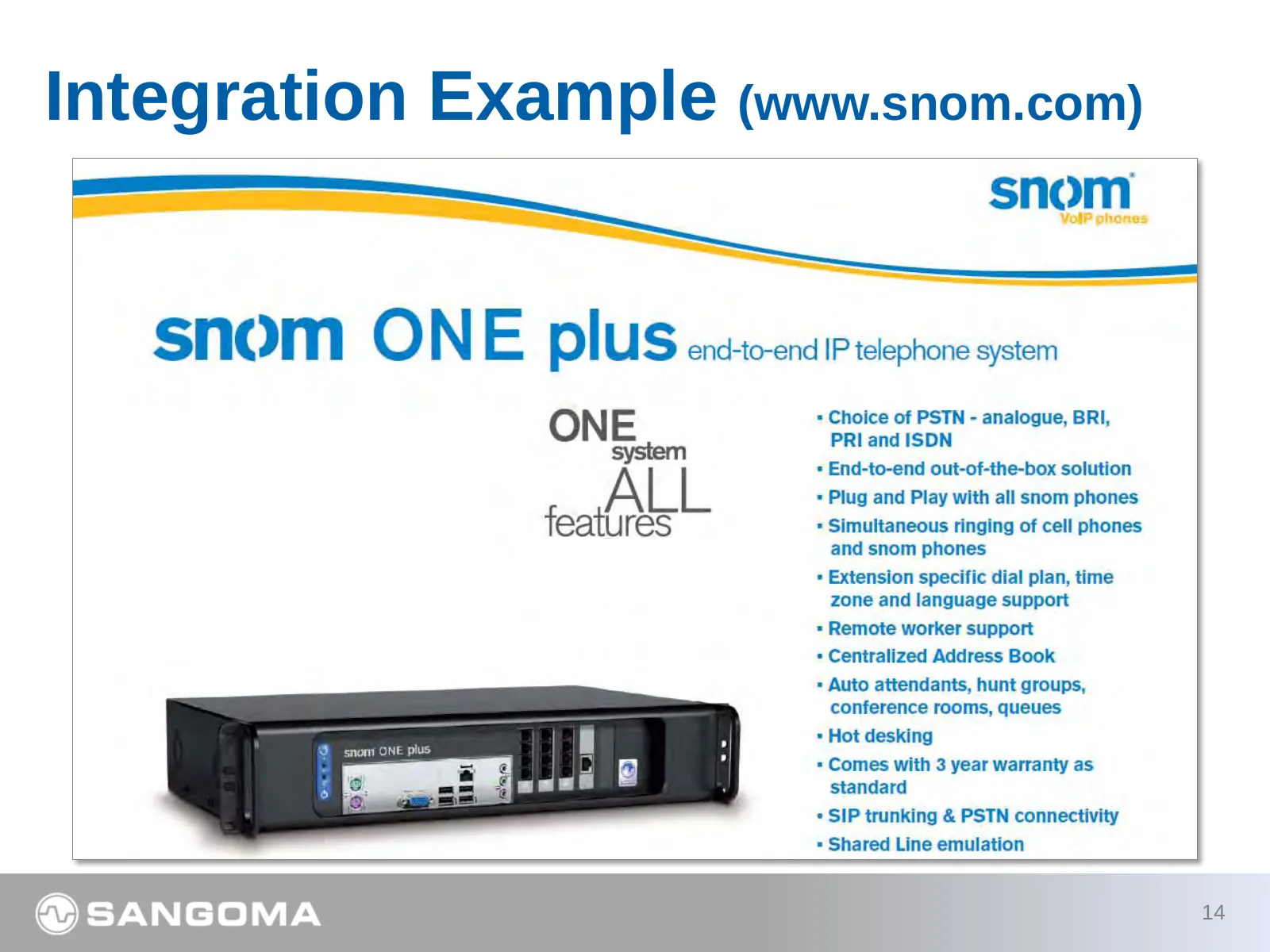
Slide 14: Integration Example (www.snom.com)
Integration Example (www.snom.com) 14
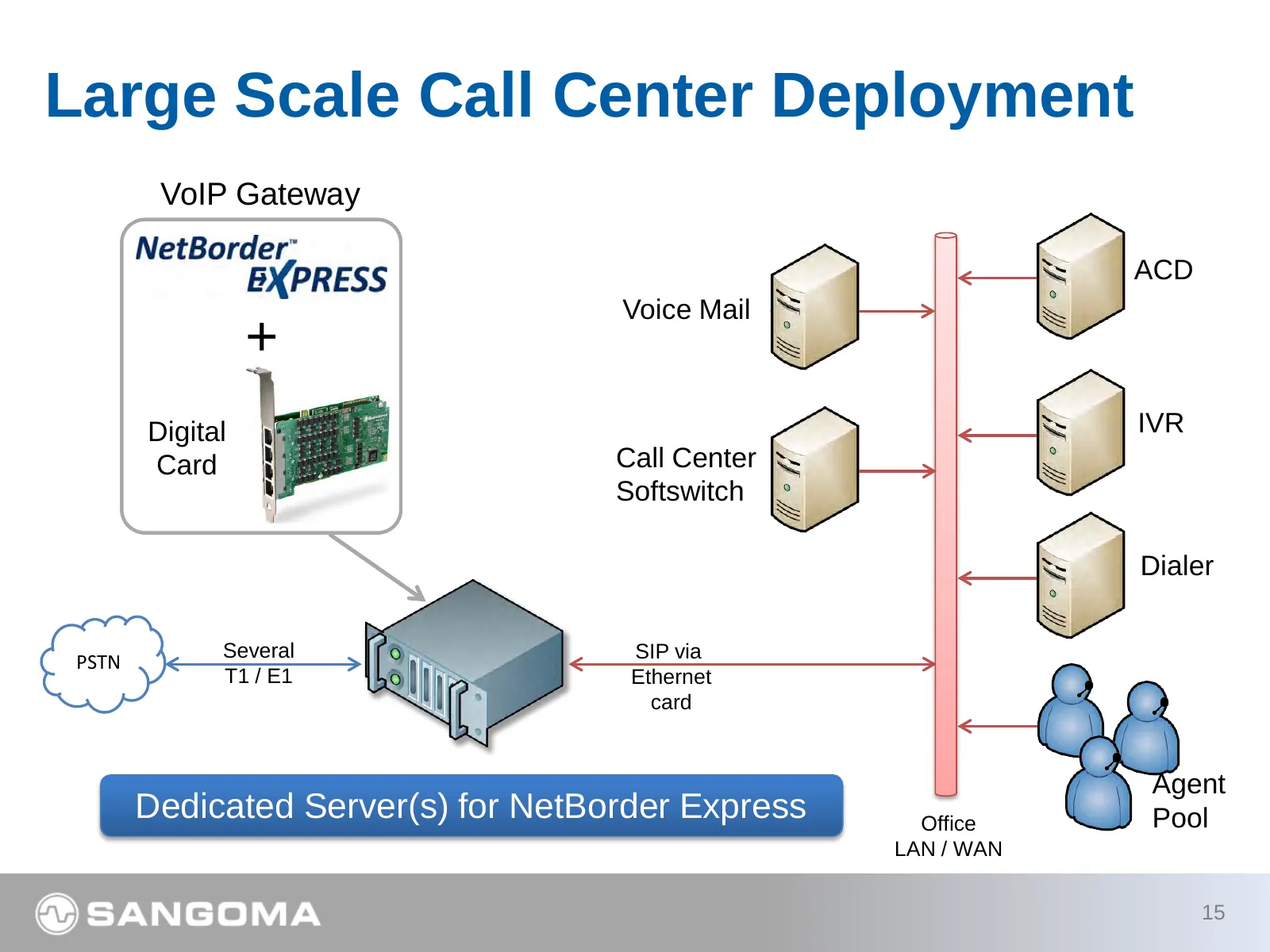
Slide 15: Large Scale Call Center Deployment
Large Scale Call Center Deployment VoIP Gateway ACD Voice Mail + Digital IVR Card Call Center Softswitch Dialer Several SIP via PSTN T1 / E1 Ethernet card Agent Dedicated Server(s) for NetBorder Express Office Pool LAN / WAN 15
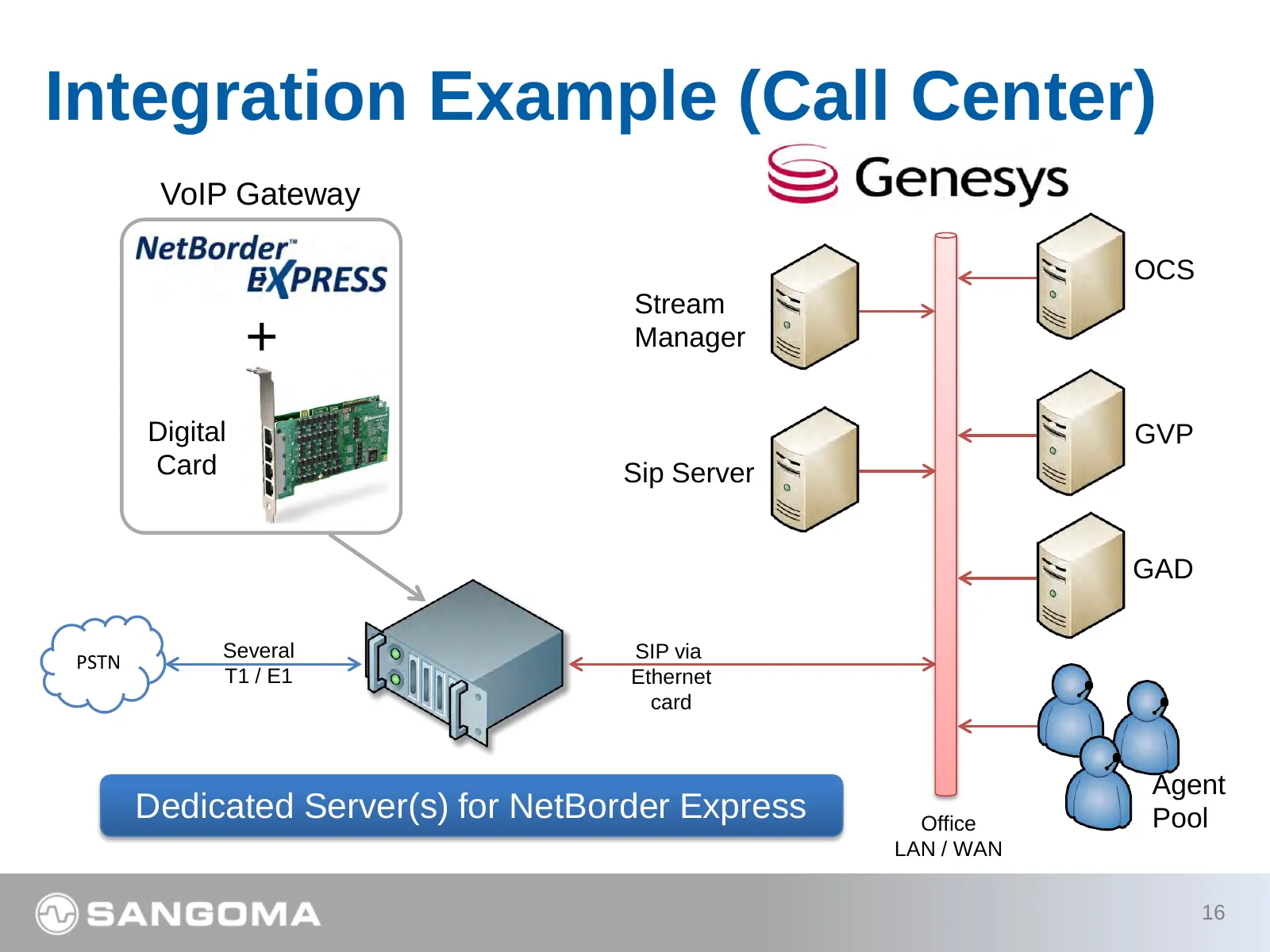
Slide 16: Integration Example (Call Center)
Integration Example (Call Center) VoIP Gateway OCS Stream + Manager Digital GVP Card Sip Server GAD Several SIP via PSTN T1 / E1 Ethernet card Agent Dedicated Server(s) for NetBorder Express Office Pool LAN / WAN 16
Slide 17: Agenda
Agenda • VoIP Gateways Explained • NetBorder Express Introduction • New Features with Version 4 • Obtaining NetBorder Express • 888VoipStore Partner Presentation • Closing • Q&A 17
Slide 18: NetBorder Express (NBE) Features
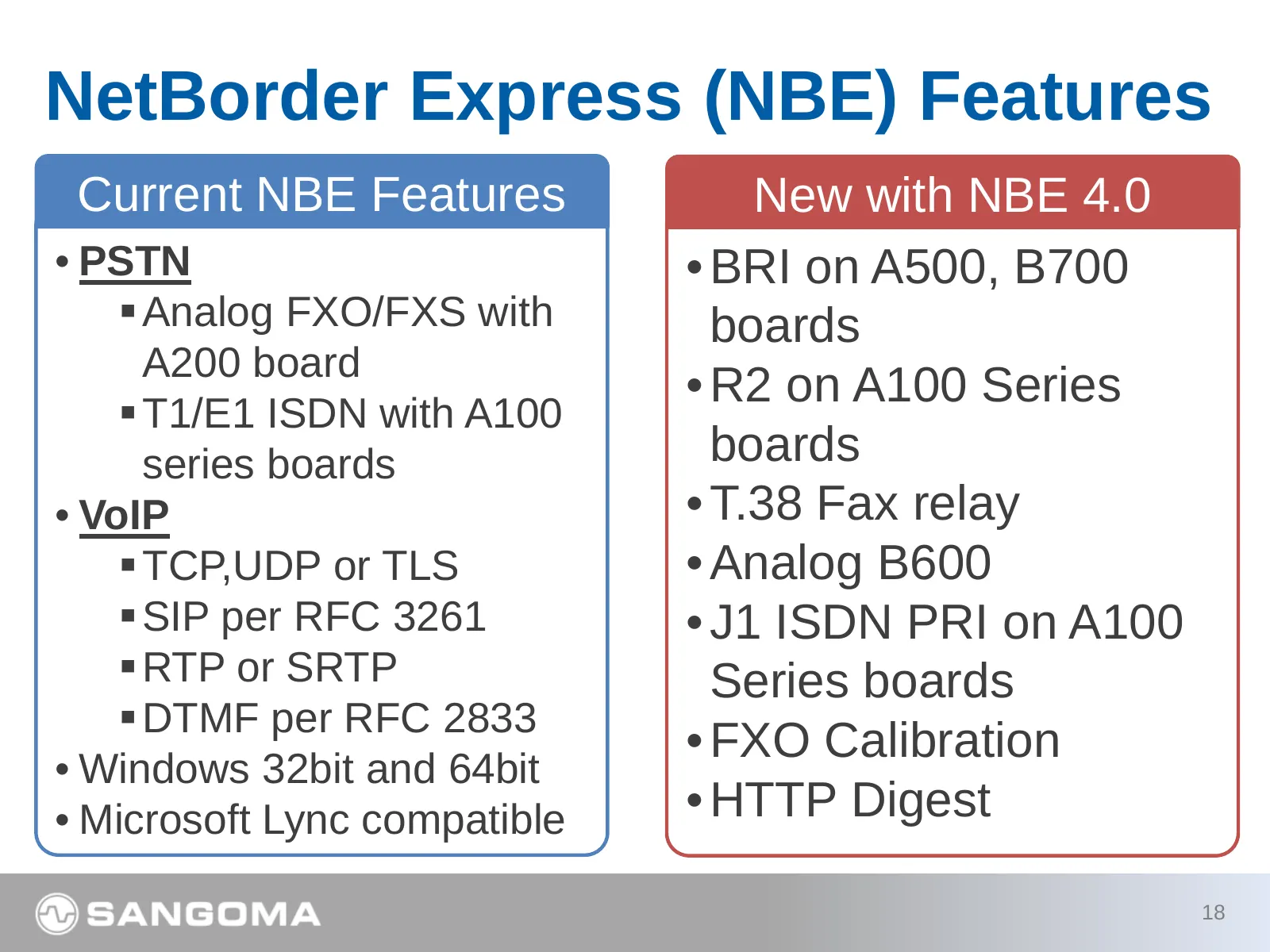
NetBorder Express (NBE) Features Current NBE Features New with NBE 4.0 • PSTN • BRI on A500, B700 Analog FXO/FXS with boards A200 board • R2 on A100 Series T1/E1 ISDN with A100 series boards boards • VoIP • T.38 Fax relay TCP,UDP or TLS • Analog B600 SIP per RFC 3261 • J1 ISDN PRI on A100
Slide 19: New PSTN Interface and Protocols
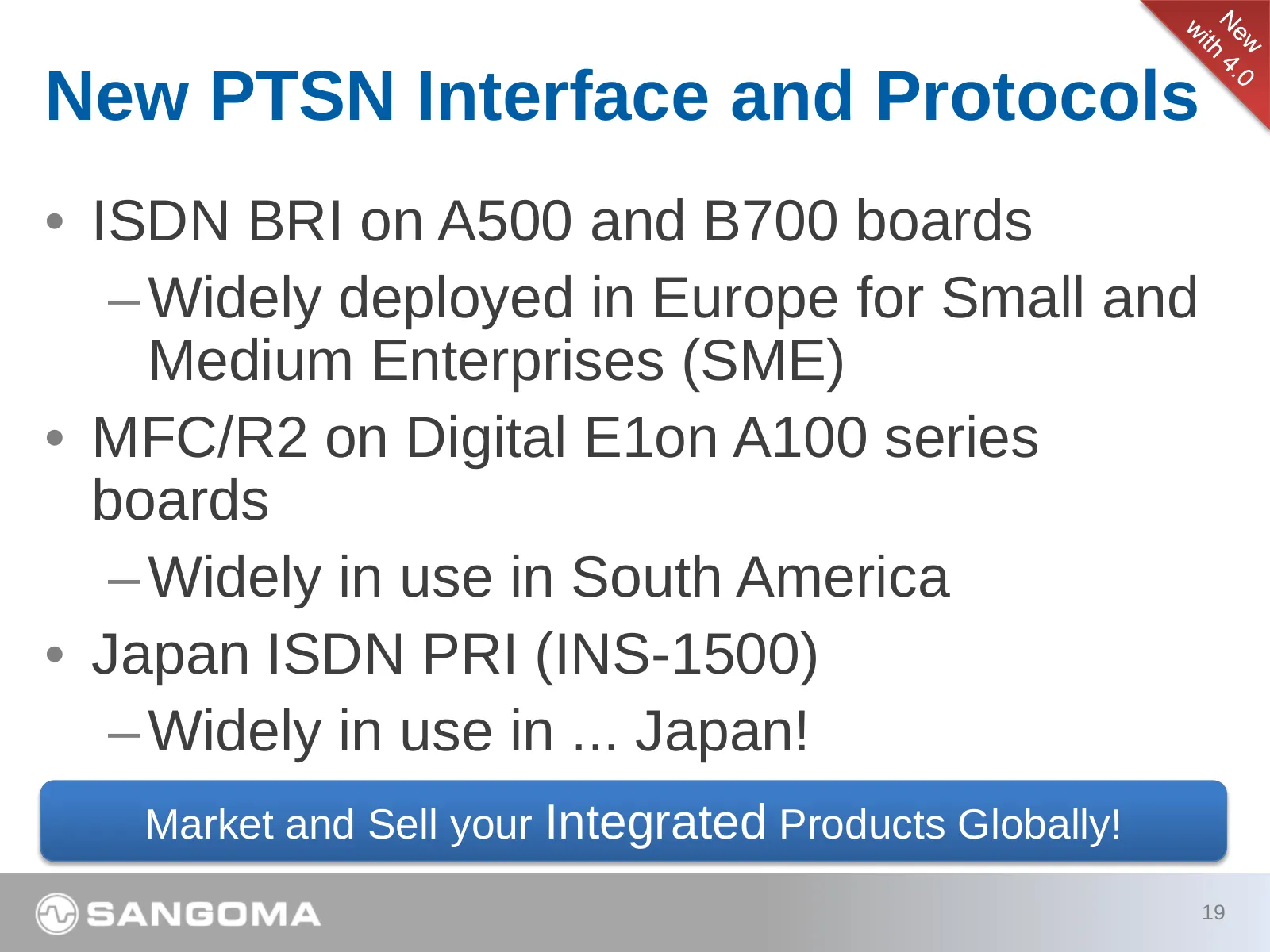
New PTSN Interface and Protocols • ISDN BRI on A500 and B700 boards – Widely deployed in Europe for Small and Medium Enterprises (SME) • MFC/R2 on Digital E1on A100 series boards – Widely in use in South America • Japan ISDN PRI (INS-1500) – Widely in use in ... Japan! Market and Sell your Integrate
Slide 20: Support for B600 Boards
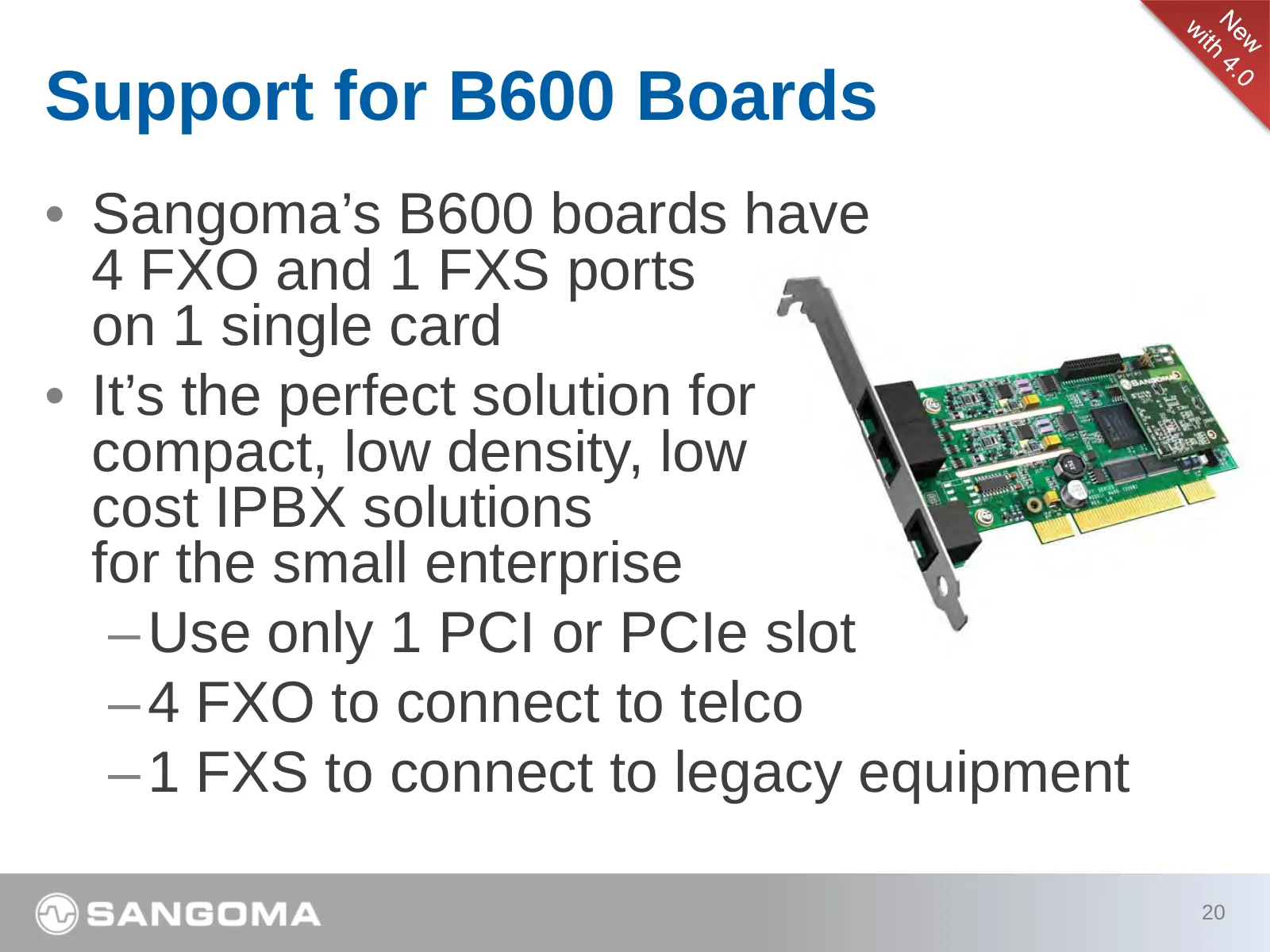
Support for B600 Boards • Sangoma’s B600 boards have 4 FXO and 1 FXS ports on 1 single card • It’s the perfect solution for compact, low density, low cost IPBX solutions for the small enterprise – Use only 1 PCI or PCIe slot – 4 FXO to connect to telco – 1 FXS to connect to legacy equipment 20
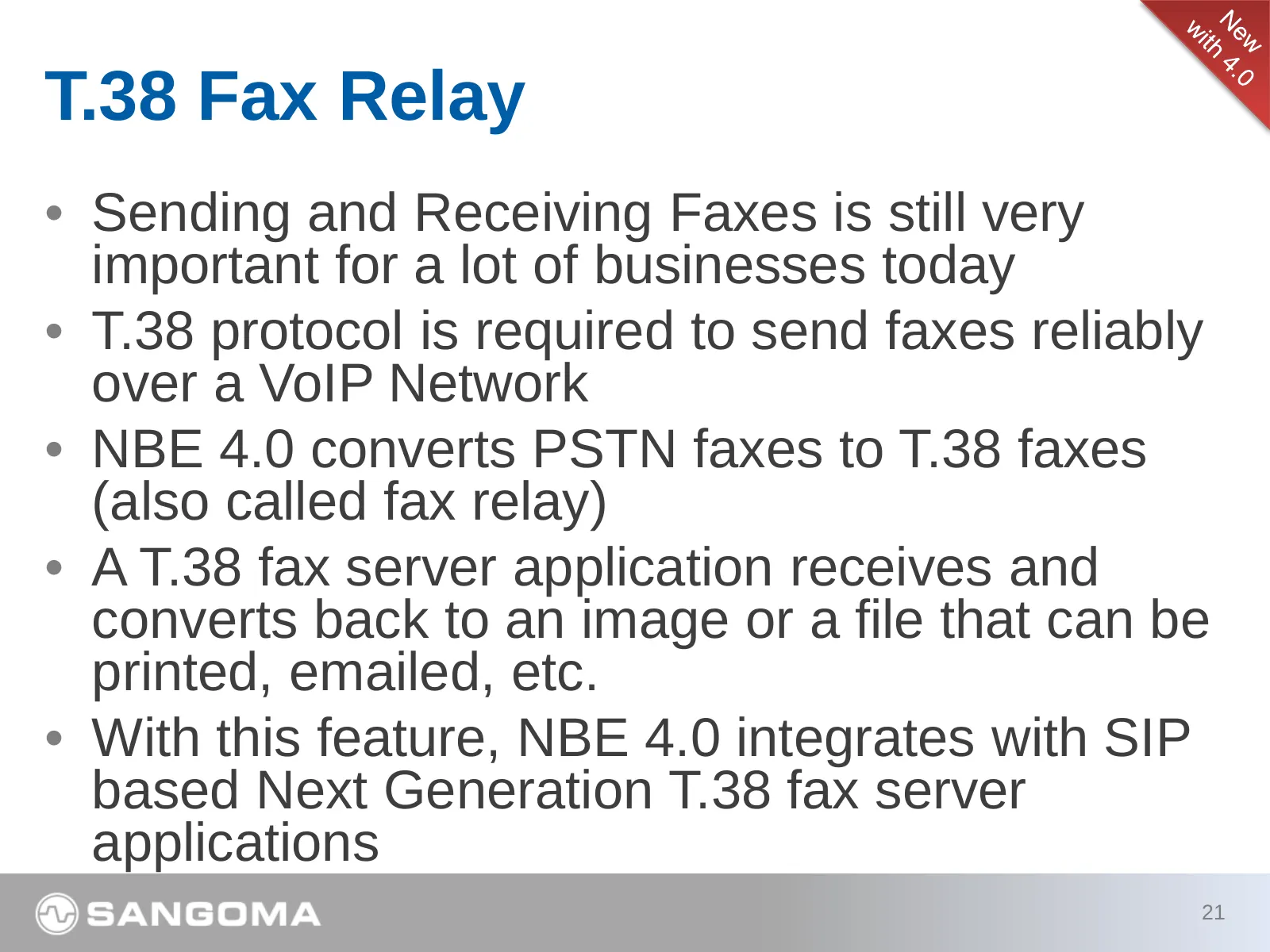
Slide 21: T.38 Fax Relay
T.38 Fax Relay • Sending and Receiving Faxes is still very important for a lot of businesses today • T.38 protocol is required to send faxes reliably over a VoIP Network • NBE 4.0 converts PSTN faxes to T.38 faxes (also called fax relay) • A T.38 fax server application receives and converts back to
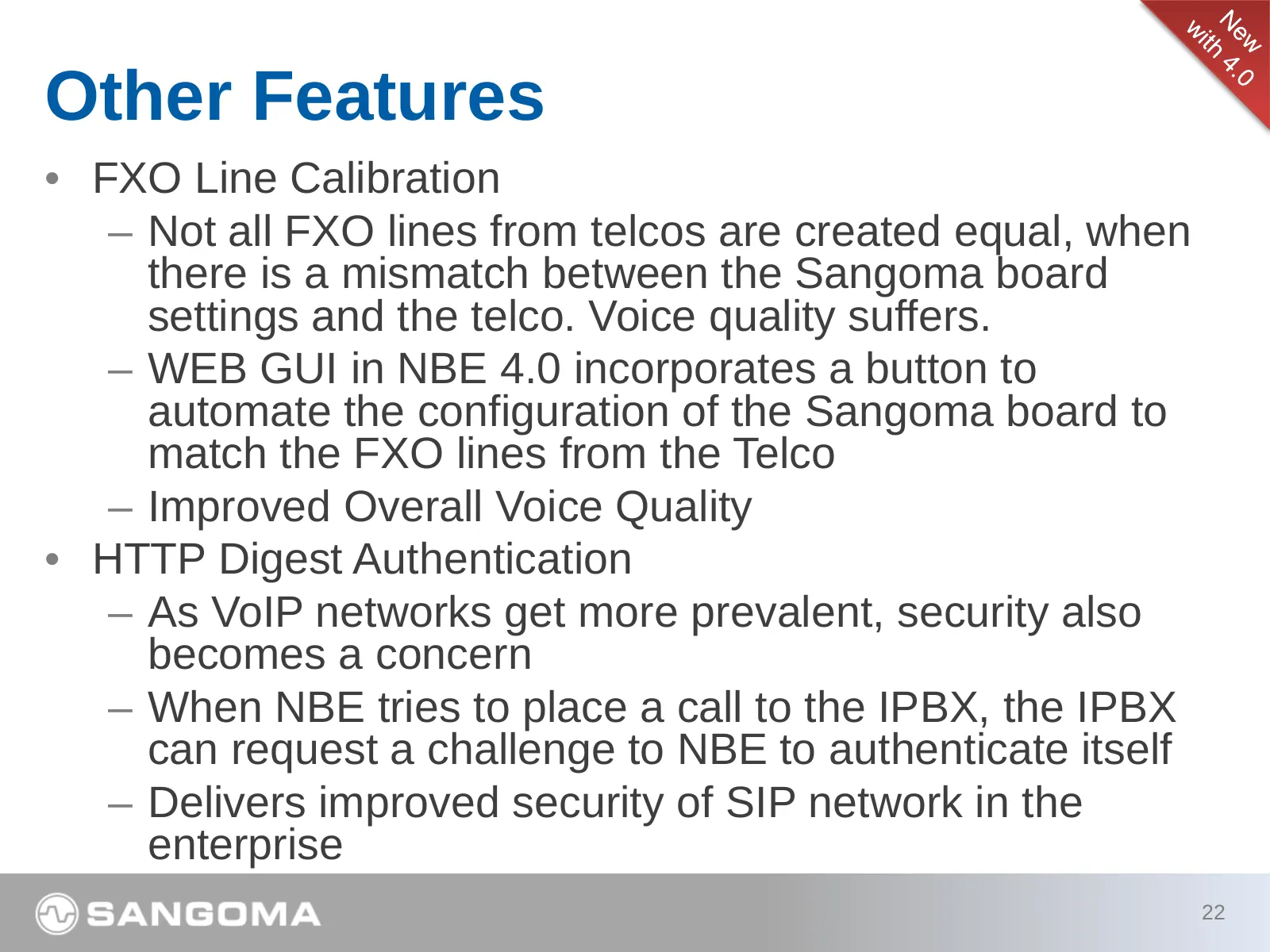
Slide 22: Other Features
Other Features • FXO Line Calibration – Not all FXO lines from telcos are created equal, when there is a mismatch between the Sangoma board settings and the telco. Voice quality suffers. – WEB GUI in NBE 4.0 incorporates a button to automate the configuration of the Sangoma board to match the FXO li
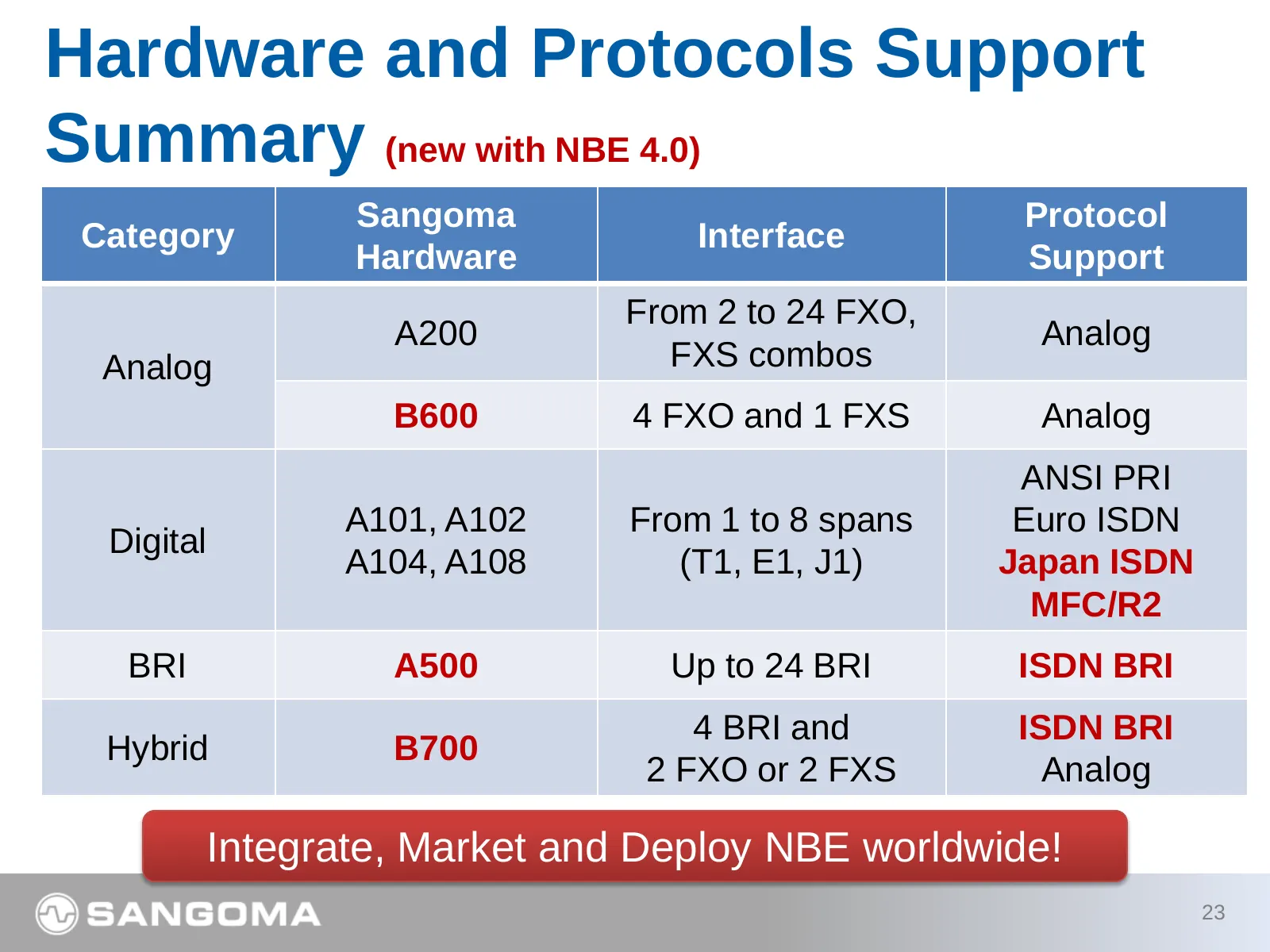
Slide 23: Hardware and Protocols Support Summary
Hardware and Protocols Support Summary (new with NBE 4.0) Sangoma Protocol Category Interface Hardware Support From 2 to 24 FXO, A200 Analog Analog FXS combos B600 4 FXO and 1 FXS Analog ANSI PRI A101, A102 From 1 to 8 spans Euro ISDN Digital A104, A108 (T1, E1, J1) Japan ISDN MFC/R2 BRI A500 Up to
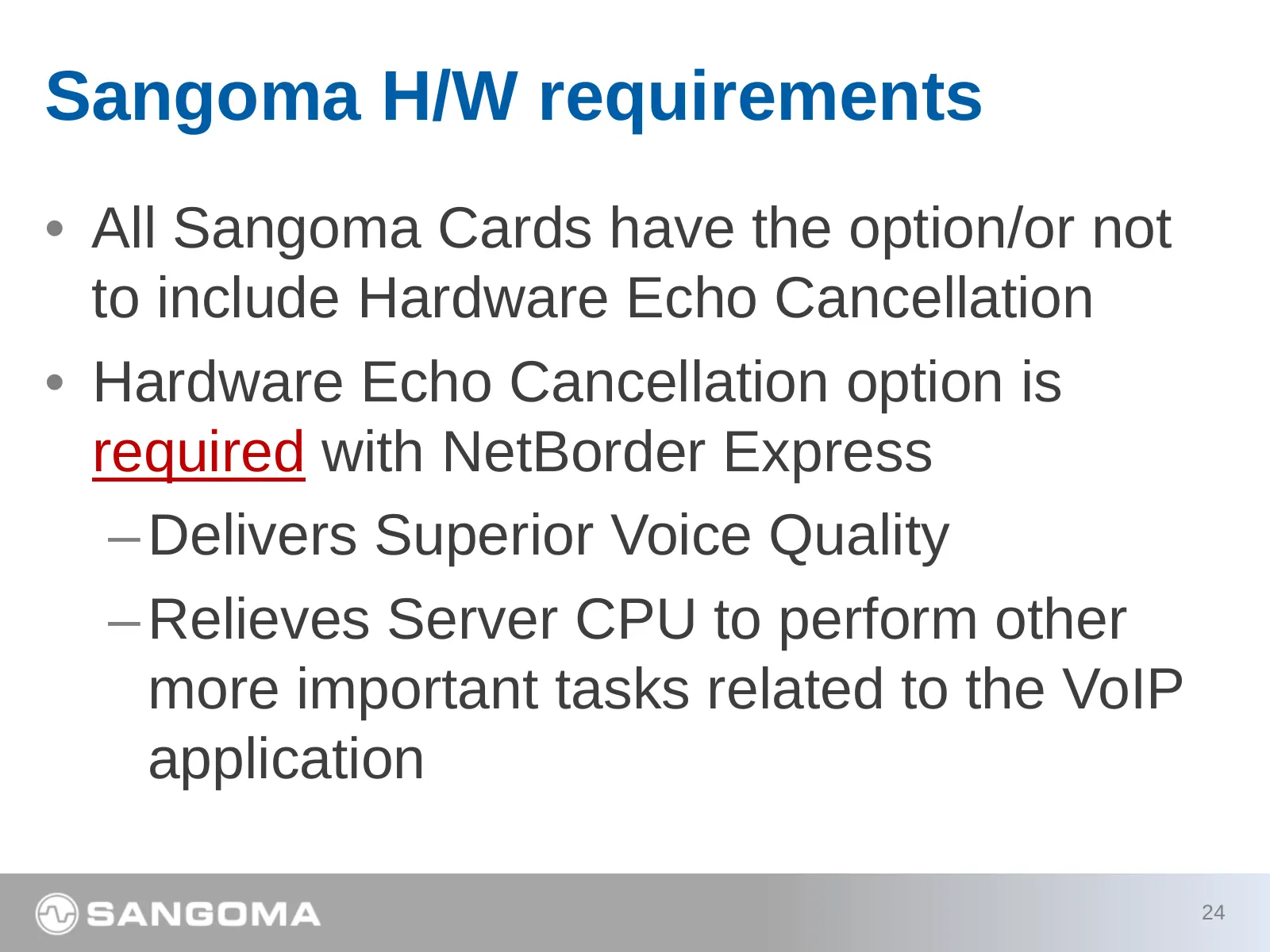
Slide 24: Sangoma H/W requirements
Sangoma H/W requirements • All Sangoma Cards have the option/or not to include Hardware Echo Cancellation • Hardware Echo Cancellation option is required with NetBorder Express – Delivers Superior Voice Quality – Relieves Server CPU to perform other more important tasks related to the VoIP applicati
Slide 25: Coming with NBE 4.1 (April '11)
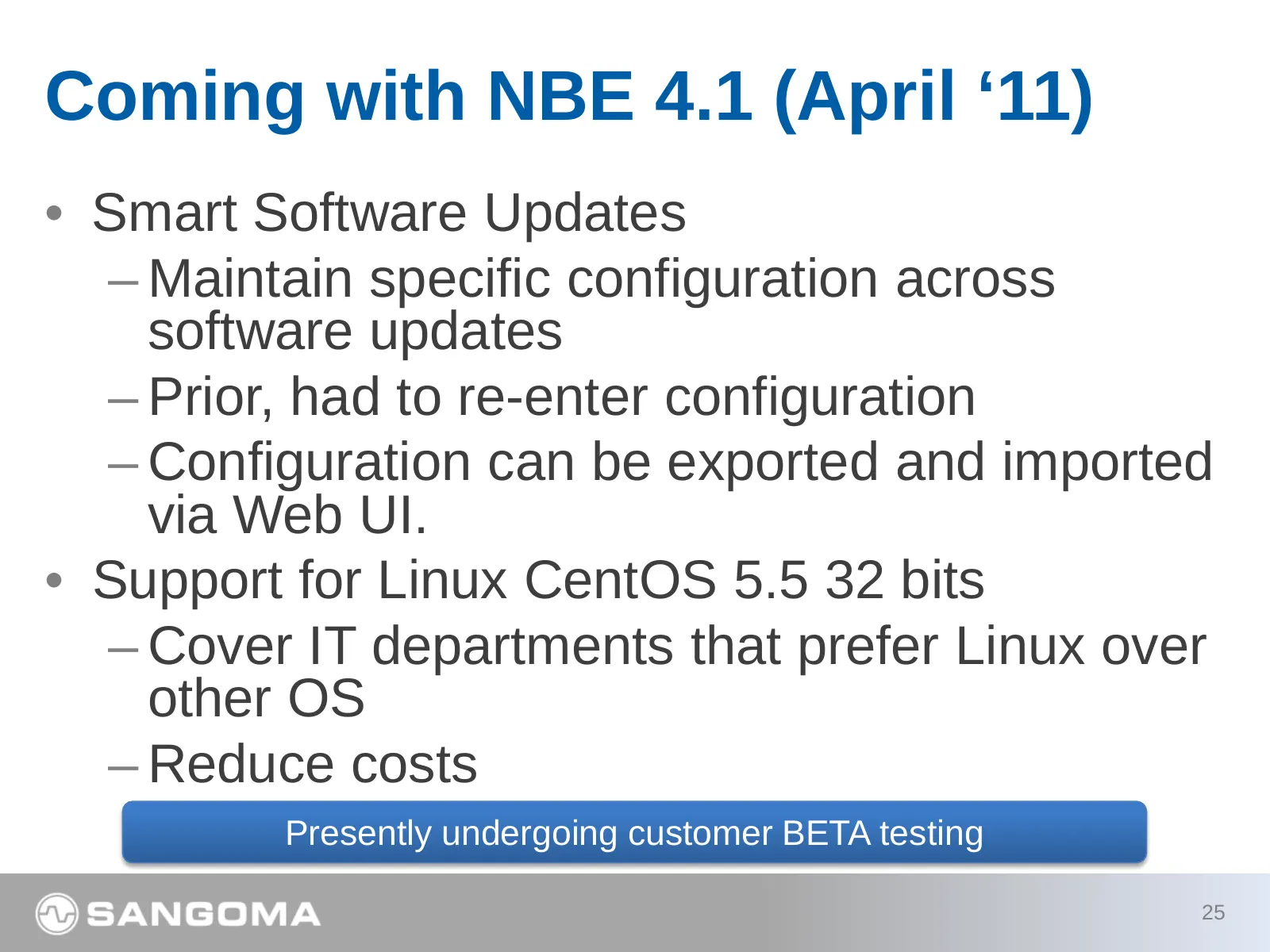
Coming with NBE 4.1 (April ‘11) • Smart Software Updates – Maintain specific configuration across software updates – Prior, had to re-enter configuration – Configuration can be exported and imported via Web UI. • Support for Linux CentOS 5.5 32 bits – Cover IT departments that prefer Linux over othe
Slide 26: Operating Systems Support Summary
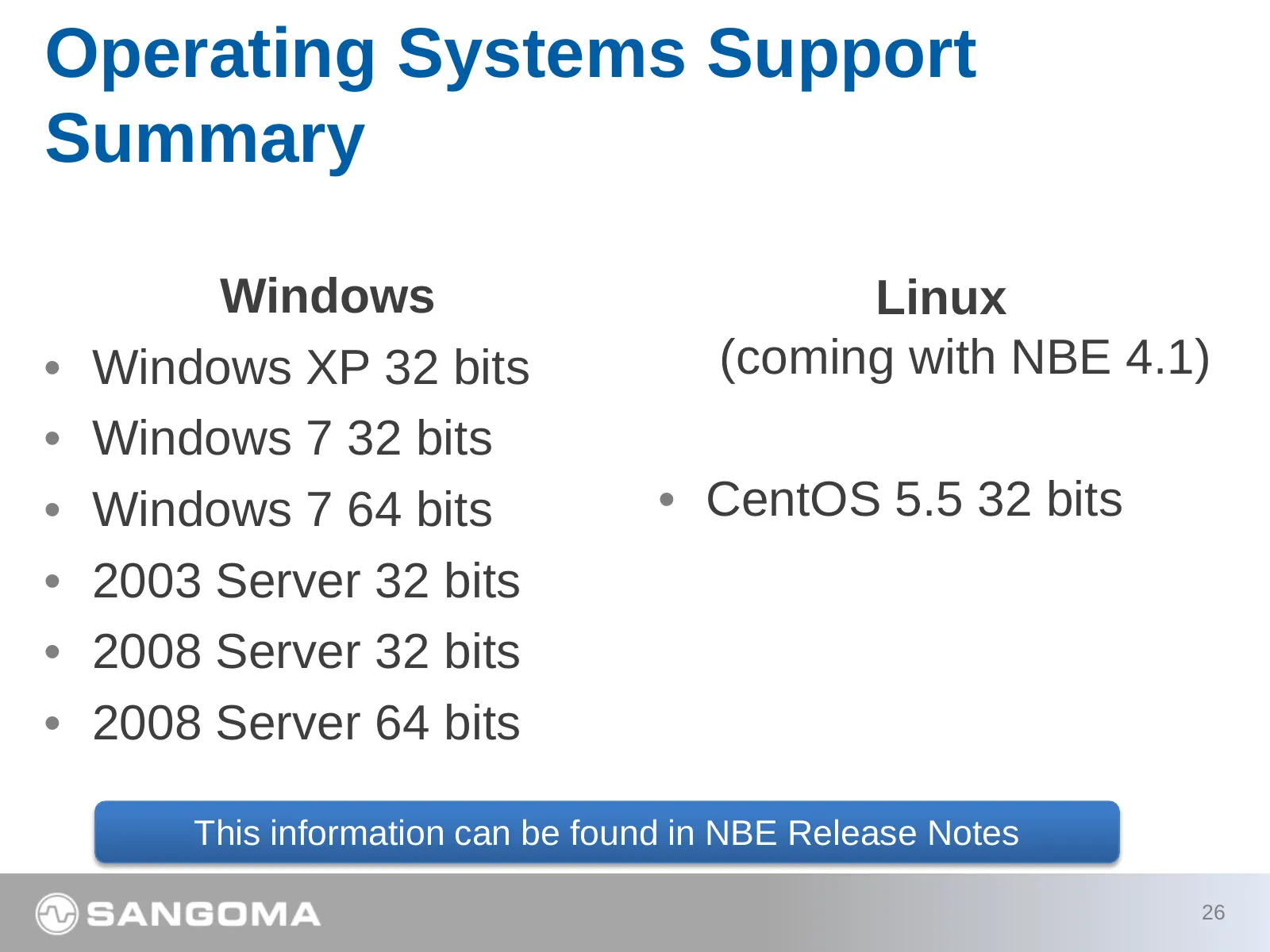
Operating Systems Support Summary Windows Linux • Windows XP 32 bits (coming with NBE 4.1) • Windows 7 32 bits • Windows 7 64 bits • CentOS 5.5 32 bits • 2003 Server 32 bits • 2008 Server 32 bits • 2008 Server 64 bits This information can be found in NBE Release Notes 26
Slide 27: Agenda
Agenda • VoIP Gateways Explained • NetBorder Express Introduction • New Features with Version 4 • Obtaining NetBorder Express • 888VoipStore Partner Presentation • Closing • Q&A 27
Slide 28: New Licensing Model
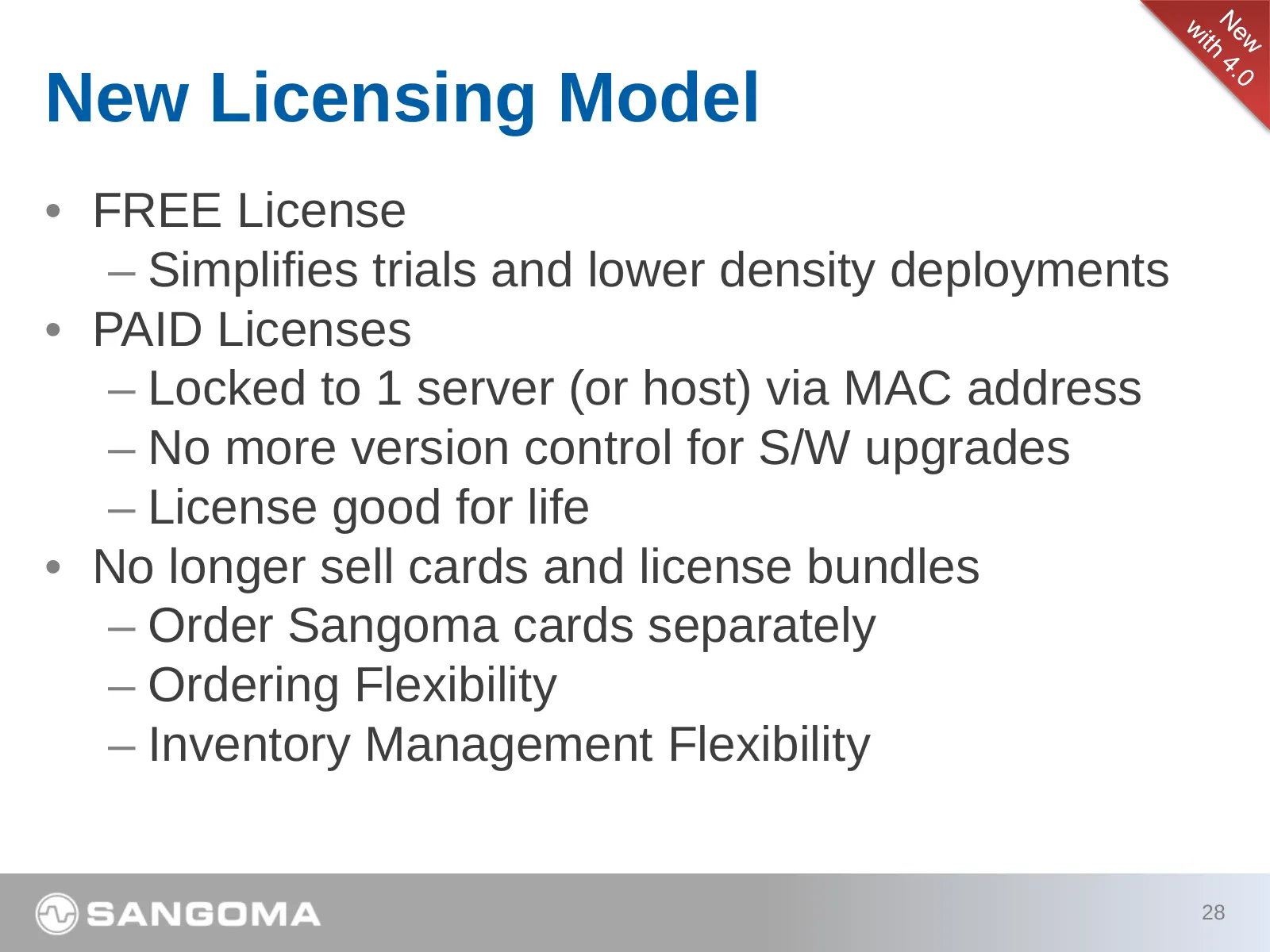
New Licensing Model • FREE License – Simplifies trials and lower density deployments • PAID Licenses – Locked to 1 server (or host) via MAC address – No more version control for S/W upgrades – License good for life • No longer sell cards and license bundles – Order Sangoma cards separately – Orderin
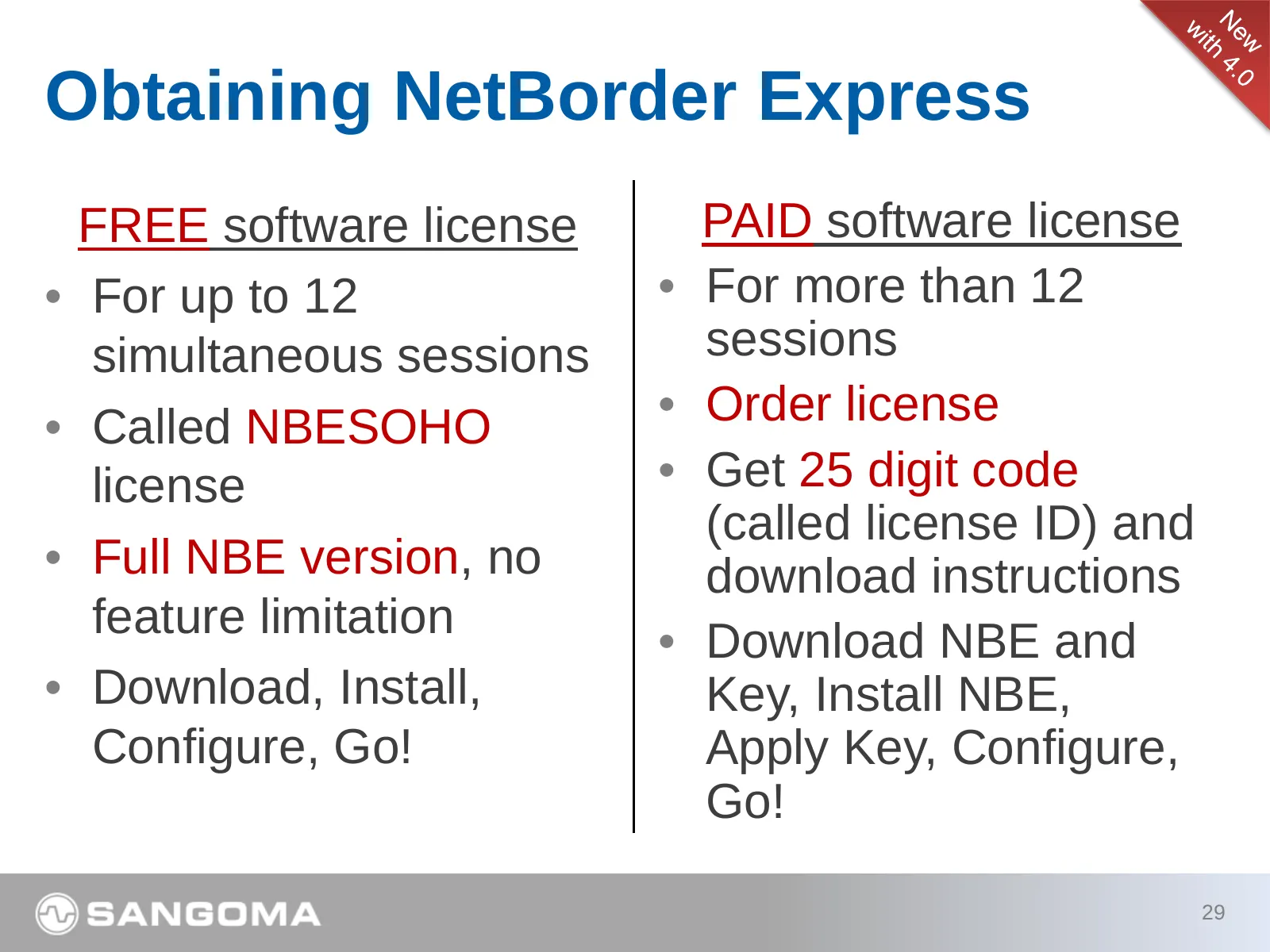
Slide 29: Obtaining NetBorder Express
Obtaining NetBorder Express FREE software license PAID software license • For up to 12 • For more than 12 simultaneous sessions sessions • Called NBESOHO • Order license license • Get 25 digit code (called license ID) and • Full NBE version, no download instructions feature limitation • Download NBE
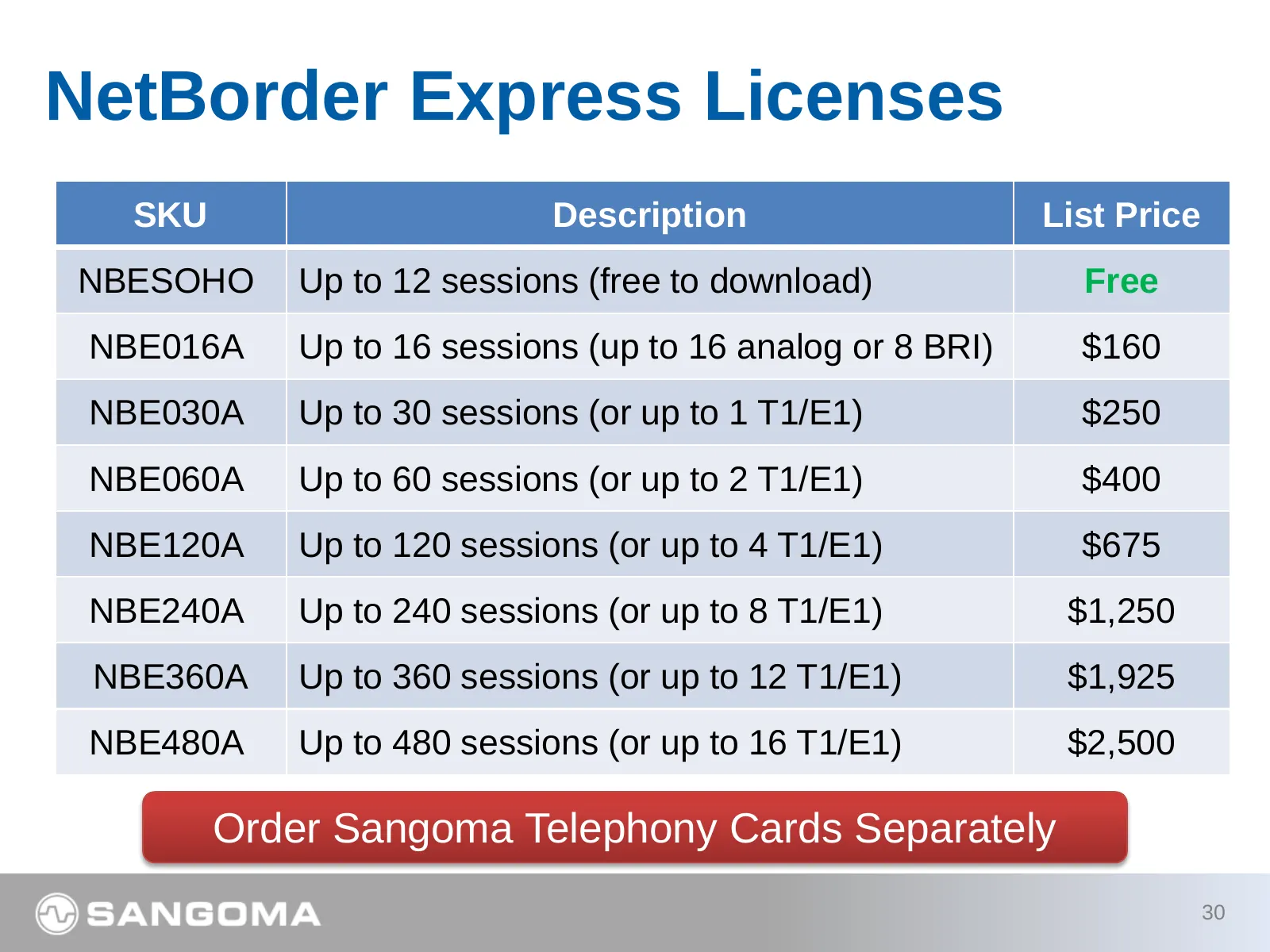
Slide 30: NetBorder Express Licenses
NetBorder Express Licenses SKU Description List Price NBESOHO Up to 12 sessions (free to download) Free NBE016A Up to 16 sessions (up to 16 analog or 8 BRI) $160 NBE030A Up to 30 sessions (or up to 1 T1/E1) $250 NBE060A Up to 60 sessions (or up to 2 T1/E1) $400 NBE120A Up to 120 sessions (or up to 4
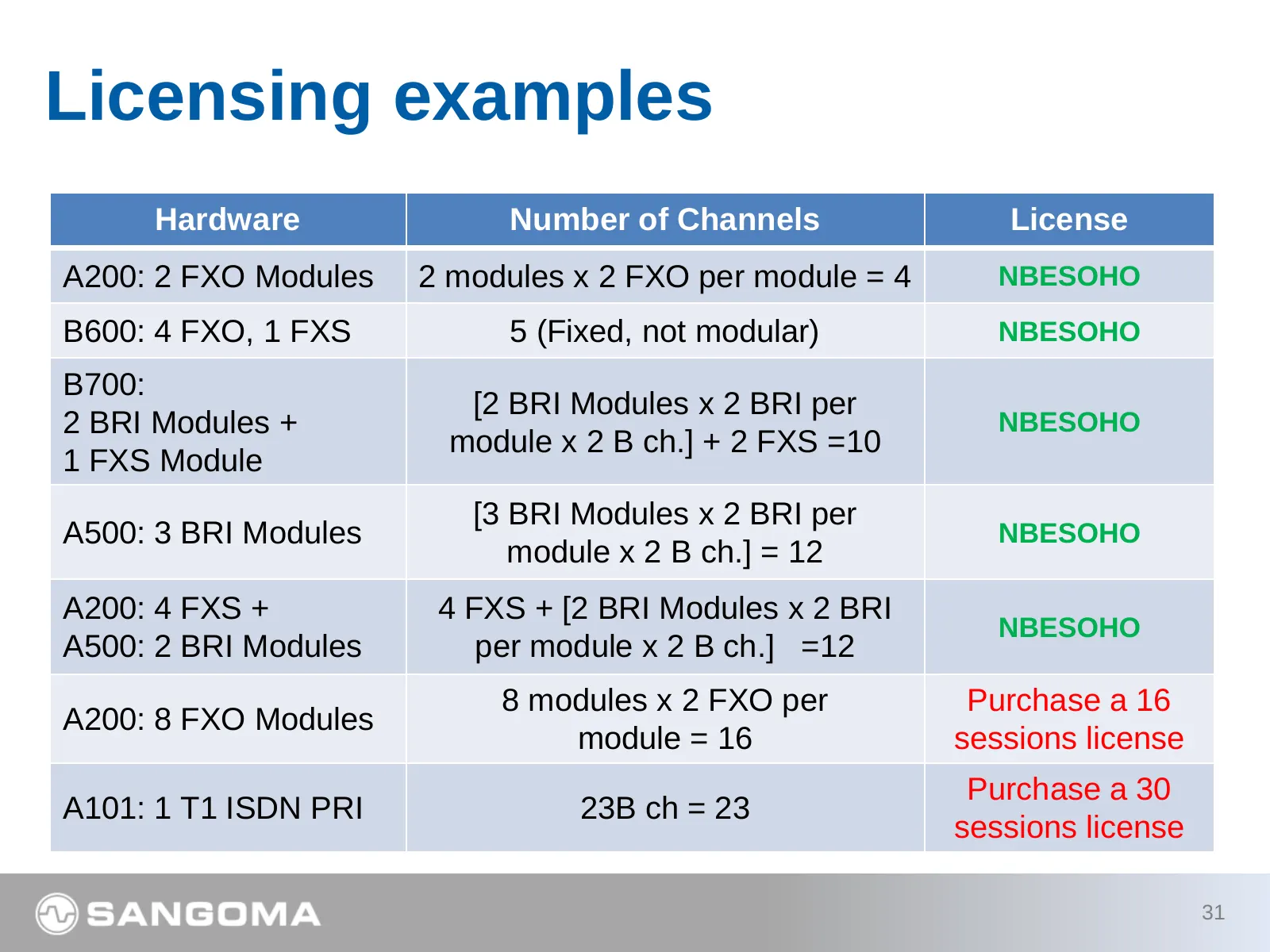
Slide 31: Licensing examples
Licensing examples Hardware Number of Channels License A200: 2 FXO Modules 2 modules x 2 FXO per module = 4 NBESOHO B600: 4 FXO, 1 FXS 5 (Fixed, not modular) NBESOHO B700: [2 BRI Modules x 2 BRI per 2 BRI Modules + NBESOHO module x 2 B ch.] + 2 FXS =10 1 FXS Module [3 BRI Modules x 2 BRI per A500: 3
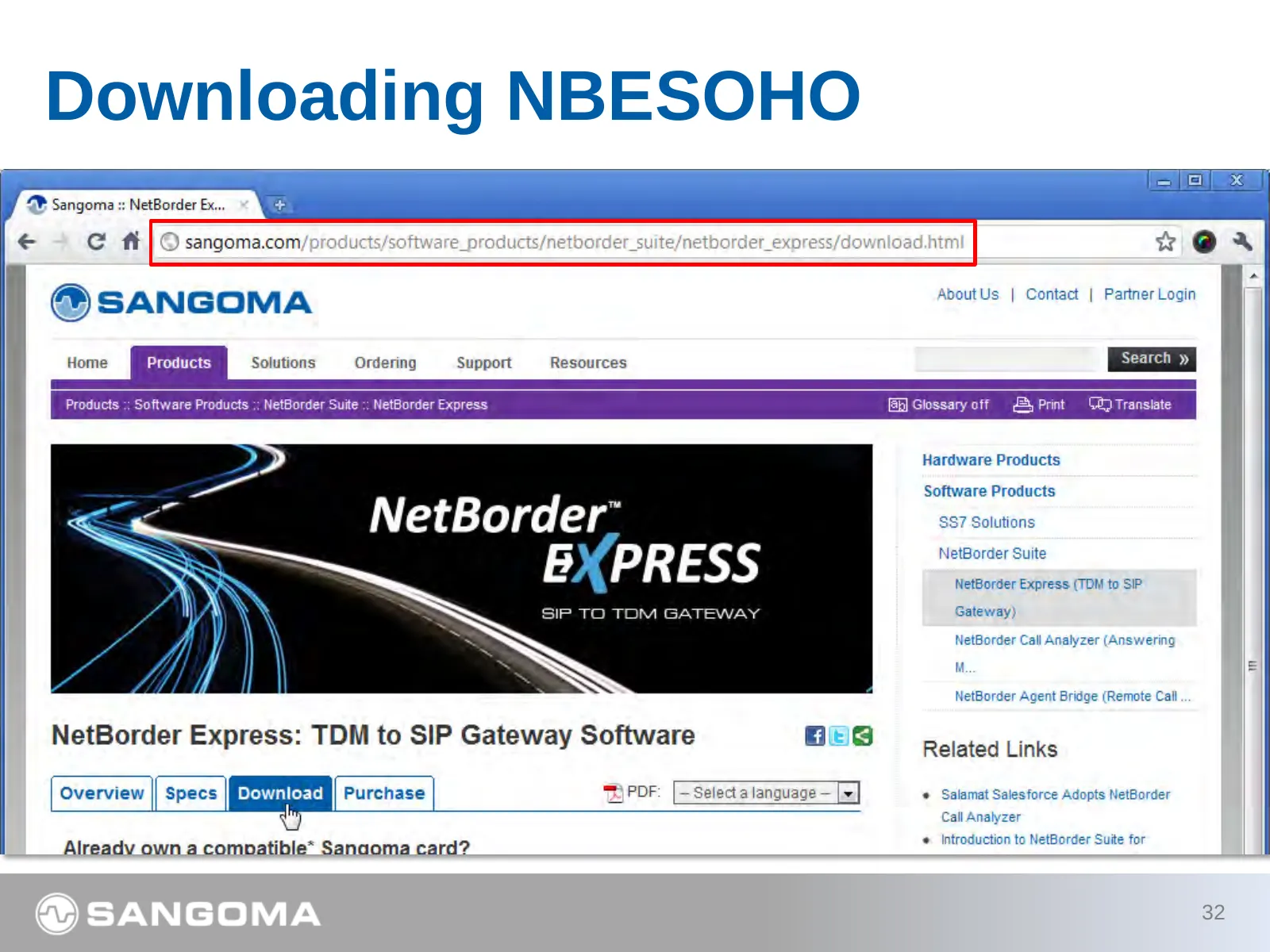
Slide 32: Downloading NBESOHO
Sangoma :: NetBorder Ex... € Cc fi sangoma.com t t S ih WwW e@ a Home F c Solutions Ordering Support Resources Search » NetBorder~™ BX PRESS SIP TO TOM GATEWAY SS NetBorder Express: TDM to SIP Gateway Software f] Related Links Alp por: [Selecta language —[~] = cl Ey Already own a comnatible* Sanaoma
Slide 33: For More Information
For More Information • Web Site : http://sangoma.com/nbe • Wiki : http://wiki.sangoma.com/nbe • Sales : sales@sangoma.com • Support : techdesk@sangoma.com 33
Slide 34: Agenda
Agenda • VoIP Gateways Explained • NetBorder Express Introduction • New Features with Version 4 • Obtaining NetBorder Express • 888VoipStore Partner Presentation • Closing • Q&A 34
Slide 35: 888VoipStore Presentation
888VoipStore Presentation 35
Slide 36: Closing
Closing • VoIP Gateways are essential elements in the transition from Legacy to VoIP networks • NetBorder Express is Sangoma’s Enterprise Class VoIP Gateway – Leverages Sangoma Telephony H/W – Runs on Standard Computer Servers – Brings Software Application Agility – High Level of Integration for OEM
Slide 37: Follow us on
Follow us on: http://twitter.com/Sangoma http://www.facebook.com/SangomaTech 37
Slide 38: Draw
Draw • Thank you for joining our Webinar today • The winner of the Apple iPod Nano is... 38
Slide 39: Stay Connected!
Stay Connected! • Be sure to check back regularly to see other training events: http://sangoma.com/resources/training.htm • Follow us on: http://twitter.com/Sangoma http://www.facebook.com/SangomaTech 39

Slide 40
Source: Internet Archive copy of sangoma.com
More decks from Sangoma Technologies Corporation
 Investor Presentation (February 2026)24 slides · February 2026
 Investor Presentation (February 2026)26 slides · February 2026
 Q1 2026 Earnings Presentation24 slides · Nov 10, 2025
 Investor Presentation (November 2025)23 slides · November 2025
 Investor Presentation (September 2025)24 slides · September 2025
 Investor Presentation (May 2025)28 slides · May 2025