ScanSource, Inc. · NASDAQ:SCSC
ScanSource — CK30 webinar (Intermec web seminar 2003)
19 slides from ScanSource's conference presentation, 2003
Slide 1: Introducing CK30 Handheld Computer
Introducing CK30 Handheld Computer
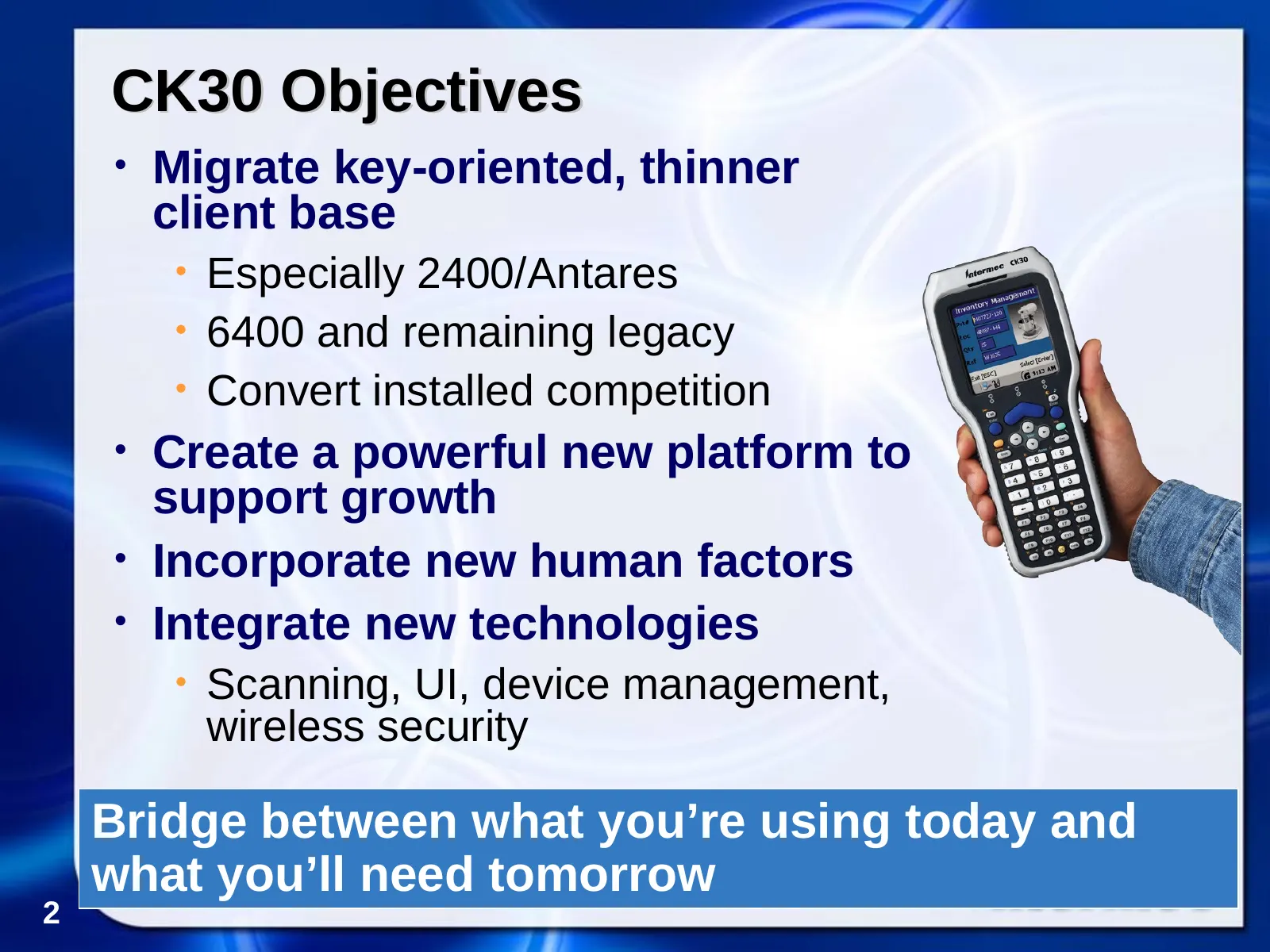
Slide 2: CK30 Objectives
CK30 Objectives • Migrate key-oriented, thinner client base • Especially 2400/Antares • 6400 and remaining legacy • Convert installed competition • Create a powerful new platform to support growth • Incorporate new human factors • Integrate new technologies • Scanning, UI, device management, wireles
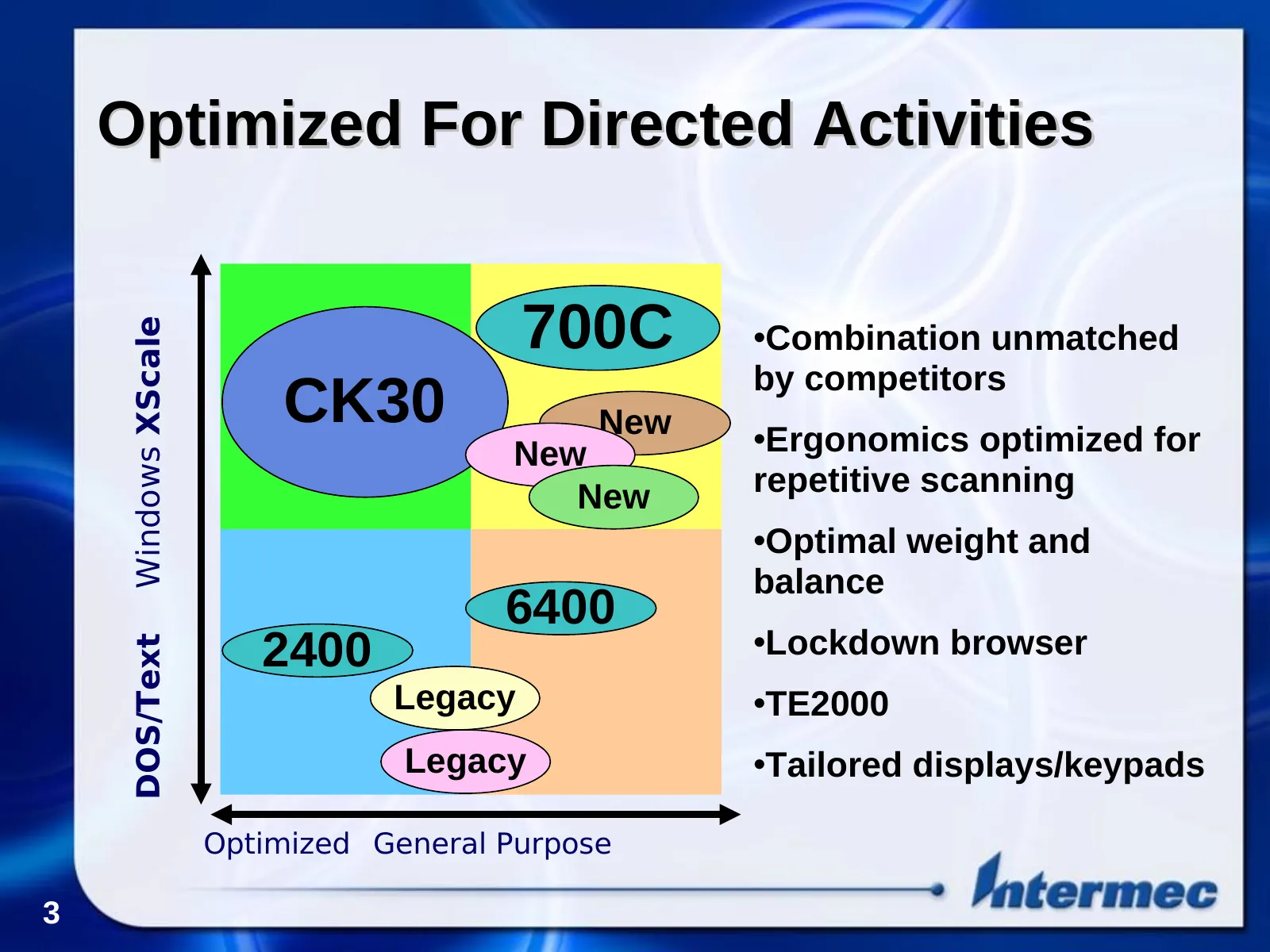
Slide 3: Optimized For Directed Activities
Optimized For Directed Activities 700C Windows XScale •Combination unmatched by competitors CK30 New •Ergonomics optimized for New New repetitive scanning •Optimal weight and balance 6400 2400 •Lockdown browser DOS/Text Legacy •TE2000 Legacy •Tailored displays/keypads Optimized General Purpose 3
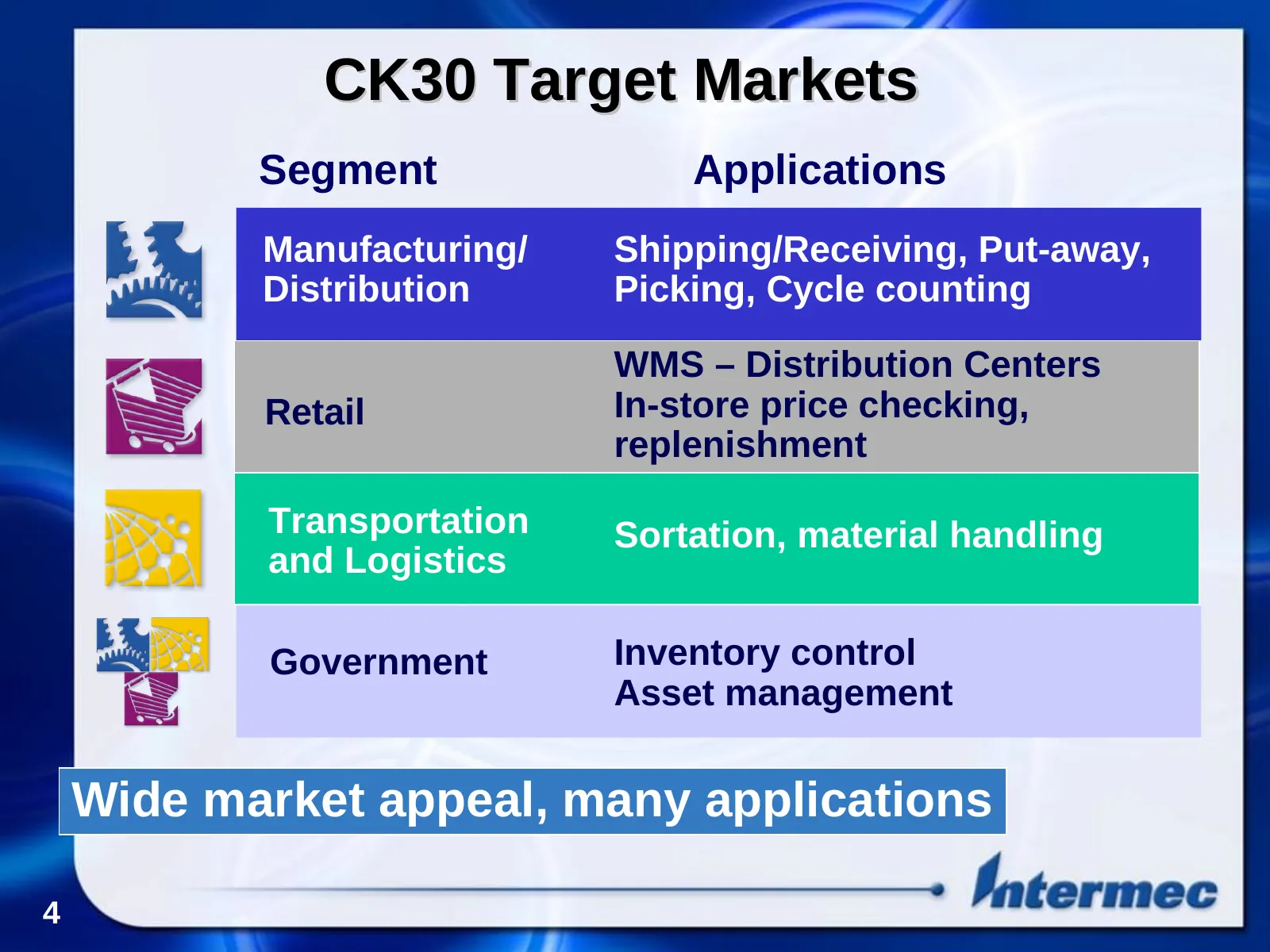
Slide 4: CK30 Target Markets
CK30 Target Markets Segment Applications Manufacturing/ Shipping/Receiving, Put-away, Distribution Picking, Cycle counting WMS – Distribution Centers Retail In-store price checking, replenishment Transportation Sortation, material handling and Logistics Government Inventory control Asset management
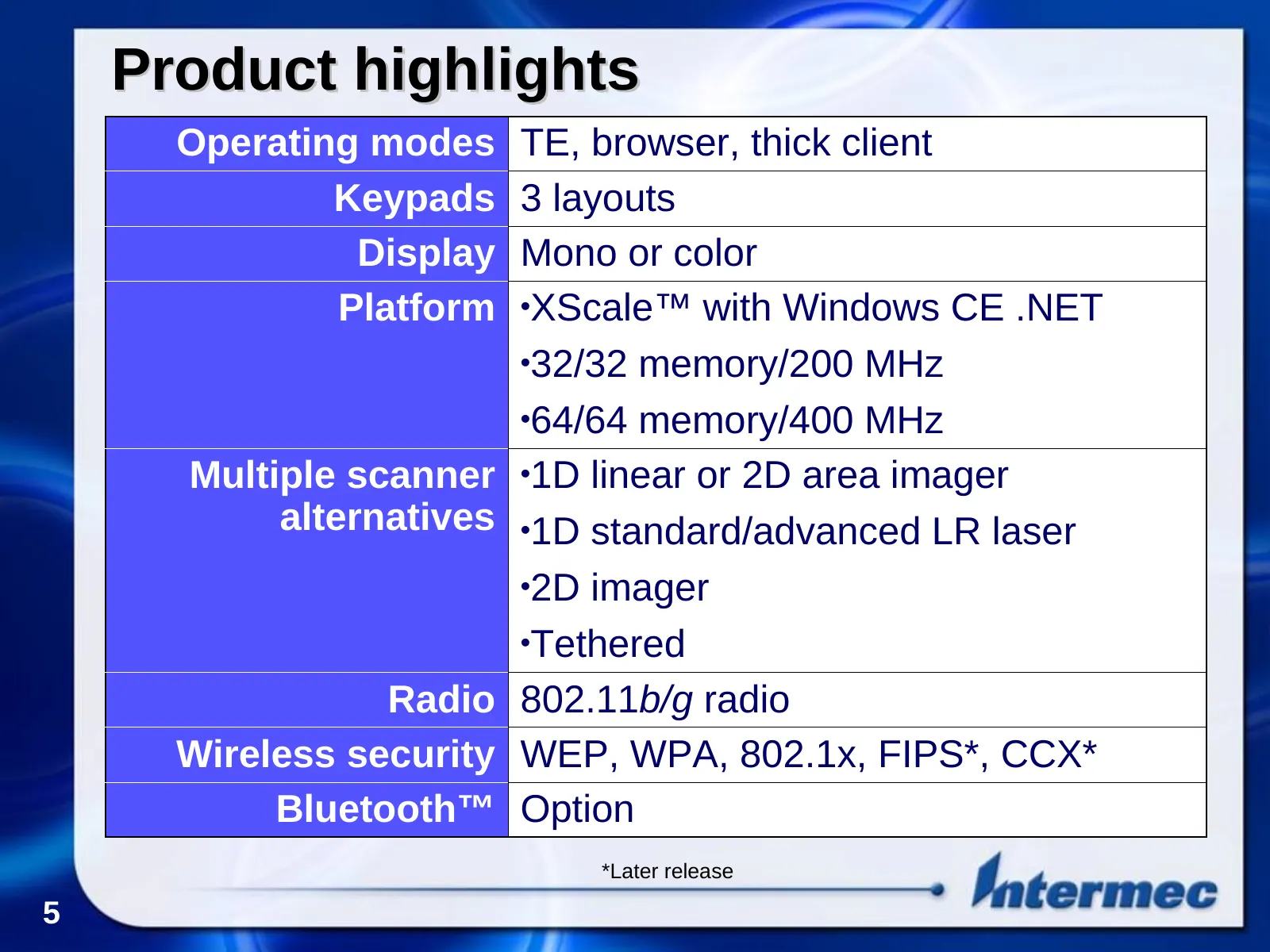
Slide 5: Product highlights
Product highlights Operating modes TE, browser, thick client Keypads 3 layouts Display Mono or color Platform •XScale™ with Windows CE .NET •32/32 memory/200 MHz •64/64 memory/400 MHz Multiple scanner •1D linear or 2D area imager alternatives •1D standard/advanced LR laser •2D imager •Tethered Radio
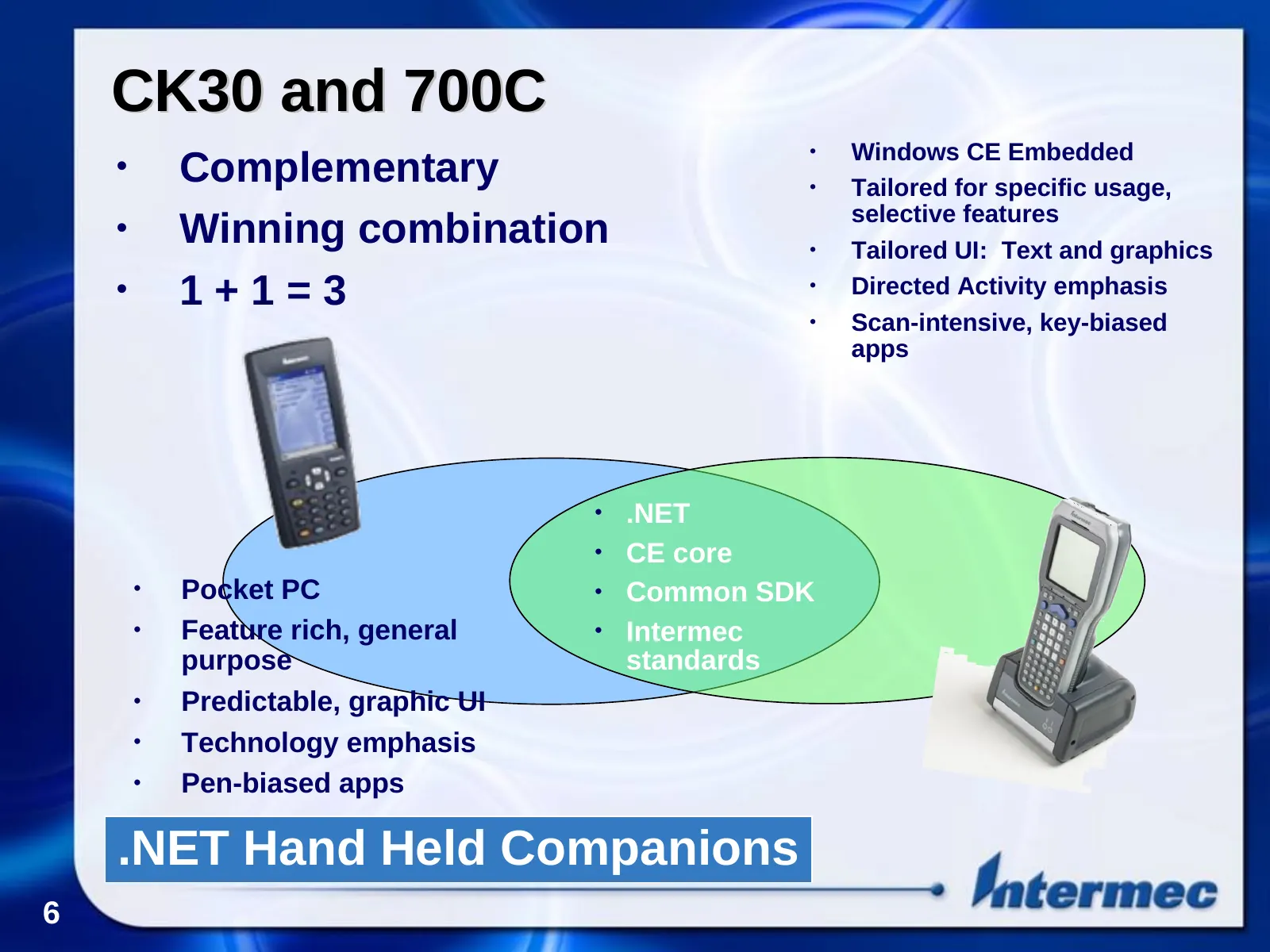
Slide 6: CK30 and 700C
CK30 and 700C • Windows CE Embedded • Complementary • Tailored for specific usage, selective features • Winning combination • Tailored UI: Text and graphics • 1+1=3 • Directed Activity emphasis • Scan-intensive, key-biased apps • .NET • CE core • Pocket PC • Common SDK • Feature rich, general • Inte
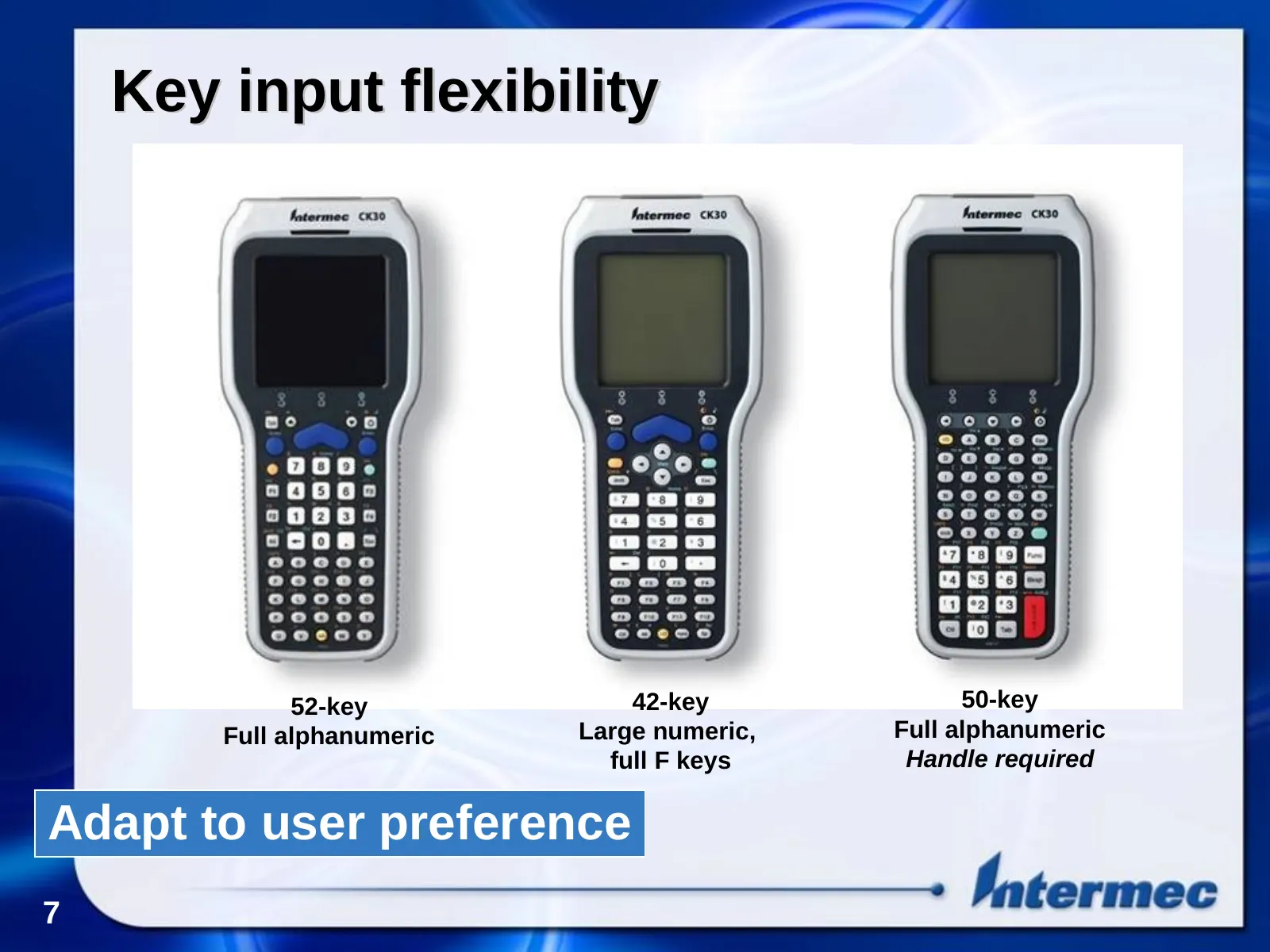
Slide 7: Key input flexibility
Key input flexibility 52-key 42-key 50-key Full alphanumeric Large numeric, Full alphanumeric full F keys Handle required Adapt to user preference 7
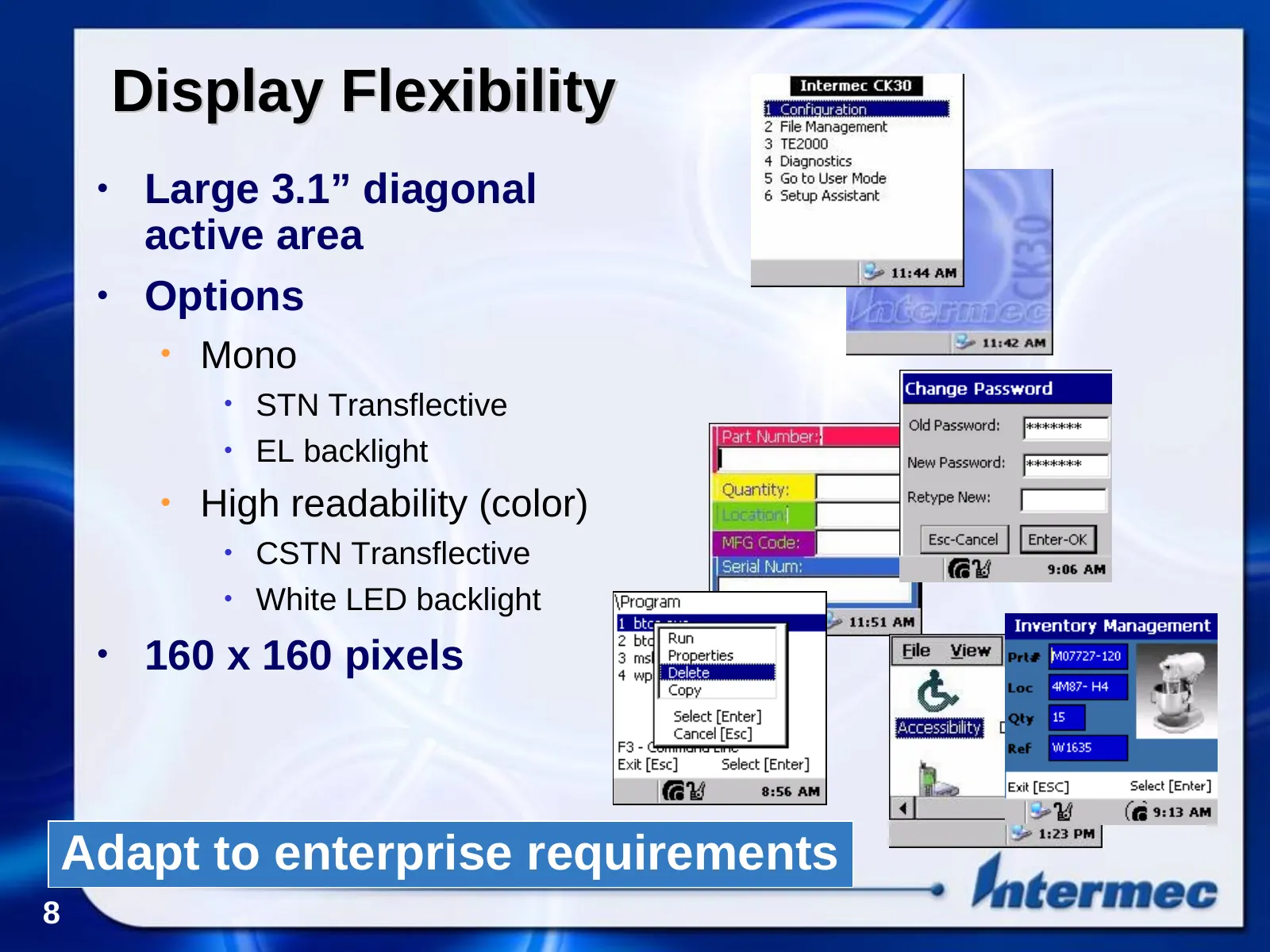
Slide 8: Display Flexibility
Display Flexibility • Large 3.1” diagonal active area • Options • Mono • STN Transflective • EL backlight • High readability (color) • CSTN Transflective • White LED backlight • 160 x 160 pixels Adapt to enterprise requirements 8
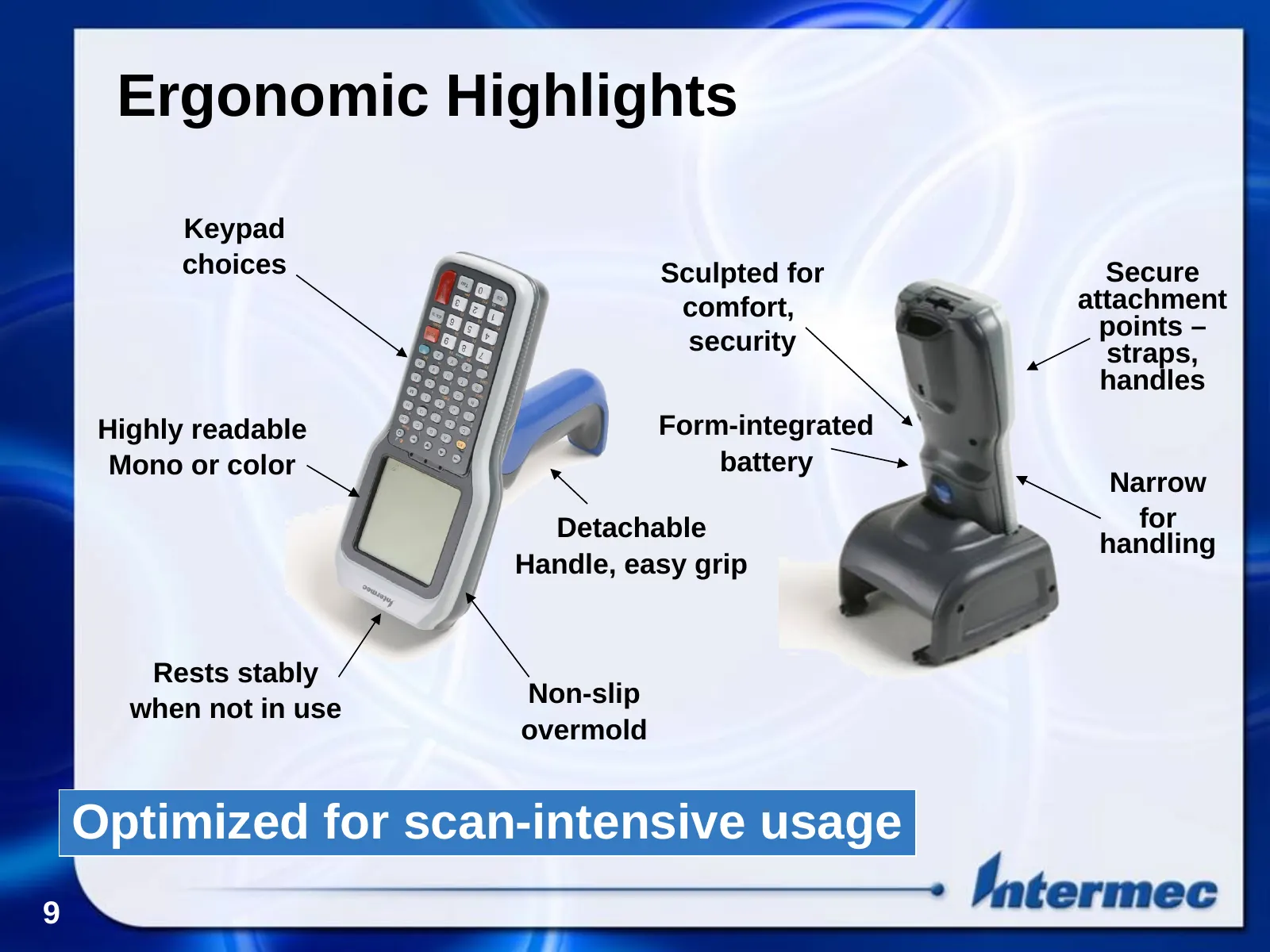
Slide 9: Ergonomic Highlights
Ergonomic Highlights Keypad choices Sculpted for Secure comfort, attachment points – security straps, handles Highly readable Form-integrated Mono or color battery Narrow Detachable for handling Handle, easy grip Rests stably Non-slip when not in use overmold Optimized for scan-intensive usage 9
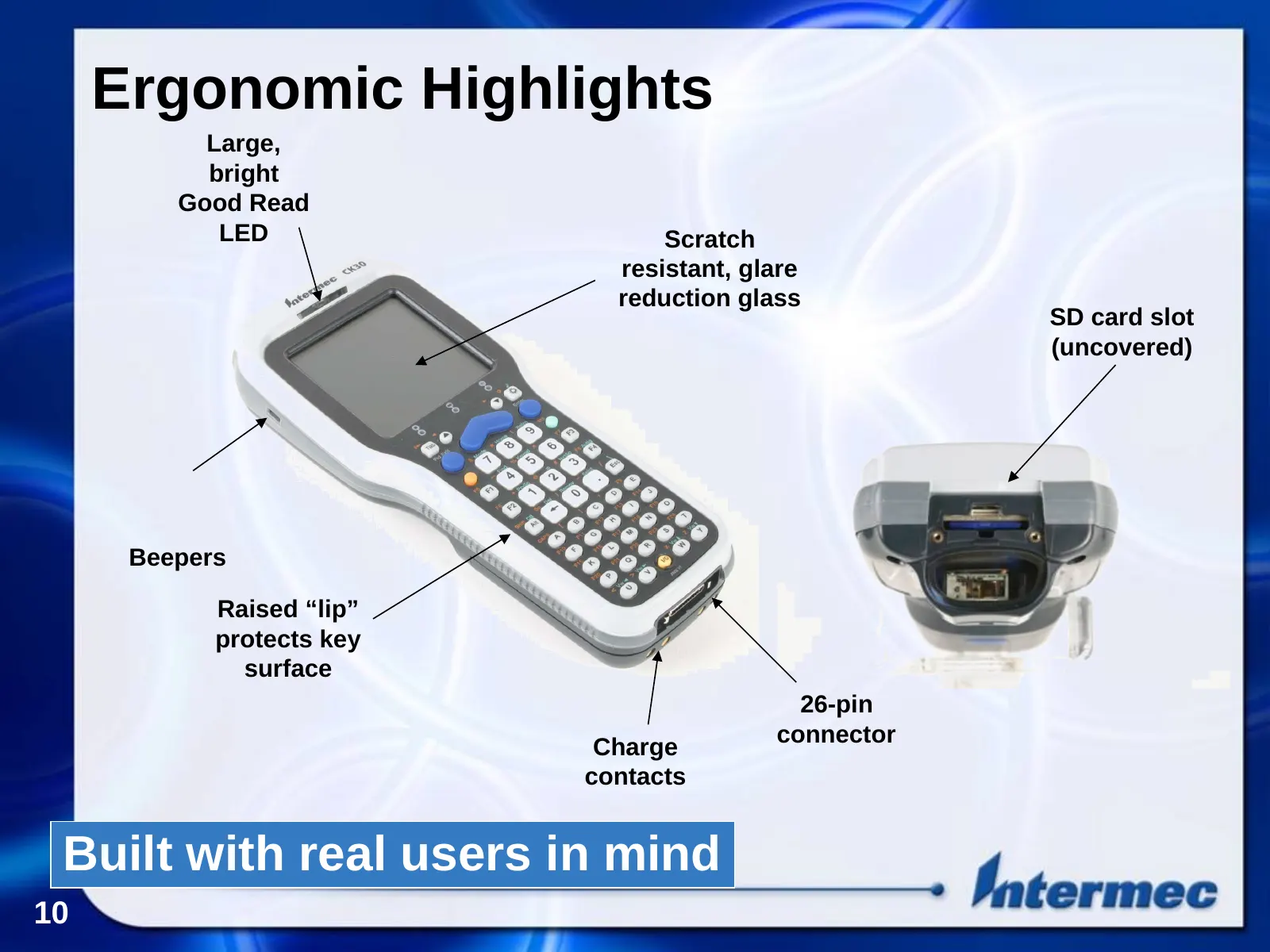
Slide 10: Ergonomic Highlights
Ergonomic Highlights Large, bright Good Read LED Scratch resistant, glare reduction glass SD card slot (uncovered) Beepers Raised “lip” protects key surface 26-pin connector Charge contacts Built with real users in mind 10
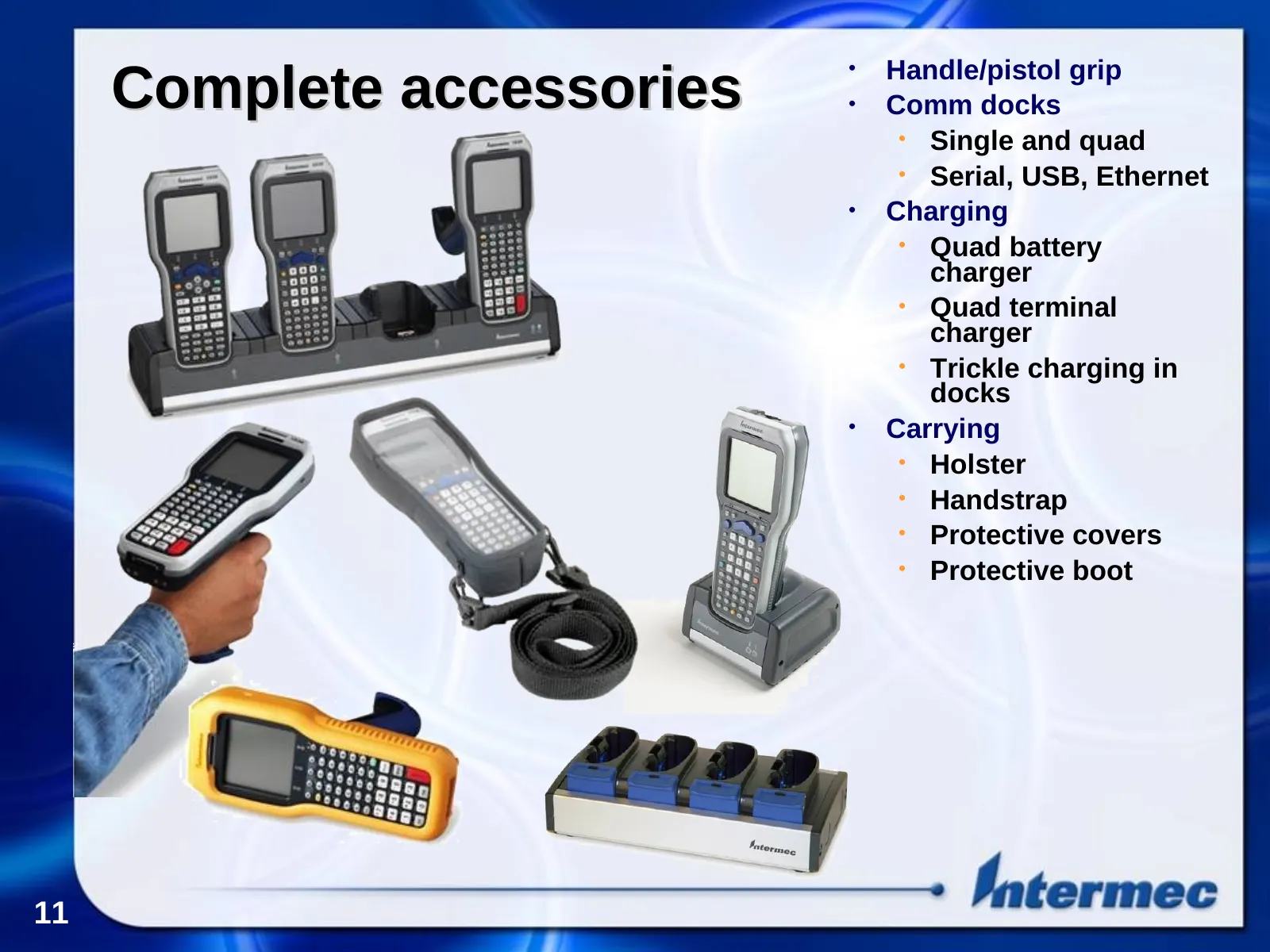
Slide 11: Complete accessories
Complete accessories Handle/pistol grip • • Comm docks • Single and quad • Serial, USB, Ethernet • Charging • Quad battery charger • Quad terminal charger • Trickle charging in docks • Carrying • Holster • Handstrap • Protective covers • Protective boot 11
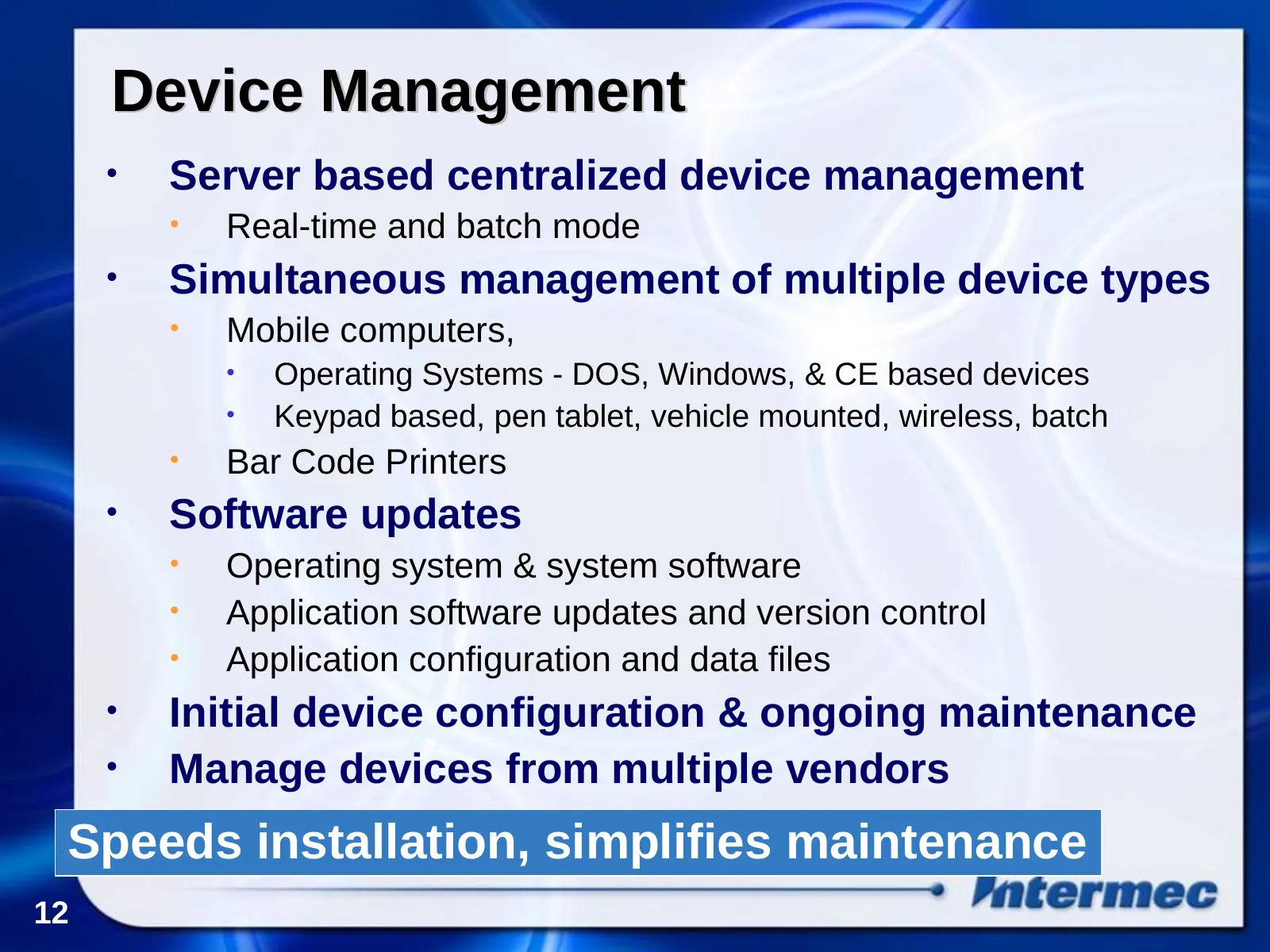
Slide 12: Device Management
Device Management • Server based centralized device management • Real-time and batch mode • Simultaneous management of multiple device types • Mobile computers, • Operating Systems - DOS, Windows, & CE based devices • Keypad based, pen tablet, vehicle mounted, wireless, batch • Bar Code Printers • S
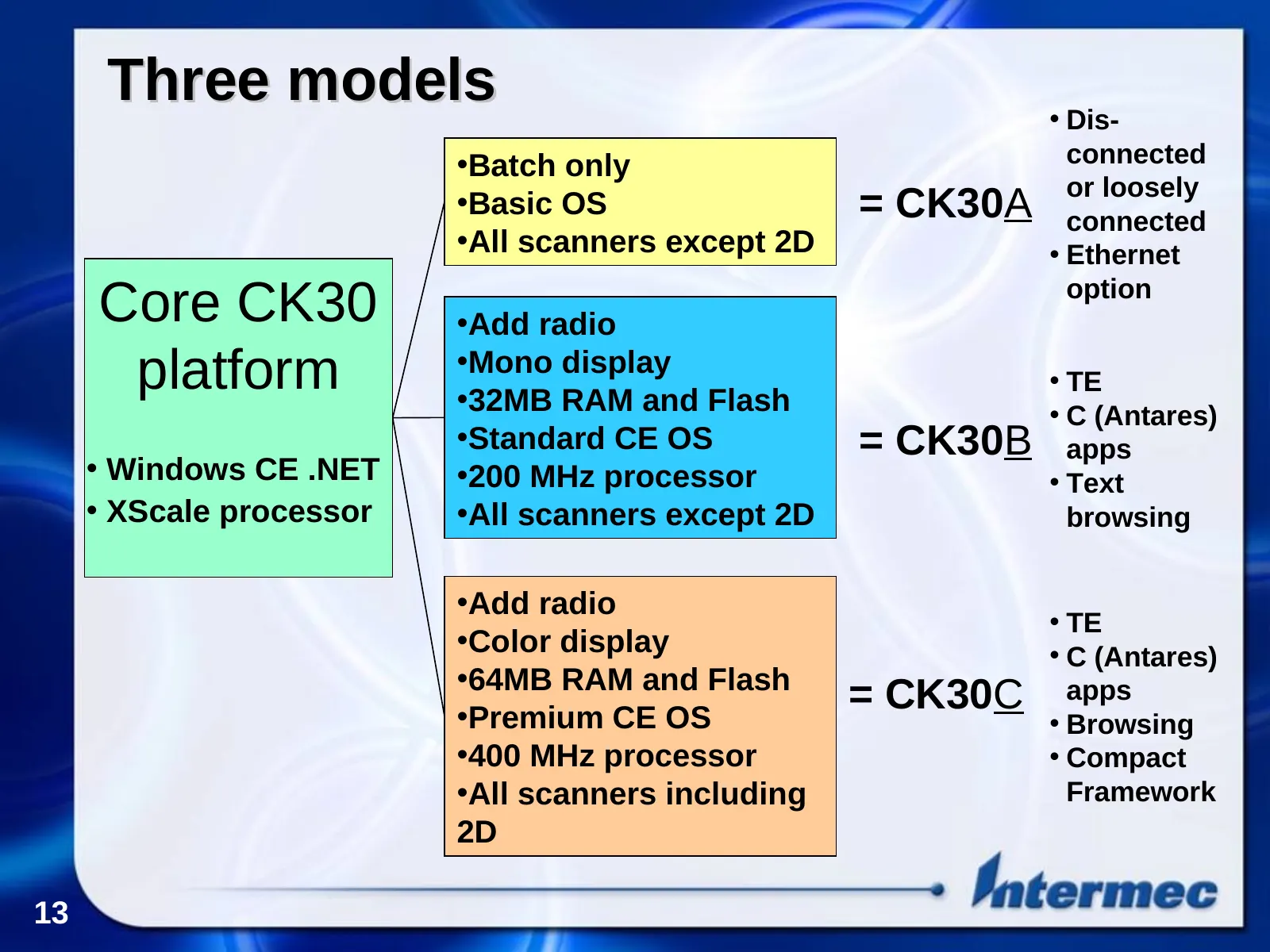
Slide 13: Three models Core CK30 platform
Three models • Dis- •Batch only connected •Basic OS = CK30A or loosely connected •All scanners except 2D • Ethernet Core CK30 •Add radio option platform •Mono display •32MB RAM and Flash • TE • C (Antares) •Standard CE OS = CK30B apps • Windows CE .NET •200 MHz processor • Text • XScale processor •A
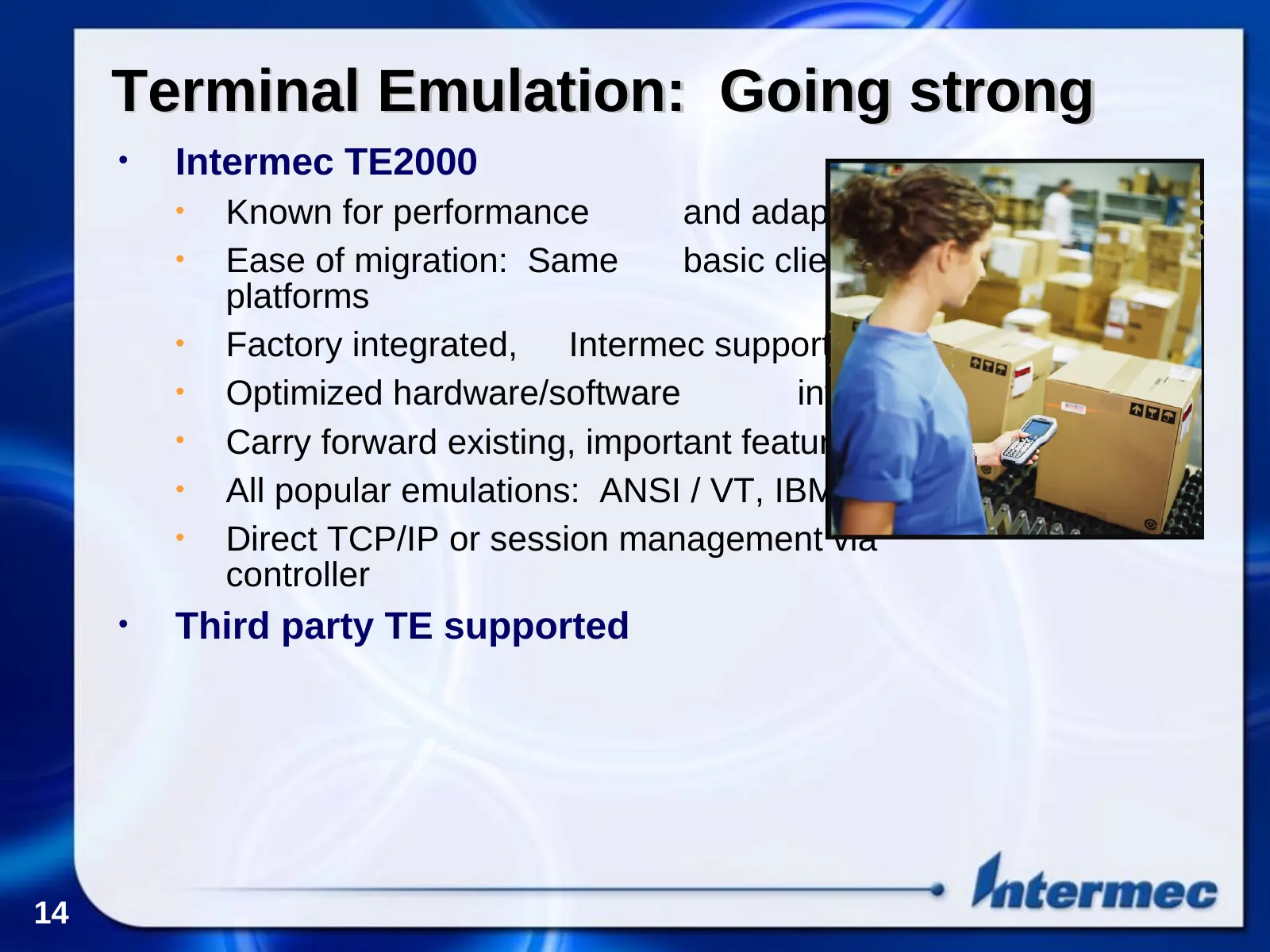
Slide 14: Terminal Emulation: Going strong
Terminal Emulation: Going strong • Intermec TE2000 • Known for performance and adaptability • Ease of migration: Same basic client, different platforms • Factory integrated, Intermec supported • Optimized hardware/software integration • Carry forward existing, important features • All popular emulat
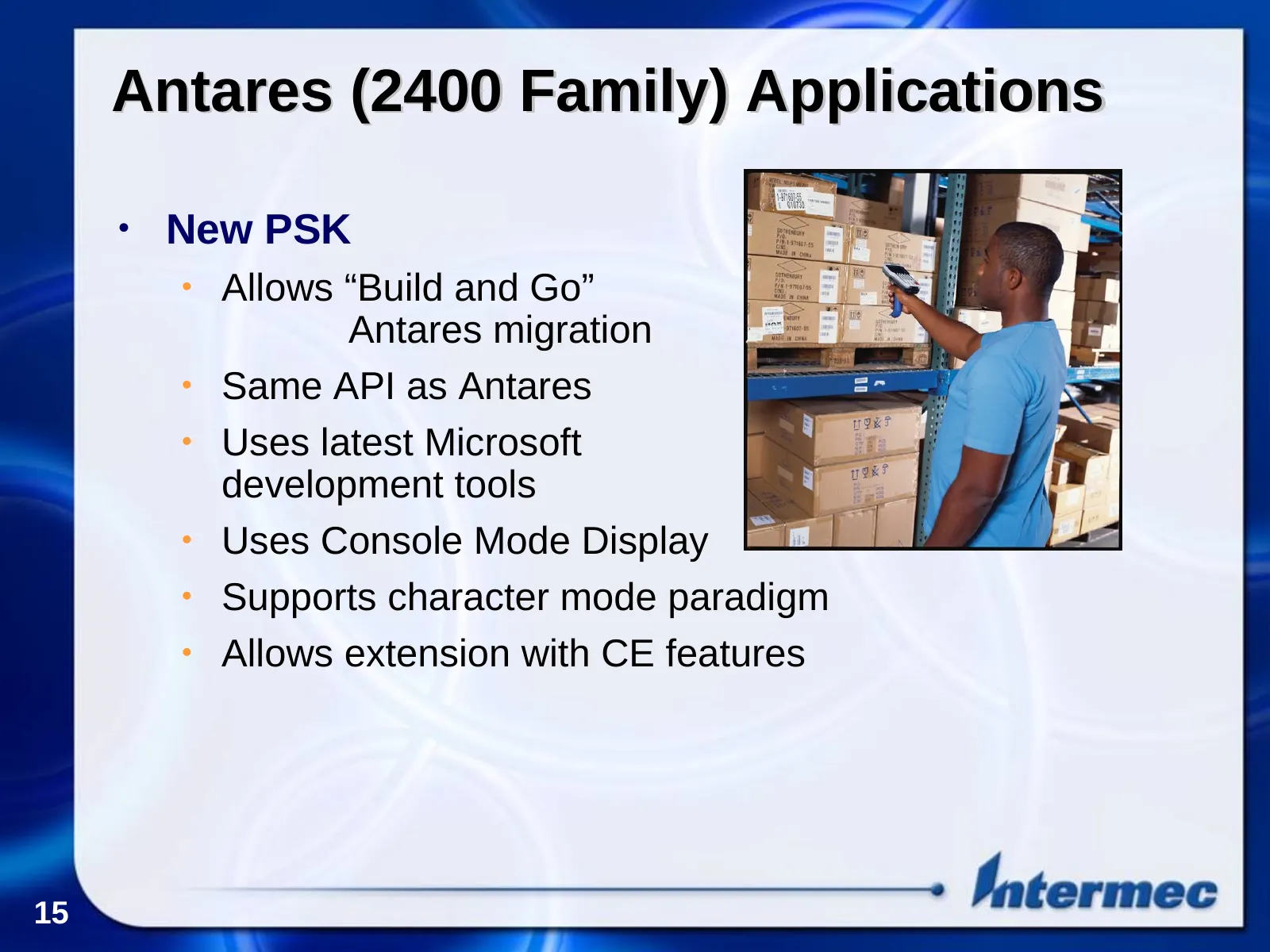
Slide 15: Antares (2400 Family) Applications
Antares (2400 Family) Applications • New PSK • Allows “Build and Go” Antares migration • Same API as Antares • Uses latest Microsoft development tools • Uses Console Mode Display • Supports character mode paradigm • Allows extension with CE features 15
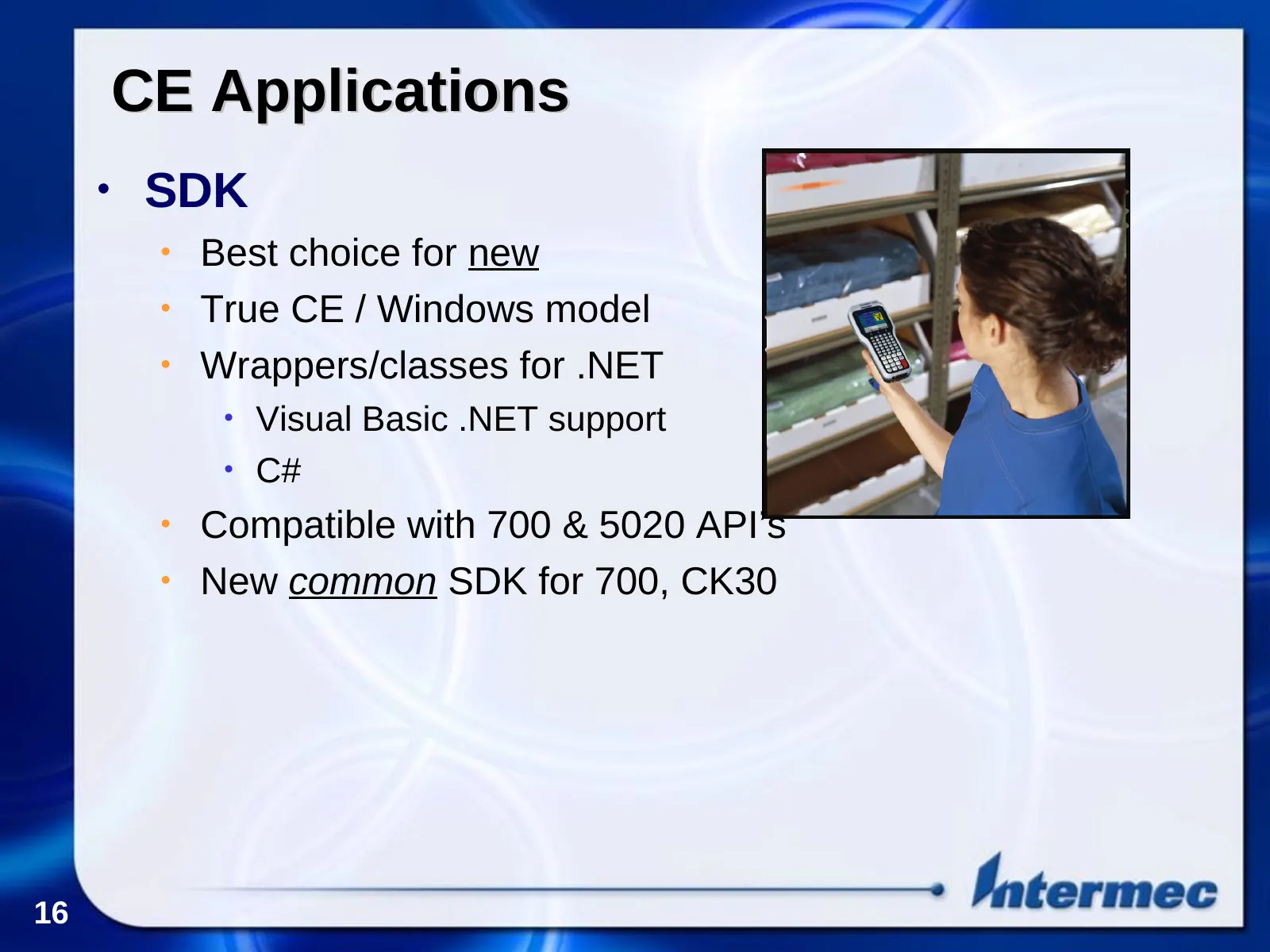
Slide 16: CE Applications
CE Applications • SDK • Best choice for new ``development • True CE / Windows model • Wrappers/classes for .NET • Visual Basic .NET support • C# • Compatible with 700 & 5020 API’s • New common SDK for 700, CK30 16
Slide 17: .NET and the Compact Framework
.NET and the Compact Framework • Interoperabilty: “Write once, run many” • Many languages, one operating system • Cross-platform development • Fully supports XML and Web Services • Faster development • Extendable Development Environment • Visual Studio .NET • Intermec extensions 17
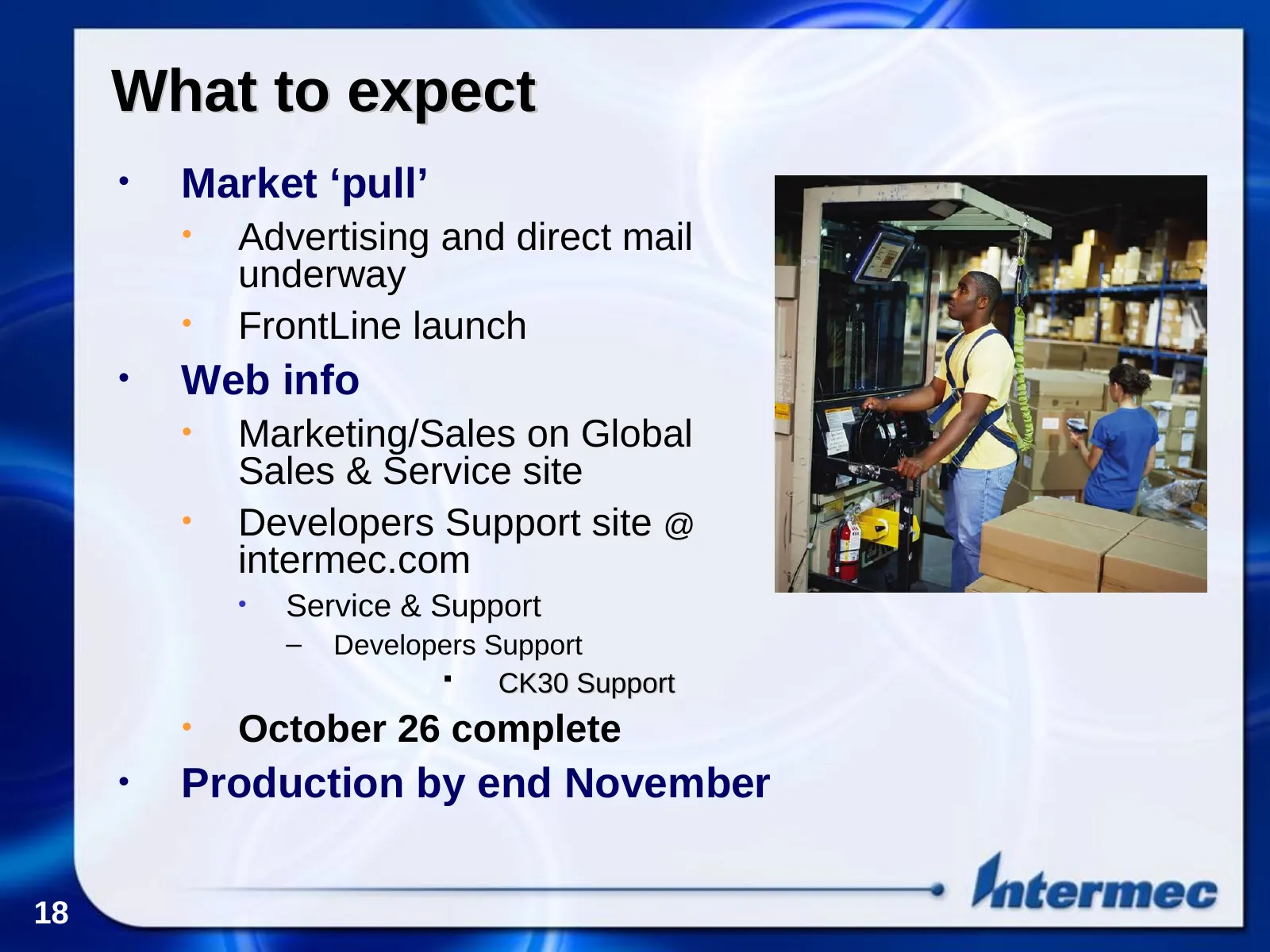
Slide 18: What to expect
What to expect • Market ‘pull’ • Advertising and direct mail underway • FrontLine launch • Web info • Marketing/Sales on Global Sales & Service site • Developers Support site @ intermec.com • Service & Support – Developers Support CK30 Support • October 26 complete • Production by end November 18
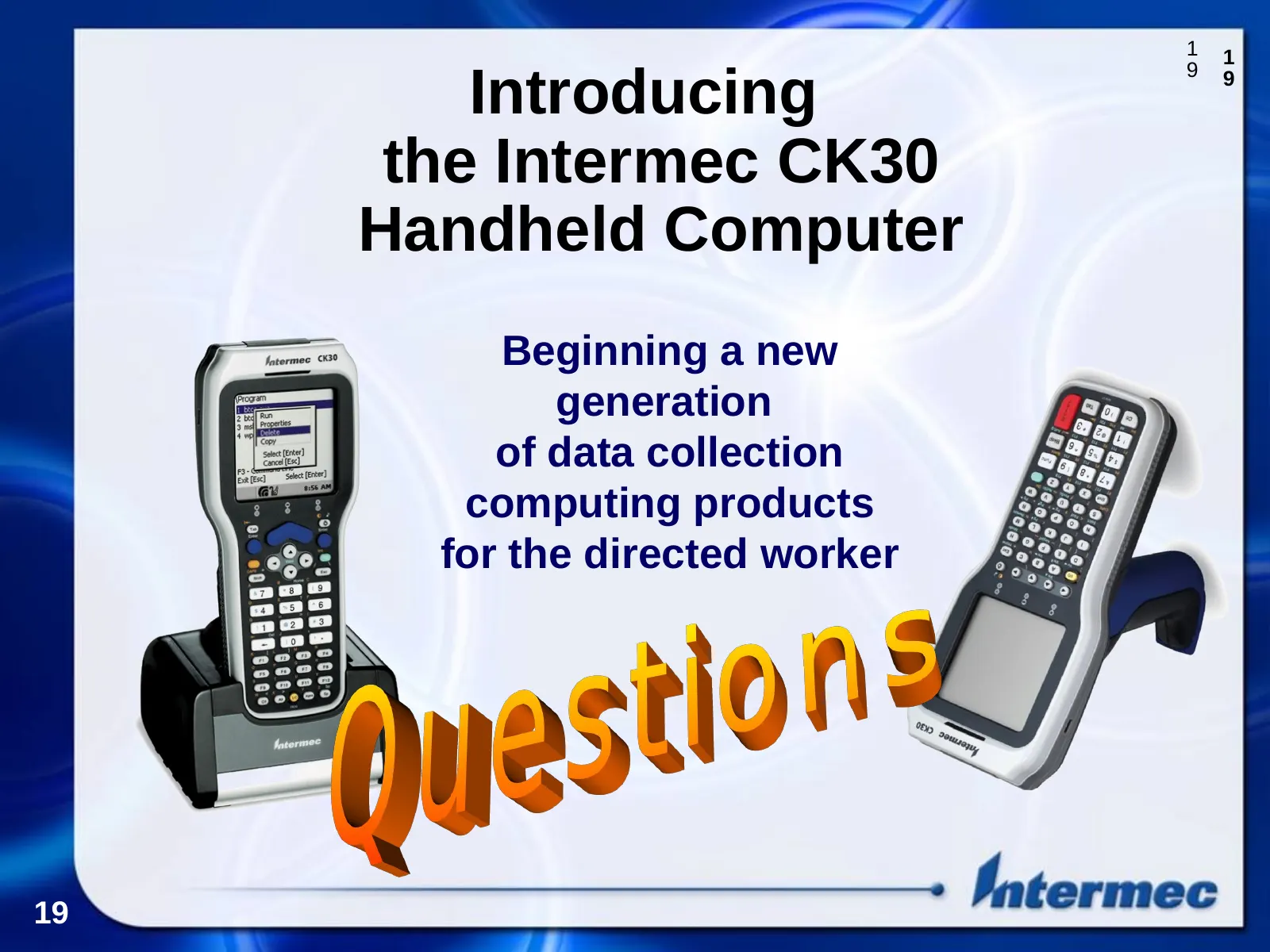
Slide 19: Introducing the Intermec CK30 Handheld Computer
1 1 Introducing 9 9 the Intermec CK30 Handheld Computer Beginning a new generation of data collection computing products for the directed worker 19
Source: Internet Archive copy of scansource.com
More decks from ScanSource, Inc.
 Investor Presentation (November 2026)33 slides · November 2026
 Investor Presentation (August 2026)34 slides · August 2026
 Investor Presentation (May 2026)37 slides · May 2026
 Investor Presentation (February 2026)36 slides · February 2026
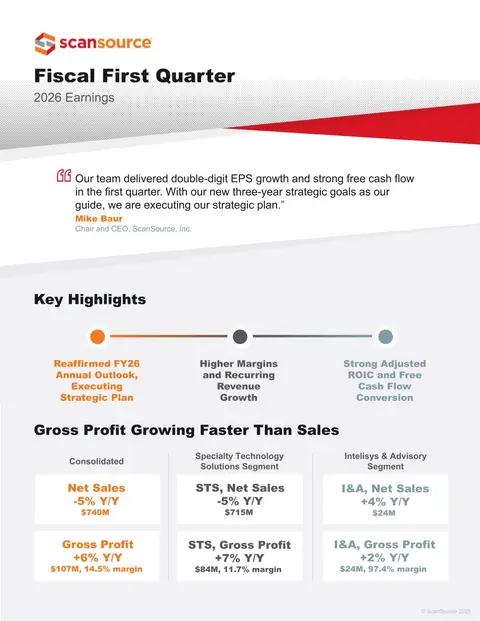 Q1 FY2026 Earnings Presentation16 slides · Nov 6, 2025
 Investor Presentation (November 2025)36 slides · November 2025