Analog Devices, Inc. · NASDAQ:ADI
Analog Devices — Technical Presentation (December 2008)
34 slides from Analog Devices's technical presentation, December 2008
Slide 1: Blackfin Device Drivers
The World Leader in High Performance Signal Processing Solutions Blackfin Device Drivers Presented By: David Lannigan
Slide 2: About this Module
About this Module This module discusses the device driver model for the Blackfin family of processors. It is recommended that users should have an understanding of the Blackfin architecture and is familiar with the Blackfin System Services software. 2
Slide 3: Module Outline
Module Outline ! Overview " General Information ! Common conventions, terminology, return codes etc. ! Device Driver API ! Buffers ! Dataflow Methods ! UART example (VisualDSP, December 2005 update) 3
Slide 4: Device Driver Model
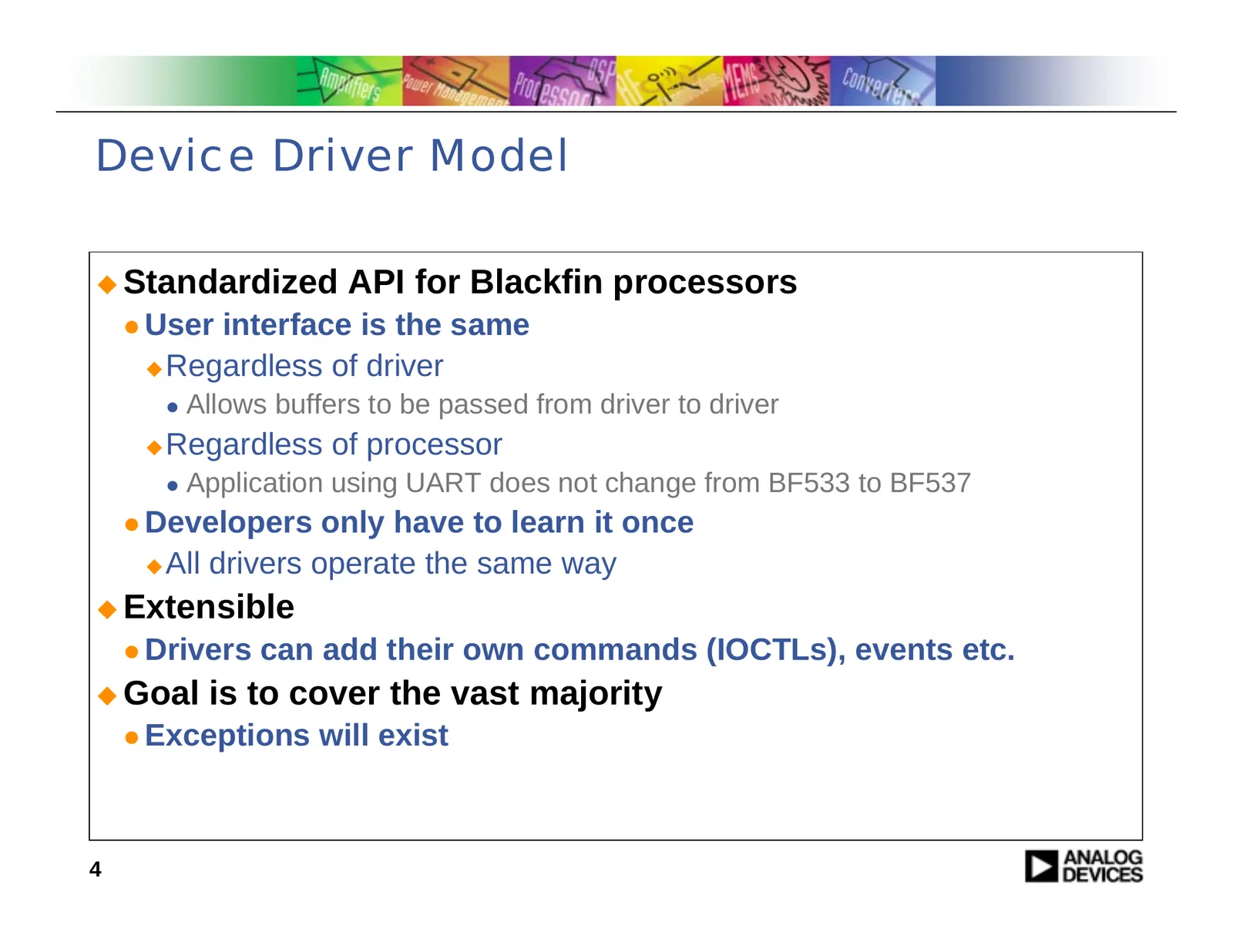
Device Driver Model ! Standardized API for Blackfin processors " User interface is the same ! Regardless of driver " Allows buffers to be passed from driver to driver ! Regardless of processor " Application using UART does not change from BF533 to BF537 " Developers only have to learn it once ! All
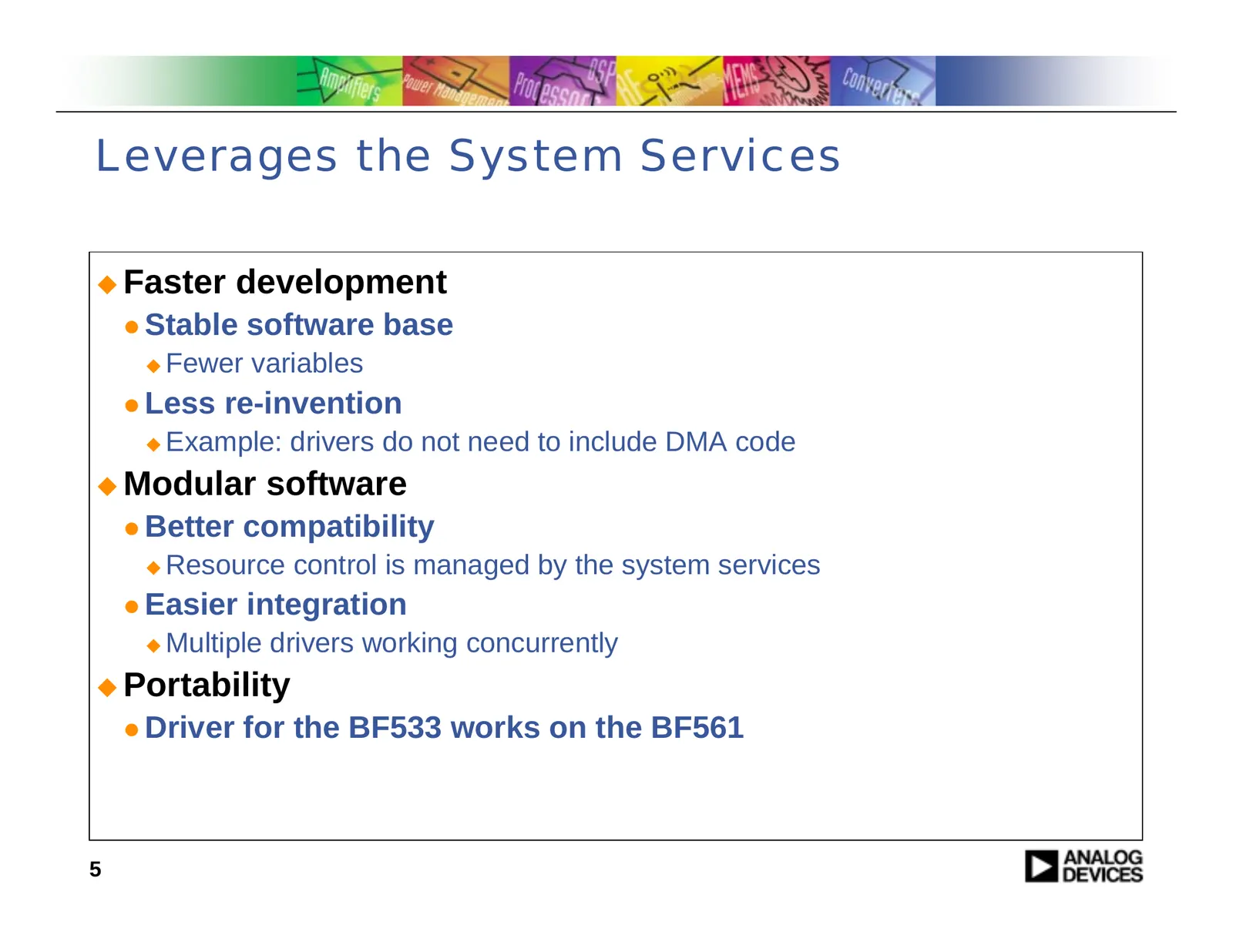
Slide 5: Leverages the System Services
Leverages the System Services ! Faster development " Stable software base ! Fewer variables " Less re-invention ! Example: drivers do not need to include DMA code ! Modular software " Better compatibility ! Resource control is managed by the system services " Easier integration ! Multiple drivers wo
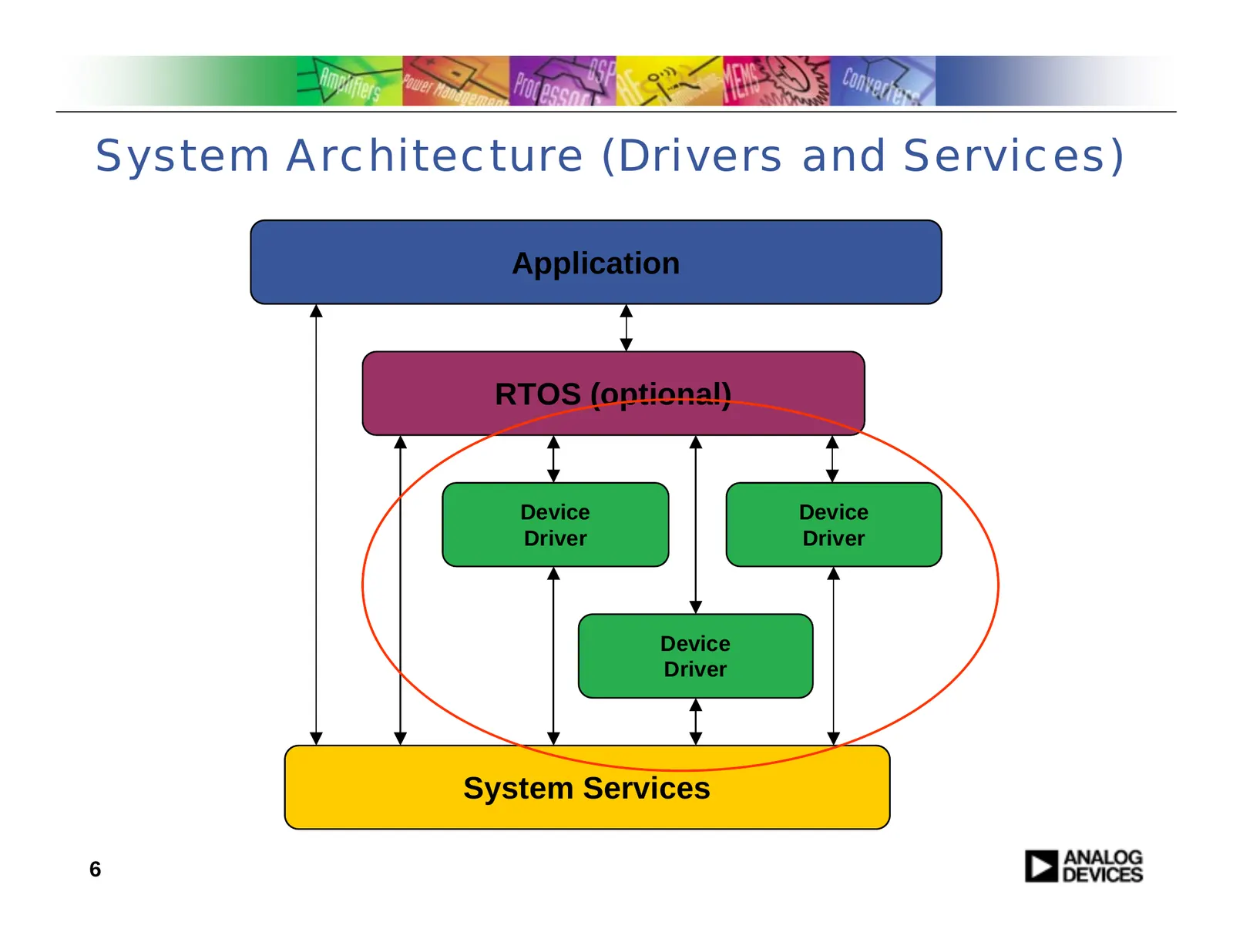
Slide 6: System Architecture (Drivers and Services)
System Architecture (Drivers and Services) Application RTOS (optional) Device Device Driver Driver Device Driver System Services 6
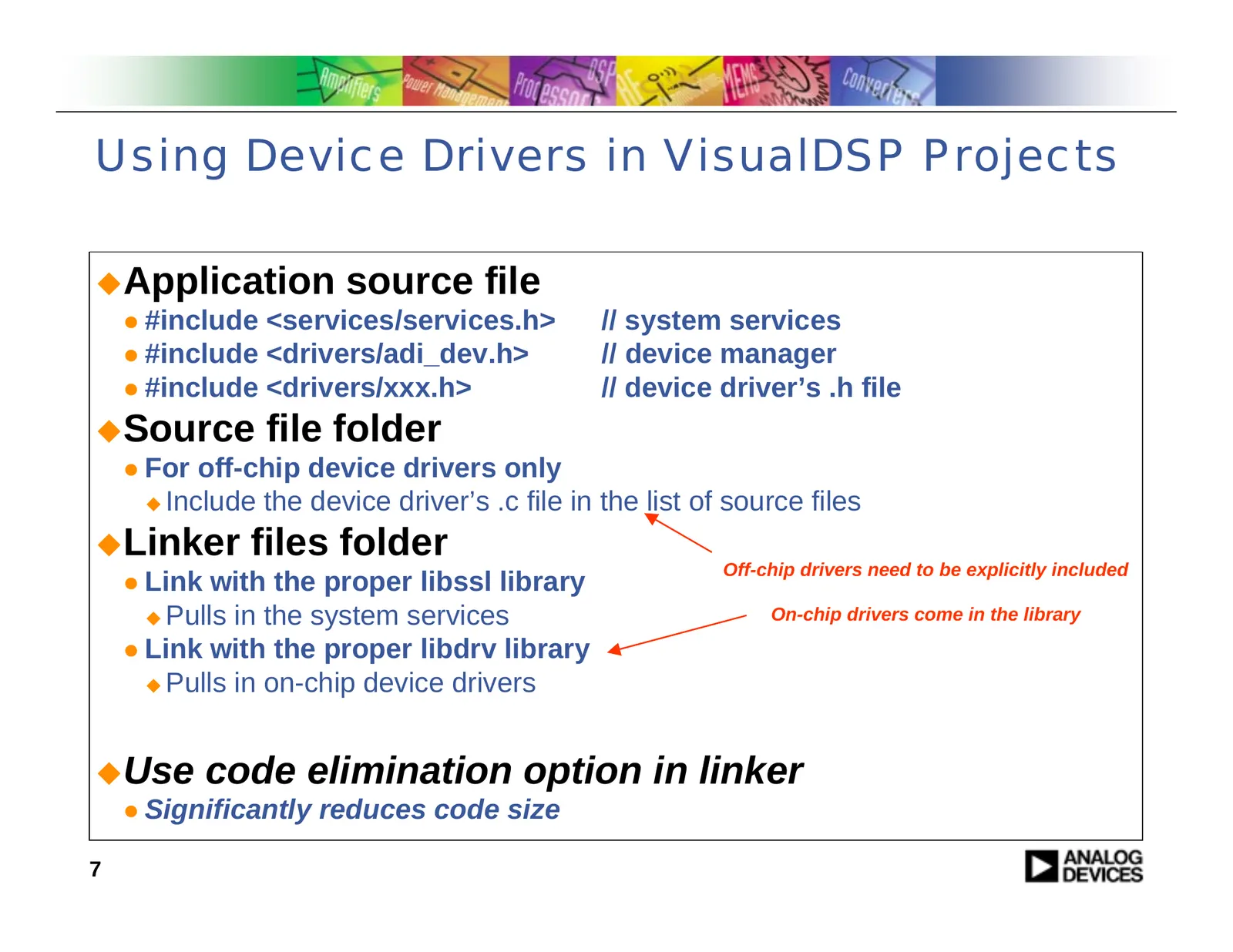
Slide 7: Using Device Drivers in VisualDSP Projects
Using Device Drivers in VisualDSP Projects !Application source file " #include <services/services.h> // system services " #include <drivers/adi_dev.h> // device manager " #include <drivers/xxx.h> // device driver’s .h file !Source file folder " For off-chip device drivers only ! Include the device d
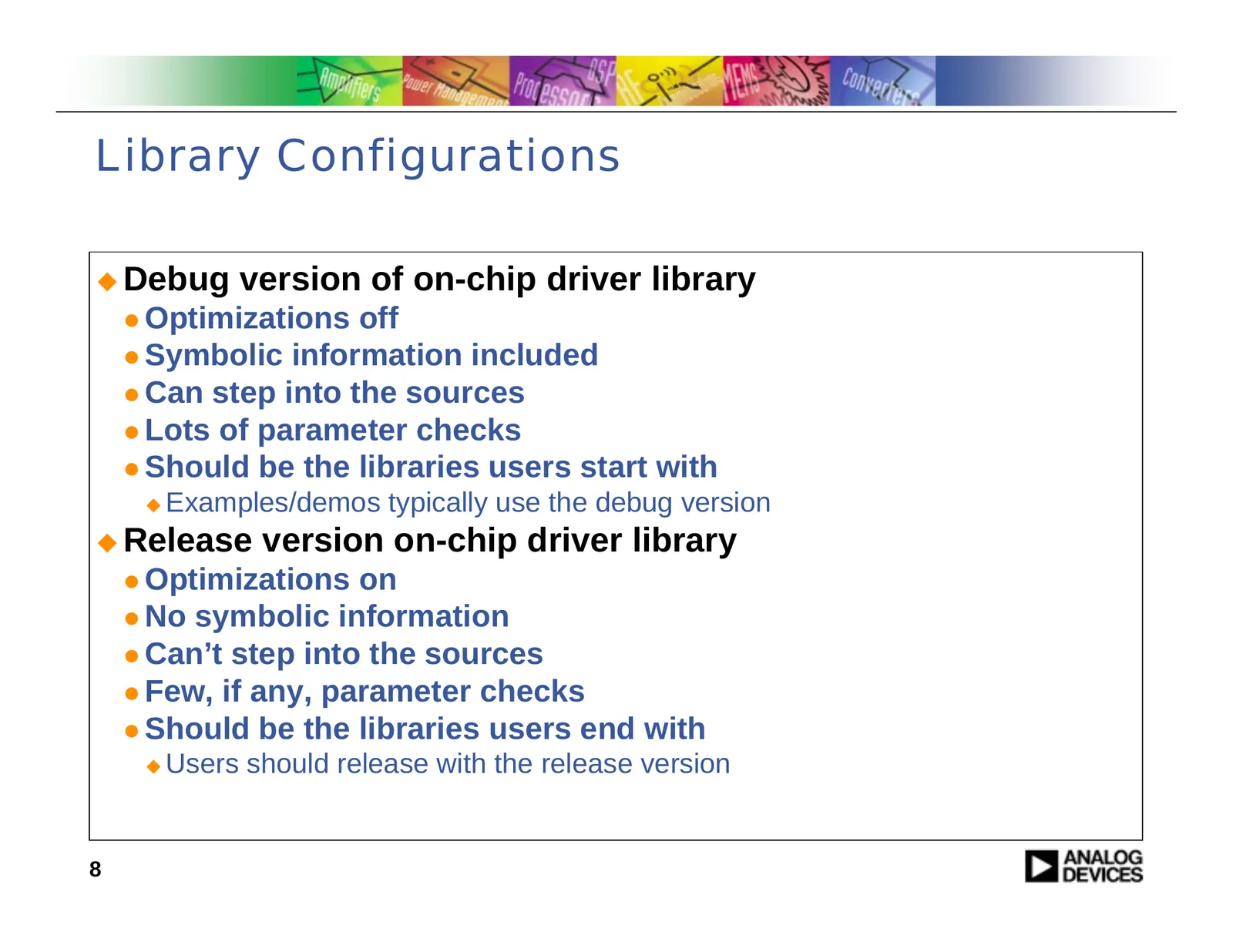
Slide 8: Library Configurations
Library Configurations ! Debug version of on-chip driver library " Optimizations off " Symbolic information included " Can step into the sources " Lots of parameter checks " Should be the libraries users start with ! Examples/demos typically use the debug version ! Release version on-chip driver lib
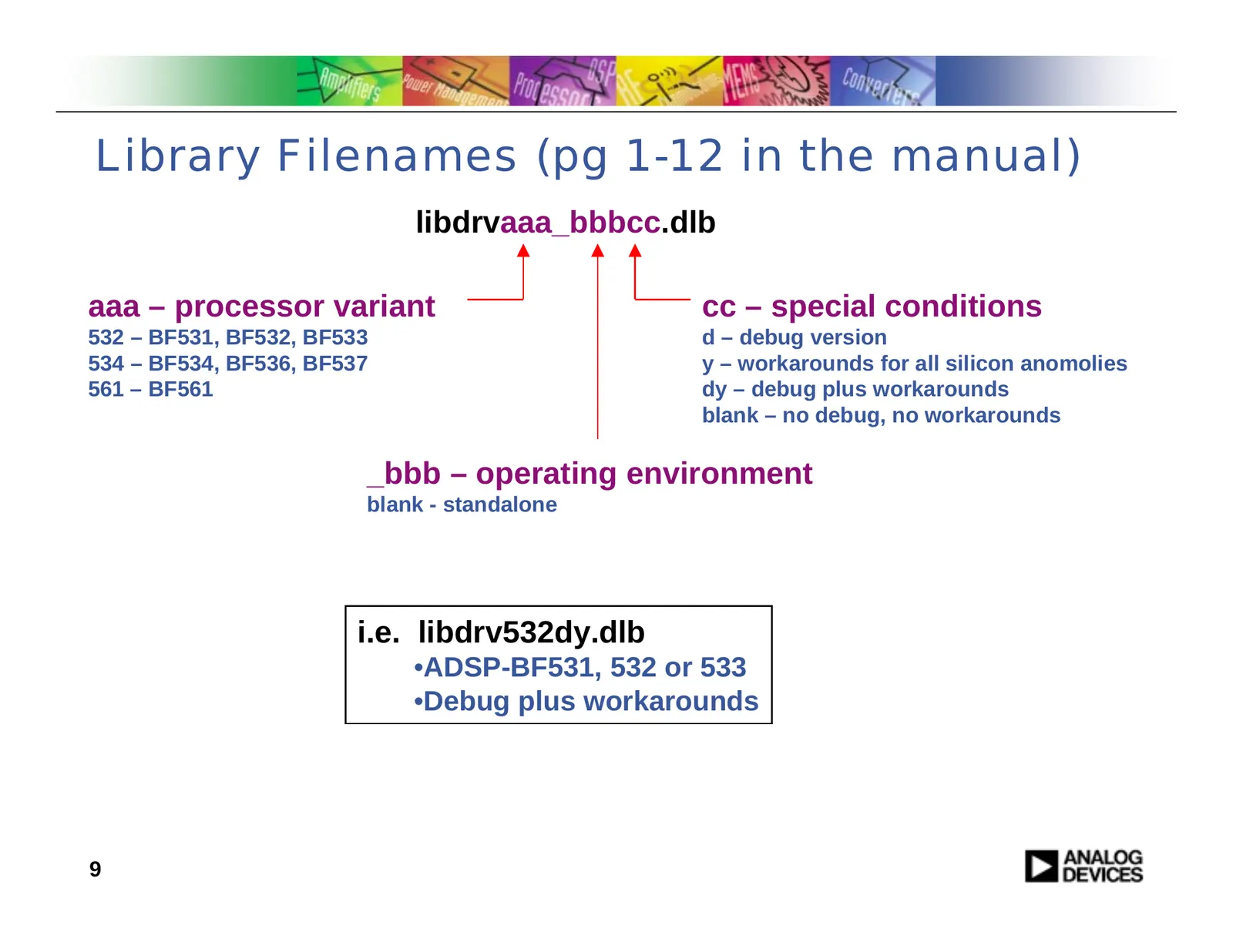
Slide 9: Library Filenames (pg 1-12 in the manual)
Library Filenames (pg 1-12 in the manual) libdrvaaa_bbbcc.dlb aaa – processor variant cc – special conditions 532 – BF531, BF532, BF533 d – debug version 534 – BF534, BF536, BF537 y – workarounds for all silicon anomolies 561 – BF561 dy – debug plus workarounds blank – no debug, no workarounds _bbb
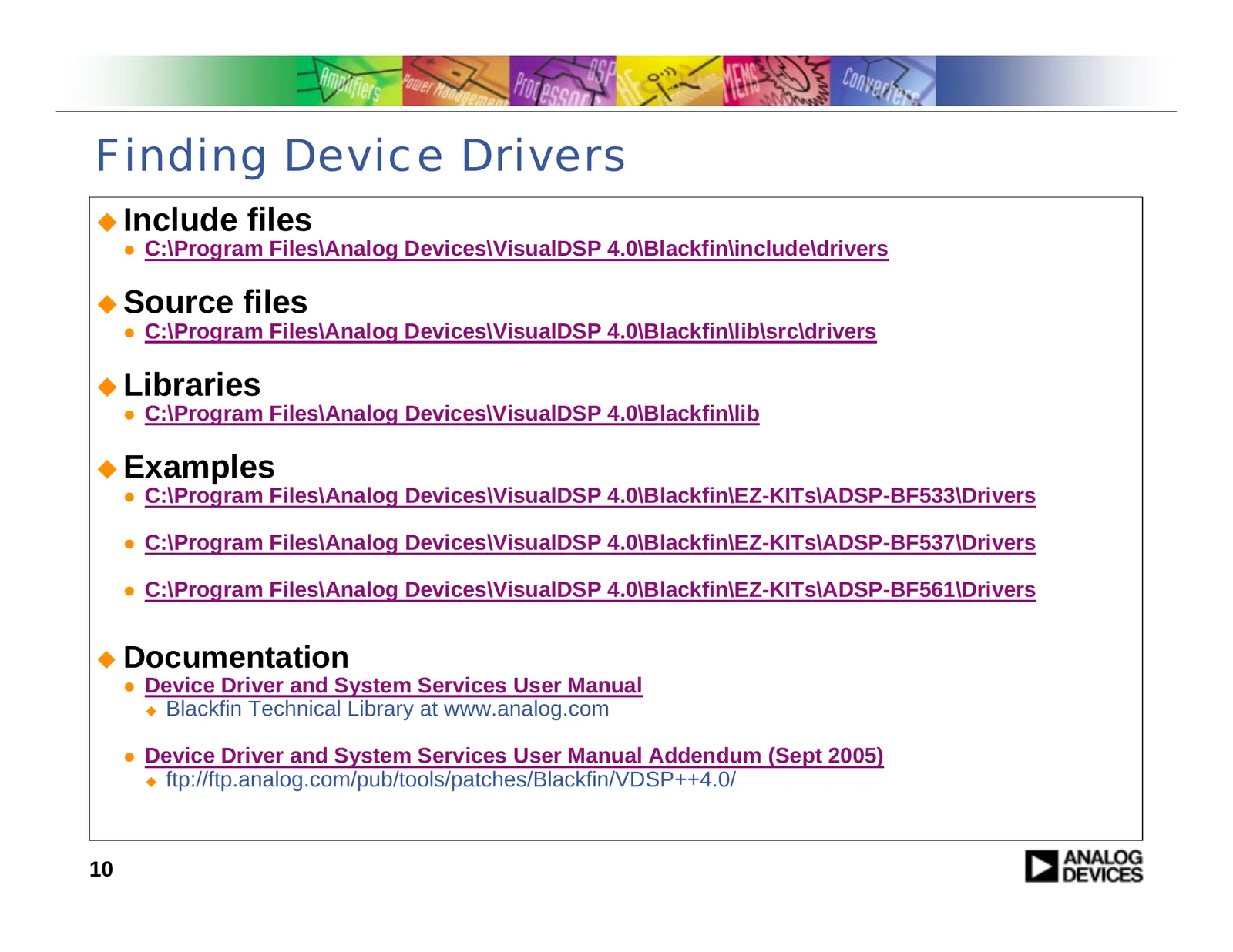
Slide 10: Finding Device Drivers
Finding Device Drivers ! Include files " C:\Program Files\Analog Devices\VisualDSP 4.0\Blackfin\include\drivers ! Source files " C:\Program Files\Analog Devices\VisualDSP 4.0\Blackfin\lib\src\drivers ! Libraries " C:\Program Files\Analog Devices\VisualDSP 4.0\Blackfin\lib ! Examples " C:\Program Fil
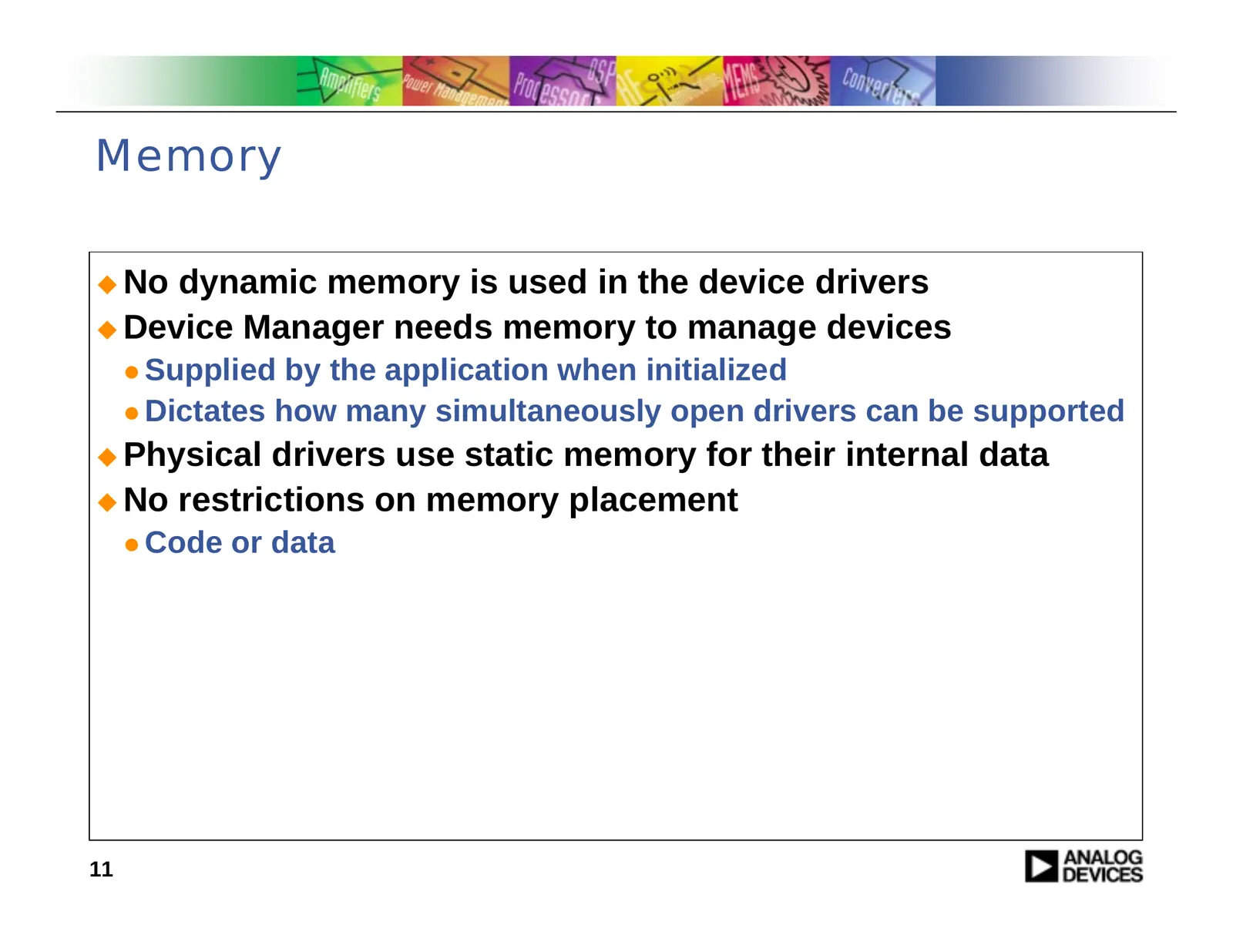
Slide 11: Memory
Memory ! No dynamic memory is used in the device drivers ! Device Manager needs memory to manage devices " Supplied by the application when initialized " Dictates how many simultaneously open drivers can be supported ! Physical drivers use static memory for their internal data ! No restrictions on m
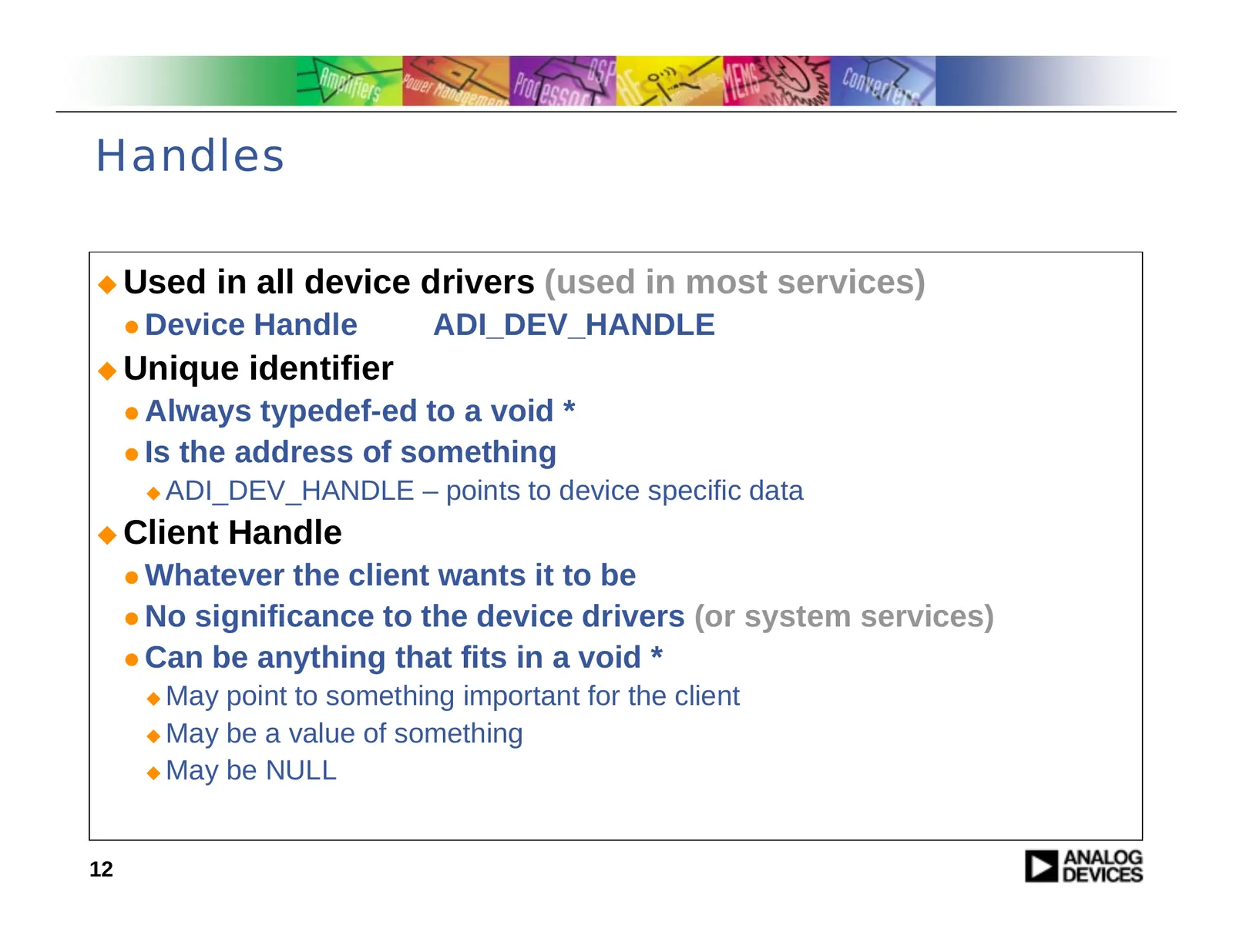
Slide 12: Handles
Handles ! Used in all device drivers (used in most services) " Device Handle ADI_DEV_HANDLE ! Unique identifier " Always typedef-ed to a void * " Is the address of something ! ADI_DEV_HANDLE – points to device specific data ! Client Handle " Whatever the client wants it to be " No significance to th
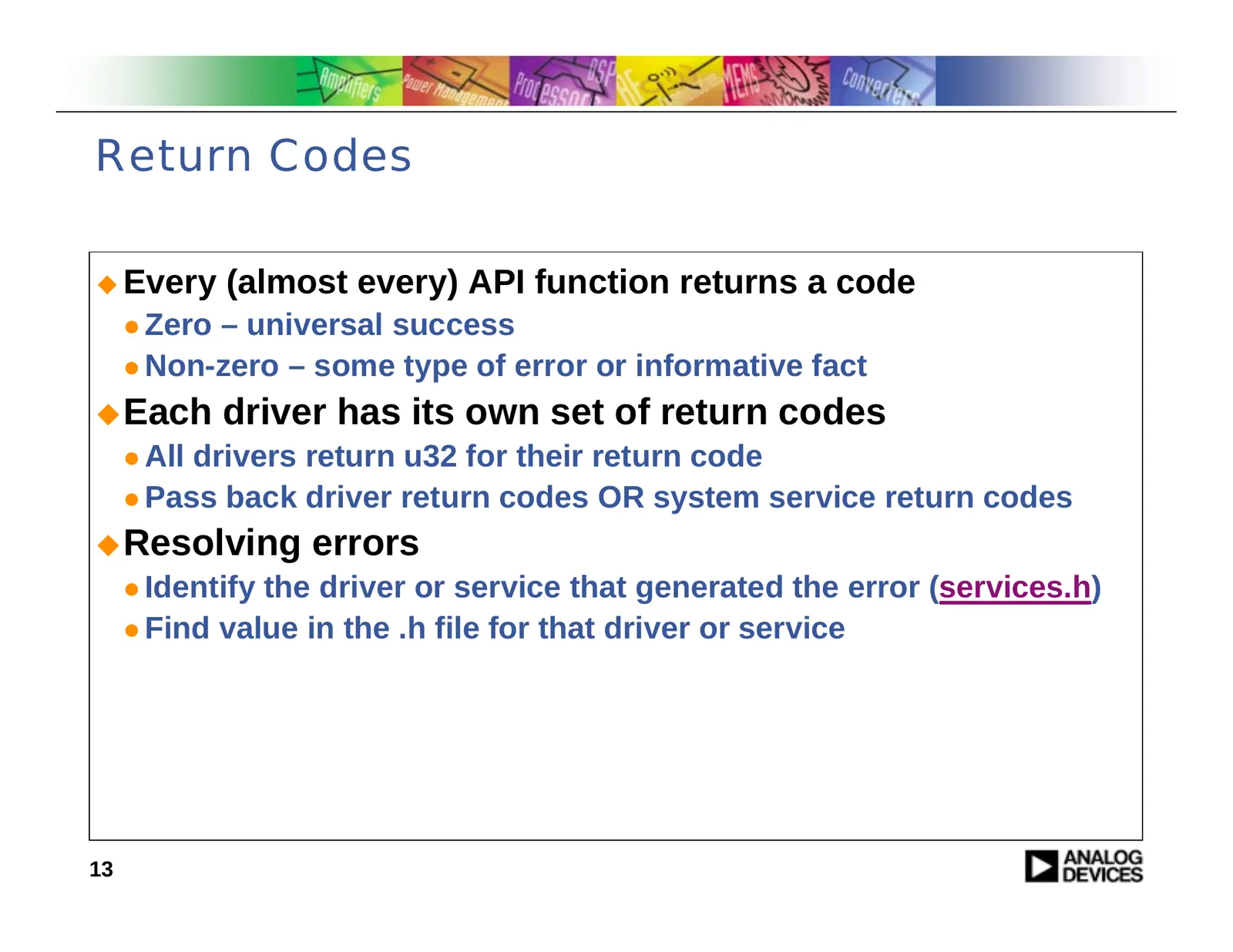
Slide 13: Return Codes
Return Codes ! Every (almost every) API function returns a code " Zero – universal success " Non-zero – some type of error or informative fact ! Each driver has its own set of return codes " All drivers return u32 for their return code " Pass back driver return codes OR system service return codes !
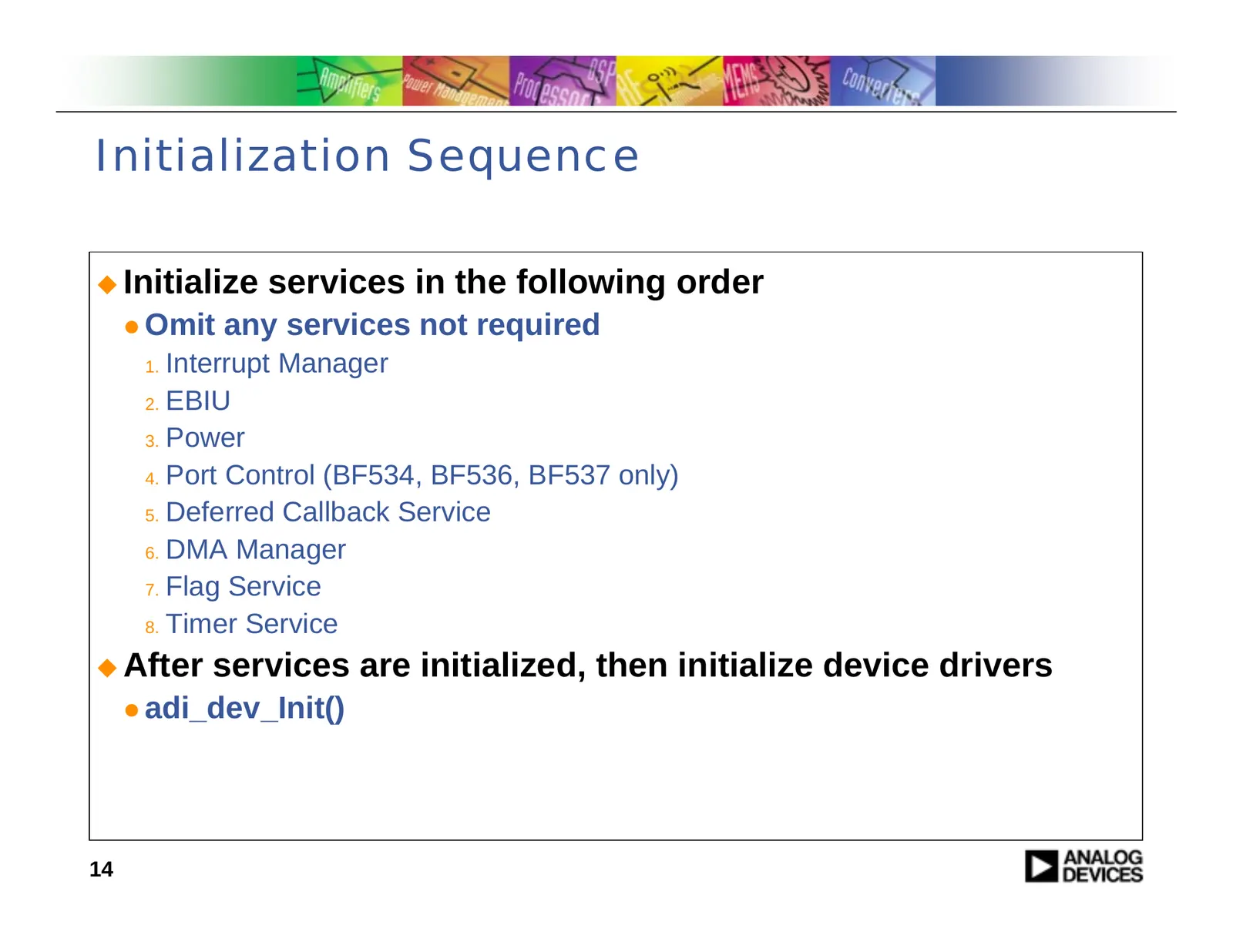
Slide 14: Initialization Sequence
Initialization Sequence ! Initialize services in the following order " Omit any services not required 1. Interrupt Manager 2. EBIU 3. Power 4. Port Control (BF534, BF536, BF537 only) 5. Deferred Callback Service 6. DMA Manager 7. Flag Service 8. Timer Service ! After services are initialized, then i
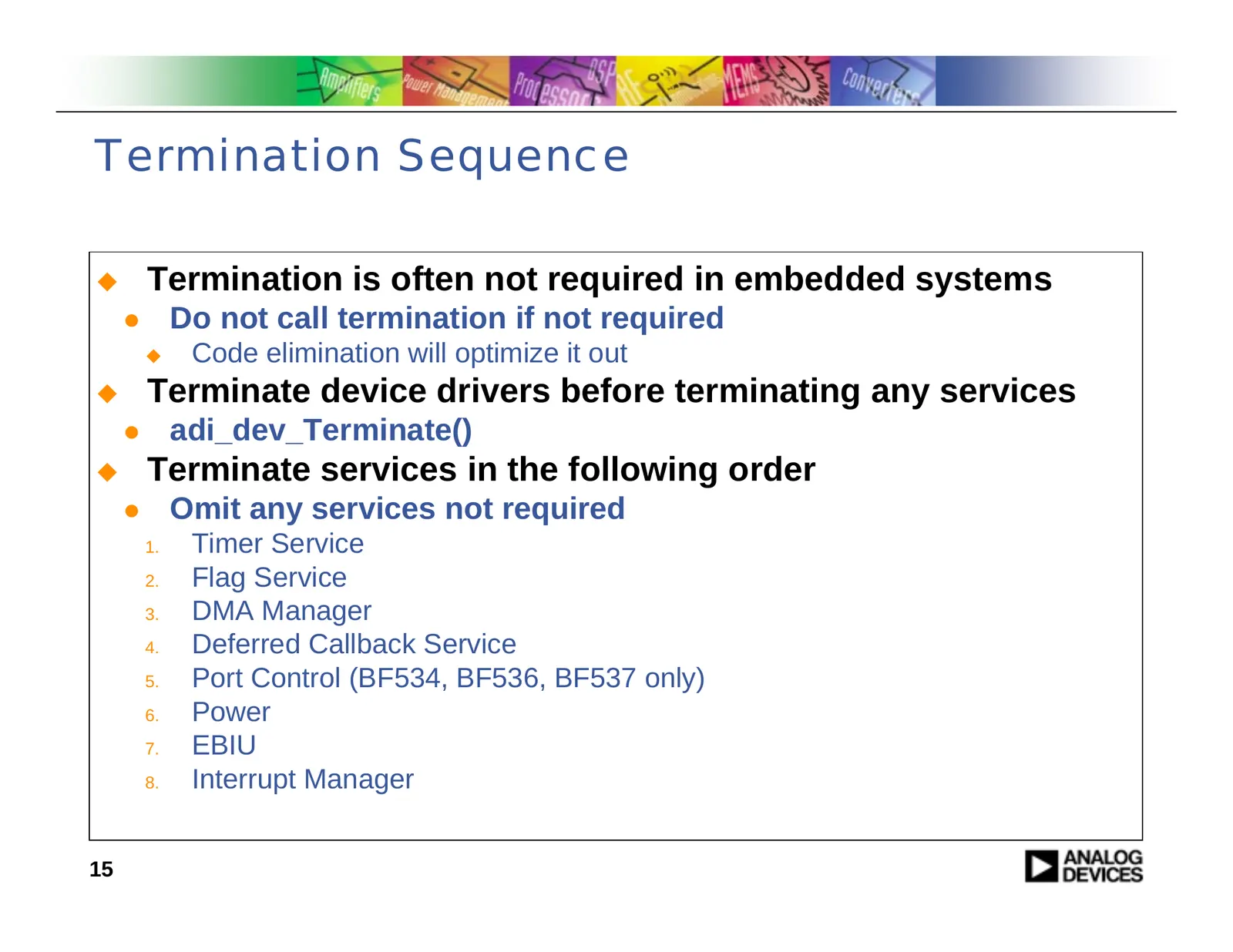
Slide 15: Termination Sequence
Termination Sequence ! Termination is often not required in embedded systems " Do not call termination if not required ! Code elimination will optimize it out ! Terminate device drivers before terminating any services " adi_dev_Terminate() ! Terminate services in the following order " Omit any servi
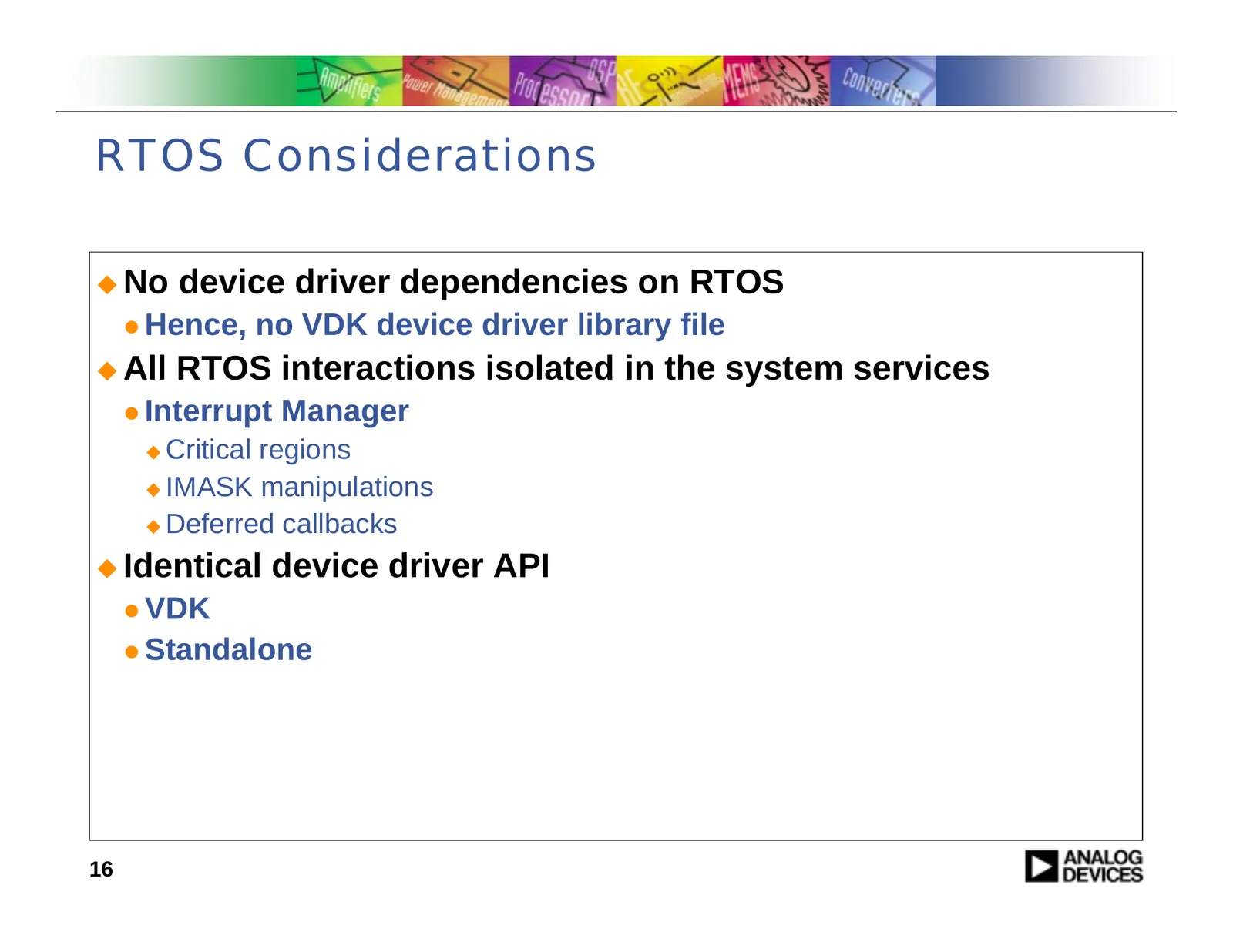
Slide 16: RTOS Considerations
RTOS Considerations ! No device driver dependencies on RTOS " Hence, no VDK device driver library file ! All RTOS interactions isolated in the system services " Interrupt Manager ! Critical regions ! IMASK manipulations ! Deferred callbacks ! Identical device driver API " VDK " Standalone 16
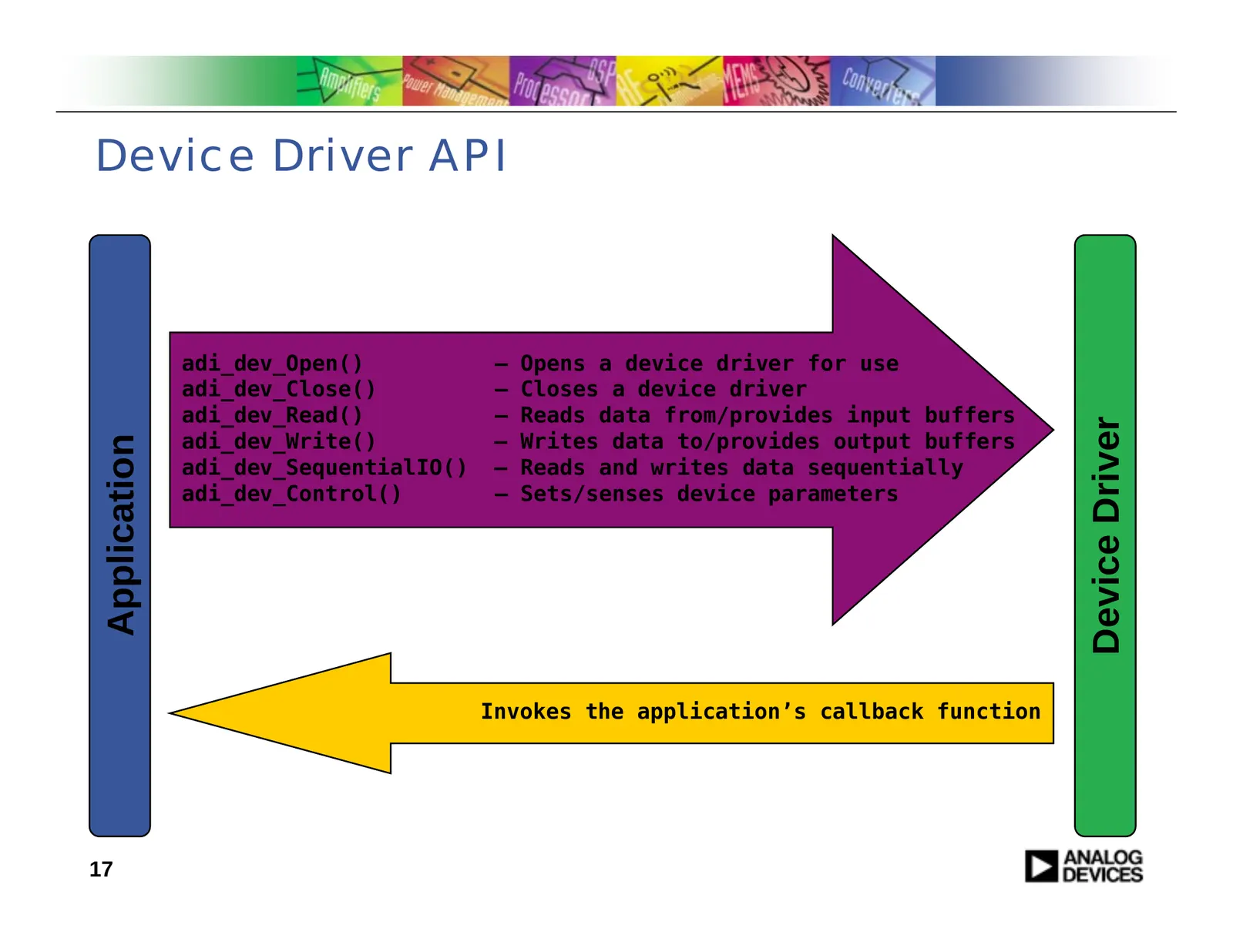
Slide 17: Device Driver API
Device Driver API adi_dev_Open() – Opens a device driver for use adi_dev_Close() – Closes a device driver adi_dev_Read() – Reads data from/provides input buffers Device Driver Application adi_dev_Write() – Writes data to/provides output buffers adi_dev_SequentialIO() – Reads and writes data sequenti
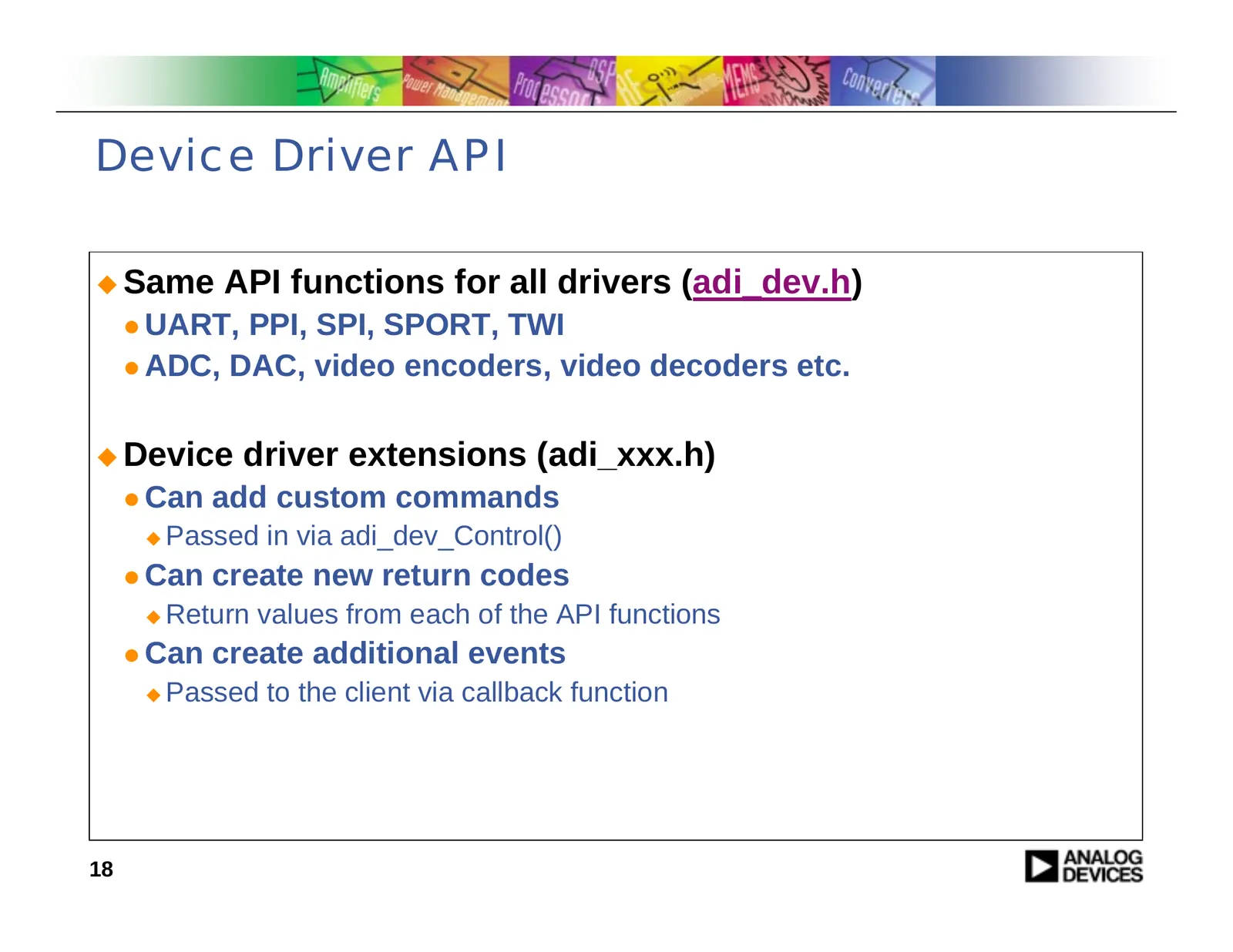
Slide 18: Device Driver API
Device Driver API ! Same API functions for all drivers (adi_dev.h) " UART, PPI, SPI, SPORT, TWI " ADC, DAC, video encoders, video decoders etc. ! Device driver extensions (adi_xxx.h) " Can add custom commands ! Passed in via adi_dev_Control() " Can create new return codes ! Return values from each o
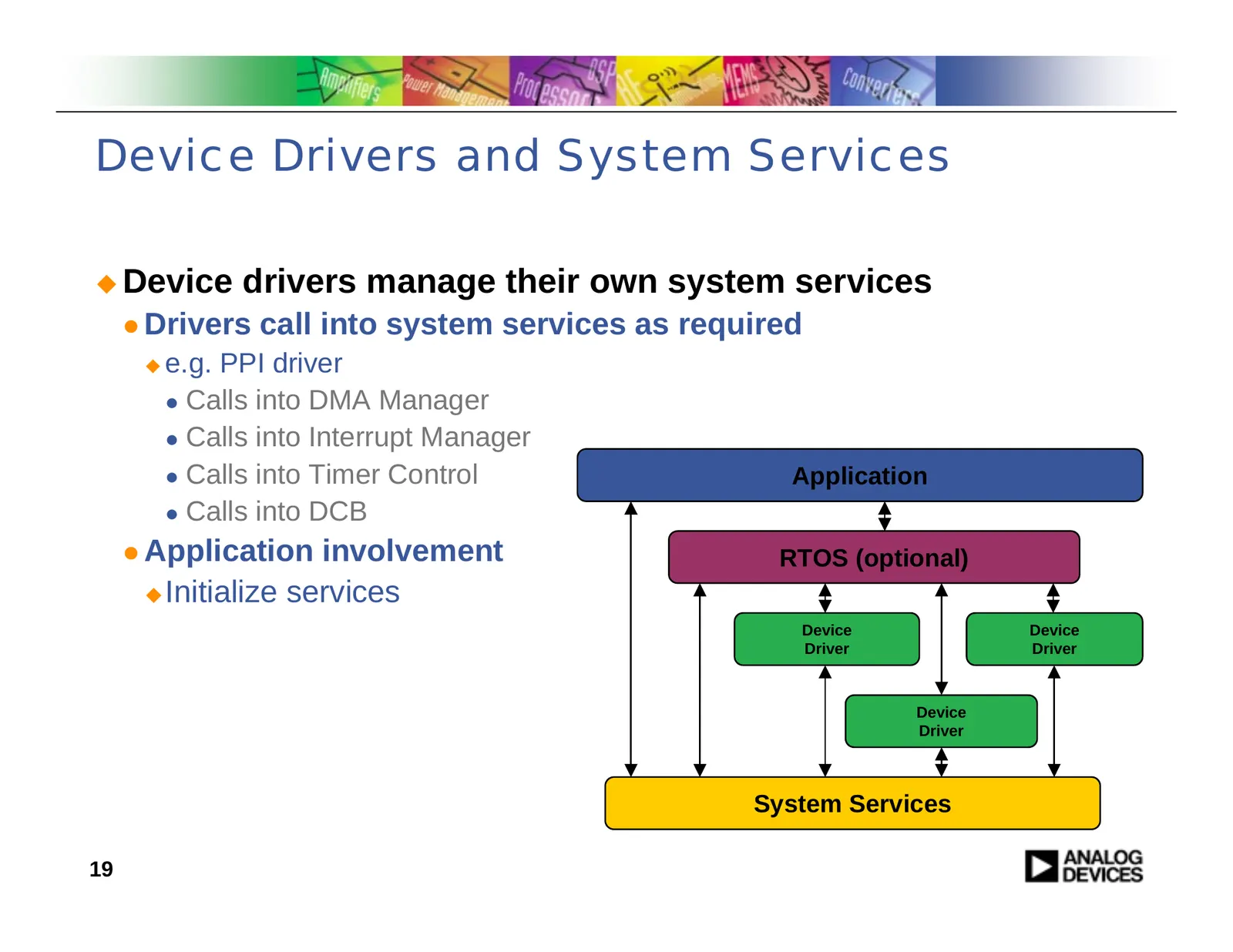
Slide 19: Device Drivers and System Services
Device Drivers and System Services ! Device drivers manage their own system services " Drivers call into system services as required ! e.g. PPI driver " Calls into DMA Manager " Calls into Interrupt Manager " Calls into Timer Control Application " Calls into DCB " Application involvement RTOS (optio
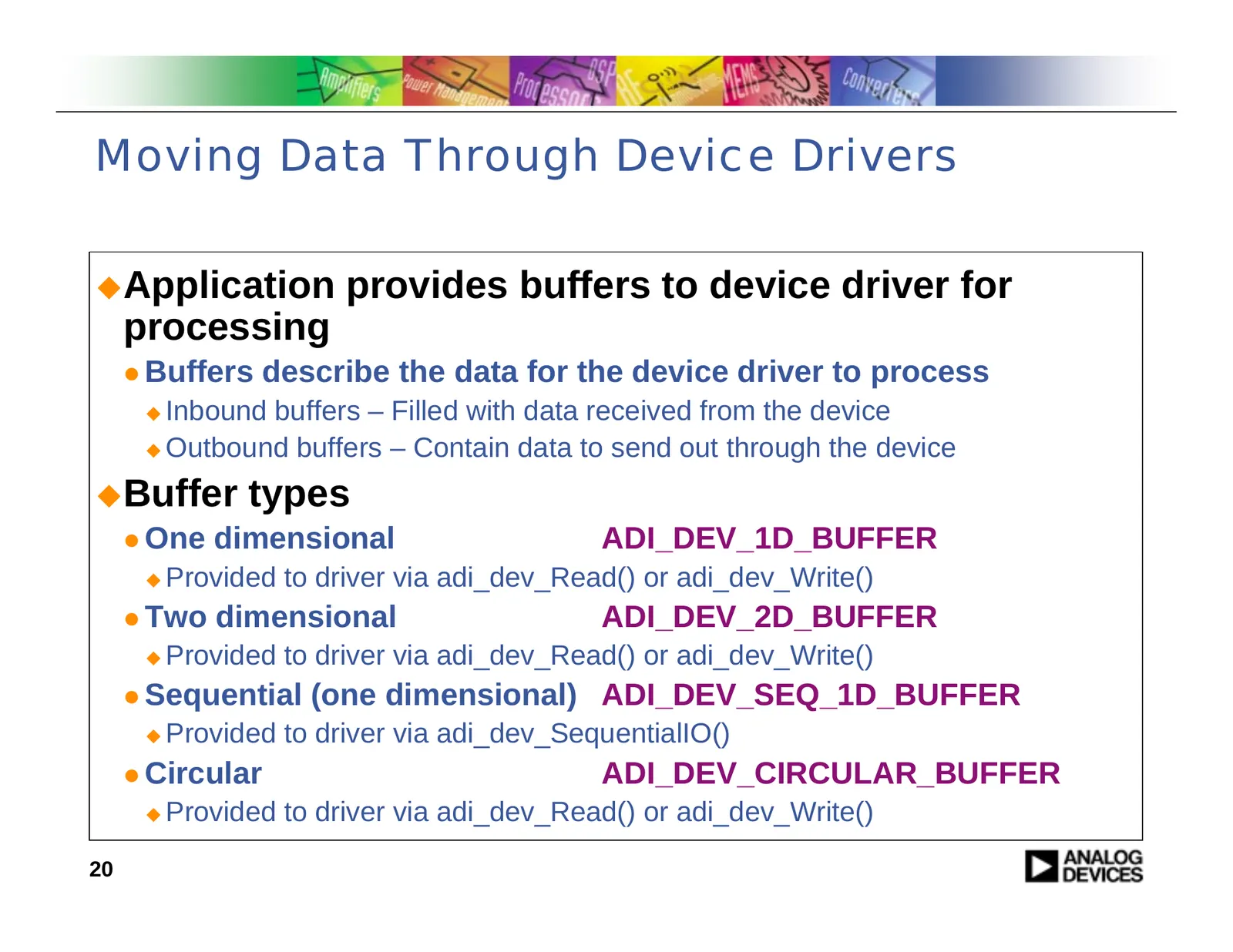
Slide 20: Moving Data Through Device Drivers
Moving Data Through Device Drivers !Application provides buffers to device driver for processing " Buffers describe the data for the device driver to process ! Inbound buffers – Filled with data received from the device ! Outbound buffers – Contain data to send out through the device !Buffer types "
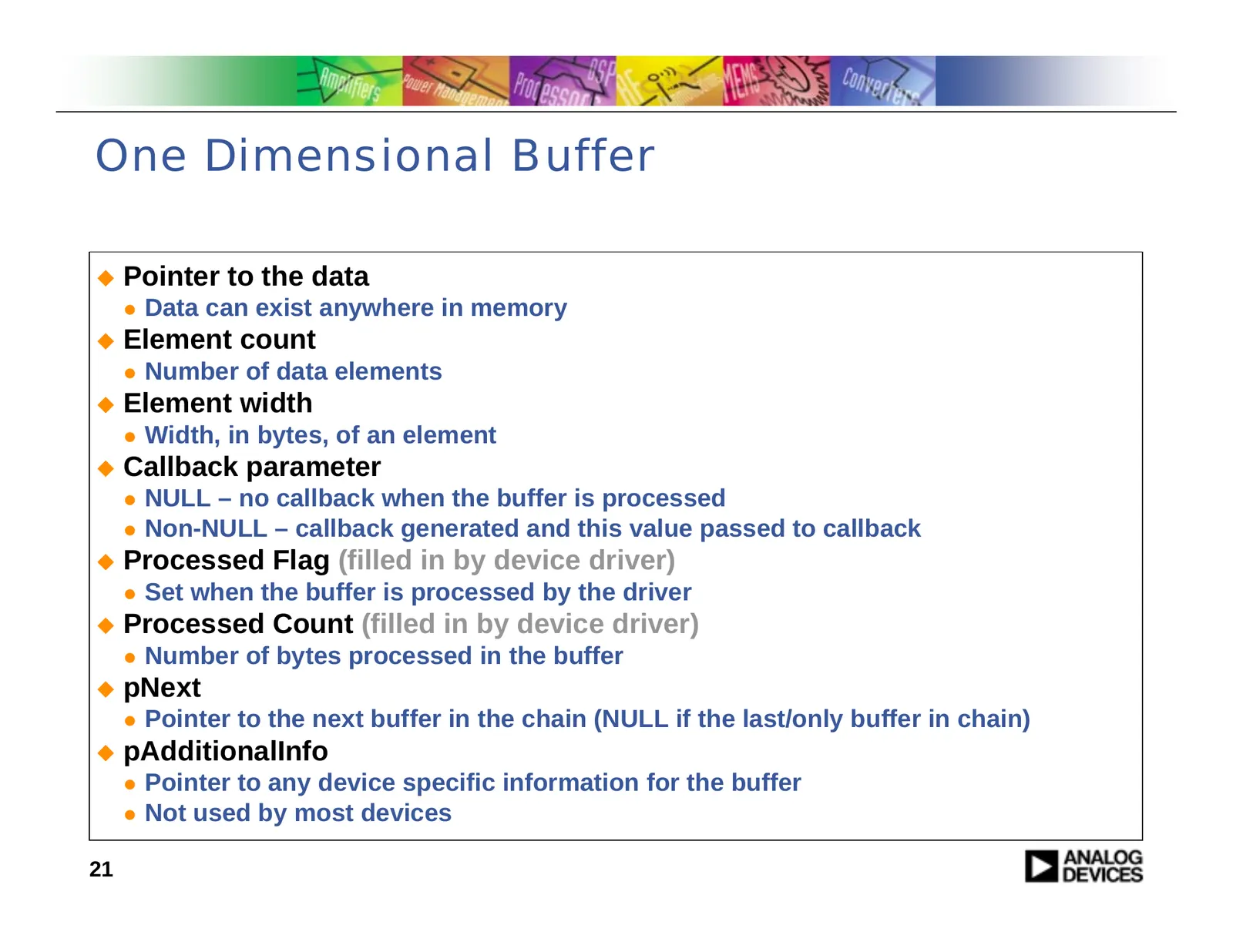
Slide 21: One Dimensional Buffer
One Dimensional Buffer ! Pointer to the data " Data can exist anywhere in memory ! Element count " Number of data elements ! Element width " Width, in bytes, of an element ! Callback parameter " NULL – no callback when the buffer is processed " Non-NULL – callback generated and this value passed to
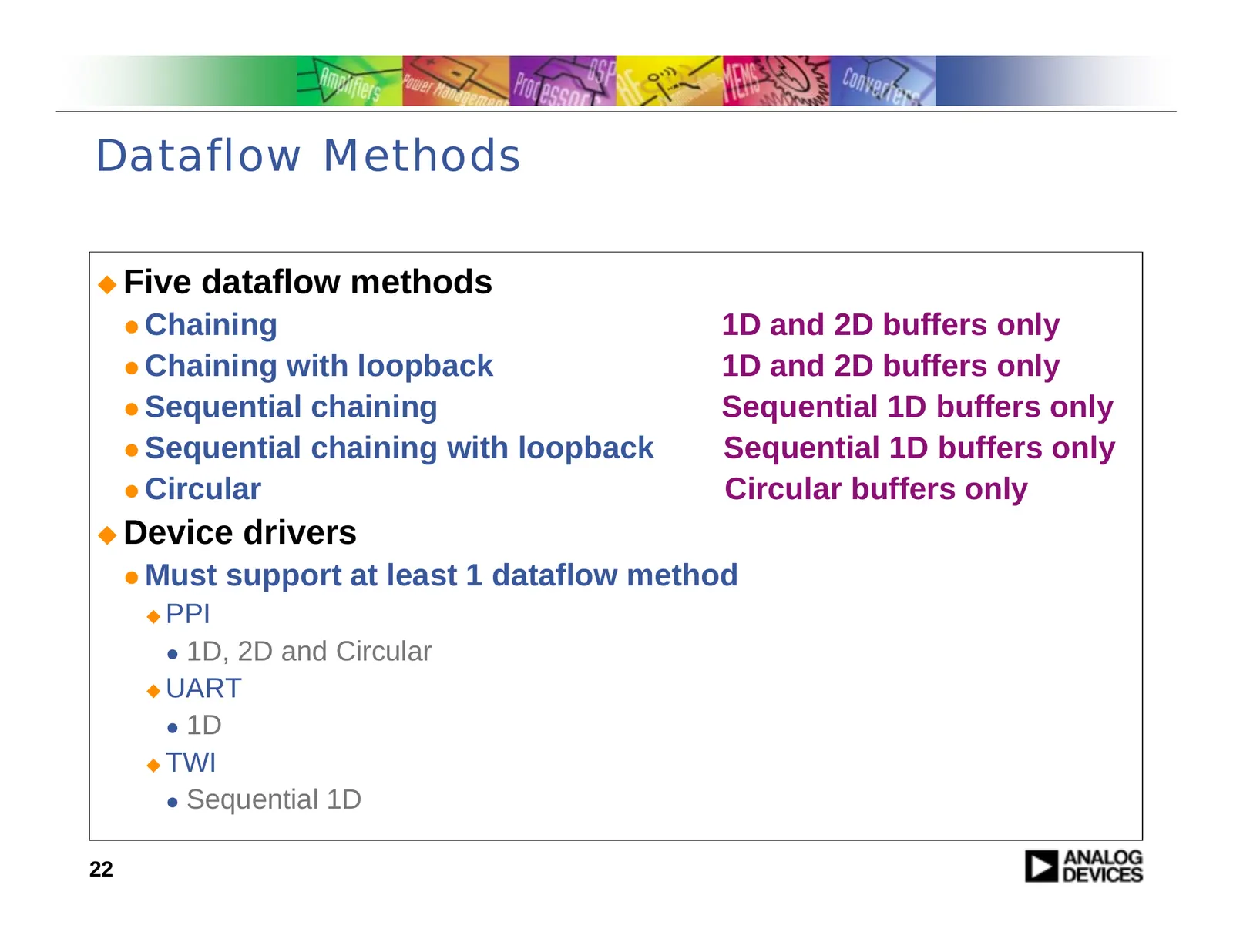
Slide 22: Dataflow Methods
Dataflow Methods ! Five dataflow methods " Chaining 1D and 2D buffers only " Chaining with loopback 1D and 2D buffers only " Sequential chaining Sequential 1D buffers only " Sequential chaining with loopback Sequential 1D buffers only " Circular Circular buffers only ! Device drivers " Must support
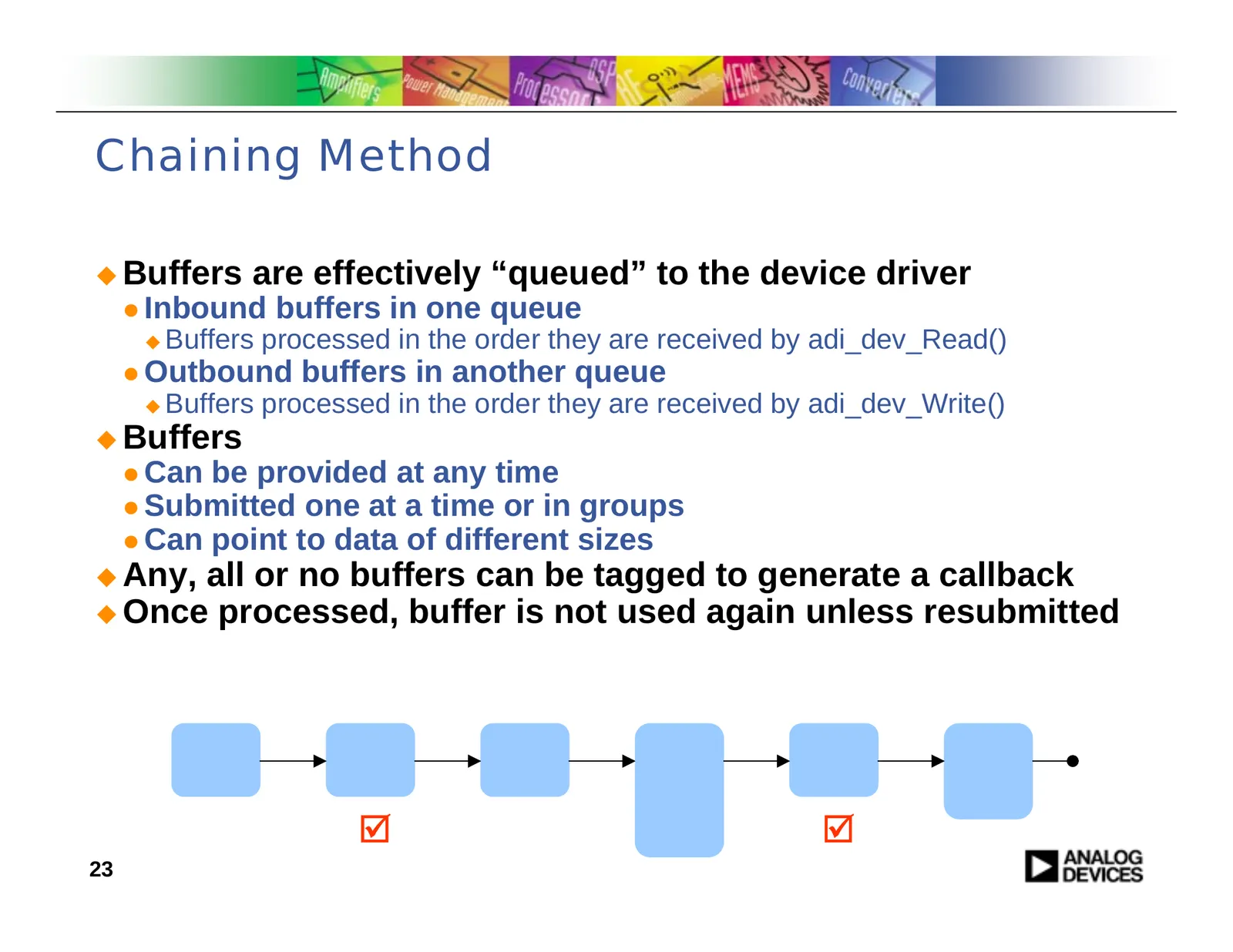
Slide 23: Chaining Method
Chaining Method ! Buffers are effectively “queued” to the device driver " Inbound buffers in one queue ! Buffers processed in the order they are received by adi_dev_Read() " Outbound buffers in another queue ! Buffers processed in the order they are received by adi_dev_Write() ! Buffers " Can be pro
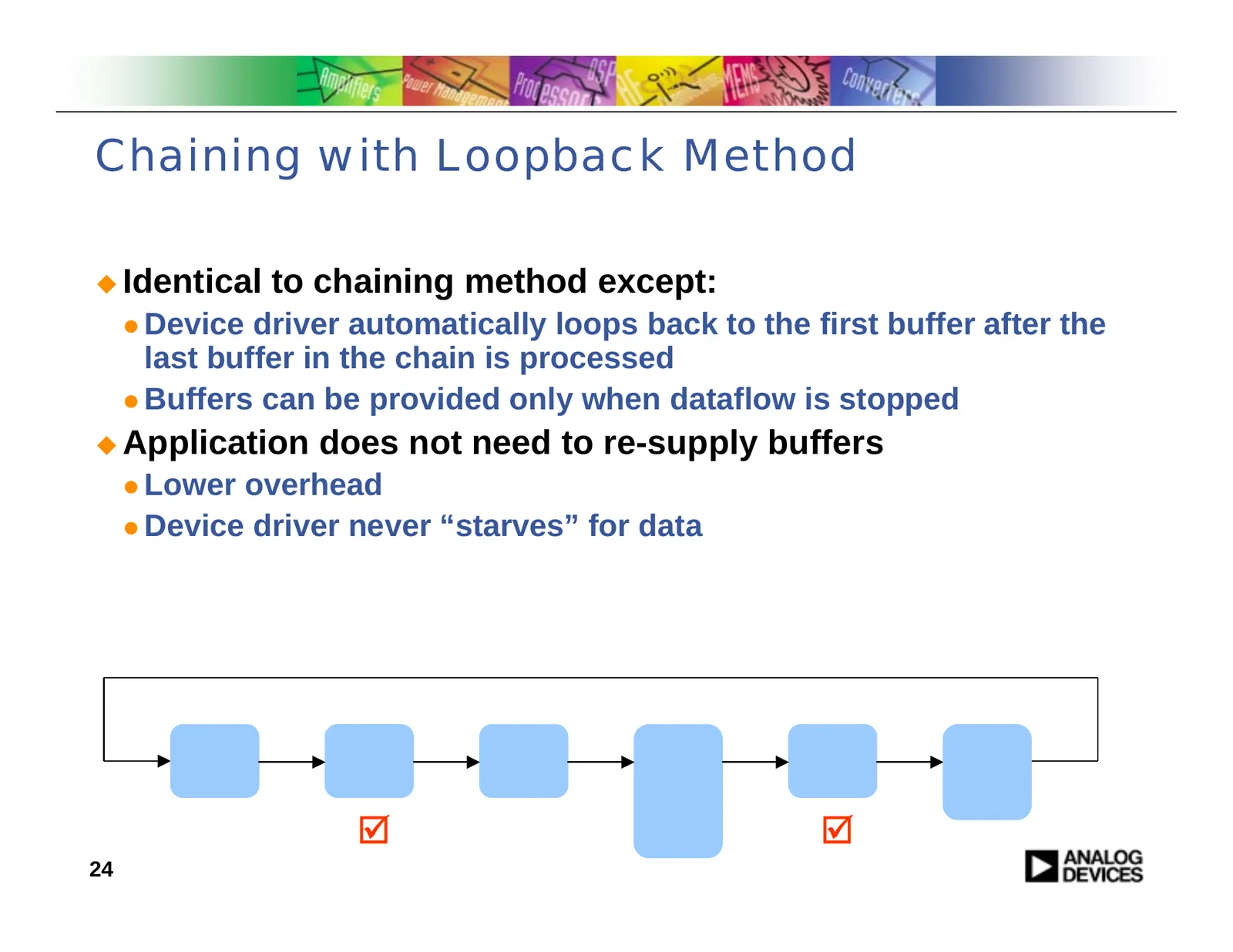
Slide 24: Chaining with Loopback Method
Chaining with Loopback Method ! Identical to chaining method except: " Device driver automatically loops back to the first buffer after the last buffer in the chain is processed " Buffers can be provided only when dataflow is stopped ! Application does not need to re-supply buffers " Lower overhead
Slide 25: Sequential Chaining Method
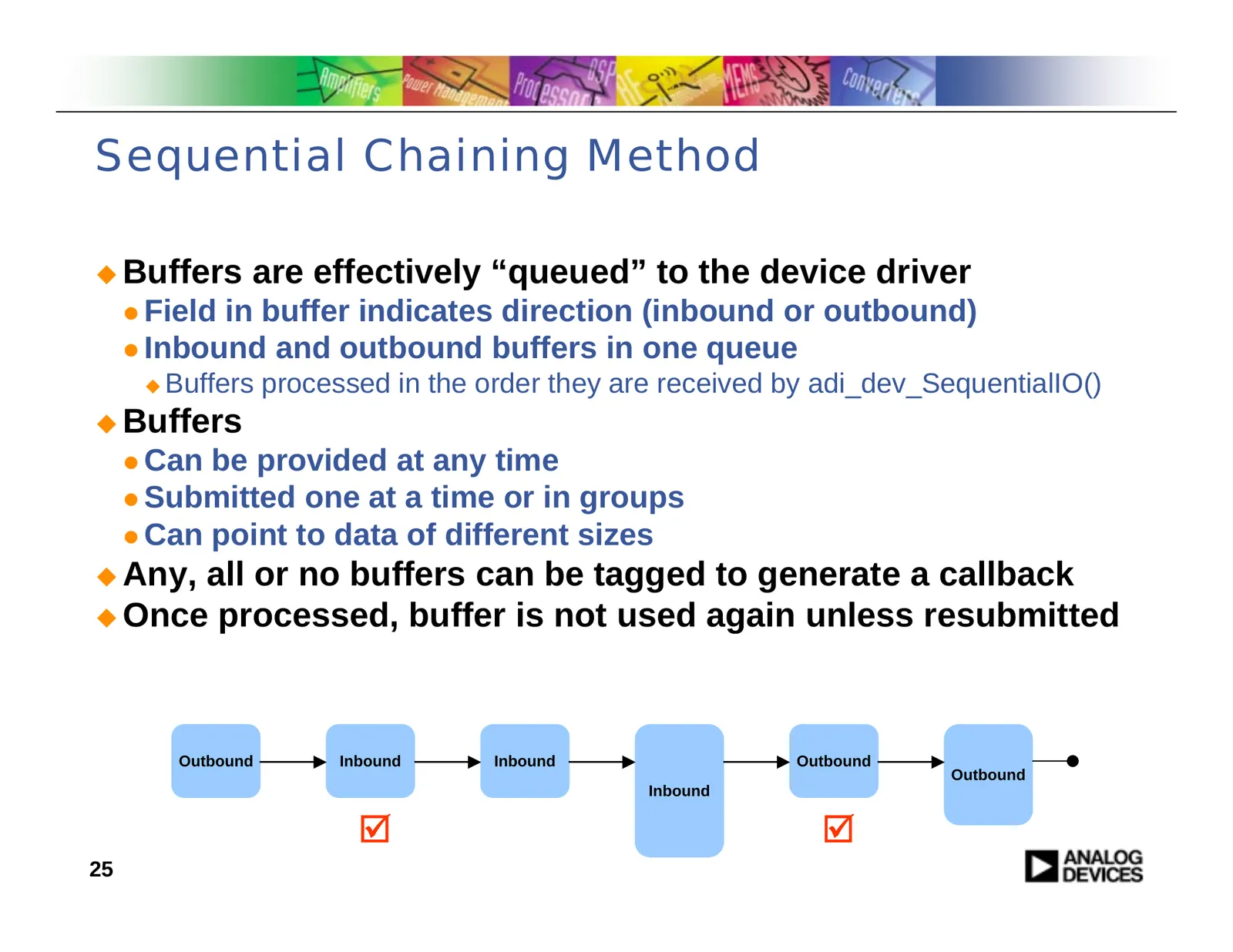
Sequential Chaining Method ! Buffers are effectively “queued” to the device driver " Field in buffer indicates direction (inbound or outbound) " Inbound and outbound buffers in one queue ! Buffers processed in the order they are received by adi_dev_SequentialIO() ! Buffers " Can be provided at any t
Slide 26: Sequential Chaining with Loopback Method
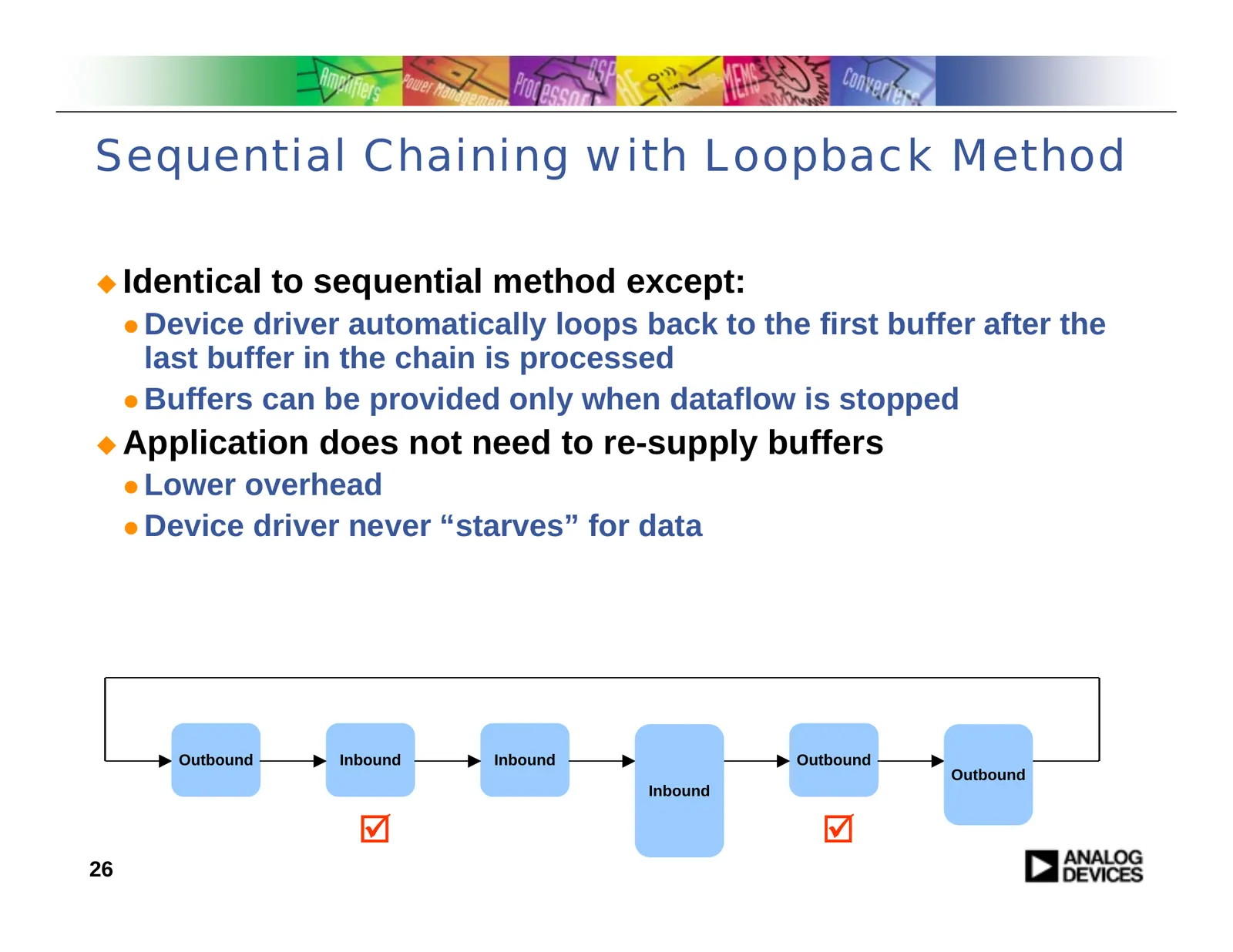
Sequential Chaining with Loopback Method ! Identical to sequential method except: " Device driver automatically loops back to the first buffer after the last buffer in the chain is processed " Buffers can be provided only when dataflow is stopped ! Application does not need to re-supply buffers " Lo
Slide 27: Streaming Command
Streaming Command ! Can be used with any chained dataflow method " Chaining, chaining w/loopback, sequential, sequential w/loopback ! Assertions to device driver " Application will insure the driver never runs out of buffers " If buffers with callbacks are used, system timing insures interrupts won’
Slide 28: Circular Dataflow Method
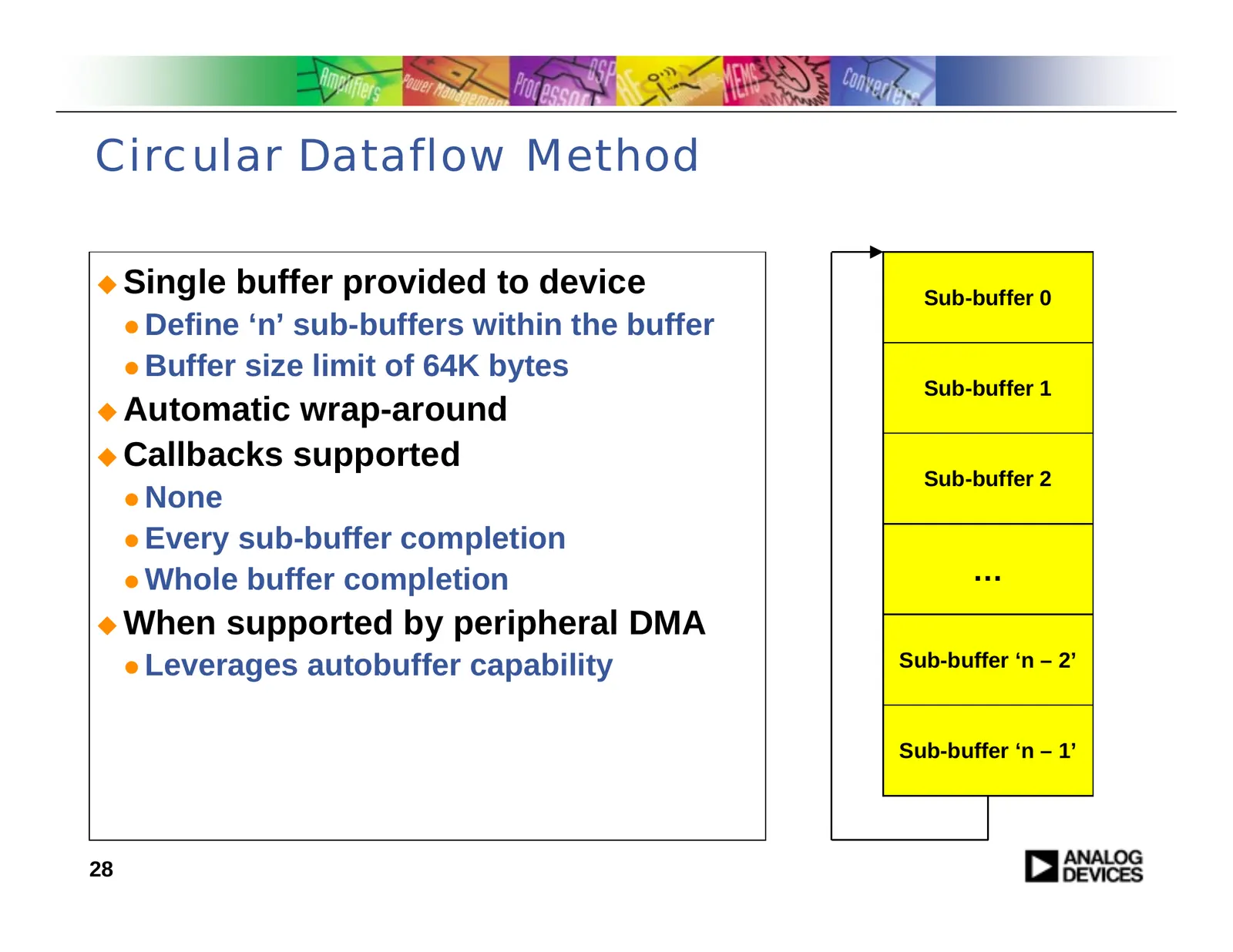
Circular Dataflow Method ! Single buffer provided to device Sub-buffer 0 " Define ‘n’ sub-buffers within the buffer " Buffer size limit of 64K bytes Sub-buffer 1 ! Automatic wrap-around ! Callbacks supported Sub-buffer 2 " None " Every sub-buffer completion " Whole buffer completion … ! When support
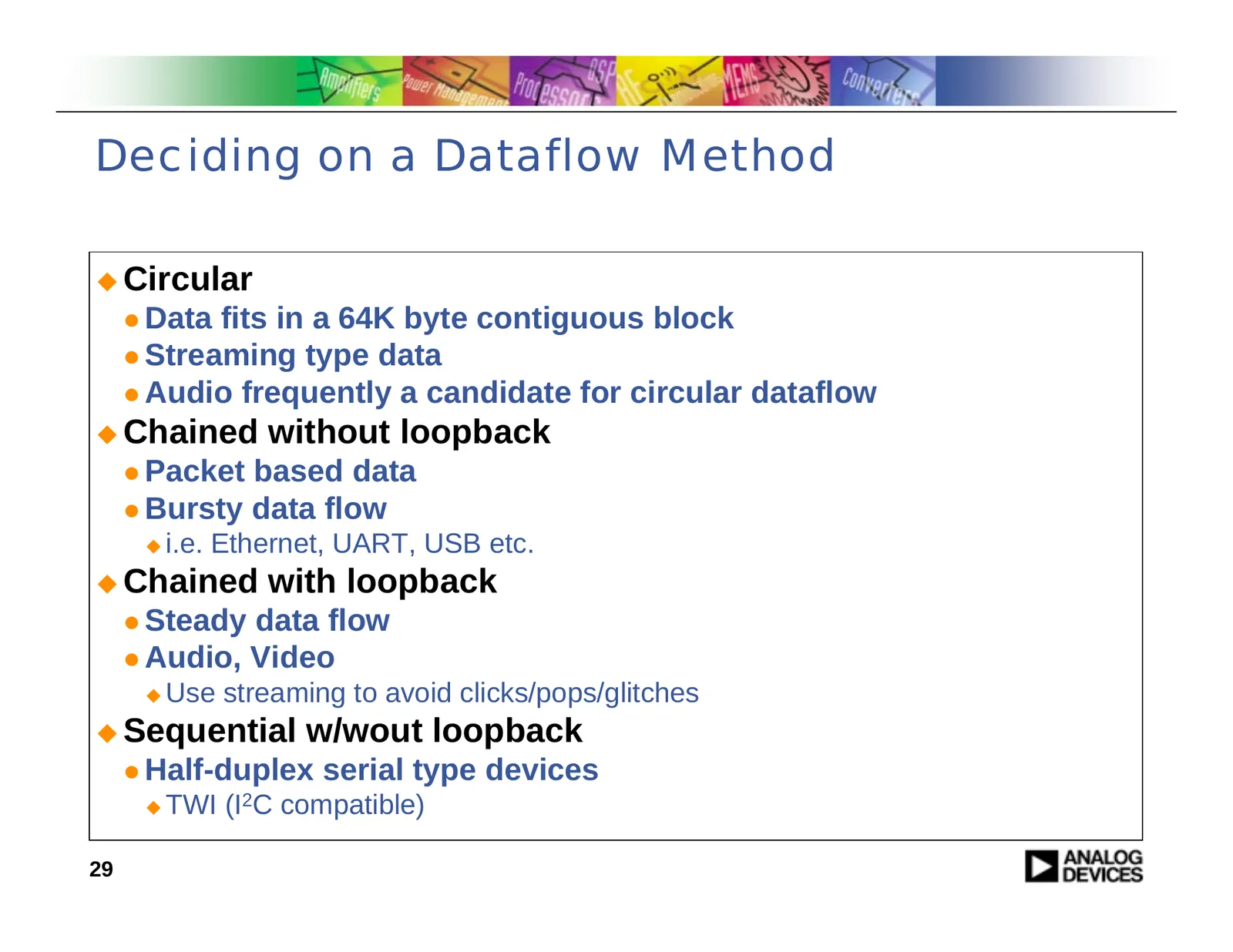
Slide 29: Deciding on a Dataflow Method
Deciding on a Dataflow Method ! Circular " Data fits in a 64K byte contiguous block " Streaming type data " Audio frequently a candidate for circular dataflow ! Chained without loopback " Packet based data " Bursty data flow ! i.e. Ethernet, UART, USB etc. ! Chained with loopback " Steady data flow
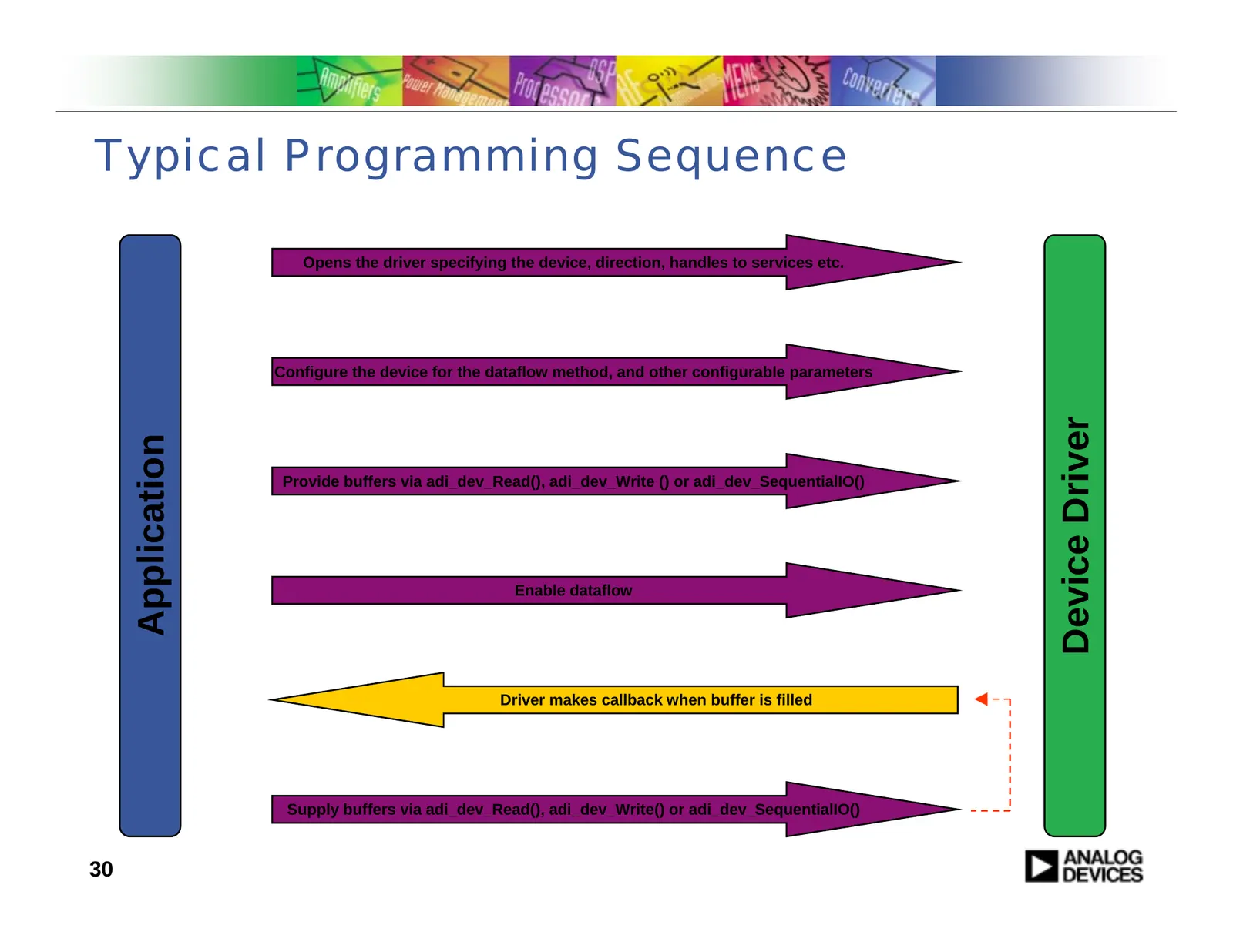
Slide 30: Typical Programming Sequence
Typical Programming Sequence Opens the driver specifying the device, direction, handles to services etc. Configure the device for the dataflow method, and other configurable parameters Device Driver Application Provide buffers via adi_dev_Read(), adi_dev_Write () or adi_dev_SequentialIO() Enable dat
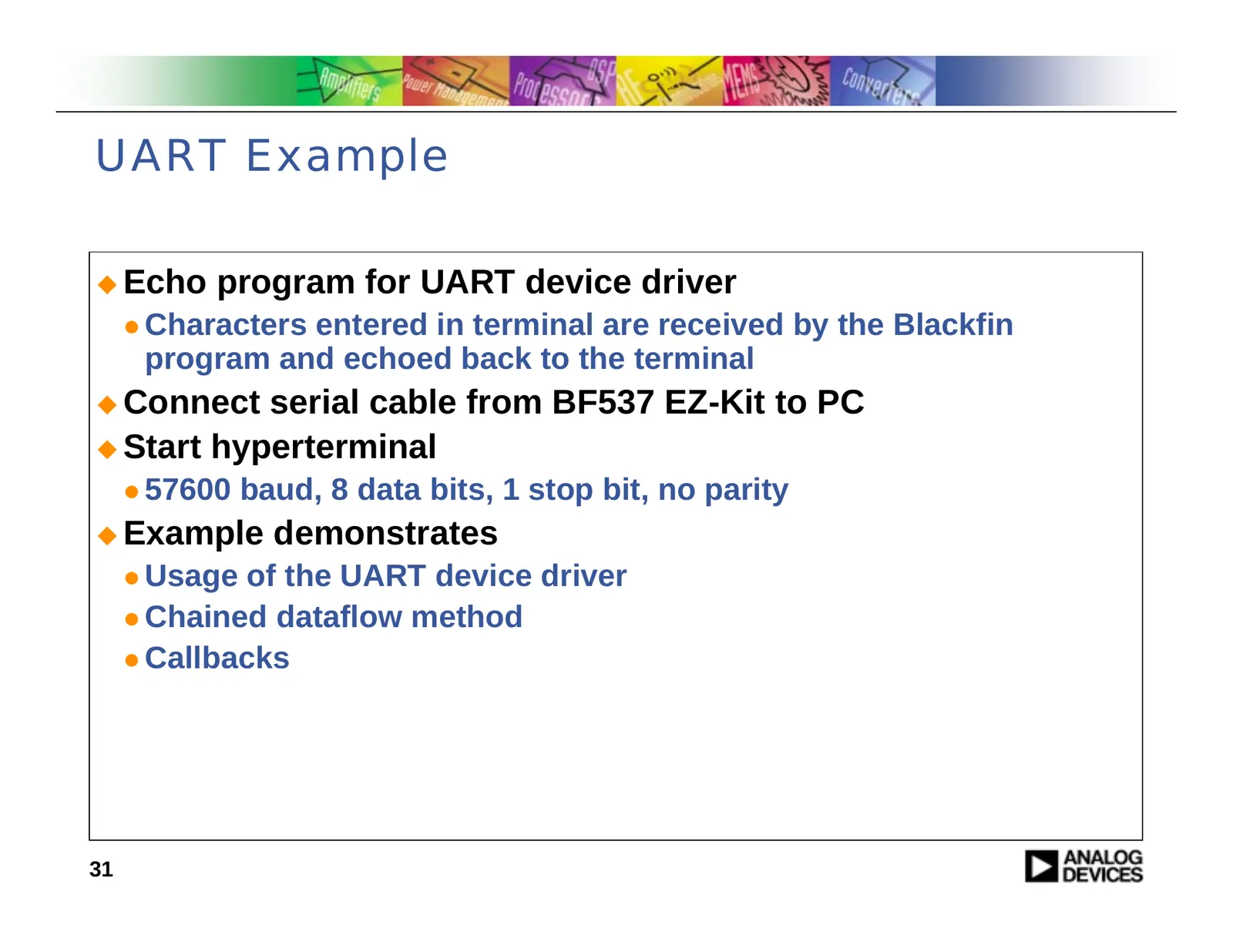
Slide 31: UART Example
UART Example ! Echo program for UART device driver " Characters entered in terminal are received by the Blackfin program and echoed back to the terminal ! Connect serial cable from BF537 EZ-Kit to PC ! Start hyperterminal " 57600 baud, 8 data bits, 1 stop bit, no parity ! Example demonstrates " Usag
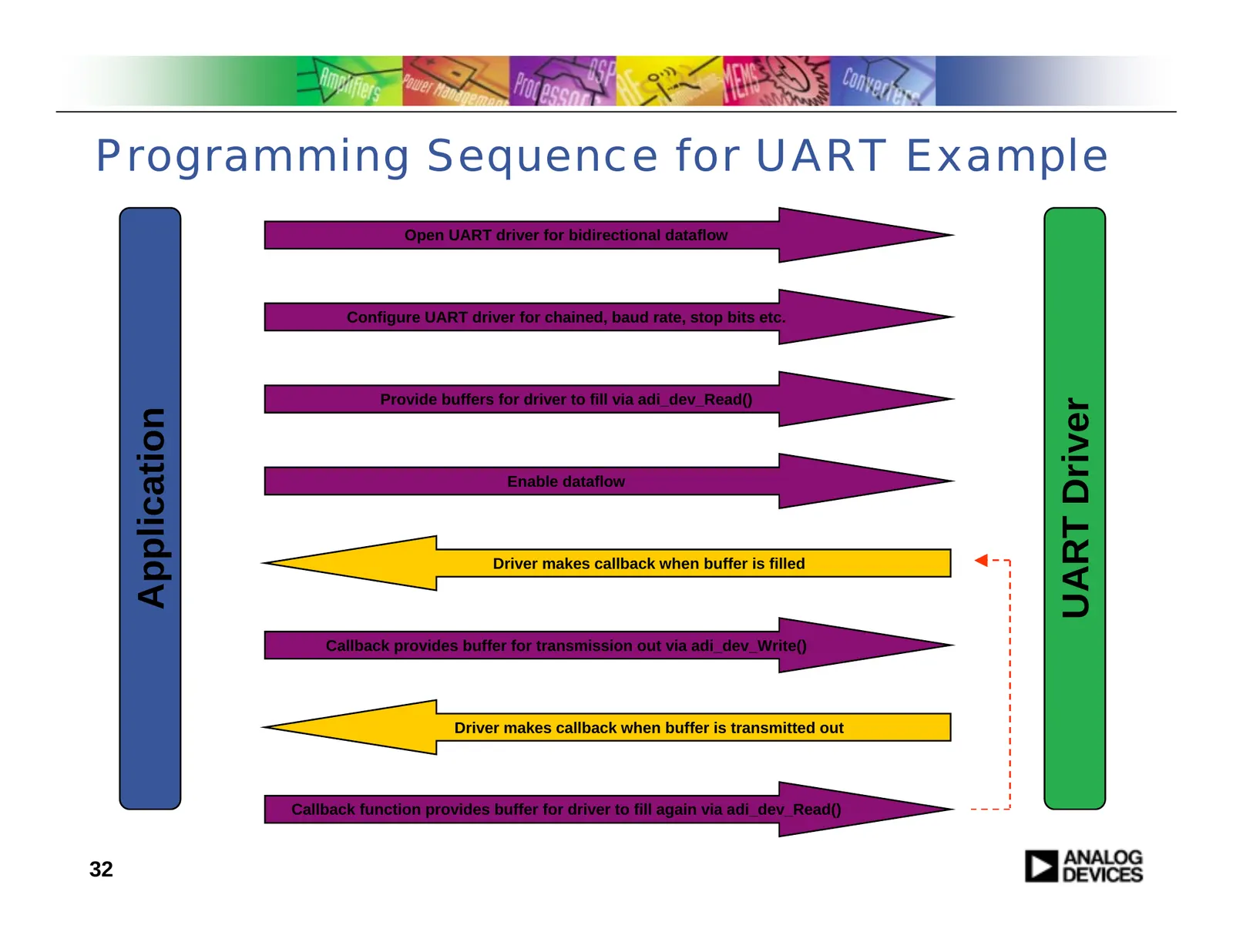
Slide 32: Programming Sequence for UART Example
Programming Sequence for UART Example Open UART driver for bidirectional dataflow Configure UART driver for chained, baud rate, stop bits etc. Provide buffers for driver to fill via adi_dev_Read() UART Driver Application Enable dataflow Driver makes callback when buffer is filled Callback provides b
Slide 33: Conclusion
Conclusion Device drivers provide: ! Faster development " Stable software base for application development ! Fewer variables " Less re-invention ! Do not need to create everything from scratch ! Modular software " Better compatibility ! Resource control is managed by the system services " Easier int
Slide 34: Additional Information
Additional Information ! Documentation " Device Drivers and System Services Manual for Blackfin Processors − http://www.analog.com/processors/manuals " Device Drivers and System Services Addendum (Sept 2005) − ftp://ftp.analog.com/pub/tools/patches/Blackfin/VDSP++4.0/ ! For questions, click “Ask A Q
Source: Internet Archive copy of analog.com
More decks from Analog Devices, Inc.
 Proxy Contest (February 2026)6 slides · Feb 9, 2026
 Investor Presentation (September 2025)11 slides · Sep 19, 2025
 Investor Presentation (September 2024)14 slides · Sep 27, 2024
 Technical Presentation (May 2024)97 slides · May 30, 2024
 Shareholder Meeting (February 2024)18 slides · Feb 29, 2024
 Investor Presentation (October 2023)12 slides · October 2023