Sangoma Technologies Corporation · TSX:STC
Sangoma Technologies — Conference Presentation (May 2013)
63 slides from Sangoma Technologies's conference presentation, May 21, 2013
Slide 1: Sangoma Gateways: Extend the life of your Legacy PBX while benefiting from SIP Trunks
Sangoma Gateways : Extend the life of your Legacy PBX while benefiting from SIP Trunks May 21, 2013
Slide 2: Attendee Dashboard
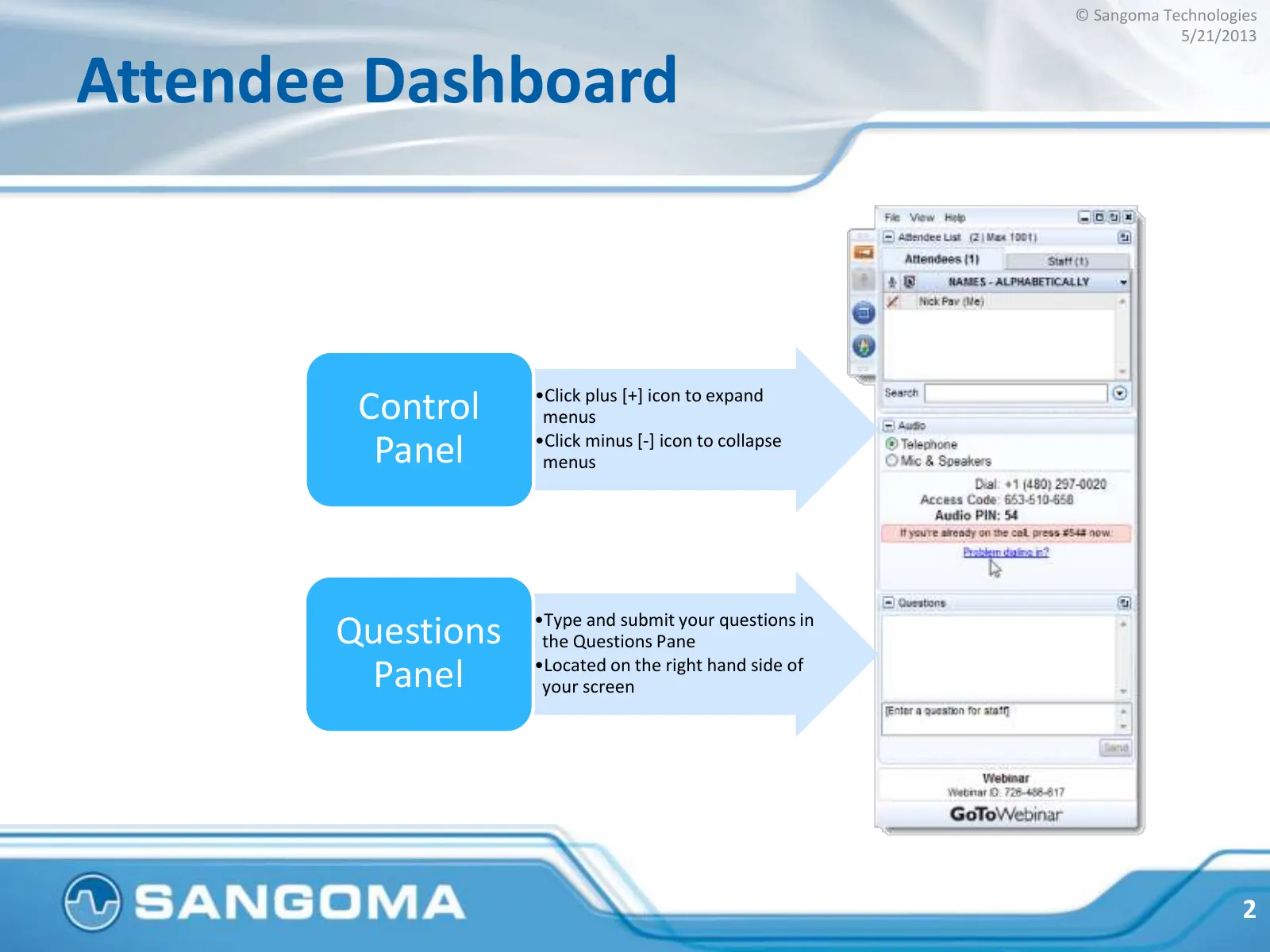
© Sangoma Technologies 5/21/2013 Attendee Dashboard •Click plus [+] icon to expand Control menus Panel •Click minus [-] icon to collapse menus •Type and submit your questions in Questions the Questions Pane Panel •Located on the right hand side of your screen 2
Slide 3: Inside this Deck
© Sangoma Technologies 5/21/2013 Inside this Deck • About Sangoma • Integration at the Edge: the benefit of using gateways • Extending the Life of your Legacy PBX • Product Line Highlights • The SNAP TOOL • Advanced Features and Management Tools • Portfolio of Gateways • Review and Questions 3
Slide 4: About Sangoma
© Sangoma Technologies 5/21/2013 About Sangoma • Industry pioneer with over 25 years of experience is communications hardware and software • Publicly traded company since 2000 – TSXV: STC • One of the most financially healthy companies in our industry – Growing, Profitable, Cash on the Balance Sheet
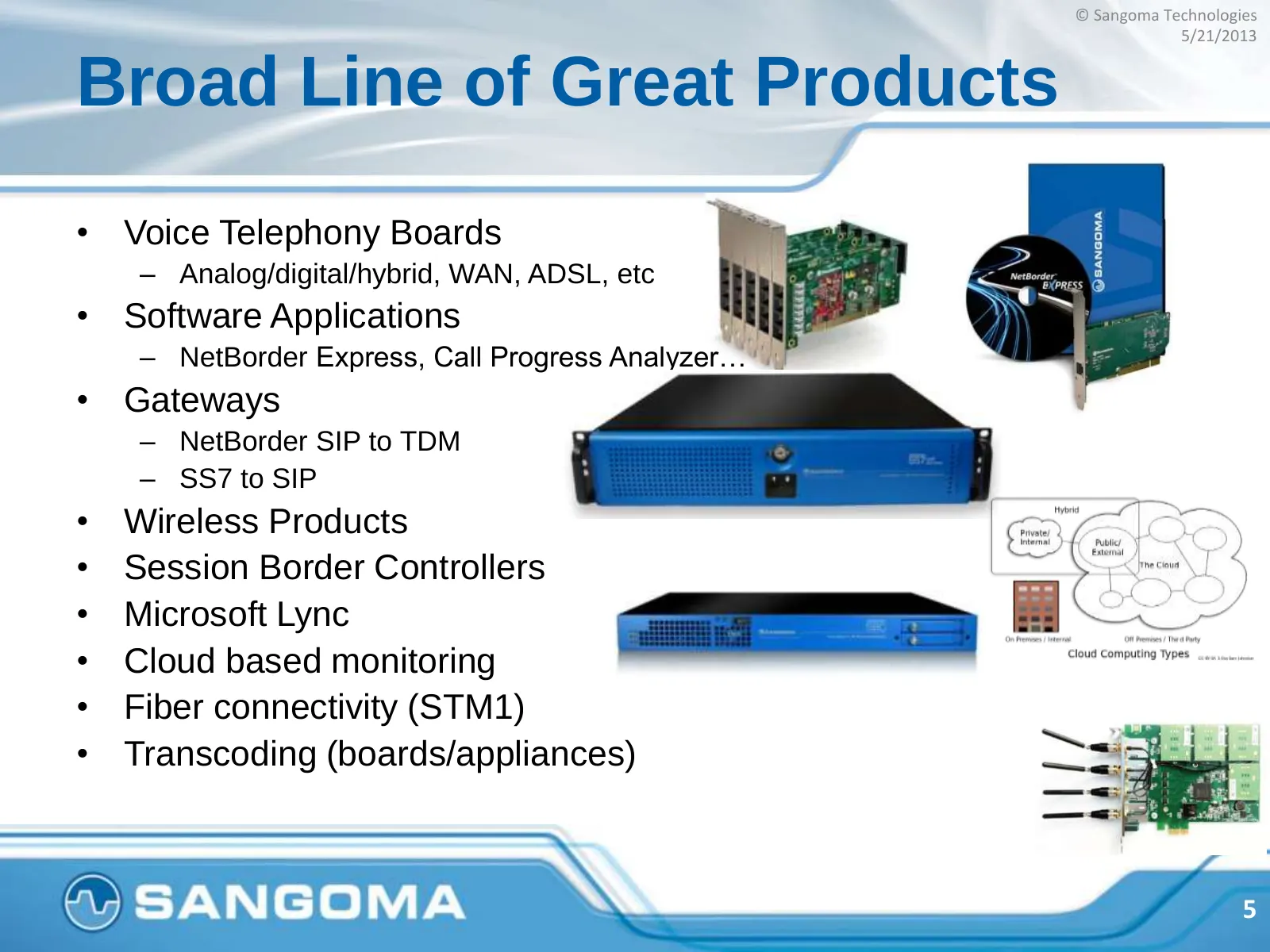
Slide 5: Broad Line of Great Products
© Sangoma Technologies 5/21/2013 Broad Line of Great Products • Voice Telephony Boards – Analog/digital/hybrid, WAN, ADSL, etc • Software Applications – NetBorder Express, Call Progress Analyzer… • Gateways – NetBorder SIP to TDM – SS7 to SIP • Wireless Products • Session Border Controllers • Micros
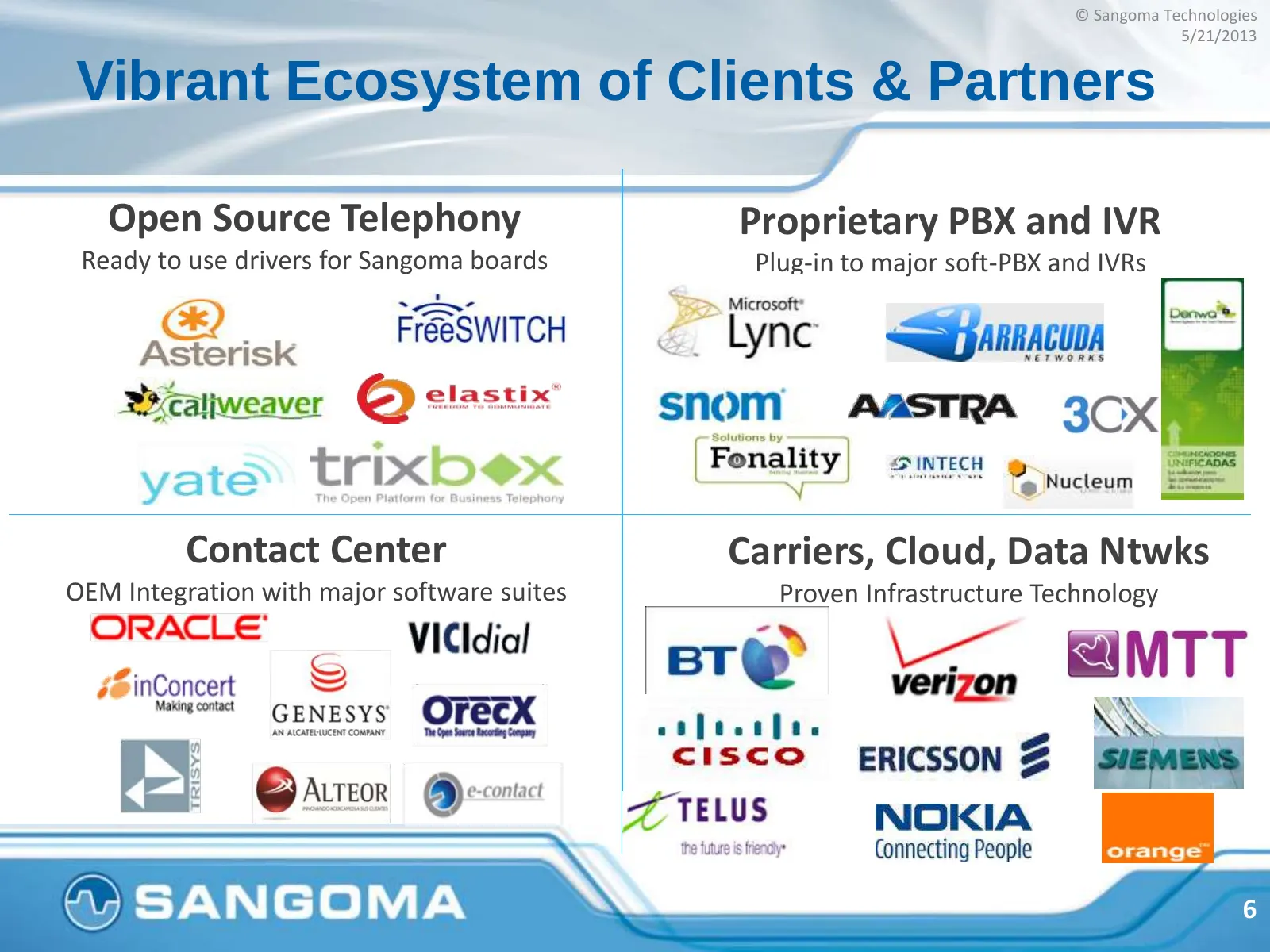
Slide 6: Vibrant Ecosystem of Clients & Partners
© Sangoma Technologies 5/21/2013 Vibrant Ecosystem of Clients & Partners Open Source Telephony Proprietary PBX and IVR Ready to use drivers for Sangoma boards Plug-in to major soft-PBX and IVRs Contact Center Carriers, Cloud, Data Ntwks OEM Integration with major software suites Proven Infrastructur
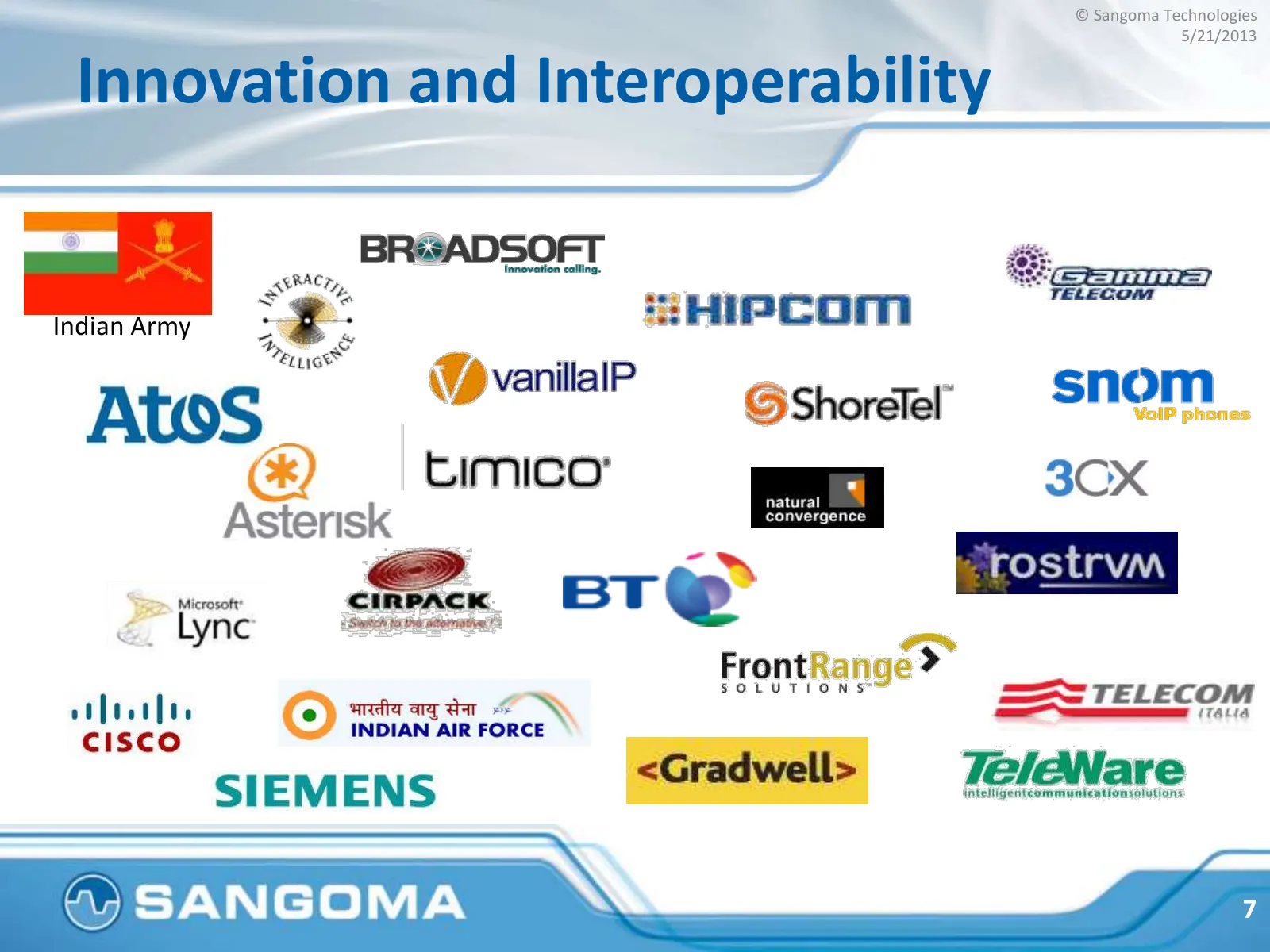
Slide 7: Innovation and Interoperability
© Sangoma Technologies 5/21/2013 Innovation and Interoperability Indian Army 7
Slide 8: Integration at the Edge: The Benefit of Using VoIP Gateways
Integration at the Edge THE BENEFIT OF USING VOIP GATEWAYS
Slide 9: Integration at the Edge
© Sangoma Technologies 5/21/2013 Integration at the Edge • Implementing innovative, cost-effective technologies at the edge of the network • Manage Uncertainty – Minimize Capital Investment – Leverage Existing Infrastructure – Mitigate Service Disruption • Still Deliver Advanced Services by connecti
Slide 10: Specific Benefits of using VoIP Gateways
© Sangoma Technologies 5/21/2013 Specific Benefits of using VoIP Gateways • Standardize interconnection points throughout the network to reduce administration and maintenance costs • Lower cost/minute with access to SIP Providers • Eliminate inter-office communications costs • Increase Flexibility –
Slide 11: Extending the Life of Your Legacy PBX with SIP Trunking
EXTENDING THE LIFE OF YOUR LEGACY PBX WITH SIP TRUNKING
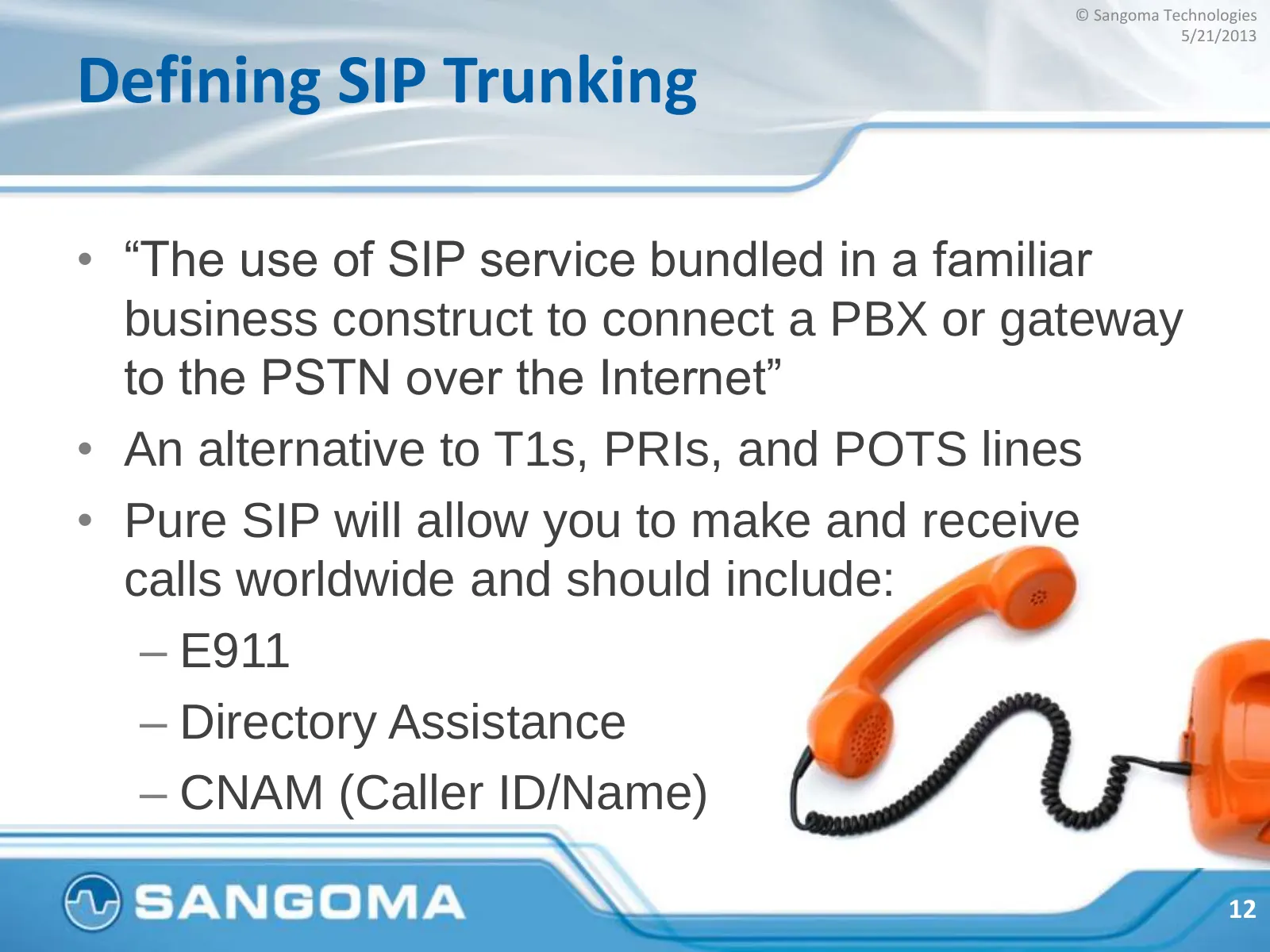
Slide 12: Defining SIP Trunking
© Sangoma Technologies 5/21/2013 Defining SIP Trunking • “The use of SIP service bundled in a familiar business construct to connect a PBX or gateway to the PSTN over the Internet” • An alternative to T1s, PRIs, and POTS lines • Pure SIP will allow you to make and receive calls worldwide and should
Slide 13: SIP Trunking Benefits
© Sangoma Technologies 5/21/2013 SIP Trunking Benefits • SIP Trunking allows companies to replace physical PSTN trunks with virtual, broadband trunks, deployed over data connections • Can be – Dedicated lines or shared connections – Internet connections – Burstable • Introduces more flexibility, mor
Slide 14: SIP Trunking
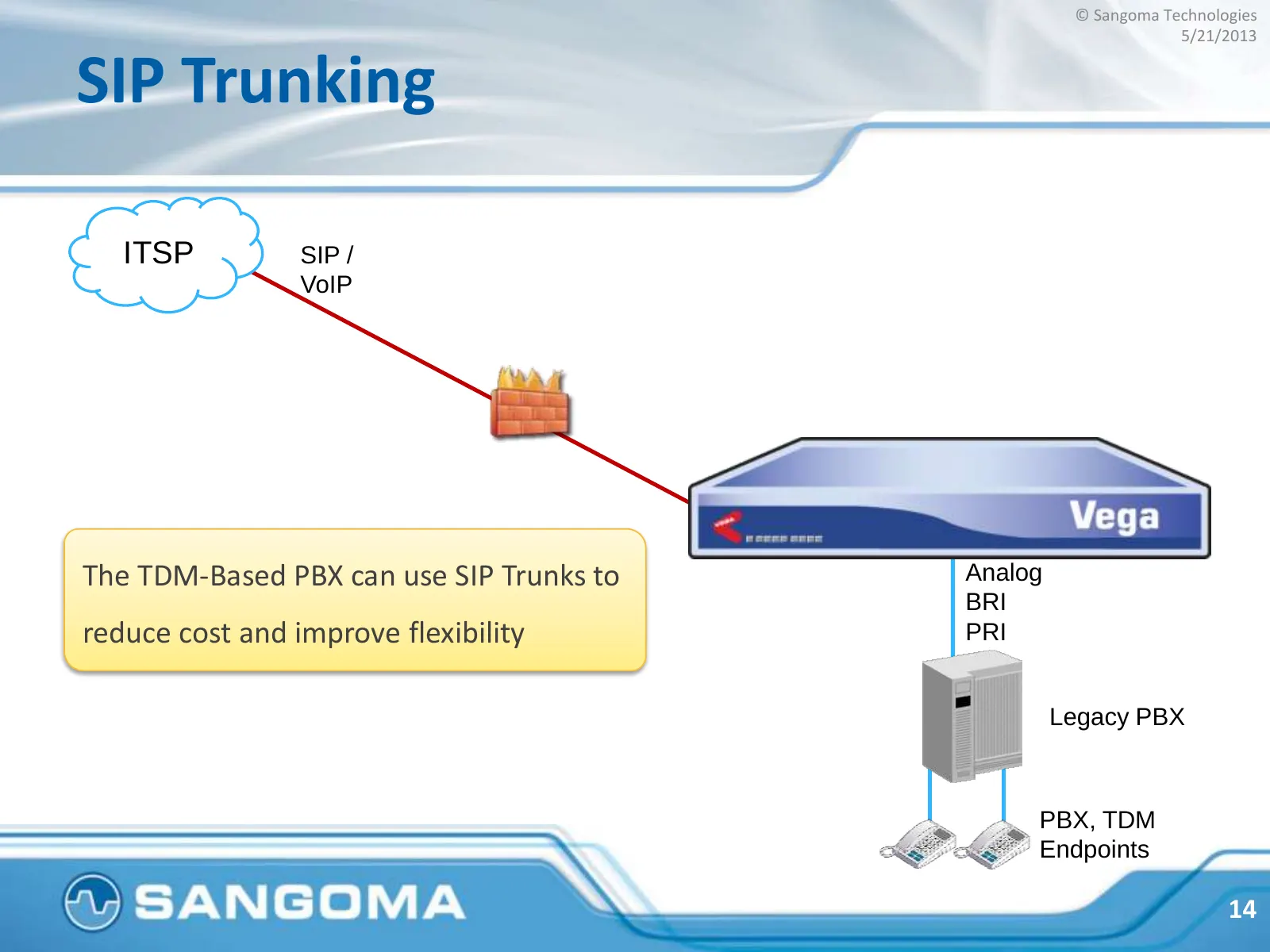
© Sangoma Technologies 5/21/2013 SIP Trunking ITSP SIP / VoIP The TDM-Based PBX can use SIP Trunks to Analog BRI reduce cost and improve flexibility PRI Legacy PBX PBX, TDM Endpoints 14
Slide 15: SIP Trunking with Resilience
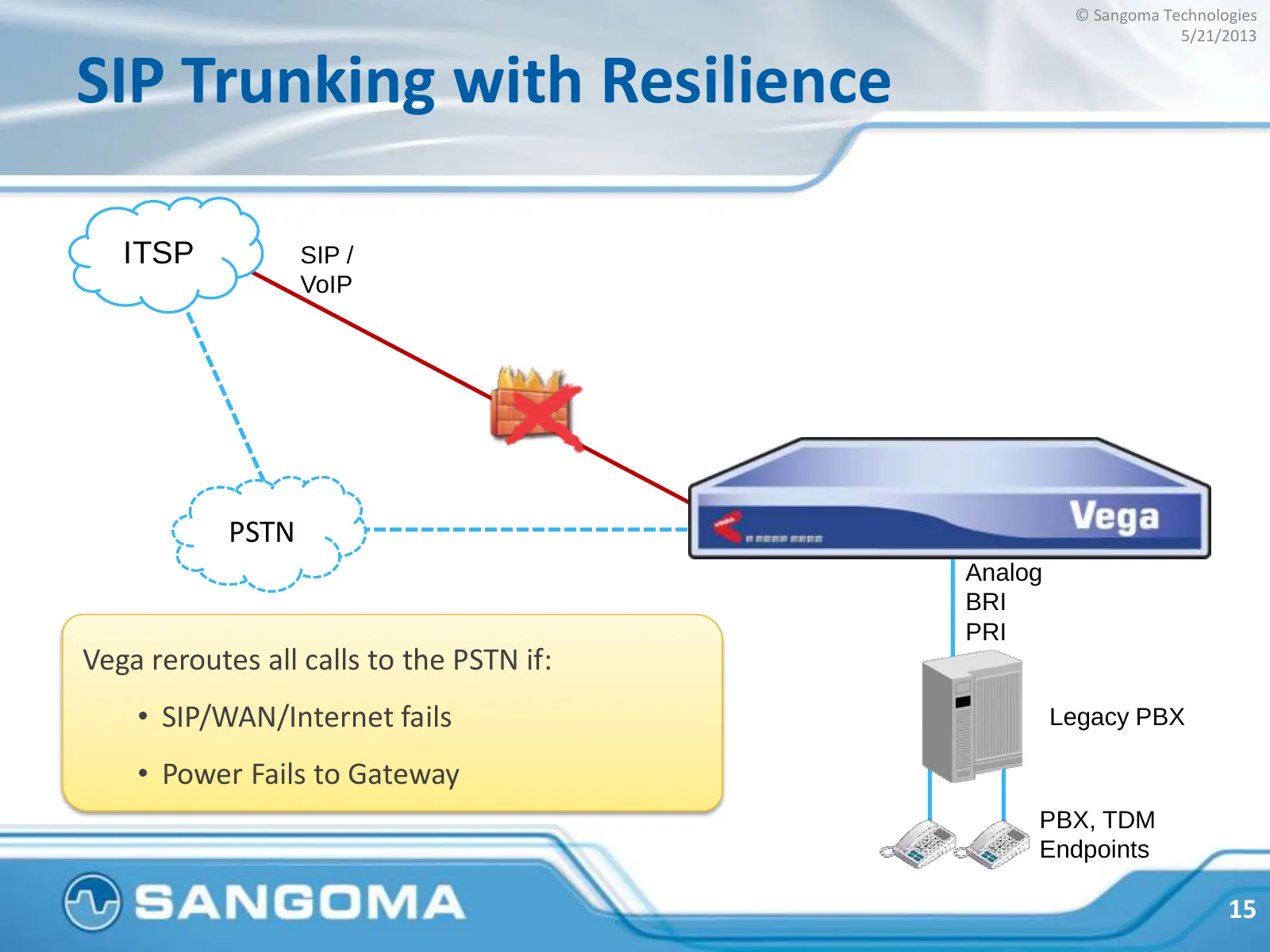
© Sangoma Technologies 5/21/2013 SIP Trunking with Resilience ITSP SIP / VoIP PSTN Analog BRI PRI Vega reroutes all calls to the PSTN if: • SIP/WAN/Internet fails Legacy PBX • Power Fails to Gateway PBX, TDM Endpoints 15
Slide 16: Legacy Equipment Connectivity for IP PBXs
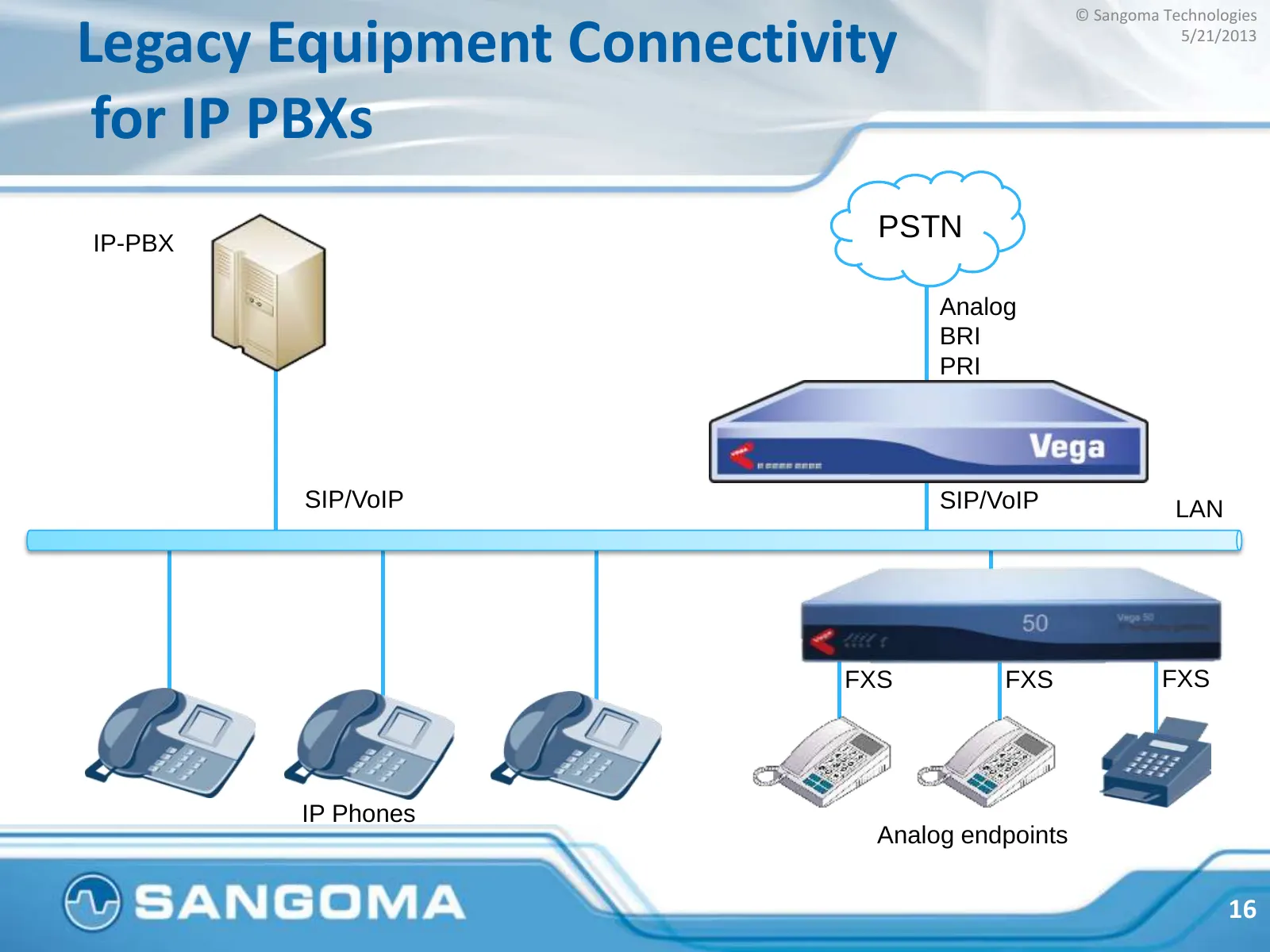
© Sangoma Technologies Legacy Equipment Connectivity 5/21/2013 for IP PBXs IP-PBX PSTN Analog BRI PRI SIP/VoIP SIP/VoIP LAN FXS FXS FXS IP Phones Analog endpoints 16
Slide 17: Product Positioning
———— PRODUCT POSITIONING 4) SANGOMA CONNECT WITH SANGOMA
Slide 18: Product Positioning
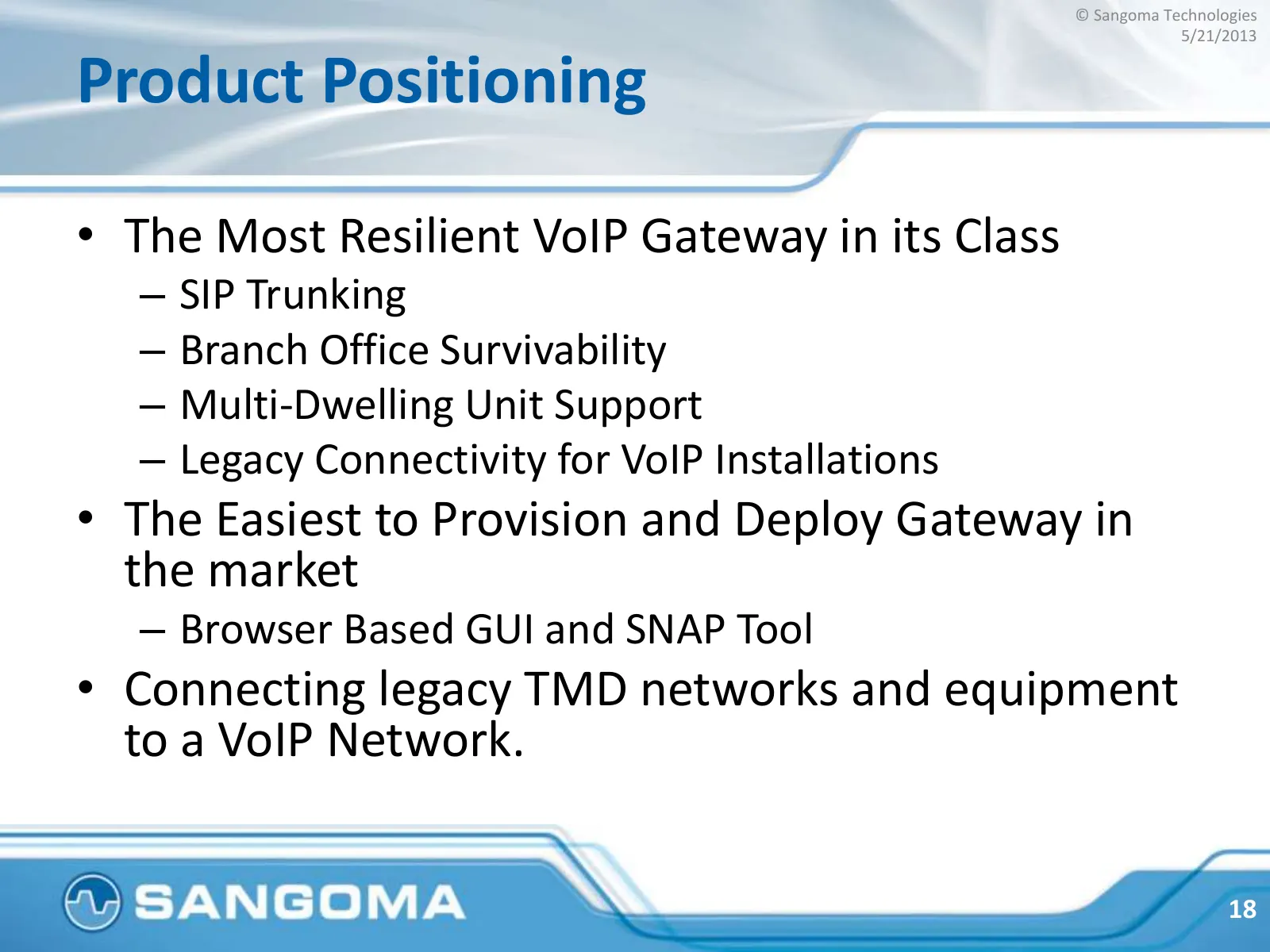
© Sangoma Technologies 5/21/2013 Product Positioning • The Most Resilient VoIP Gateway in its Class – SIP Trunking – Branch Office Survivability – Multi-Dwelling Unit Support – Legacy Connectivity for VoIP Installations • The Easiest to Provision and Deploy Gateway in the market – Browser Based GUI
Slide 19: Product Highlights
———— PRODUCT HIGHLIGHTS 4) SANGOMA CONNECT WITH SANGOMA
Slide 20: Product Highlights
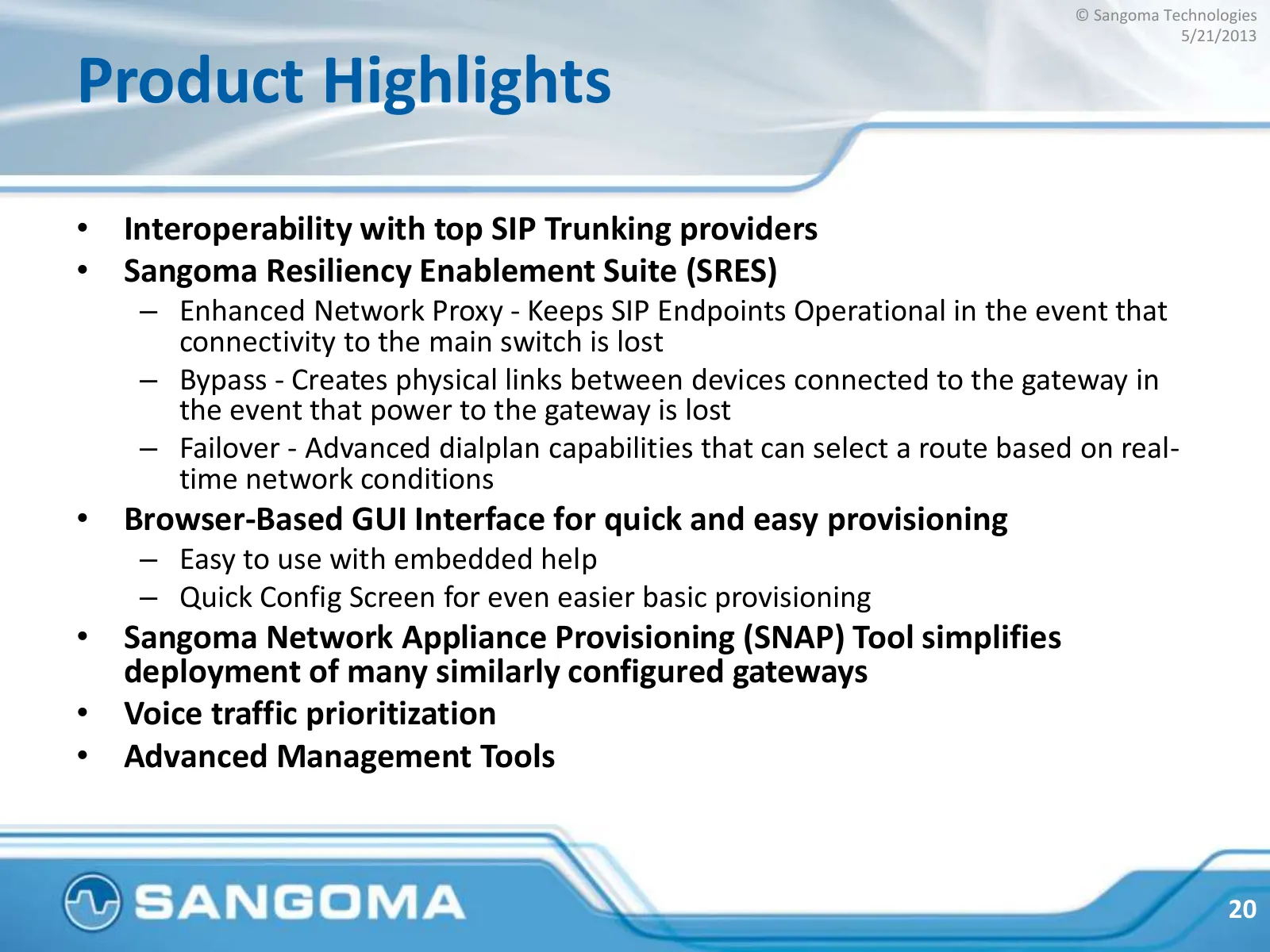
© Sangoma Technologies 5/21/2013 Product Highlights • Interoperability with top SIP Trunking providers • Sangoma Resiliency Enablement Suite (SRES) – Enhanced Network Proxy - Keeps SIP Endpoints Operational in the event that connectivity to the main switch is lost – Bypass - Creates physical links b
Slide 21: Sangoma Resilience Enablement Suite (SRES)
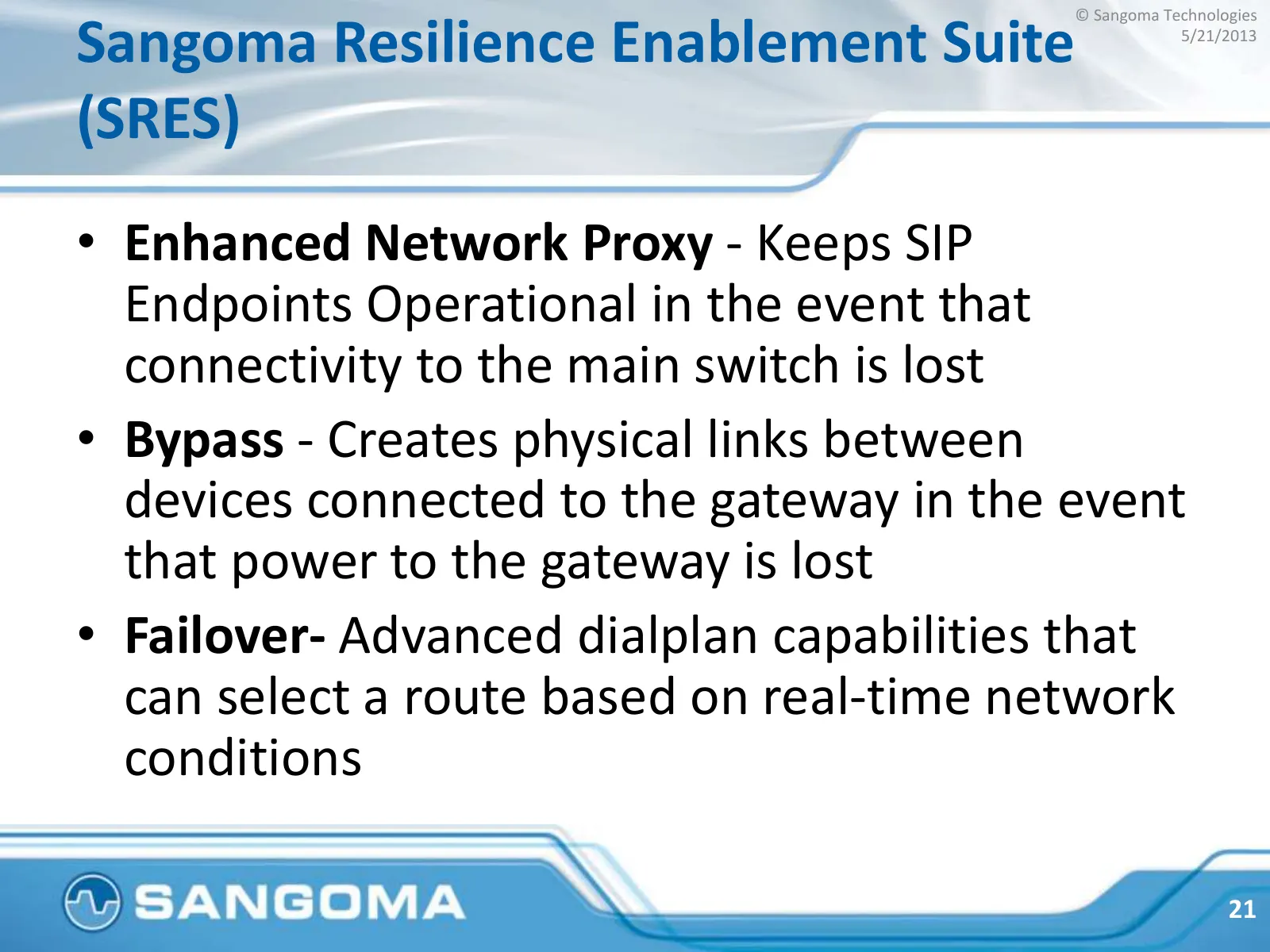
© Sangoma Technologies Sangoma Resilience Enablement Suite 5/21/2013 (SRES) • Enhanced Network Proxy - Keeps SIP Endpoints Operational in the event that connectivity to the main switch is lost • Bypass - Creates physical links between devices connected to the gateway in the event that power to the g
Slide 22: Enhanced Network Proxy
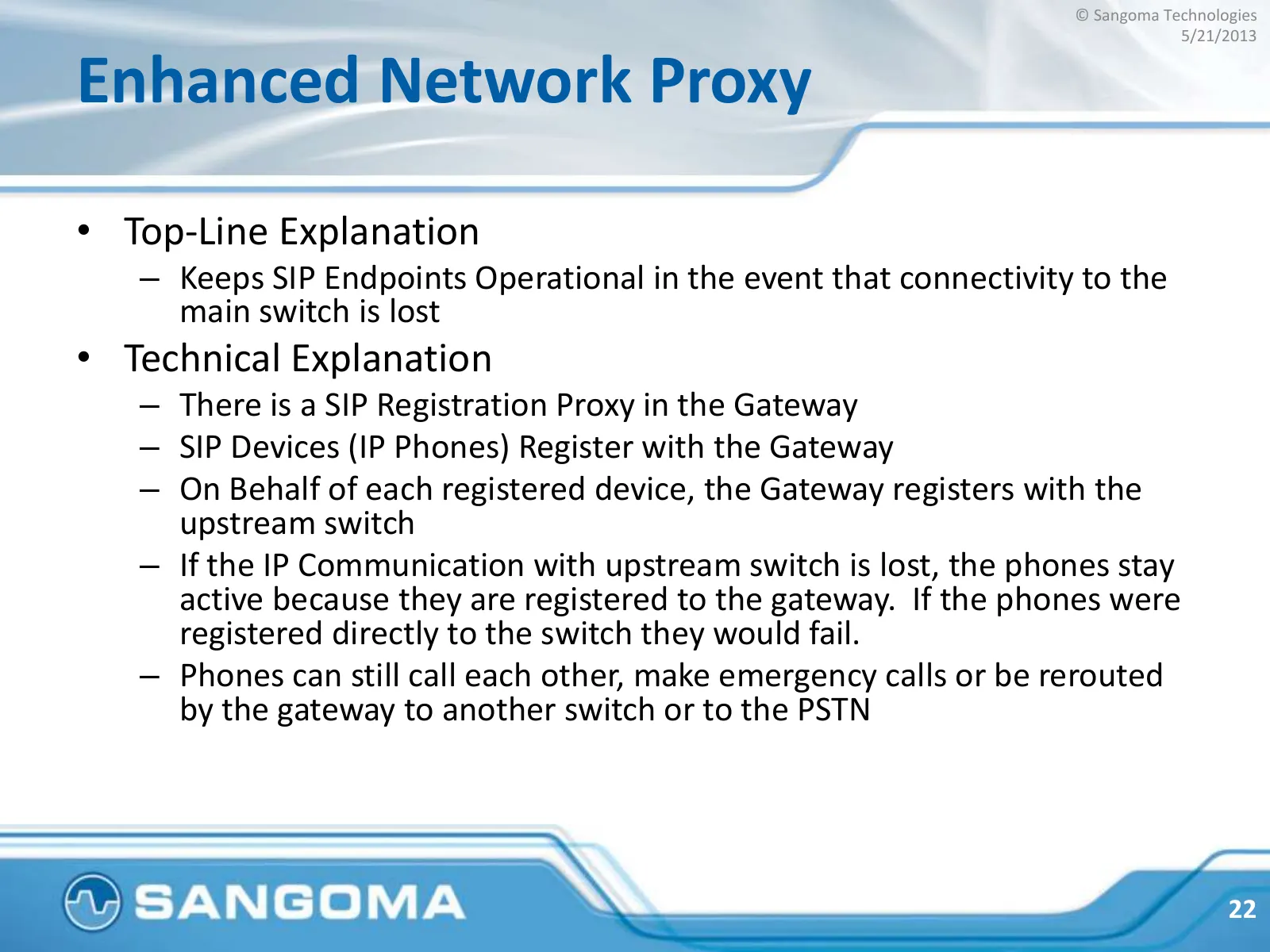
© Sangoma Technologies 5/21/2013 Enhanced Network Proxy • Top-Line Explanation – Keeps SIP Endpoints Operational in the event that connectivity to the main switch is lost • Technical Explanation – There is a SIP Registration Proxy in the Gateway – SIP Devices (IP Phones) Register with the Gateway –
Slide 23: Bypass
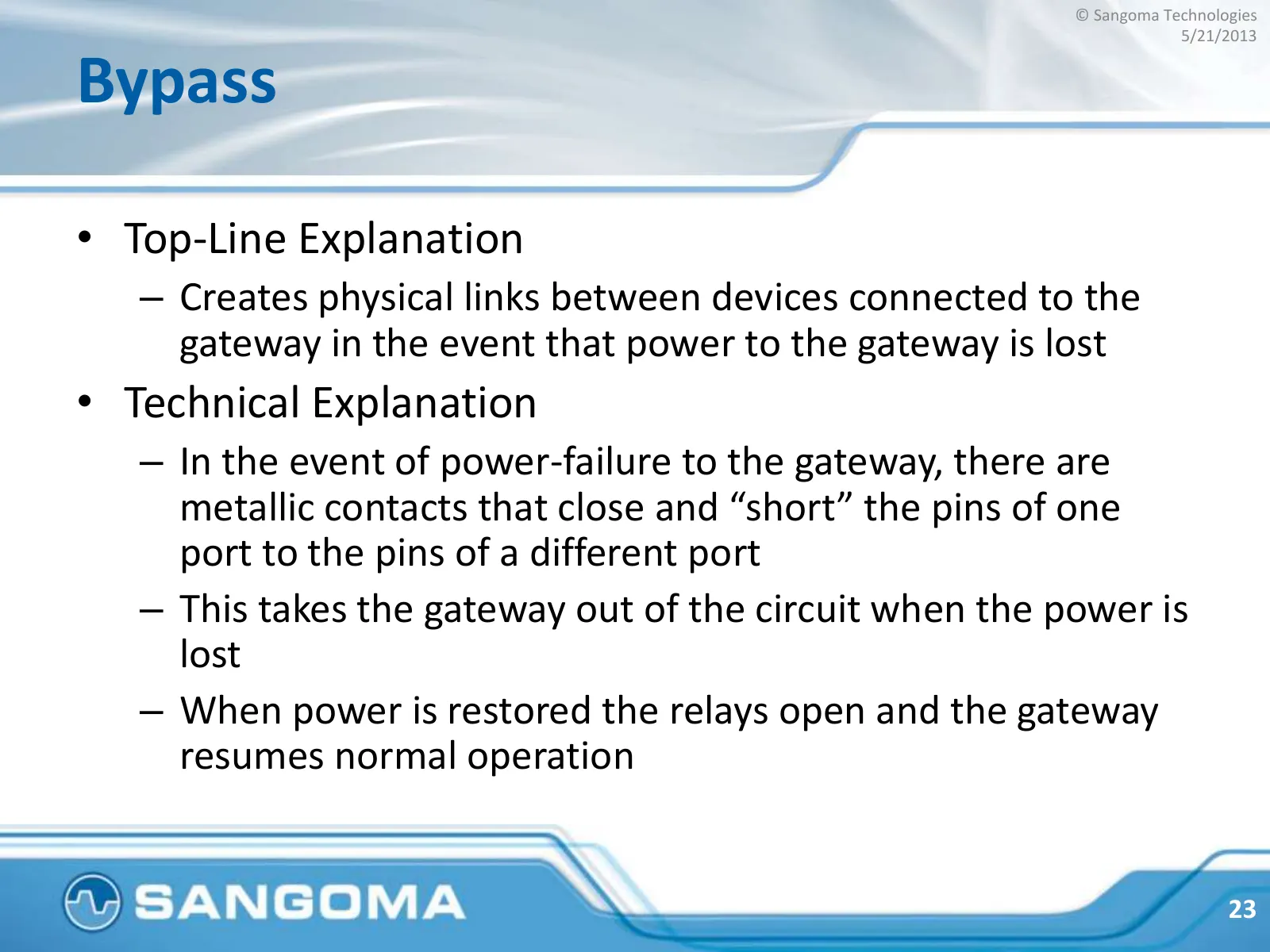
© Sangoma Technologies 5/21/2013 Bypass • Top-Line Explanation – Creates physical links between devices connected to the gateway in the event that power to the gateway is lost • Technical Explanation – In the event of power-failure to the gateway, there are metallic contacts that close and “short” t
Slide 24: Vega Provisioned for By-Pass
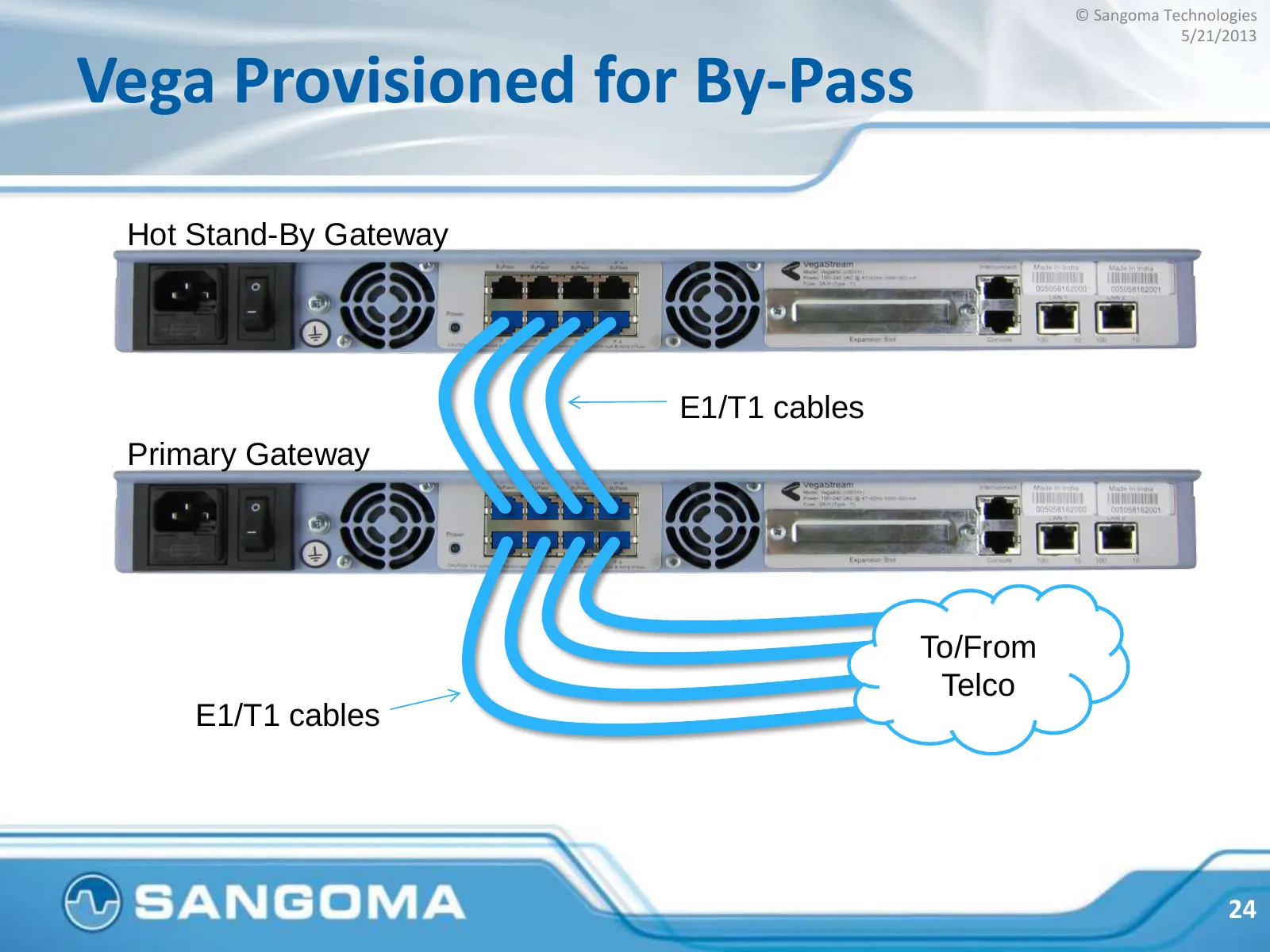
© Sangoma Technologies 5/21/2013 Vega Provisioned for By-Pass Hot Stand-By Gateway E1/T1 cables Primary Gateway To/From Telco E1/T1 cables 24
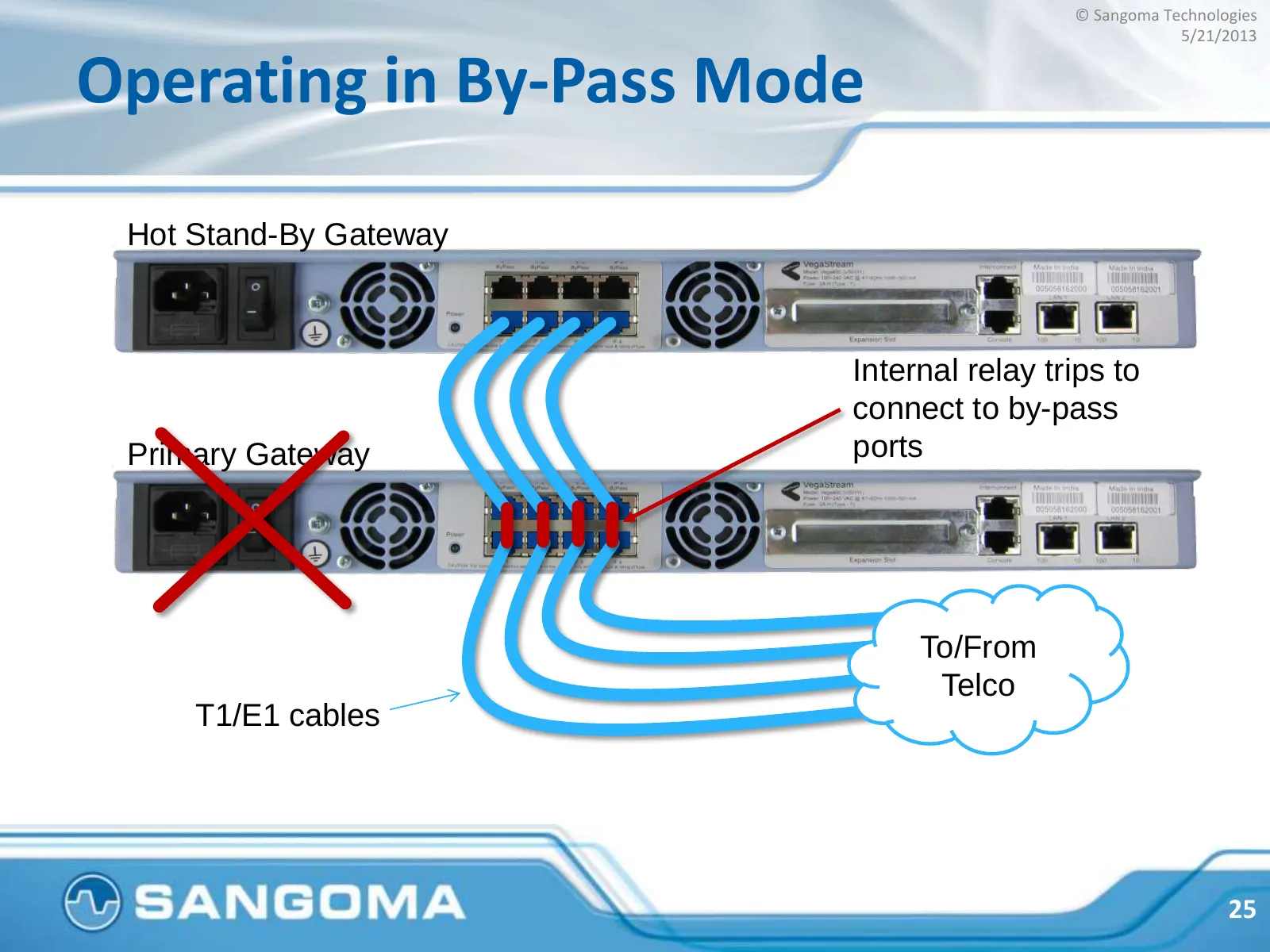
Slide 25: Operating in By-Pass Mode
© Sangoma Technologies 5/21/2013 Operating in By-Pass Mode Hot Stand-By Gateway Internal relay trips to connect to by-pass Primary Gateway ports To/From Telco T1/E1 cables 25
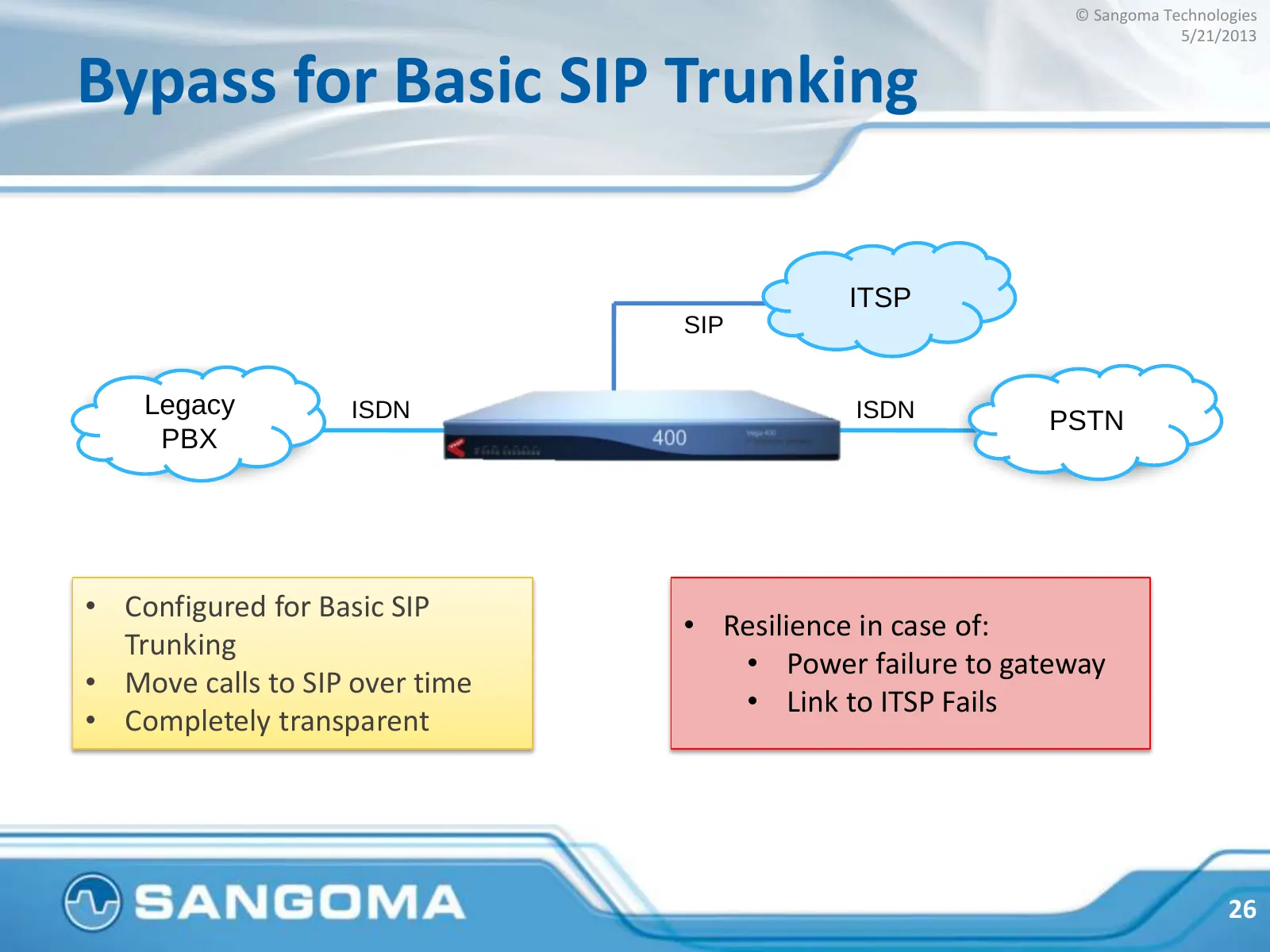
Slide 26: Bypass for Basic SIP Trunking
© Sangoma Technologies 5/21/2013 Bypass for Basic SIP Trunking ITSP ITSP SIP Legacy ISDN ISDN PSTN PBX • Configured for Basic SIP • Resilience in case of: Trunking • Power failure to gateway • Move calls to SIP over time • Link to ITSP Fails • Completely transparent 26
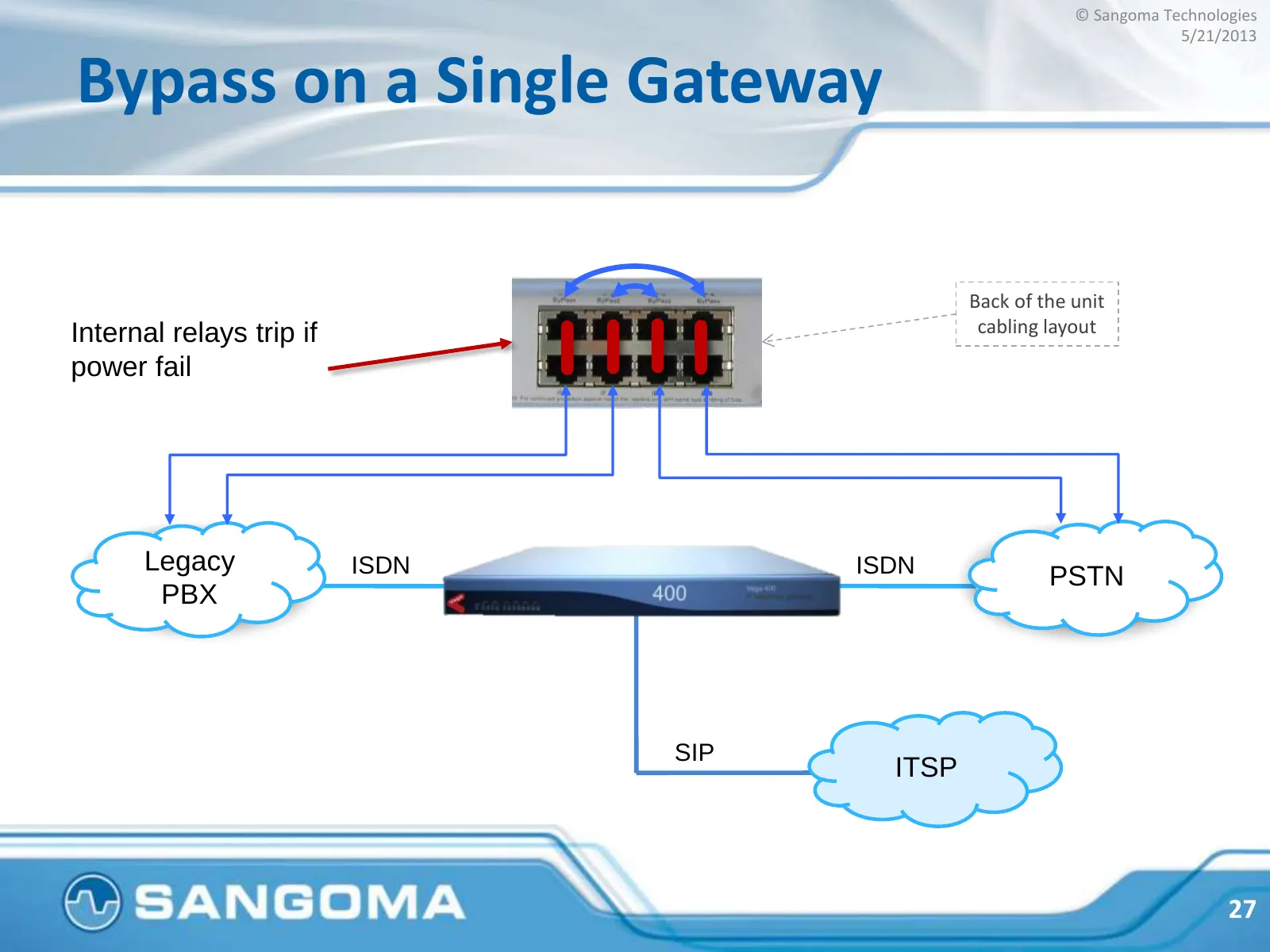
Slide 27: Bypass on a Single Gateway
© Sangoma Technologies 5/21/2013 Bypass on a Single Gateway Back of the unit Internal relays trip if cabling layout power fail Legacy ISDN ISDN PSTN PBX SIP ITSP 27
Slide 28: Failover
© Sangoma Technologies 5/21/2013 Failover • Top-Line Explanation – Advanced dialplan capabilities that can select a route based on real-time network conditions • Technical Explanation – Vega Gateway are programmable – If for any reason a route becomes unavailable, the gateway can automatically rerou
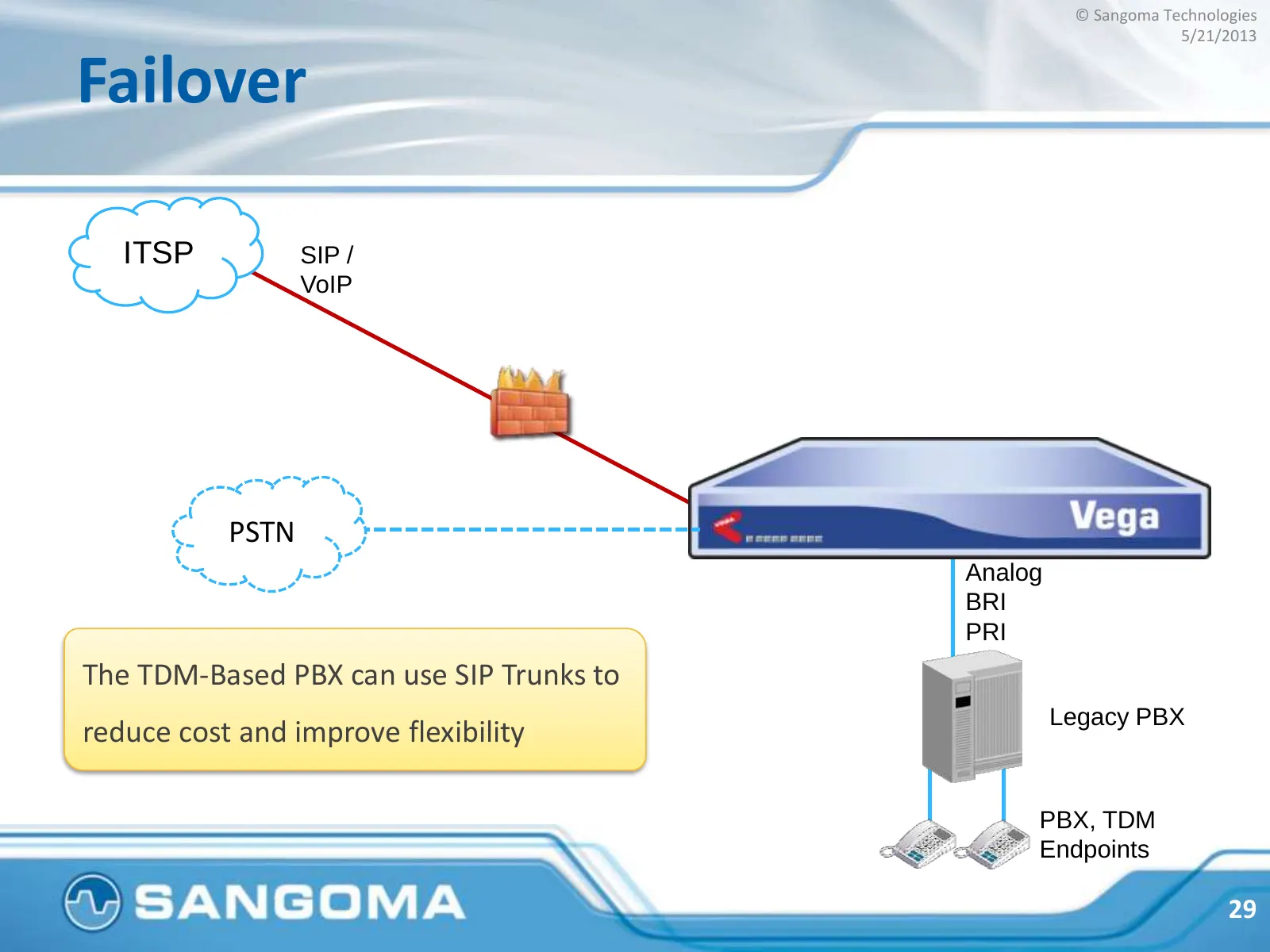
Slide 29: Failover
© Sangoma Technologies 5/21/2013 Failover ITSP SIP / VoIP PSTN Analog BRI PRI The TDM-Based PBX can use SIP Trunks to Legacy PBX reduce cost and improve flexibility PBX, TDM Endpoints 29
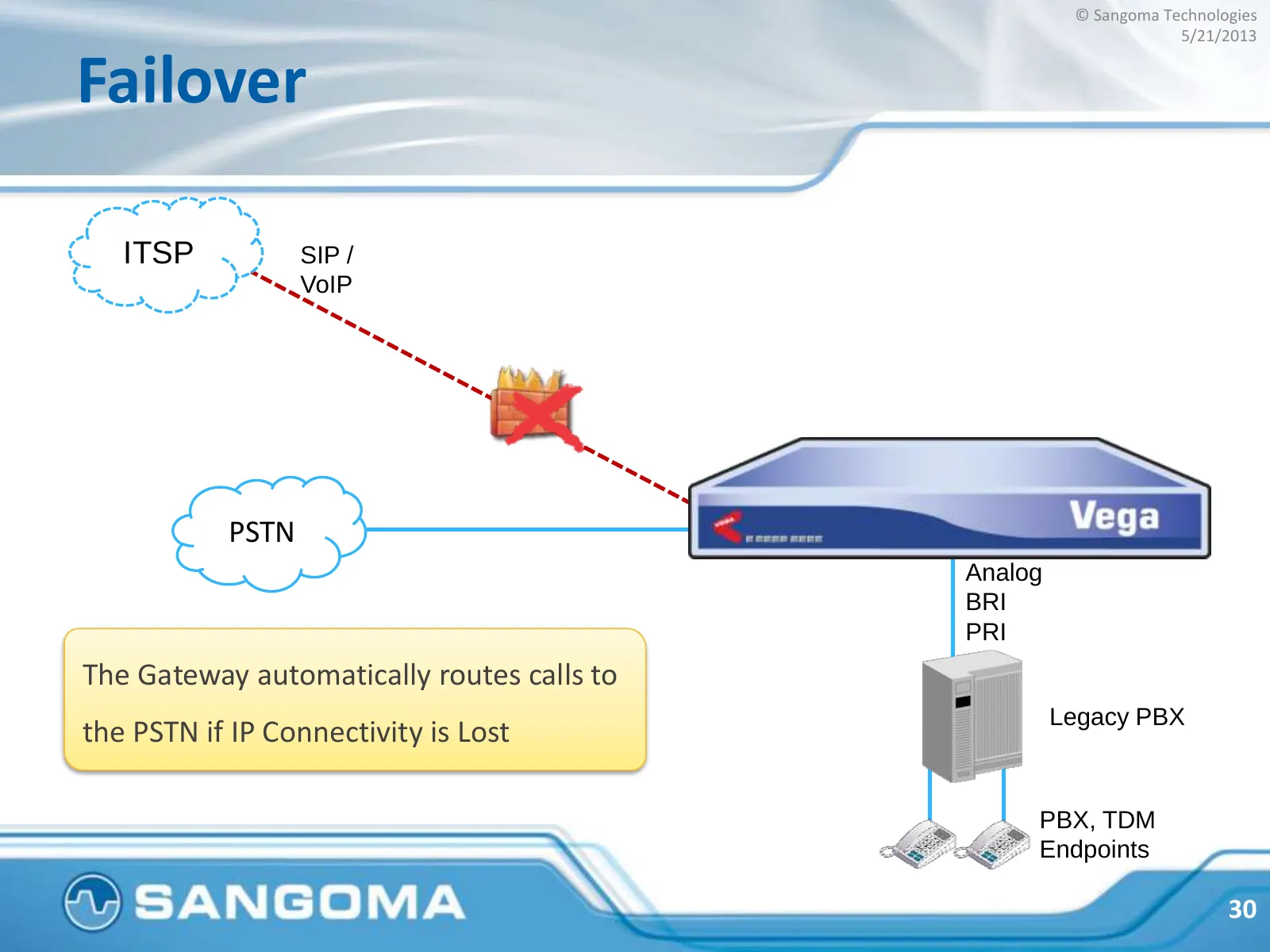
Slide 30: Failover
© Sangoma Technologies 5/21/2013 Failover ITSP SIP / VoIP PSTN Analog BRI PRI The Gateway automatically routes calls to Legacy PBX the PSTN if IP Connectivity is Lost PBX, TDM Endpoints 30
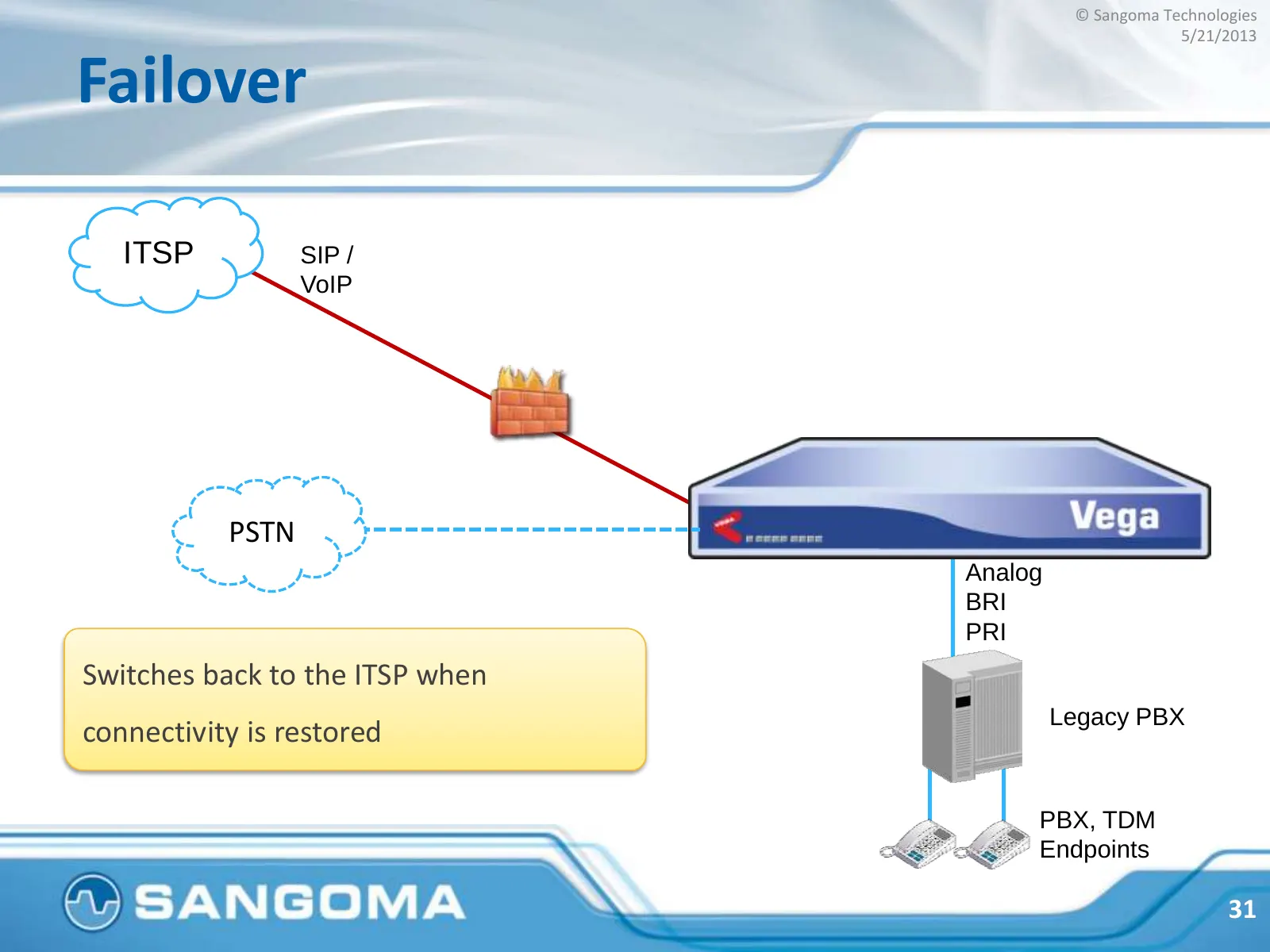
Slide 31: Failover
© Sangoma Technologies 5/21/2013 Failover ITSP SIP / VoIP PSTN Analog BRI PRI Switches back to the ITSP when Legacy PBX connectivity is restored PBX, TDM Endpoints 31
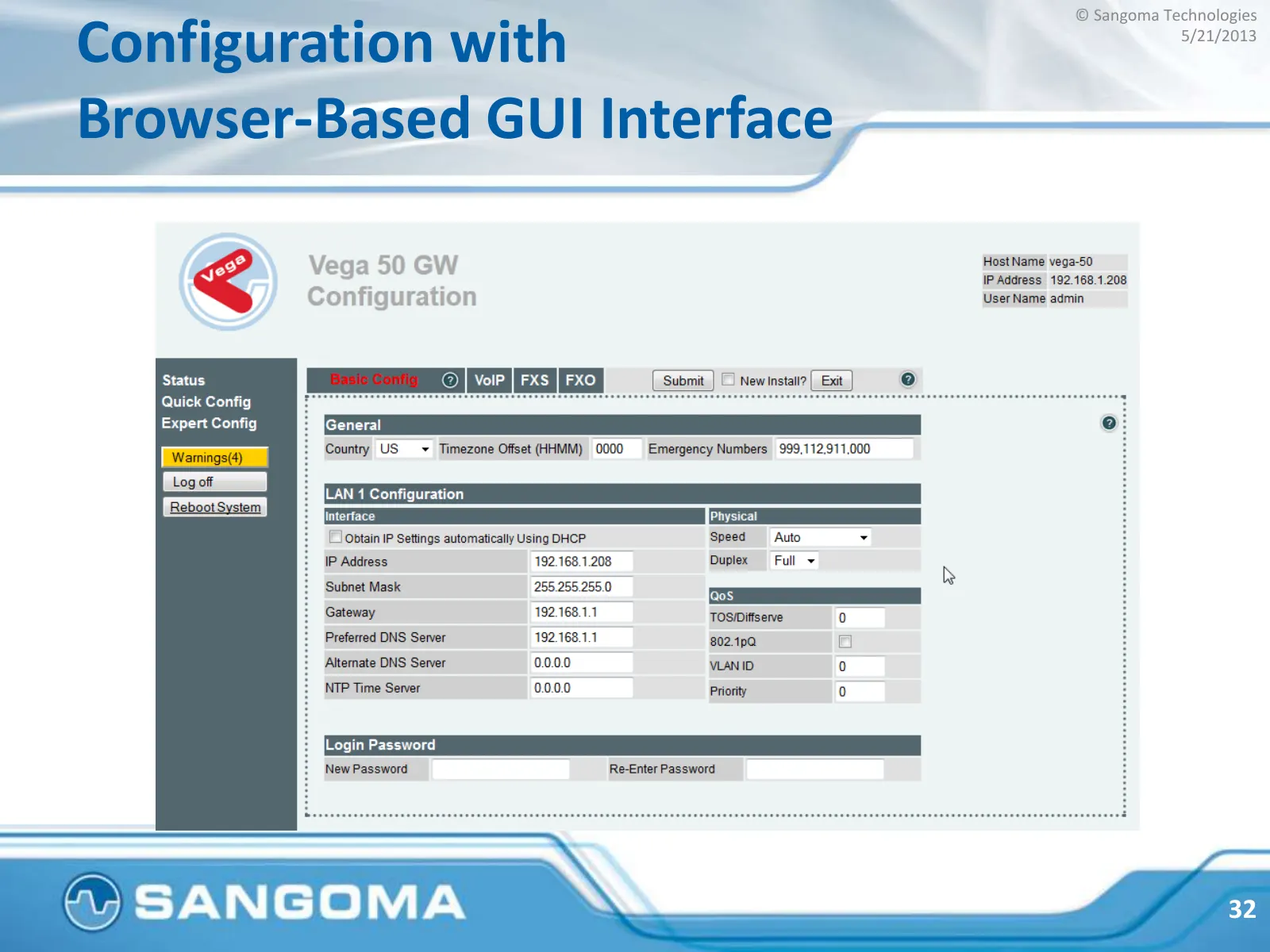
Slide 32: Configuration with Browser-Based GUI Interface
© Sangoma Technologies Configuration with 5/21/2013 Browser-Based GUI Interface 32
Slide 33: SNAP TOOL
© Sangoma Technologies 5/21/2013 SNAP TOOL Sangoma Network Appliance Provisioning Tool simplifies provisioning and deployment of gateways for use on Interoperability Partners’ networks – Sangoma builds standard configuration files for an Interoperability Partner – Through the Snap Tool, user provide
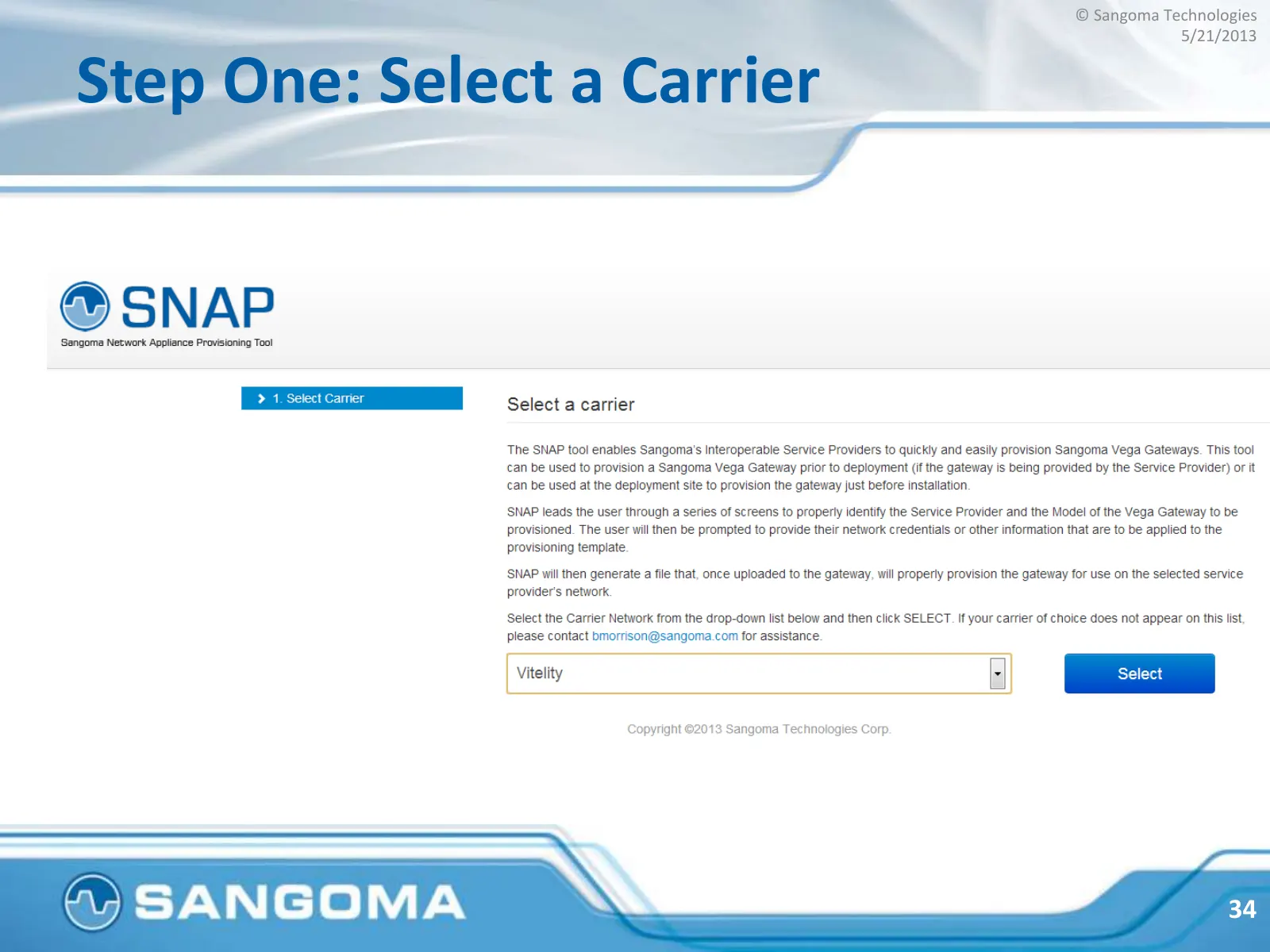
Slide 34: Step One: Select a Carrier
© Sangoma Technologies 5/21/2013 Step One: Select a Carrier 34
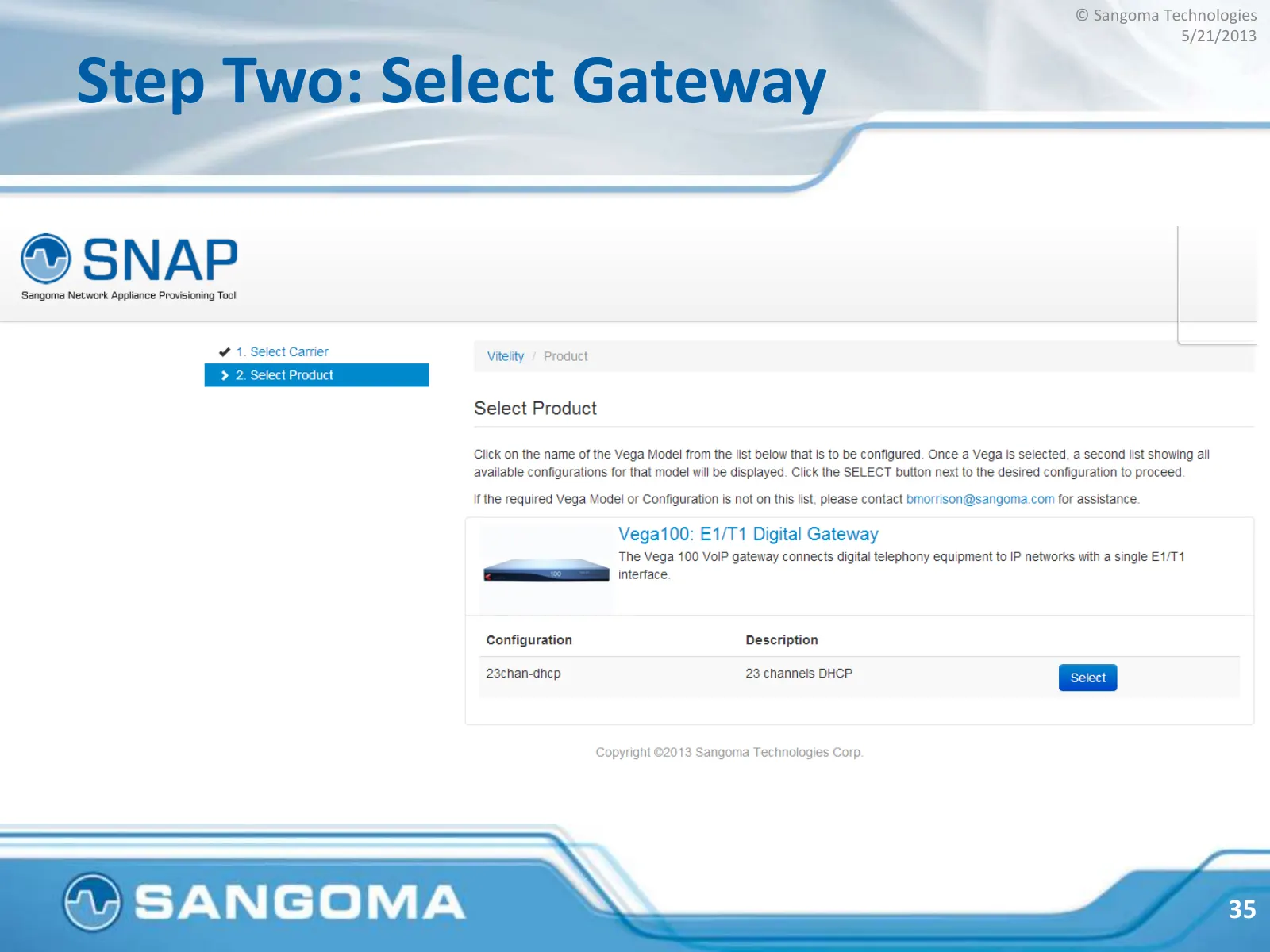
Slide 35: Step Two: Select Gateway
© Sangoma Technologies 5/21/2013 Step Two: Select Gateway 35
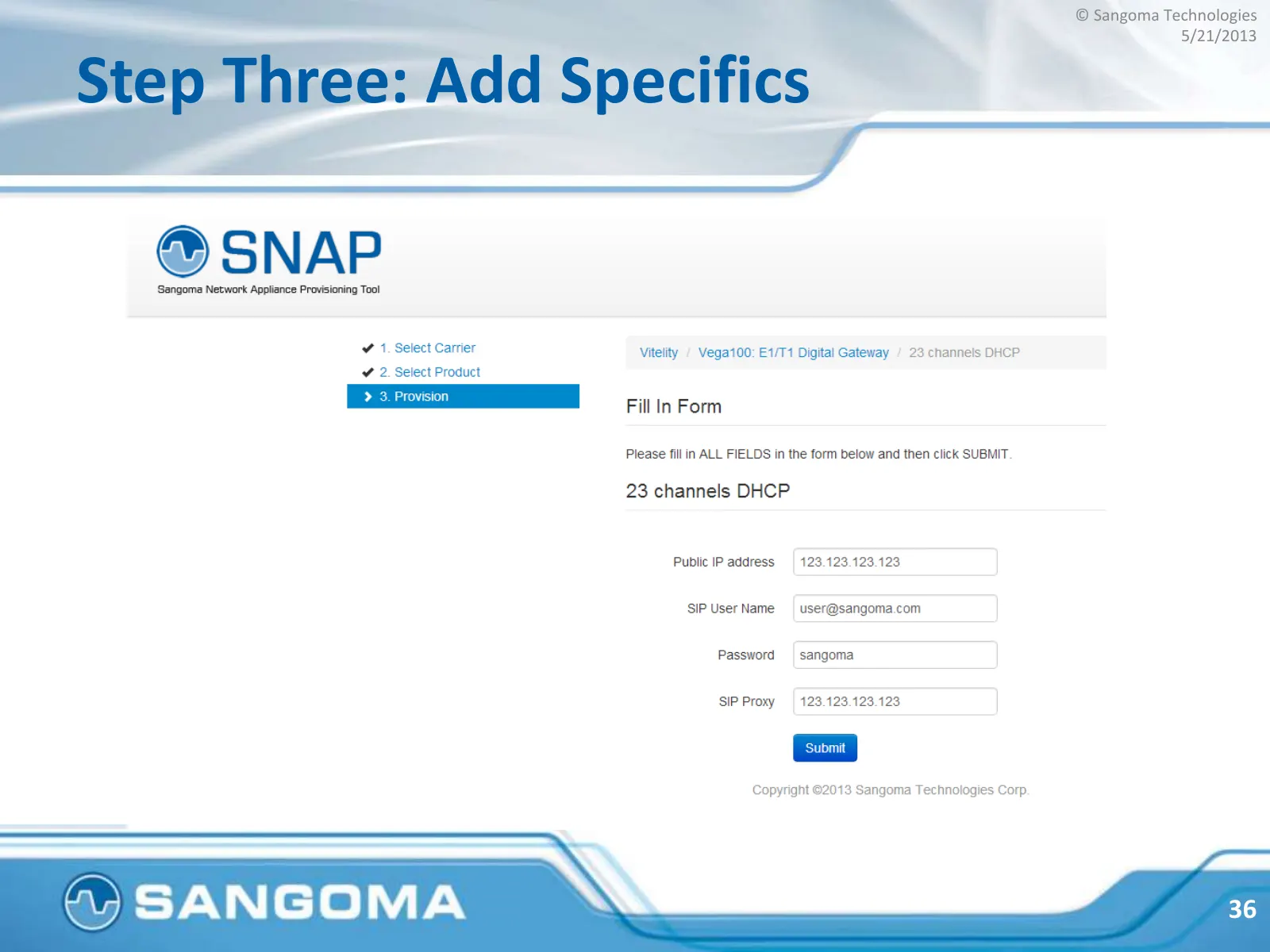
Slide 36: Step Three: Add Specifics
© Sangoma Technologies 5/21/2013 Step Three: Add Specifics 36
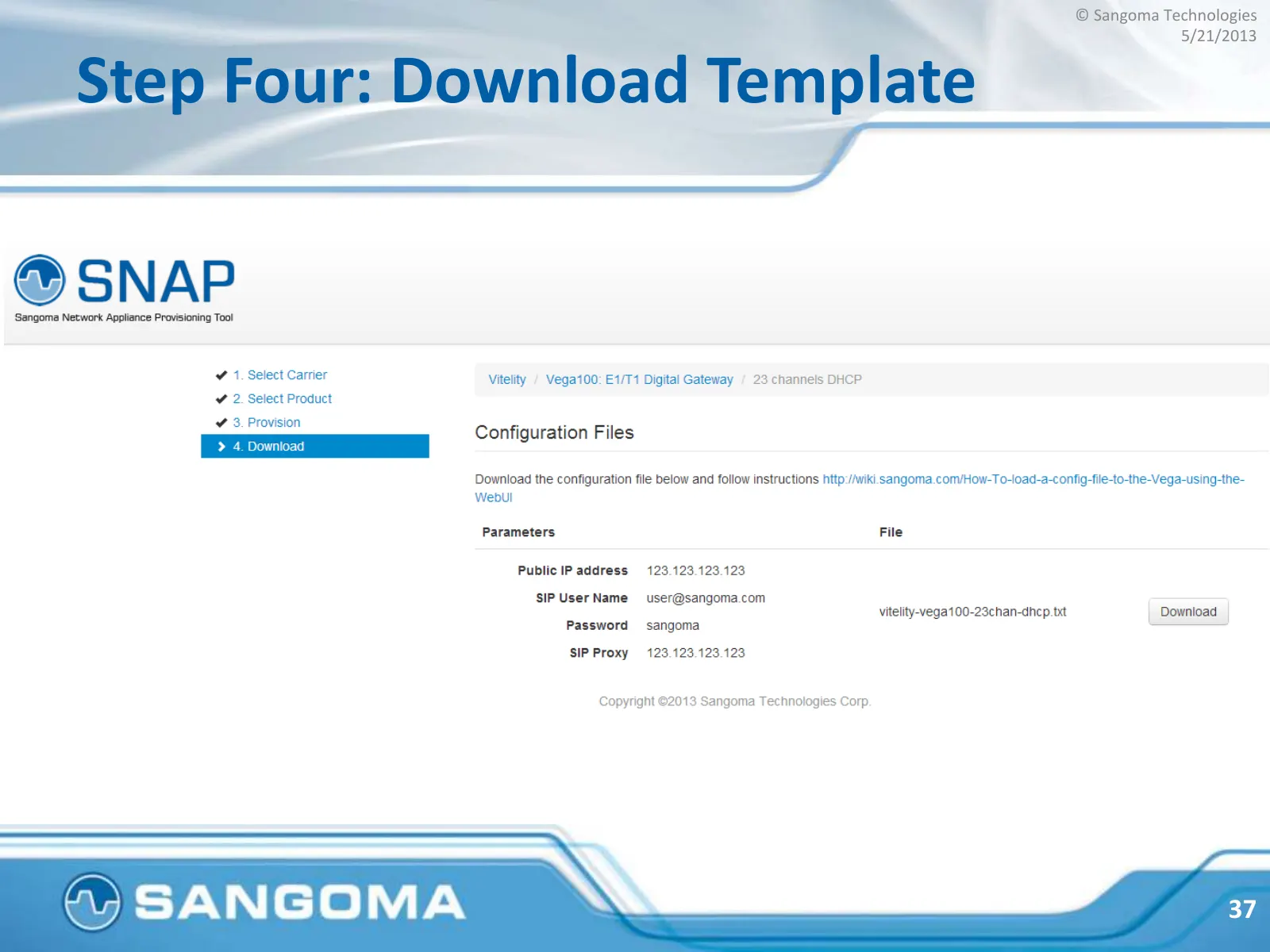
Slide 37: Step Four: Download Template
© Sangoma Technologies 5/21/2013 Step Four: Download Template 37
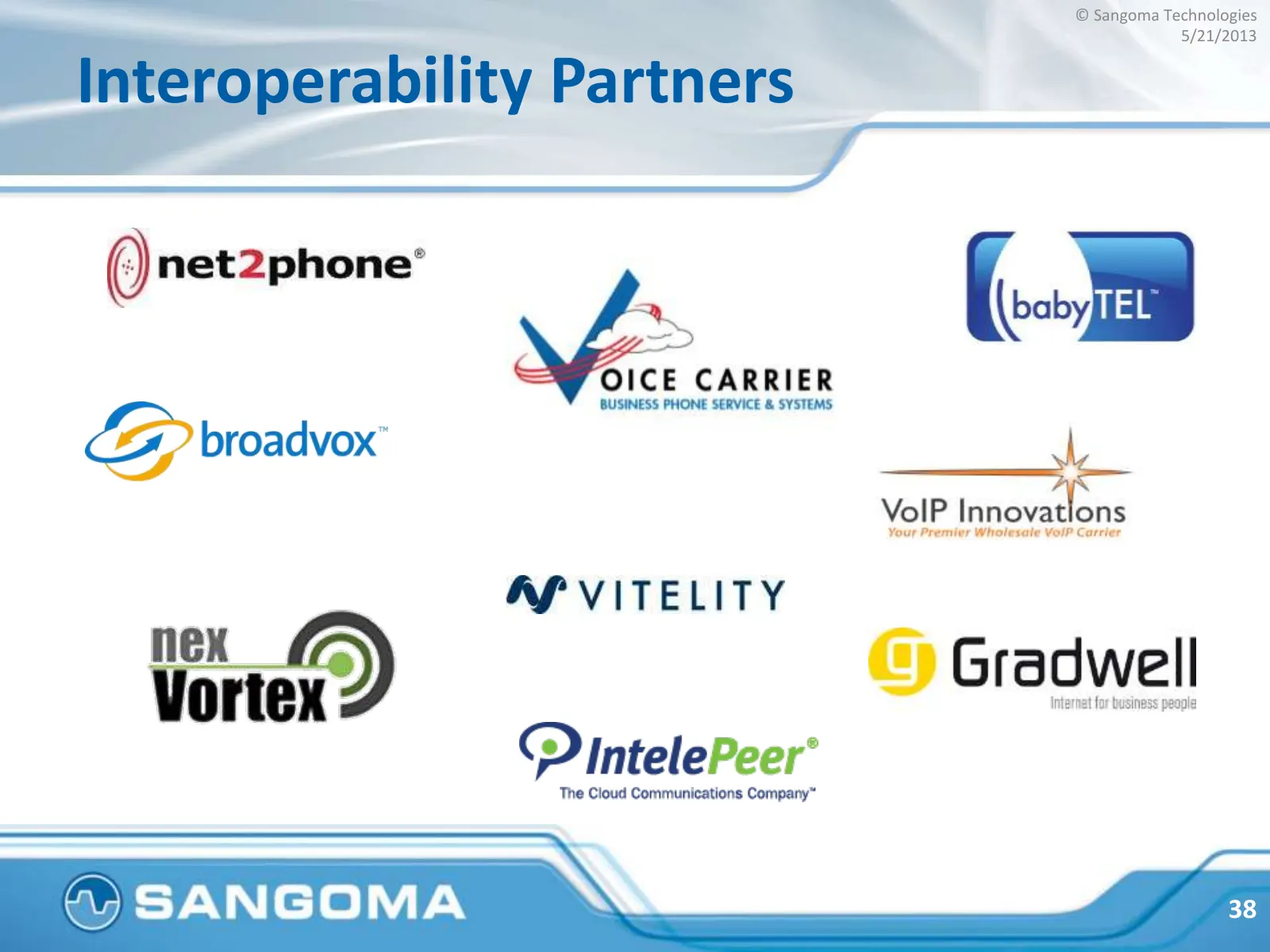
Slide 38: Interoperability Partners
© Sangoma Technologies 5/21/2013 Interoperability Partners 38
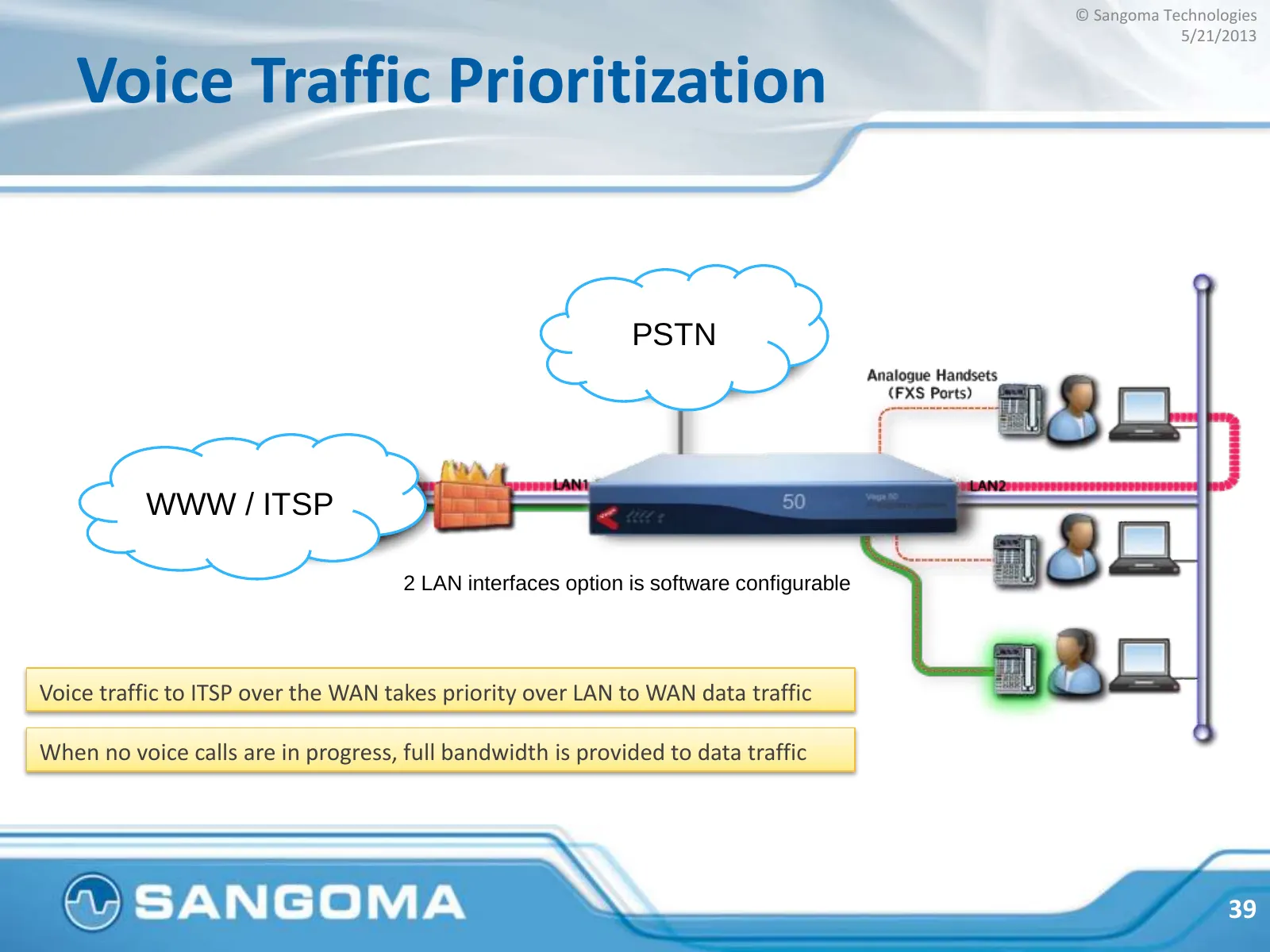
Slide 39: Voice Traffic Prioritization
© Sangoma Technologies 5/21/2013 Voice Traffic Prioritization PSTN WWW / ITSP 2 LAN interfaces option is software configurable Voice traffic to ITSP over the WAN takes priority over LAN to WAN data traffic When no voice calls are in progress, full bandwidth is provided to data traffic 39
Slide 40: Advanced Management Tools
© Sangoma Technologies 5/21/2013 Advanced Management Tools • Selection of interfaces – Browser Based Interface: HTTP, HTTPS – Command Line Interface: Serial (RS-232), Telnet, SSH • Built in logging functions – Realtime Debug – Syslog • SNMP • Automated Configuration – Autoexec – Cron – SIP NOTIFY 40
Slide 41: Portfolio of Gateways: Vega Series
Vega Series PORTFOLIO OF GATEWAYS
Slide 42: Vega Series: Telecom Appliances
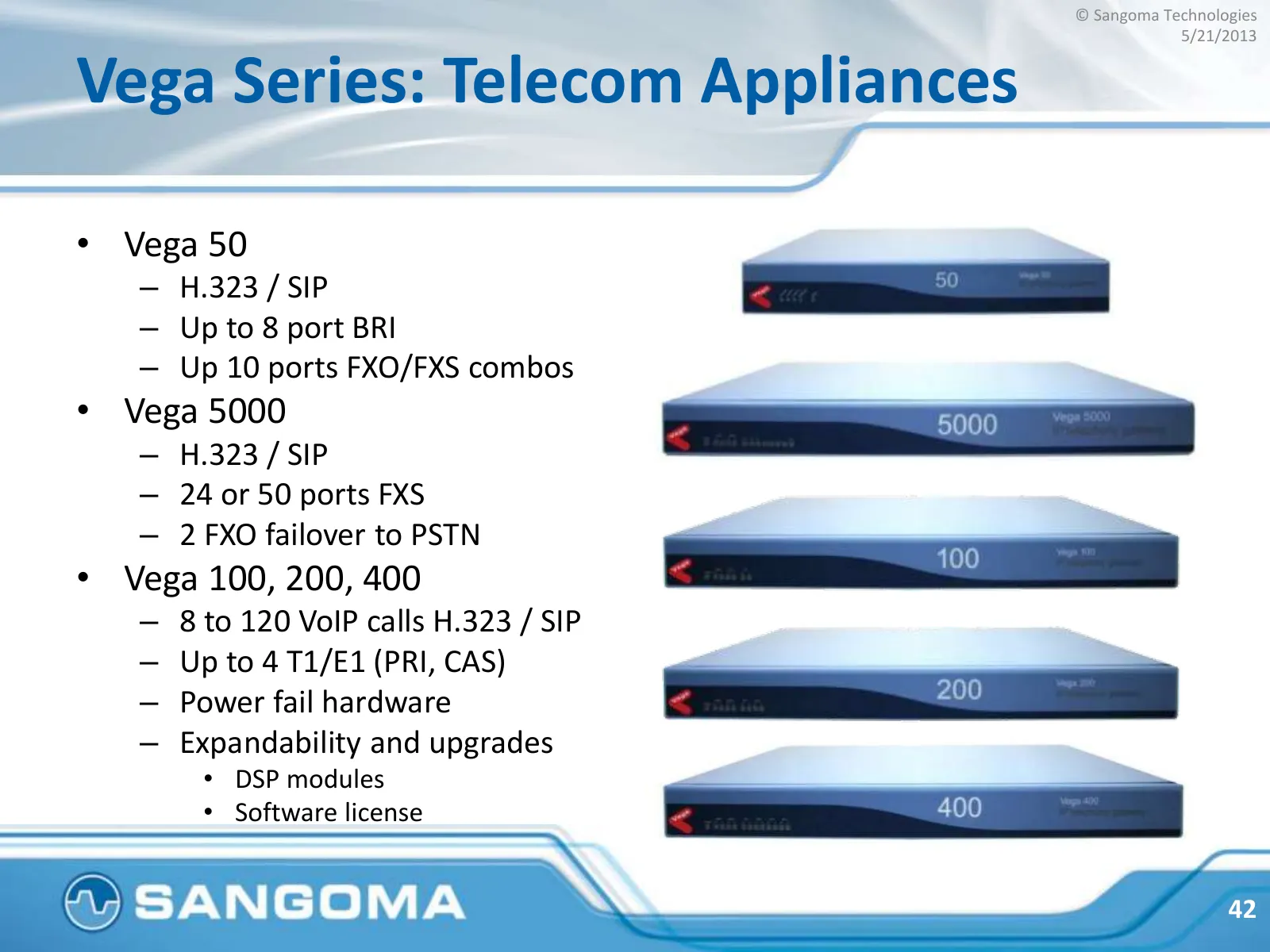
© Sangoma Technologies 5/21/2013 Vega Series: Telecom Appliances • Vega 50 – H.323 / SIP – Up to 8 port BRI – Up 10 ports FXO/FXS combos • Vega 5000 – H.323 / SIP – 24 or 50 ports FXS – 2 FXO failover to PSTN • Vega 100, 200, 400 – 8 to 120 VoIP calls H.323 / SIP – Up to 4 T1/E1 (PRI, CAS) – Power f
Slide 43: Features – All Gateways
© Sangoma Technologies 5/21/2013 Features – All Gateways • Enhanced Network Proxy • Powerful call routing • VoIP Protocols capabilities – SIP or H.323 • Remote Firmware – TLS / SRTP for security Upgrade • Dual LAN + Console Port • Vocoding • Management – G.711,G.729,G.723 G.726 – Web GUI • G.168 Ech
Slide 44: Vega X00 Series
———— VEGA X00 SERIES 4) SANGOMA CONNECT WITH SANGOMA
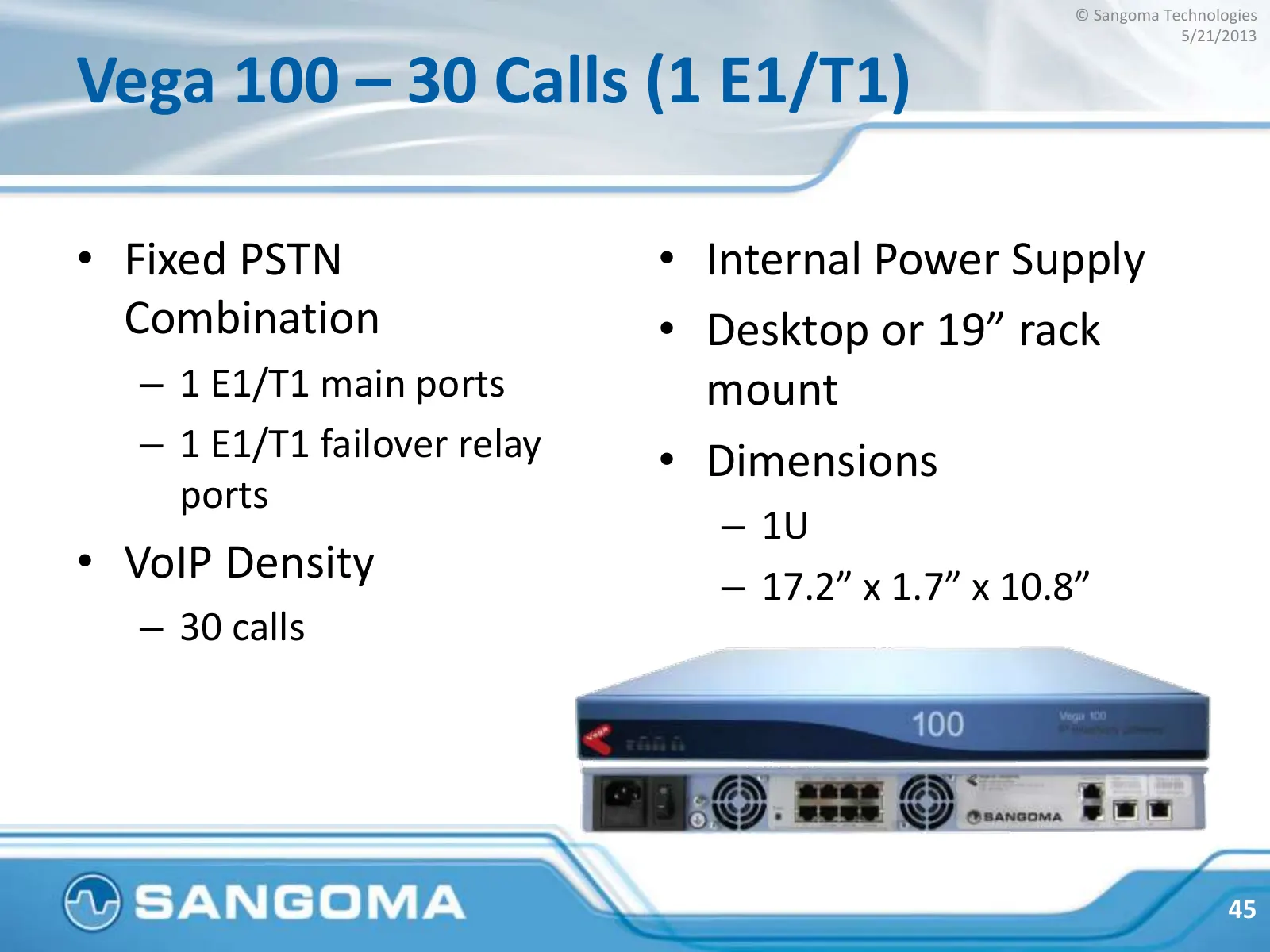
Slide 45: Vega 100 – 30 Calls (1 E1/T1)
© Sangoma Technologies 5/21/2013 Vega 100 – 30 Calls (1 E1/T1) • Fixed PSTN • Internal Power Supply Combination • Desktop or 19” rack – 1 E1/T1 main ports mount – 1 E1/T1 failover relay • Dimensions ports – 1U • VoIP Density – 17.2” x 1.7” x 10.8” – 30 calls 45
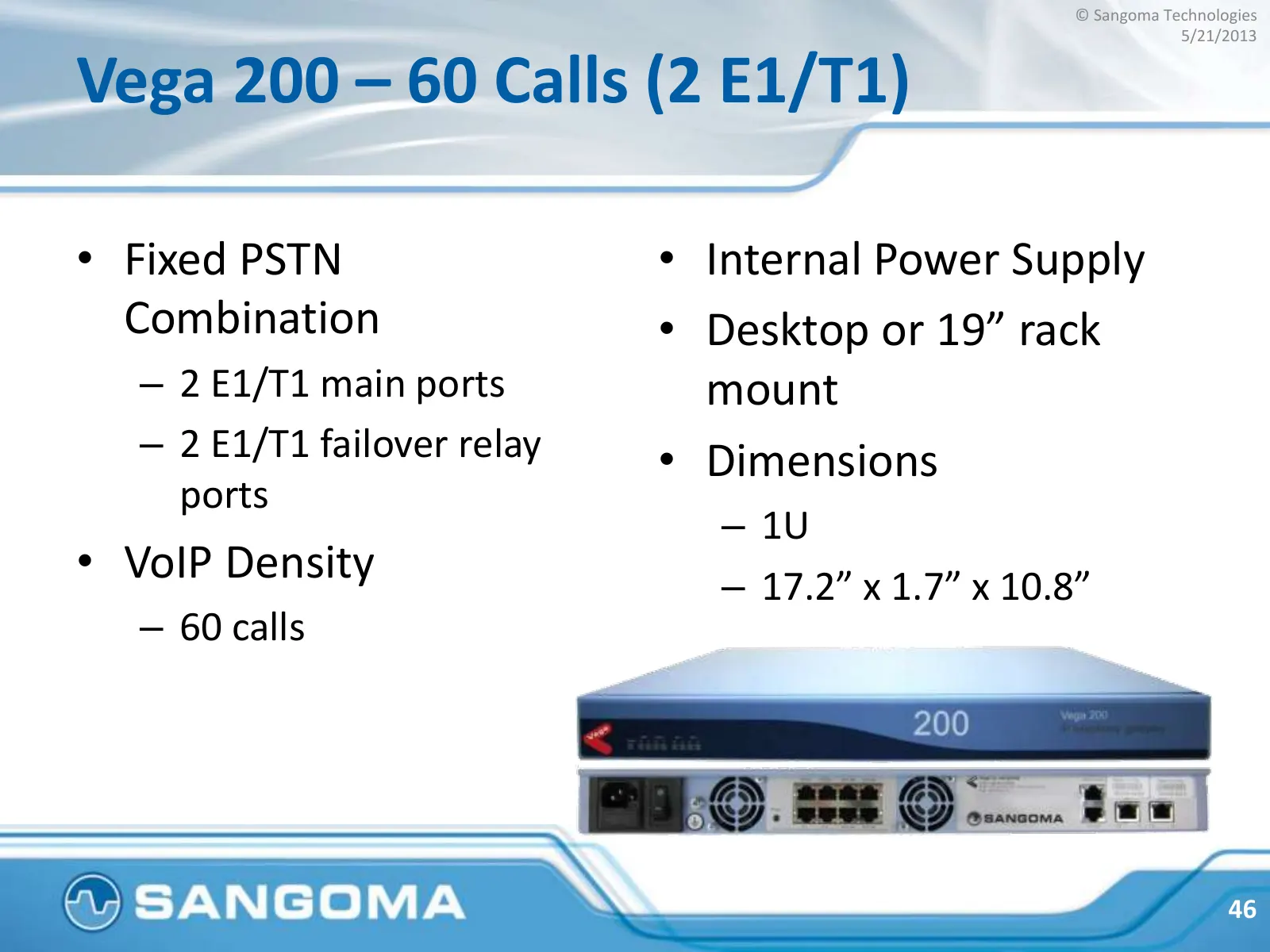
Slide 46: Vega 200 – 60 Calls (2 E1/T1)
© Sangoma Technologies 5/21/2013 Vega 200 – 60 Calls (2 E1/T1) • Fixed PSTN • Internal Power Supply Combination • Desktop or 19” rack – 2 E1/T1 main ports mount – 2 E1/T1 failover relay • Dimensions ports – 1U • VoIP Density – 17.2” x 1.7” x 10.8” – 60 calls 46
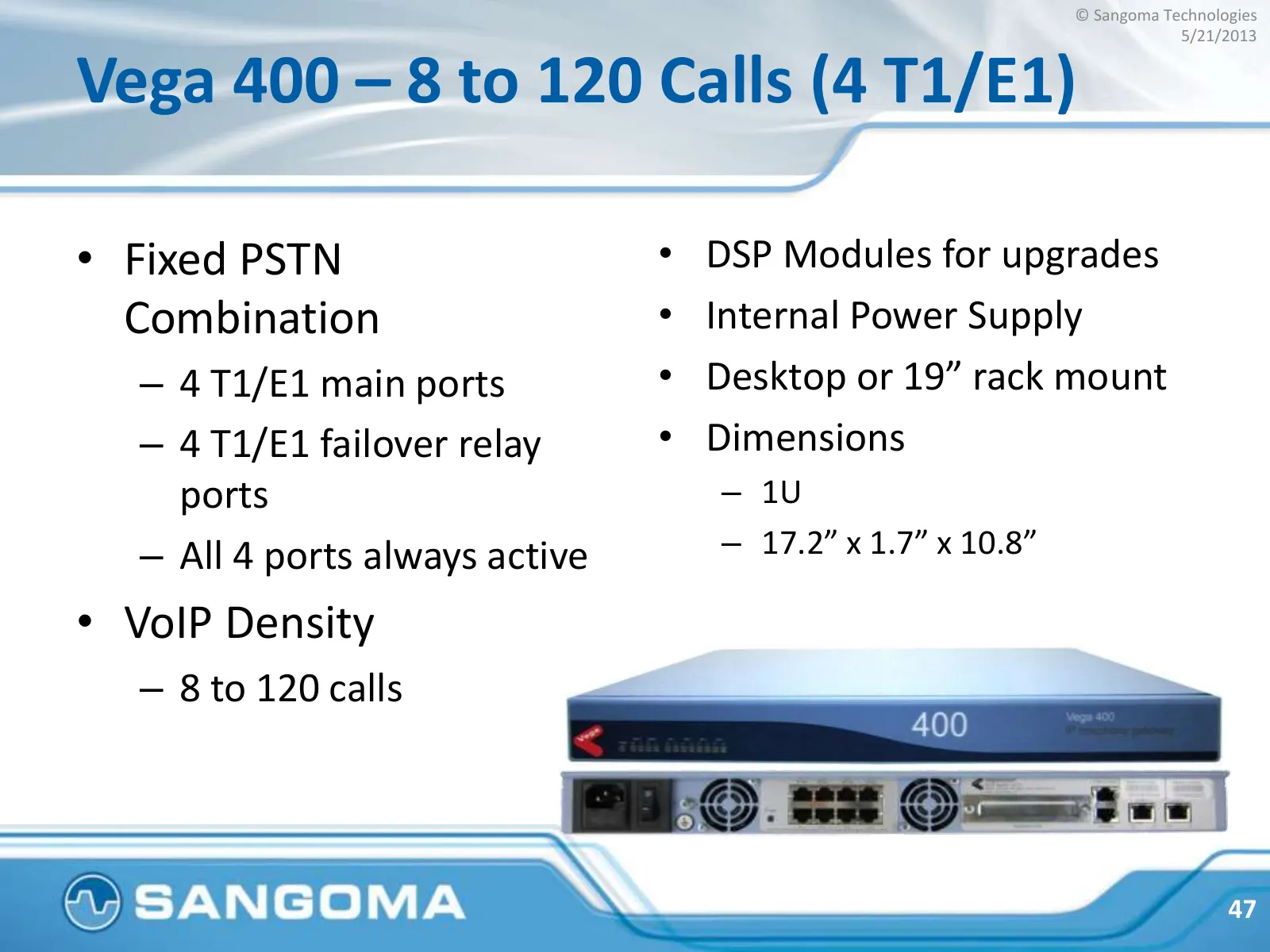
Slide 47: Vega 400 – 8 to 120 Calls (4 T1/E1)
© Sangoma Technologies 5/21/2013 Vega 400 – 8 to 120 Calls (4 T1/E1) • Fixed PSTN • DSP Modules for upgrades Combination • Internal Power Supply – 4 T1/E1 main ports • Desktop or 19” rack mount – 4 T1/E1 failover relay • Dimensions ports – 1U – All 4 ports always active – 17.2” x 1.7” x 10.8” • VoIP
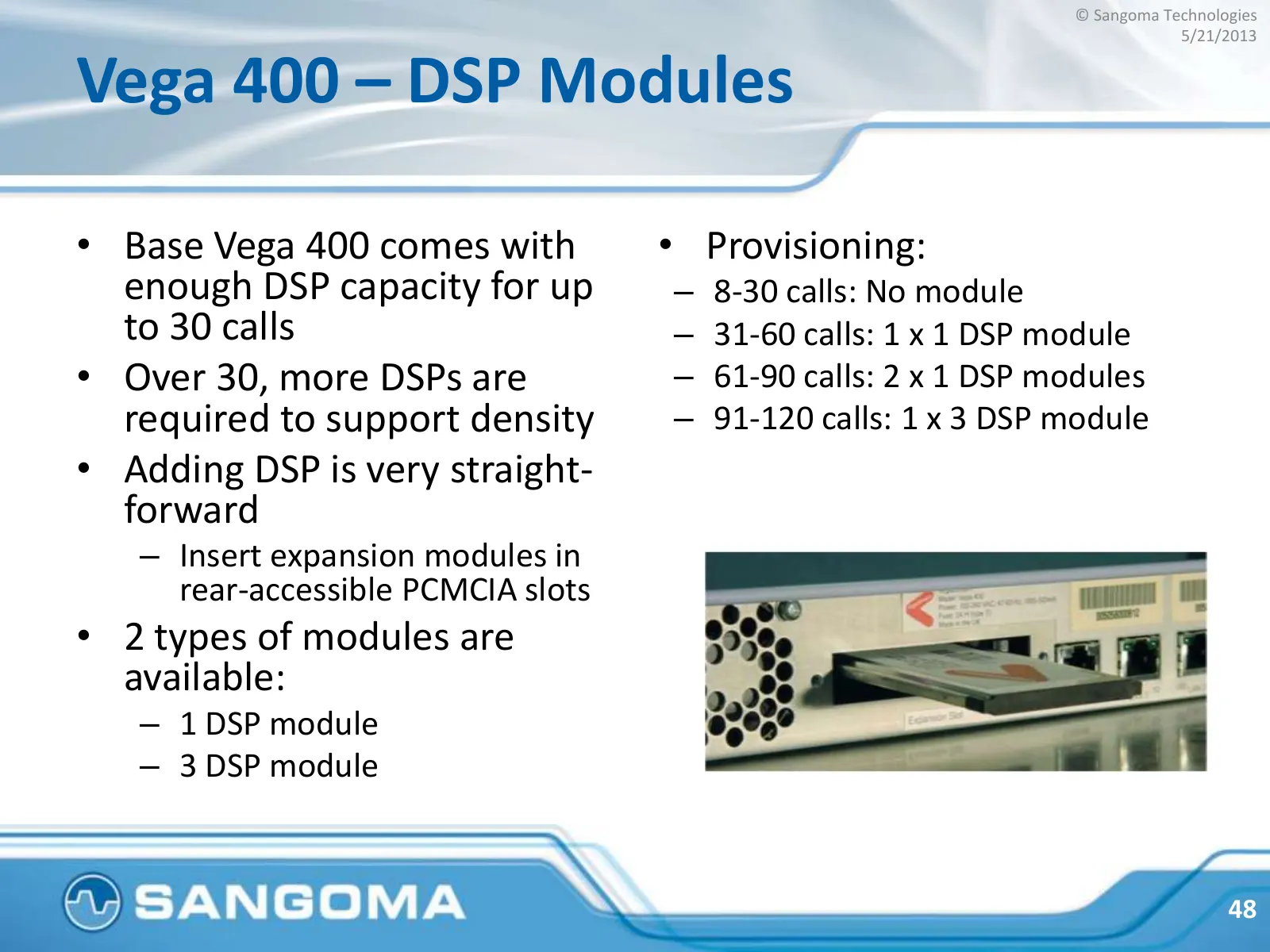
Slide 48: Vega 400 – DSP Modules
© Sangoma Technologies 5/21/2013 Vega 400 – DSP Modules • Base Vega 400 comes with • Provisioning: enough DSP capacity for up – 8-30 calls: No module to 30 calls – 31-60 calls: 1 x 1 DSP module • Over 30, more DSPs are – 61-90 calls: 2 x 1 DSP modules required to support density – 91-120 calls: 1 x
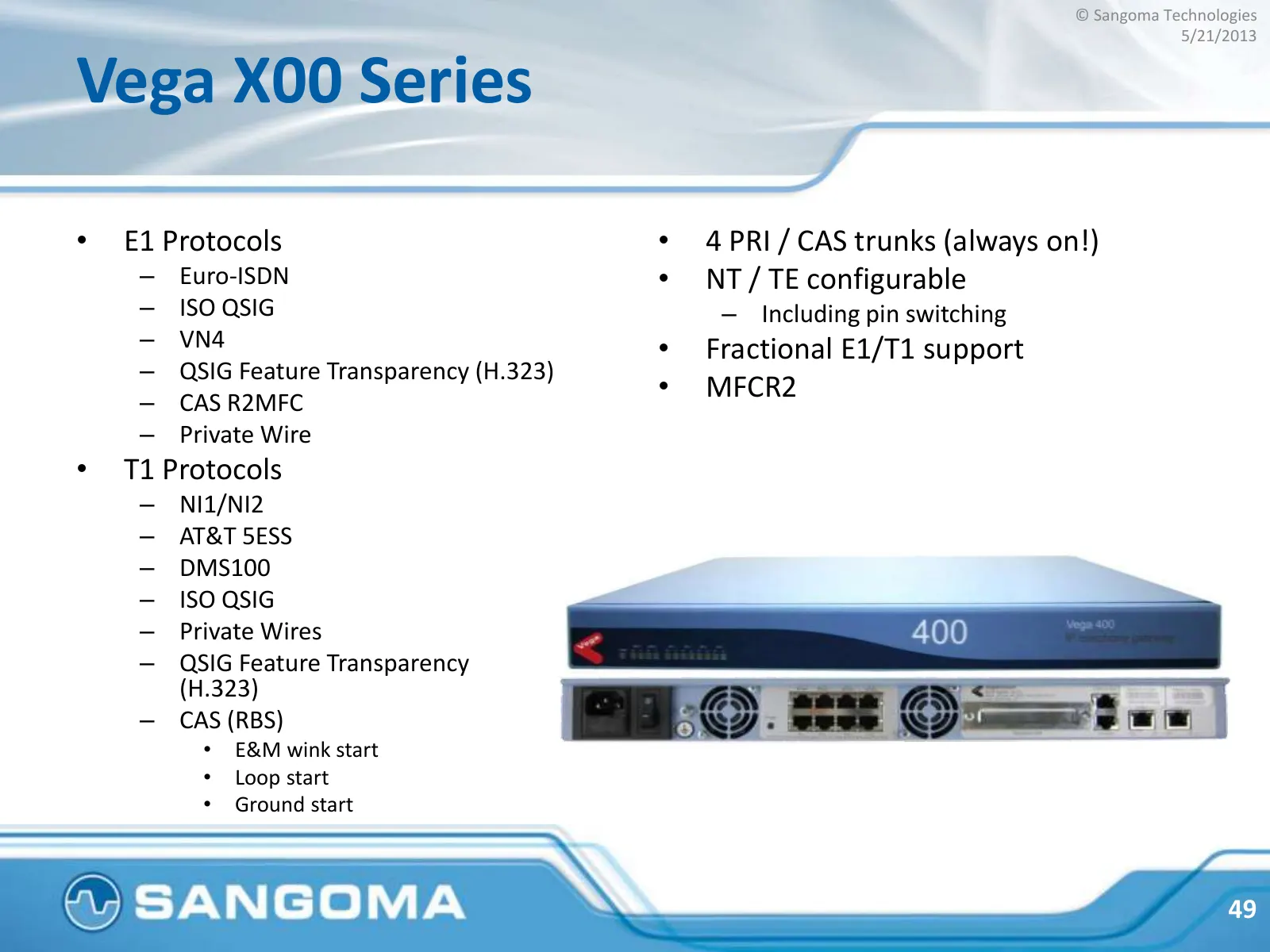
Slide 49: Vega X00 Series
© Sangoma Technologies 5/21/2013 Vega X00 Series • E1 Protocols • 4 PRI / CAS trunks (always on!) – Euro-ISDN • NT / TE configurable – ISO QSIG – Including pin switching – VN4 • Fractional E1/T1 support – QSIG Feature Transparency (H.323) – CAS R2MFC • MFCR2 – Private Wire • T1 Protocols – NI1/NI2 –
Slide 50: Vega 5000 High Density FXS Gateway
VEGA 5000 HIGH DENSITY FXS GATEWAY
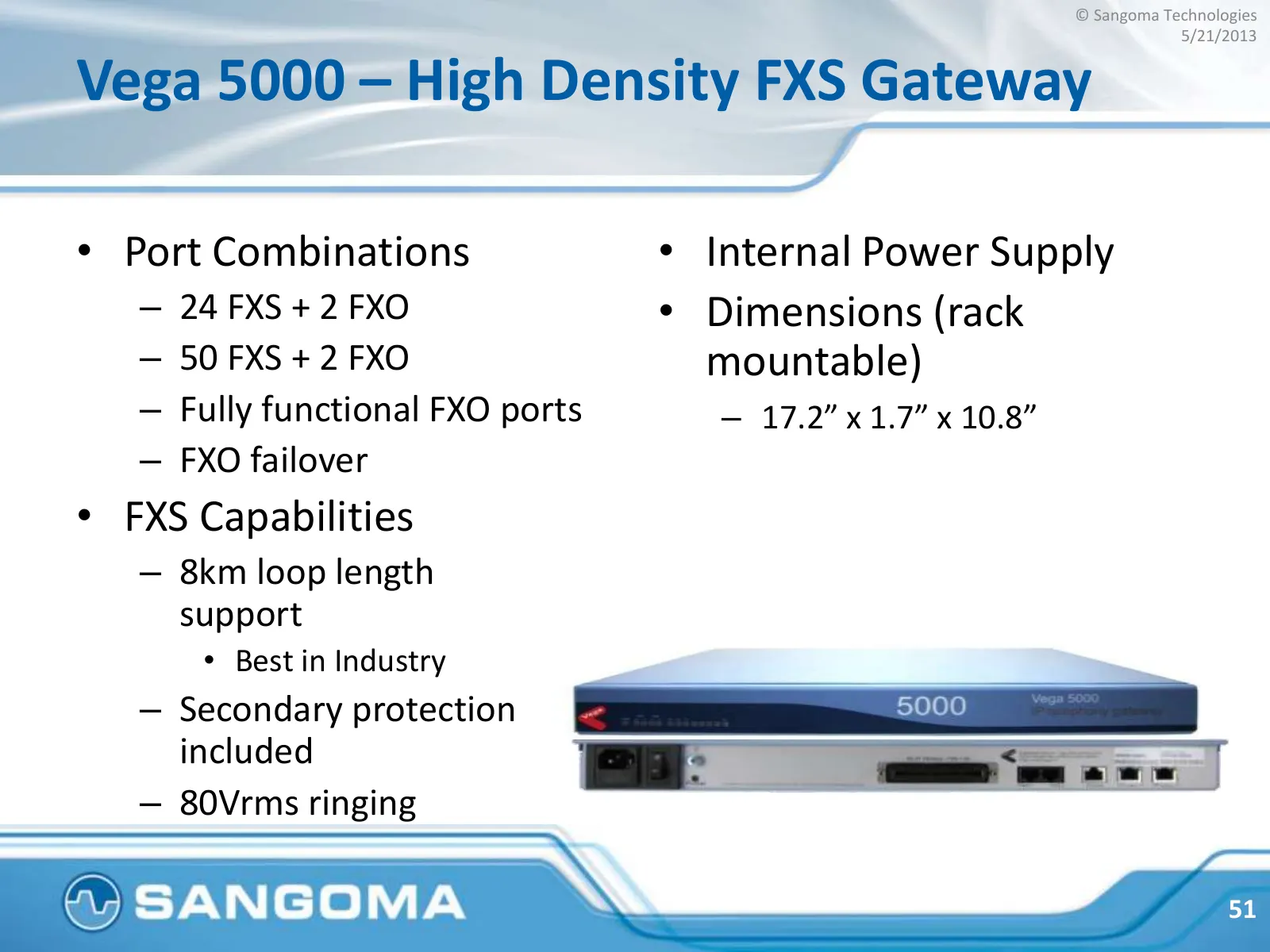
Slide 51: Vega 5000 – High Density FXS Gateway
© Sangoma Technologies 5/21/2013 Vega 5000 – High Density FXS Gateway • Port Combinations • Internal Power Supply – 24 FXS + 2 FXO • Dimensions (rack – 50 FXS + 2 FXO mountable) – Fully functional FXO ports – 17.2” x 1.7” x 10.8” – FXO failover • FXS Capabilities – 8km loop length support • Best in
Slide 52: Vega 50 Low Density Gateway
———— VEGA 50 LOW DENSITY GATEWAY 4) SANGOMA CONNECT WITH SANGOMA
Slide 53: Vega 50 – Low Density Gateway
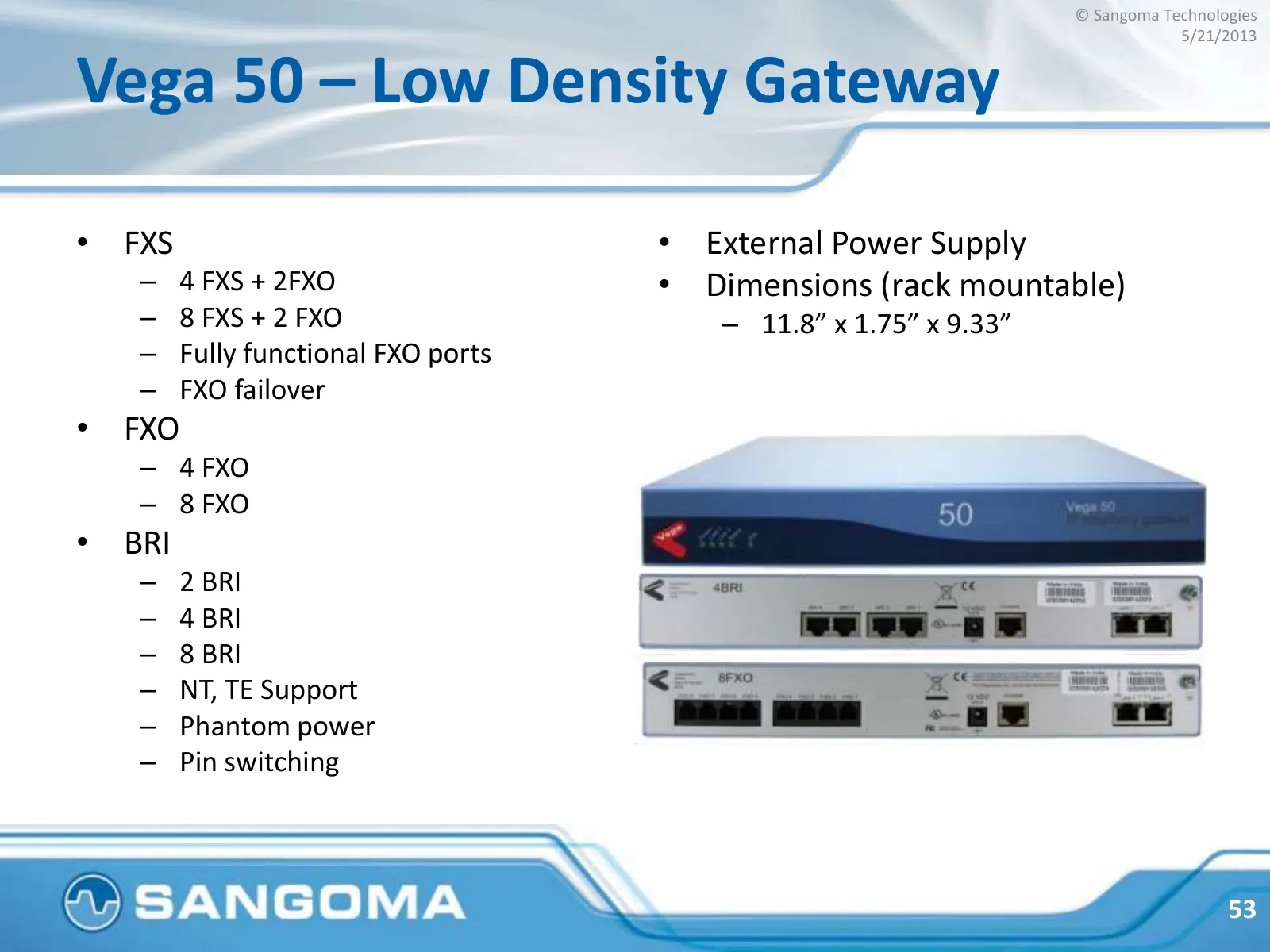
© Sangoma Technologies 5/21/2013 Vega 50 – Low Density Gateway • FXS • External Power Supply – 4 FXS + 2FXO • Dimensions (rack mountable) – 8 FXS + 2 FXO – 11.8” x 1.75” x 9.33” – Fully functional FXO ports – FXO failover • FXO – 4 FXO – 8 FXO • BRI – 2 BRI – 4 BRI – 8 BRI – NT, TE Support – Phantom
Slide 54: All Gateways
———— ALL GATEWAYS 4) SANGOMA CONNECT WITH SANGOMA
Slide 55: All Cables and Mounting Hardware Included
© Sangoma Technologies All Cables and Mounting Hardware 5/21/2013 Included • All gateways – Rack mount kit – Quick start guide – License agreement – Power cord (country specific) – Ethernet cable • Vega 400 & 5000 – Console cable • Vega 400 – 4 x E1T1 cables • Vega 50 – External power brick 55
Slide 56: Documentation
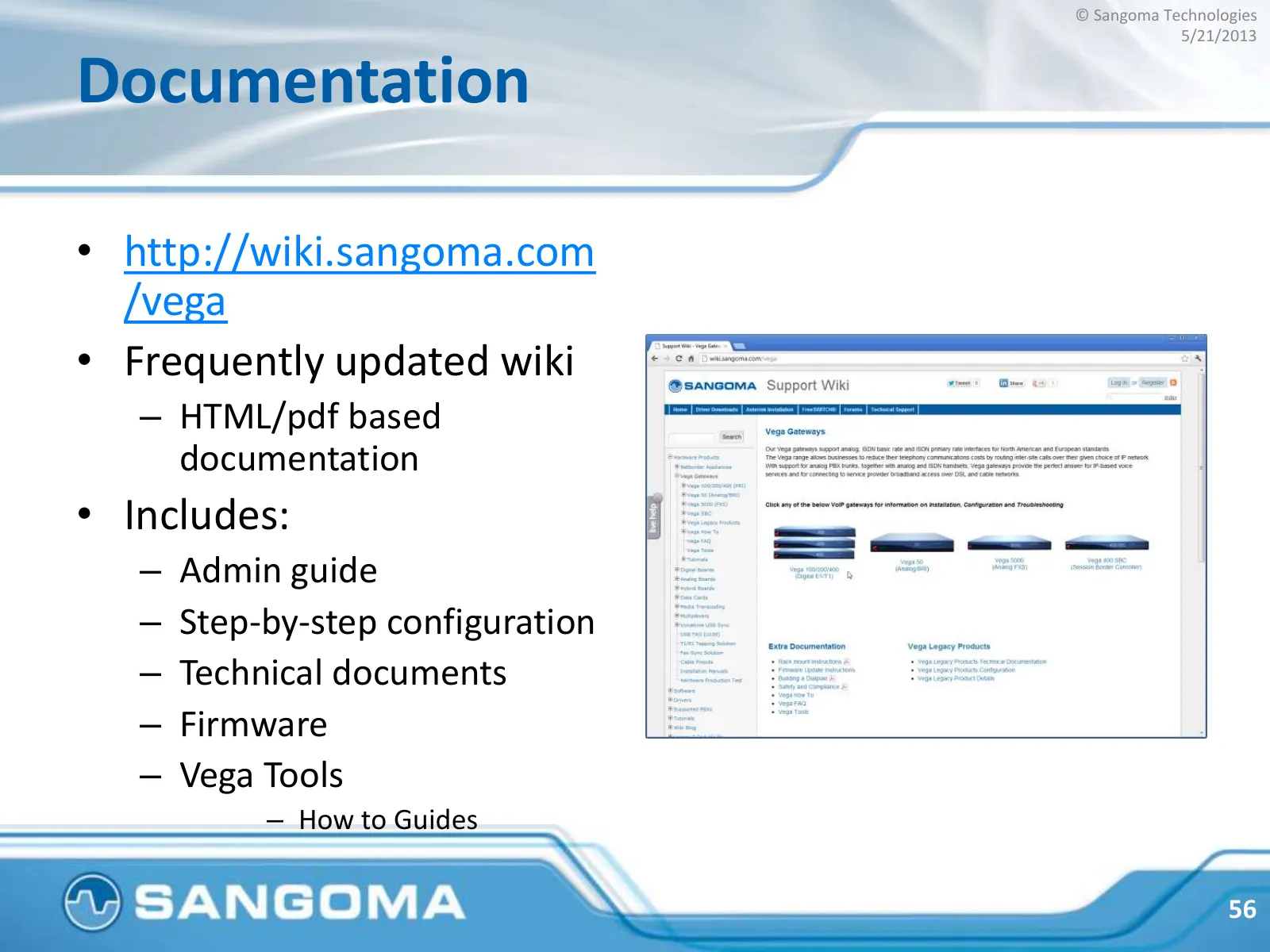
© Sangoma Technologies 5/21/2013 Documentation • http://wiki.sangoma.com /vega • Frequently updated wiki – HTML/pdf based documentation • Includes: – Admin guide – Step-by-step configuration – Technical documents – Firmware – Vega Tools – How to Guides 56
Slide 57: Closing
———— CLOSING 4) SANGOMA CONNECT WITH SANGOMA
Slide 58: Product Highlights - Review
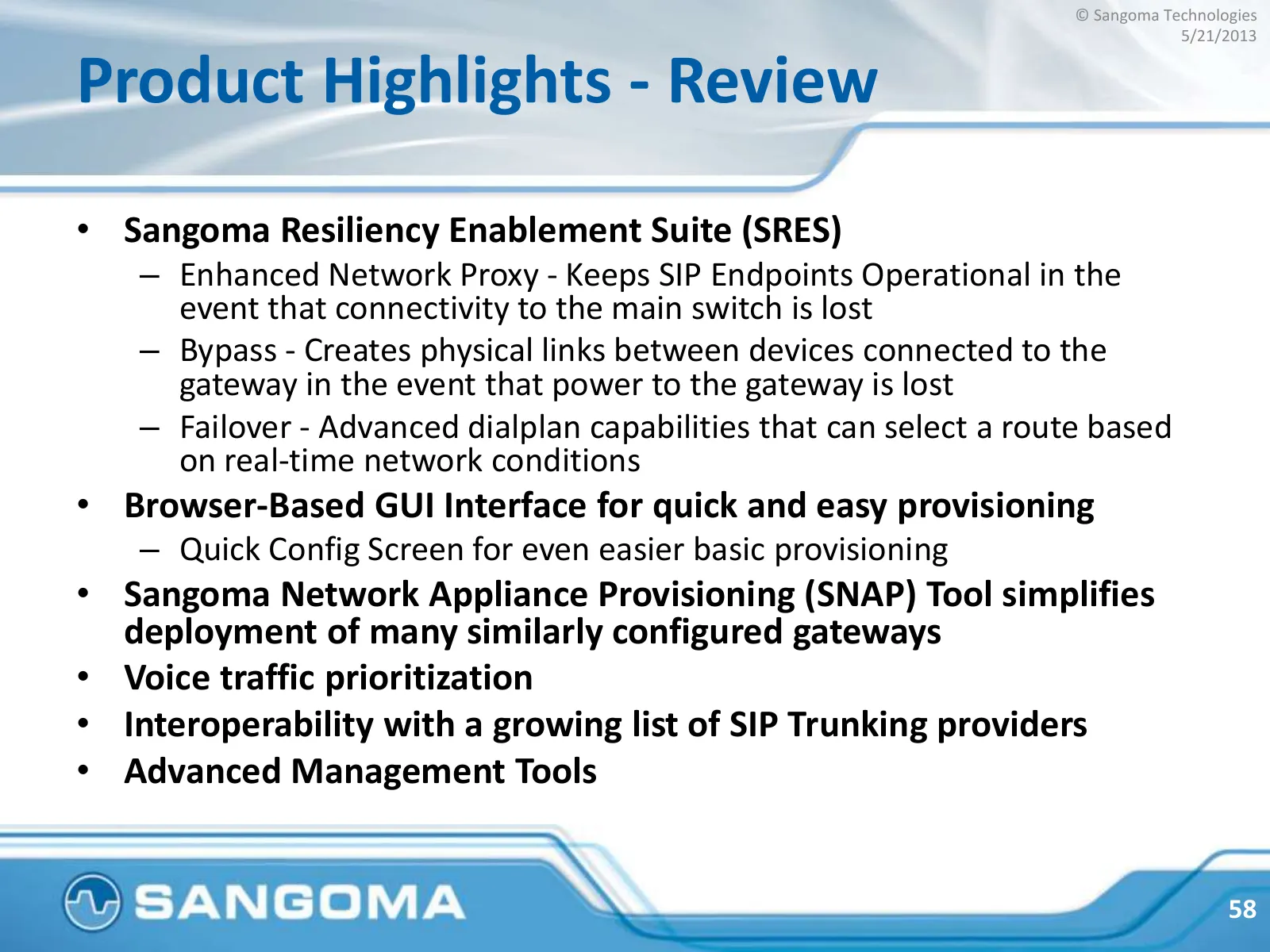
© Sangoma Technologies 5/21/2013 Product Highlights - Review • Sangoma Resiliency Enablement Suite (SRES) – Enhanced Network Proxy - Keeps SIP Endpoints Operational in the event that connectivity to the main switch is lost – Bypass - Creates physical links between devices connected to the gateway in
Slide 59: The Sangoma Vega Advantage
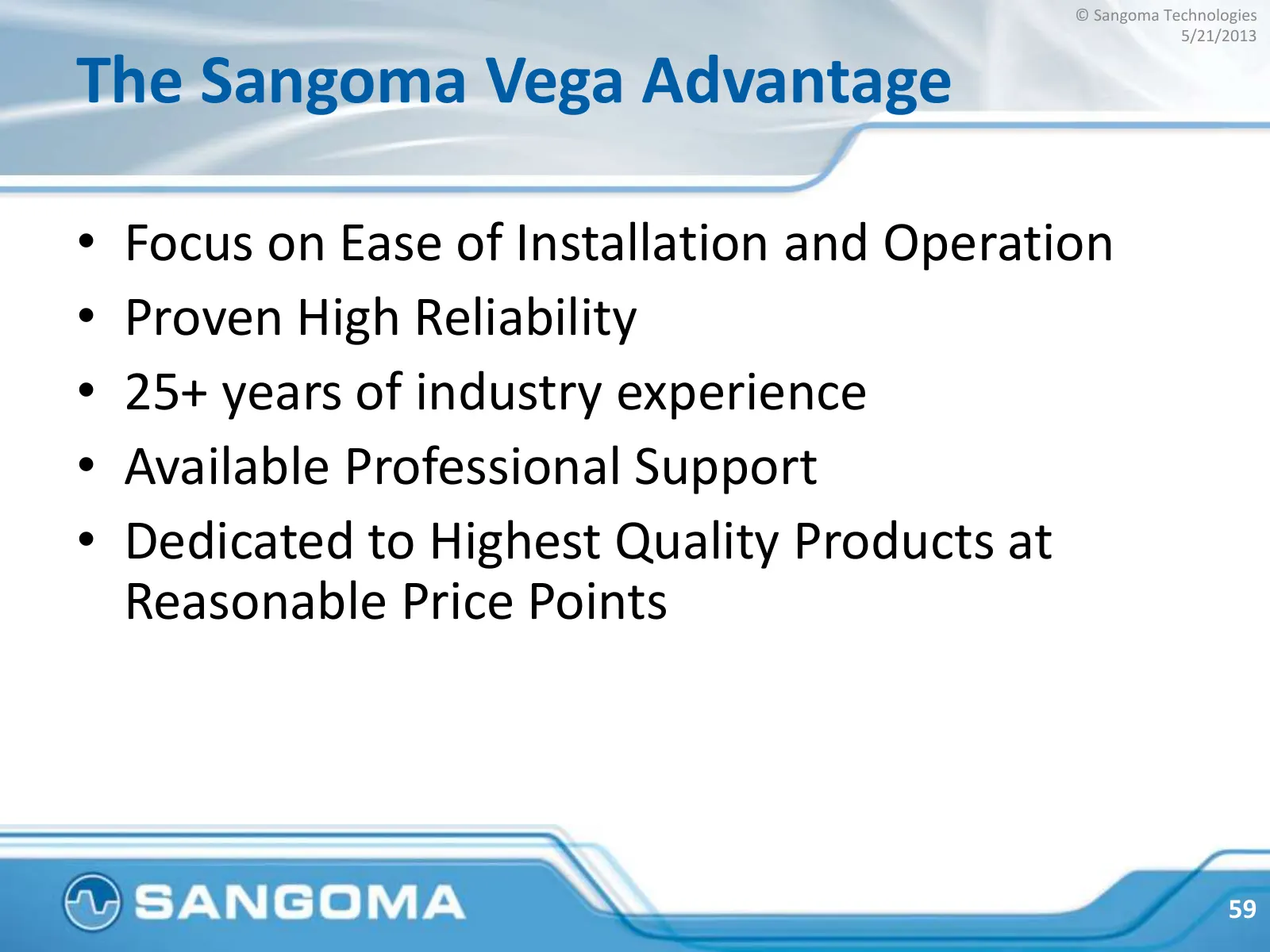
© Sangoma Technologies 5/21/2013 The Sangoma Vega Advantage • Focus on Ease of Installation and Operation • Proven High Reliability • 25+ years of industry experience • Available Professional Support • Dedicated to Highest Quality Products at Reasonable Price Points 59
Slide 60: Questions
———— QUESTIONS 4) SANGOMA CONNECT WITH SANGOMA
Slide 61: For More Info
© Sangoma Technologies 5/21/2013 For More Info • Guide to Vega Gateways http://wiki.sangoma.com/vega • For future training, visit http://sangoma.com/resources/training 61
Slide 62: Contact Us
© Sangoma Technologies 5/21/2013 Contact Us • Sangoma Technologies 100 Renfrew Drive, Suite 100 Markham, Ontario L3R 9R6 Canada • Website http://www.sangoma.com/ • Telephone +1 905 474 1990 x2 (for Sales) • Email sales@sangoma.com 62
Slide 63: Thank You
———— THANK YOU 4) SANGOMA CONNECT WITH SANGOMA
Source: Internet Archive copy of sangoma.com
More decks from Sangoma Technologies Corporation
 Investor Presentation (February 2026)24 slides · February 2026
 Investor Presentation (February 2026)26 slides · February 2026
 Q1 2026 Earnings Presentation24 slides · Nov 10, 2025
 Investor Presentation (November 2025)23 slides · November 2025
 Investor Presentation (September 2025)24 slides · September 2025
 Investor Presentation (May 2025)28 slides · May 2025