Mastek Limited · NSE:MASTEK
Mastek — Technical Presentation (May 2023)
47 slides from Mastek's technical presentation, May 2023
Slide 1: 23B – Talent & OLC Update
Cloud Enhancement Services Live Webinar 23B – TALENT & OLC UPDATE Host: Rahul Ghike Associate Manager - Service Line Empowering you for the next update Marketing Esha Kath Speaker: Principal Specialist Human Capital Management
Slide 2: Disclaimer
These advisory webinars are organized to equip you with the latest updates. The content of this session is based on the interpretation of the material and documentation that Oracle has released and is a general guideline/recommendation only. DISCLAIMER
Slide 3: Agenda
AGENDA Our Approach to Oracle Update Our Analysis of Latest Release - New Features - Known Issues (If any) Closing - Q&A 23B – Talent &Title Presentation OLC Update| | AuthorEsha Kath | Date Company Confidential © M astek 2023. All rights reserved | 3
Slide 4: How to read each Feature Summary?
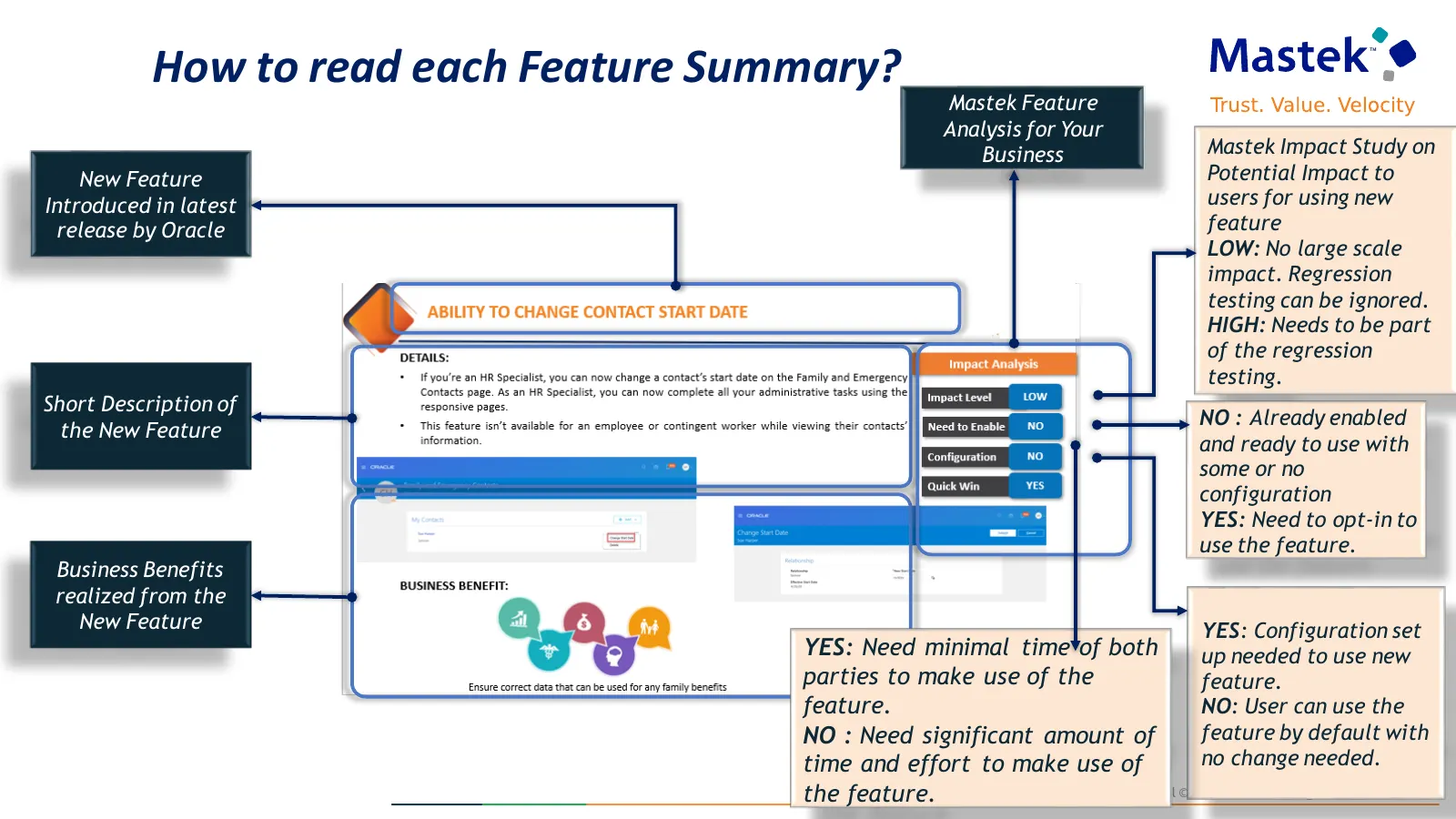
How to read each Feature Summary? Mastek Feature Analysis for Your Business Mastek Impact Study on New Feature Potential Impact to Introduced in latest users for using new release by Oracle feature LOW: No large scale impact. Regression testing can be ignored. HIGH: Needs to be part of the regressio

Slide 5: Our Analysis: Latest Release
Mastek*@ Trust. Value. Velocity OUR ANALYSIS Latest Release
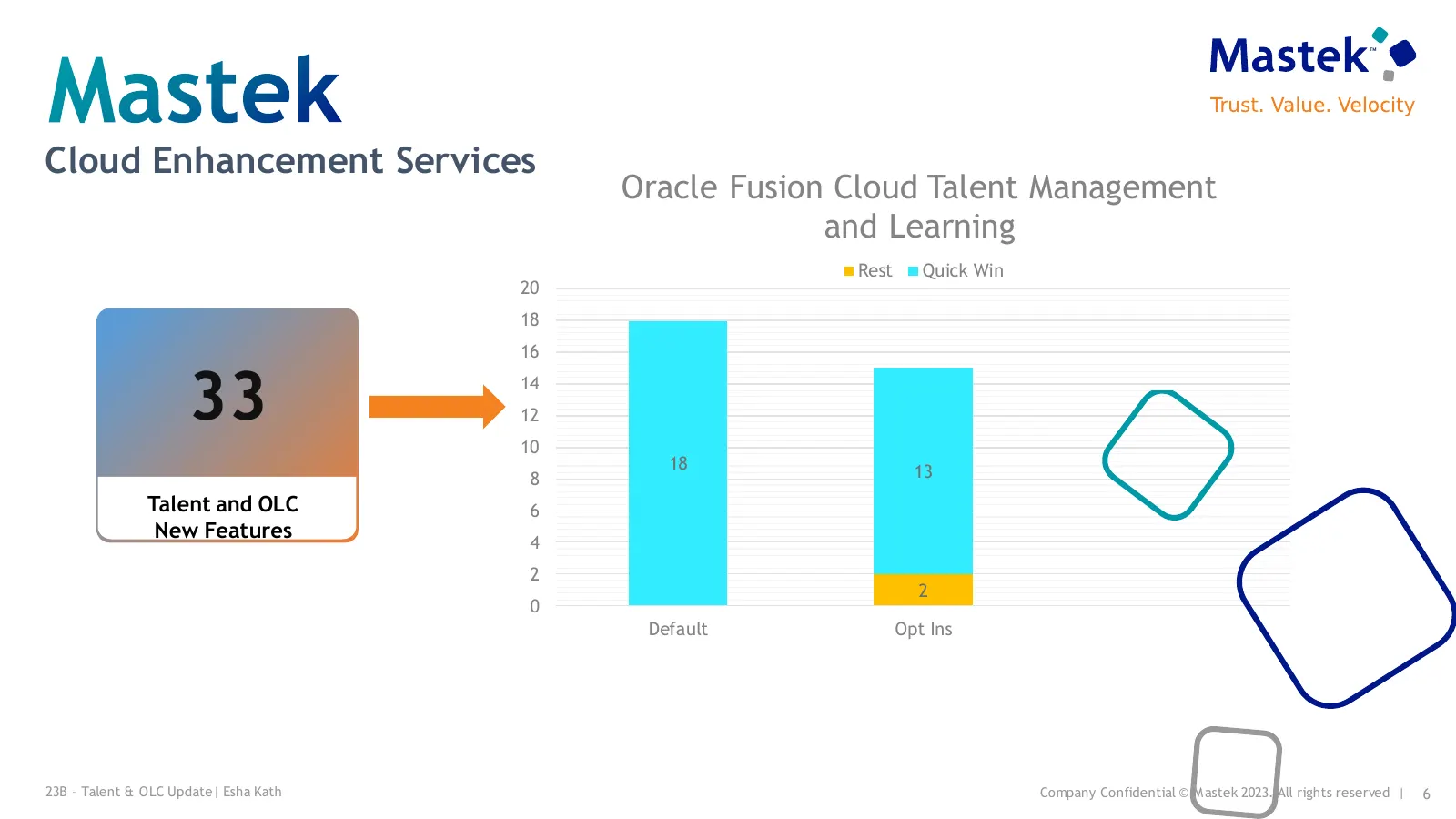
Slide 6: Oracle Fusion Cloud Talent Management and Learning
Cloud Enhancement Services Oracle Fusion Cloud Talent Management and Learning Rest Quick Win 20 18 16 33 14 12 10 18 13 8 Talent and OLC 6 New Features 4 2 2 0 Default Opt Ins 23B – Talent &Title Presentation OLC Update| | AuthorEsha Kath | Date Company Confidential © M astek 2023. All rights reserv
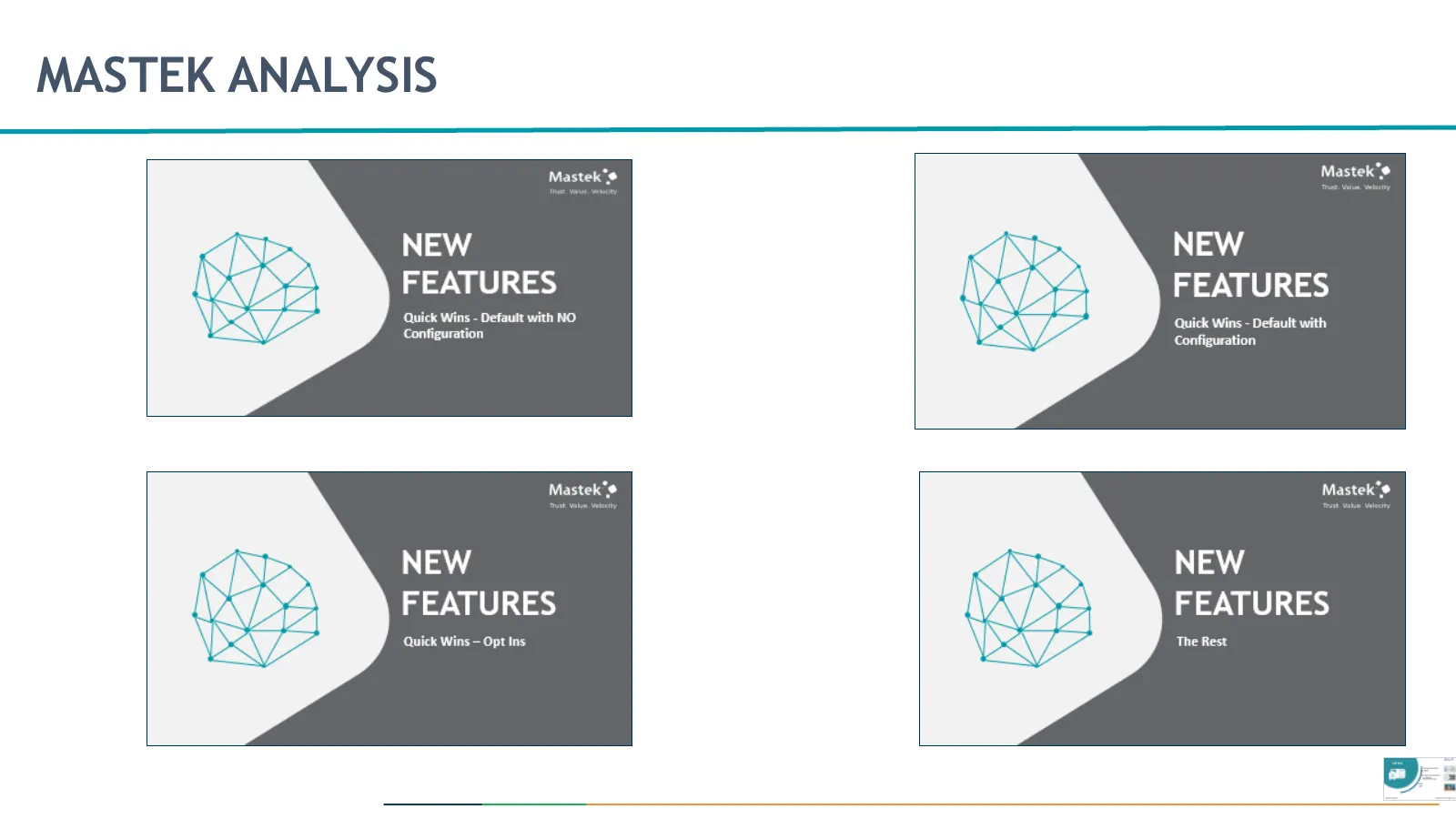
Slide 7: Mastek Analysis: New Features
MASTEK ANALYSIS Mastek" NEW FEATURES Quick Wins - Default with NO Configuration Mastek’s NEW FEATURES Quick Wins — Opt Ins Mastek*» NEW FEATURES Quick Wins - Default with Configuration Mastek*» NEW FEATURES The Rest
Slide 8: New Features: Quick Wins - Default with No Configuration
NEW FEATURES Quick Wins - Default with NO Configuration
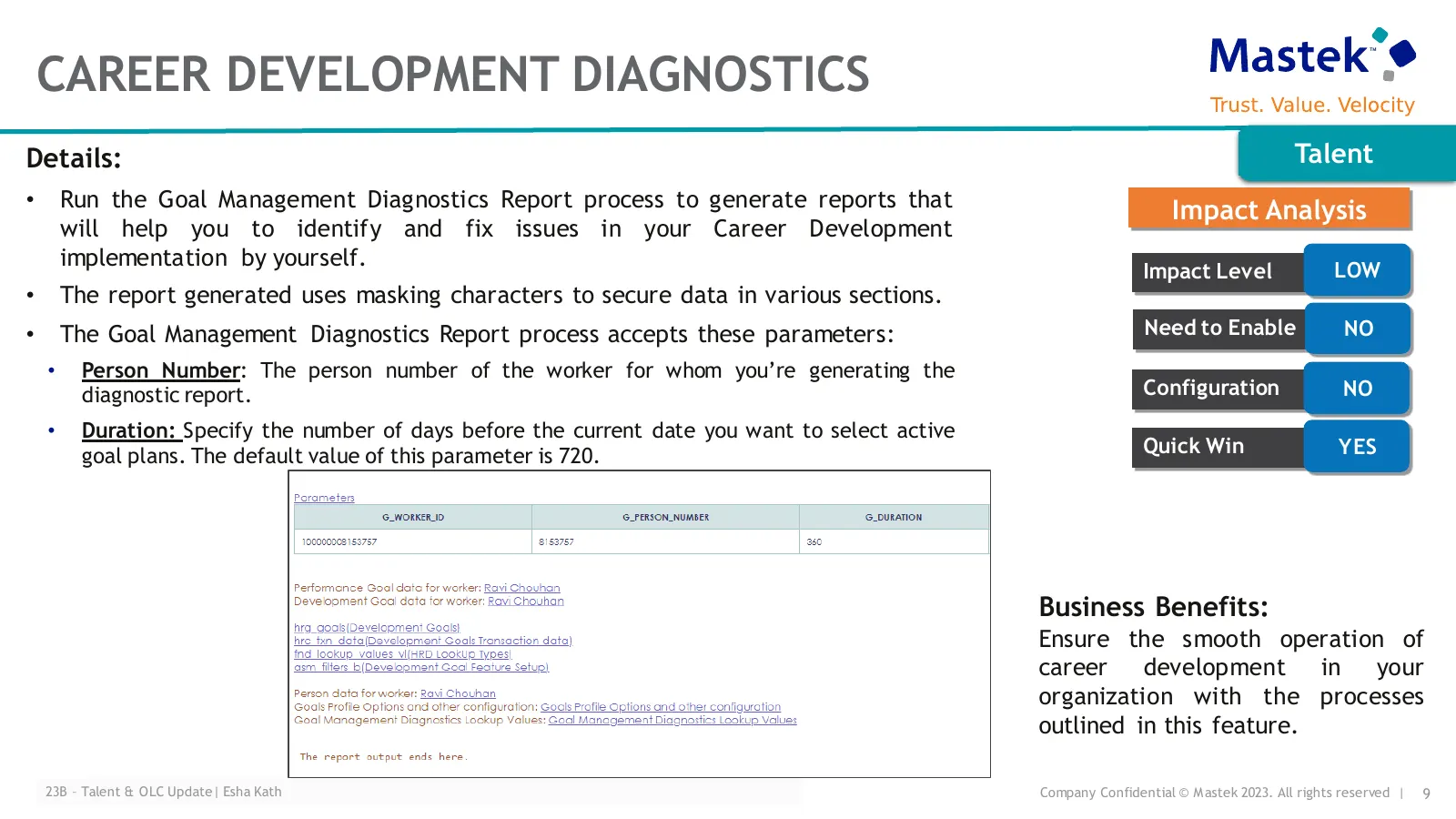
Slide 9: Career Development Diagnostics
CAREER DEVELOPMENT DIAGNOSTICS Details: Talent • Run the Goal Management Diagnostics Report process to generate reports that Impact Analysis will help you to identify and fix issues in your Career Development implementation by yourself. LOW Impact Level • The report generated uses masking characters
Slide 10: Redwood Experience for Profile Management
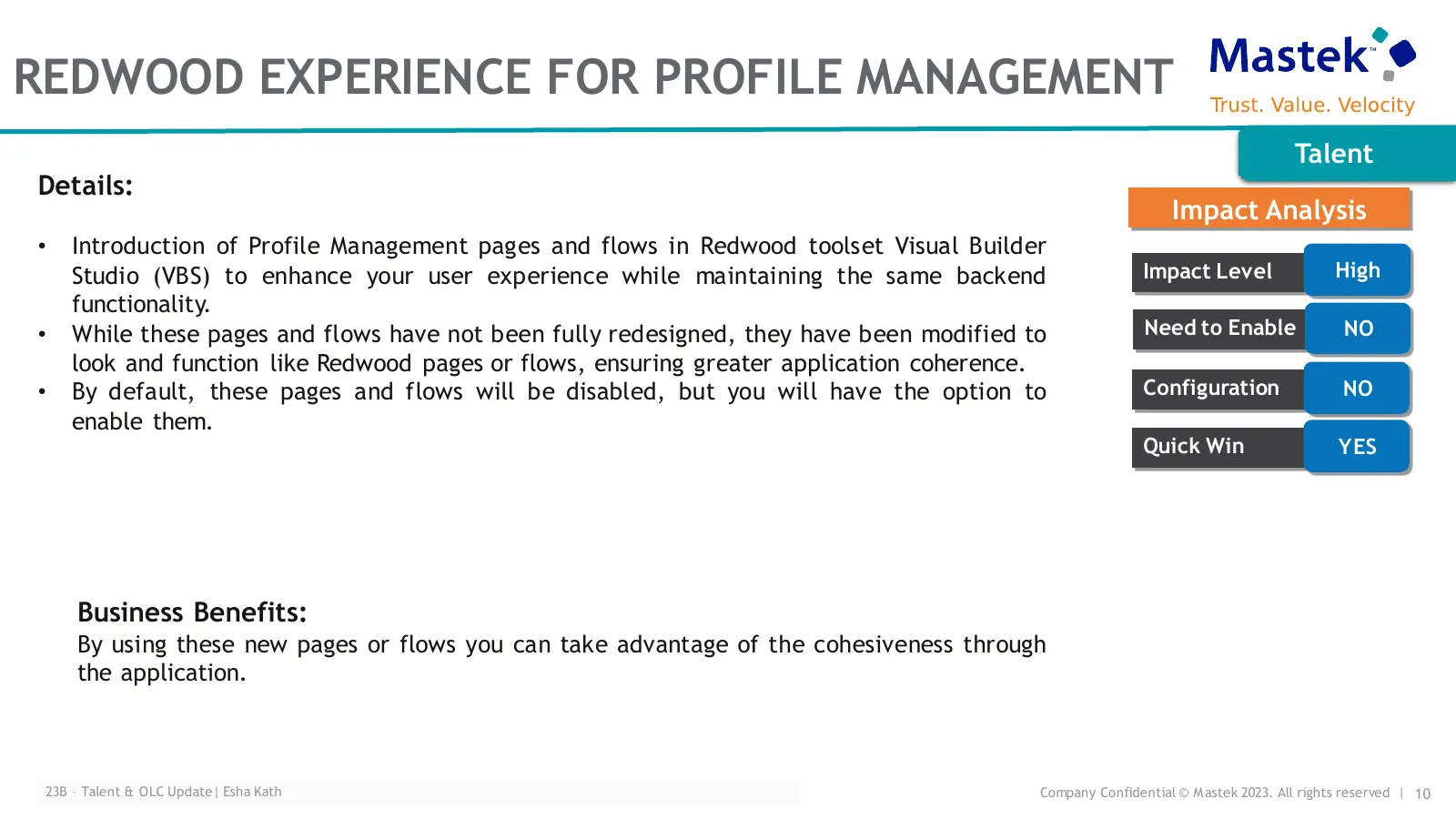
REDWOOD EXPERIENCE FOR PROFILE MANAGEMENT Talent Details: Impact Analysis • Introduction of Profile Management pages and flows in Redwood toolset Visual Builder Studio (VBS) to enhance your user experience while maintaining the same backend Impact Level High functionality. • While these pages and fl
Slide 11: Delete Check-Ins and Discussion Topics
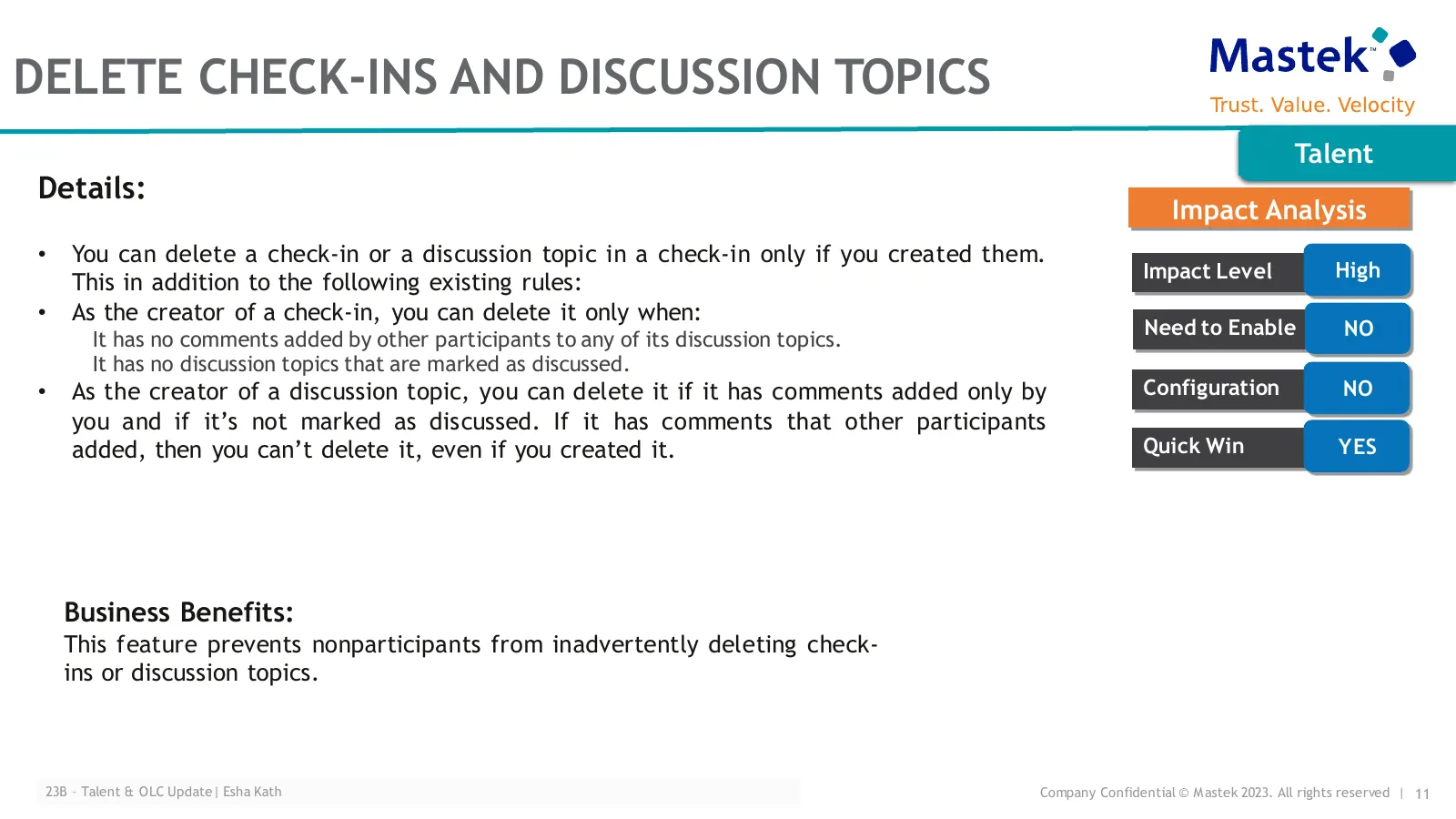
DELETE CHECK-INS AND DISCUSSION TOPICS Talent Details: Impact Analysis • You can delete a check-in or a discussion topic in a check-in only if you created them. Impact Level High This in addition to the following existing rules: • As the creator of a check-in, you can delete it only when: Need to En
Slide 12: View Other Goal Info in Completed Performance Documents
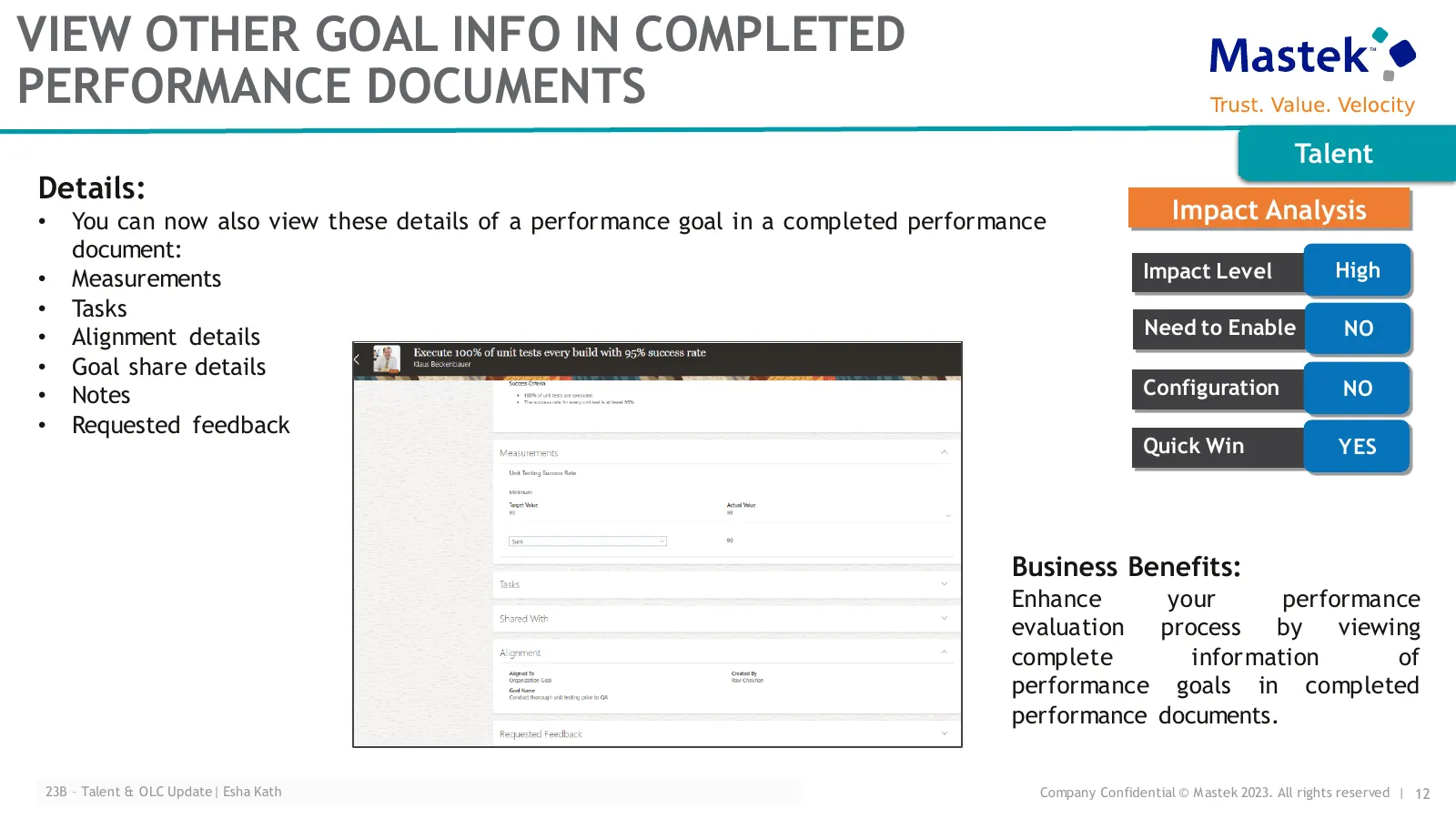
VIEW OTHER GOAL INFO IN COMPLETED PERFORMANCE DOCUMENTS Talent Details: • You can now also view these details of a performance goal in a completed performance Impact Analysis document: • Measurements Impact Level High • Tasks • Alignment details Need to Enable NO • Goal share details • Notes Configu
Slide 13: Goal Management Diagnostic Process
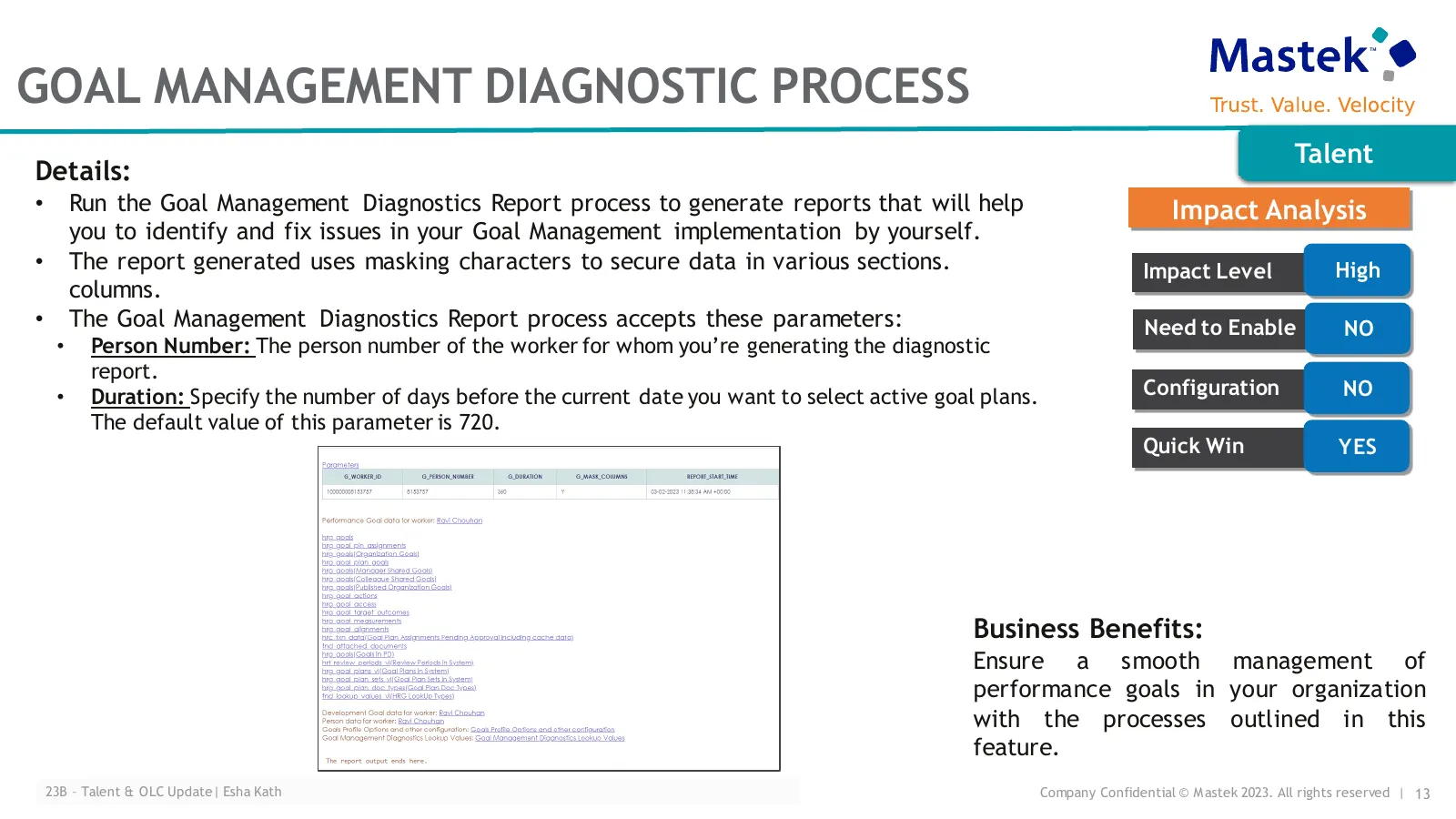
GOAL MANAGEMENT DIAGNOSTIC PROCESS Talent Details: • Run the Goal Management Diagnostics Report process to generate reports that will help Impact Analysis you to identify and fix issues in your Goal Management implementation by yourself. • The report generated uses masking characters to secure data
Slide 14: Content Section Subscribers in Profile Subject Area
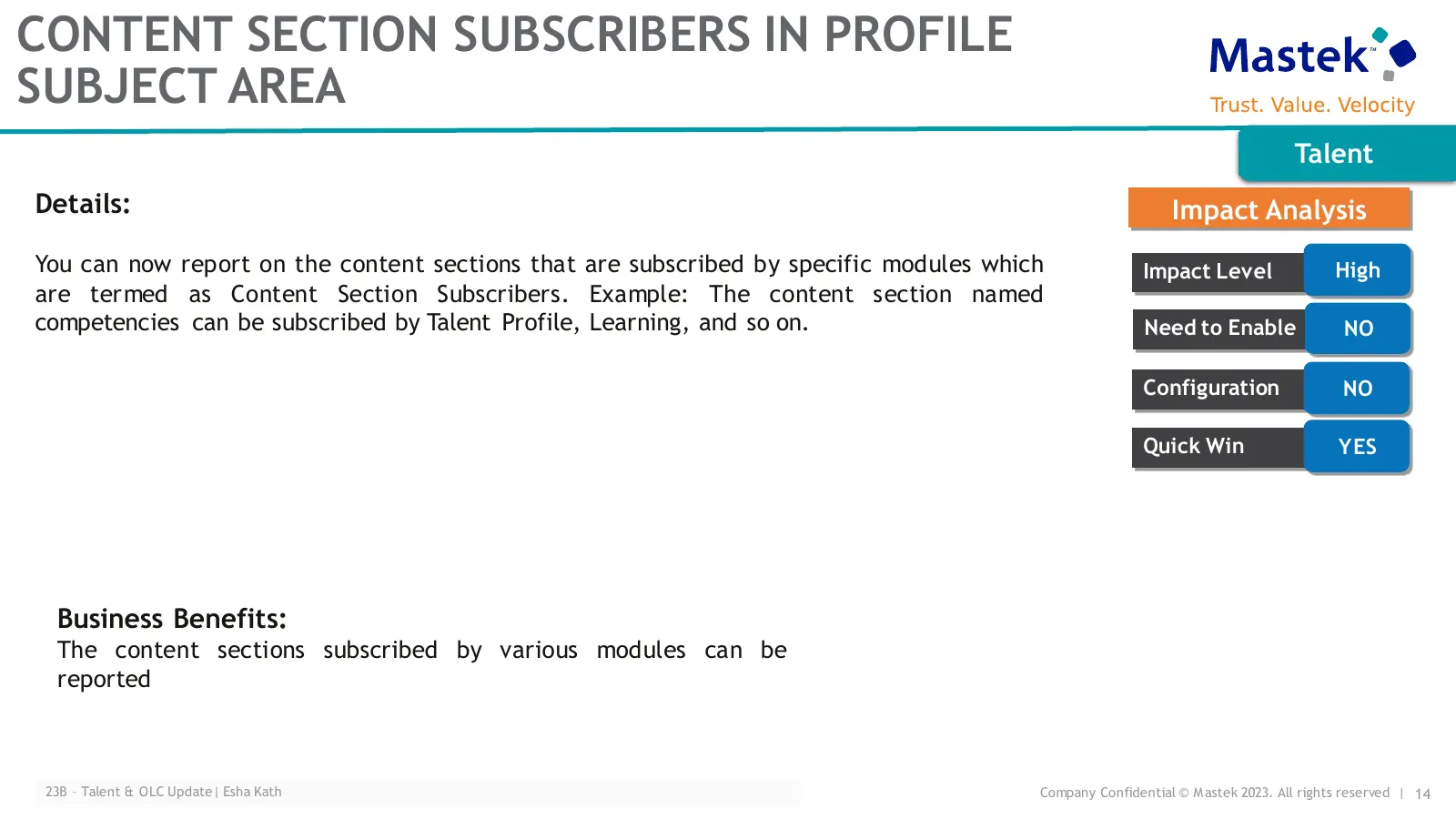
CONTENT SECTION SUBSCRIBERS IN PROFILE SUBJECT AREA Talent Details: Impact Analysis You can now report on the content sections that are subscribed by specific modules which Impact Level High are termed as Content Section Subscribers. Example: The content section named competencies can be subscribed
Slide 15: Configure SCORM Completion
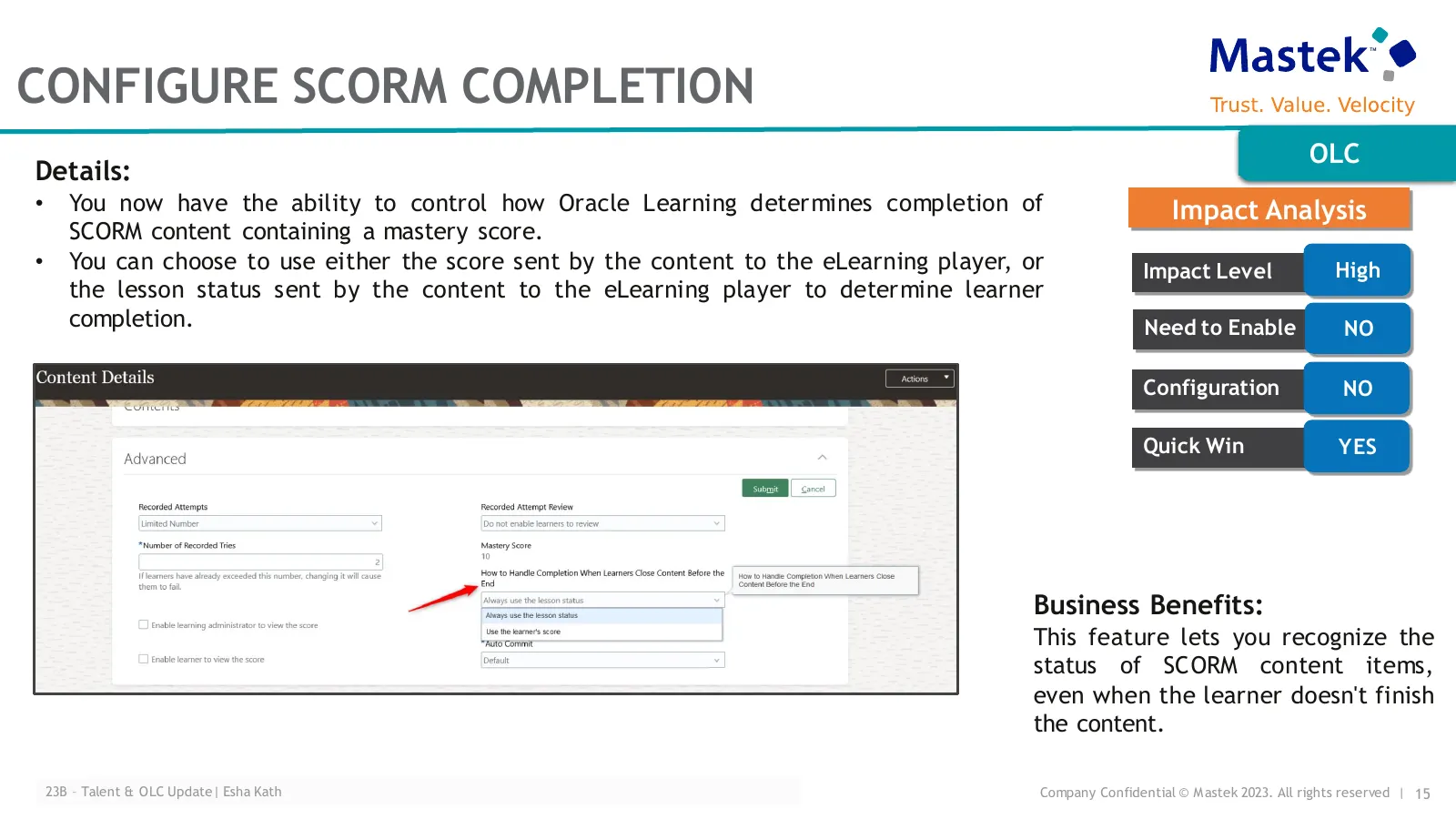
CONFIGURE SCORM COMPLETION OLC Details: • You now have the ability to control how Oracle Learning determines completion of Impact Analysis SCORM content containing a mastery score. • You can choose to use either the score sent by the content to the eLearning player, or Impact Level High the lesson s
Slide 16: Process User Access Improvements
PROCESS USER ACCESS IMPROVEMENTS OLC Details: Impact Analysis • The Process Access Control Lists for Learning Items for OSCS process ensures that the Explore page search results enforce changes in access lists. After you enable the Impact Level Low Redwood experience, this process runs automatically
Slide 17: Load Training Suppliers Using HCM Data Loader
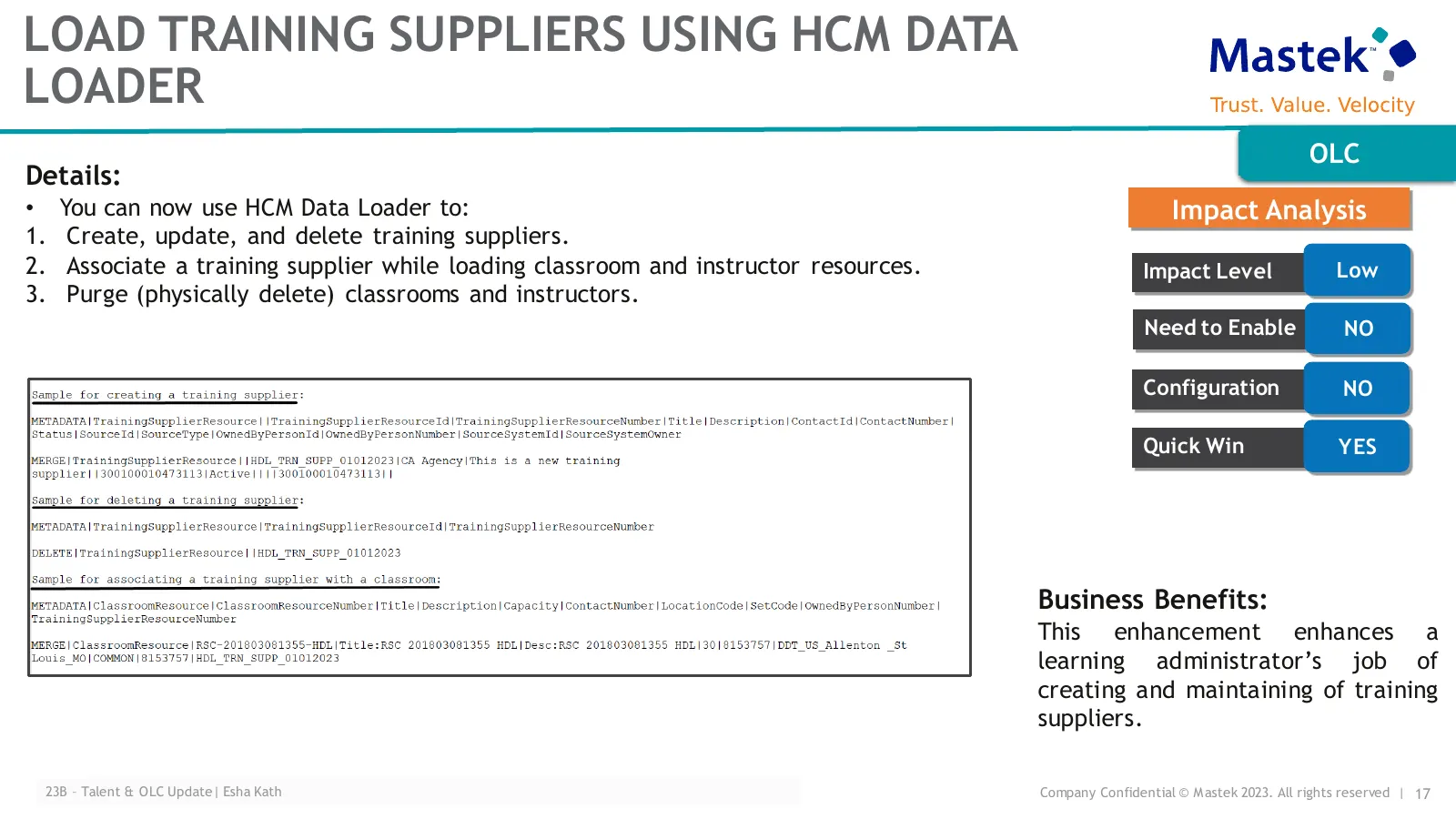
LOAD TRAINING SUPPLIERS USING HCM DATA LOADER OLC Details: • You can now use HCM Data Loader to: Impact Analysis 1. Create, update, and delete training suppliers. 2. Associate a training supplier while loading classroom and instructor resources. Impact Level Low 3. Purge (physically delete) classroo
Slide 18: Configure Parallel Approvers and Voting Rules in Learning Approvals
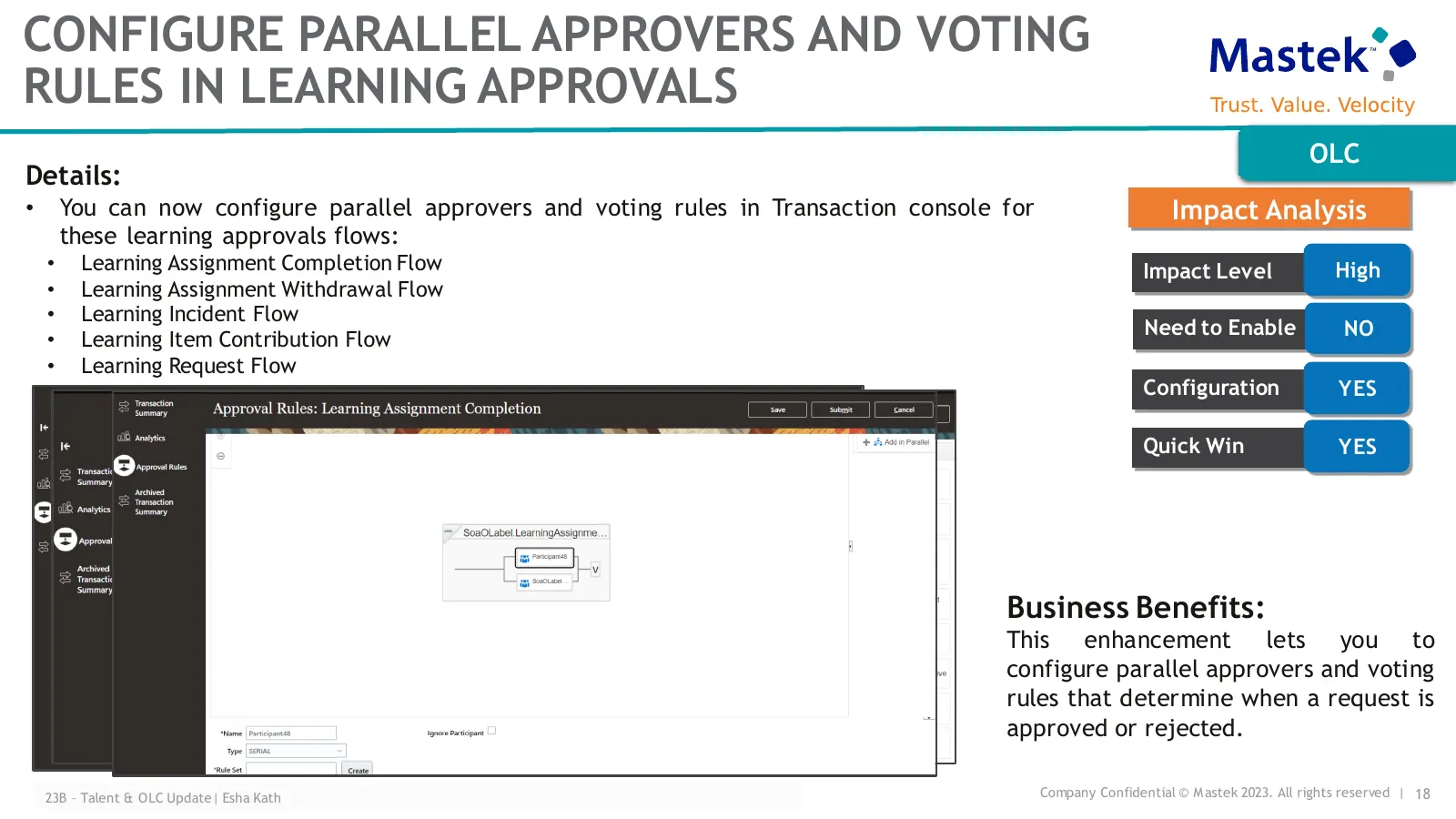
CONFIGURE PARALLEL APPROVERS AND VOTING RULES IN LEARNING APPROVALS OLC Details: • You can now configure parallel approvers and voting rules in Transaction console for Impact Analysis these learning approvals flows: • Learning Assignment Completion Flow Impact Level High • Learning Assignment Withdr
Slide 19: Report on Future-Dated Enrollments in Learning Records Subject Area
REPORT ON FUTURE-DATED ENROLLMENTS IN LEARNING RECORDS SUBJECT AREA OLC Details: Impact Analysis • Reports based on the Learning Records subject area now include future-dated Impact Level High enrollments, such as when you're using renewals. If you don't want to see the future- dated enrollments, yo
Slide 20: Report on Learning Activity Reconciliation Changes
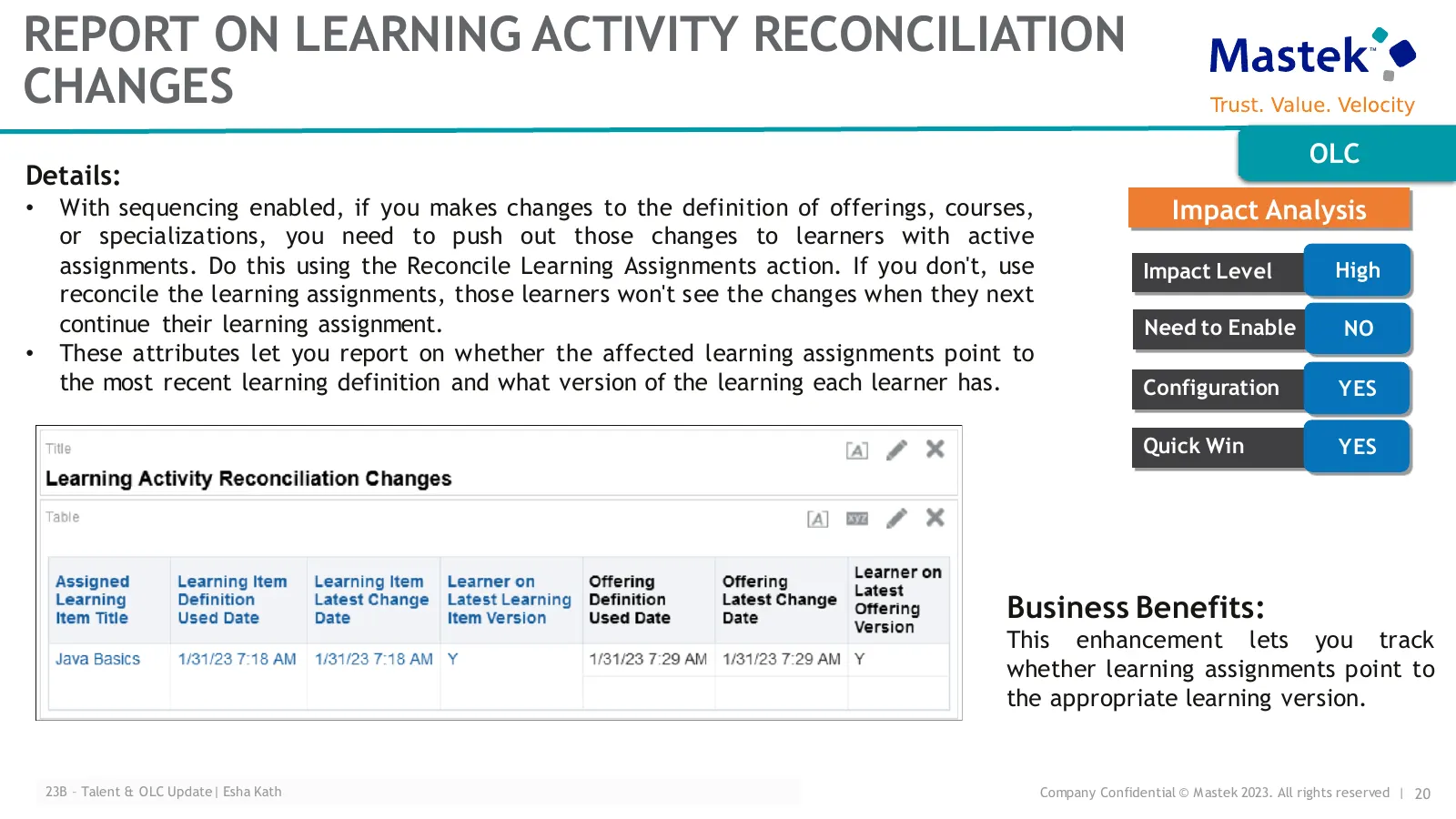
REPORT ON LEARNING ACTIVITY RECONCILIATION CHANGES OLC Details: • With sequencing enabled, if you makes changes to the definition of offerings, courses, Impact Analysis or specializations, you need to push out those changes to learners with active assignments. Do this using the Reconcile Learning As
Slide 21: New Features: Quick Wins - Default with Configuration
NEW FEATURES Quick Wins - Default with Configuration
Slide 22: Explore Careers Using Oracle Search
EXPLORE CAREERS USING ORACLE SEARCH Talent Details: Impact Analysis Oracle Search is a specialized search engine that you can access within your Human Capital Impact Level Low Management Cloud environments. By enabling it for career exploration, your users can benefit from search term suggestions an
Slide 23: Succession Performance Improvements
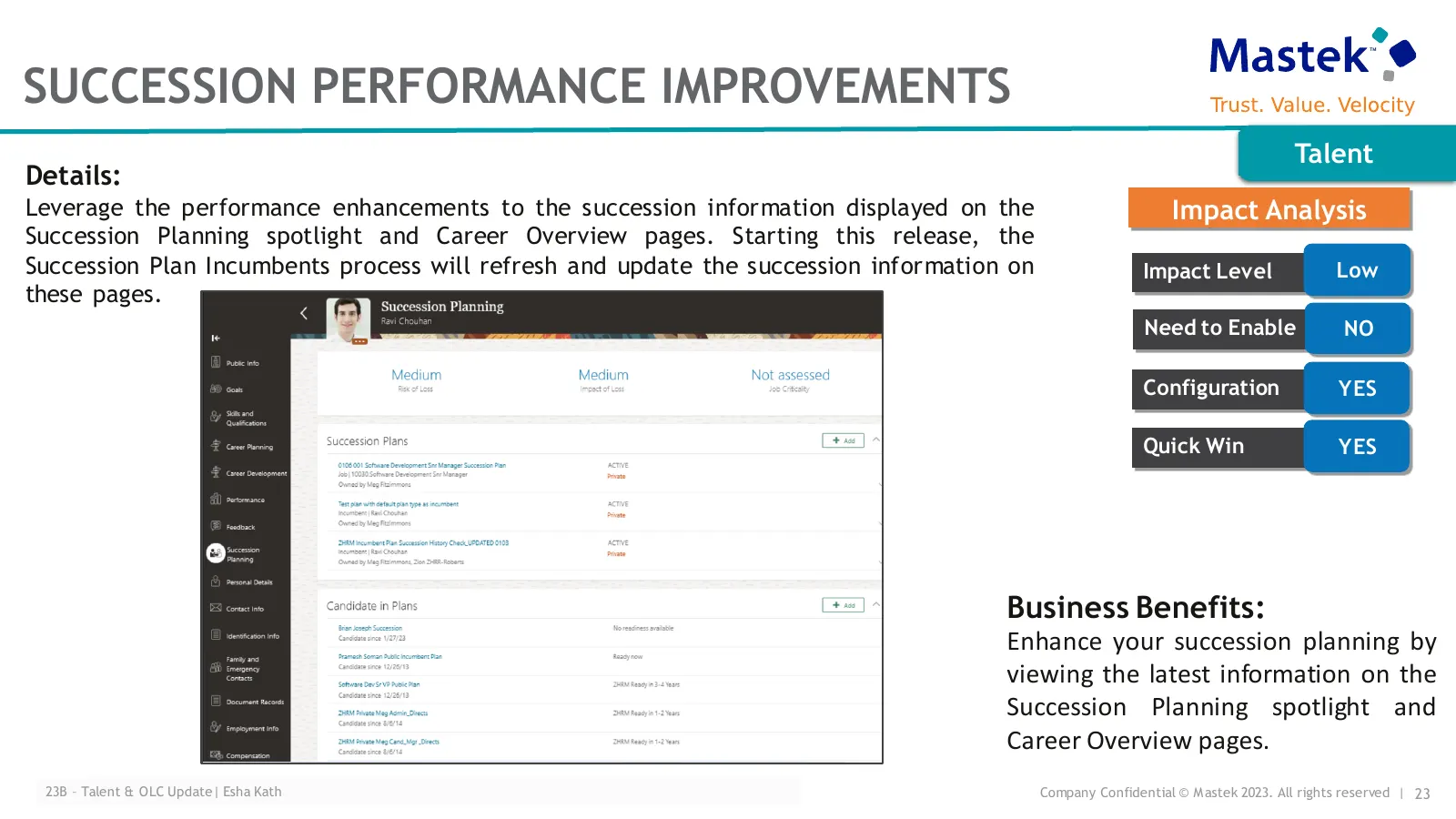
SUCCESSION PERFORMANCE IMPROVEMENTS Talent Details: Leverage the performance enhancements to the succession information displayed on the Impact Analysis Succession Planning spotlight and Career Overview pages. Starting this release, the Succession Plan Incumbents process will refresh and update the
Slide 24: Facilitator View Access to Potential Assessment
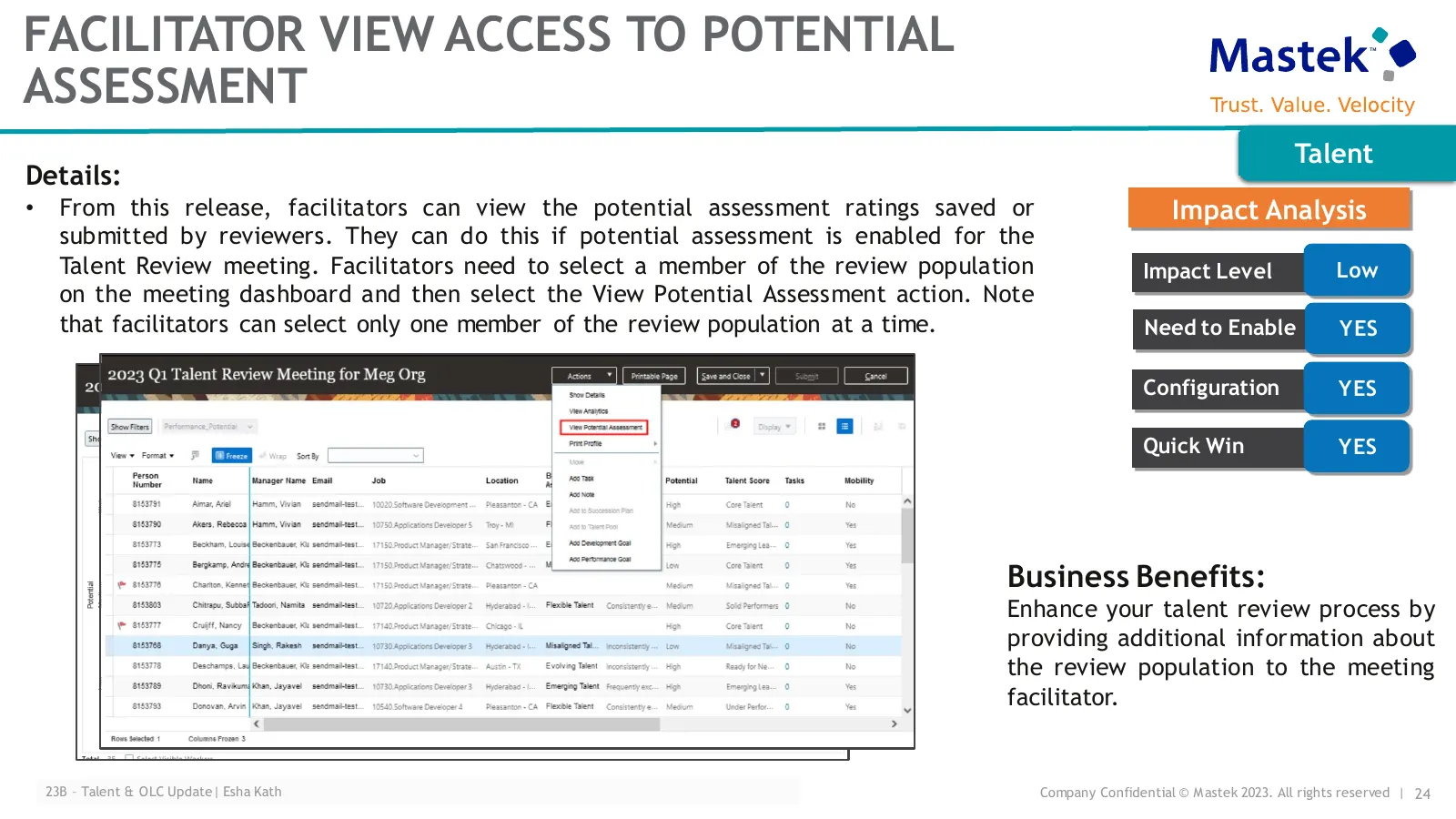
FACILITATOR VIEW ACCESS TO POTENTIAL ASSESSMENT Talent Details: • From this release, facilitators can view the potential assessment ratings saved or Impact Analysis submitted by reviewers. They can do this if potential assessment is enabled for the Talent Review meeting. Facilitators need to select
Slide 25: Automate Microsoft Teams Virtual Classroom Attendance
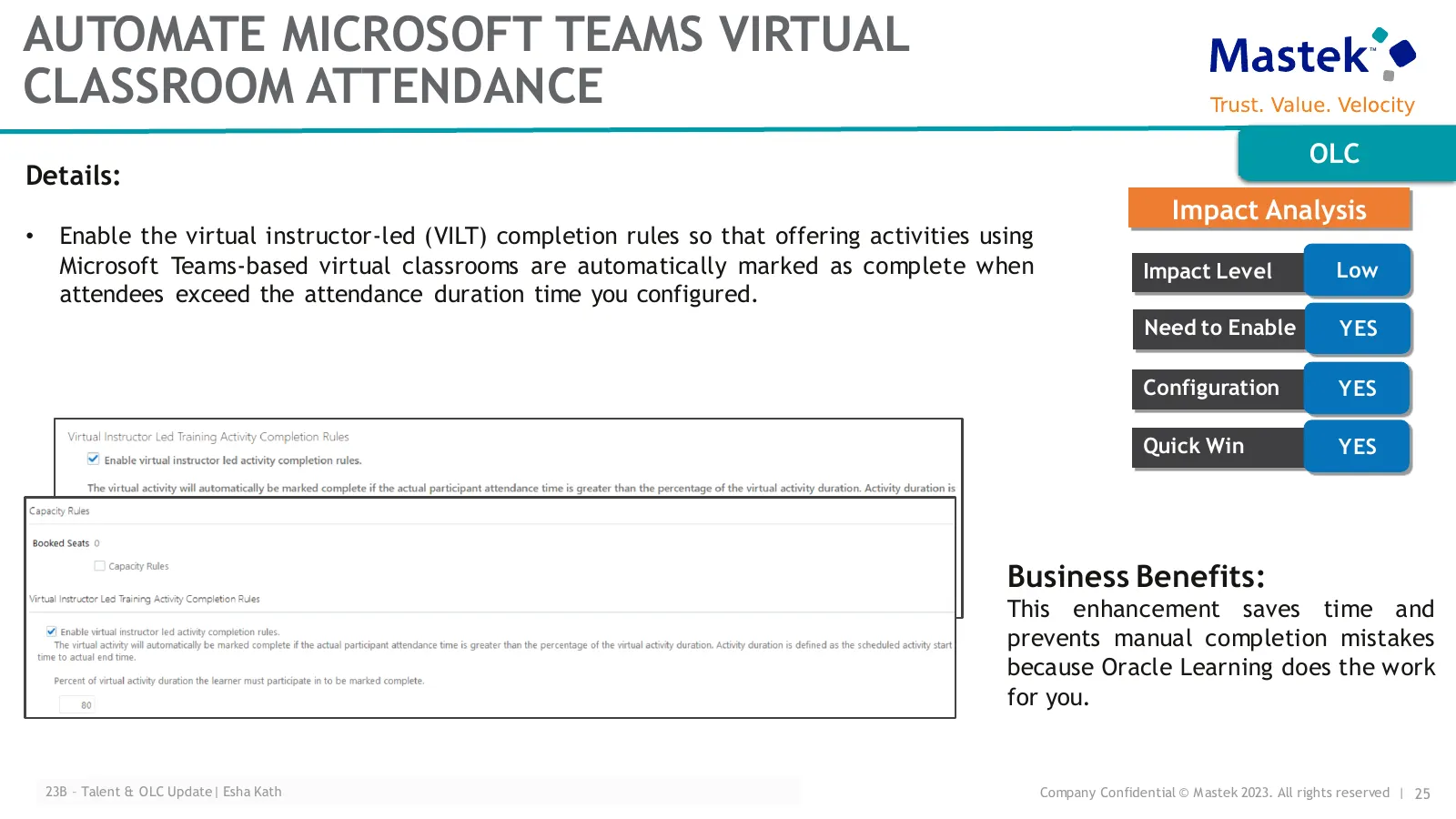
AUTOMATE MICROSOFT TEAMS VIRTUAL CLASSROOM ATTENDANCE OLC Details: Impact Analysis • Enable the virtual instructor-led (VILT) completion rules so that offering activities using Microsoft Teams-based virtual classrooms are automatically marked as complete when Impact Level Low attendees exceed the at
Slide 26: Secure Learning Approvals Using Profiles and Delegation
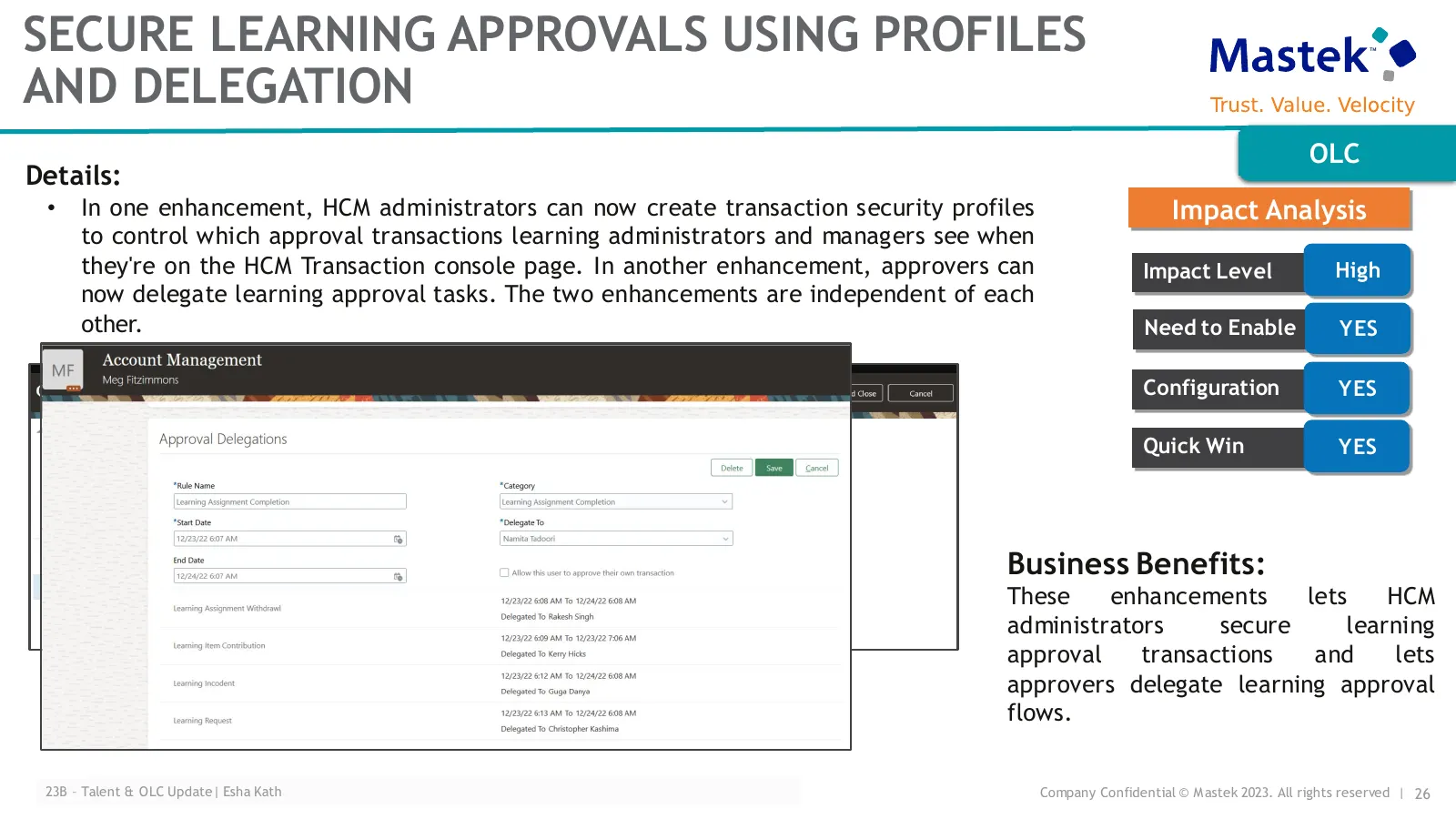
SECURE LEARNING APPROVALS USING PROFILES AND DELEGATION OLC Details: • In one enhancement, HCM administrators can now create transaction security profiles Impact Analysis to control which approval transactions learning administrators and managers see when they're on the HCM Transaction console page.
Slide 27: Zoom Virtual Classrooms Provider
ZOOM VIRTUAL CLASSROOMS PROVIDER OLC Details: • You can create and update Zoom web conferencing events directly in Oracle Fusion Impact Analysis Cloud Learning after integrating the applications. In Oracle Learning, the events are part of virtual instructor-led training (VILT). Impact Level Low • He
Slide 28: New Features: Quick Wins – Opt Ins
NEW FEATURES Quick Wins – Opt Ins
Slide 29: Redwood Experience for Review Periods Setup
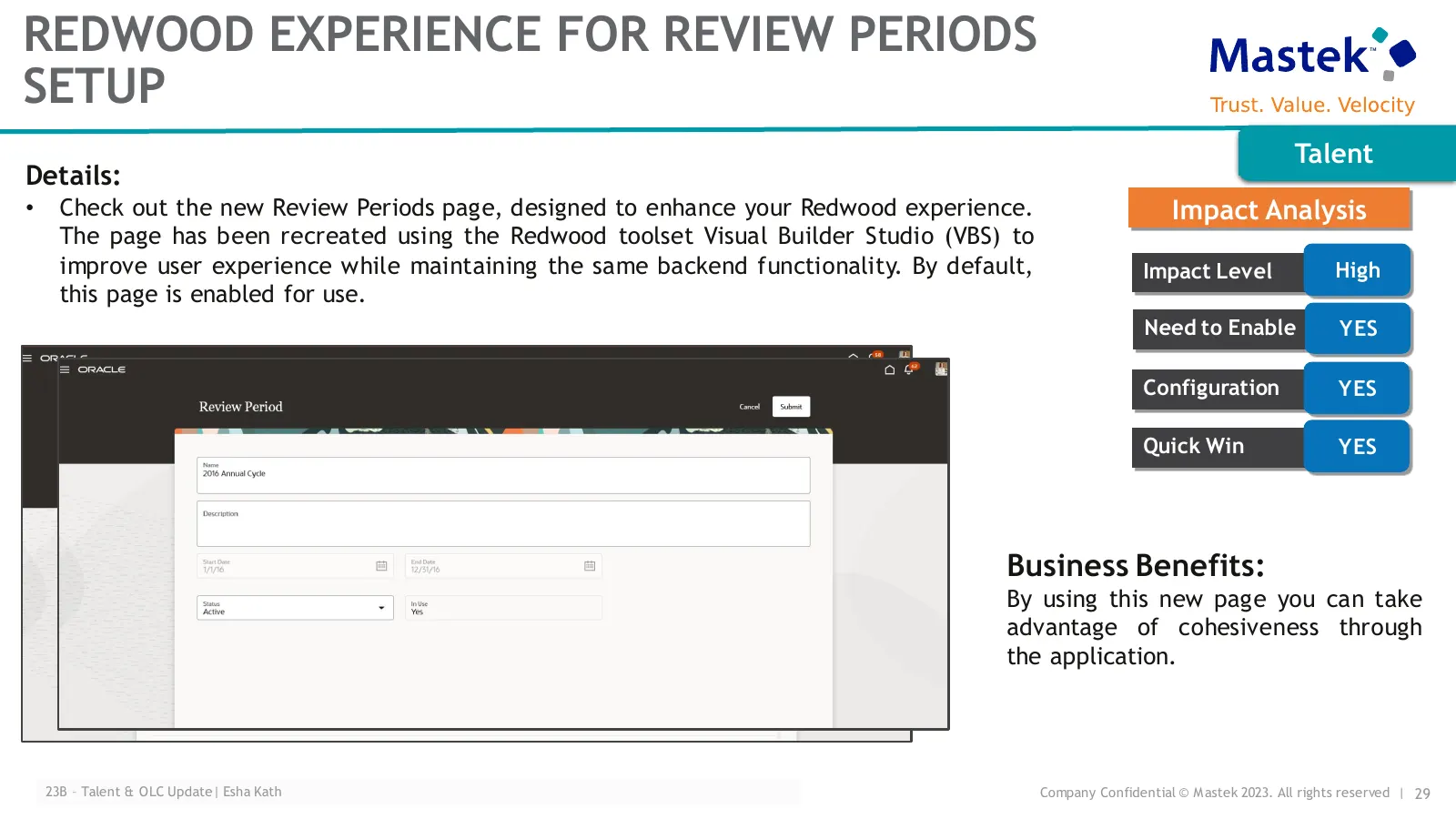
REDWOOD EXPERIENCE FOR REVIEW PERIODS SETUP Talent Details: • Check out the new Review Periods page, designed to enhance your Redwood experience. Impact Analysis The page has been recreated using the Redwood toolset Visual Builder Studio (VBS) to improve user experience while maintaining the same ba
Slide 30: Redwood Experience for Performance Management Setup
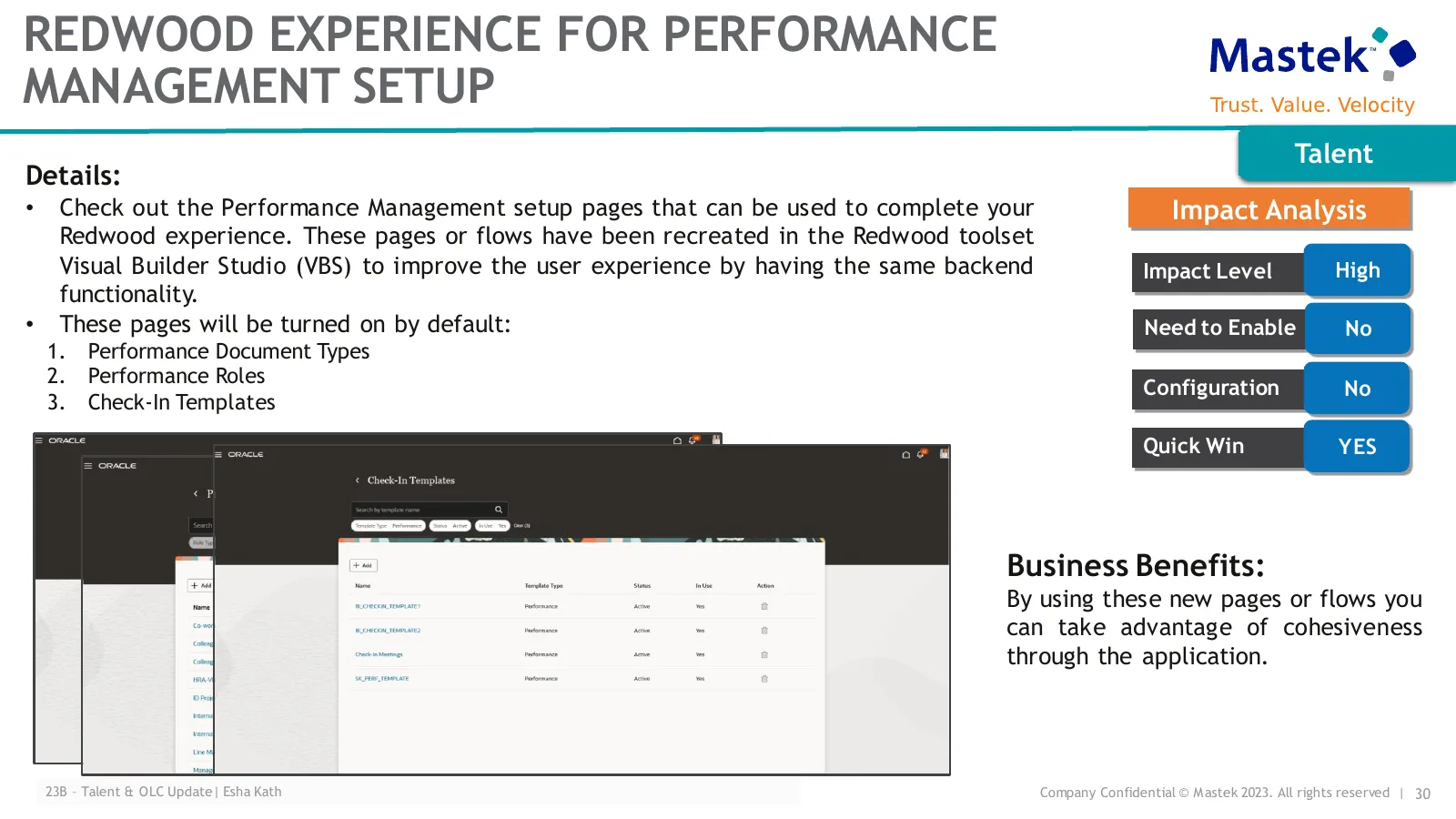
REDWOOD EXPERIENCE FOR PERFORMANCE MANAGEMENT SETUP Talent Details: • Check out the Performance Management setup pages that can be used to complete your Impact Analysis Redwood experience. These pages or flows have been recreated in the Redwood toolset Visual Builder Studio (VBS) to improve the user
Slide 31: Redwood Experience for Feedback Template
REDWOOD EXPERIENCE FOR FEEDBACK TEMPLATE Talent Details: Impact Analysis • Use the Feedback Template page for Requested Feedback to complete your Redwood Impact Level High experience. This page was built in the Redwood toolset Visual Builder Studio (VBS) to improve the user experience by having the
Slide 32: Redwood Experience for Succession Management
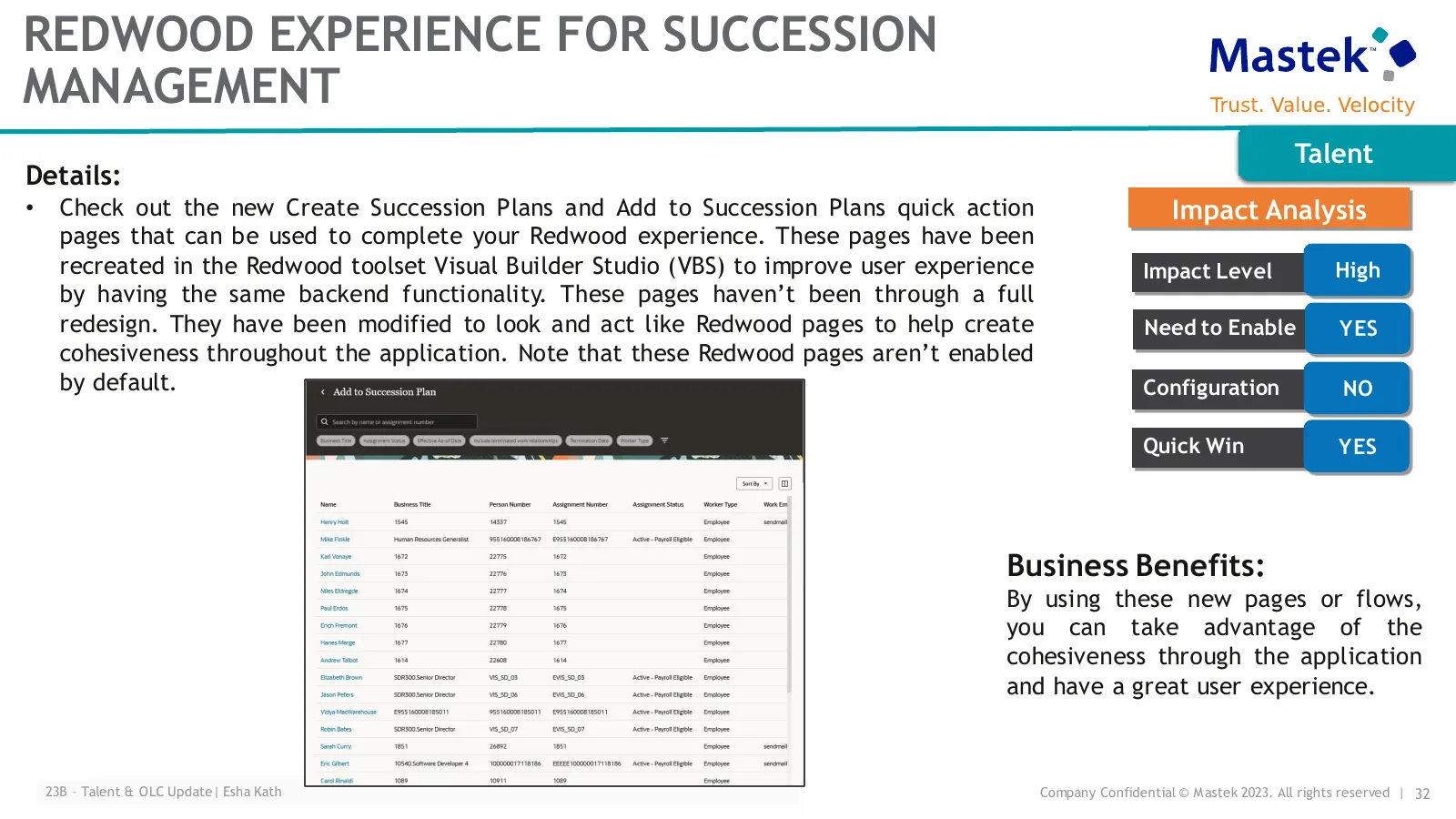
REDWOOD EXPERIENCE FOR SUCCESSION MANAGEMENT Talent Details: • Check out the new Create Succession Plans and Add to Succession Plans quick action Impact Analysis pages that can be used to complete your Redwood experience. These pages have been recreated in the Redwood toolset Visual Builder Studio (
Slide 33: Redwood Experience for Talent Pools
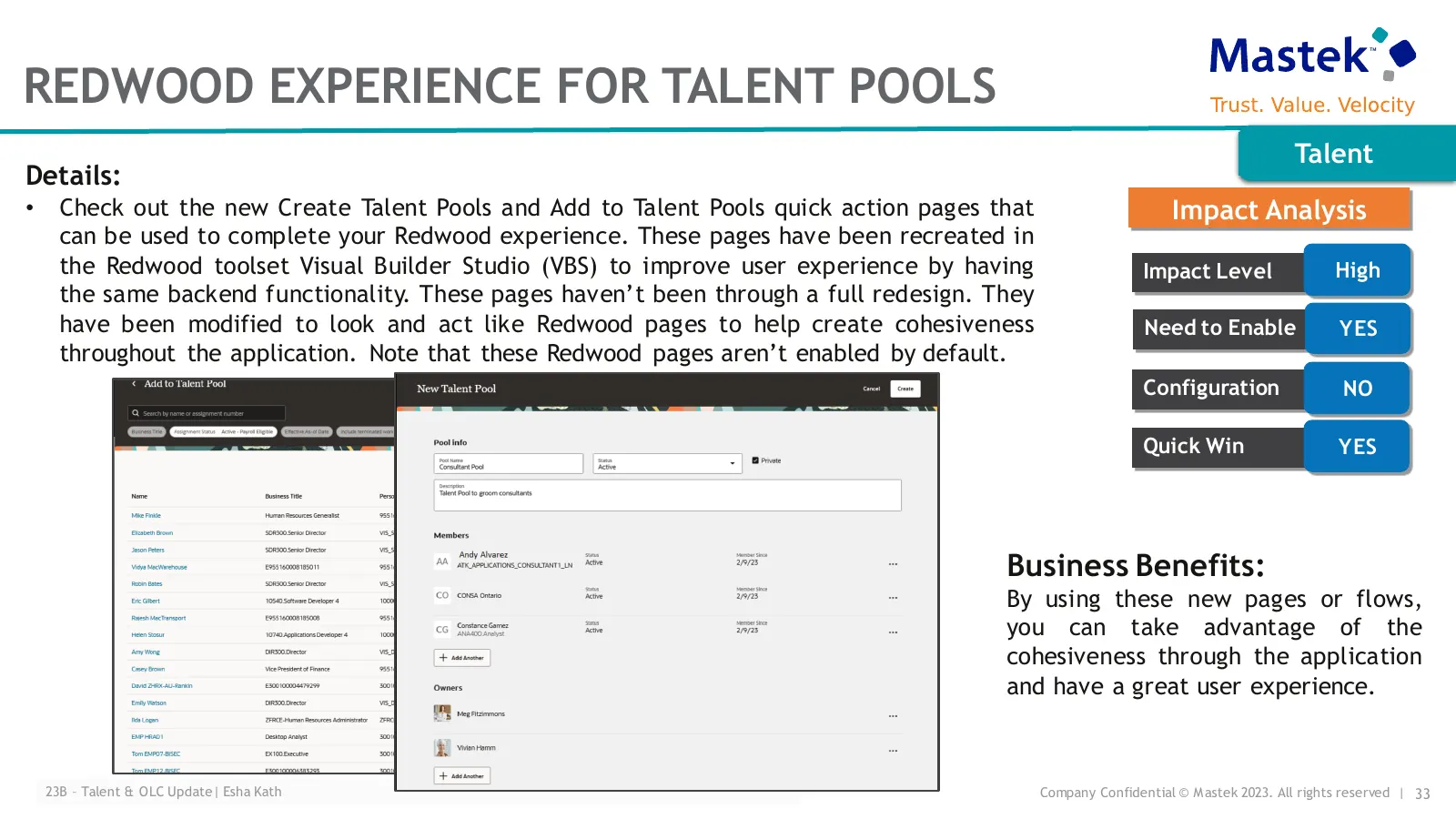
REDWOOD EXPERIENCE FOR TALENT POOLS Talent Details: • Check out the new Create Talent Pools and Add to Talent Pools quick action pages that Impact Analysis can be used to complete your Redwood experience. These pages have been recreated in the Redwood toolset Visual Builder Studio (VBS) to improve u
Slide 34: Redwood Browse Learning
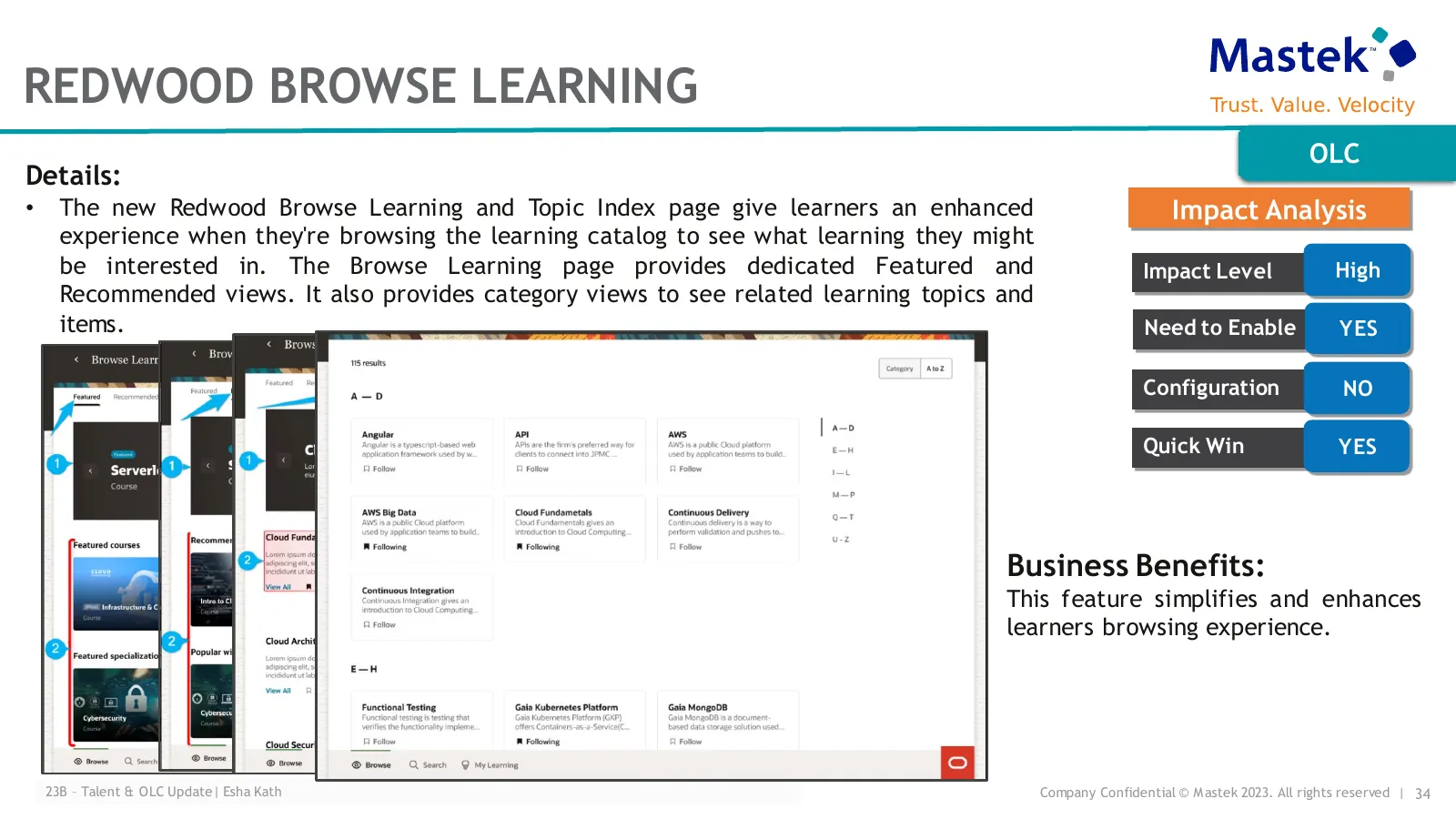
REDWOOD BROWSE LEARNING OLC Details: • The new Redwood Browse Learning and Topic Index page give learners an enhanced Impact Analysis experience when they're browsing the learning catalog to see what learning they might be interested in. The Browse Learning page provides dedicated Featured and Impac
Slide 35: Popular with My Job Learning Recommender
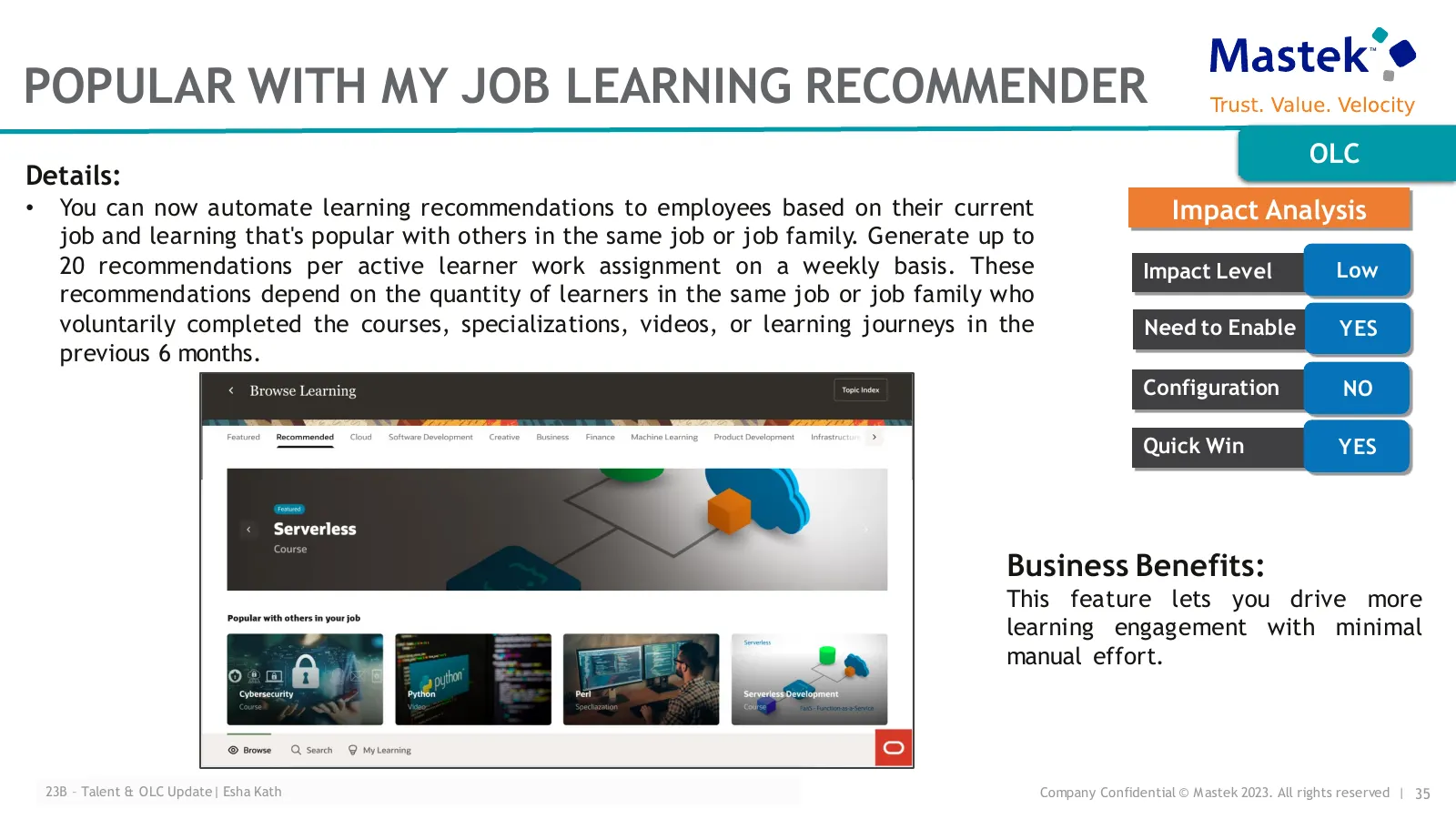
POPULAR WITH MY JOB LEARNING RECOMMENDER OLC Details: • You can now automate learning recommendations to employees based on their current Impact Analysis job and learning that's popular with others in the same job or job family. Generate up to 20 recommendations per active learner work assignment on
Slide 36: Skills Advisor for Learning Support for Skill Level
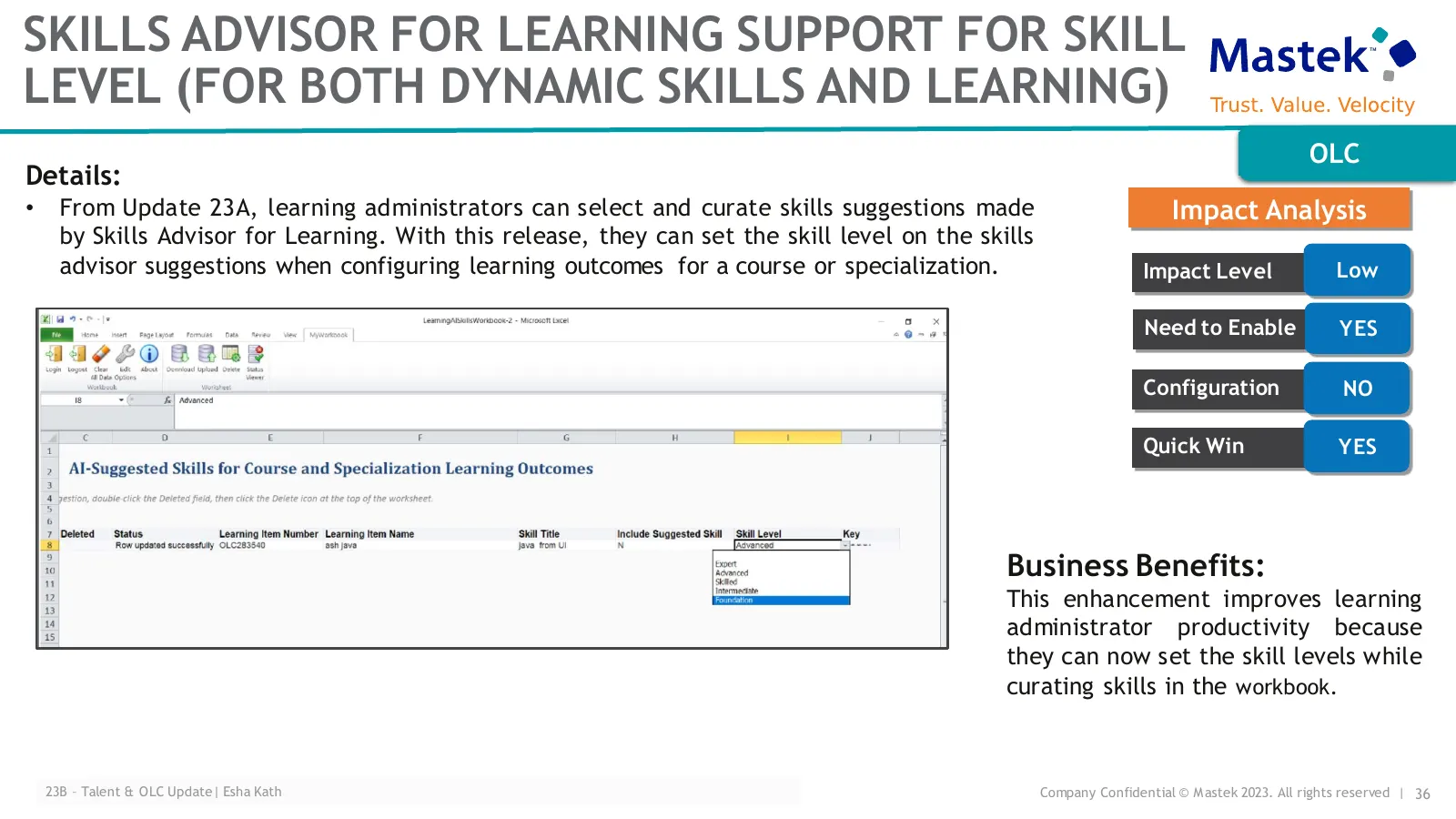
SKILLS ADVISOR FOR LEARNING SUPPORT FOR SKILL LEVEL (FOR BOTH DYNAMIC SKILLS AND LEARNING) OLC Details: • From Update 23A, learning administrators can select and curate skills suggestions made Impact Analysis by Skills Advisor for Learning. With this release, they can set the skill level on the skil
Slide 37: Redwood Team Learning
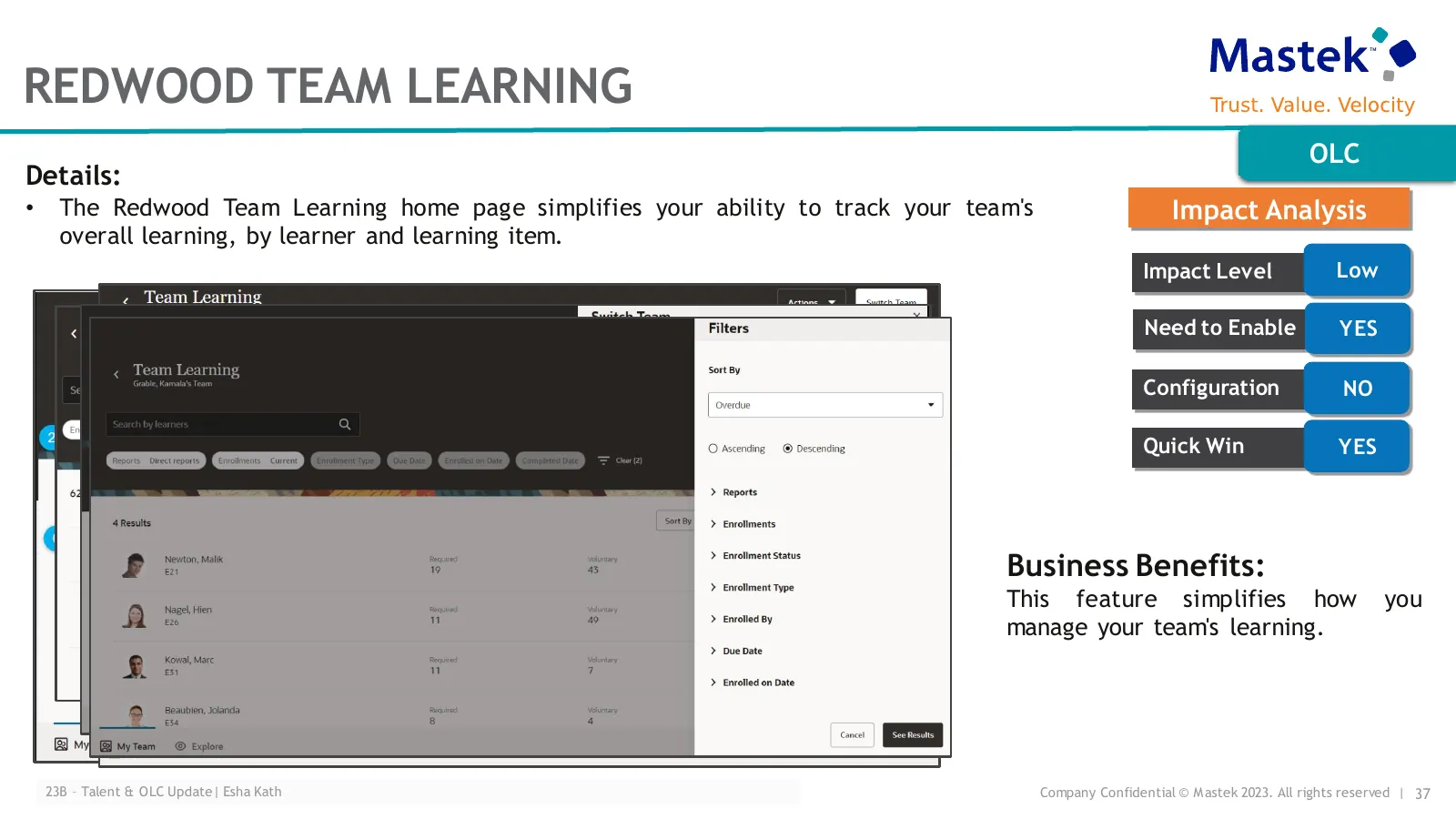
REDWOOD TEAM LEARNING OLC Details: • The Redwood Team Learning home page simplifies your ability to track your team's Impact Analysis overall learning, by learner and learning item. Impact Level Low Need to Enable YES Configuration NO Quick Win YES Business Benefits: This feature simplifies how you
Slide 38: Automate Withdrawal of Learners with Terminated Employment
AUTOMATE WITHDRAWAL OF LEARNERS WITH TERMINATED EMPLOYMENT OLC Details: Impact Analysis • You can now automate the removal of learning assignments, recommendations, and learning item access for employees whose employment was terminated. Use the new Impact Level Low Update Learning Assignment Statuse
Slide 39: Redwood Learning Assignments List Page for Administrators
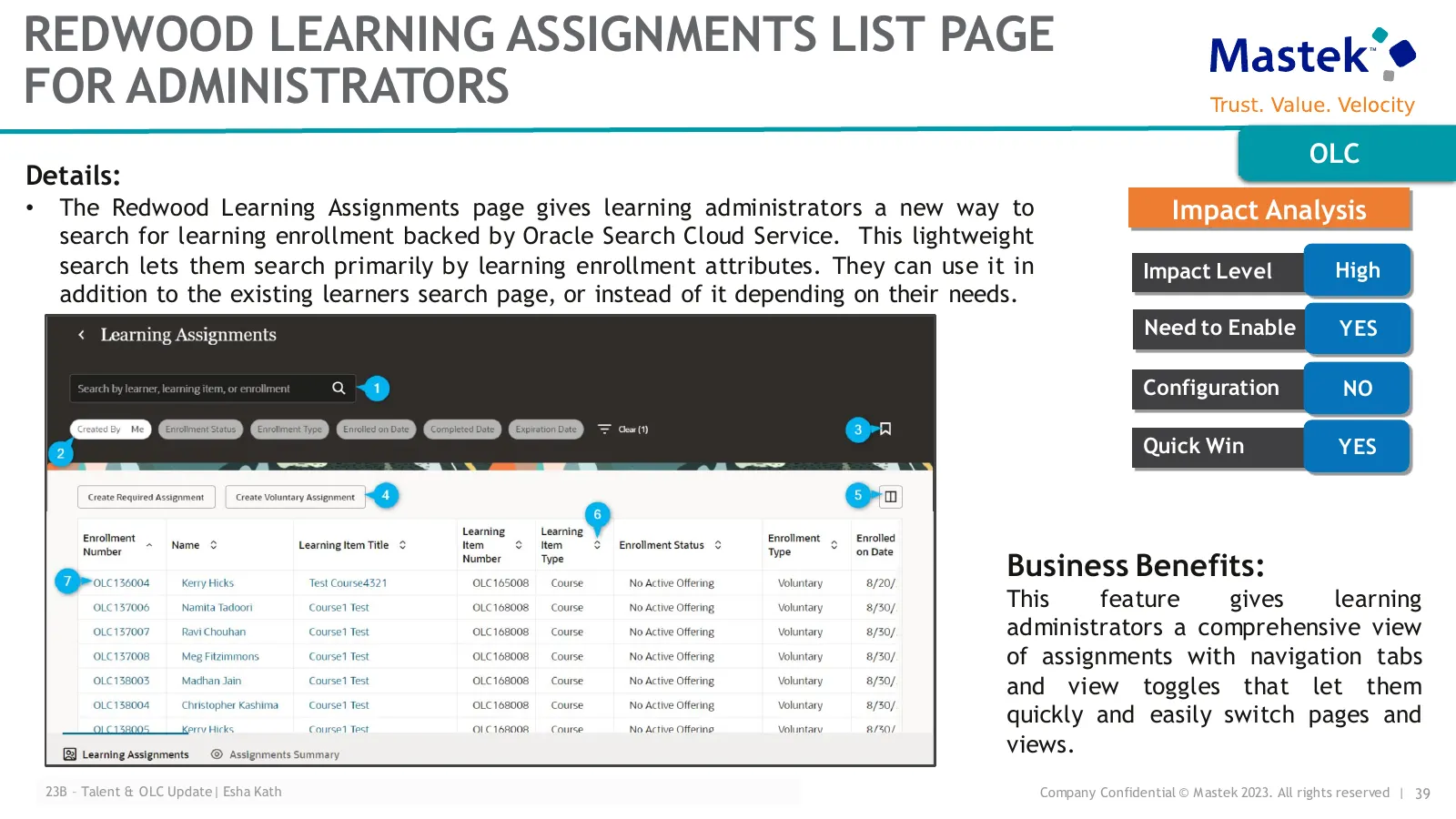
REDWOOD LEARNING ASSIGNMENTS LIST PAGE FOR ADMINISTRATORS OLC Details: • The Redwood Learning Assignments page gives learning administrators a new way to Impact Analysis search for learning enrollment backed by Oracle Search Cloud Service. This lightweight search lets them search primarily by learni
Slide 40: Redwood Learning Assignments List Page for Administrators (Cont.)
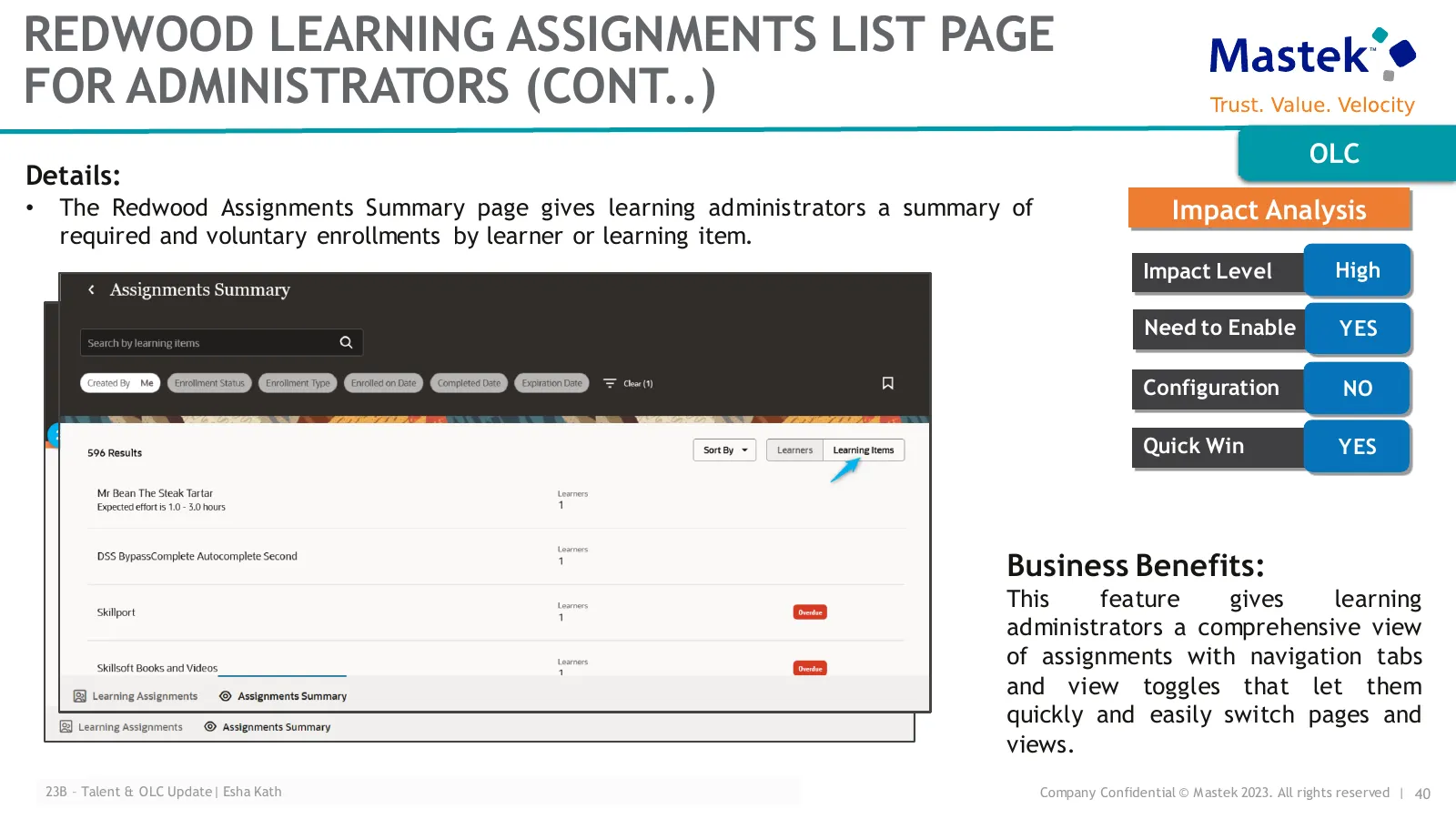
REDWOOD LEARNING ASSIGNMENTS LIST PAGE FOR ADMINISTRATORS (CONT..) OLC Details: • The Redwood Assignments Summary page gives learning administrators a summary of Impact Analysis required and voluntary enrollments by learner or learning item. Impact Level High Need to Enable YES Configuration NO Quic
Slide 41: Redwood Experience for Request Noncatalog Learning and Record External Learning Pages
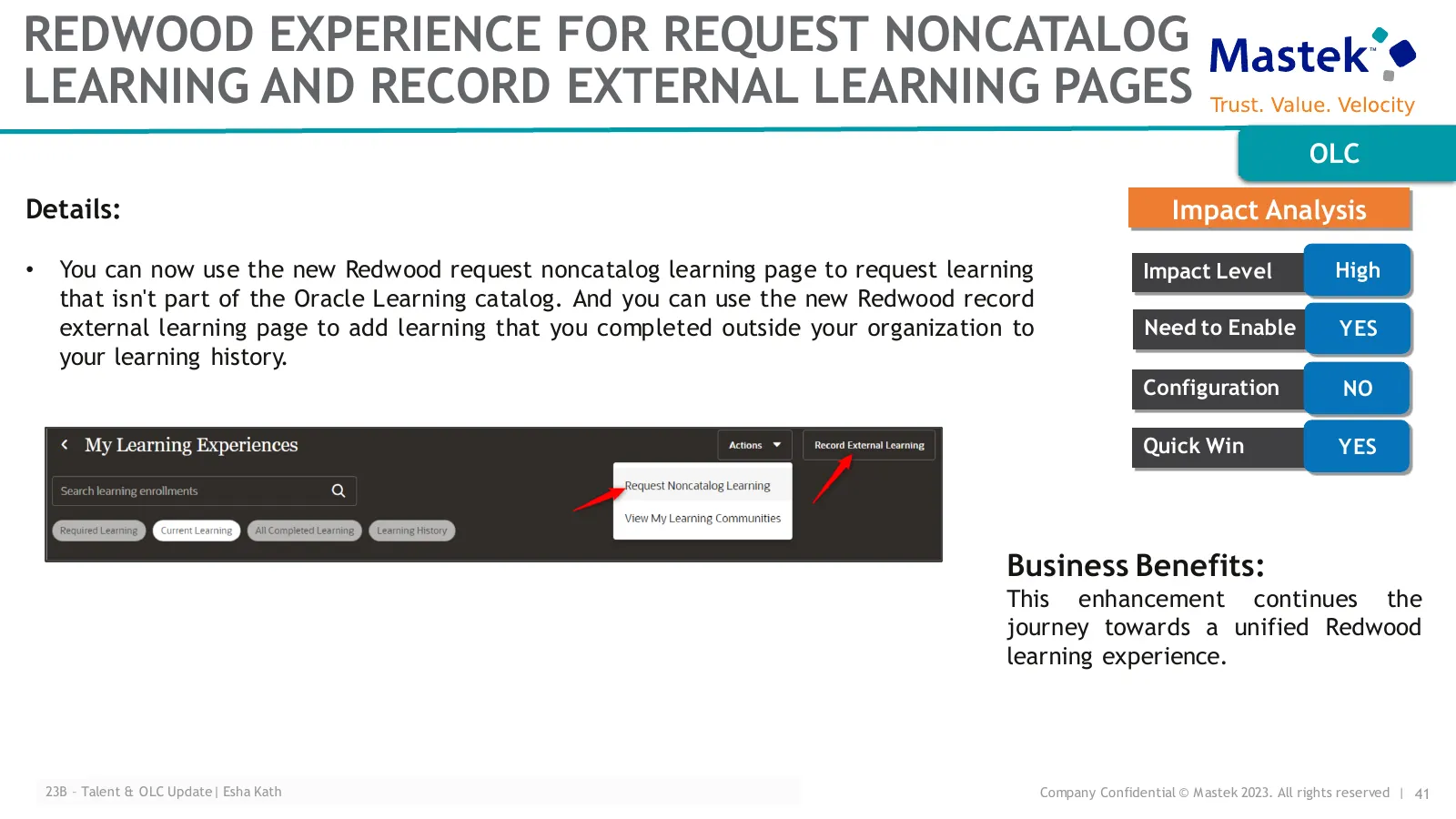
REDWOOD EXPERIENCE FOR REQUEST NONCATALOG LEARNING AND RECORD EXTERNAL LEARNING PAGES OLC Details: Impact Analysis • You can now use the new Redwood request noncatalog learning page to request learning Impact Level High that isn't part of the Oracle Learning catalog. And you can use the new Redwood
Slide 42: New Features: The Rest
Mastek*@ Trust. Value. Velocity NEW FEATURES The Rest
Slide 43: Get News Feed Suggestions on Your Next Likely Actions
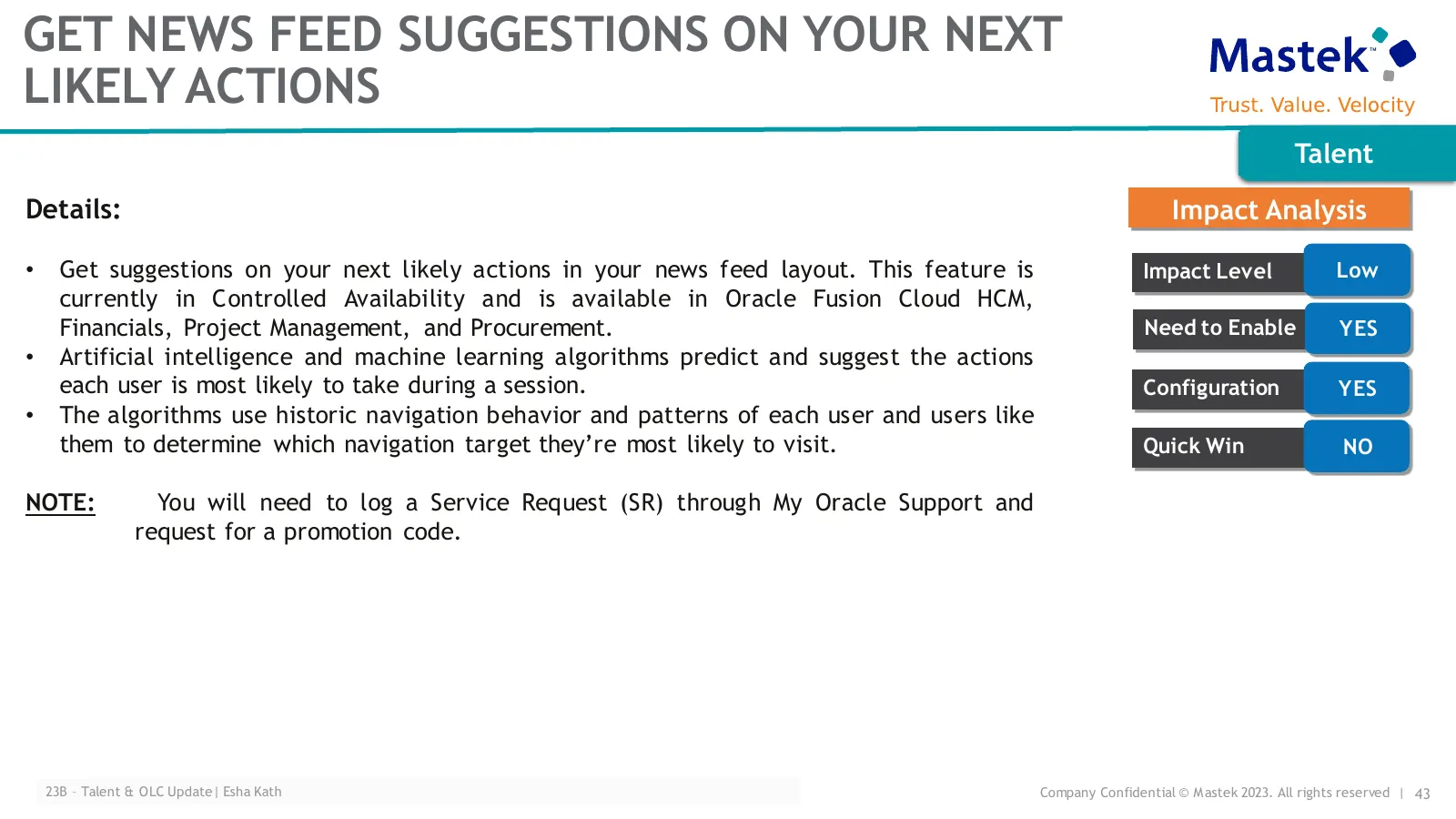
GET NEWS FEED SUGGESTIONS ON YOUR NEXT LIKELY ACTIONS Talent Details: Impact Analysis • Get suggestions on your next likely actions in your news feed layout. This feature is Impact Level Low currently in Controlled Availability and is available in Oracle Fusion Cloud HCM, Financials, Project Managem
Slide 44: Talent Management Classic Pages Removed
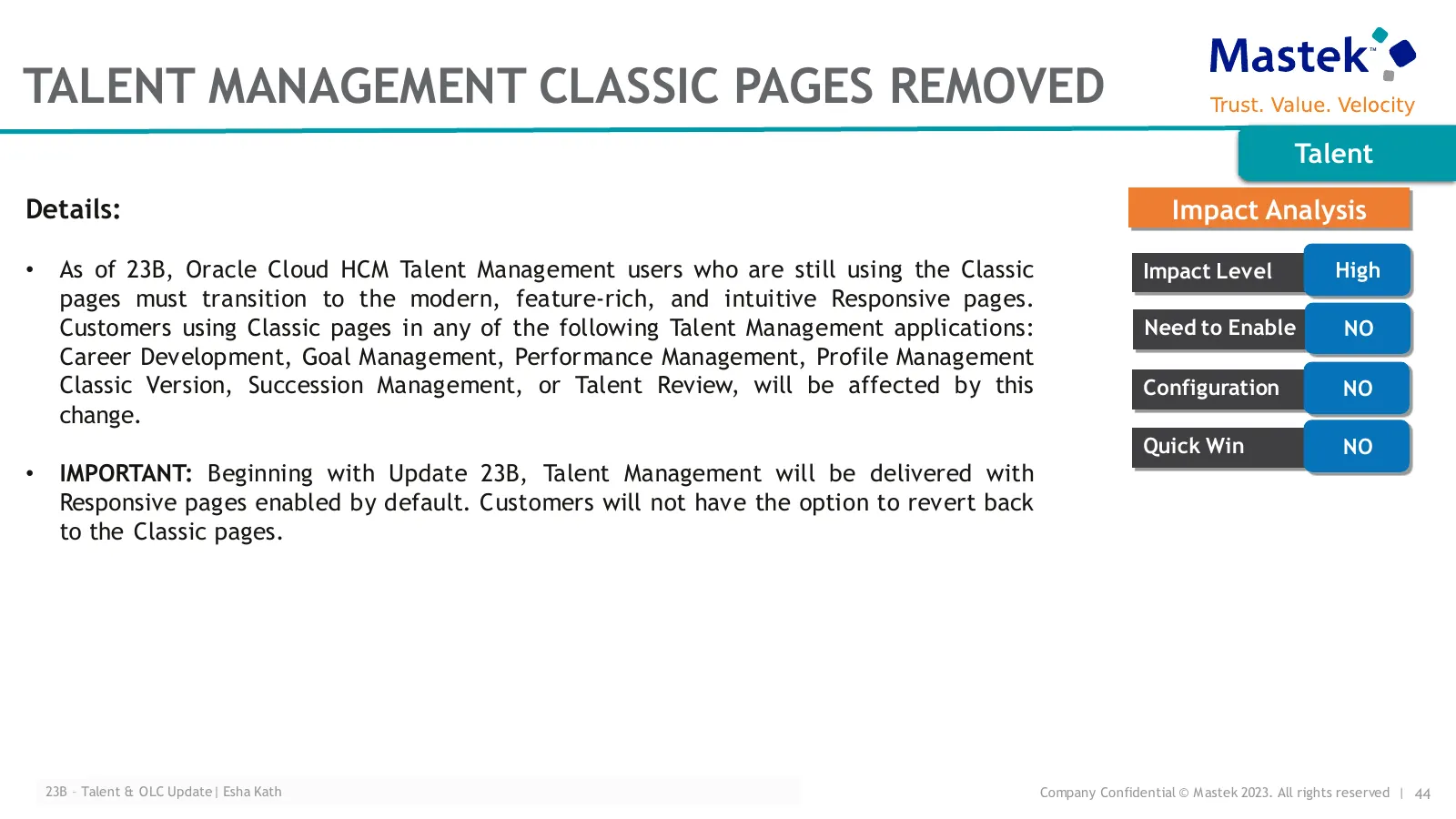
TALENT MANAGEMENT CLASSIC PAGES REMOVED Talent Details: Impact Analysis • As of 23B, Oracle Cloud HCM Talent Management users who are still using the Classic Impact Level High pages must transition to the modern, feature-rich, and intuitive Responsive pages. Customers using Classic pages in any of t
Slide 45: Closing Q&A
Closing Q&A Presentation Title | Author | Date Company Confidential © M astek 2023. All rights reserved | 45
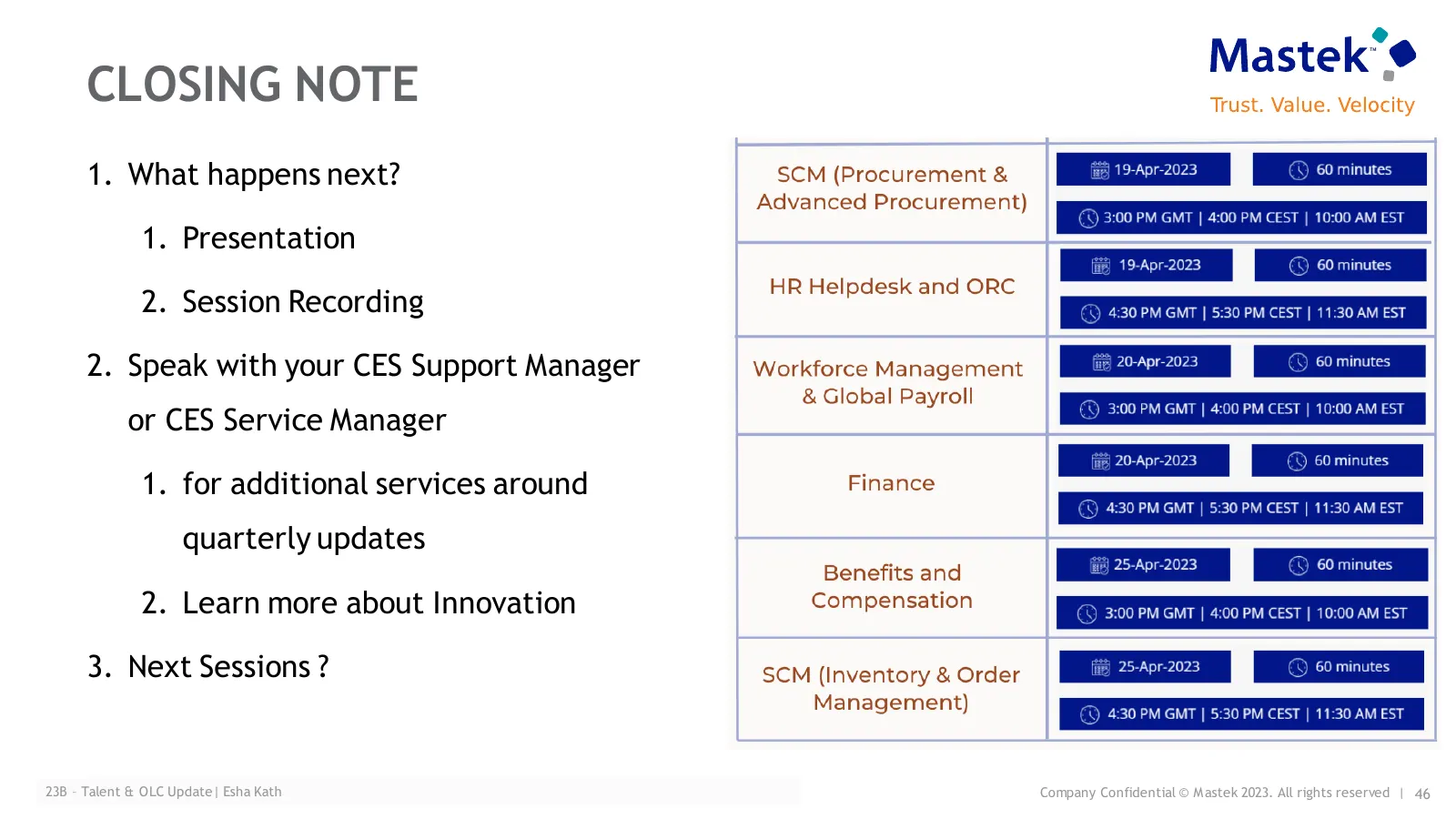
Slide 46: Closing Note
CLOSING NOTE 1. What happens next? 1. Presentation 2. Session Recording 2. Speak with your CES Support Manager or CES Service Manager 1. for additional services around quarterly updates 2. Learn more about Innovation 3. Next Sessions ? 23B – Talent &Title Presentation OLC Update| | AuthorEsha Kath |
Slide 47: Thank You
MASTEK is here to help you! THANK YOU This pr esentation contains infor mation that may be pr ivileged or confidential and is the pr oper ty of Mastek. Copyr ight © 2023 Mastek. All r ights r eserved.
Source: Internet Archive copy of mastek.com
More decks from Mastek Limited
 Q2 FY2027 Earnings Presentation18 slides · Oct 23, 2026
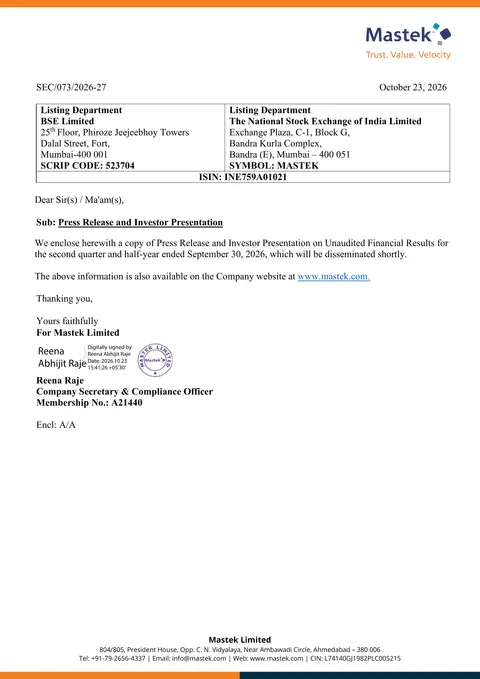 Q2 FY2027 Earnings Presentation25 slides · Oct 23, 2026
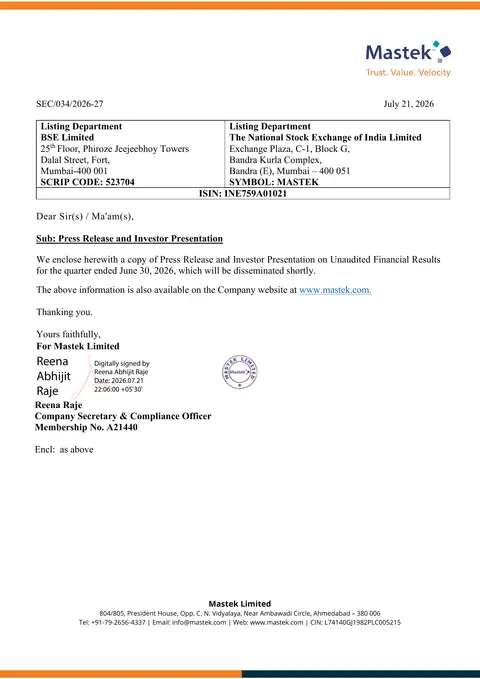 Q1 FY27 Earnings Presentation31 slides · Jul 21, 2026
 Q1 FY2027 Earnings Presentation23 slides · Jul 21, 2026
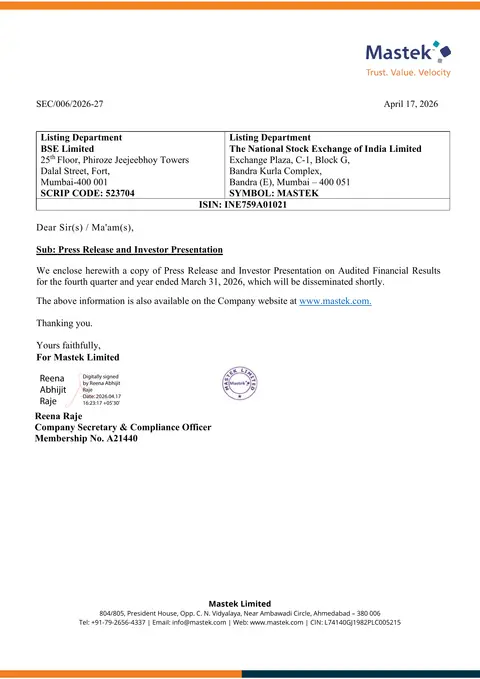 Q4 FY26 Earnings Presentation37 slides · Apr 18, 2026
 Q4 FY26 Earnings Presentation28 slides · Apr 17, 2026