Mastek Limited · NSE:MASTEK
Mastek — Technical Presentation (May 2023)
72 slides from Mastek's technical presentation, May 2023
Slide 1: Cloud Enhancement Services 23B Workforce Management & Payroll Webinar
Mastek Cloud Enhancement Services 23B - WORKFORCE Live Webinar MANAGEMENT & PAYROLL Sohilmohammad Malek • Empowering you for the next update Host: Service Operations Executive Speaker: Pratik Mistry Senior Consultant, HCM
Slide 2: Disclaimer
These advisory webinars are organized to equip you with the latest updates. The content of this session is based on the interpretation of the material and documentation that Oracle has released and is a general guideline/recommendation only. DISCLAIMER
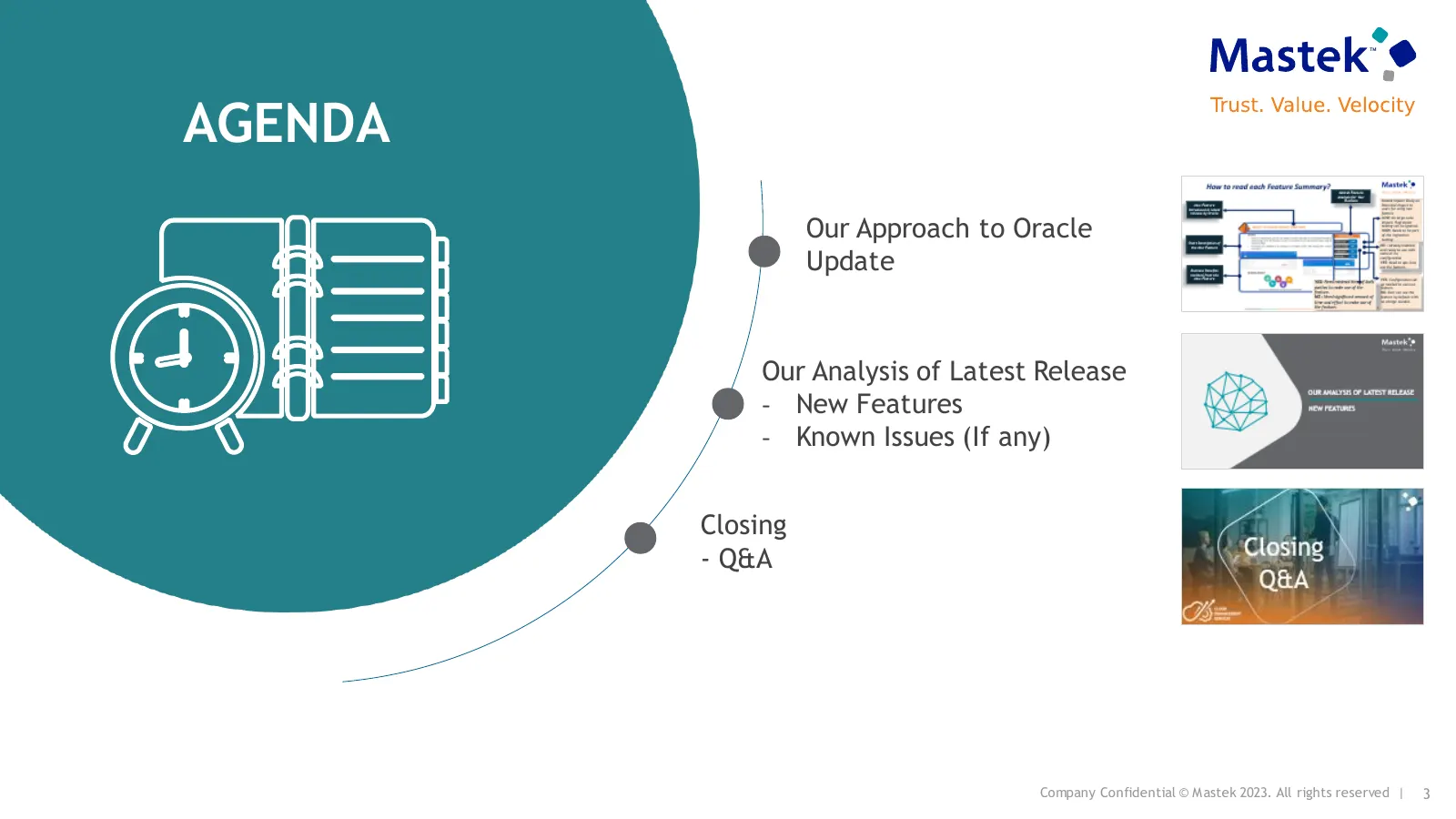
Slide 3: Agenda
AGENDA Our Approach to Oracle Update Our Analysis of Latest Release - New Features - Known Issues (If any) Closing - Q&A Company Confidential © M astek 2023. All rights reserved | 3
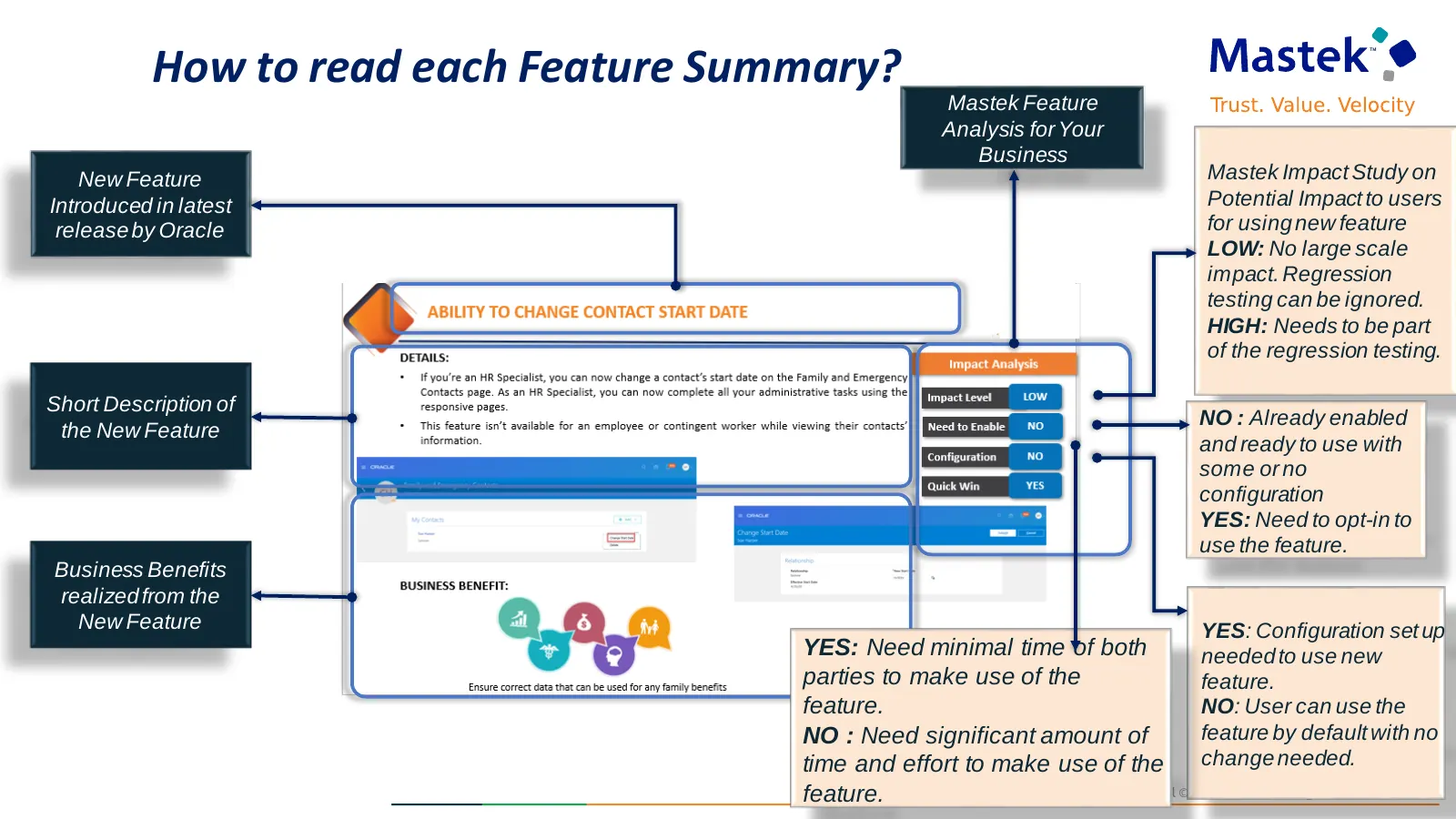
Slide 4: How to read each Feature Summary?
How to read each Feature Summary? Mastek Feature Analysis for Your Business New Feature Mastek Impact Study on Introduced in latest Potential Impact to users release by Oracle for using new feature LOW: No large scale impact. Regression testing can be ignored. HIGH: Needs to be part of the regressio

Slide 5: Our Analysis of Latest Release: New Features
OUR ANALYSIS OF LATEST RELEASE NEW FEATURES
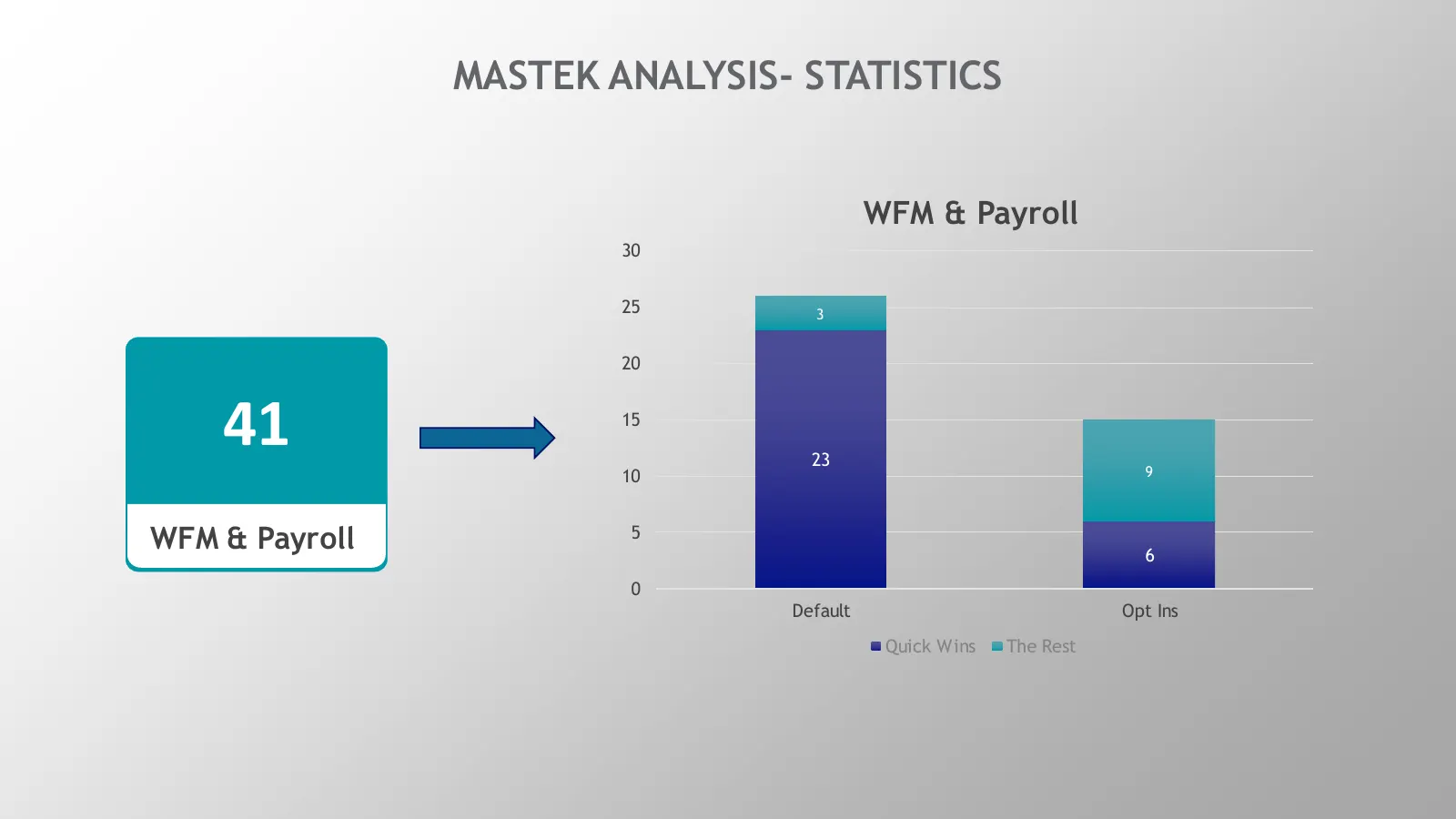
Slide 6: Mastek Analysis - Statistics
MASTEK ANALYSIS- STATISTICS WFM & Payroll 30 25 3 20 41 15 23 9 10 WFM & Payroll 5 6 0 Default Opt Ins Quick Wins The Rest
Slide 7: Mastek Analysis
MASTEK ANALYSIS Company Confidential © M astek 2023. All rights reserved | 7

Slide 8: New Features: Quick Wins – Default with No Configuration
NEW FEATURES QUICK WINS – DEFAULT WITH NO CONFIGURATION
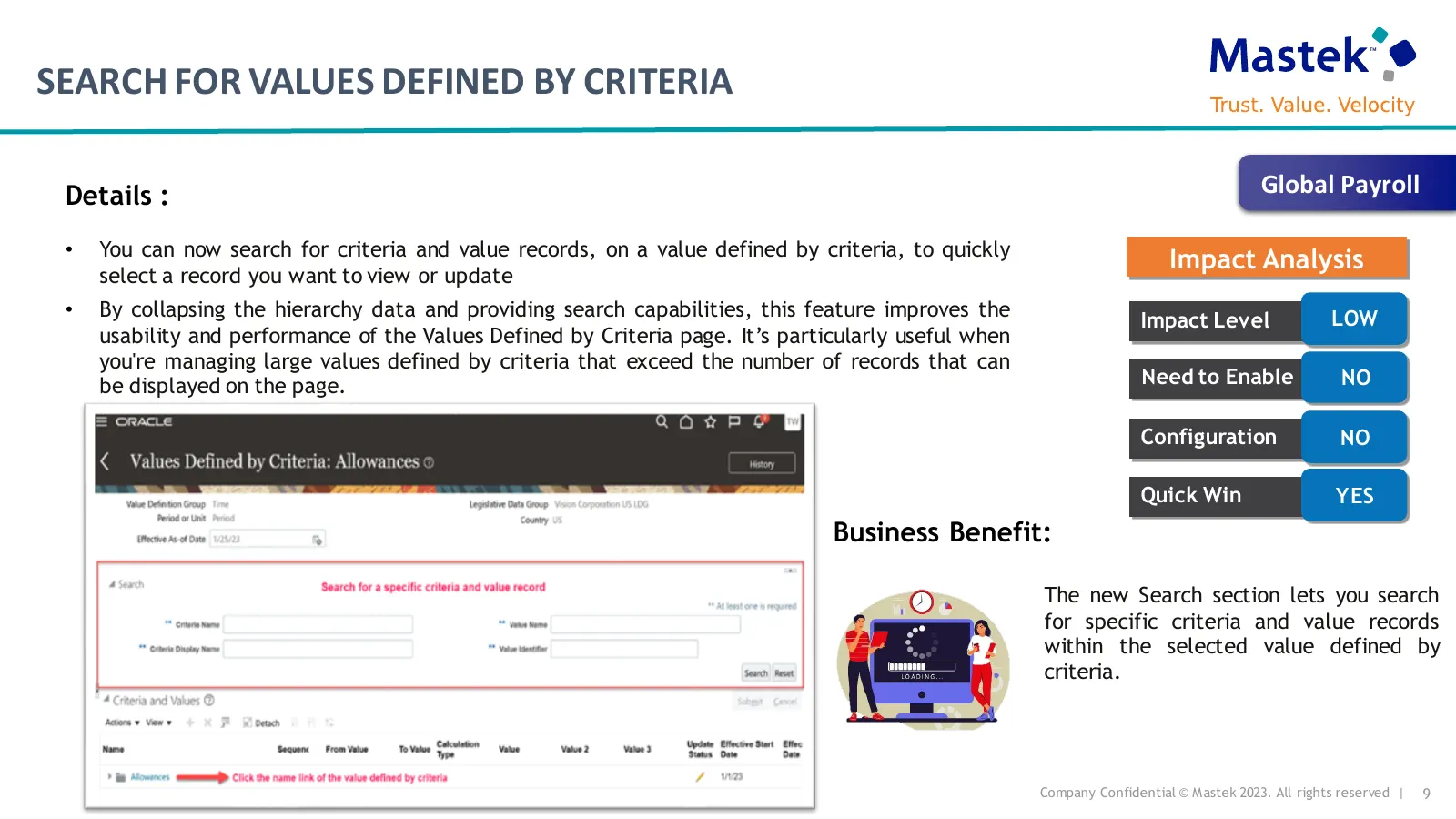
Slide 9: Search for Values Defined by Criteria
SEARCH FOR VALUES DEFINED BY CRITERIA Details : Global Payroll • You can now search for criteria and value records, on a value defined by criteria, to quickly Impact Analysis select a record you want to view or update • By collapsing the hierarchy data and providing search capabilities, this feature
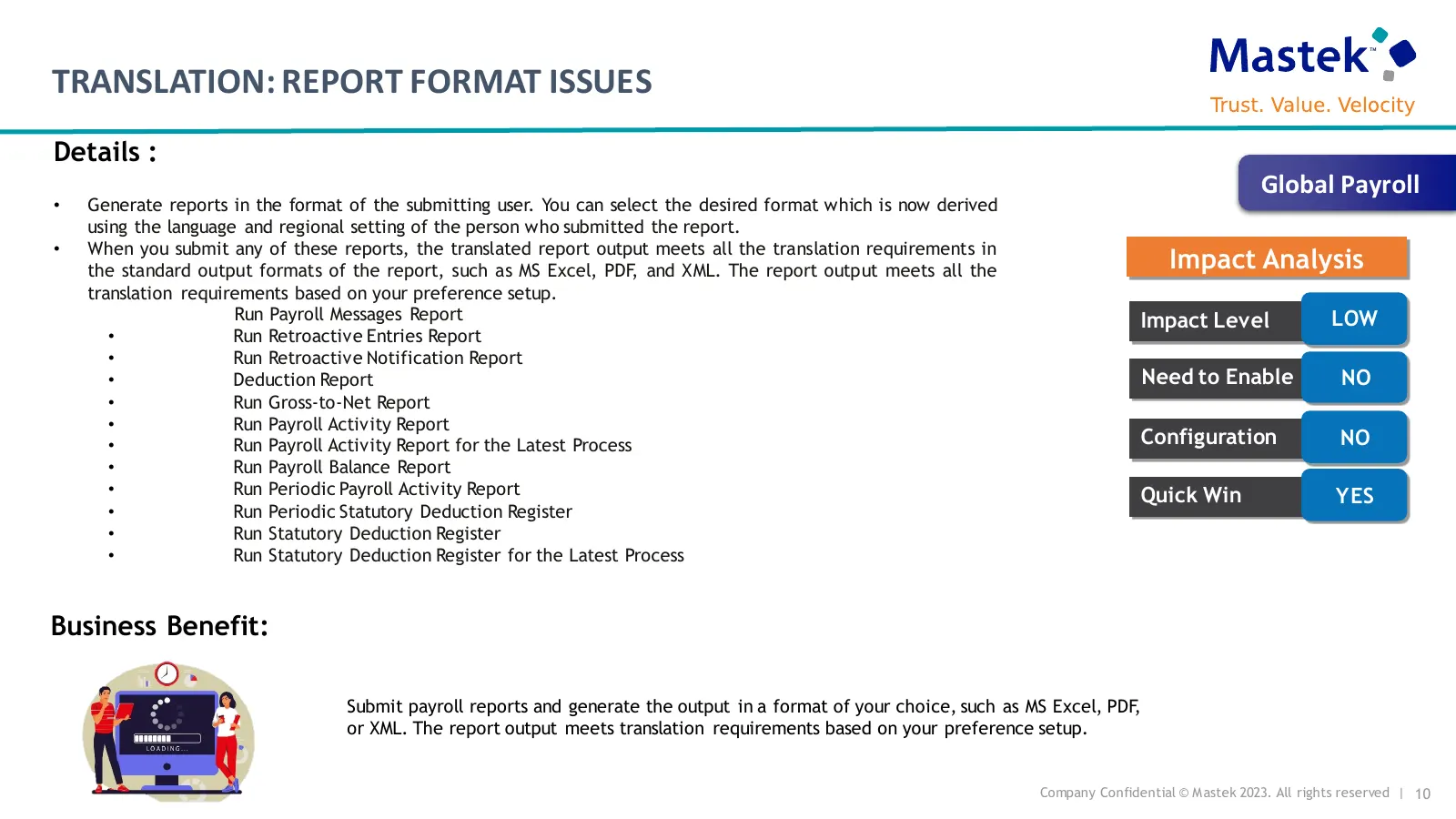
Slide 10: Translation: Report Format Issues
TRANSLATION: REPORT FORMAT ISSUES Details : Global Payroll • Generate reports in the format of the submitting user. You can select the desired format which is now derived using the language and regional setting of the person who submitted the report. • When you submit any of these reports, the trans
Slide 11: Candidate Records No Longer Displayed in Payroll
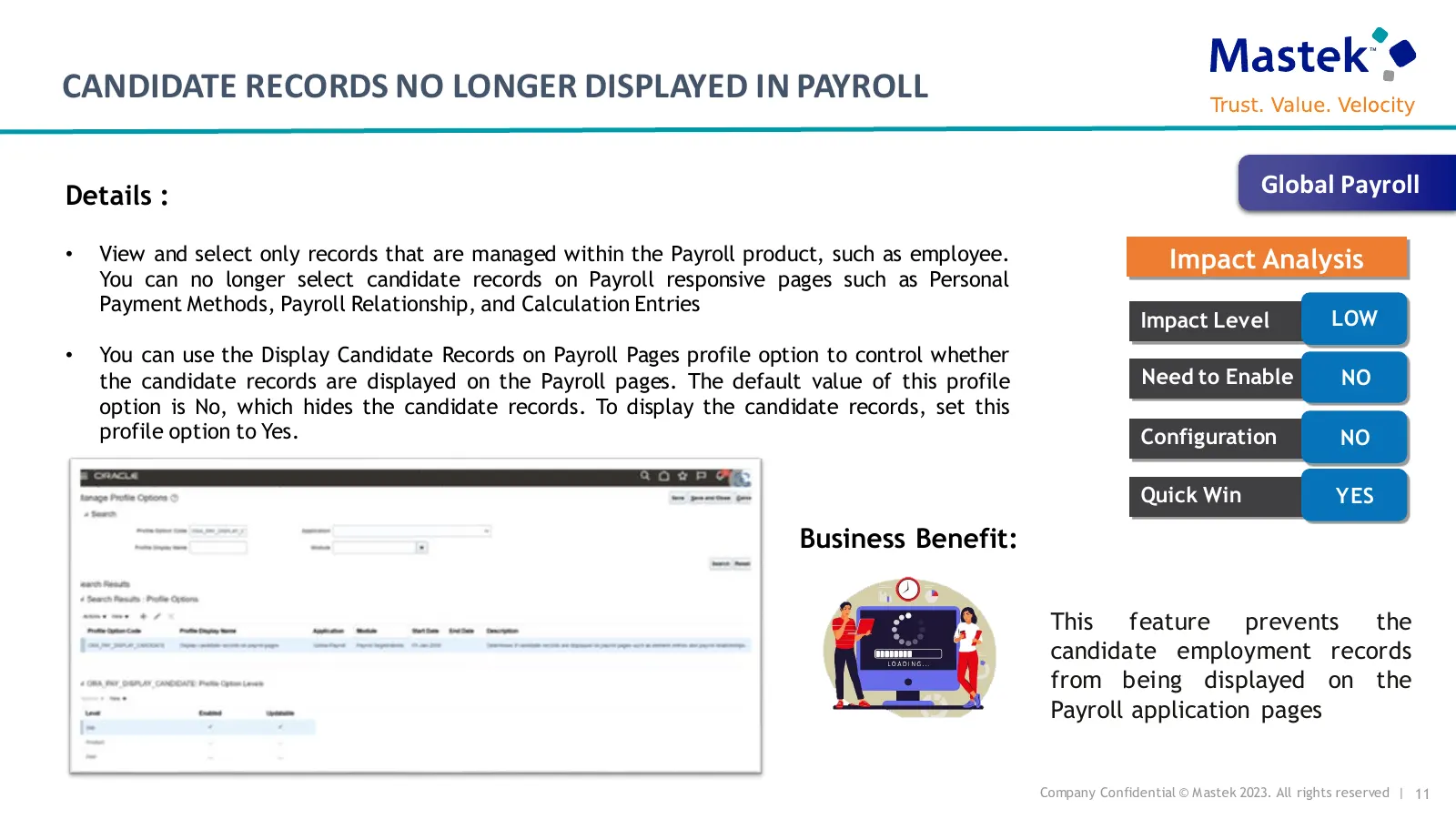
CANDIDATE RECORDS NO LONGER DISPLAYED IN PAYROLL Details : Global Payroll • View and select only records that are managed within the Payroll product, such as employee. Impact Analysis You can no longer select candidate records on Payroll responsive pages such as Personal Payment Methods, Payroll Rel
Slide 12: Navigate to the Event Notifications Page for a Person
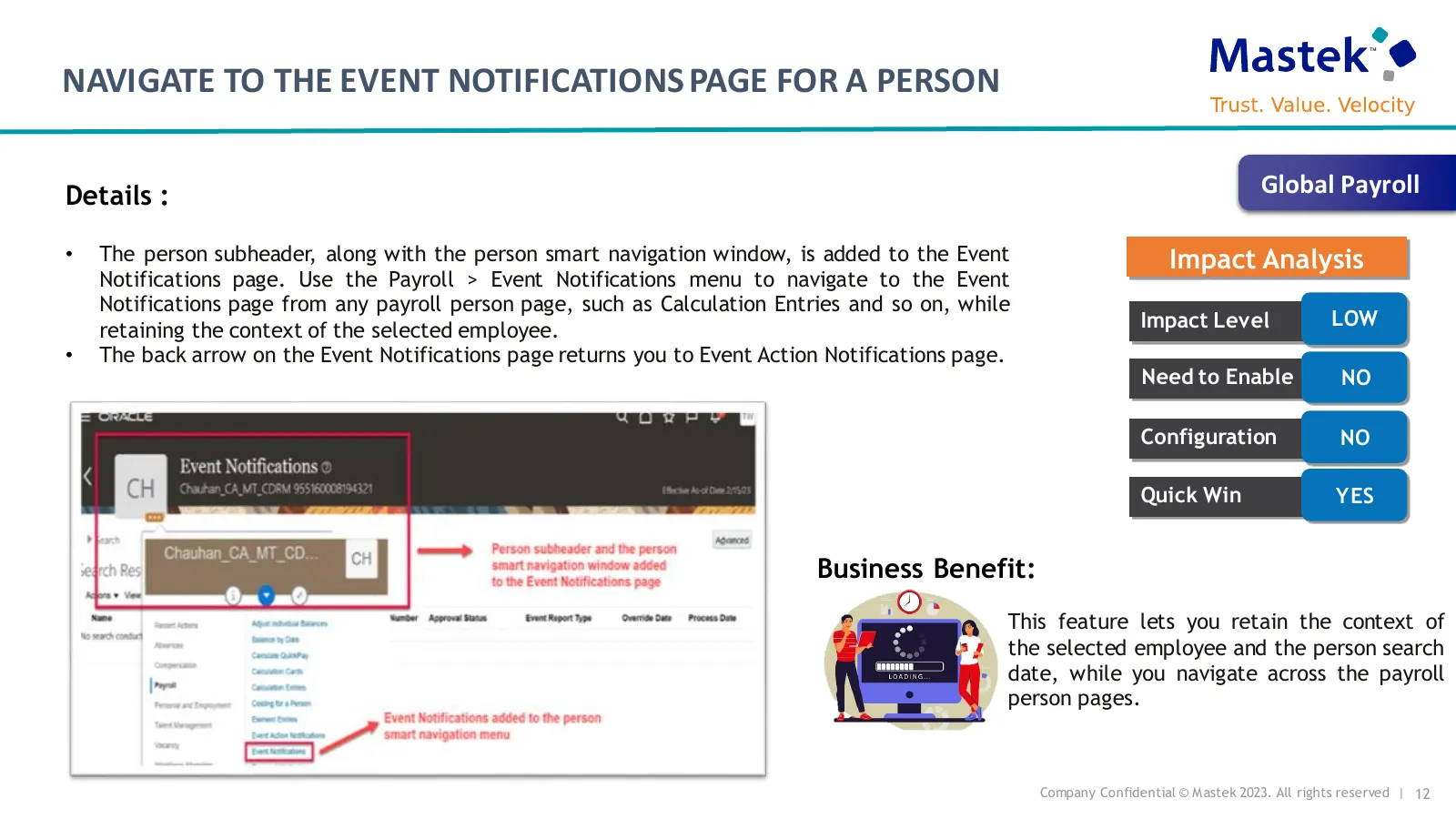
NAVIGATE TO THE EVENT NOTIFICATIONS PAGE FOR A PERSON Details : Global Payroll • The person subheader, along with the person smart navigation window, is added to the Event Impact Analysis Notifications page. Use the Payroll > Event Notifications menu to navigate to the Event Notifications page from
Slide 13: Enhancements to Responsive Person Costing Page
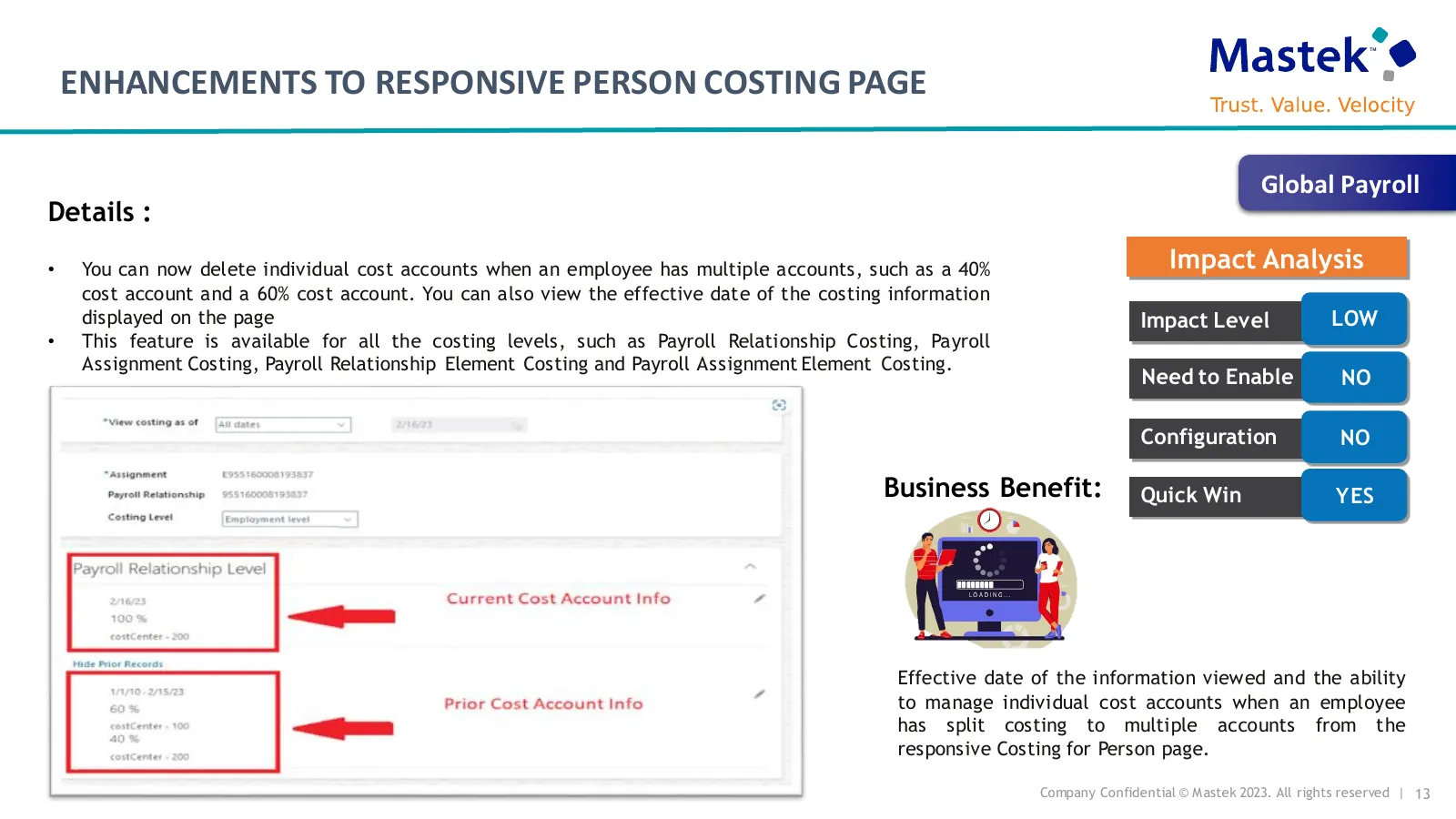
ENHANCEMENTS TO RESPONSIVE PERSON COSTING PAGE Global Payroll Details : • You can now delete individual cost accounts when an employee has multiple accounts, such as a 40% Impact Analysis cost account and a 60% cost account. You can also view the effective date of the costing information displayed o
Slide 14: Roll Back Process Errors Action from Process Results Pages
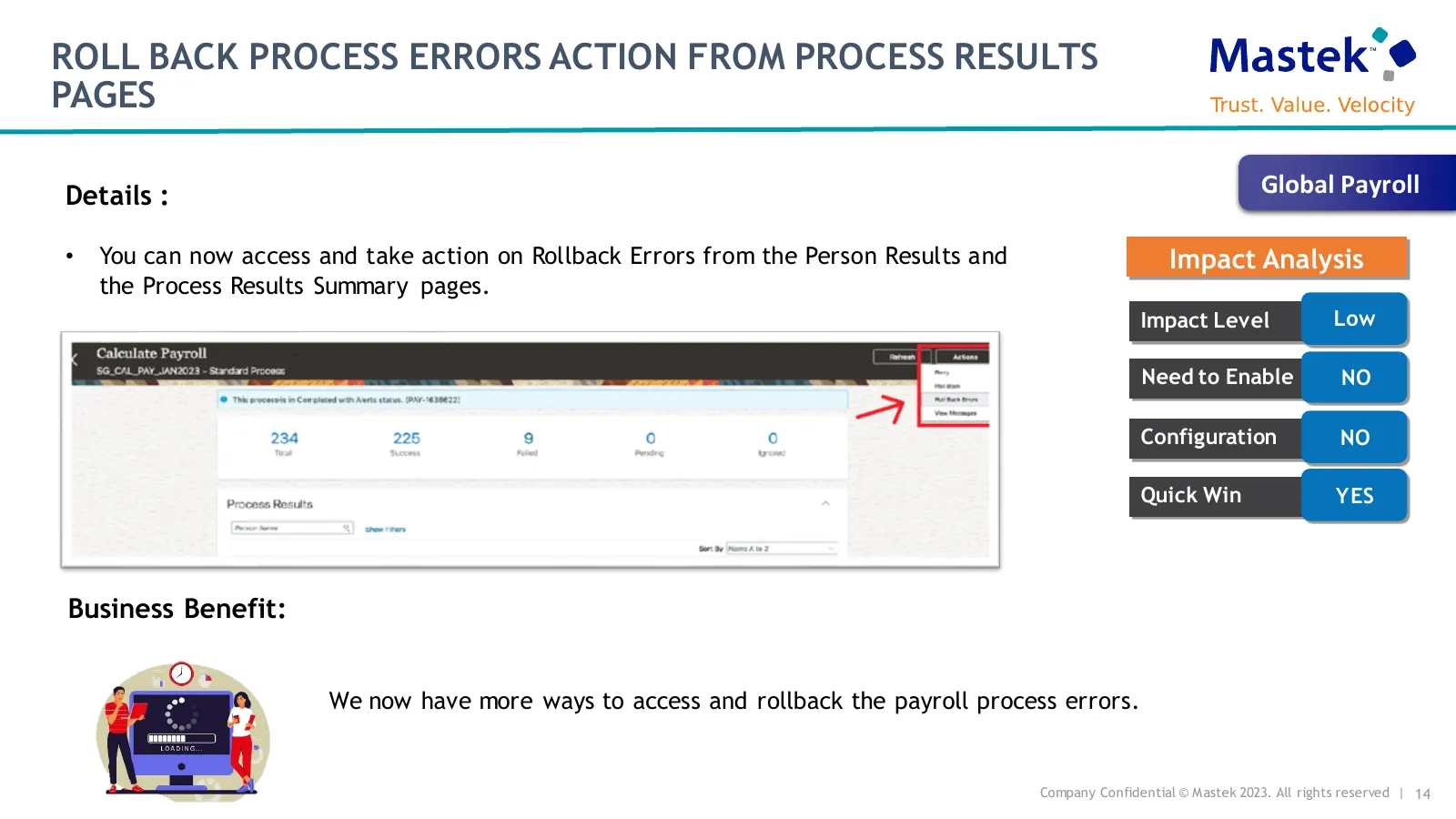
ROLL BACK PROCESS ERRORS ACTION FROM PROCESS RESULTS PAGES Details : Global Payroll • You can now access and take action on Rollback Errors from the Person Results and Impact Analysis the Process Results Summary pages. Impact Level Low Need to Enable NO Configuration NO Quick Win YES Business Benefi
Slide 15: Global Uptake: HDL Support of Payroll Assignment for Canadian Information
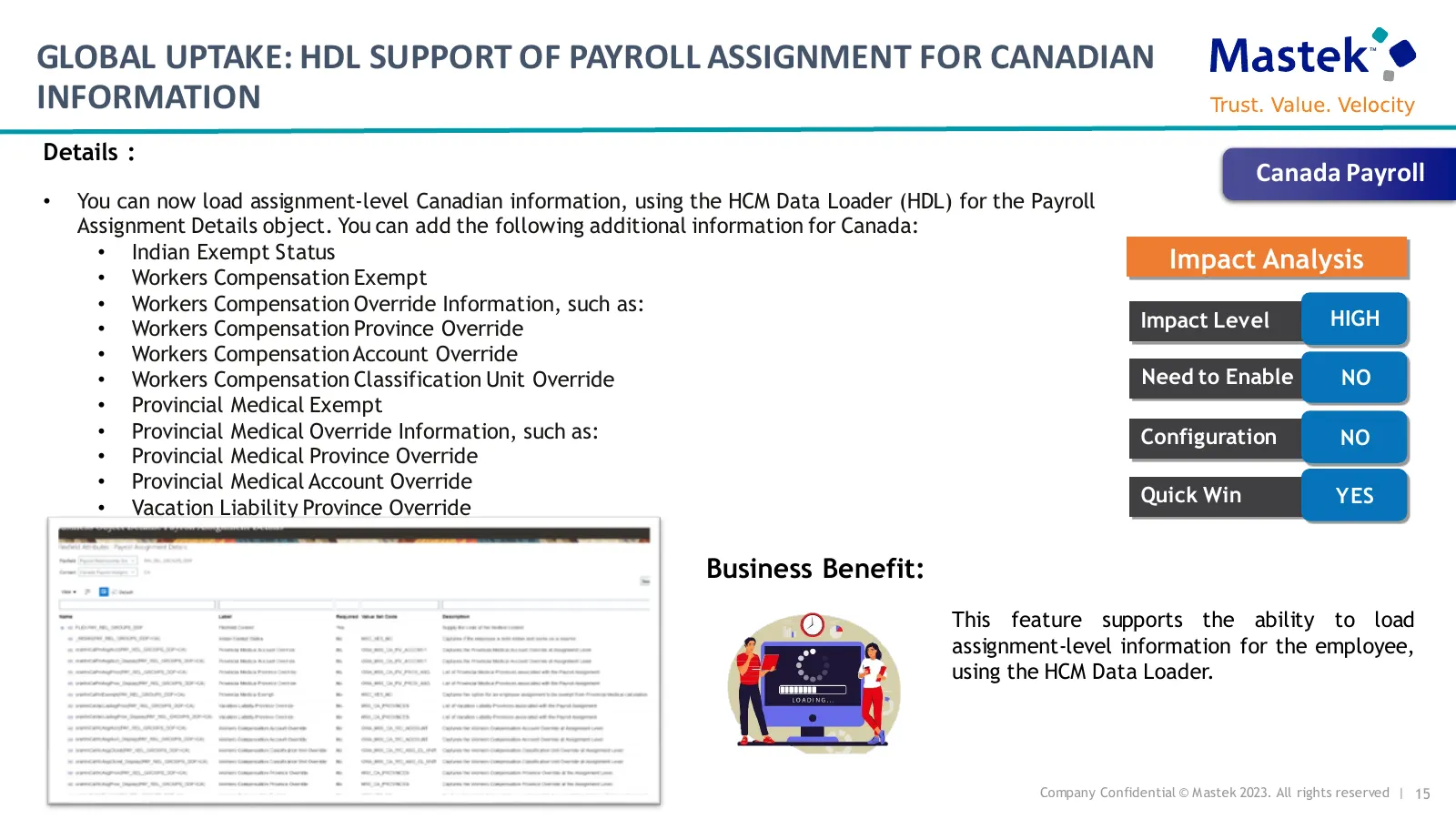
GLOBAL UPTAKE: HDL SUPPORT OF PAYROLL ASSIGNMENT FOR CANADIAN INFORMATION Details : Canada Payroll • You can now load assignment-level Canadian information, using the HCM Data Loader (HDL) for the Payroll Assignment Details object. You can add the following additional information for Canada: • India
Slide 16: Investment Proof Verification and Approvals
INVESTMENT PROOF VERIFICATION AND APPROVALS Details : India Payroll • As a Payroll user, you can now verify and approve the documents of proof for Impact Analysis investments submitted by the employees for the current financial year. • In addition, you can bulk upload the status of verified proof do
Slide 17: Statement of Earnings and Payslip
STATEMENT OF EARNINGS AND PAYSLIP Details : Oman Payroll • With this enhancement, you can use a fully operational Statement of Earnings and Payslip Impact Analysis that meets your requirements to validate the results of the payroll run and prepayments for an employee as part of the payroll lifecycle
Slide 18: Transfer Payments
TRANSFER PAYMENTS Details : Oman Payroll • With this enhancement, transfer employee payments such as direct deposits to bank Impact Analysis accounts (EFT). You can also print cheques, pay by cash, or process an international transfer. Impact Level HIGH • You can use the provided templates for EFT (
Slide 19: Real-Time Information Reporting for Tax Year 2023-24
REAL-TIME INFORMATION REPORTING FOR TAX YEAR 2023-24 Details : UK Payroll • Real-Time Information (RTI) legislative updates include changes to the XML file output to reflect the new tax year 2023-24 for Full Payment Submission (FPS) and Impact Analysis Employer Payment Summary (EPS). A new process f
Slide 20: Annual Benefits Statement for Benefits-in-Kind
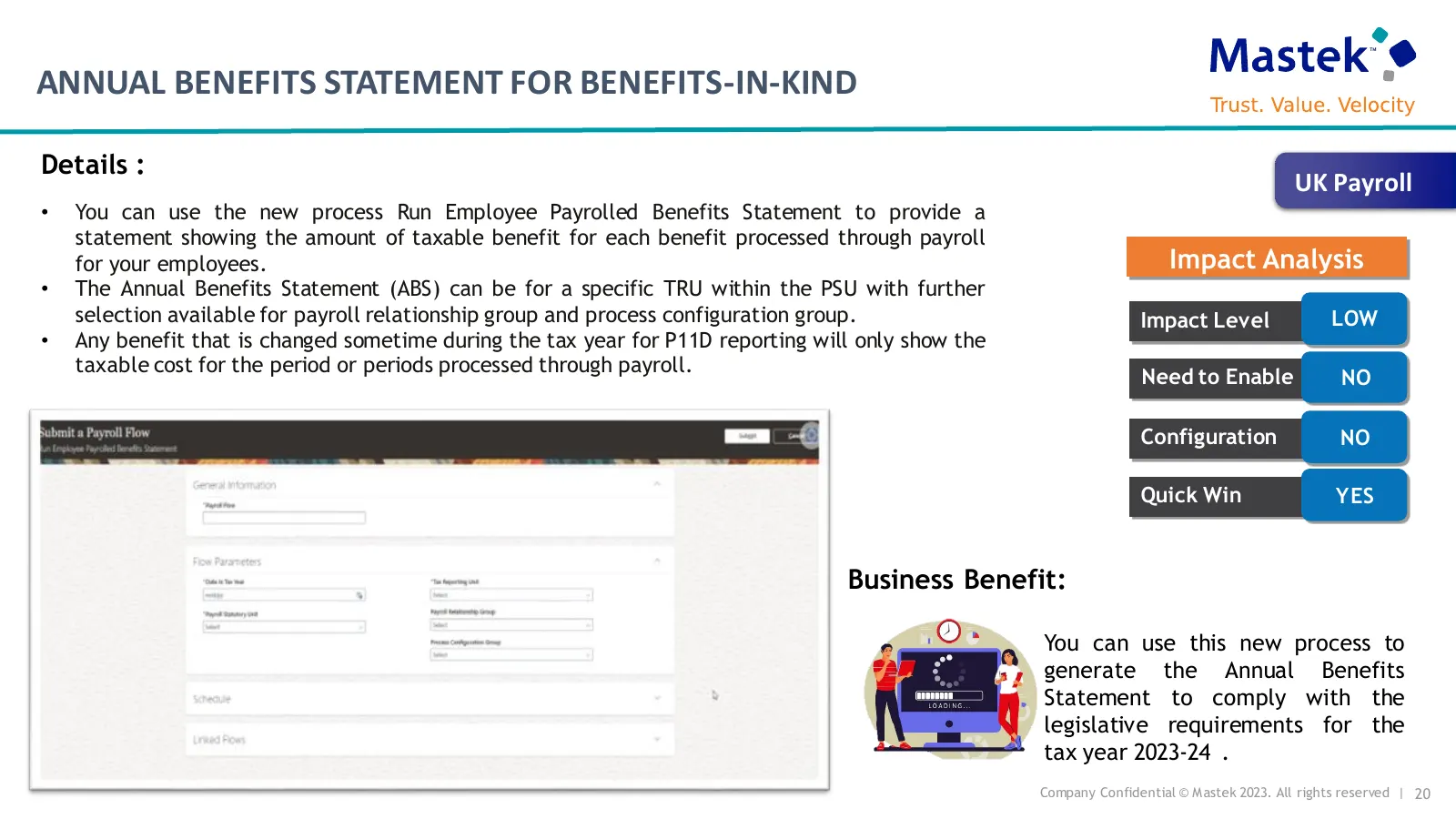
ANNUAL BENEFITS STATEMENT FOR BENEFITS-IN-KIND Details : UK Payroll • You can use the new process Run Employee Payrolled Benefits Statement to provide a statement showing the amount of taxable benefit for each benefit processed through payroll for your employees. Impact Analysis • The Annual Benefit
Slide 21: Payroll of Benefits in Kind for Tax Year 2023-24
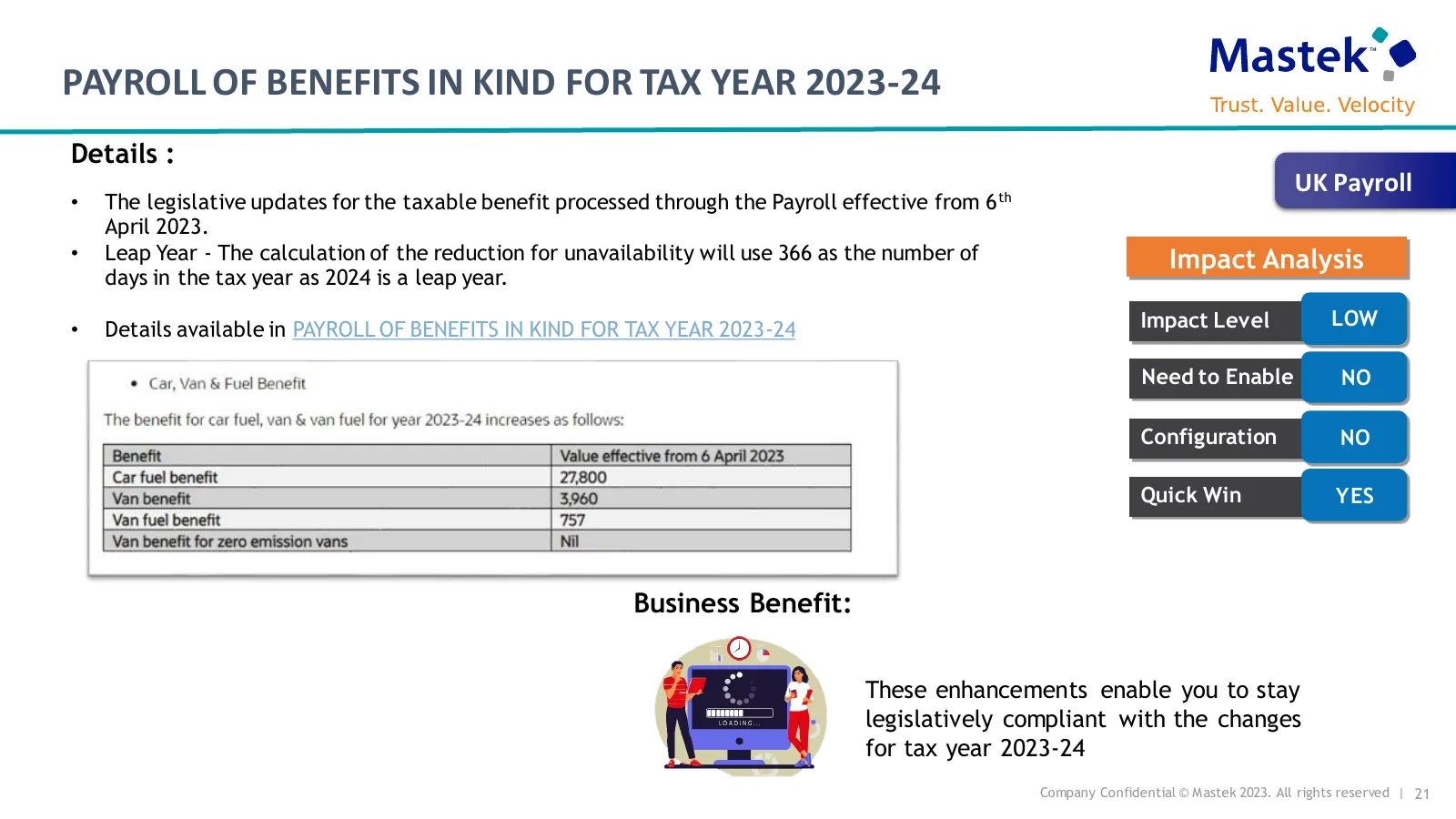
PAYROLL OF BENEFITS IN KIND FOR TAX YEAR 2023-24 Details : UK Payroll • The legislative updates for the taxable benefit processed through the Payroll effective from 6 th April 2023. • Leap Year - The calculation of the reduction for unavailability will use 366 as the number of Impact Analysis days i
Slide 22: P11D Expenses and Benefits Statement for Tax Year 2022-23
P11D EXPENSES AND BENEFITS STATEMENT FOR TAX YEAR 2022-23 Details : UK Payroll • P11D – Expenses and Benefits Statement 2022-23: o Templates Impact Analysis • A new set of templates for the P11D Expenses and Benefits statement and all worksheets would be available for the tax year 2022-23 Impact Lev
Slide 23: P46(CAR) Report for Tax Year 2023-24
P46(CAR) REPORT FOR TAX YEAR 2023-24 Details : • You can use the process Run P46(Car) process to provide the information to HMRC on employee UK Payroll company cars. • The XML file has been updated to reflect the new tax year. Impact Analysis • The process has also been enhanced with some validation
Slide 24: Legislative Changes for the Tax Year 2023-24
LEGISLATIVE CHANGES FOR THE TAX YEAR 2023-24 Details : UK Payroll • The UK payroll legislative updates for the tax year 2023-24 includes all the Impact Analysis prescribed changes to rates, thresholds, and percentages for tax, National Insurance deductions, statutory payments, student and postgradua
Slide 25: Integration of Global Absences with External Applications
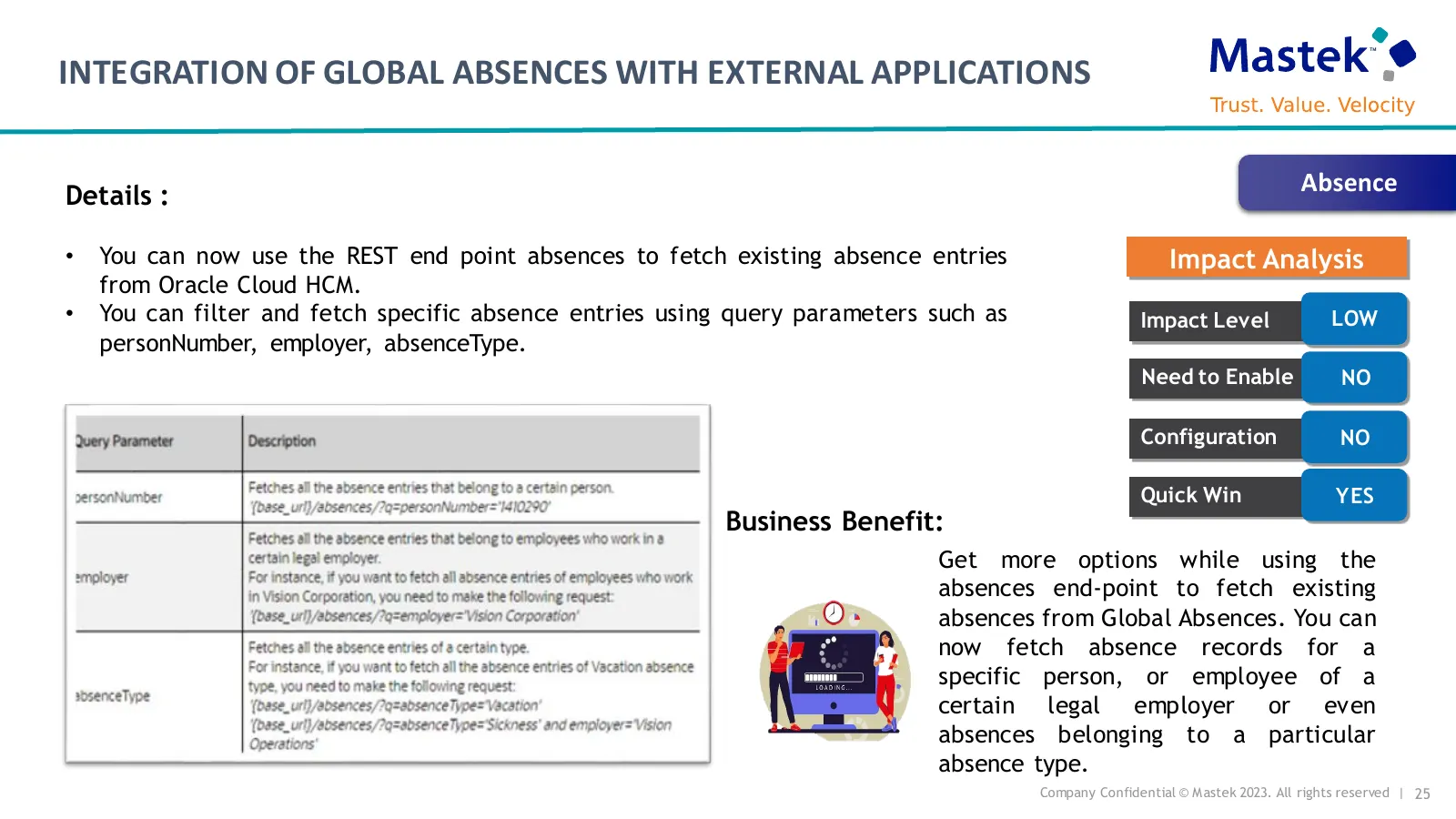
INTEGRATION OF GLOBAL ABSENCES WITH EXTERNAL APPLICATIONS Details : Absence • You can now use the REST end point absences to fetch existing absence entries Impact Analysis from Oracle Cloud HCM. • You can filter and fetch specific absence entries using query parameters such as Impact Level LOW perso
Slide 26: Review Warning Message Before Withdrawing Accruals and Deleting Enrollments
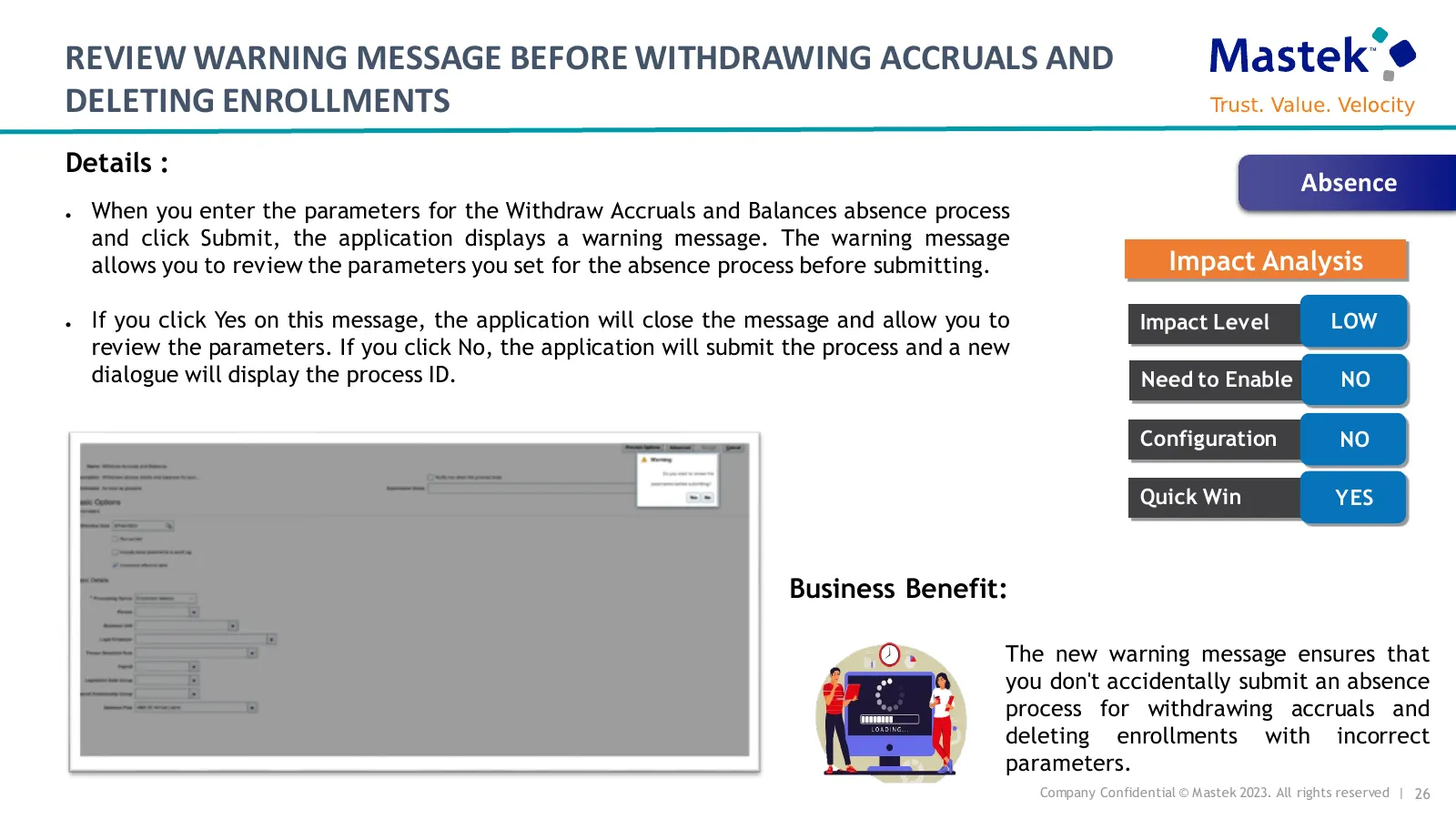
REVIEW WARNING MESSAGE BEFORE WITHDRAWING ACCRUALS AND DELETING ENROLLMENTS Details : Absence ⚫ When you enter the parameters for the Withdraw Accruals and Balances absence process and click Submit, the application displays a warning message. The warning message allows you to review the parameters y
Slide 27: Purge Old Unused Absence Processing Data
PURGE OLD UNUSED ABSENCE PROCESSING DATA Details : Absence ⚫ Absence management persistently logs technical processing information in anc_process_messages and anc_per_events tables. The application now automatically purges processing log messages created in these two tables during absence processing
Slide 28: Web Clock Missing in Enhancement
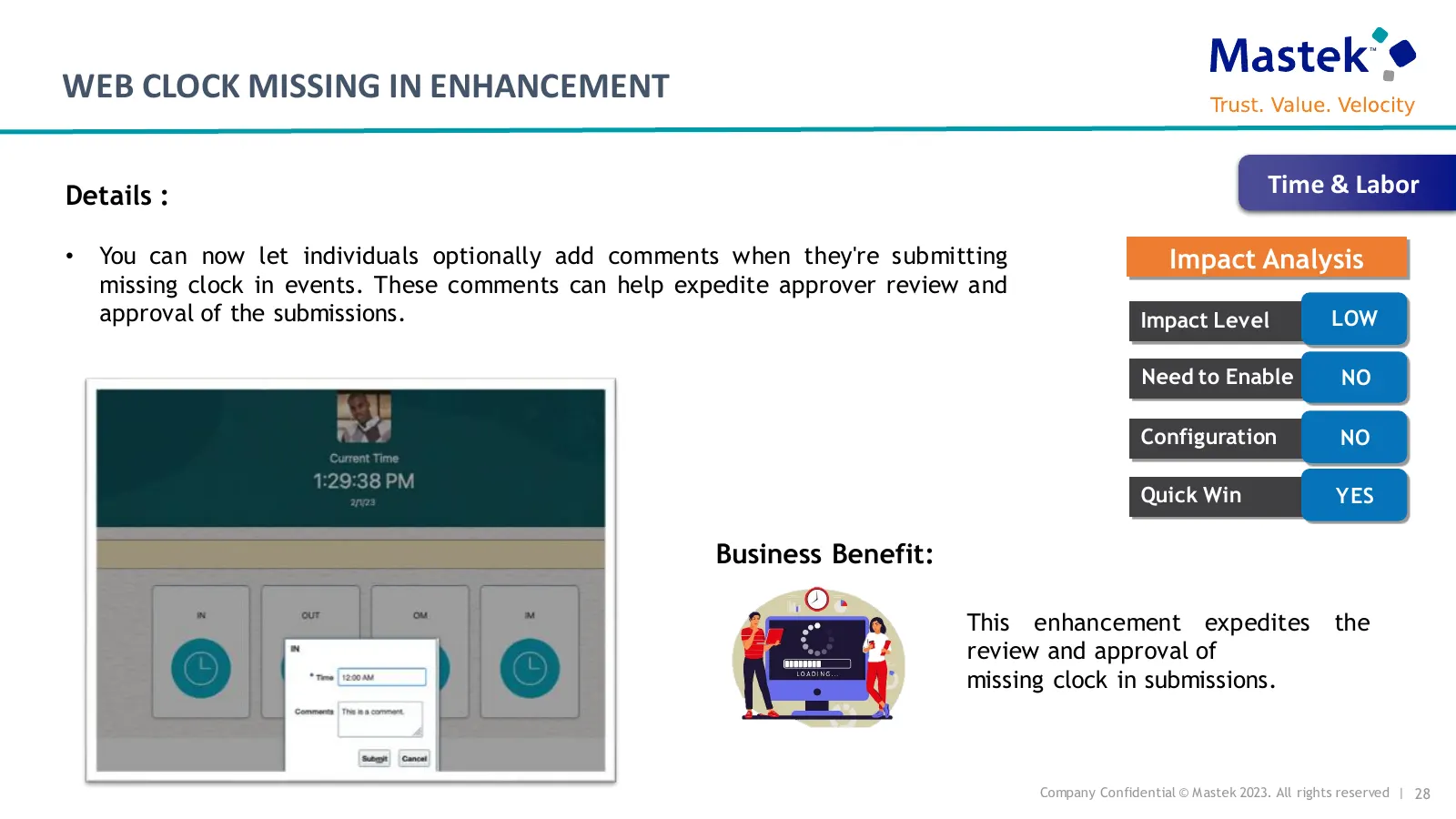
WEB CLOCK MISSING IN ENHANCEMENT Details : Time & Labor • You can now let individuals optionally add comments when they're submitting Impact Analysis missing clock in events. These comments can help expedite approver review and approval of the submissions. Impact Level LOW Need to Enable NO Configur
Slide 29: Time Change for Events Enhancement
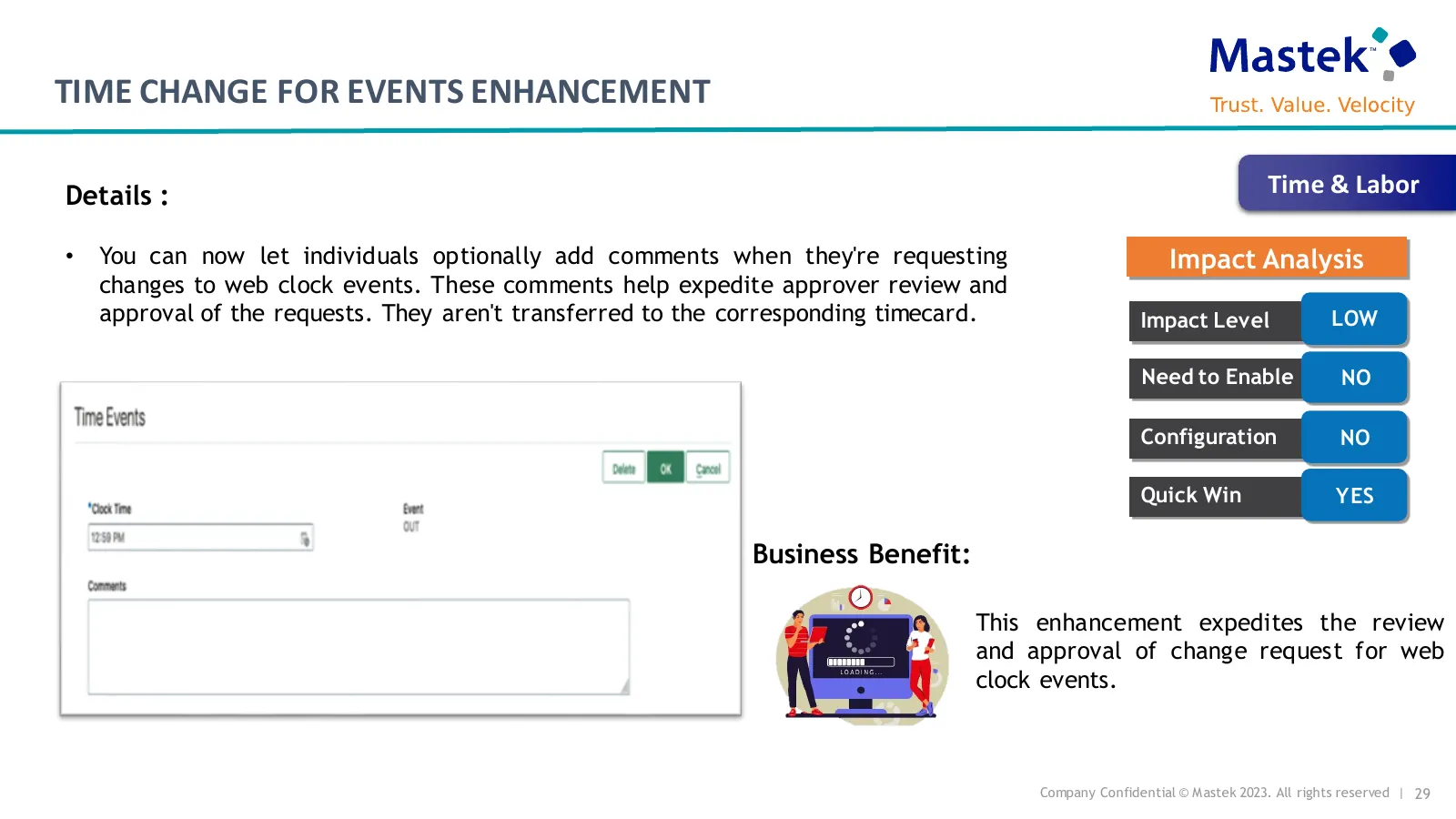
TIME CHANGE FOR EVENTS ENHANCEMENT Details : Time & Labor • You can now let individuals optionally add comments when they're requesting Impact Analysis changes to web clock events. These comments help expedite approver review and approval of the requests. They aren't transferred to the corresponding
Slide 30: Geolocation Address for Events with Geolocation Coordinates
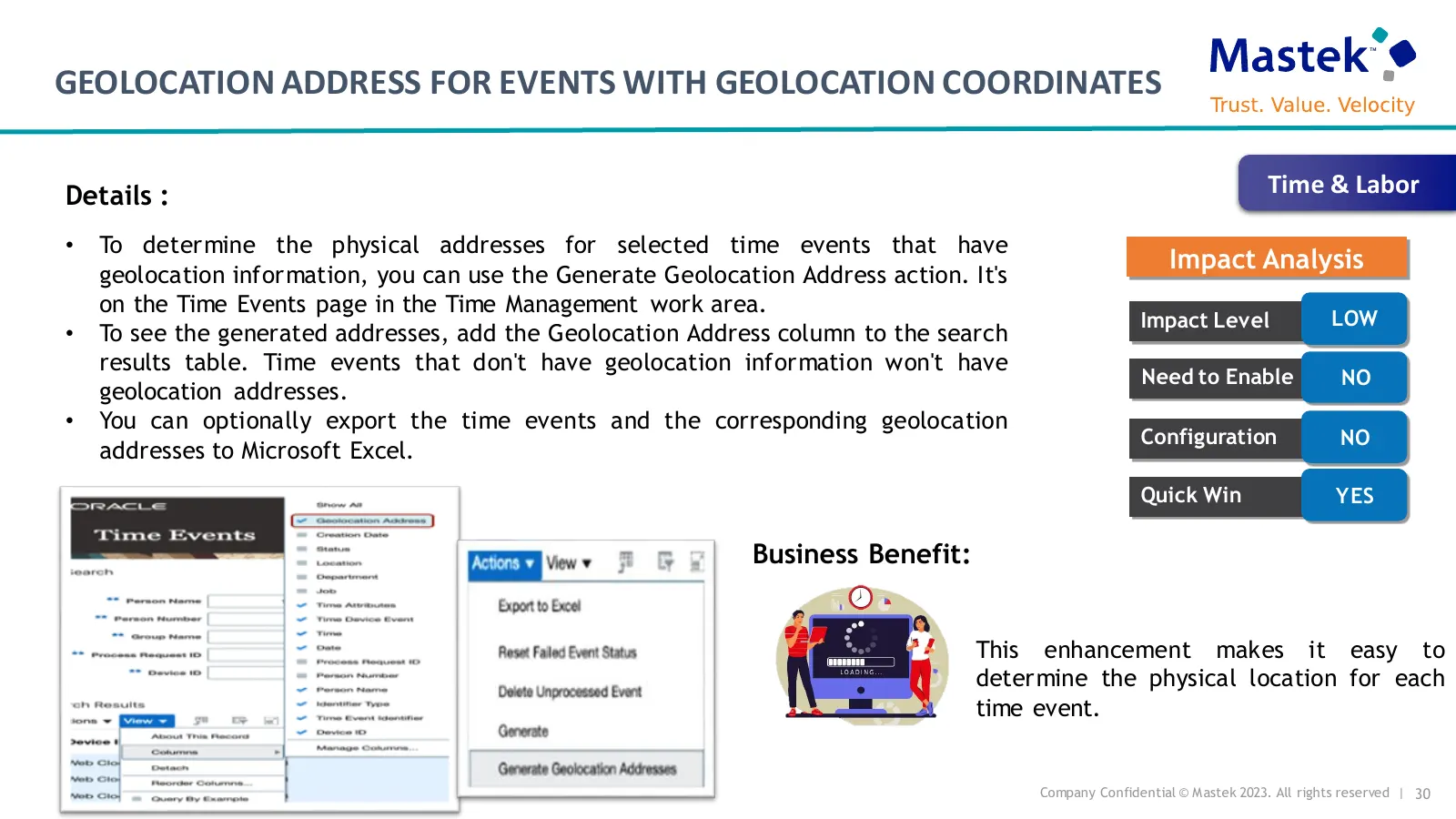
GEOLOCATION ADDRESS FOR EVENTS WITH GEOLOCATION COORDINATES Details : Time & Labor • To determine the physical addresses for selected time events that have Impact Analysis geolocation information, you can use the Generate Geolocation Address action. It's on the Time Events page in the Time Managemen

Slide 31: New Features: Quick Wins – Default with Configuration
NEW FEATURES QUICK WINS – DEFAULT WITH YES CONFIGURATION
Slide 32: Configure the Absence and Time Fields on the Calculation Entries Page
CONFIGURE THE ABSENCE AND TIME FIELDS ON THE CALCULATION ENTRIES PAGE Details : Global Payroll • You can use Design Studio to configure the Absence and Time fields on the Calculation Entries page. You can hide or display specific fields and make specific fields optional or mandatory. Impact Analysis
Slide 33: Descriptive Flexfield Attributes for Configuring Approval Rules
DESCRIPTIVE FLEXFIELD ATTRIBUTES FOR CONFIGURING APPROVAL RULES Details : Absence ⚫ You can now use Descriptive Flexfields (DFFs) in Absence Approval workflow to configure approval rules. Impact Analysis ⚫ These DFFs can be used to cater to your custom needs during approval Impact Level LOW configur

Slide 34: New Features: Quick Wins – Opt Ins
NEW FEATURES QUICK WINS – OPT INS
Slide 35: Parameter Submission Enhancement on the Flow Submission Page
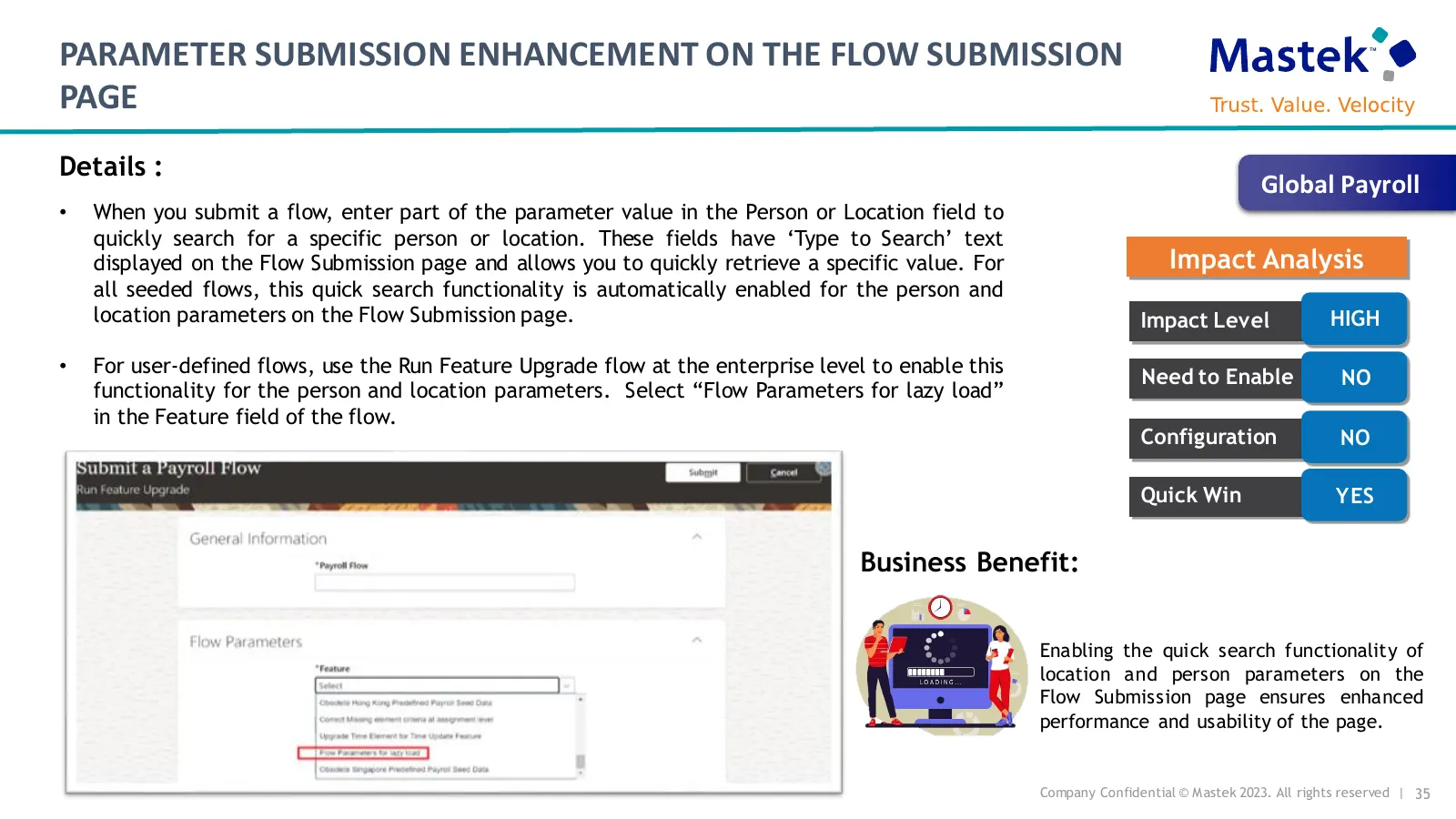
PARAMETER SUBMISSION ENHANCEMENT ON THE FLOW SUBMISSION PAGE Details : Global Payroll • When you submit a flow, enter part of the parameter value in the Person or Location field to quickly search for a specific person or location. These fields have ‘Type to Search’ text displayed on the Flow Submiss
Slide 36: Redwood Experience for Year-End Documents
REDWOOD EXPERIENCE FOR YEAR-END DOCUMENTS Details : Global Payroll • Use the ORA_PAY_YEAR_END_DOCUMENTS_REDWOOD_ENABLED profile option to enable the redesigned Redwood VBS Year-End Documents page. Impact Analysis All documents displayed on the redesigned Redwood VBS Year-End Documents page are held
Slide 37: Future Absence Processing Option for Same and Impacted Absence Types
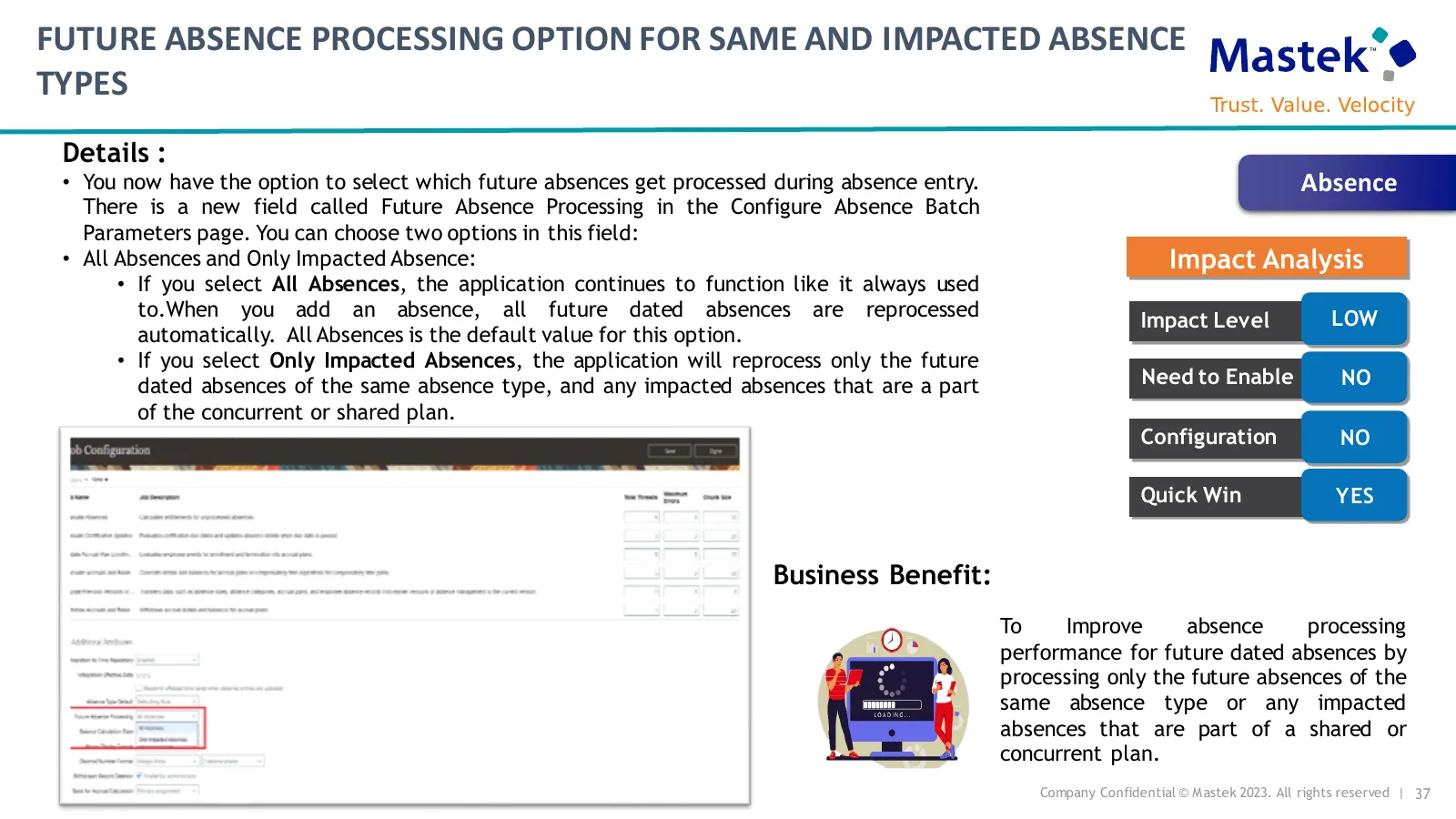
FUTURE ABSENCE PROCESSING OPTION FOR SAME AND IMPACTED ABSENCE TYPES Details : • You now have the option to select which future absences get processed during absence entry. Absence There is a new field called Future Absence Processing in the Configure Absence Batch Parameters page. You can choose tw
Slide 38: Redwood Experience for Cash Disbursements
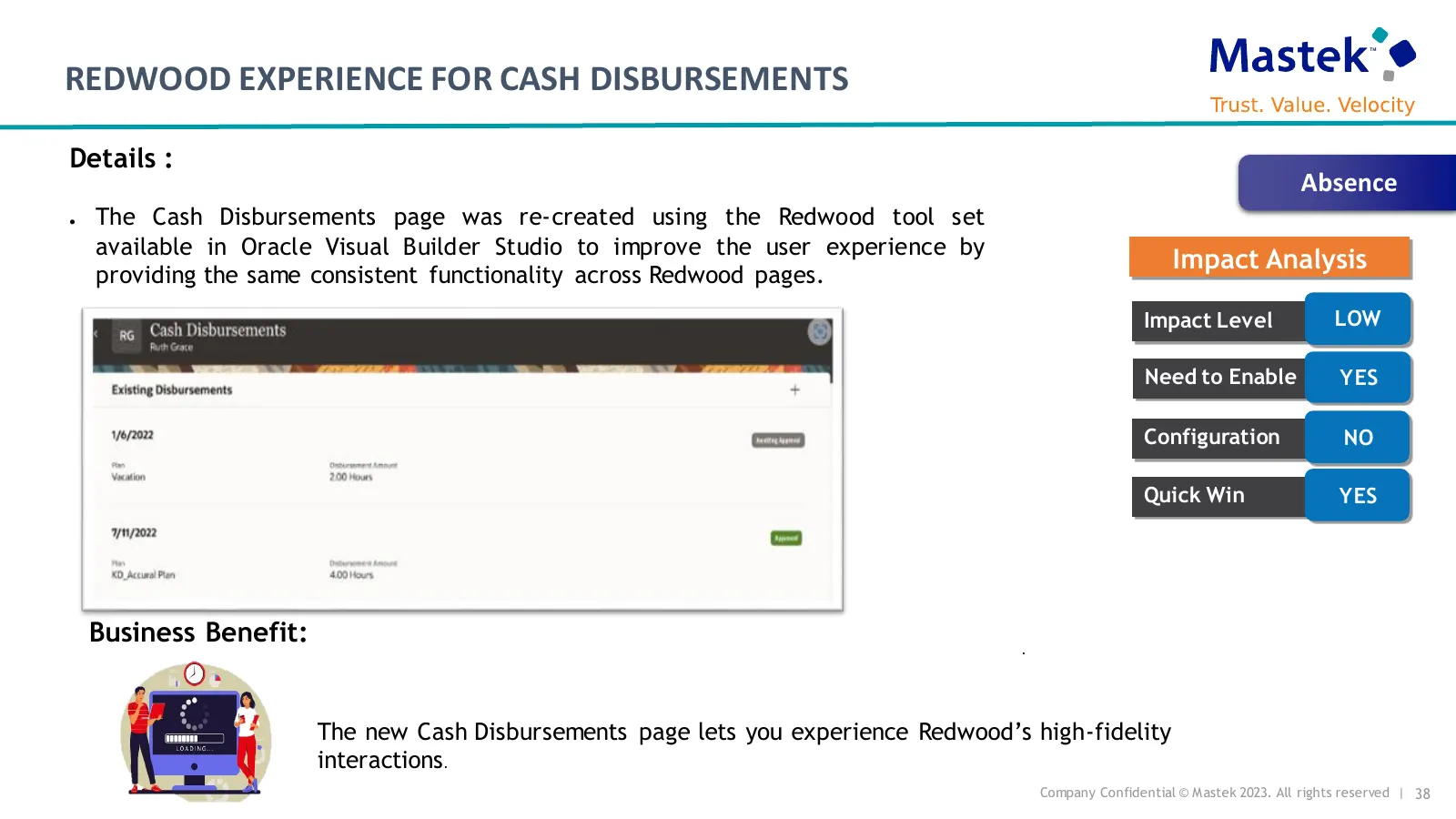
REDWOOD EXPERIENCE FOR CASH DISBURSEMENTS Details : Absence ⚫ The Cash Disbursements page was re-created using the Redwood tool set available in Oracle Visual Builder Studio to improve the user experience by Impact Analysis providing the same consistent functionality across Redwood pages. Impact Lev
Slide 39: Redwood Experience for Donations
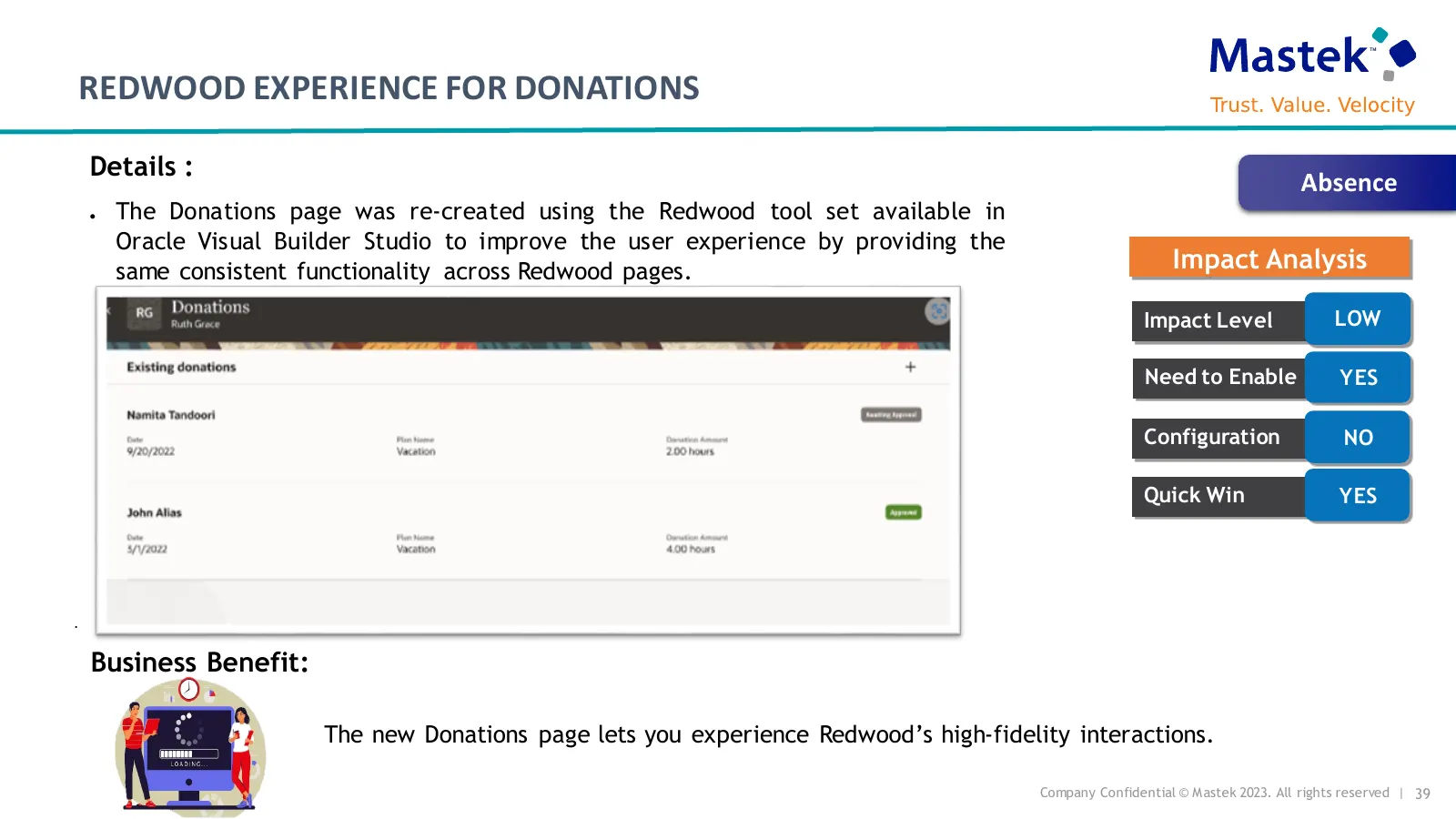
REDWOOD EXPERIENCE FOR DONATIONS Details : Absence ⚫ The Donations page was re-created using the Redwood tool set available in Oracle Visual Builder Studio to improve the user experience by providing the same consistent functionality across Redwood pages. Impact Analysis Impact Level LOW Need to Ena

Slide 40: New Features: The Rest
Mastek*@ Trust. Value. Velocity NEW FEATURES THE REST
Slide 41: Payroll for India
PAYROLL FOR INDIA Details : India Payroll • Oracle Cloud HCM expands its global footprint to support Oracle Fusion Cloud Payroll for India. • The key features available in Cloud Payroll for India include: Impact Analysis • Processing of statutory deductions with the required data capture. Impact Lev
Slide 42: Compute Termination Payments for the Employees
COMPUTE TERMINATION PAYMENTS FOR THE EMPLOYEES Details : India Payroll • You can process the following payments for the terminated employees with income Impact Analysis tax as applicable: • Leave Encashment Impact Level HIGH • Death cum Retirement Gratuity • Commuted Pension Need to Enable NO • Volu
Slide 43: Element Template for Allowances
ELEMENT TEMPLATE FOR ALLOWANCES Details : Oman Payroll • With this enhancement, use the Oman-specific element template and calculation rules for Social Allowance, when the primary classification is standard earnings, and the secondary Impact Analysis classification is social allowance. Impact Level
Slide 44: Hide or Show Save and Close Option in Add Absence Page
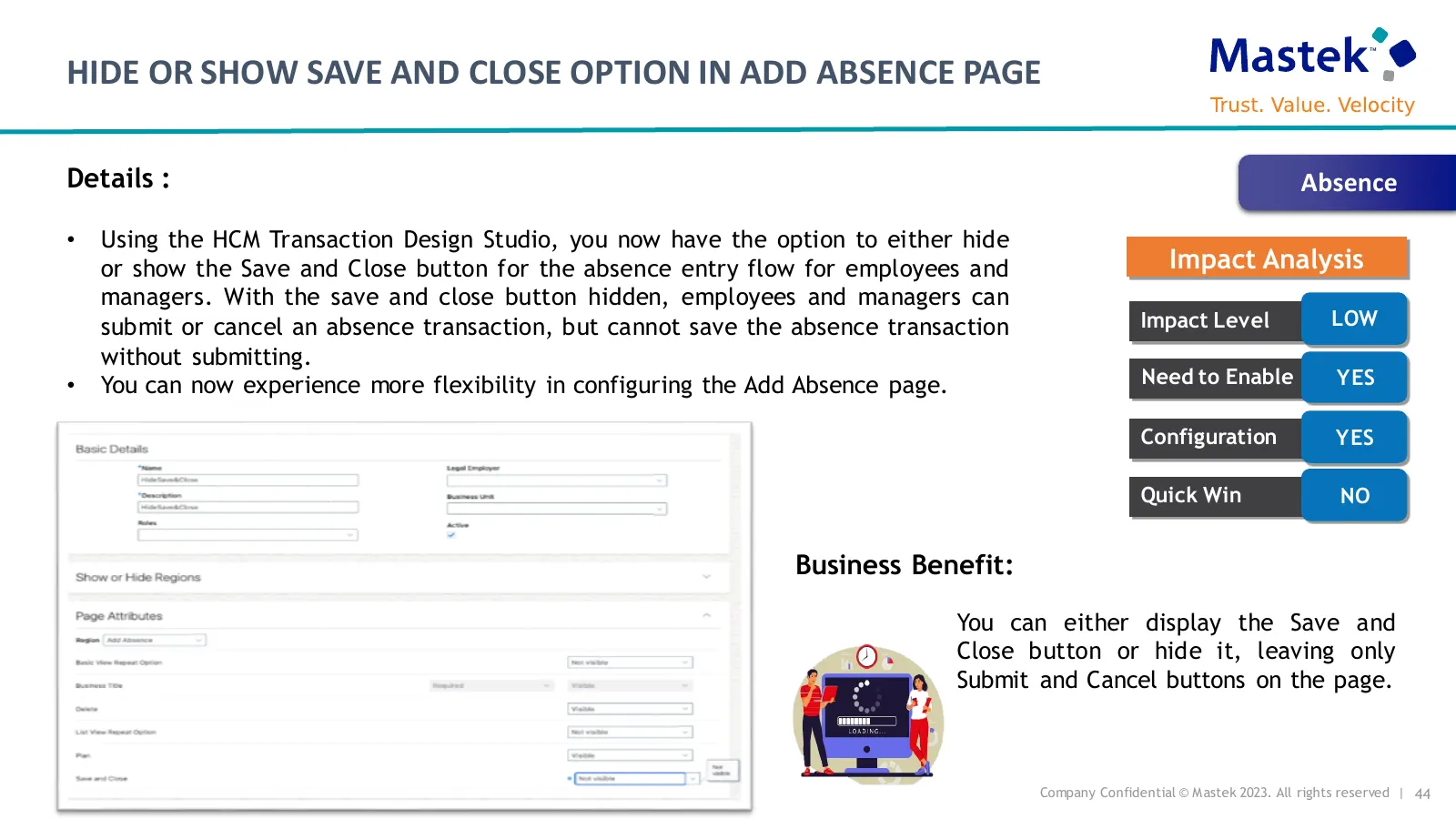
HIDE OR SHOW SAVE AND CLOSE OPTION IN ADD ABSENCE PAGE Details : Absence • Using the HCM Transaction Design Studio, you now have the option to either hide or show the Save and Close button for the absence entry flow for employees and Impact Analysis managers. With the save and close button hidden, e
Slide 45: Compensatory Absence Plan Updated After Time Card Approval
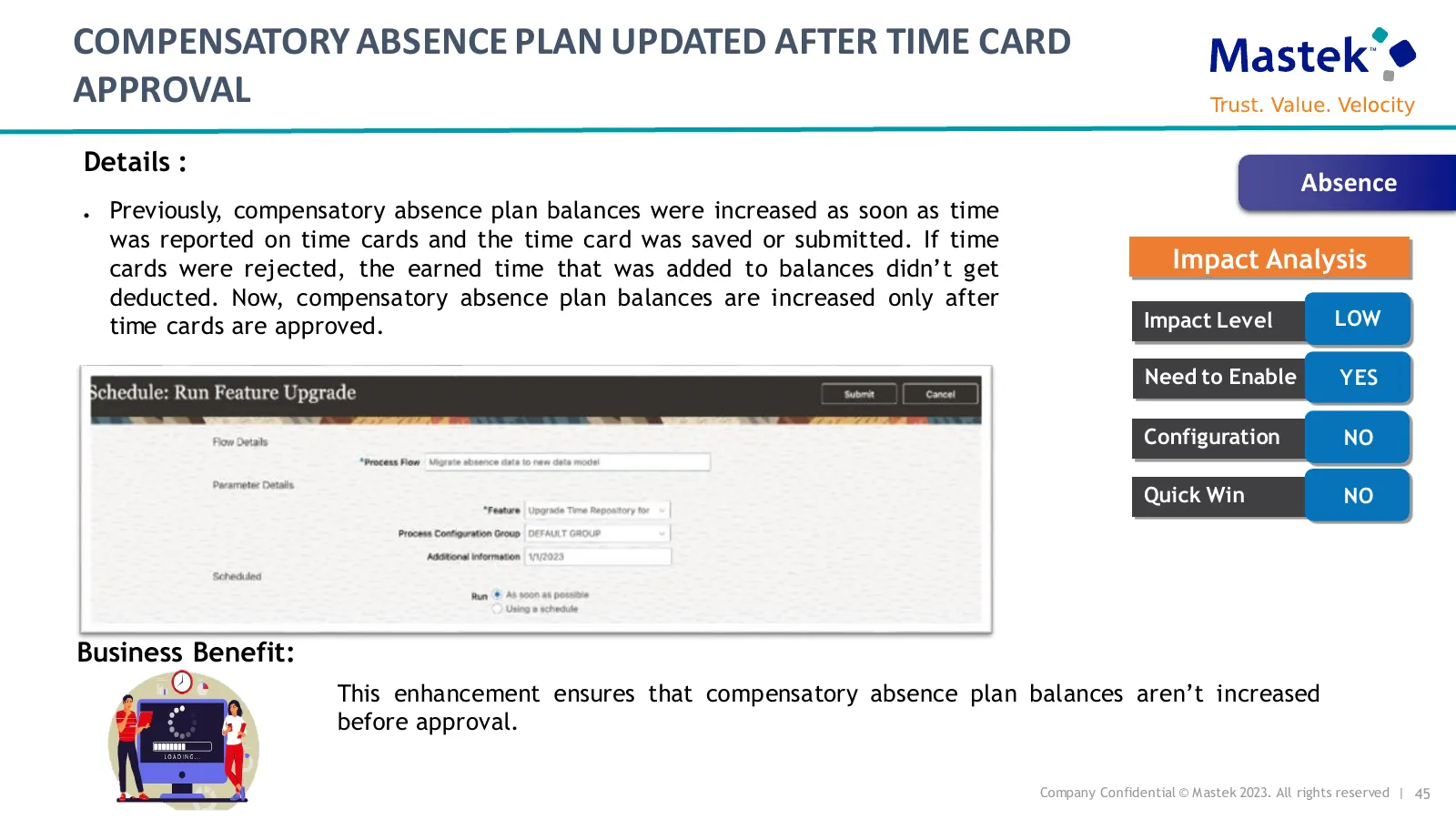
COMPENSATORY ABSENCE PLAN UPDATED AFTER TIME CARD APPROVAL Details : Absence ⚫ Previously, compensatory absence plan balances were increased as soon as time was reported on time cards and the time card was saved or submitted. If time cards were rejected, the earned time that was added to balances di
Slide 46: Predefined Partial Period Proration and Rounding Rules for Accrual Plans
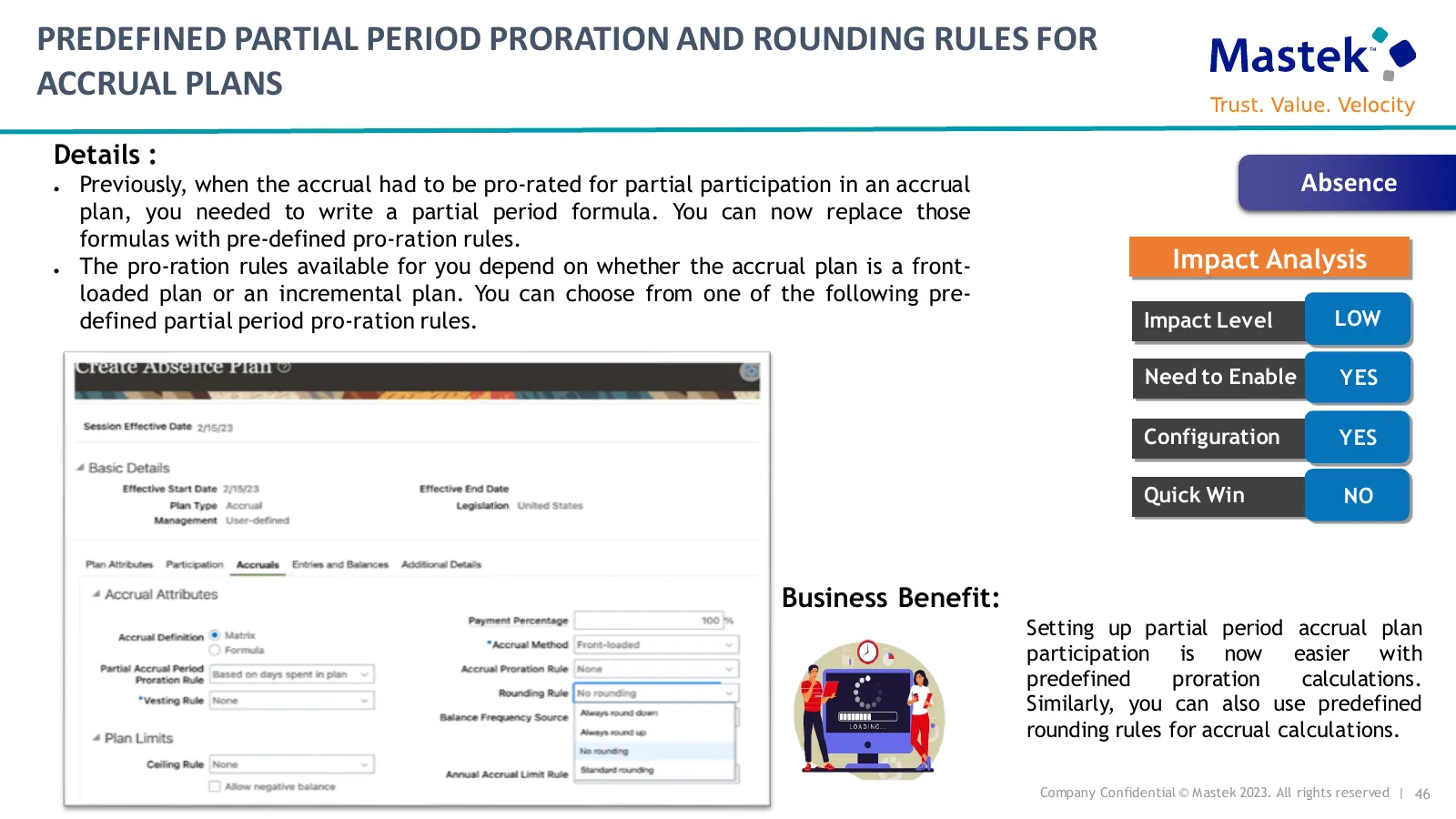
PREDEFINED PARTIAL PERIOD PRORATION AND ROUNDING RULES FOR ACCRUAL PLANS Details : ⚫ Previously, when the accrual had to be pro-rated for partial participation in an accrual Absence plan, you needed to write a partial period formula. You can now replace those formulas with pre-defined pro-ration rul
Slide 47: Enhancements to the Events Framework for Absence Processing
ENHANCEMENTS TO THE EVENTS FRAMEWORK FOR ABSENCE PROCESSING Details : Absence • You can configure event conditions based on which when an event is triggered, an appropriate response to the event is put in action Impact Analysis automatically. Previously, every time an event was triggered the evaluat
Slide 48: Compensatory Absence Plan After Time Card Approval
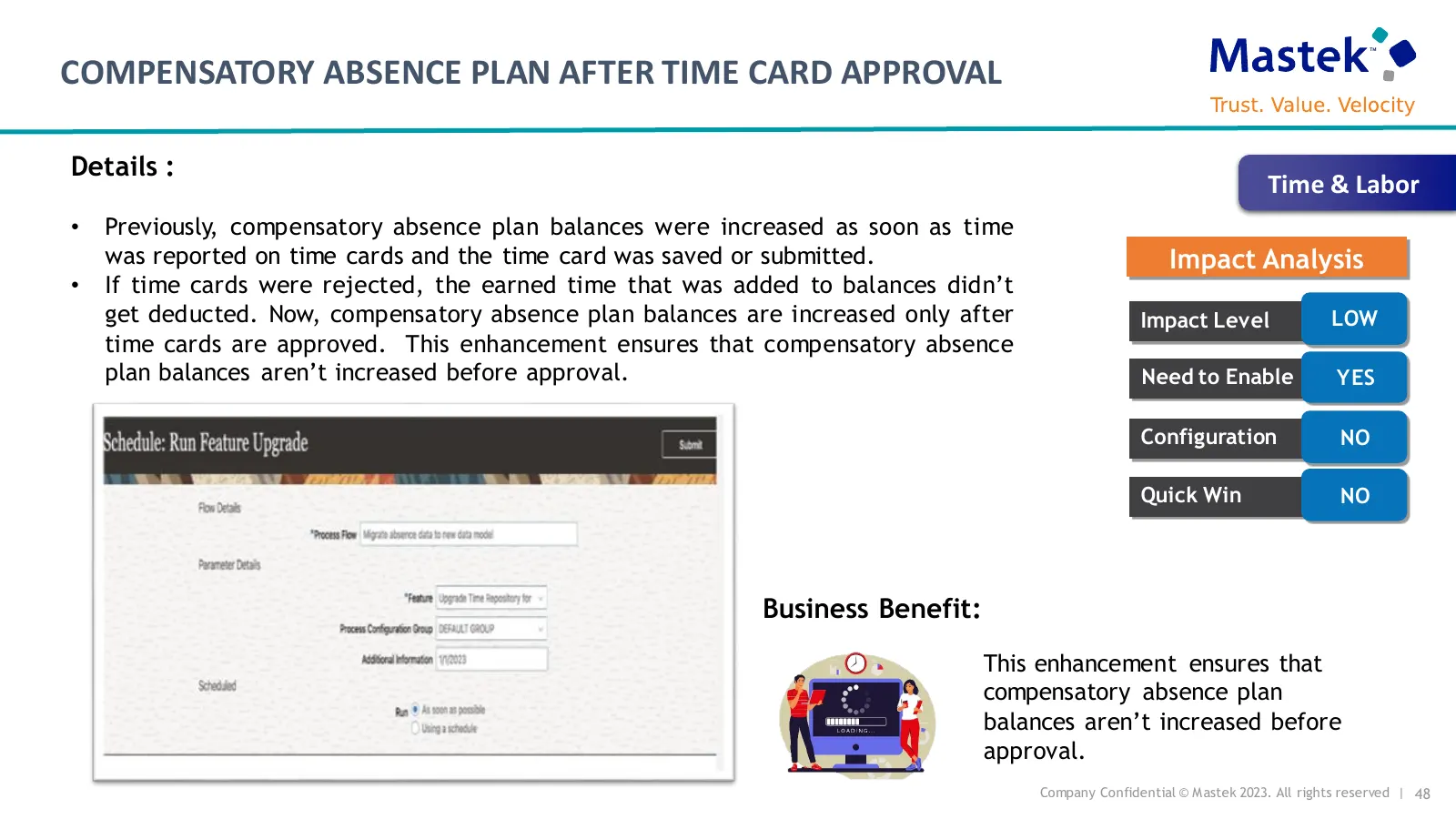
COMPENSATORY ABSENCE PLAN AFTER TIME CARD APPROVAL Details : Time & Labor • Previously, compensatory absence plan balances were increased as soon as time was reported on time cards and the time card was saved or submitted. Impact Analysis • If time cards were rejected, the earned time that was added
Slide 49: Absences Measured in Days Included on Time Cards
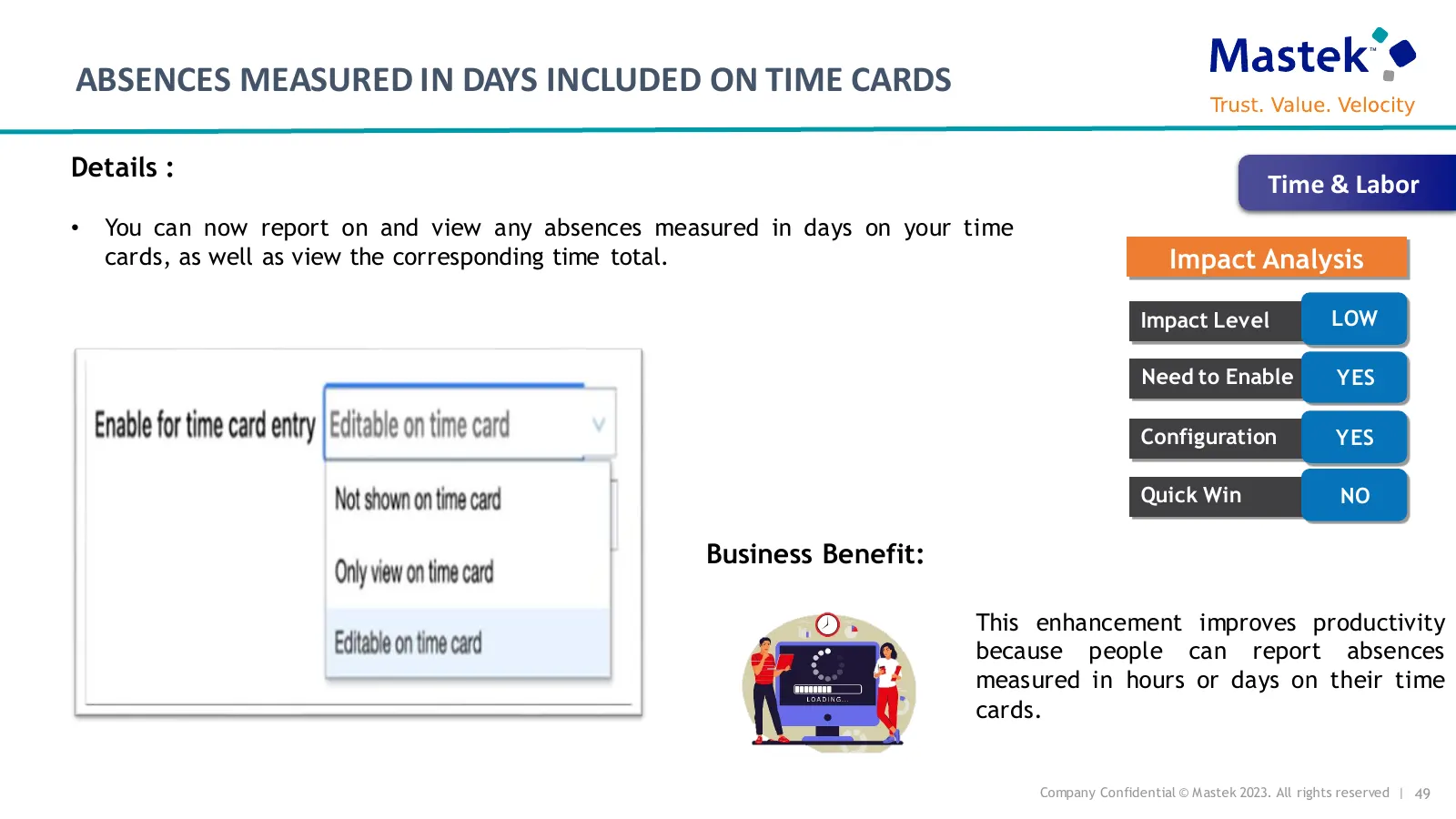
ABSENCES MEASURED IN DAYS INCLUDED ON TIME CARDS Details : Time & Labor • You can now report on and view any absences measured in days on your time cards, as well as view the corresponding time total. Impact Analysis Impact Level LOW Need to Enable YES Configuration YES Quick Win NO Business Benefit
Slide 50: Time and Labor and Absence Management Integration Enhancements
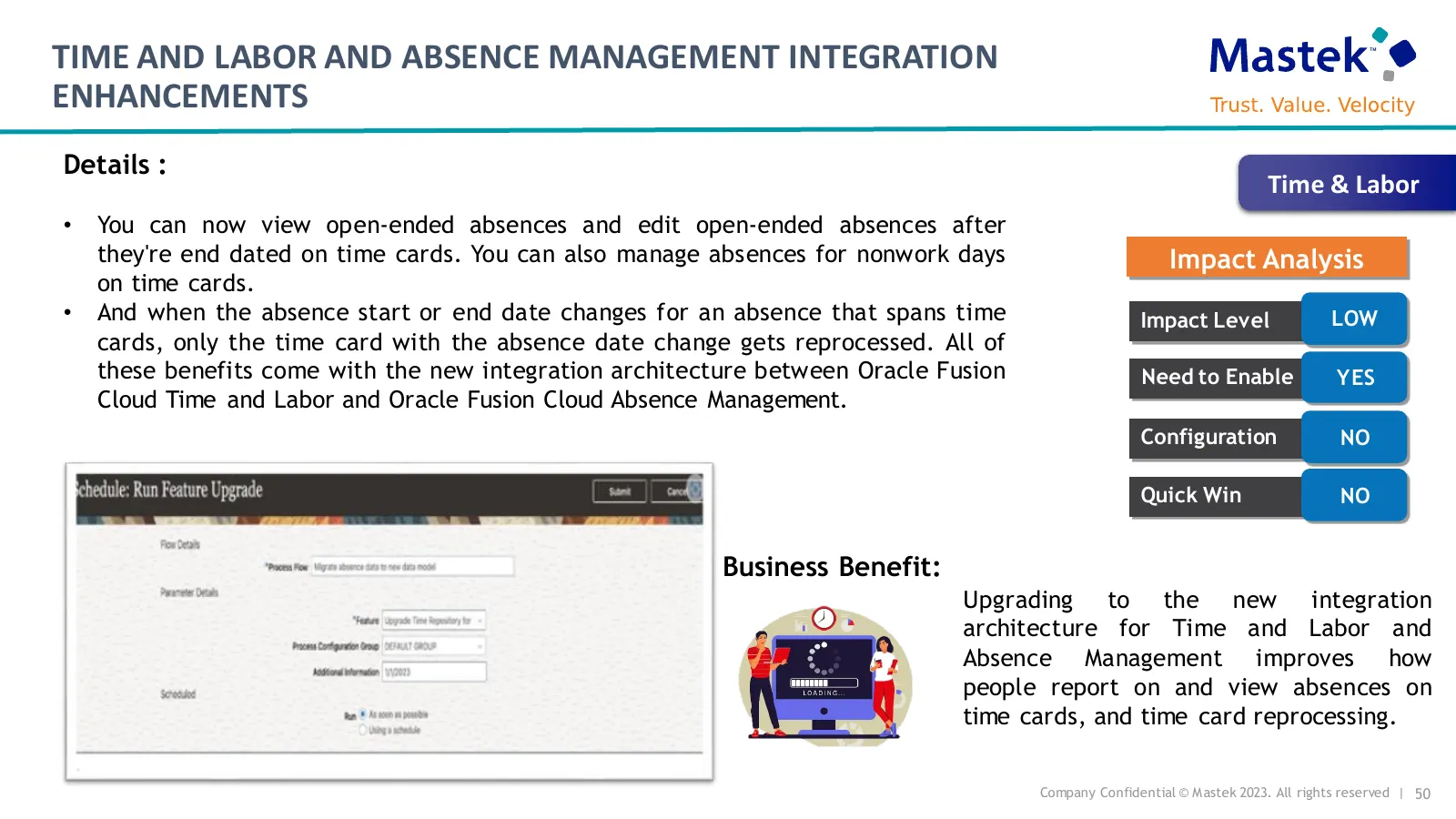
TIME AND LABOR AND ABSENCE MANAGEMENT INTEGRATION ENHANCEMENTS Details : Time & Labor • You can now view open-ended absences and edit open-ended absences after they're end dated on time cards. You can also manage absences for nonwork days Impact Analysis on time cards. • And when the absence start o
Slide 51: Enhanced Time Card Search
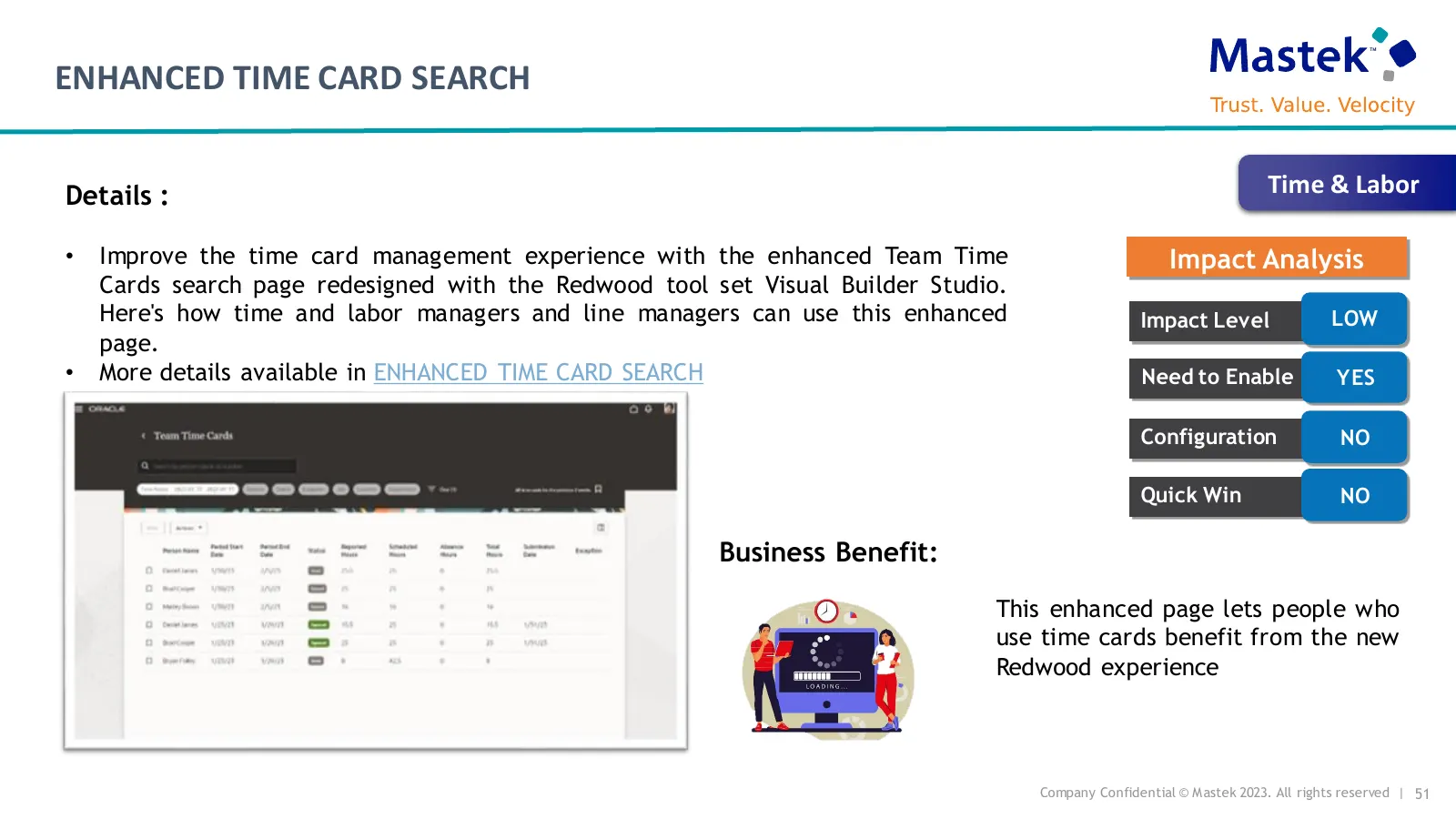
ENHANCED TIME CARD SEARCH Details : Time & Labor • Improve the time card management experience with the enhanced Team Time Impact Analysis Cards search page redesigned with the Redwood tool set Visual Builder Studio. Here's how time and labor managers and line managers can use this enhanced Impact L
Slide 52: Enhanced Time Card
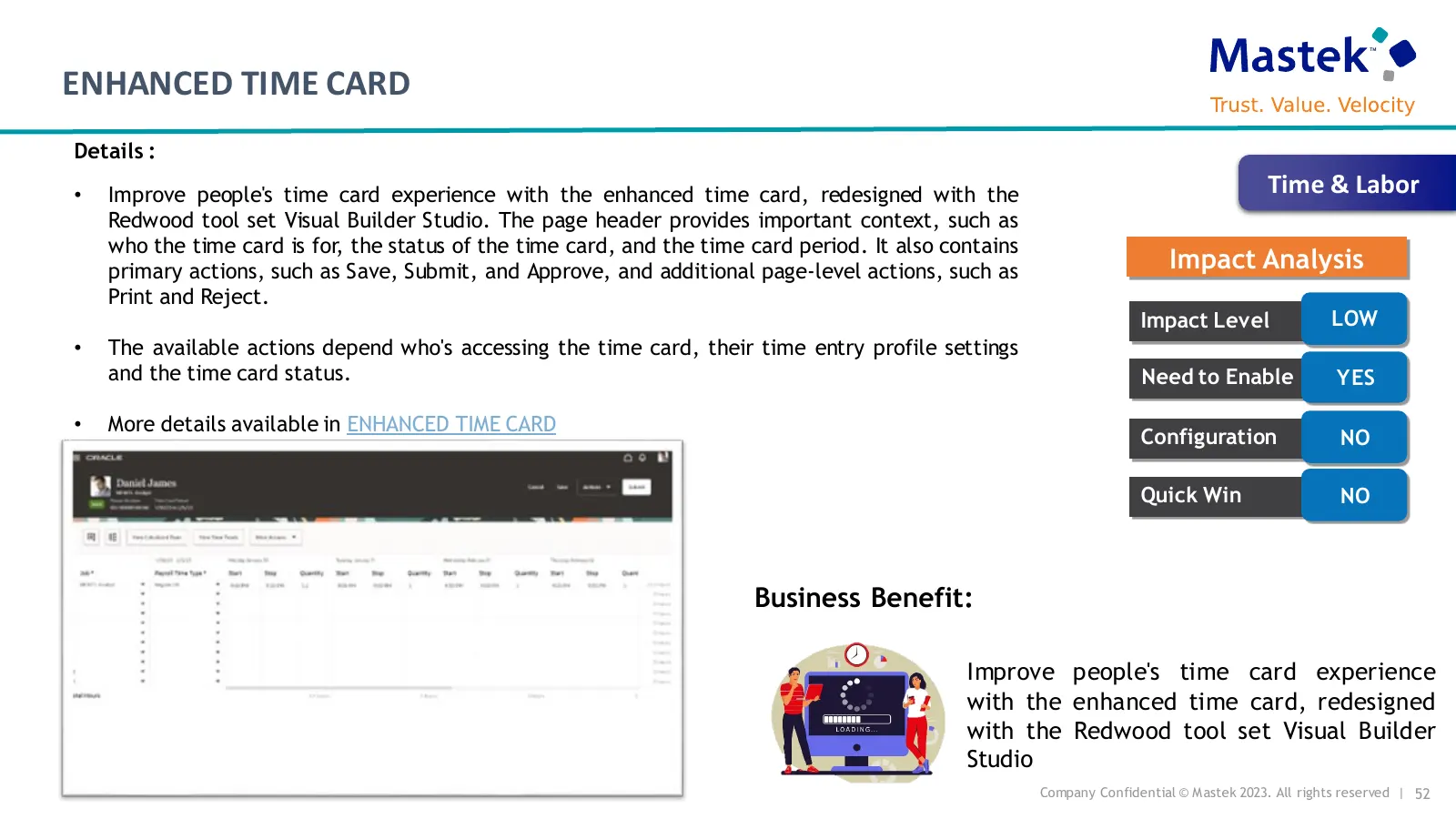
ENHANCED TIME CARD Details : • Improve people's time card experience with the enhanced time card, redesigned with the Time & Labor Redwood tool set Visual Builder Studio. The page header provides important context, such as who the time card is for, the status of the time card, and the time card peri

Slide 53: New Features: OTBI Enhancements
NEW FEATURES OTBI ENHANCEMENTS

Slide 54: Known Issues
Mastek*@ Trust. Value. Velocity KNOWN ISSUES
Slide 55: Absences OTBI Subject Areas Hide Certain Absences for Multi-Assignment Employees
ABSENCES OTBI SUBJECT AREAS HIDE CERTAIN ABSENCES FOR MULTI-ASSIGNMENT EMPLOYEES Details: Absence • All managers of an employee with multiple-assignments can view all person-level absences on the page and in OTBI reports, unless a person-level absence is entered using the advanced mode. • The advanc
Slide 56: HCM Calendars Can't Display Overlapping Resource Exceptions
HCM CALENDARS CAN’T DISPLAY OVERLAPPING RESOURCE EXCEPTIONS Details: Absence • When you assign multiple, overlapping resource exceptions to an employee at the same level, they will not show correctly on the HCM calendar pages. Workaround: • This issue won't be resolved, because there isn't a functio
Slide 57: Individuals Can View All of Their Responsive Time Cards
INDIVIDUALS CAN VIEW ALL OF THEIR RESPONSIVE TIME CARDS Details: Time & Labor • An individual can always view their time cards on responsive pages regardless of the Days Before and Days After settings in their time entry profile. • The settings of Days Before and Days After do affect what an individ
Slide 58: Project Number Additional Search Field Not Working
PROJECT NUMBER ADDITIONAL SEARCH FIELD NOT WORKING Details: Time & Labor • Location: My Client Groups > Time Management work area, classic Team Time Cards task. In Advanced search, When you select Add Fields > Project Number, the related list of values is always empty and you need to enter the entir
Slide 59: Task Iterations Status
TASK ITERATIONS STATUS Details: Global Payroll • Use the Task Iterations page to review flow instances of the "Submit Another Task" flow iterations. We are currently experiencing some issues whereby the statuses for task iteration in the new Task Iterations page are not accurate. • For example, afte
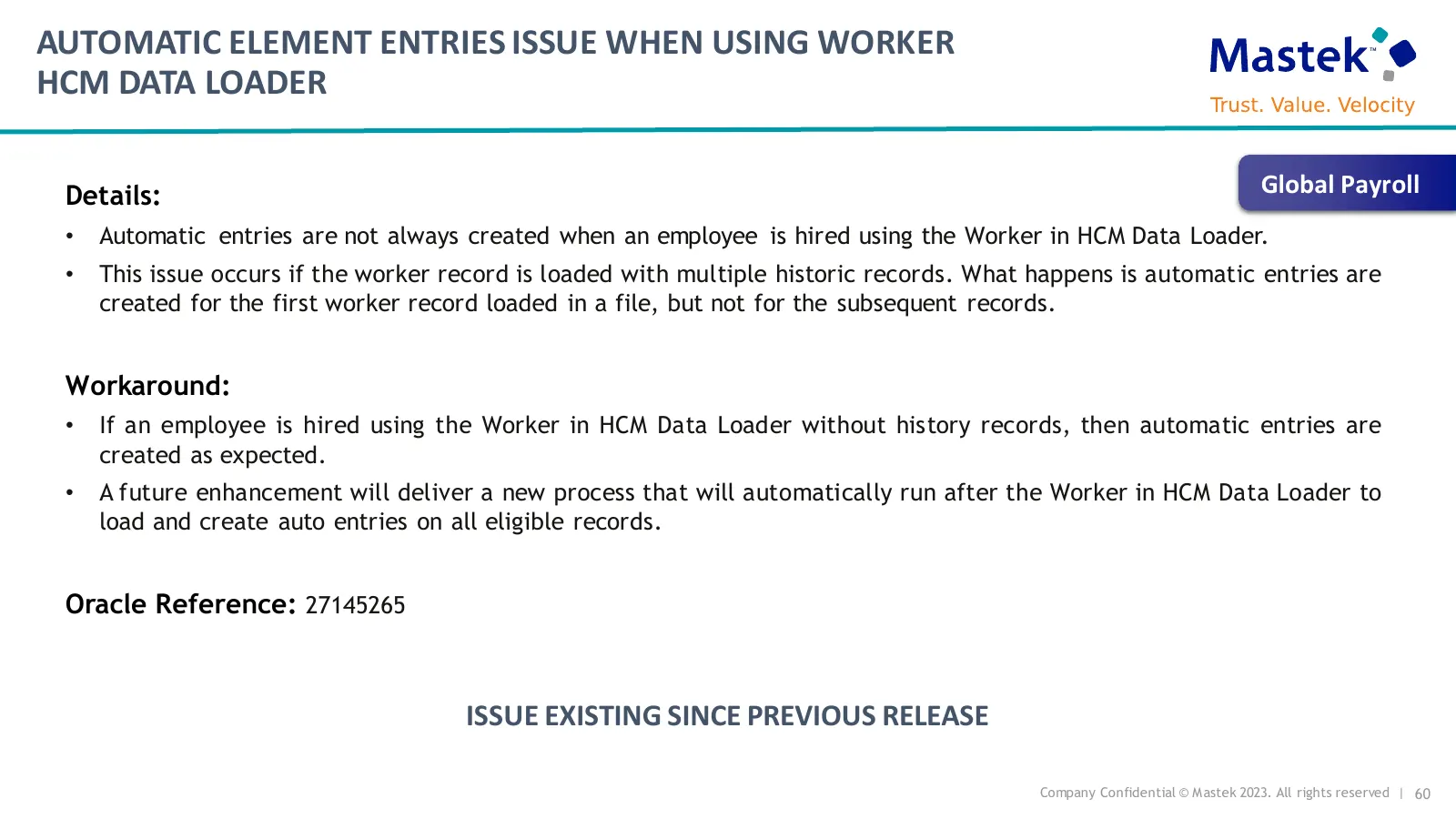
Slide 60: Automatic Element Entries Issue When Using Worker HCM Data Loader
AUTOMATIC ELEMENT ENTRIES ISSUE WHEN USING WORKER HCM DATA LOADER Details: Global Payroll • Automatic entries are not always created when an employee is hired using the Worker in HCM Data Loader. • This issue occurs if the worker record is loaded with multiple historic records. What happens is autom
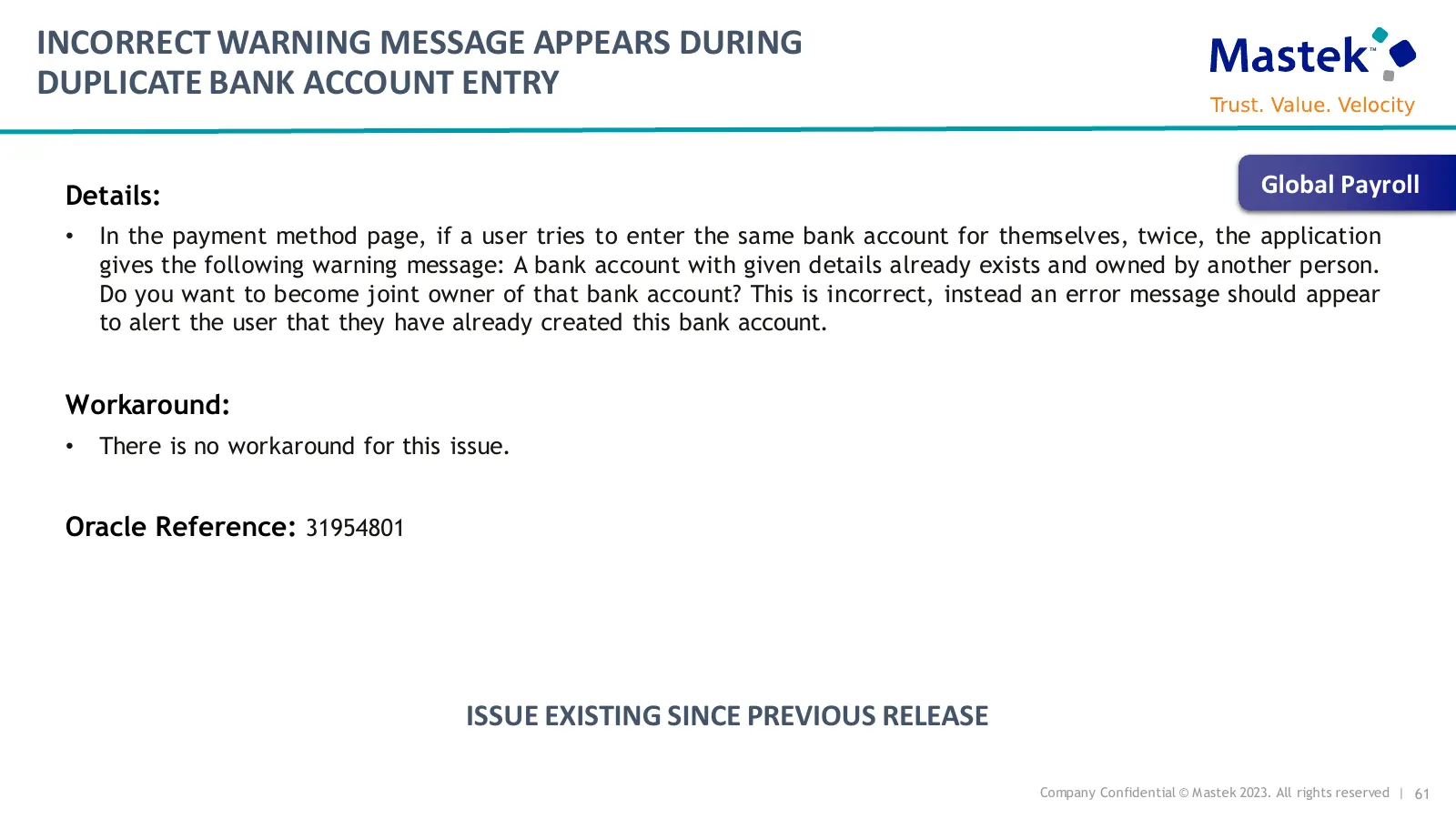
Slide 61: Incorrect Warning Message During Duplicate Bank Account Entry
INCORRECT WARNING MESSAGE APPEARS DURING DUPLICATE BANK ACCOUNT ENTRY Details: Global Payroll • In the payment method page, if a user tries to enter the same bank account for themselves, twice, the application gives the following warning message: A bank account with given details already exists and
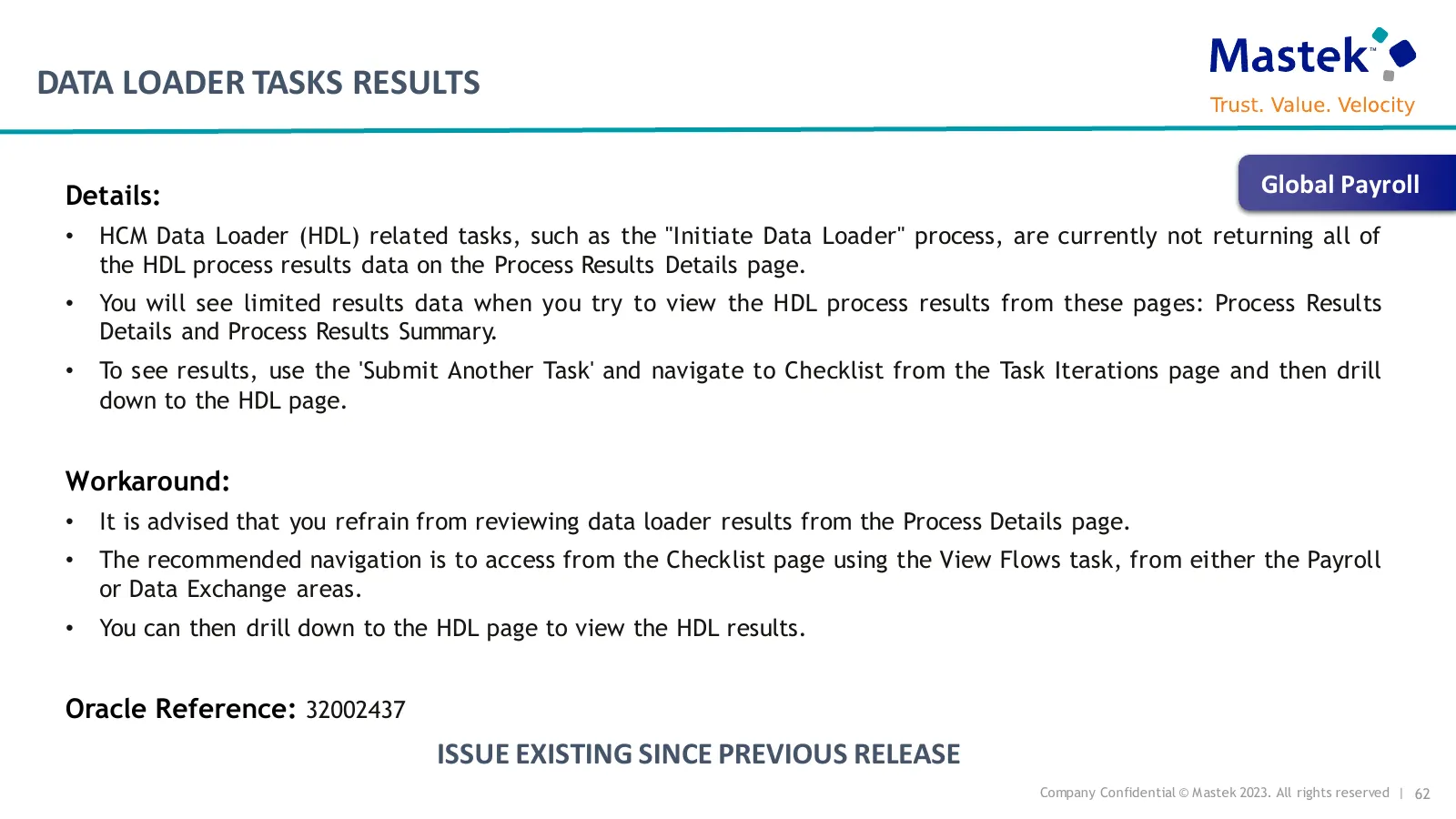
Slide 62: Data Loader Tasks Results
DATA LOADER TASKS RESULTS Details: Global Payroll • HCM Data Loader (HDL) related tasks, such as the "Initiate Data Loader" process, are currently not returning all of the HDL process results data on the Process Results Details page. • You will see limited results data when you try to view the HDL p
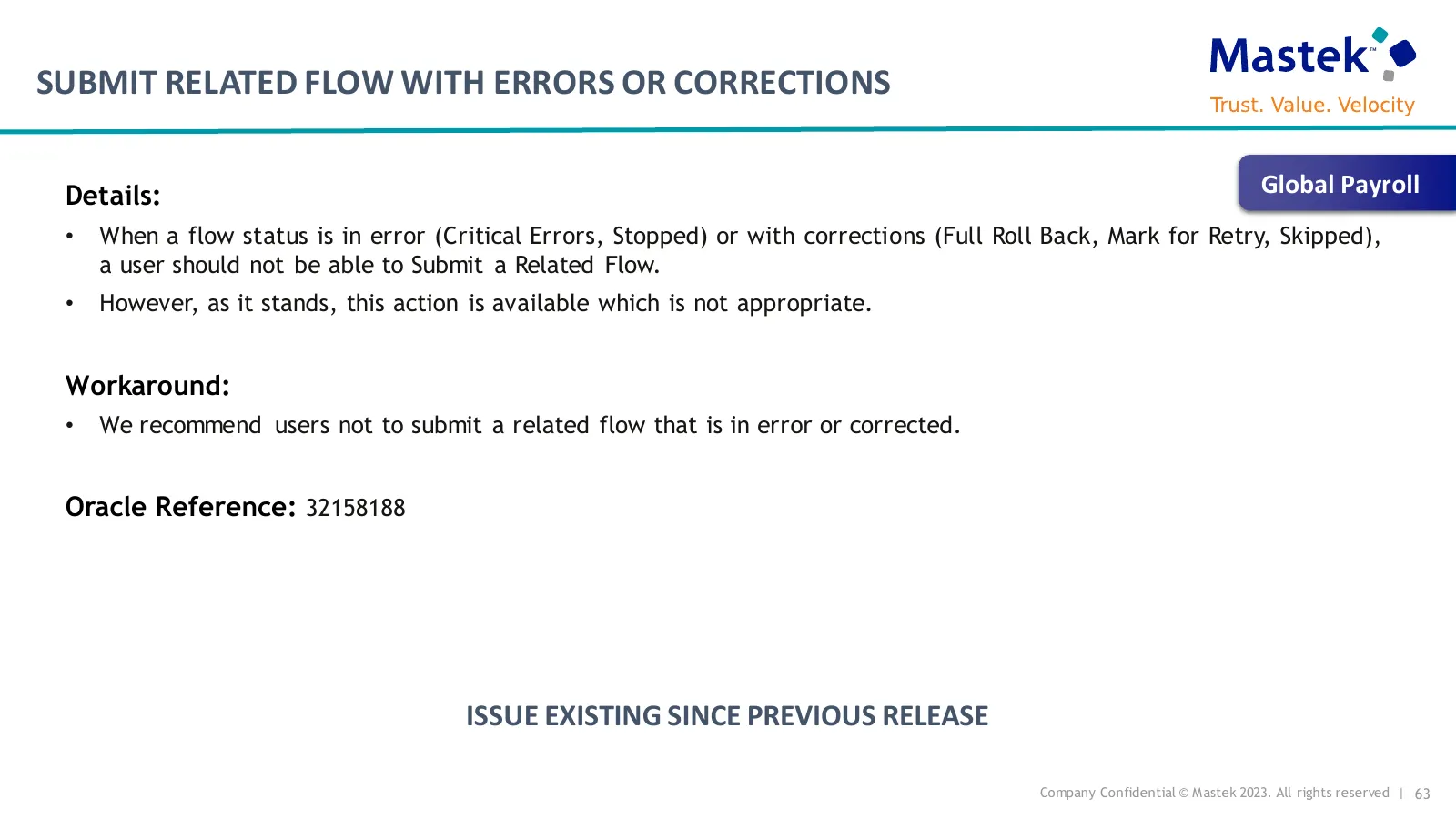
Slide 63: Submit Related Flow with Errors or Corrections
SUBMIT RELATED FLOW WITH ERRORS OR CORRECTIONS Details: Global Payroll • When a flow status is in error (Critical Errors, Stopped) or with corrections (Full Roll Back, Mark for Retry, Skipped), a user should not be able to Submit a Related Flow. • However, as it stands, this action is available whic
Slide 64: Not Able to Create Events Using CostAllocationDEO
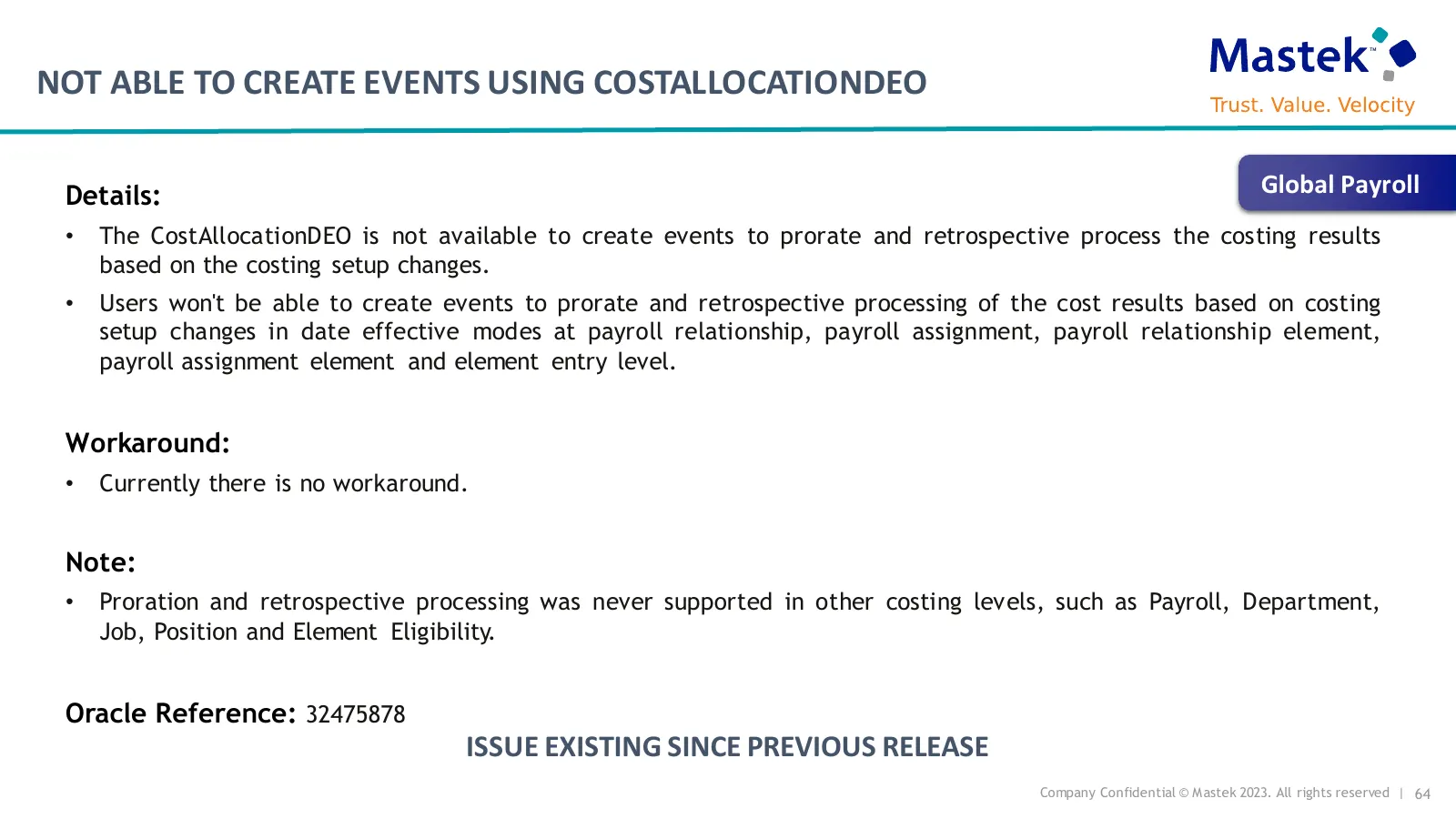
NOT ABLE TO CREATE EVENTS USING COSTALLOCATIONDEO Details: Global Payroll • The CostAllocationDEO is not available to create events to prorate and retrospective process the costing results based on the costing setup changes. • Users won't be able to create events to prorate and retrospective process
Slide 65: Payroll Global Transfer Business Objects Usability in Autocomplete
PAYROLL GLOBAL TRANSFER BUSINESS OBJECTS USABILITY IN AUTOCOMPLETE Details: Global Payroll • Payroll Global Transfer business object displays attributes that should be hidden. Workaround: • We recommend users not to use the business object until the fix to hide the attributes is delivered. Oracle Re
Slide 66: Responsive Professional Payslip Page SmartNav Issues
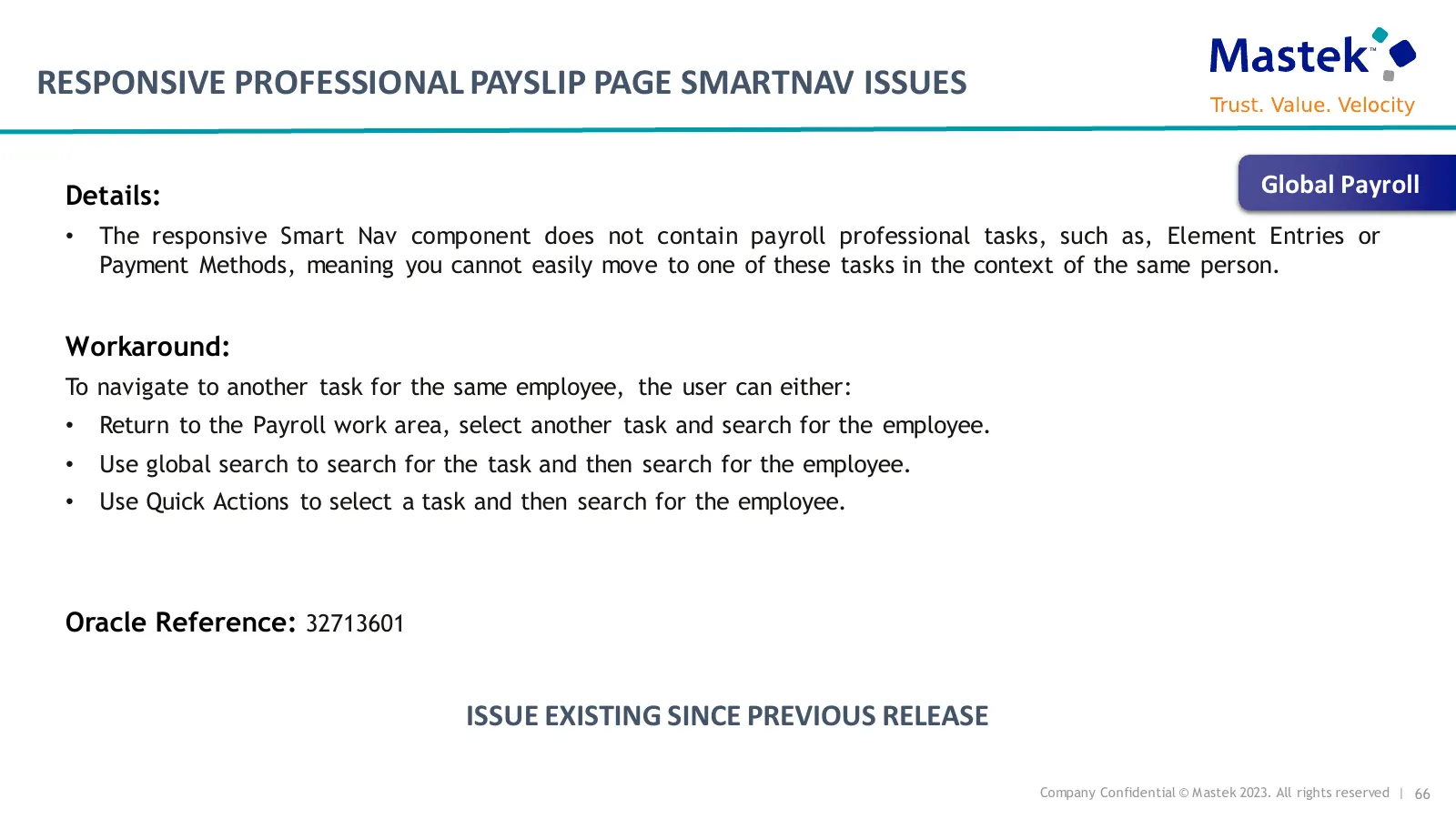
RESPONSIVE PROFESSIONAL PAYSLIP PAGE SMARTNAV ISSUES Details: Global Payroll • The responsive Smart Nav component does not contain payroll professional tasks, such as, Element Entries or Payment Methods, meaning you cannot easily move to one of these tasks in the context of the same person. Workarou
Slide 67: TRU Context Not Set for Payroll Relationship Level Retro Entries
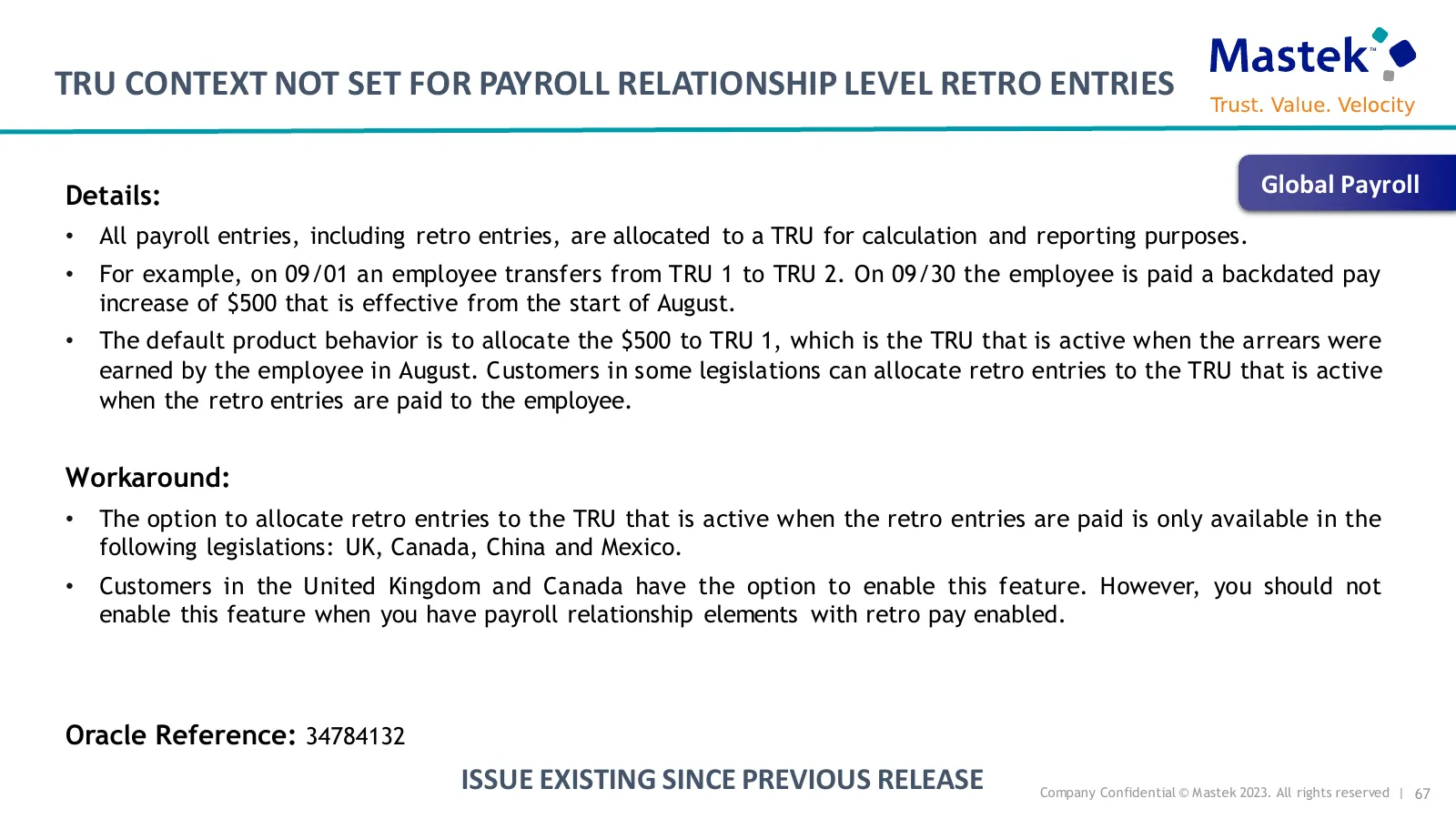
TRU CONTEXT NOT SET FOR PAYROLL RELATIONSHIP LEVEL RETRO ENTRIES Details: Global Payroll • All payroll entries, including retro entries, are allocated to a TRU for calculation and reporting purposes. • For example, on 09/01 an employee transfers from TRU 1 to TRU 2. On 09/30 the employee is paid a b

Slide 68: Replaced or Removed Features
REPLACED OR REMOVED FEATURES
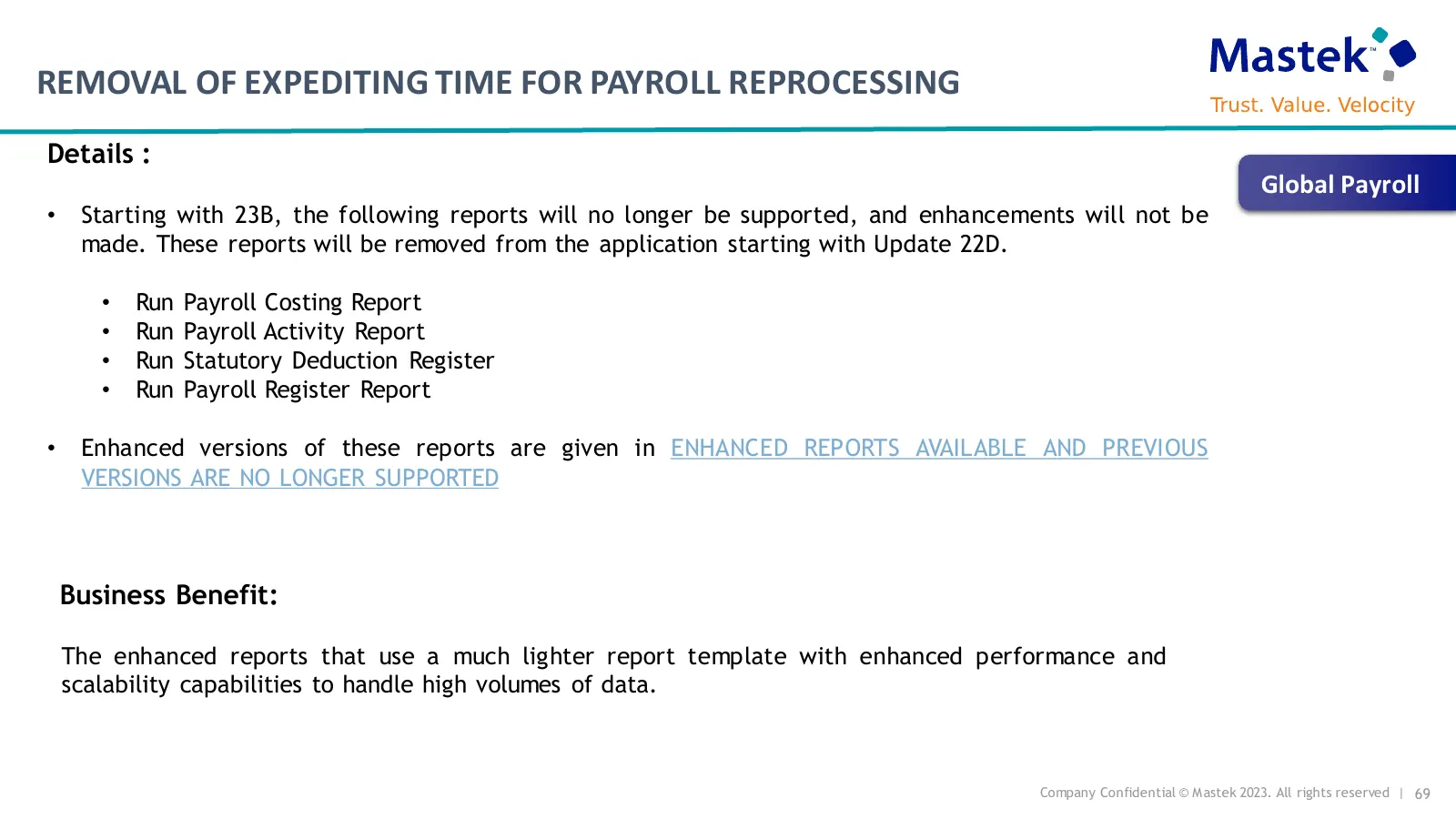
Slide 69: Removal of Expediting Time for Payroll Reprocessing
REMOVAL OF EXPEDITING TIME FOR PAYROLL REPROCESSING Details : Global Payroll • Starting with 23B, the following reports will no longer be supported, and enhancements will not be made. These reports will be removed from the application starting with Update 22D. • Run Payroll Costing Report • Run Payr

Slide 70: Closing Q&A
Closing Q&A Company Confidential © M astek 2023. All rights reserved | 70
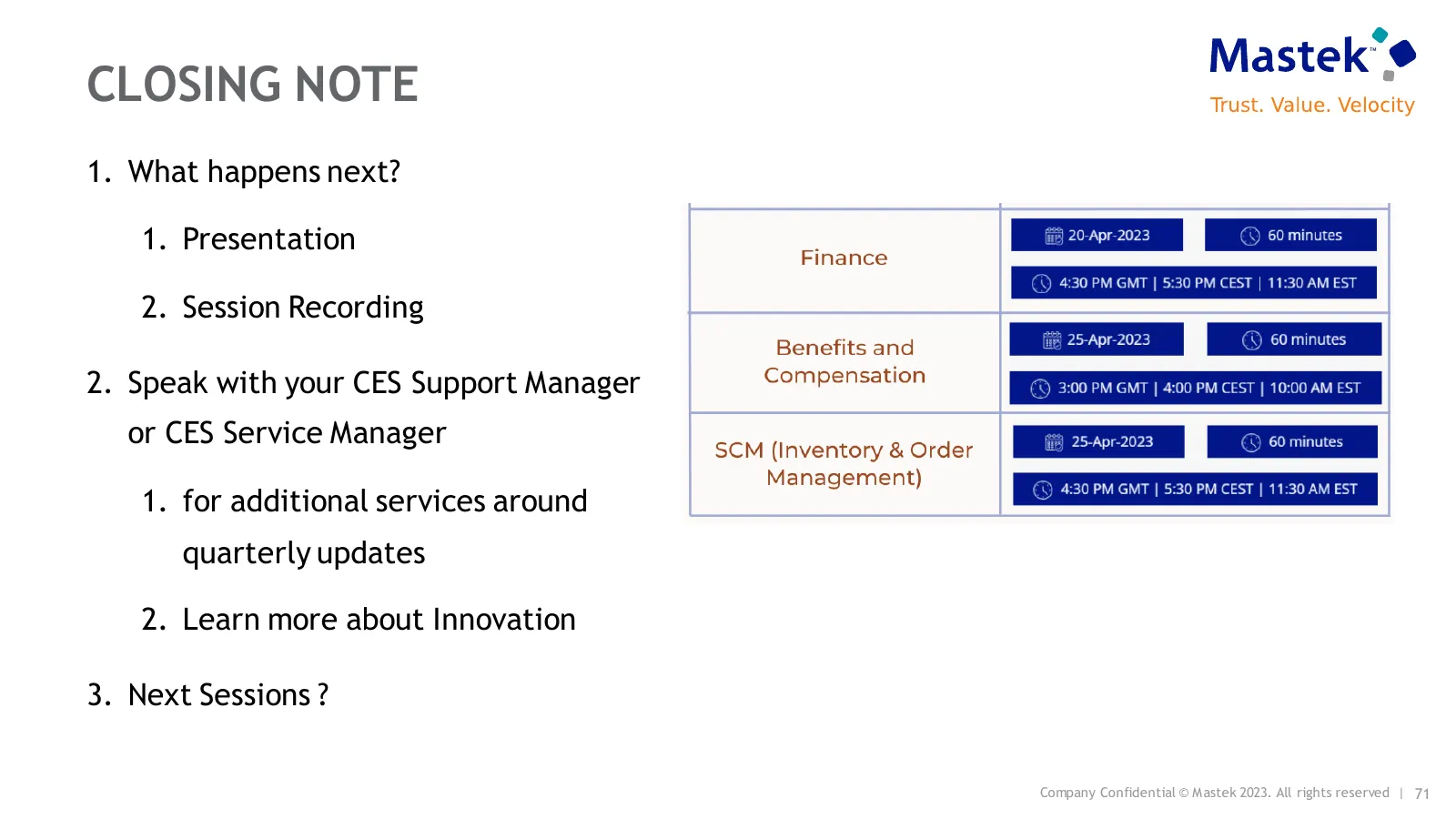
Slide 71: Closing Note
CLOSING NOTE 1. What happens next? 1. Presentation 2. Session Recording 2. Speak with your CES Support Manager or CES Service Manager 1. for additional services around quarterly updates 2. Learn more about Innovation 3. Next Sessions ? Company Confidential © M astek 2023. All rights reserved | 71

Slide 72: Thank You
MASTEK is here to help you! THANK YOU This presentation contains inf ormation that may be priv ileged or conf idential and is the property of Mastek. Copy right © 2023 Mastek. All rights reserv ed.
Source: Internet Archive copy of mastek.com
More decks from Mastek Limited
 Q2 FY2027 Earnings Presentation18 slides · Oct 23, 2026
 Q2 FY2027 Earnings Presentation25 slides · Oct 23, 2026
 Q1 FY27 Earnings Presentation31 slides · Jul 21, 2026
 Q1 FY2027 Earnings Presentation23 slides · Jul 21, 2026
 Q4 FY26 Earnings Presentation37 slides · Apr 18, 2026
 Q4 FY26 Earnings Presentation28 slides · Apr 17, 2026