Palo Alto Networks, Inc. · NASDAQ:PANW
Palo Alto Networks — Technical Presentation (February 2026)
19 slides from Palo Alto Networks's technical presentation, Feb 3, 2026

Slide 1: IPsec VPN Deployment and Troubleshooting
IPsec VPN Deployment and Troubleshooting 3rd February, 2026 Version 1.1 © 2024 Palo Alto Networks, Inc. All rights reserved. Proprietary and confidential information.
Slide 2: Agenda
Agenda ▪ Fundamentals of IPsec Security Services ▪ IPsec Modes: Tunnel vs Transport ▪ VPN Deployment Scenarios ▪ How to Configure IPSec VPN ▪ IPsec Troubleshooting - SA ▪ Checking Logs ▪ Confirmation of VPN ▪ IKE | VPN Error messages ▪ How to Troubleshoot IPSec VPN connectivity issues © 2024 Palo Alto
Slide 3: Fundamentals of IPsec Security Services
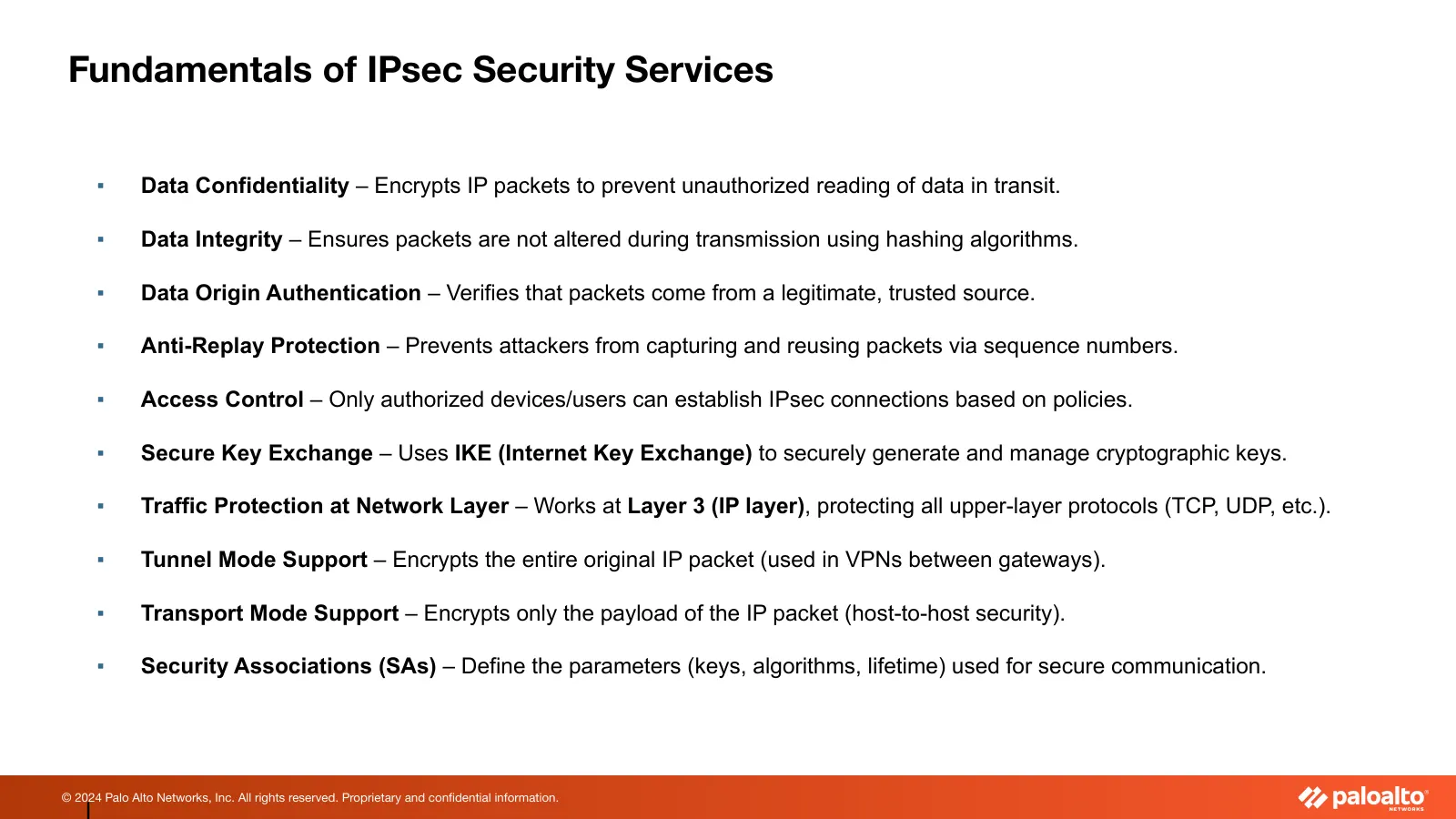
Fundamentals of IPsec Security Services ▪ Data Confidentiality – Encrypts IP packets to prevent unauthorized reading of data in transit. ▪ Data Integrity – Ensures packets are not altered during transmission using hashing algorithms. ▪ Data Origin Authentication – Verifies that packets come from a l
Slide 4: IPsec Modes: Tunnel vs Transport
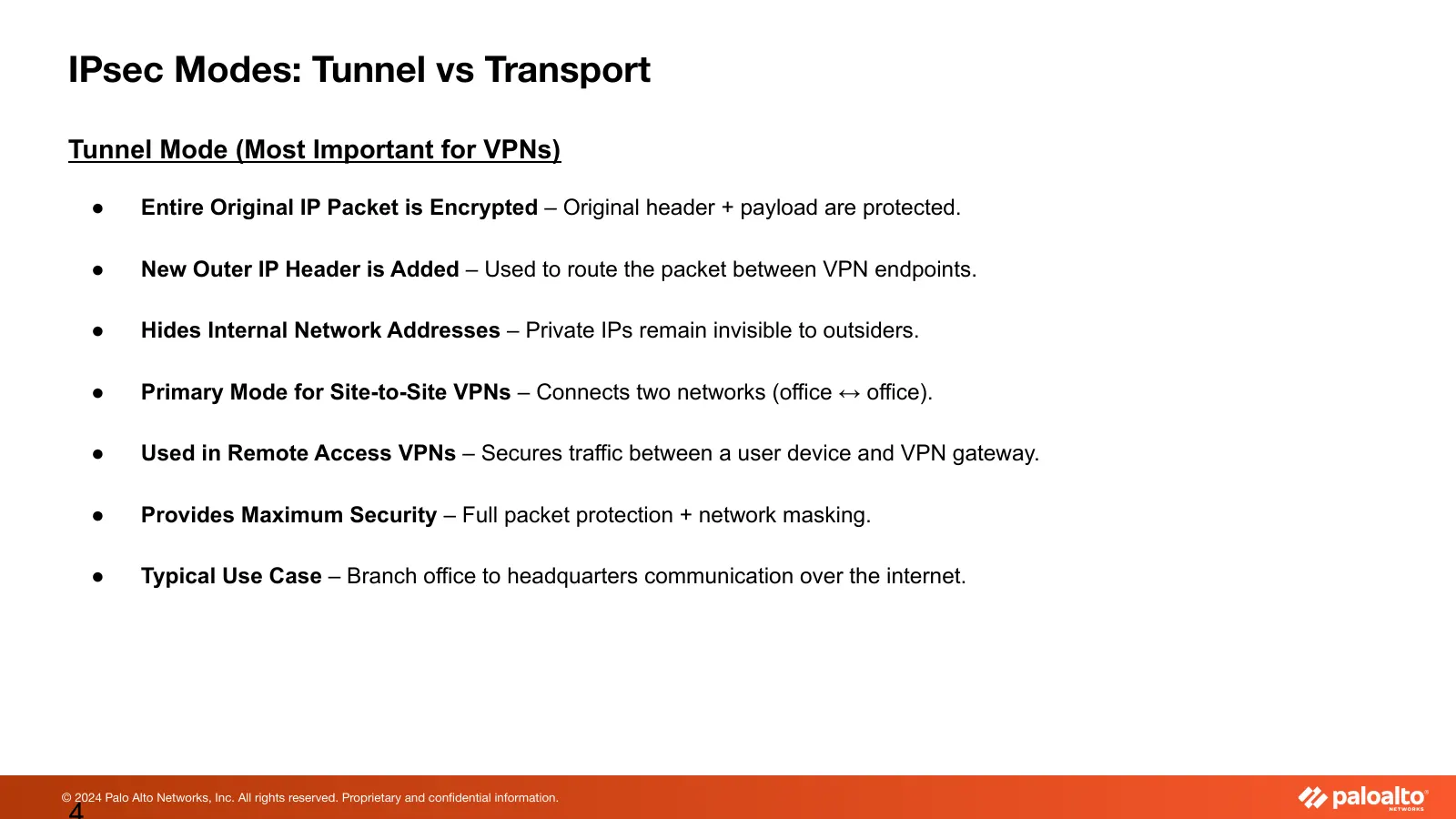
IPsec Modes: Tunnel vs Transport Tunnel Mode (Most Important for VPNs) ● Entire Original IP Packet is Encrypted – Original header + payload are protected. ● New Outer IP Header is Added – Used to route the packet between VPN endpoints. ● Hides Internal Network Addresses – Private IPs remain invisibl
Slide 5: IPsec Modes: Tunnel vs Transport
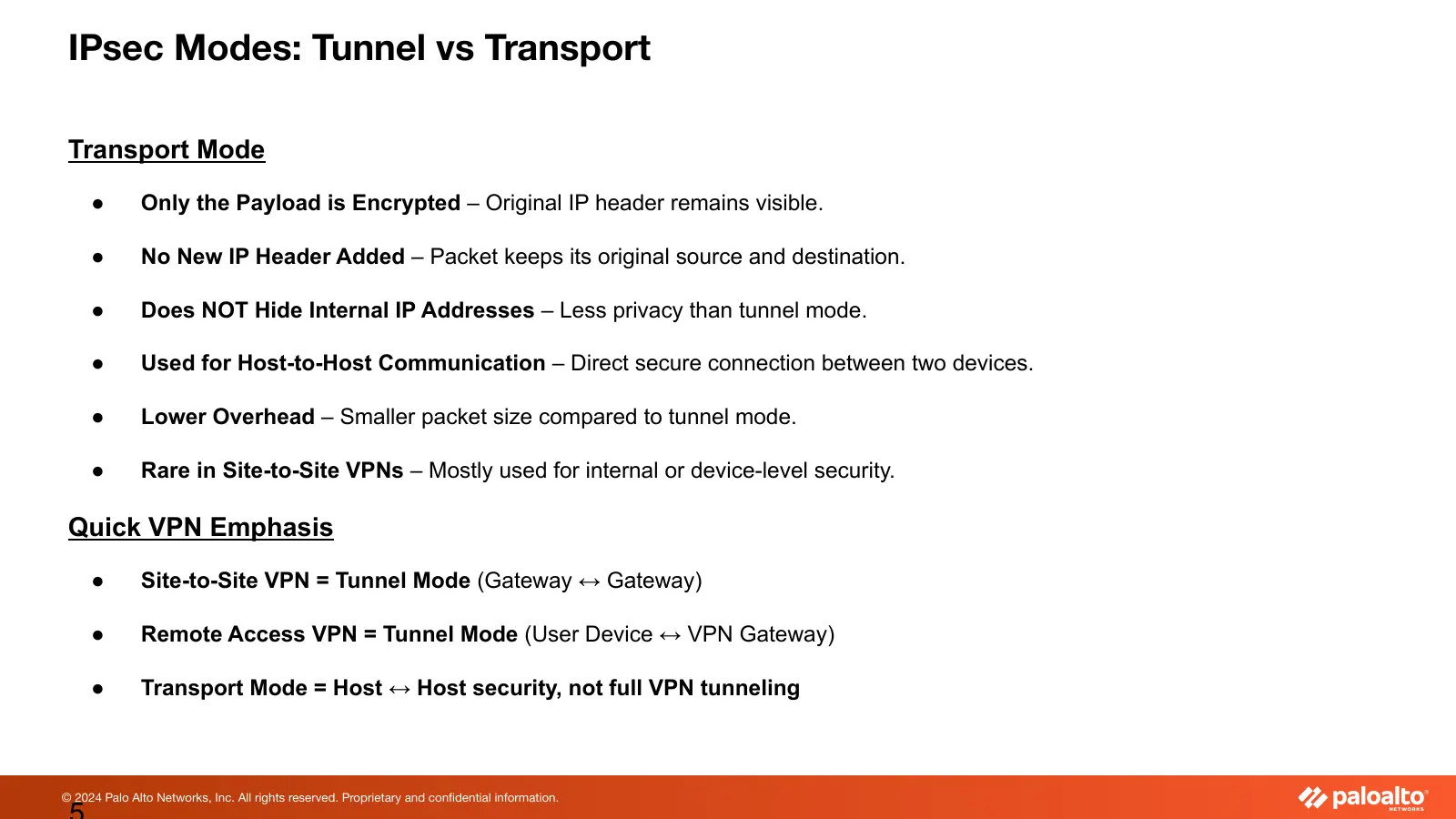
IPsec Modes: Tunnel vs Transport Transport Mode ● Only the Payload is Encrypted – Original IP header remains visible. ● No New IP Header Added – Packet keeps its original source and destination. ● Does NOT Hide Internal IP Addresses – Less privacy than tunnel mode. ● Used for Host-to-Host Communicat
Slide 6: VPN Deployment Scenarios
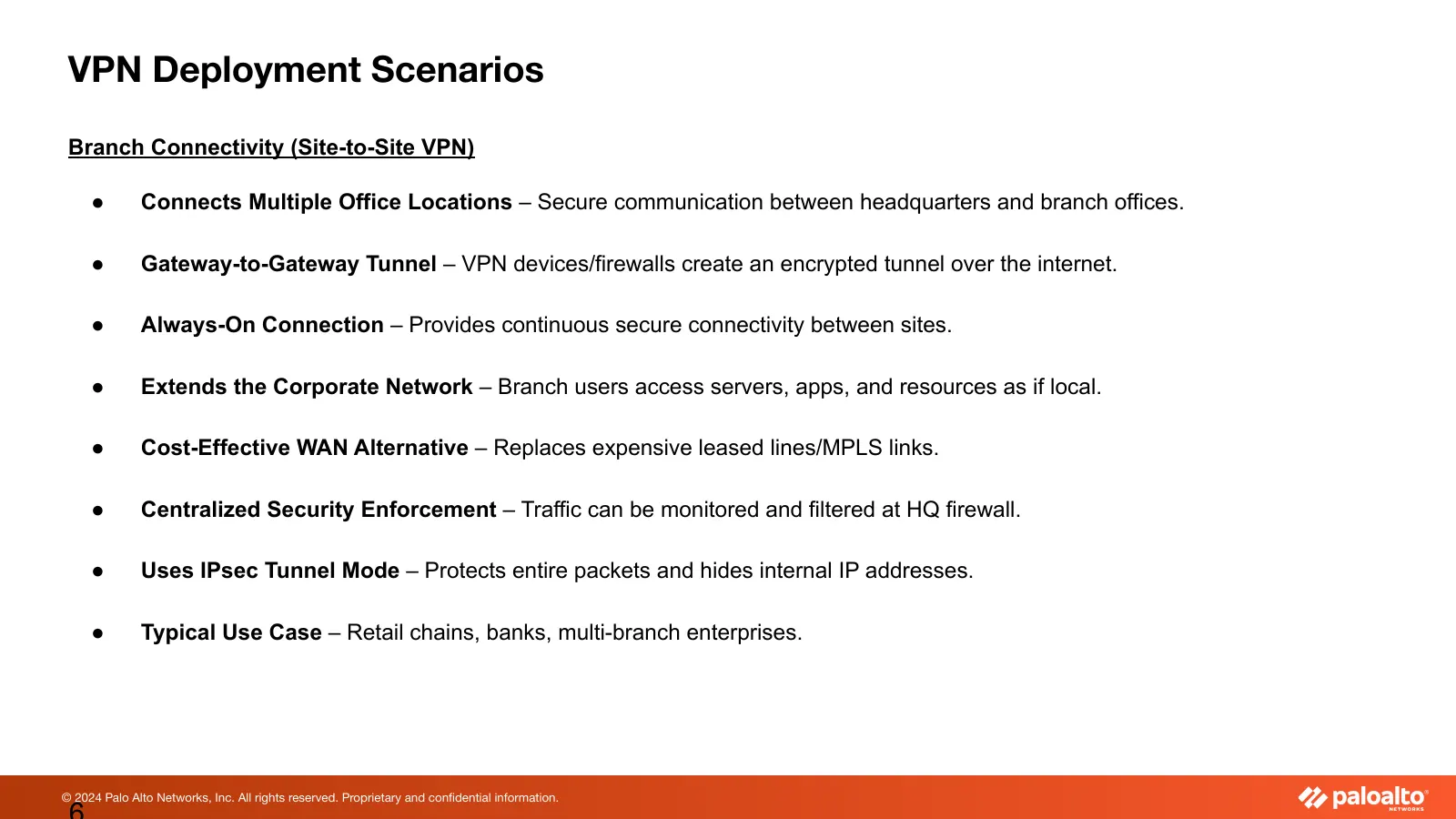
VPN Deployment Scenarios Branch Connectivity (Site-to-Site VPN) ● Connects Multiple Office Locations – Secure communication between headquarters and branch offices. ● Gateway-to-Gateway Tunnel – VPN devices/firewalls create an encrypted tunnel over the internet. ● Always-On Connection – Provides con
Slide 7: VPN Deployment Scenarios
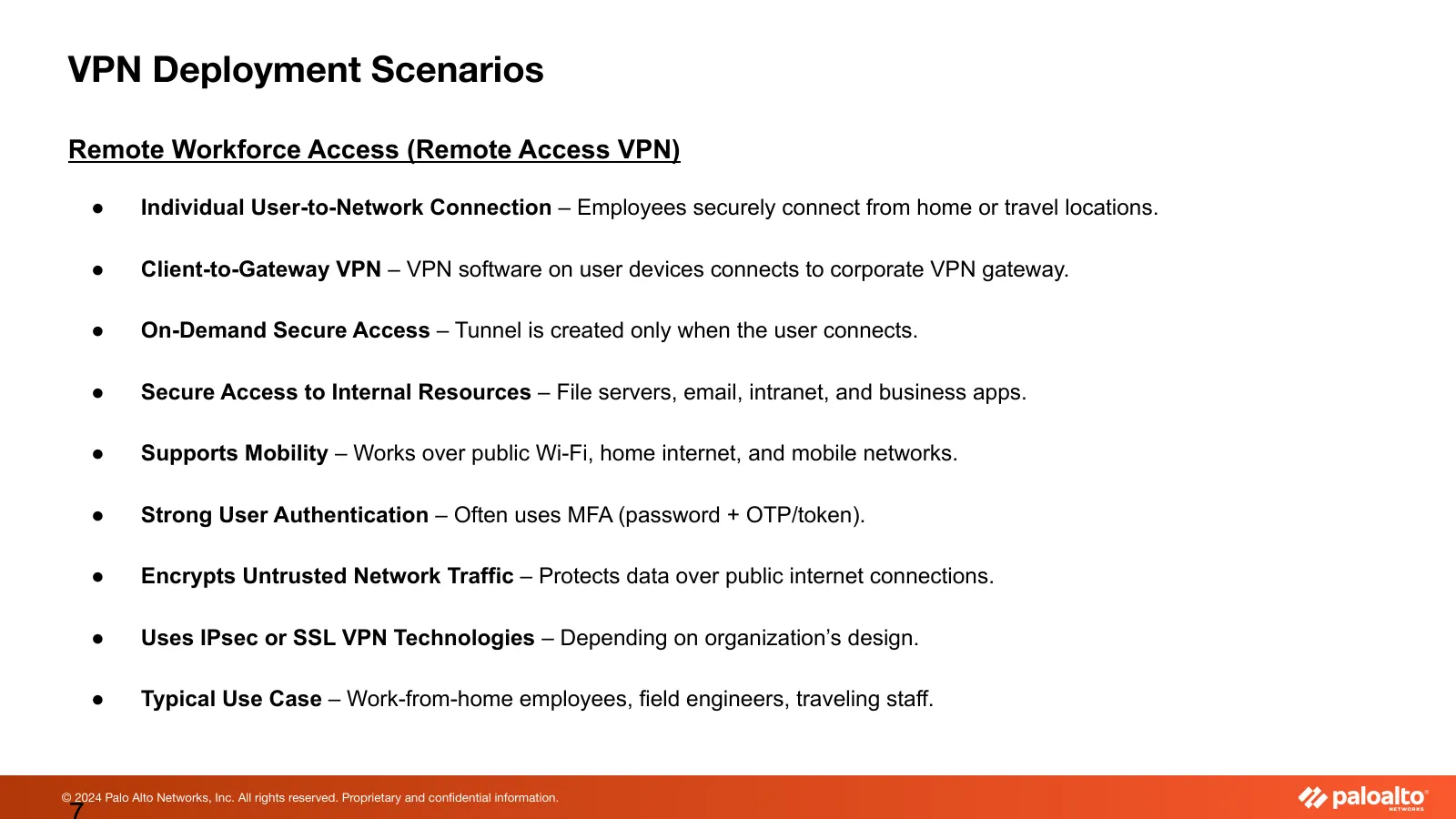
VPN Deployment Scenarios Remote Workforce Access (Remote Access VPN) ● Individual User-to-Network Connection – Employees securely connect from home or travel locations. ● Client-to-Gateway VPN – VPN software on user devices connects to corporate VPN gateway. ● On-Demand Secure Access – Tunnel is cre
Slide 8: How to Configure IPSec VPN
How to Configure IPSec VPN https://knowledgebase.paloaltonetworks.com/KCSArticleDetail?id=kA10g000000ClGkCAK © 2024 Palo Alto Networks, Inc. All rights reserved. Proprietary and confidential information.
Slide 9: IPsec Troubleshooting - SA
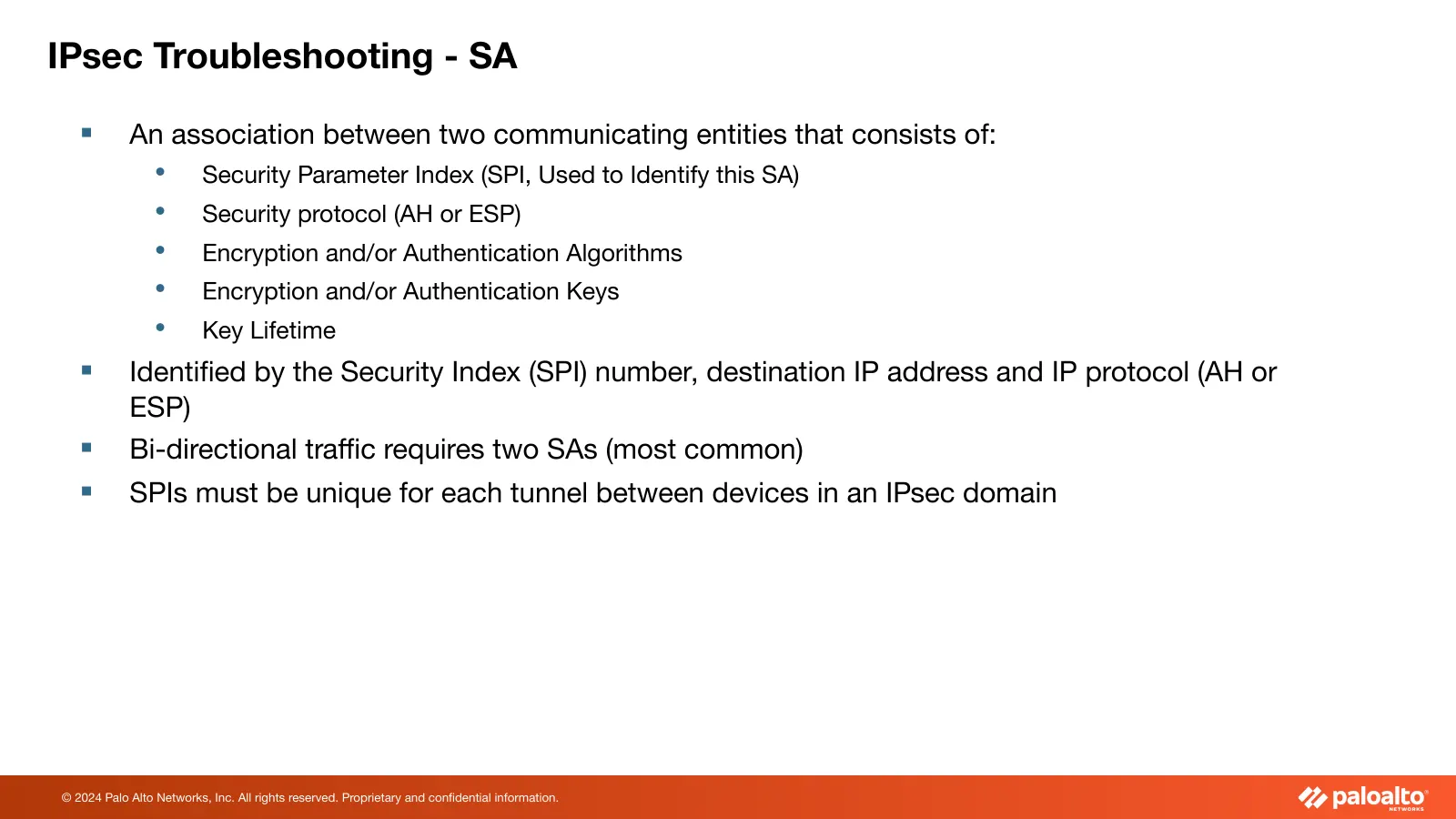
IPsec Troubleshooting - SA ▪ An association between two communicating entities that consists of: • Security Parameter Index (SPI, Used to Identify this SA) • Security protocol (AH or ESP) • Encryption and/or Authentication Algorithms • Encryption and/or Authentication Keys • Key Lifetime ▪ Identified
Slide 10: Checking Logs
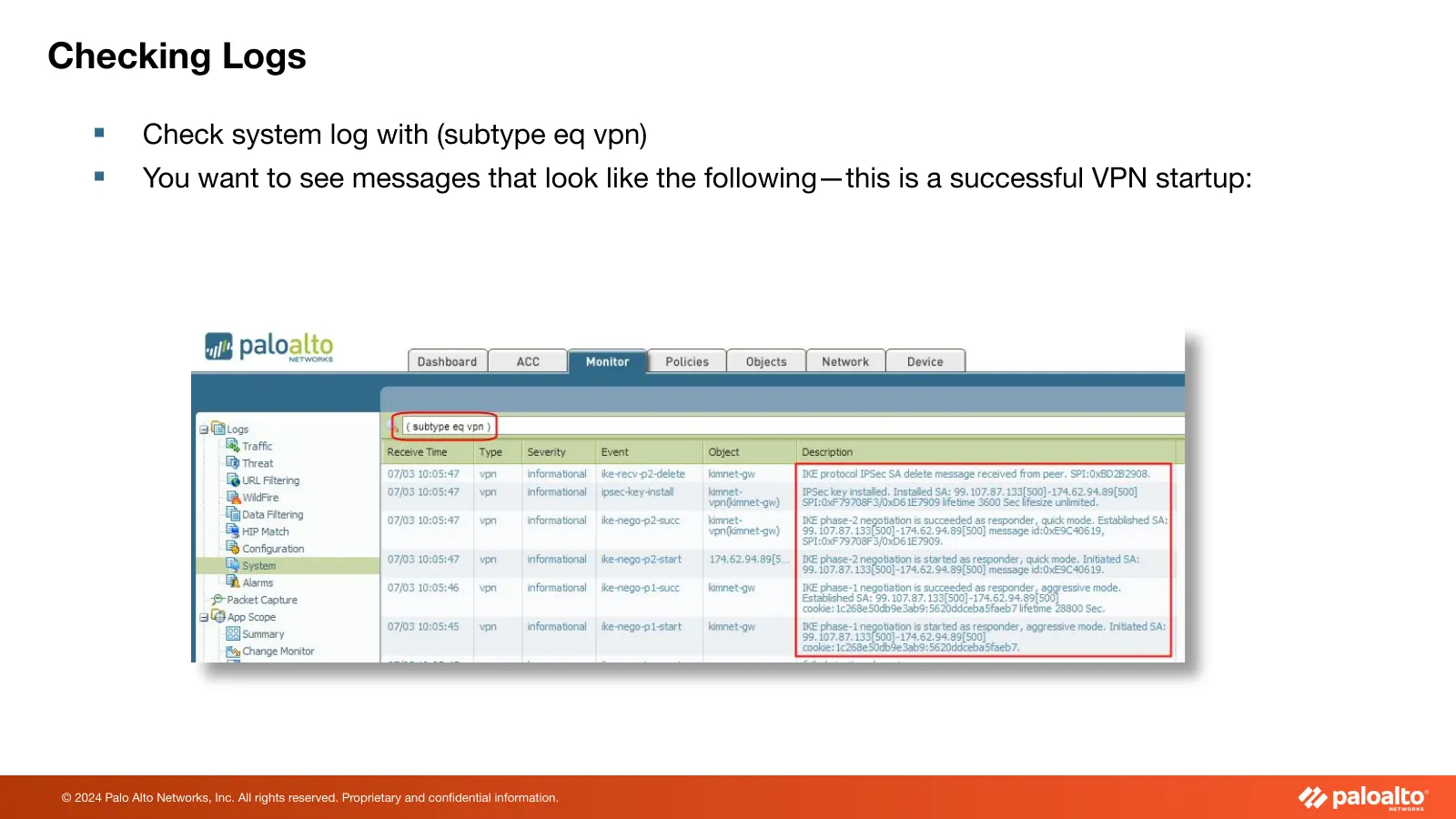
Checking Logs ▪ Check system log with (subtype eq vpn) ▪ You want to see messages that look like the following—this is a successful VPN startup: © 2024 Palo Alto Networks, Inc. All rights reserved. Proprietary and confidential information.
Slide 11: Confirmation of VPN
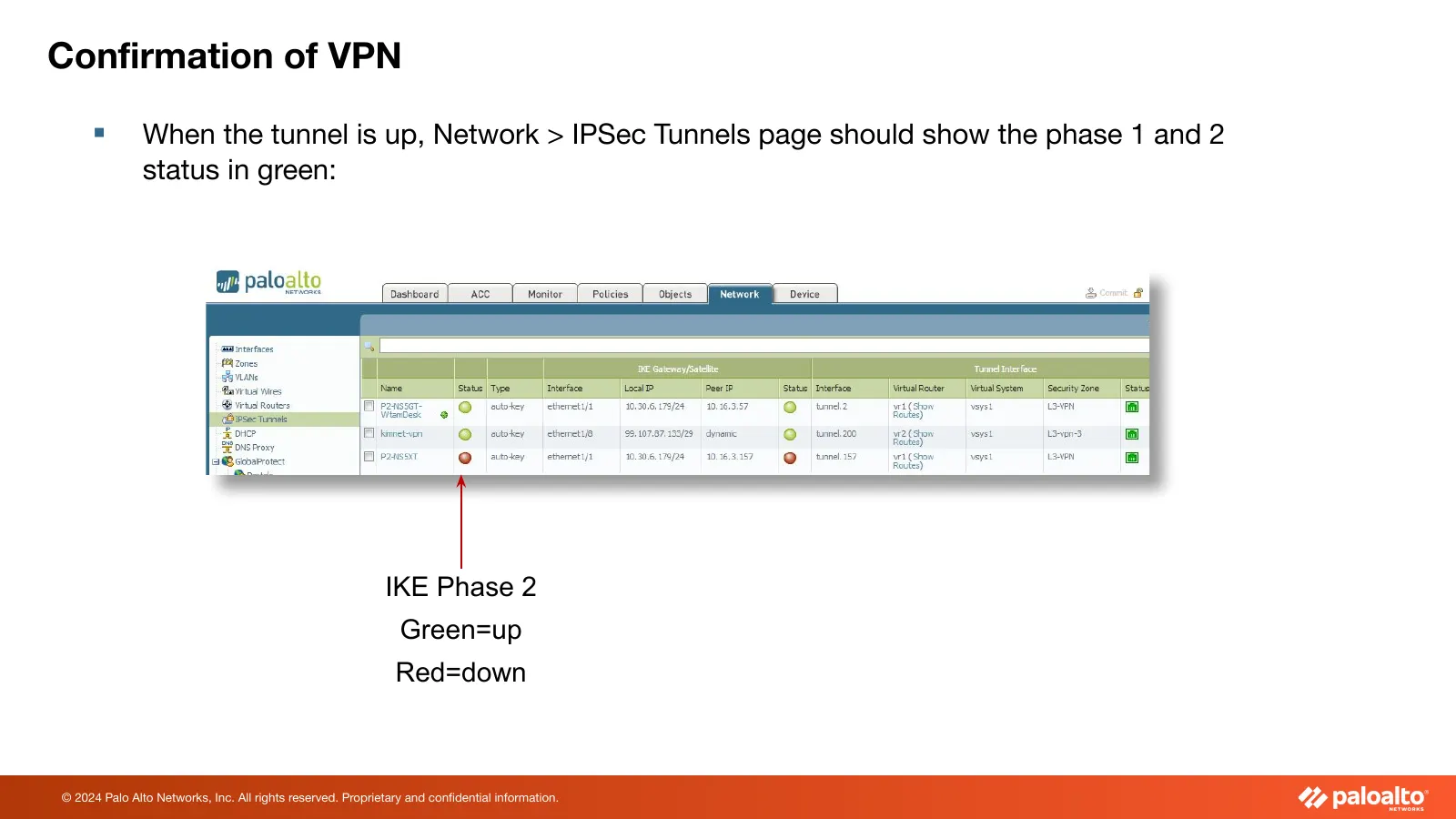
Confirmation of VPN ▪ When the tunnel is up, Network > IPSec Tunnels page should show the phase 1 and 2 status in green: •IKE Phase 2 •Green=up •Red=down © 2024 Palo Alto Networks, Inc. All rights reserved. Proprietary and confidential information.
Slide 12: Confirmation of VPN
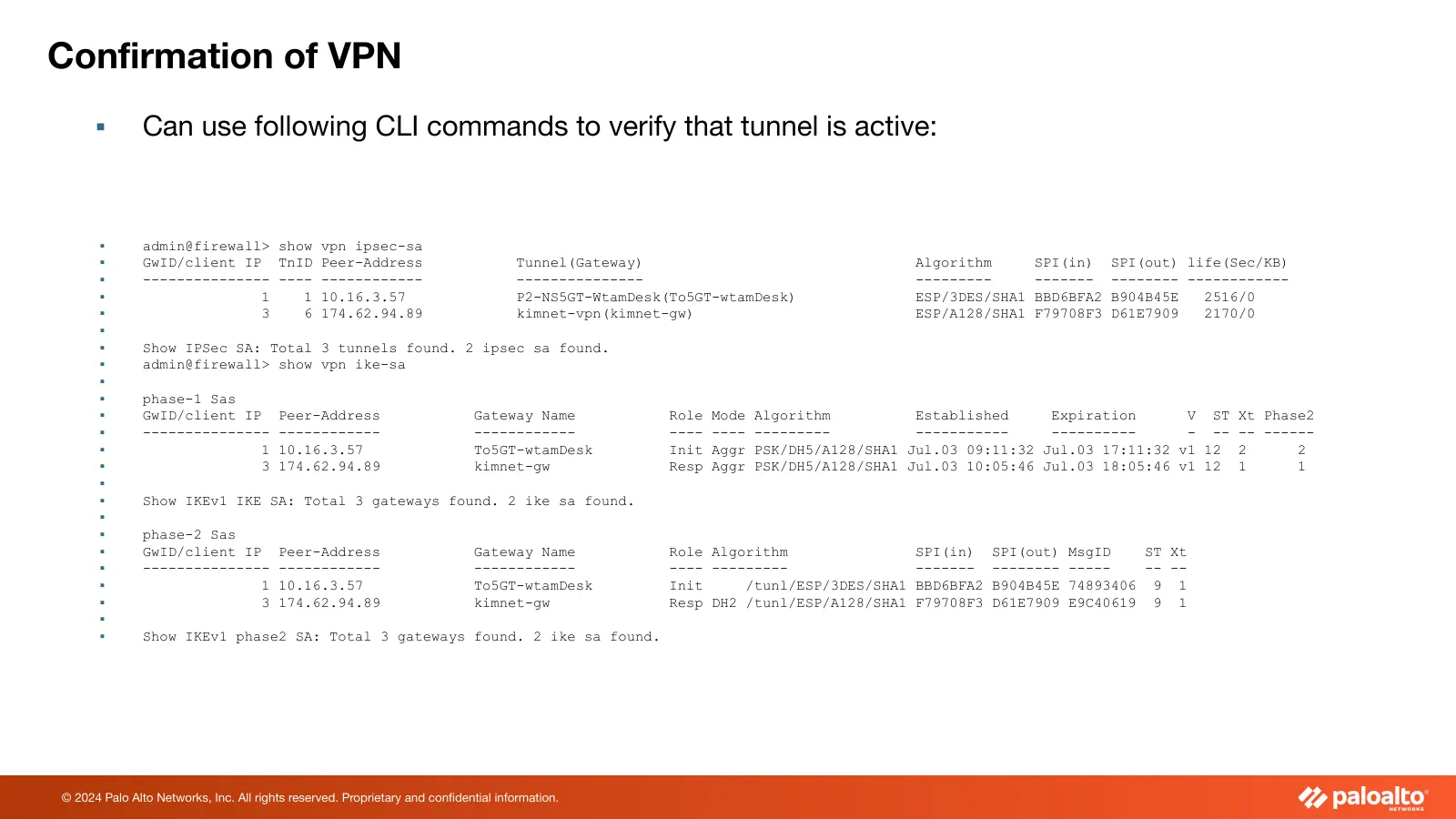
Confirmation of VPN ▪ Can use following CLI commands to verify that tunnel is active: ▪ admin@firewall> show vpn ipsec-sa ▪ GwID/client IP TnID Peer-Address Tunnel(Gateway) Algorithm SPI(in) SPI(out) life(Sec/KB) ▪ --------------- ---- ------------ --------------- --------- ------- -------- ---------
Slide 13: Confirmation of VPN
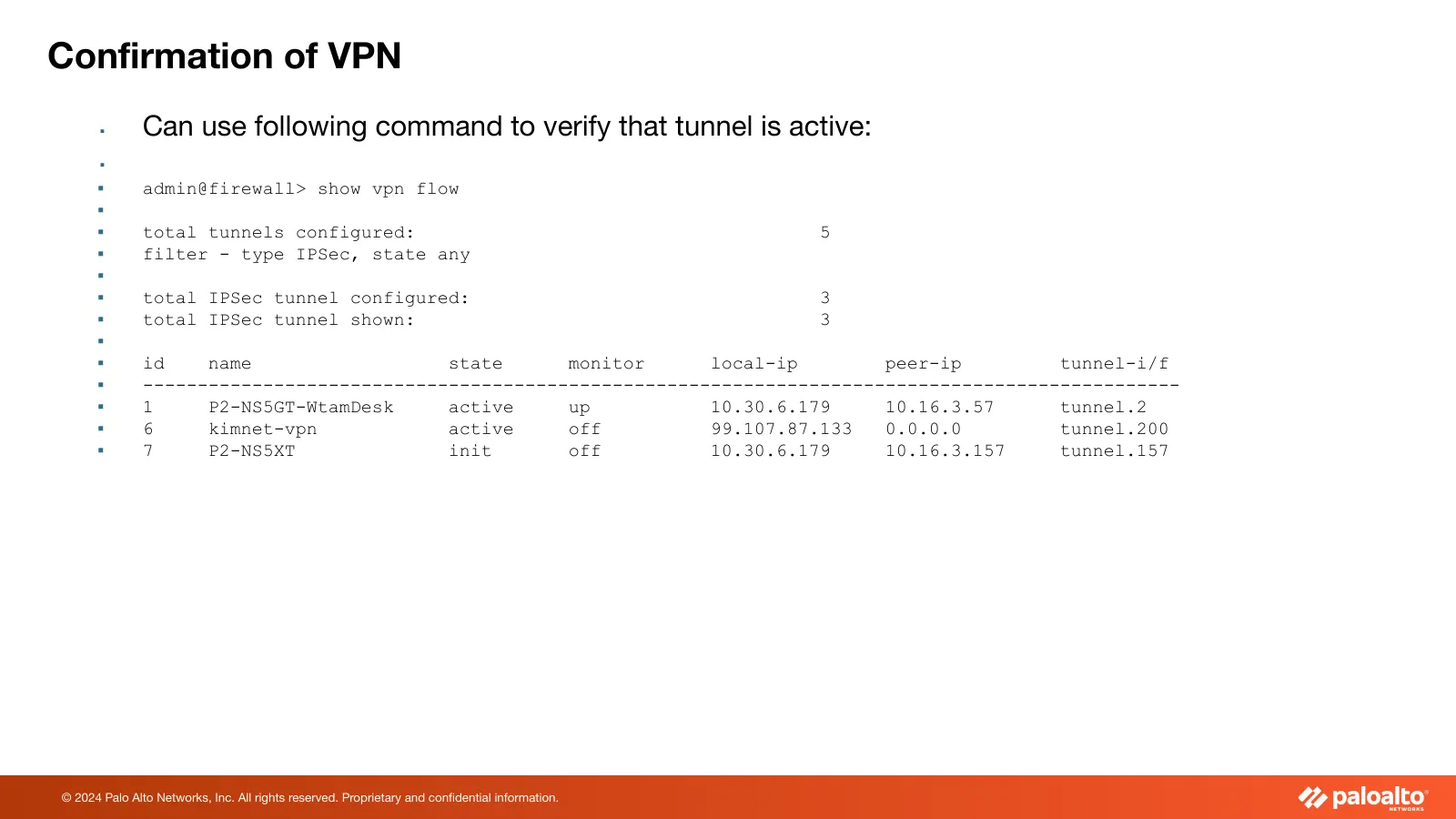
Confirmation of VPN ▪ Can use following command to verify that tunnel is active: ▪ ▪ admin@firewall> show vpn flow ▪ ▪ total tunnels configured: 5 ▪ filter - type IPSec, state any ▪ ▪ total IPSec tunnel configured: 3 ▪ total IPSec tunnel shown: 3 ▪ ▪ id name state monitor local-ip peer-ip tunnel-i/f
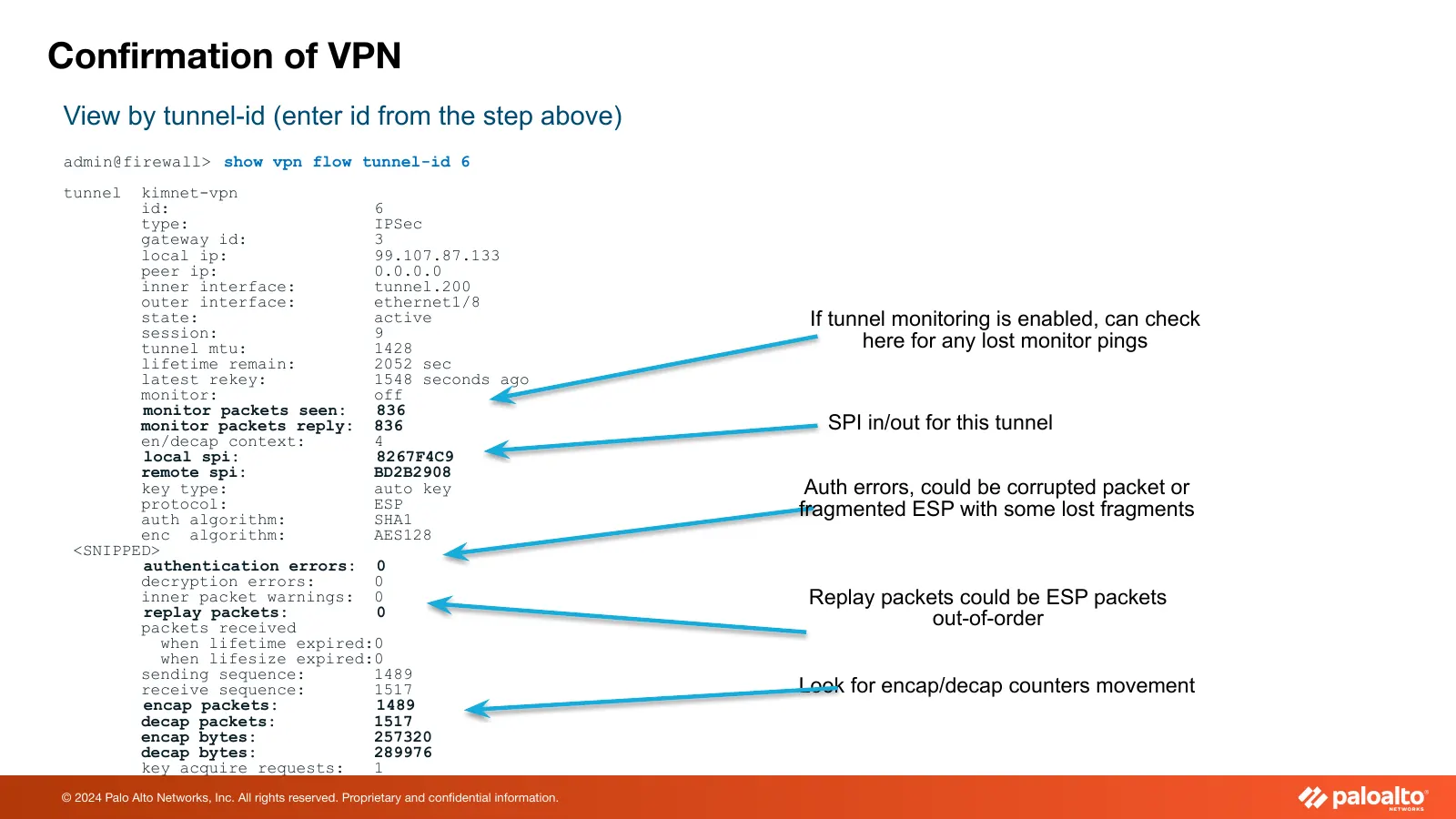
Slide 14: Confirmation of VPN
Confirmation of VPN View by tunnel-id (enter id from the step above) admin@firewall> show vpn flow tunnel-id 6 tunnel kimnet-vpn id: 6 type: IPSec gateway id: 3 local ip: 99.107.87.133 peer ip: 0.0.0.0 inner interface: tunnel.200 outer interface: ethernet1/8 state: active •If tunnel monitoring is ena
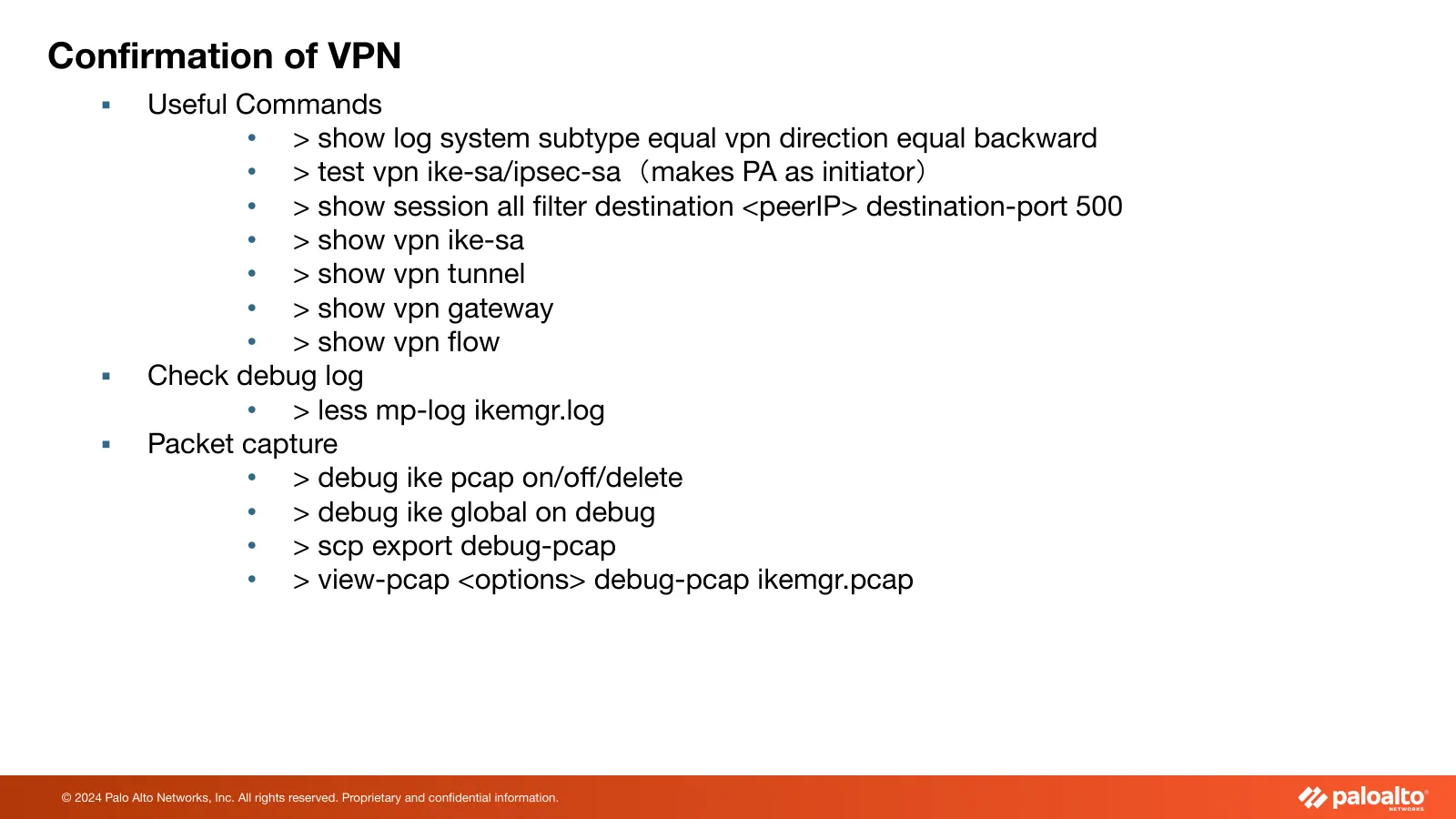
Slide 15: Confirmation of VPN
Confirmation of VPN ▪ Useful Commands • > show log system subtype equal vpn direction equal backward • > test vpn ike-sa/ipsec-sa (makes PA as initiator) • > show session all filter destination <peerIP> destination-port 500 • > show vpn ike-sa • > show vpn tunnel • > show vpn gateway • > show vpn flow
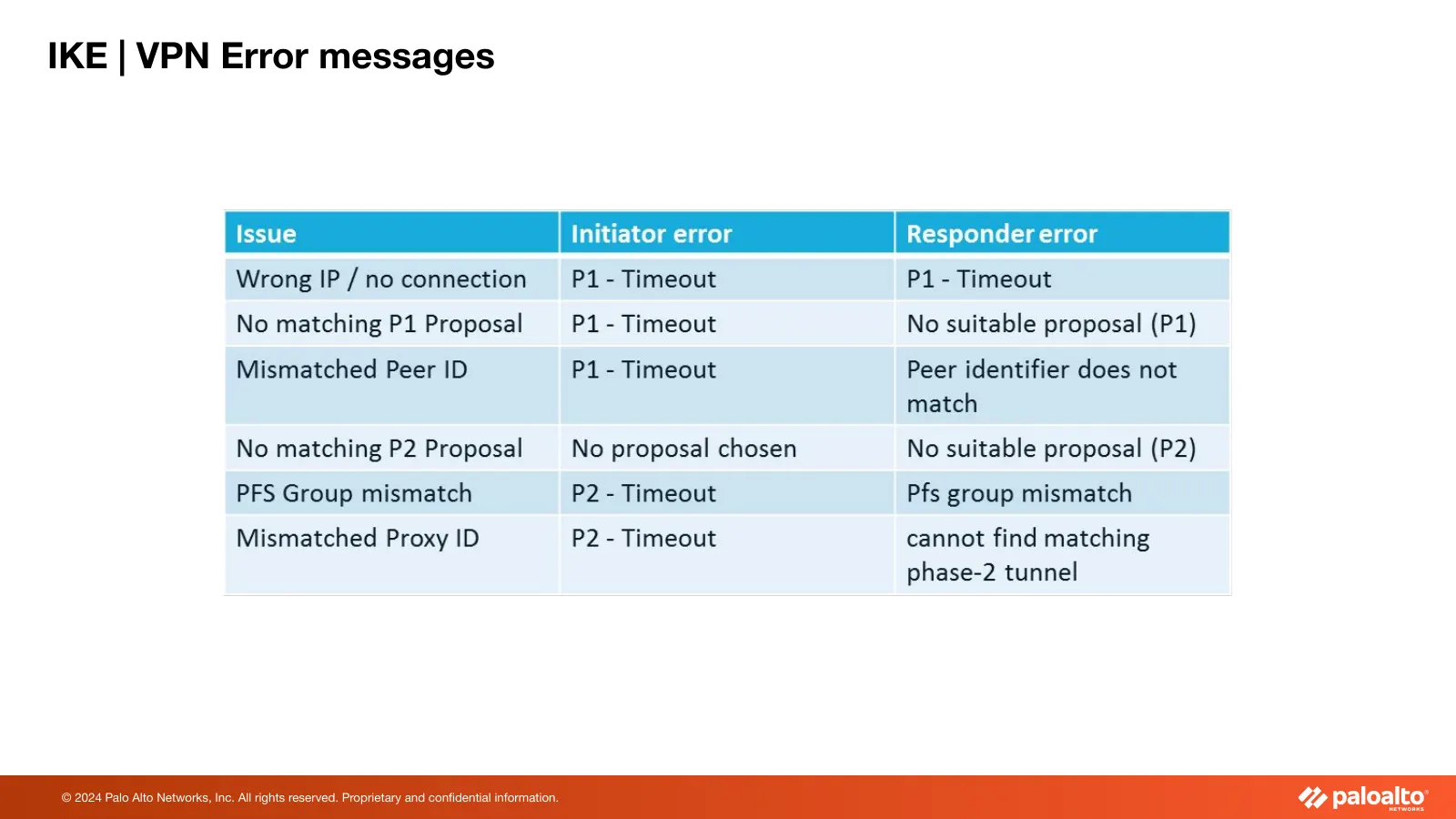
Slide 16: IKE | VPN Error messages
IKE | VPN Error messages © 2024 Palo Alto Networks, Inc. All rights reserved. Proprietary and confidential information.
Slide 17: How to Troubleshoot IPSec VPN connectivity issues
How to Troubleshoot IPSec VPN connectivity issues https://knowledgebase.paloaltonetworks.com/KCSArticleDetail?id=kA10g000000ClivCAC © 2024 Palo Alto Networks, Inc. All rights reserved. Proprietary and confidential information.

Slide 18: Questions? Q & A
Questions? Q& A © 2024 Palo Alto Networks, Inc. All rights reserved. Proprietary and confidential information. Version: 1.0

Slide 19: Thank You
Thank You paloaltonetworks.com © 2024 Palo Alto Networks, Inc. All rights reserved. Proprietary and confidential information.
Source: company website
More decks from Palo Alto Networks, Inc.
 Q1 2027 Earnings Presentation34 slides · Nov 18, 2026
 Q4 2026 Earnings Presentation32 slides · Sep 1, 2026
 Technical Presentation (June 2026)46 slides · Jun 2, 2026
 Q3 2026 Earnings Presentation30 slides · Jun 2, 2026
 Tufin — Palo Alto Networks Fuel User Group (April 2026)16 slides · April 2026
 Technical Presentation (March 2026)43 slides · Mar 17, 2026