Mastek Limited · NSE:MASTEK
Mastek — Evosys — Earnings Presentation (October 2022)
78 slides from Mastek's earnings presentation, October 2022
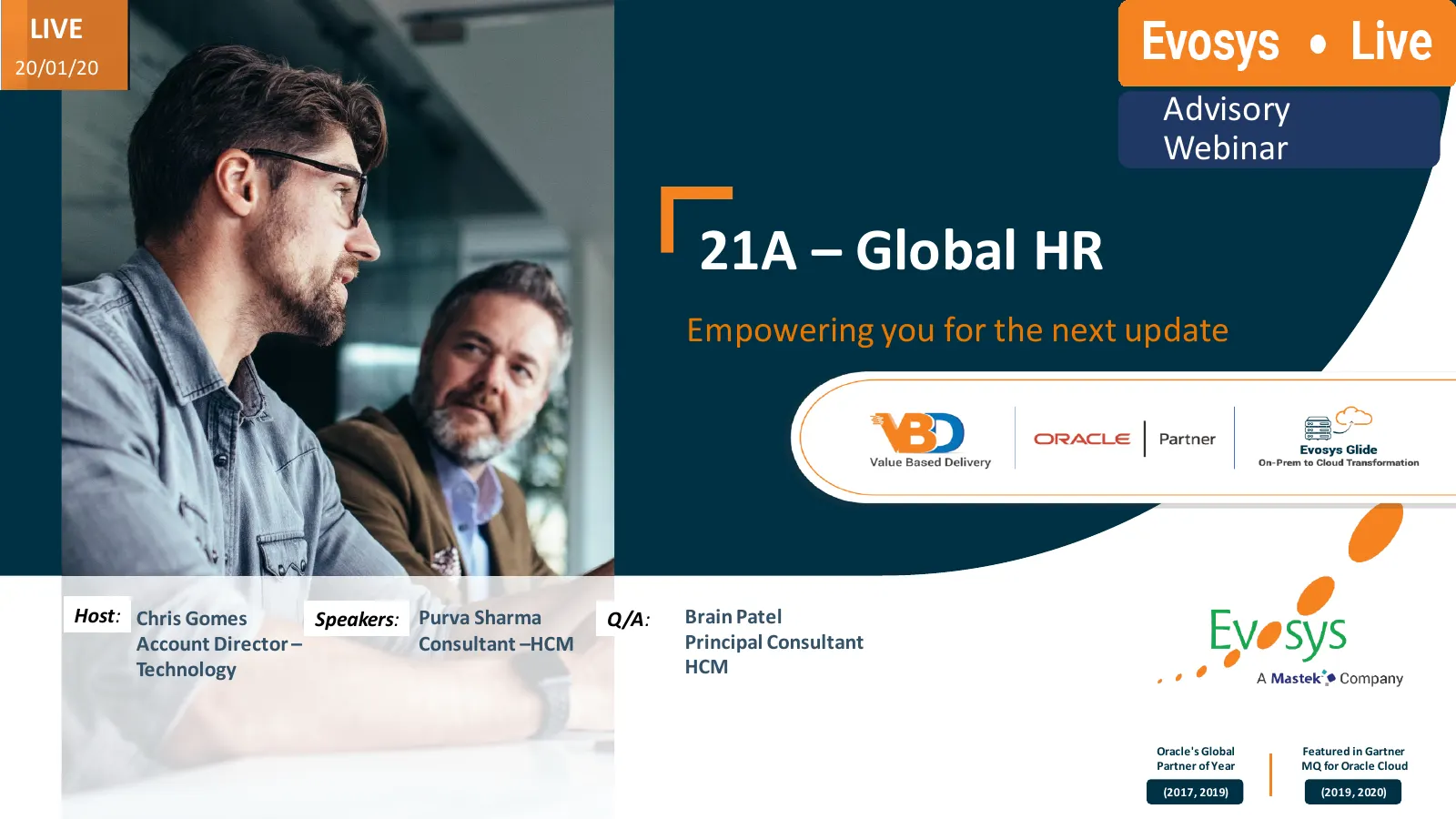
Slide 1: 21A – Global HR
LIVE 20/01/20 Advisory Webinar 21A – Global HR Empowering you for the next update Host: Chris Gomes Speakers: Purva Sharma Q/A: Brain Patel Account Director – Consultant –HCM Principal Consultant Technology HCM Oracle's Global Featured in Gartner Partner of Year MQ for Oracle Cloud (2017, 2019) (201
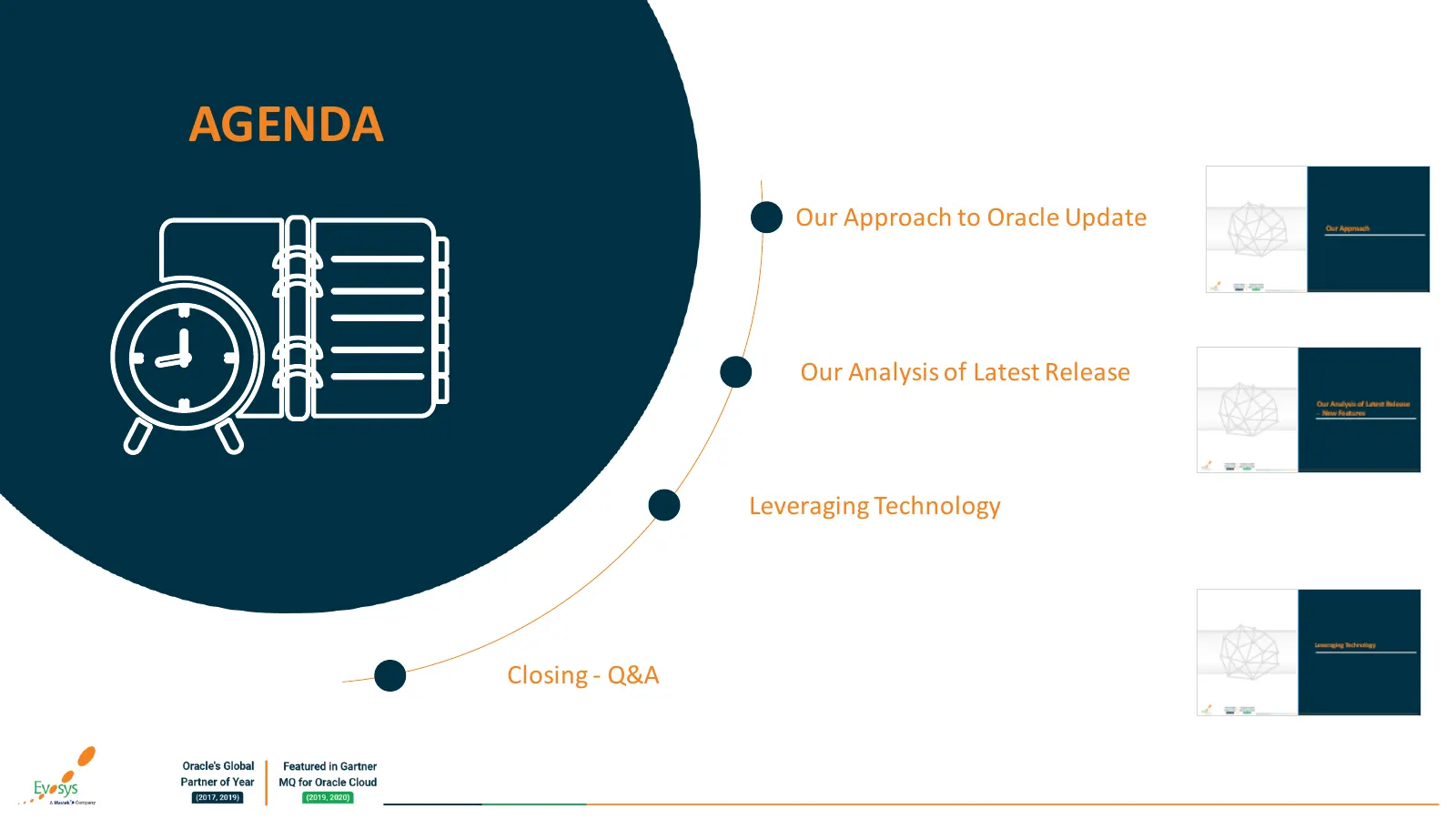
Slide 2: Agenda
AGENDA Our Approach to Oracle Update Our Analysis of Latest Release Leveraging Technology Closing - Q&A

Slide 3: Our Approach
Oracle's Global | Featured in Gartner Partner of Year | MQ for Oracle Cloud (20172019) (2019, 2020)
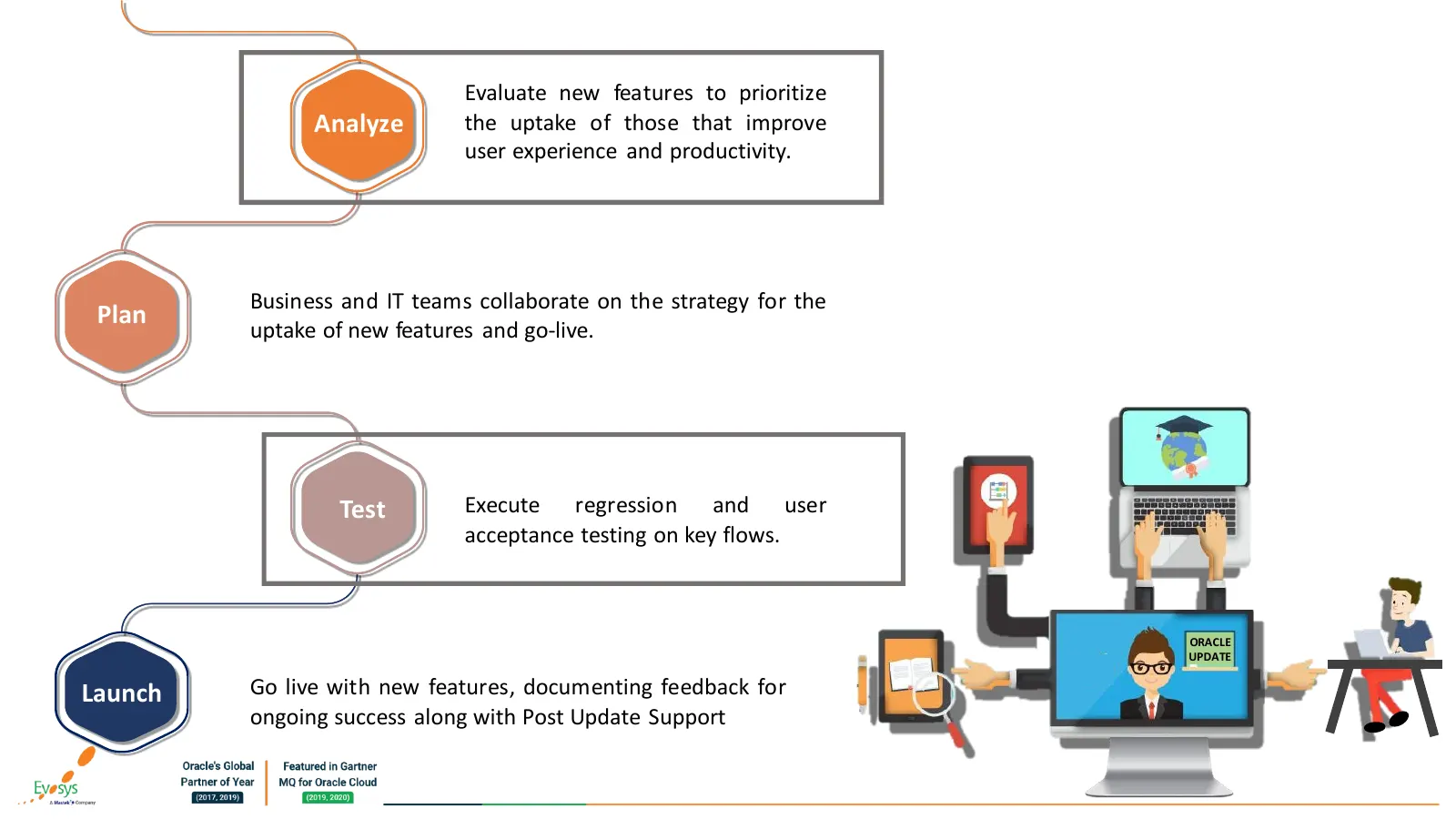
Slide 4: Analyze Plan Test
Evaluate new features to prioritize Analyze the uptake of those that improve user experience and productivity. Business and IT teams collaborate on the strategy for the Plan uptake of new features and go-live. Test Execute regression and user acceptance testing on key flows. ORACLE UPDATE Launch Go
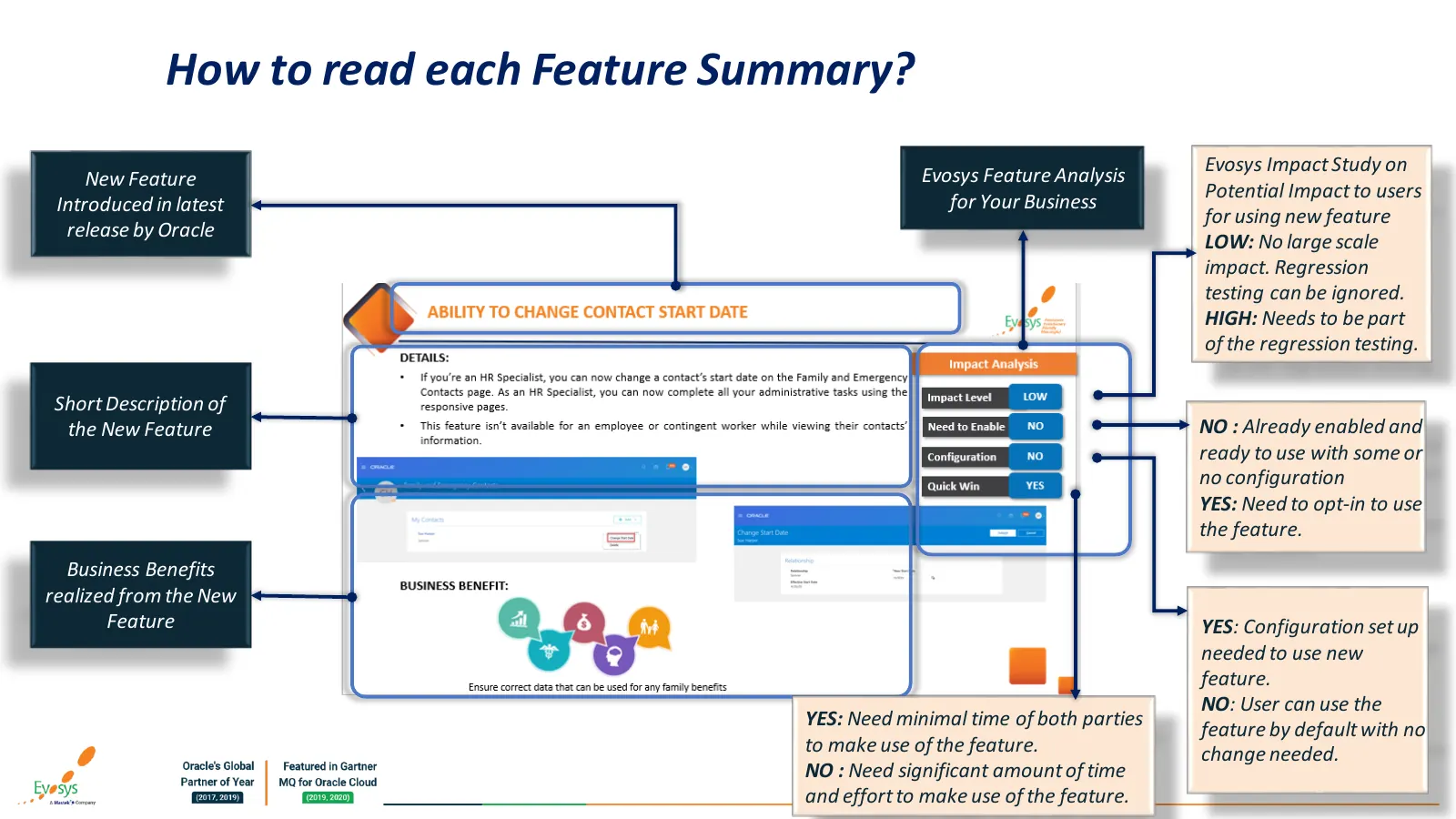
Slide 5: How to read each Feature Summary?
How to read each Feature Summary? Evosys Feature Analysis Evosys Impact Study on New Feature for Your Business Potential Impact to users Introduced in latest for using new feature release by Oracle LOW: No large scale impact. Regression testing can be ignored. HIGH: Needs to be part of the regressio

Slide 6: Our Analysis of Latest Release - New Features
Our Analysis of Latest Release - New Features
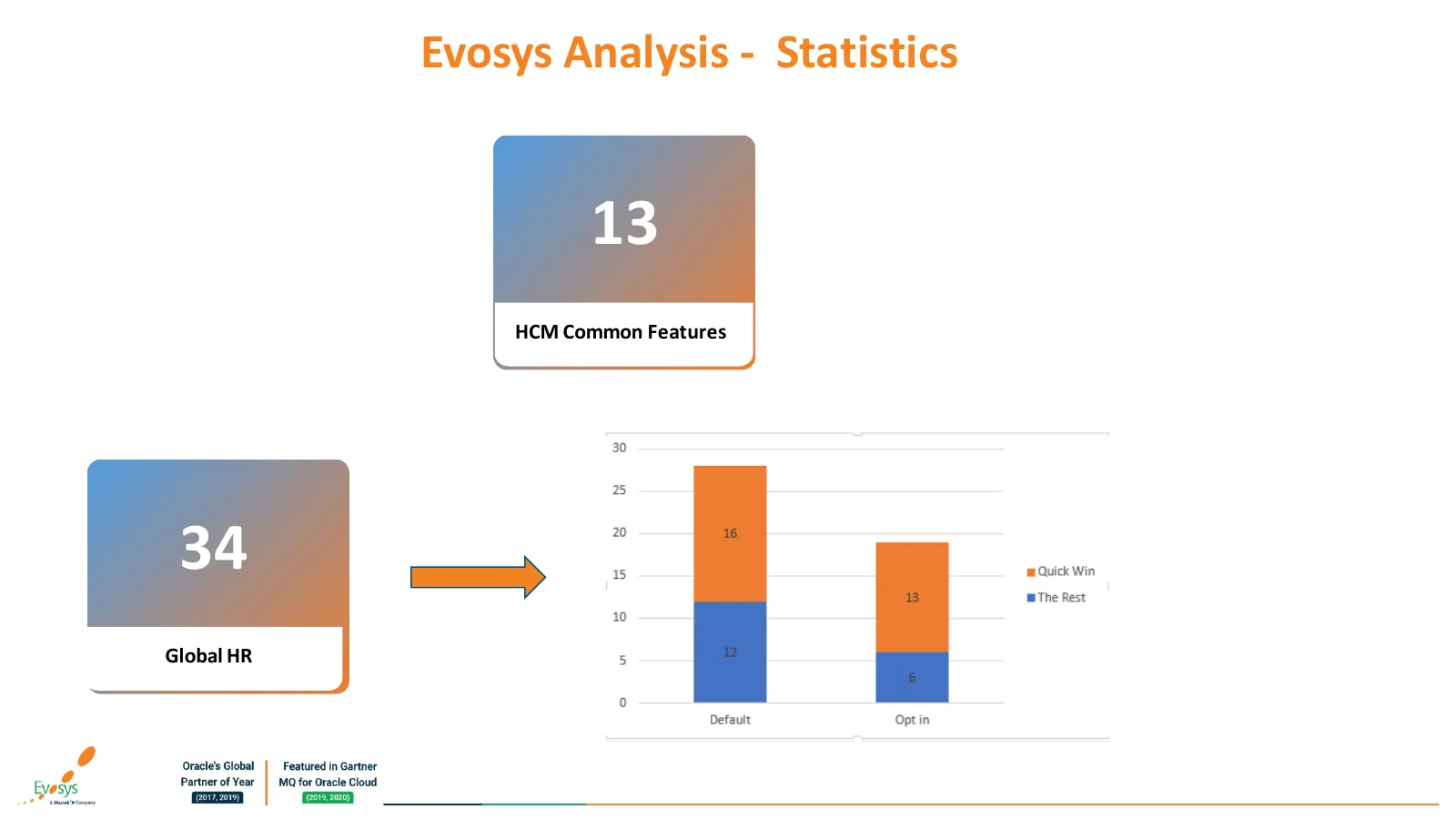
Slide 7: Evosys Analysis - Statistics
Evosys Analysis - Statistics 13 HCM Common Features 34 Global HR
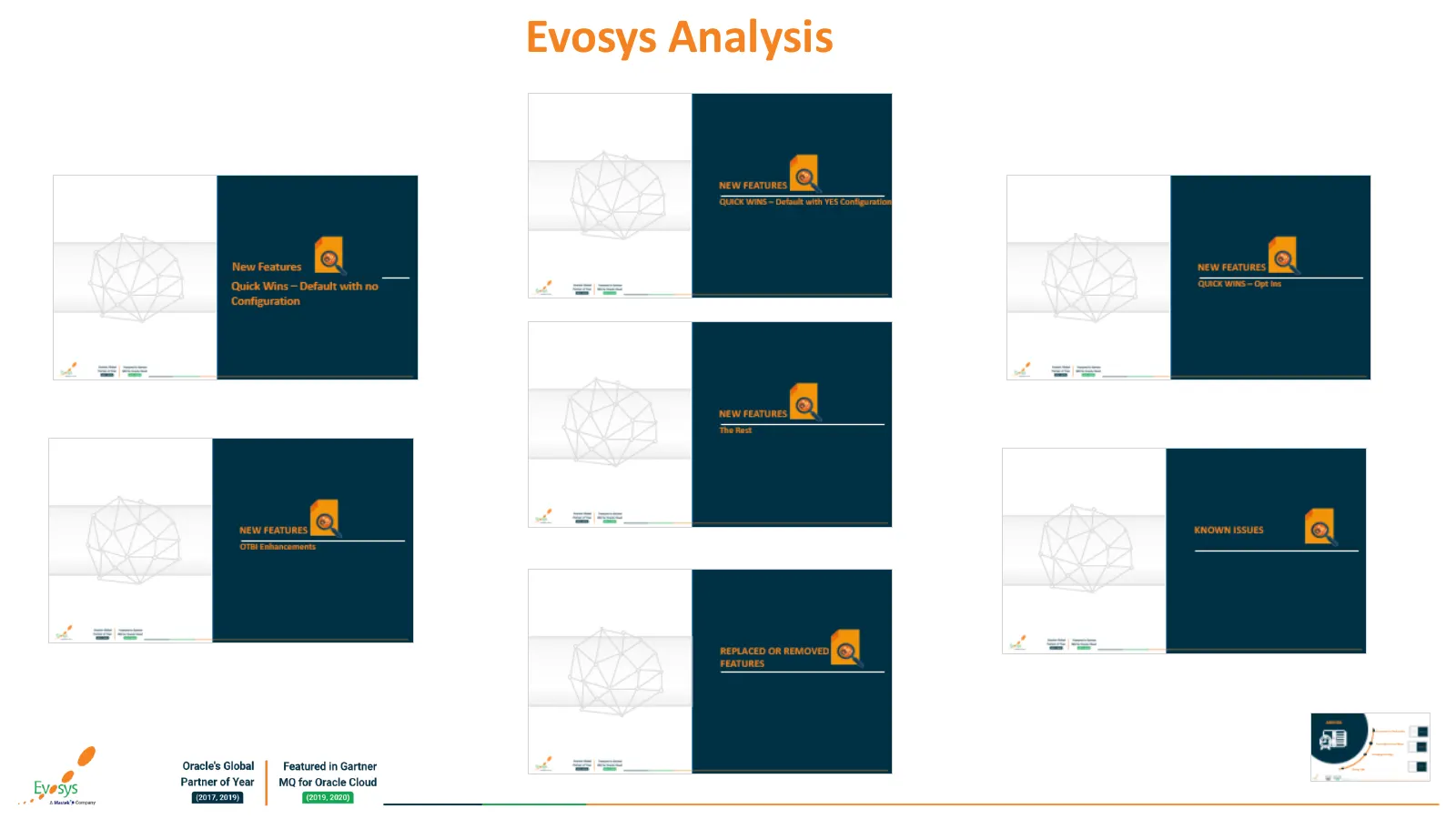
Slide 8: Evosys Analysis
Evosys Analysis
Slide 9: New Features Quick Wins – Default with no Configuration
New Features Quick Wins – Default with no Configuration

Slide 10: HCM Common Features
Oracle's Global Partner of Year (20172019) Featured in Gartner MQ for Oracle Cloud "2019, 7020)
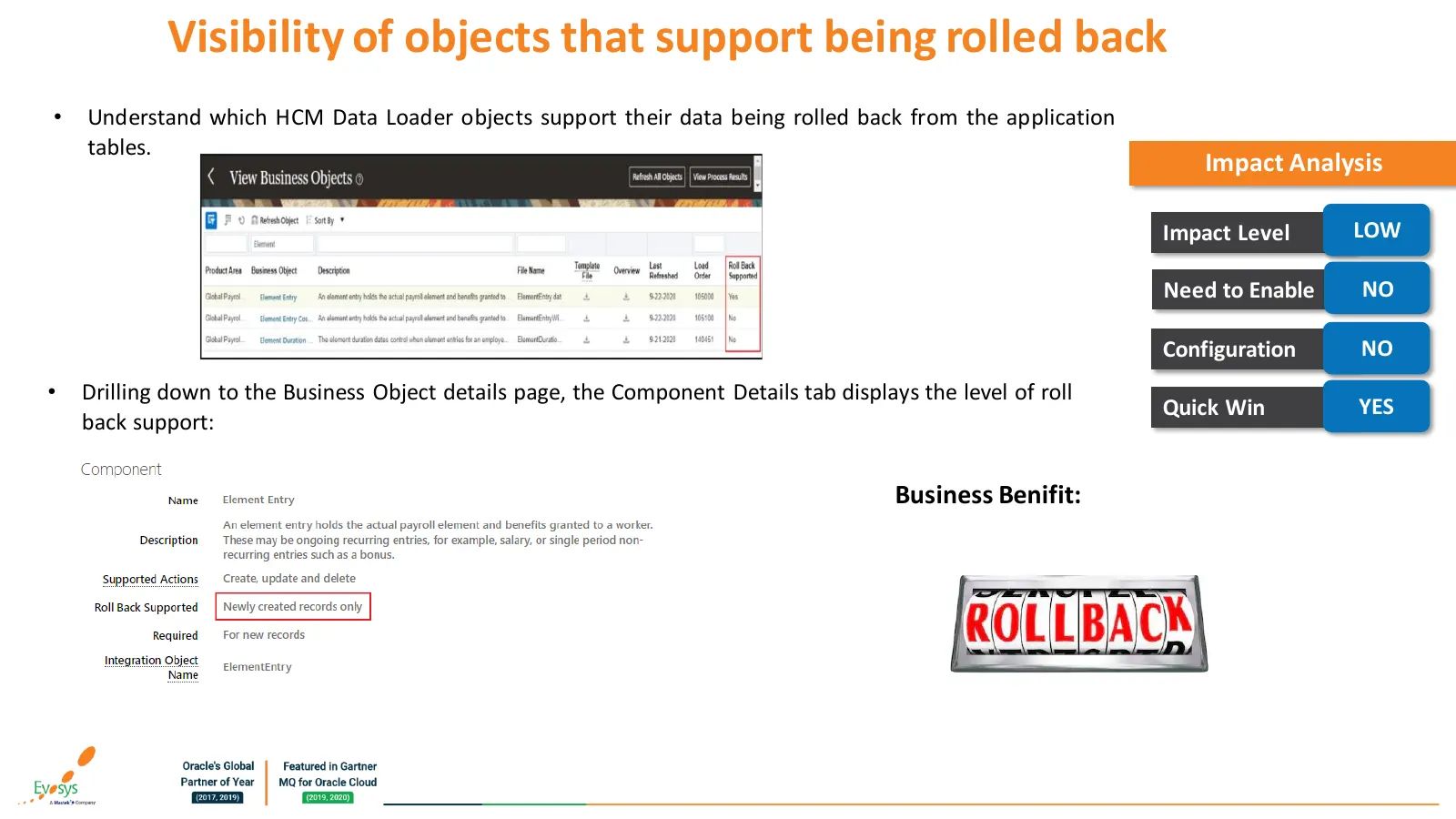
Slide 11: Visibility of objects that support being rolled back
Visibility of objects that support being rolled back • Understand which HCM Data Loader objects support their data being rolled back from the application tables. Impact Analysis Impact Level LOW Need to Enable NO Configuration NO • Drilling down to the Business Object details page, the Component Det
Slide 12: Processed Source Files Automatically Deleted
Processed Source Files Automatically Deleted • When you load files, even those selected from your desktop, the file is placed on the WebCenter Content server in the HCM Data Loader import account. Impact Analysis • Your processed source files will now automatically be deleted from the Oracle WebCent
Slide 13: HCM spreadsheet data loader- Roll back spreadsheet
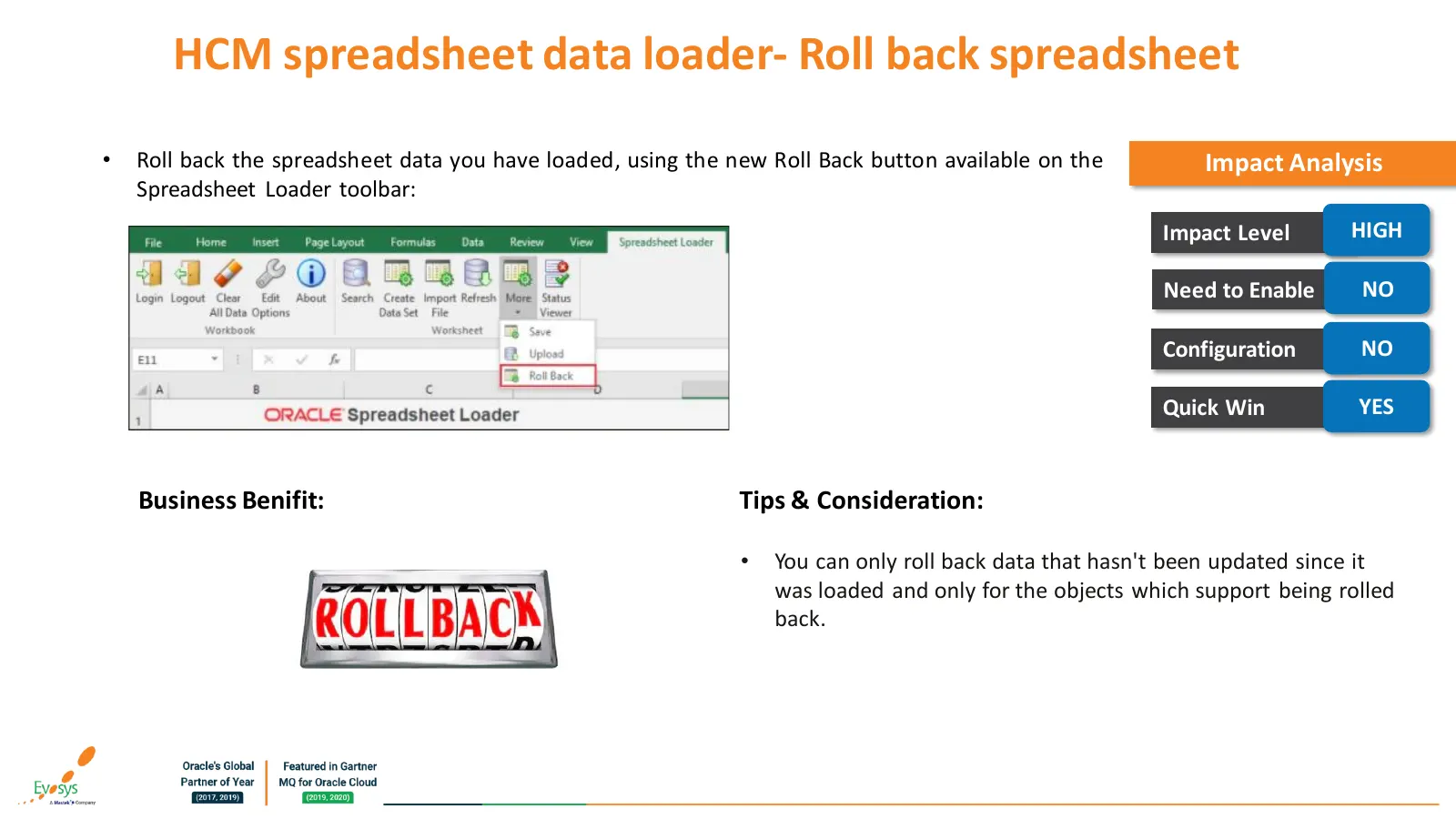
HCM spreadsheet data loader- Roll back spreadsheet • Roll back the spreadsheet data you have loaded, using the new Roll Back button available on the Impact Analysis Spreadsheet Loader toolbar: Impact Level HIGH Need to Enable NO Configuration NO Quick Win YES Business Benifit: Tips & Consideration:
Slide 14: Maximum days retention for extended data sets
Maximum days retention for extended data sets Impact Analysis • Data sets containing data for business objects supporting roll back can be retained for an extended period of time. Impact Level LOW • The maximum duration has been reduced to 60 days since the data set was last processed. Need to Enabl
Slide 15: Enhanced Rich Text Editor
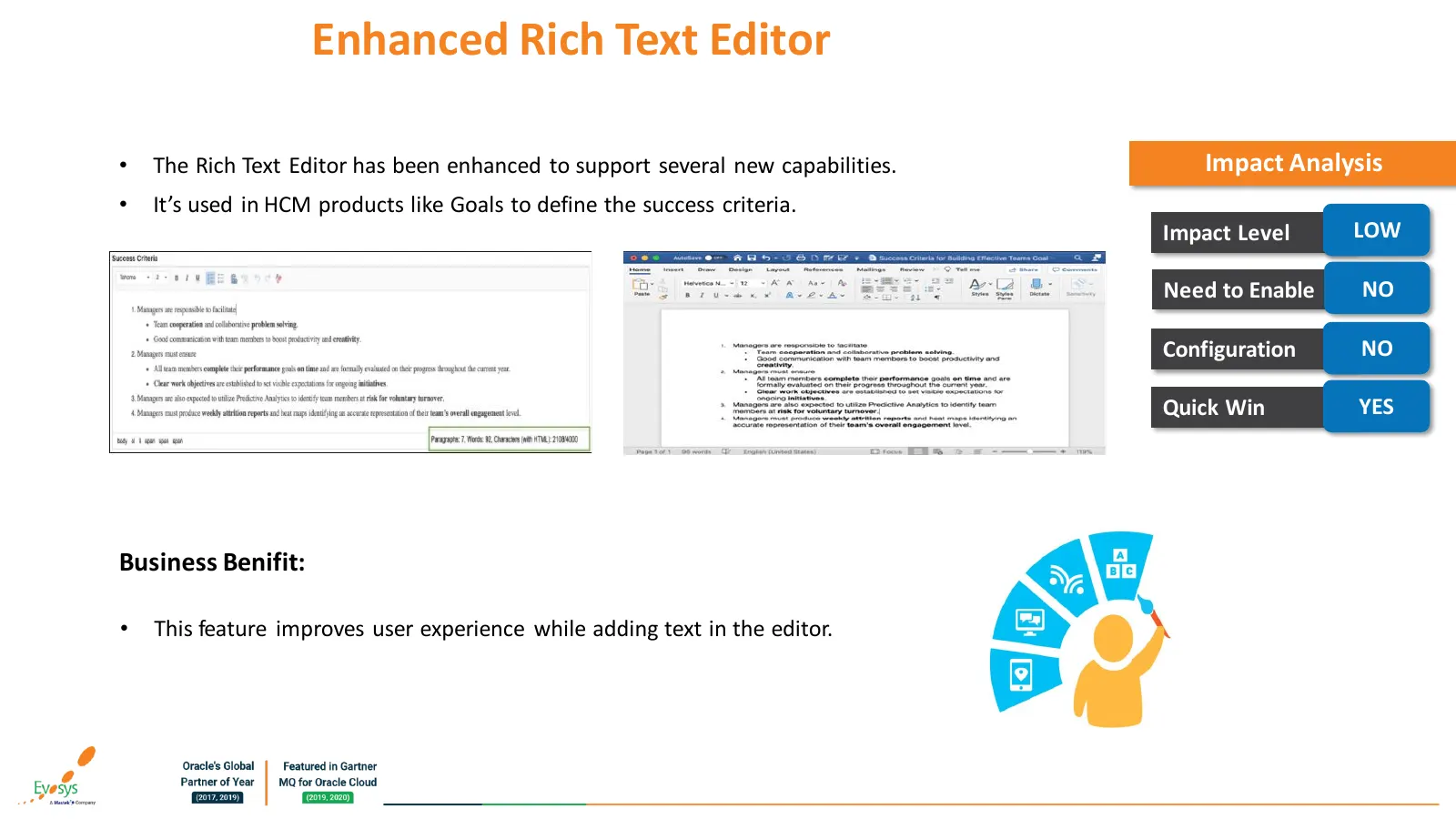
Enhanced Rich Text Editor • The Rich Text Editor has been enhanced to support several new capabilities. Impact Analysis • It’s used in HCM products like Goals to define the success criteria. Impact Level LOW Need to Enable NO Configuration NO Quick Win YES Business Benifit: • This feature improves u

Slide 16: Global HR
Oracle's Global Partner of Year (20172019) Featured in Gartner MQ for Oracle Cloud "2019, 7020)
Slide 17: Update contact relationship start dates when hire date is changed
Update contact relationship start dates when hire date is changed • A worker's contact's start date is also changed accordingly when the worker's hire date is changed. Impact Analysis • In addition to the contact’s start date changing, the dates of the contact’s details are also changed, Impact Leve
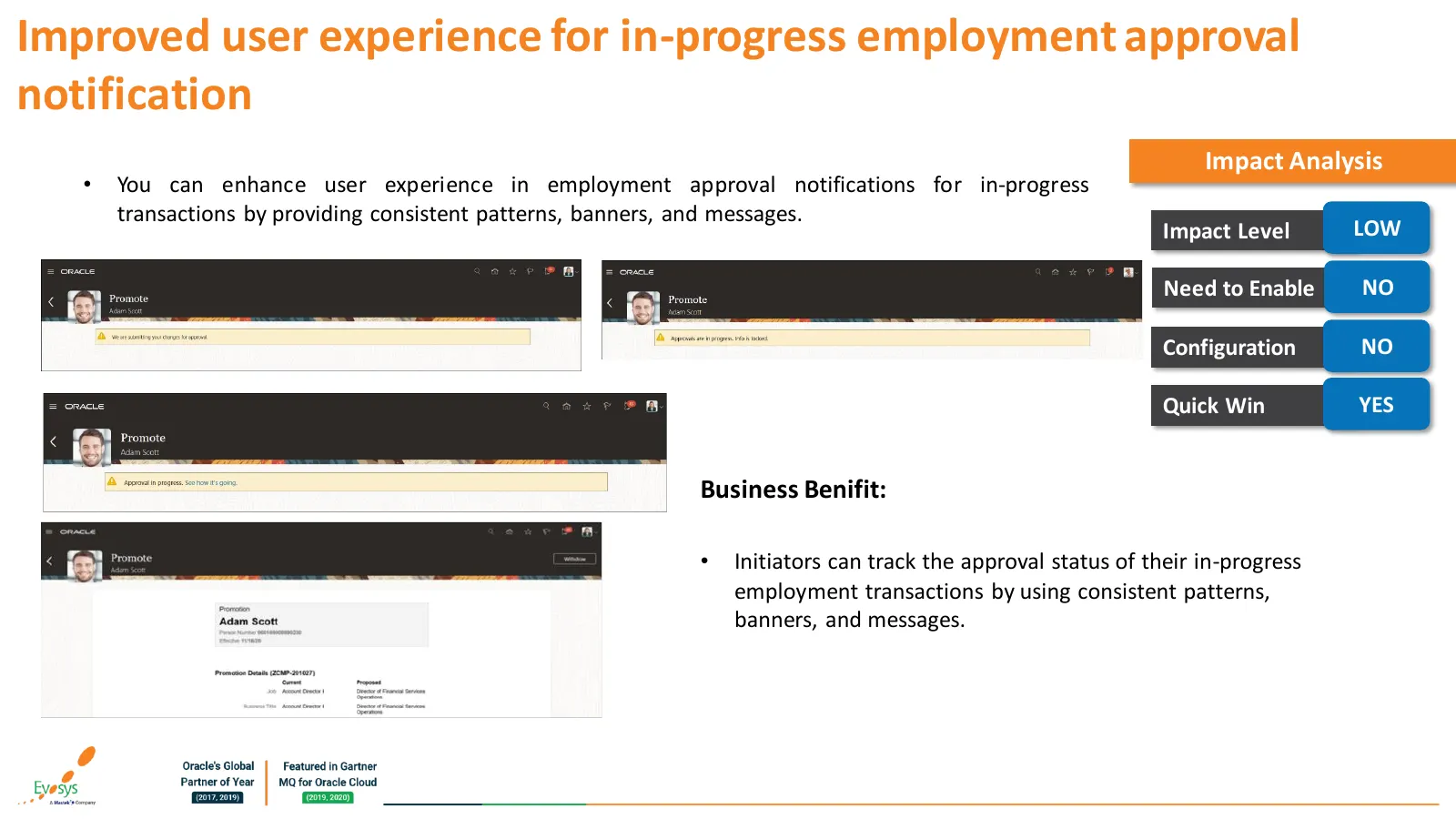
Slide 18: Improved user experience for in-progress employment approval notification
Improved user experience for in-progress employment approval notification Impact Analysis • You can enhance user experience in employment approval notifications for in-progress transactions by providing consistent patterns, banners, and messages. Impact Level LOW Need to Enable NO Configuration NO Q
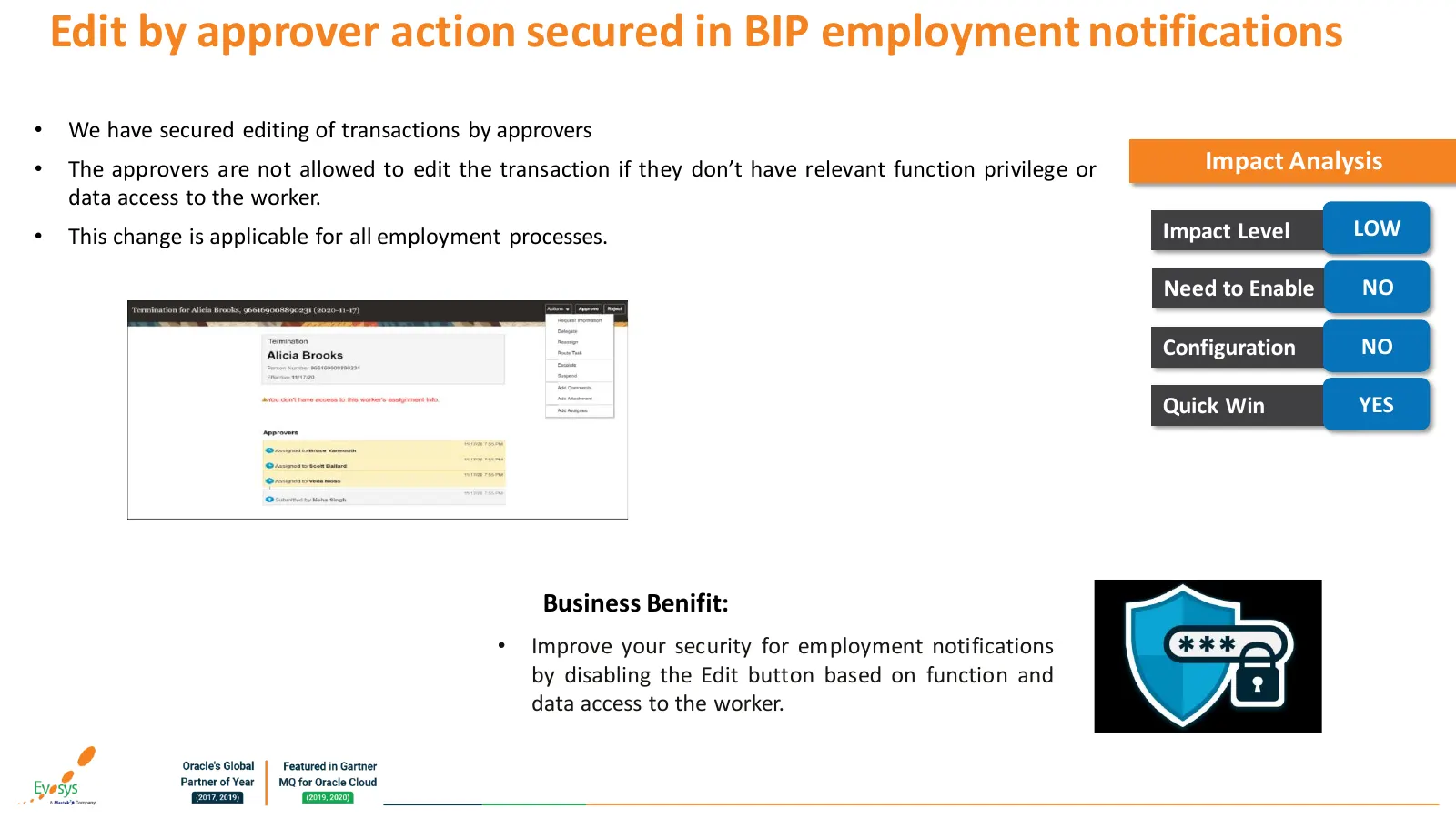
Slide 19: Edit by approver action secured in BIP employment notifications
Edit by approver action secured in BIP employment notifications • We have secured editing of transactions by approvers • The approvers are not allowed to edit the transaction if they don’t have relevant function privilege or Impact Analysis data access to the worker. • This change is applicable for
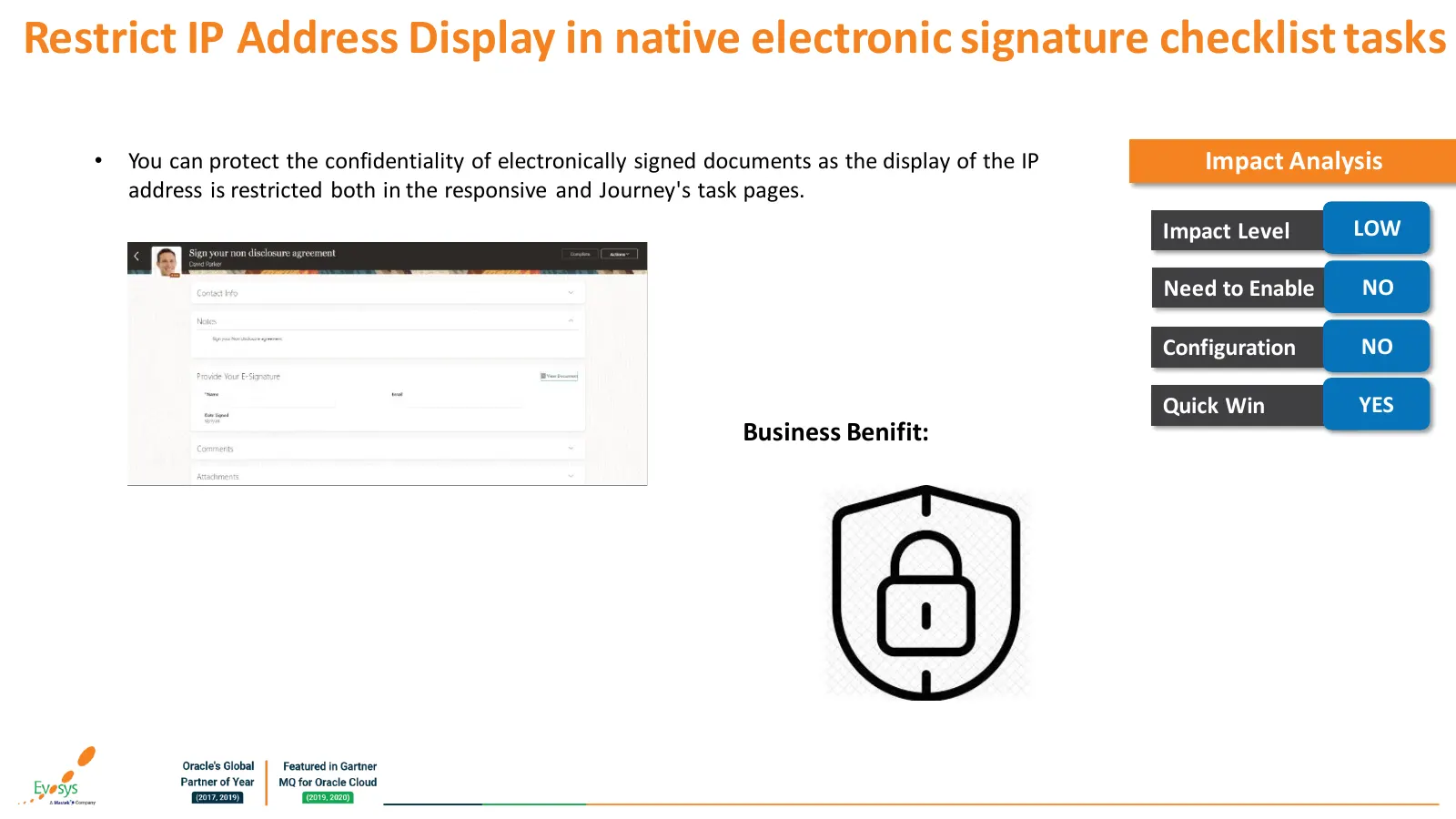
Slide 20: Restrict IP Address Display in native electronic signature checklist tasks
Restrict IP Address Display in native electronic signature checklist tasks • You can protect the confidentiality of electronically signed documents as the display of the IP Impact Analysis address is restricted both in the responsive and Journey's task pages. Impact Level LOW Need to Enable NO Confi
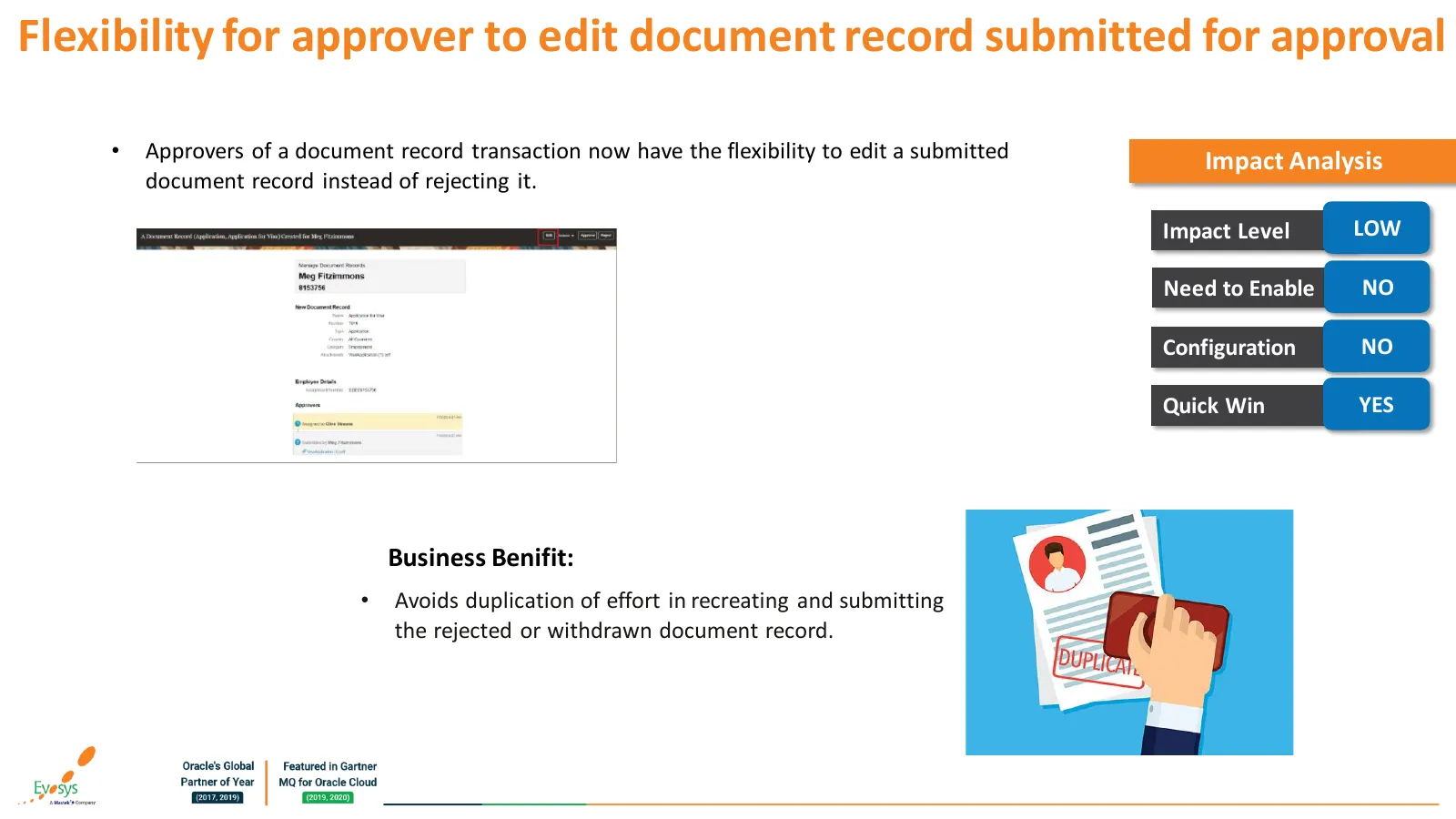
Slide 21: Flexibility for approver to edit document record submitted for approval
Flexibility for approver to edit document record submitted for approval • Approvers of a document record transaction now have the flexibility to edit a submitted Impact Analysis document record instead of rejecting it. Impact Level LOW Need to Enable NO Configuration NO Quick Win YES Business Benifi
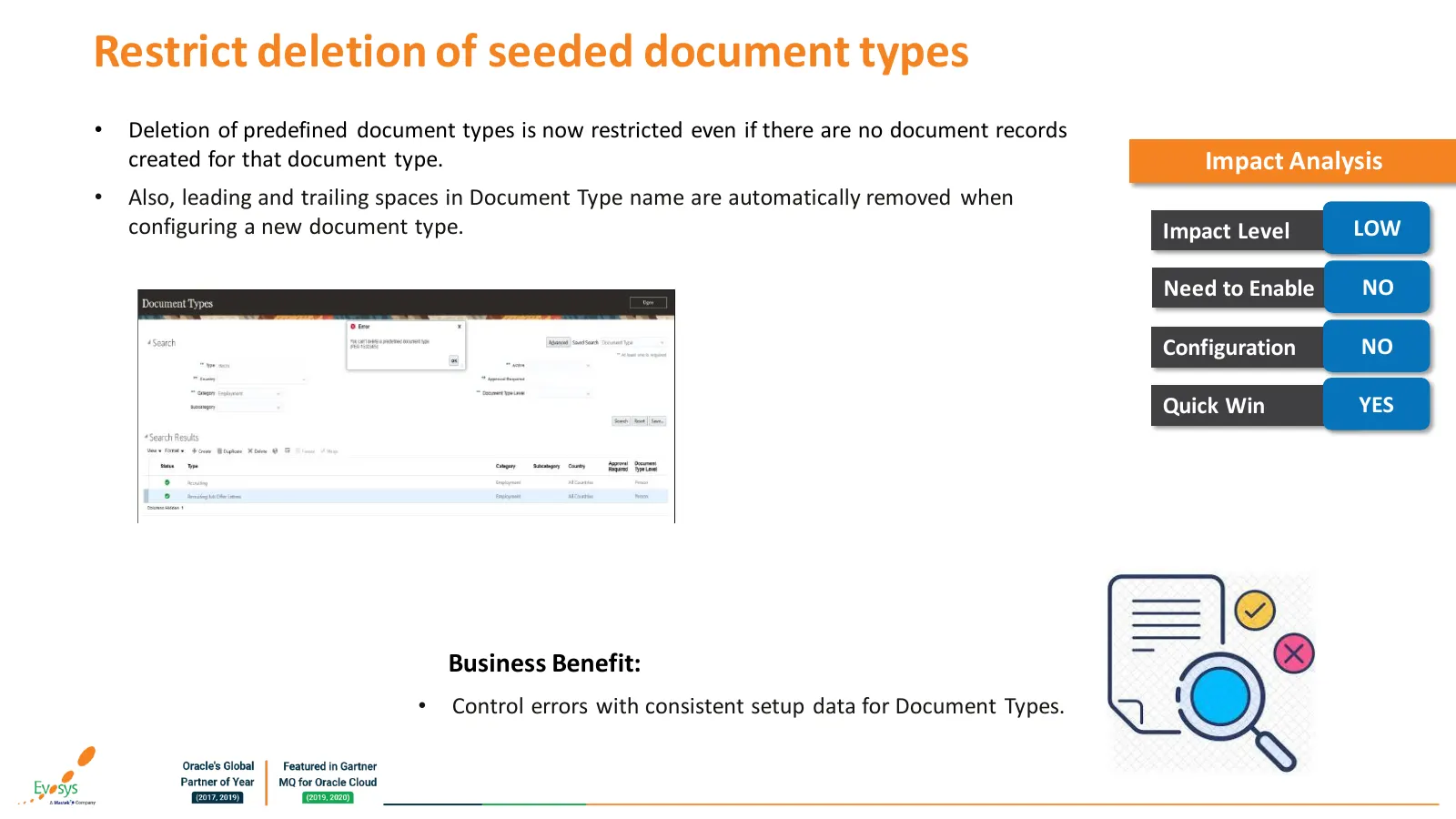
Slide 22: Restrict deletion of seeded document types
Restrict deletion of seeded document types • Deletion of predefined document types is now restricted even if there are no document records created for that document type. Impact Analysis • Also, leading and trailing spaces in Document Type name are automatically removed when configuring a new docume
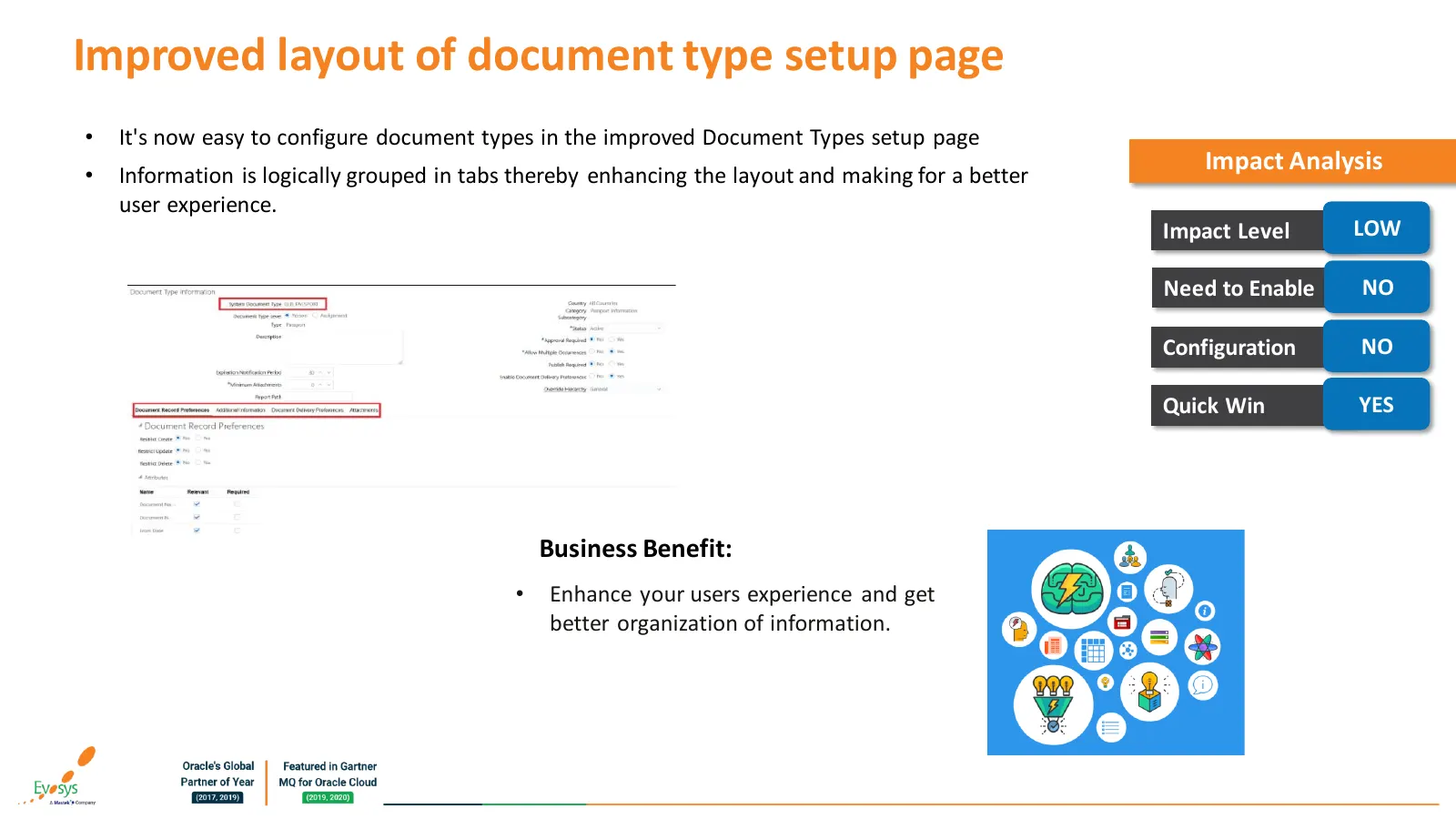
Slide 23: Improved layout of document type setup page
Improved layout of document type setup page • It's now easy to configure document types in the improved Document Types setup page Impact Analysis • Information is logically grouped in tabs thereby enhancing the layout and making for a better user experience. Impact Level LOW Need to Enable NO Config
Slide 24: Updated return navigation of deep links for document records
Updated return navigation of deep links for document records and document delivery preferences Impact Analysis • Use the simplified return navigation in the document records and document delivery preferences deep links. Impact Level LOW • When you launch these links from Me, My Team, or My Client Gr
Slide 25: Control document records access in OTBI
Control document records access in otbi Impact Analysis • You can now control access to person and document records data in OTBI reports using the new secured HR_DOR_REPORTING_LIST_V view implemented in the Document of Records Impact Level LOW Realtime subject area. Need to Enable NO Configuration N
Slide 26: Locations: conversion of time zone code and geographic hierarchy fields to client side list
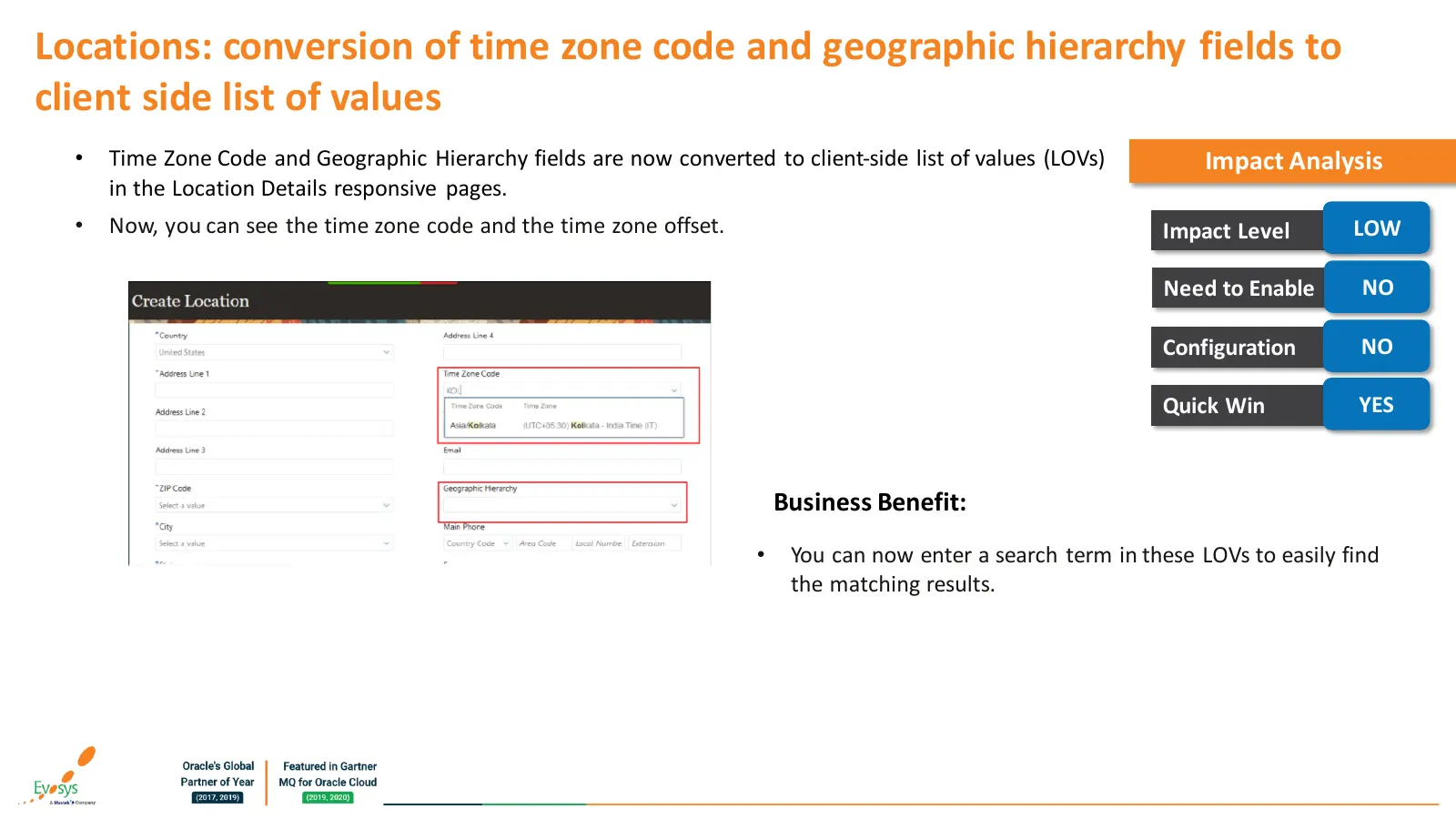
Locations: conversion of time zone code and geographic hierarchy fields to client side list of values • Time Zone Code and Geographic Hierarchy fields are now converted to client-side list of values (LOVs) Impact Analysis in the Location Details responsive pages. • Now, you can see the time zone cod
Slide 27: New Features: Quick Wins – Default with YES Configuration
NEW FEATURES QUICK WINS – Default with YES Configuration
Slide 28: Ease of configuring reference regions in employment guided processes
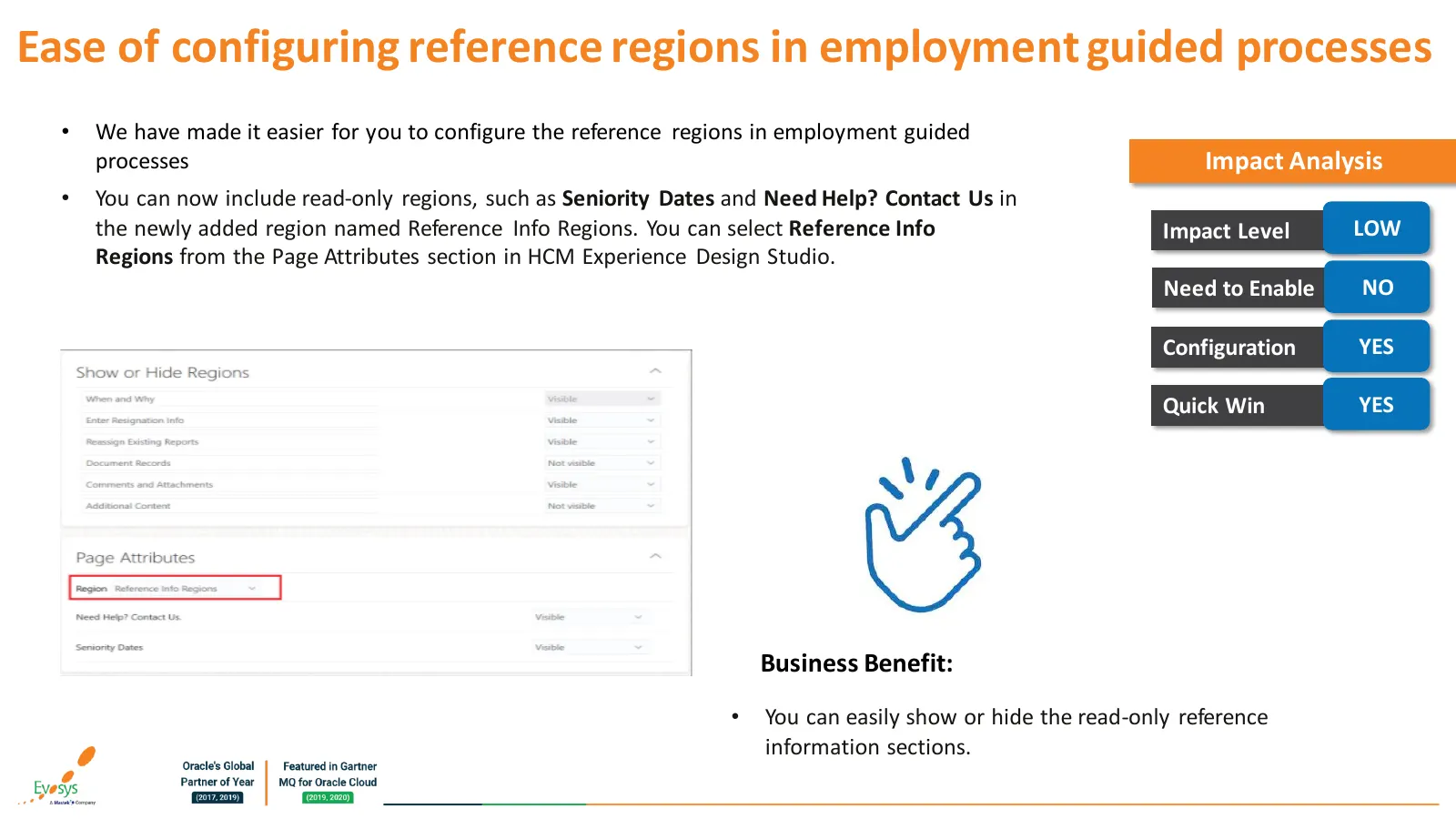
Ease of configuring reference regions in employment guided processes • We have made it easier for you to configure the reference regions in employment guided processes Impact Analysis • You can now include read-only regions, such as Seniority Dates and Need Help? Contact Us in the newly added region

Slide 29: New Features: Quick Wins – Opt Ins
NEW FEATURES QUICK WINS – Opt Ins
Slide 30: Move future assignment updates during legal employer change
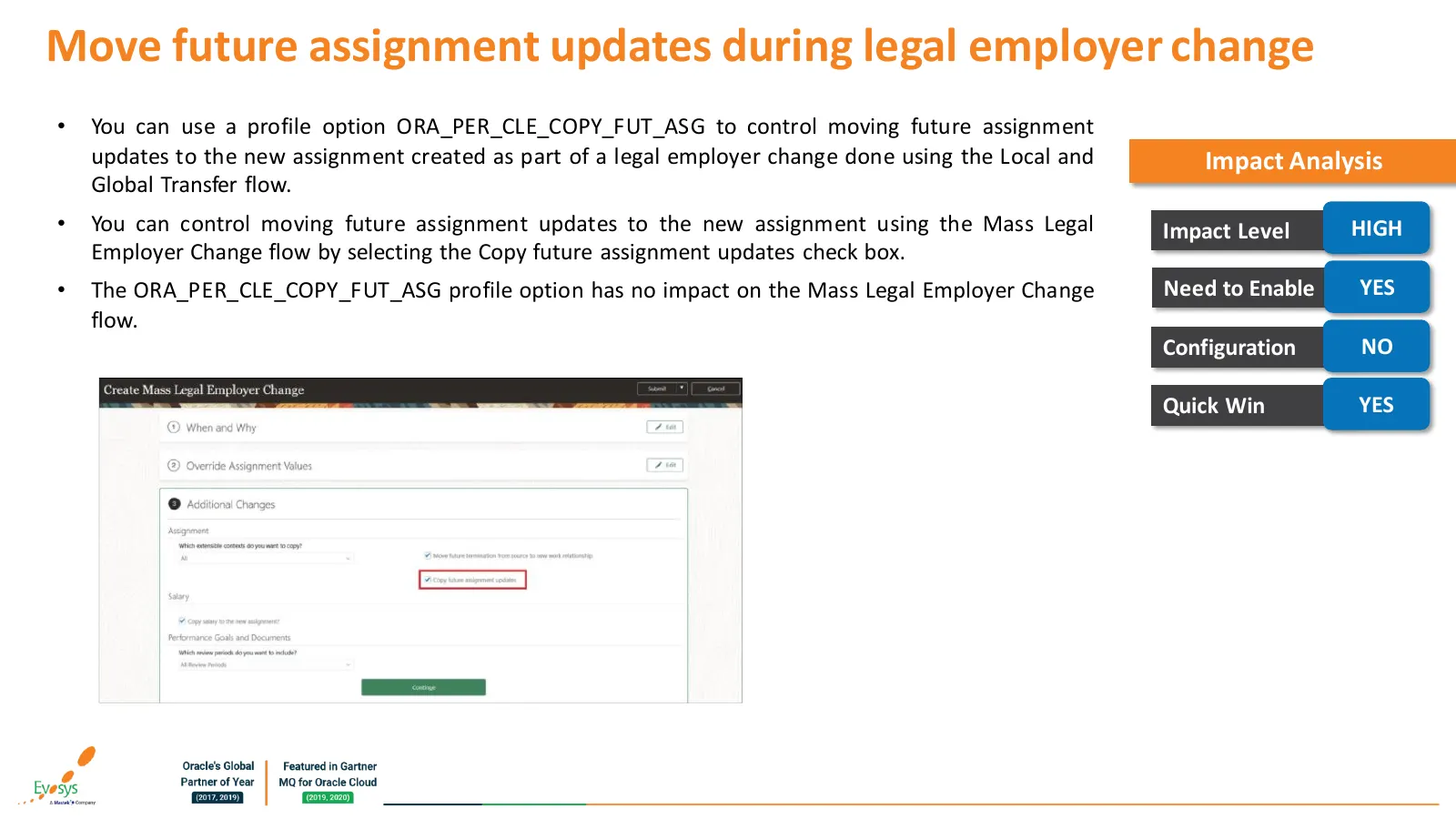
Move future assignment updates during legal employer change • You can use a profile option ORA_PER_CLE_COPY_FUT_ASG to control moving future assignment updates to the new assignment created as part of a legal employer change done using the Local and Impact Analysis Global Transfer flow. • You can co
Slide 31: Control moving of future termination during legal employer change
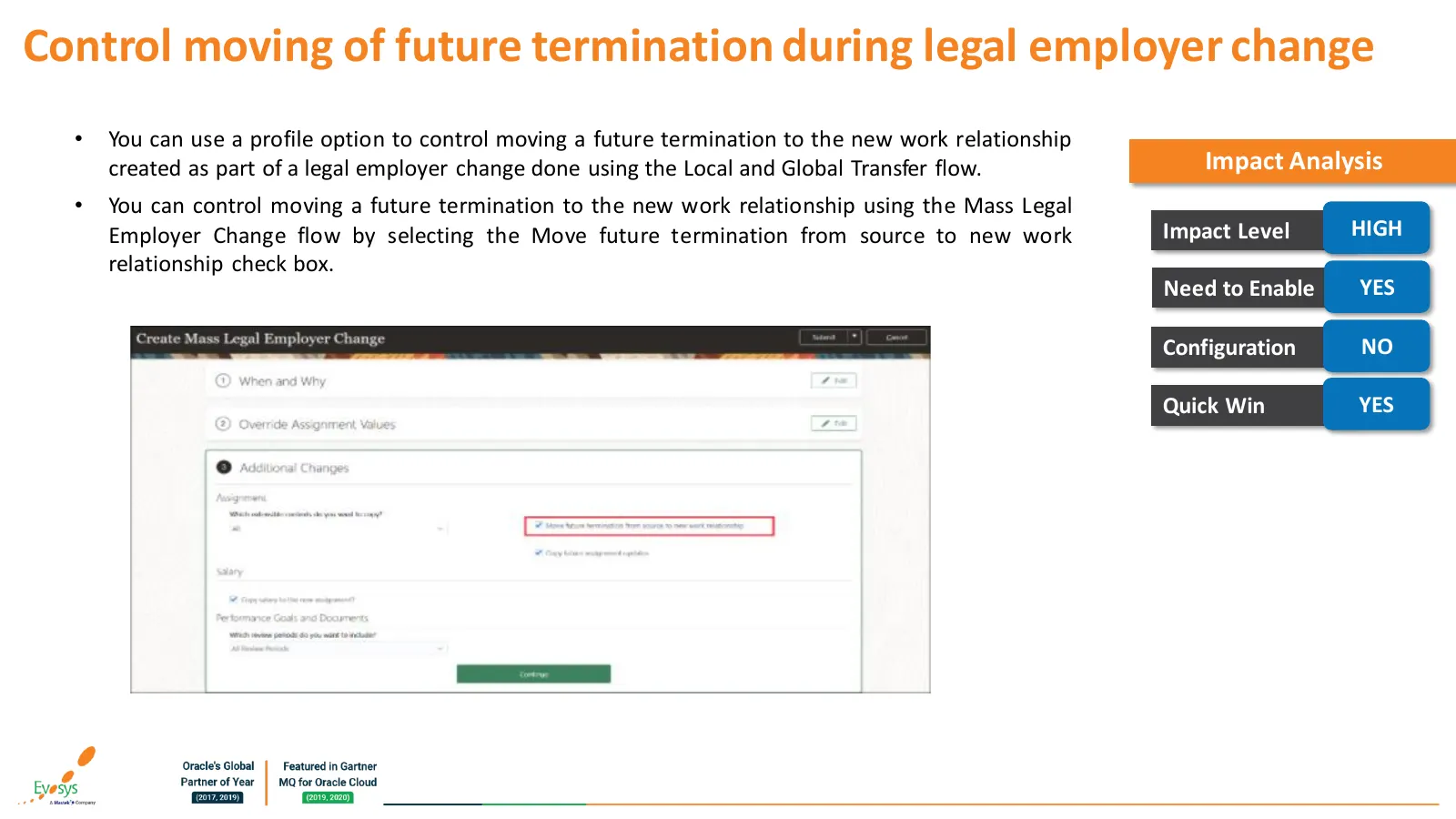
Control moving of future termination during legal employer change • You can use a profile option to control moving a future termination to the new work relationship created as part of a legal employer change done using the Local and Global Transfer flow. Impact Analysis • You can control moving a fu
Slide 32: Retain user changes in employment flows while changing effective date
Retain user changes in employment flows while changing effective date You can now retain your employment and person changes in these employment flows even though you Impact Analysis change the effective date: • Local and Global Transfer Impact Level LOW • Create Work Relationship Need to Enable YES
Slide 33: Request for information from BIP employment notifications
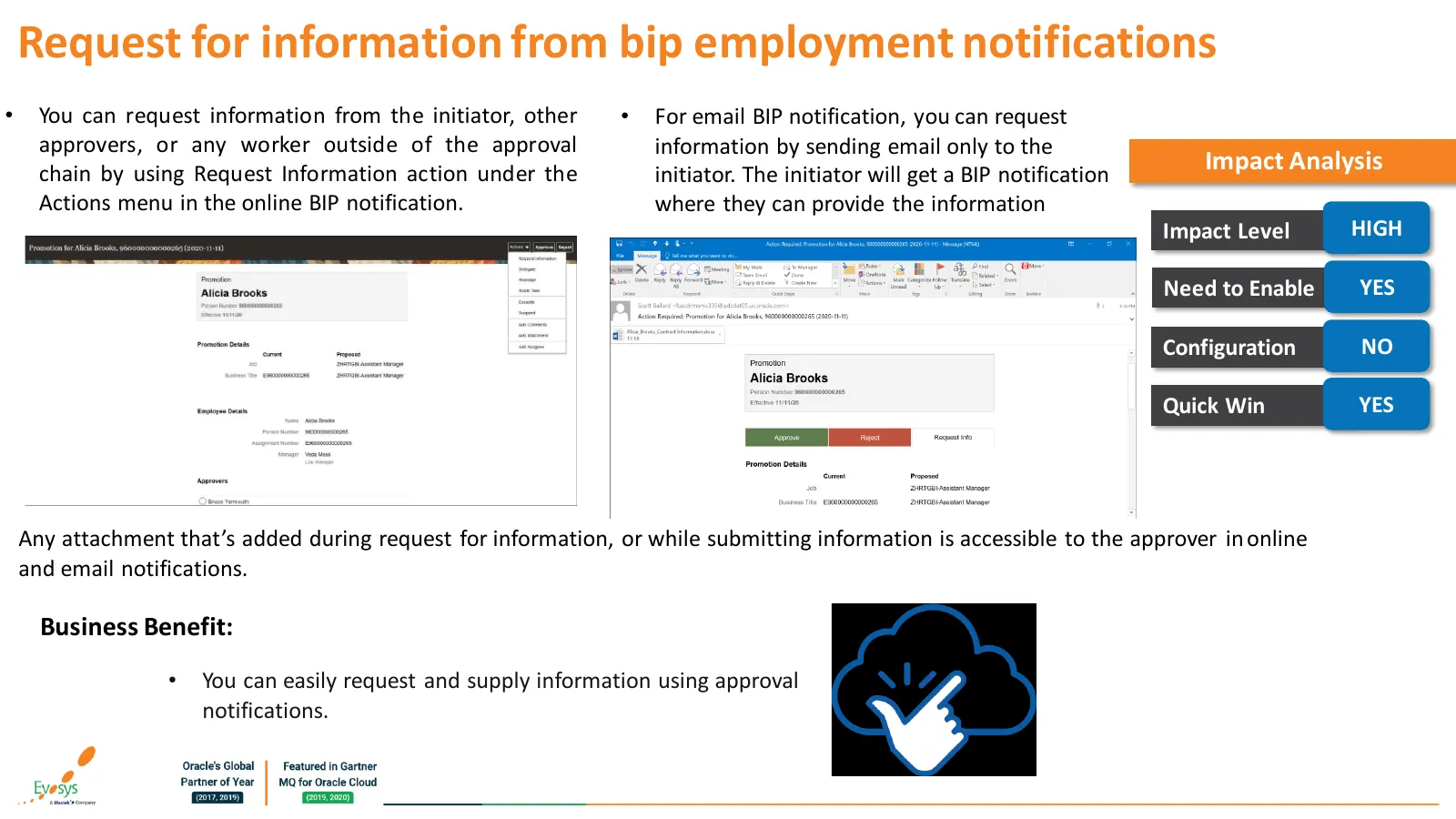
Request for information from bip employment notifications • You can request information from the initiator, other • For email BIP notification, you can request approvers, or any worker outside of the approval information by sending email only to the chain by using Request Information action under th
Slide 34: Add worker identification information in the page header of employment flows
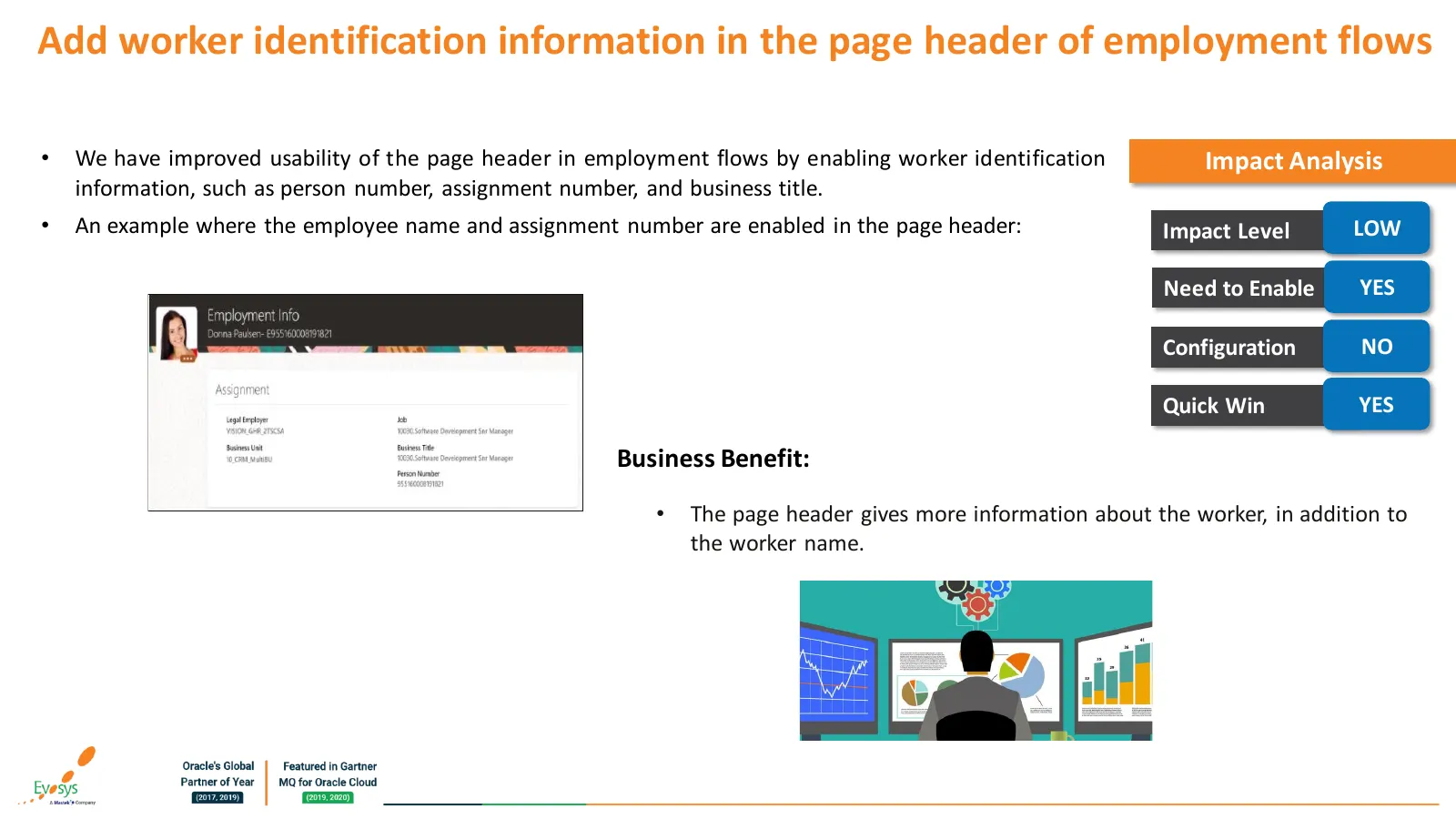
Add worker identification information in the page header of employment flows • We have improved usability of the page header in employment flows by enabling worker identification Impact Analysis information, such as person number, assignment number, and business title. • An example where the employe
Slide 35: Enhanced configuration option to store document records
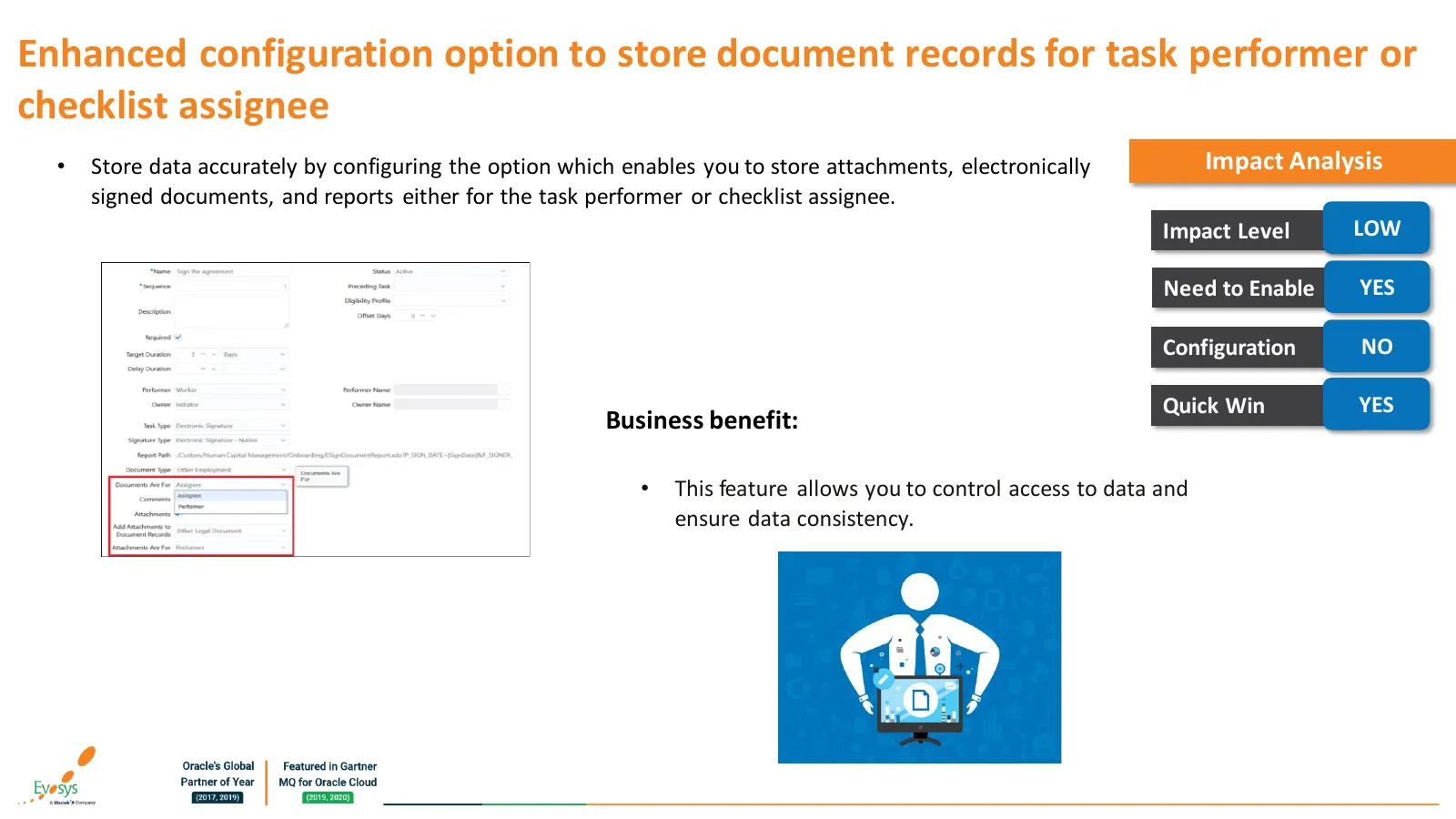
Enhanced configuration option to store document records for task performer or checklist assignee • Store data accurately by configuring the option which enables you to store attachments, electronically Impact Analysis signed documents, and reports either for the task performer or checklist assignee.
Slide 36: Control task assigned notification for a task performer
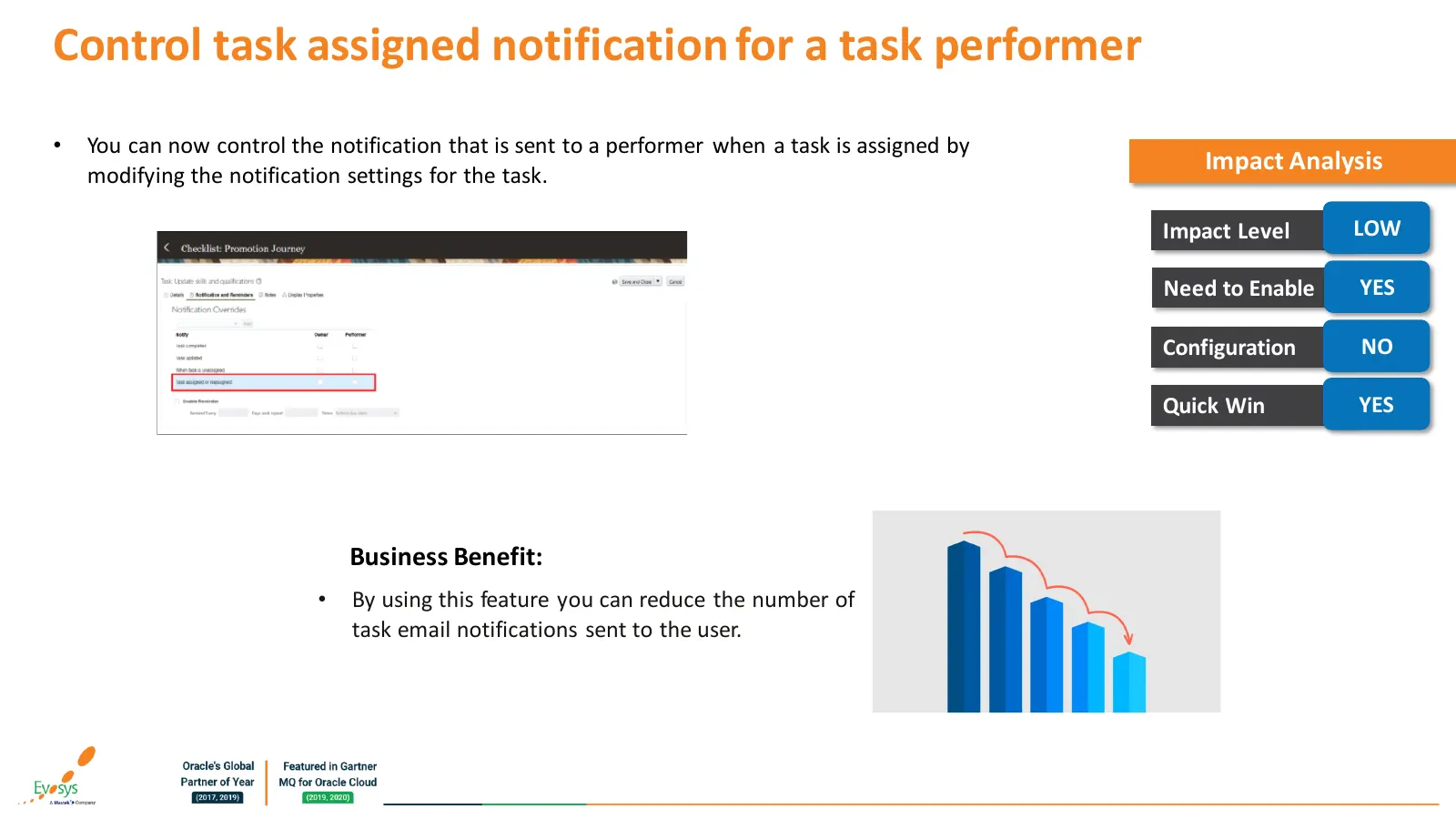
Control task assigned notification for a task performer • You can now control the notification that is sent to a performer when a task is assigned by modifying the notification settings for the task. Impact Analysis Impact Level LOW Need to Enable YES Configuration NO Quick Win YES Business Benefit:
Slide 37: Prevent task performers from updating checklist task status from notification
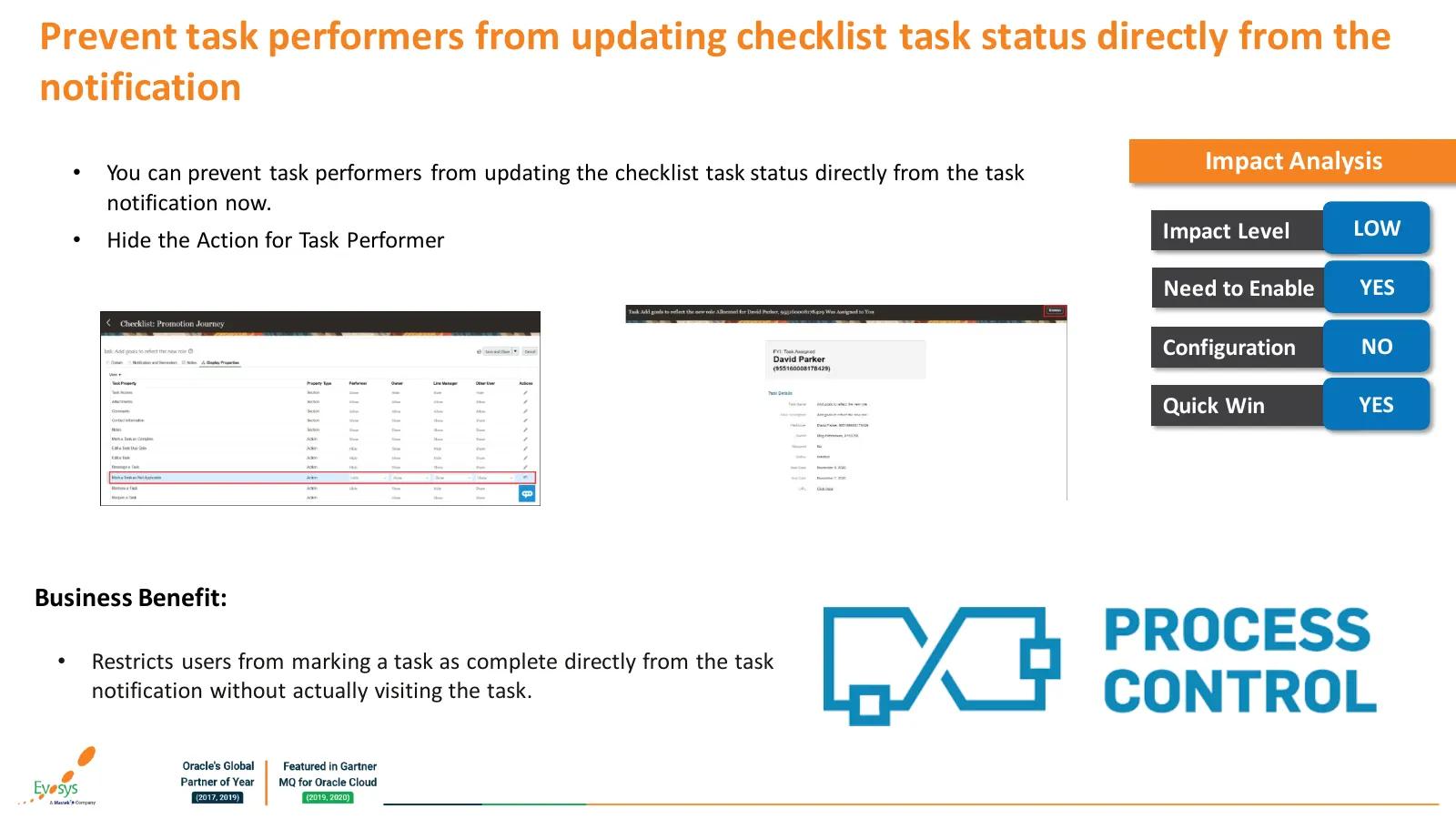
Prevent task performers from updating checklist task status directly from the notification • You can prevent task performers from updating the checklist task status directly from the task Impact Analysis notification now. Impact Level LOW • Hide the Action for Task Performer Need to Enable YES Confi
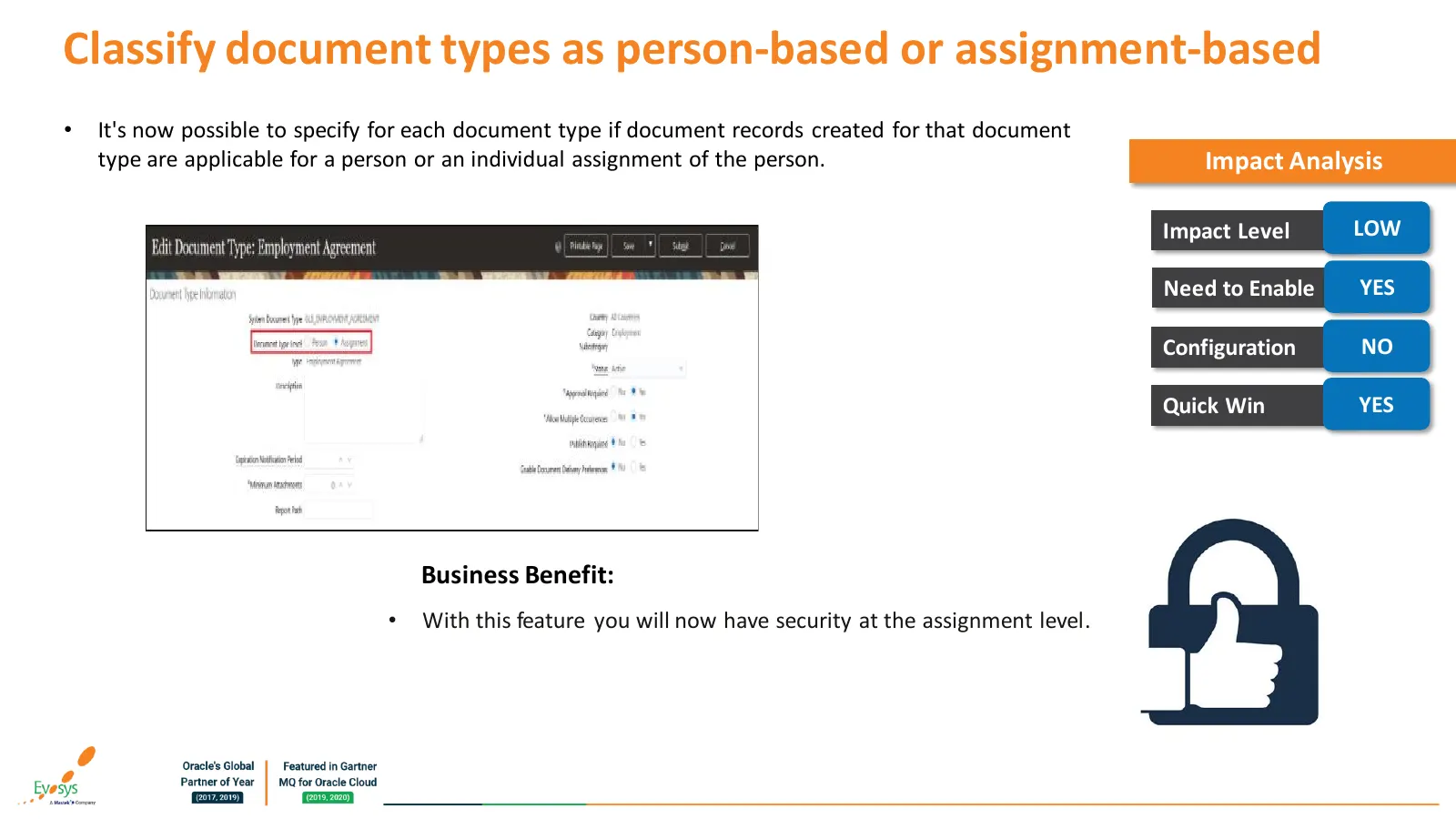
Slide 38: Classify document types as person-based or assignment-based
Classify document types as person-based or assignment-based • It's now possible to specify for each document type if document records created for that document type are applicable for a person or an individual assignment of the person. Impact Analysis Impact Level LOW Need to Enable YES Configuratio
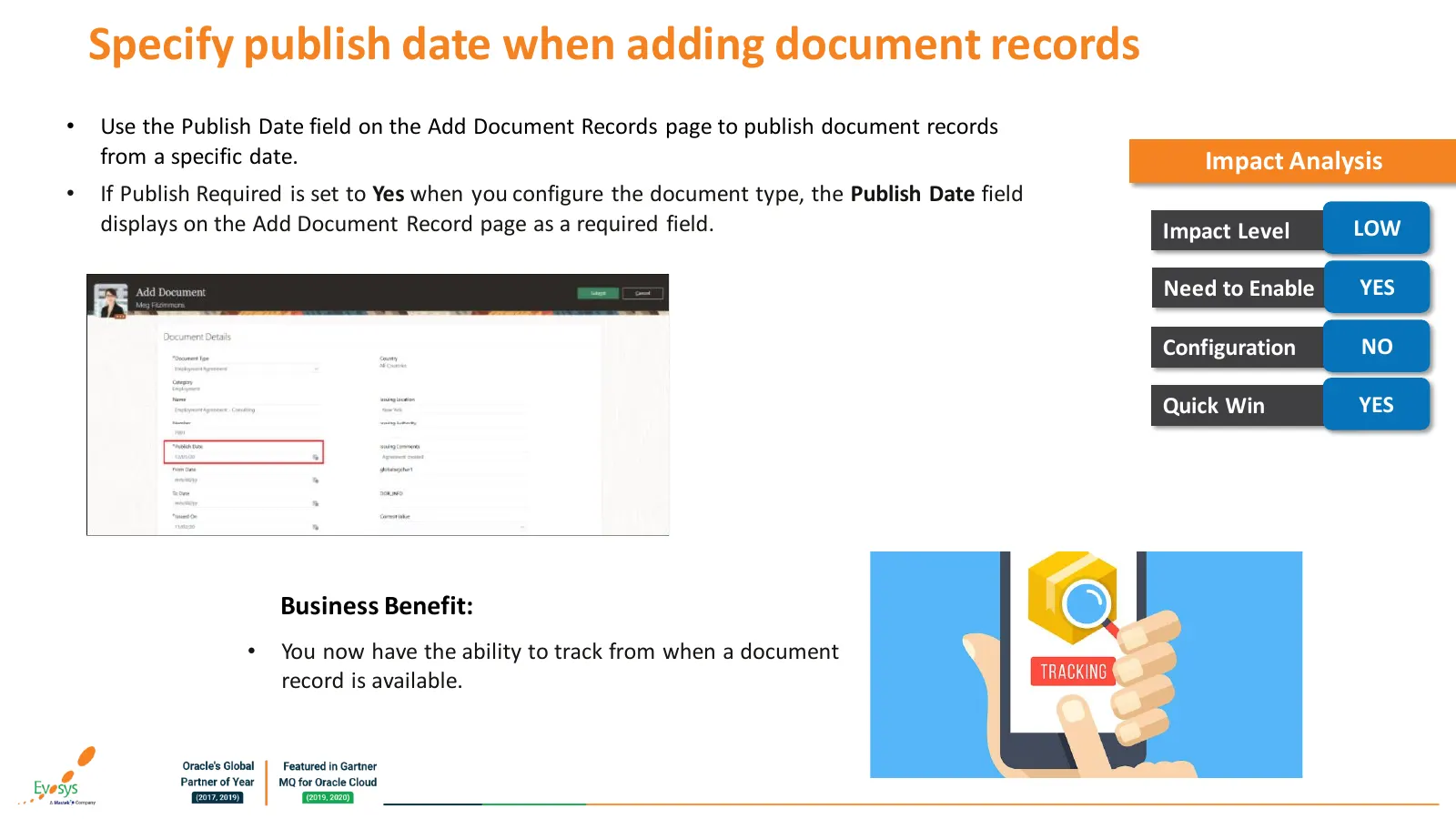
Slide 39: Specify publish date when adding document records
Specify publish date when adding document records • Use the Publish Date field on the Add Document Records page to publish document records from a specific date. Impact Analysis • If Publish Required is set to Yes when you configure the document type, the Publish Date field displays on the Add Docum
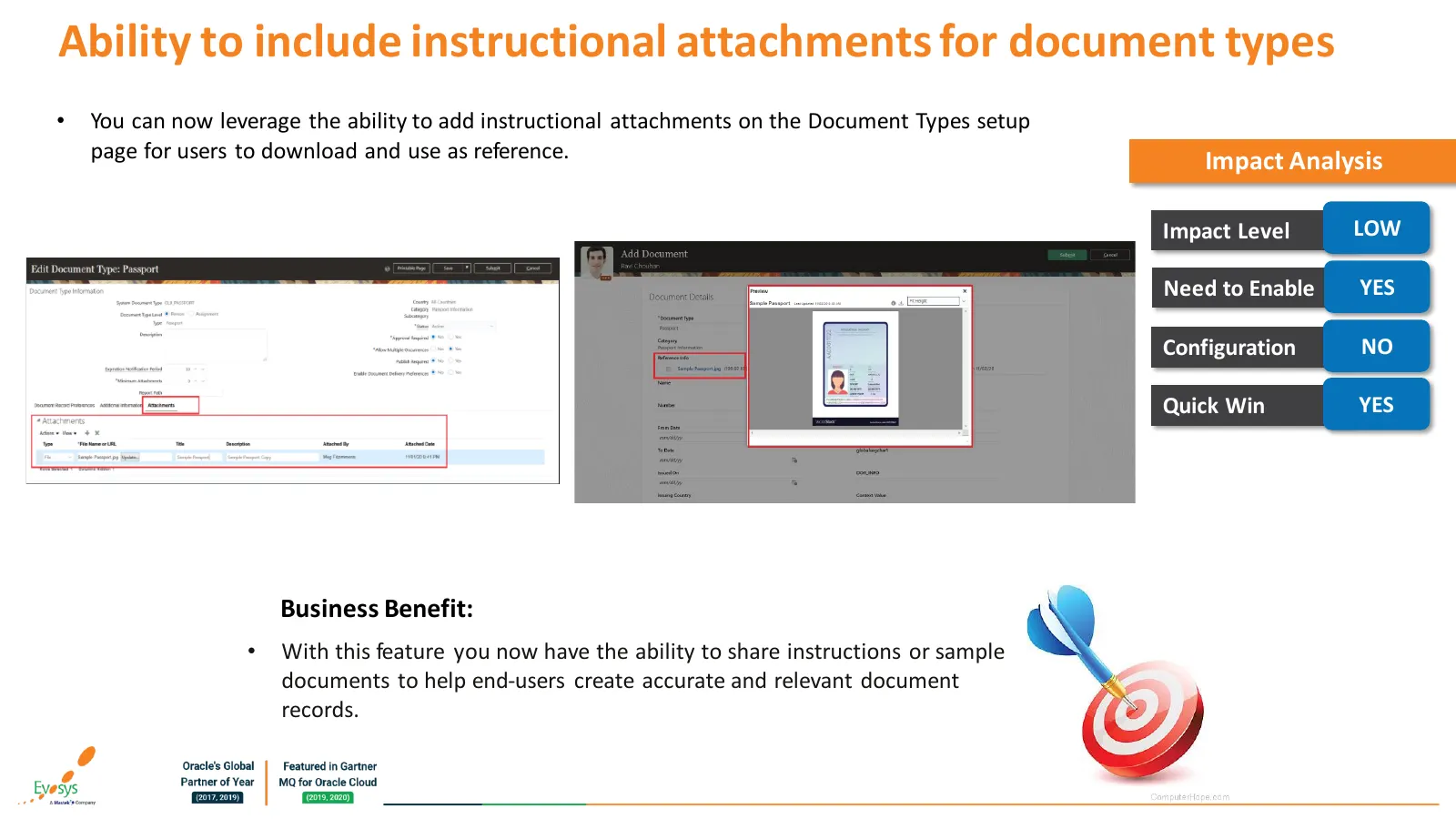
Slide 40: Ability to include instructional attachments for document types
Ability to include instructional attachments for document types • You can now leverage the ability to add instructional attachments on the Document Types setup page for users to download and use as reference. Impact Analysis Impact Level LOW Need to Enable YES Configuration NO Quick Win YES Business
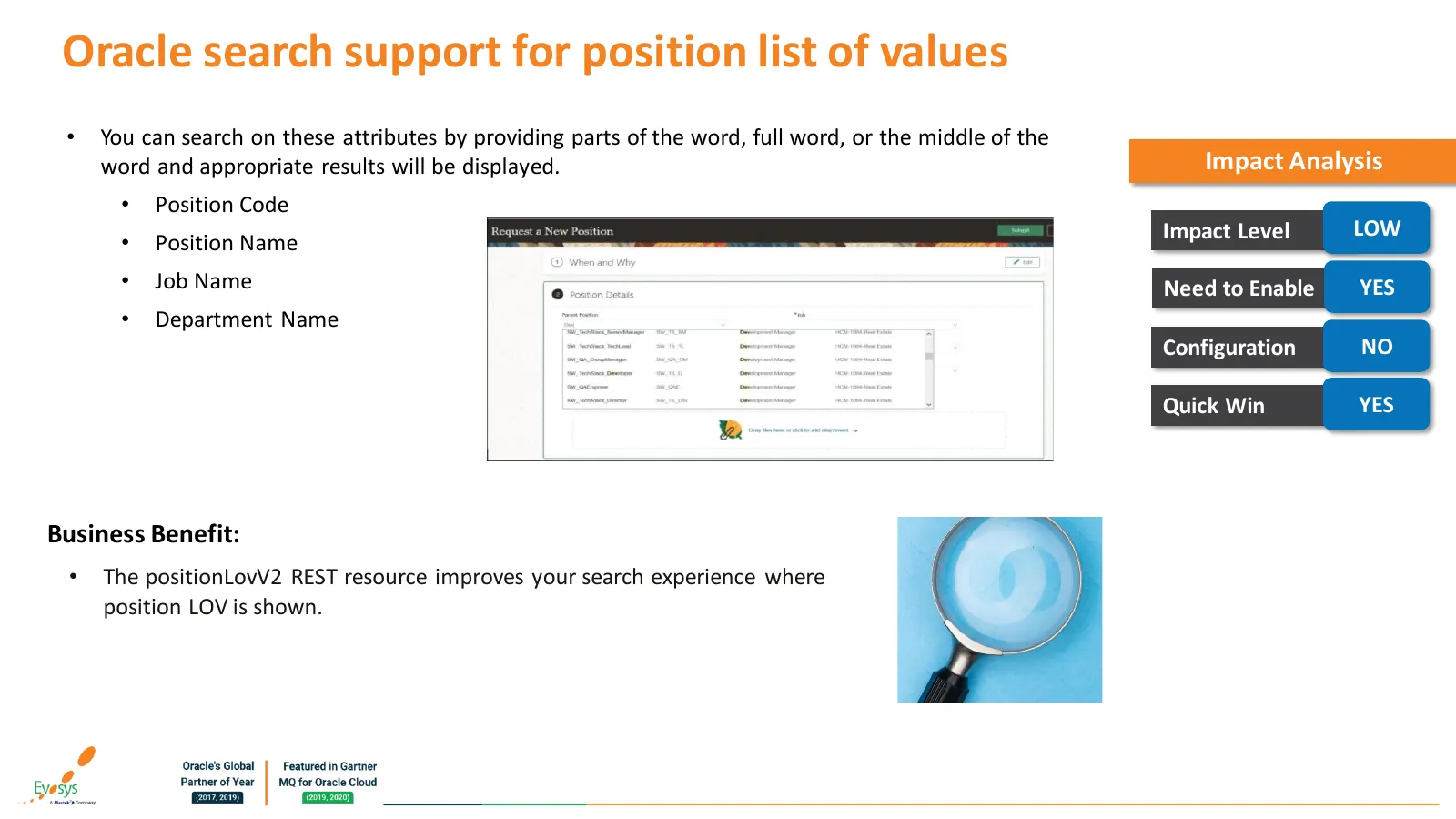
Slide 41: Oracle search support for position list of values
Oracle search support for position list of values • You can search on these attributes by providing parts of the word, full word, or the middle of the word and appropriate results will be displayed. Impact Analysis • Position Code Impact Level LOW • Position Name • Job Name Need to Enable YES • Depa
Slide 42: Oracle search support for department list of values
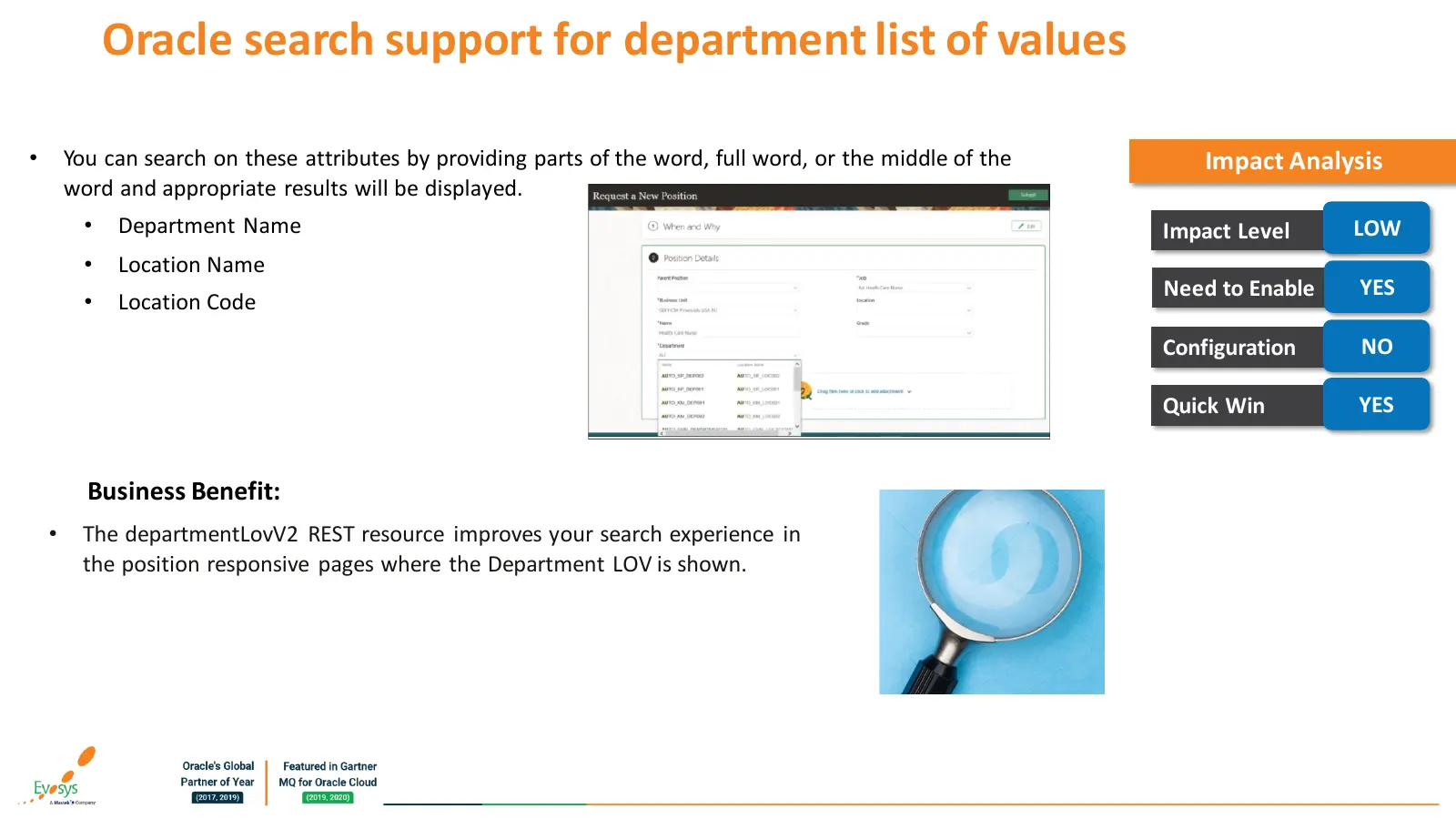
Oracle search support for department list of values • You can search on these attributes by providing parts of the word, full word, or the middle of the Impact Analysis word and appropriate results will be displayed. • Department Name Impact Level LOW • Location Name Need to Enable YES • Location Co

Slide 43: New Features
Oracle's Global Partner of Year (20172019) Featured in Gartner MQ for Oracle Cloud "2019, 7020)

Slide 44: HCM Common Features
Oracle's Global Partner of Year (20172019) Featured in Gartner MQ for Oracle Cloud "2019, 7020)
Slide 45: Business object enhancements
Business object enhancements Details: Impact Analysis • Extend your data loading capabilities with these new and enhanced business objects Impact Level LOW • New Business Objects: Global Payroll • Business Object Hierarchy Changes: Global payroll, Recruiting. Need to Enable NO • Business Object Attr
Slide 46: Remove person information enhancements
Remove person information enhancements • We now have a separate privilege for the Report mode Impact Analysis (ORA_HRC_GENERATE_REMOVE_PERSON_INFORMATION_FILE). Impact Level LOW • Having this privilege alone grants the user access to the Report mode only. • The existing privilege, ORA_HRC_REMOVE_PER
Slide 47: Secured business objects now available to business users
Secured business objects now available to business users • Extend your business users' bulk-loading capabilities for an object. • Spreadsheets based on these objects now implement the user's data security and can be shared with Impact Analysis business users. Impact Level LOW Global Payroll Need to
Slide 48: Purge HCM extracts archive data using remove person information feature
Purge HCM extracts archive data using remove person information feature • You can clean-up the extracts generated archive data, when running the Remove Person Information Impact Analysis process for an ex-employee, by selecting the 'Extracts Archive' from the list of available business objects. Impa
Slide 49: Protect Oracle delivered HCM extracts from edits
Protect oracle delivered hcm extracts from edits • For delivered or seeded extracts, users cannot edit the extract. Impact Analysis • Make a copy of the delivered extract to change or add a parameter. Impact Level LOW • Instead of creating the extract definition again, you can now make a copy of the
Slide 50: Hidden attributes in business objects for configure business objects
Hidden attributes in business objects for configure business objects and autocomplete rules • The Configure Business Objects and Autocomplete Rules tasks have been streamlined with changes Impact Analysis in the business objects and related attributes. • Deprecated business objects are removed and a
Slide 51: Secure access for workers with multiple assignments
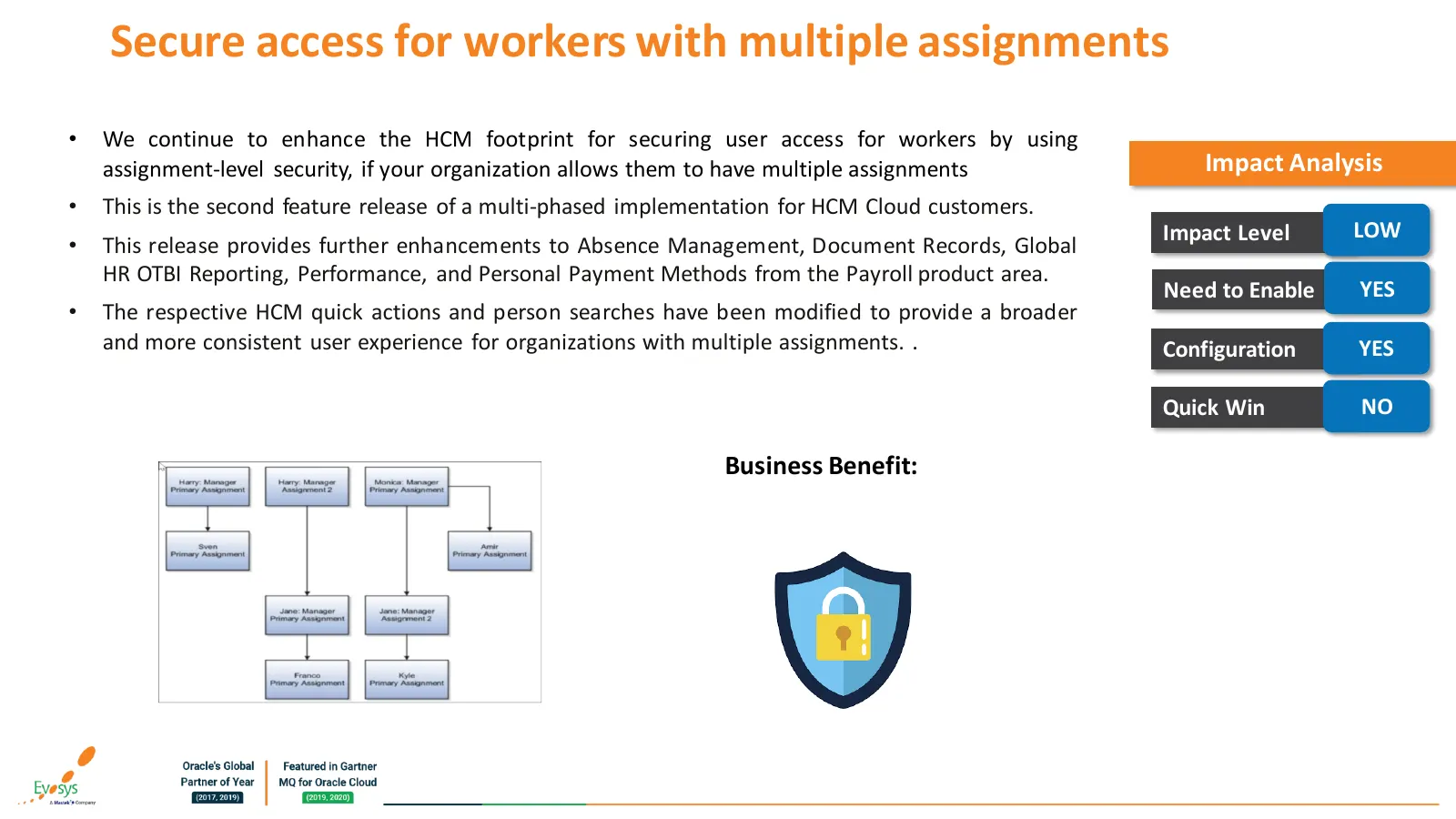
Secure access for workers with multiple assignments • We continue to enhance the HCM footprint for securing user access for workers by using assignment-level security, if your organization allows them to have multiple assignments Impact Analysis • This is the second feature release of a multi-phased
Slide 52: Atom feeds for additional HCM transactions
Atom feeds for additional HCM transactions • HCM Atom feeds provide notifications of Oracle Fusion Human Capital Management (HCM) events and are tightly integrated with REST services. Impact Analysis • The empupdate and empassignment Atom feeds are now triggered when additional person and Impact Lev

Slide 53: Global HR
Oracle's Global Partner of Year (20172019) Featured in Gartner MQ for Oracle Cloud "2019, 7020)
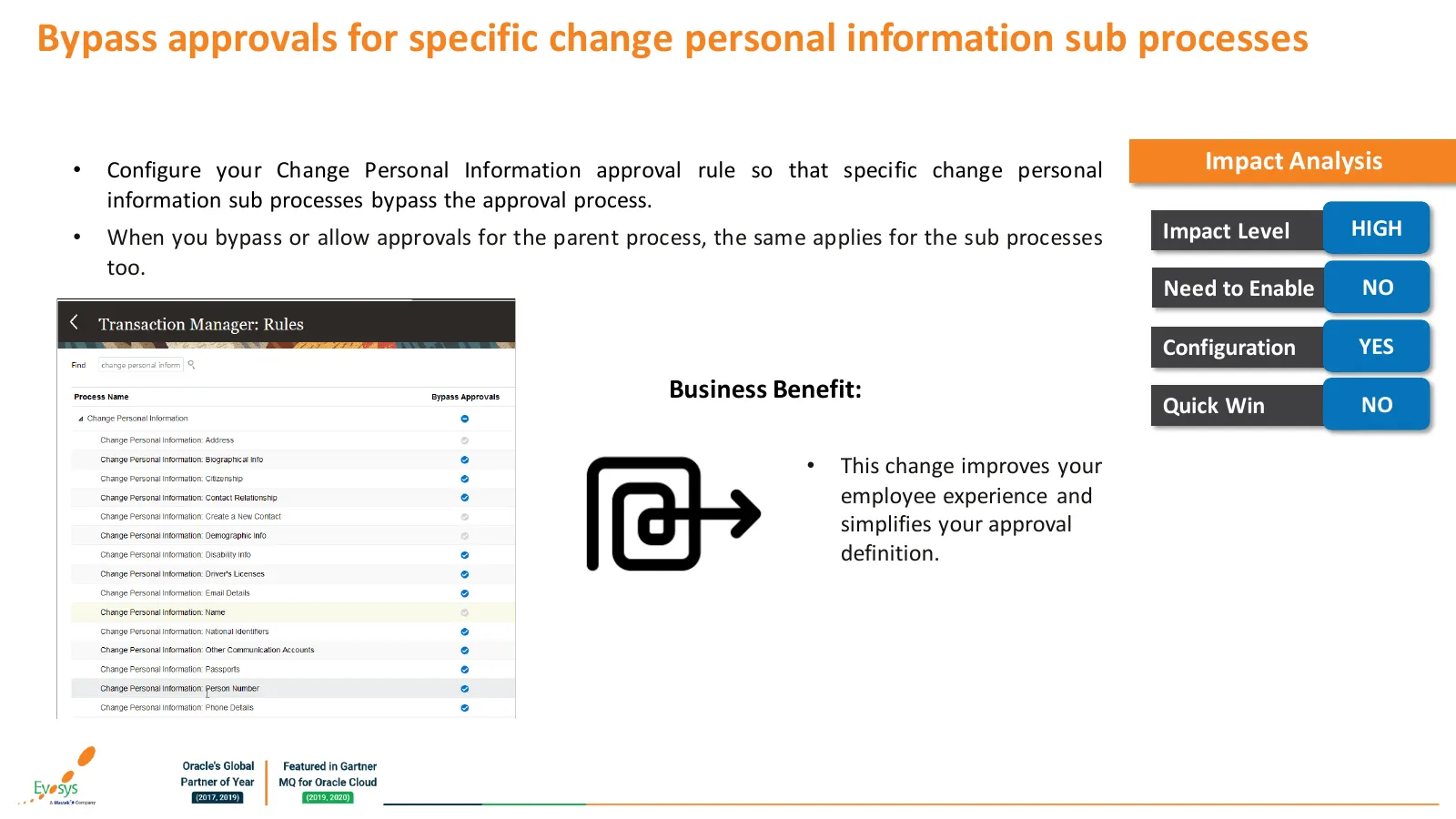
Slide 54: Bypass approvals for specific change personal information sub processes
Bypass approvals for specific change personal information sub processes • Configure your Change Personal Information approval rule so that specific change personal Impact Analysis information sub processes bypass the approval process. • When you bypass or allow approvals for the parent process, the
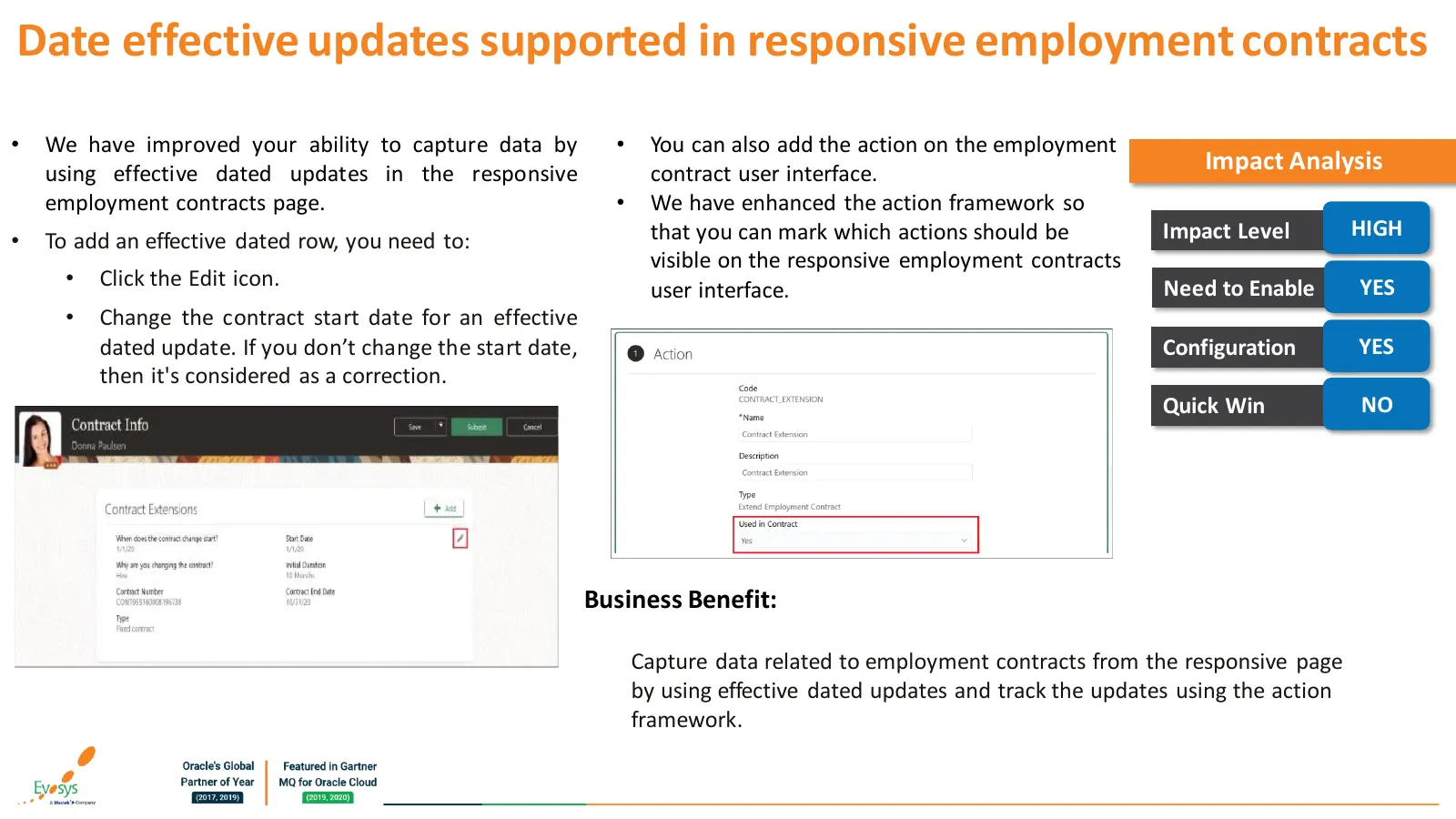
Slide 55: Date effective updates supported in responsive employment contracts
Date effective updates supported in responsive employment contracts • We have improved your ability to capture data by • You can also add the action on the employment using effective dated updates in the responsive contract user interface. Impact Analysis employment contracts page. • We have enhance
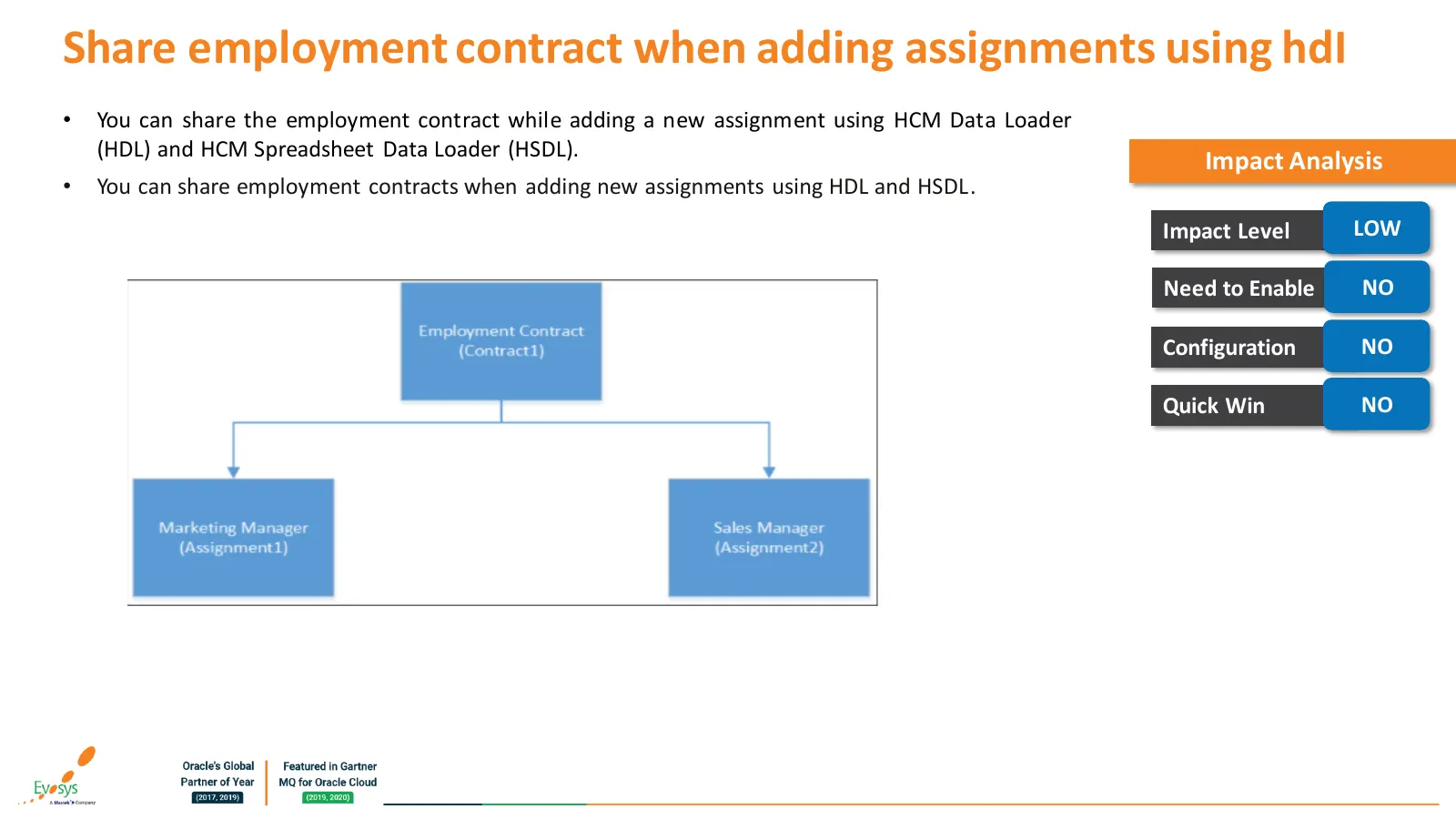
Slide 56: Share employment contract when adding assignments using HDL
Share employment contract when adding assignments using hdI • You can share the employment contract while adding a new assignment using HCM Data Loader (HDL) and HCM Spreadsheet Data Loader (HSDL). Impact Analysis • You can share employment contracts when adding new assignments using HDL and HSDL. I
Slide 57: Audit the transactions done using responsive employment pages
Audit the transactions done using responsive employment pages You can track your employment changes made using the responsive user interfaces by leveraging the Impact Analysis audit capability. Impact Level HIGH These business objects are enabled for audit: Need to Enable YES • Work Relationship • W
Slide 58: Embark on journeys
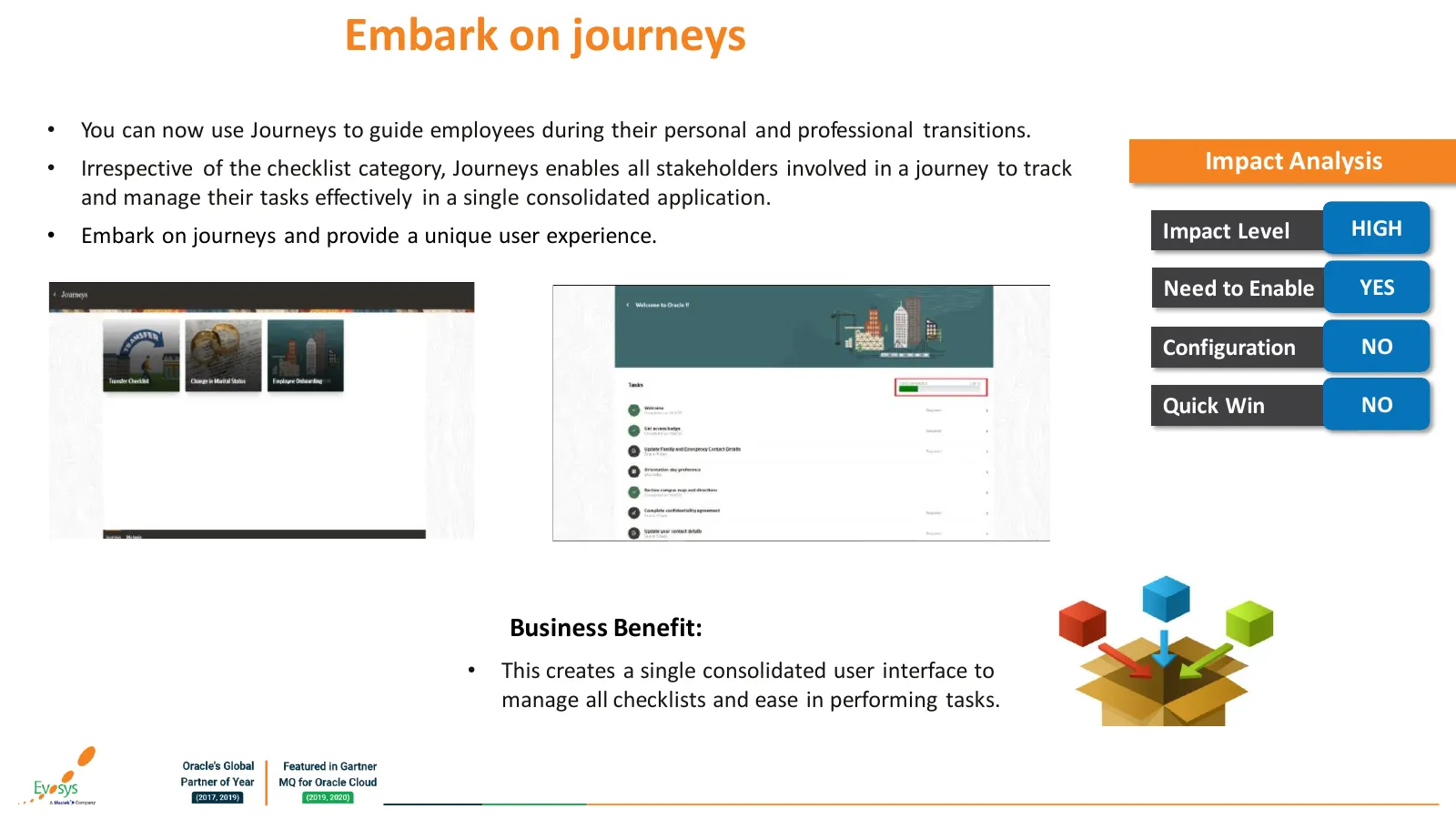
Embark on journeys • You can now use Journeys to guide employees during their personal and professional transitions. • Irrespective of the checklist category, Journeys enables all stakeholders involved in a journey to track Impact Analysis and manage their tasks effectively in a single consolidated
Slide 59: Route document record approvals using current assignment hierarchy
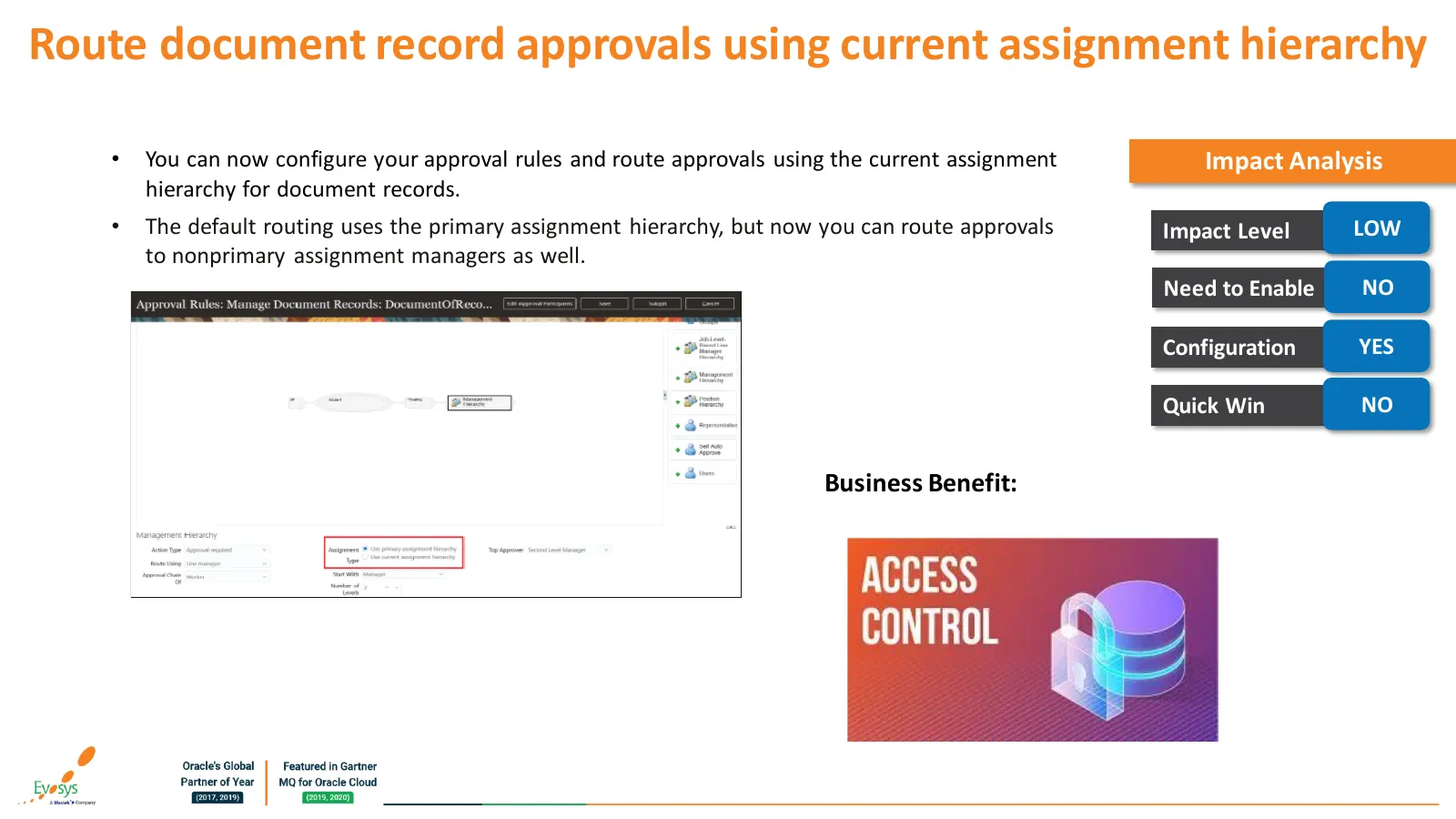
Route document record approvals using current assignment hierarchy • You can now configure your approval rules and route approvals using the current assignment Impact Analysis hierarchy for document records. • The default routing uses the primary assignment hierarchy, but now you can route approvals
Slide 60: Document records displayed based on assignment access
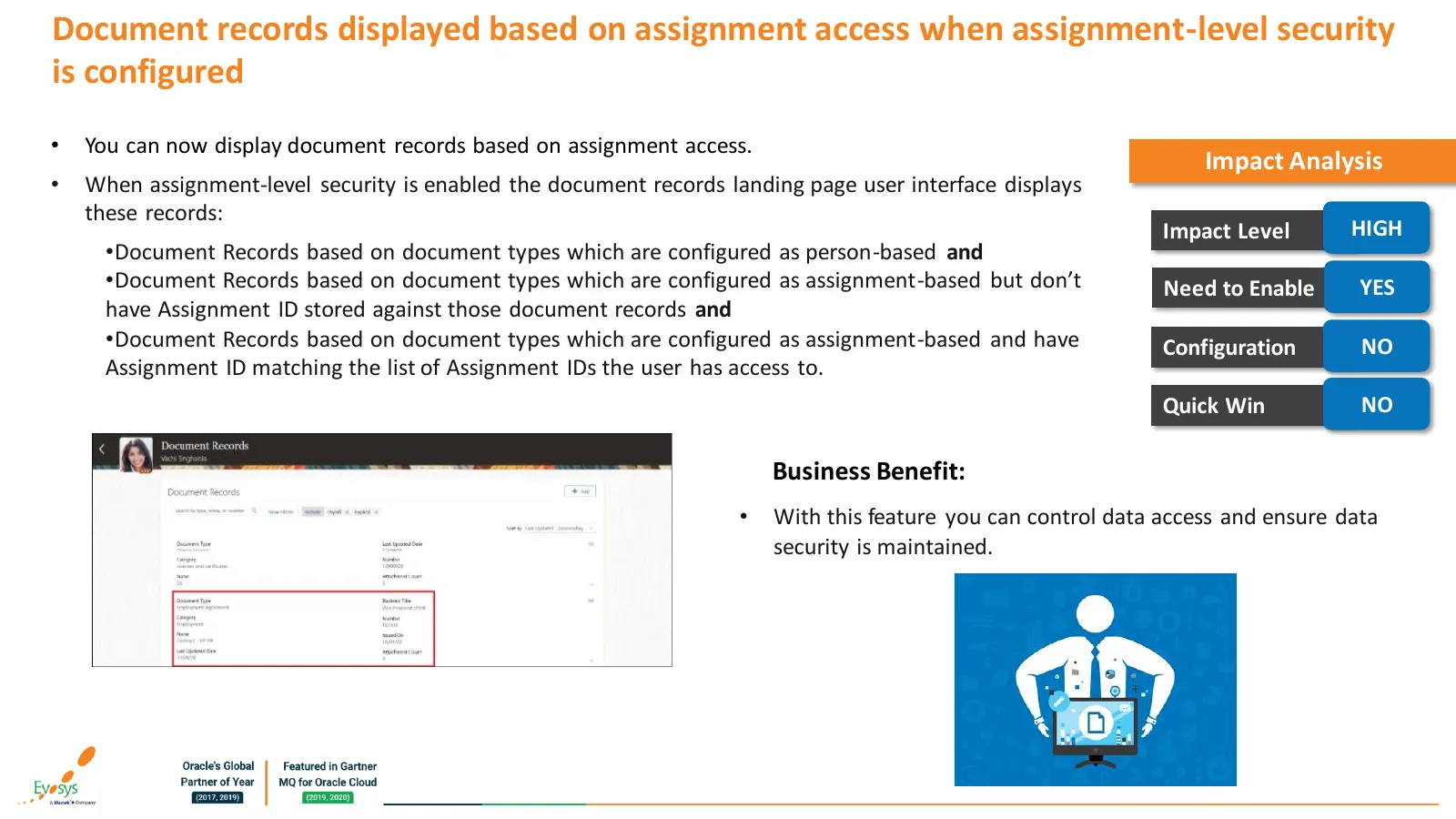
Document records displayed based on assignment access when assignment-level security is configured • You can now display document records based on assignment access. Impact Analysis • When assignment-level security is enabled the document records landing page user interface displays these records: I
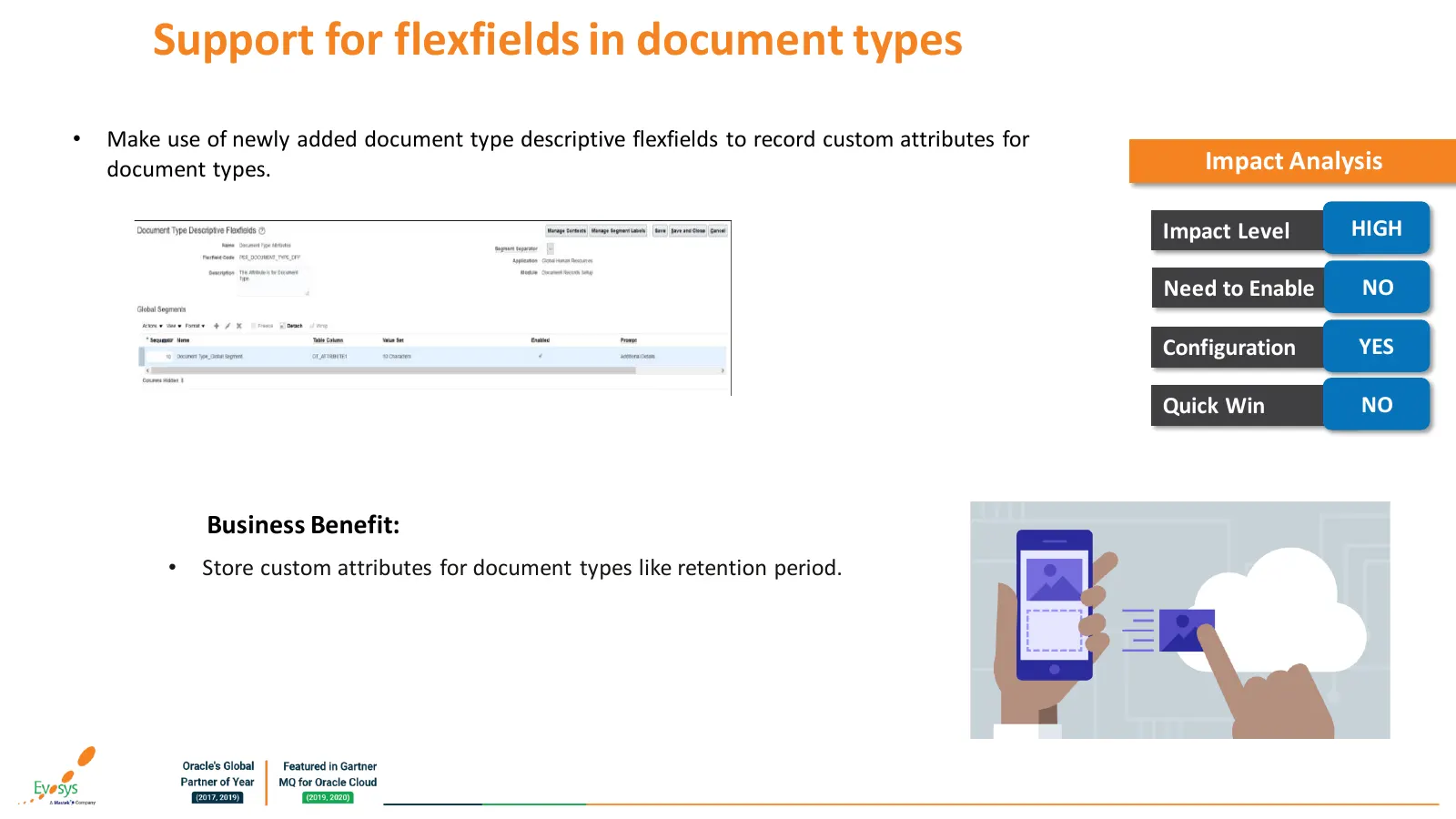
Slide 61: Support for flexfields in document types
Support for flexfields in document types • Make use of newly added document type descriptive flexfields to record custom attributes for document types. Impact Analysis Impact Level HIGH Need to Enable NO Configuration YES Quick Win NO Business Benefit: • Store custom attributes for document types li
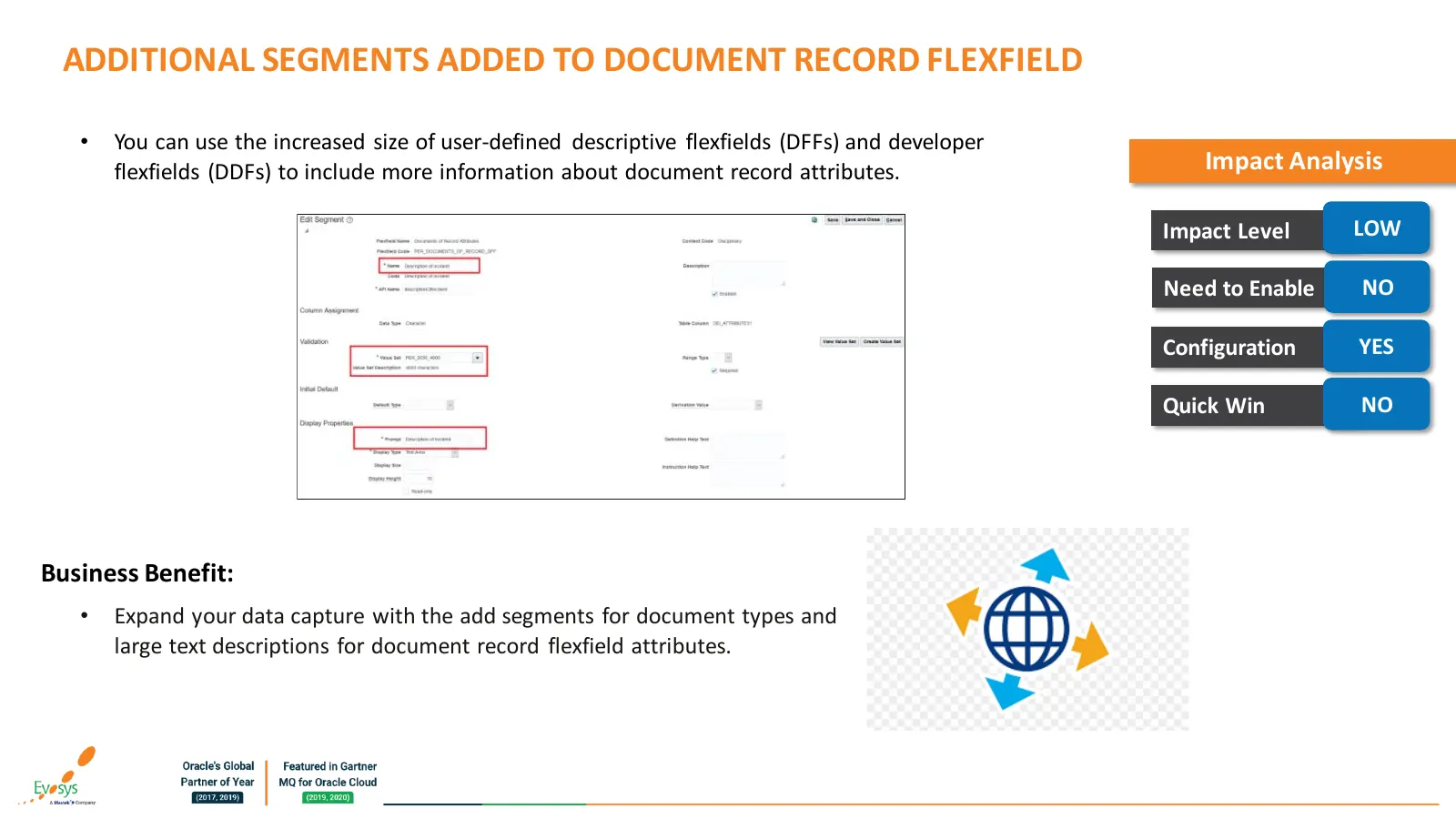
Slide 62: Additional segments added to document record flexfield
ADDITIONAL SEGMENTS ADDED TO DOCUMENT RECORD FLEXFIELD • You can use the increased size of user-defined descriptive flexfields (DFFs) and developer flexfields (DDFs) to include more information about document record attributes. Impact Analysis Impact Level LOW Need to Enable NO Configuration YES Qui
Slide 63: New REST resource for geographic hierarchy
New rest resource for geographic hierarchy • You can now use the geographicHierarchiesLov REST resource to view geographic hierarchies. Impact Analysis Impact Level LOW Need to Enable NO Configuration YES Quick Win NO Business Benefit: You can easily search for geographic hierarchies.
Slide 64: New Features: OTBI Enhancements
NEW FEATURES OTBI Enhancements
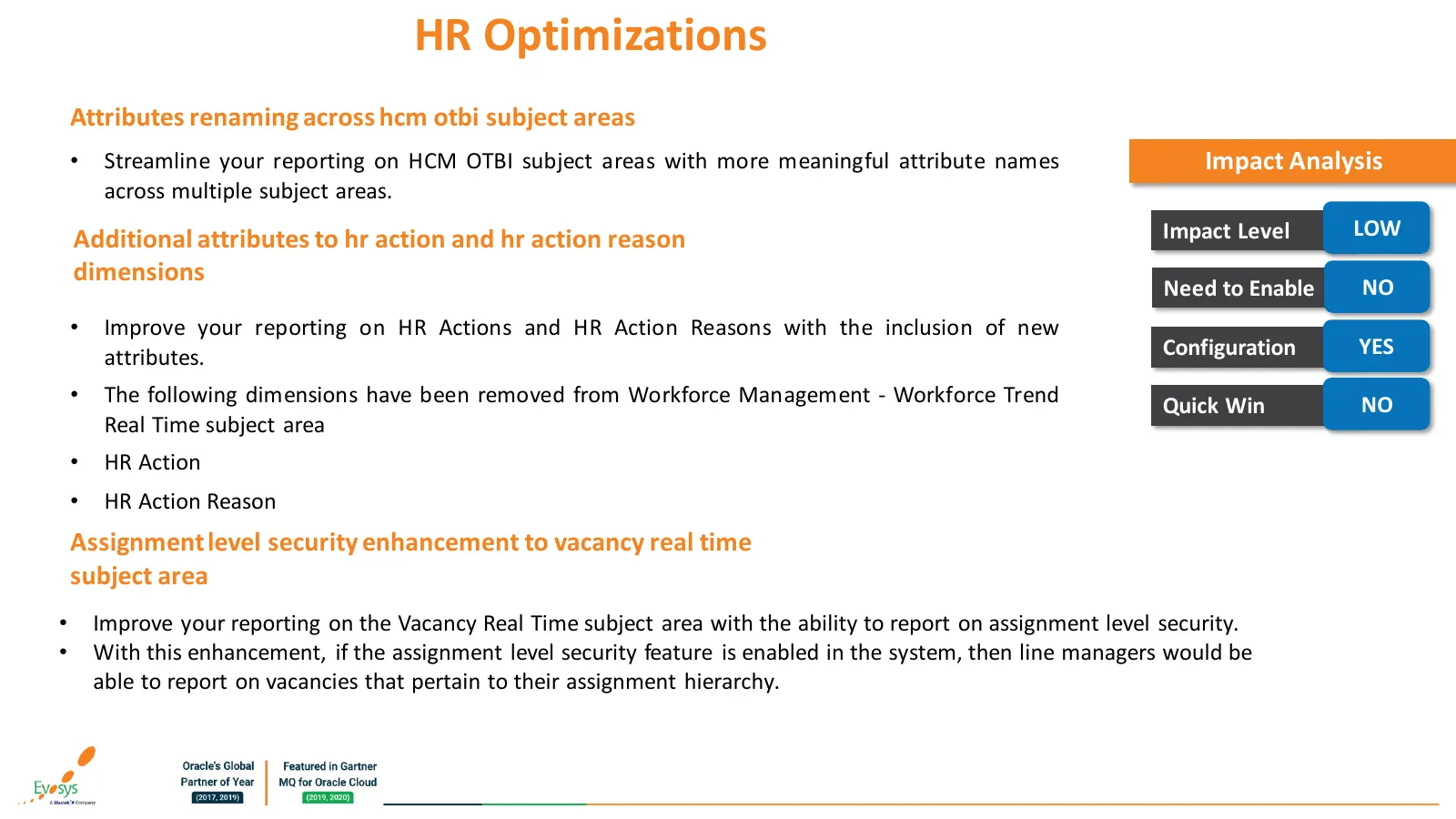
Slide 65: HR Optimizations
HR Optimizations Attributes renaming across hcm otbi subject areas • Streamline your reporting on HCM OTBI subject areas with more meaningful attribute names Impact Analysis across multiple subject areas. Impact Level LOW Additional attributes to hr action and hr action reason dimensions Need to Ena

Slide 66: Replaced or Removed Features
REPLACED OR REMOVED FEATURES
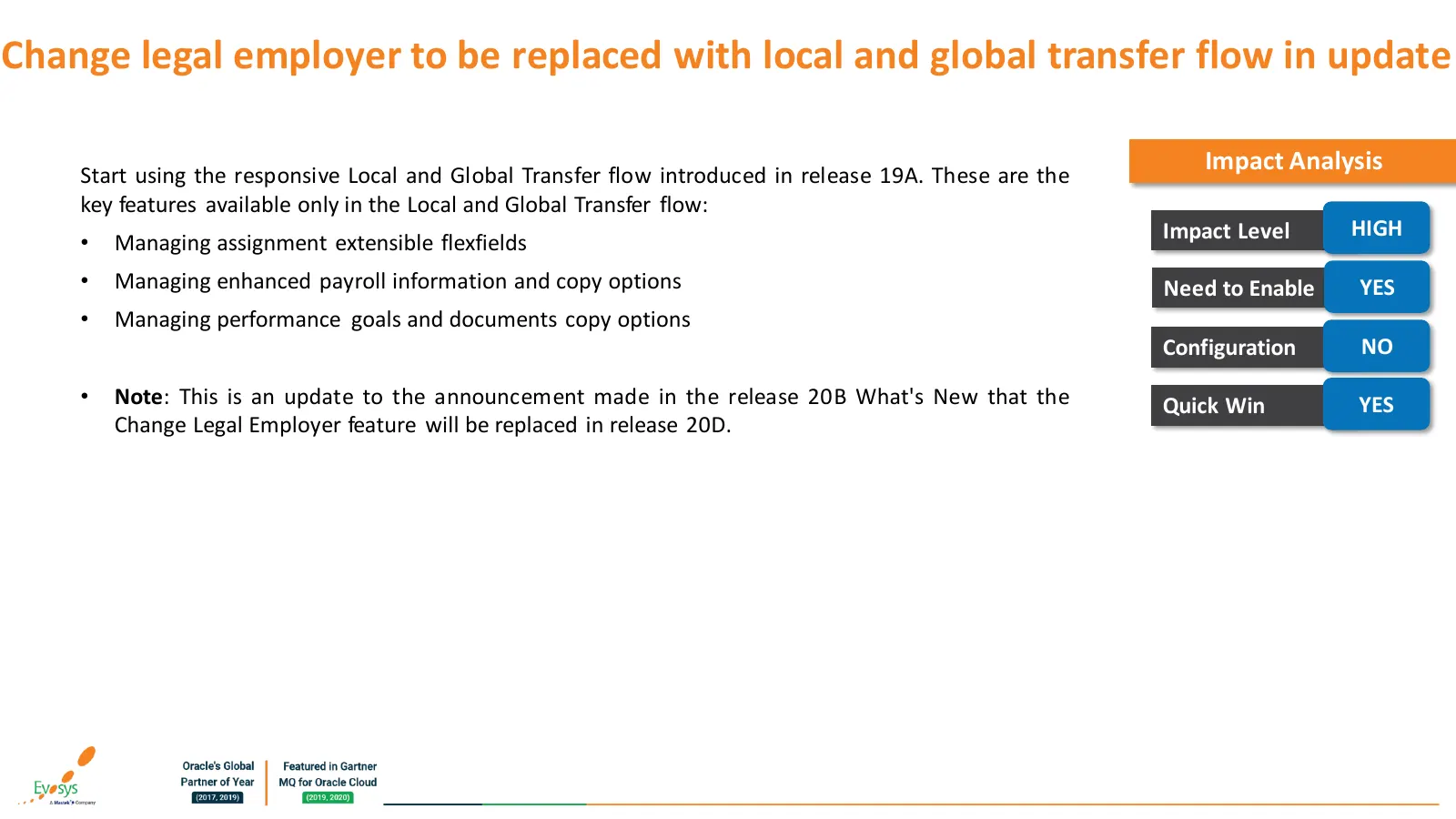
Slide 67: Change legal employer to be replaced with local and global transfer flow
Change legal employer to be replaced with local and global transfer flow in update Start using the responsive Local and Global Transfer flow introduced in release 19A. These are the Impact Analysis key features available only in the Local and Global Transfer flow: Impact Level HIGH • Managing assign

Slide 68: Known Issues
Oracle's Global Partner of Year (20172019) Featured in Gartner MQ for Oracle Cloud "2019, 7020)
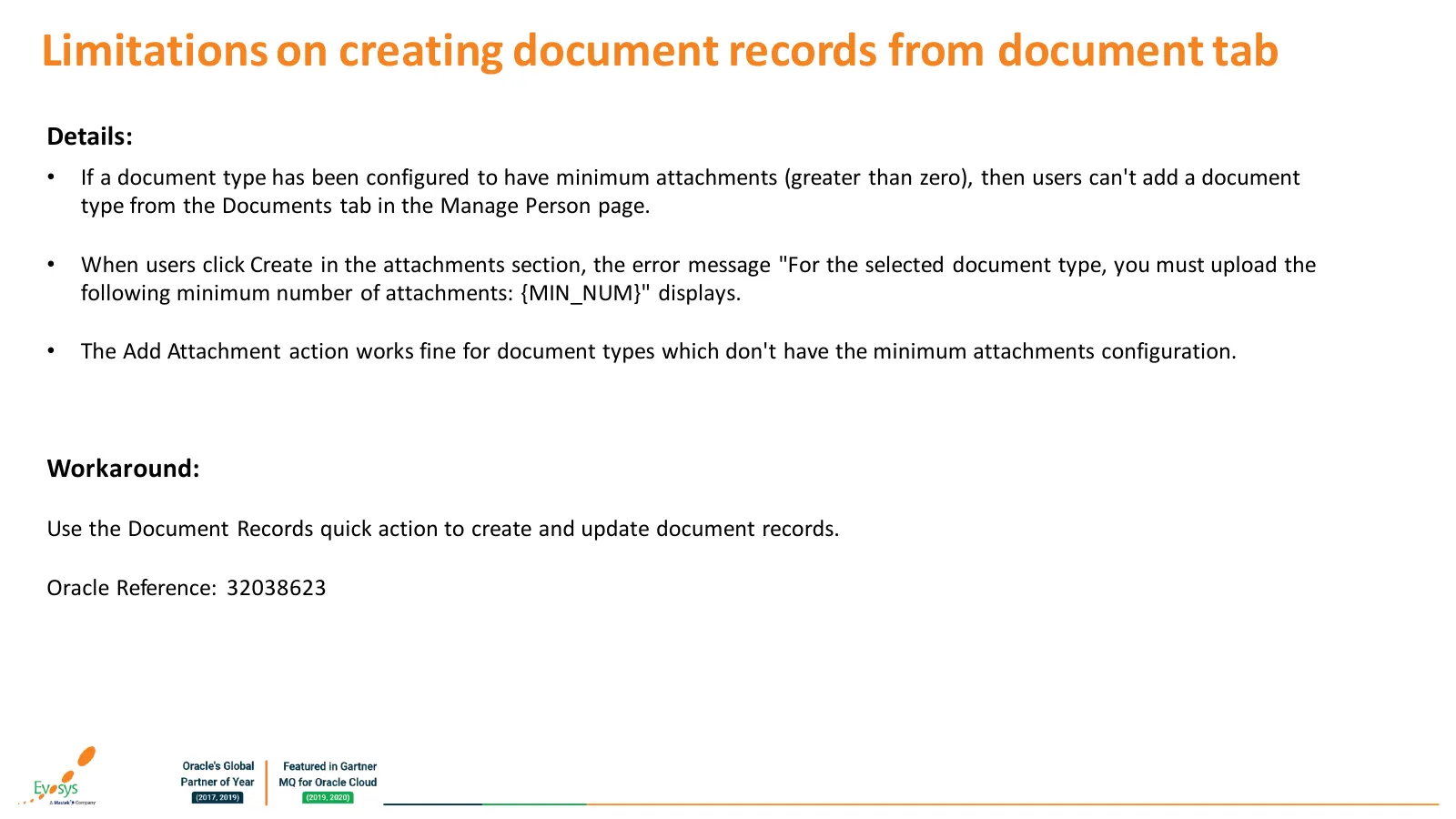
Slide 69: Limitations on creating document records from document tab
Limitations on creating document records from document tab Details: • If a document type has been configured to have minimum attachments (greater than zero), then users can't add a document type from the Documents tab in the Manage Person page. • When users click Create in the attachments section, t
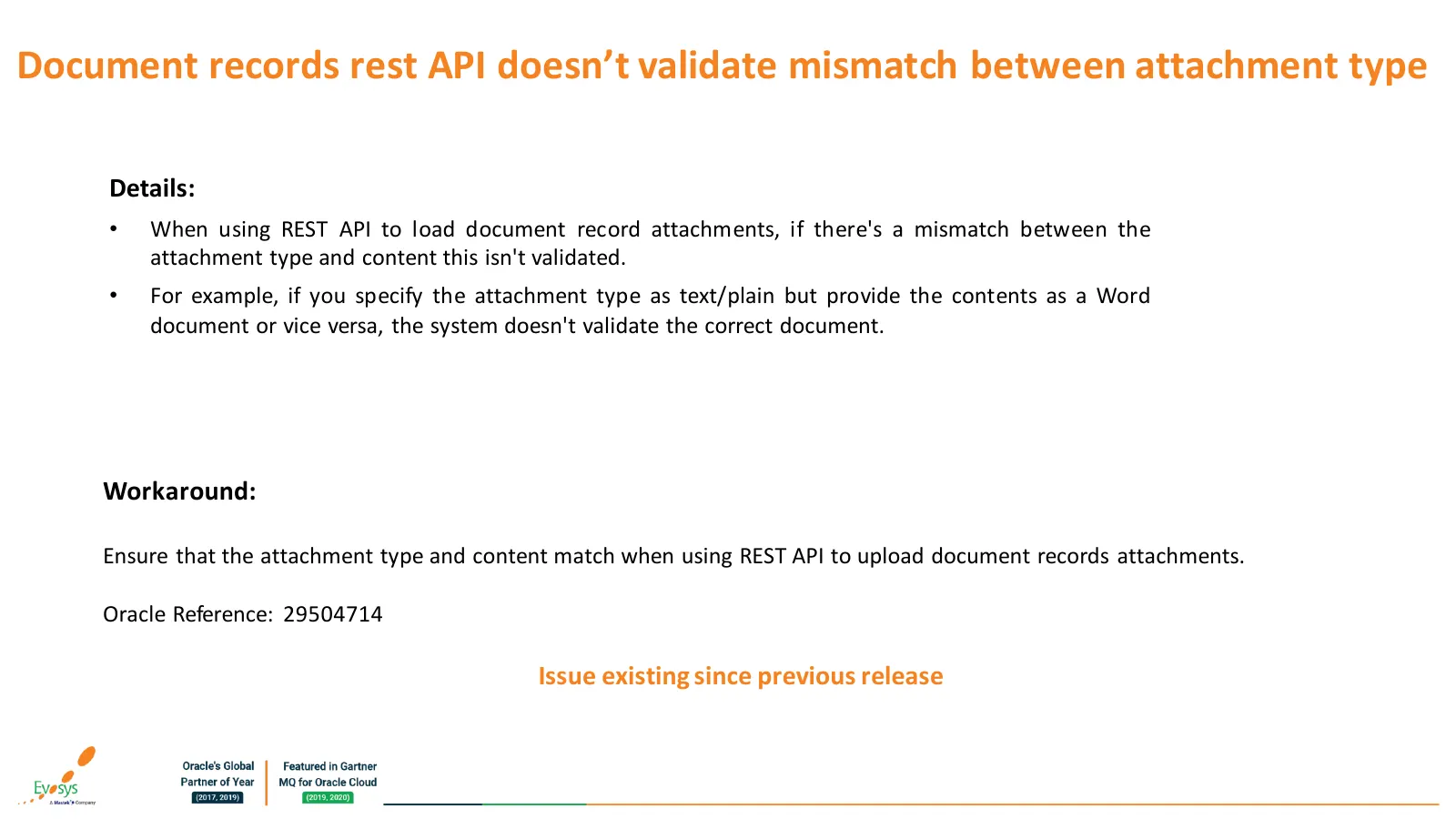
Slide 70: Document records REST API doesn't validate mismatch between attachment type
Document records rest API doesn’t validate mismatch between attachment type Details: • When using REST API to load document record attachments, if there's a mismatch between the attachment type and content this isn't validated. • For example, if you specify the attachment type as text/plain but prov
Slide 71: Personal information section hidden in classic manage direct reports page
Personal information section hidden in classic manage direct reports page Details: • The Personal Info section is hidden in the classic Manage Direct Reports page Workload: This is to avoid duplication of information displayed on the page. However, you can display the section using Personalization.
Slide 72: Duplicate document record attachment name results in upload issue
Duplicate document record attachment nameresults in upload issue Details: • An error occurs when uploading document record attachments with duplicate names in a single document record transaction. • This is because SOA doesn't allow multiple attachments with the same name for a single task. • This i

Slide 73: Leveraging Technology
Oracle's Global | Featured in Gartner Partner of Year | MQ for Oracle Cloud (20172019) (2019, 2020)
Slide 74: Leveraging other technology to enhance Oracle Cloud Applications
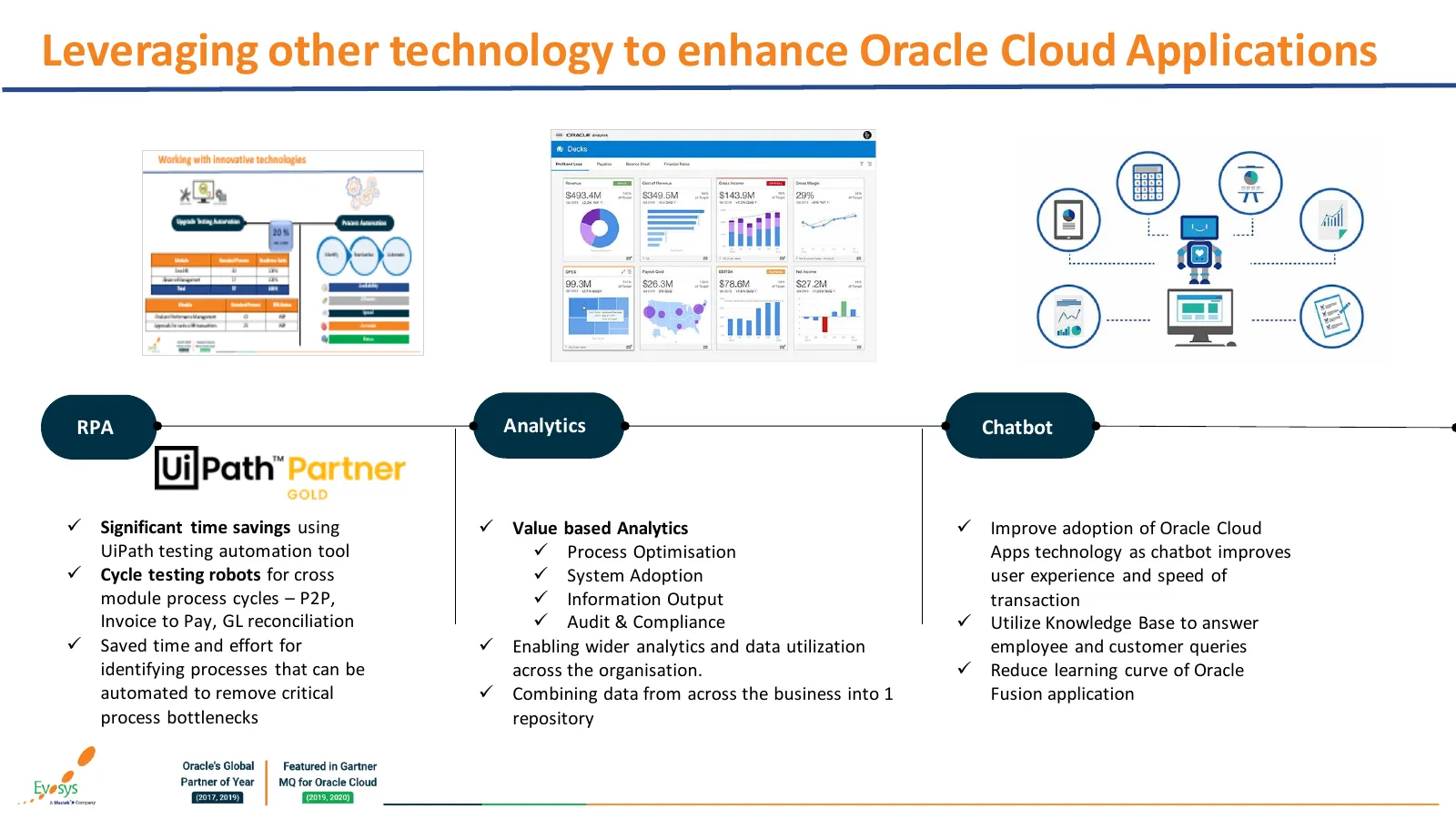
Leveraging other technology to enhance Oracle Cloud Applications RPA Analytics Chatbot ✓ Significant time savings using ✓ Value based Analytics ✓ Improve adoption of Oracle Cloud UiPath testing automation tool ✓ Process Optimisation Apps technology as chatbot improves ✓ Cycle testing robots for cros
Slide 75: Closing
Oracle's Global | Featured in Gartner Partner of Year | MQ for Oracle Cloud (20172019) (2019, 2020)
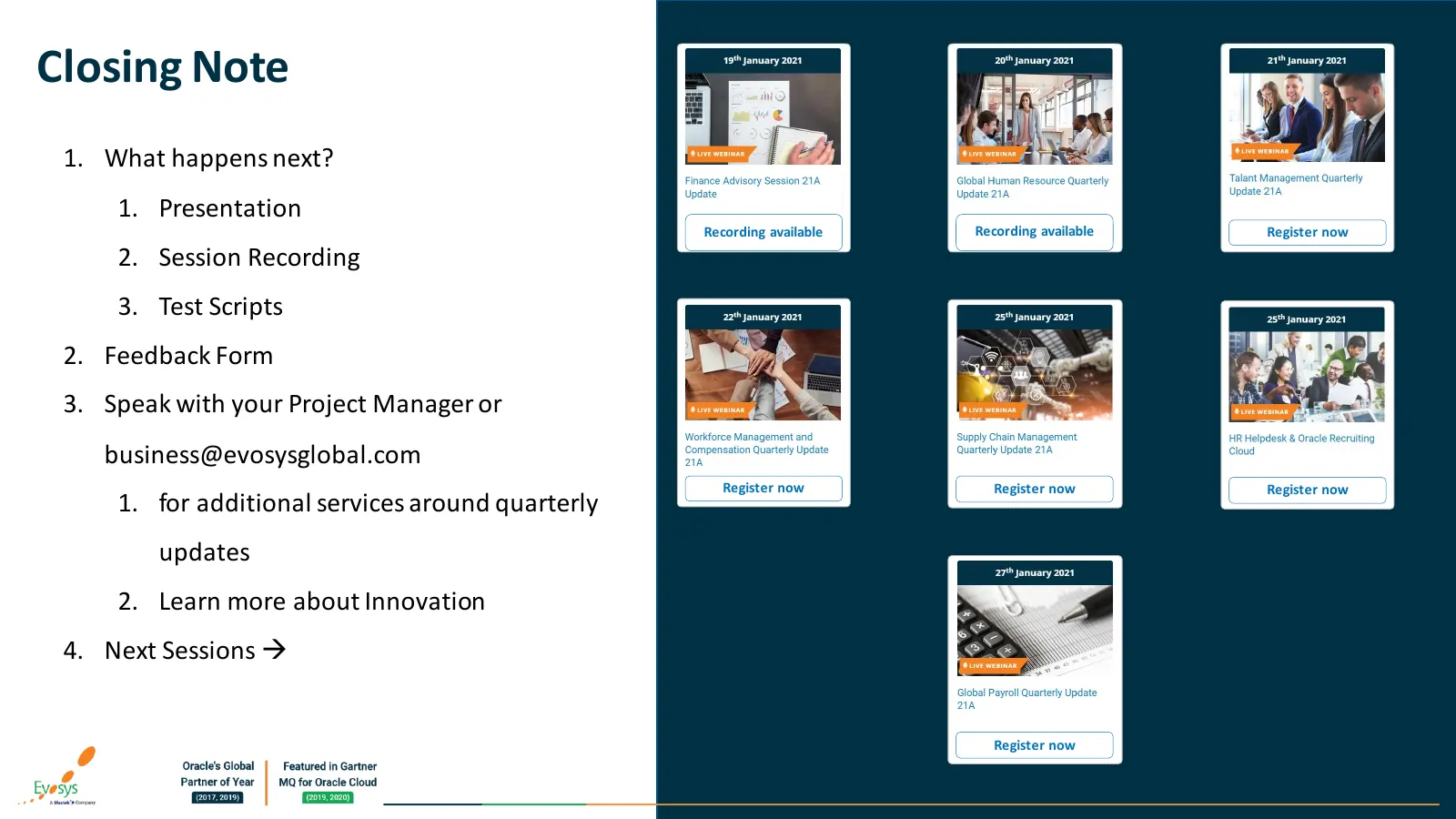
Slide 76: Closing Note
Closing Note 1. What happens next? 1. Presentation Recording available Recording Registeravailable now Register now 2. Session Recording 3. Test Scripts 2. Feedback Form 3. Speak with your Project Manager or business@evosysglobal.com Register now Register now Register now 1. for additional services

Slide 77: Evosys is here to help you!
EVOSYS is here to help you! It is always best to clear your doubts Thank You! Contact Us +44 7984 783981 www.evosysglobal.com business@evosysglobal.com
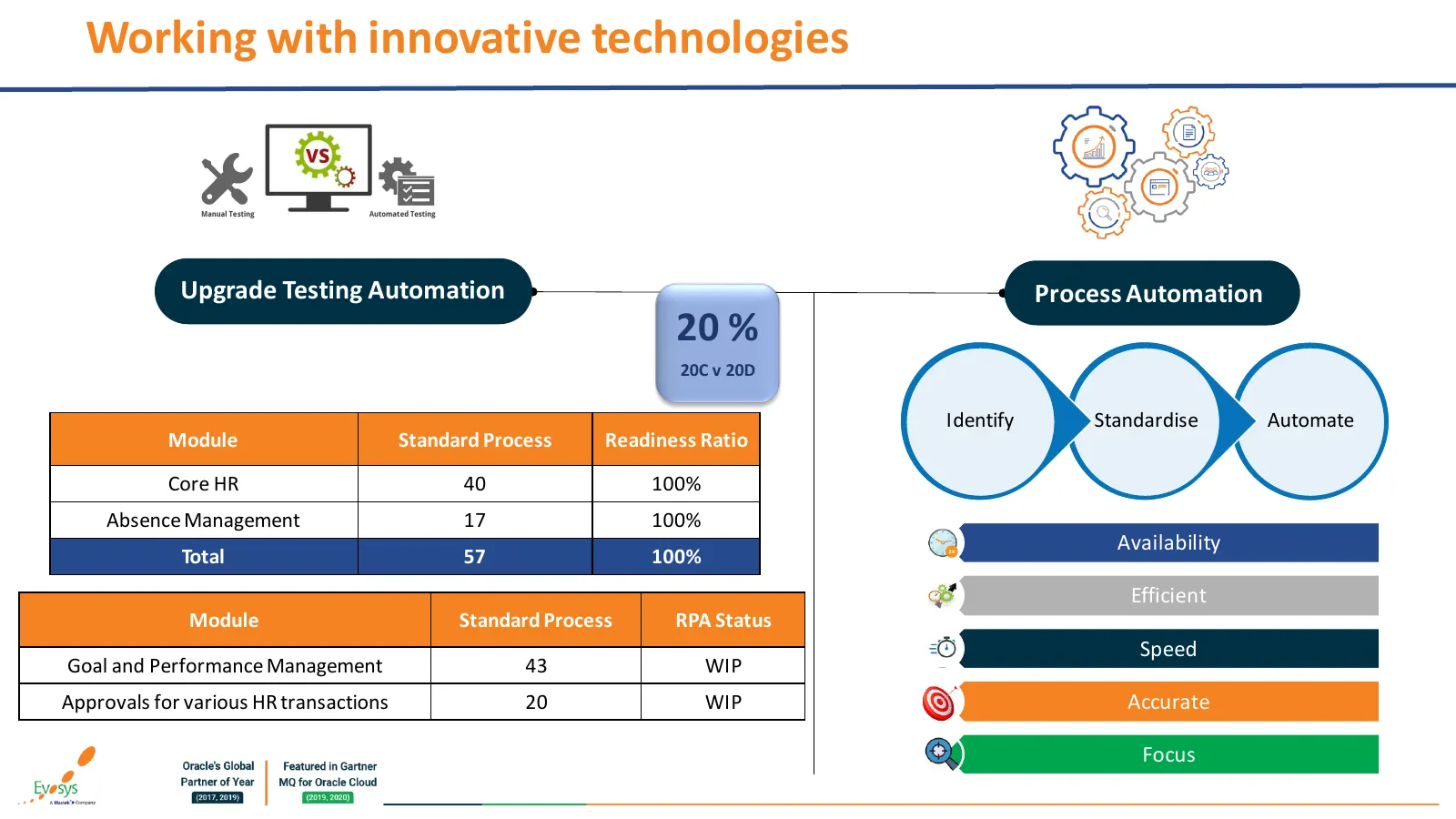
Slide 78: Working with innovative technologies
Working with innovative technologies Upgrade Testing Automation Process Automation 20 % 20C v 20D Identify Standardise Automate Module Standard Process Readiness Ratio Core HR 40 100% Absence Management 17 100% Availability Total 57 100% Efficient Module Standard Process RPA Status Speed Goal and Pe
Source: Internet Archive copy of mastek.com
More decks from Mastek Limited
 Q2 FY2027 Earnings Presentation18 slides · Oct 23, 2026
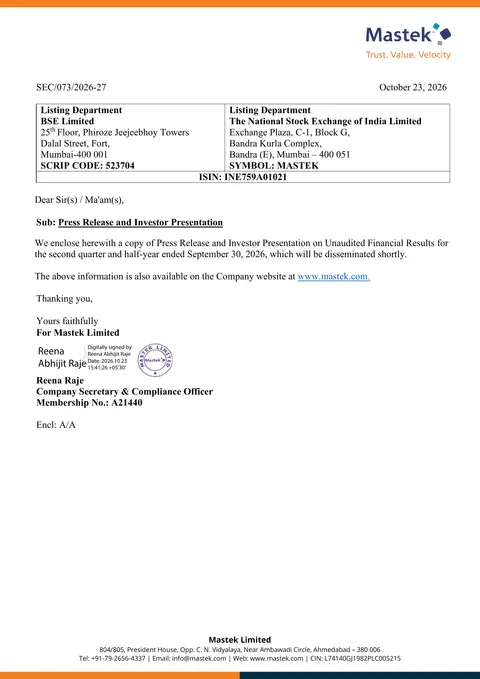 Q2 FY2027 Earnings Presentation25 slides · Oct 23, 2026
 Q1 FY27 Earnings Presentation31 slides · Jul 21, 2026
 Q1 FY2027 Earnings Presentation23 slides · Jul 21, 2026
 Q4 FY26 Earnings Presentation37 slides · Apr 18, 2026
 Q4 FY26 Earnings Presentation28 slides · Apr 17, 2026