D2L, Inc. · TSX:DTOL
D2L — Investor Presentation
11 slides from D2L's investor presentation
Slide 1: An Introduction to Communication and Engagement with Your Students Using Brightspace
An Introduction to Communication and Engagement with Your Students Using Brightspace
Slide 2: Hello from D2L!
Hello from D2L! Heather Ryan Customer Success Specialist D2L @heathersryan Questions: K12Ont@D2L.com
Slide 3: Agenda
Agenda ❑ What is Brightspace? ❑ Customize your homepage banner ❑ Use replace strings ❑ Create a rich Announcement using “Insert Stuff” ❑ Create interactive Activity Feed posts ❑ Preview as a student Questions: K12Ont@D2L.com
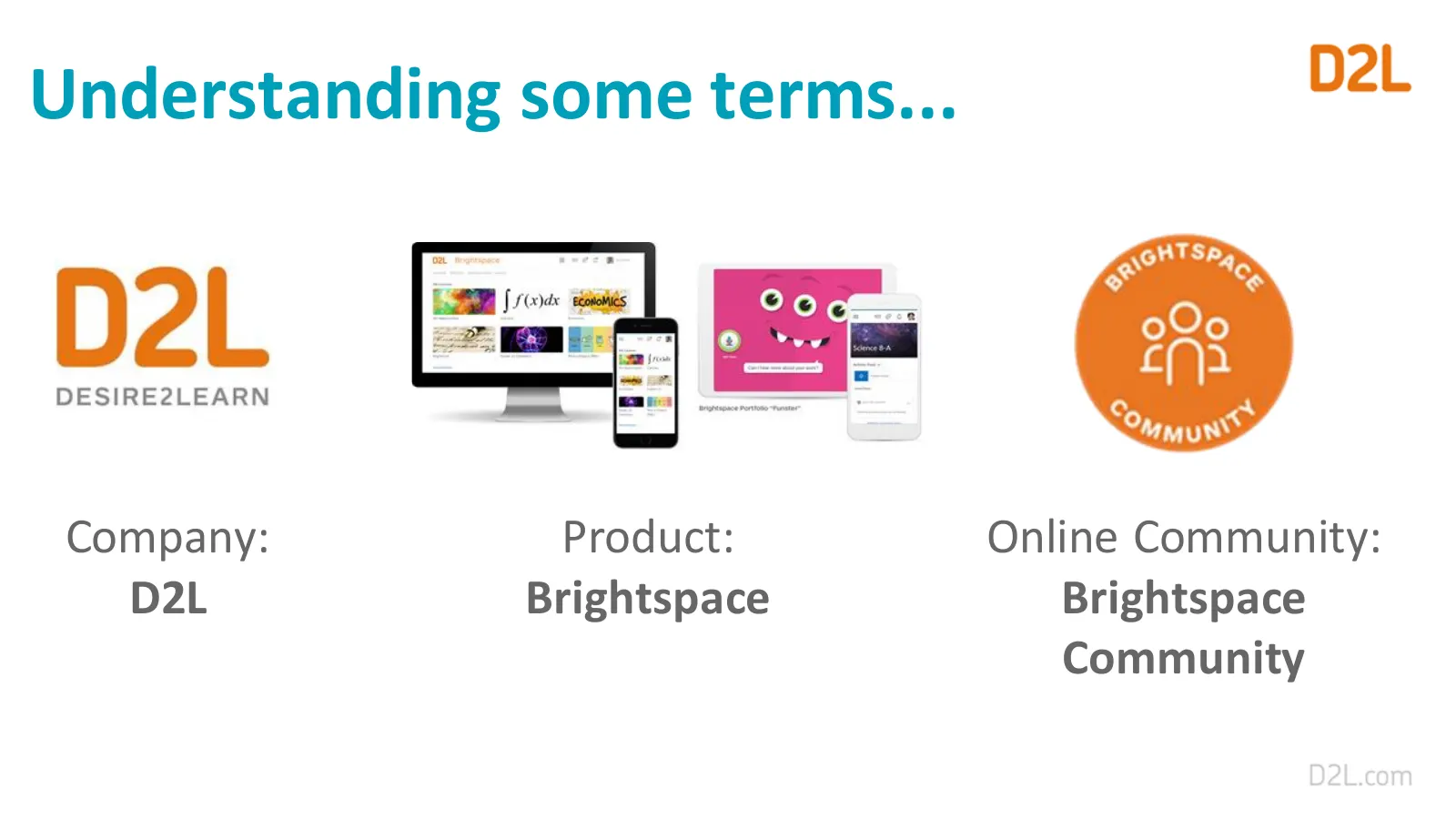
Slide 4: Understanding some terms...
Understanding some terms... Company: Product: Online Community: D2L Brightspace Brightspace Community
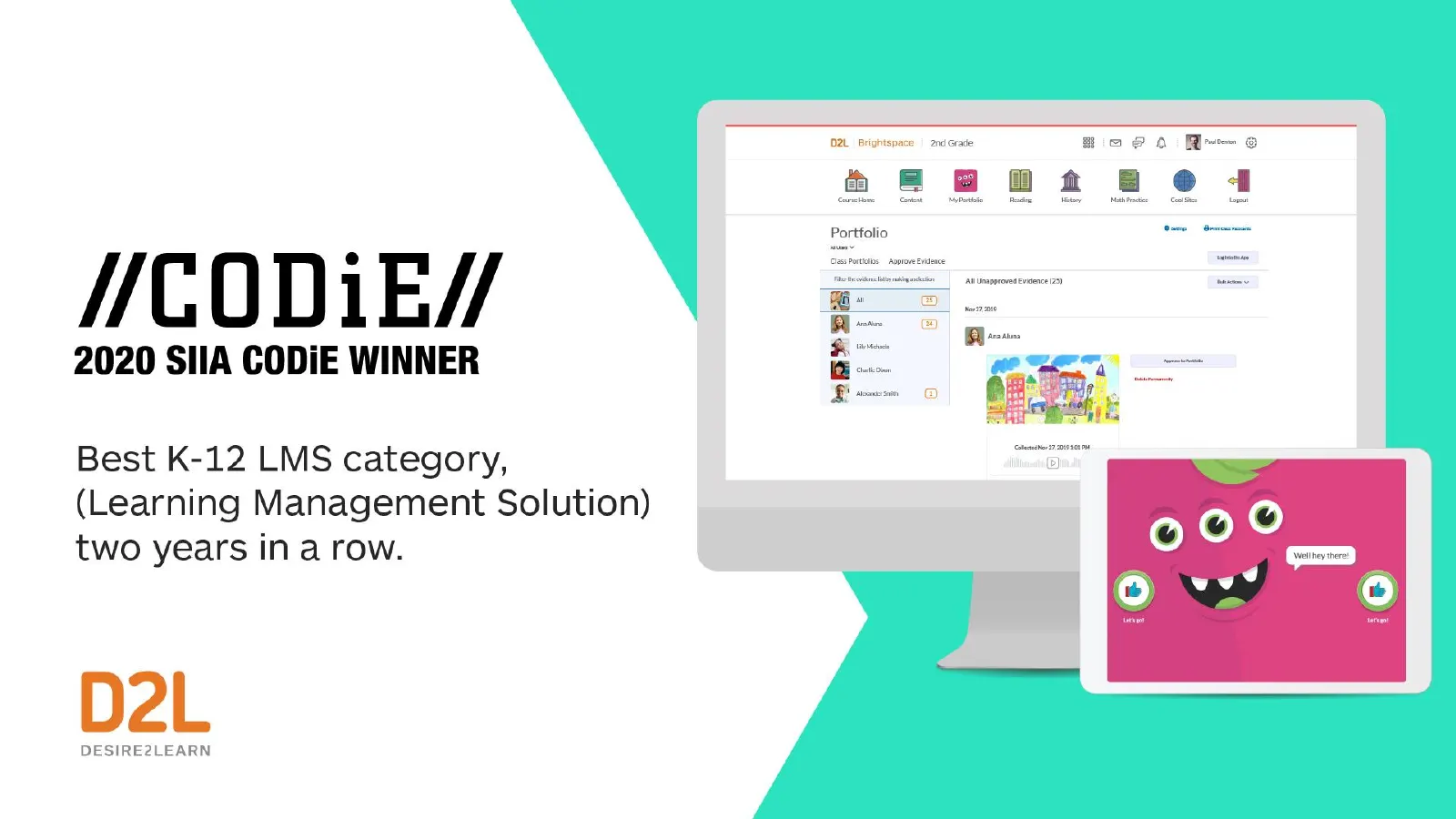
Slide 5: Best K-12 Learning Management Solution
Best K-12 Learning Management Solution Brightspace was recently named the best K-12 Learning Management Solution (LMS) of 2019 as part of the annual SIIA CODiE Awards. The prestigious CODiE Awards recognize the companies producing the most innovative Business and Education technology products across
Slide 6: Let's check it out…
Let’s check it out… • Demo: ❑ Customize your homepage banner ❑ Use replace strings ❑ Create a rich Announcement using “Insert Stuff” ❑ Create interactive Activity Feed posts ❑ Preview as a student
Slide 7: Give This a Try!
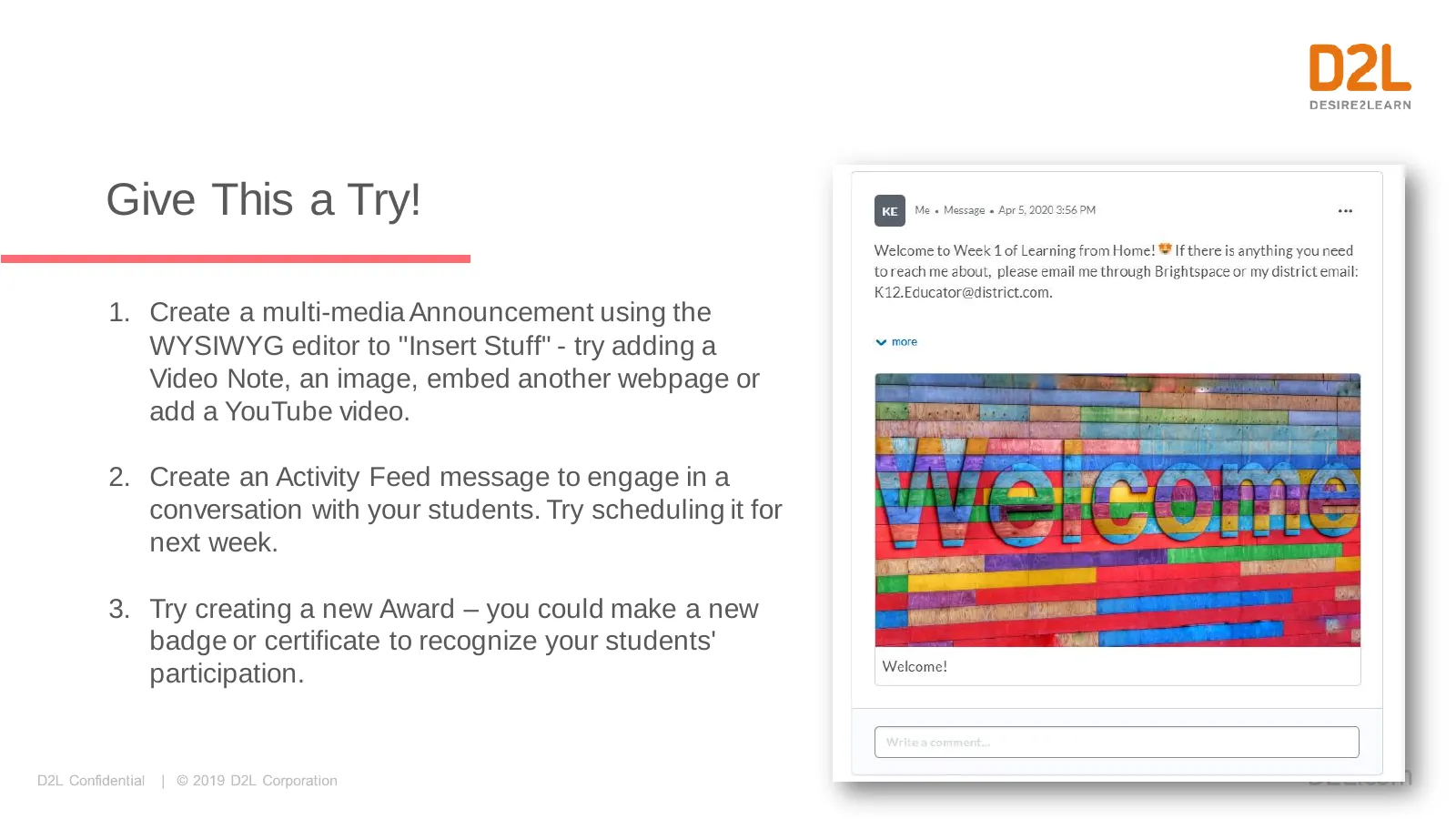
Give This a Try! 1. Create a multi-media Announcement using the WYSIWYG editor to "Insert Stuff" - try adding a Video Note, an image, embed another webpage or add a YouTube video. 2. Create an Activity Feed message to engage in a conversation with your students. Try scheduling it for next week. 3. T
Slide 8: Resources
Resources Continuing Learning and Instruction for K12 Schools- D2L Whitepaper D2L Parent and Guardian Support Site Brightspace Tutorials One-Minute Work-flow Videos VLE Training Videos (VLE= Brightspace in Ontario, but still extremely useful for all!) D2L Education Webinars D2L- Teaching from Home R
Slide 9: Hungry for More?
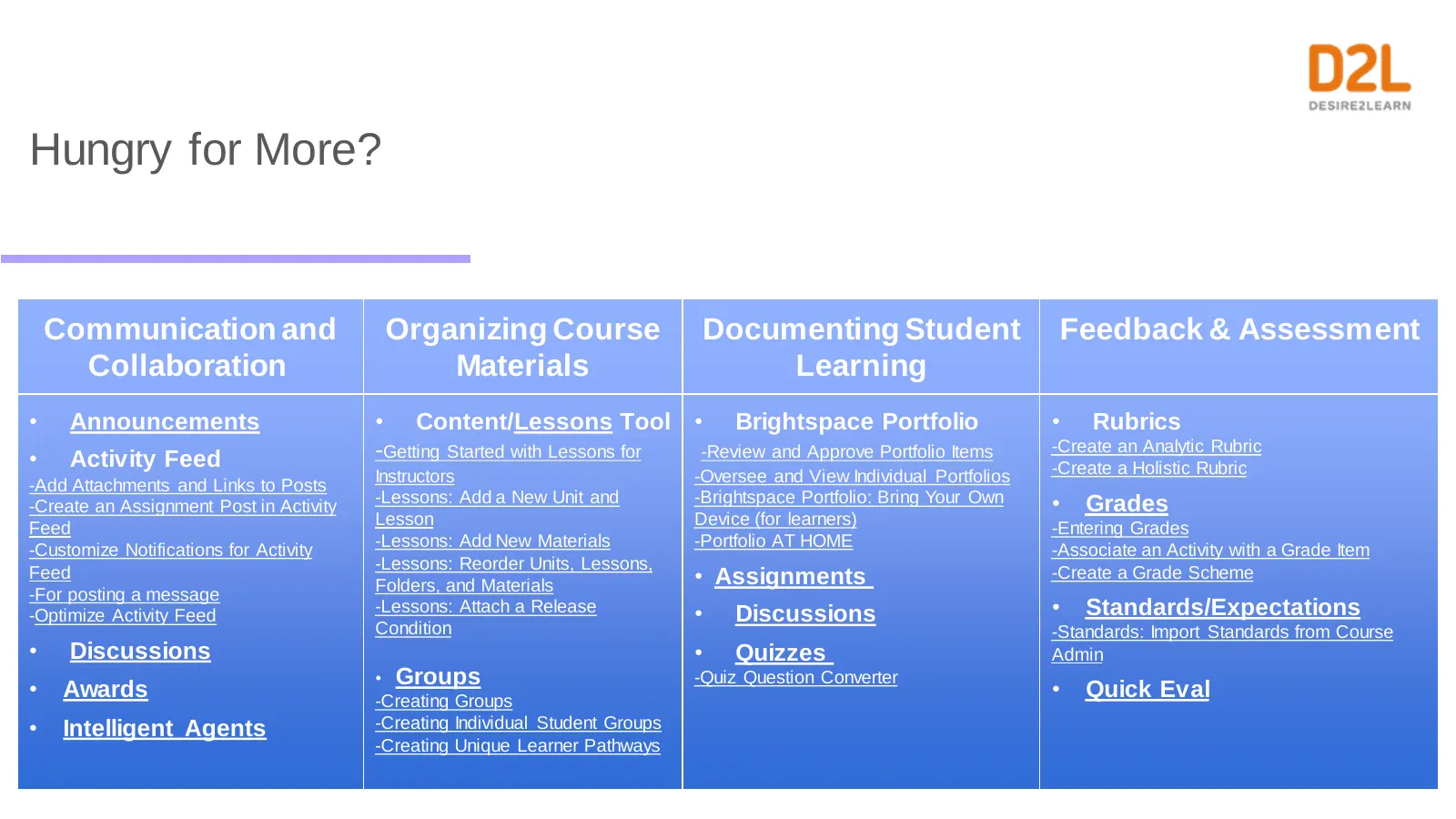
Hungry for More? Communication and Organizing Course Documenting Student Feedback & Assessment Collaboration Materials Learning • Announcements • Content/Lessons Tool • Brightspace Portfolio • Rubrics -Getting Started with Lessons for -Review and Approve Portfolio Items -Create an Analytic Rubric •
Slide 10: Past K12 Educator Webinars
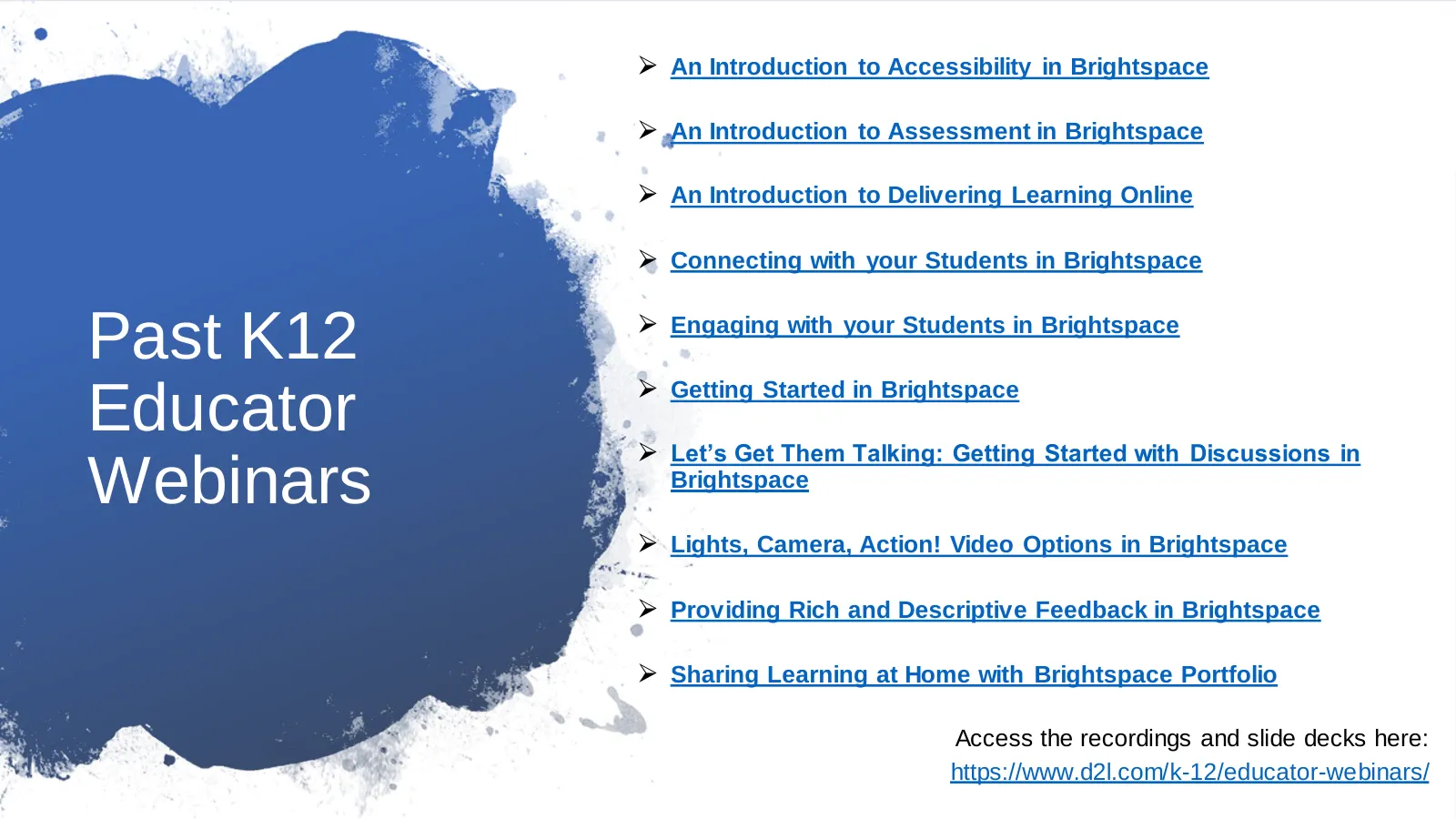
⮚ An Introduction to Accessibility in Brightspace ⮚ An Introduction to Assessment in Brightspace ⮚ An Introduction to Delivering Learning Online ⮚ Connecting with your Students in Brightspace ⮚ Engaging with your Students in Brightspace Past K12 ⮚ Getting Started in Brightspace Educator ⮚ Let’s Get
Slide 11: @heathersryan
@heathersryan
Source: Internet Archive copy of pages.d2l.com
More decks from D2L, Inc.
 FY2026 Earnings Presentation20 slides · April 2026
 Q3 FY2026 Earnings Presentation19 slides · January 2026
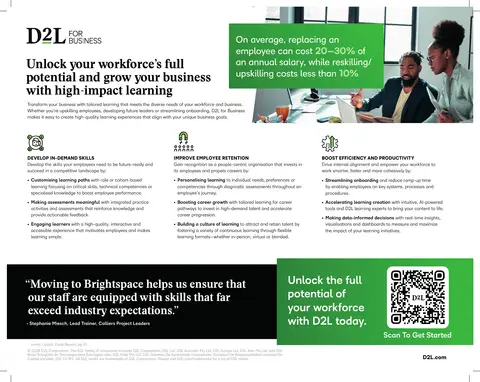 Fact Sheet (May 2025)1 slide · May 2025
 Q3 2025 Earnings Presentation23 slides · January 2025
 Q3 2024 Earnings Presentation20 slides · December 2023
 Investor Presentation (April 2023)15 slides · April 2023