Lear Corporation · NYSE:LEA
Lear — Technical Presentation (November 2012)
22 slides from Lear's technical presentation, November 2012
Slide 1: Lear Supplier Development: 5S and Visual Management Implementation
Lear Supplier Development 5S and Visual Management Implementation
Slide 2: Introduction
Introduction • Lear Supplier Development – Develop a relationship for flawless launch – My experience with 5S • Sourced Program Suppliers – New to Lear – 5S implementation at your facility – Familiarity with 5S 2
Slide 3: Why is 5S important to Lear?
Why is 5S important to Lear? • Commitment within Lear’s own plants • Role out to supplier base • Another efficiency “tool” in the tool box – Open the lead to eliminating additional waste – Relatively easy to implement • Limited Lear resources • Commitment to developing “World Class” Suppliers 3
Slide 4: Overview of the 5S System
Overview of the 5S System • Abbreviated Japanese words – Seiri – Seiton – Seison – Seiketsu – Shituke • Philosophy or system that focuses on – Effectively organizing the work place – Standardizing work procedures – Eliminating waste 4
Slide 5: Poor Workplace Organization Means Waste
Poor Workplace Organization Means Waste • Unneeded inventory incurs extra inventory- related expenses • Extra manpower is needed to manage the growing inventory • Greater amounts of stocked items become obsolete due to design changes, limited shelf life, etc. 5
Slide 6: Poor Workplace Organization Means Waste
Poor Workplace Organization Means Waste • Quality defects result from unneeded in- process inventory and machine breakdowns • Unneeded equipment poses a daily obstacle to production activities • The presence of unneeded items makes designing factory/office layouts more difficult 6
Slide 7: Major Benefits of 5S
Major Benefits of 5S • Tangible measurables – Case study examples – Reduces downtime – Improves efficiency and productivity – Improves delivery times and assists in reducing costs – Improves safety / Reduces accidents 7
Slide 8: Major Benefits of 5S
Major Benefits of 5S • Intangible measurables – Enhances operational control of processes – Improves product quality – Creates a positive work environment – First impressions • Customers • Employees “You never get a second chance to create a first impression.” 8
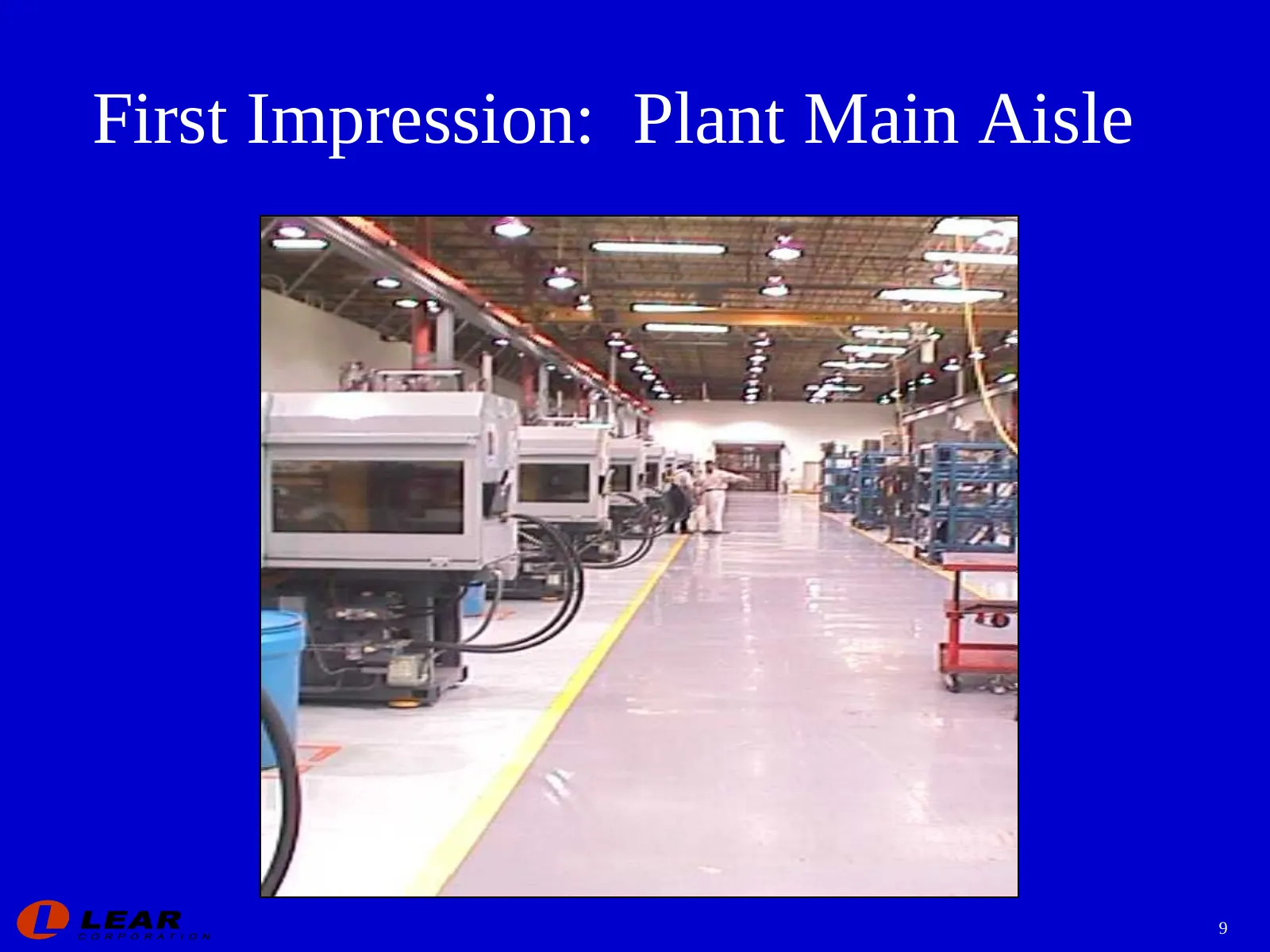
Slide 9: First Impression: Plant Main Aisle
First Impression: Plant Main Aisle 9
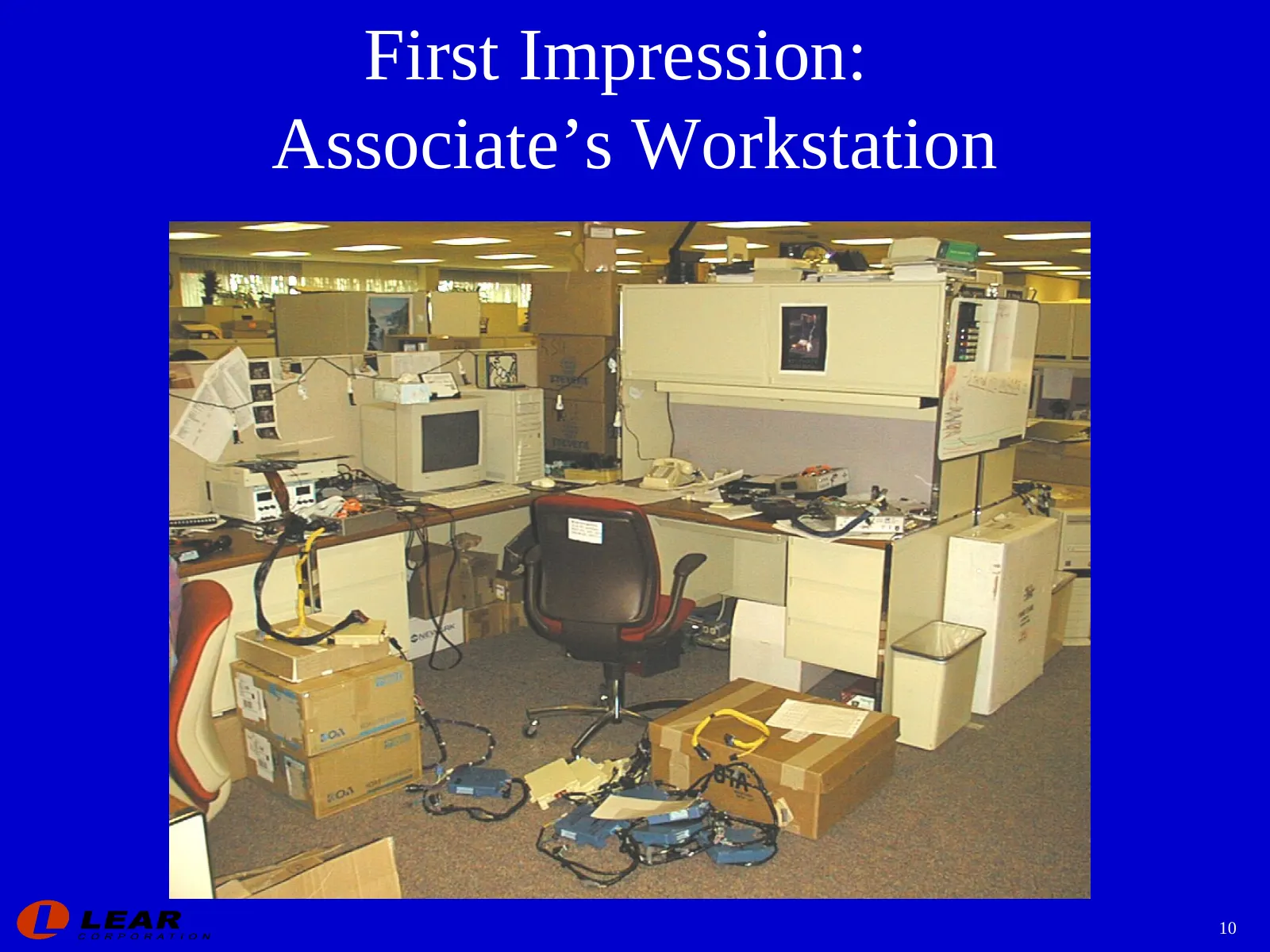
Slide 10: First Impression: Associate's Workstation
First Impression: Associate’s Workstation 10
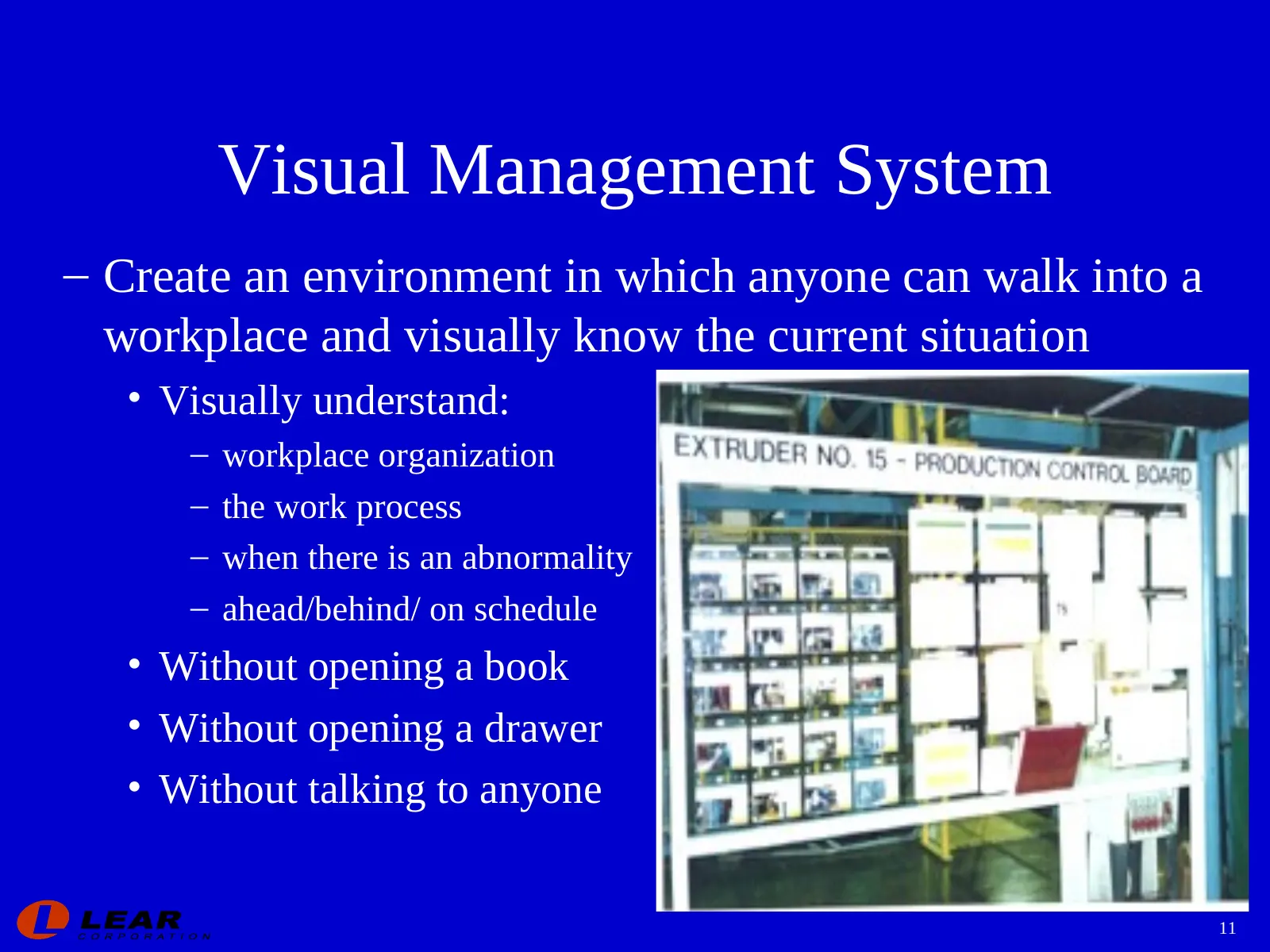
Slide 11: Visual Management System
Visual Management System – Create an environment in which anyone can walk into a workplace and visually know the current situation • Visually understand: – workplace organization – the work process – when there is an abnormality – ahead/behind/ on schedule • Without opening a book • Without opening
Slide 12: Visual Management: Major Benefits
Visual Management: Major Benefits • Controls inventory levels • Controls lot sizes • Reduces space by better organization / utilization • Reduces energy (manual or mechanical) • Promotes quality 13
Slide 13: 5S Workplace Organization: The Foundation of the Visual Workplace
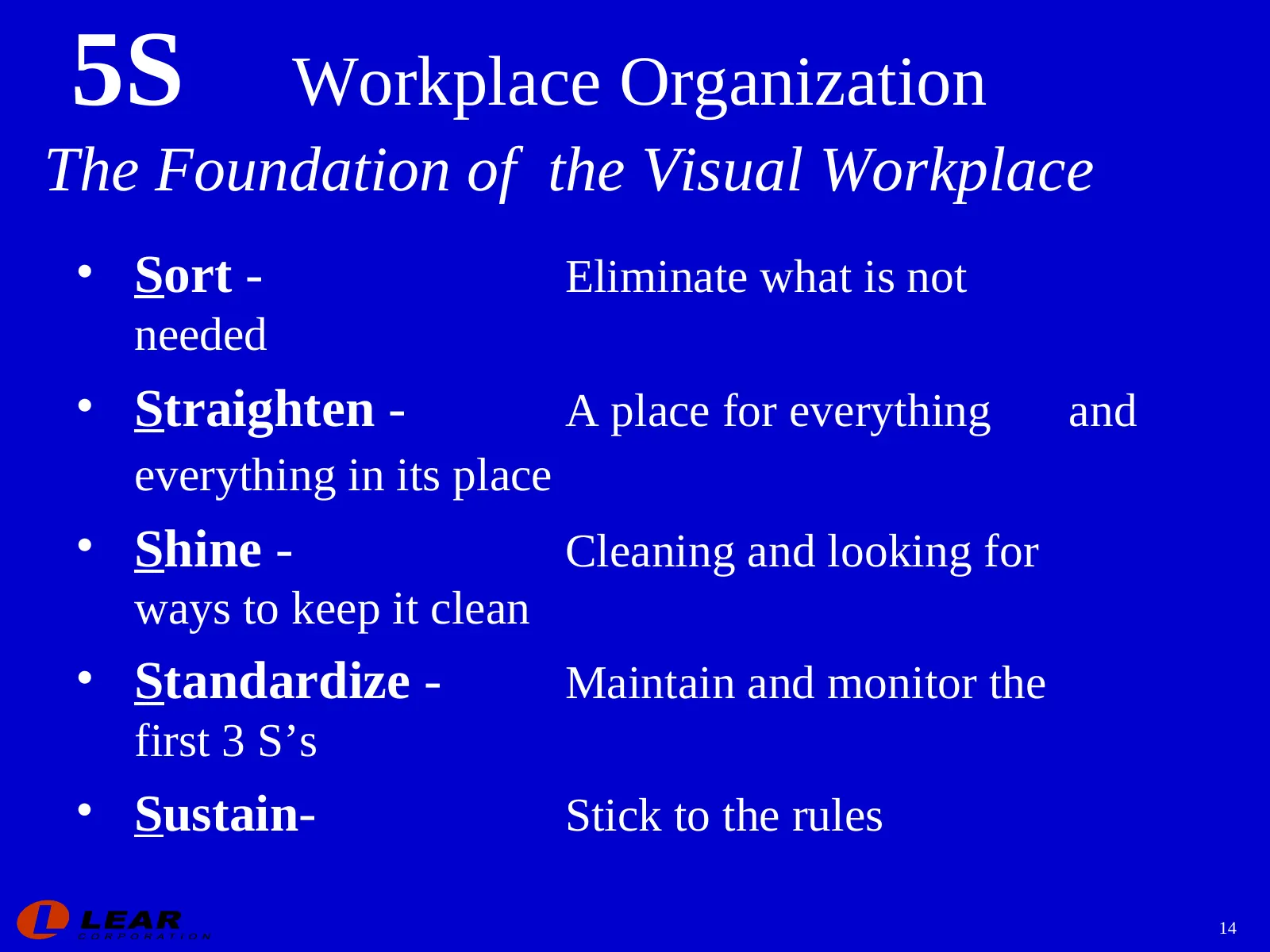
5S Workplace Organization The Foundation of the Visual Workplace • Sort - Eliminate what is not needed • Straighten - A place for everything and everything in its place • Shine - Cleaning and looking for ways to keep it clean • Standardize - Maintain and monitor the first 3 S’s • Sustain- Stick to t
Slide 14: SORT
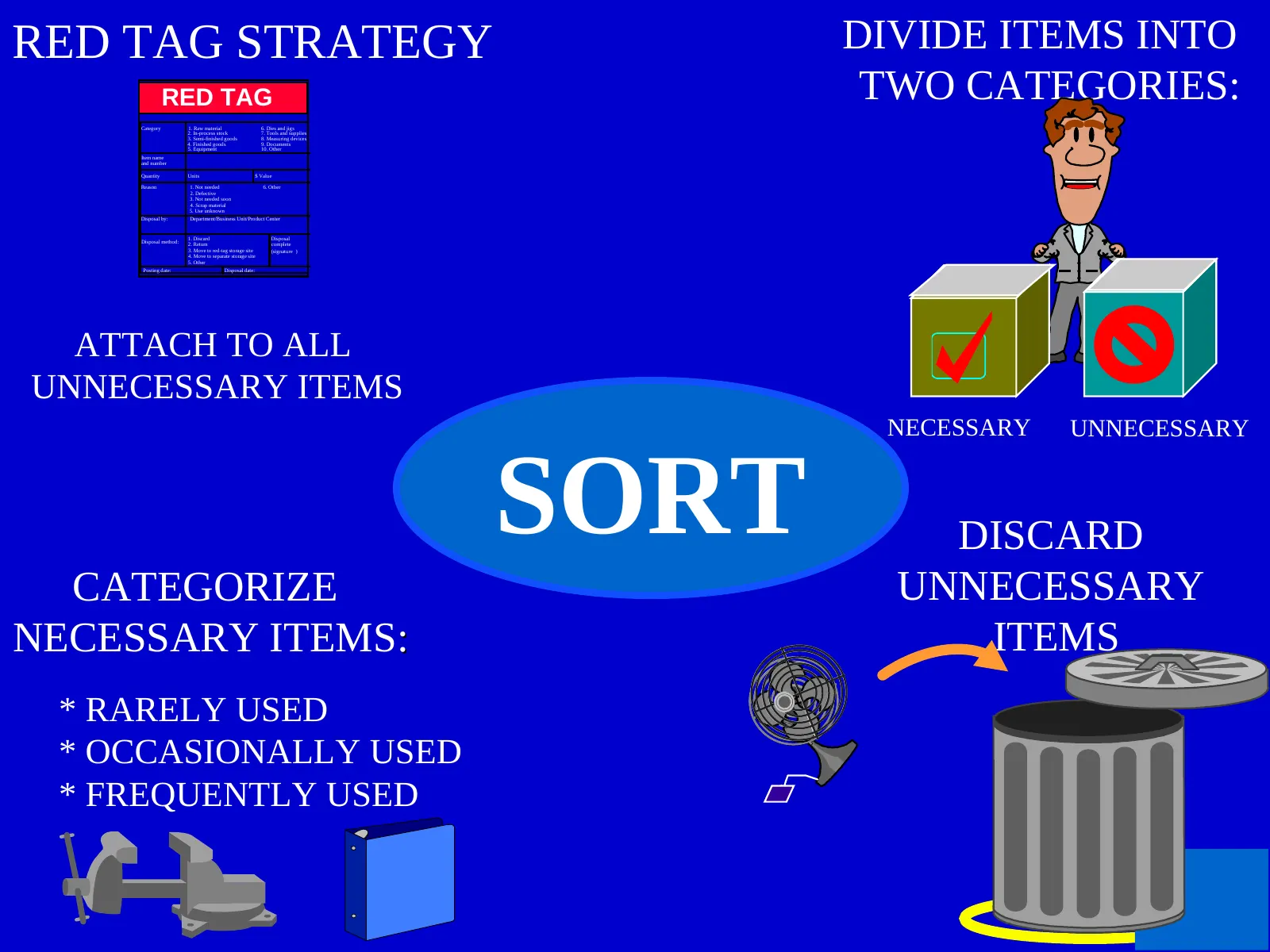
RED TAG STRATEGY DIVIDE ITEMS INTO RED TAG TWO CATEGORIES: Category 1. Raw material 6. Dies and jigs 2. In-process stock 7. Tools and supplies 3. Semi-finished goods 8. Measuring devices 4. Finished goods 9. Documents 5. Equipment 10. Other Item name and number Quantity Units $ Value Reason 1. Not n
Slide 15: STRAIGHTEN
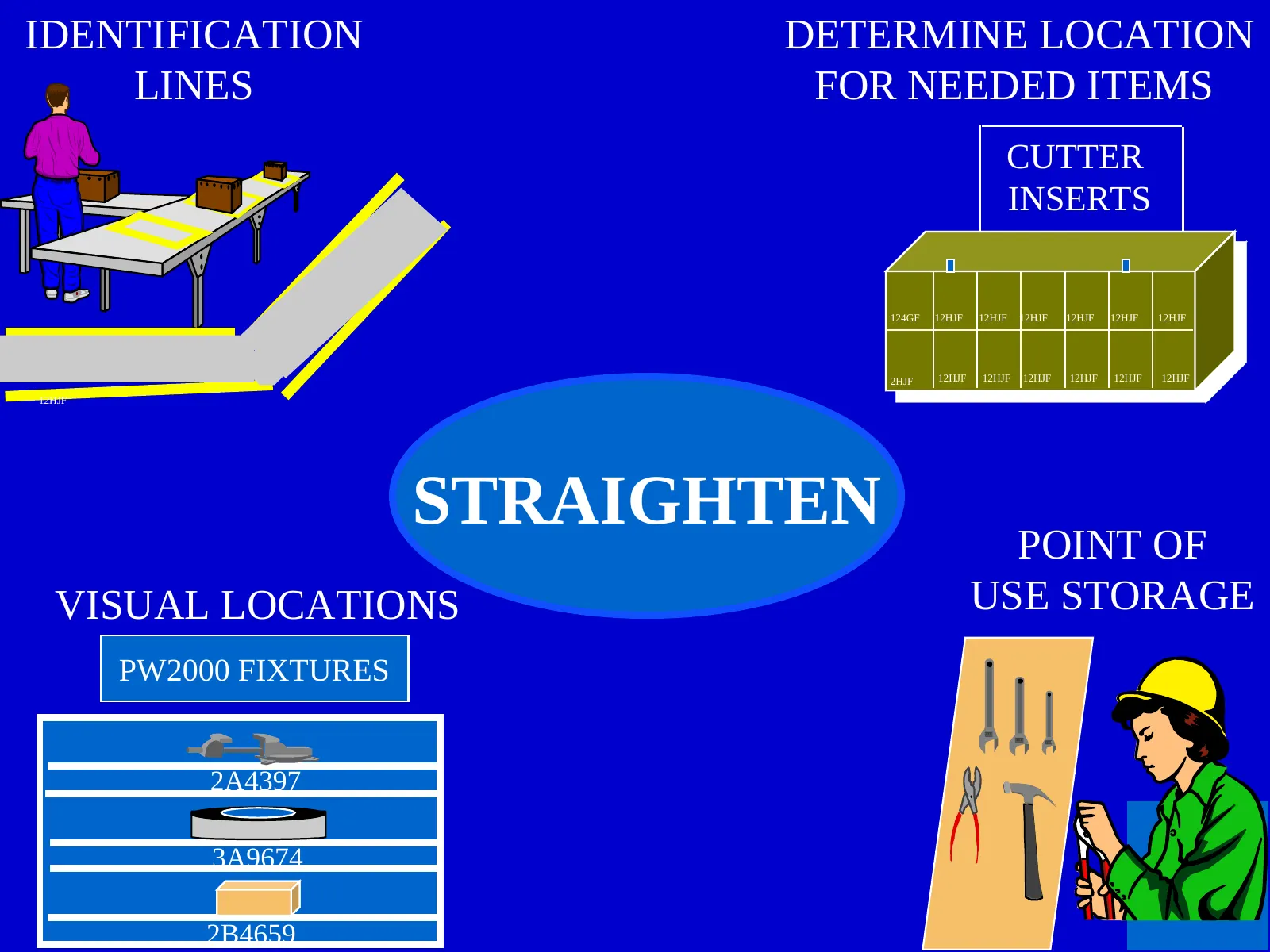
IDENTIFICATION DETERMINE LOCATION LINES FOR NEEDED ITEMS CUTTER INSERTS 124GF 12HJF 12HJF 12HJF 12HJF 12HJF 12HJF 2HJF 12HJF 12HJF 12HJF 12HJF 12HJF 12HJF 12HJF STRAIGHTEN POINT OF VISUAL LOCATIONS USE STORAGE PW2000 FIXTURES 2A4397 3A9674 2B4659
Slide 16: SHINE
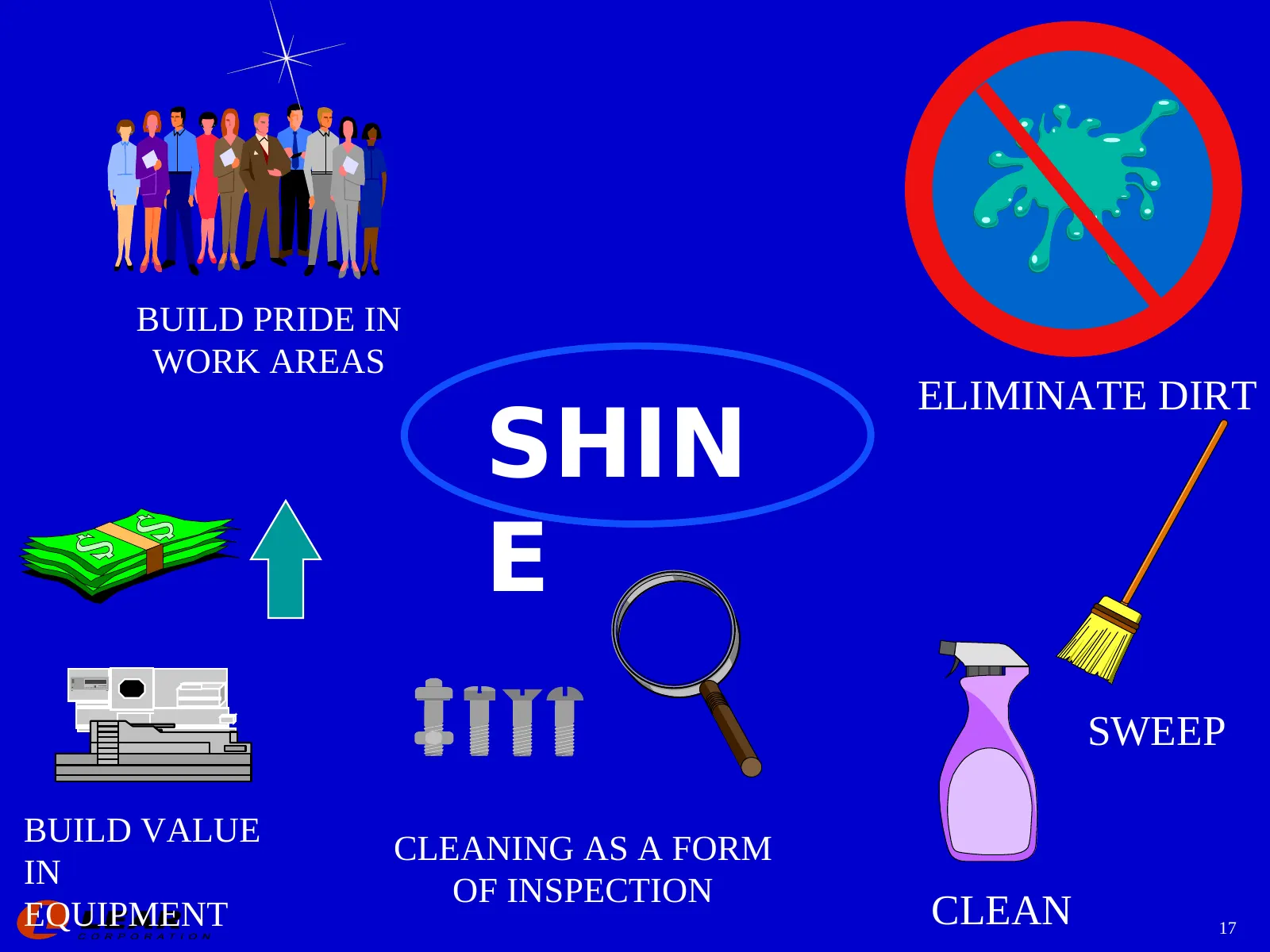
BUILD PRIDE IN WORK AREAS ELIMINATE DIRT SHIN E SWEEP BUILD VALUE CLEANING AS A FORM IN OF INSPECTION EQUIPMENT CLEAN 17
Slide 17: STANDARDIZE
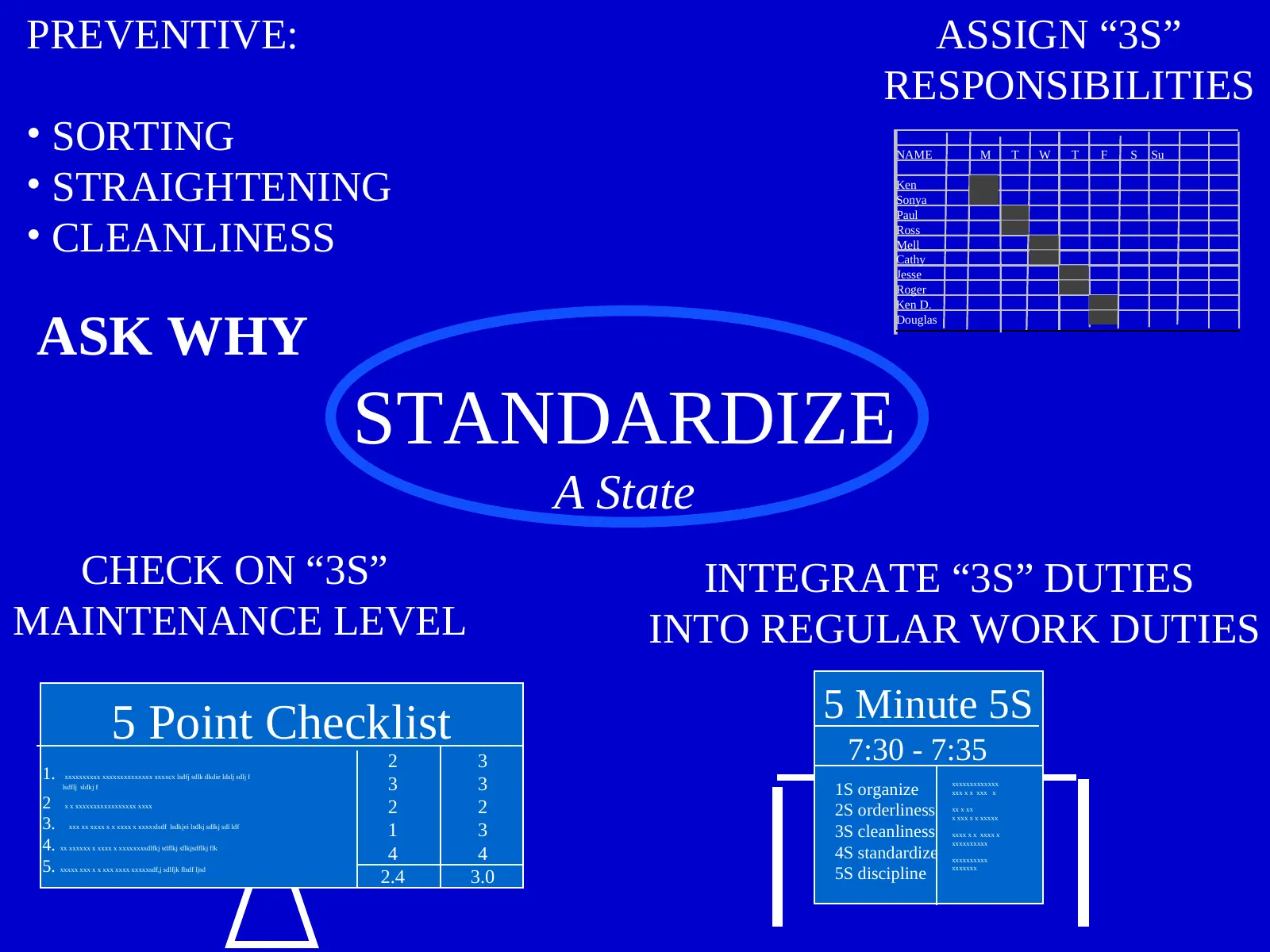
PREVENTIVE: ASSIGN “3S” RESPONSIBILITIES • SORTING NAME M T W T F S Su • STRAIGHTENING Ken Sonya Paul • CLEANLINESS Ross Mell Cathy Jesse Roger Ken D. ASK WHY Douglas STANDARDIZE A State CHECK ON “3S” INTEGRATE “3S” DUTIES MAINTENANCE LEVEL INTO REGULAR WORK DUTIES 5 Point Checklist 5 Minute 5S 2 3
Slide 18: SUSTAIN
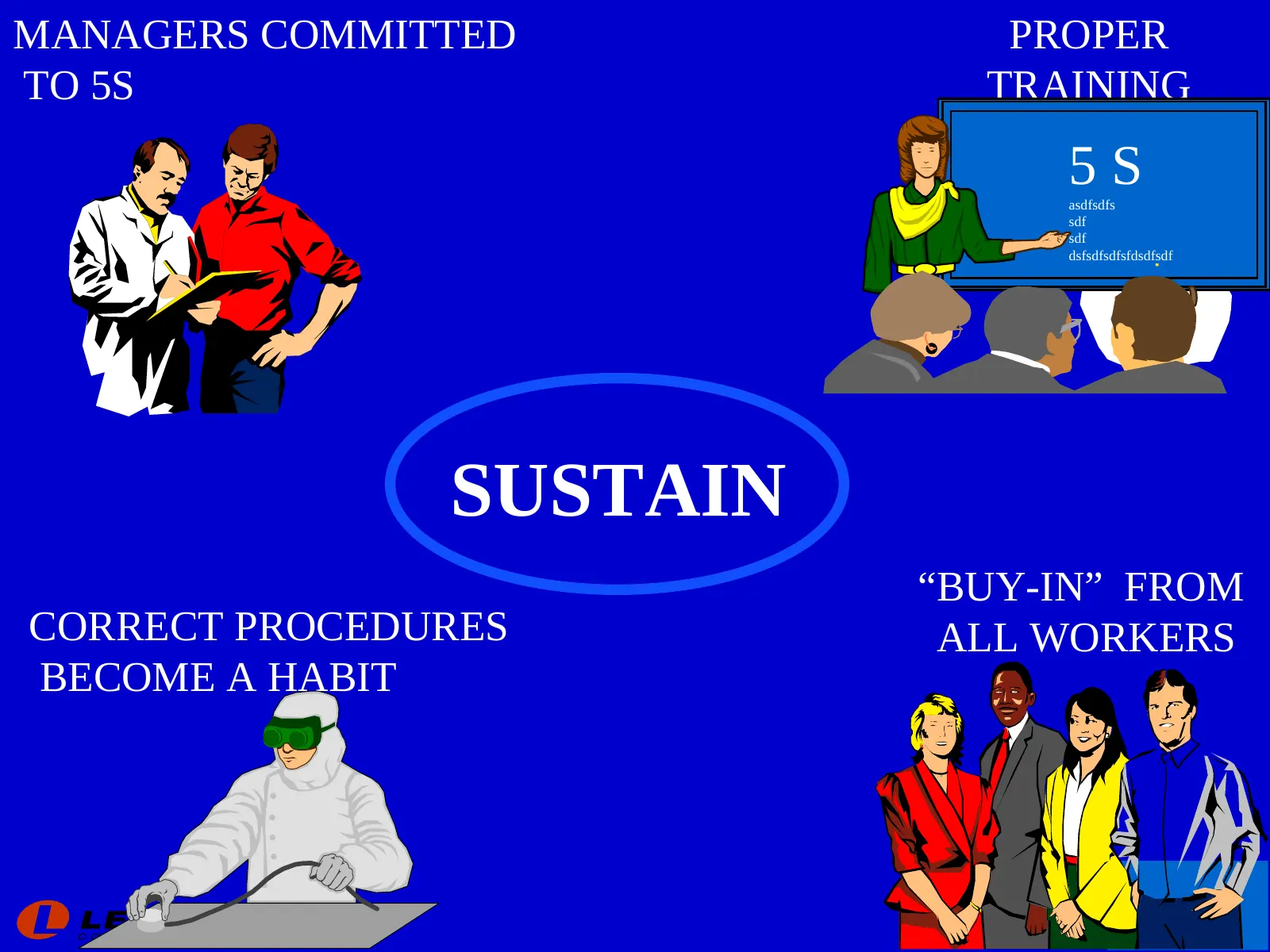
MANAGERS COMMITTED PROPER TO 5S TRAINING 5S asdfsdfs sdf sdf dsfsdfsdfsfdsdfsdf SUSTAIN “BUY-IN” FROM CORRECT PROCEDURES ALL WORKERS BECOME A HABIT 19
Slide 19: Visual Controls vs. Visual Displays
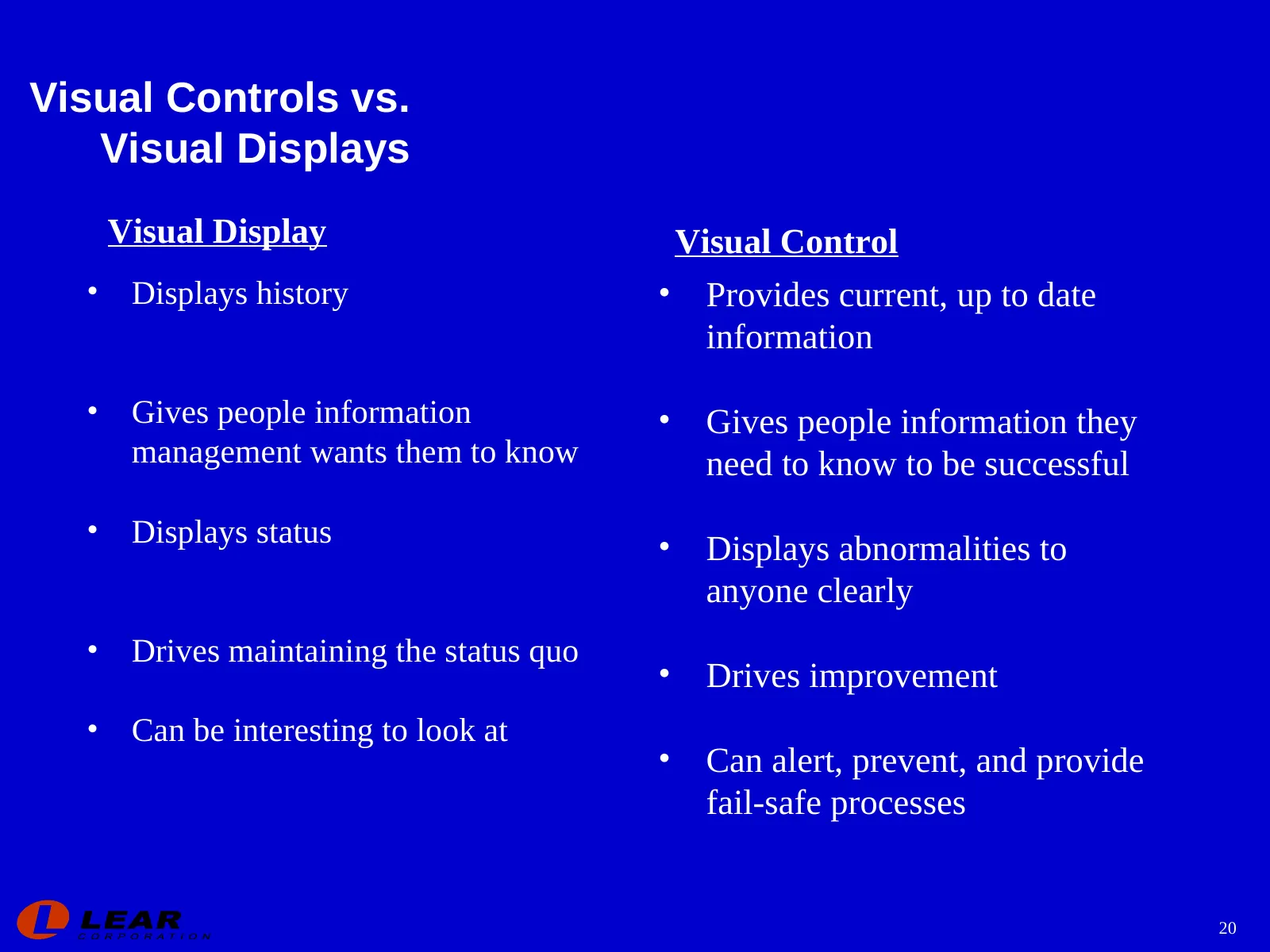
Visual Controls vs. Visual Displays Visual Display Visual Control • Displays history • Provides current, up to date information • Gives people information • Gives people information they management wants them to know need to know to be successful • Displays status • Displays abnormalities to anyone
Slide 20: Visual Controls Examples: Operator Process Control (OPC)
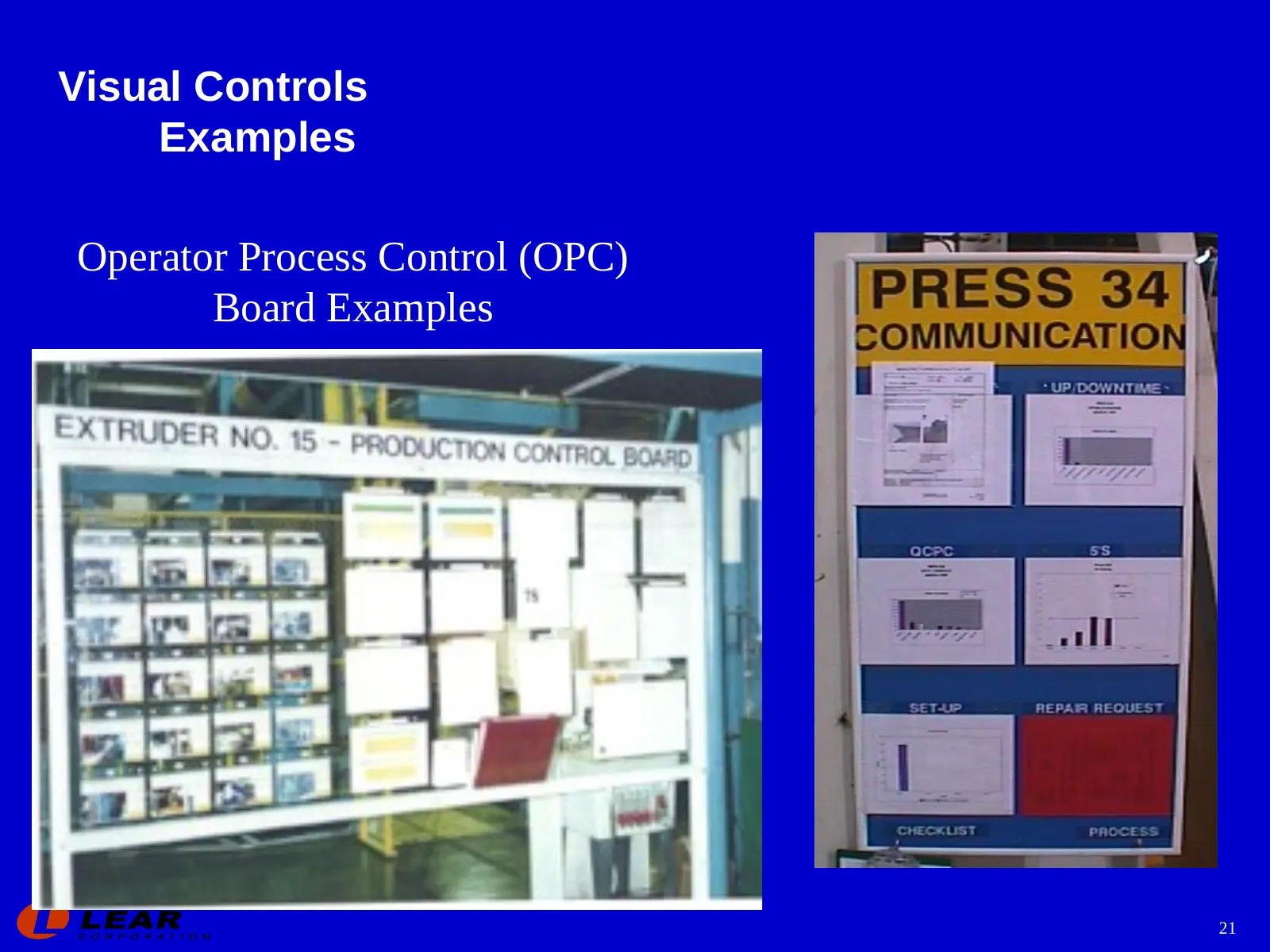
Visual Controls Examples Operator Process Control (OPC) Board Examples 21
Slide 21: Implementation Key Points
Implementation Key Points • Publicly announce the start of the program • Obtain top level support in the organization • Involve all levels of employees • Assign a champion(s) to lead 5S team – Not only quality 22
Slide 22: Implementation Key Points
Implementation Key Points • Standardize formats, design and theme of visuals • Disseminate information on progress • Photograph or video tape current look • Include in current process – i.e., work order system, p.m. system 23
Source: Internet Archive copy of lear.com
More decks from Lear Corporation
 Investor Presentation (September 2026)35 slides · September 2026
 Q2 2026 Earnings Presentation32 slides · Jul 31, 2026
 Q4 2025 Earnings Presentation40 slides · Feb 4, 2026
 Q1 2026 Earnings Presentation27 slides · 2026
 Investor Presentation (December 2025)34 slides · December 2025
 Q3 2025 Earnings Presentation30 slides · Oct 31, 2025