Mastek Limited · NSE:MASTEK
Mastek — Evosys — Earnings Presentation (October 2022)
48 slides from Mastek's earnings presentation, October 2022
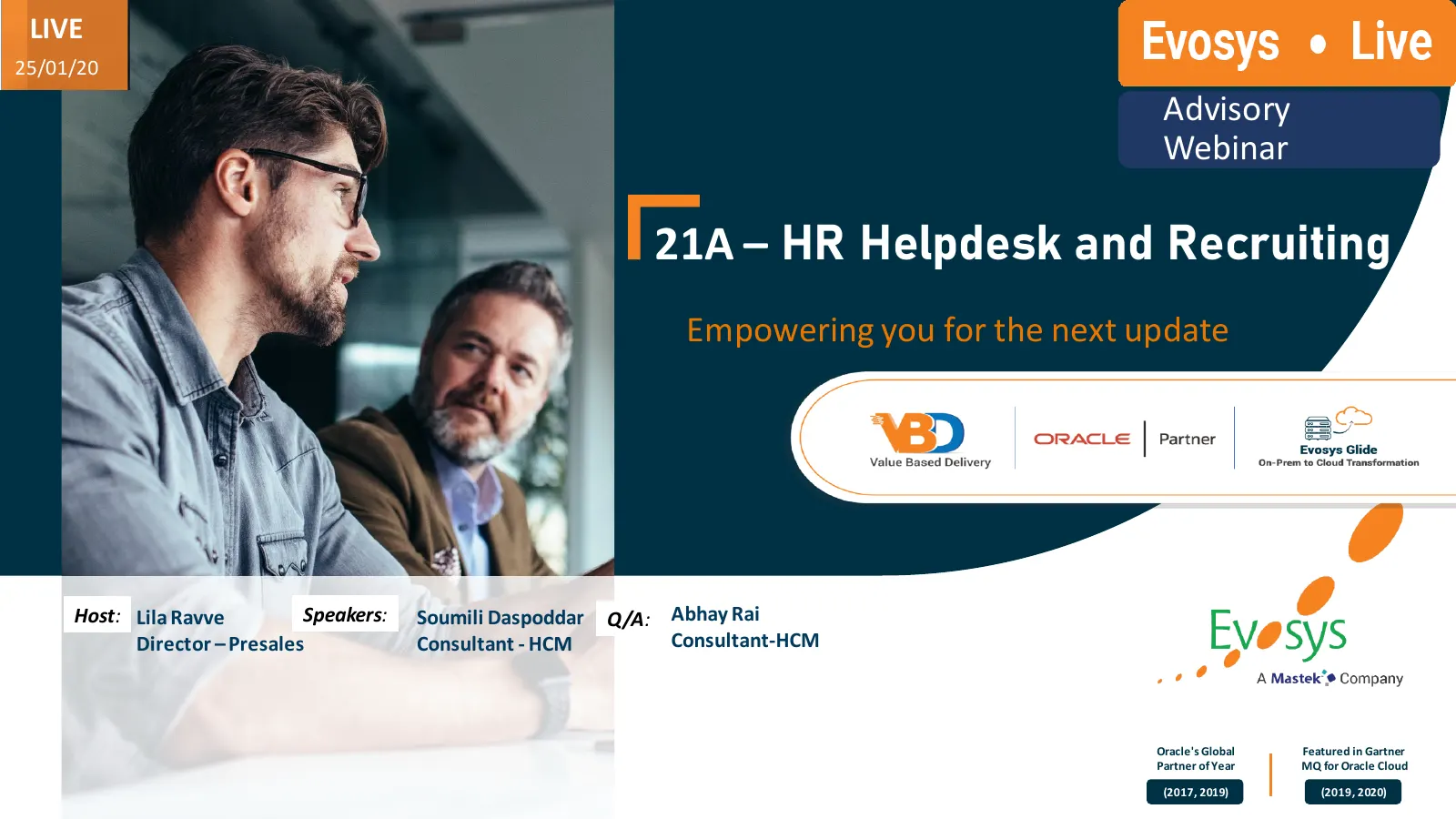
Slide 1: 21A – HR Helpdesk and Recruiting
LIVE 25/01/20 Advisory Webinar 21A – HR Helpdesk and Recruiting Empowering you for the next update Host: Lila Ravve Speakers: Soumili Daspoddar Q/A: Abhay Rai Director – Presales Consultant - HCM Consultant-HCM Oracle's Global Featured in Gartner Partner of Year MQ for Oracle Cloud (2017, 2019) (201
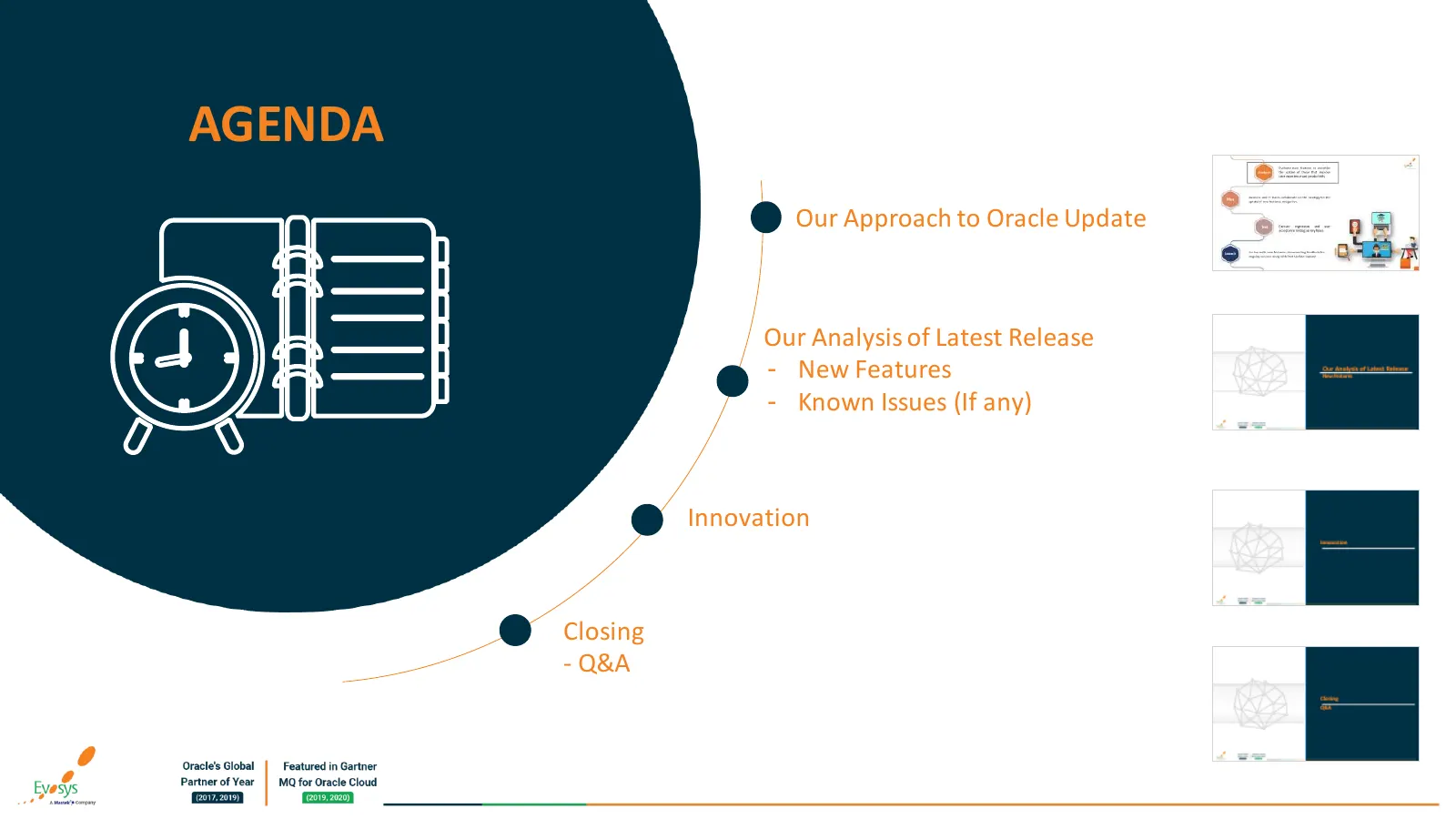
Slide 2: Agenda
AGENDA Our Approach to Oracle Update Our Analysis of Latest Release - New Features - Known Issues (If any) Innovation Closing - Q&A
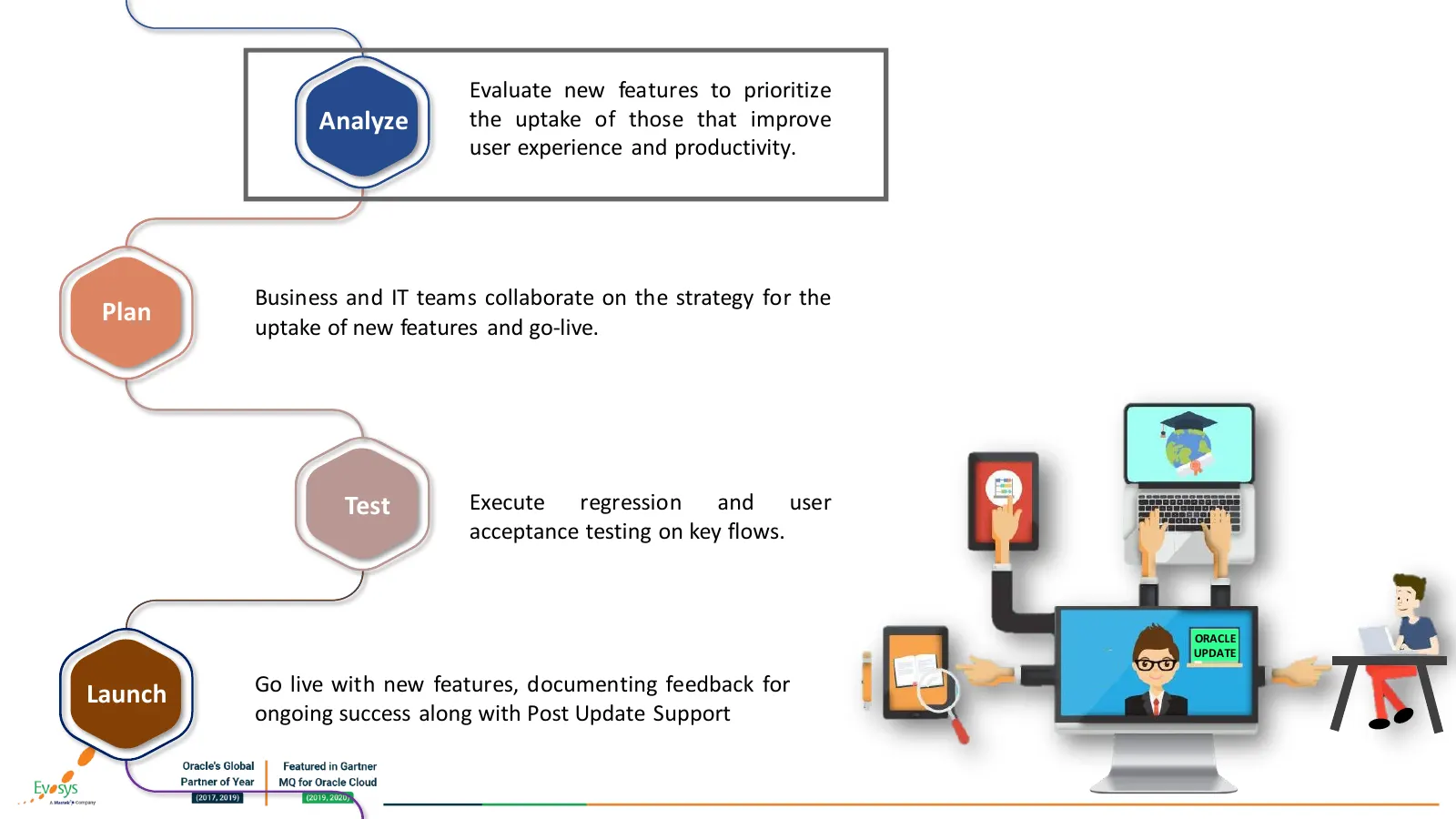
Slide 3: Our approach to Oracle update: Analyze, Plan, Test, Launch
Evaluate new features to prioritize Analyze the uptake of those that improve user experience and productivity. Business and IT teams collaborate on the strategy for the Plan uptake of new features and go-live. Test Execute regression and user acceptance testing on key flows. ORACLE UPDATE Launch Go
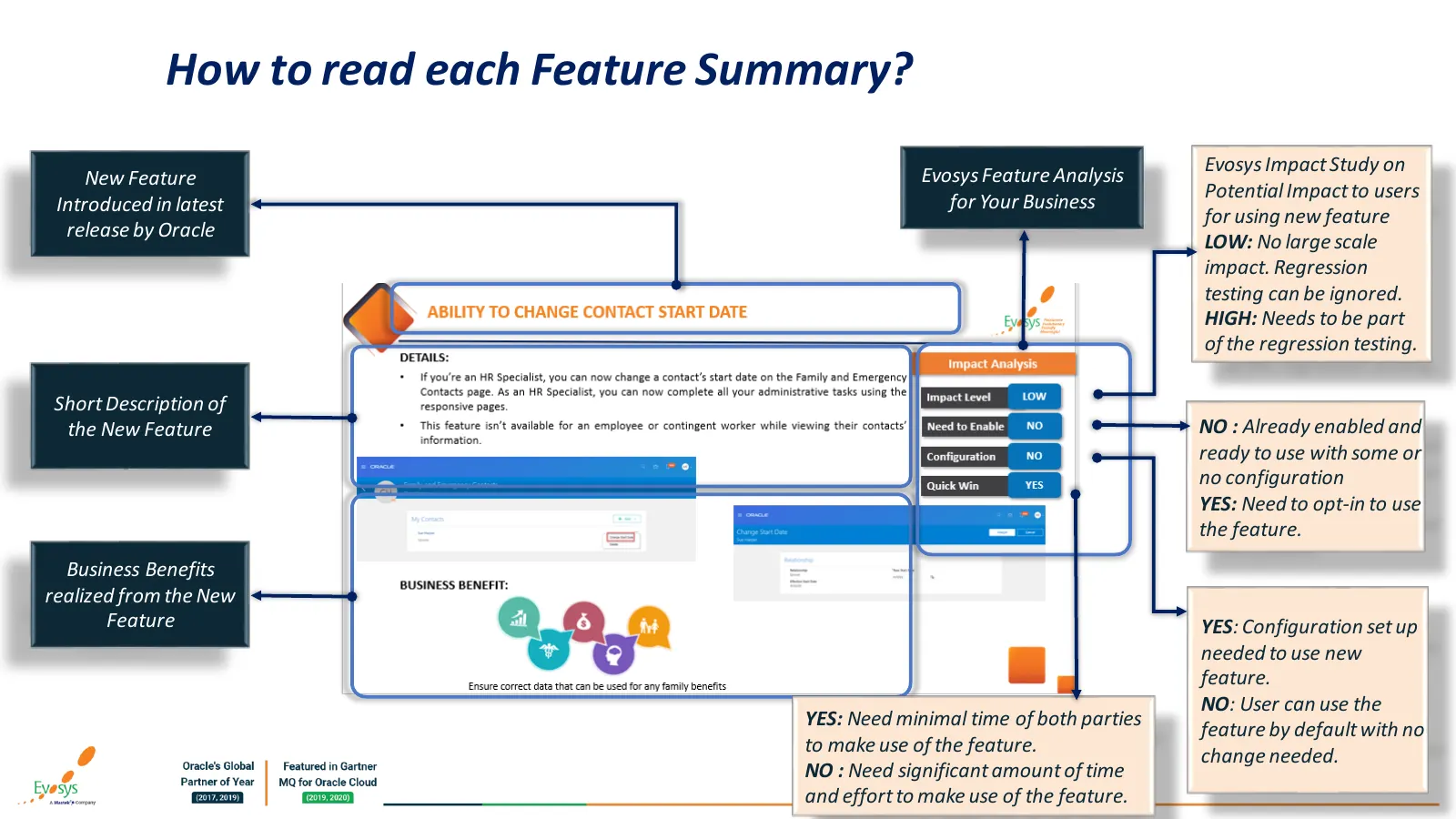
Slide 4: How to read each Feature Summary?
How to read each Feature Summary? Evosys Feature Analysis Evosys Impact Study on New Feature for Your Business Potential Impact to users Introduced in latest for using new feature release by Oracle LOW: No large scale impact. Regression testing can be ignored. HIGH: Needs to be part of the regressio
Slide 5: Our Analysis of Latest Release
Our Analysis of Latest Release New Features
Slide 6: Evosys Analysis - Statistics
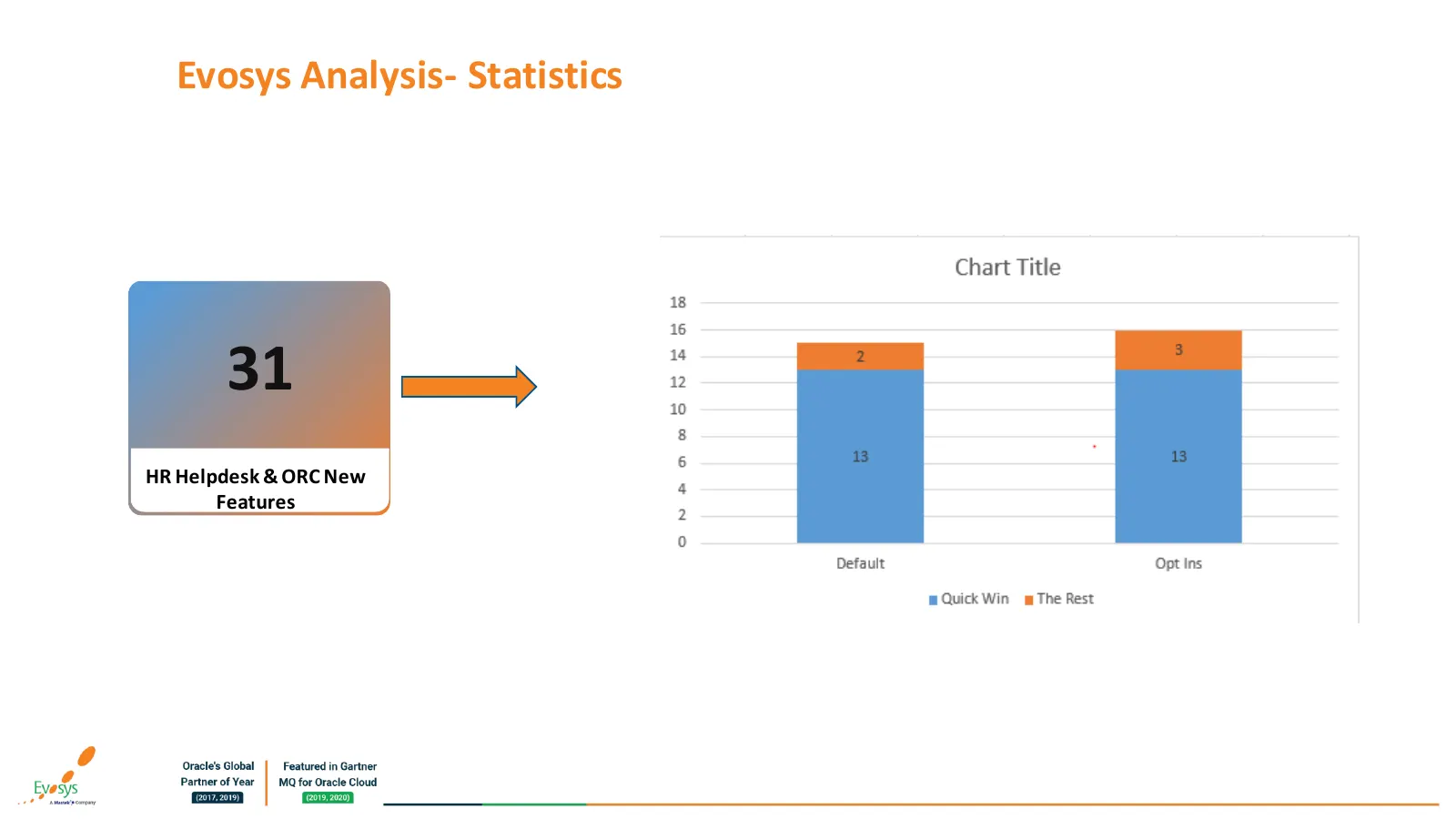
Evosys Analysis- Statistics 31 HR Helpdesk & ORC New Features
Slide 7: Evosys Analysis
Evosys Analysis A MQ for Oracle Cloud
Slide 8: New Features: Quick Wins – Default with No Configuration
NEW FEATURES QUICK WINS – Default with NO Configuration
Slide 9: Invoke individual action plan actions
Invoke individual action plan actions Details: Impact Analysis • Users can now invoke individual Action Plan Actions directly by associating action plan Impact Level LOW actions with objects individually, without the need to associate an entire action plan template. Need to Enable NO • This greatly
Slide 10: Create a case from an action plan
Create a case from an action plan Details: Impact Analysis • Admins can now define an Action Plan template to create a new Case as one of the actions. Impact Level MEDIUM Internal users that are using Action Plans on supported objects such as Service Requests can initiate the Case creation from the
Slide 11: Make categories extensible by using the application composer
Make categories extensible by using the application composer Details: Impact Analysis • Admins now can define and add fields to the service request category object using Impact Level MEDIUM Application Composer. You can also write triggers on categories and set additional properties on a category to
Slide 12: Include opportunities in action plans
Include opportunities in action plans Impact Analysis Details: Impact Level MEDIUM • Admins can now define an Action Plan template to create a new Opportunity as an action. Internal users that are using Action Plans on supported objects, such as Service Requests, Need to Enable NO can initiate these
Slide 13: User personalization for notifications
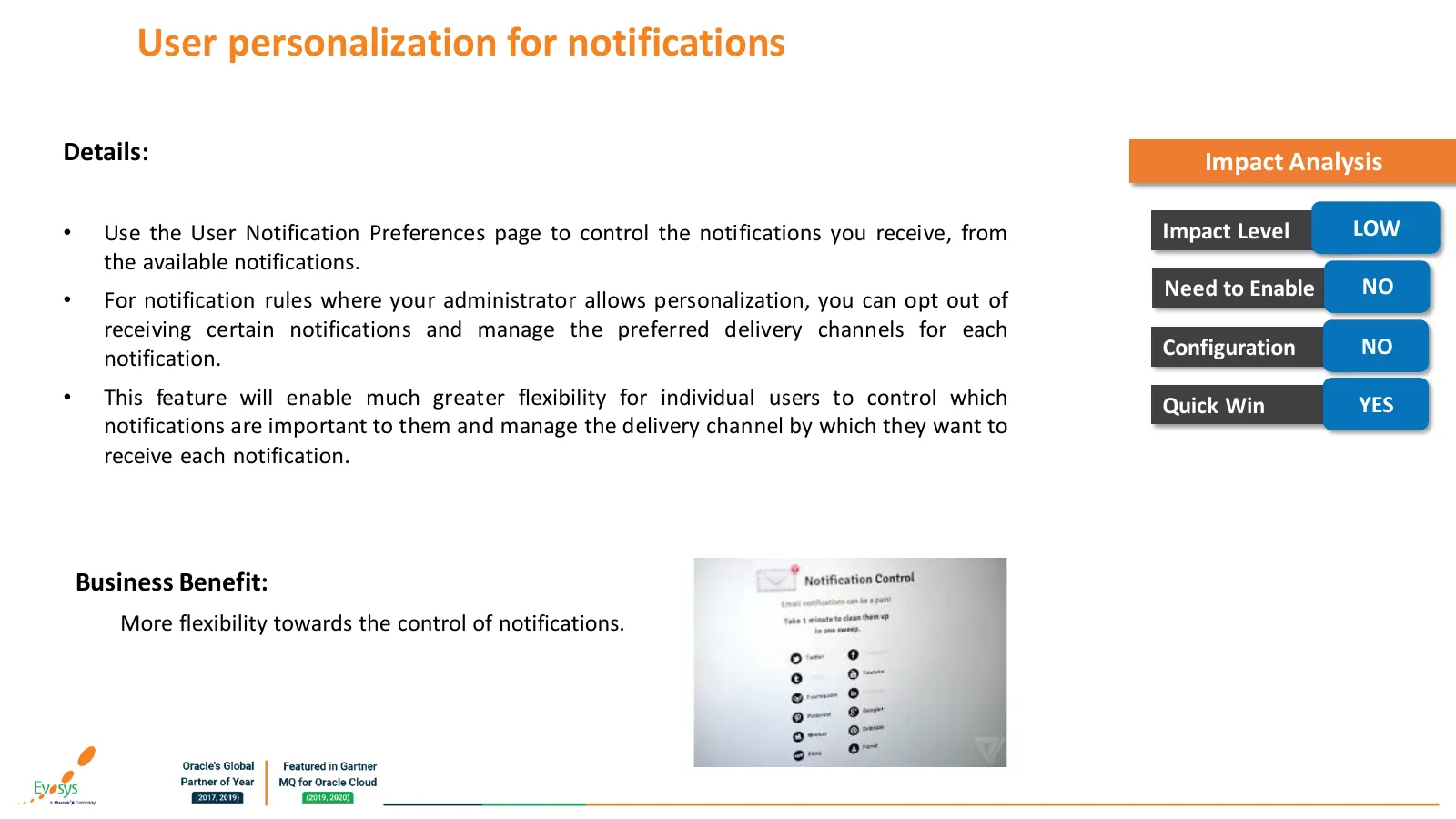
User personalization for notifications Details: Impact Analysis • Use the User Notification Preferences page to control the notifications you receive, from Impact Level LOW the available notifications. Need to Enable NO • For notification rules where your administrator allows personalization, you ca
Slide 14: Use localized conversation markers in service request message history
Use localized conversation markers in service request message history Details: Impact Analysis • The past conversations in the message history of a service request are enclosed within start Impact Level LOW and end markers. These markers use localized display values in the same language as that of t
Slide 15: Migrate smart actions from test to production
Migrate smart actions from test to production Impact Analysis Details: Impact Level LOW • When moving configurations from test to production environments, your migration set will now include smart actions. Need to Enable NO • Smart action can be migrated from Test to Production. Configuration NO Qui
Slide 16: Internal job alerts: job preference
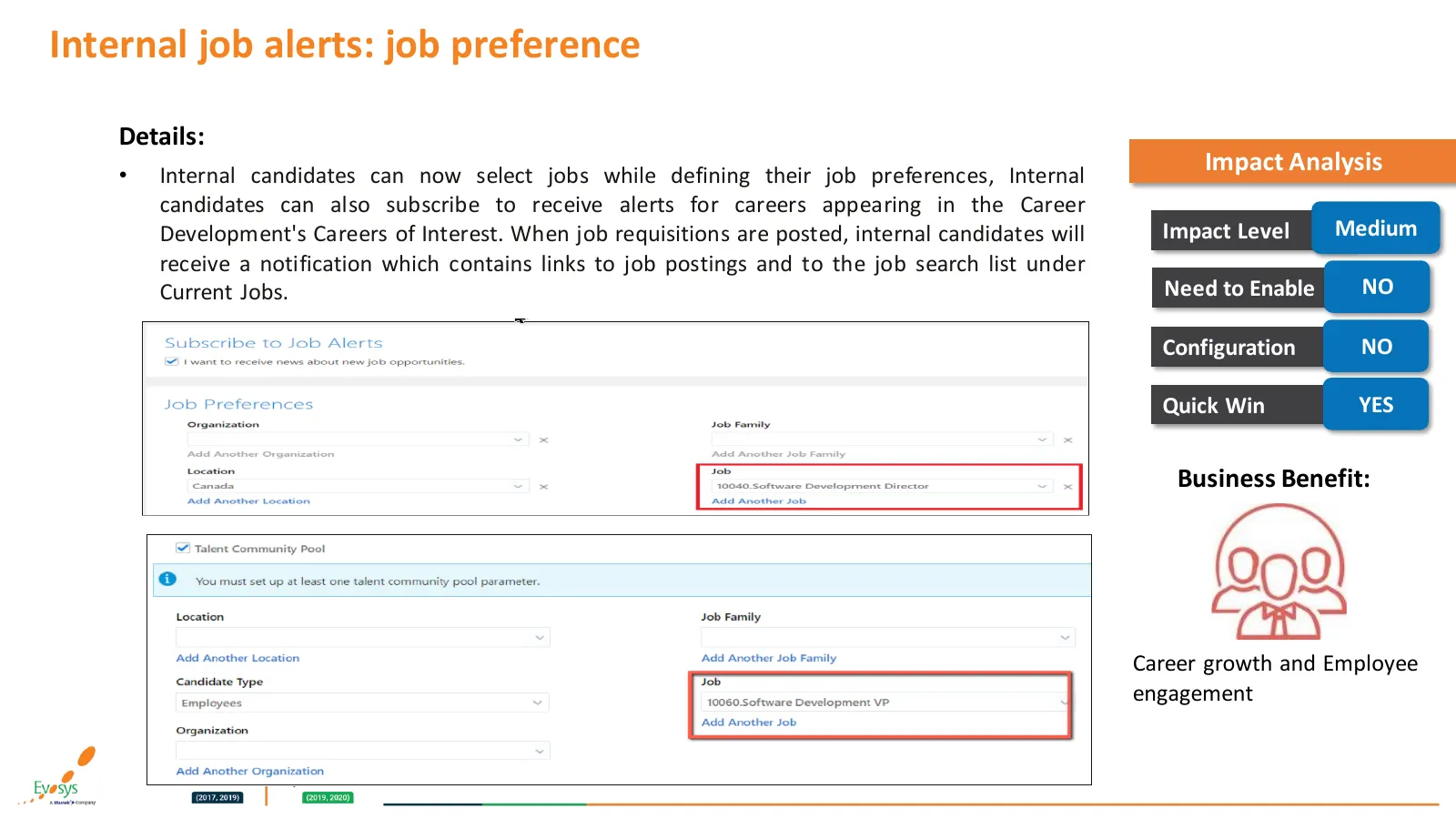
Internal job alerts: job preference Details: • Internal candidates can now select jobs while defining their job preferences, Internal Impact Analysis candidates can also subscribe to receive alerts for careers appearing in the Career Development's Careers of Interest. When job requisitions are poste
Slide 17: Improved job search user experience
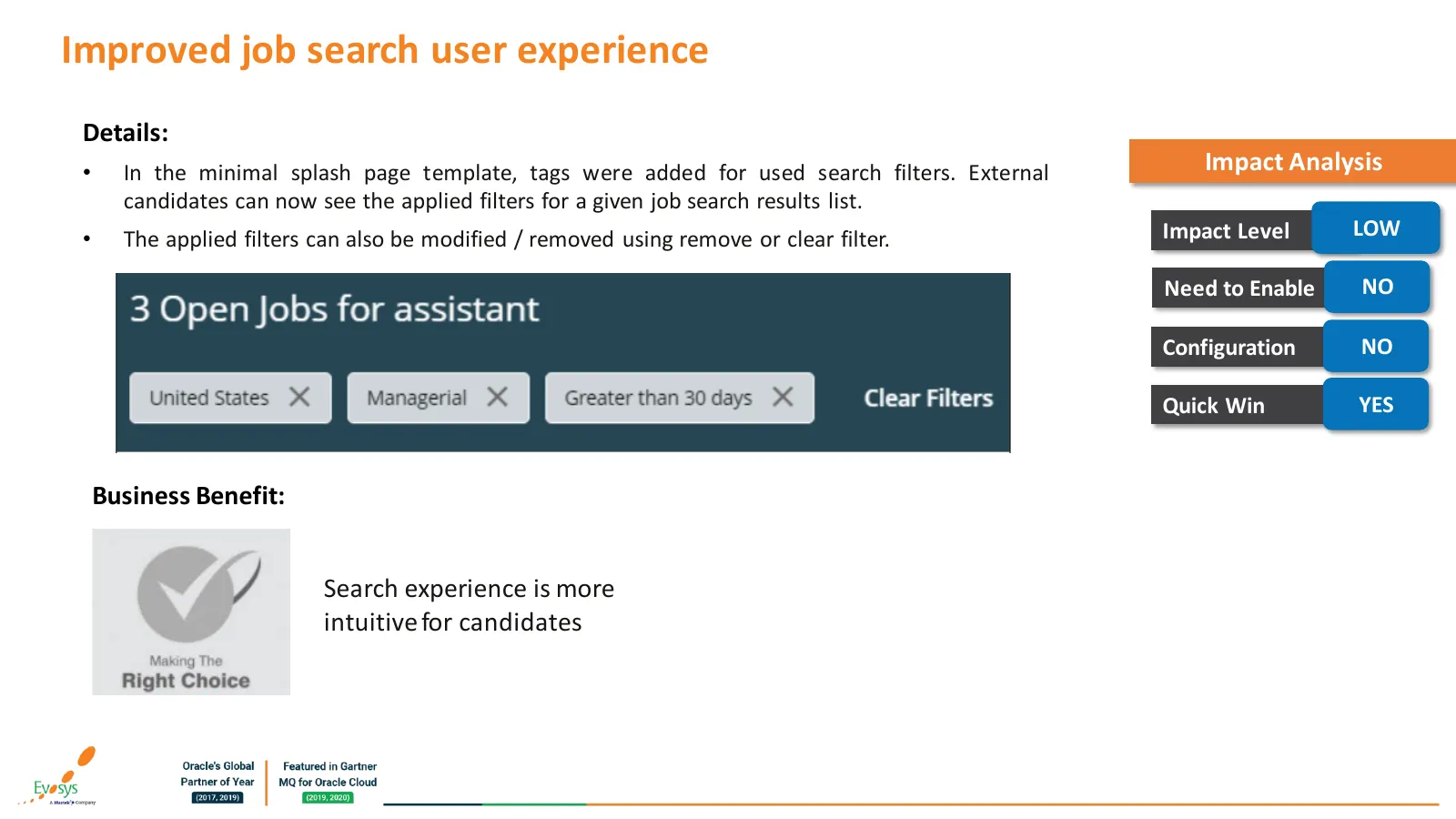
Improved job search user experience Details: • In the minimal splash page template, tags were added for used search filters. External Impact Analysis candidates can now see the applied filters for a given job search results list. • The applied filters can also be modified / removed using remove or c
Slide 18: Enhanced job application progress bar
Enhanced job application progress bar Details: Impact Analysis When external candidates apply for a job or provide additional info, a progress bar is displayed to show the status of their application or of the info they provided. The following info is displayed: Impact Level Medium ➢ Your profile in
Slide 19: Attachments for job offers and document records
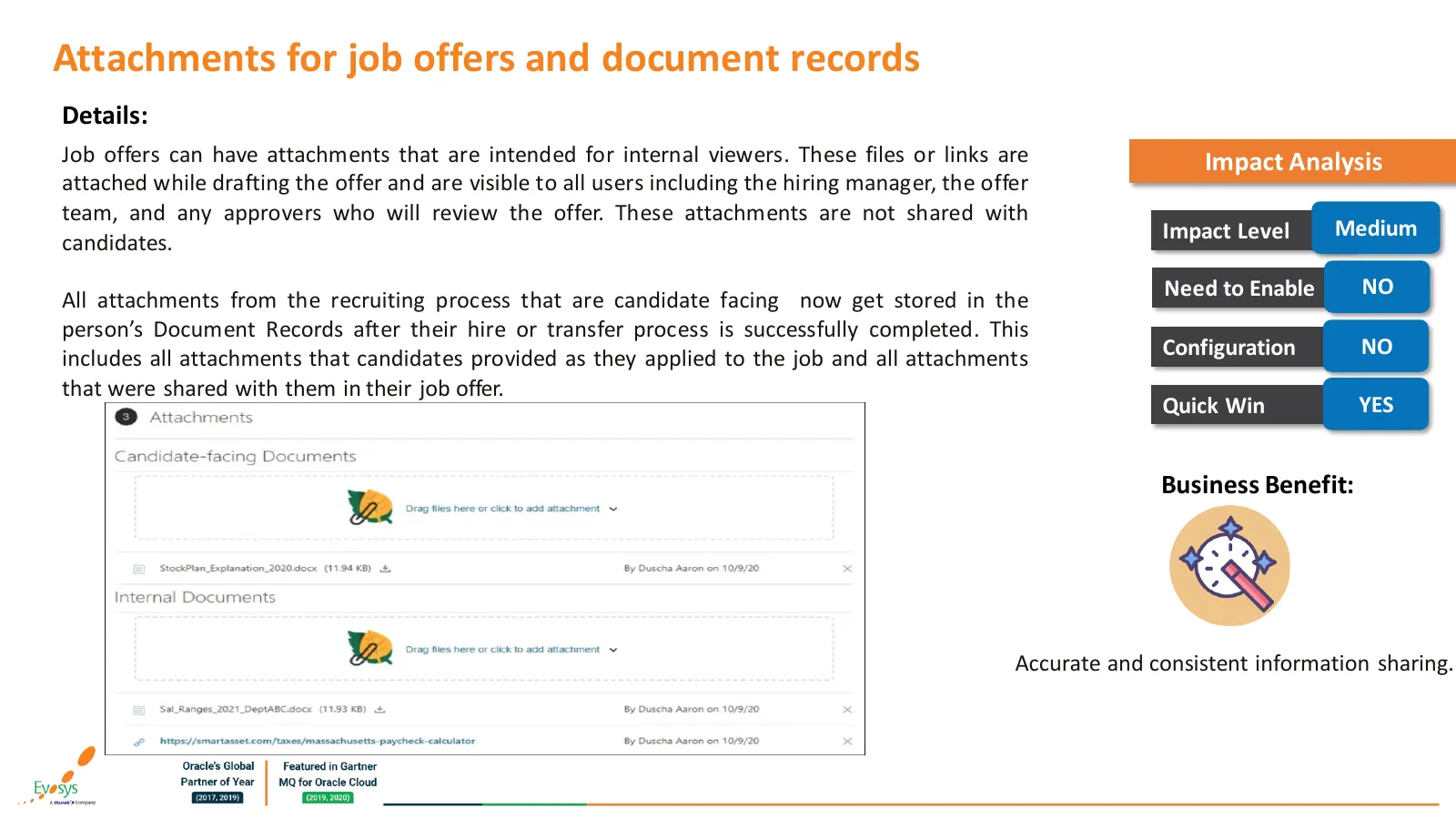
Attachments for job offers and document records Details: Job offers can have attachments that are intended for internal viewers. These files or links are Impact Analysis attached while drafting the offer and are visible to all users including the hiring manager, the offer team, and any approvers who
Slide 20: Enhanced candidate search
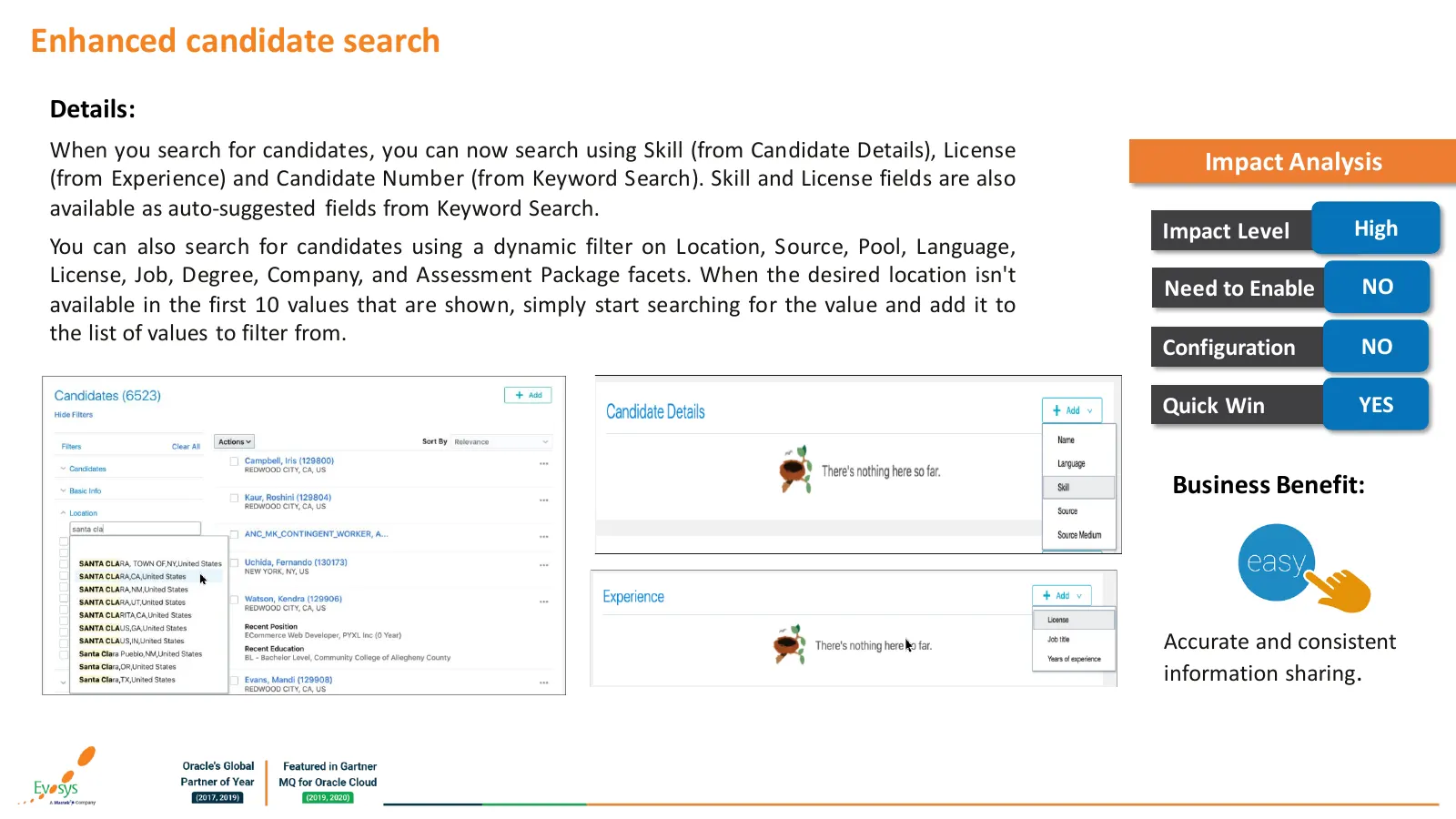
Enhanced candidate search Details: When you search for candidates, you can now search using Skill (from Candidate Details), License Impact Analysis (from Experience) and Candidate Number (from Keyword Search). Skill and License fields are also available as auto-suggested fields from Keyword Search.
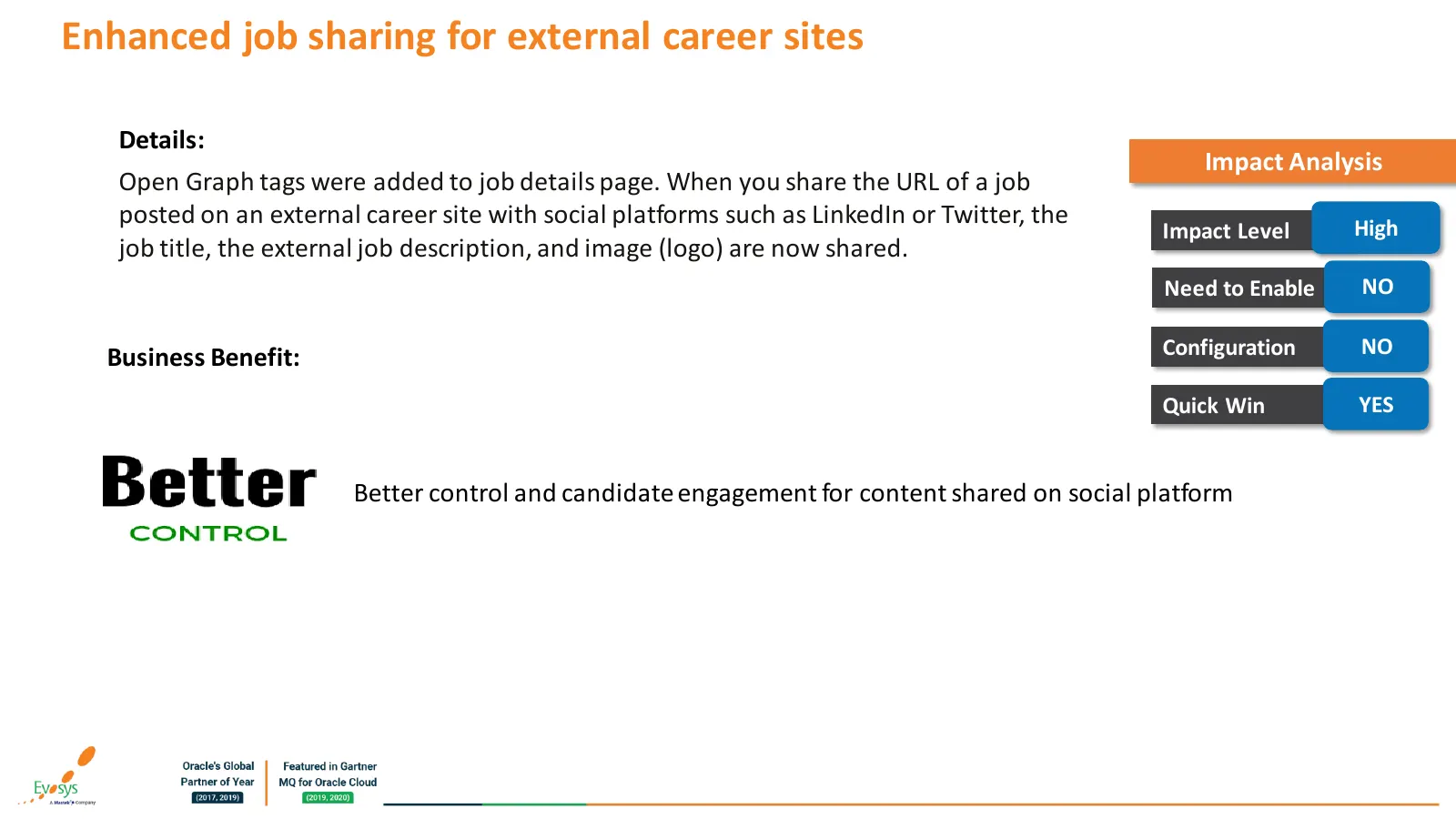
Slide 21: Enhanced job sharing for external career sites
Enhanced job sharing for external career sites Details: Impact Analysis Open Graph tags were added to job details page. When you share the URL of a job posted on an external career site with social platforms such as LinkedIn or Twitter, the High Impact Level job title, the external job description,

Slide 22: New Features: Quick Wins – Opt Ins
NEW FEATURES QUICK WINS – Opt Ins
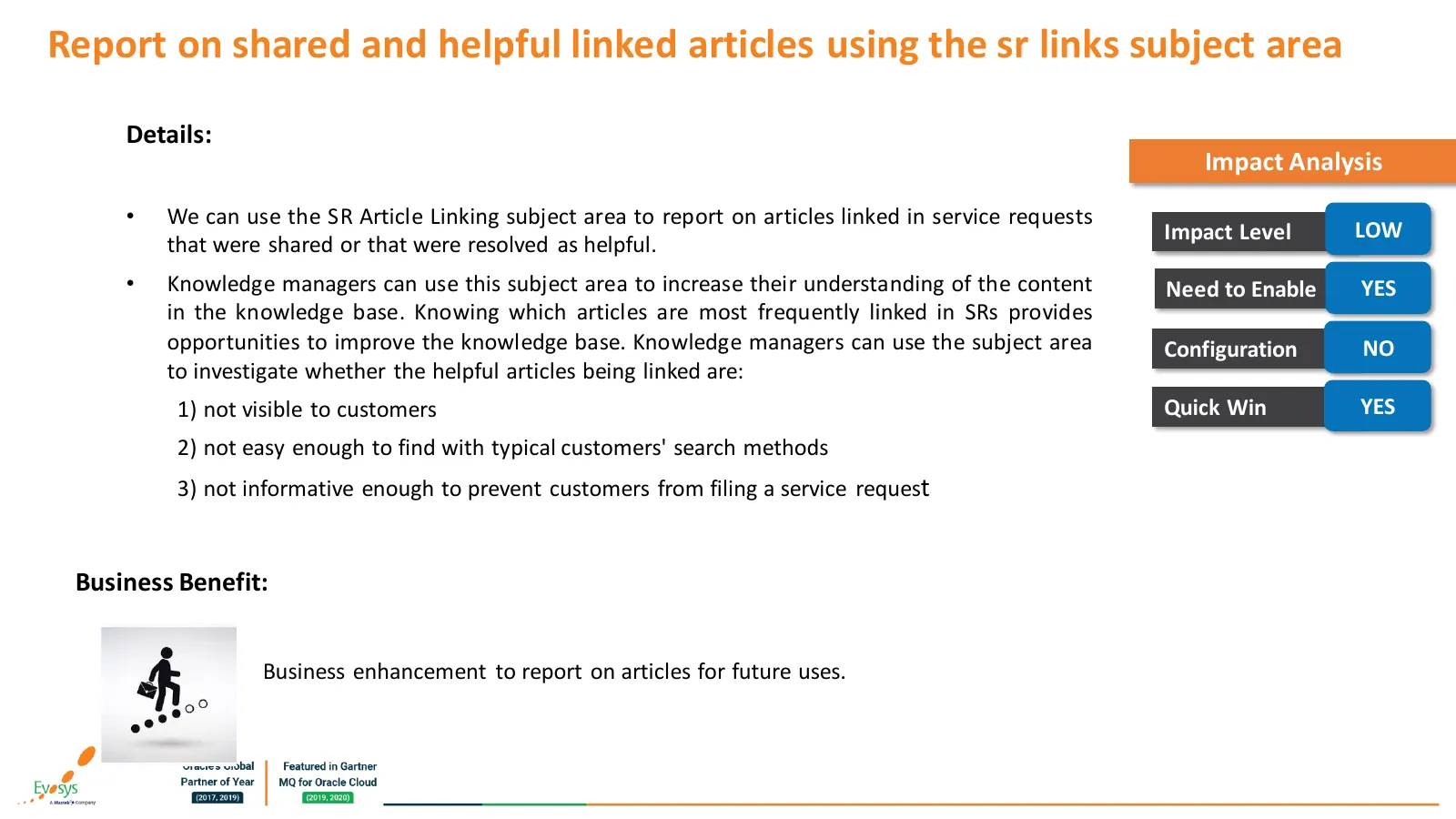
Slide 23: Report on shared and helpful linked articles
Report on shared and helpful linked articles using the sr links subject area Details: Impact Analysis • We can use the SR Article Linking subject area to report on articles linked in service requests Impact Level LOW that were shared or that were resolved as helpful. • Knowledge managers can use thi
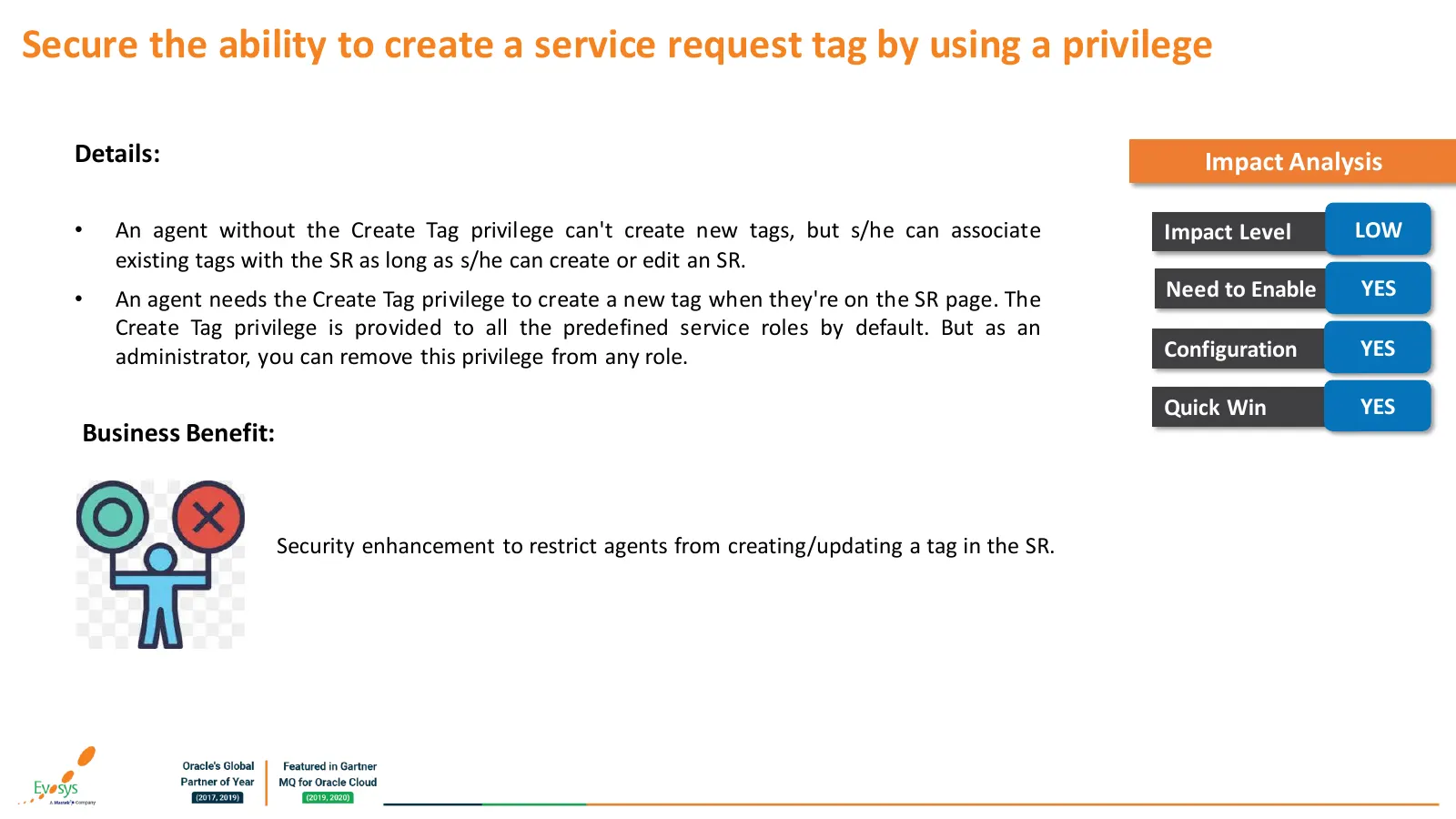
Slide 24: Secure the ability to create a service request tag by using a privilege
Secure the ability to create a service request tag by using a privilege Details: Impact Analysis • An agent without the Create Tag privilege can't create new tags, but s/he can associate Impact Level LOW existing tags with the SR as long as s/he can create or edit an SR. • An agent needs the Create
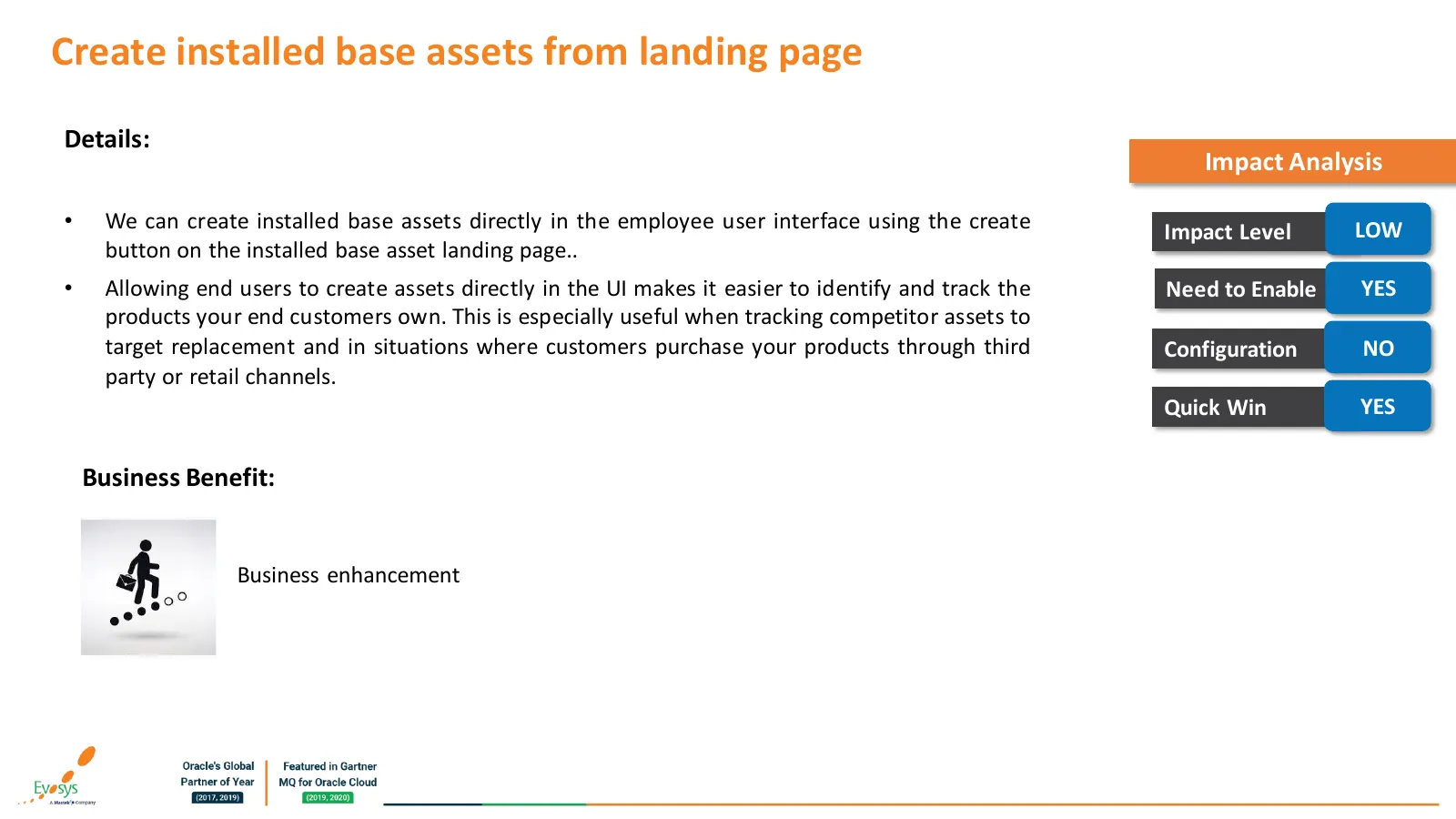
Slide 25: Create installed base assets from landing page
Create installed base assets from landing page Details: Impact Analysis • We can create installed base assets directly in the employee user interface using the create Impact Level LOW button on the installed base asset landing page.. • Allowing end users to create assets directly in the UI makes it
Slide 26: Send inline images up to 10 MB in an outbound email
Send inline images up to a maximum size of 10 mb in an outbound email Details: Impact Analysis Impact Level MEDIUM • Now we can send inline images up to a maximum size of 10MB in an outbound email to a customer, if your administrator sets the Inline Attachments for Outbound Email Enabled Need to Ena
Slide 27: Set attachment behavior for first inbound email
Set the attachment behavior for the first inbound email to associate with the service request header or the service request message Details: Impact Analysis Impact Level MEDIUM • We can now define whether the images or attachments from the first email received on a service request are copied to the
Slide 28: Keep me signed in
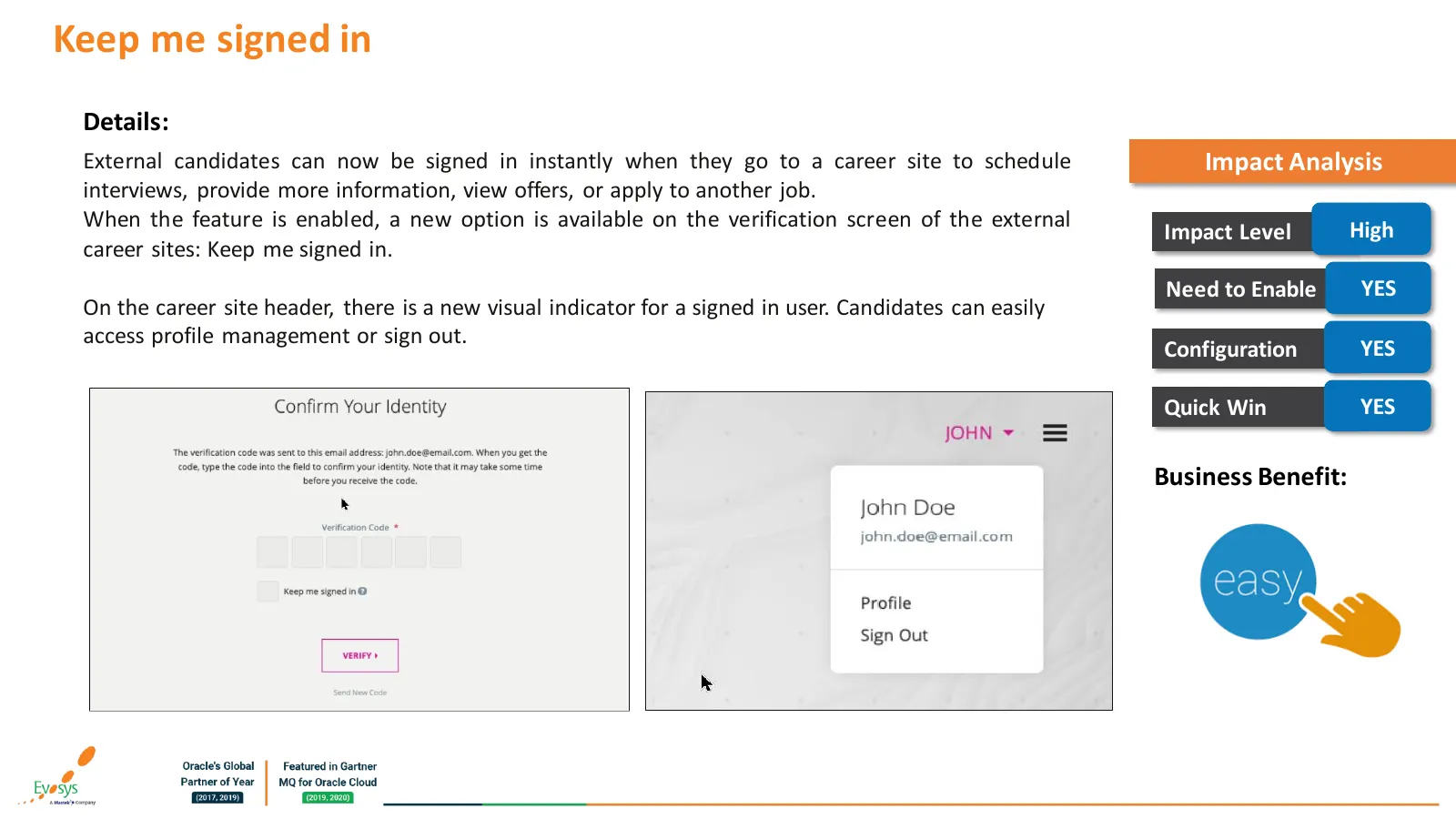
Keep me signed in Details: External candidates can now be signed in instantly when they go to a career site to schedule Impact Analysis interviews, provide more information, view offers, or apply to another job. When the feature is enabled, a new option is available on the verification screen of the
Slide 29: Filter jobs by organizations
Filter jobs by organizations Details: Impact Analysis Impact Level Medium External candidates can now filter job search results by organizations. Need to Enable YES With this new feature, candidates have more options to filter jobs. Configuration YES Business Benefit: Quick Win YES Easy and Timesavi
Slide 30: Configure interactions in notifications
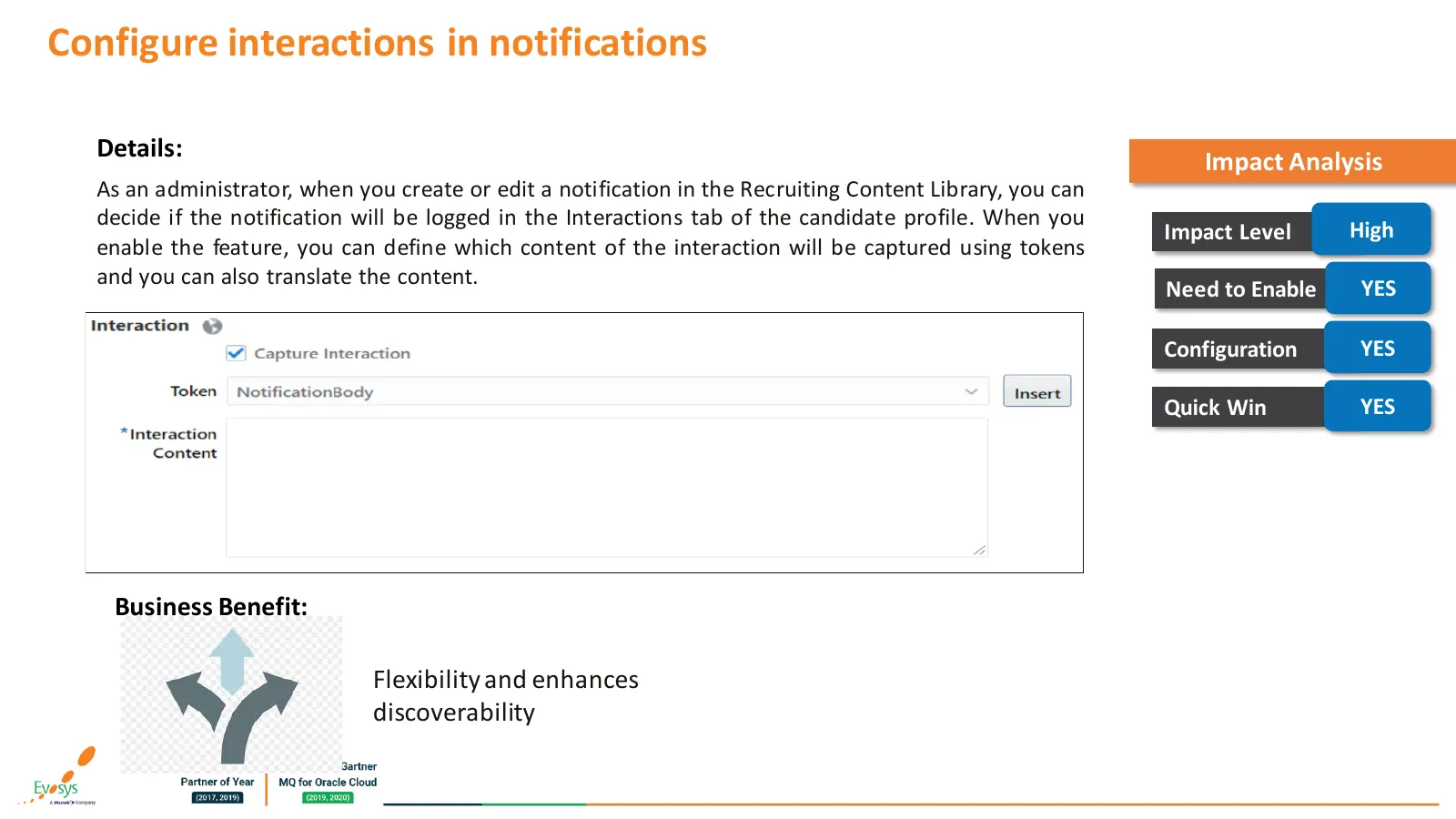
Configure interactions in notifications Details: Impact Analysis As an administrator, when you create or edit a notification in the Recruiting Content Library, you can decide if the notification will be logged in the Interactions tab of the candidate profile. When you Impact Level High enable the fe
Slide 31: Mark apply flow attachments as required
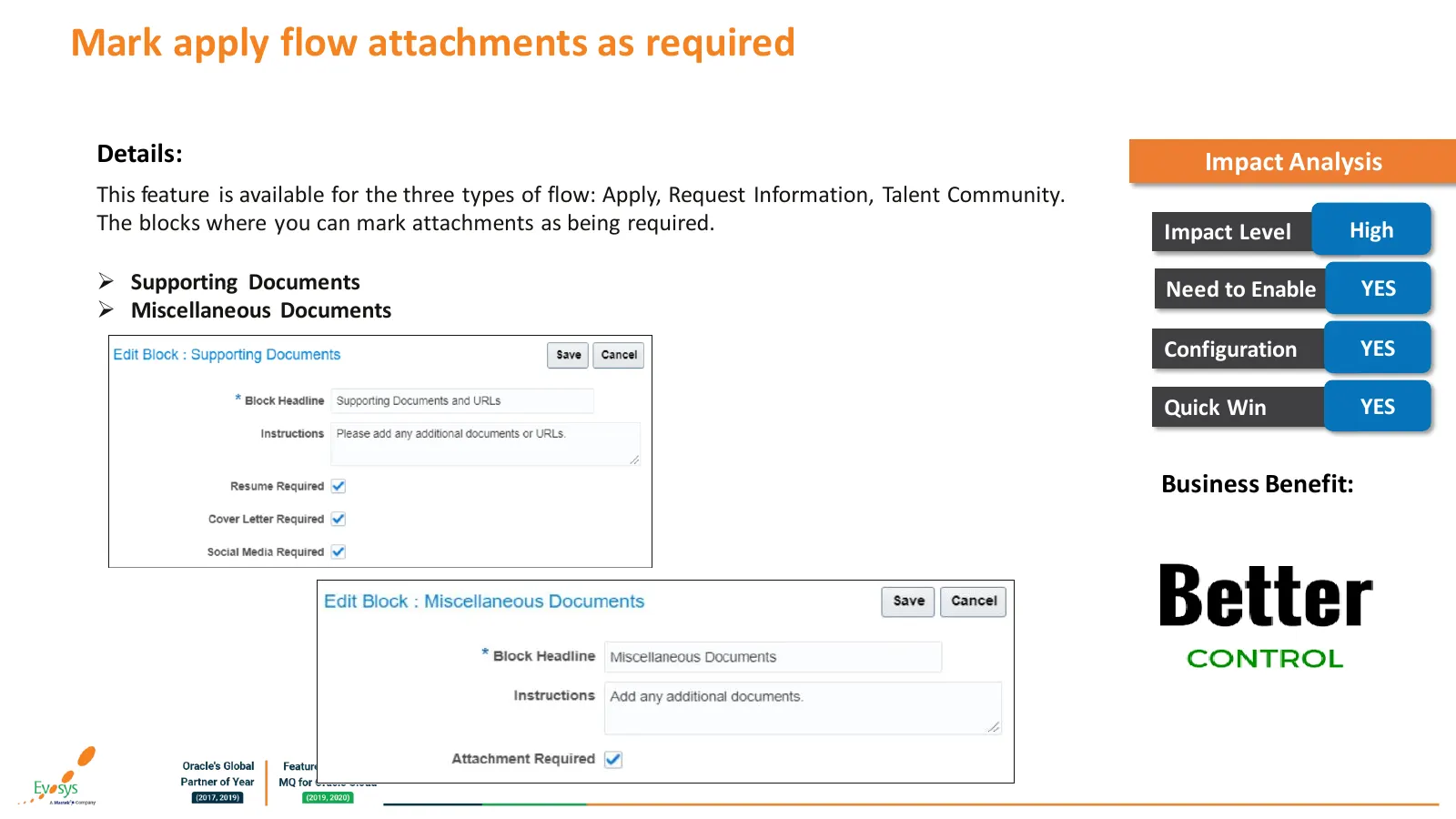
Mark apply flow attachments as required Details: Impact Analysis This feature is available for the three types of flow: Apply, Request Information, Talent Community. The blocks where you can mark attachments as being required. Impact Level High ➢ Supporting Documents Need to Enable YES ➢ Miscellaneo
Slide 32: Check and merge duplicates after job offers
Check and merge duplicates after job offers Details: Impact Analysis After a candidate accepts a job offer and is moved to the HR phase, a check can be Impact Level High automatically done to verify if the candidate is a duplicate of any person in the system, Need to Enable YES including workers, ex
Slide 33: Default job requisition short description from profile
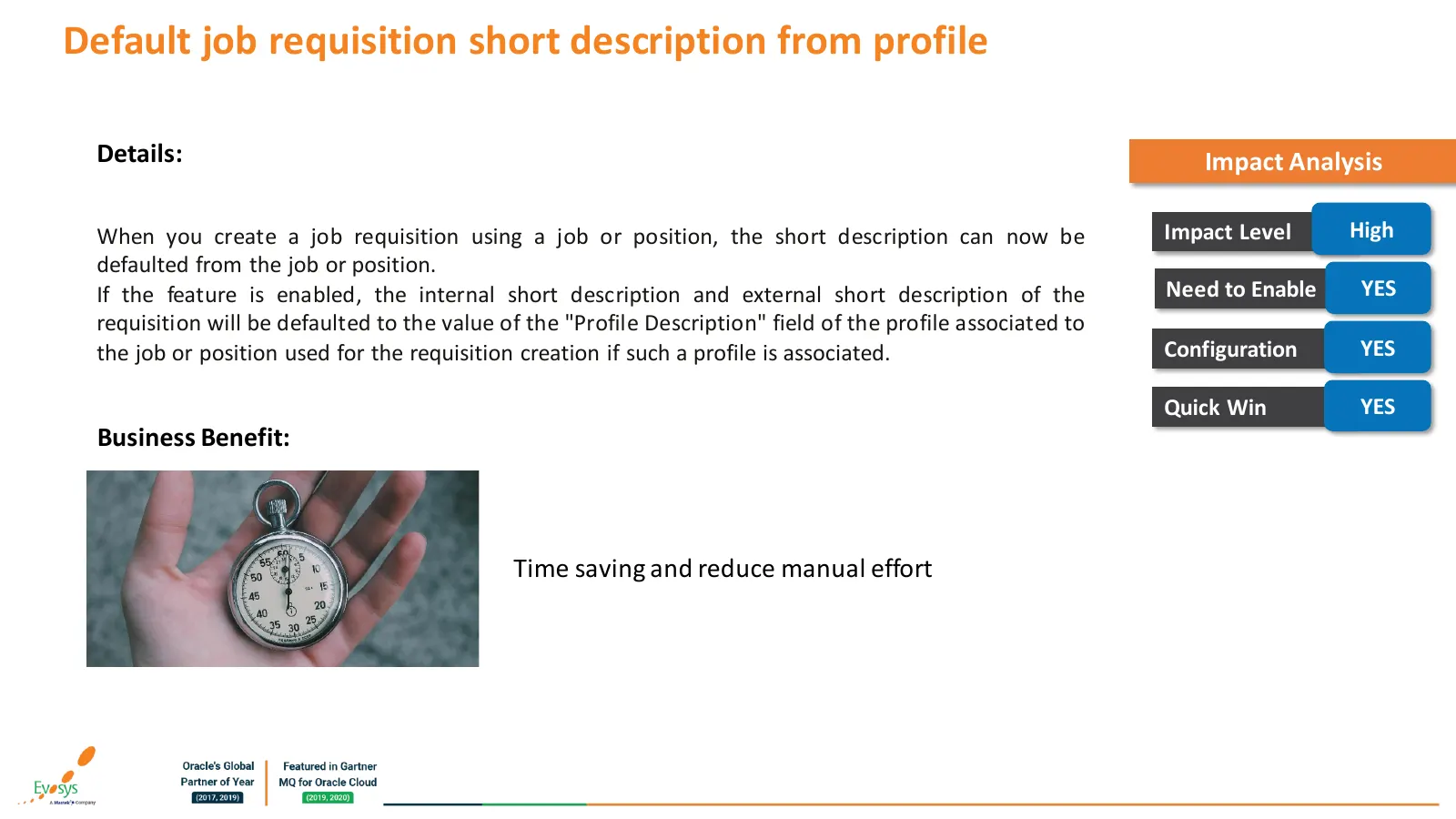
Default job requisition short description from profile Details: Impact Analysis When you create a job requisition using a job or position, the short description can now be Impact Level High defaulted from the job or position. If the feature is enabled, the internal short description and external sho
Slide 34: Automatically unpost job requisitions
Automatically unpost job requisitions Details: Impact Analysis When you create or update a job requisition, you can specify if the requisition will be automatically unposted from career sites. A new field called "Automatically Unpost Impact Level High Requisition" is available in the Configuration s
Slide 35: LinkedIn recommended matches
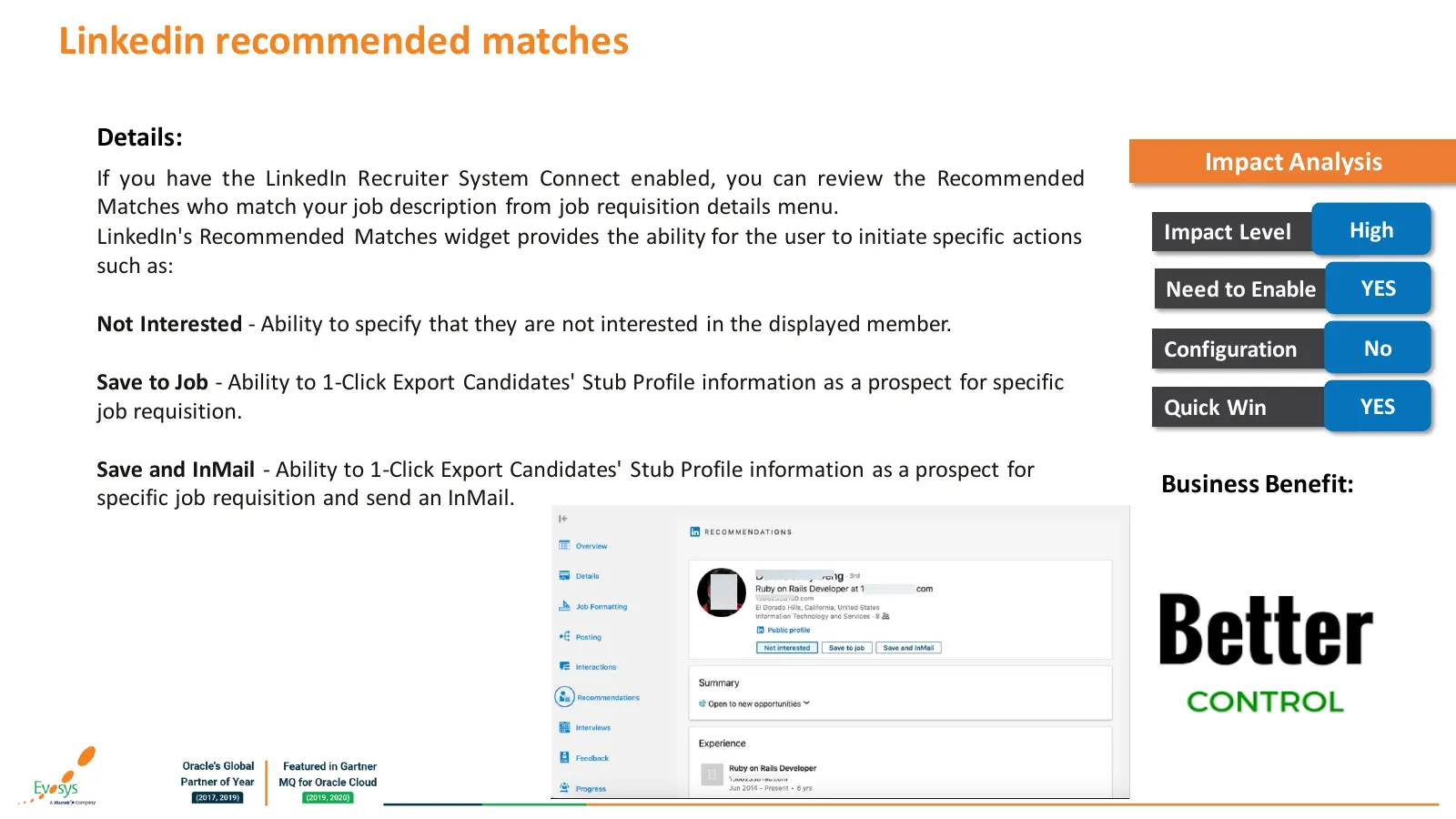
Linkedin recommended matches Details: Impact Analysis If you have the LinkedIn Recruiter System Connect enabled, you can review the Recommended Matches who match your job description from job requisition details menu. LinkedIn's Recommended Matches widget provides the ability for the user to initiat

Slide 36: New Features
rd Eves Oracle's Global Partner of Year Featured in Gartner MQ for Oracle Cloud "2019, 2020)
Slide 37: Create custom smart actions for standard and custom objects
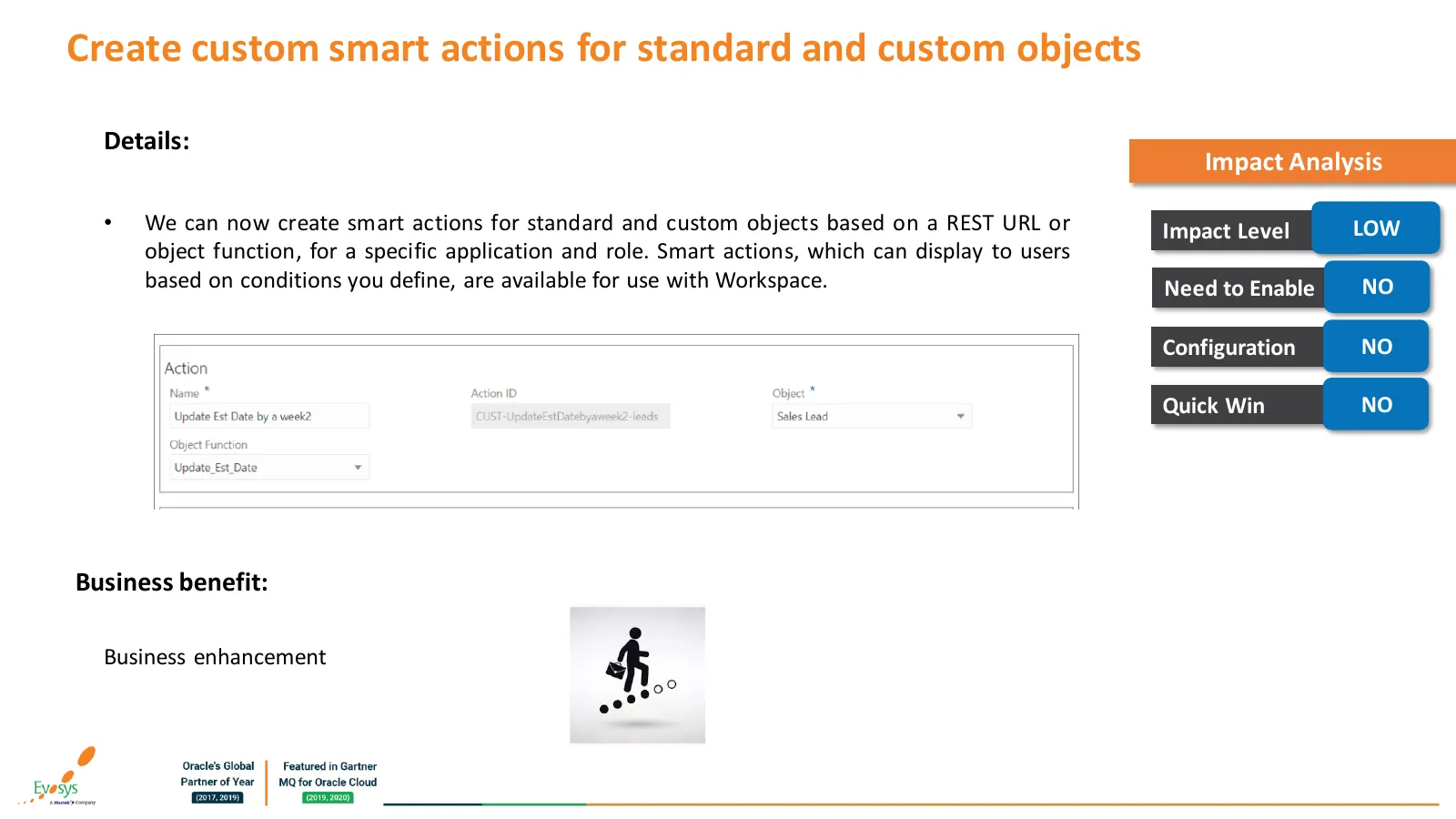
Create custom smart actions for standard and custom objects Details: Impact Analysis • We can now create smart actions for standard and custom objects based on a REST URL or Impact Level LOW object function, for a specific application and role. Smart actions, which can display to users based on cond
Slide 38: Verification of candidates in social media campaigns
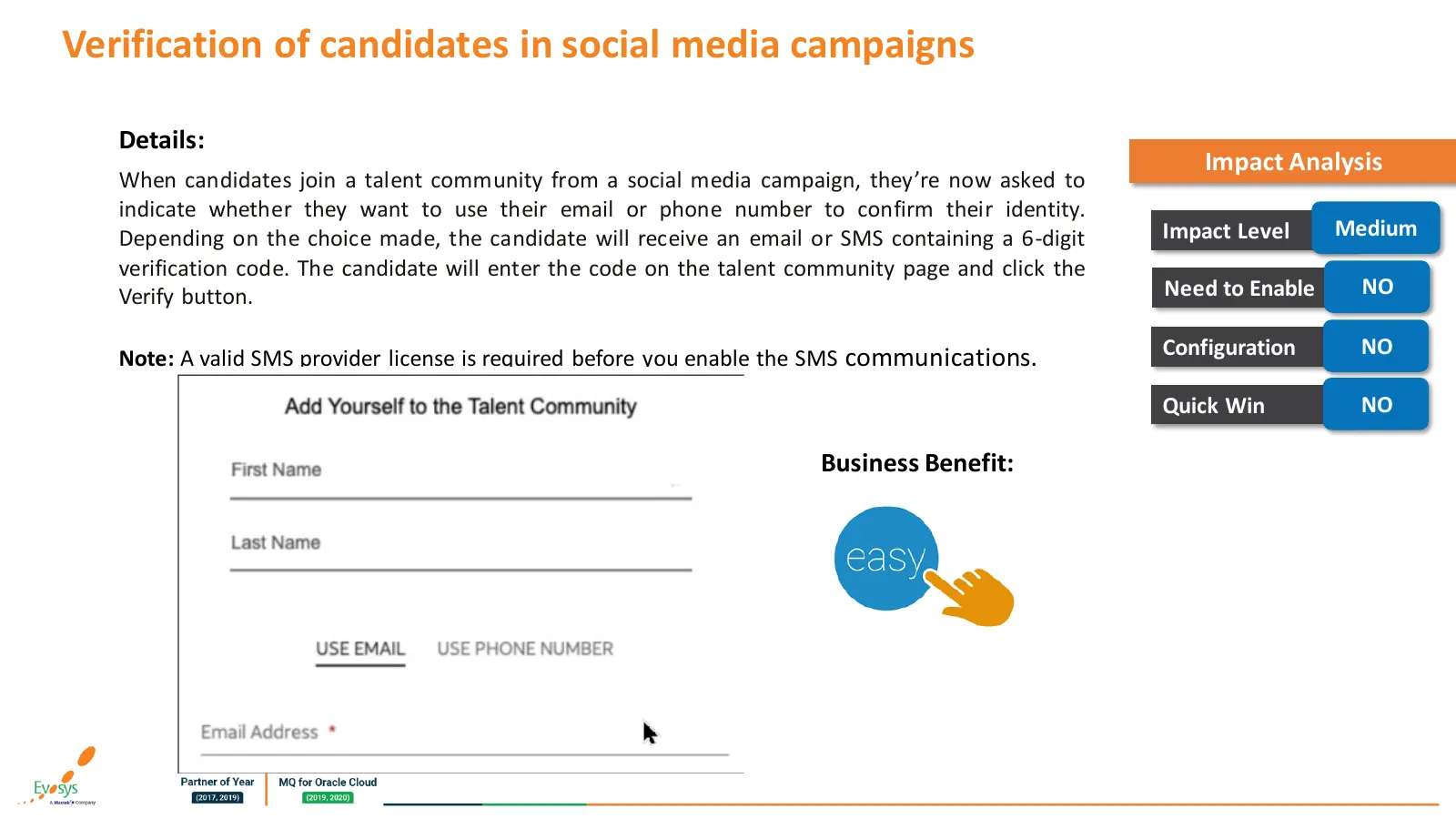
Verification of candidates in social media campaigns Details: Impact Analysis When candidates join a talent community from a social media campaign, they’re now asked to indicate whether they want to use their email or phone number to confirm their identity. Depending on the choice made, the candidat
Slide 39: Configure notification delivery methods from object workflow
Configure notification delivery methods from object workflow Details: Impact Analysis • We can now send notifications from an object workflow using the notification dispatcher by Impact Level MEDIUM creating a Groovy function in the context of an object workflow, where you can define the notificatio
Slide 40: Inline tax credit assessment
Inline tax credit assessment Details: Impact Analysis External candidates can fill their inline tax credit assessments before they submit their job applications. When the assessment is completed and is successful on the partner portal, the partner Impact Level Medium returns the candidate back to th
Slide 41: Automatically send interview invitations
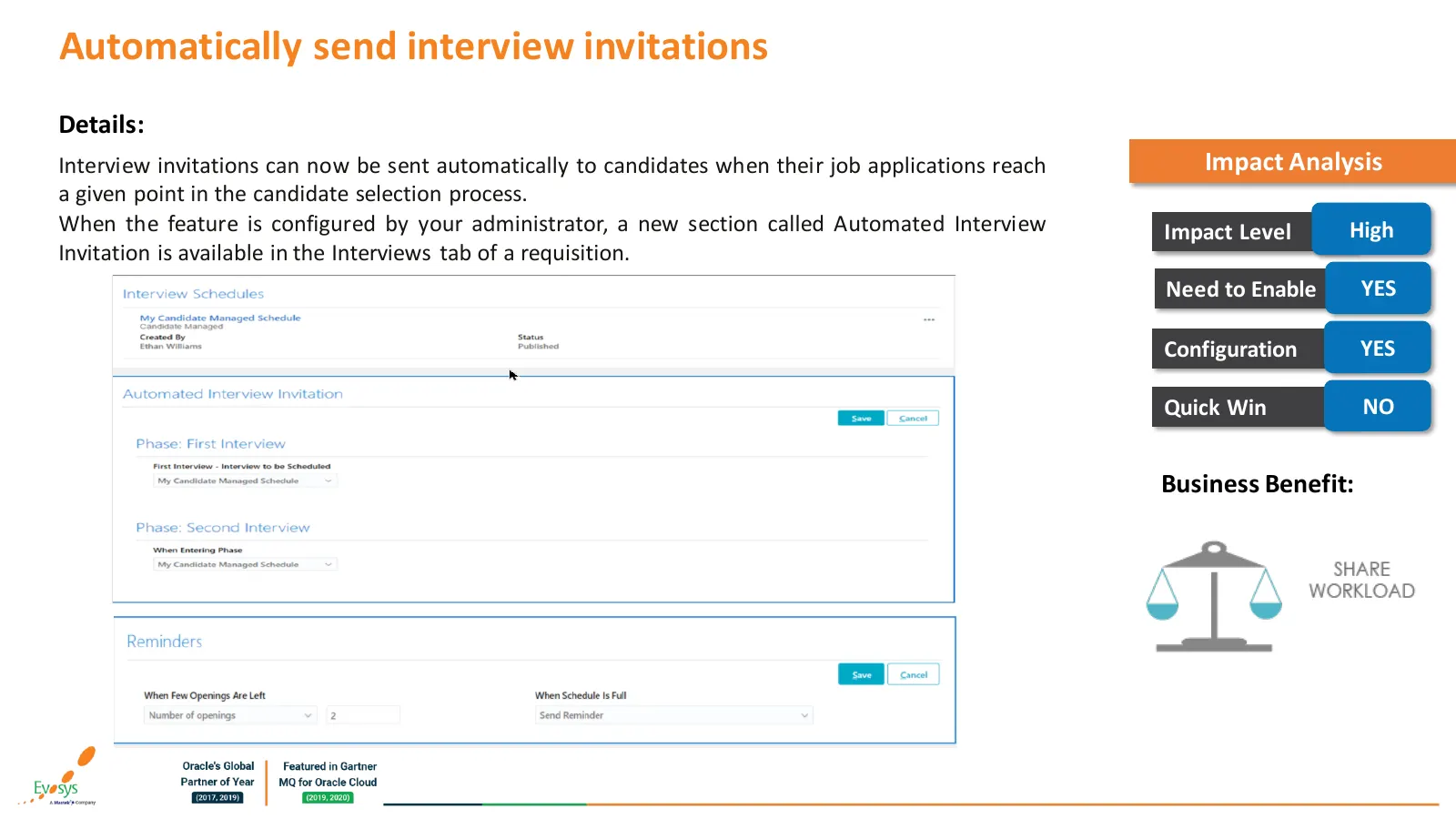
Automatically send interview invitations Details: Interview invitations can now be sent automatically to candidates when their job applications reach Impact Analysis a given point in the candidate selection process. When the feature is configured by your administrator, a new section called Automated
Slide 42: Innovation
a orale labal | Featured in Garter Partner of Year | MQ for Oracle Cloud Eves Nesys (2015 2029)
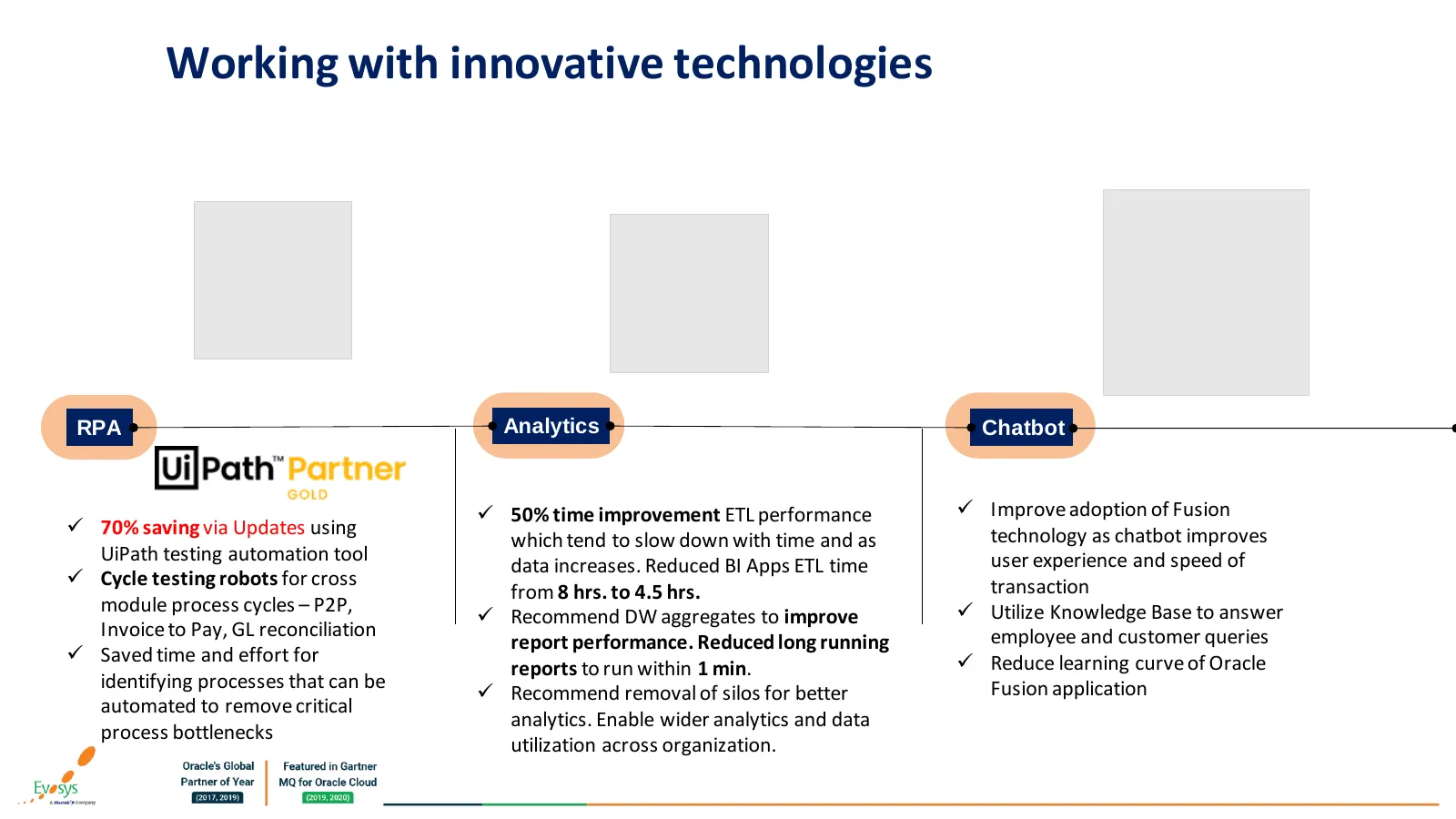
Slide 43: Working with innovative technologies
Working with innovative technologies RPA Analytics Chatbot ✓ 50% time improvement ETL performance ✓ Improve adoption of Fusion ✓ 70% saving via Updates using technology as chatbot improves which tend to slow down with time and as UiPath testing automation tool user experience and speed of data incre
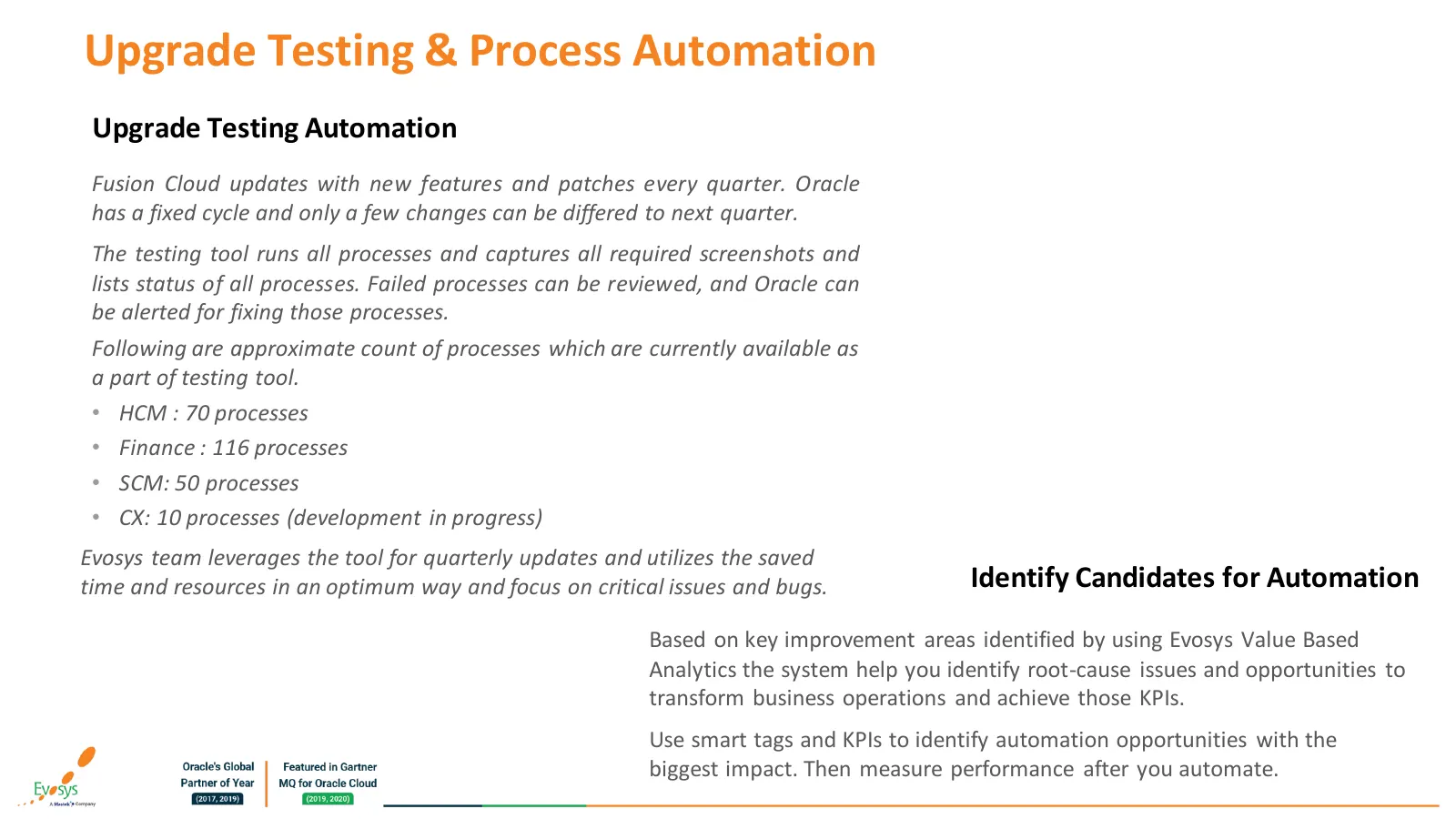
Slide 44: Upgrade Testing & Process Automation
Upgrade Testing & Process Automation Upgrade Testing Automation Fusion Cloud updates with new features and patches every quarter. Oracle has a fixed cycle and only a few changes can be differed to next quarter. The testing tool runs all processes and captures all required screenshots and lists statu
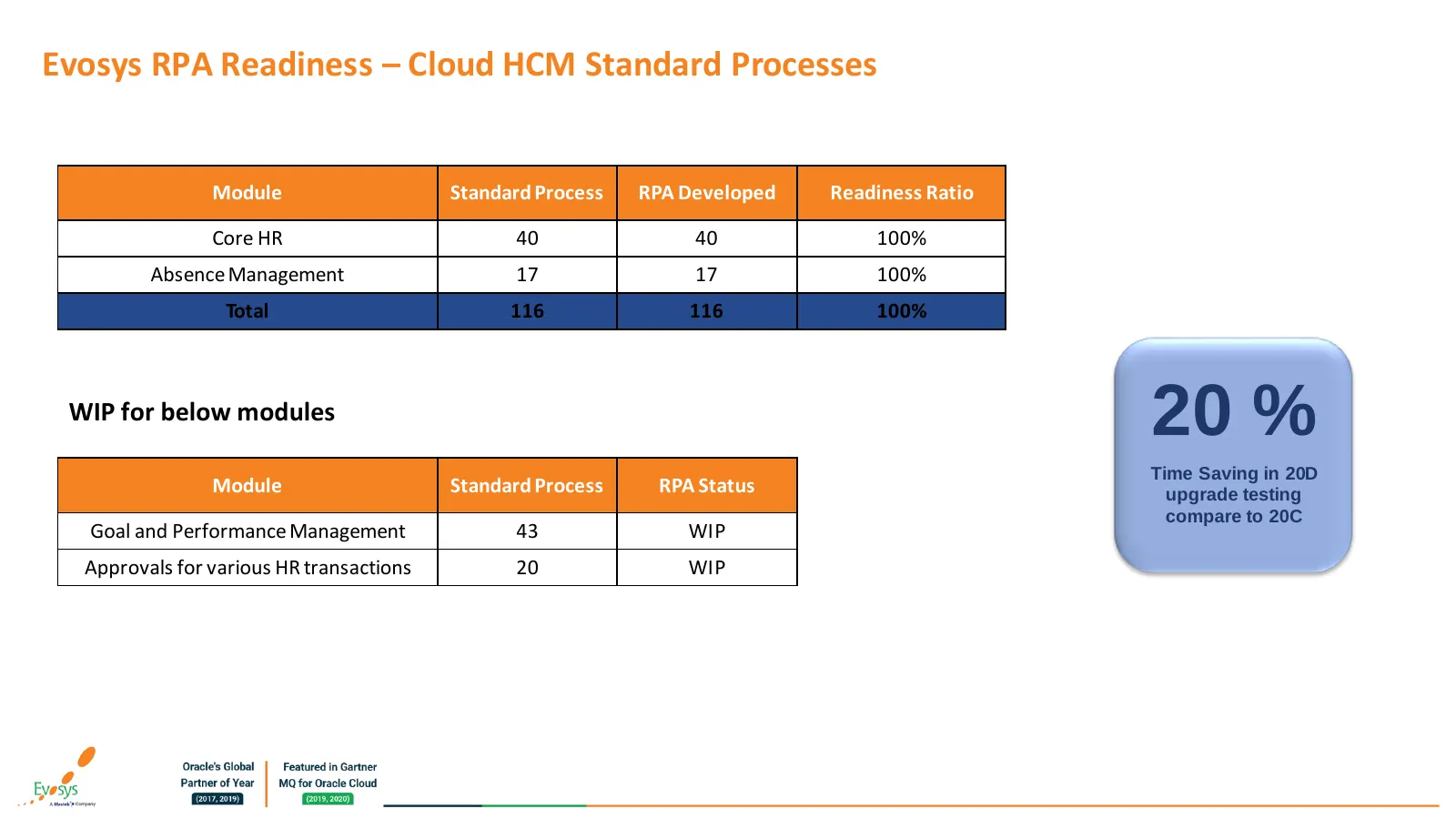
Slide 45: Evosys RPA Readiness – Cloud HCM Standard Processes
Evosys RPA Readiness – Cloud HCM Standard Processes Module Standard Process RPA Developed Readiness Ratio Core HR 40 40 100% Absence Management 17 17 100% Total 116 116 100% WIP for below modules 20 % Time Saving in 20D Module Standard Process RPA Status upgrade testing compare to 20C Goal and Perfo
Slide 46: Closing
a orale labal | Featured in Garter Partner of Year | MQ for Oracle Cloud Eves Nesys (2015 2029)
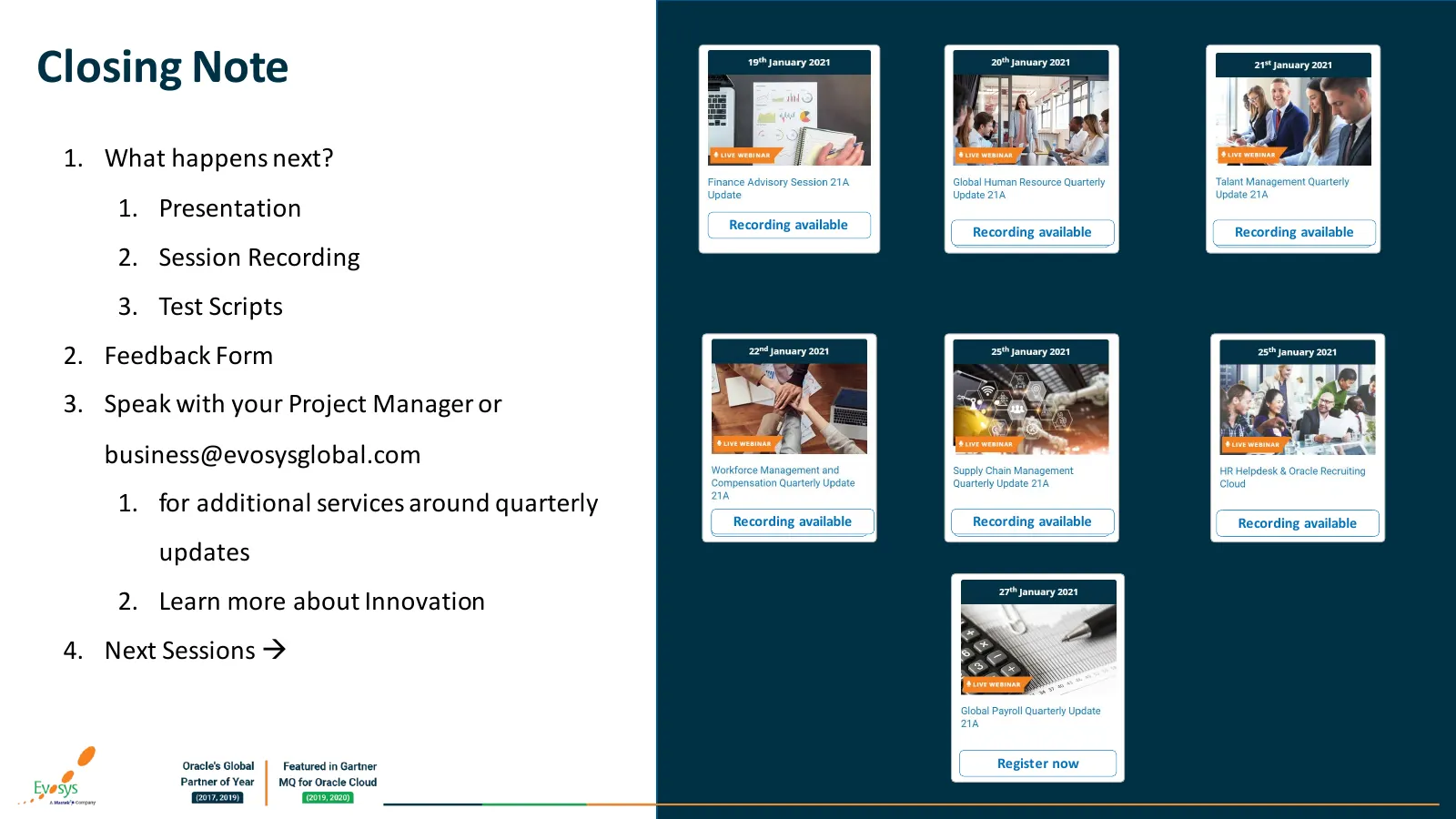
Slide 47: Closing Note
Closing Note 1. What happens next? 1. Presentation Recording available Recording Registeravailable now Recording Registeravailable now 2. Session Recording 3. Test Scripts 2. Feedback Form 3. Speak with your Project Manager or business@evosysglobal.com 1. for additional services around quarterly Rec
Slide 48: Evosys is here to help you!
EVOSYS is here to help you! It is always best to clear your doubts Thank You! Contact Us +44 7984 783981 www.evosysglobal.com business@evosysglobal.com
Source: Internet Archive copy of mastek.com
More decks from Mastek Limited
 Q2 FY2027 Earnings Presentation18 slides · Oct 23, 2026
 Q2 FY2027 Earnings Presentation25 slides · Oct 23, 2026
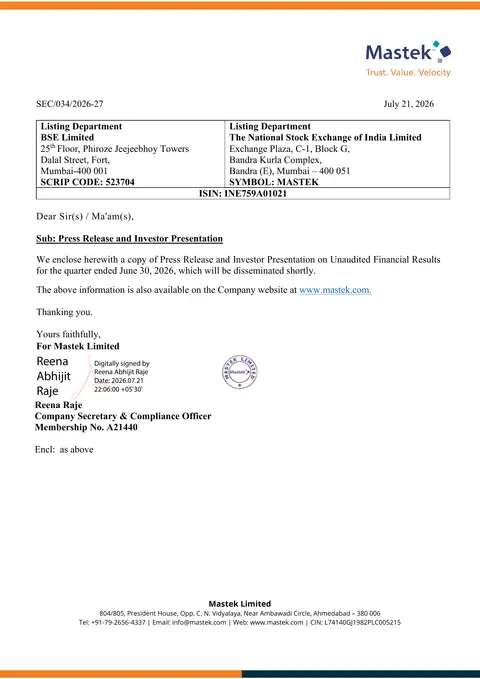 Q1 FY27 Earnings Presentation31 slides · Jul 21, 2026
 Q1 FY2027 Earnings Presentation23 slides · Jul 21, 2026
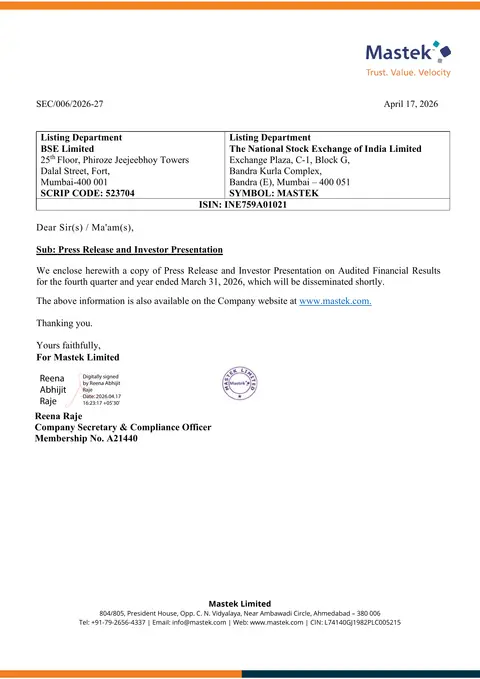 Q4 FY26 Earnings Presentation37 slides · Apr 18, 2026
 Q4 FY26 Earnings Presentation28 slides · Apr 17, 2026