Mastek Limited · NSE:MASTEK
Mastek — Evosys Advisory Webinar: 22C Cloud PPM (July 2022)
28 slides from Mastek's conference presentation, Jul 13, 2022
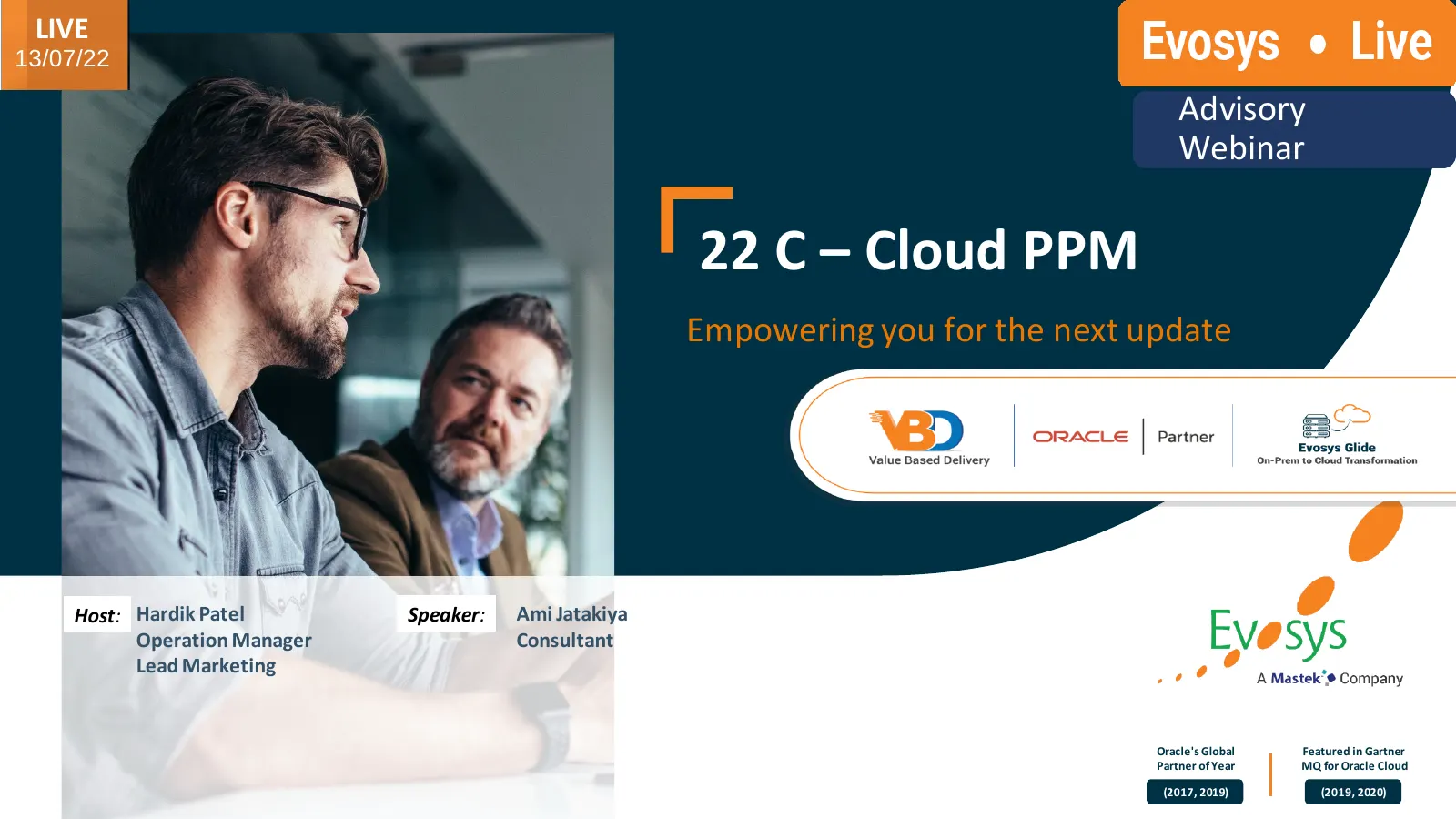
Slide 1: 22C – Cloud PPM: Empowering you for the next update
LIVE 13/07/22 Advisory Webinar 22 C – Cloud PPM Empowering you for the next update Host: Hardik Patel Speaker: Ami Jatakiya Operation Manager Consultant Lead Marketing Oracle's Global Featured in Gartner Partner of Year MQ for Oracle Cloud (2017, 2019) (2019, 2020)
Slide 2: Disclaimer
These advisory webinars are organized to equip you with the latest updates. The content of this session is based on the interpretation of the material and documentation that Oracle has released and is a general guideline/recommendation only. Disclaimer Oracle's Global Featured in Gartner Partner of
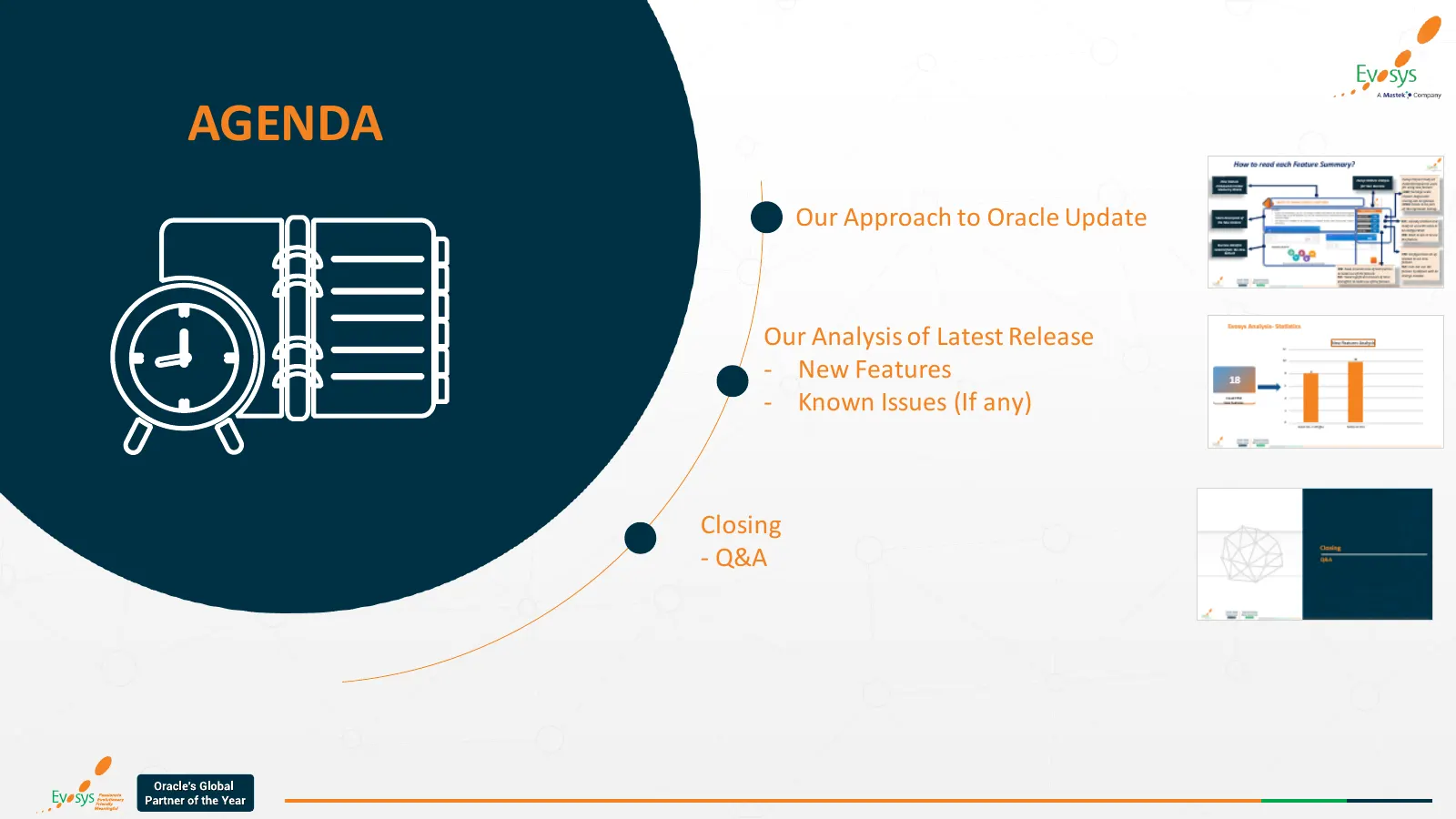
Slide 3: Agenda
AGENDA Our Approach to Oracle Update Our Analysis of Latest Release - New Features - Known Issues (If any) Closing - Q&A
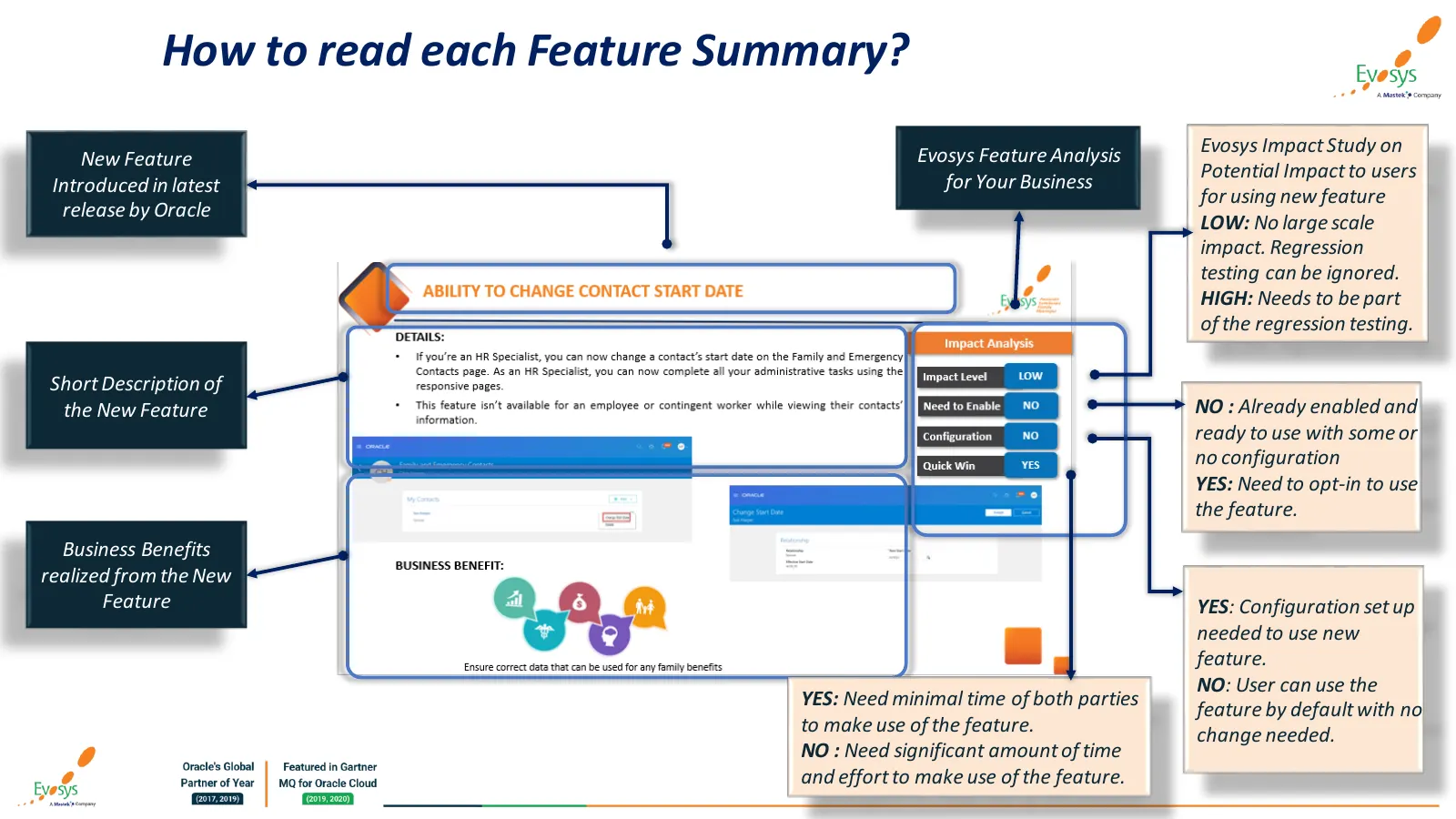
Slide 4: How to read each Feature Summary?
How to read each Feature Summary? Evosys Feature Analysis Evosys Impact Study on New Feature for Your Business Potential Impact to users Introduced in latest for using new feature release by Oracle LOW: No large scale impact. Regression testing can be ignored. HIGH: Needs to be part of the regressio

Slide 5: Our Analysis of Latest Release: New Features
Our Analysis of Latest Release New Features
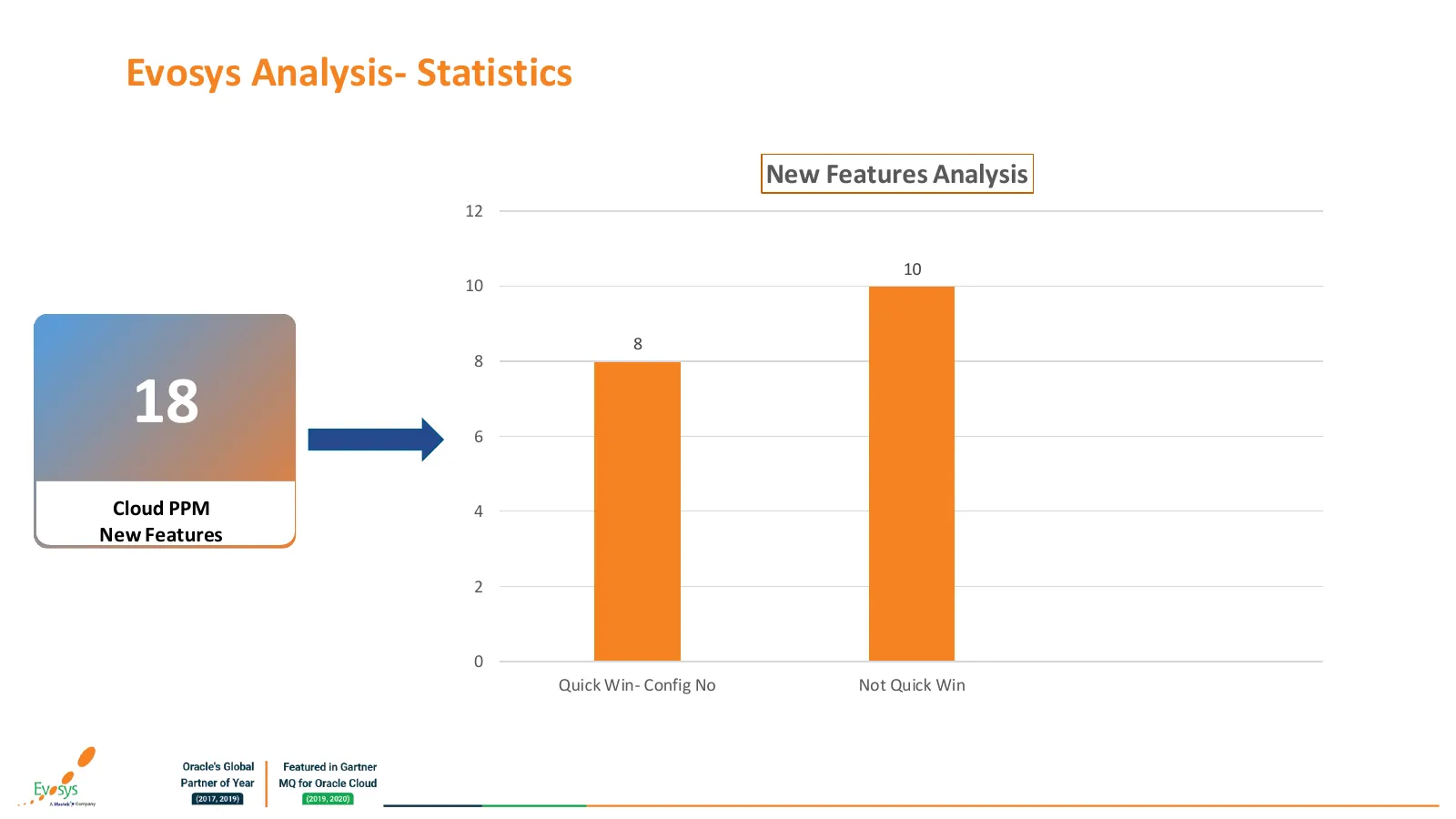
Slide 6: Evosys Analysis - Statistics
Evosys Analysis- Statistics New Features Analysis 12 10 10 8 8 18 6 Cloud PPM 4 New Features 2 0 Quick Win- Config No Not Quick Win
Slide 7: New Features: Quick Wins – Default with Configuration
New Features Quick Wins – Default with Configuration
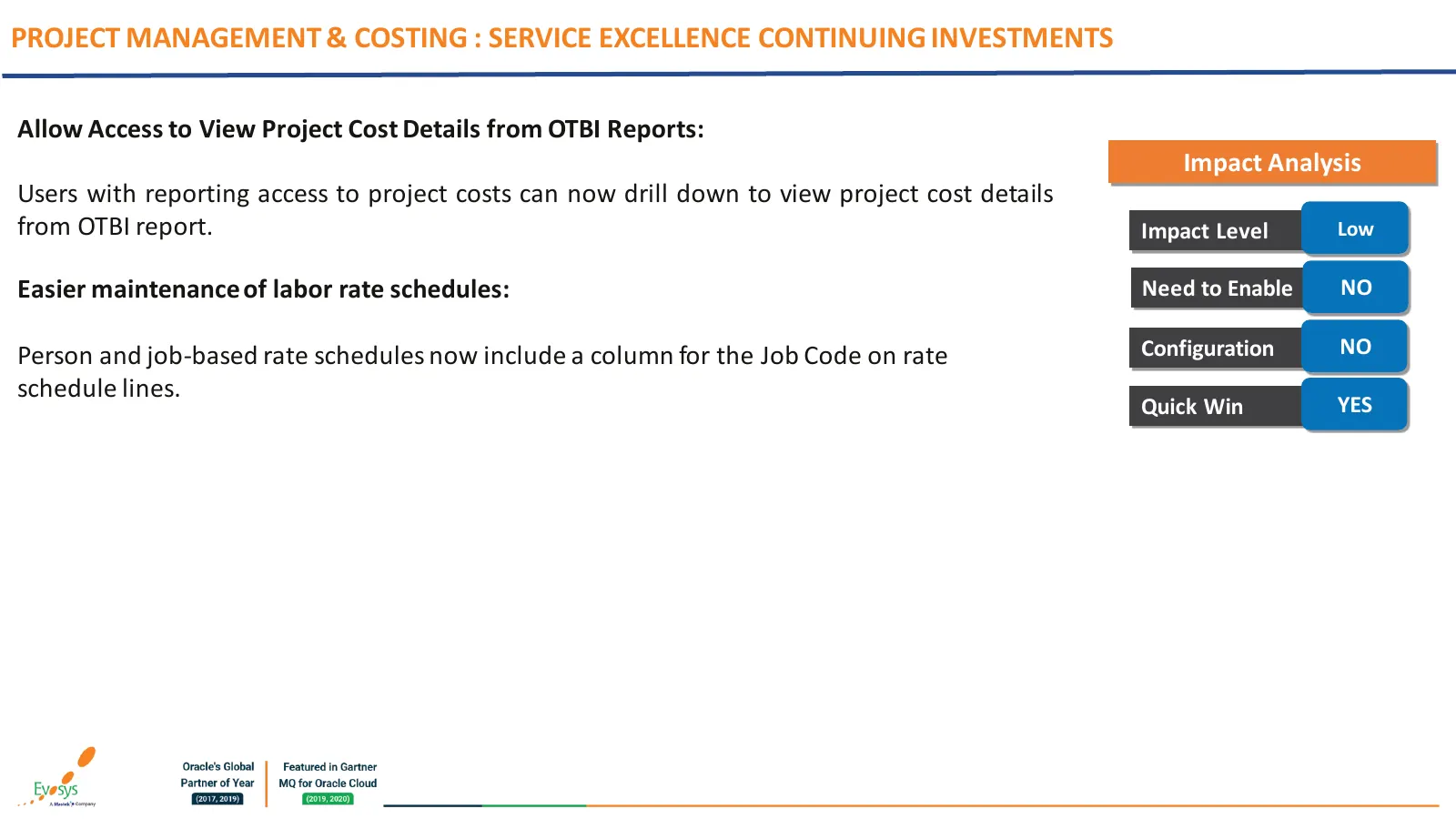
Slide 8: Project Management & Costing: Service Excellence Continuing Investments
PROJECT MANAGEMENT & COSTING : SERVICE EXCELLENCE CONTINUING INVESTMENTS Allow Access to View Project Cost Details from OTBI Reports: Impact Analysis Users with reporting access to project costs can now drill down to view project cost details from OTBI report. Impact Level Low Easier maintenance of
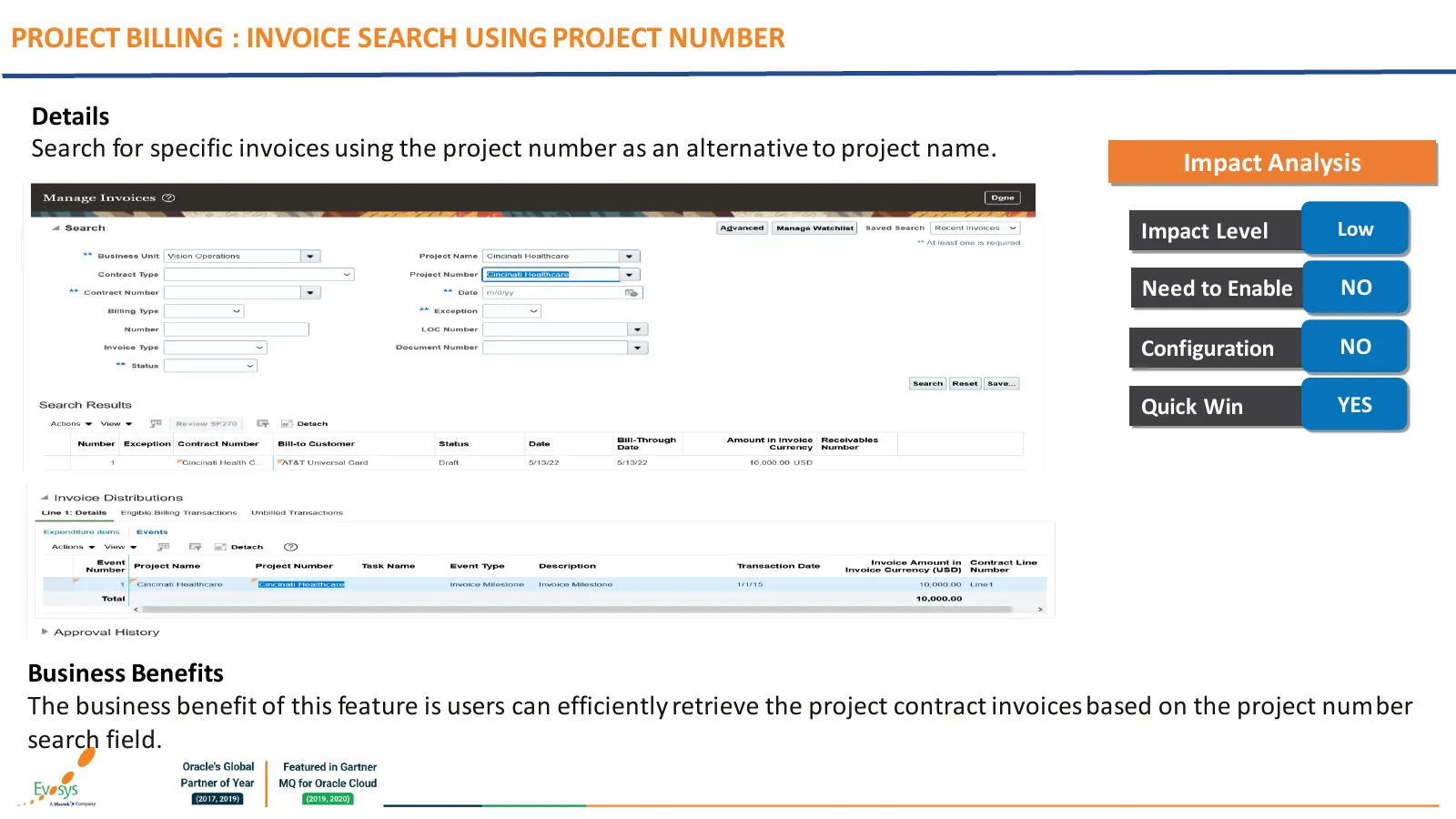
Slide 9: Project Billing: Invoice Search Using Project Number
PROJECT BILLING : INVOICE SEARCH USING PROJECT NUMBER Details Search for specific invoices using the project number as an alternative to project name. Impact Analysis Impact Level Low Need to Enable NO Configuration NO Quick Win YES Business Benefits The business benefit of this feature is users can
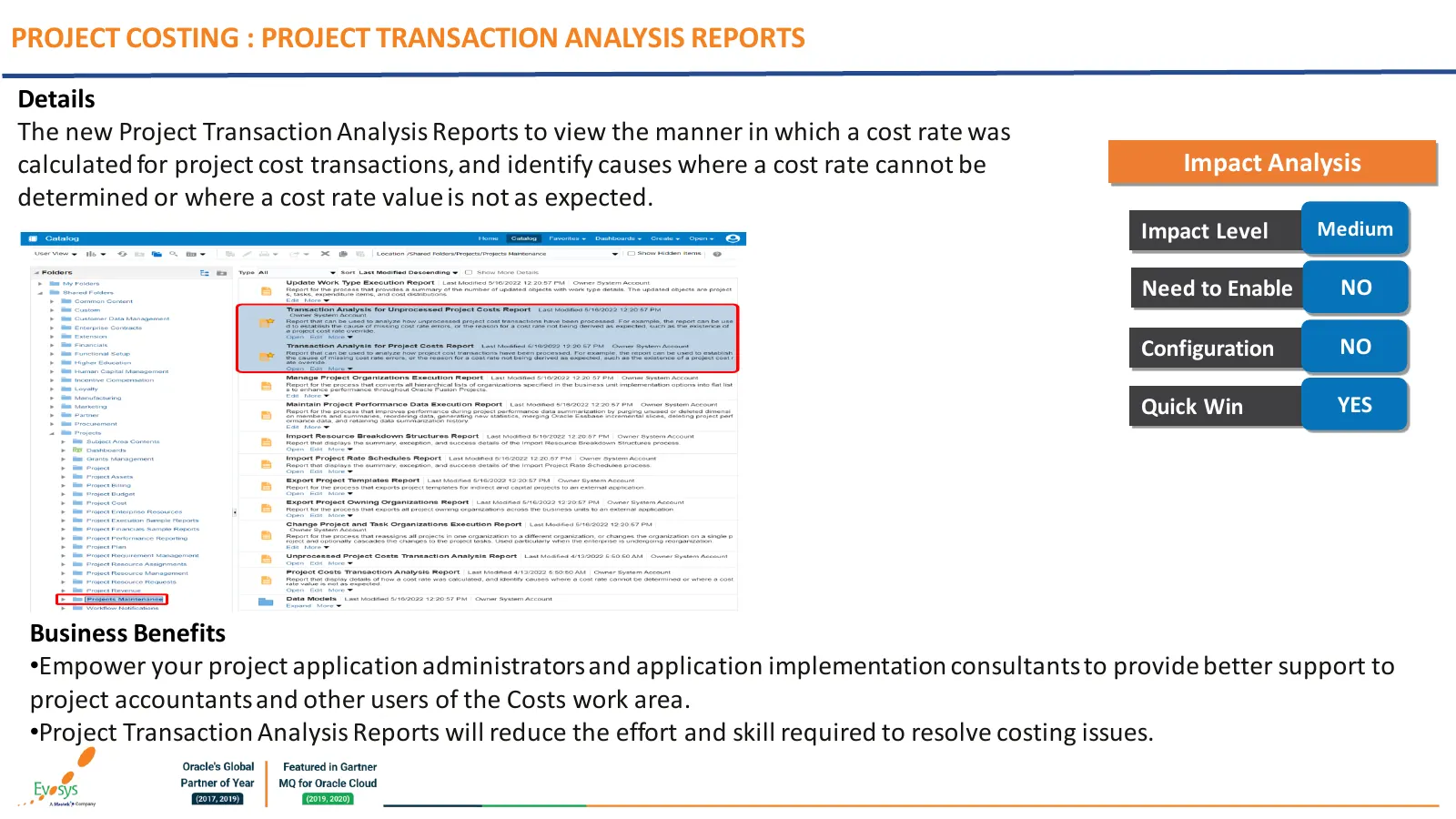
Slide 10: Project Costing: Project Transaction Analysis Reports
PROJECT COSTING : PROJECT TRANSACTION ANALYSIS REPORTS Details The new Project Transaction Analysis Reports to view the manner in which a cost rate was calculated for project cost transactions, and identify causes where a cost rate cannot be Impact Analysis determined or where a cost rate value is n
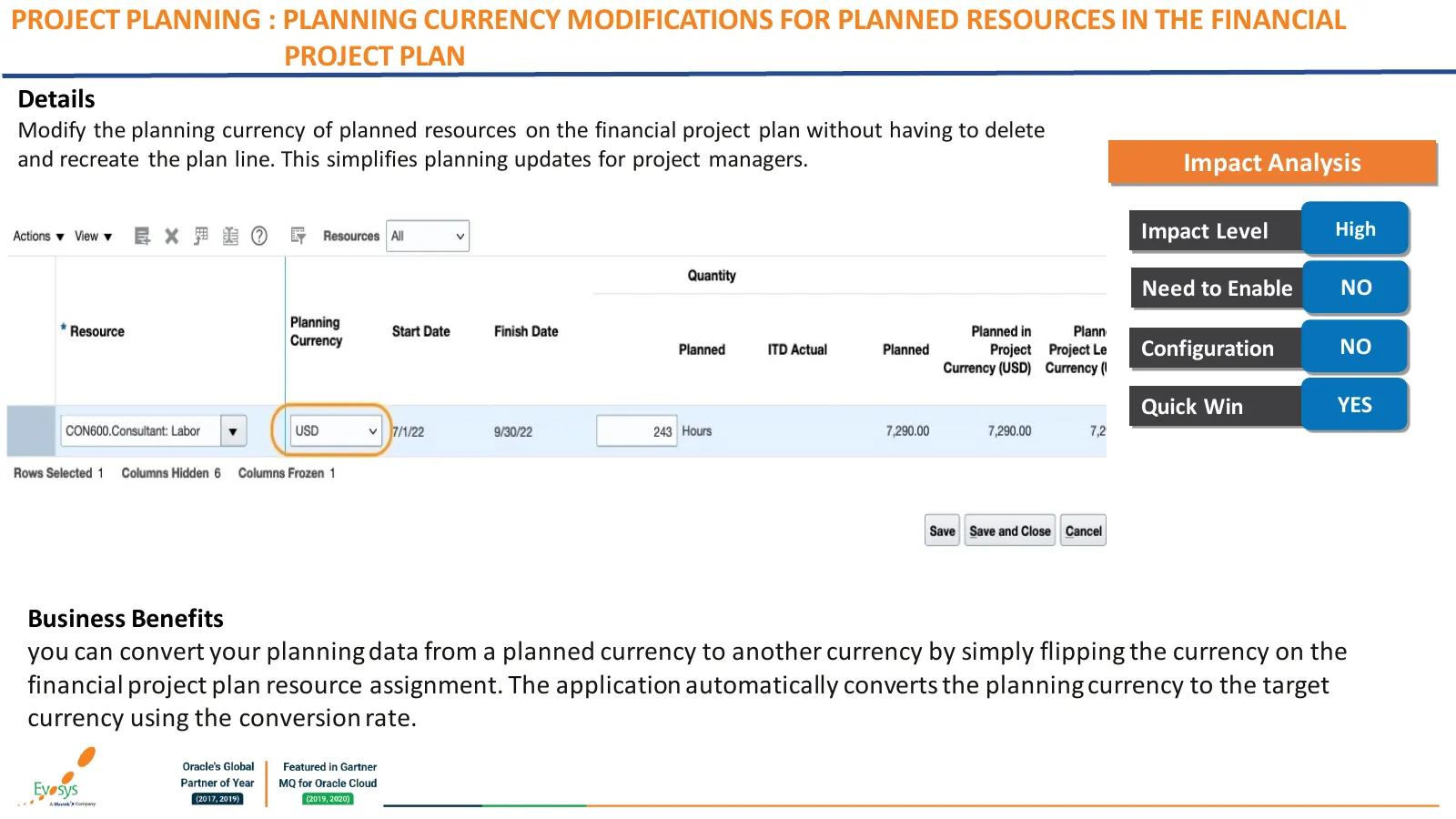
Slide 11: Project Planning: Planning Currency Modifications for Planned Resources
PROJECT PLANNING : PLANNING CURRENCY MODIFICATIONS FOR PLANNED RESOURCES IN THE FINANCIAL PROJECT PLAN Details Modify the planning currency of planned resources on the financial project plan without having to delete and recreate the plan line. This simplifies planning updates for project managers. I
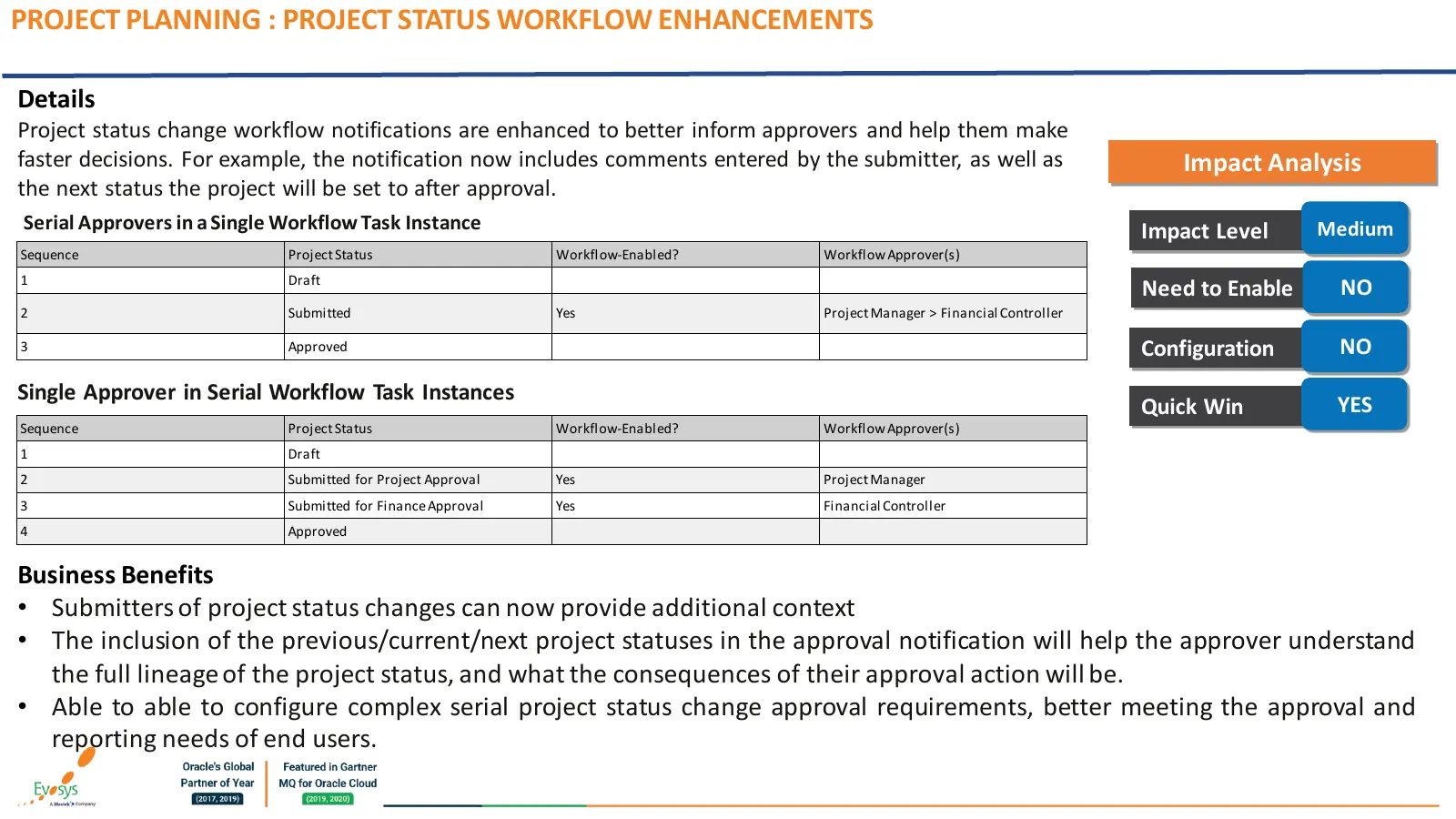
Slide 12: Project Planning: Project Status Workflow Enhancements
PROJECT PLANNING : PROJECT STATUS WORKFLOW ENHANCEMENTS Details Project status change workflow notifications are enhanced to better inform approvers and help them make faster decisions. For example, the notification now includes comments entered by the submitter, as well as Impact Analysis the next
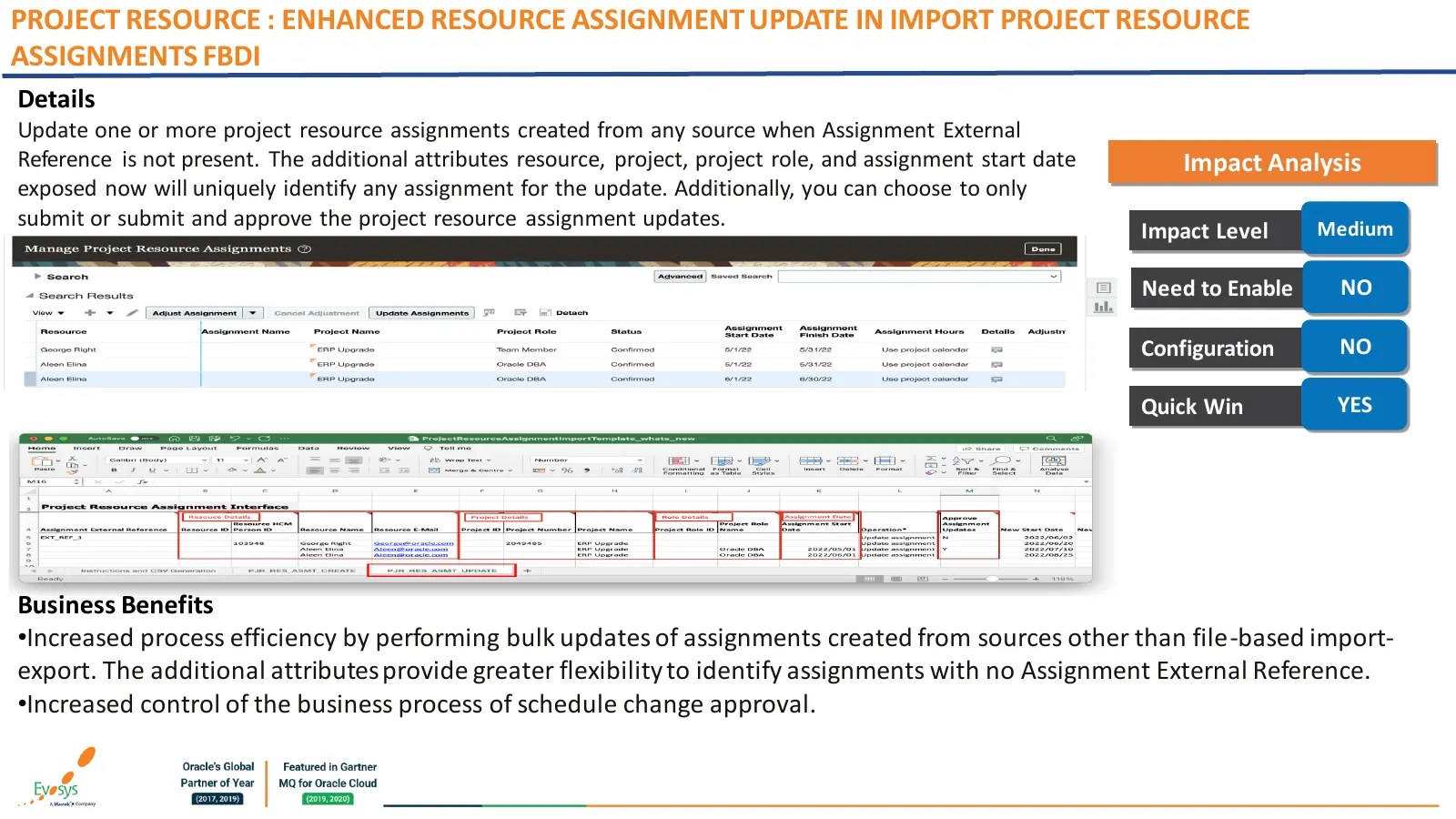
Slide 13: Project Resource: Enhanced Resource Assignment Update in Import FBDI
PROJECT RESOURCE : ENHANCED RESOURCE ASSIGNMENT UPDATE IN IMPORT PROJECT RESOURCE ASSIGNMENTS FBDI Details Update one or more project resource assignments created from any source when Assignment External Reference is not present. The additional attributes resource, project, project role, and assignm
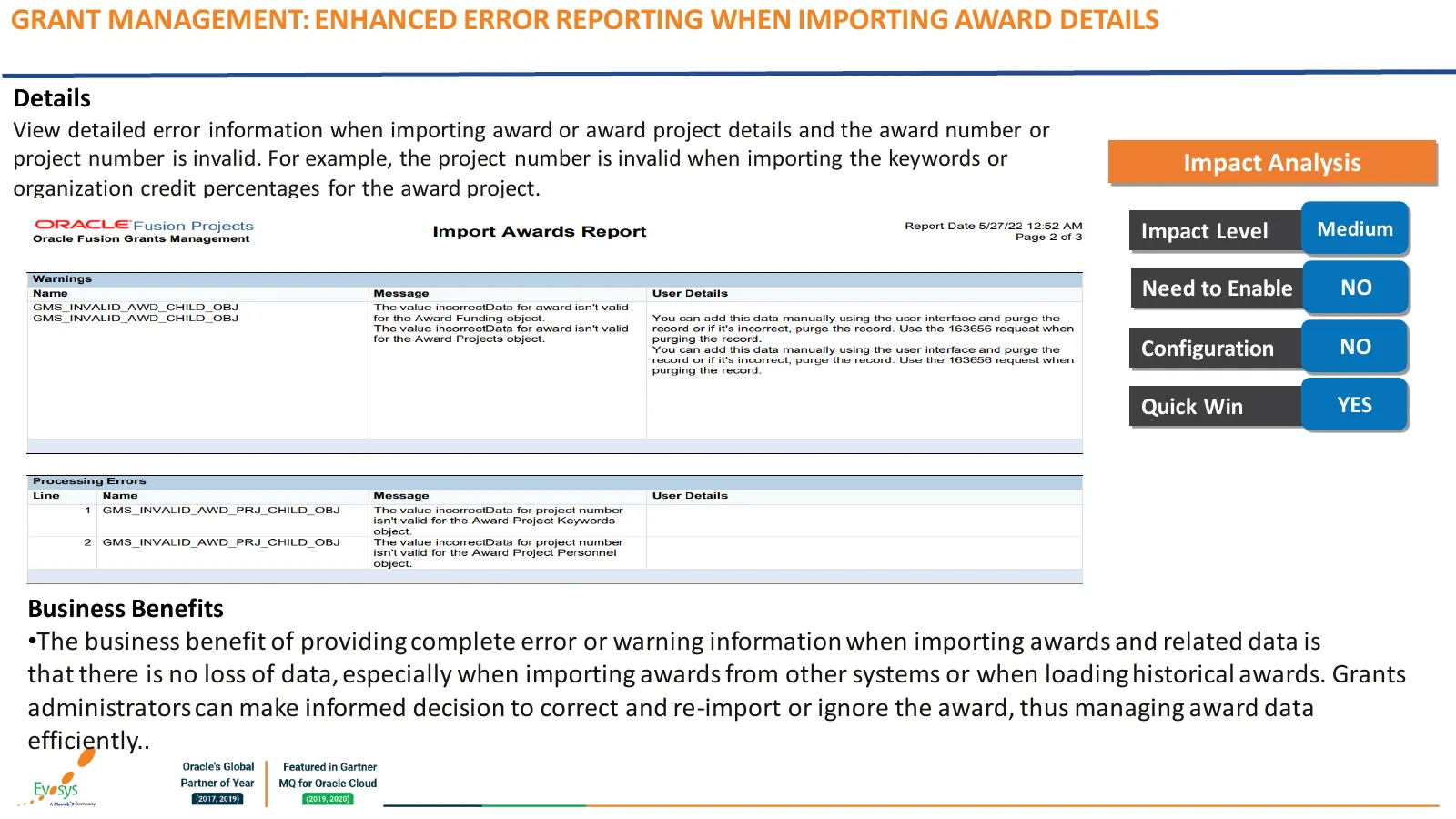
Slide 14: Grant Management: Enhanced Error Reporting When Importing Award Details
GRANT MANAGEMENT: ENHANCED ERROR REPORTING WHEN IMPORTING AWARD DETAILS Details View detailed error information when importing award or award project details and the award number or project number is invalid. For example, the project number is invalid when importing the keywords or Impact Analysis o

Slide 15: New Features
a orale labal | Featured in Garter Partner of Year | MQ for Oracle Cloud Eves Nesys (2015 2029)
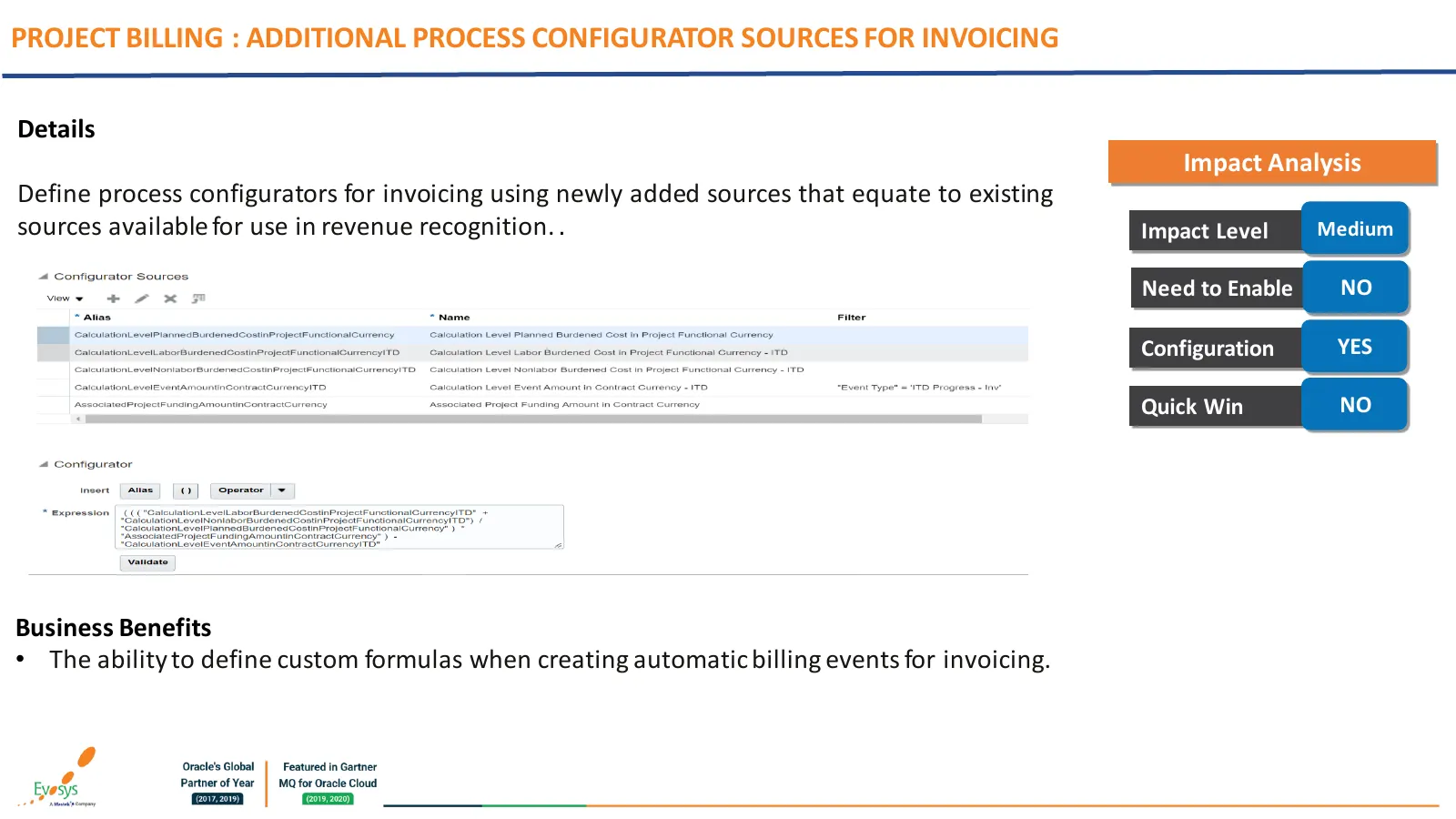
Slide 16: Project Billing: Additional Process Configurator Sources for Invoicing
PROJECT BILLING : ADDITIONAL PROCESS CONFIGURATOR SOURCES FOR INVOICING Details Impact Analysis Define process configurators for invoicing using newly added sources that equate to existing sources available for use in revenue recognition. . Impact Level Medium Need to Enable NO Configuration YES Qui
Slide 17: Program Management: Program Earned Value Analysis Using OTBI
PROGRAM MANAGEMENT: PROGRAM EARNED VALUE ANALYSIS USING ORACLE TRANSACTIONAL BUSINESS INTELLIGENCE Details Analyze program earned value using Oracle Transactional Business Intelligence, or OTBI, analyses. Earned value measures in the Program Performance Measures dimension of the Projects - Program P
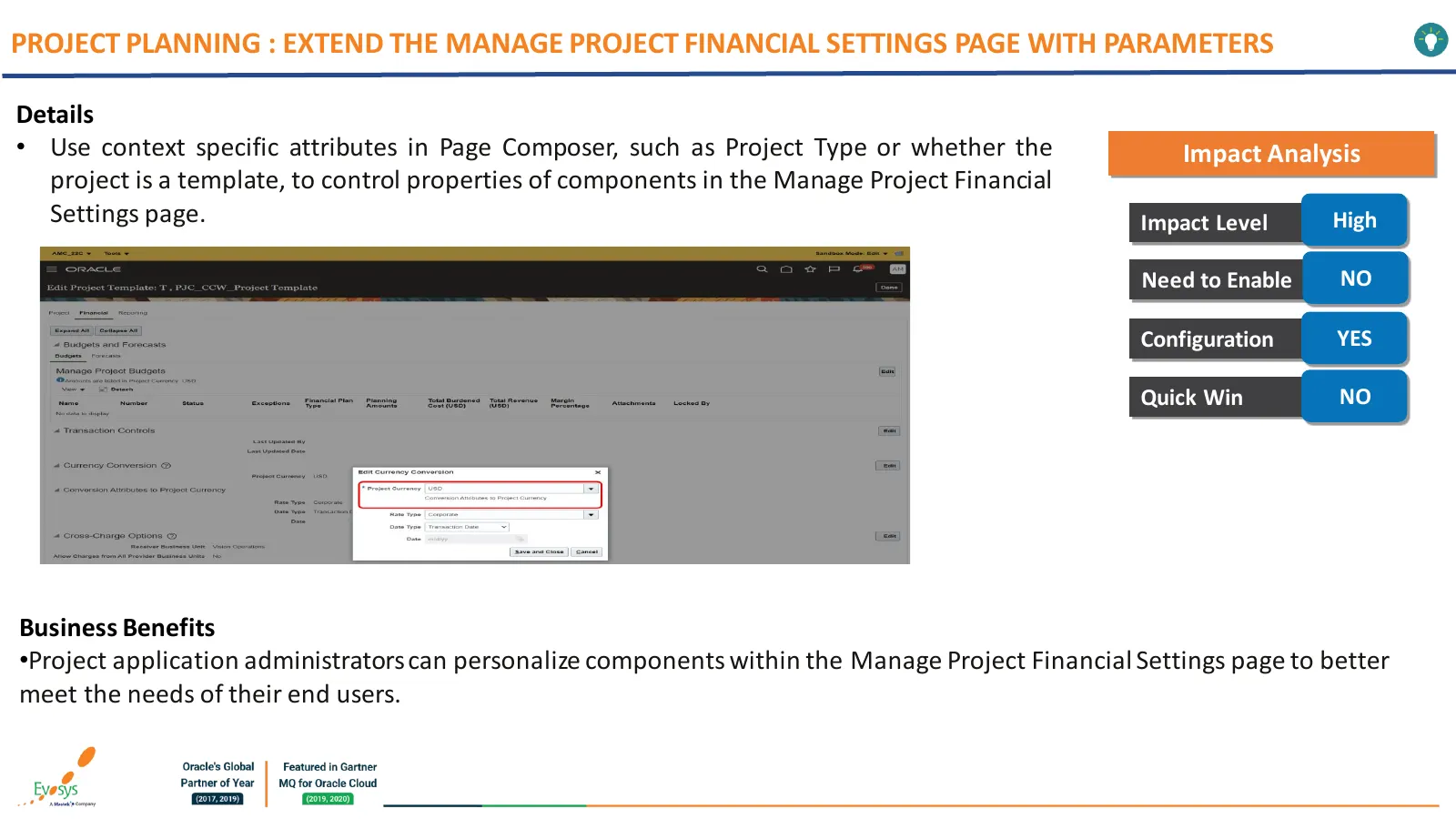
Slide 18: Project Planning: Extend Manage Project Financial Settings Page
PROJECT PLANNING : EXTEND THE MANAGE PROJECT FINANCIAL SETTINGS PAGE WITH PARAMETERS Details • Use context specific attributes in Page Composer, such as Project Type or whether the Impact Analysis project is a template, to control properties of components in the Manage Project Financial Settings pag
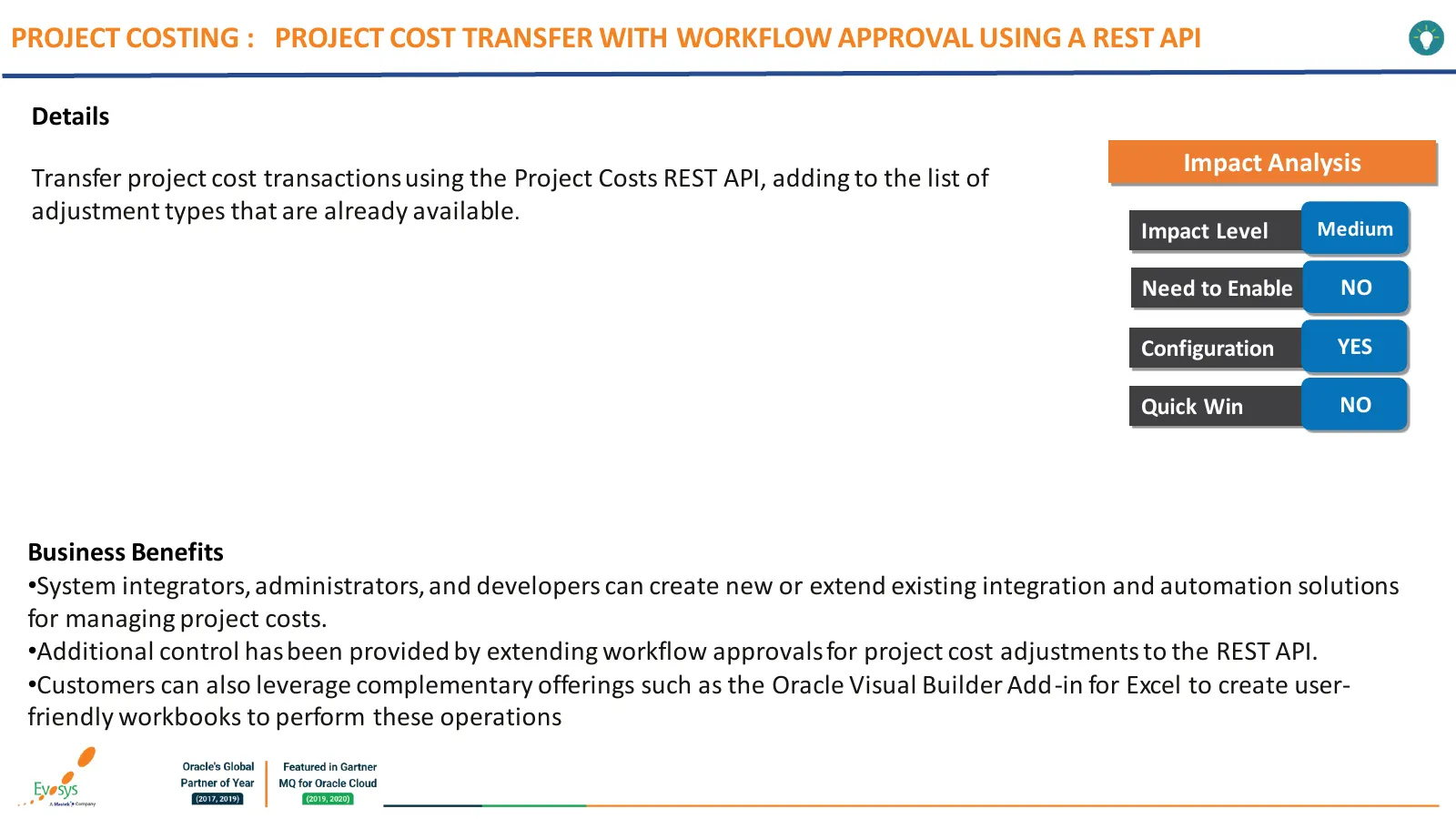
Slide 19: Project Costing: Project Cost Transfer with Workflow Approval Using REST API
PROJECT COSTING : PROJECT COST TRANSFER WITH WORKFLOW APPROVAL USING A REST API Details Impact Analysis Transfer project cost transactions using the Project Costs REST API, adding to the list of adjustment types that are already available. Impact Level Medium Need to Enable NO Configuration YES Quic
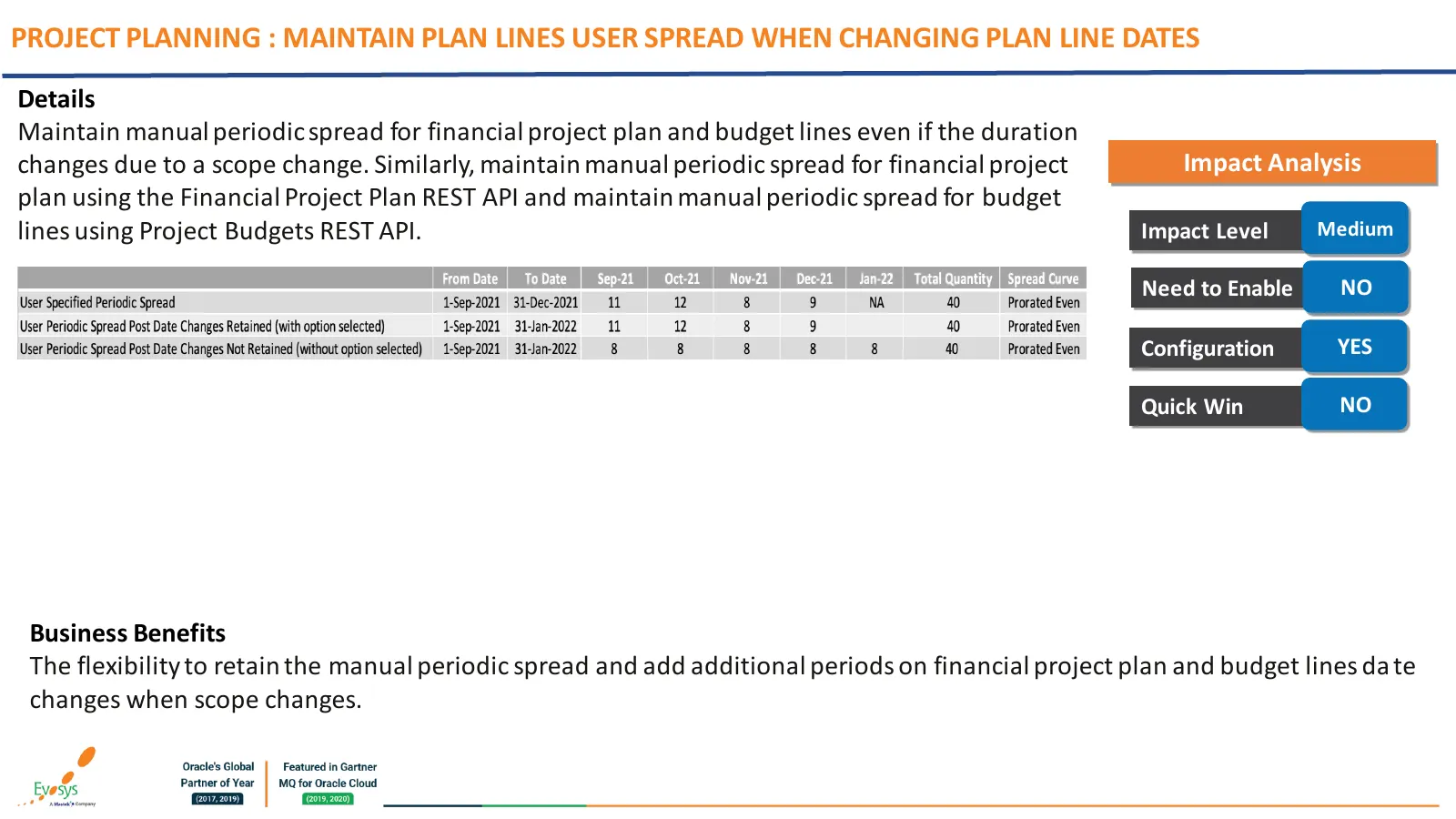
Slide 20: Project Planning: Maintain Plan Lines User Spread When Changing Dates
PROJECT PLANNING : MAINTAIN PLAN LINES USER SPREAD WHEN CHANGING PLAN LINE DATES Details Maintain manual periodic spread for financial project plan and budget lines even if the duration changes due to a scope change. Similarly, maintain manual periodic spread for financial project Impact Analysis pl
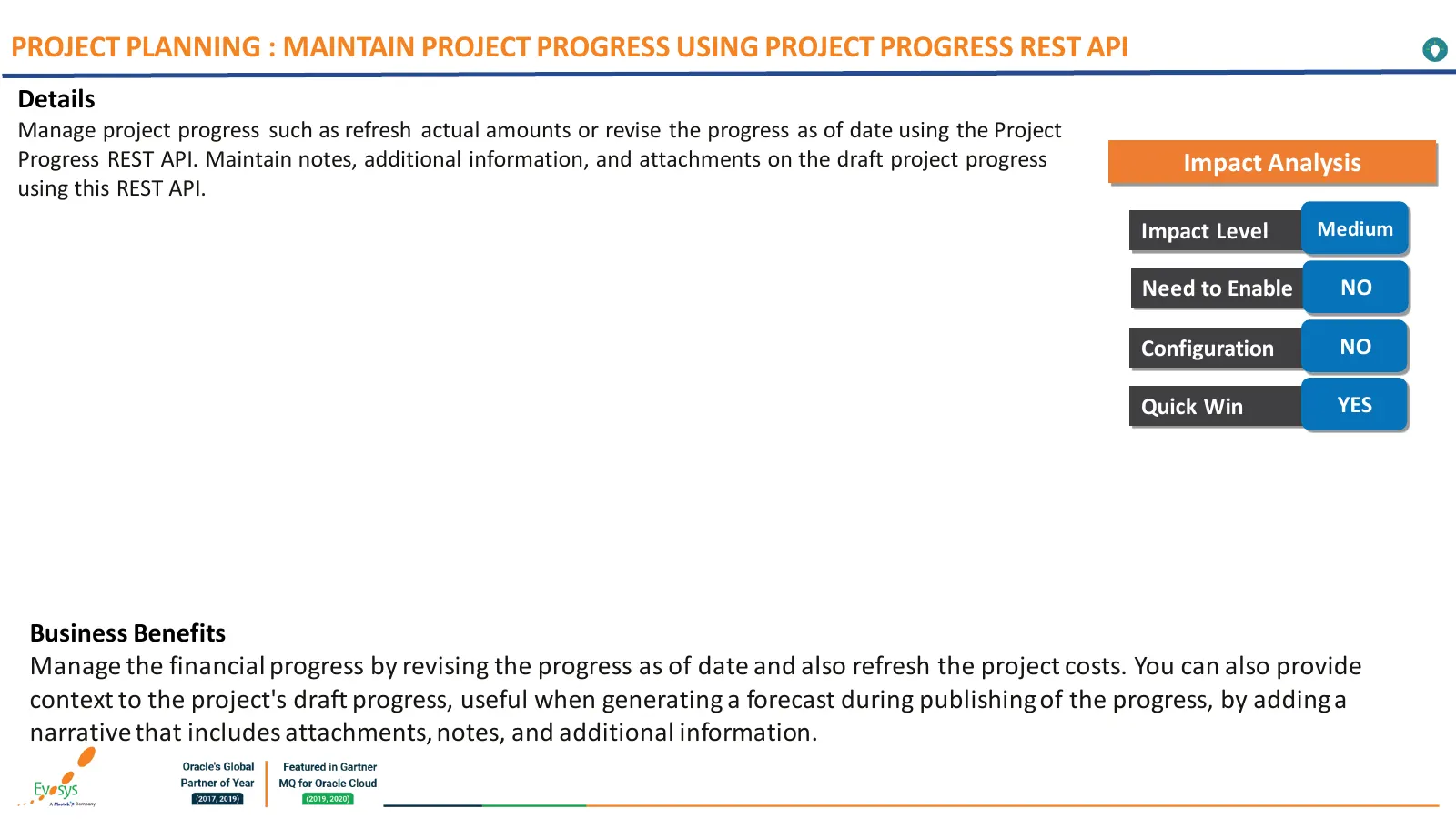
Slide 21: Project Planning: Maintain Project Progress Using Project Progress REST API
PROJECT PLANNING : MAINTAIN PROJECT PROGRESS USING PROJECT PROGRESS REST API Details Manage project progress such as refresh actual amounts or revise the progress as of date using the Project Progress REST API. Maintain notes, additional information, and attachments on the draft project progress Imp
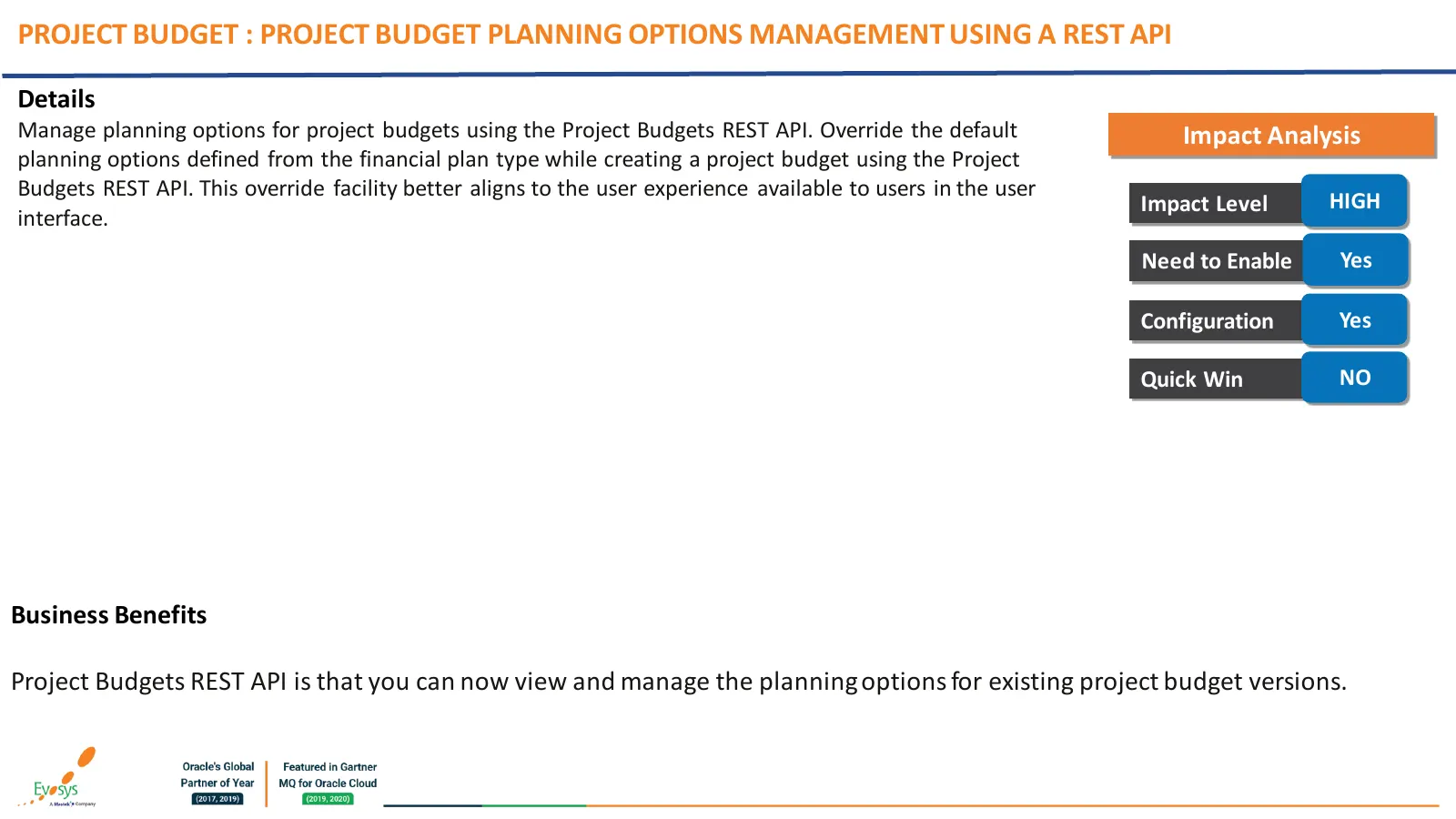
Slide 22: Project Budget: Planning Options Management Using a REST API
PROJECT BUDGET : PROJECT BUDGET PLANNING OPTIONS MANAGEMENT USING A REST API Details Manage planning options for project budgets using the Project Budgets REST API. Override the default Impact Analysis planning options defined from the financial plan type while creating a project budget using the Pr
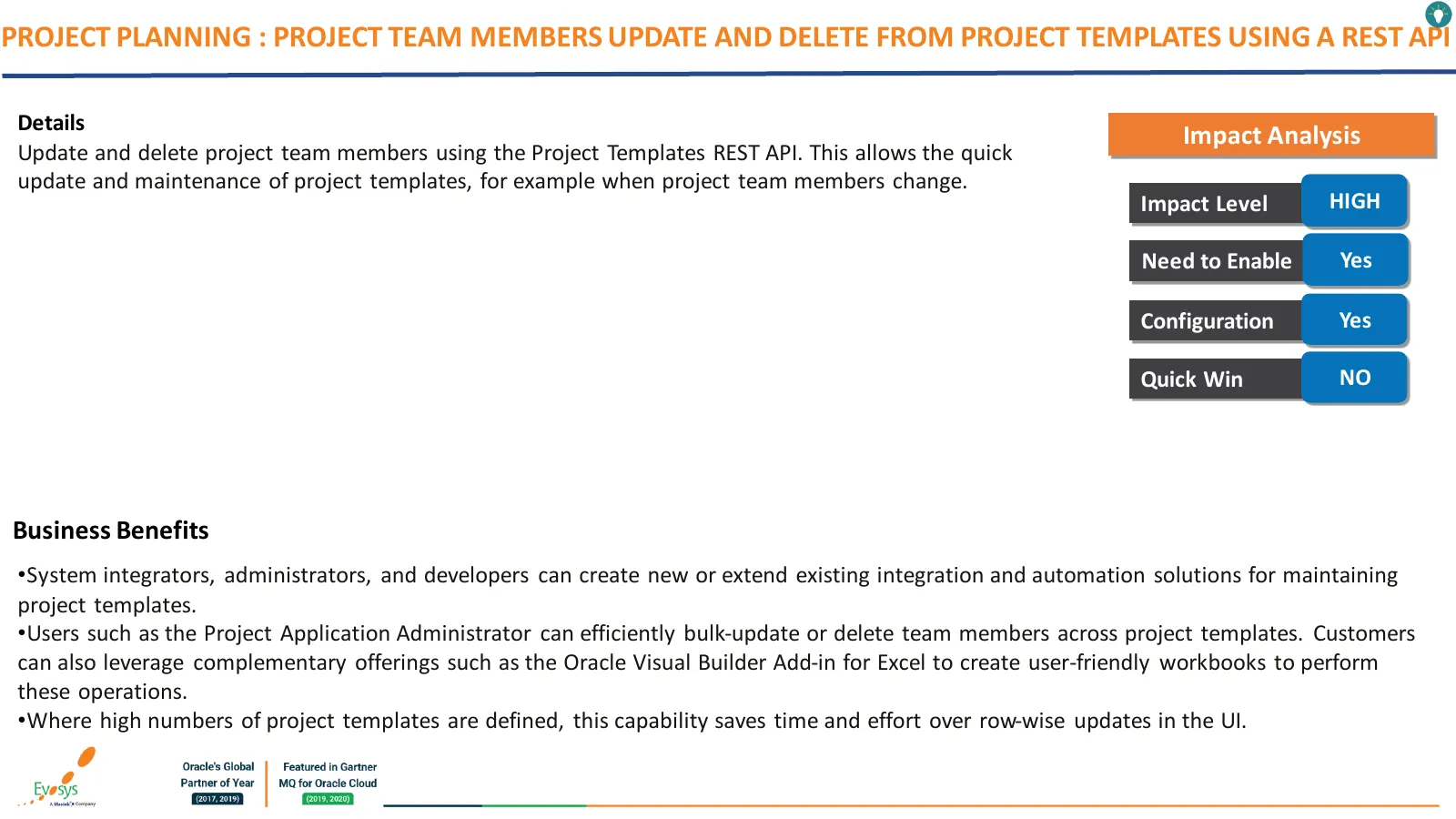
Slide 23: Project Planning: Team Members Update and Delete from Templates Using REST API
PROJECT PLANNING : PROJECT TEAM MEMBERS UPDATE AND DELETE FROM PROJECT TEMPLATES USING A REST API Details Impact Analysis Update and delete project team members using the Project Templates REST API. This allows the quick update and maintenance of project templates, for example when project team memb
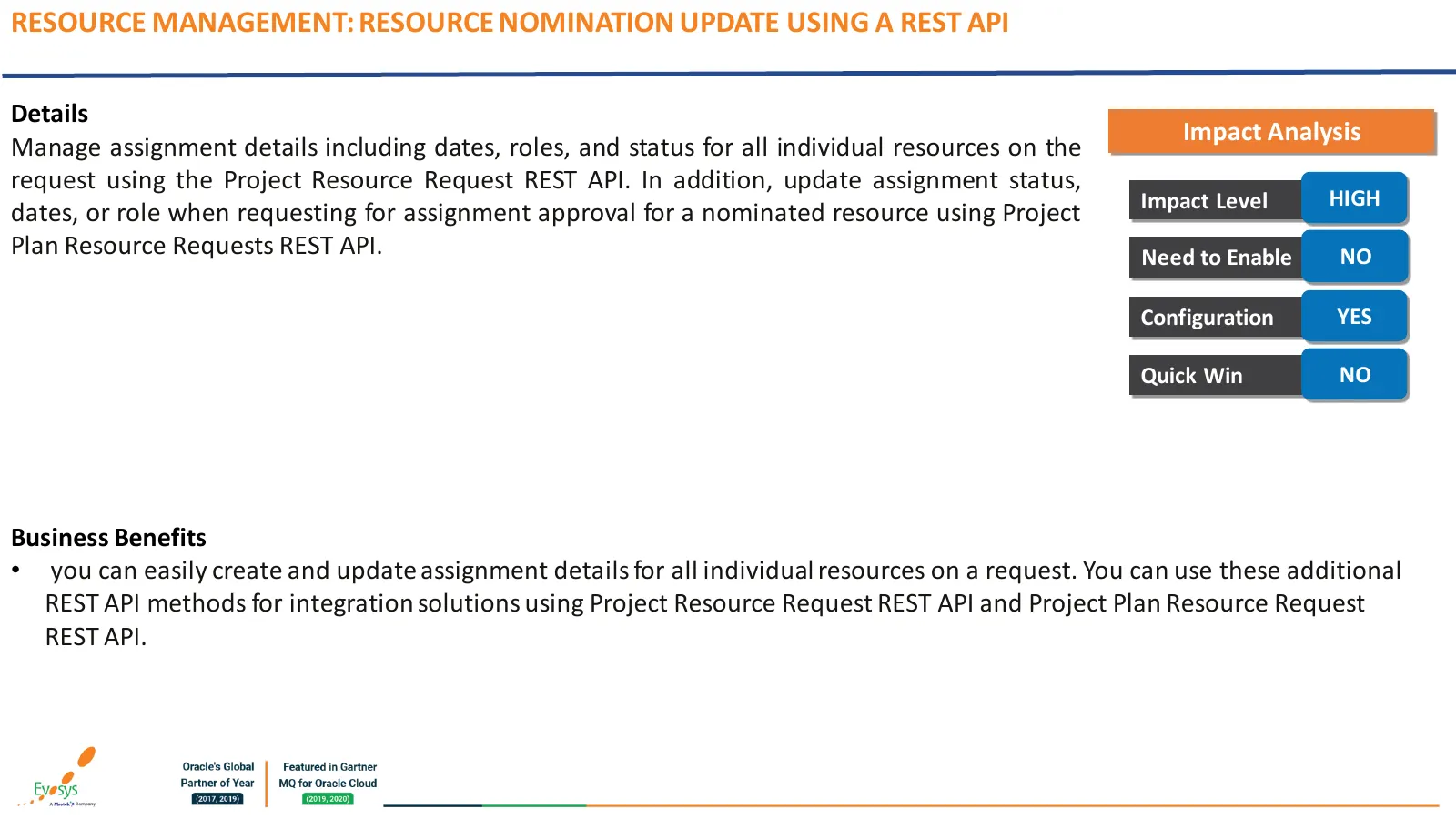
Slide 24: Resource Management: Resource Nomination Update Using a REST API
RESOURCE MANAGEMENT: RESOURCE NOMINATION UPDATE USING A REST API Details Impact Analysis Manage assignment details including dates, roles, and status for all individual resources on the request using the Project Resource Request REST API. In addition, update assignment status, Impact Level HIGH date
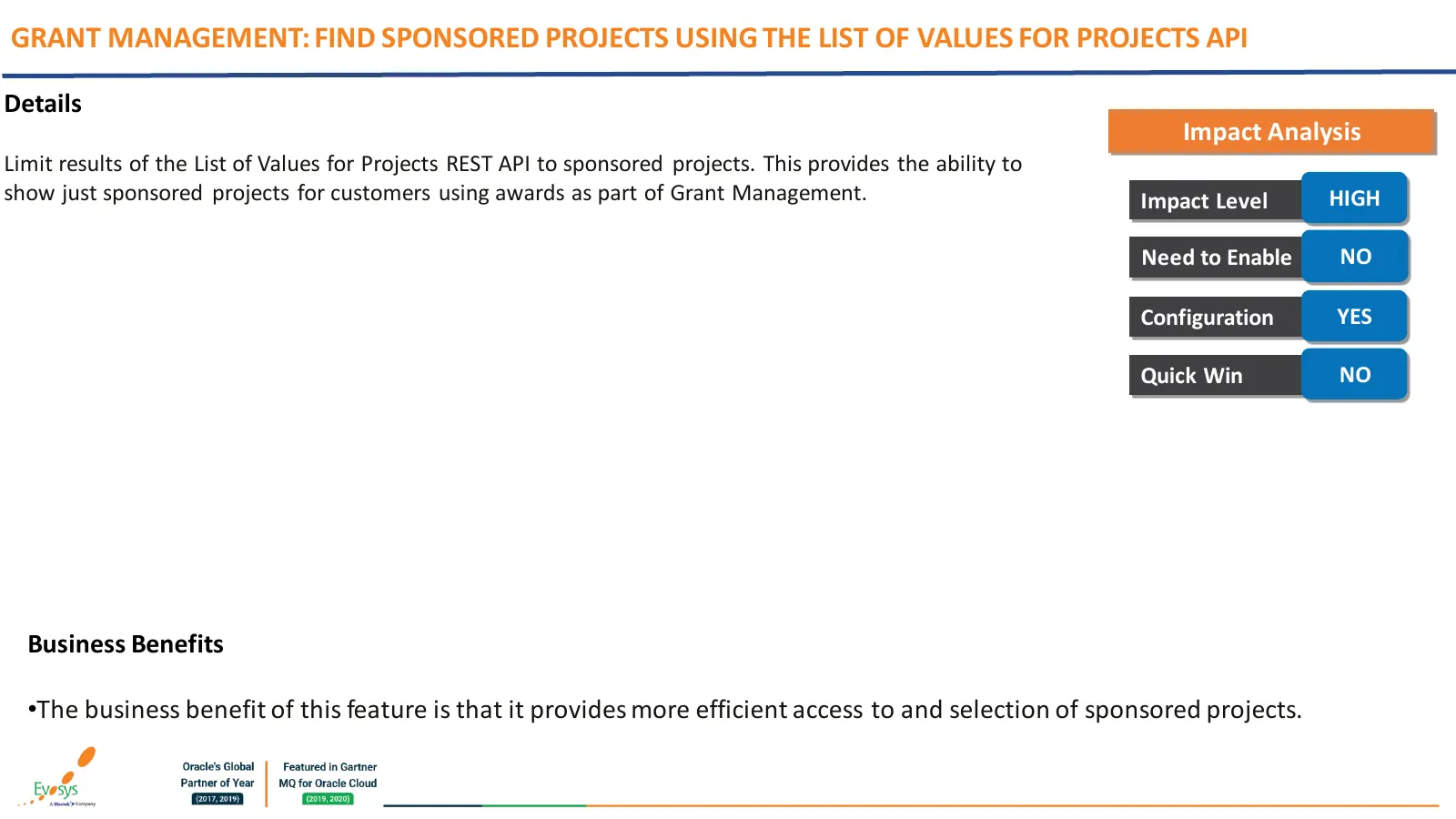
Slide 25: Grant Management: Find Sponsored Projects Using List of Values API
GRANT MANAGEMENT: FIND SPONSORED PROJECTS USING THE LIST OF VALUES FOR PROJECTS API Details Impact Analysis Limit results of the List of Values for Projects REST API to sponsored projects. This provides the ability to show just sponsored projects for customers using awards as part of Grant Managemen
Slide 26: Closing
a orale labal | Featured in Garter ParnerofYear | MQ for Oracle Cloud orn) Eves
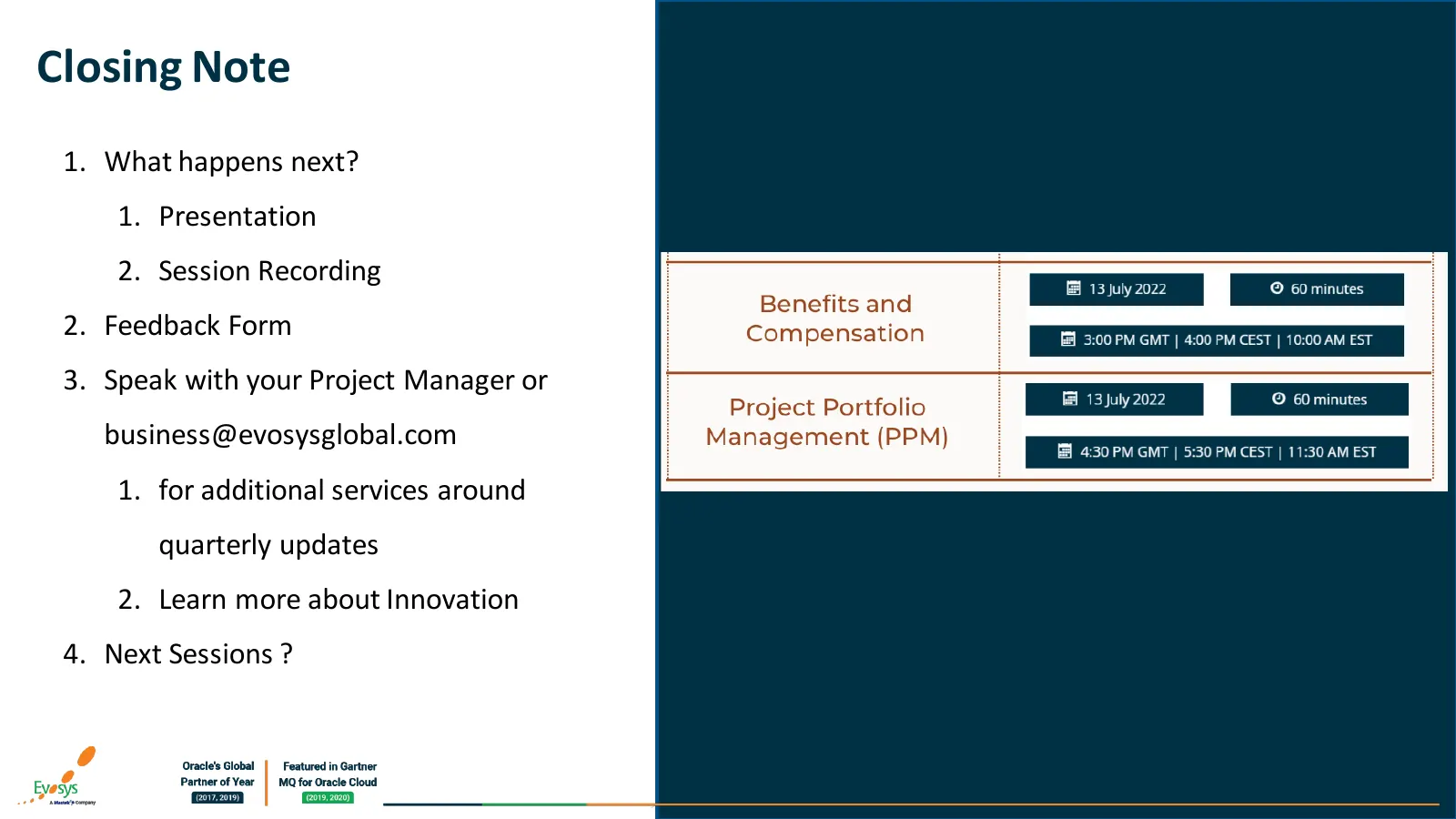
Slide 27: Closing Note
Closing Note 1. What happens next? 1. Presentation 2. Session Recording 2. Feedback Form 3. Speak with your Project Manager or business@evosysglobal.com 1. for additional services around quarterly updates 2. Learn more about Innovation 4. Next Sessions ?

Slide 28: Evosys is here to help you! Thank You!
EVOSYS is here to help you! It is always best to clear your doubts Thank You! Contact Us +44 2080043670 www.evosysglobal.com business@evosysglobal.com
Source: Internet Archive copy of mastek.com
More decks from Mastek Limited
 Q2 FY2027 Earnings Presentation18 slides · Oct 23, 2026
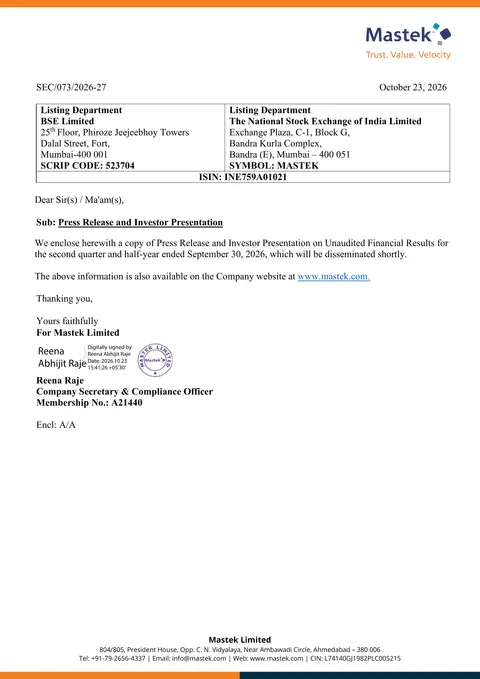 Q2 FY2027 Earnings Presentation25 slides · Oct 23, 2026
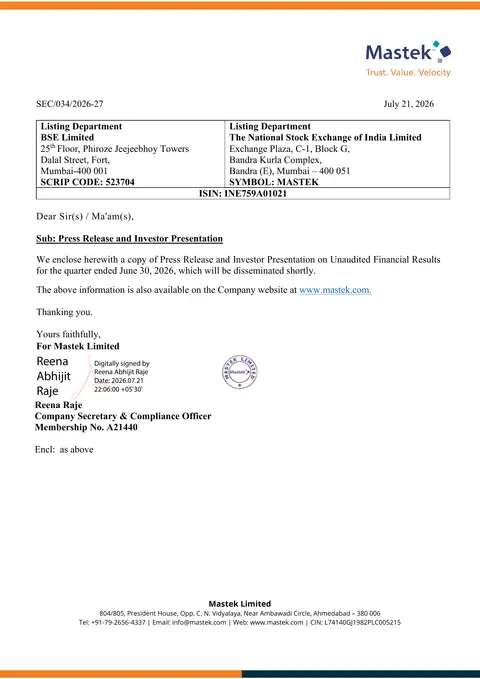 Q1 FY27 Earnings Presentation31 slides · Jul 21, 2026
 Q1 FY2027 Earnings Presentation23 slides · Jul 21, 2026
 Q4 FY26 Earnings Presentation37 slides · Apr 18, 2026
 Q4 FY26 Earnings Presentation28 slides · Apr 17, 2026